Design dramatic AI cave scenes from a simple prompt. Media.io helps you generate crystal caverns, realistic underground landscapes, fantasy chambers, and ancient wall-art styles quickly, with flexible ratios and high-resolution output for wallpapers, concept art, and social posts.
Review these example directions, then tailor the prompt details to get stronger results with this AI Cave Generator.
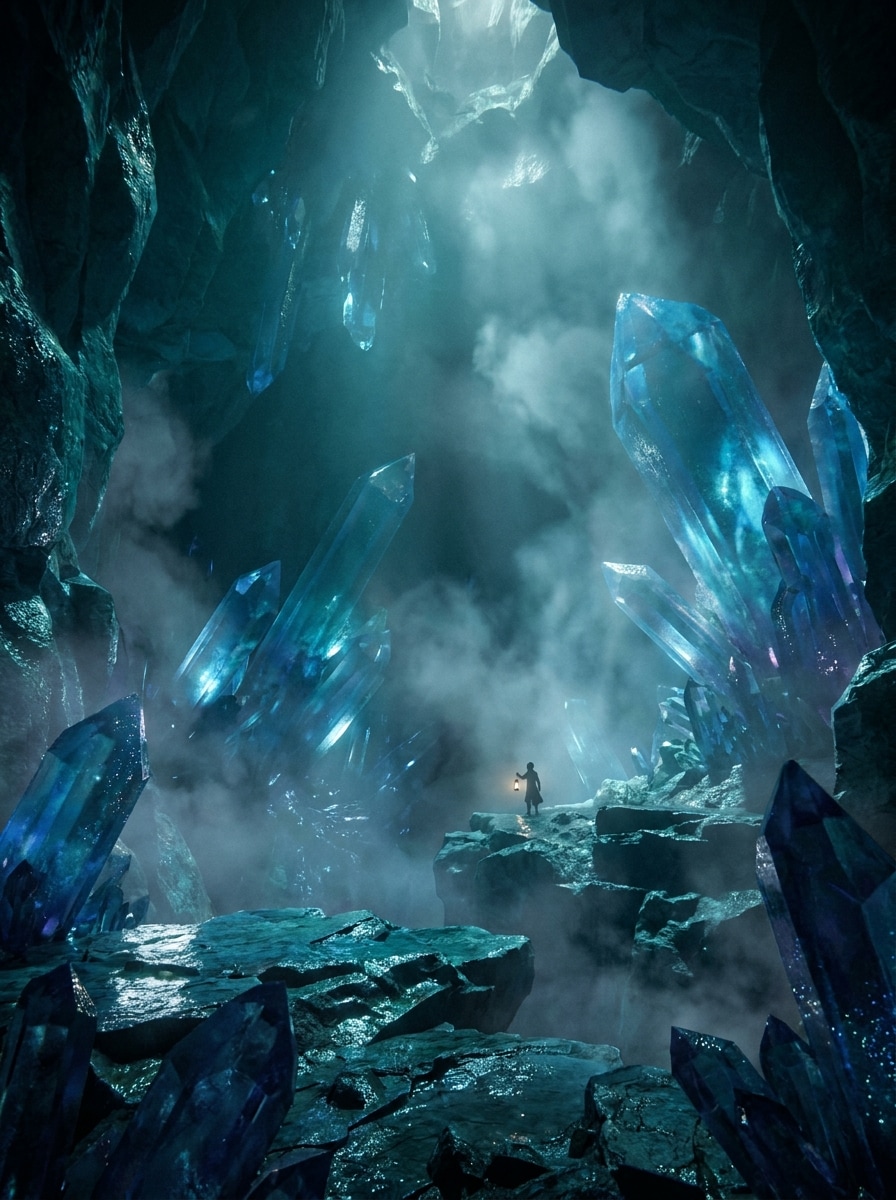
Glowing Crystal Cave
A vast underground cave filled with towering blue crystals, luminous reflections on wet stone, drifting mist, and a tiny explorer silhouette near the center for scale. Use cinematic volumetric lighting, dramatic depth, rich teal and sapphire tones, detailed rock texture, high contrast, and polished fantasy concept art quality.
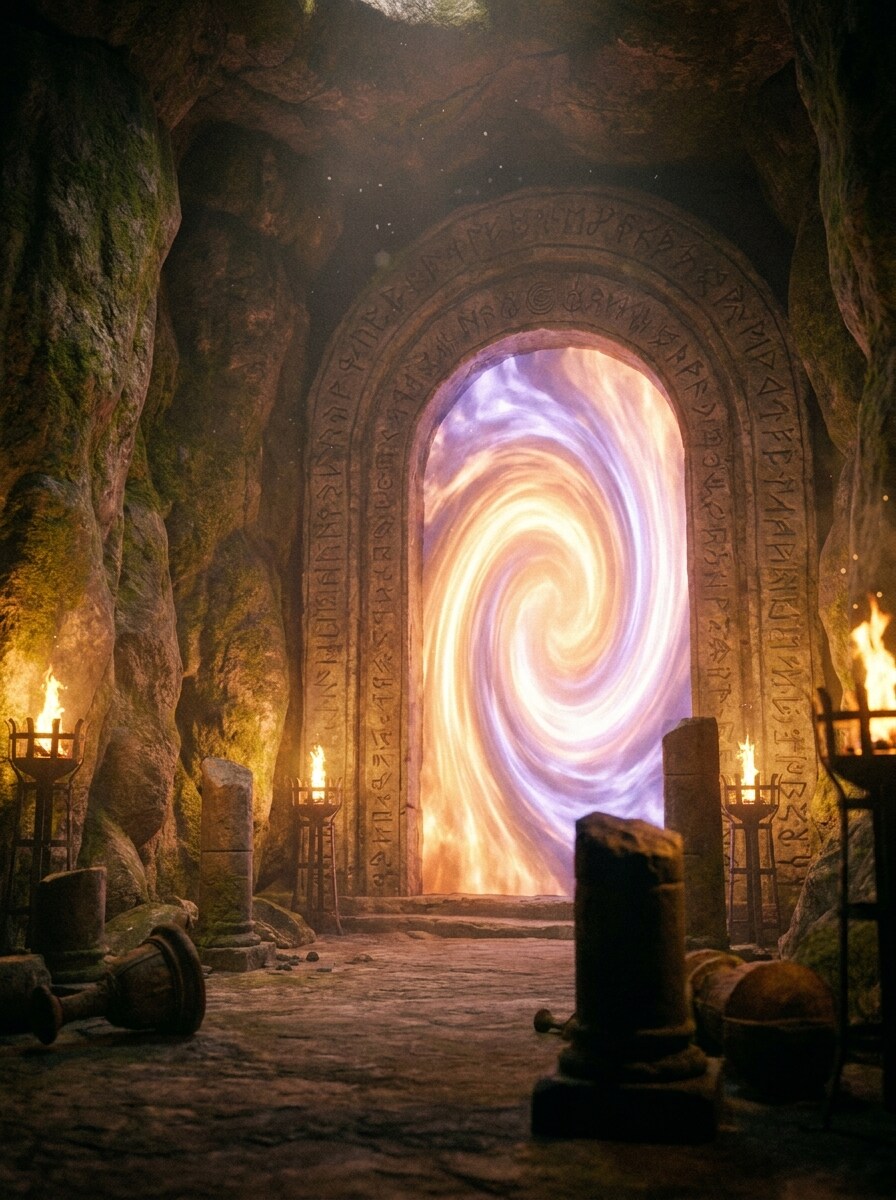
Mystic Portal Cave
An ancient stone cave chamber with a radiant magical portal glowing at the back, torchlight flickering across textured walls, floating dust particles, and carved symbols around the arch. Compose the scene with centered depth, warm orange and cool violet contrast, atmospheric haze, intricate details, and cinematic fantasy realism.
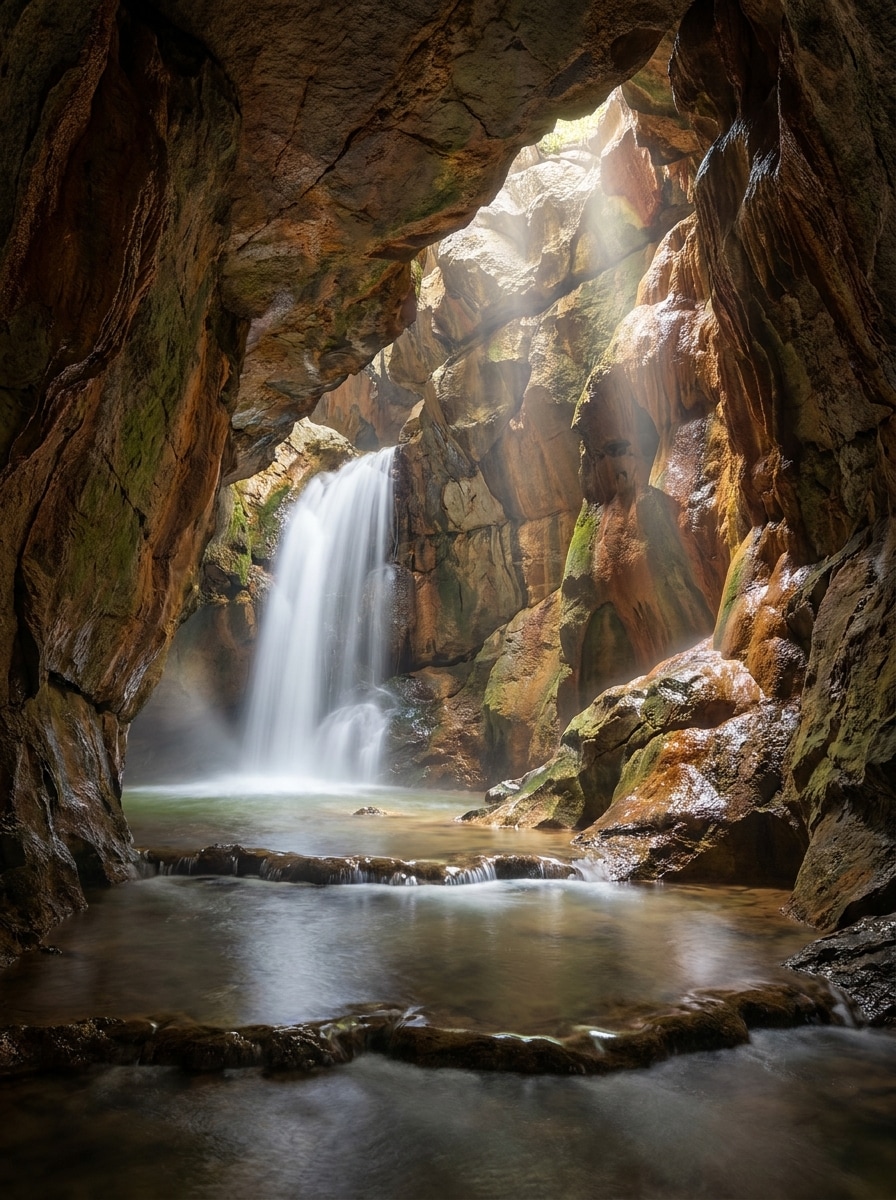
Underground Waterfall Cave
A photorealistic limestone cave with a cascading underground waterfall, beams of sunlight entering through an opening above, reflective pools, wet rock surfaces, and natural mineral color variation. Use realistic composition, soft mist, crisp texture detail, balanced shadows, earthy tones, and high-end landscape photography style.
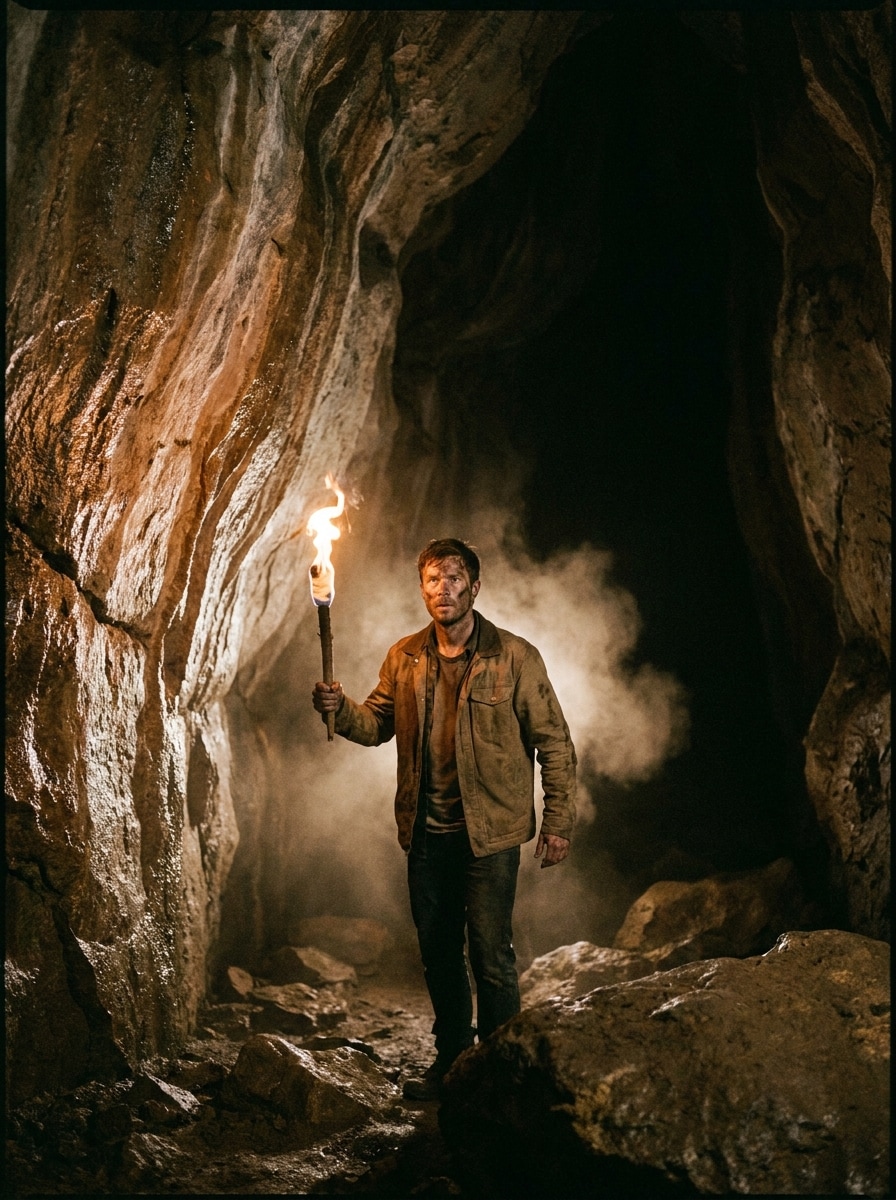
Explorer Torch Cave
A realistic cave interior with a lone explorer holding a torch, rugged stone walls, uneven ground, suspended dust, and deep shadows stretching into the background. Frame the subject slightly off-center, emphasize low-key lighting, warm fire glow, tactile rock texture, tense mood, and cinematic adventure documentary realism.
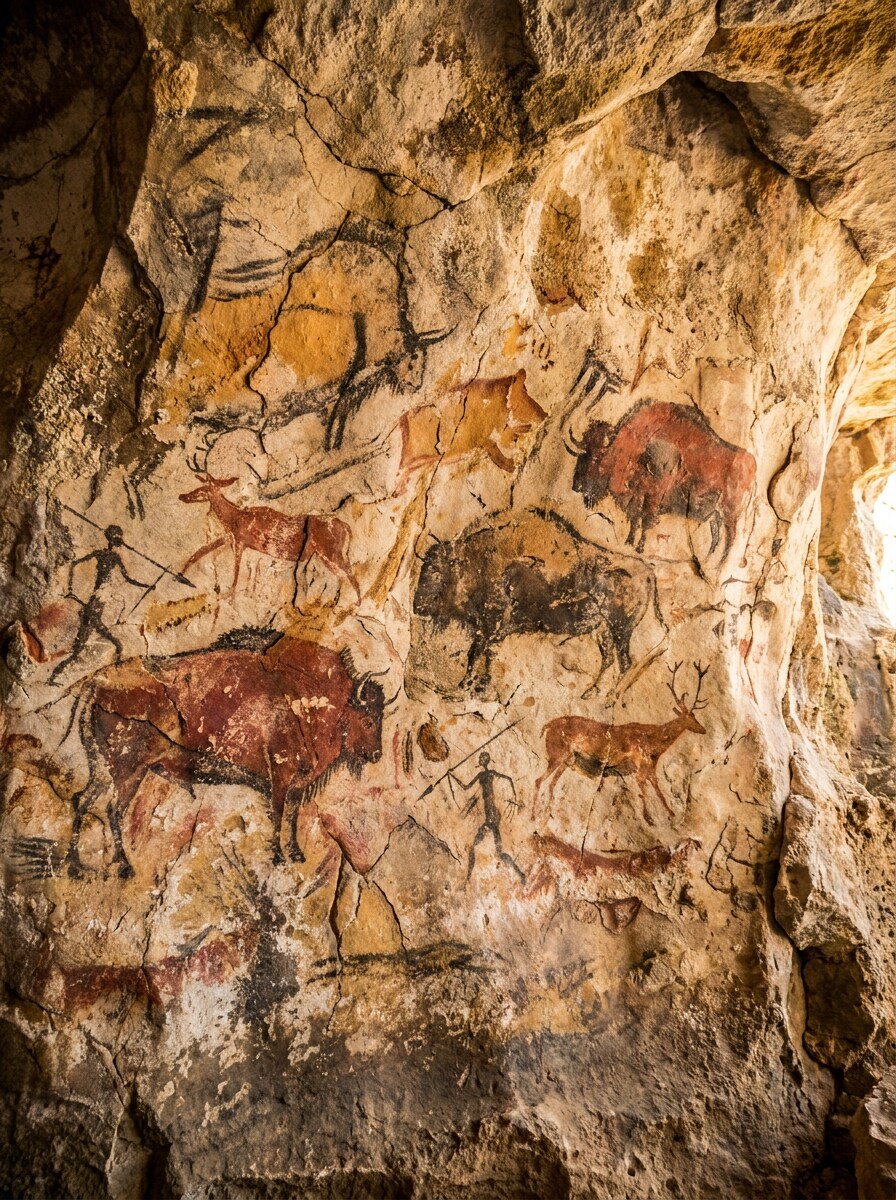
Cave Painting Style
Prehistoric cave wall art showing animals and hunters painted on rough stone, using ochre, clay red, charcoal black, and chalky beige pigments. Focus on weathered texture, primitive brush marks, uneven edges, archaeological authenticity, warm earthy palette, flat mural composition, and highly detailed stone surface for a strong cave AI look.
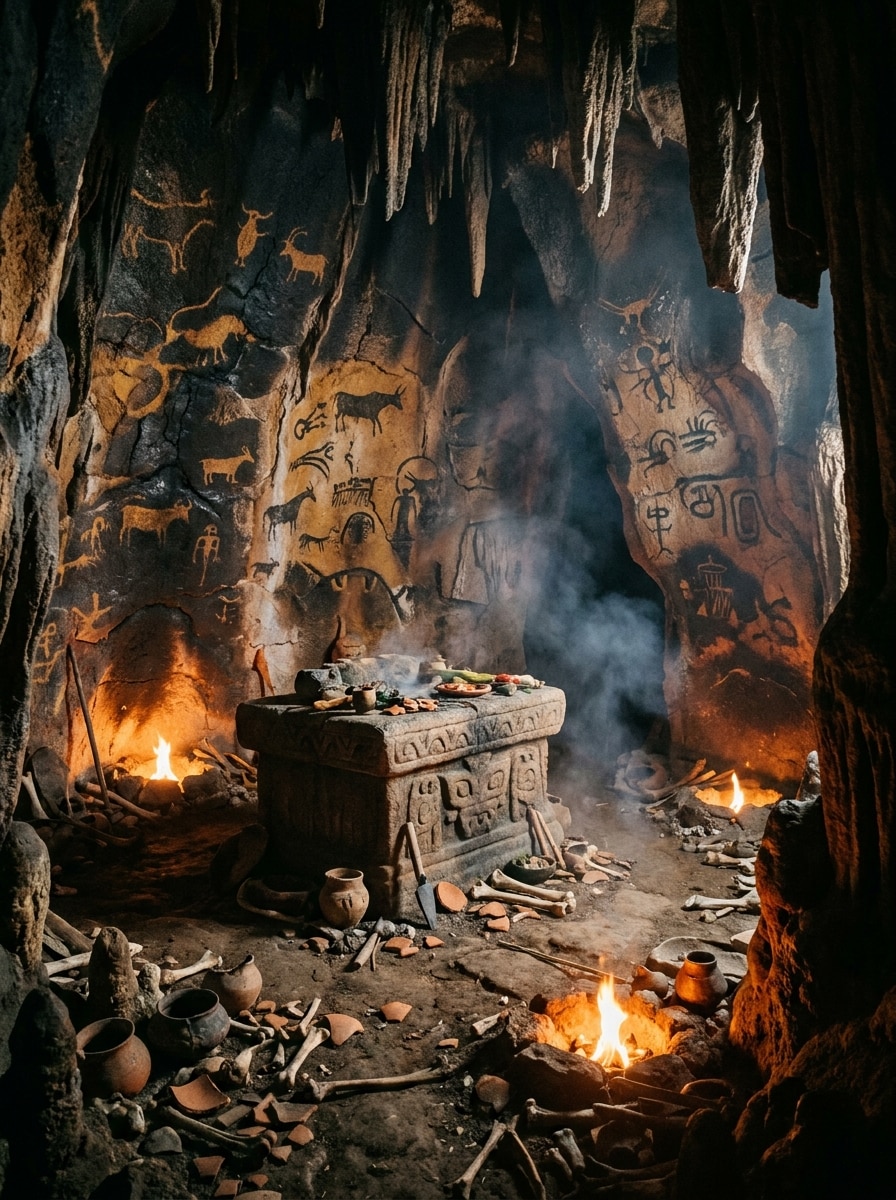
Ancient Ritual Cave
An ancient ceremonial cave with painted symbols, a carved stone altar, small fire pits, drifting smoke, and layered shadows across the chamber. Use dramatic perspective, orange firelight against dark mineral walls, textured floor debris, mysterious mood, realistic archaeological influences, and richly detailed environmental storytelling.
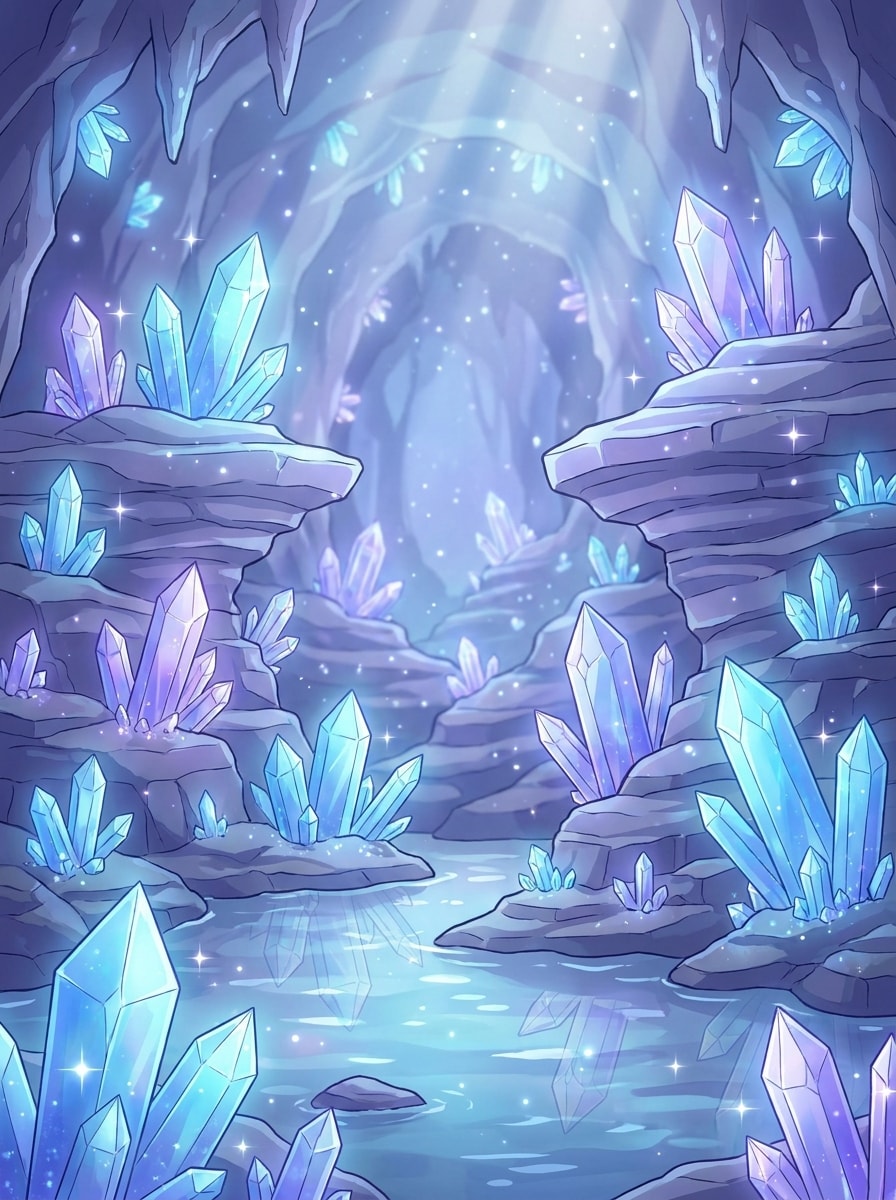
Anime Fantasy Cave
An anime-style fantasy cave background with glowing crystals, shimmering reflections in shallow water, soft light rays, and layered rock formations fading into the distance. Use a dreamy blue-violet palette, polished cel-shaded rendering, sparkling highlights, clean composition, whimsical mood, and highly finished illustration detail.
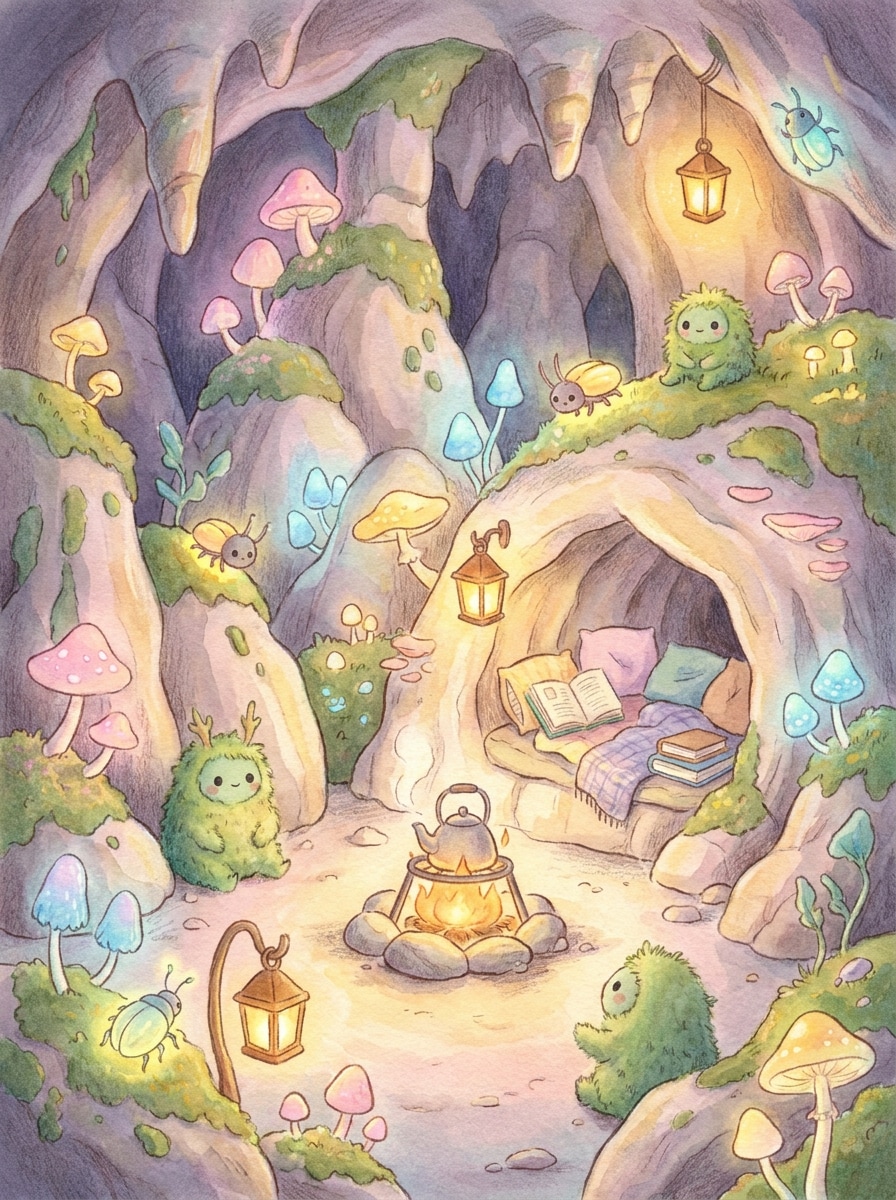
Storybook Cave
A whimsical storybook cave filled with glowing mushrooms, tiny friendly creatures, warm lantern-like light, and soft rounded rock shapes. Create a cozy hand-painted illustration with gentle textures, pastel and amber accents, balanced composition, inviting atmosphere, charming environmental details, and children’s book fantasy styling.
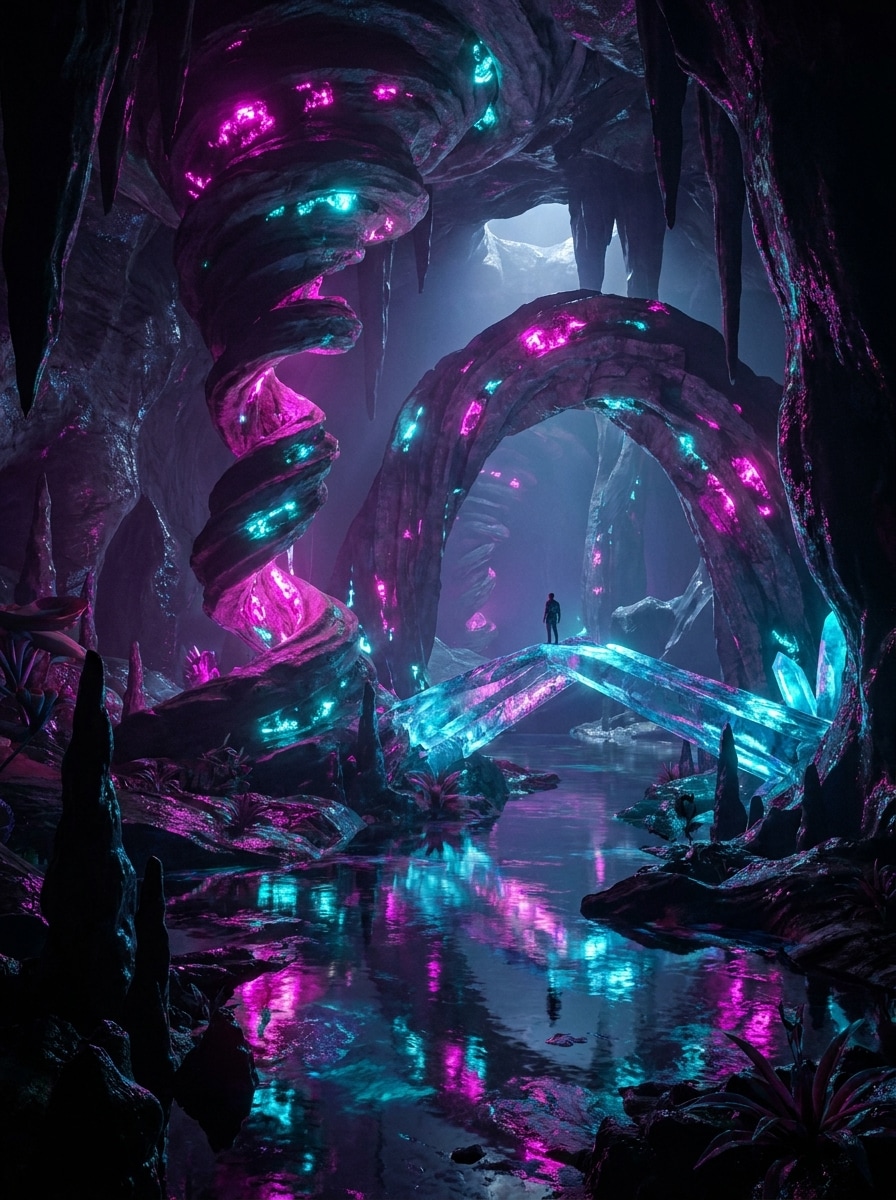
Neon Dream Cave
A surreal underground cave with impossible rock geometry, glowing magenta and cyan minerals, reflective pools, and dreamlike arches bending through the scene. Use high-detail digital art, glossy textures, moody shadows, vibrant neon contrast, futuristic fantasy atmosphere, and a visually striking composition designed for social sharing.
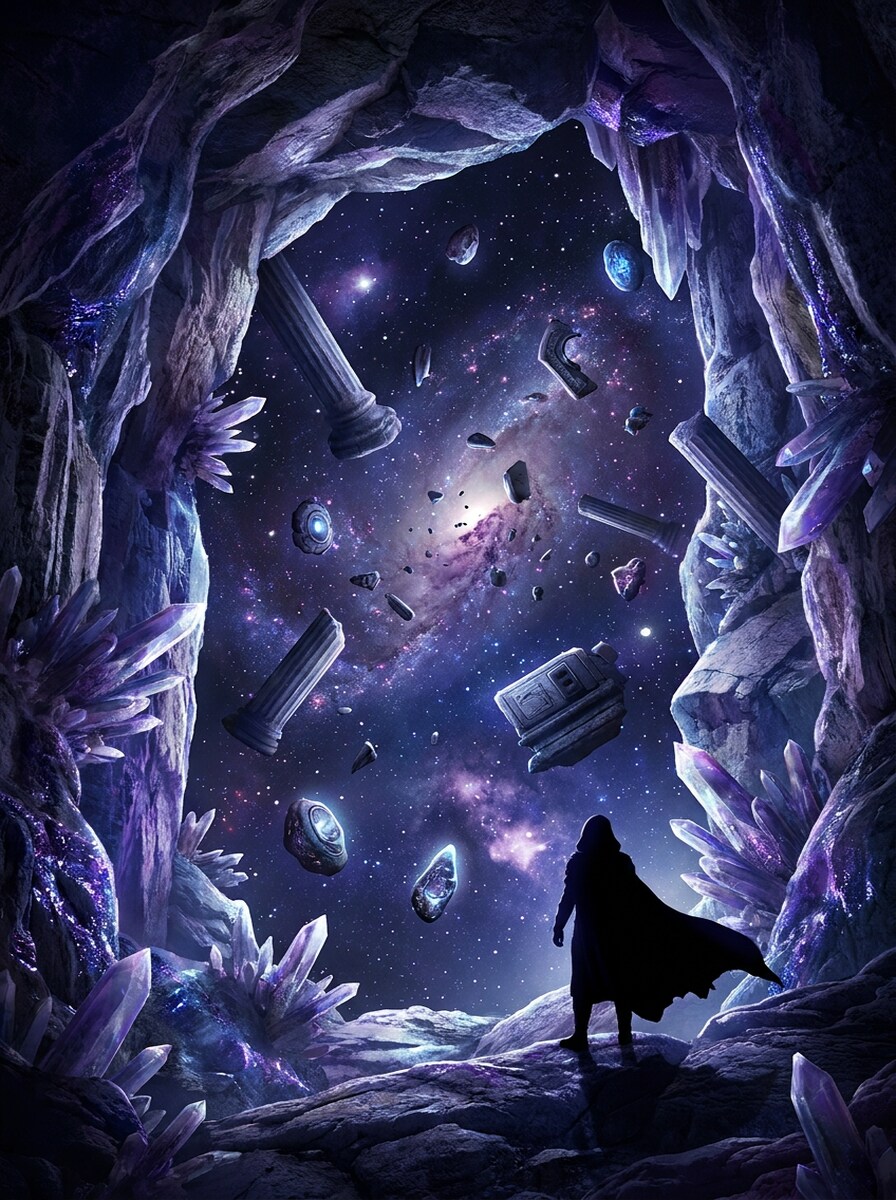
Cosmic Cave
A surreal cave interior opening into a star-filled cosmic void, with luminous stones, floating debris, galaxy-colored mist, and a dramatic silhouette near the edge. Blend cave textures with sci-fi fantasy visuals, using deep indigo, violet, and silver tones, cinematic lighting, immense scale, and ultra-detailed environment art.
Why Use Media.io for AI Cave Images
Turn Simple Prompts Into Detailed Underground Worlds
When you only have a brief cave visual direction, Media.io helps build it into usable cave visuals faster so you can move forward without a blank-canvas slowdown.
Switch Easily Between Realistic, Fantasy, and Ancient Art Styles
When the art direction is still open, Media.io lets you test multiple looks around the same cave visual idea, making it easier to find the right style without rebuilding from zero.
Get High-Resolution Results Ready for Creative Use
When you need sharper output for printing, design comps, or richer digital detail, Media.io can generate cave visuals in up to 4K, helping textures, shadows, and glowing elements stay clear in the final export.
Create in Browser Across Devices
Creative work rarely stays on one screen. Media.io keeps the cave visual workflow in your browser, so you can start on phone and finish on desktop without stopping to install extra software.
How to Make AI Cave Art Online
1
2
3
1
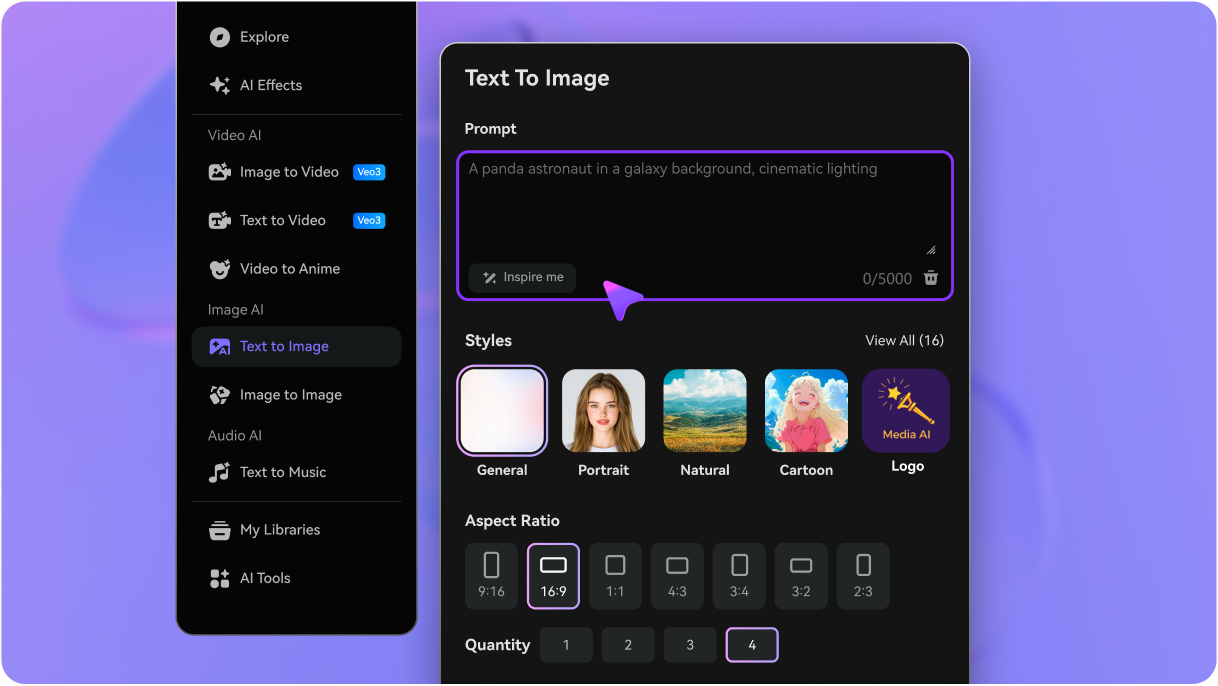
Open Media.io Text to Image
Go to AI Text to Image Generator and open the Text to Image tool under AI -> Image Generator. This online tool runs in your browser, so you can start creating cave scenes without installing extra software.
2
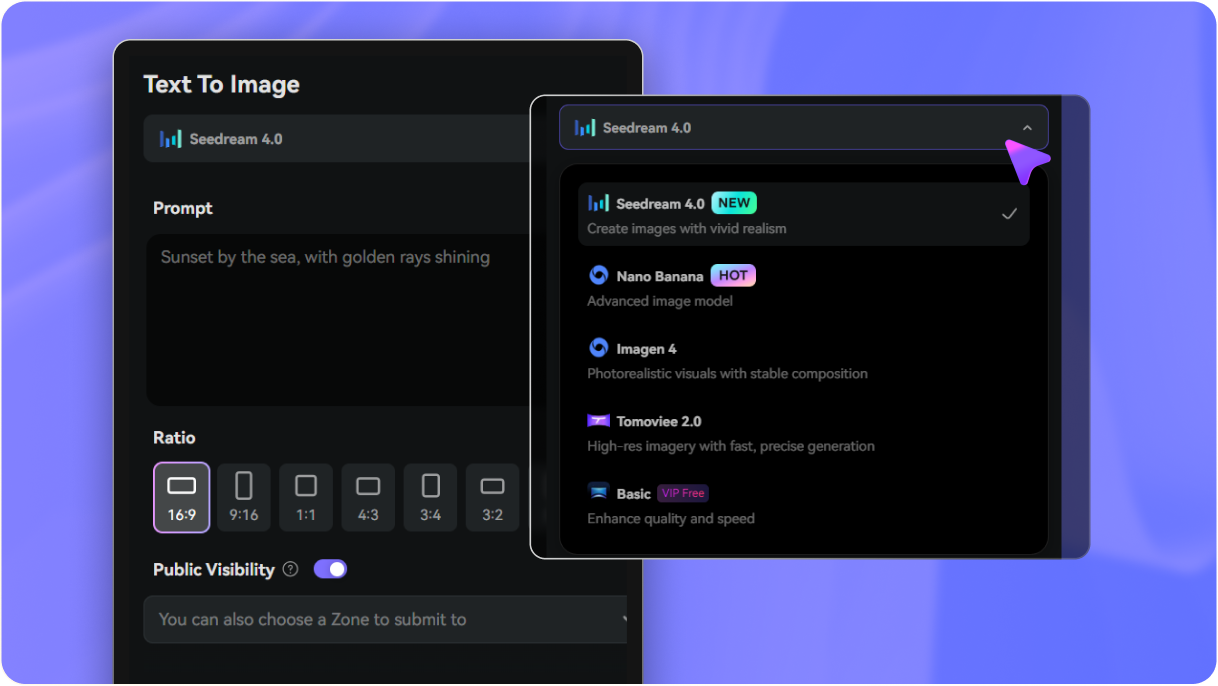
Enter a Prompt
Type a detailed prompt, such as "a glowing crystal cave with blue mist, reflective pools, cinematic lighting, and an explorer silhouette," then choose your preferred style, aspect ratio, and resolution for the look you want.
3
Generate, Refine & Download
Click Generate to create your image. If needed, refine the prompt for mood, lighting, or texture, then download your finished cave artwork in a high-resolution format for sharing or design use.
See how creators use this Cave for content, marketing, and personal projects, then adapt each idea to fit the brief.
Build Fantasy Environments for Stories and Games
Create moody caverns, glowing crystal chambers, and mysterious underground passages for storyboarding, worldbuilding, game concept art, or DnD campaign visuals. It’s a fast way to turn rough environment ideas into polished scenes with strong atmosphere.
Design Scroll-Stopping Wallpapers and Social Graphics
Use dramatic lighting, centered cave openings, neon minerals, or misty waterfalls to make striking visuals for phone wallpapers, desktop backgrounds, Pinterest pins, and short-form content. Media.io helps your cave AI concepts look clean and presentation-ready.
Reimagine Ancient Wall Art and Educational Visuals
Generate prehistoric-inspired murals, ritual chambers, and archaeological cave scenes for classroom materials, museum-style graphics, creative essays, or themed presentations. This is especially useful when you want a cave AI style that feels historical, artistic, and easy to customize.
What Users Say About Media.io
Lena Ortiz
Concept Artist
"Great for fast environment ideation" I used Media.io to generate cave environments for a fantasy pitch deck, and the prompt results were much more usable than I expected. The lighting and depth came through quickly, which saved me a lot of sketch time.
Marcus Lee
Content Creator
"Useful for wallpaper-style cave art" I wanted dramatic crystal cavern images for social posts and wallpapers. The tool made it easy to test different styles and ratios, and the outputs looked polished enough to publish after only a few prompt tweaks.
Priya Nair
Teacher & Presenter
"Helpful for prehistoric visuals" I created cave painting style images for a classroom presentation, and Media.io gave me several strong versions without a complicated workflow. It was easy to get something that looked textured, earthy, and visually engaging.
Ethan Brooks
Indie Game Developer
"Flexible styles in one place" What I liked most was being able to switch from realistic cave scenes to more surreal underground art in the same tool. That made mood exploration much faster for early game environment planning.
An AI cave image generator is a tool that turns written prompts into cave-themed visuals, such as crystal caverns, realistic underground landscapes, or prehistoric wall-art scenes. Media.io does this online using text-to-image models, so you can create custom cave artwork directly in your browser.
2. How do I create cave art from text prompts?
Start by entering a clear description of the scene you want, including details like lighting, mood, materials, colors, and composition. In Media.io, prompts written in English are especially effective, so descriptions such as glowing crystals, torchlight, mist, or rough stone textures can help produce more accurate cave art.
3. Can I generate realistic and fantasy cave images?
Media.io supports multiple visual styles, so you can generate photorealistic underground scenes, stylized fantasy caverns, anime-inspired backgrounds, or ancient mural looks from the same workflow. That flexibility makes it useful for both realistic cave art and imaginative environment design.
4. Is there a free AI cave generator I can try?
Media.io offers free credits, so you can try creating AI cave images before upgrading. Free users may see watermarks on downloads, while paid plans offer watermark-free high-resolution exports. You can compare options on the pricing page. Free users can use free credits. For more usage, users can subscribe to a plan on the pricing page. Upgrade to a paid plan on the pricing page for more credits and watermark-free high-resolution downloads.
5. How long does it take to make an AI cave image?
It usually takes just a short time to generate a cave image after you enter your prompt and settings. Media.io also offers model options such as Nano Banana 2 for faster generation, which is helpful when you want to test several cave compositions or moods quickly. Nano Banana 2 is tuned for faster generation and quicker iteration.
6. Can I use AI cave images on my phone or tablet?
Media.io is web-based, so you can create and download cave images on devices with a browser, including phones and tablets. That makes it convenient to design cave scenes on the go without needing desktop-only software.