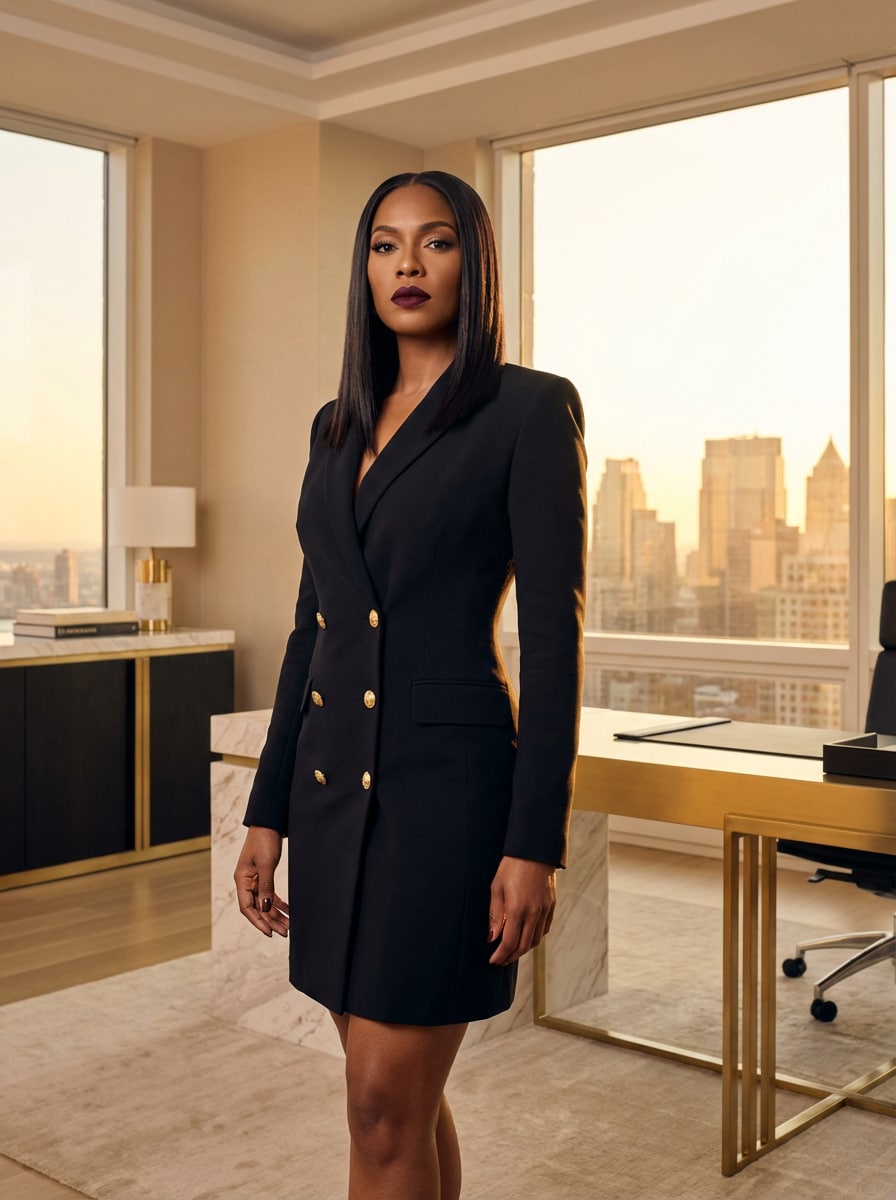
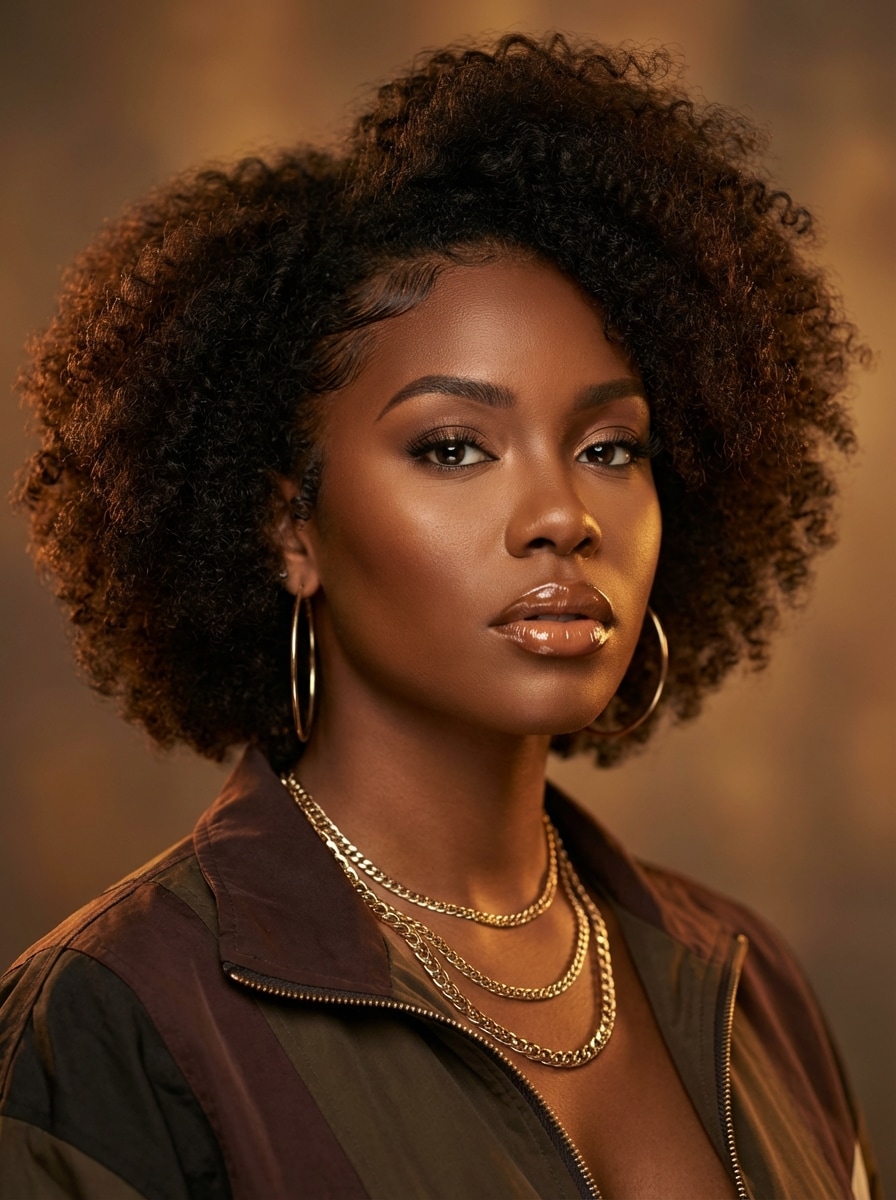
AI Baddie Generator for Trendy Glam and Streetwear Portraits
Create bold, stylish portraits with this ai baddie generator. Turn ideas into polished baddie photos with glam makeup, neon city vibes, Y2K fashion, and editorial lighting. Generate a realistic baddie image for social posts, profile pics, or creator concepts in just a few clicks.
Review these example directions, then tailor the prompt details to get stronger results with this Baddie Generator.
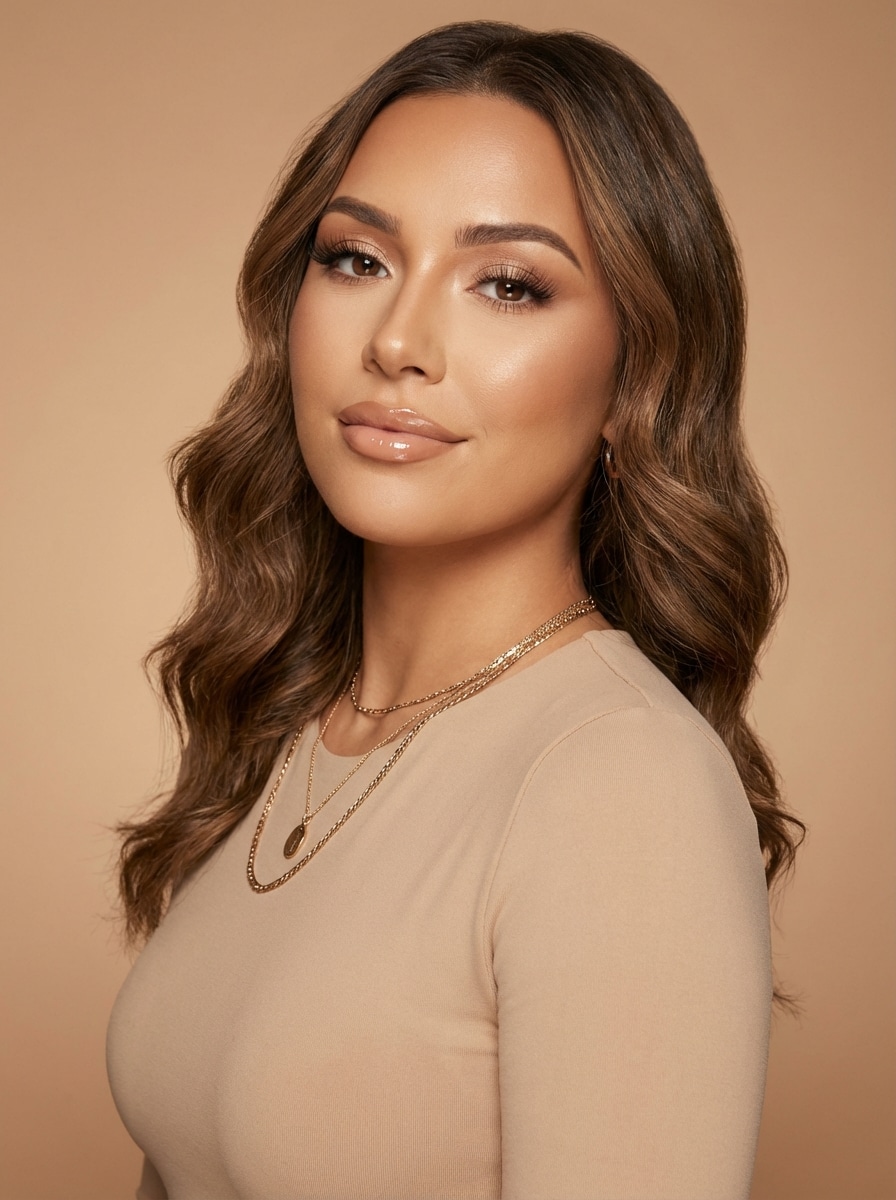
Soft Glam Baddie
Ultra-detailed portrait of a confident young woman in a soft glam baddie style, flawless contour, glossy lips, long lashes, smooth radiant skin, styled waves, gold jewelry, fitted neutral outfit, clean studio backdrop, soft diffused beauty lighting, warm beige and champagne palette, realistic beauty photography, sharp focus, premium detail.
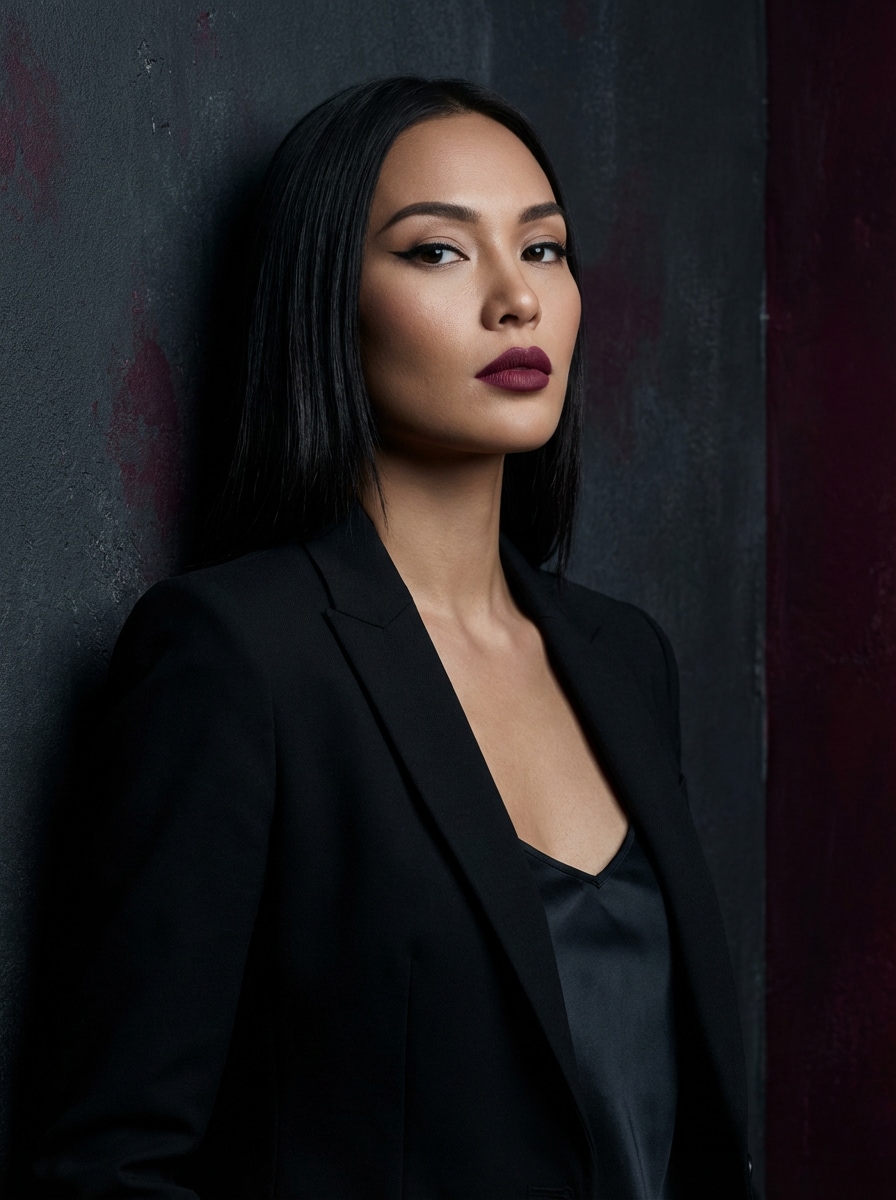
Dark Feminine Baddie
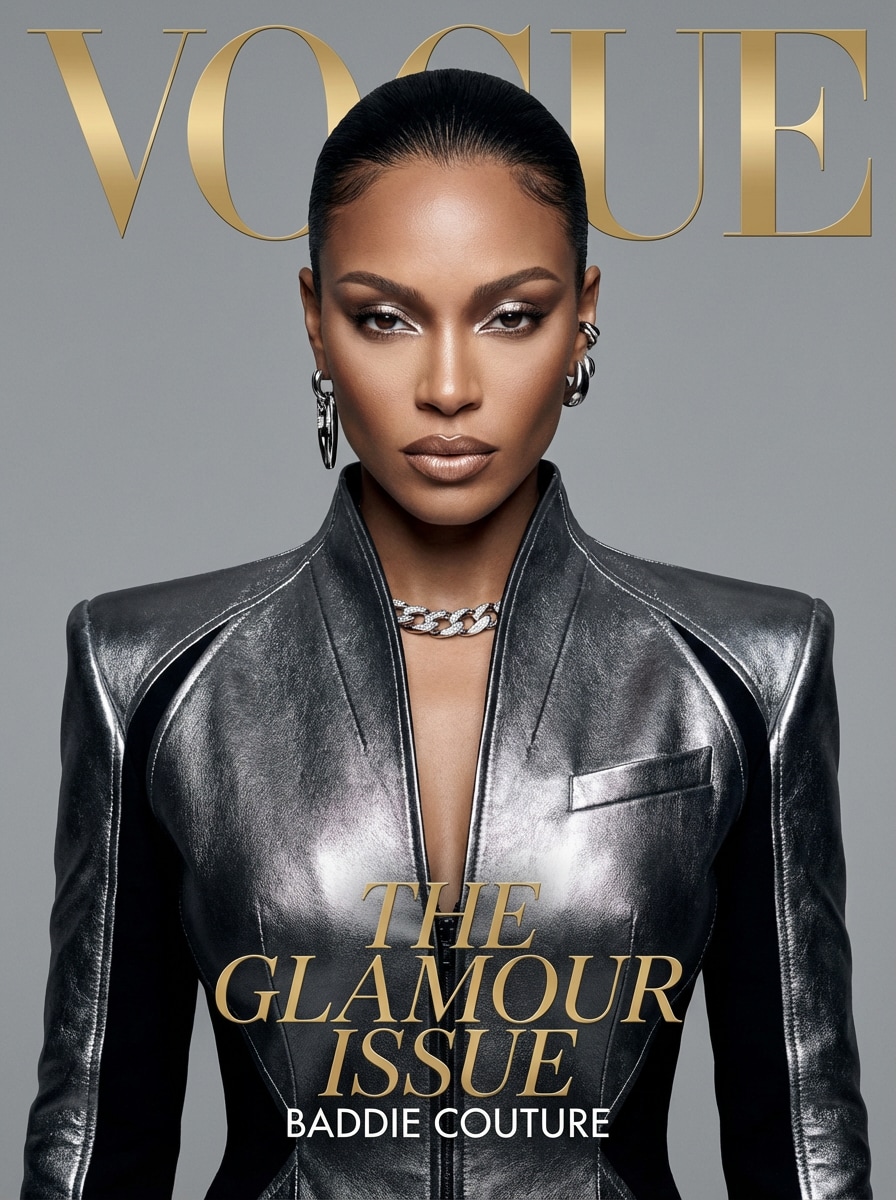
Cinematic portrait of a dark feminine baddie wearing a sleek black fitted outfit, dramatic eyeliner, matte lips, polished straight hair, confident pose, moody shadows, luxury attitude, charcoal and deep burgundy color palette, editorial fashion lighting, dark minimal background, ultra-realistic skin texture, high contrast, sharp facial detail.
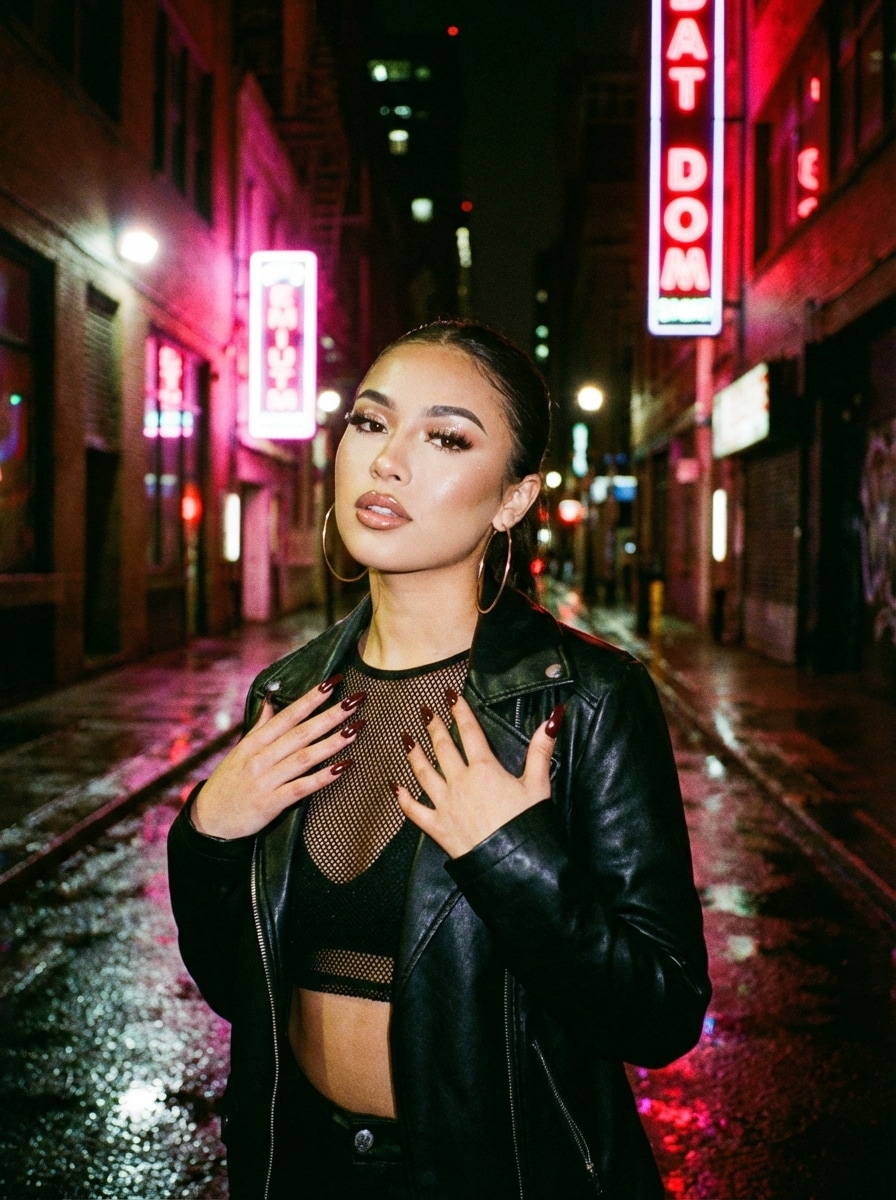
Neon Street Baddie
Create a realistic ai baddie portrait in a neon-lit city alley, bold pose, crop top and leather jacket, hoop earrings, long nails, polished glam makeup, wet pavement reflections, pink and red neon signs, nighttime urban mood, flash-meets-cinematic lighting, vivid colors, crisp detail, fashion-forward street style photography.
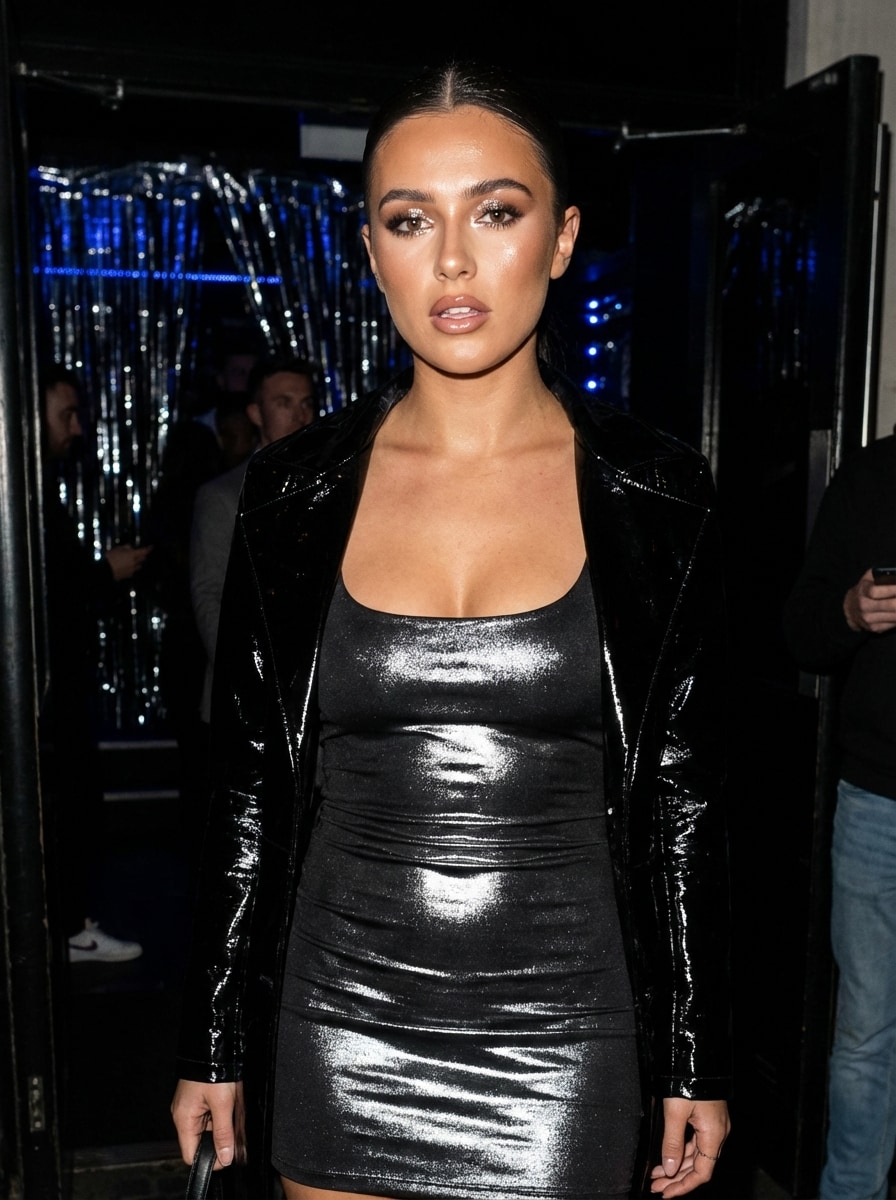
Realistic flash photography portrait of a nightlife baddie influencer, glossy makeup, sleek hair, bodycon outfit, bold expression, direct camera flash, reflective highlights on skin, blurred club-inspired background, black and silver palette, paparazzi-style framing, high shine textures, social-media-ready composition, ultra-detailed face, crisp modern photo realism.
Mirror Selfie Baddie
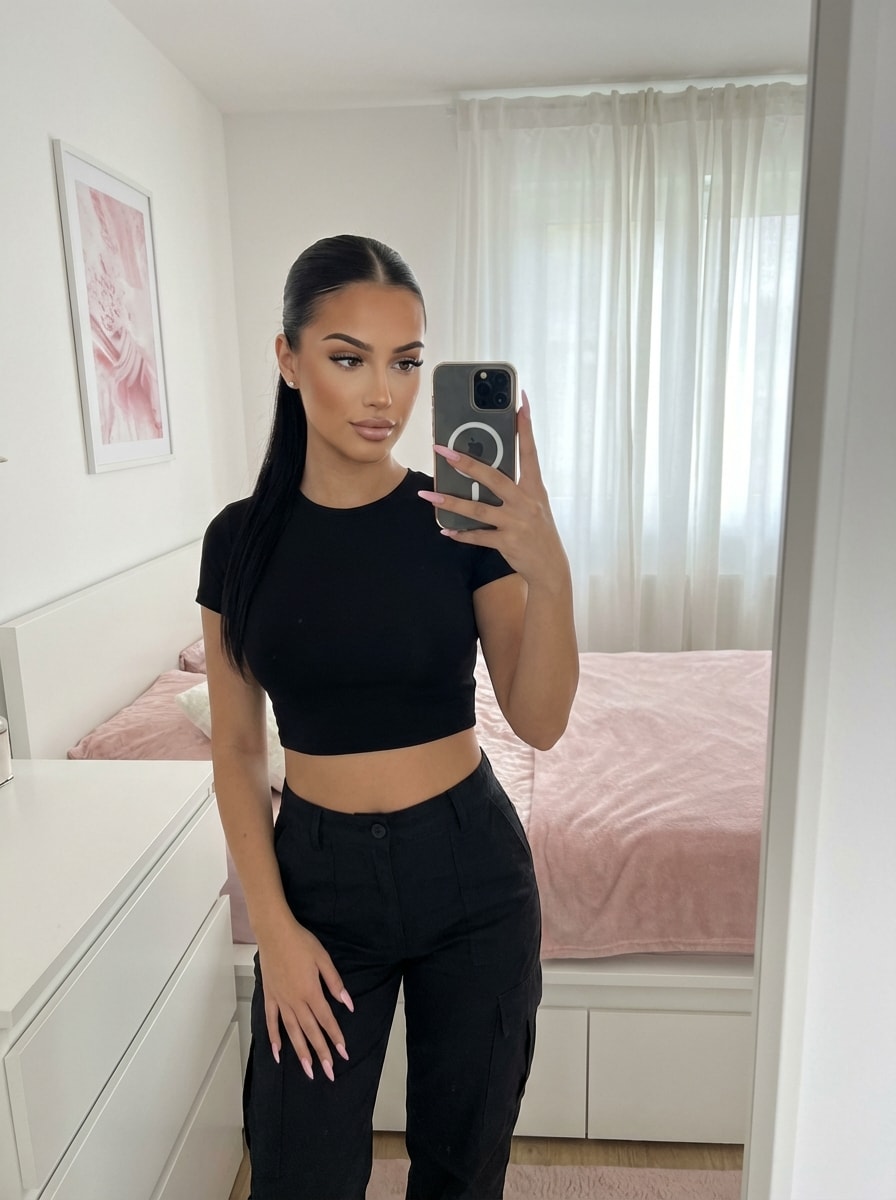
Photorealistic mirror selfie of a stylish baddie, confident phone pose, fitted trendy outfit, long acrylic nails, polished glam makeup, sleek hair, clean modern bedroom interior, balanced indoor lighting, tidy mirror composition, soft pink and white accents, influencer lifestyle mood, realistic reflections, sharp details, premium social-content aesthetic.
Y2K Baddie
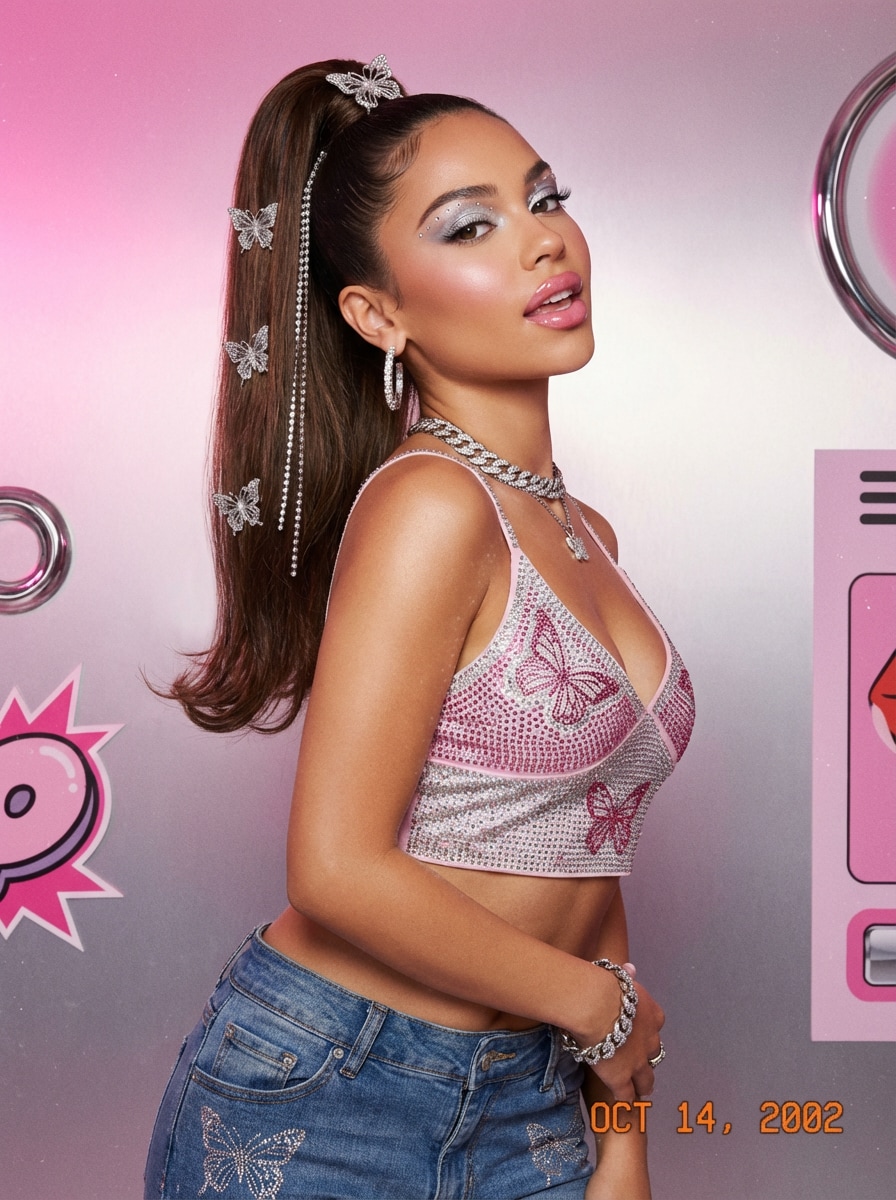
Create a Y2K baddie portrait with a pink and silver color palette, butterfly accessories, glossy lips, high ponytail, rhinestone details, playful but confident expression, cropped fashion top, retro pop styling, soft studio lighting, polished skin texture, nostalgic early-2000s vibe, clean fashion photography, highly detailed and realistic.
Create polished baddie-style portraits in 1K, 2K, or 4K resolution, ideal for social posts, wallpapers, profile pictures, and creator moodboards.
Flexible Styles for Every Baddie Look
Switch between realistic, anime, cyberpunk, 3D render, and other styles to create everything from glam portraits to edgy urban concepts without starting over.
Advanced Models for Better Detail
Use powerful generation models including Nano Banana Pro and Nano Banana 2 to produce sharper makeup detail, cleaner lighting, and more consistent fashion portraits.
Aspect Ratios for Feed, Story, and Wallpaper
Choose from 1:1, 9:16, 16:9, 3:4, and more to format your baddie image correctly for Instagram posts, vertical stories, banners, or phone backgrounds.
How to Create an AI Baddie Image Online
1
2
3
1
Open Media.io Text to Image
Go to AI Text to Image Generator and open the Text to Image tool under AI -> Image. This online tool runs in your browser, so you can start creating baddie-style portraits on desktop or mobile without installing software.
2
Enter a Prompt or Upload Inspiration
Type a detailed prompt, such as "confident neon street baddie portrait, glossy makeup, leather jacket, pink city lights, realistic fashion photo." Adjust the style, aspect ratio, and resolution to match your concept and intended platform.
3
Generate, Refine & Download
Click Generate. Tweak the prompt if you want different makeup, outfit, pose, or lighting. When the look is right, download your high-resolution result for posts, profile pictures, branding, or personal creative use.
See how creators use this Baddie Generator for content, marketing, and personal projects, then adapt each idea to fit the brief.
Create Scroll-Stopping Social Profile Art
Use the tool to design standout profile images, cover visuals, or stylized portraits for TikTok, Instagram, and other platforms. It is a fast way to create polished baddie photos that match a personal brand or content theme.
Build Moodboards for Fashion and Beauty Content
Creators, stylists, and beauty enthusiasts can test outfit ideas, glam makeup looks, lighting setups, and streetwear concepts before a real shoot. It helps turn a rough vision into a clear visual direction with less planning time.
Generate Character Concepts and Avatars
If you want a bold digital persona, this tool can help you create editorial, Y2K, or neon-inspired portraits for thumbnails, channel art, or story concepts. It also supports users comparing an AI baddie generator with avatar or selfie-style image tools.
What Users Say
Jasmin R.
Beauty Content Creator
"Great for glam concepts" I used it to test makeup and lighting ideas before a shoot. The results looked polished, and the prompt controls made it easy to get the exact baddie vibe I wanted.
Tiana M.
Social Media Manager
"Fast and mobile-friendly" I made multiple portrait concepts from my phone in just a few minutes. The styles were flexible enough for fashion, nightlife, and editorial content.
Avery L.
Digital Artist
"Useful for moodboards" This helped me generate quick visual references for urban glam characters. The realistic detail and aspect ratio options were especially helpful for client previews.
Nia C.
Lifestyle Creator
"Easy way to make trendy portraits" I wanted stylish baddie-inspired images without learning complicated design tools. Media.io made the workflow simple, and the outputs were sharp enough for social use.
An AI baddie generator is a text-to-image tool that helps you create bold, fashion-forward portraits from a written prompt. With Media.io, you can describe makeup, outfit, pose, lighting, and background to generate glam, streetwear, or editorial-style images in multiple visual styles.
2. How do I write a good prompt for an AI baddie image?
Start with the subject and aesthetic, then add specific details for makeup, hair, outfit, pose, lighting, background, and mood. For example: “confident baddie portrait, glossy lips, long lashes, sleek hair, leather jacket, pink neon city lights, realistic beauty photography, sharp detail.” Media.io works best with clear English prompts and lets you refine style, ratio, and resolution.
3. Can I turn my selfie into a baddie AI photo?
This page focuses on text-to-image generation, so you create the look by describing it in a prompt. If you want to transform a selfie into a stylized portrait, Media.io
4. Is this AI baddie generator free to use?
Free users can try Media.io with free credits. For more generations or expanded usage, you can check the pricing page. Free downloads may include a watermark, while paid plans support watermark-free high-resolution images. Free users can use free credits. For more usage, users can subscribe to a plan on the pricing page. Upgrade to a paid plan on the pricing page for more credits and watermark-free high-resolution downloads.
5. How realistic are the generated baddie pictures?
Media.io supports advanced image models such as Nano Banana Pro, Nano Banana 2, Seedream 5.0 Lite, Soul Character, and Imagen 4, which can produce highly detailed, realistic portraits. You can also generate in 1K, 2K, or 4K resolution, so polished makeup, skin texture, lighting, and fashion details look more refined.
6. Can I use it on my phone or only on desktop?
You can use Media.io on both phone and desktop. It is a web-based tool that works in a browser on Windows, Mac, iOS, and Android, so creating an ai baddie concept or portrait is convenient whether you are at your desk or editing on the go. Media.io is a web-based tool that works on any device with a browser (Windows, Mac, iOS, Android).