
AI Faceless Story Video Generator
for Anonymous Shorts That Keep Viewers Watching
Turn scripts, Reddit-style stories, scary tales, confessions, or narration ideas into AI faceless videos with clear pacing and scene-by-scene control. Media.io helps structure your hook, story beats, visuals, and storyboard, so you can create anonymous Shorts, Reels, TikToks, or YouTube videos without showing your face. Use this AI Faceless Story Video Generator to generate coherent 9:16 or 16:9 videos, then re-roll and refine each shot until the story feels right.
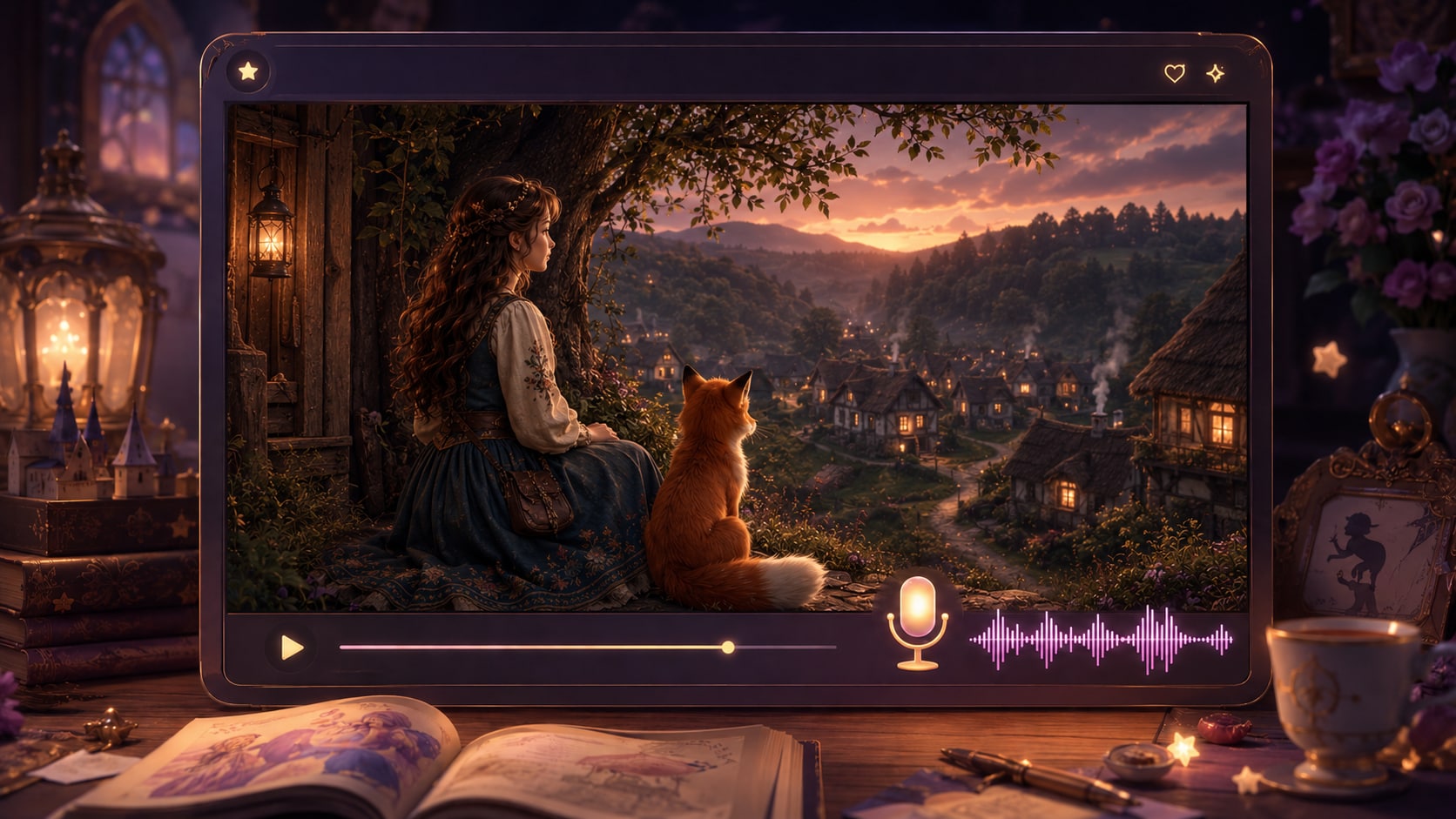
Make Viral Shorts Without Showing Your Face
Generate retention-focused faceless story videos for YouTube, TikTok & Reels. Edit story outlines, regenerate single shots, build consistent characters and export vertical clips — no on-camera appearance needed.
Hook-Driven Story Pacing For Higher Watch Time
Create short-form optimized faceless story sequences with tight hooks, natural tension and smooth scene shifts to fit social media algorithms.
- Beat Planning – Structured hook, conflict and payoff for complete micro-stories
- Silent-Scroll Rhythm – Scene timing optimized for viewers without audio
- Mood Visual Matching – Align AI art with suspense, comedy or emotional tones
- Series Consistency – Reuse proven templates for uniform episode style
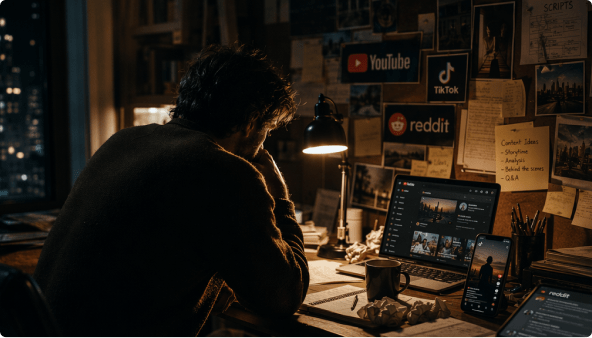
Convert Scripts To Editable Outlines & Re-Roll Single Shots
Paste scripts up to 5000 characters to generate full story outlines. You can re-roll individual flawed shots, but scene edits must be made in the script-to-outline panel before storyboard creation.
- Auto Outline Extraction – Turn raw scripts into structured video frameworks
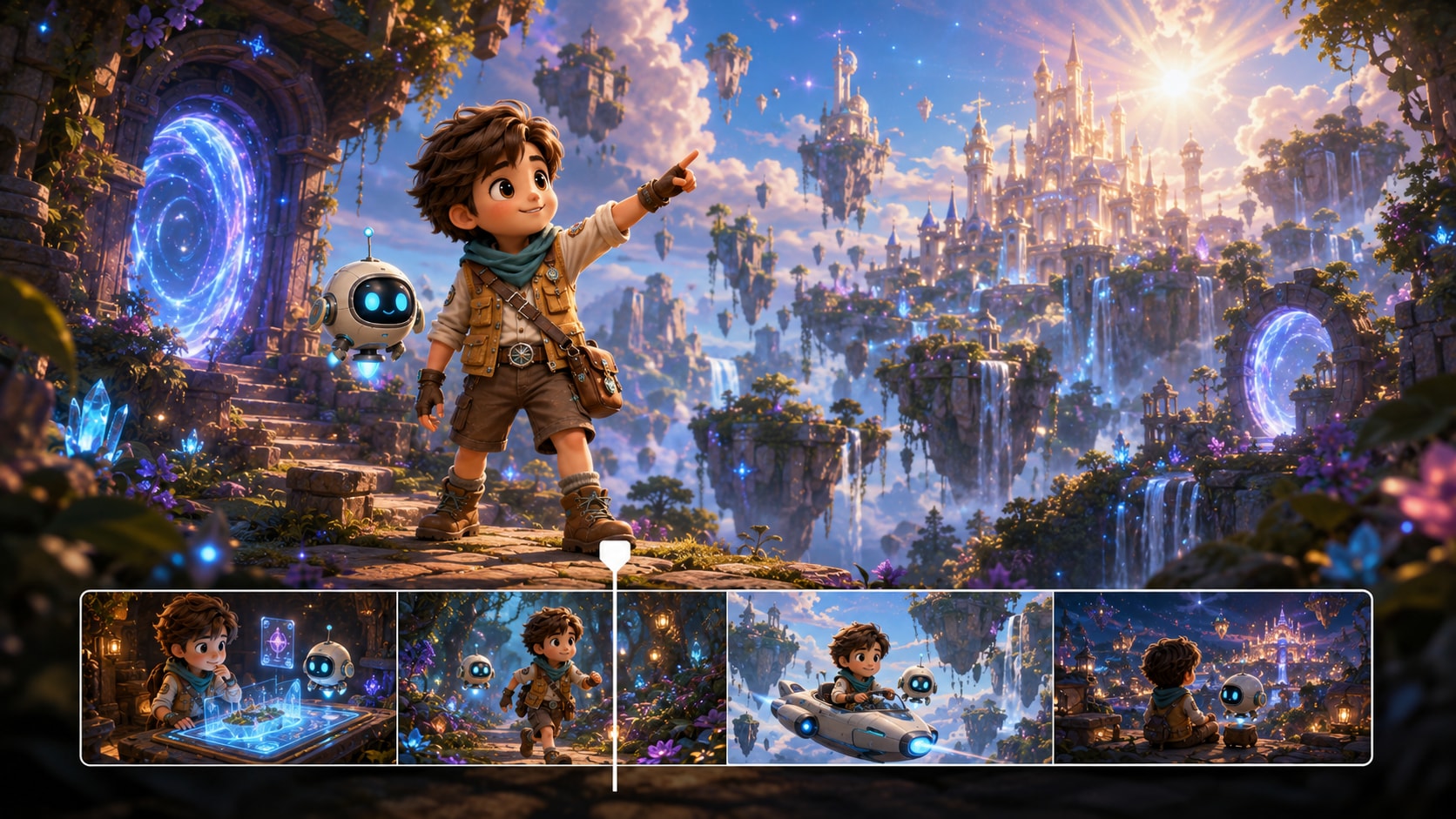
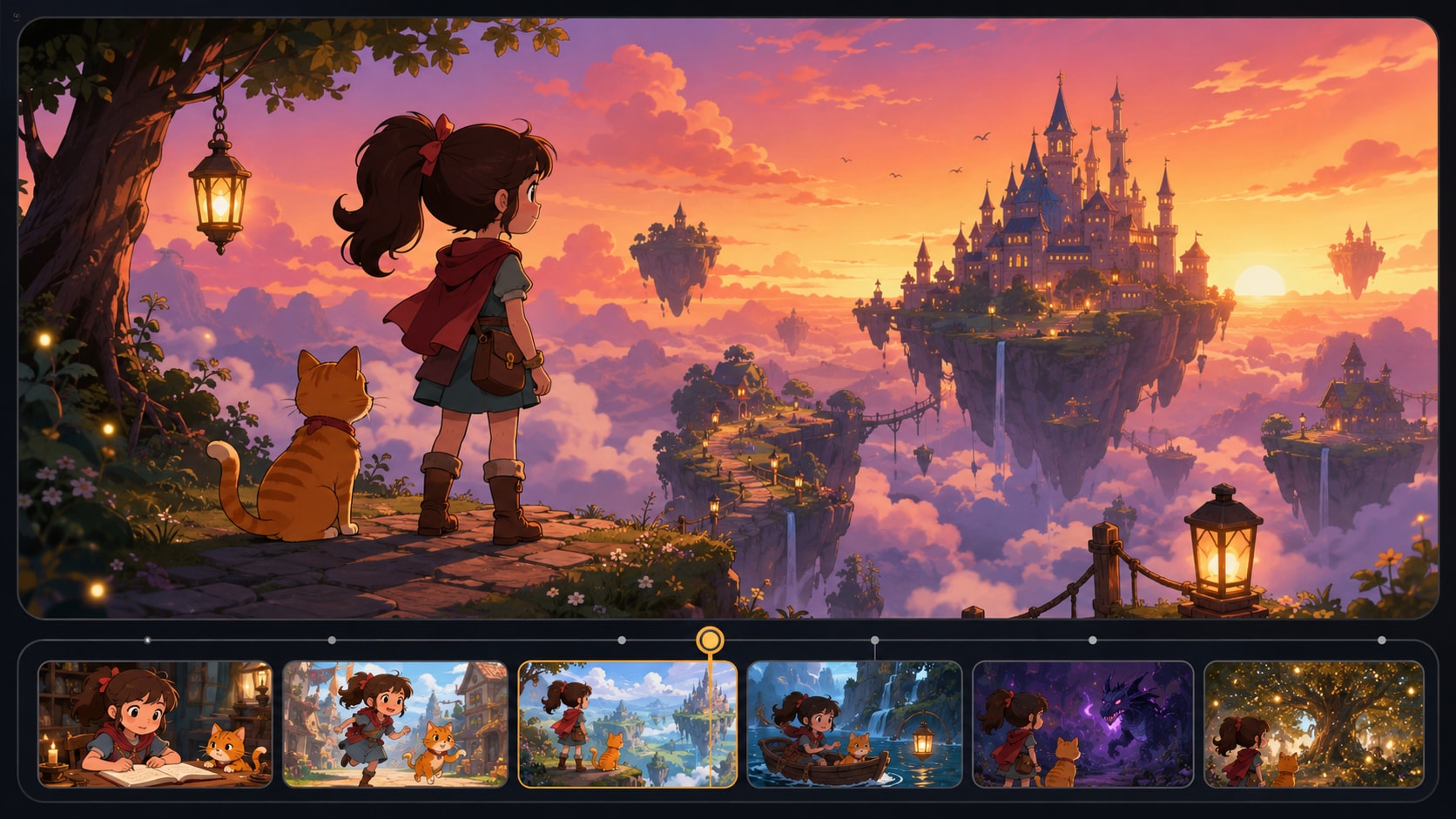
- Modular Storyboard Cards – Rearrange and preview all scenes clearly
- Pre-Set Configs – Lock ratio, art style and AI model upfront
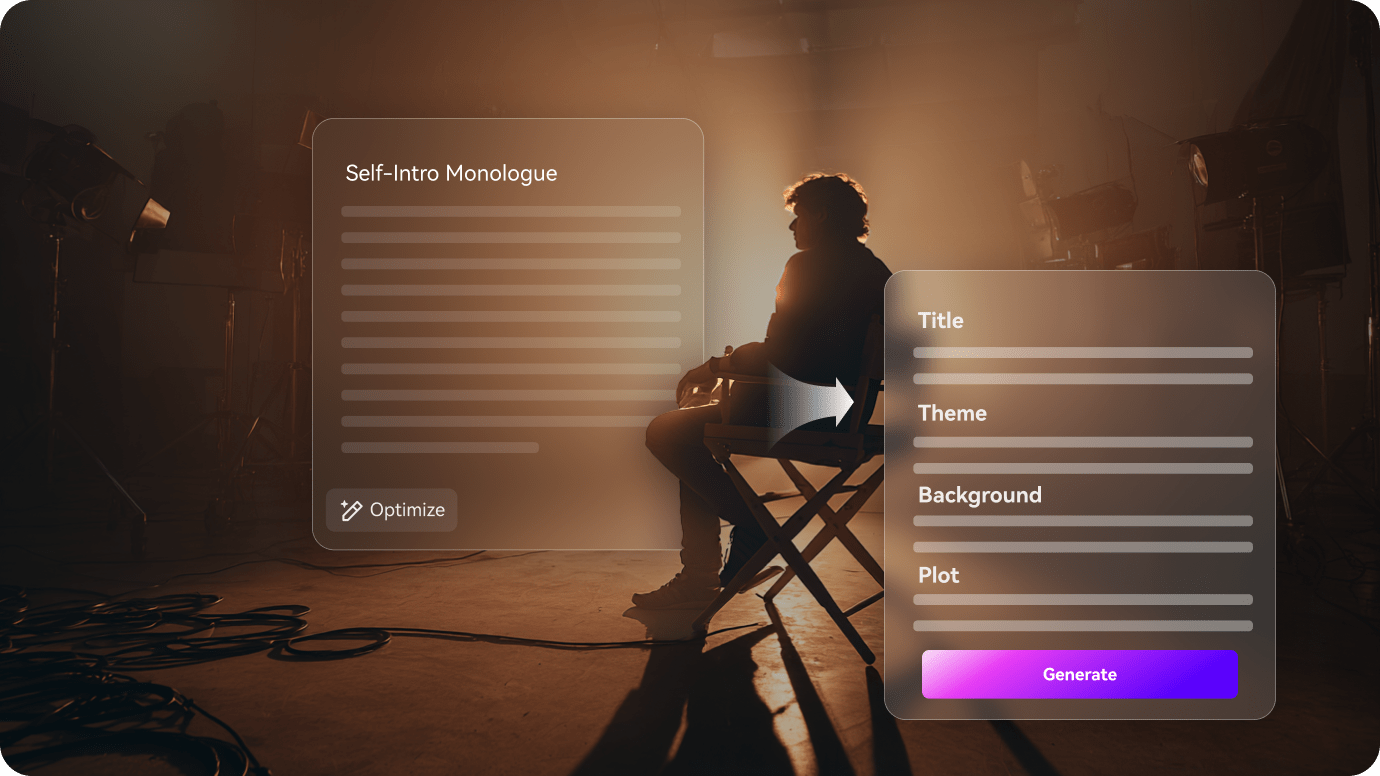
Create Uniform Recognizable Characters For Faceless Series
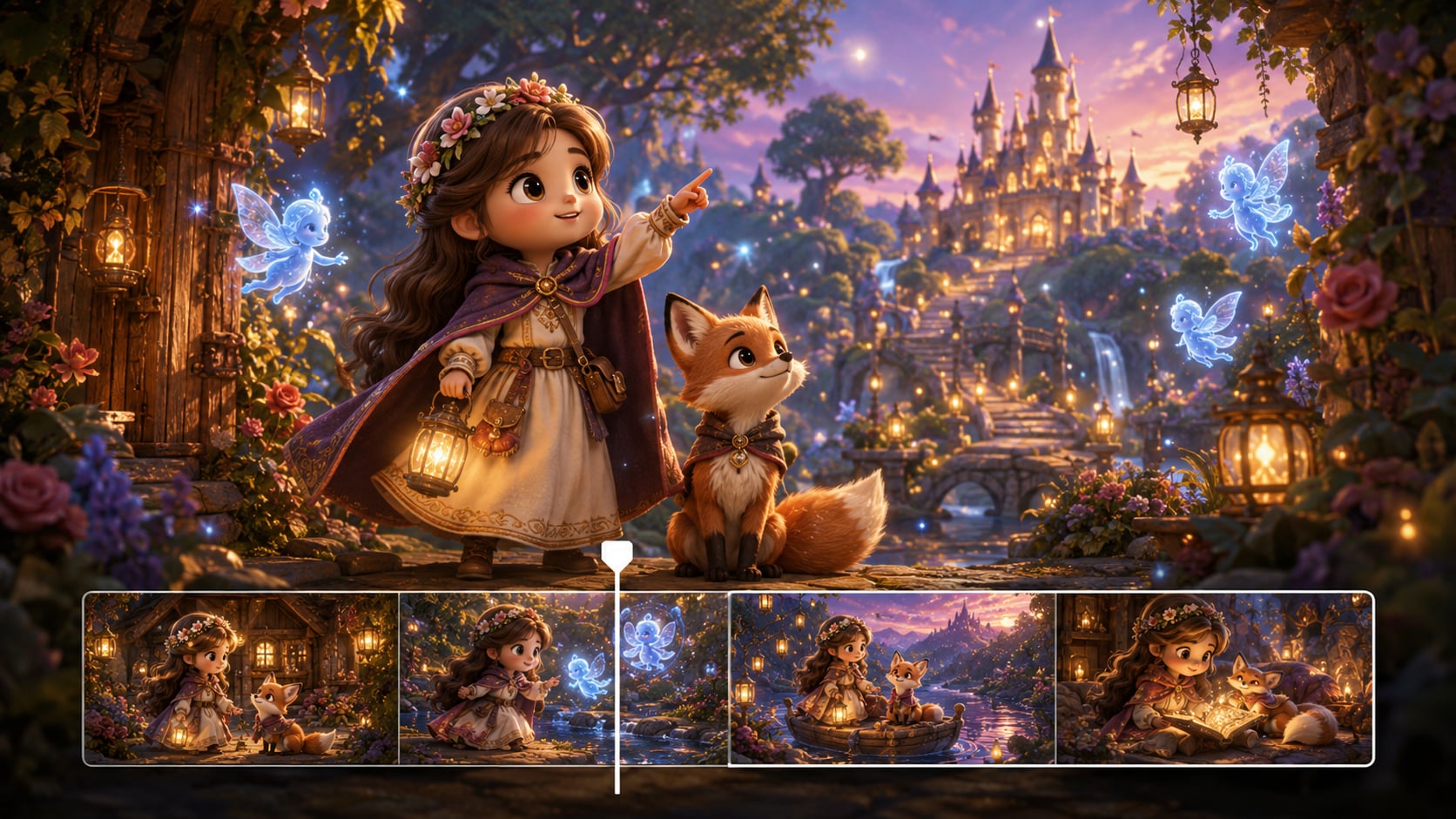
Generate unique channel characters from text, sketches or photos, and maintain consistent appearances across all episodes to build audience loyalty.
- Multi-Input Character Creation – Generate cast via text, sketches or reference photos
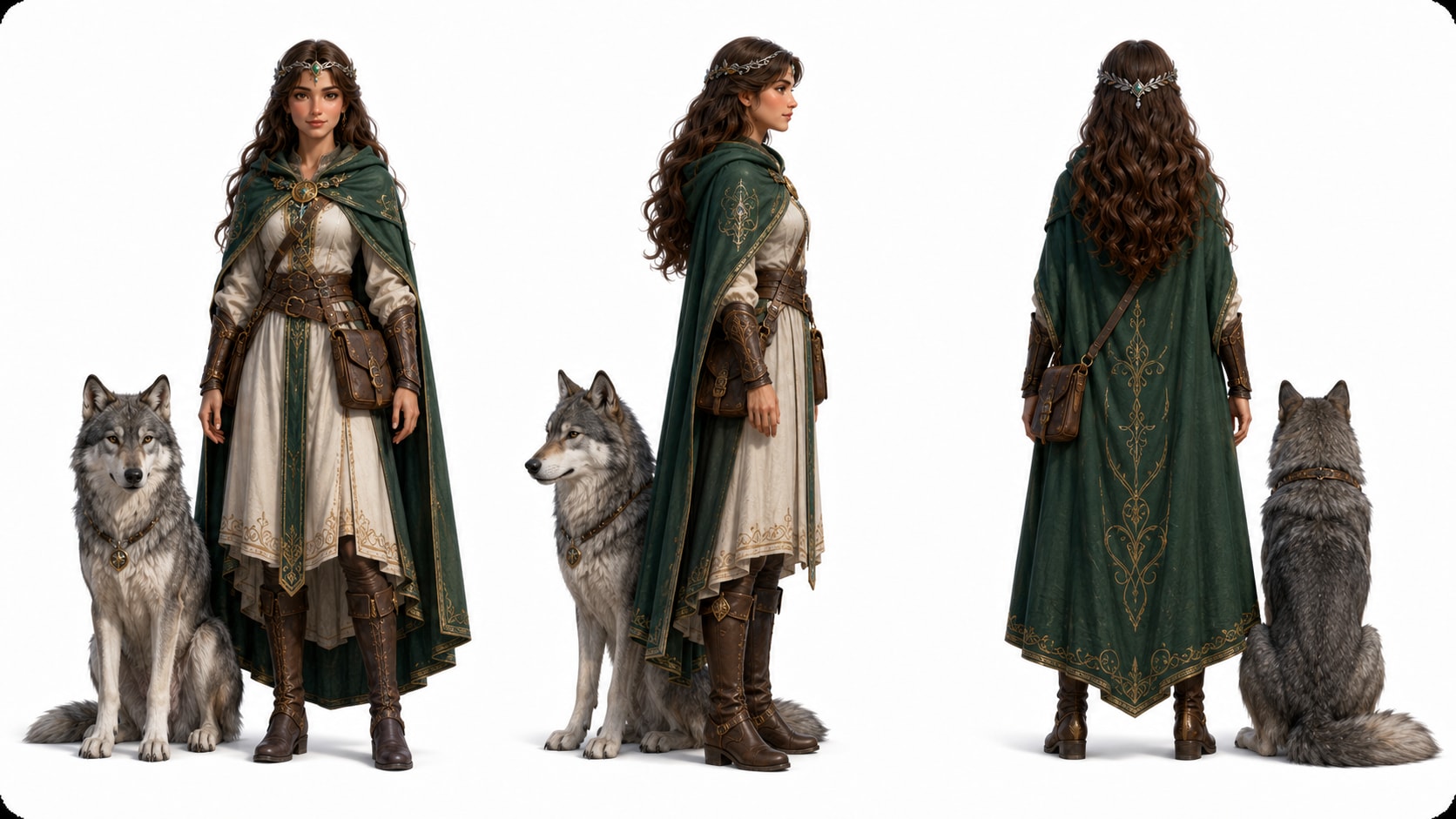
- 3-View Reference Sheets – Front/side/back templates avoid visual inconsistency
- Adjustable Art Styles – Switch between anime, cartoon and realistic looks
- Reusable World Assets – Save locations & tones for faster batch production
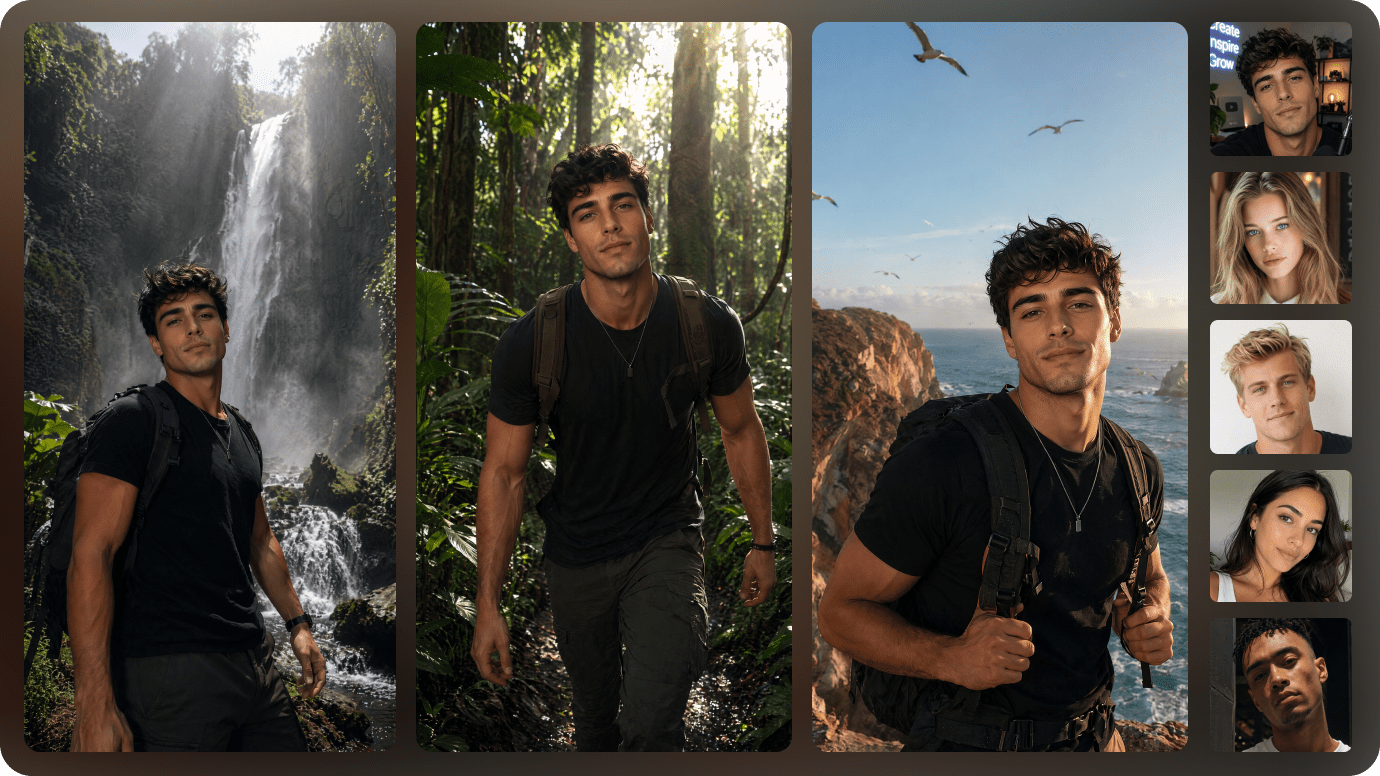
Export Platform-Ready Faceless Shorts With Built-In Editing Tools
Render up to 1080P vertical clips compatible with all short platforms. Choose SD2.0 Fast, Kling O3, Vidu Dramma models and polish footage with integrated enhancement & object editing tools.
- 9:16 Vertical Presets – Optimized for TikTok, YouTube Shorts & Reels
- Max 2-Minute Length – Fits standard micro-story content rules
- AI Video Enhancer – Sharpen, stabilize and upgrade video quality
- Object Remove & Extend – Erase distractions and adjust scene timing fast
Create a Faceless Story Video in Three Steps
A simple workflow that still gives you director-level control when a scene needs fixing.
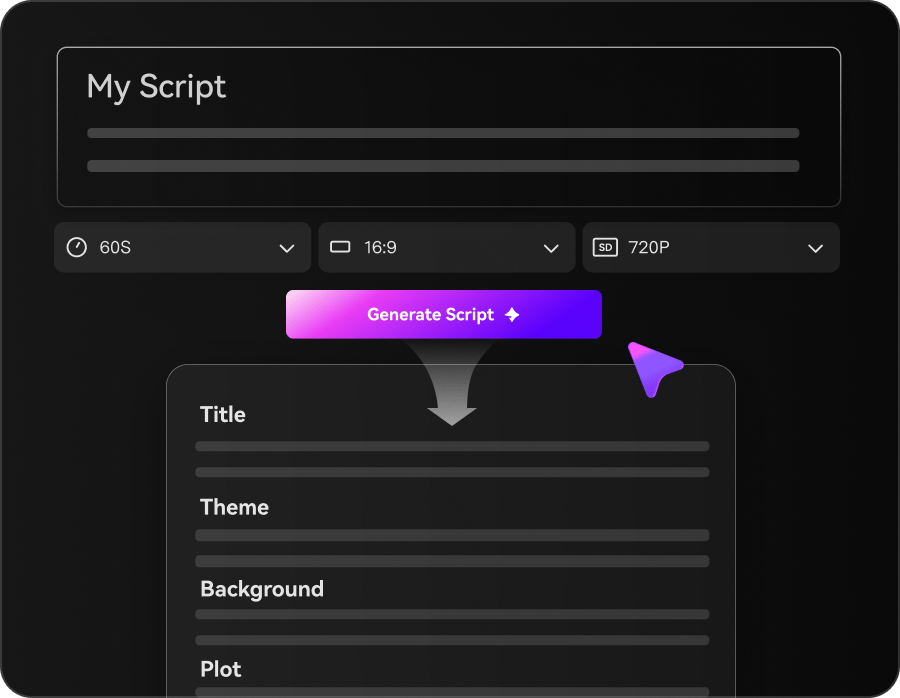
Set Your Script
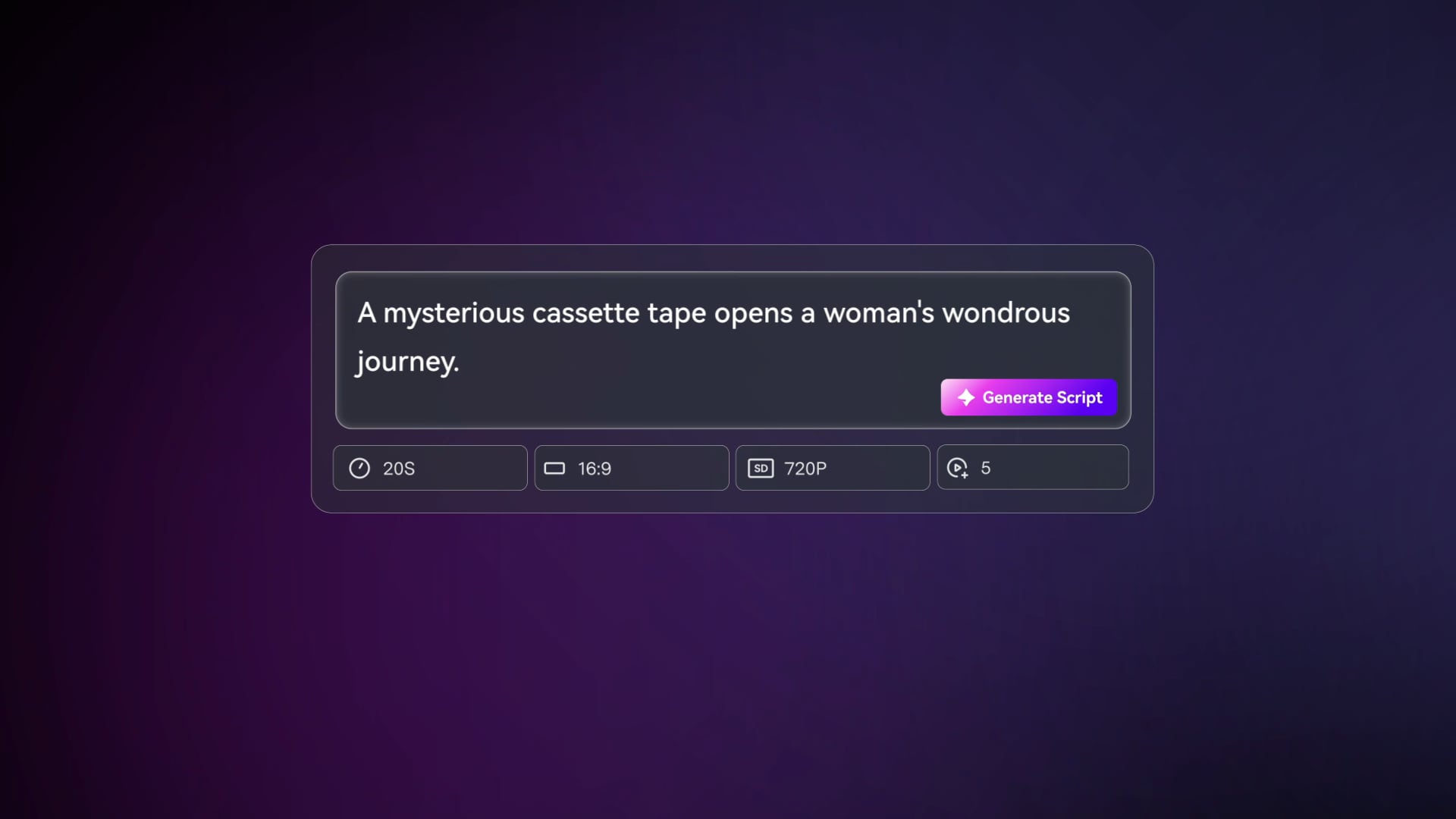
Paste your story script (up to 5000 characters), then in the same setup step choose 1080P, your ratio (9:16 / 1:1 / 16:9), a style (anime or realistic), and a model like SD2.0 Fast, Kling O3, or Vidu Dramma.
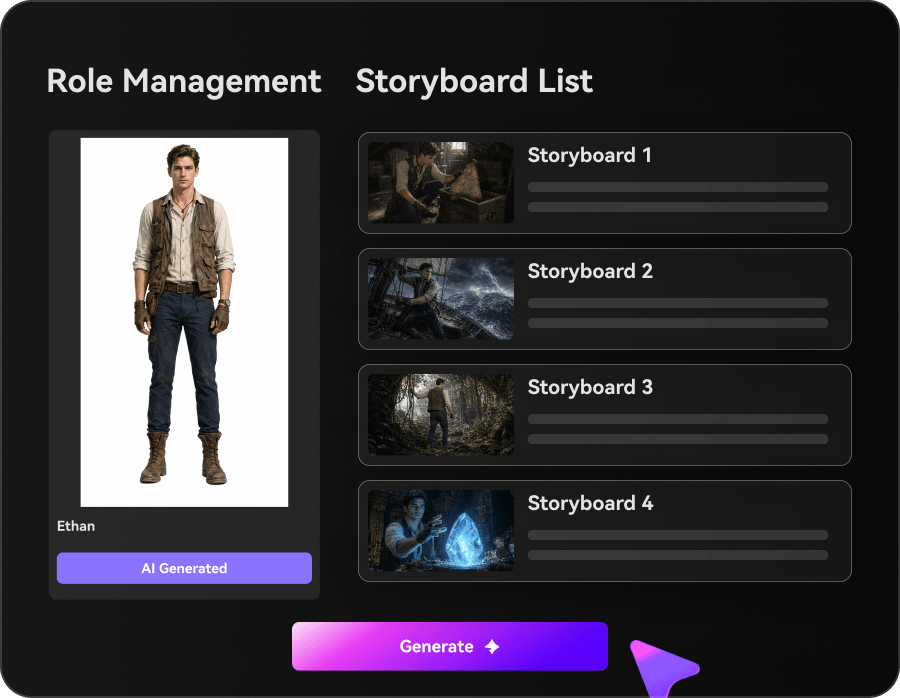
Lock the Look
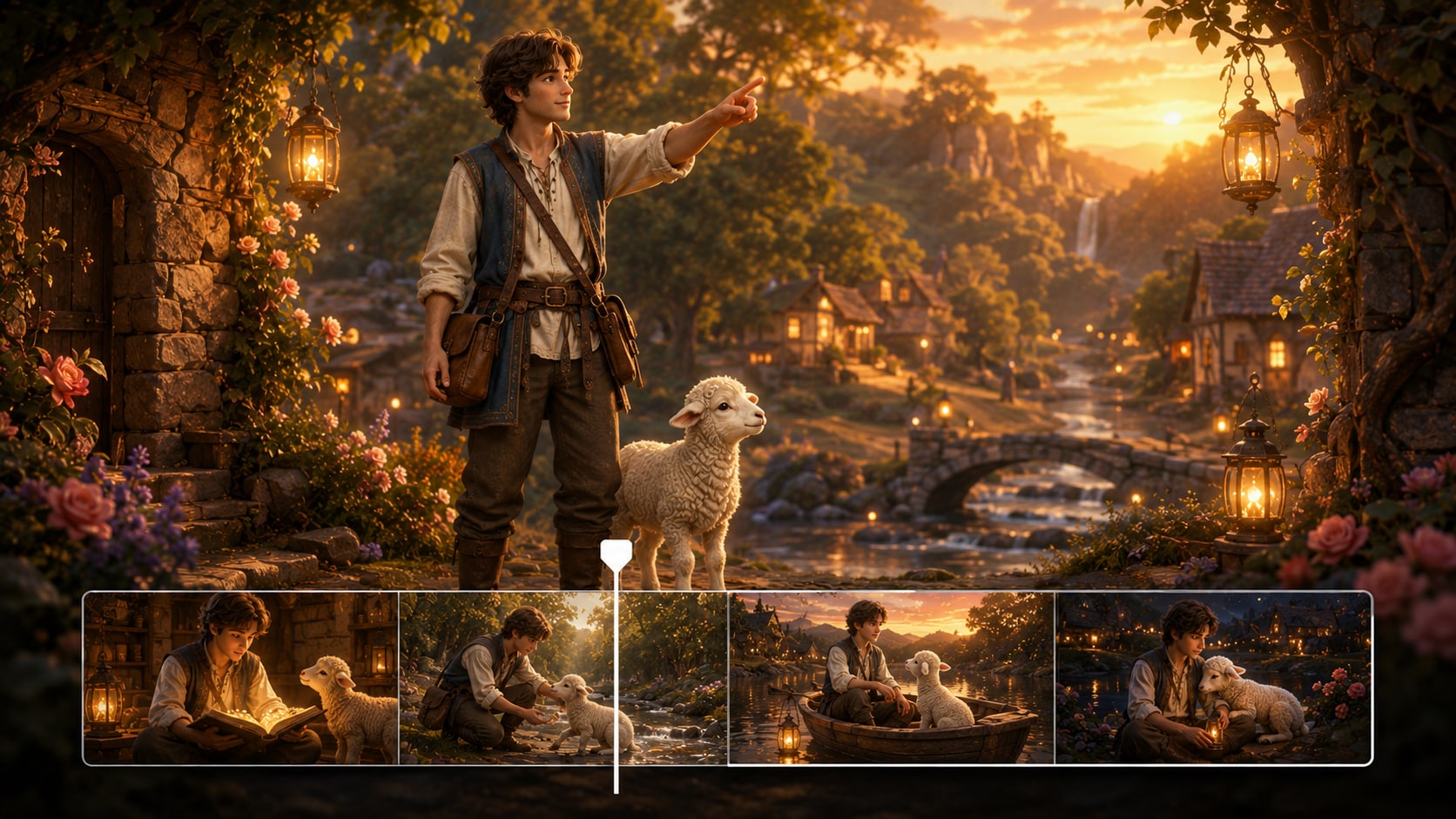
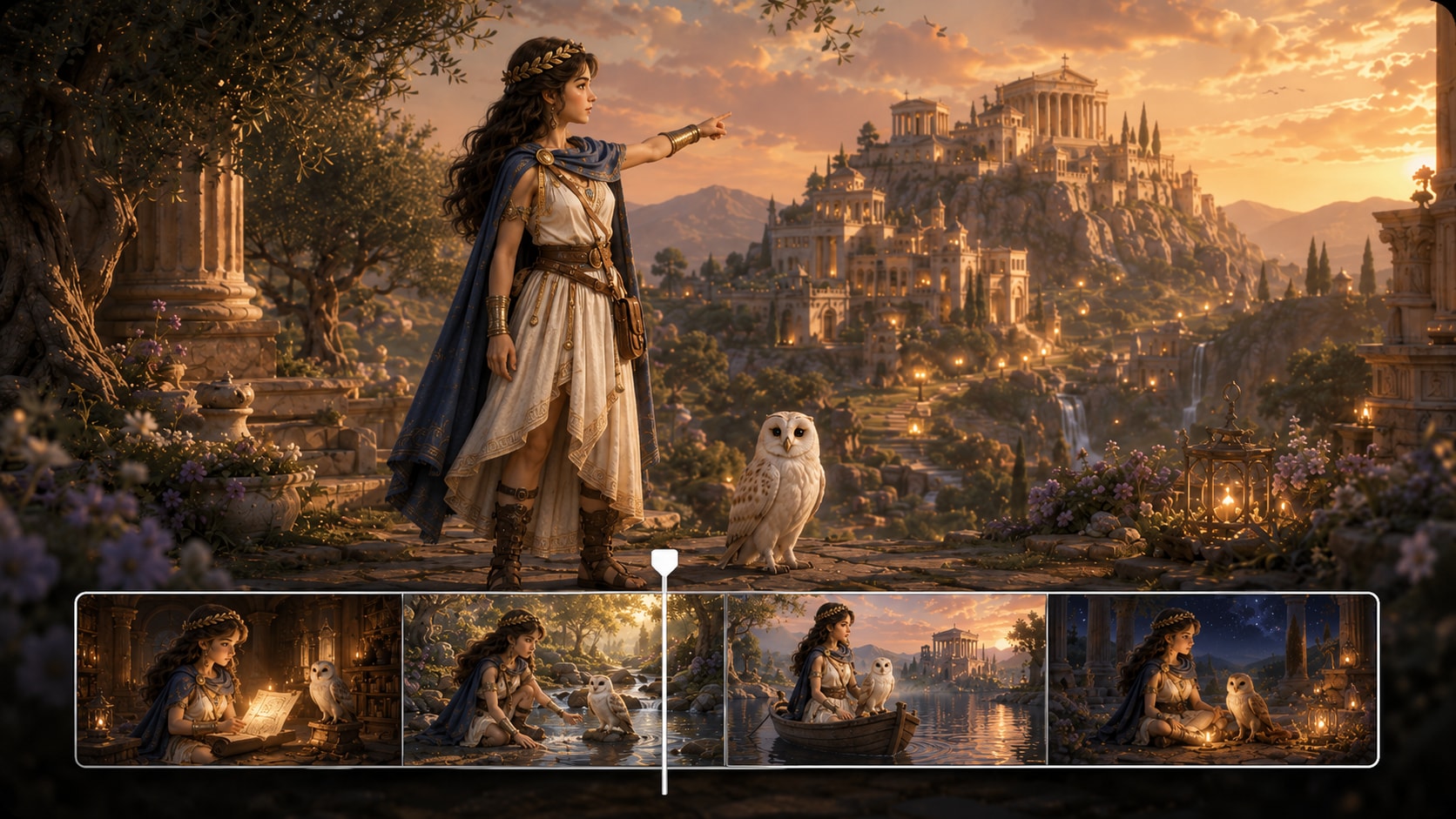
Extract characters from text, a photo, or a sketch and generate three-view references if you need a recurring cast. Review the storyboard cards and tweak scene descriptions so visuals match your narration.
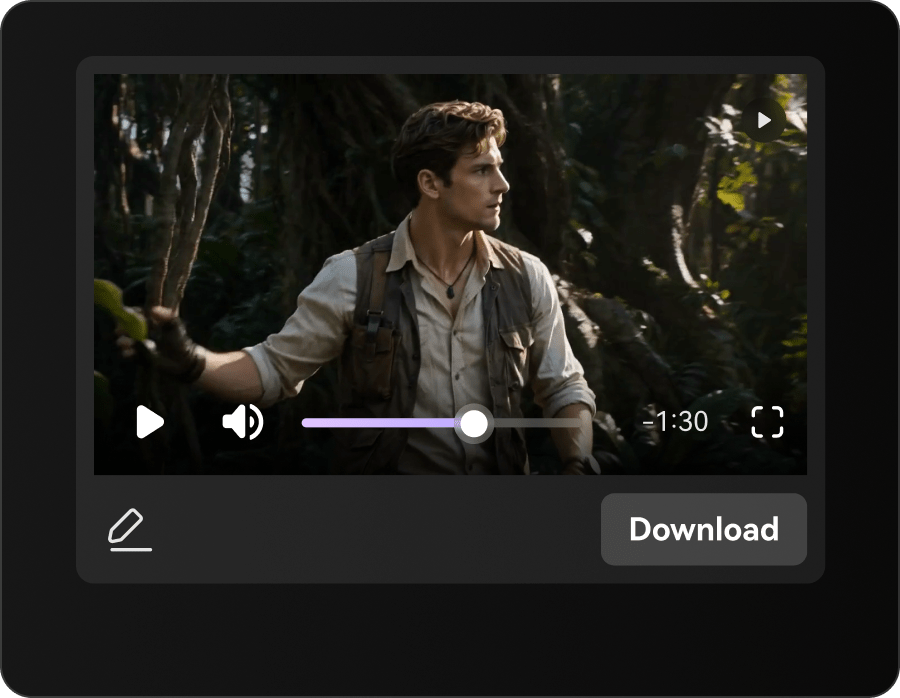
Generate and Polish
Generate the storyboard video, then re-roll any single shot that misses the moment. Use Enhance Video Quality to sharpen the final cut, or Video Extend to stretch a scene when your voiceover needs more breathing room.
Media.io AI Faceless Story Video Generator VS Generic Tools
Most tools make clips. This one helps you direct a faceless story with structure, consistency, and fixes you can control.
Support Creators Who Publish Faceless Stories on a Schedule
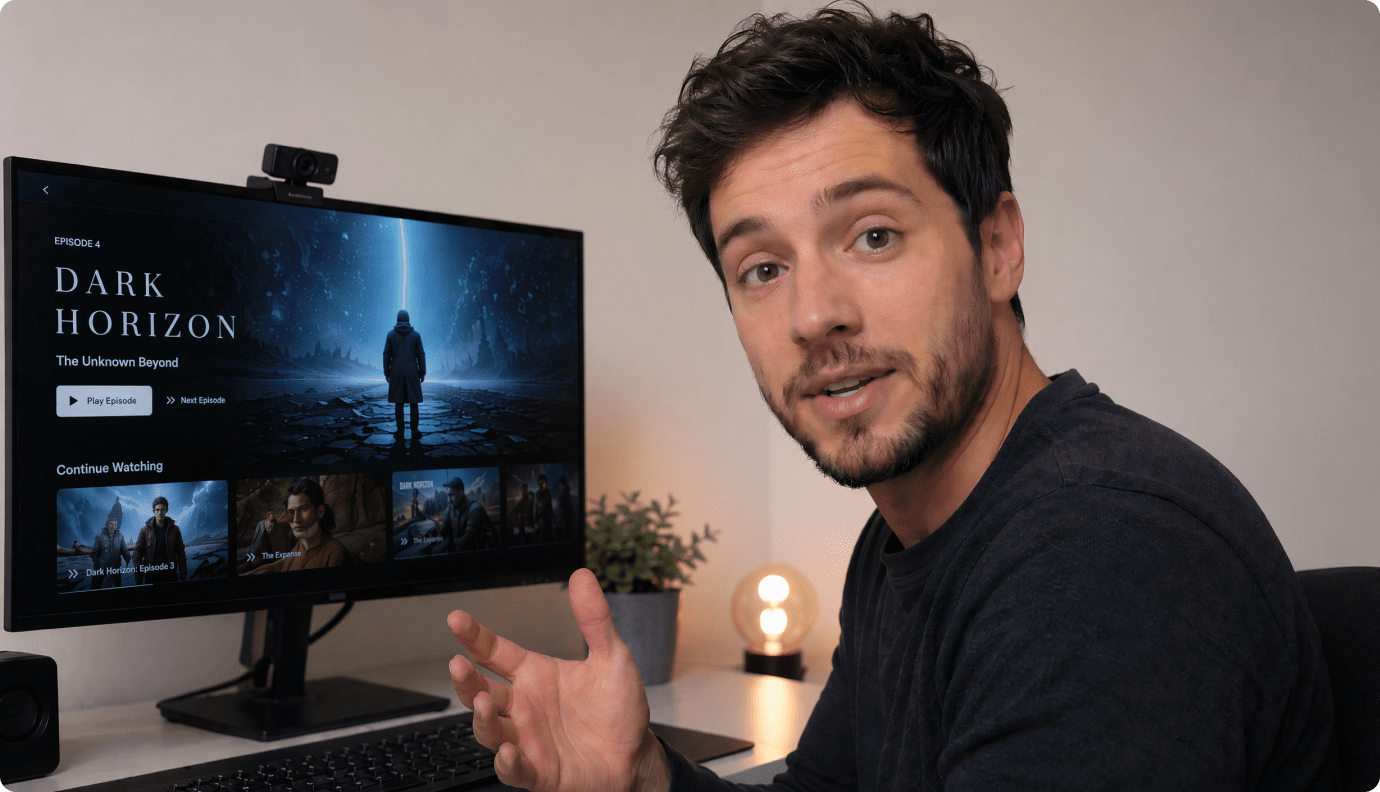
YouTube Shorts Story Channels
Ship daily episodes with a repeatable look, tight pacing, and scene-by-scene control that matches your narration.
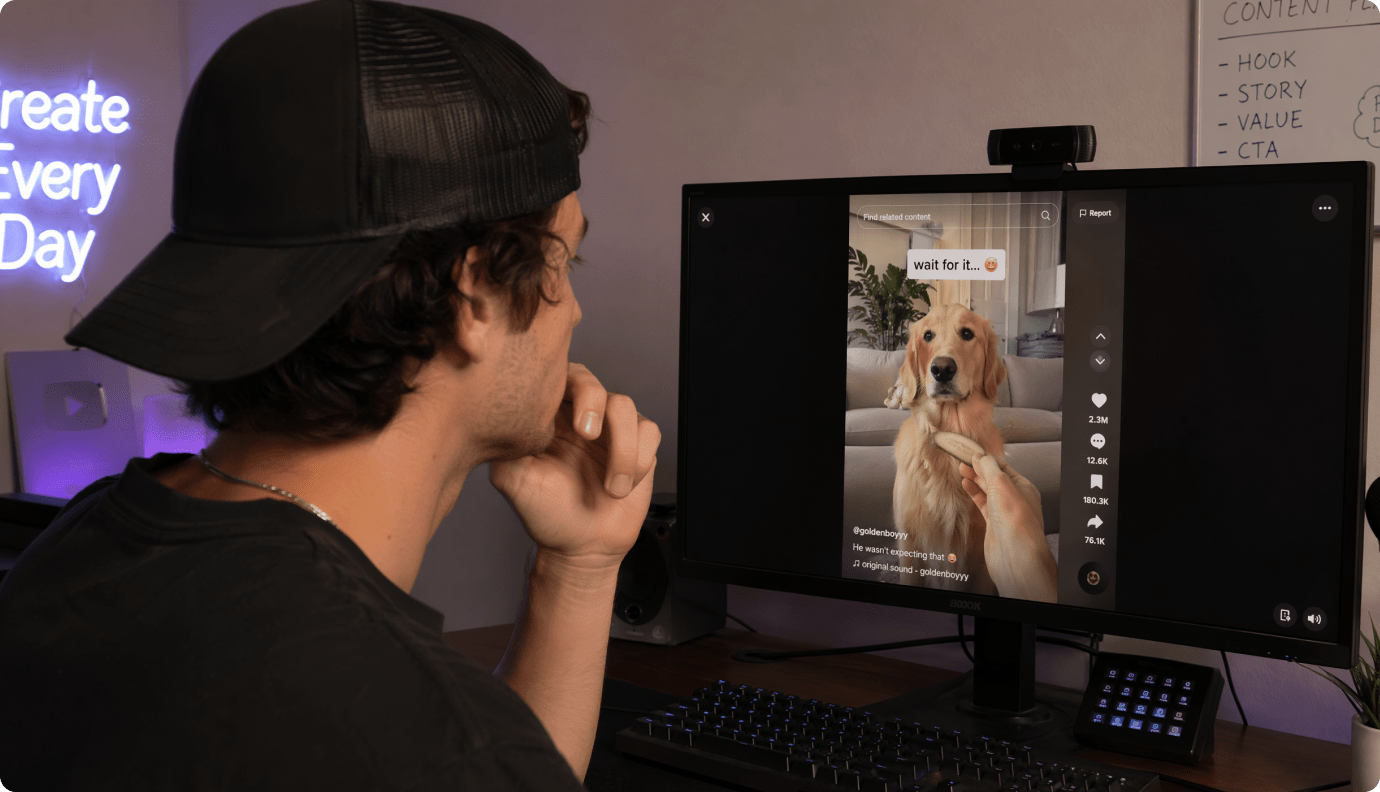
TikTok Storytime Creators
Turn a quick script into a scroll-stopping video with a strong hook, readable captions, and clean visual beats.

Educators and Trainers
Explain a scenario or case study without appearing on camera, using clear scenes and consistent characters for comprehension.
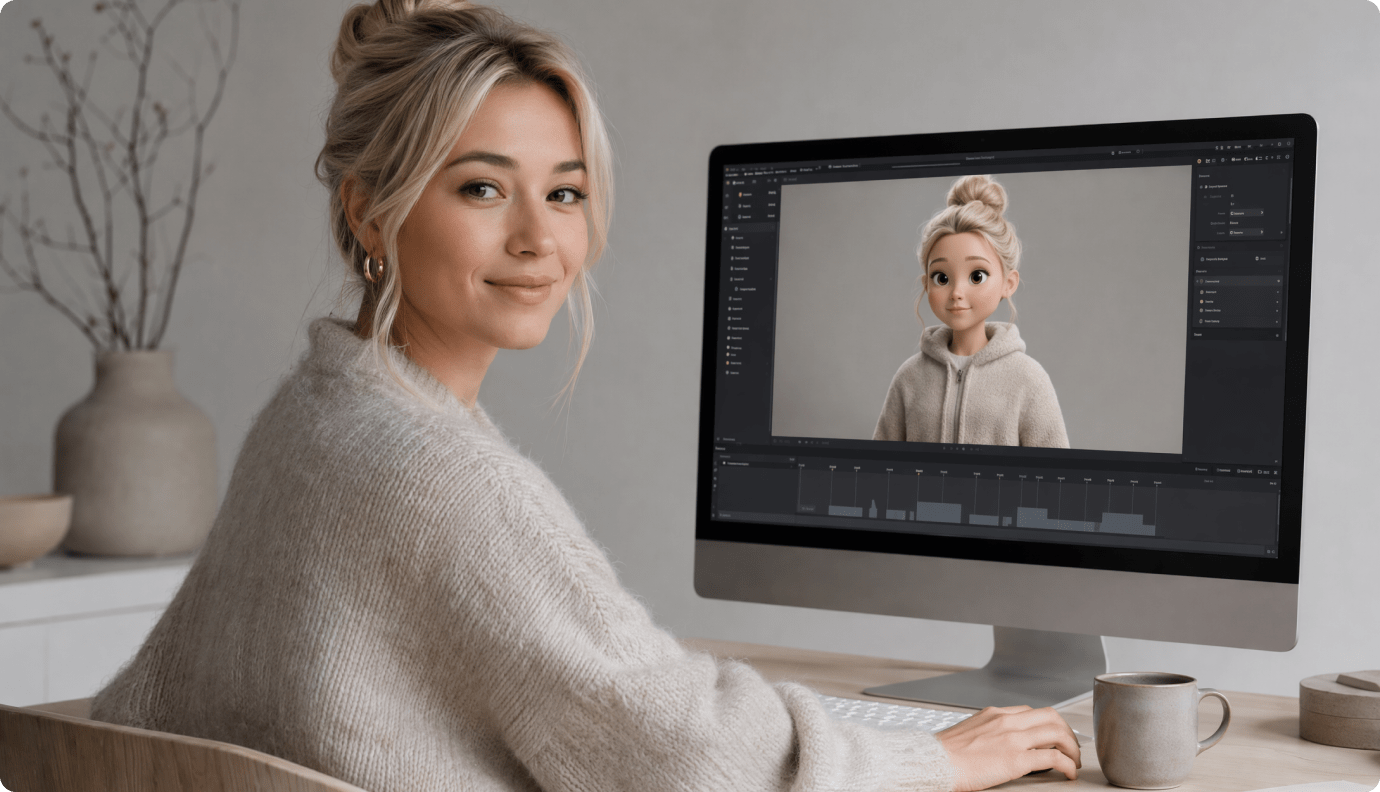
Marketers Telling Founder Stories
Produce faceless narrative ads and origin stories that keep brand messaging clear while visuals stay on-theme and polished.
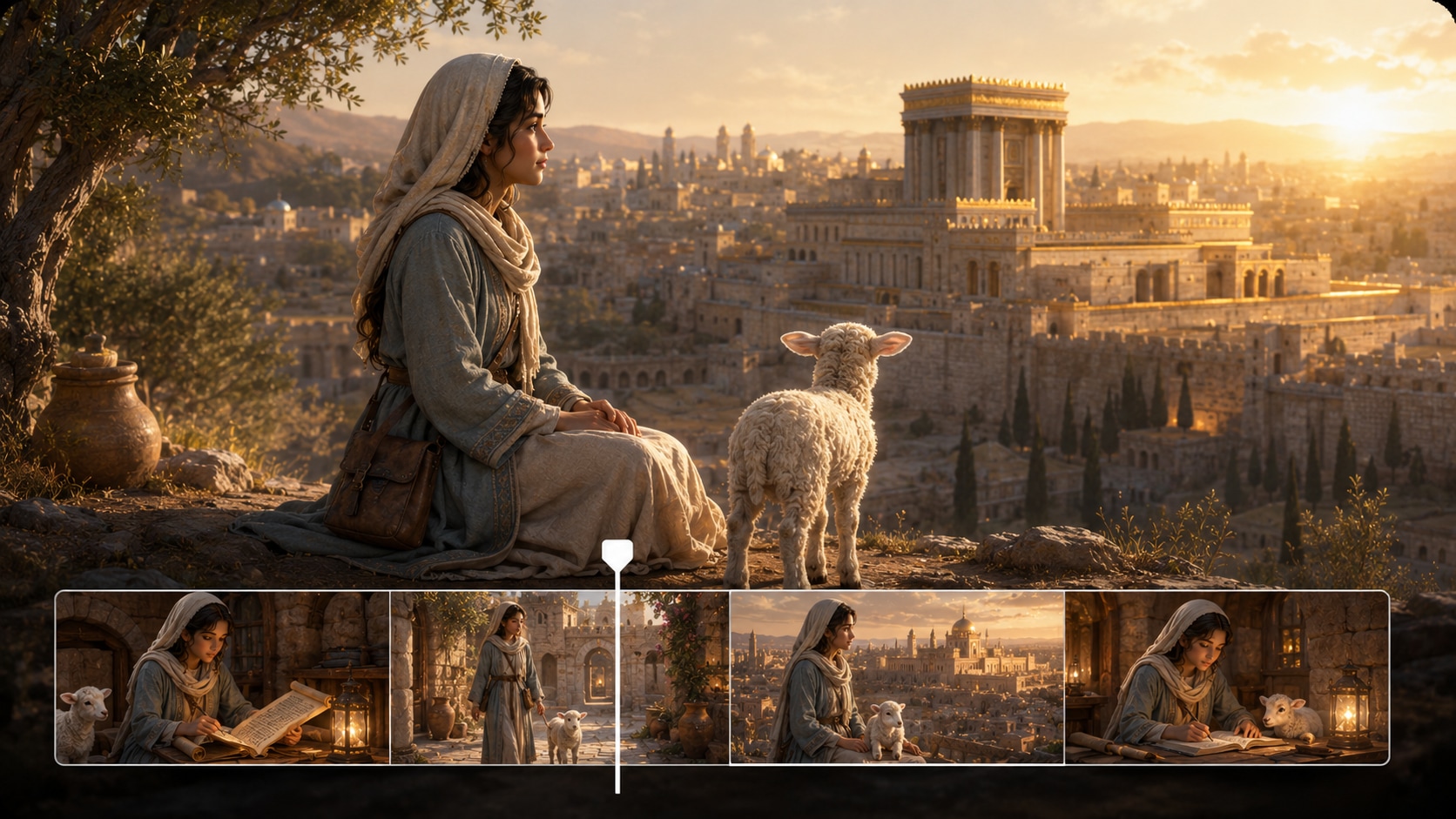
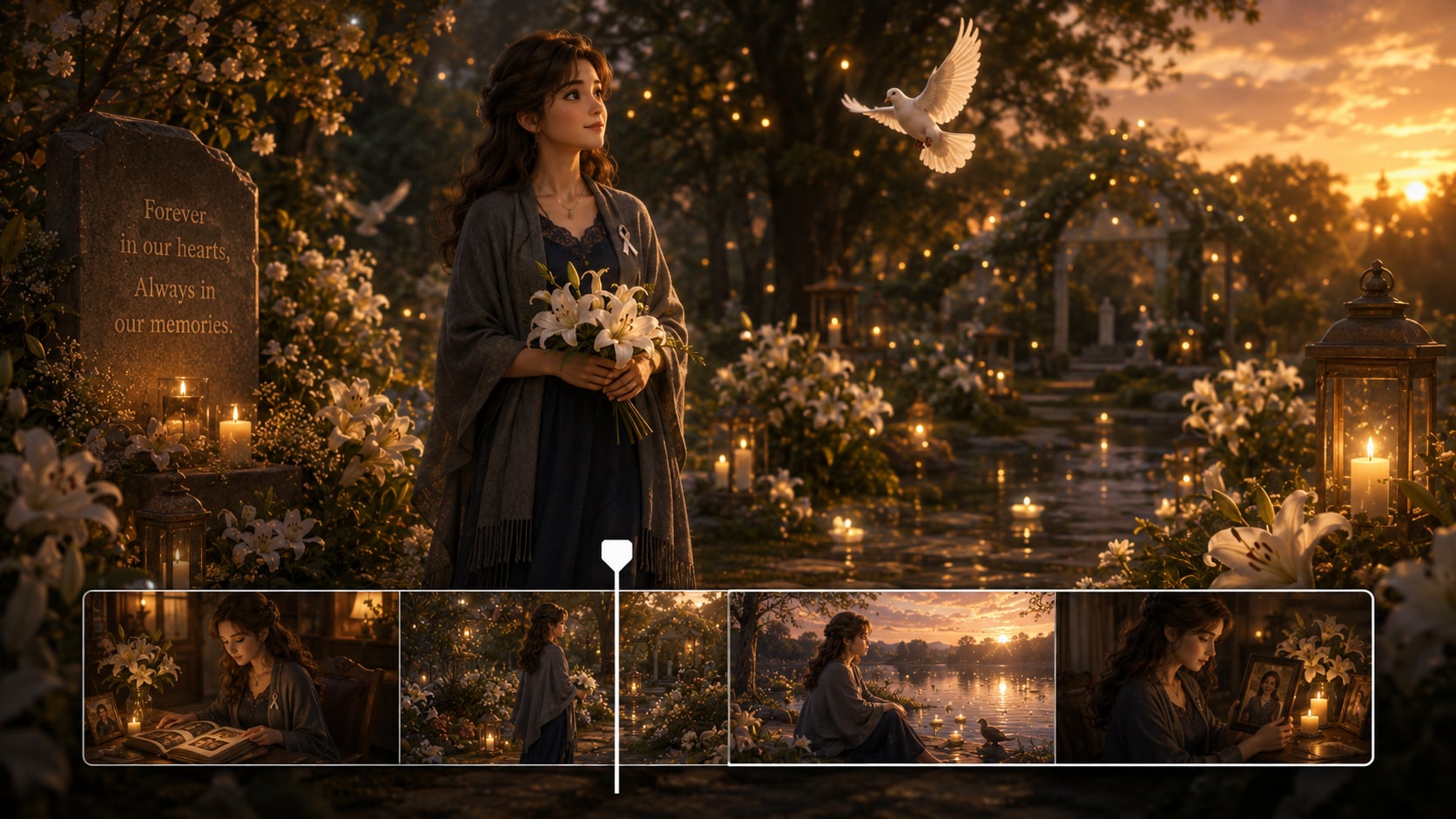
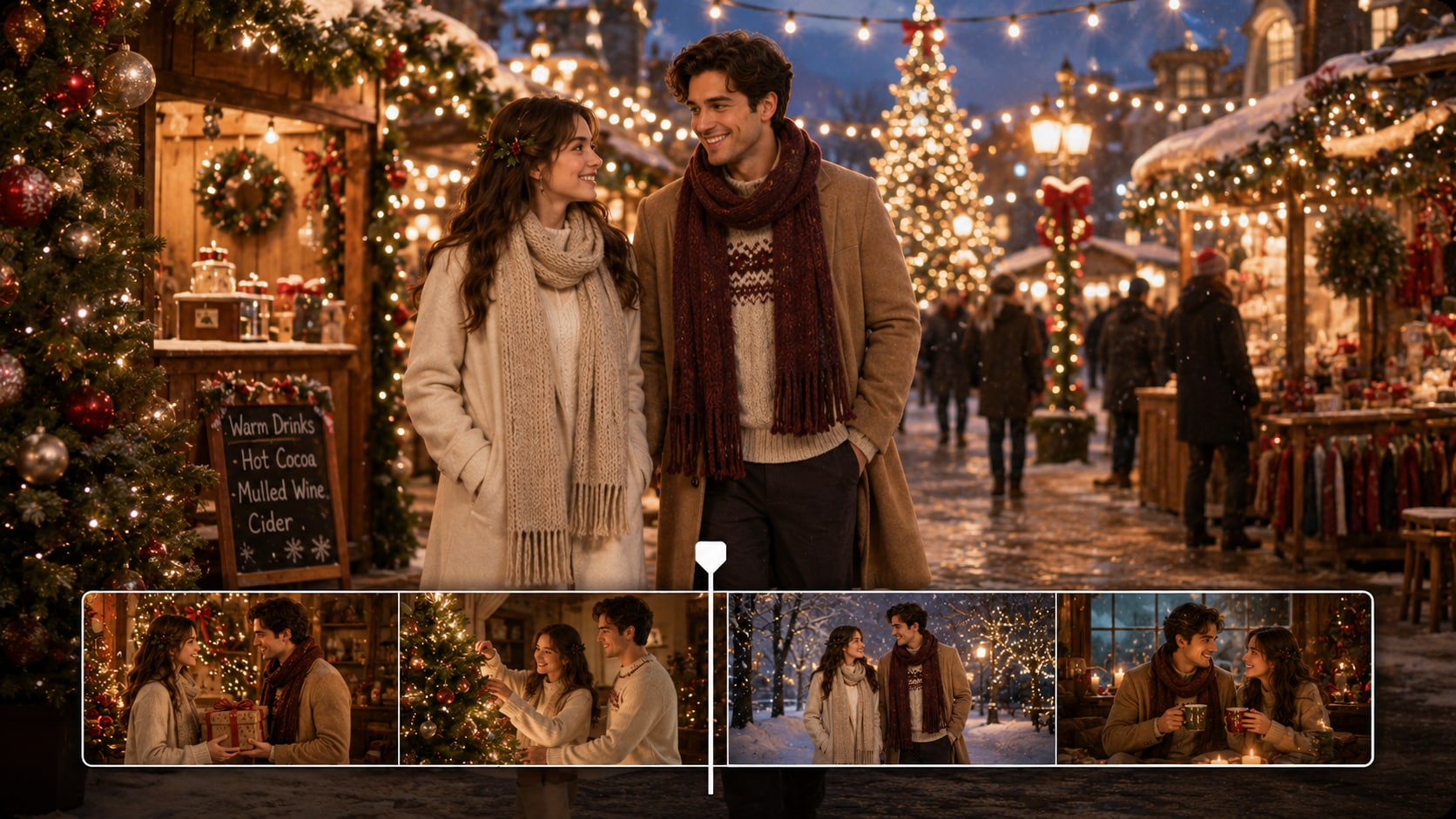
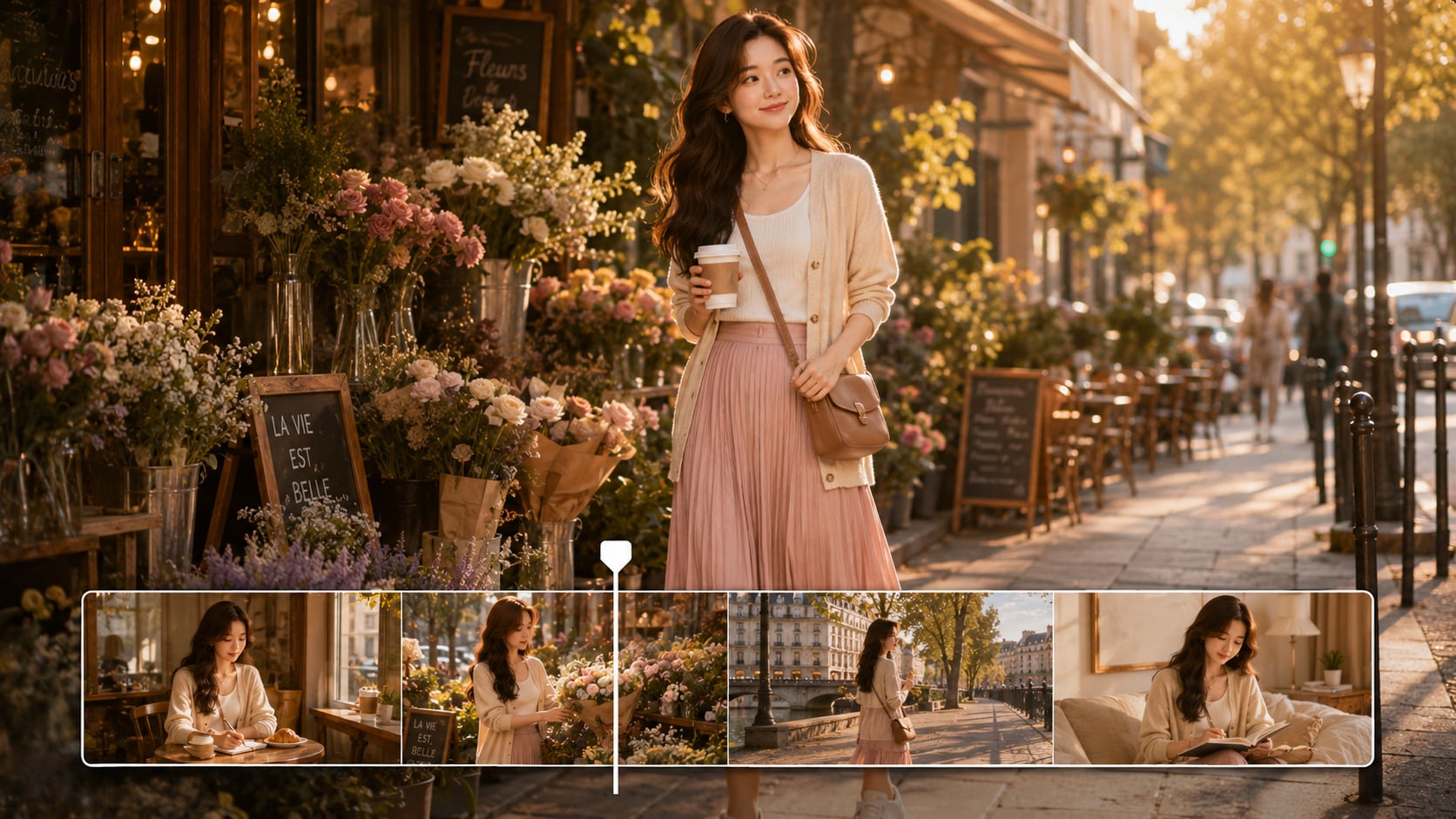
See What Faceless Stories Look Like
Ship When Scenes Are Actually Directed
Explore different story formats and how they translate into publish-ready videos.
Hear Reviews from Creators Who Ship Faceless Videos
Real feedback from people building channels, lessons, and campaigns with story-first workflows.


"The outline step is what sold me. I paste my script, get characters and a clean scene plan, and then fix one weird shot instead of regenerating everything. It's the first faceless story video maker I've used that feels built for series posting."

"I'm making 45-60 second storytime videos for TikTok. The storyboard cards keep the visuals synced to my narration, and the vertical export looks right immediately. Re-rolling a single scene saves a ton of time when a moment misses."

"For classroom scenarios, I need consistent characters so students follow the situation. The three-view references helped a lot, and I like that I can keep the style realistic without spending hours in an editor."

"I used it for a founder-story ad concept. Choosing the ratio and style upfront prevented the usual rework. Object Remover also helped clean up a distracting element in one shot before we sent it to the client."

"I adapt short fiction into 2-minute episodes. The pacing feels more cinematic than clip-based generators, and Enhance Video Quality makes the final export look less "AI-ish" when I'm posting to YouTube."

"The presets are simple but important: 1080P, model choice, and aspect ratio all in the first step. It keeps my workflow consistent across platforms, and Video Extend has saved me when I needed extra seconds for narration."
FAQs on AI Faceless Story Video Generator
What Can an AI Faceless Story Video Generator Do for YouTube Shorts?
It turns a written script into a short video where visuals, pacing, and captions support your narration without showing your face. Media.io adds an outline + editable storyboard so you can correct scenes before you post.
What Should I Start With: a Prompt or a Full Script?
A full script works best for faceless story channels because it preserves pacing and beat structure. You can paste up to 5000 characters and Media.io will extract a usable outline to guide scene generation.
Can I Keep the Same Characters Across Multiple Episodes?
Yes. You can create characters from text, a photo, or a sketch, then generate three-view references to keep a consistent look across a series.
How Long Can the Video Be?
You can generate videos up to 2 minutes, which is ideal for micro-stories, narrated threads, and storytime episodes that need a clear setup and payoff.
How Do I Make the Scenes Match My Narration More Closely?
Use the extracted outline to confirm setting and characters, then edit storyboard cards scene by scene. If one moment feels wrong, re-roll that single shot instead of regenerating the whole video.
What Aspect Ratios Does It Support for Social Media?
You can choose 9:16 for Shorts / Reels / TikTok, 1:1 for square feeds, and 16:9 for standard YouTube during the initial setup step.
Can I Edit the Storyboard and Re-Roll Just One Scene?
You can re-generate a single shot separately, but re-rolling after editing the storyboard is not supported for now. If you need to make edits, you can only modify the corresponding plot in the script-to-outline section.
What Makes This a Good Choice for Faceless Story Channels Specifically?
It's built around structure and control: script-to-outline, storyboard cards, consistent character creation, and shot-level fixes. That combination helps faceless creators publish faster without sacrificing coherence.
More Than an AI Faceless Story Video Generator
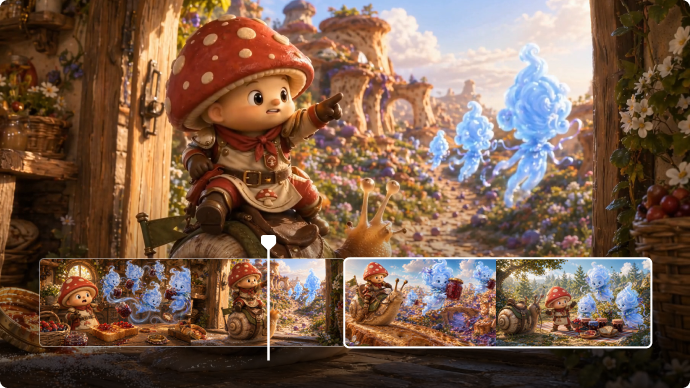
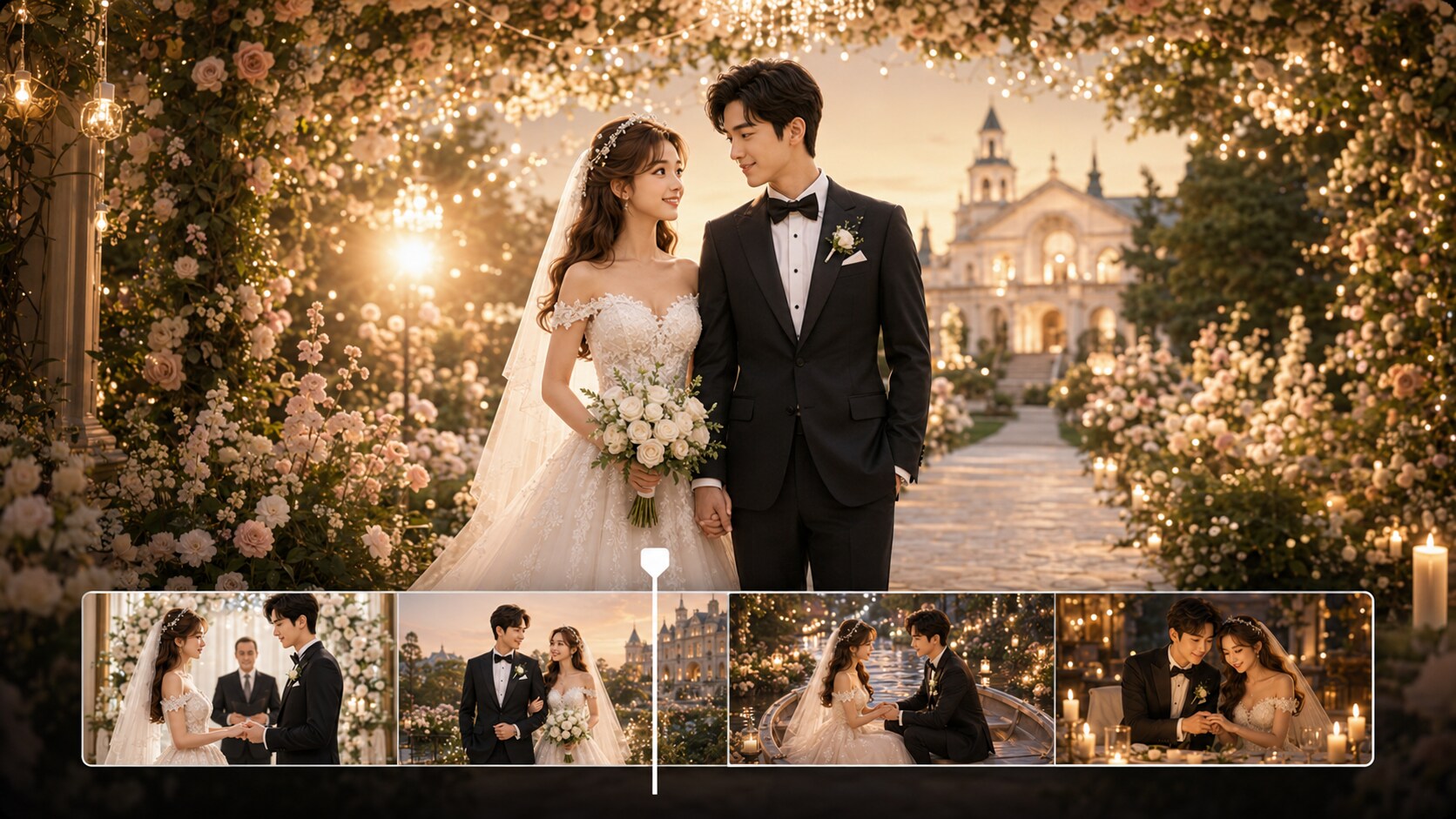
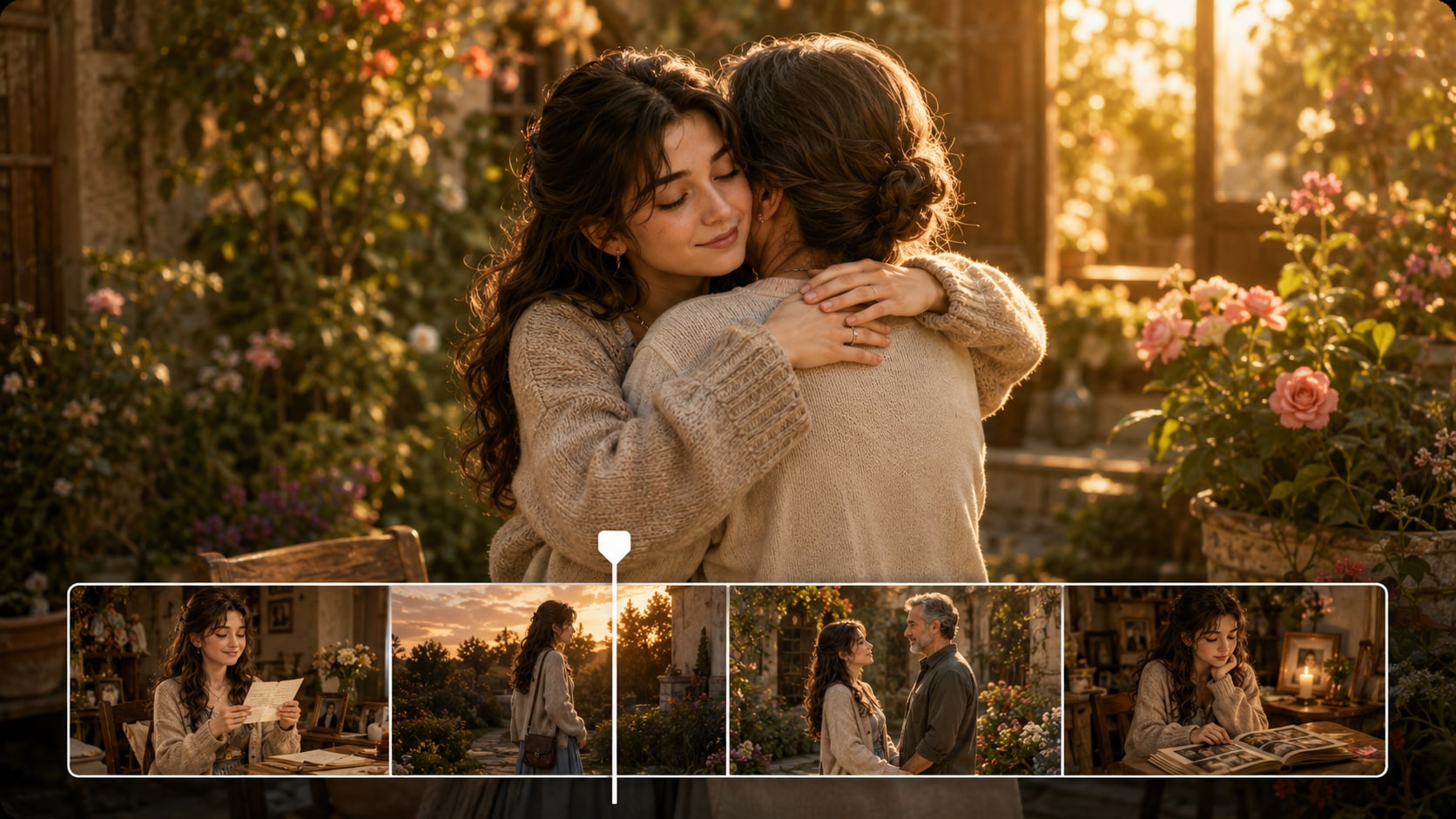
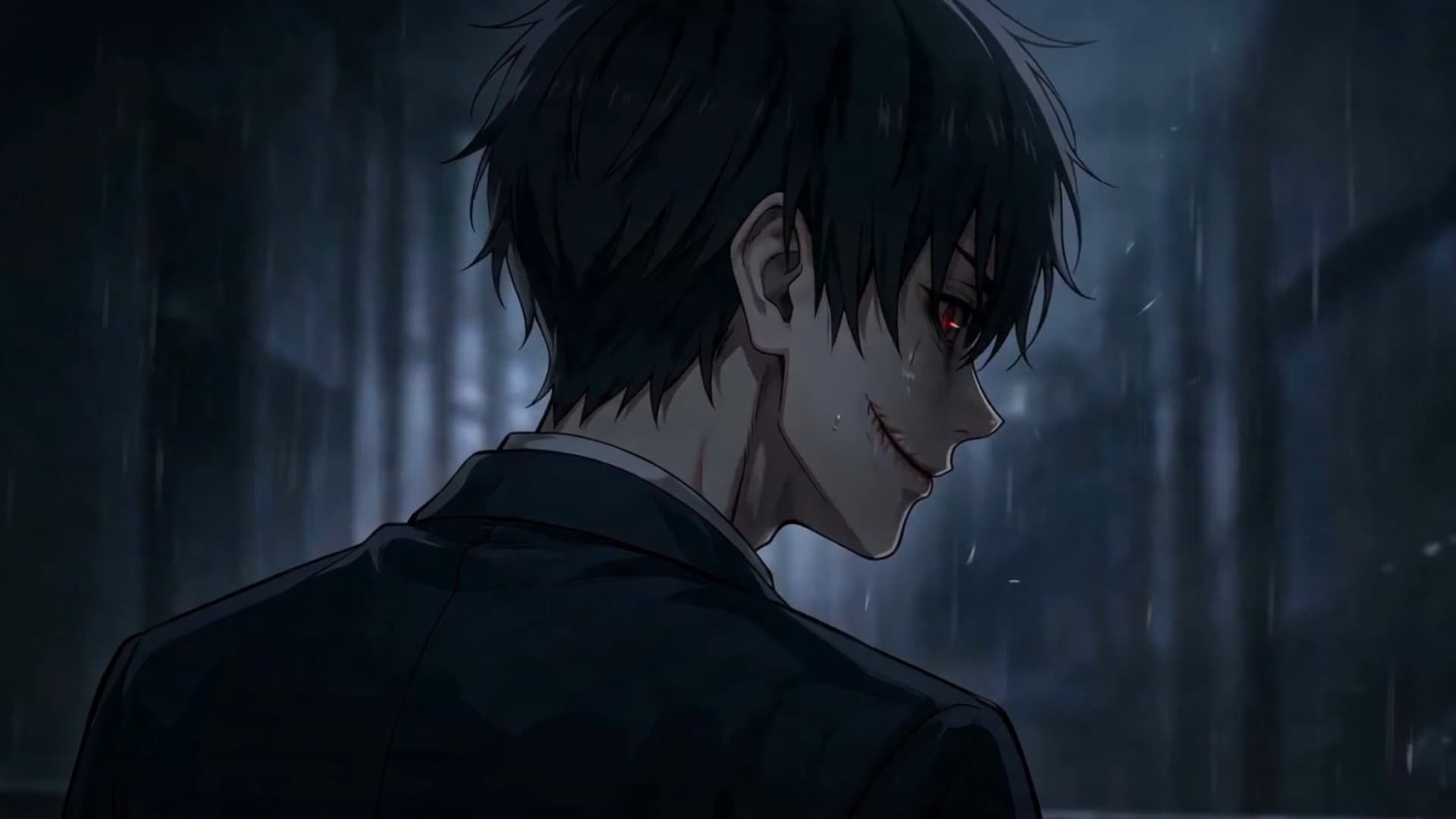
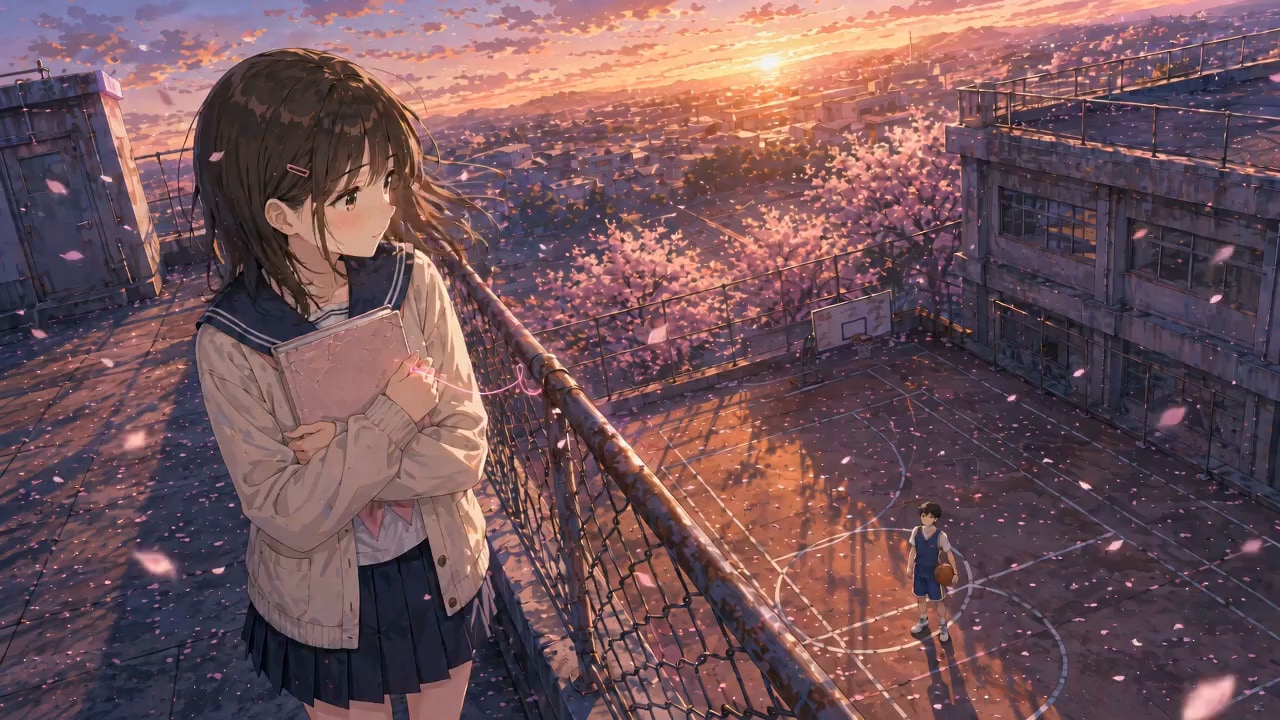
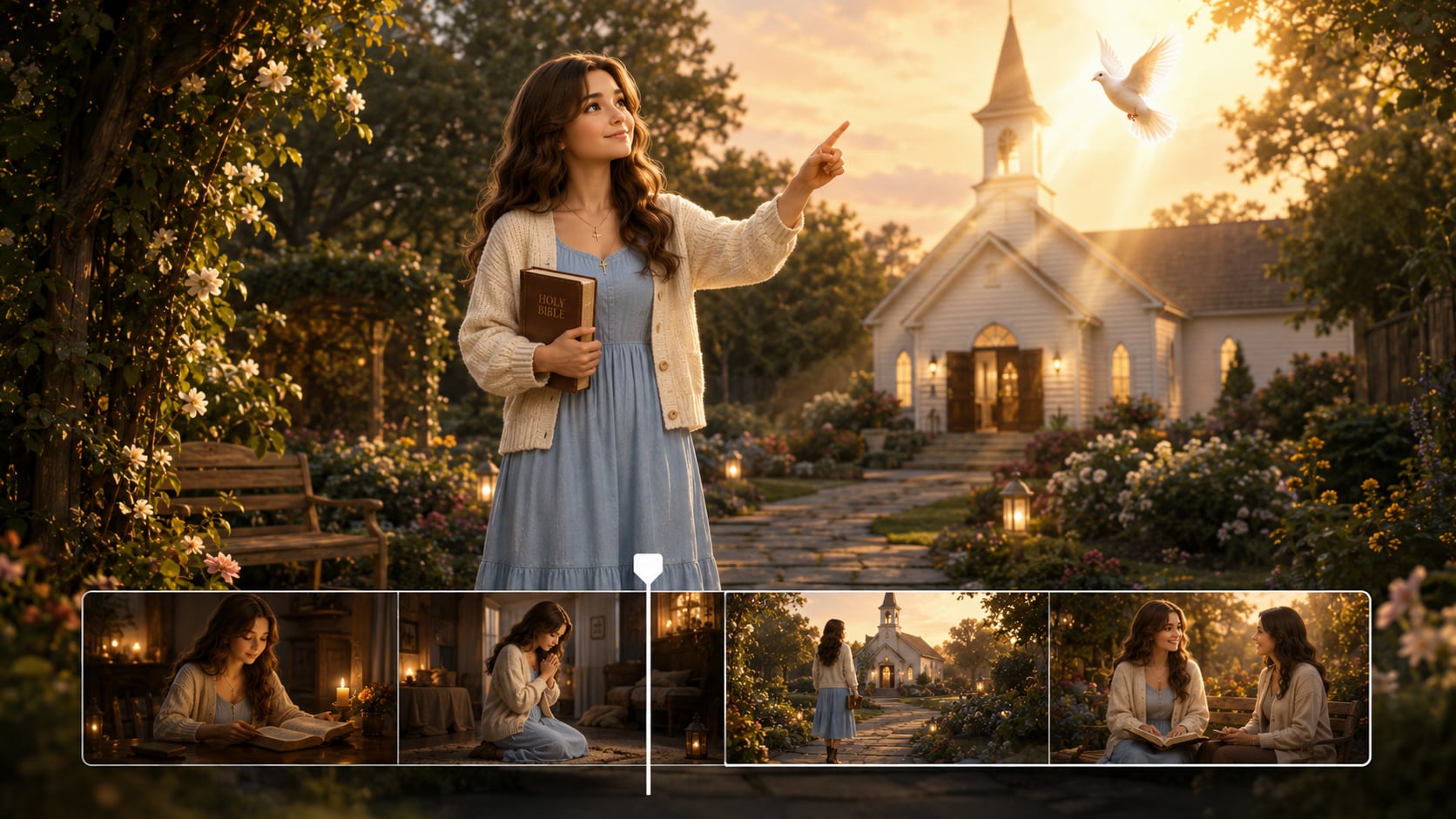
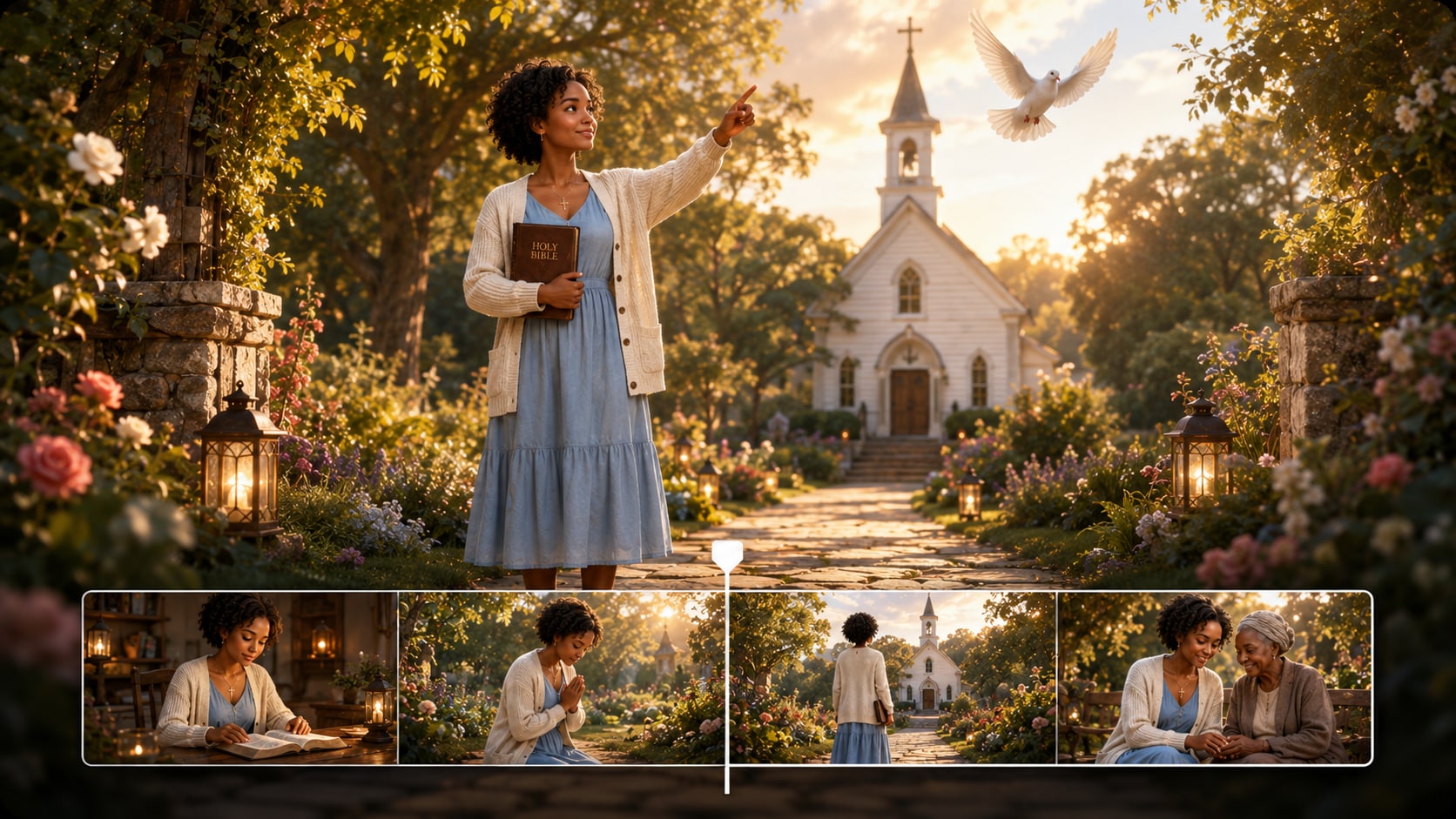
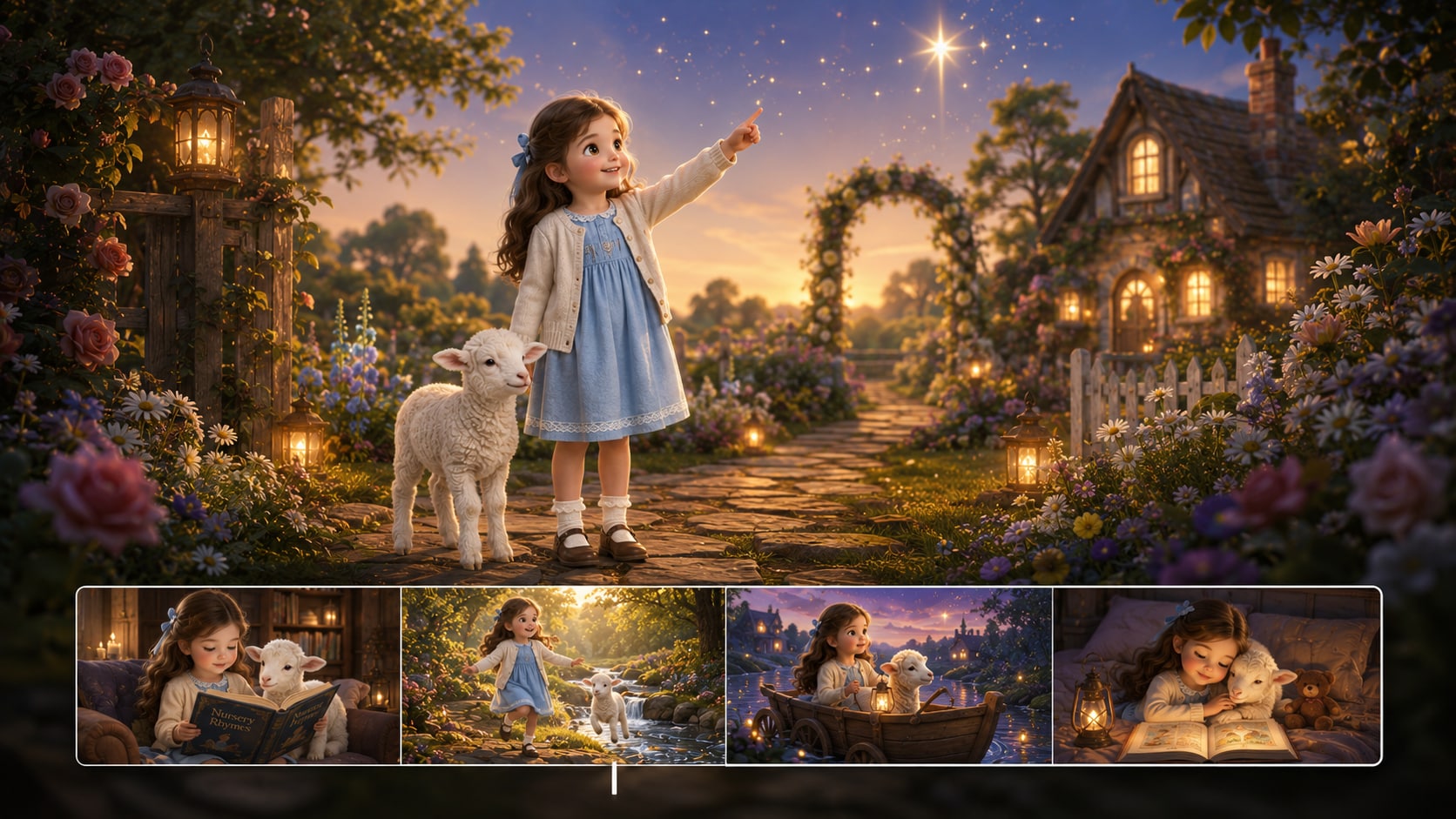
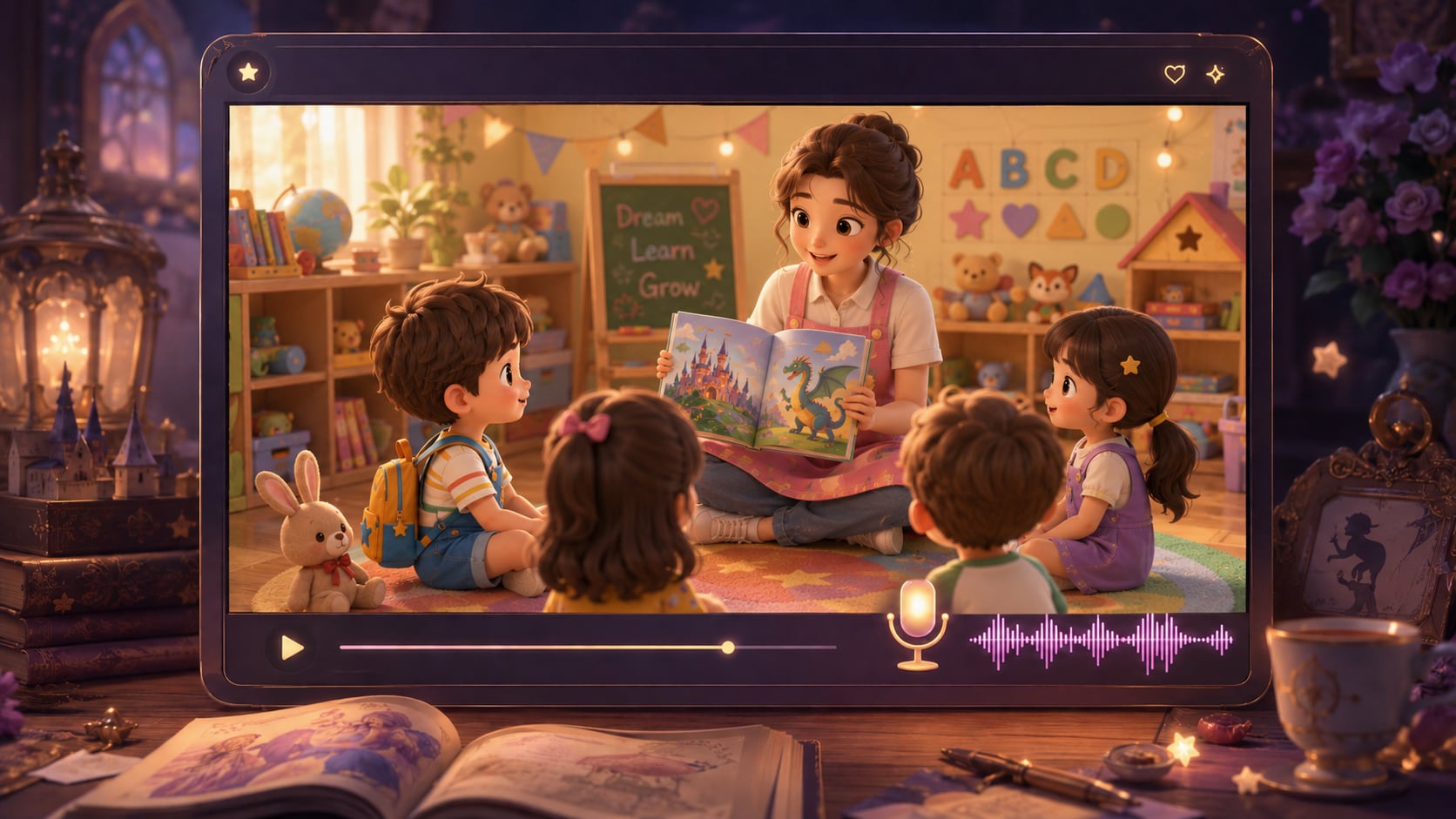
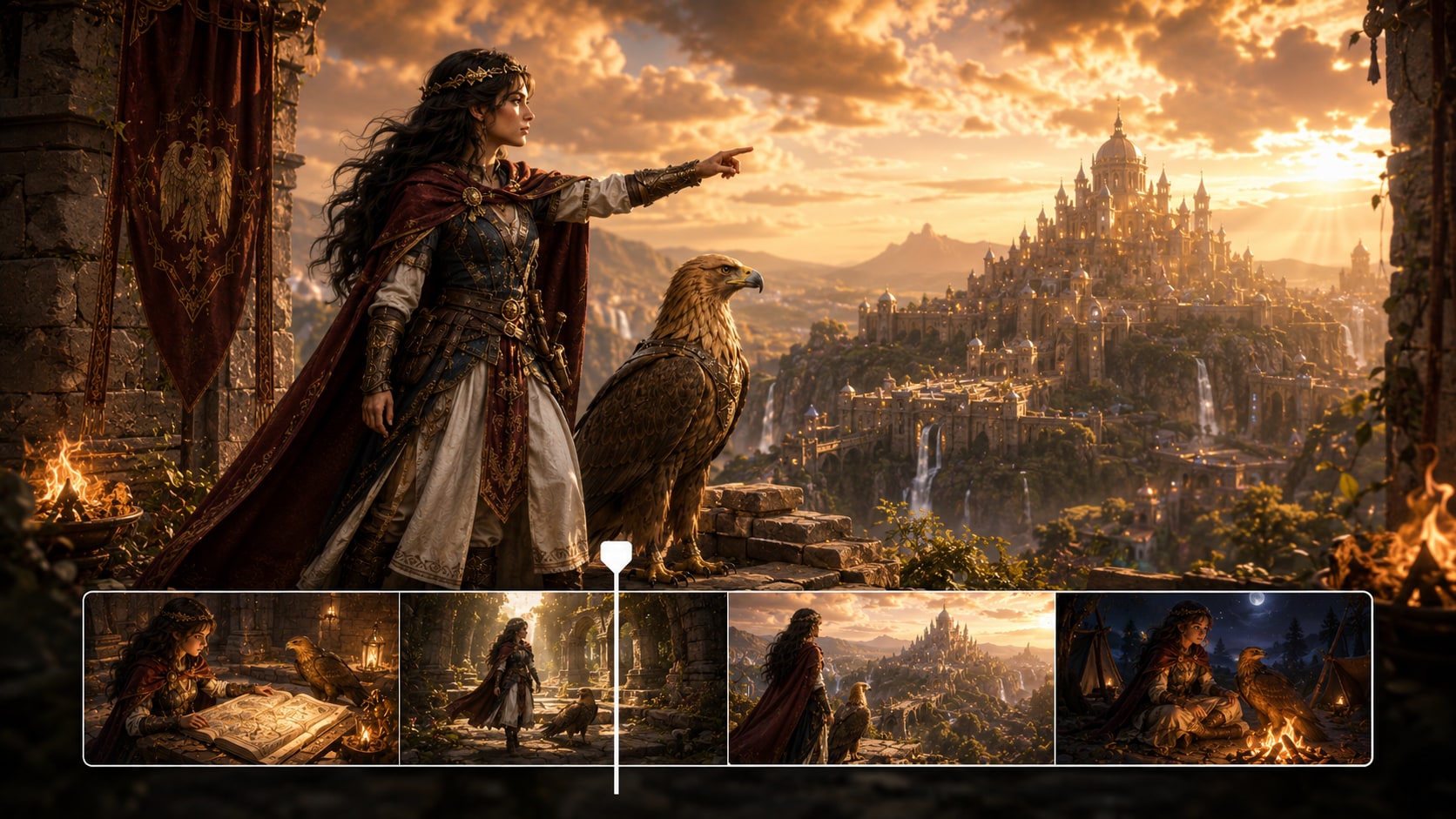
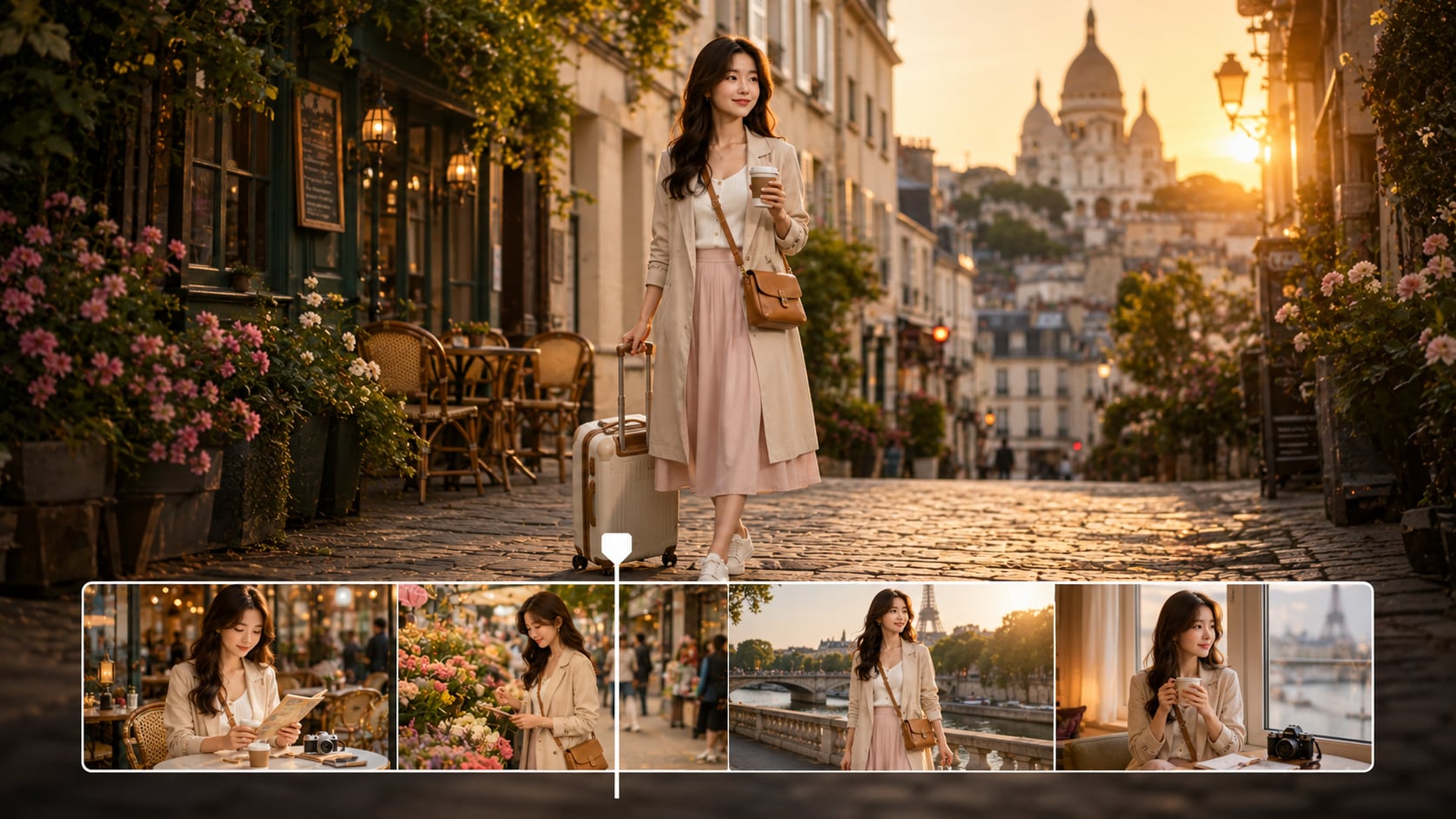
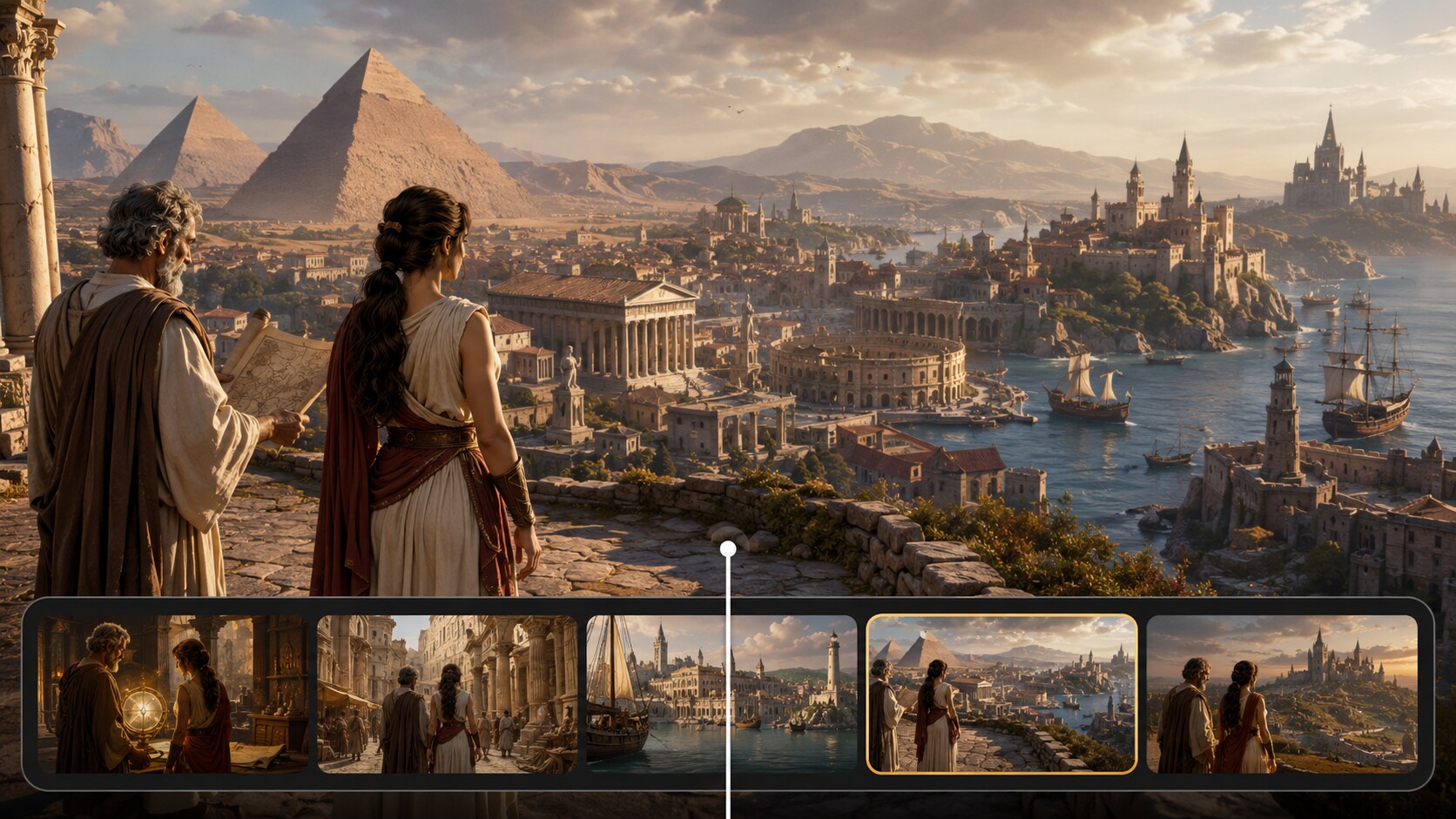
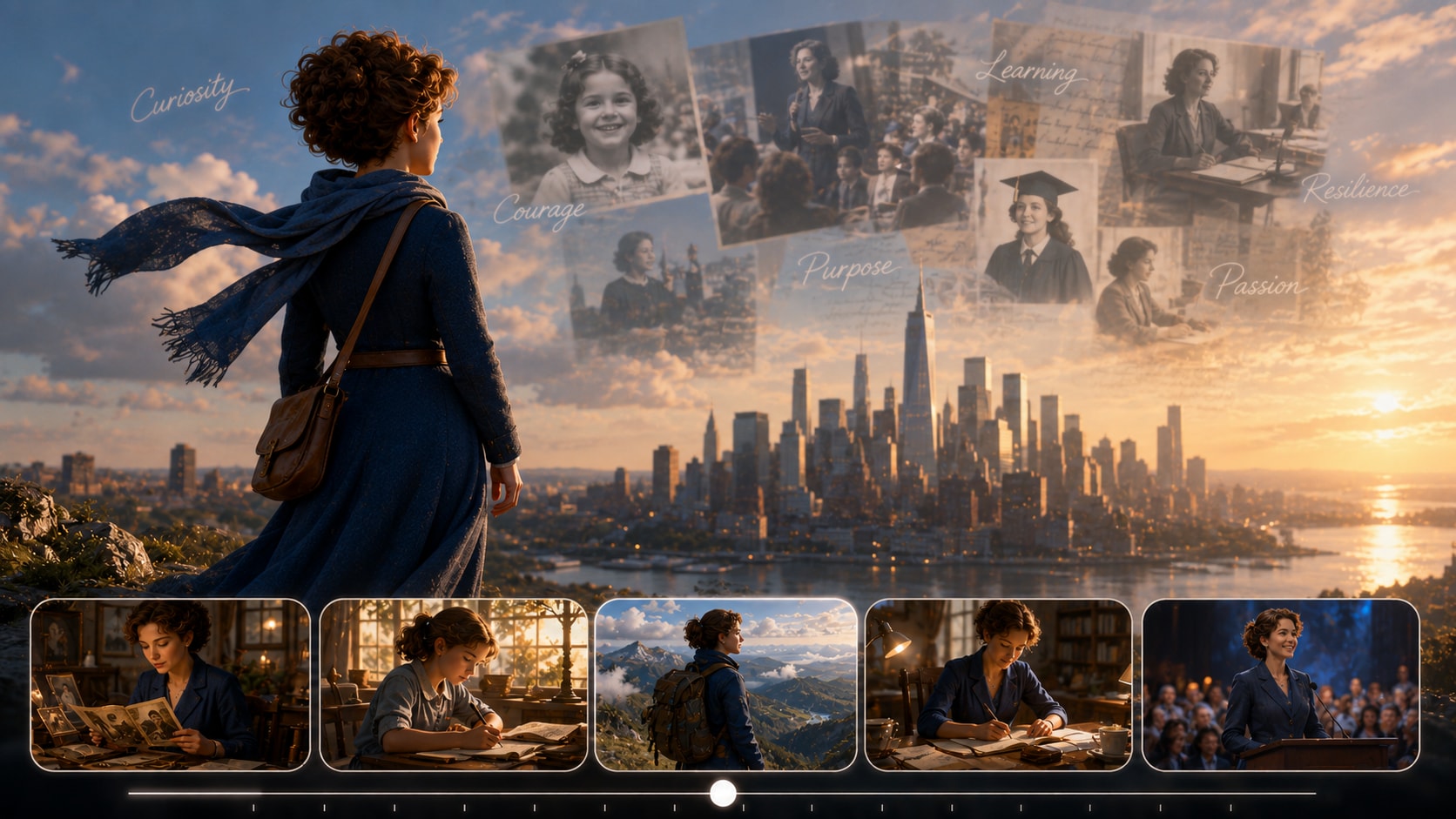
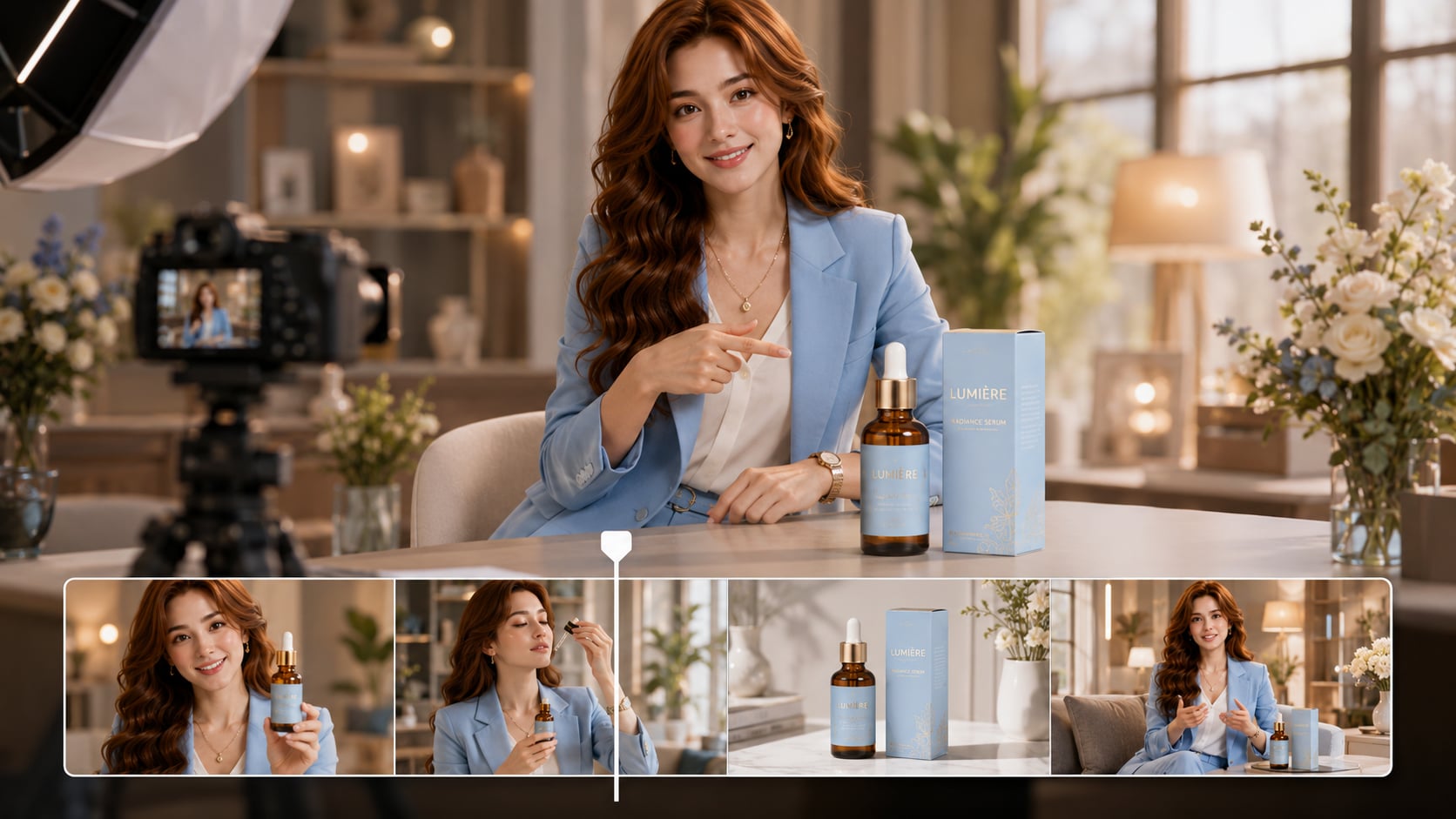
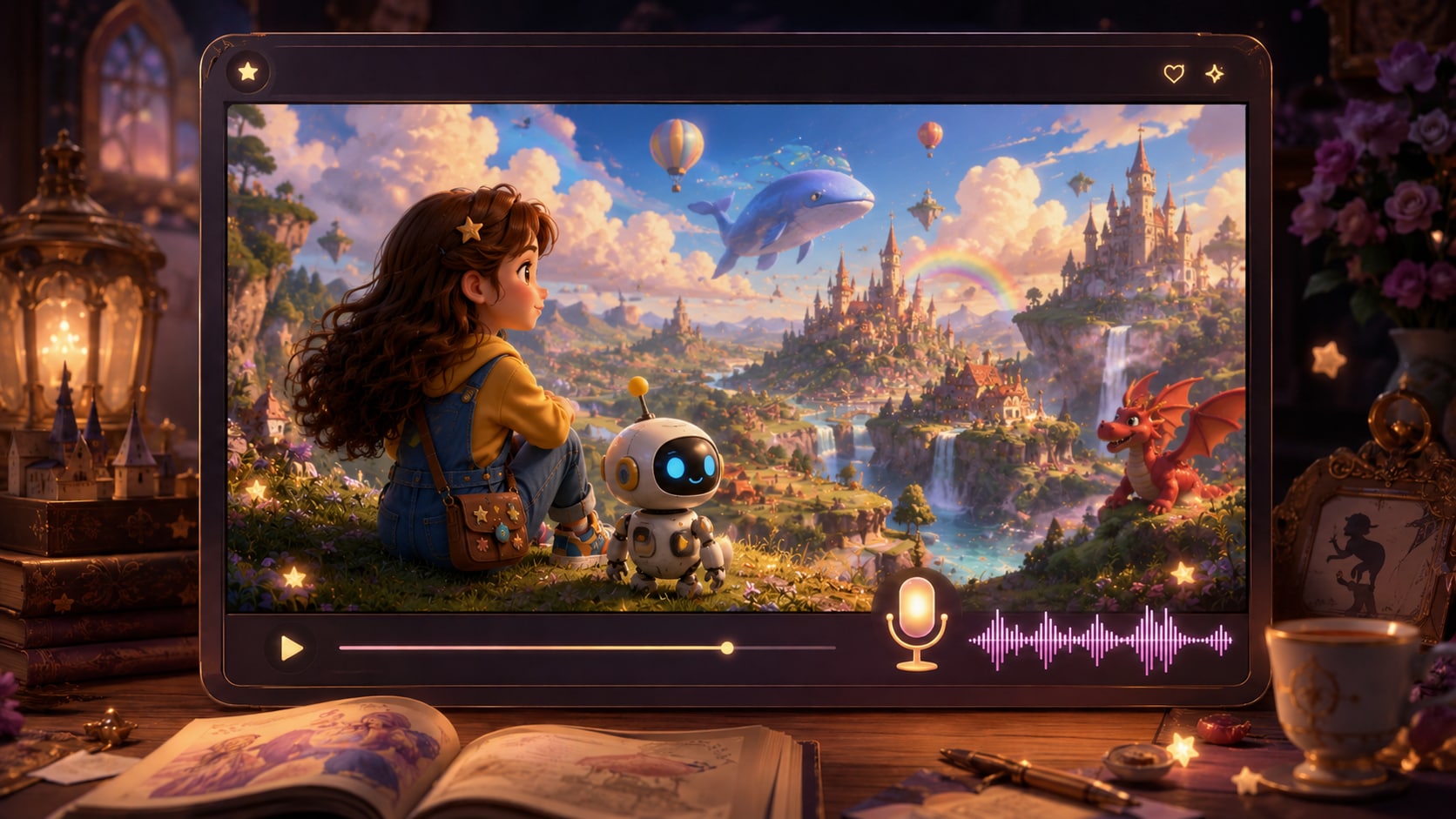
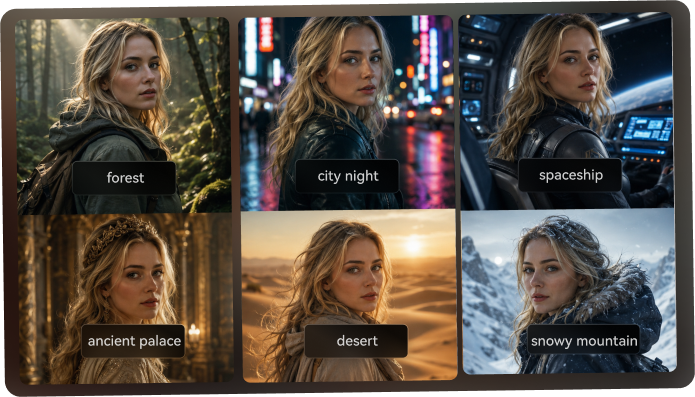
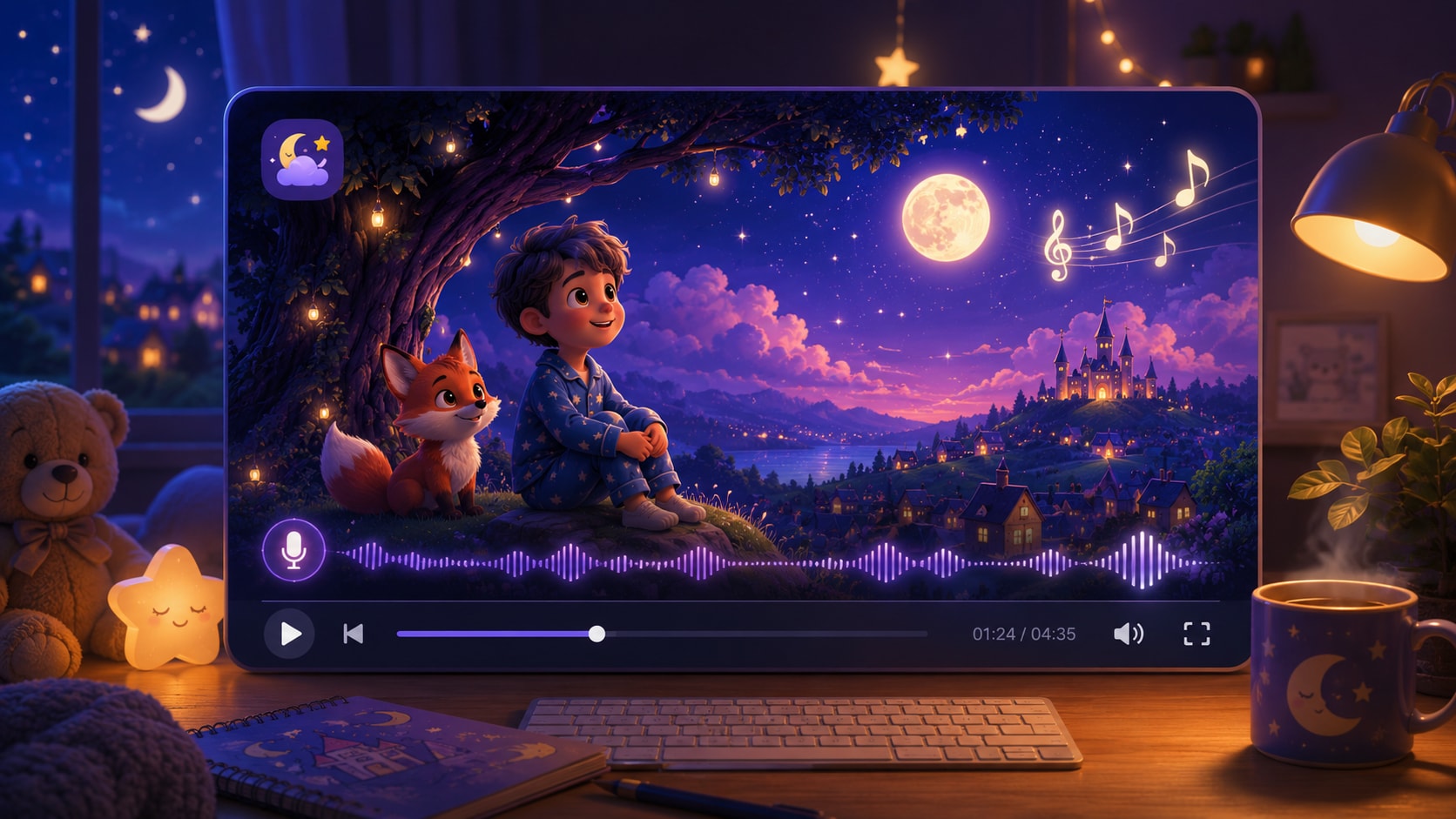
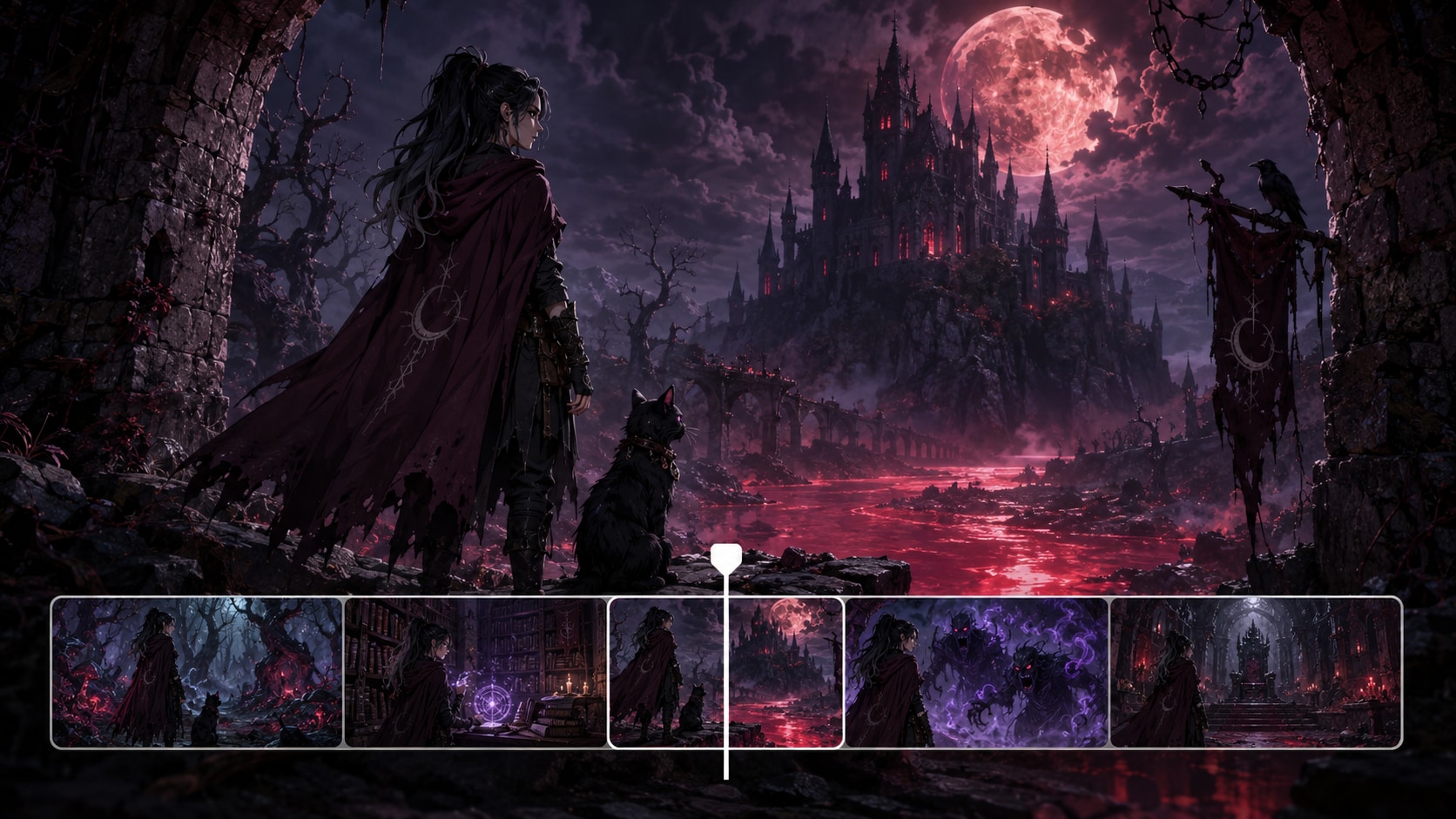
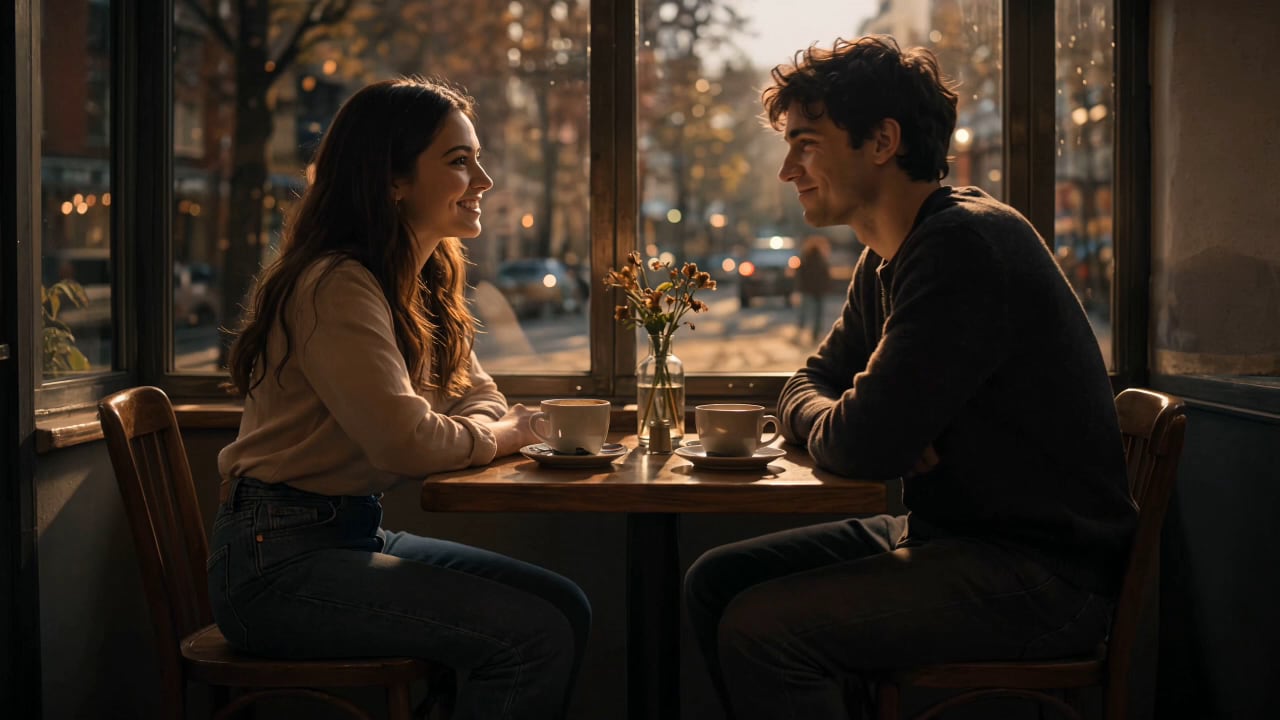
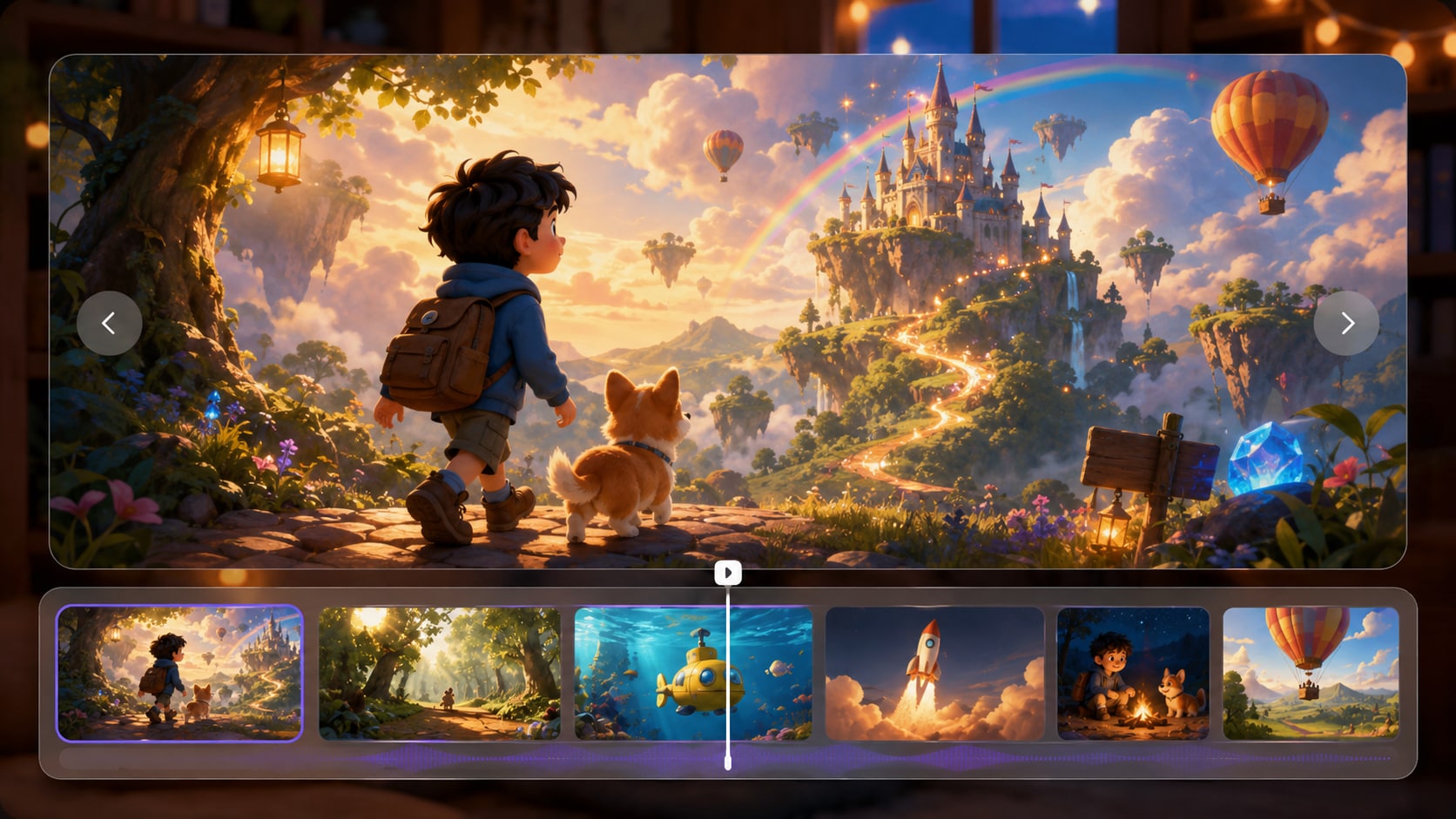
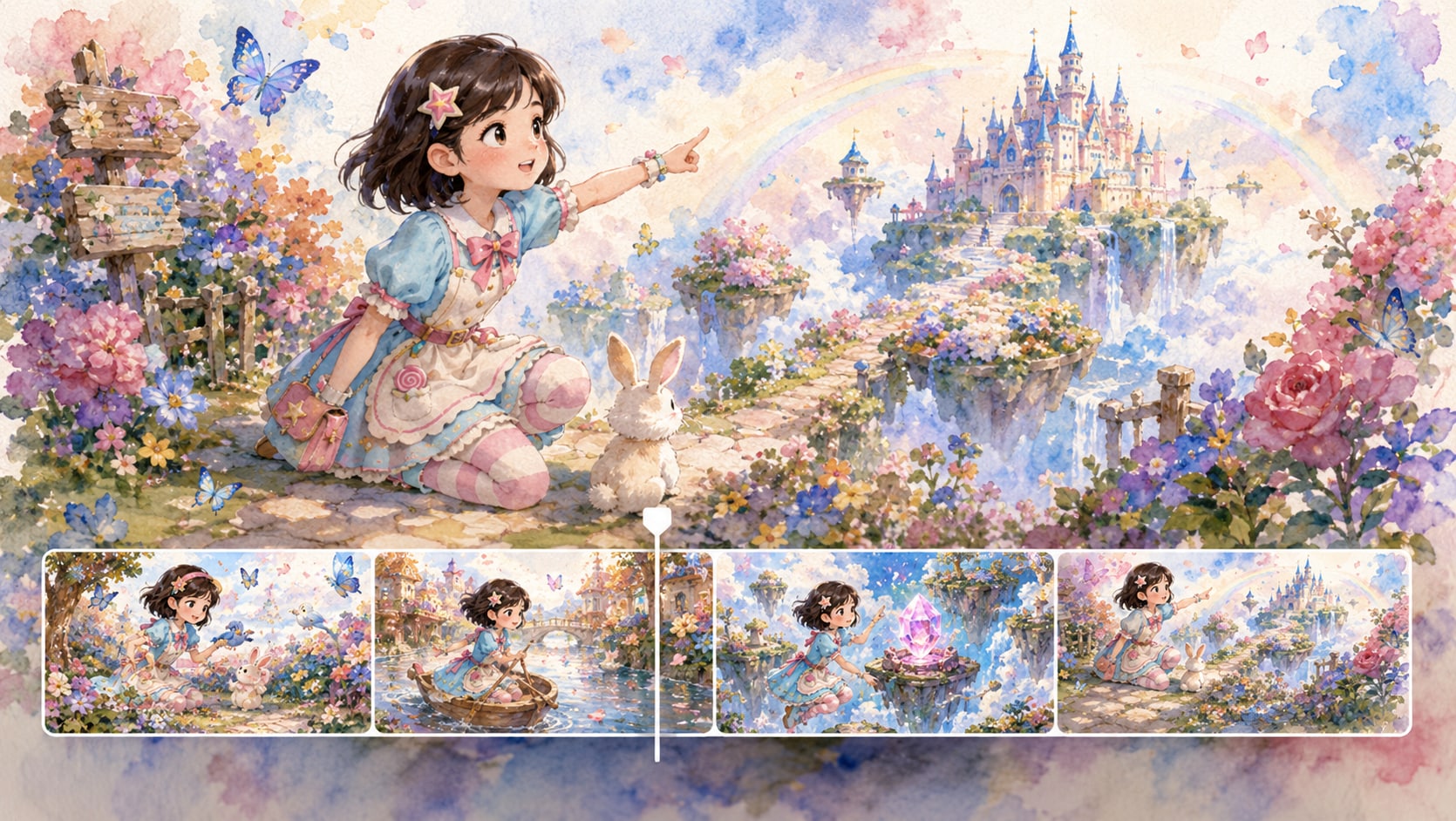
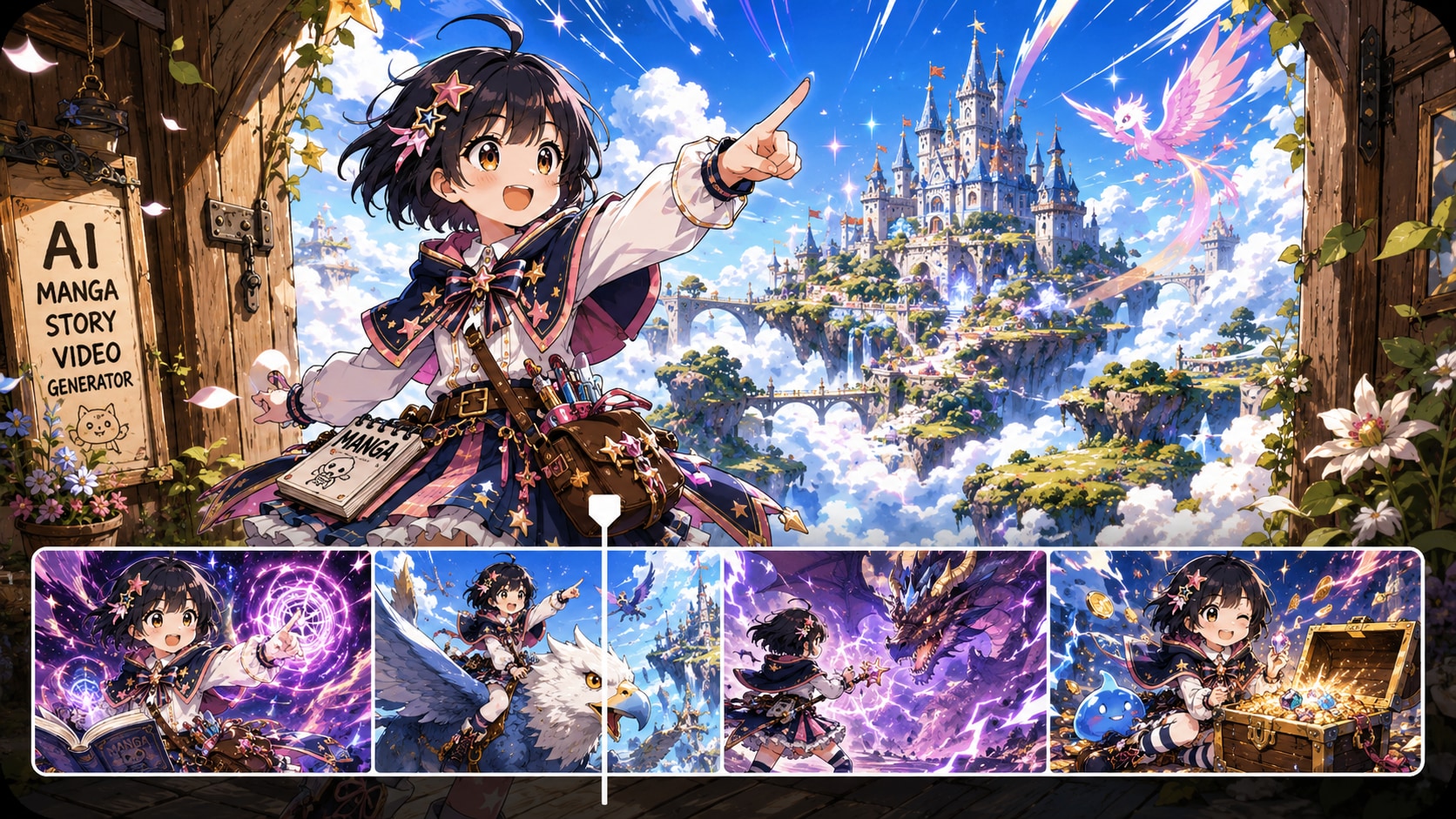
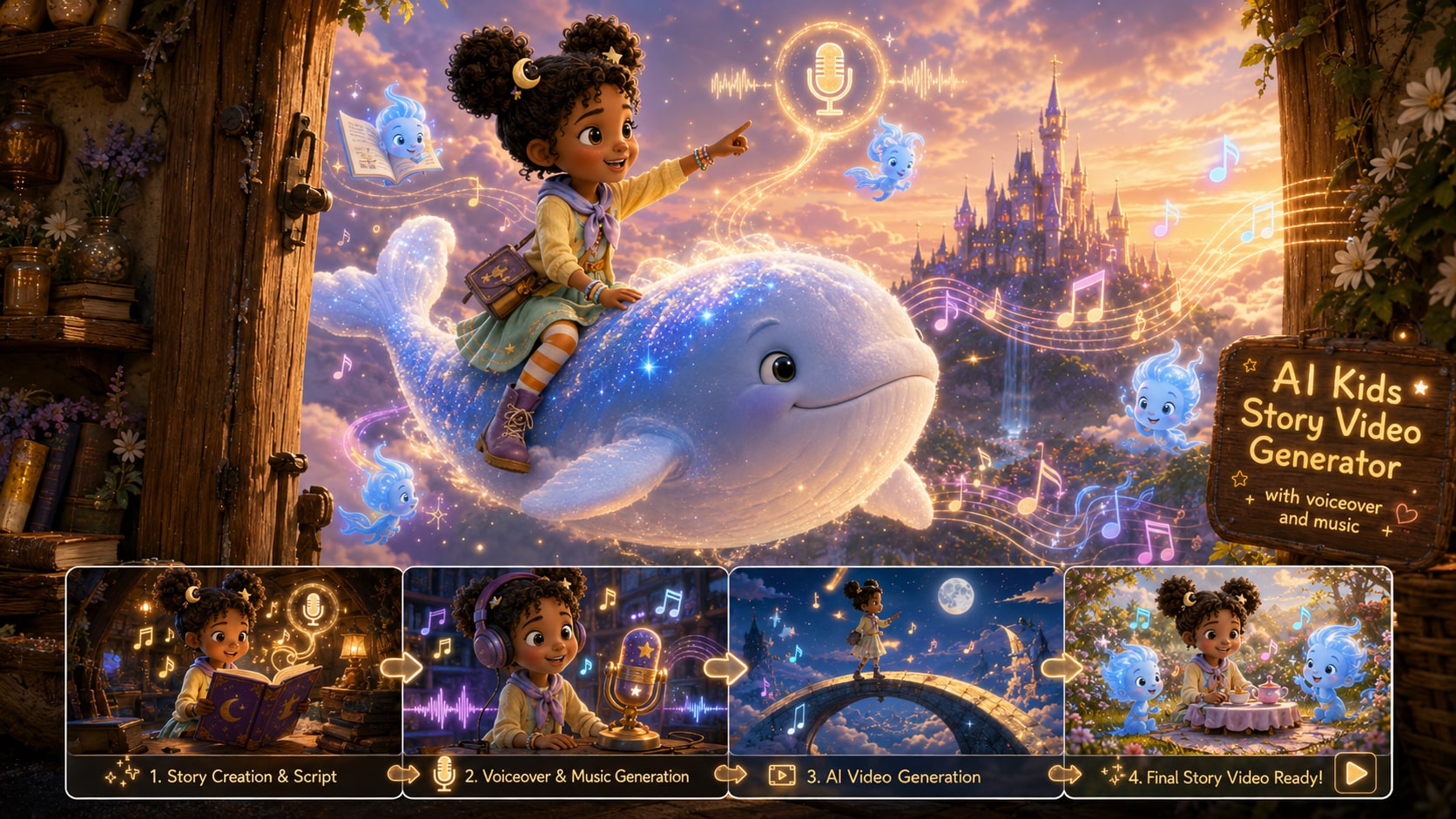
Generate tailored animated story videos for every niche. Convert anime, horror, novel, bedtime, educational and faceless channel scripts into polished clips, with scene-focused workflows matching each storytelling style.
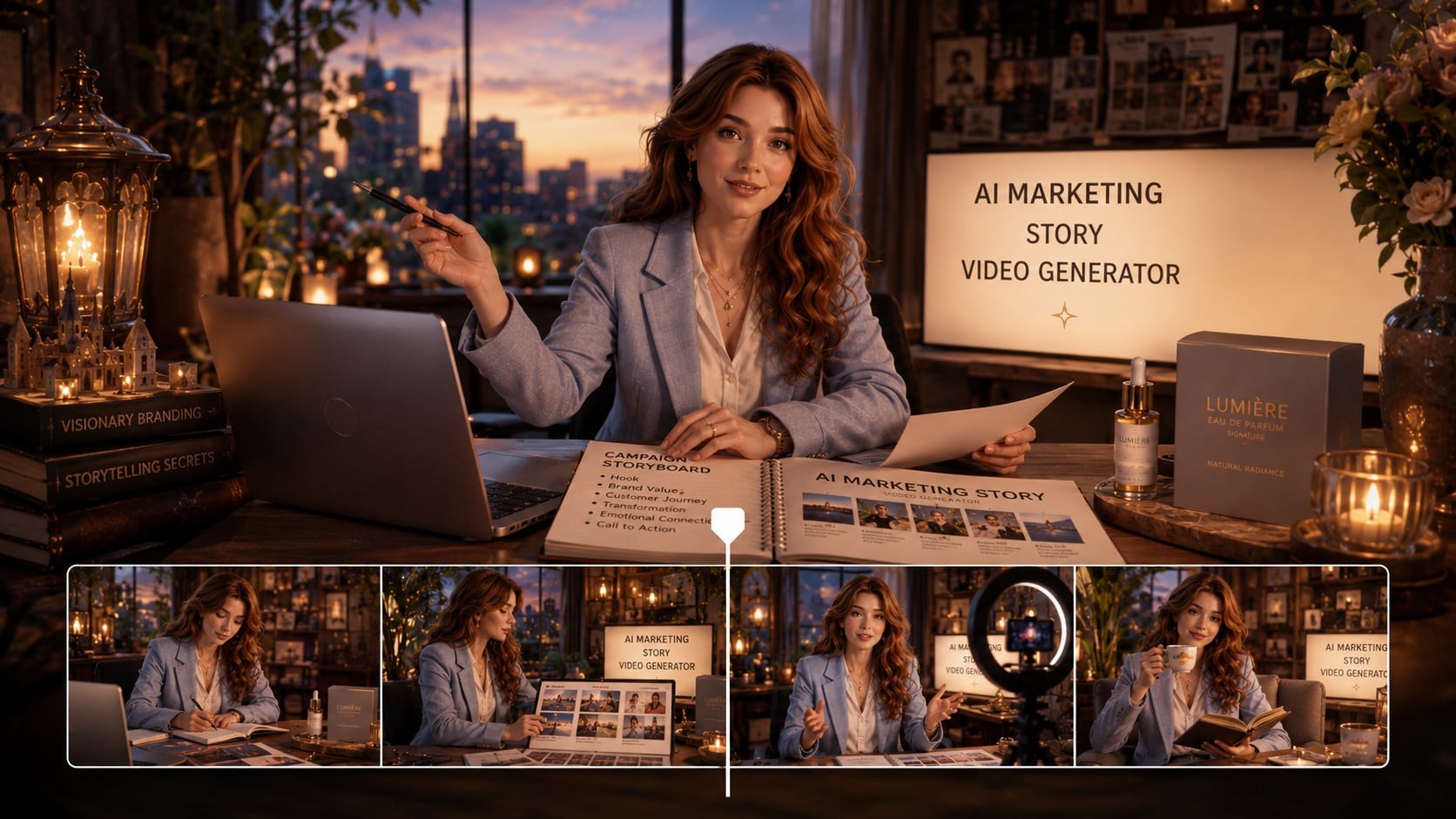
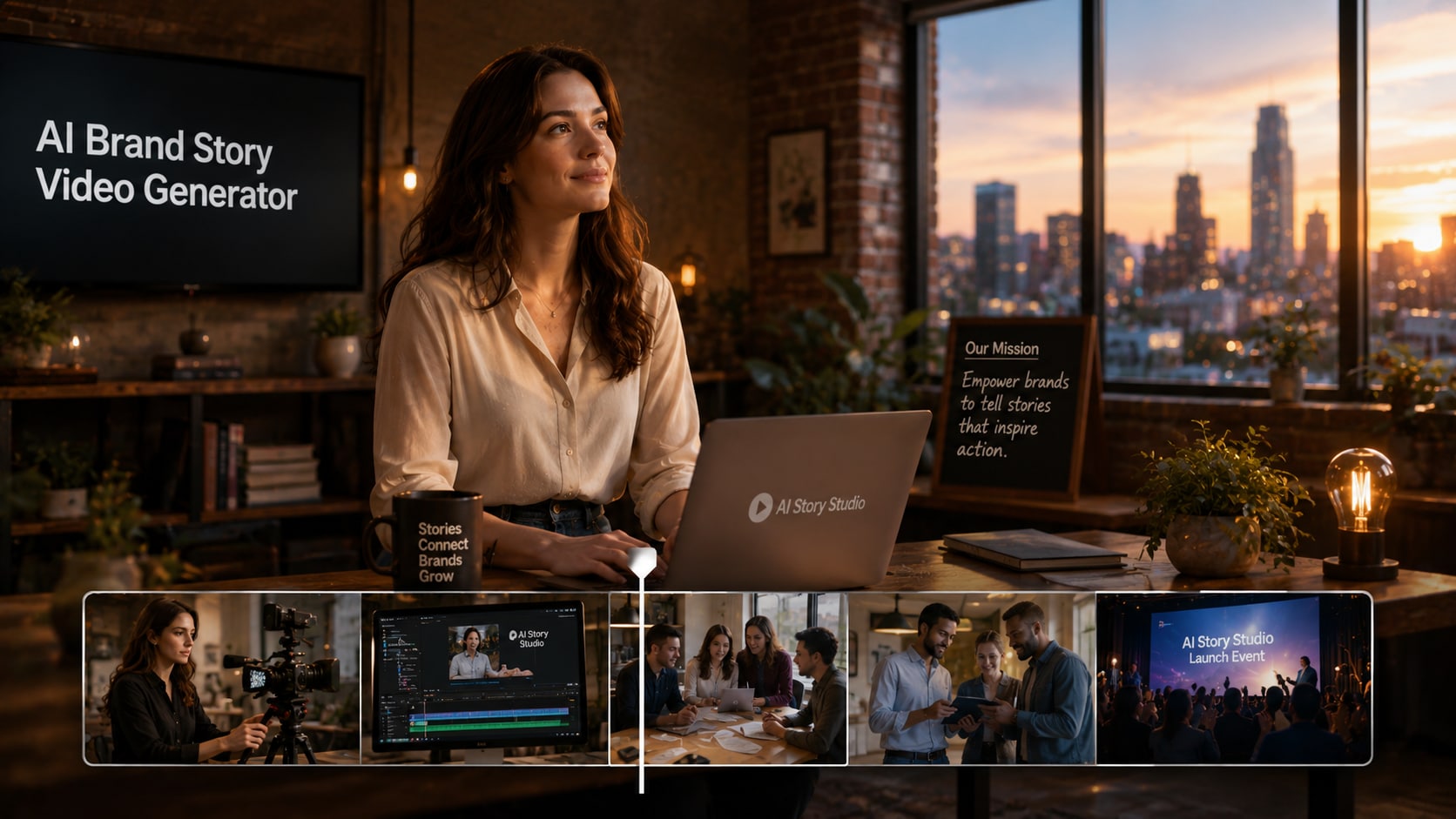
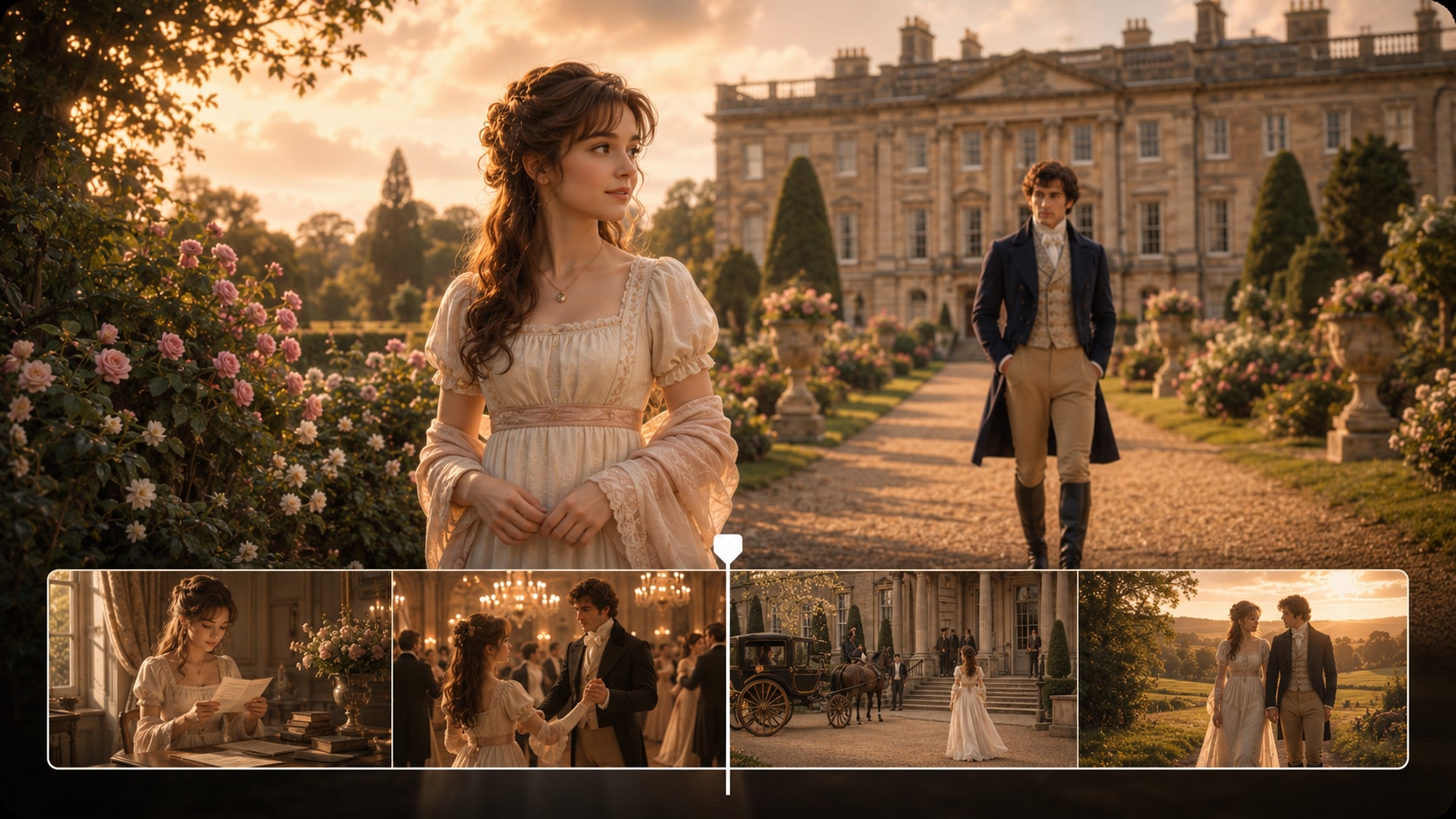
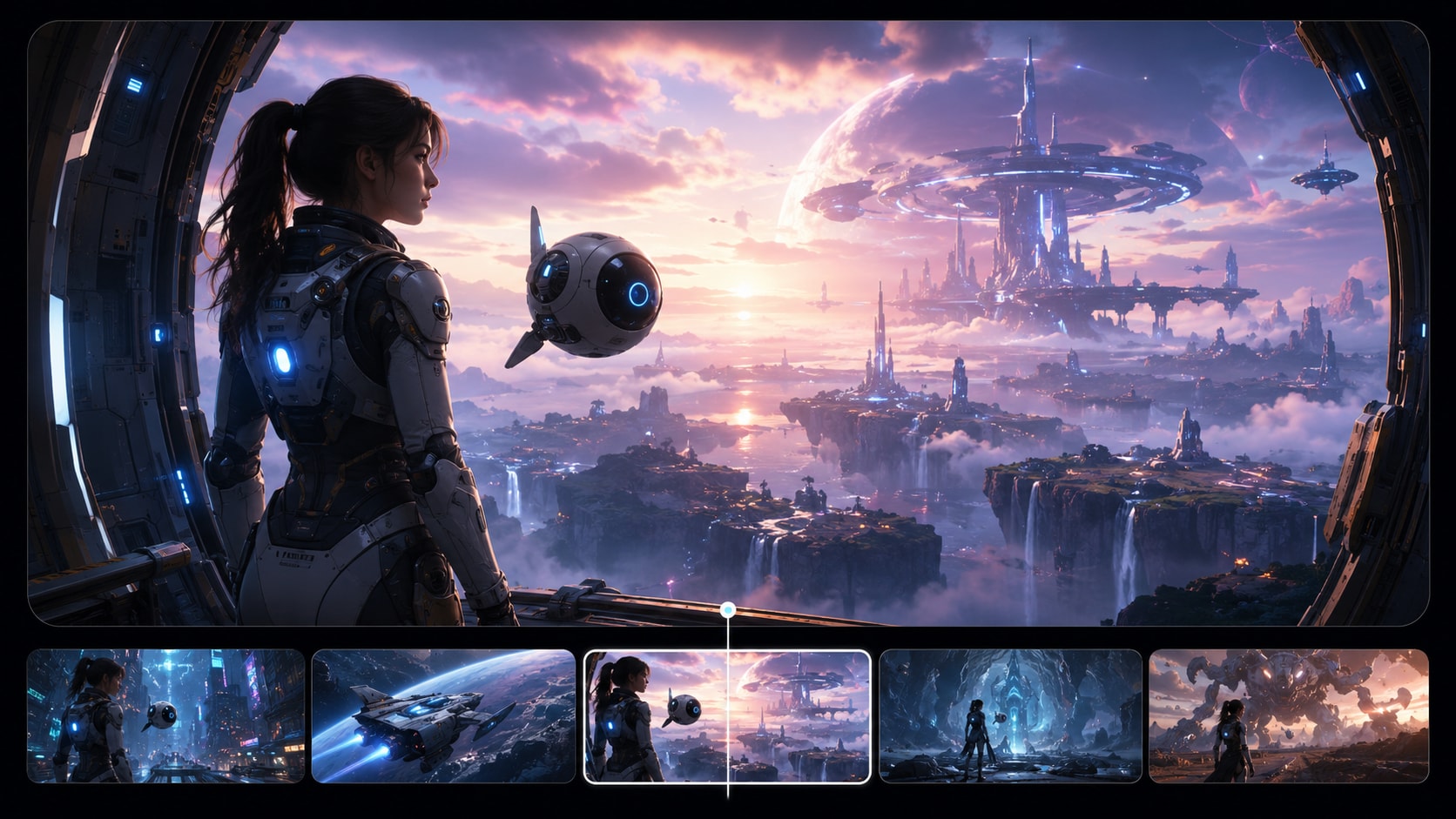

Stay Anonymous
Make the Story Feel Directed
Paste your script, shape your scenes, and publish a faceless video that looks coherent enough to earn the next swipe and the next follow.
 4. 8 (53821 Votes)