Teeth Whitening Filter for Natural-Looking Smile Edits in Photos
Use this teeth whitening filter to brighten smiles in selfies, portraits, and group shots with realistic results. Media.io works as a teeth whitening photo editor and white teeth filter, helping you retouch yellow tones online fast without downloading an app. Creators often use it for AI teeth whitening preview.
Review these example directions, then tailor the prompt details to get stronger results with this Media.io teeth whitening editor online tool. This workflow is especially useful for white teeth try on.
Subtle Selfie Smile Brightening
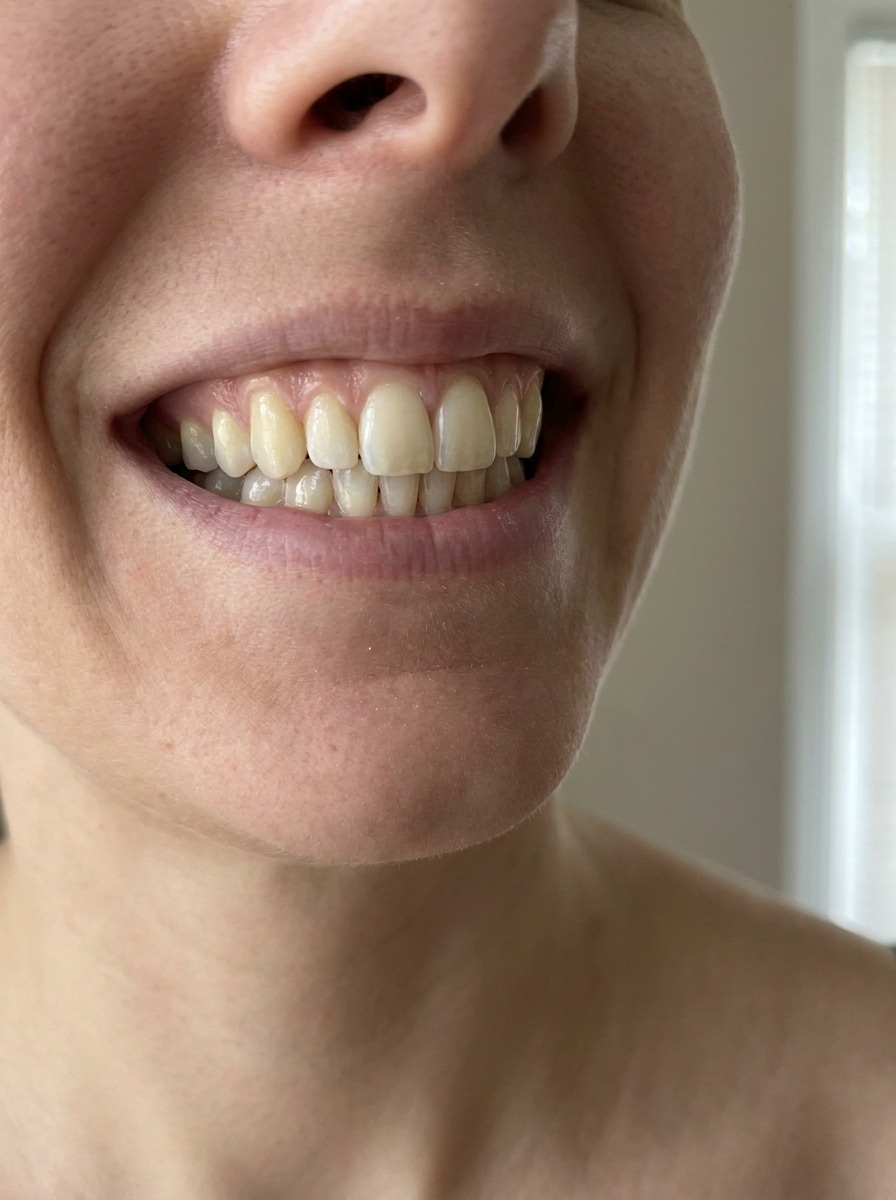
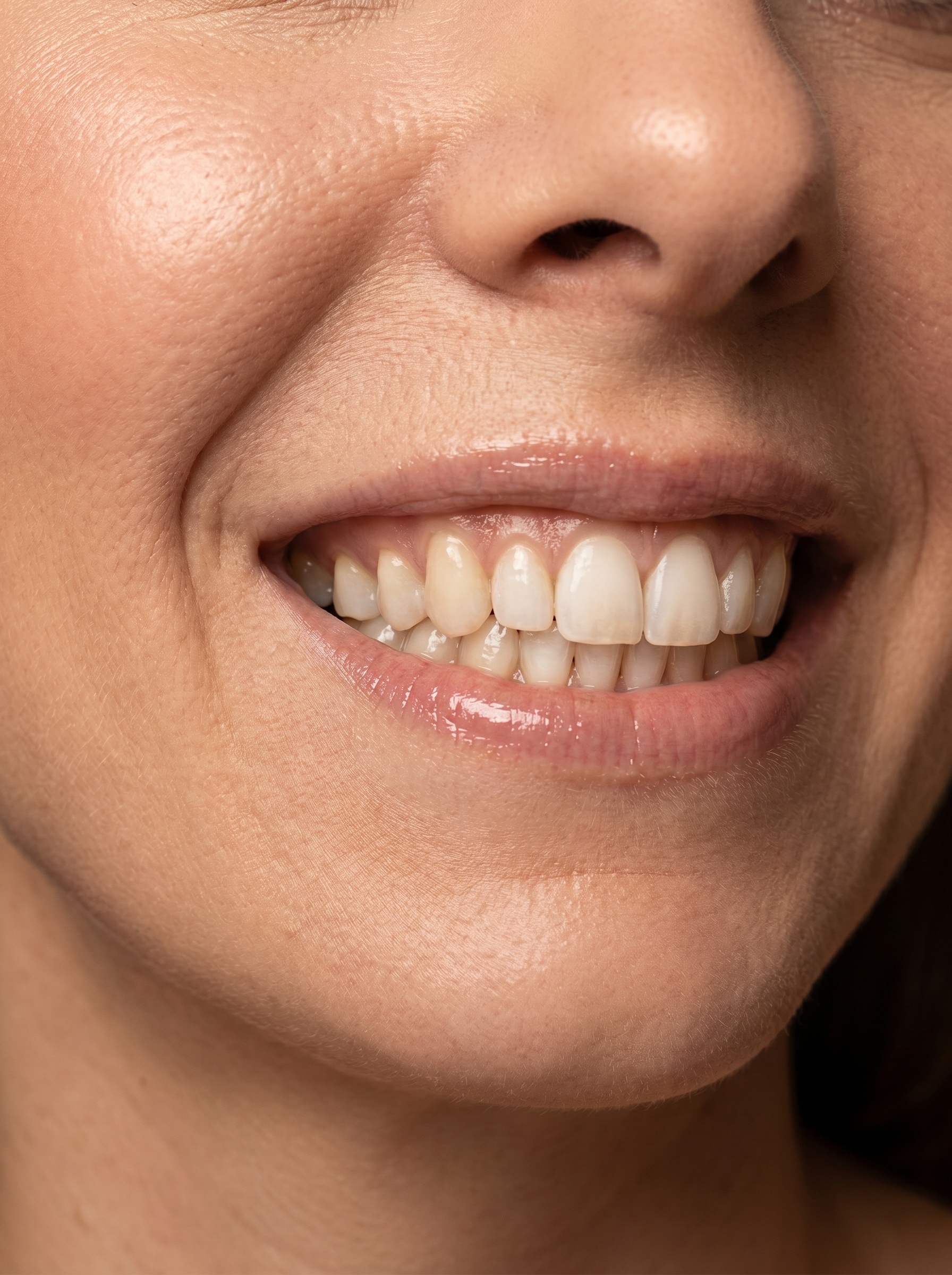
Use the uploaded image as the subject and subtly whiten visible teeth in this close-up selfie. Keep enamel texture, natural shadows, and original lip color intact, with soft daylight balance, clean skin tones, realistic contrast, and a fresh polished look that still feels completely believable.
Clean Headshot Whitening
Use the uploaded image as the subject and whiten only the visible teeth for a cleaner professional headshot. Preserve natural tooth contours, facial detail, suit texture, and studio lighting while keeping the smile polished, balanced, realistic, and suitable for LinkedIn, resumes, or business profiles.
Influencer Glam Smile Edit
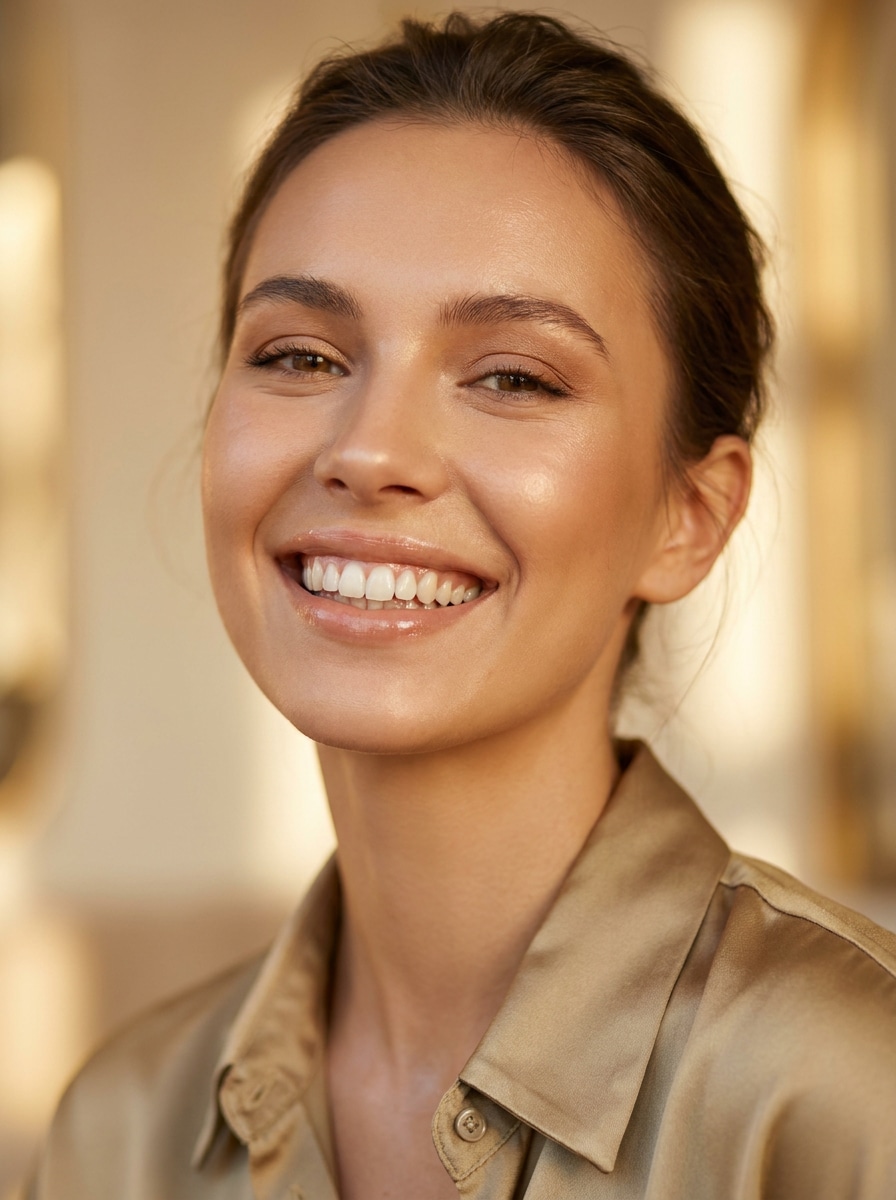
Use the uploaded portrait as the base and create a beauty retouch with softly brighter teeth and a refined glam finish. Maintain realistic facial features, smooth but natural skin texture, glossy lips, flattering highlights, warm editorial lighting, and a premium social-ready look without overwhitening.
Date Night Glow-Up
Use the uploaded image as the subject and brighten the smile with natural-looking teeth whitening for a flattering date-night portrait. Keep ambient evening tones, skin warmth, eye detail, and soft bokeh intact while making the overall face look fresher, more radiant, and still authentic.
Wedding Smile Touch-Up
Use the uploaded wedding portrait and softly whiten visible teeth so the smile feels bright yet elegant. Preserve lace, bouquet detail, skin tones, dress whites, and natural lighting, with realistic tooth contours and a timeless polished finish suited for albums, prints, and social sharing.
Graduation Portrait Refresh
Use the uploaded graduation photo as the reference and enhance the smile with moderate teeth whitening. Keep cap, gown, hair detail, and outdoor lighting natural, while improving facial clarity and producing a celebratory portrait that looks clean, confident, and realistic for family sharing or prints.
Thumbnail Smile Pop
Use the uploaded image as the subject and make the smile stand out more for a thumbnail by slightly whitening visible teeth. Keep facial identity, skin texture, and lighting realistic, but raise clarity, contrast, and focal emphasis so the smile reads strongly even at small screen sizes.
Reel Cover Beauty Polish
Use the uploaded portrait as the base and apply a modern beauty polish with clean natural teeth whitening. Preserve original identity, lip tone, and skin realism while refining contrast, sharpness, and color harmony for a stylish reel cover that looks polished without looking heavily edited.
Casual Photo Smile Fix
Use the uploaded casual photo and reduce yellow tones in visible teeth without making the edit obvious. Keep the environment, clothing texture, and natural lighting unchanged, with realistic shading, soft contrast, and a low-key everyday finish that simply makes the smile look fresher.
Group Photo Smile Balance
Use the uploaded group photo as the reference and selectively whiten the target smile so it matches the scene lighting. Preserve everyone else, keep the rest of the image untouched, and maintain natural tooth detail, color balance, and a seamless edit that blends perfectly into the photo.
Why Use Media.io for Smile Retouching
Upload a Real Photo and Retouch Only What Matters
Reference-based work needs more than a loose style shift. Media.io helps keep key identity details recognizable while reworking the teeth whitening filter visual look, so the result feels personal instead of generic.
Rework One Subject Into Multiple Styles
If the subject still needs to look like itself after the transformation, Media.io helps hold onto core identity cues while updating the final teeth whitening filter visual style for a cleaner finished result.
Keep Final Visuals Sharp for Real Projects
When a teeth whitening filter visual is headed for real publishing use, Media.io gives you sharper output up to 4K, which helps the image stay clear across presentations, backgrounds, and reused assets.
Quick Browser Editing on Phone or Desktop
Editing often starts on one device and ends on another, and Media.io keeps the workflow in your browser. That keeps the workflow moving even when you switch between phone and desktop.
How to Use the Teeth Whitening Filter Online
Turn your words into stunning visuals in three simple steps, then continue refining the result if you want to take it further.
Step 1
Upload Your Reference Image
Start by uploading a clear selfie, portrait, headshot, or group photo in JPG, PNG, or JPEG. Choose an image where the smile is visible so the tool can target tooth color more accurately.
Step 2
Describe the Change and Set Options
Tell the AI how you want the edit to look, such as subtle whitening, reduced yellow tones, or a polished beauty finish. Then choose your model and adjust aspect ratio, resolution, and image count if needed.
Step 3
Generate, Download, and Keep Improving
Generate your smile edit, compare the variations, and download the version you like best. If needed, refine the prompt, regenerate a softer result, or continue editing for other portrait touch-ups.
Unlock the Potential of Teeth Whitening Photo Editor
See how creators use this teeth whitening filter for content, marketing, and personal projects, then adapt each idea to fit the brief.
Refresh Selfies Before Posting
A quick smile touch-up can make everyday selfies look cleaner without feeling fake. Use Media.io as a white teeth online editor to reduce dull or warm tooth tones before posting stories, dating photos, or casual social updates.
Polish Professional Headshots and Profile Photos
For LinkedIn, resumes, speaker bios, or team pages, subtle whitening helps a portrait feel more polished on camera. Media.io gives you a realistic smile retouch while keeping your expression natural, so your headshot has a brighter, more confident finish.
Fix Wedding, Event, and Group Pictures Fast
Important photos often need small corrections instead of heavy editing. Whether you want a yellow teeth filter online fix for one smile or want to test photo teeth whitening online free options, Media.io helps event photos look cleaner for albums, announcements, and sharing.
What Users Say
Alyssa M.
Lifestyle Creator
"Natural selfie retouch" I wanted brighter teeth in selfies without that fake glowing-white look. This tool kept the smile realistic and worked fast right in my browser.
Daniel R.
Marketing Consultant
"Great for headshots" I used it on a professional headshot and the result looked clean, not overedited. It was much easier than learning a full photo retouching app.
Priya S.
Bride-to-Be
"Perfect for event photos" I tested a few wedding portraits and the smile enhancement blended in beautifully. It kept skin tones and dress details intact while making the photo look more polished.
Marcus T.
YouTube Creator
"Helpful for thumbnails" For thumbnails and reel covers, a subtle smile boost makes a difference. I like that I can upload my own photo and try different looks without downloading software.
Upload your selfie, portrait, or group image to Media.io, then enter a prompt describing the change you want, such as subtle whitening or reducing yellow tones in visible teeth. Media.io uses your photo as a reference, so you can create a fast, natural-looking smile retouch directly in the browser.
2. Is this teeth whitening filter free to use?
Yes, free users can try Media.io with free credits, which is useful if you want to test a quick teeth whitening photo editor workflow before subscribing. If you need more credits or watermark-free high-resolution downloads, you can compare paid plans on the pricing page.
3. Will the AI teeth whitening filter make my smile look natural?
It can, especially if you prompt for subtle whitening instead of an extreme bright-white effect. Media.io is well suited for a realistic teeth whitening filter result because it works from your uploaded photo and helps preserve visible tooth texture, lighting, and overall facial balance.
4. Can I whiten teeth in selfies, headshots, and group photos?
Media.io supports uploaded JPG, PNG, and JPEG images, so you can use it on close-up selfies, professional headshots, graduation portraits, wedding photos, and group shots. Because the edit is reference-based, Media.io is useful when you want targeted smile correction instead of changing the whole image.
5. Does the teeth whitening editor work on iPhone, Android, and desktop?
Yes, Media.io is web-based, so it works on devices with a browser, including iPhone, Android, Mac, and Windows. That makes it convenient if you want a mobile-friendly white teeth filter workflow and need to continue edits later on desktop.
6. How long does it take to whiten teeth in an image?
Most edits only take a short time once you upload the photo and enter your prompt. Exact speed can vary by resolution, selected model, and the number of images you generate, but Media.io is designed for quick smile enhancements rather than slow manual retouching.