Shoe Identifier That Finds Brand, Model, and Similar Sneakers Fast
Upload a shoe photo to identify likely brand, model, colorway, and close alternatives in seconds. Media.io works as a shoe identifier, sneaker identifier, and shoe finder by photo for users asking “what shoes are these,” “what type of shoes are these,” or trying to identify shoes from photo on mobile or desktop. It is also a practical option for identify shoe by picture.
Review these example directions, then tailor the prompt details to get stronger results with this Media.io Shoe Identifier, whether you need a shoe identifier by picture, a shoes finder by image workflow, or a quick sneaker scanner online style result.
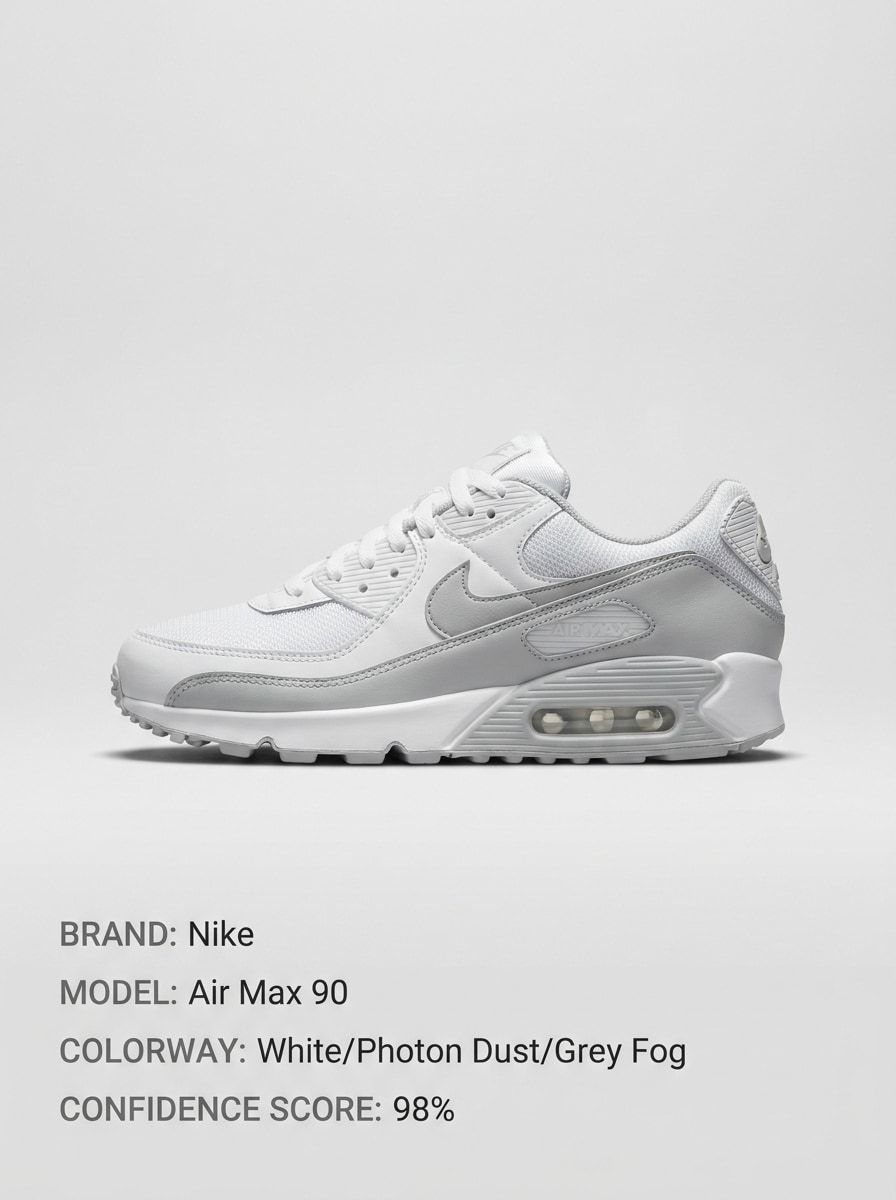
Clean Product Match
Use the uploaded image as the subject and transform it into a clean sneaker identification card. Center the shoe on a soft neutral background with sharp product lighting, subtle shadow, and tidy spacing. Add labeled fields for likely brand, model, colorway, and confidence level in a modern ecommerce editorial style.
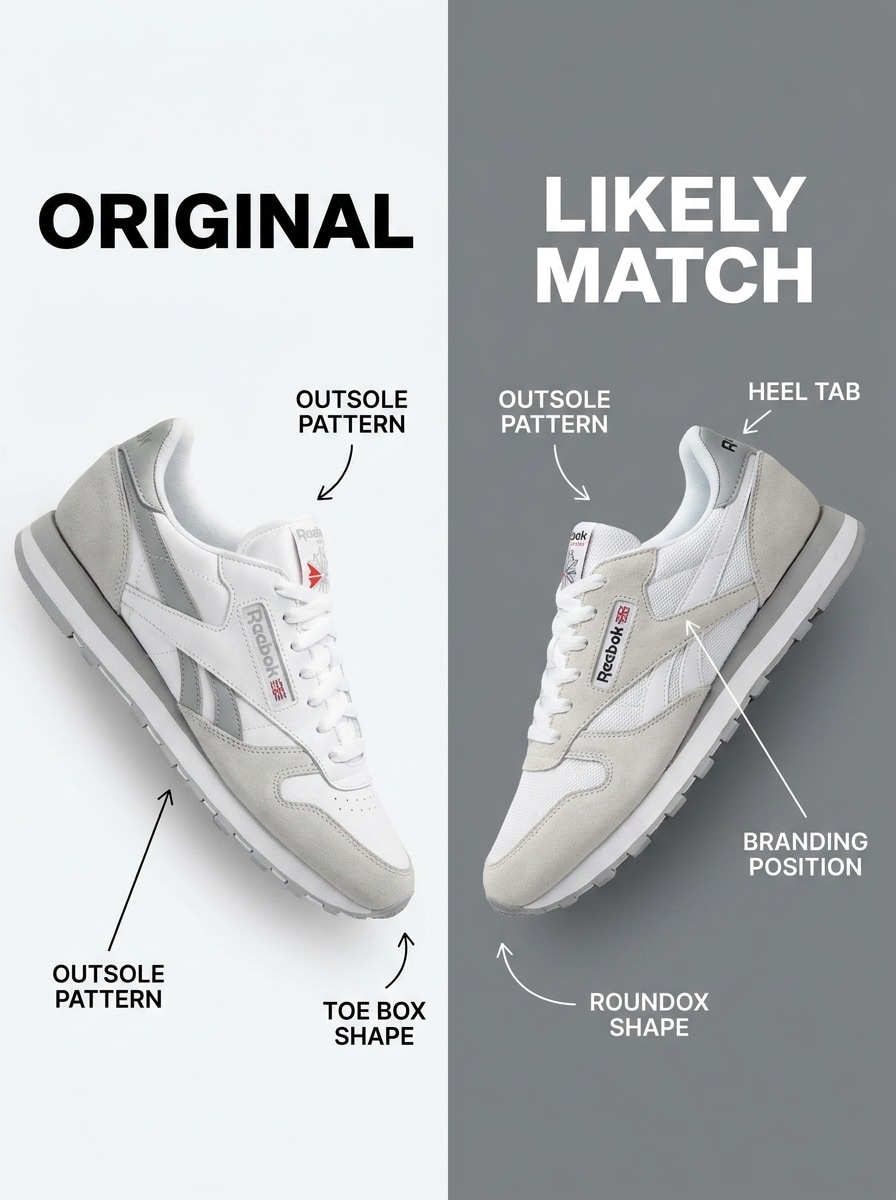
Side-by-Side Comparison
Use the uploaded shoe image as the reference and create a side-by-side comparison graphic. Place the original shoe on the left and the closest matching sneaker model on the right, with arrows, short silhouette notes, and visual callouts for sole shape, overlays, logo placement, and panel construction.
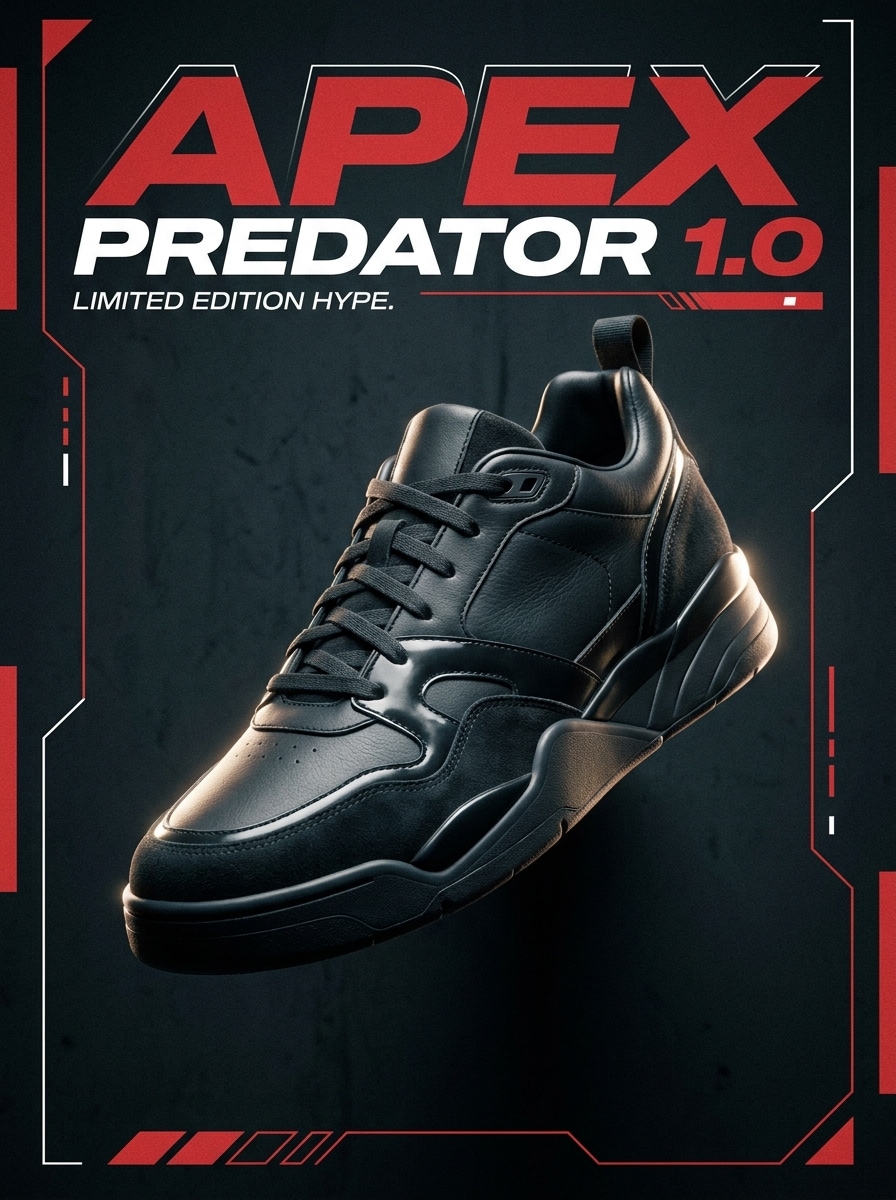
Hype Sneaker Spotlight
Use the uploaded sneaker as the subject and transform it into a bold streetwear identification poster. Keep the shoe dominant in frame with dramatic contrast, moody spotlighting, rich shadows, and oversized model-name typography, creating a collectible sneaker culture look with premium energy and strong visual impact.
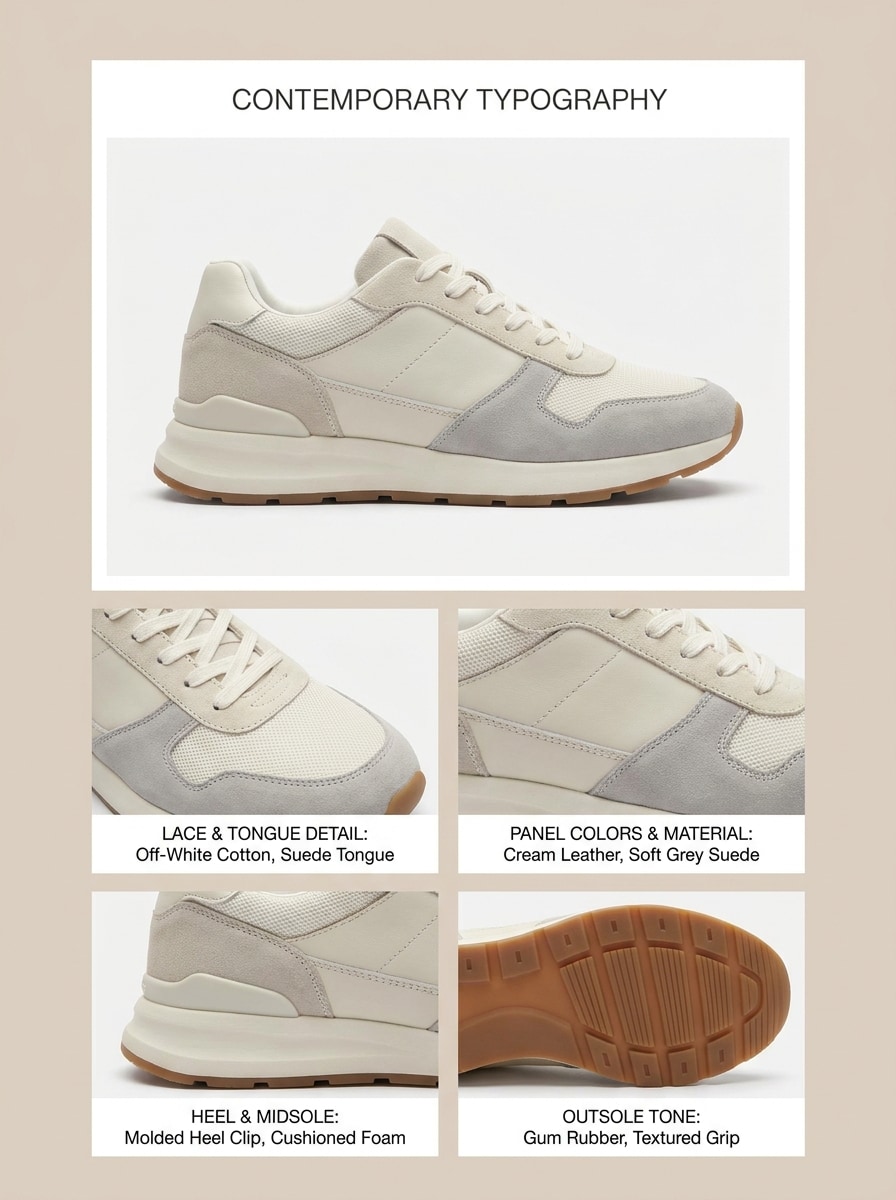
Colorway Breakdown
Use the uploaded shoe image to build an editorial colorway analysis. Highlight the main sneaker with neat close-up crops for tongue, heel, side panel, and outsole. Add palette labels, material notes, and clean fashion-magazine spacing so the result feels informative, stylish, and easy to scan.
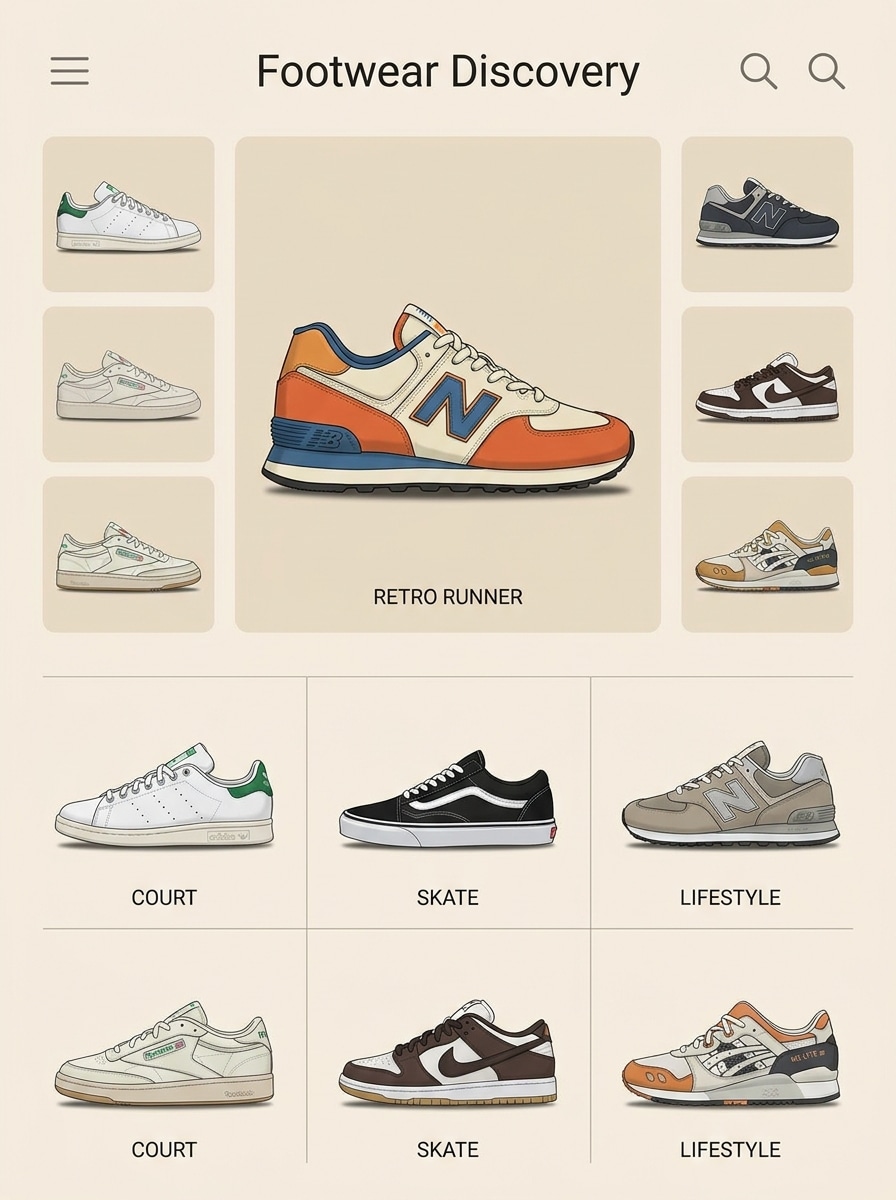
Pinterest Discovery Grid
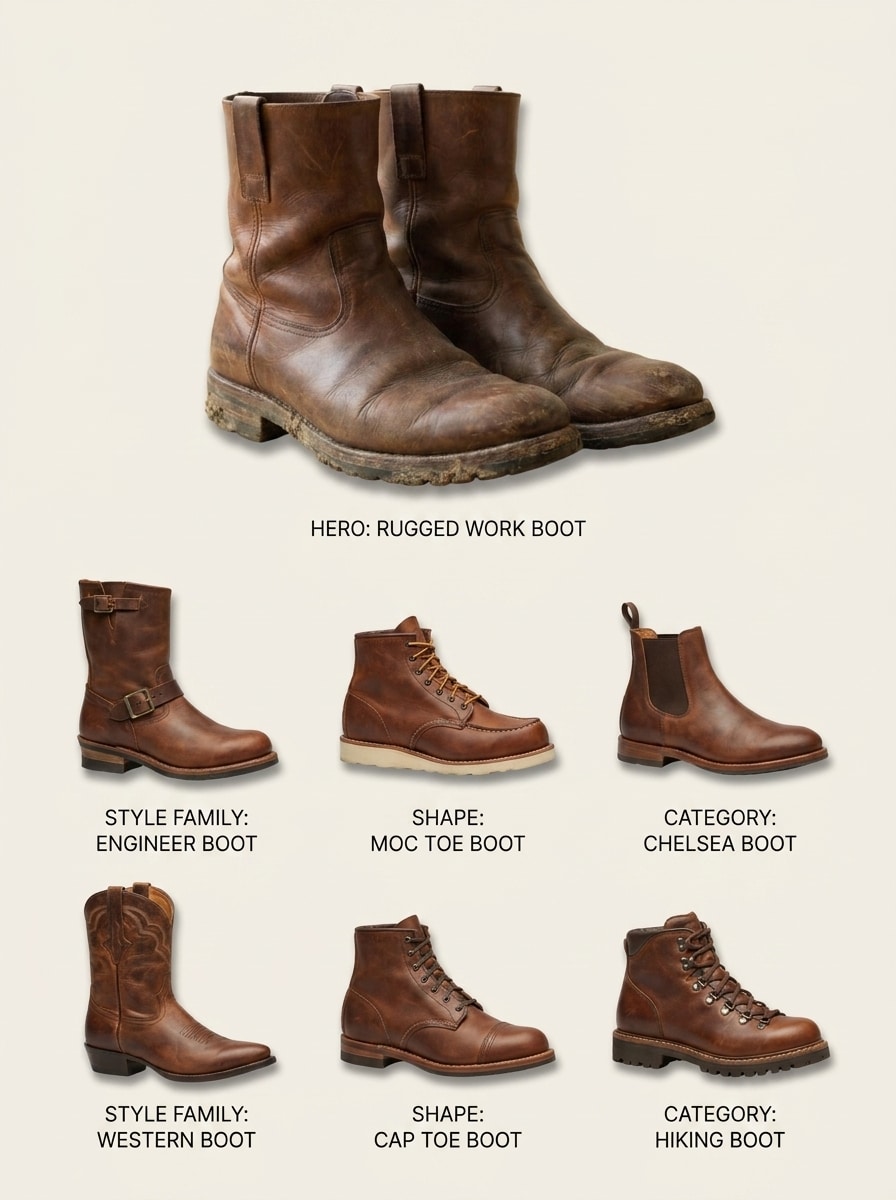
Use the uploaded shoe as the main reference and generate a discovery board of visually similar footwear. Show one large hero shoe plus six related options in a tidy grid, each with subtle labels for style family, shape, or category, using soft shadows, airy spacing, and a clean visual-search aesthetic.
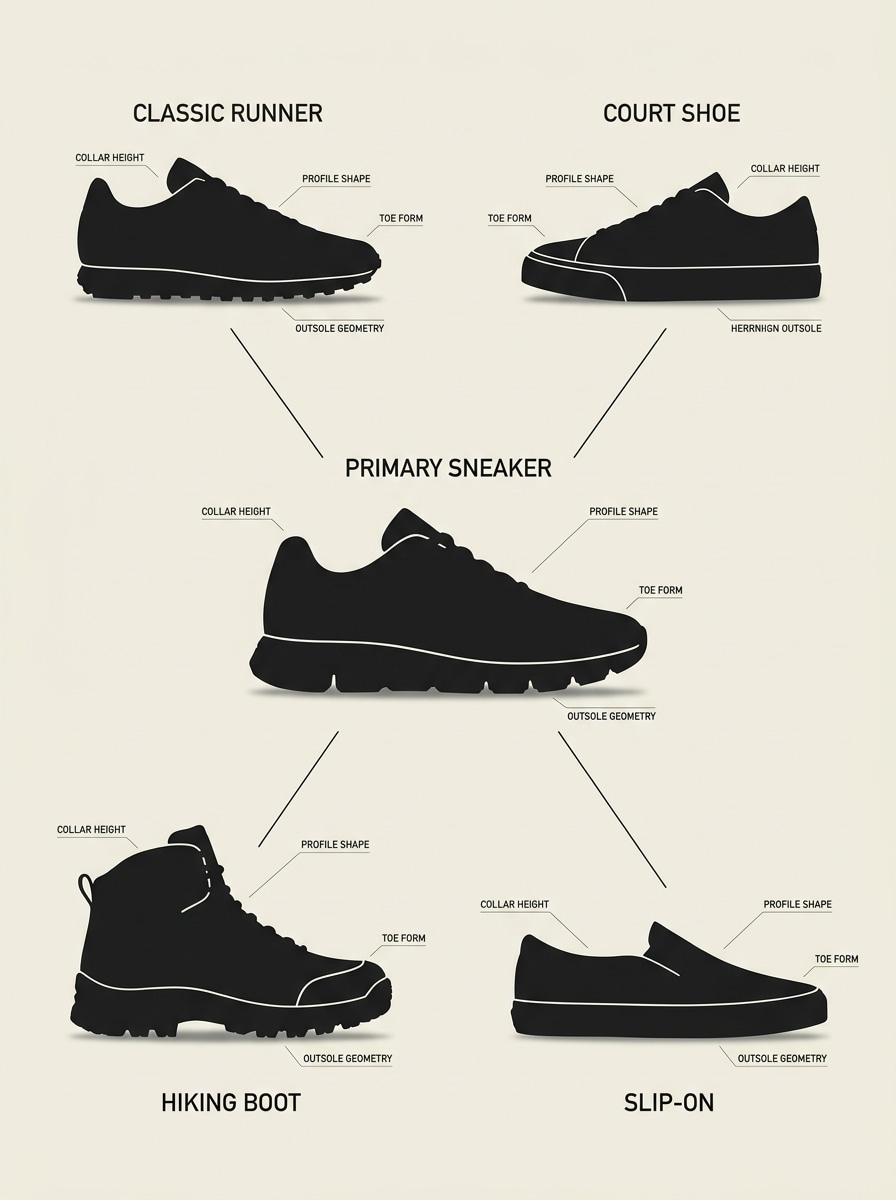
Silhouette Family Board
Use the uploaded sneaker as the anchor image and group it with related silhouettes. Present the reference shoe with surrounding categories like runner, basketball, skate, and lifestyle, using clear labels, minimal graphics, and a neutral palette so viewers can quickly understand shape similarities and family traits.
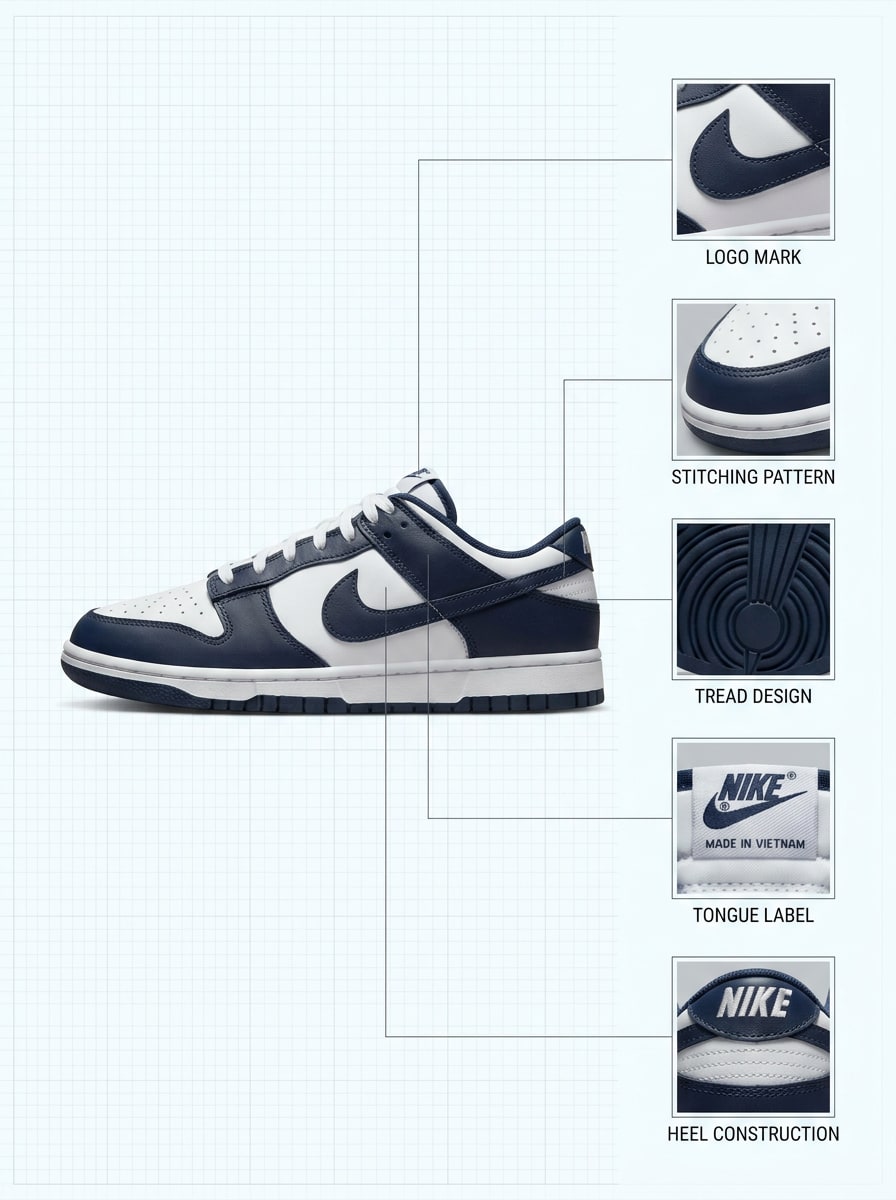
Detail Zoom Identifier
Use the uploaded image to create a detail-driven shoe identification layout. Keep the full sneaker visible and add zoom-in panels for logo, stitching, outsole tread, tongue tag, and heel tab. Use precise labels, balanced lighting, and an authentication-inspired design that feels expert and trustworthy.
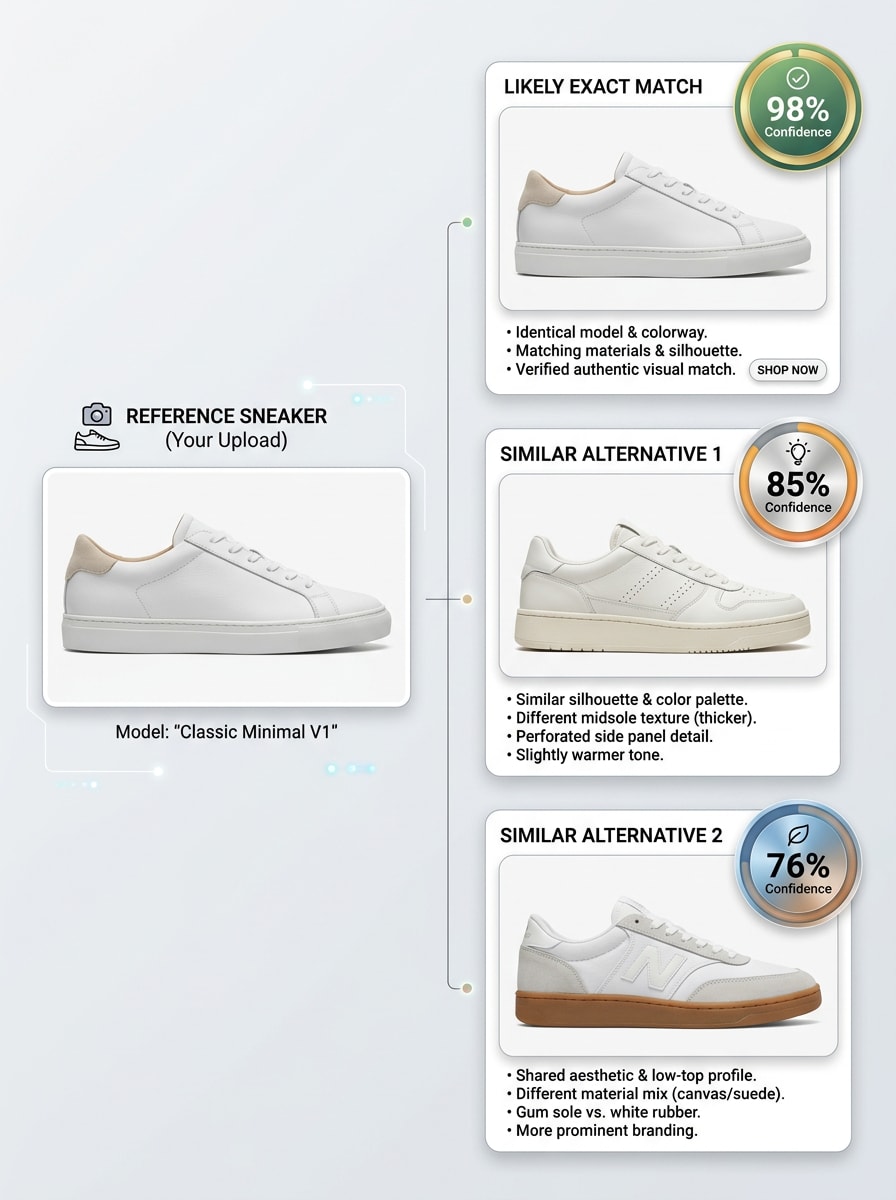
Real vs Similar
Use the uploaded shoe photo to produce a result card showing the most likely exact match and two similar alternatives. Keep the layout clean and confidence-led, with short notes on differences in shape, branding, overlays, and sole design so the viewer can compare options at a glance.
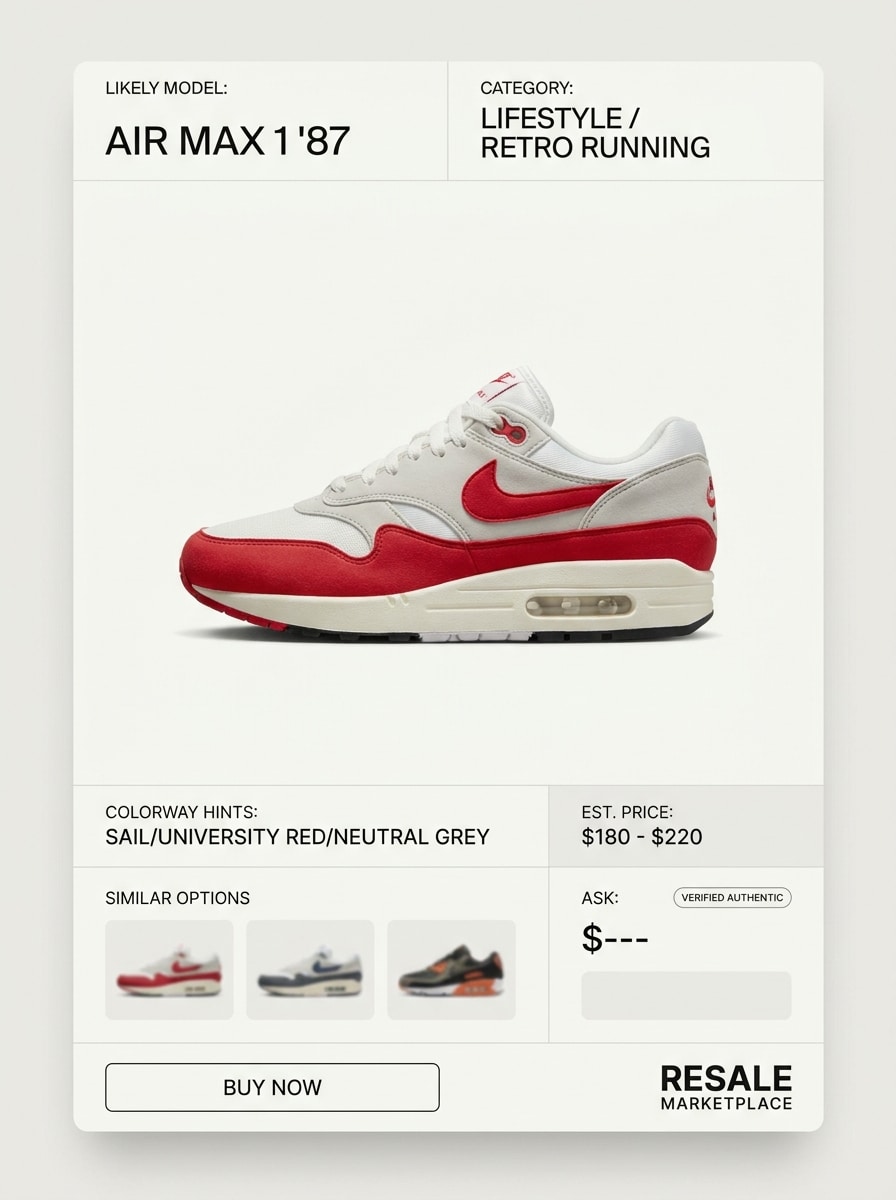
Resale Listing Preview
Use the uploaded shoe as the subject and convert it into a marketplace-ready identification result. Show the sneaker as a polished product listing with probable model name, category, colorway cues, and similar shopping options, using a refined interface, clean cutout, and realistic retail presentation.
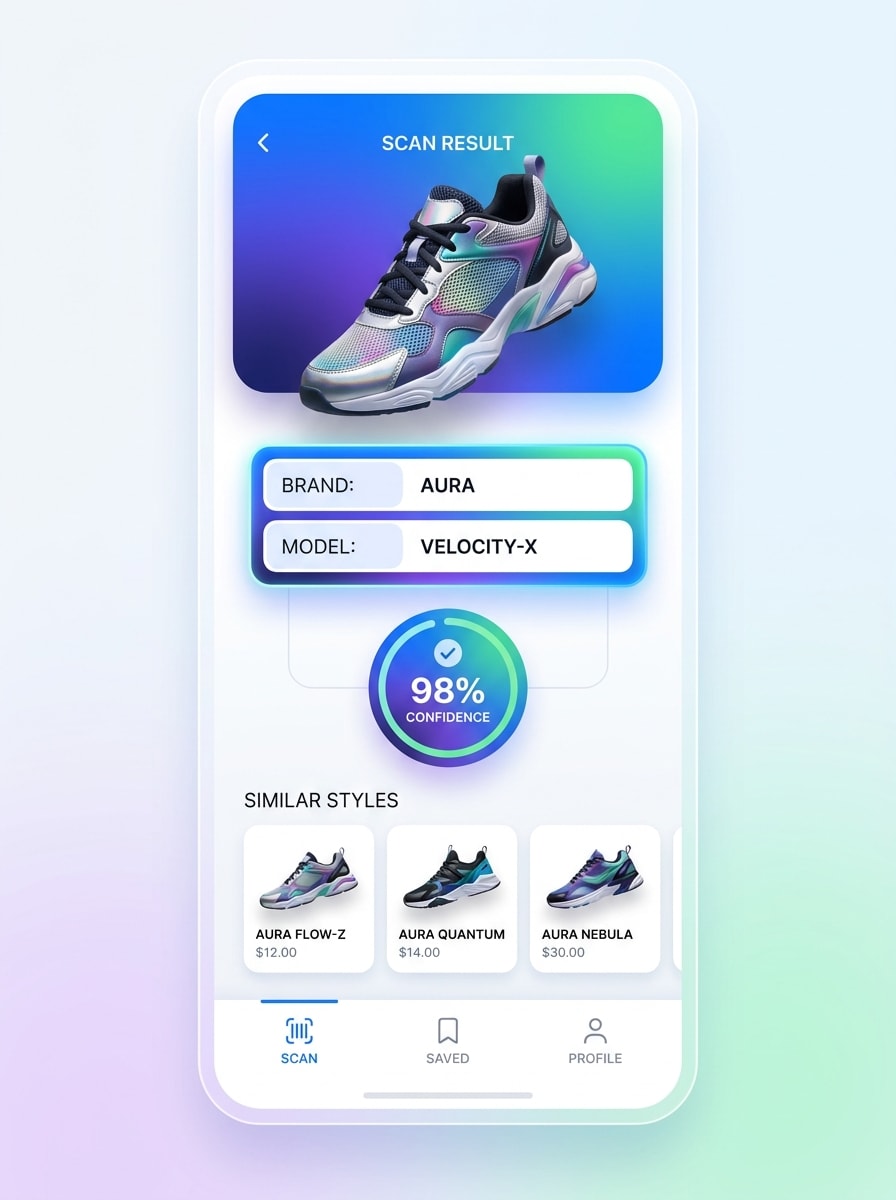
Scan-to-Result Mobile UI
Use the uploaded shoe image as the scanned subject and turn it into a mobile identification interface. Show a phone screen with the sneaker scan, instant result card, confidence badge, and suggested similar models, using modern app design, bright contrast, and smooth visual hierarchy for a fast, smart feel.
Why Use Media.io for Shoe Photo Identification
Reference-Based Results That Stay True to Your Shoe
For upload-driven edits, Media.io keeps the reference subject visually consistent while changing the final shoe identifier visual direction, which makes personalized outputs easier to use with confidence.
Rework One Subject Into Multiple Styles
Reference-based work needs more than a loose style shift. Media.io helps keep key identity details recognizable while reworking the shoe identifier visual look, so the result feels personal instead of generic.
Keep Final Visuals Sharp for Real Projects
Presentation-ready output matters for comparison boards, product content, and client-facing visuals.
Fast Browser Workflow on Phone or Desktop
For creators who bounce between mobile and desktop, Media.io keeps shoe identifier visual creation in the browser so the workflow stays practical wherever you happen to be working.
How to Use This Shoe Finder by Image
Turn your words into stunning visuals in three simple steps, then continue refining the result if you want to take it further.
Step 1
Upload Your Reference Image
Add a clear shoe photo in JPG, PNG, or JPEG format. A side view, visible logo area, clean sole shape, and good lighting make it easier to use the tool as a shoes finder by image, shoe logo identifier, or shoe finder by photo workflow.
Step 2
Describe the Change and Set Options
Tell Media.io what you want to generate, such as an ID card, comparison board, colorway breakdown, or mobile scan mockup. Then choose a model and adjust aspect ratio, image quality, resolution, or the number of variations you want.
Step 3
Generate, Download, and Keep Improving
Create the result, compare different outputs, and download the best one. If you want to identify shoe by picture more clearly, refine the prompt, try a different layout, or generate new versions that emphasize branding, silhouette, or outsole details.
See how creators use this Media.io Shoe Identifier for content, marketing, and personal projects, then adapt each idea to fit the brief.
Turn Unknown Sneakers Into Shareable Match Cards
If you post on TikTok, Instagram, or Pinterest, you can turn a simple shoe photo into a labeled result that answers “what type of shoes are these” with a cleaner, more visual presentation. Media.io is useful for collector reveals, sneaker education, and side-by-side comparison content.
Create Better Shopping and Resale Visuals
When buyers ask “find these shoes by picture” or want similar alternatives, Media.io can help you build polished listing-style graphics that present likely brand, model, and colorway cues. This makes product discussions clearer for resellers, marketplace sellers, and thrift-flip creators who need to find shoes from picture fast.
Compare Brand Details and Similar Alternatives
Use close-up panels and comparison layouts to inspect logos, overlays, and sole shapes with Media.io when you want adidas shoe identification, need to identify adidas shoes, or simply want to find shoes from image results that look close even when the exact match is uncertain.
What Users Say About This AI Shoe Identifier
Jordan M.
Sneaker Content Creator
"Great for quick comparison visuals" I used it when followers kept asking what shoe is this on my videos. The side-by-side layouts made it easy to show the likely model and a couple of close alternatives without designing everything from scratch.
Priya S.
Resale Marketplace Seller
"Helpful for listing prep" I often need to identify shoes from picture uploads before posting resale items. Media.io helped me turn rough photos into cleaner ID-style graphics that looked much more professional for product pages and story posts.
Alex T.
Streetwear Blogger
"Nice for colorway breakdown content" The detail zoom and colorway board prompts are especially good. I could highlight logos, panel colors, and sole patterns in a way that made trainer identifier content feel polished and easy to understand.
Nina R.
Casual Shopper
"Easy to use on my phone" I just wanted to find shoes from picture snapshots while shopping online. Uploading from my phone was simple, and the generated layouts gave me a quick way to compare similar styles before buying.
Upload a clear photo of the shoe to Media.io, then use a prompt that asks for an identification card, comparison board, or detail-based match result.
2. Can a shoe identifier find the exact sneaker model?
A shoe identifier can help generate a likely match based on visible features such as silhouette, branding placement, outsole shape, and color blocking. Media.io is especially useful for creating side-by-side visuals and similar-match boards, so if an exact model is unclear, you can still compare alternatives and narrow the result.
3. Is there a free AI shoe identifier online?
Media.io offers free credits, so you can try an AI shoe identifier online before upgrading. Free users may see watermarks, while paid subscribers can download watermark-free high-resolution images. For more usage details, check the pricing page.
4. What types of shoes can image search recognize?
Media.io can be used to create identification visuals for many footwear categories, including running shoes, basketball sneakers, skate shoes, lifestyle pairs, retro runners, and trainers. It is useful whether you call it a trainer identifier, a shoe logo identifier, or a tool to find shoes from image references and similar silhouettes.
5. How accurate is shoe identification from a photo?
Accuracy depends heavily on image quality and how many distinguishing details are visible. A clean side angle, readable branding, clear stitching, and a visible sole pattern give Media.io better material to build a match-style result, compare similar options, and support “what type of shoes are these” decisions more clearly.
6. Can I use a shoe identifier on my phone?
Media.io is web-based, so you can use it in a mobile browser on iOS or Android as well as on desktop browsers. That makes it convenient if you want to upload a quick store photo, use a shoe finder by image workflow, or test a sneaker scanner online concept without installing software.