Extract a Color Palette From Image for Fast, Design-Ready Swatches
Upload a photo to create a color palette from image in seconds. Media.io helps you turn product shots, room photos, fashion images, and screenshots into clean palette visuals with labeled swatches for branding, moodboards, and creative planning on desktop or mobile. This workflow is especially useful for color palette for image.
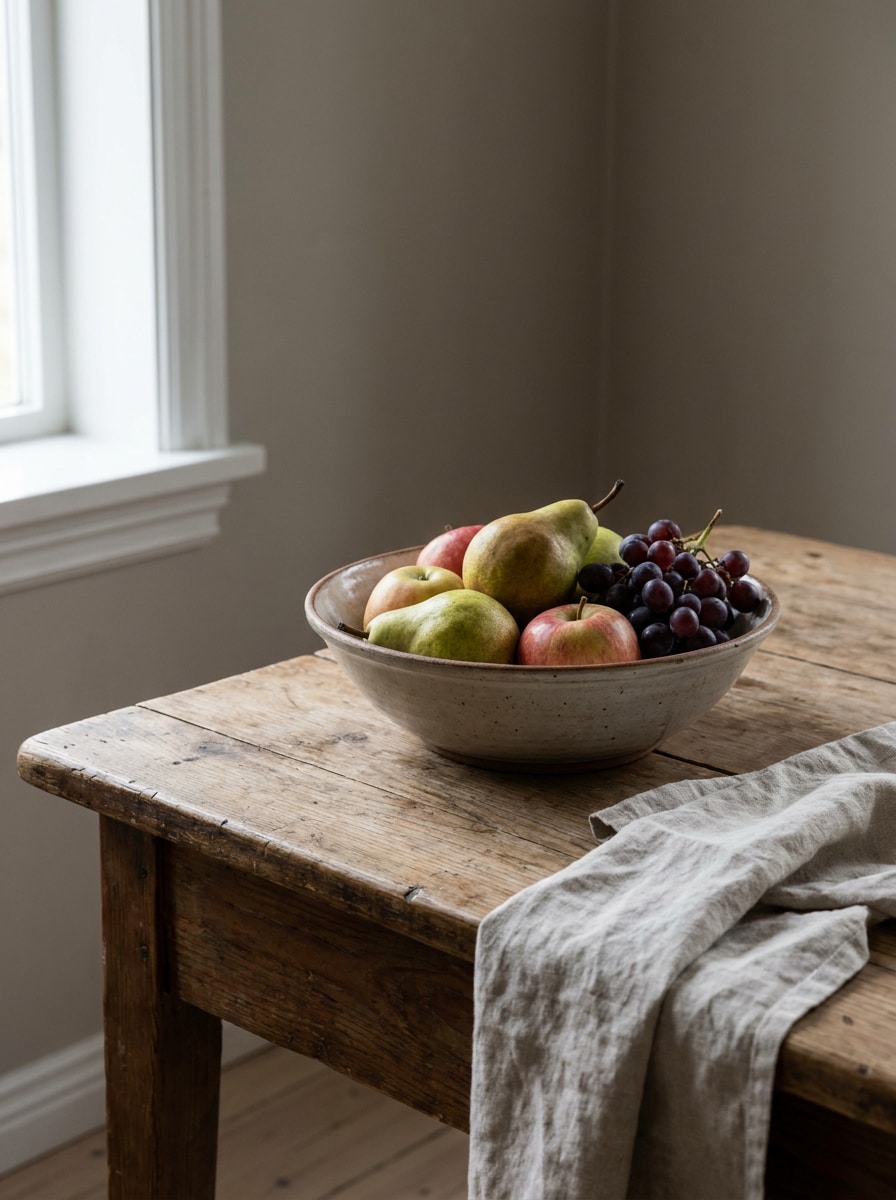
Review these example directions, then tailor the prompt details to get stronger results with this color palette from image generator in Media.io. This setup works well for color palette from a picture.
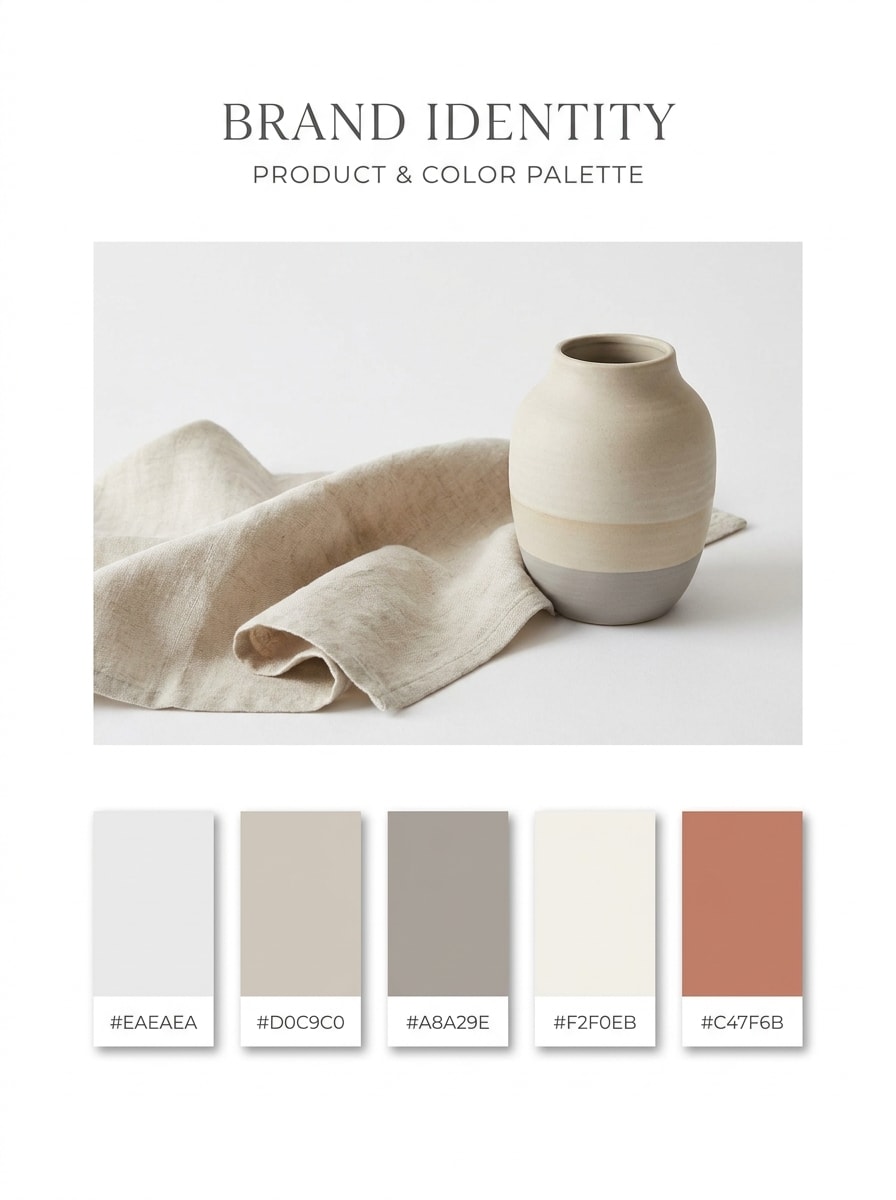
Minimal Brand Board
Use the uploaded image as the source and transform it into a clean minimalist palette board. Extract five dominant and supporting colors, arrange them as evenly spaced swatches with HEX labels, soft shadows, generous white space, and a polished modern branding presentation with balanced neutrals and one clear accent tone.
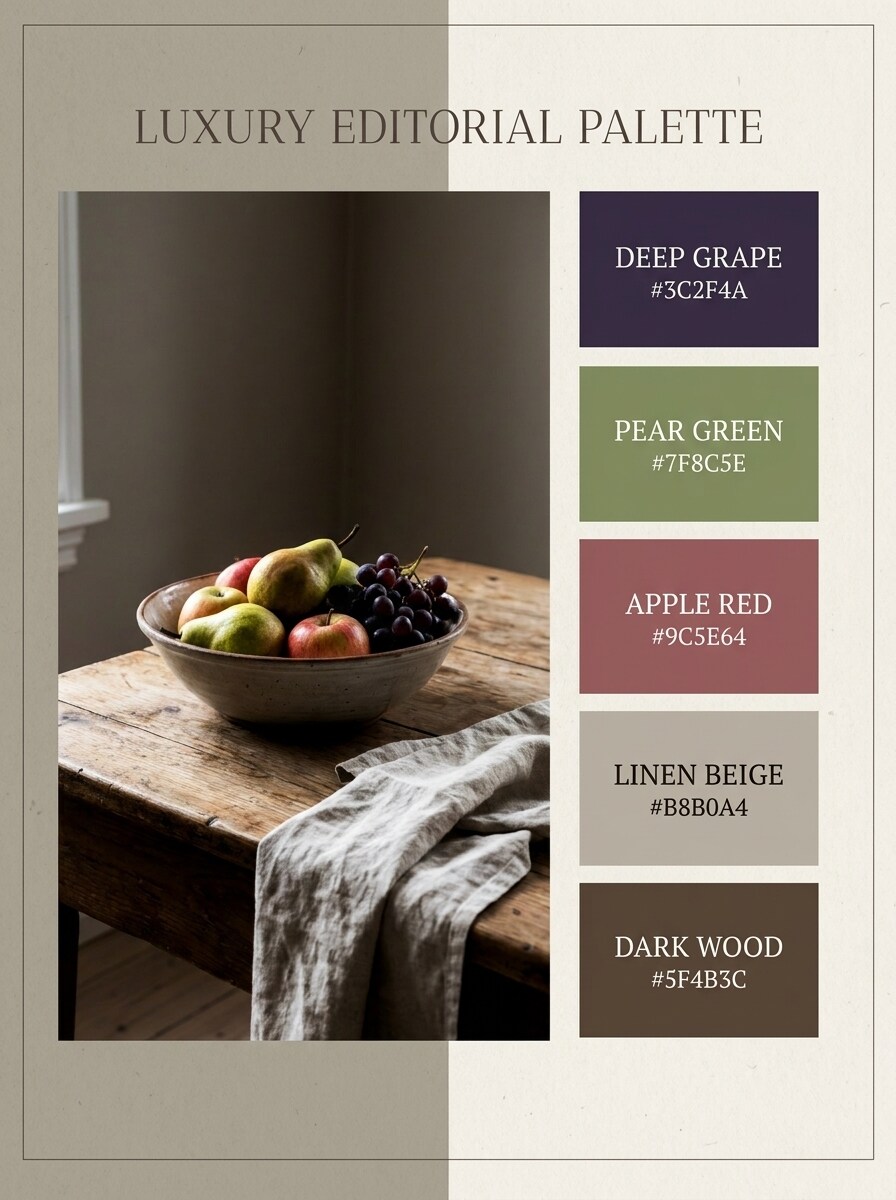
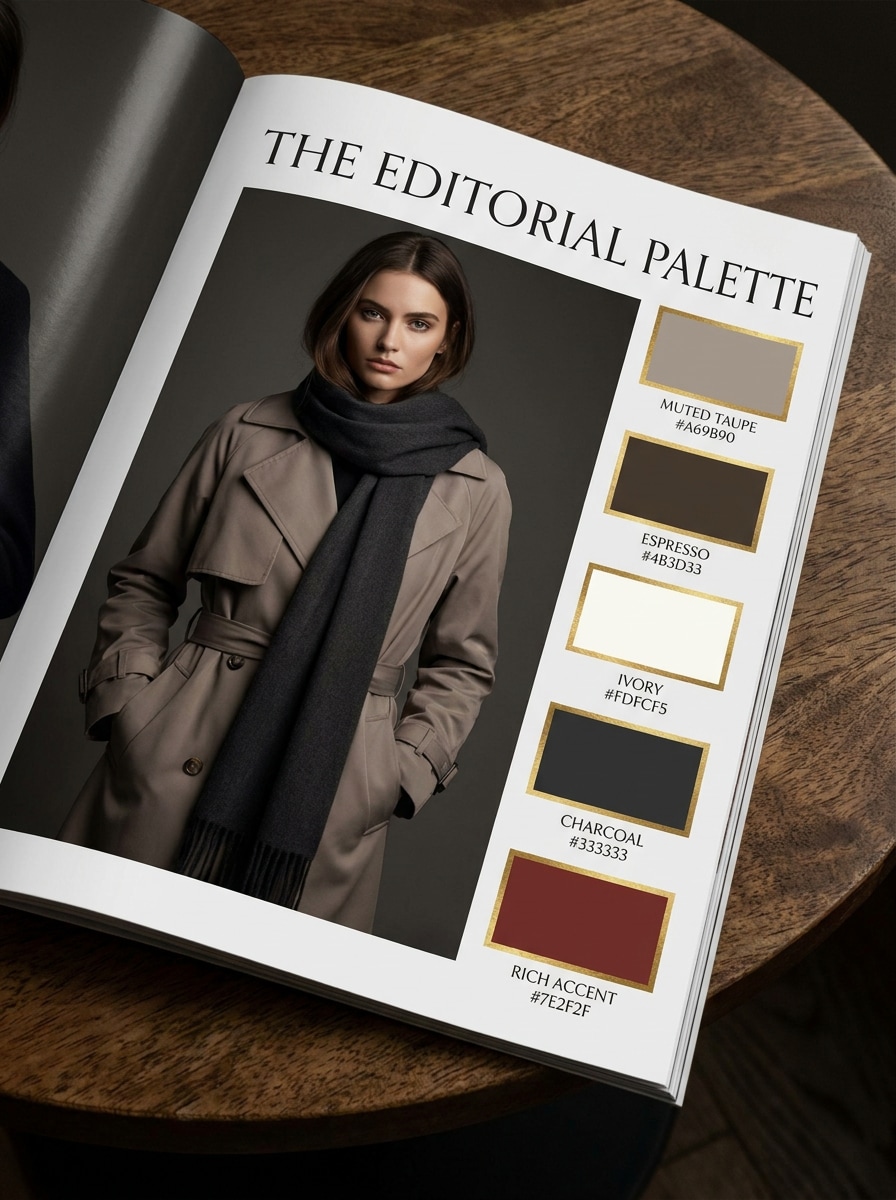
Luxury Editorial Palette
Use the uploaded fashion image as the subject and turn it into a luxury editorial palette sheet. Pull five sophisticated colors from fabric, background, and shadows, then present them with HEX labels, deep contrast, muted neutrals, elegant serif styling, glossy magazine mood, and a premium high-fashion composition.
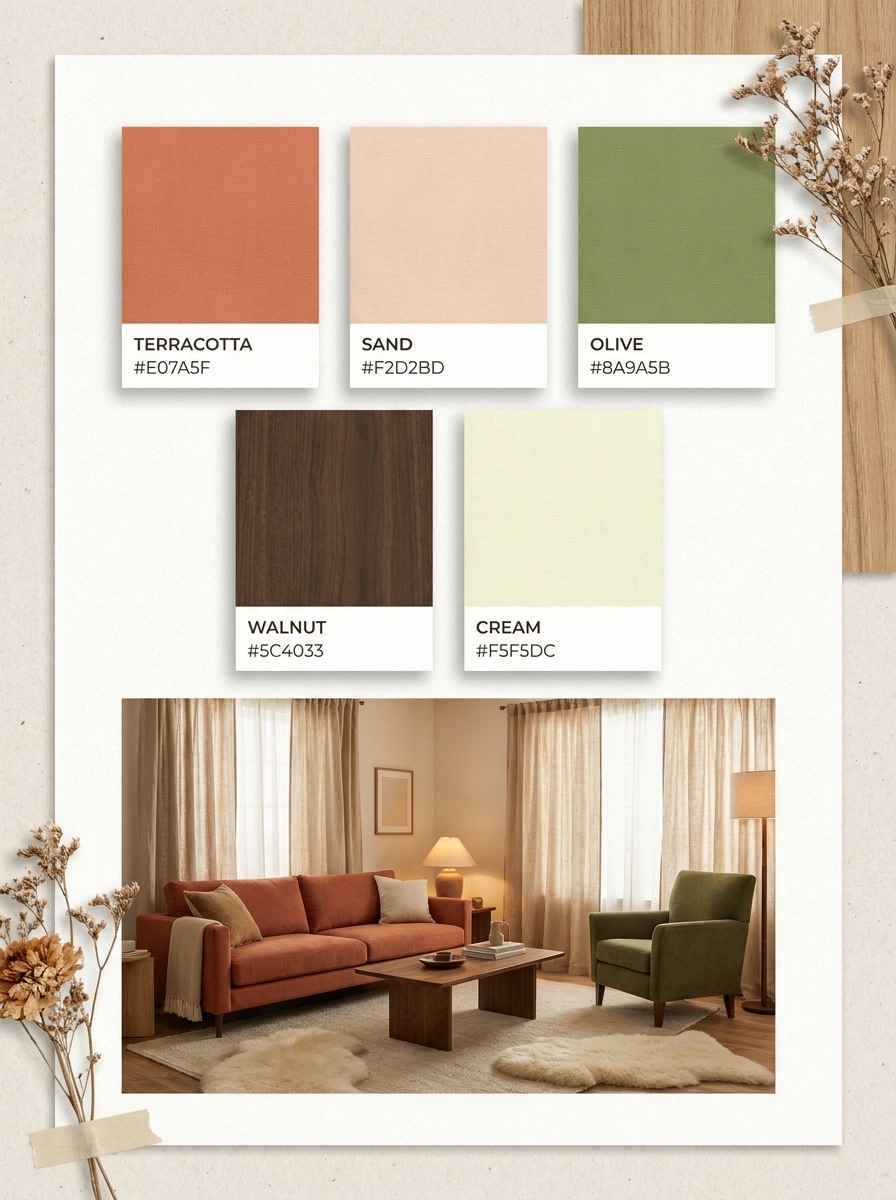
Warm Earthy Room Palette
Use the uploaded room photo and convert it into a warm interior palette board. Extract five cozy colors from walls, wood, textiles, and decor, then display them as labeled swatches with HEX codes, soft earthy tones, natural textures, calm lighting, and an inviting home design presentation.
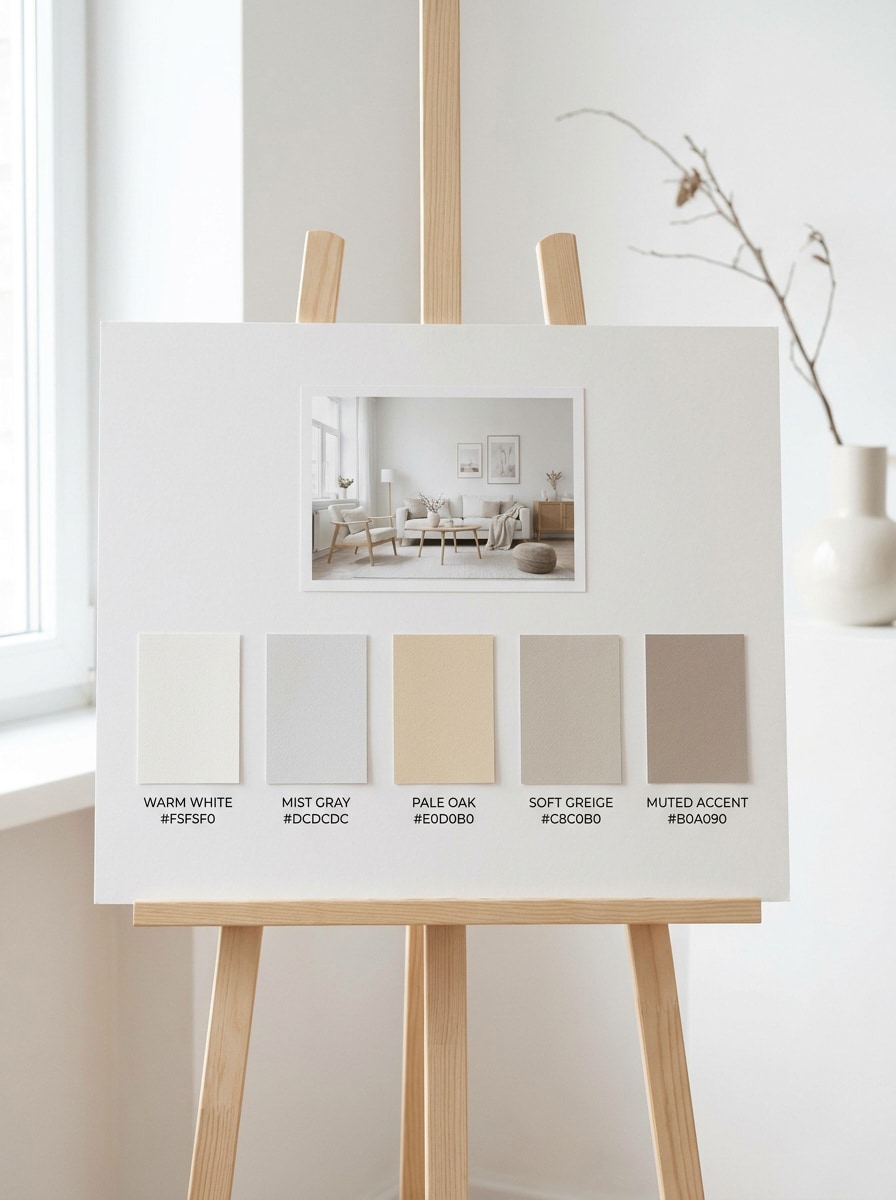
Scandinavian Neutral Palette
Use the uploaded interior image as reference and transform it into a Scandinavian neutral palette. Extract five light and airy tones from painted surfaces, wood finishes, and textiles, arranging them with HEX labels on a minimalist board with soft grays, warm whites, pale oak notes, and calm clean styling.
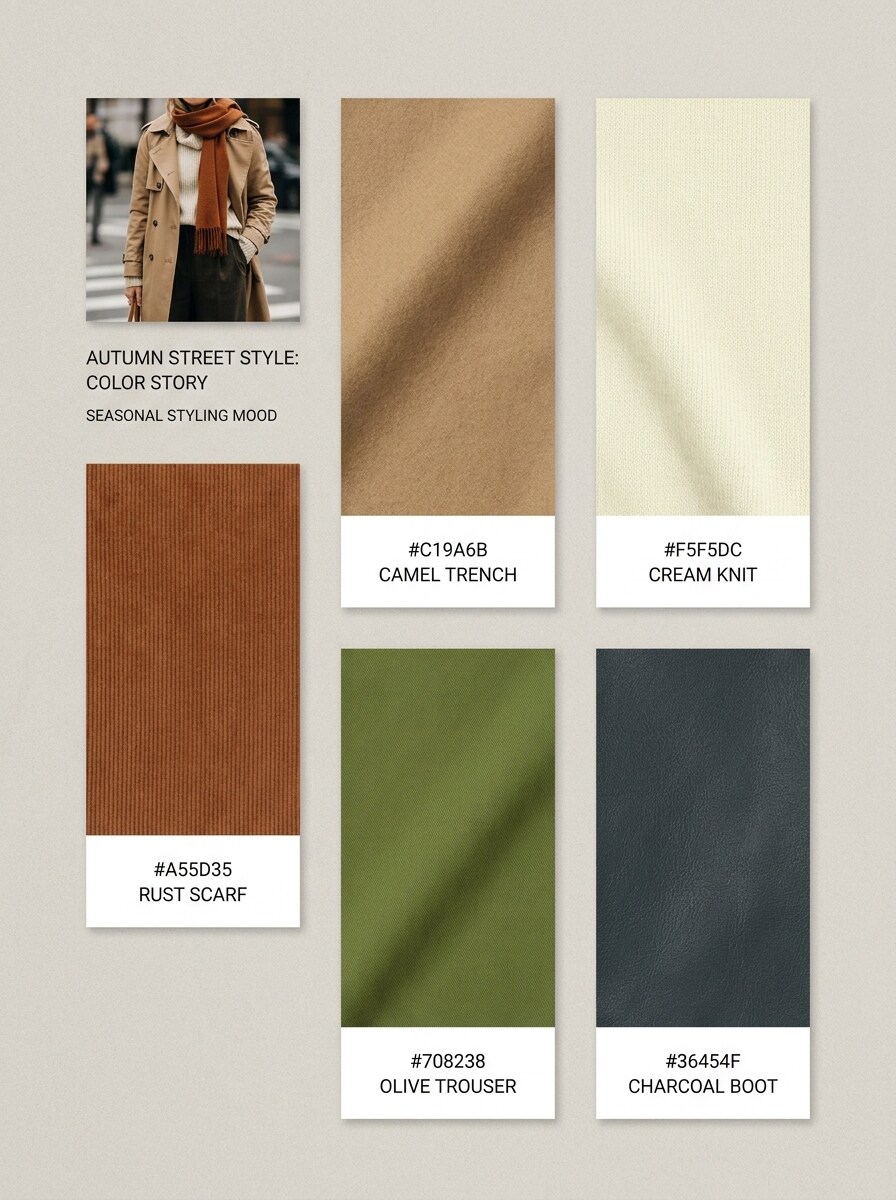
Outfit Color Story
Use the uploaded outfit photo and generate a wearable color story board. Pull five coordinated tones from clothing, accessories, and background details, then present them as polished swatches with HEX labels, seasonal fashion mood, soft editorial spacing, and a style-focused layout for wardrobe inspiration.
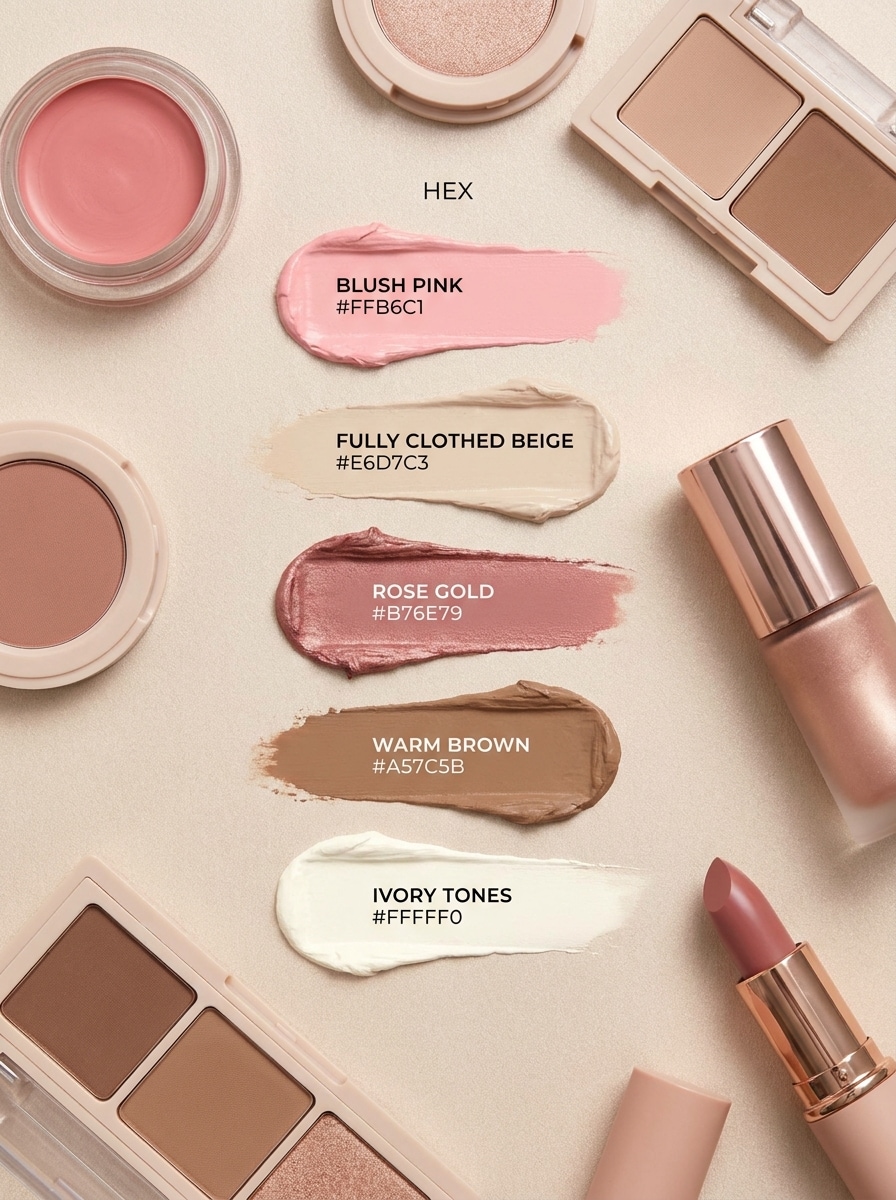
Beauty Flatlay Palette
Use the uploaded beauty flatlay as the source and create a soft cosmetic palette board. Extract five flattering tones from packaging, powders, and props, then show them as swatches with HEX labels, delicate shadows, pastel or muted glam styling, smooth surfaces, and a clean beauty-editorial composition.
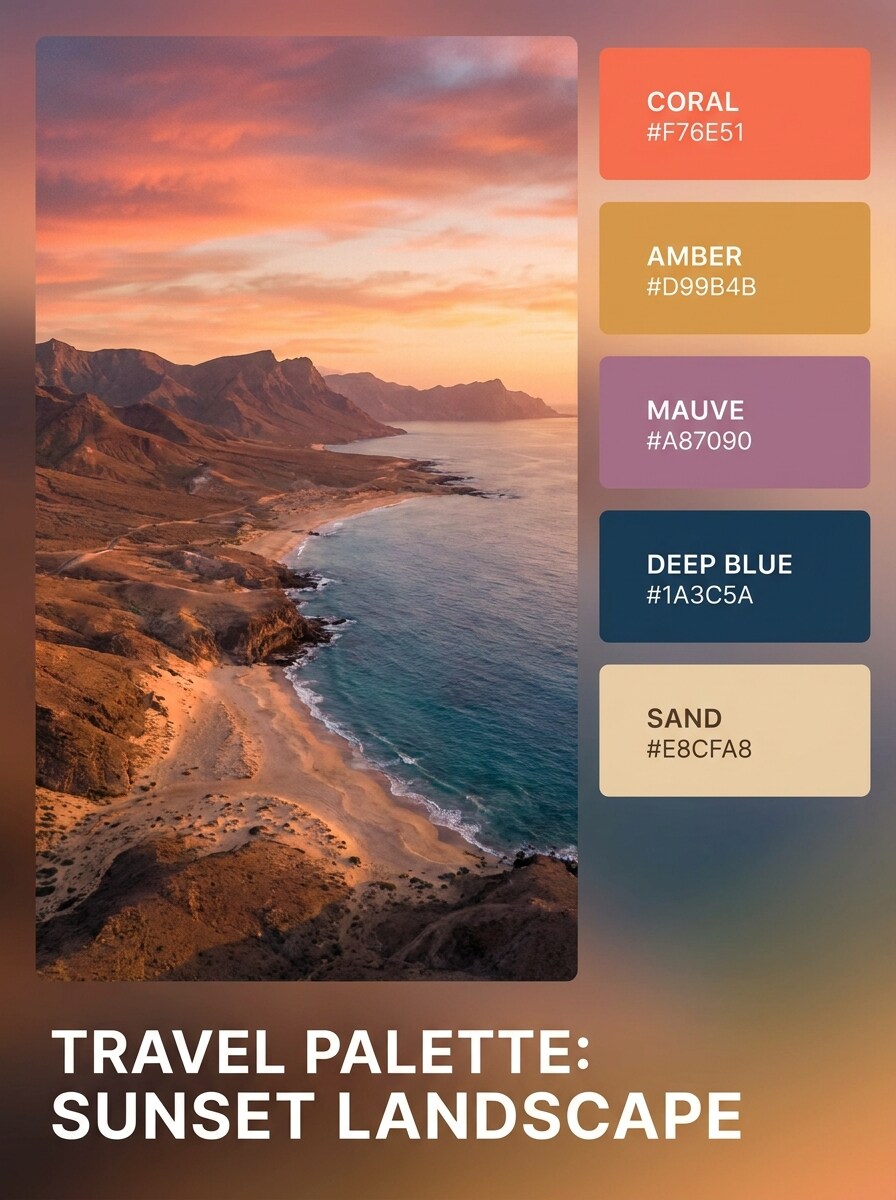
Sunset Travel Palette
Use the uploaded travel photo and transform it into a sunset-inspired palette board. Extract five vivid colors from the sky, landscape, water, and highlights, then display them with HEX labels, cinematic glow, smooth gradient harmony, and a wanderlust mood suitable for moodboards and visual storytelling.
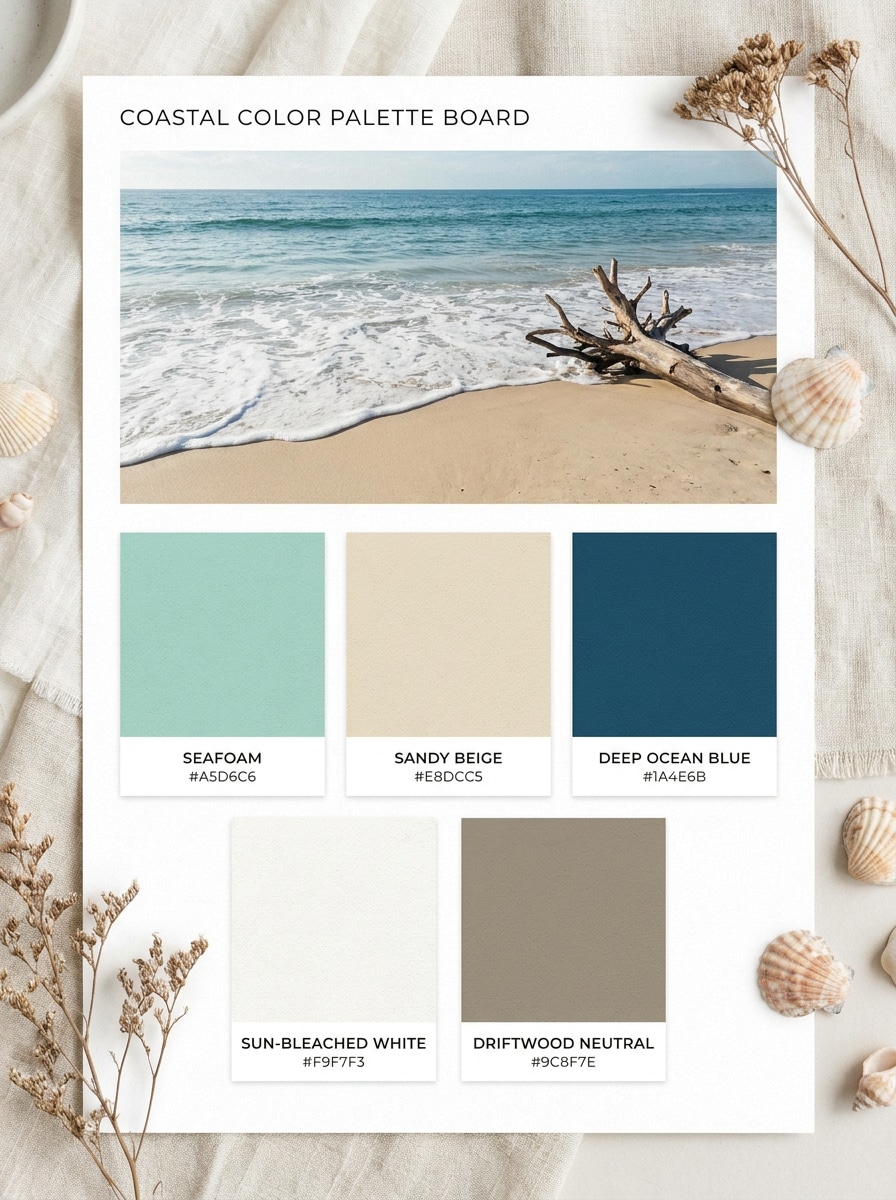
Coastal Escape Palette
Use the uploaded beach or ocean image as reference and turn it into a breezy coastal palette. Extract five tones from sand, seafoam, horizon blues, and sunlit neutrals, then arrange them as labeled swatches with HEX codes in a clean relaxed layout with airy spacing and fresh vacation energy.
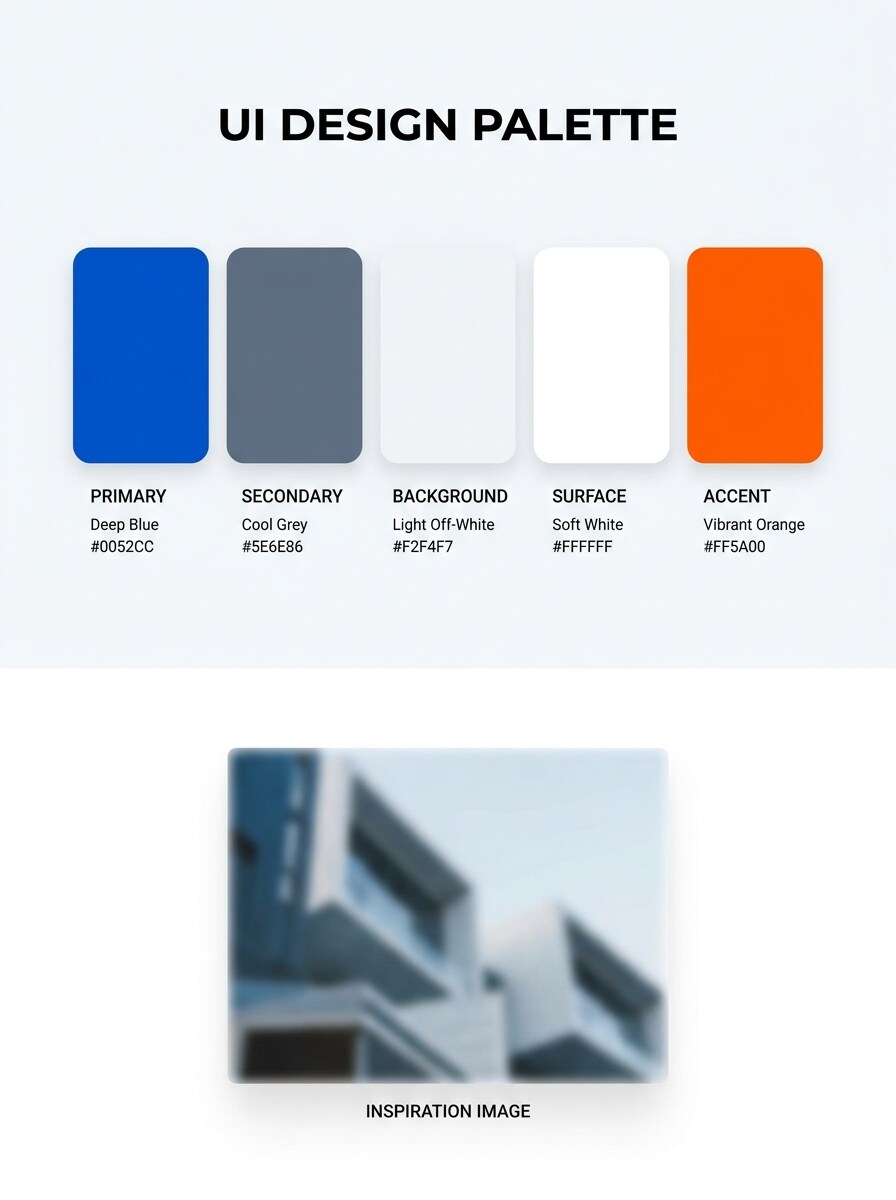
App UI Palette
Use the uploaded inspiration image and convert it into a UI-ready palette board. Extract five practical colors for primary, secondary, background, surface, and accent use, then label each swatch with HEX codes in a crisp digital layout with modern contrast, usability-focused balance, and sleek product design styling.
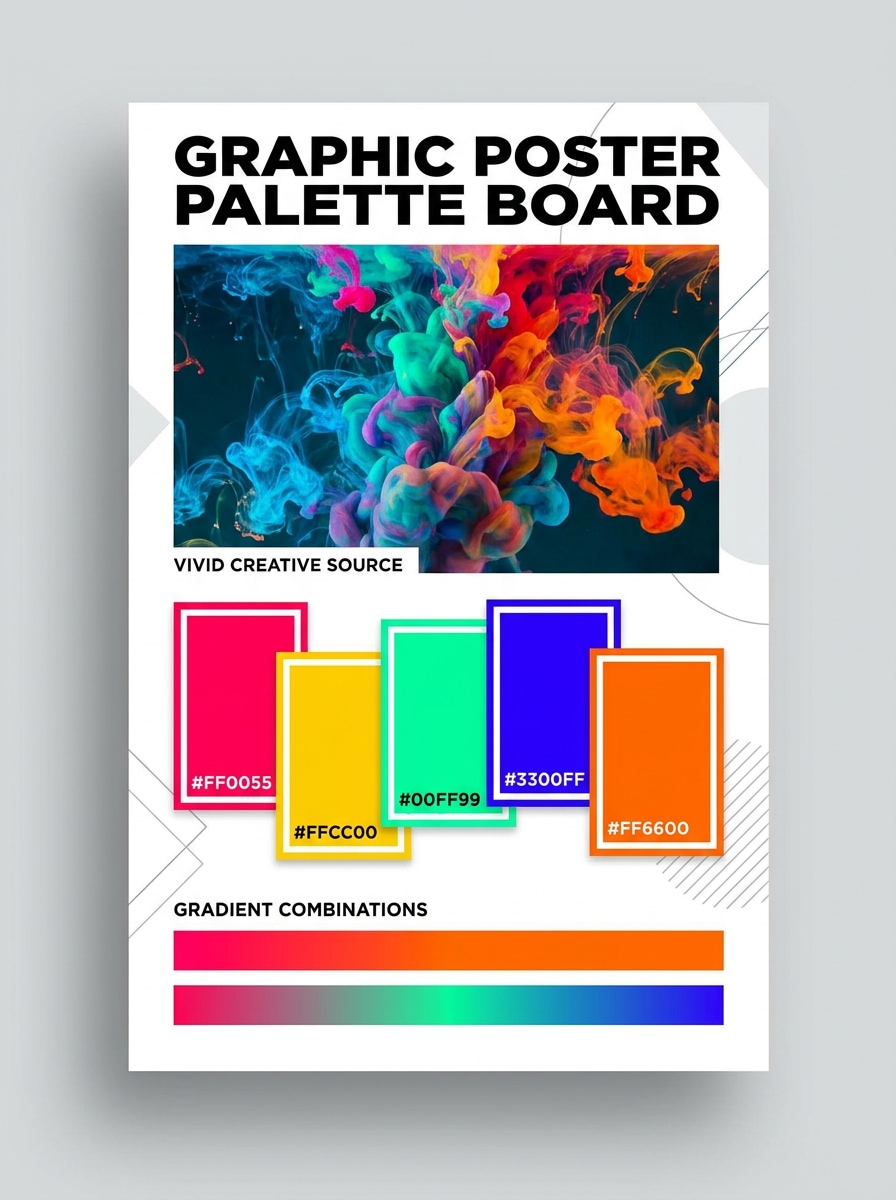
Poster Gradient Palette
Use the uploaded creative image and transform it into a bold poster palette sheet. Extract five high-impact colors suited to graphics and gradients, then present them with HEX labels, strong contrast, vivid lighting cues, contemporary poster energy, and a clean structured layout for social and print concepts.
Why Use Media.io for Color Extraction and Palette Styling
Upload a Reference Photo and Keep the Real Color Story
Media.io lets you begin with the exact photo, screenshot, artwork, or inspiration visual you already have, so a color palette from a photo or color palette by image stays tied to real materials, lighting, and brand cues instead of drifting. It is also a practical option for color palette from photo.
Explore Different Looks Without Losing Direction
When the art direction is still open, Media.io lets you test multiple looks around the same color palette from image idea, making it easier to find the right style without rebuilding from zero. This workflow is especially useful for color scheme from photo.
Keep Final Visuals Sharp for Real Projects
If the final color palette from image will be reused beyond a small preview, Media.io helps deliver sharper results up to 4K so the image stays more reliable in practical design and presentation work. Creators often use it for picture to color palette.
Work Smoothly Across Phone, Tablet, or Desktop
When a color palette from image idea starts away from your main setup, Media.io lets you create and refine it in the browser so moving between mobile and desktop feels seamless instead of disruptive.
How to Make a Color Palette From a Picture
Turn your words into stunning visuals in three simple steps, then continue refining the result if you want to take it further.
Step 1
Upload Your Reference Image
Start with a clear JPG, PNG, or JPEG photo, screenshot, artwork, room image, outfit shot, or product visual. A clean source image makes it easier to build a useful picture to color palette workflow with recognizable tones and better swatch balance.
Step 2
Describe the Change and Set Options
Tell Media.io the palette style you want, such as a minimal brand board, interior moodboard, or UI-ready color sheet. Then choose the model and adjust aspect ratio, quality, and image count to fit your presentation needs.
Step 3
Generate, Download, and Keep Improving
Generate several palette variations, compare which swatches best match your project, and download the result you prefer. You can refine the prompt, try another layout, or create new versions from the same image until the palette feels right.
See how creators use this color palette from image workflow for content, marketing, and personal projects, then adapt each idea to fit the brief.
Turn Product Photos Into Instant Brand Directions
Use a hero product shot to create a clean palette board for packaging, social templates, landing pages, or pitch decks. This is especially helpful when you want a color palette generator from picture input or a color palette generator image process that reflects real packaging tones instead of guessed brand colors.
Build Moodboards From Rooms, Outfits, and Lifestyle Photos
Interior designers, stylists, and creators can pull harmonious swatches from everyday visuals to guide decor, wardrobe planning, or seasonal content. A color palette with image-based reference keeps the final moodboard grounded in materials, lighting, and texture, whether you need a colour palette picture or a color scheme from picture for inspiration.
Create UI and Marketing Palettes From Visual Inspiration
Design teams can turn screenshots, posters, and campaign imagery into practical color systems for interfaces, ads, and web assets. It works well as a color scheme creator from image reference or a picture of color palette starting point when you need visual consistency across digital products and promotions.
What Users Say
Lena Morris
Brand Designer
"Useful for fast brand boards" I use it when clients send product photos and want a quick visual direction. The generated palette boards look polished enough for early presentations, and making multiple versions from one image saves me time.
Marco Jensen
UI Designer
"Good for turning inspiration into usable color sets" I tested it with screenshots and photography references, and it helped me move from inspiration to a more structured palette concept. The layout options are handy when I need something clear for team reviews.
Priya Shah
Content Creator
"Easy on mobile and desktop" I often pull palette ideas from fashion and travel photos for social content. Being able to upload from my phone, generate a clean result, and download it quickly makes the workflow much smoother.
Ethan Cole
Interior Stylist
"Helpful for decor moodboards" I like using room photos to explore color directions before sourcing materials. The generated palette visuals make it easier to discuss options with clients, especially when I need a warm neutral or coastal feel.
Upload your reference image to Media.io, then describe the palette style you want, such as a brand board, interior swatch sheet, or UI color layout. Media.io uses your image as the visual reference, generates palette-style outputs, and lets you create multiple variations from the same source for easier comparison.
2. Can I extract HEX codes from a photo for free?
Free users can try Media.io with free credits, which is useful if you want to test a color palette from image generator workflow before committing. For more usage, you can check the pricing page. Free downloads may include watermarks, while paid plans support watermark-free high-resolution results.
3. What image formats can I upload to generate a palette?
Media.io supports JPG, PNG, and JPEG uploads. That makes it practical for a color palette from picture workflow using product photos, screenshots, artwork, branding references, room images, or fashion shots you already have saved.
4. How many colors can an image palette generator extract?
Media.io helps you generate palette-style outputs from an uploaded image, and the exact number of visible swatches depends on the prompt and layout you choose. For example, you can ask for a simple five-color board, a broader picture colour palette, or several variations to compare dominant and accent tones.
5. Can I use an extracted color palette for branding or web design?
Media.io is useful for turning a product photo, campaign image, or interface reference into a color palette maker from image workflow that supports brand boards, social visuals, mockups, and web design concepts. Flexible layouts also help you adapt the result for presentations and creative reviews, and the web-based tool works in any browser across desktop and mobile.
6. Does the tool work on mobile as well as desktop?
Whether you are testing a color palette of an image from your phone or refining a color scheme generator from image process on desktop, Media.io keeps the core workflow accessible.