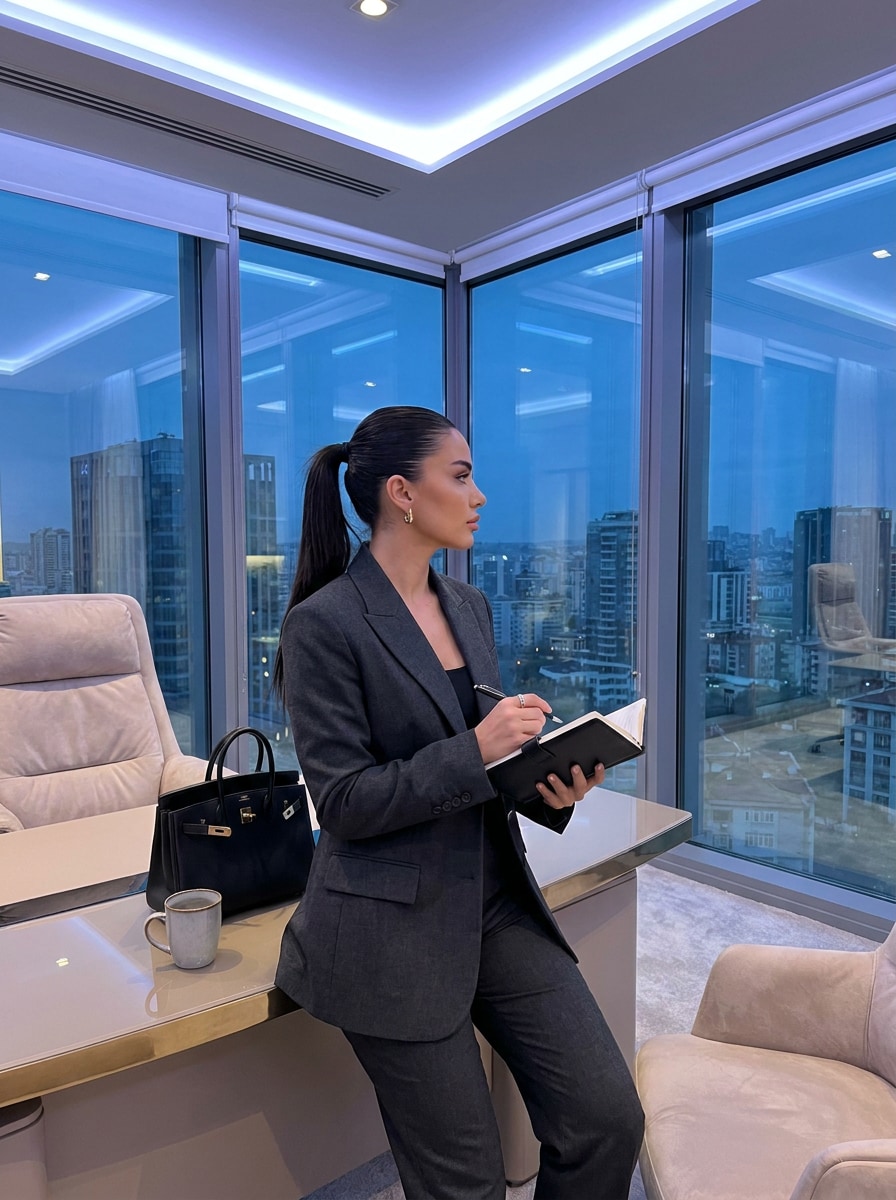
AI Office Siren Filter for Polished Corporate-Style Photo Transformations
Turn one portrait into a polished AI office siren filter look with sleek glasses, tailored outfits, refined makeup, and moody office styling. Upload a selfie and create realistic corporate-glam edits fast in your browser, whether you want an office girl photo filter vibe or a sharper editorial makeover.
Review these example directions, then tailor the prompt details to get stronger results with this Office Siren Filter.
Corporate Glam Headshot
Use the uploaded image as the subject and transform it into a polished office siren portrait with a tailored black blazer, slim rectangular glasses, smooth blowout hair, soft neutral glam makeup, cool office lighting, a refined corporate background, confident posture, and photoreal editorial detail.
Minimalist Executive Look
Use the uploaded image as the subject and create a clean executive office siren makeover with a crisp white button-down, structured black blazer, sleek straight hair, understated luxury makeup, minimal jewelry, modern office interior, cool neutral tones, realistic textures, and elegant professional styling.
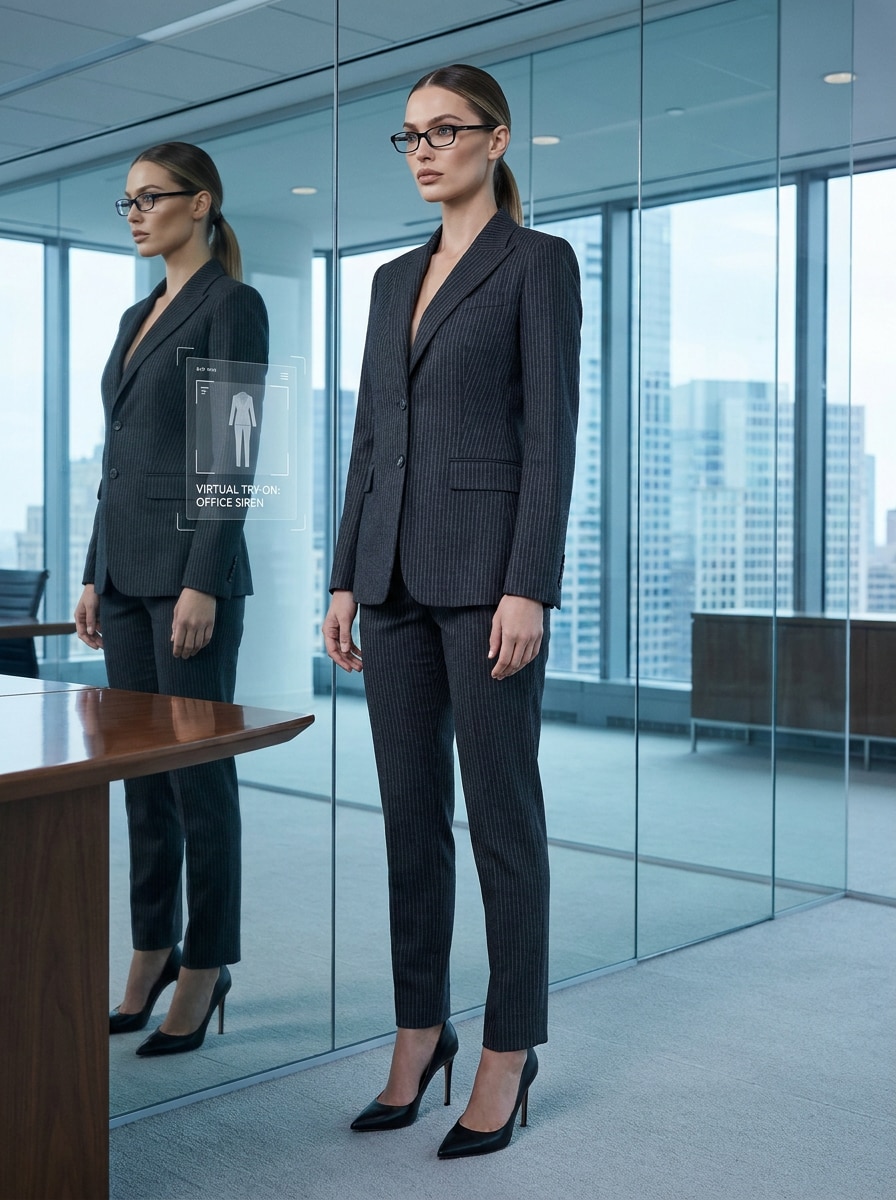
Pinstripe Power Suit
Use the uploaded image as the subject and dress them in a fitted charcoal pinstripe suit with narrow black glasses, sleek hair, pointed heels, and a commanding boardroom presence. Keep the face recognizable while adding premium tailoring, cool lighting, strong posture, and a fashion-editorial office mood.
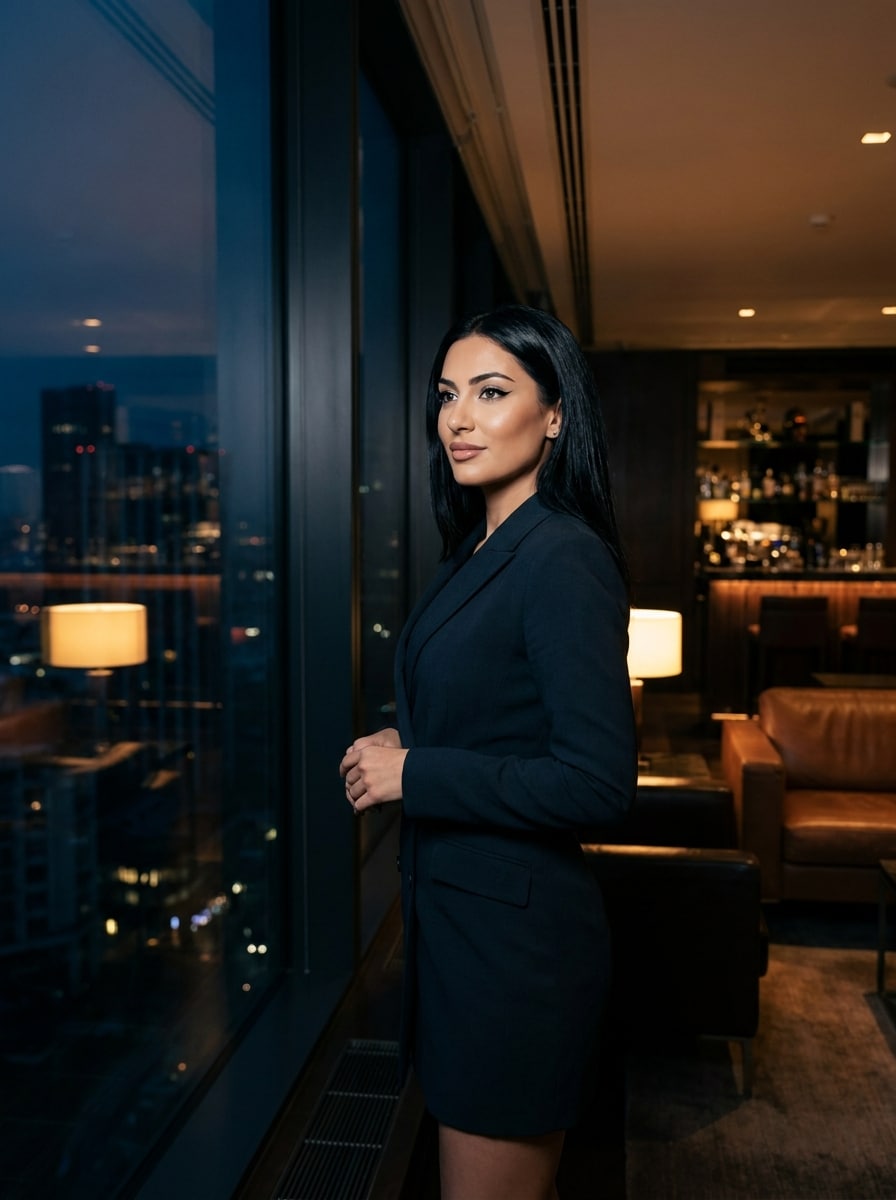
After-Hours Corporate Chic
Use the uploaded image as the subject and transform it into an after-hours office siren scene with a fitted blazer dress, sleek glossy hair, defined eyeliner, subtle shine on the lips, dark glass office interiors, city lights in the background, moody contrast, and luxurious late-night corporate energy.
Black Glasses Signature
Use the uploaded image as the subject and add the signature office siren look with slim black glasses, a tailored office outfit, subtle glam makeup, polished hair, clean skin texture, and a chic indoor workspace backdrop. Keep the transformation realistic, flattering, and suitable for a stylish social post.
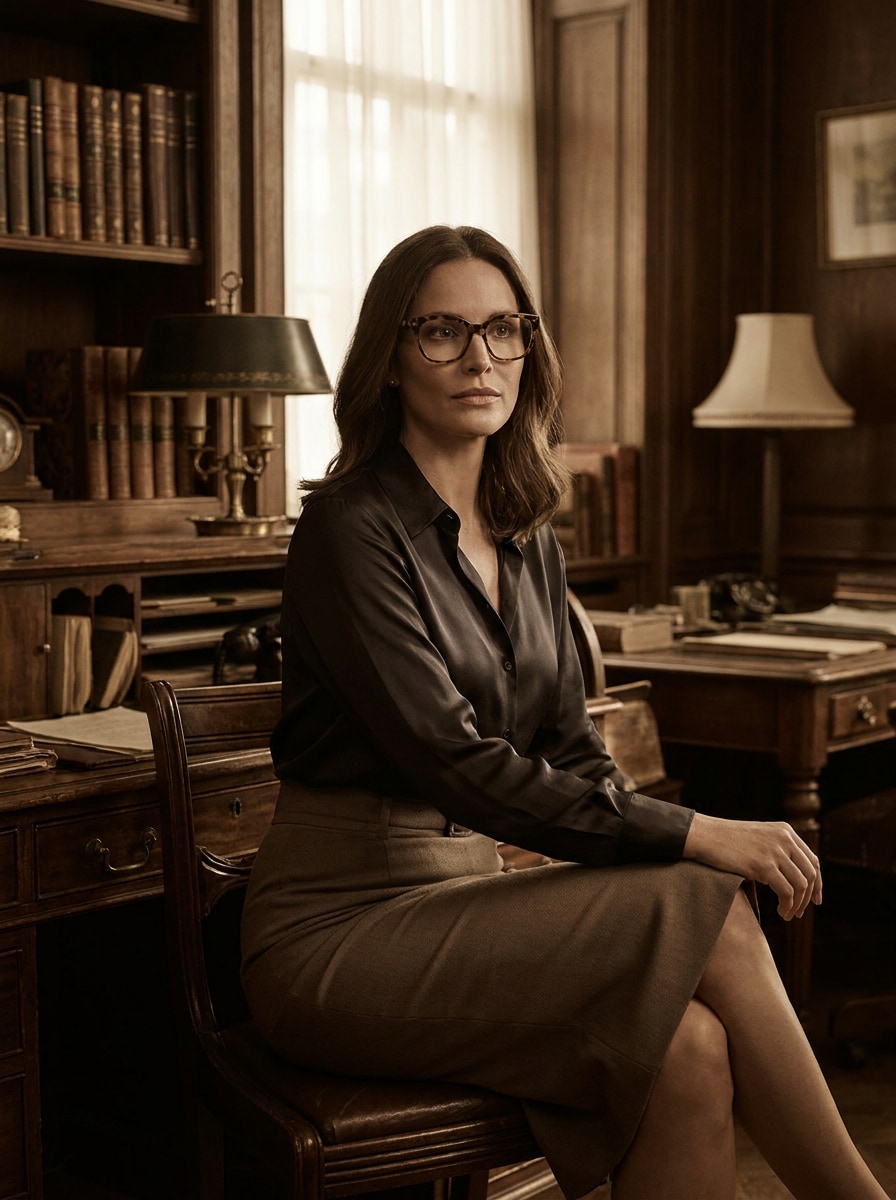
Dark Academia Office Siren
Use the uploaded image as the subject and create a dark academia office siren transformation with tortoiseshell glasses, a silky blouse, pencil skirt styling, rich wood office interiors, moody shadows, warm neutral grading, and an intelligent, refined corporate-glam mood with realistic facial preservation.
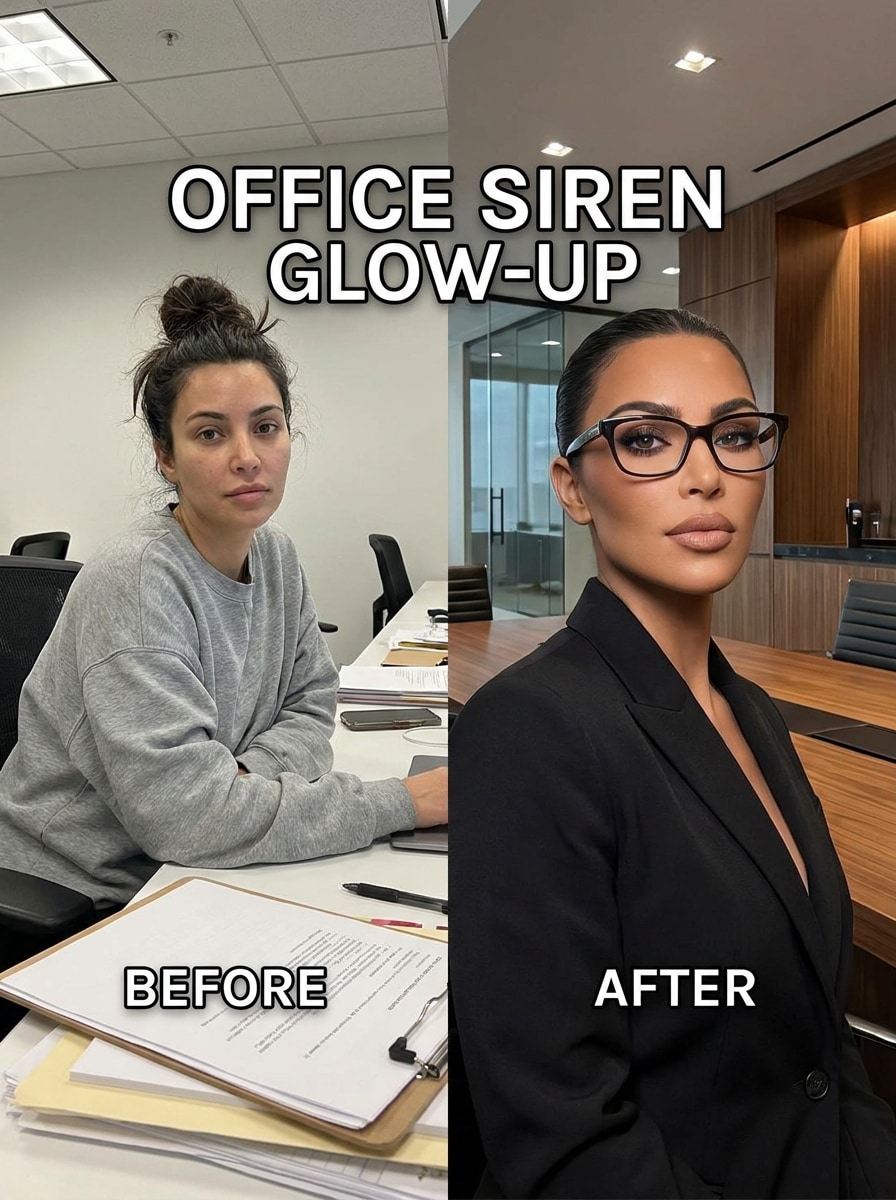
Glow-Up Before and After
Use the uploaded image as the subject and turn a casual portrait into a dramatic office siren glow-up with a fitted blazer, sharp eyewear, sculpted makeup, sleek hair, elevated posture, and a strong corporate ambiance. Emphasize realistic transformation, contrast, and social-ready before-and-after appeal.
Soft Power Office Siren
Use the uploaded image as the subject and create a softer office siren style with beige tailoring, elegant rectangular glasses, glossy lips, luminous skin, gentle contouring, and a modern office interior. Keep the look natural yet elevated, with premium lifestyle portrait quality and realistic facial consistency.
Vintage 90s Office Siren
Use the uploaded image as the subject and give it a 1990s-inspired office siren makeover with vintage fitted tailoring, slim retro glasses, matte makeup, softly feathered hair, nostalgic corporate interiors, muted film-like tones, and a stylish retro editorial mood while preserving facial identity.
Luxury Corner Office
Use the uploaded image as the subject and place them in a luxury corner office with skyline windows, tailored designer workwear, sleek hairstyle, elegant black accessories, clean makeup, and a premium executive atmosphere. Keep the result photoreal, polished, and ideal for a bold professional-style portrait.
Why Use Media.io for an Office Siren Filter
Adjust Framing and Quality for Social Posts or Portrait Covers
If the subject still needs to look like itself after the transformation, Media.io helps hold onto core identity cues while updating the final office siren filter visual style for a cleaner finished result.
Keep Your Face Recognizable While Upgrading the Style
Different outputs call for different aesthetics. Media.io helps you explore varied treatments of the same office siren filter visual concept so the final visual lands in the right tone faster.
Generate Cleaner Output Up to 4K
When a office siren filter visual is headed for real publishing use, Media.io gives you sharper output up to 4K, which helps the image stay clear across presentations, backgrounds, and reused assets.
Edit Fast in Your Browser With No App Workflow
Creative work rarely stays on one screen. Media.io keeps the office siren filter visual workflow in your browser, so you can start on phone and finish on desktop without stopping to install extra software.
How to Create an AI Office Siren Look Online
Turn your words into stunning visuals in three simple steps, then continue refining the result if you want to take it further.
Step 1
Upload Your Reference Image
Start with a clear selfie, portrait, or full-body photo in JPG, PNG, or JPEG format. Front-facing images with visible facial features, simple backgrounds, and good lighting work best for a realistic office-style transformation.
Step 2
Describe the Change and Set Options
Enter the look you want, such as sleek glasses, a fitted blazer, glossy hair, soft glam makeup, or a moody executive background. Then choose your model and adjust aspect ratio, resolution, and the number of variations you want to generate.
Step 3
Generate, Download, and Keep Improving
Create your edited images, compare the results, and download your favorite version. If you want a stronger makeover or a softer professional mood, refine the prompt and generate more variations until the styling feels right.
See how creators use this Office Siren Filter for content, marketing, and personal projects, then adapt each idea to fit the brief.
Upgrade Casual Selfies Into Editorial Workwear Portraits
Turn an everyday photo into a polished corporate-glam image with sharper tailoring, refined beauty styling, and a more intentional background. This is ideal for creators who want a chic social post without staging a full fashion shoot.
Test Outfit and Accessory Variations Before You Post
Explore black frames, pinstripe suits, blazer dresses, or softer beige tailoring from one upload. It is a practical way to compare different visual directions when you want an AI makeover that feels more advanced than a simple lens.
Build Stylish Moodboard Content for Social and Branding
Create polished portraits for TikTok, Instagram, covers, or concept boards with consistent office-inspired styling. A strong browser-based office siren filter workflow helps you produce dramatic before-and-after content fast, with less manual photo editing.
What Users Say
Maya R.
Lifestyle Creator
"Much better than a basic social lens" I wanted that office siren vibe without using an app-only filter, and this gave me a much more polished result. The glasses, blazer styling, and background mood looked intentional instead of pasted on.
Jasmine T.
TikTok Content Maker
"Great for before-and-after content" I uploaded one casual photo and got several strong transformations. It was easy to test softer and sharper corporate looks, and my face still looked like me in the final images.
Elena P.
Fashion Moodboard Designer
"Useful for aesthetic concept testing" The dark academia and pinstripe versions were especially good. I like that I can quickly generate multiple office-inspired styles in the browser instead of piecing everything together manually.
Nina C.
Social Media Freelancer
"Fast workflow on desktop and phone" I used it to create a polished office siren portrait for a client concept board. The upload process was simple, and the output looked clean enough to use in social mockups right away.
An AI office siren filter is an image-to-image style transformation that uses your uploaded photo as a reference and changes the visual styling around it. With Media.io, that can include workwear, glasses, makeup polish, hair refinement, and office atmosphere while keeping the result photoreal and tailored to the look you describe.
2. How do I turn my photo into an office siren look online?
Upload a clear JPG, PNG, or JPEG photo to Media.io, then describe the transformation you want, such as slim black glasses, a fitted blazer, sleek hair, or a moody corporate background. After that, choose your model, aspect ratio, and quality settings, generate a few variations, and download the version you like most.
3. Is this office siren AI filter free to use?
Yes, free users can try Media.io with free credits. If you need more generations, higher usage, or watermark-free high-resolution downloads, you can check the pricing page for paid plans. Free users can use free credits. For more usage, users can subscribe to a plan on the pricing page. Upgrade to a paid plan on the pricing page for more credits and watermark-free high-resolution downloads.
4. Can I use the tool without downloading an app?
Media.io is web-based, so you can use this office siren filter online directly in your browser without installing an app. It works across desktop and mobile devices, which makes it convenient for quick edits, prompt changes, and downloading results wherever you are. Media.io is a web-based tool that works on any device with a browser (Windows, Mac, iOS, Android).
5. Will the AI keep my face recognizable in the edited image?
You can customize the AI office siren filter result by adjusting theme, color palette, layout, illustration style, and empty space directly in the prompt.
6. What kind of photo works best for an office siren transformation?
The best results usually come from a clear portrait or full-body image with good lighting, visible facial features, and a simple background. If you want a stronger office siren aesthetic filter result, choose a sharp image with minimal blur so the AI can follow your face and body details more accurately.