AI Image Style Transfer Online Free - Transform Any Photo into a New Visual Style Instantly
Use AI image style transfer to instantly turn any photo into anime art, cinematic visuals, watercolor illustrations, or other creative styles while keeping the subject recognizable. With Media.io, you can restyle portraits, pets, product images, and social content in seconds with improved texture, lighting, and artistic detail—now with unlimited free generation for fast, flexible creative exploration.
Explore our curated collection of AI image style transfer ideas.
Cinematic Style Transfer
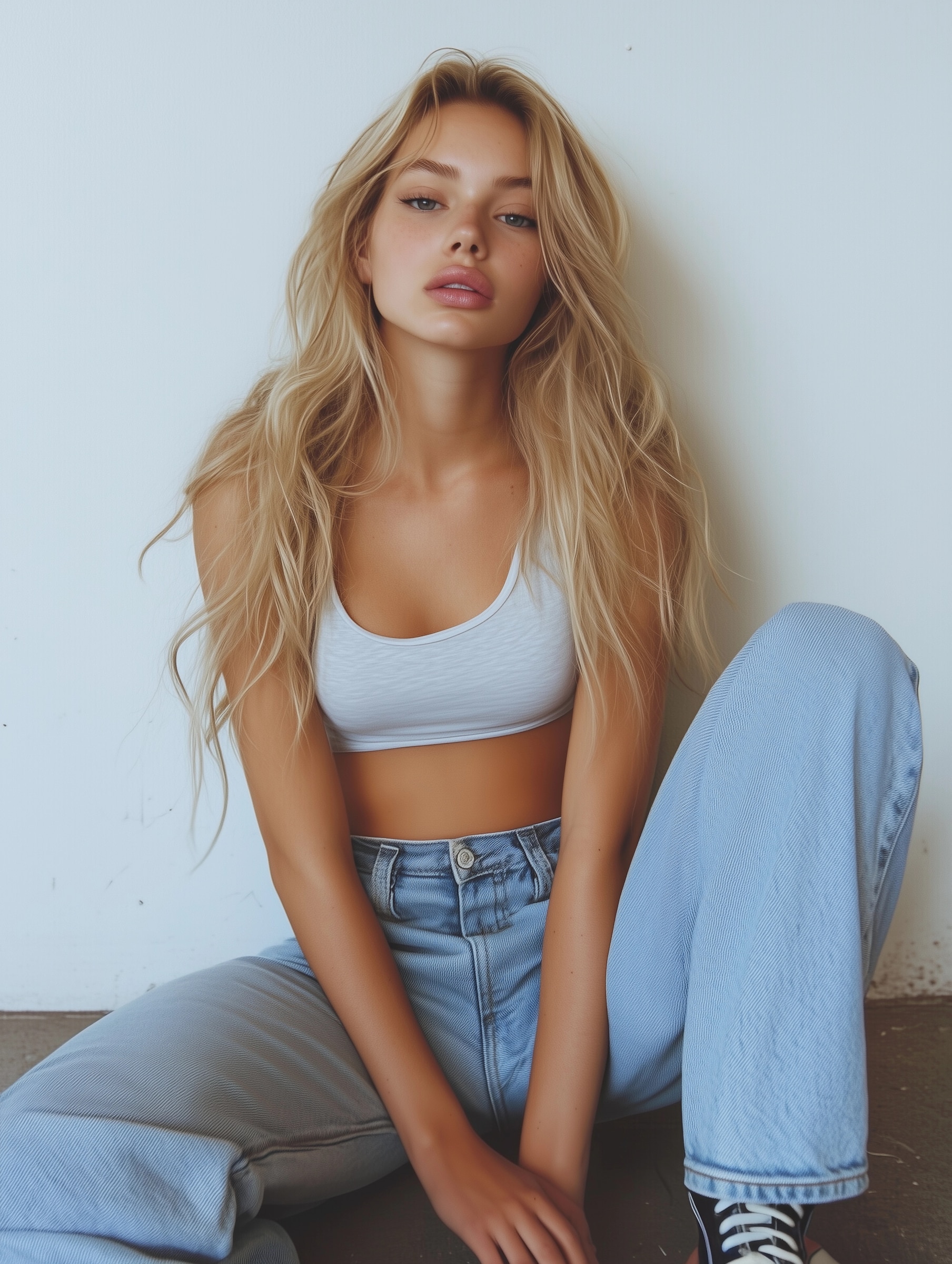
Use the uploaded image as the subject and transform it with cinematic color grading, moody contrast, dramatic lighting, shallow depth of field, rich shadows, and film-inspired texture. Preserve the original identity and composition while making the final image feel like a polished still frame from a high-end movie scene.
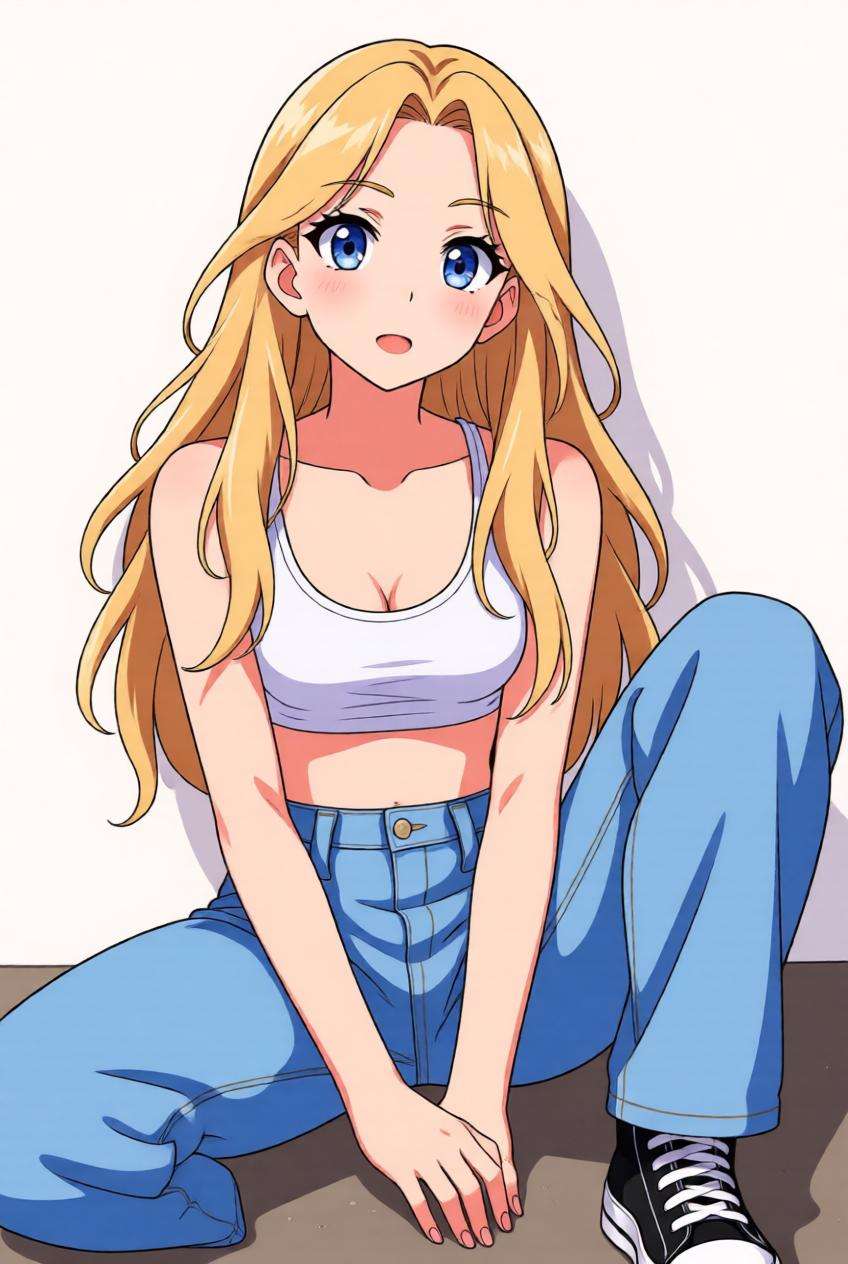
Anime Style Transfer
Use the uploaded image as the subject and convert it into anime-inspired artwork. Keep the face, pose, and overall subject recognizable while applying clean linework, soft cel shading, expressive eyes, vivid color harmony, and a polished anime illustration finish suitable for avatars, social posts, and creative profile images.
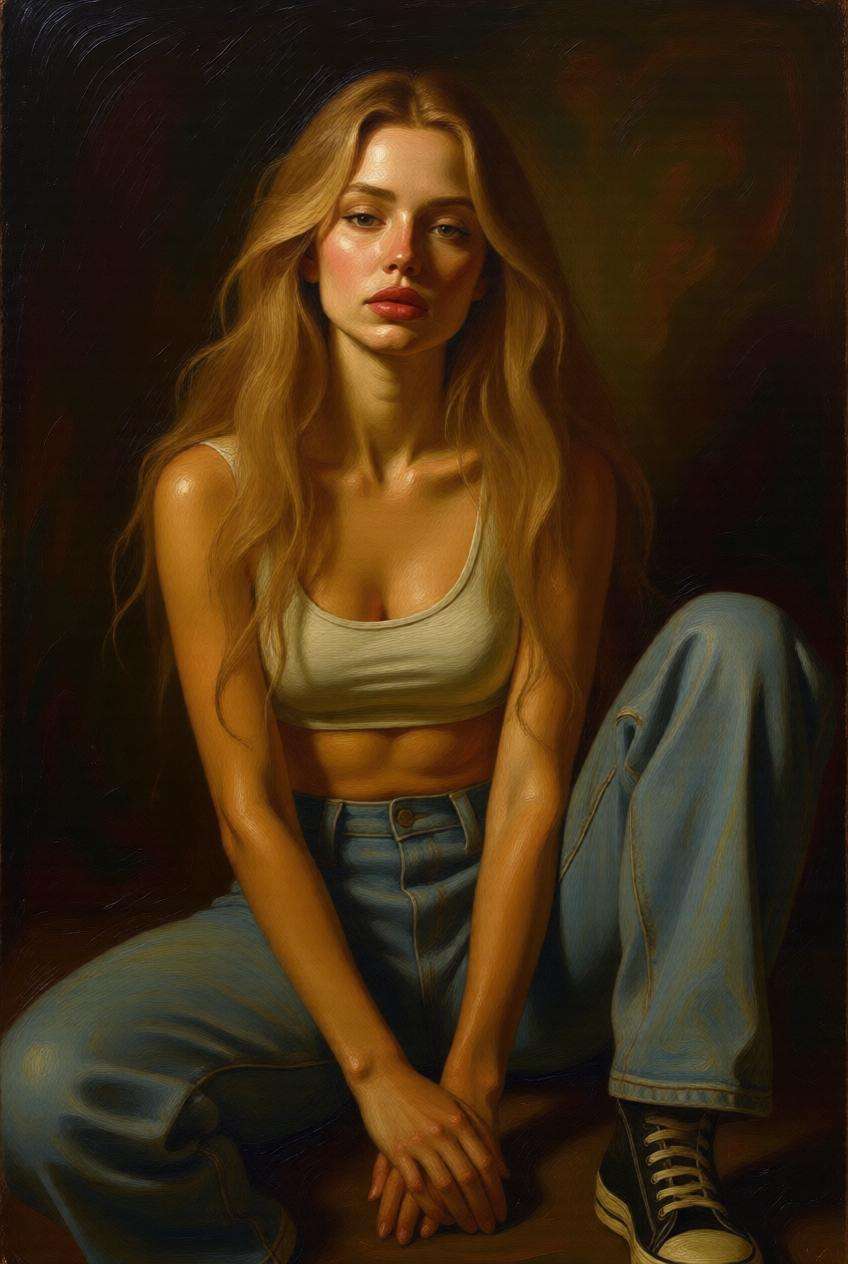
Oil Painting Style Transfer
Use the uploaded image as the subject and restyle it into a classical oil painting. Preserve important facial and compositional details while adding painterly brush strokes, textured canvas feel, rich pigments, museum-style lighting, and elegant artistic depth for a timeless fine-art appearance.
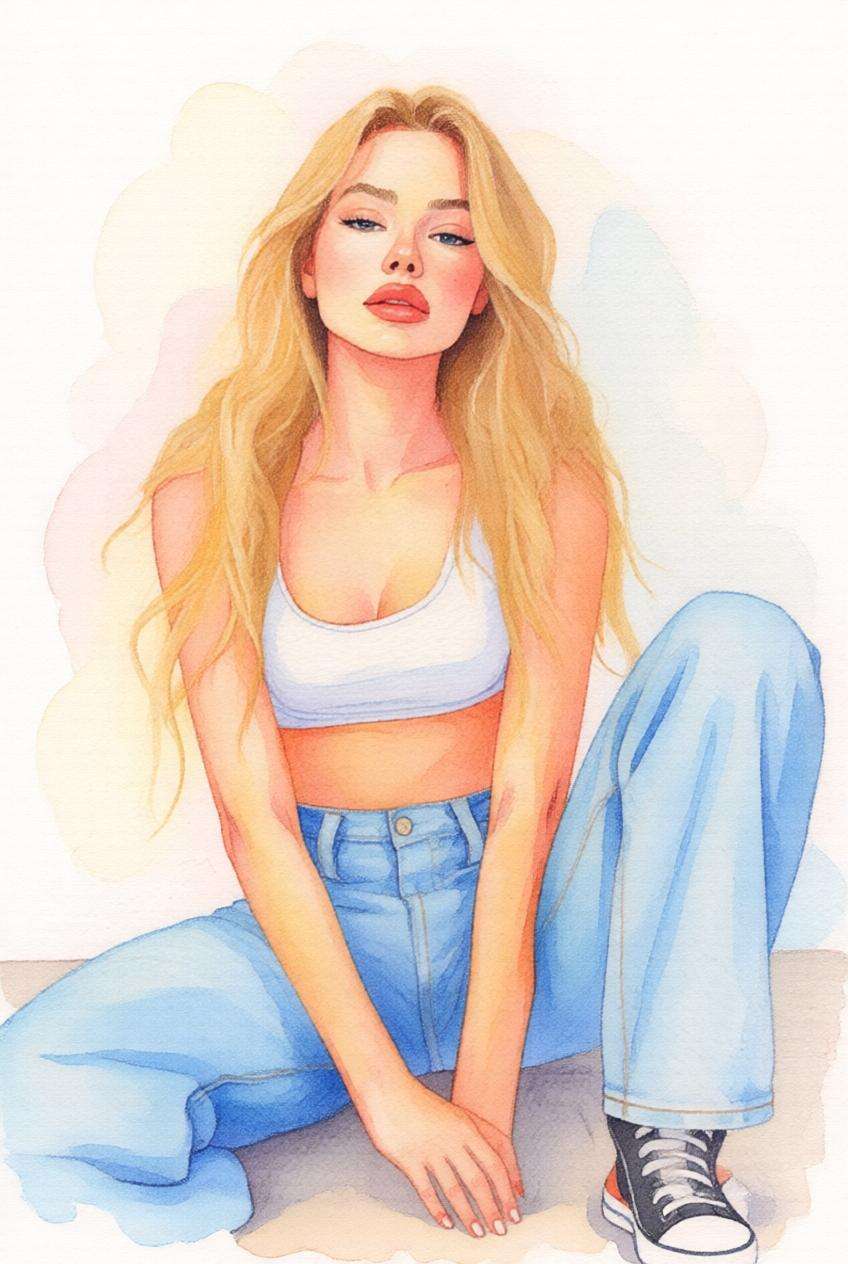
Watercolor Style Transfer
Use the uploaded image as the subject and transform it into a soft watercolor illustration. Maintain the subject’s recognizable shape and expression while adding flowing pigment textures, light paper grain, soft edges, airy color blending, and a handmade artistic atmosphere that feels gentle, elegant, and shareable.
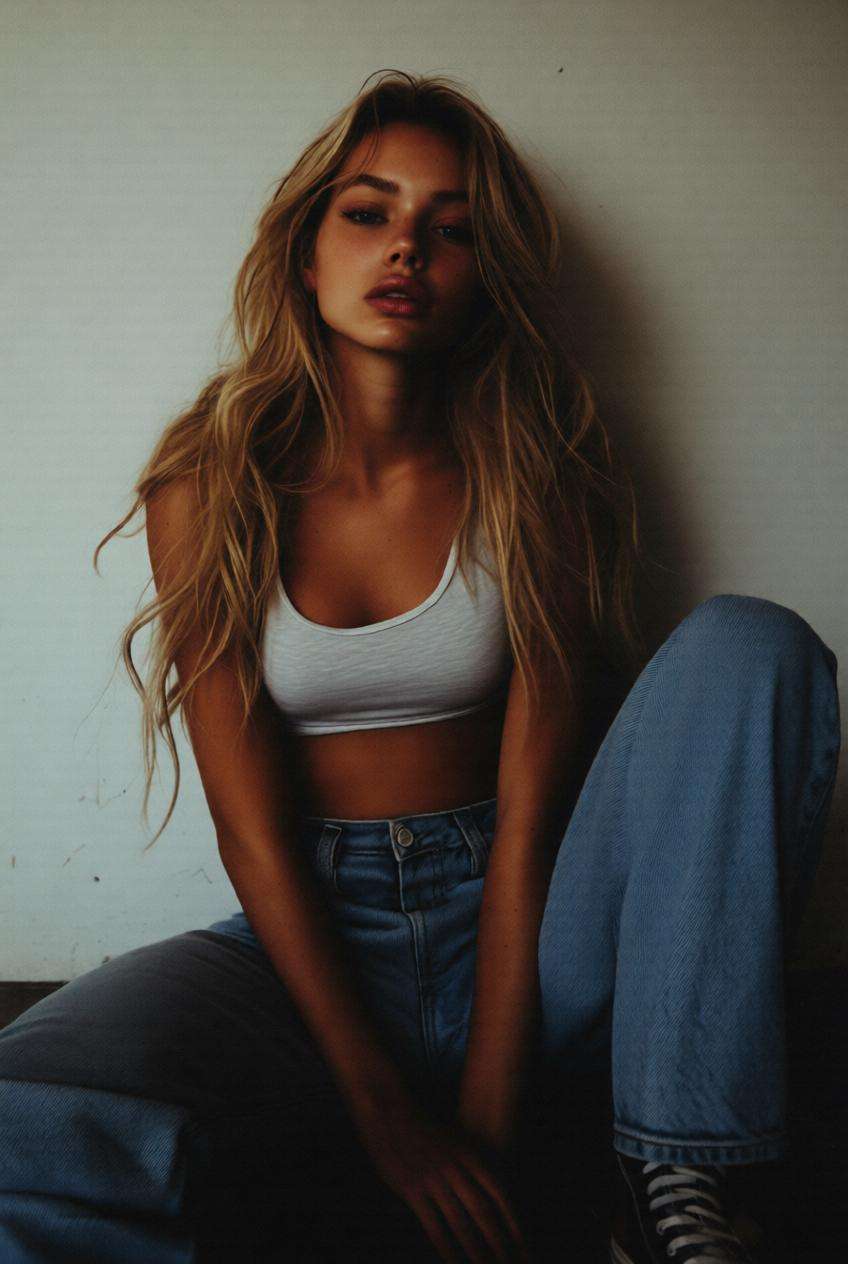
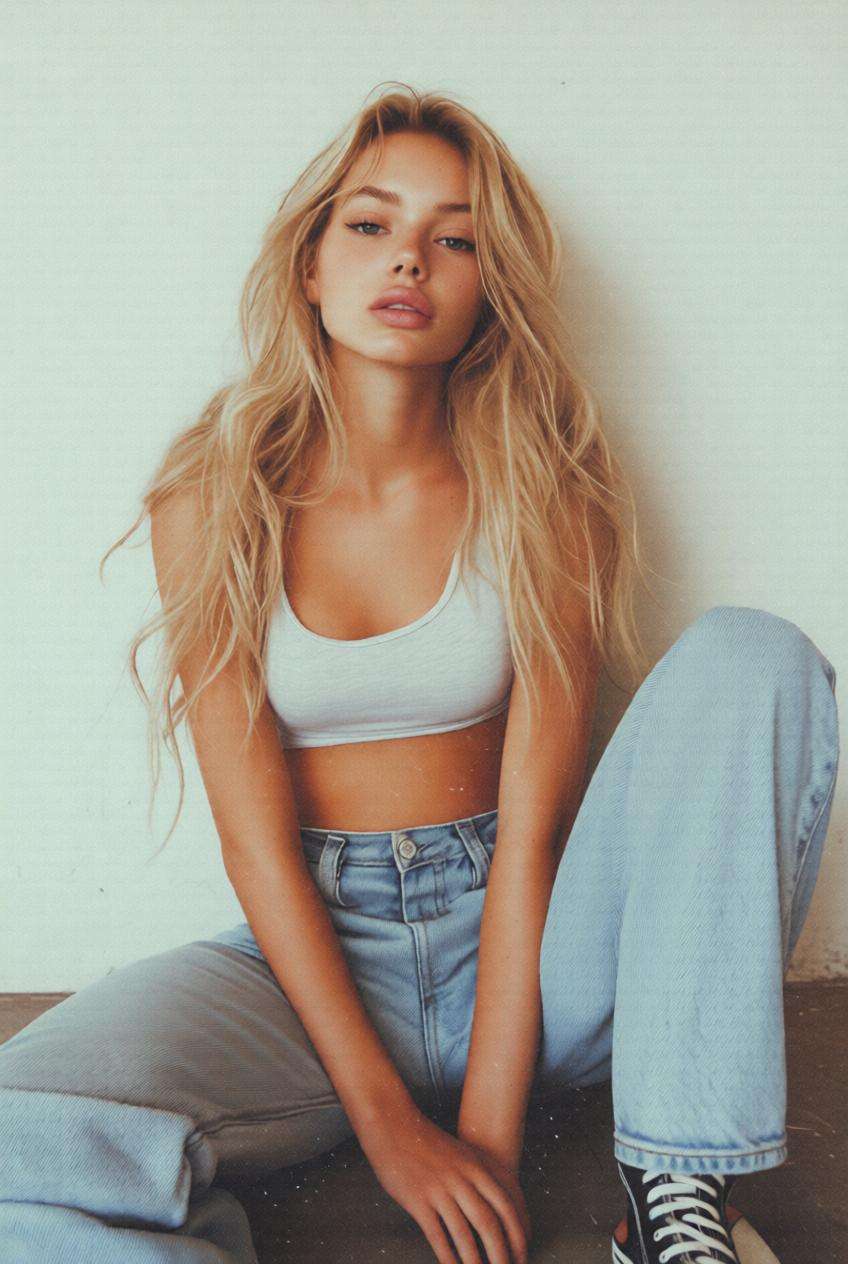
Retro Aesthetic Style Transfer
Use the uploaded image as the subject and apply a retro aesthetic style transfer with nostalgic tones, vintage color wash, subtle grain, slightly faded highlights, and analog-inspired mood. Preserve the main subject while giving the final result a trendy, social-ready visual identity inspired by classic camera and editorial aesthetics.
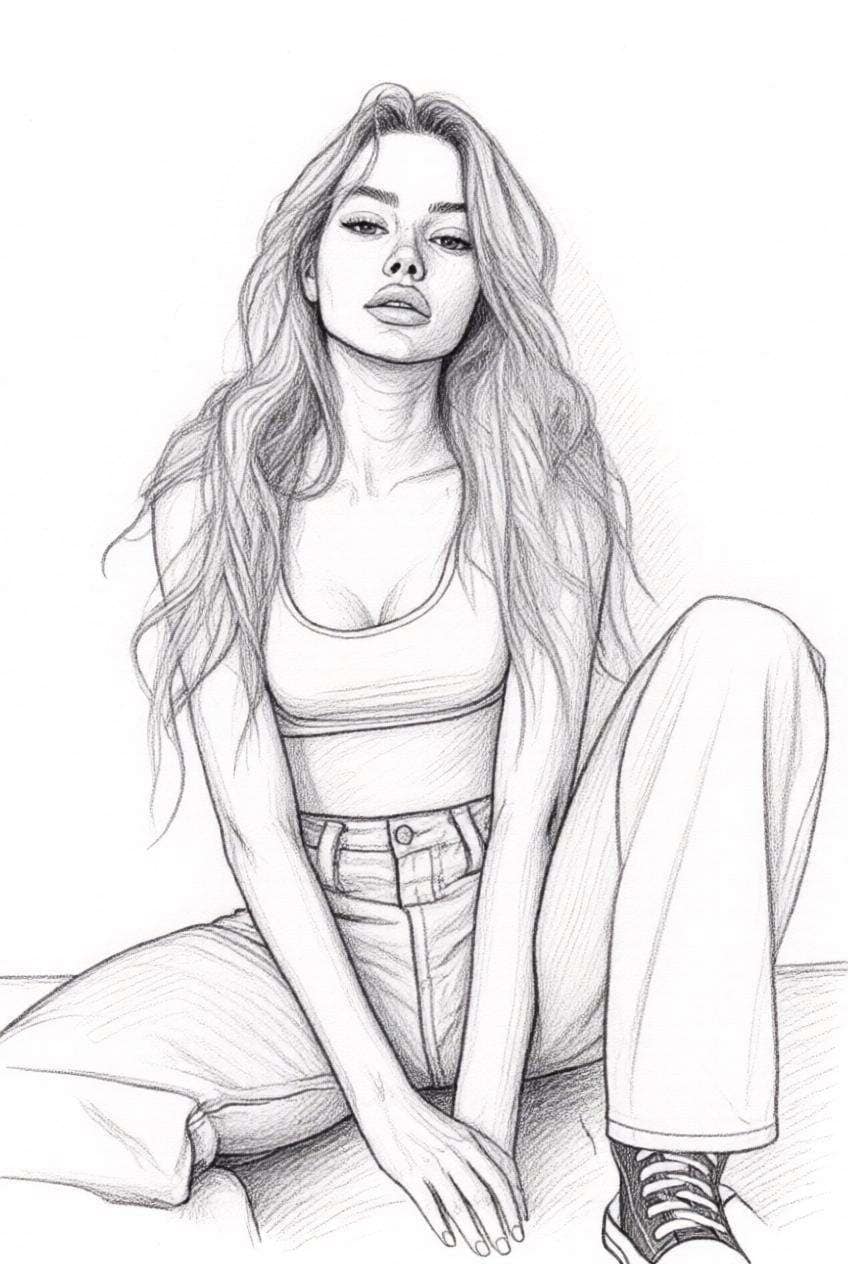
Sketch Drawing Style Transfer
Use the uploaded image as the subject and convert it into a refined sketch drawing with pencil texture, elegant shading, clean line detail, soft grayscale contrast, and an artistic hand-drawn finish while keeping the original composition and facial identity recognizable.
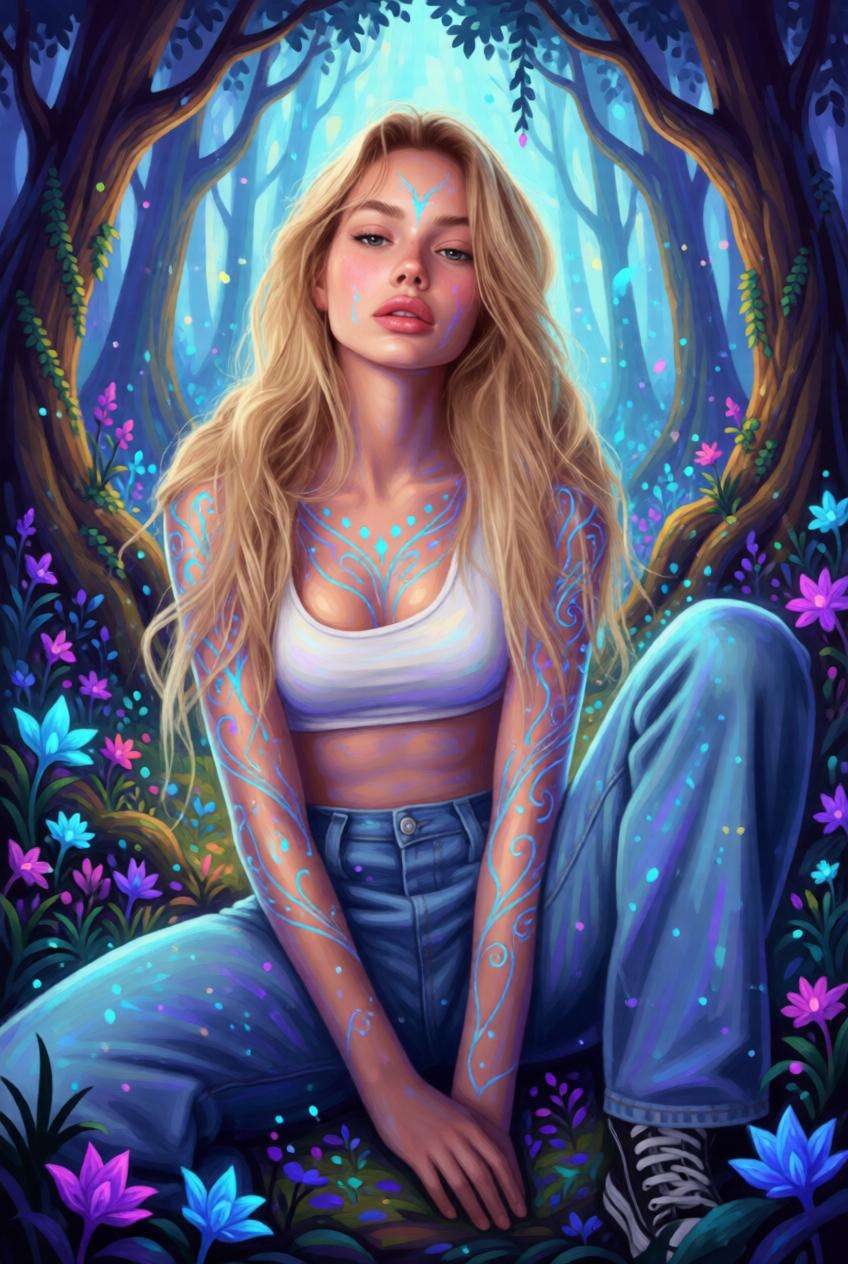
Fantasy Art Style Transfer
Use the uploaded image as the subject and transform it into fantasy-inspired artwork with magical lighting, dreamlike atmosphere, enchanted color tones, richly layered detail, and storybook-style visual depth while preserving the original pose and identity.
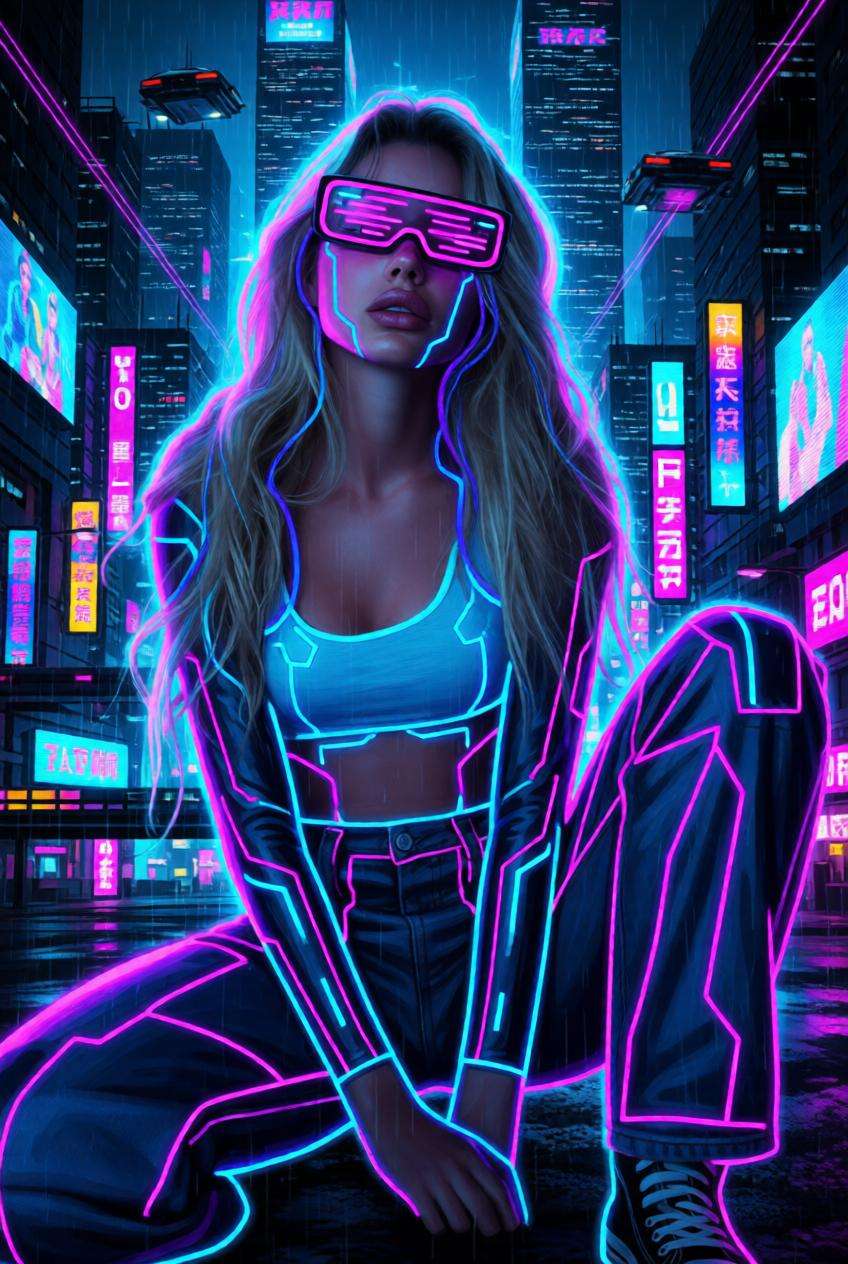
Cyberpunk Style Transfer
Use the uploaded image as the subject and restyle it into cyberpunk artwork with neon highlights, futuristic city mood, electric color accents, high contrast lighting, and sleek sci-fi atmosphere while keeping the person or object recognizable.
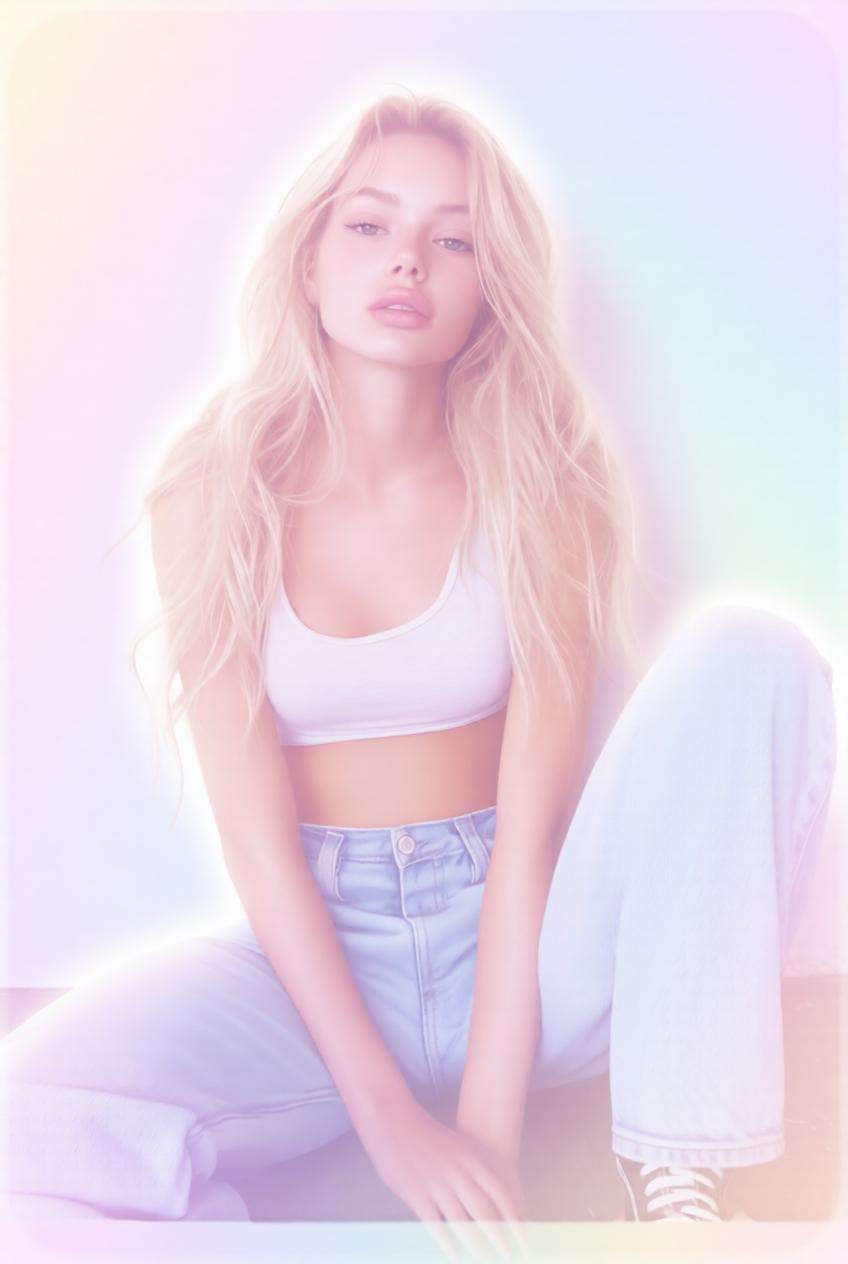
Pastel Dream Style Transfer
Use the uploaded image as the subject and transform it into a pastel dream aesthetic with soft color harmony, airy lighting, delicate gradients, subtle glow, and a sweet, gentle visual mood that feels polished and social-ready.
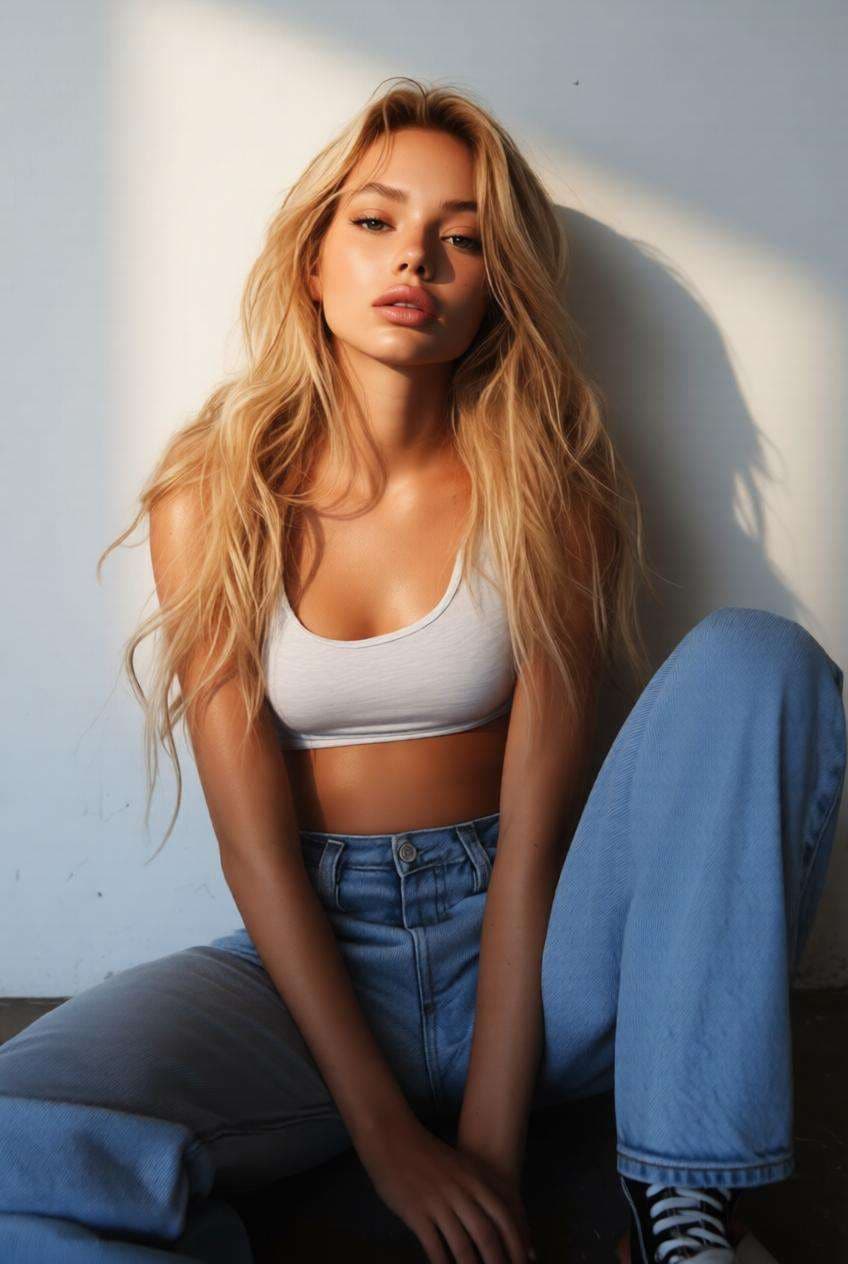
Studio Portrait Style Transfer
Use the uploaded image as the subject and transform it into a premium studio portrait with soft directional lighting, refined color grading, polished skin texture, balanced shadows, and a professional high-end photography finish.
Why Users Love AI Image Style Transfer
Turn Any Photo into a New Style Instantly
Apply AI image style transfer to portraits, pets, product photos, landscapes, and social images in just a few clicks.
No manual editing, advanced retouching, or design background required.
Preserve the Subject While Changing the Look
Media.io helps keep your face, pose, object, or composition recognizable while transforming the visual style.
That makes it ideal for reference-based restyling, profile images, and brand-friendly creative visuals.
From Anime to Painting to Cinematic Looks
Explore a wide range of popular styles including anime-inspired art, watercolor, oil painting, cinematic grading, and retro aesthetics.
One workflow gives you multiple creative directions for content, branding, and personal projects.
Perfect for Social Content, Avatars, and Creative Branding
Use photo style transfer to create scroll-stopping profile pictures, aesthetic social posts, styled product images, and unique campaign visuals.
It’s a fast way to make your content look more polished, artistic, and memorable.
How to Use AI Image Style Transfer Online
01
Step 1 – Open the AI Style Transfer Tool
Go to Media.io in your browser and open the AI image style transfer tool.
No software download or complex setup is needed to get started.
02
Step 2 – Upload Your Image and Choose a Style
Upload your original photo, portrait, pet image, or product shot, then choose the target style you want to apply.
You can use artistic, anime-inspired, cinematic, vintage, painting, sketch, fantasy, cyberpunk, pastel, or studio portrait directions.
03
Step 3 – Generate and Download the Restyled Image
Click Generate to transfer the visual style and create a new version of your image.
Download the final result for profile pictures, content creation, creative campaigns, or personal sharing.
What Users Say About Media.io AI Image Style Transfer
Ava
Designer
“Fast and surprisingly flexible”
I used one portrait and tested multiple styles in minutes-cinematic, watercolor, and anime-and all of them looked polished enough to share.
Noah
Content Creator
“Great for social visuals”
I wanted more artistic profile and cover images without spending hours editing. This made it easy to turn basic photos into attention-grabbing content.
Mia
Small Business Owner
“Helpful for product creativity”
I used style transfer to test different visual directions for product and brand images before publishing. It saved time and gave me more creative options.
Frequently Asked Questions about AI Image Style Transfer
1. What is AI image style transfer?
AI image style transfer is a process that applies the visual style of one artistic direction to another image. It can change color mood, texture, lighting, and overall aesthetic while keeping the main subject recognizable.
2. Can I transfer style from one image to another?
Yes. With Media.io, you can upload your original image and apply a new artistic direction such as anime, painting, cinematic, retro, or watercolor style. This makes it easy to transfer style from one image to another without manual editing.
3. What kinds of images work best for style transfer?
Portraits, pet photos, landscapes, product shots, and profile images all work well. Clear, well-lit images usually produce more stable and visually appealing photo style transfer results.
4. Is AI image style transfer the same as a filter?
Not exactly. A simple filter usually adjusts color or tone, while AI style transfer can reshape the overall artistic appearance of an image, including textures, rendering style, depth, and visual mood.
5. Can I use AI image style transfer for free?
Yes. You can try AI image style transfer online with Media.io and quickly test different creative directions for social posts, avatars, product visuals, and artistic image edits.