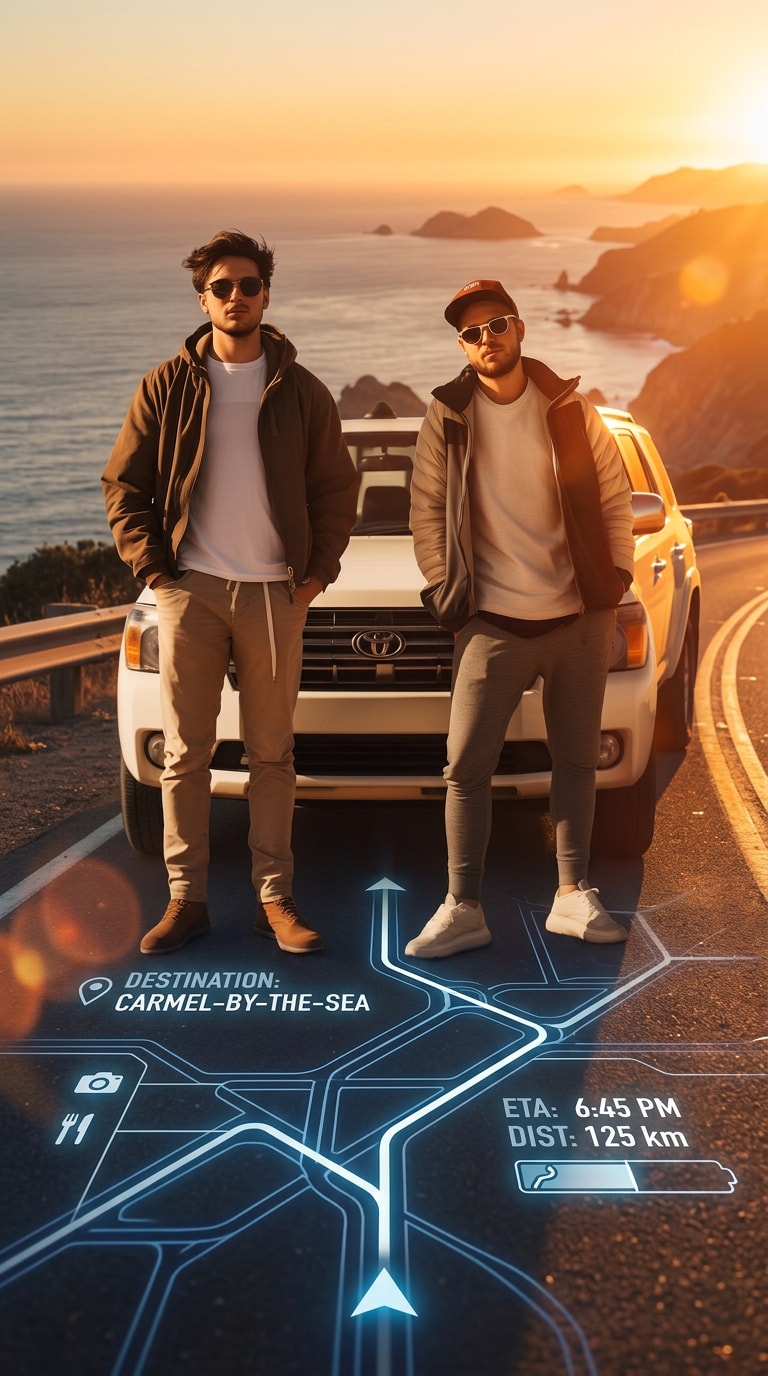
AI Cinematic Car Photo with GPS Navigation Overlay
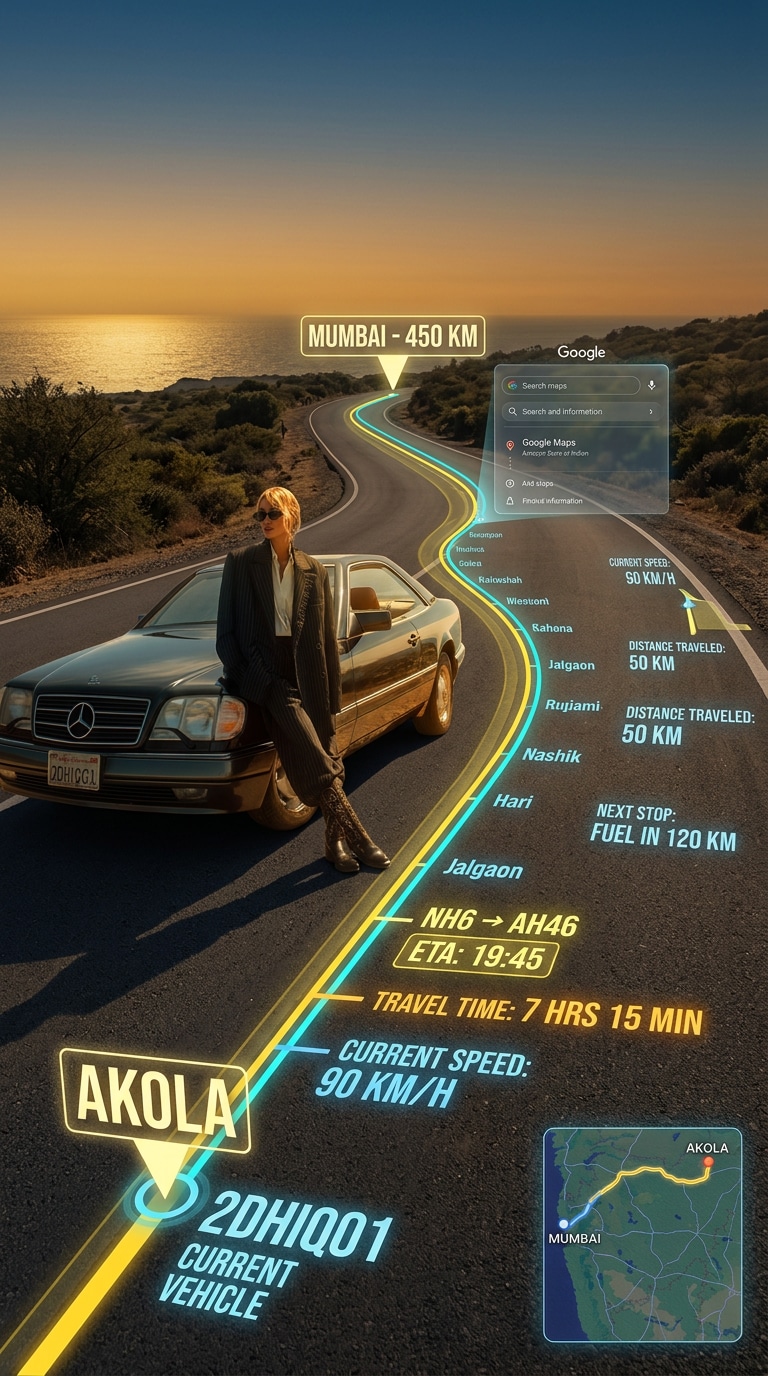
Turn any car photo into a cinematic travel scene with a glowing GPS-style route projected onto the road, futuristic navigation UI, travel stats, ETA details, and golden hour lighting. Media.io helps you create realistic road trip visuals with a premium augmented reality look in seconds.
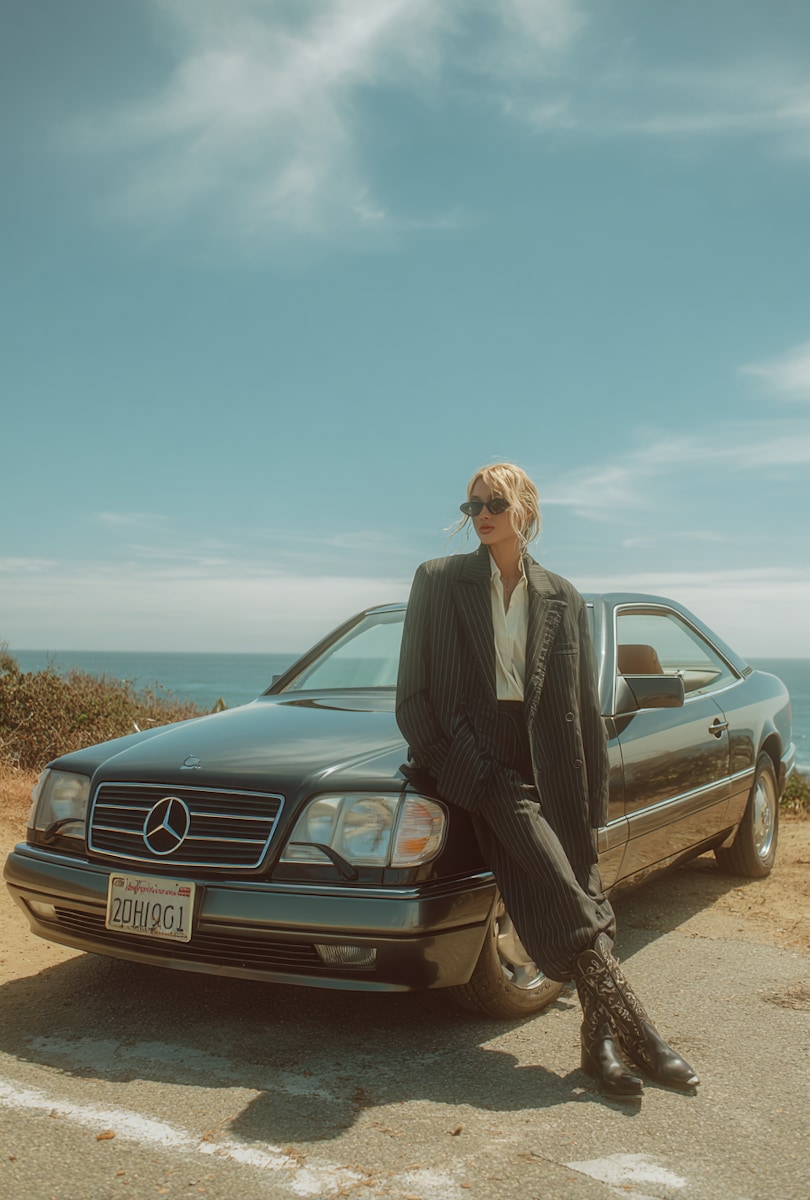
Upload a car photo and generate a cinematic GPS navigation travel scene with one prompt.
Before
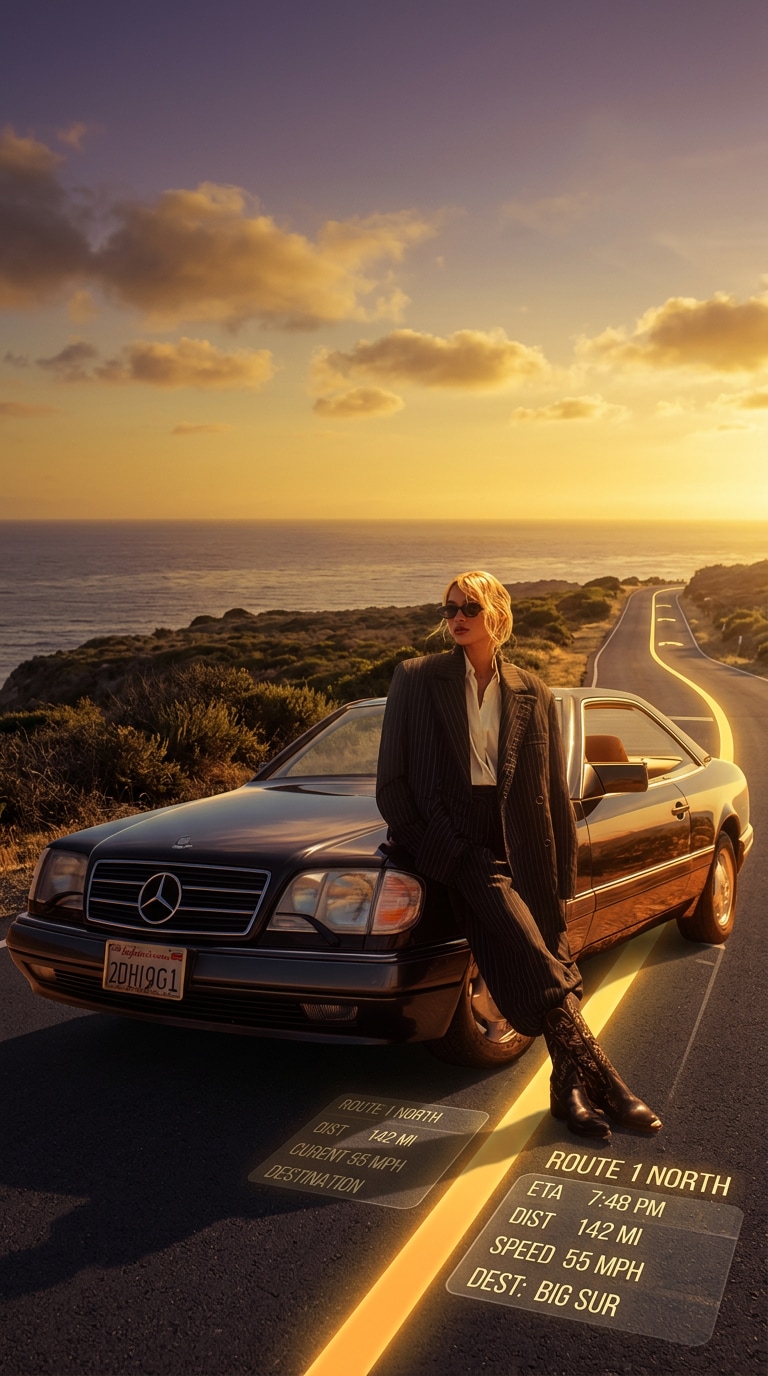
Golden Hour Route FX
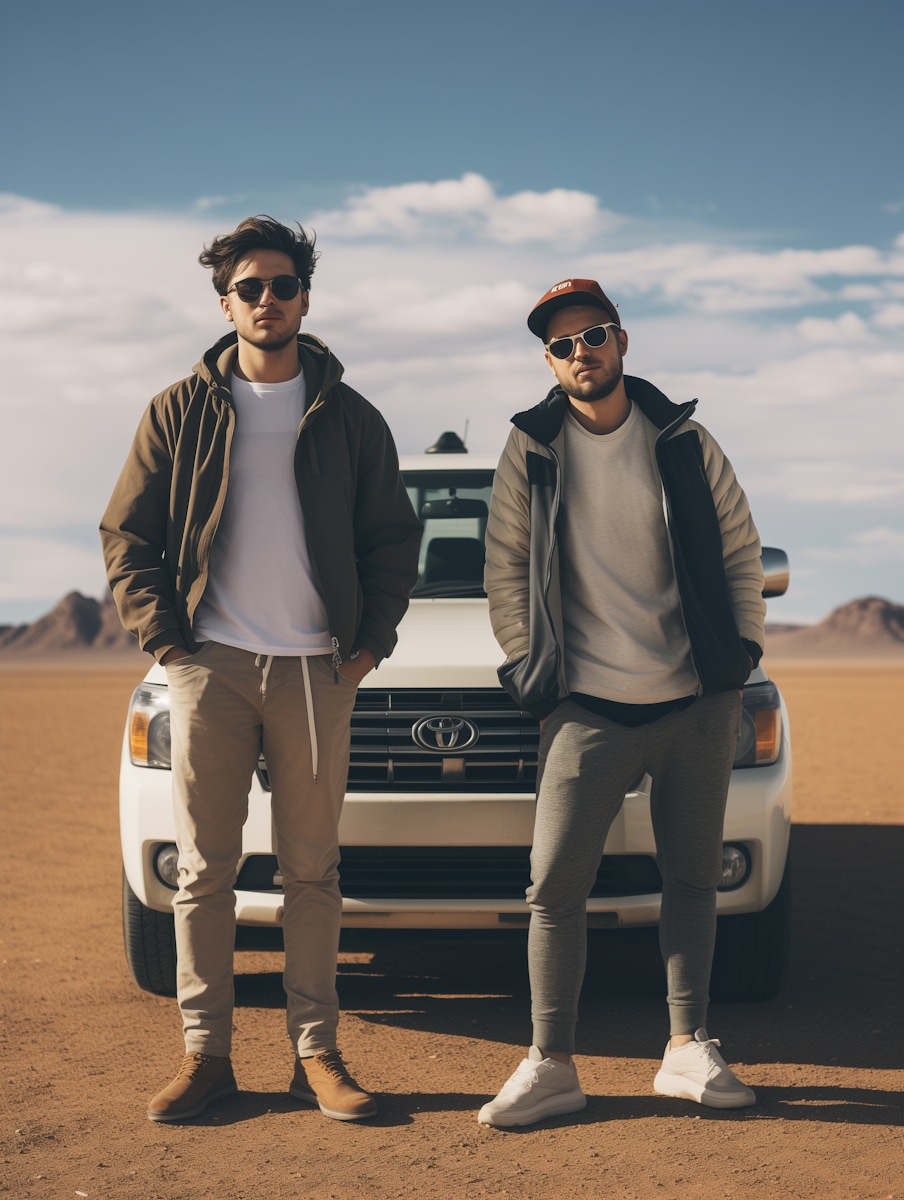
Before
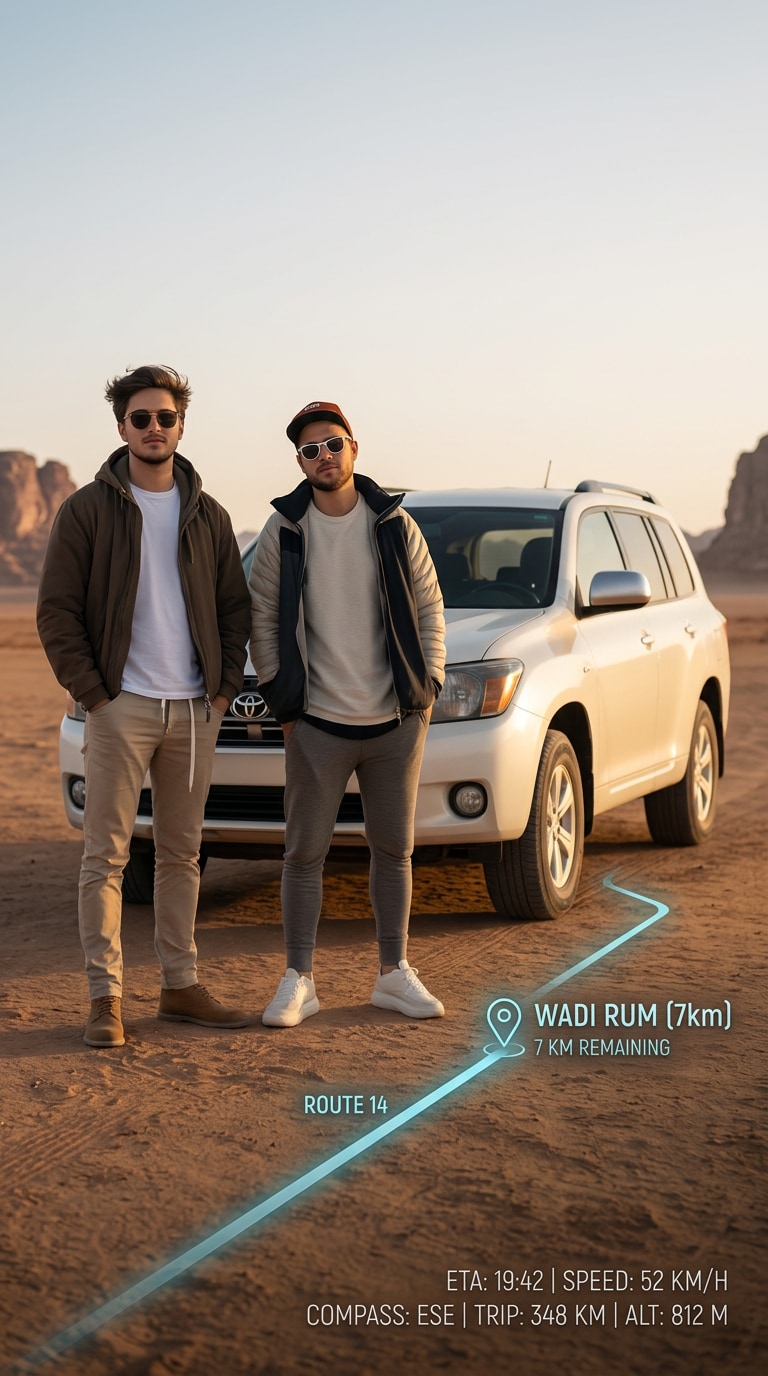
AR Travel Navigation
10 Best Cinematic Car Photo Prompt Ideas
Golden Hour Highway Route
Take the uploaded car photo and transform it into a cinematic golden hour travel scene. Project a glowing GPS-style navigation route directly onto the road surface with realistic perspective, warm yellow route lines, subtle interface panels, ETA details, distance stats, speed information, and destination labels integrated naturally into the asphalt like futuristic augmented reality. Keep the car realistic, sharp, and clean, with rich sunset lighting, long shadows, premium road trip atmosphere, realistic reflections, and ultra-detailed cinematic travel photography in a vertical 9:16 composition.
City to City Navigation Drive
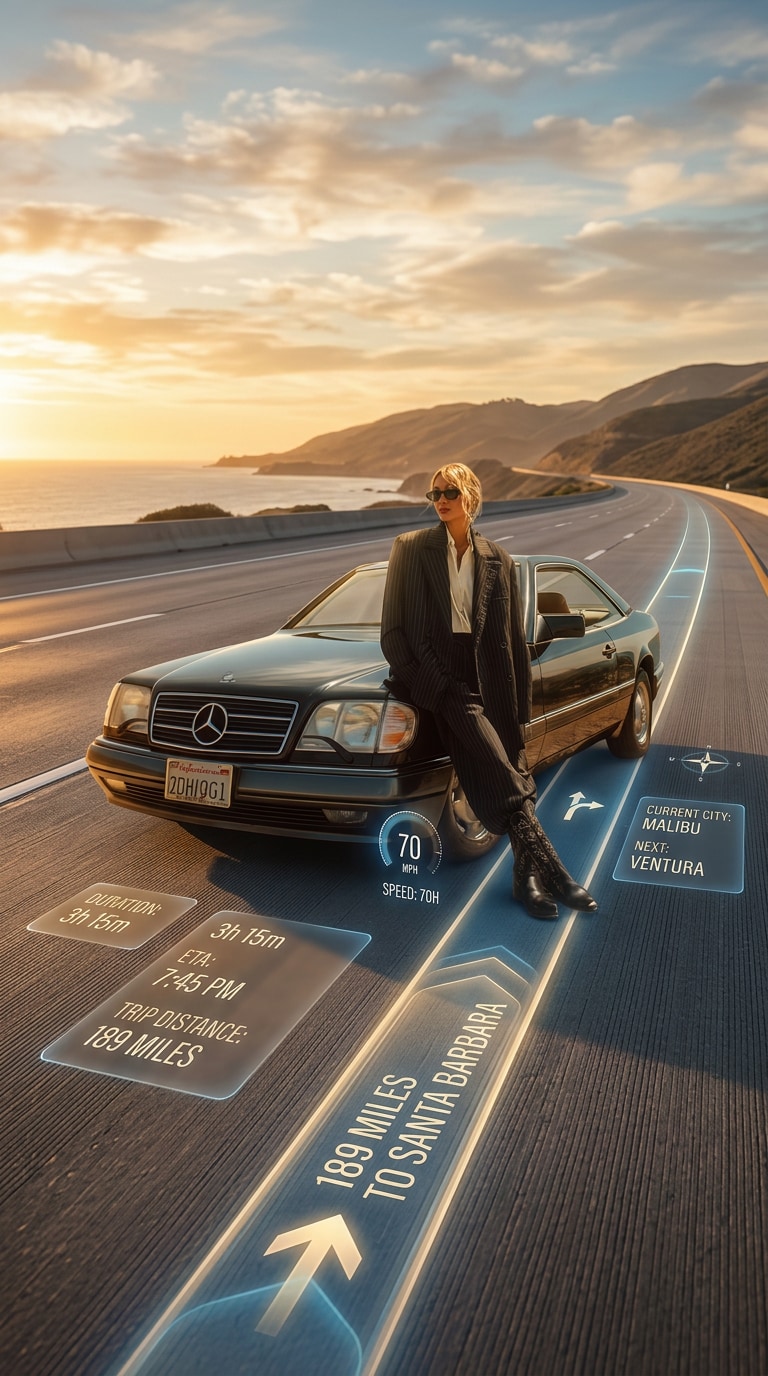
Turn the uploaded car image into a realistic cinematic road trip visual with a GPS-inspired route overlay stretching forward along the highway. Add route duration, destination city names, ETA, trip distance, speed readout, and navigation UI elements glowing softly on the pavement as if projected by an advanced augmented reality system. Preserve the original vehicle shape and details while enhancing the scene with golden hour color, clean road perspective, premium travel mood, realistic depth, and polished editorial-style automotive photography in vertical 9:16 format.
Luxury SUV Route Projection
Create a premium cinematic travel image from the uploaded car photo, styling the vehicle like a luxury road trip hero shot. Overlay a realistic GPS route directly onto the road with glowing navigation lines, floating trip stats, ETA panel, route markers, and subtle futuristic dashboard-style graphics integrated seamlessly into the roadway. Keep the vehicle highly realistic and sharp with glossy reflections, dramatic golden hour lighting, smooth asphalt texture, elegant composition, and a modern automotive campaign feel in vertical 9:16 layout.
Night Neon Navigation
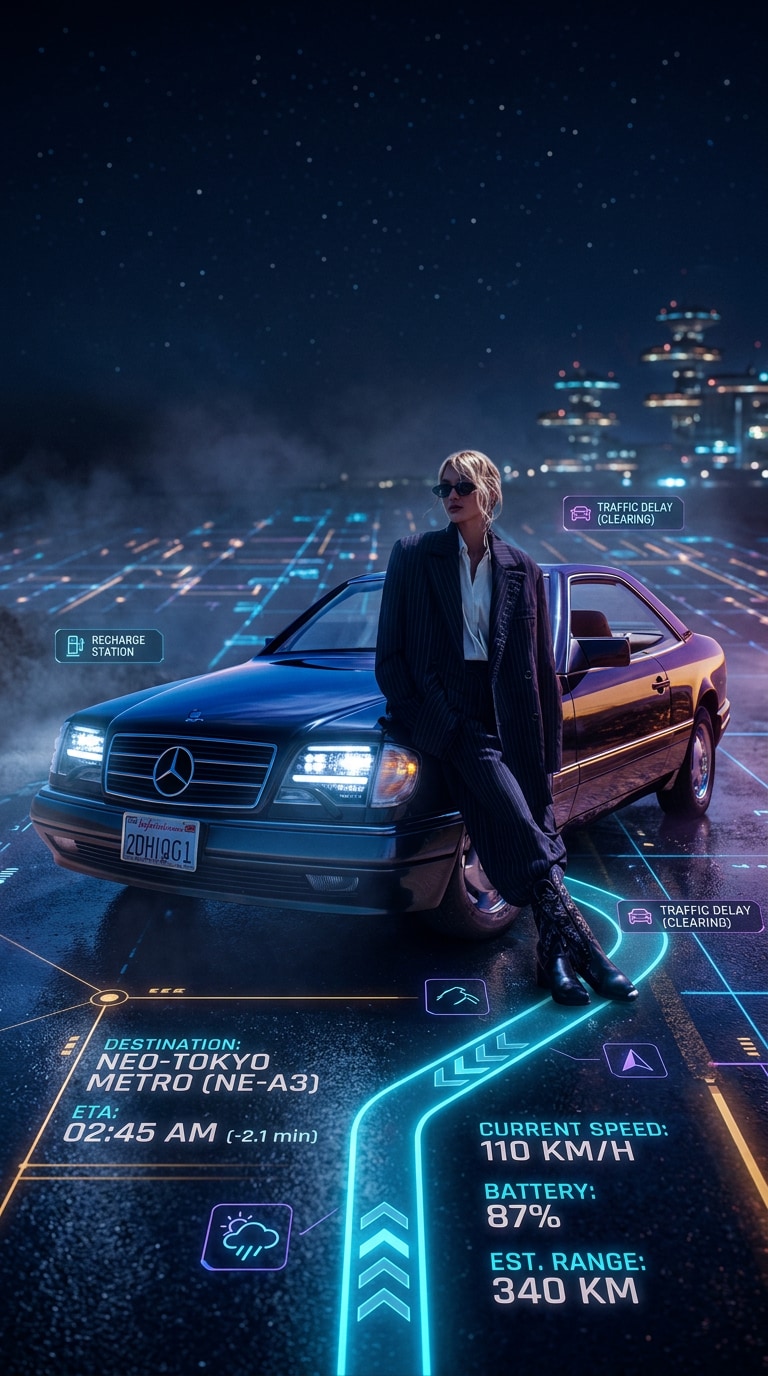
Transform the uploaded car photo into a futuristic night-drive scene with a neon GPS-style route glowing across the road. Add realistic route lines, destination labels, ETA, speed information, travel stats, and sleek augmented navigation interface elements embedded into the asphalt like a cinematic sci-fi projection. Keep the car crisp and realistic with reflective bodywork, moody night atmosphere, vibrant blue and amber highlights, subtle haze, wet-road shine, and premium cinematic realism in a vertical 9:16 composition.
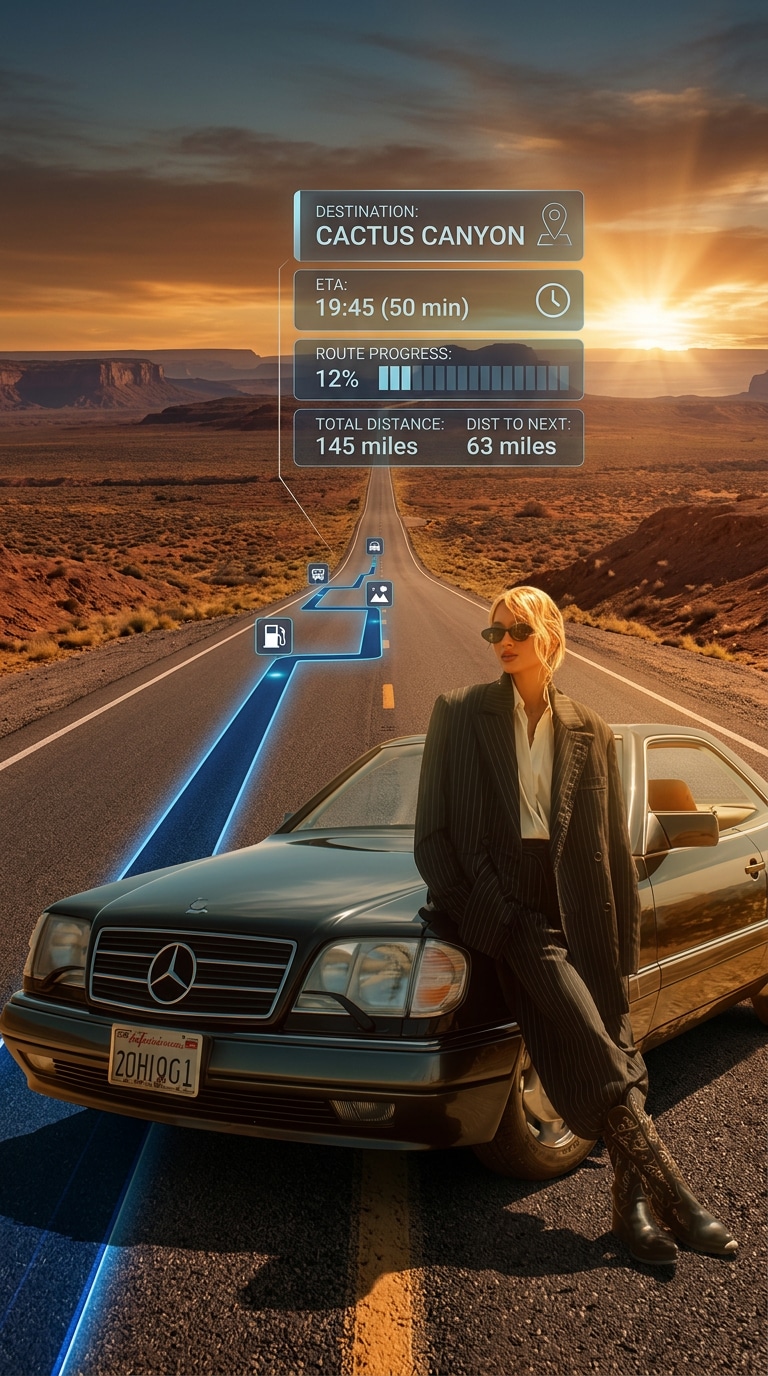
Desert Highway GPS Overlay
Take the uploaded car image and convert it into a cinematic desert highway travel scene. Project a realistic glowing route line onto the road surface with map-style navigation graphics, ETA details, route progress indicators, distance stats, and travel information displayed as futuristic AR elements aligned to the road perspective. Keep the car realistic, sharp, and dust-free, with warm sunset tones, expansive desert scenery, dramatic horizon light, premium road trip energy, and ultra-detailed automotive photography in vertical 9:16 format.
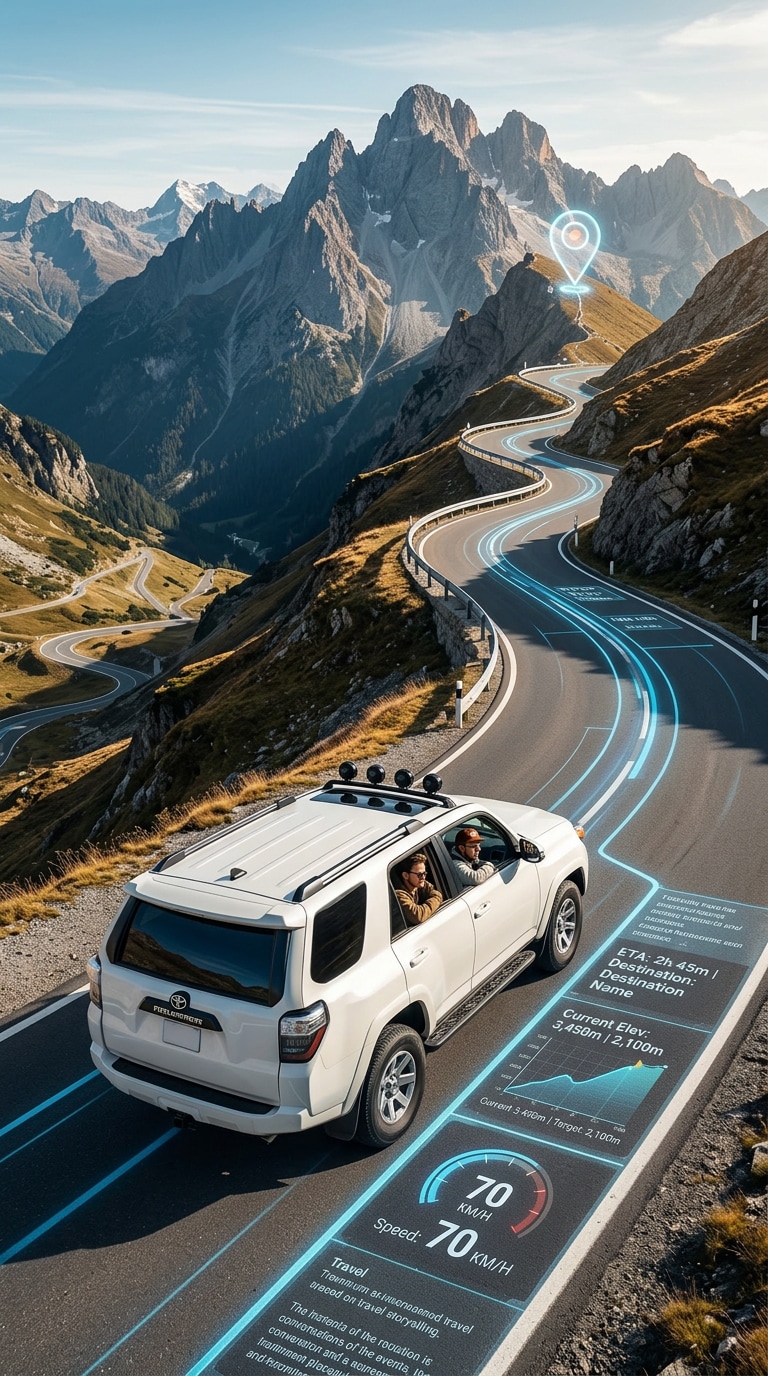
Mountain Pass Travel Route
Generate a cinematic mountain-drive scene from the uploaded car photo. Add a realistic GPS-inspired route overlay hugging the curves of the road, with glowing path lines, destination markers, ETA, elevation-style travel stats, speed info, and futuristic navigation panels integrated into the pavement. Preserve the car’s realism and proportions while enhancing the scene with crisp alpine light, dramatic mountain depth, premium travel storytelling, clean perspective, and highly detailed cinematic road trip photography in vertical 9:16 composition.
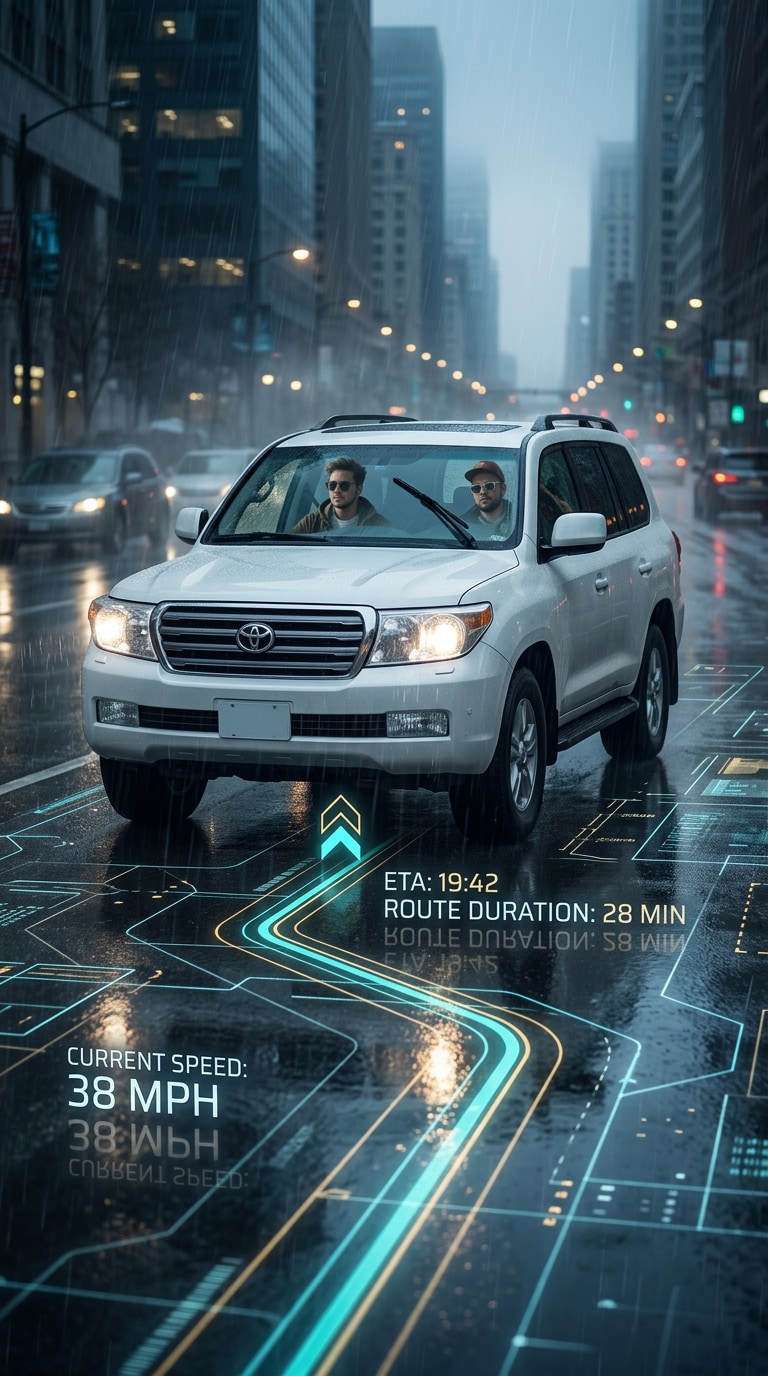
Rainy Road AR Route
Turn the uploaded car photo into a moody rainy travel scene with a realistic augmented GPS route projected onto the wet road. Add glowing navigation lines, ETA panel, route duration, speed readout, and map-inspired interface elements reflecting softly on the asphalt. Keep the vehicle realistic and sharp, with cinematic rain atmosphere, subtle fog, glossy reflections, premium urban travel mood, and balanced futuristic lighting. The final image should feel like a high-end automotive ad with realistic detail in vertical 9:16 format.
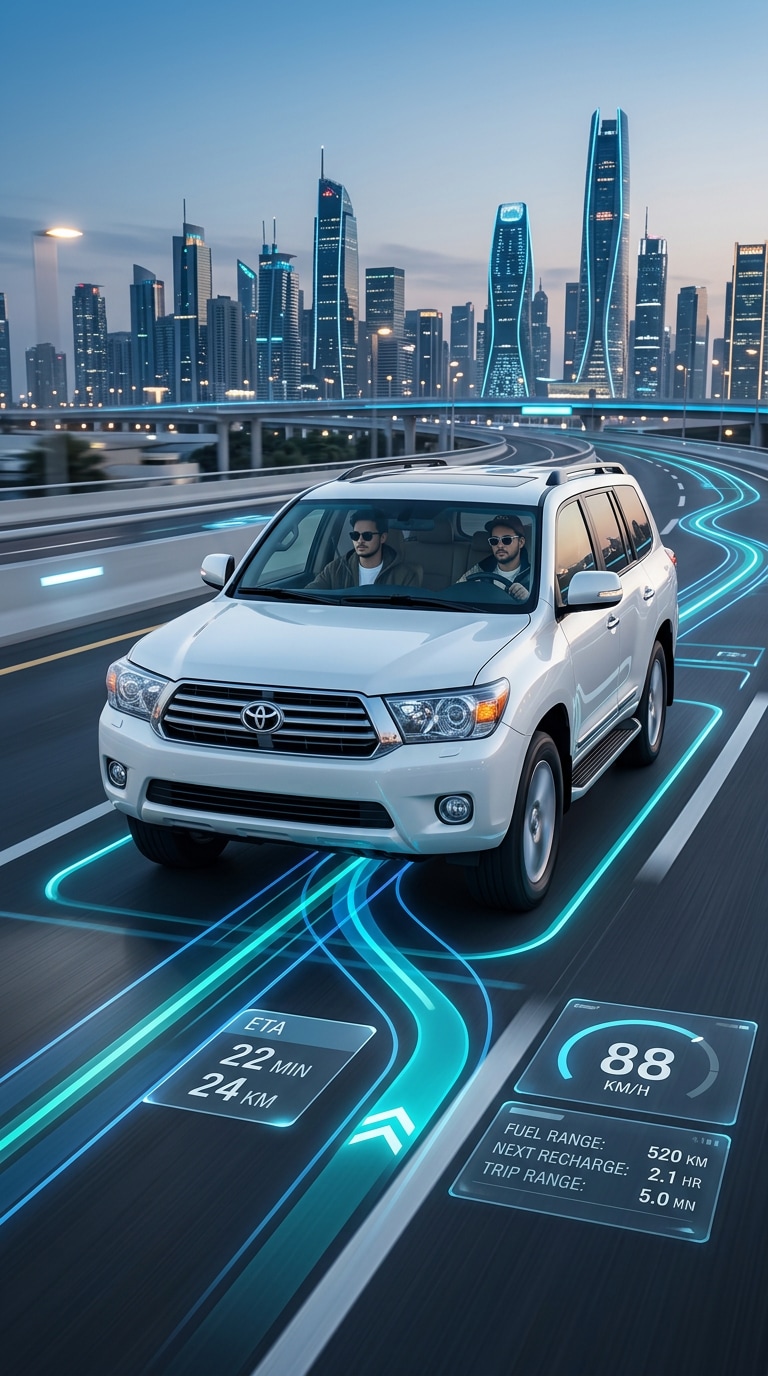
Urban Expressway Navigation
Create a futuristic urban expressway travel image from the uploaded car photo. Overlay a realistic navigation route on the road with glowing directional lines, route labels, ETA box, speed and trip stats, and sleek map-style interface graphics integrated naturally into the asphalt. Keep the car detailed and photorealistic while adding clean city lighting, modern skyline atmosphere, premium travel aesthetics, realistic motion energy, and polished cinematic composition in a vertical 9:16 layout.
Sunset Coastal Drive
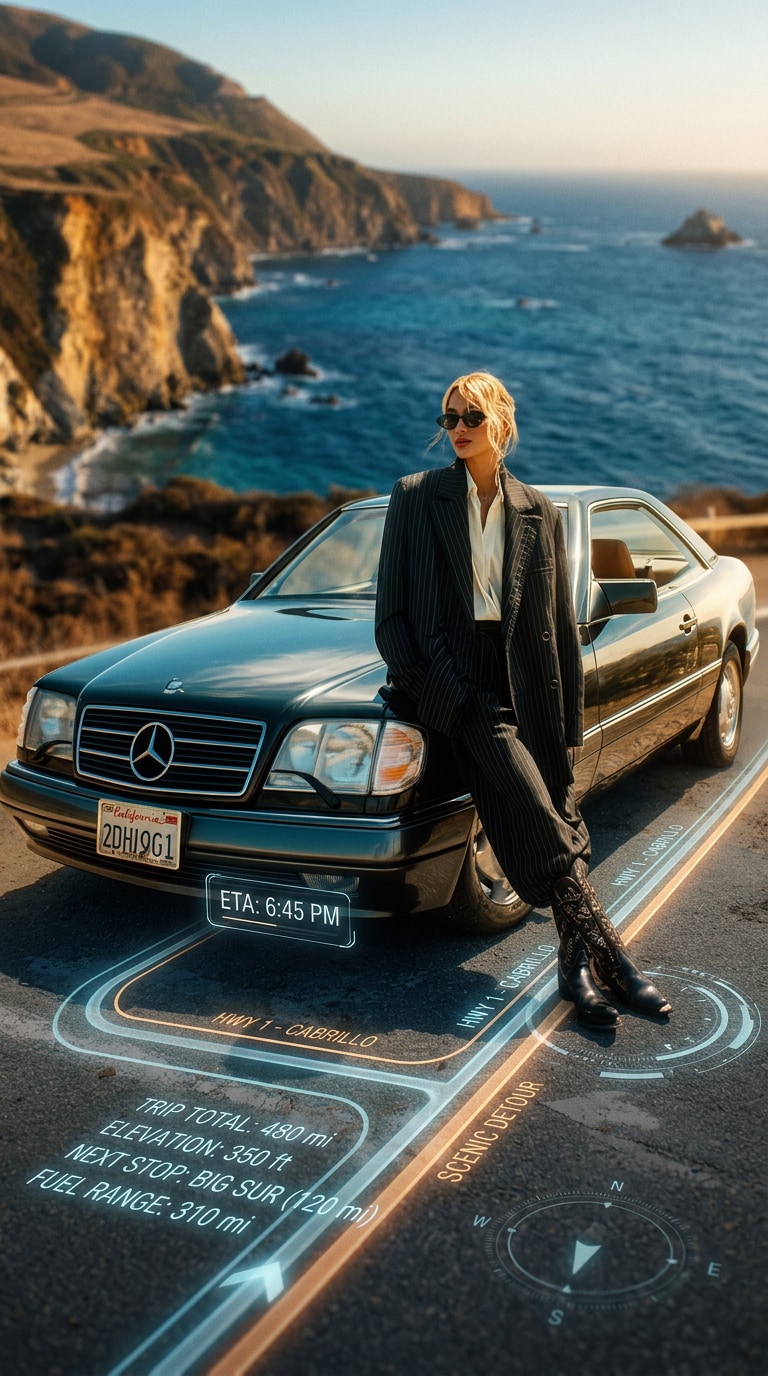
Transform the uploaded car image into a cinematic coastal road trip scene at sunset. Project a glowing GPS-style route directly onto the highway with elegant route guidance lines, ETA info, trip distance, destination names, and subtle travel interface elements embedded into the road surface like a premium AR display. Preserve the realism of the car and road while adding warm sunset flares, ocean-side scenery, dreamy road trip atmosphere, clean reflections, and ultra-realistic travel photography in a vertical 9:16 composition.
Minimal Premium Route Interface
Take the uploaded car photo and create a refined cinematic travel scene with a minimal GPS-inspired route overlay projected onto the road. Add sleek glowing route lines, clean destination labels, compact ETA and speed information, subtle trip metrics, and elegant futuristic interface elements that feel realistic and uncluttered. Keep the car sharp and photorealistic, with soft golden light, balanced shadows, luxury automotive styling, realistic textures, and a premium editorial travel look in vertical 9:16 format.
Why Use Media.io for Cinematic Car Photo AI?
Realistic GPS Route Overlay Effect
Create cinematic car photos with glowing GPS-style route lines, ETA panels, speed details, and travel stats projected directly onto the road. This effect blends realistic automotive photography with futuristic navigation visuals for premium road trip images.
Cinematic Travel Mood in Seconds
Turn an ordinary car image into a dramatic travel scene with golden hour lighting, premium road composition, realistic reflections, and futuristic AR-style navigation elements. It is ideal for road trip edits, social media visuals, travel posters, and stylish automotive content.
Keeps Your Car Photo Sharp and Natural
Media.io helps preserve the realism of your original vehicle while adding route projection effects and interface graphics that match the road perspective. Your car stays detailed and clean while the scene gains a polished cinematic upgrade.
Easy AI Car Photo Generator
No advanced photo compositing or design software is needed. Just upload a car photo, paste a cinematic navigation prompt, and generate a futuristic travel image online in a few clicks with Media.io.
How to Create a Cinematic Car Photo with GPS Navigation Overlay
01
Step 1 – Upload Your Car Photo
Choose a clear car image with visible road perspective. Side-angle, rear-angle, or front-facing road trip photos usually work best for cinematic route projection effects.
02
Step 2 – Copy a Navigation Prompt
Pick a prompt style below, such as golden hour highway, rainy AR route, urban expressway, desert road trip, or sunset coastal drive, then paste it into the generator.
03
Step 3 – Generate and Share
Create your cinematic car photo AI image, then download it for social posts, road trip visuals, travel storytelling, automotive mood boards, or futuristic photo edits.
Core Use Cases for Cinematic Car Photo AI
Road Trip and Travel Photo Upgrades
Turn ordinary car photos into cinematic travel scenes with glowing route overlays, ETA details, and premium road-trip atmosphere for more dramatic and memorable visual storytelling.
Automotive Social Media Content
Create eye-catching car visuals for Instagram, TikTok, Pinterest, and creator posts by combining realistic vehicle photography with futuristic GPS-style navigation effects and cinematic lighting.
Futuristic Travel and Lifestyle Posters
Design polished automotive posters, road adventure graphics, and stylish travel visuals that blend realistic cars, augmented route projections, and destination-driven storytelling in one image.
What Users Say About Cinematic Car Photo Prompt
Jason P.
Automotive Creator
“My road trip photo instantly looked cinematic” The glowing route overlay on the road made my car image feel like a premium travel campaign. It kept the vehicle realistic while adding just the right futuristic navigation vibe.
Mia R.
Travel Content Designer
“Perfect for futuristic travel visuals” I used one of the prompts on a sunset car photo, and the result looked like an AR navigation scene from a movie. The route lines, ETA details, and lighting all felt polished and premium.
Ethan L.
Car Photo Editor
“Easy prompts, strong automotive results” I did not need any advanced editing skills. I uploaded a car image, copied a prompt, and got a clean cinematic road scene with realistic route projection and a high-end automotive ad look.
Frequently Asked Questions about Cinematic Car Photo Prompt
1. What is a cinematic car photo prompt with GPS navigation overlay?
A cinematic car photo prompt with GPS navigation overlay is an AI image instruction that transforms a car photo into a dramatic travel scene with glowing route lines, ETA details, speed stats, and futuristic map-style interface elements projected onto the road.
2. Can I create a cinematic car photo from my own vehicle image online?
Yes. Media.io lets you upload your own car photo, paste a cinematic navigation prompt, and generate a futuristic travel-style image directly in your browser without needing advanced compositing or design software.
3. What kind of car photo works best for this effect?
Photos with a clearly visible road, clean perspective, and a well-lit car usually work best. Rear-angle, side-angle, and front-driving shots often produce the most realistic route projection and cinematic travel atmosphere.
4. Is the cinematic car photo AI effect free to try?
Media.io offers free AI image generation credits so you can test cinematic car photo prompts before upgrading. This makes it easy to try different lighting moods, route styles, and travel scenes until you get the result you want.
5. Can I use cinematic car photo prompts for social media and travel content?
Yes. These prompts are great for Instagram posts, TikTok visuals, Pinterest boards, travel storytelling, automotive content, road trip posters, and creator images that need a polished cinematic look with futuristic navigation energy.
Enhance Your AI Cinematic Car Visuals and Navigation Graphics