3D Hologram Filter for Futuristic Photo Edits in Minutes
Turn portraits, products, and creative photos into glowing holographic visuals with Media.io. This 3D hologram filter helps you create cyber blue projections, HUD overlays, and polished AI hologram filter looks online without complex editing software.
Review these example directions, then tailor the prompt details to get stronger results with this 3D hologram filter.
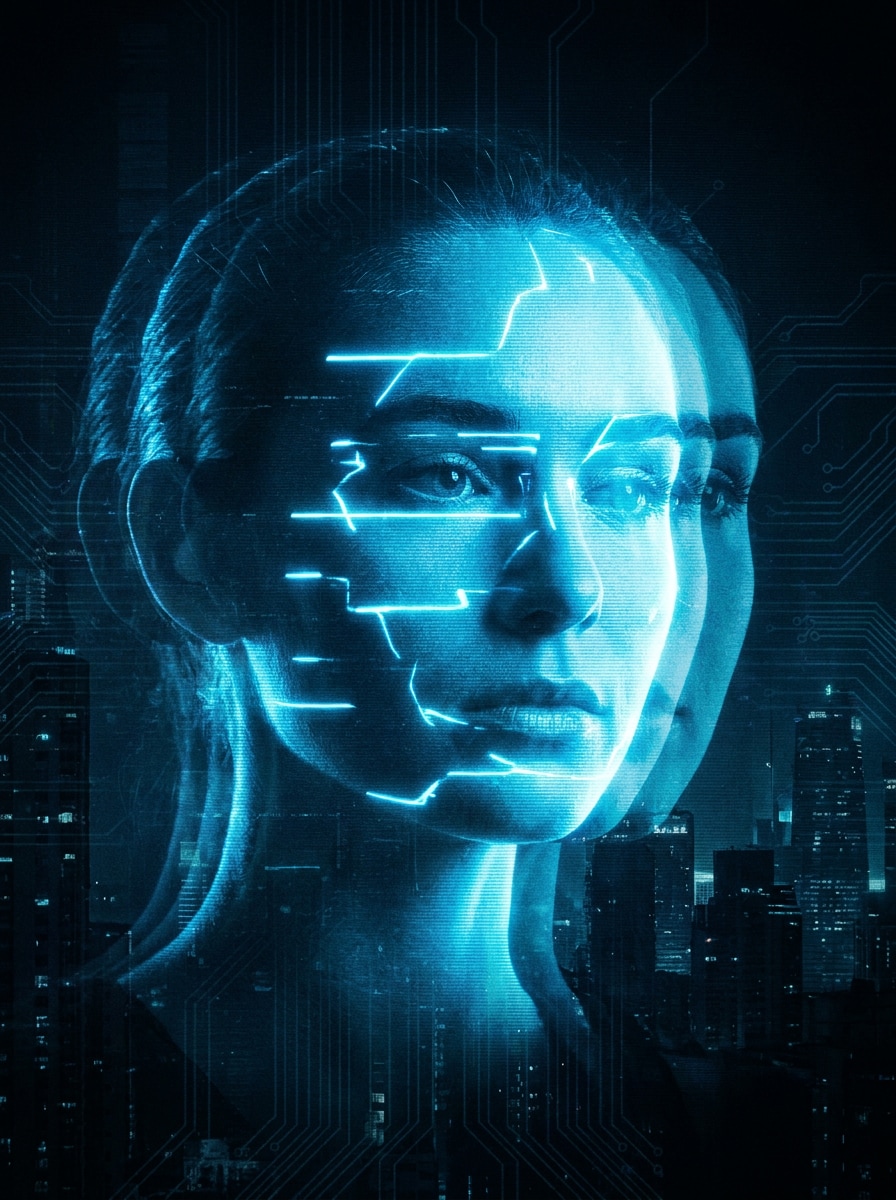
Cyber Blue Hologram Portrait
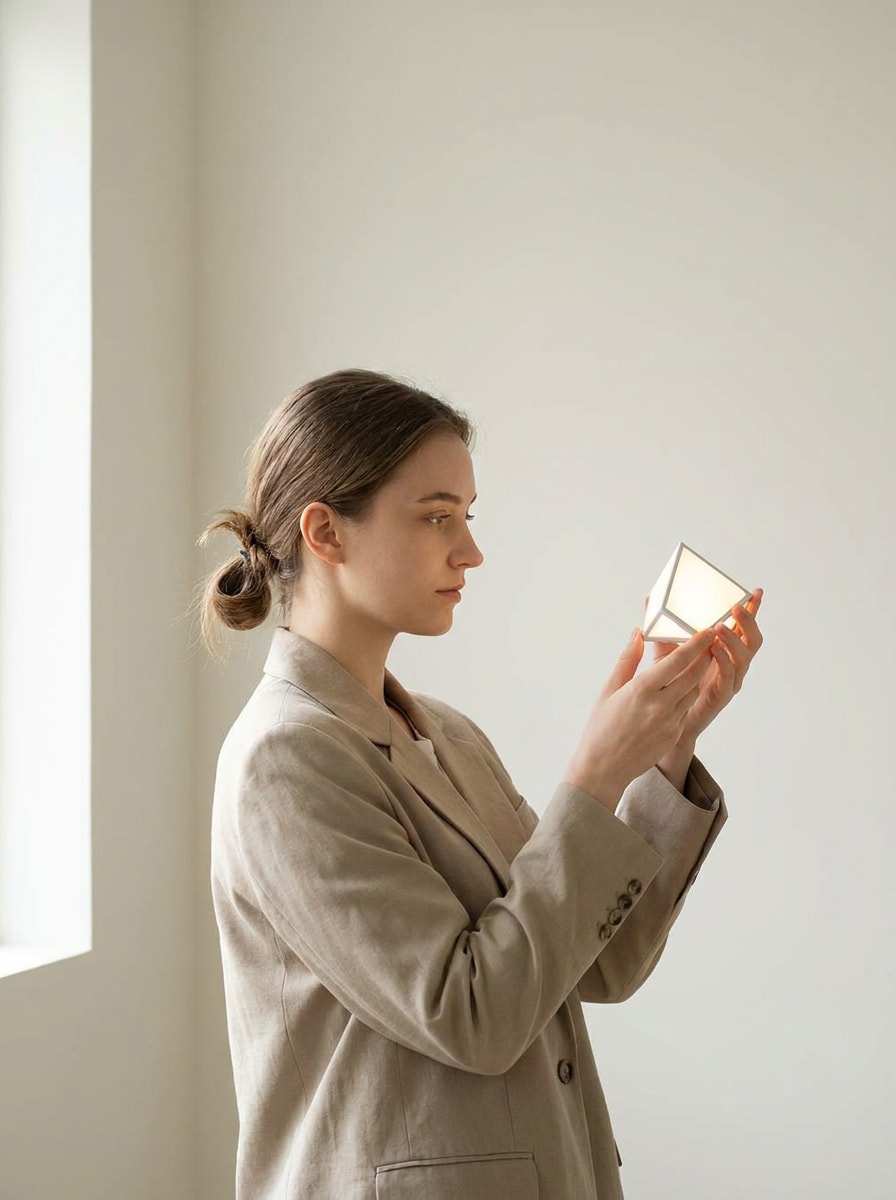
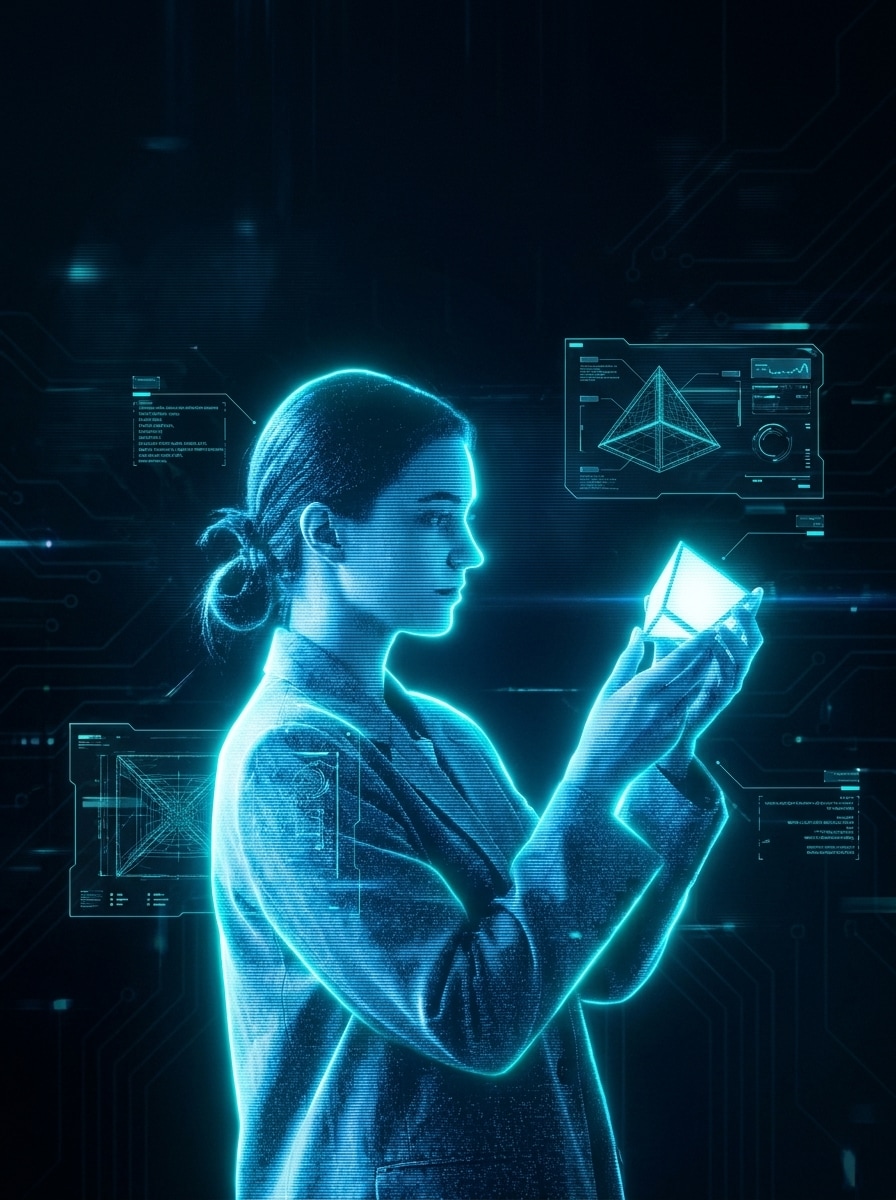
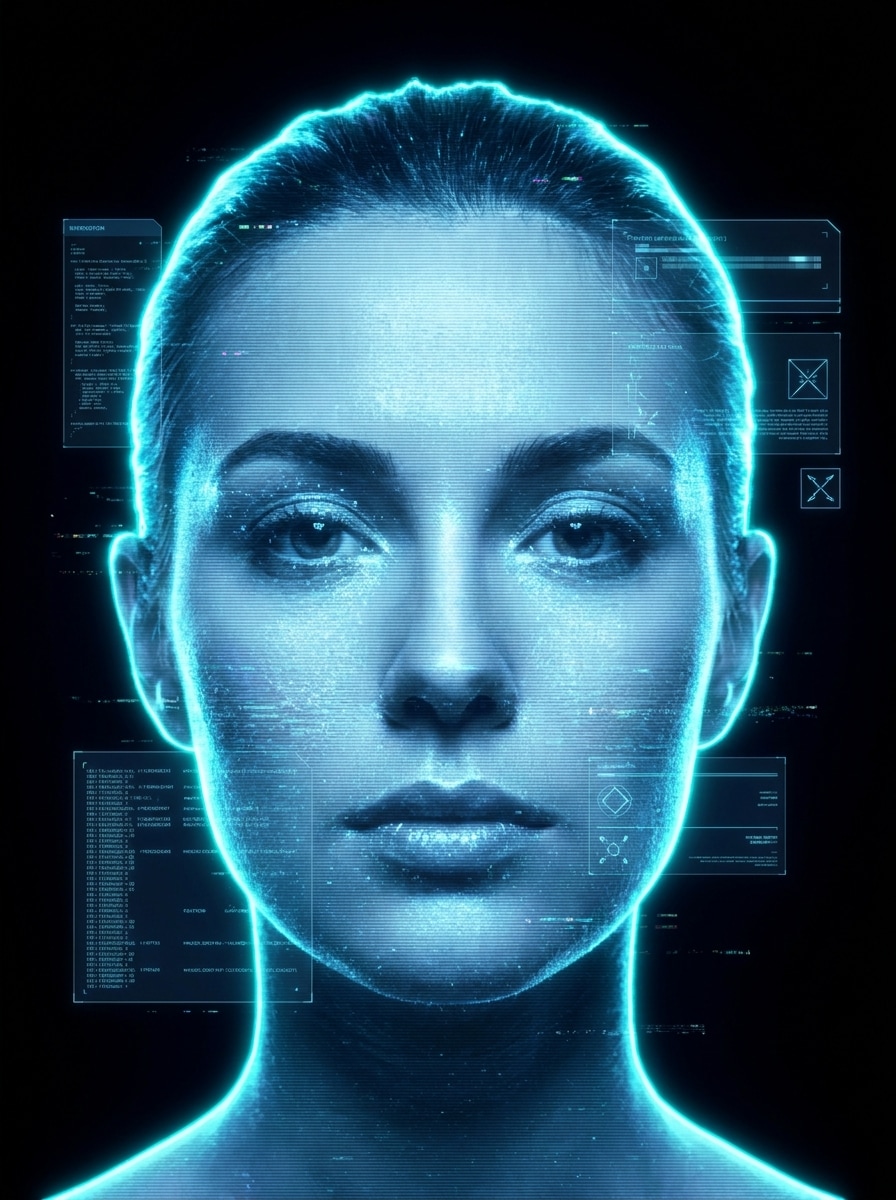
Use the uploaded image as the subject and transform it into a futuristic translucent blue hologram portrait with neon cyan rim lighting, fine horizontal scan lines, subtle digital grain, glowing contour edges, and floating HUD graphics. Keep facial features recognizable, use a dark background, and aim for cinematic high-detail clarity.
Floating Projection Face
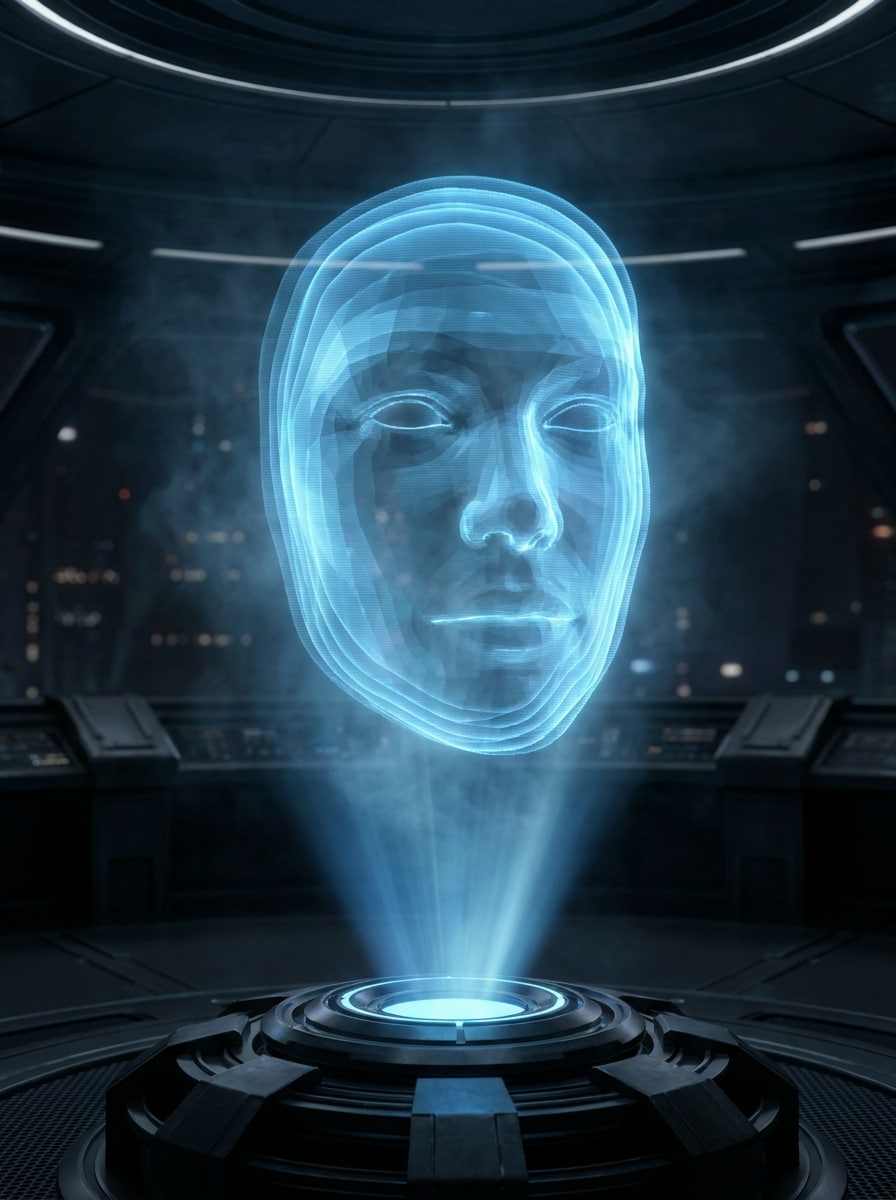
Use the uploaded photo as the subject and make it look like a floating sci-fi projection. Add semi-transparent holographic layers, a soft blue glow, a projection beam rising from below, gentle atmospheric haze, and clean cinematic depth while preserving the subject’s identity and realistic proportions.
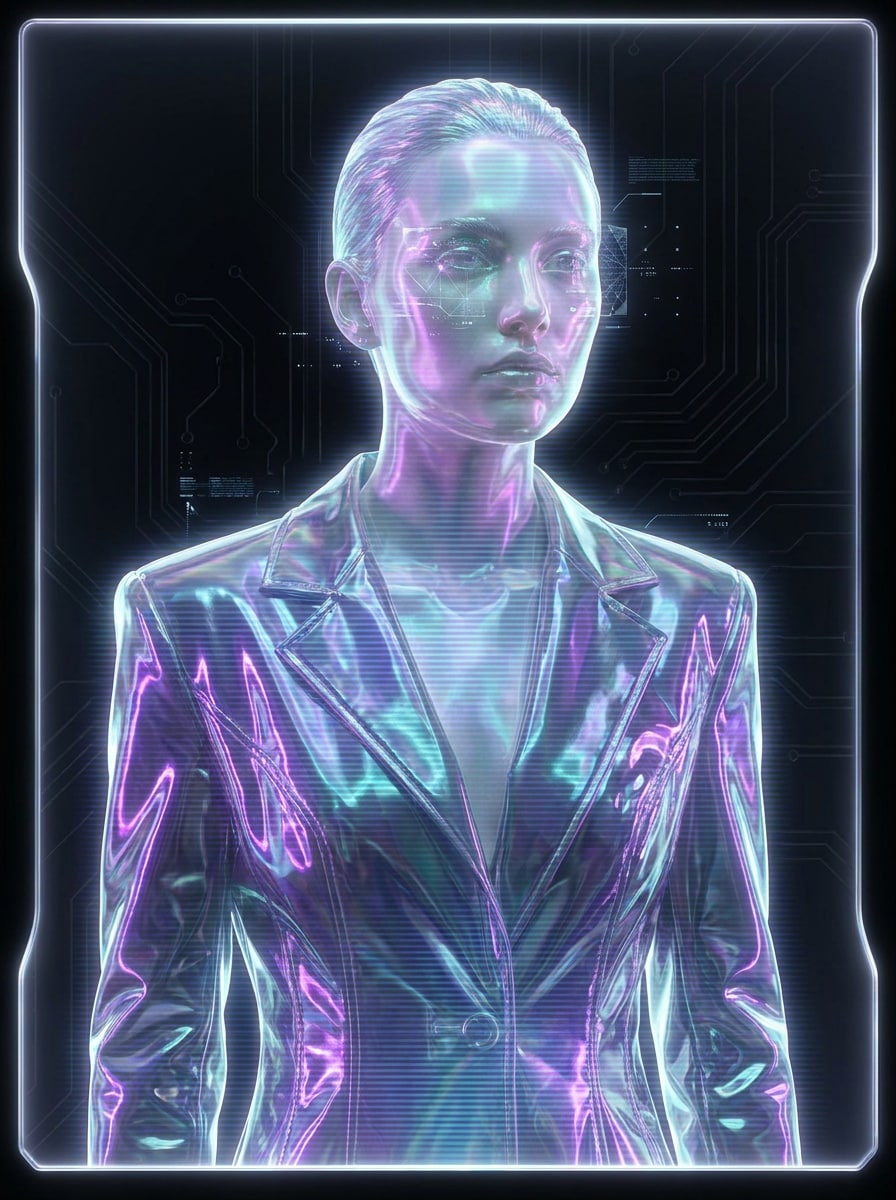
Purple Teal Hologram Beauty Edit
Use the uploaded portrait and apply an elegant hologram makeover with purple and teal iridescent glow, glass-like highlights, soft scan lines, luminous edge lighting, and subtle futuristic background accents. Keep the face recognizable, the texture refined, and the overall look glossy, stylish, and editorial.
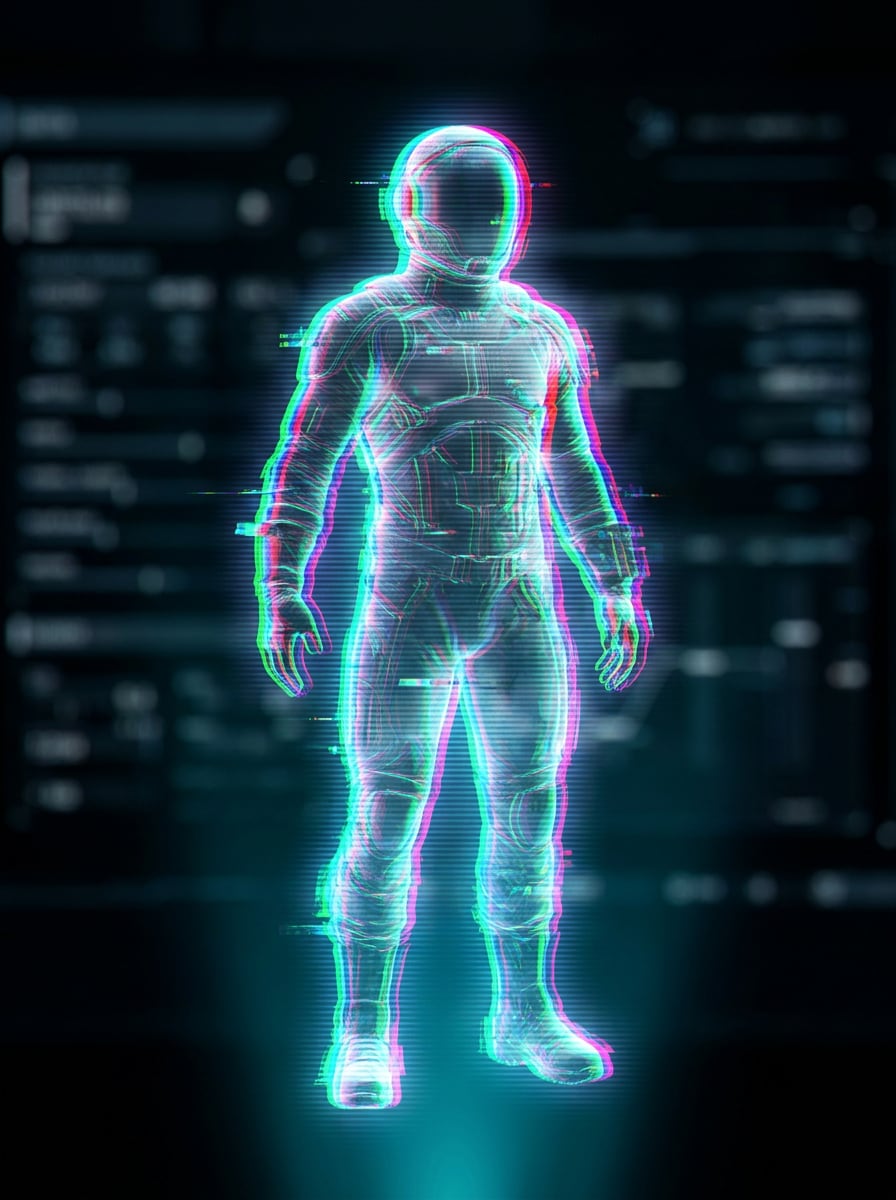
Glitch Hologram Overlay
Use the uploaded image as the base and add a glitchy hologram treatment with RGB split, transparent digital layering, horizontal scan lines, slight signal distortion, cyan and magenta lighting, and a sleek sci-fi mood. Keep the subject readable while making the effect dynamic and modern.
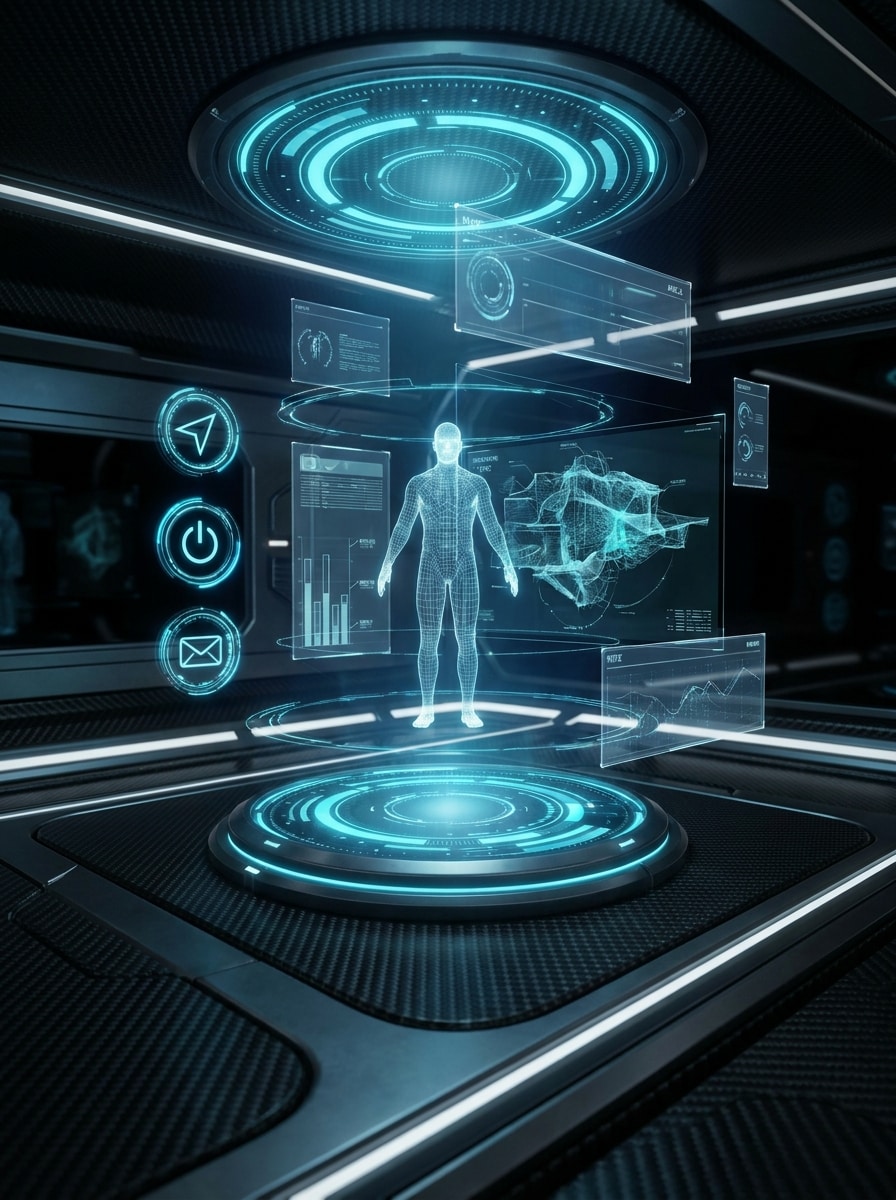
AR Interface Hologram
Use the uploaded image as the subject and place it inside a futuristic AR hologram interface. Add circular HUD rings, data panels, blue transparent overlays, glowing icons, and clean subject separation. Keep the composition organized, premium, and sharp like a next-generation dashboard display.
Ghost Double Exposure Hologram
Use the uploaded photo as the subject and create a ghosted double hologram effect with an offset duplicate silhouette, transparent layering, neon blue glow, motion echo, and soft static noise. Preserve facial recognition and posture while adding dramatic futuristic energy and depth.
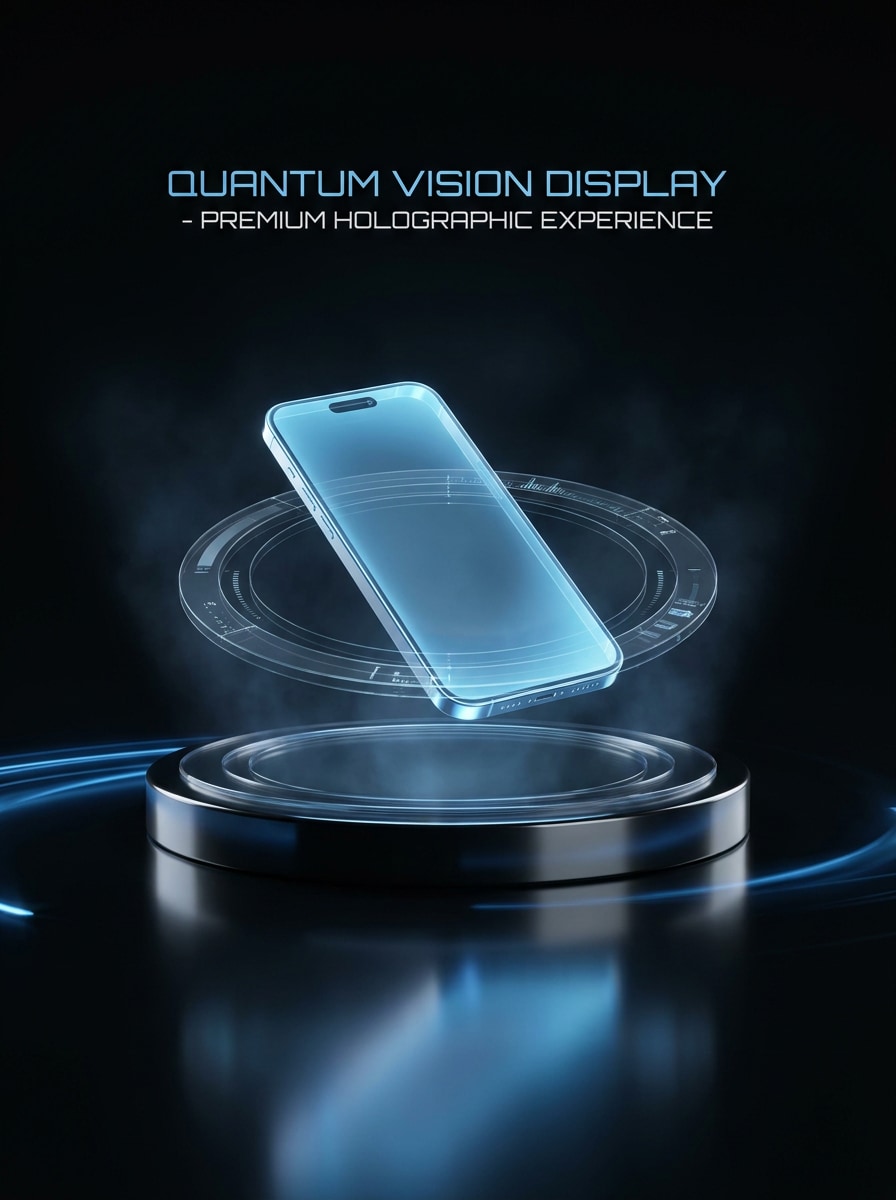
Retail Product Hologram
Use the uploaded product image and transform it into a premium holographic advertising visual. Add blue projection light, reflective floor glow, HUD rings, transparent light layers, crisp edges, and a dark studio backdrop. Keep the product shape accurate while making the scene sleek and commercial-ready.
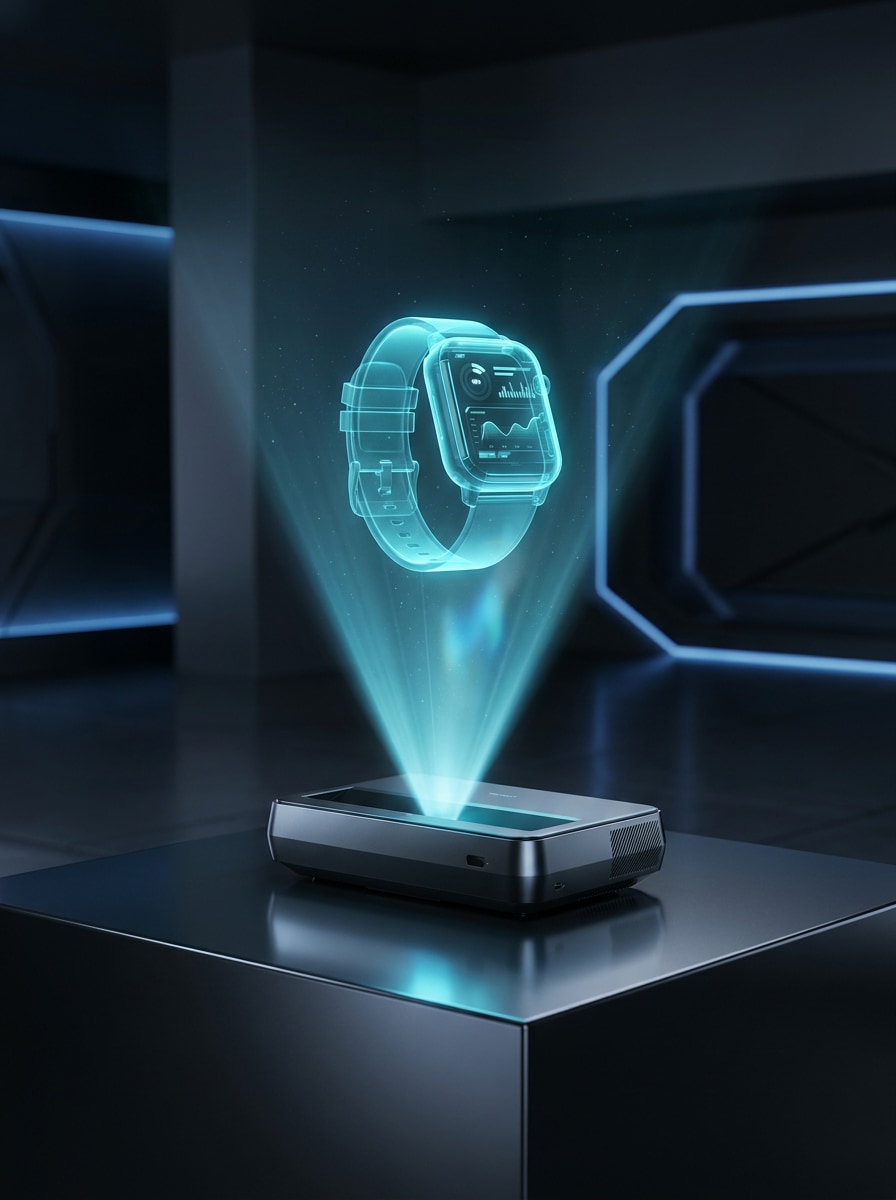
Tech Gadget Projection
Use the uploaded gadget photo and make it look like a projected hologram. Apply luminous cyan transparency, a volumetric light beam, reflective highlights, futuristic display atmosphere, and razor-sharp contours. Keep the object recognizable and detailed, with a minimal sci-fi environment that feels premium and realistic.
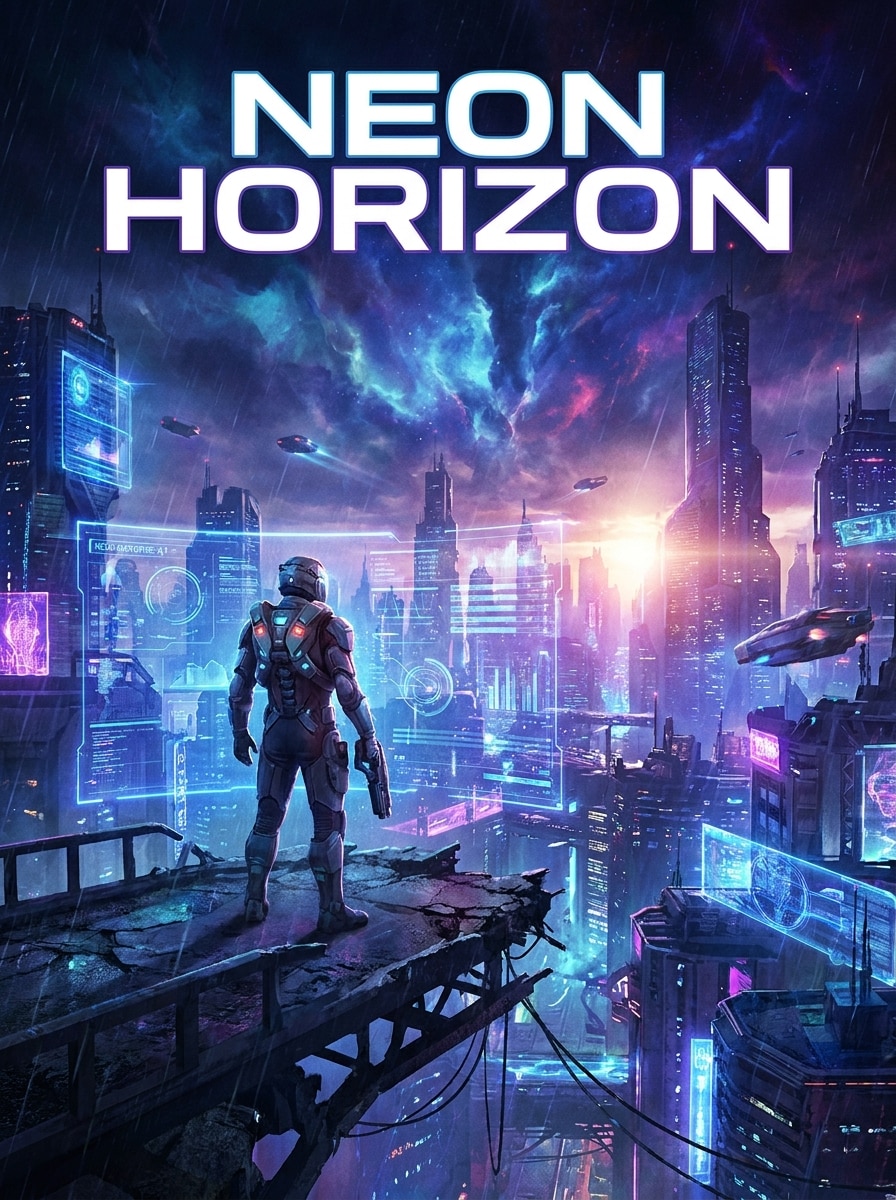
Sci-Fi Movie Poster Hologram
Use the uploaded image as the main subject and turn it into a cinematic sci-fi poster with holographic lighting, layered interface graphics, bold contrast, blue-violet atmosphere, and dramatic composition. Keep the subject recognizable while giving the scene a polished concept-art feel for shareable visuals.
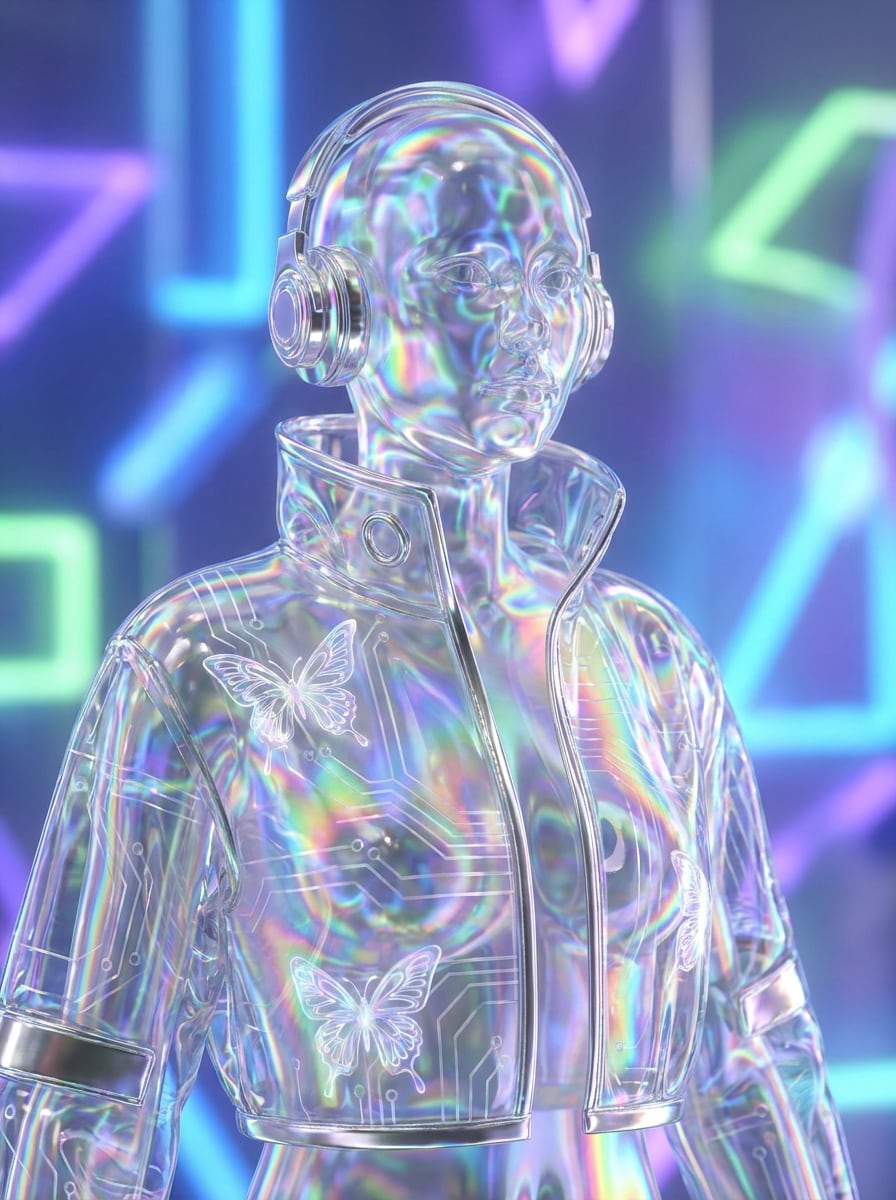
Y2K Iridescent Hologram
Use the uploaded image as the subject and apply a glossy Y2K holographic shine with rainbow iridescence, metallic reflections, transparent overlays, dreamy highlights, and soft futuristic glow. Preserve the original subject clearly while creating a stylish trend-driven edit with smooth, high-quality finish.
Why Use Media.io for Hologram-Style Image Editing
Reference-Based Hologram Looks That Still Feel Like You
For portraits, creator shots, or product photos, Media.io uses your uploaded image as the reference, so the transformation stays recognizable while adding futuristic glow, HUD layers, and projection depth for a more believable hologram photo filter result.
Rework One Subject Into Multiple Styles
Preview-ready images are not always enough. Media.io helps generate cleaner 3D hologram filter visuals with output up to 4K, so the finished image stays sharp in wallpapers, decks, and mockups.
Generate Cleaner Output Up to 4K
Some results need to do more than look good in a preview. Media.io helps generate cleaner 3D hologram filter visuals with output up to 4K so the final image holds up in wallpapers, decks, and mockups.
Fast Browser Workflow Without Editing Software
Creative projects often move between devices, and Media.io keeps the sci fi hologram filter workflow in your browser so you can start on a phone and finish on a desktop without installing extra software.
How to Create a 3D Hologram Effect Online
Turn your words into stunning visuals in three simple steps, then continue refining the result if you want to take it further.
Step 1
Upload Your Reference Image
Start with a clear portrait, product shot, or object photo in JPG, PNG, or JPEG. Images with strong outlines, visible lighting, and simple backgrounds usually work best for a hologram-style transformation.
Step 2
Describe the Change and Set Options
Enter a prompt describing the hologram look you want, such as cyan projection, glitch overlay, HUD interface, or iridescent shine. Then choose your model and adjust aspect ratio, resolution, and the number of image variations.
Step 3
Generate, Download, and Keep Improving
Create your results, compare different hologram versions, and download your favorite image. If needed, refine the prompt, try another style direction, or generate more variations until the lighting and digital effects feel right.
See how creators use this 3D hologram filter for content, marketing, and personal projects, then adapt each idea to fit the brief.
Upgrade Portraits for Social Content
Turn selfies and creator portraits into futuristic edits with projection glow, scan lines, and interface details. Media.io makes it easy to create standout profile pictures, reels covers, and short-form thumbnails without learning advanced design tools.
Create Sleek Product Reveal Visuals
Apply holographic lighting to gadgets, accessories, or packaged products for launch graphics and ad concepts. Media.io helps give product images a premium, tech-forward mood that feels more distinctive than a standard neon effect.
Design Posters and Concept Artwork Faster
Build dramatic sci-fi compositions for music art, event posters, or campaign mockups using one uploaded image as the base. Media.io can turn an ordinary photo into cinematic, promo-ready artwork with a polished sci fi hologram filter style.
What Users Say About Media.io
Ava Lin
Content Creator
"Perfect for futuristic profile edits" I wanted a clean hologram portrait for social media, and this made it easy. The glow, scan lines, and HUD look felt polished, and my face still looked like me.
Marcus Reed
Ecommerce Designer
"Great for product visuals" I used it to turn a basic gadget photo into a premium sci-fi ad concept. The browser workflow was fast, and the final image looked sharp enough for mockups and presentation slides.
Nina Patel
Freelance Digital Artist
"Easy way to test multiple styles" What I like most is how quickly I can try a cyber blue look, a glitch treatment, and a more iridescent hologram version from the same upload. It saves a lot of time during concepting.
Javier Morales
Marketing Specialist
"Useful on both desktop and phone" I tested it on mobile first, then finished the design on my laptop. For quick campaign art with a futuristic vibe, it is much simpler than opening a full editing app.
A 3D hologram filter for photos transforms a normal image into a futuristic visual with effects like blue projection glow, scan lines, transparent layers, HUD graphics, and digital depth. With Media.io, it works as an image-to-image editing tool, so you upload a photo and apply a hologram-style transformation instead of building a true 3D model.
2. How do I turn an image into a hologram effect online?
Upload a JPG, PNG, or JPEG to Media.io, then describe the look you want, such as a cyber blue projection, glitch overlay, or interface-driven hologram scene. After that, choose your image options, generate results, and download the version you like best. This makes it easy to create a hologram effect online without installing editing software.
3. Is this 3D hologram filter free to use?
Yes, free users can try Media.io with free credits. If you need more generations, watermark-free downloads, or higher-volume use, you can check the pricing page for available plans.
4. Can I create a hologram photo effect on iPhone or Android?
Media.io is web-based, so you can create a hologram photo filter result on iPhone, Android, Mac, or Windows as long as you have a browser connection. That makes it practical for quick edits on mobile and larger refinements later on desktop.
5. Will the filter keep my image quality and resolution sharp?
Media.io supports 1K, 2K, and 4K output options, which helps keep edges, lighting details, and interface overlays looking clean in the final result. You can also choose different aspect ratios depending on where you plan to publish the image, from social posts to poster-style layouts. Free users may have watermarks.
6. What kinds of photos work best for a hologram effect?
Photos with a clear subject, visible edges, balanced lighting, and a relatively simple background usually produce the strongest results. Portraits, tech products, and centered objects are especially effective because Media.io can apply hologram glow, projection beams, and transparent overlays around the subject more cleanly.