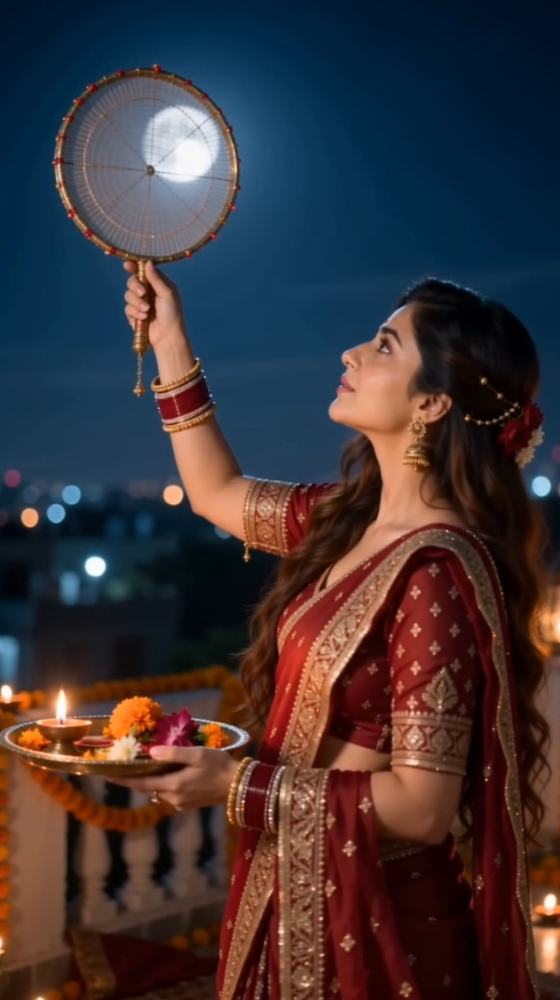
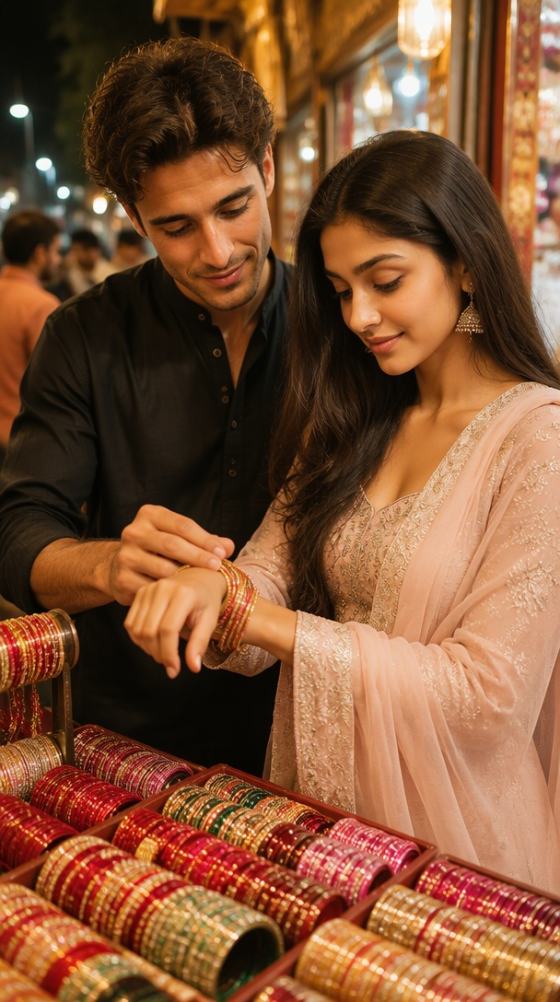
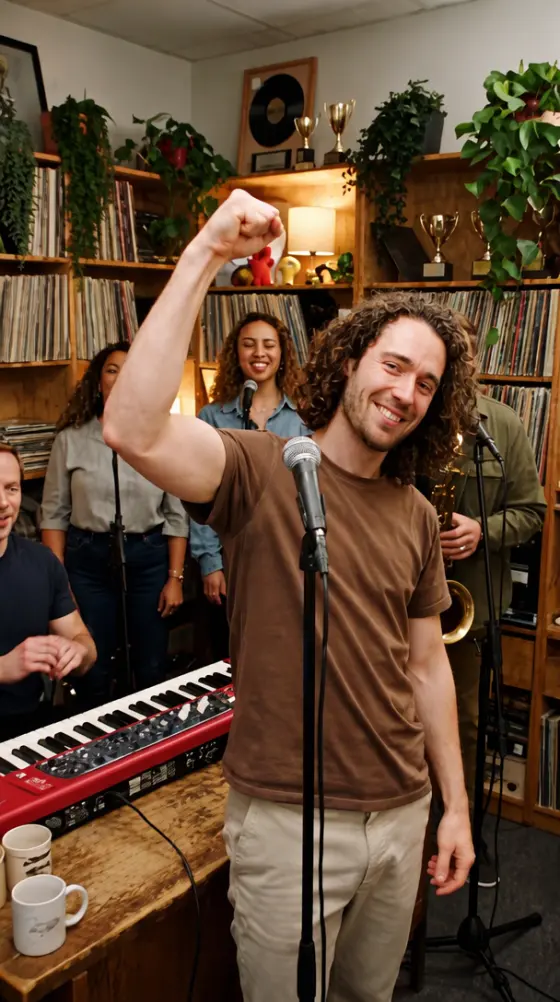
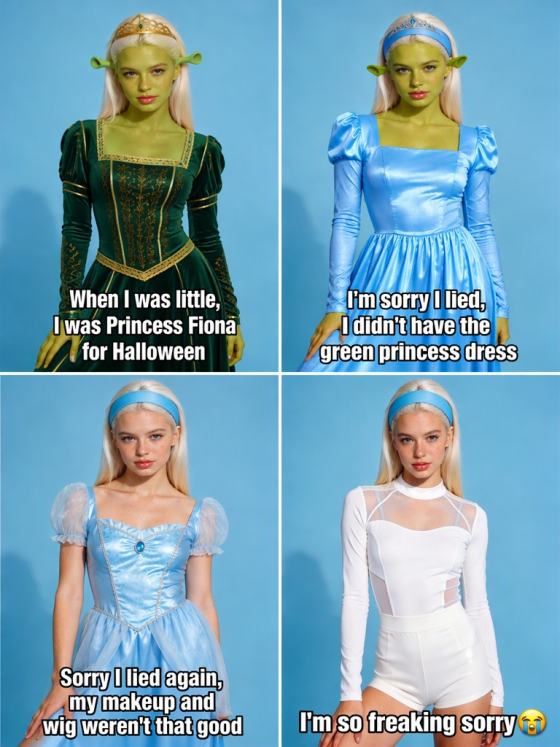

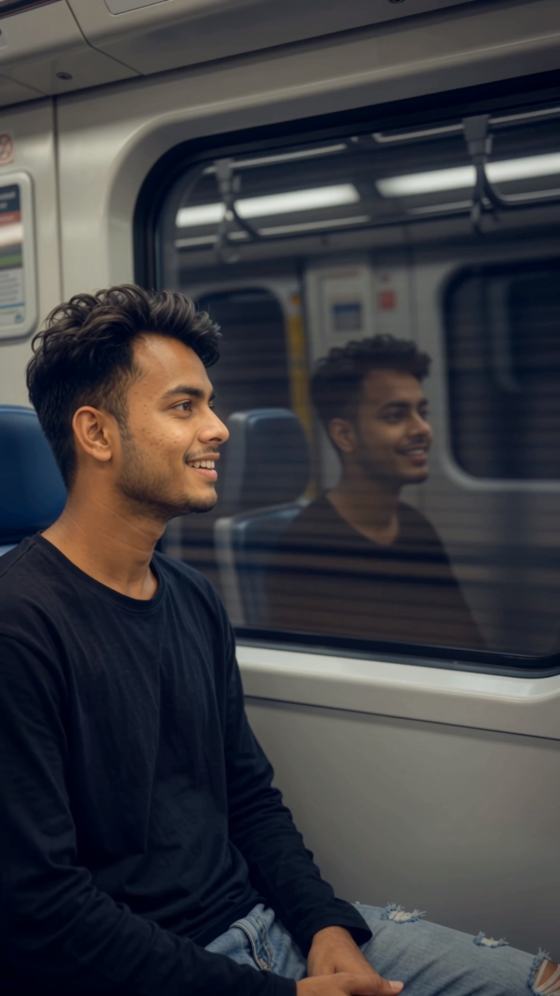
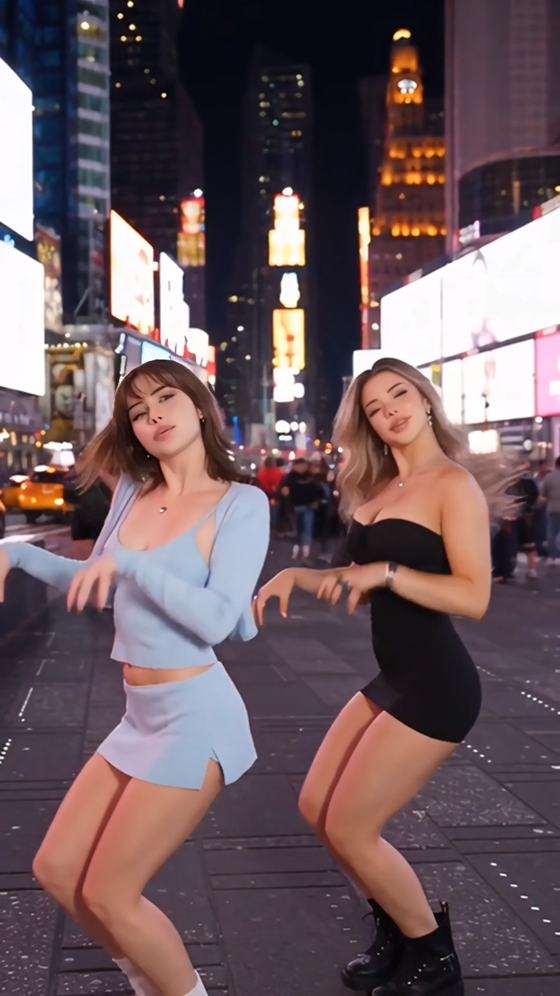

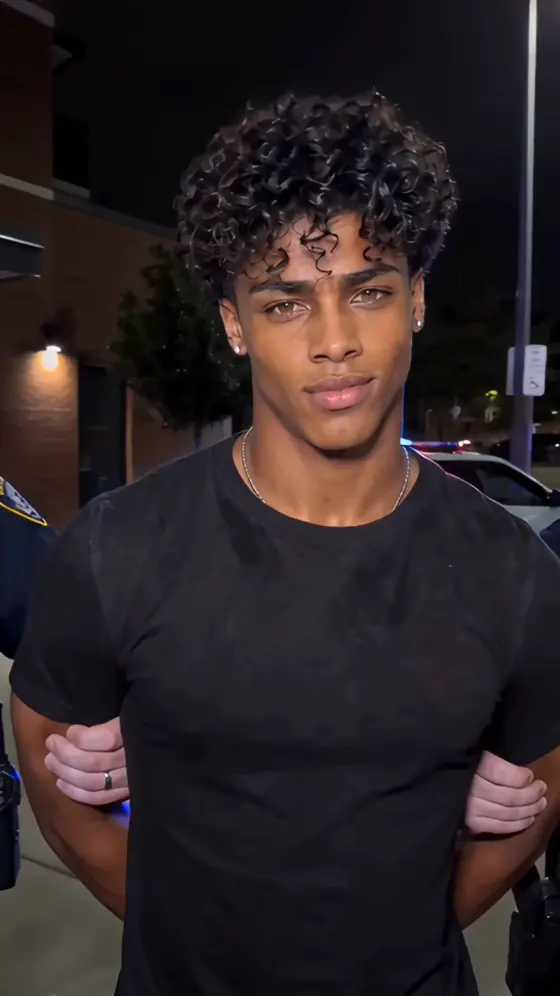


























AI照片提示中心 | 100+ 流行的AI图像提示和热门照片创意

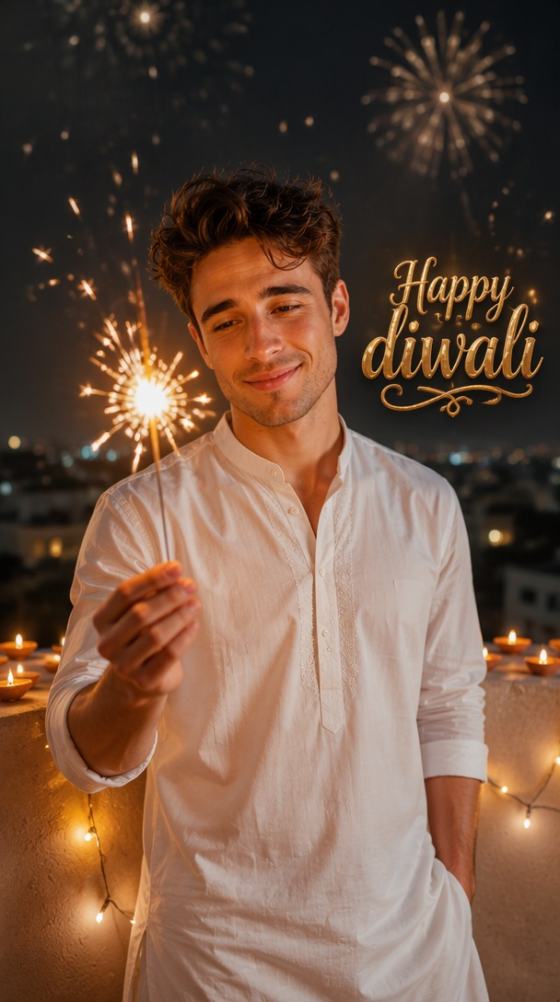
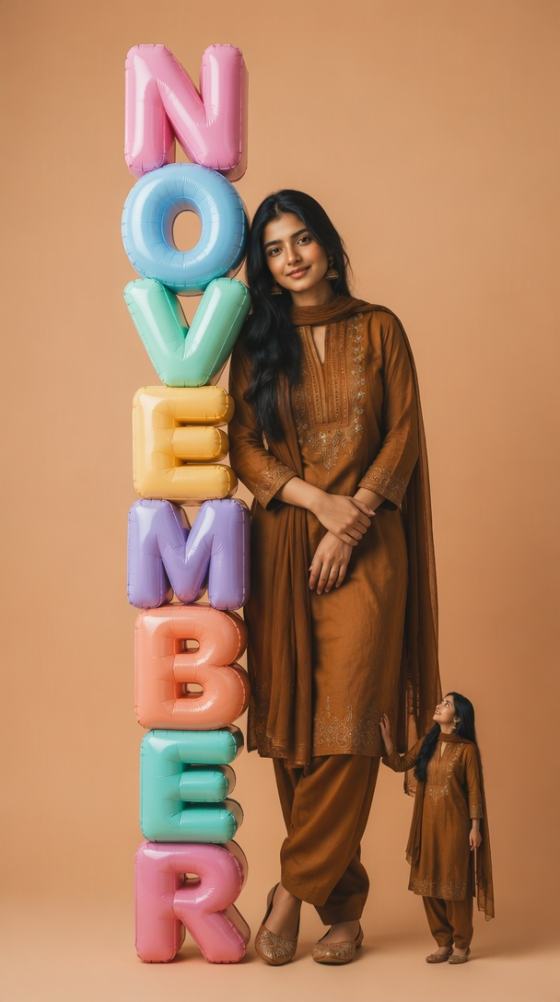
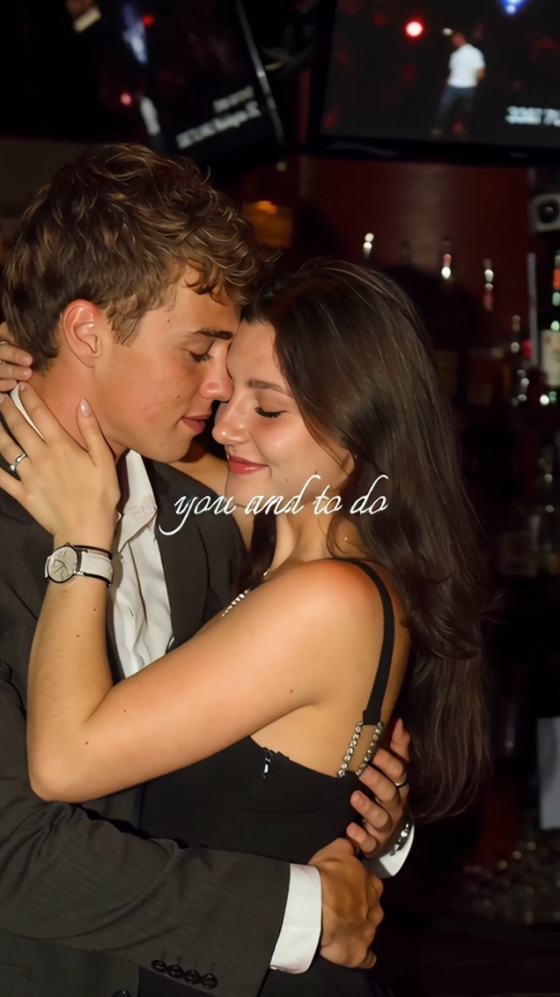
发现最新的AI照片提示,适用于ChatGPT、Gemini、Midjourney、Flux等工具。在一个地方探索100多个流行的AI图像提示、热门Instagram和TikTok照片创意、电影风格肖像、情侣编辑、奇幻风格、动漫效果、季节性效果以及可直接使用的提示模板。

Monsa Edit Prompt – Create Viral AI Photos with Copy-and-Paste Prompts

Create polished Instagram-ready AI portraits with a Monsa Edit Prompt. Upload a clear photo, paste a free prompt, and generate 16K-style edits, flash-filter looks, follower milestone posters, and face-consistent viral portraits online with Media.io.

Generate Monsa AI Photo Free

No editing skills required. Free credits on signup.

Why Use Media.io for Monsa Edit Prompt AI Photos

Copy and Paste Trending Prompts

Use a Monsa Edit Prompt copy and paste workflow to create social-ready images faster. Add a prompt, upload your photo, and let Media.io handle the complex visual styling without manual retouching or advanced design software.

Create 16K-Style Photo Edits

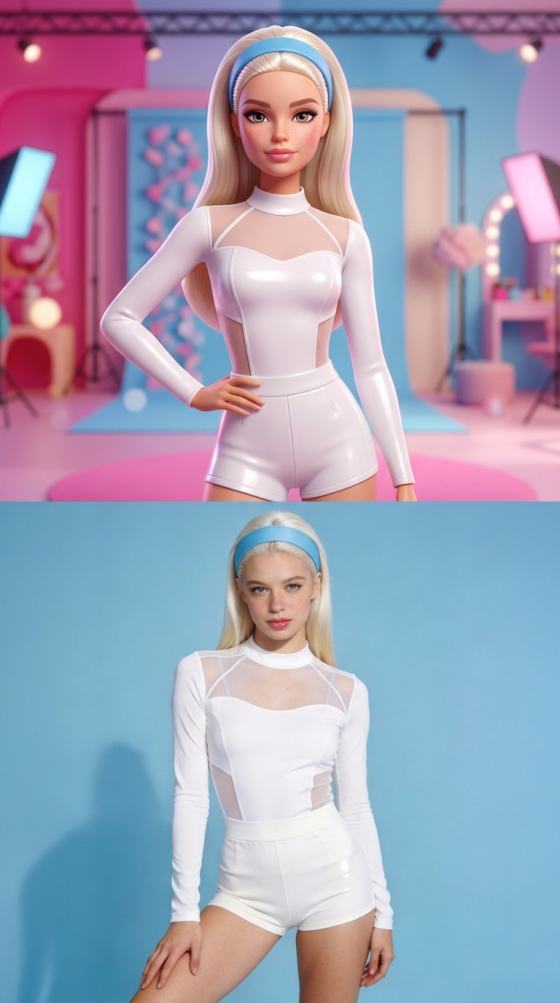
Generate the high-detail look associated with a 16K photo editing prompt, including realistic skin texture, sharp eyes, cinematic lighting, premium color grading, and polished editorial composition.

Preserve Facial Identity Naturally

Upload a clear source image and guide the AI with identity-preservation instructions. Media.io helps retain recognizable facial features while changing lighting, background, clothing, mood, and overall visual style.

Create Viral Instagram Filters Online

Recreate Instagram flash filter and Instagram viral filter looks directly in your browser. The workflow is fast, beginner-friendly, and suitable for profile photos, Reels covers, creator posts, and campaign visuals.

How to Use a Monsa Edit Prompt

01

Step 1: Upload a Clear Photo

Add a selfie, portrait, fashion photo, or lifestyle image. For the strongest face match, use a sharp, front-facing photo with natural lighting and minimal blur.

02

Step 2: Paste and Customize the Prompt

Paste a Monsa Edit Prompt and adjust the clothing, background, lighting, camera style, color palette, social milestone, or Instagram filter effect to match your idea.

03

Step 3: Generate and Download

Generate several variations, compare face consistency and visual quality, then download the best image for Instagram, TikTok, Facebook, creator branding, or promotional content.

Popular Monsa Edit Prompt Copy-and-Paste Ideas

Copy these prompt directions into Media.io, then personalize the subject, outfit, location, lighting, text, and overall mood before generating your final image.

16K Photo Editing Prompt

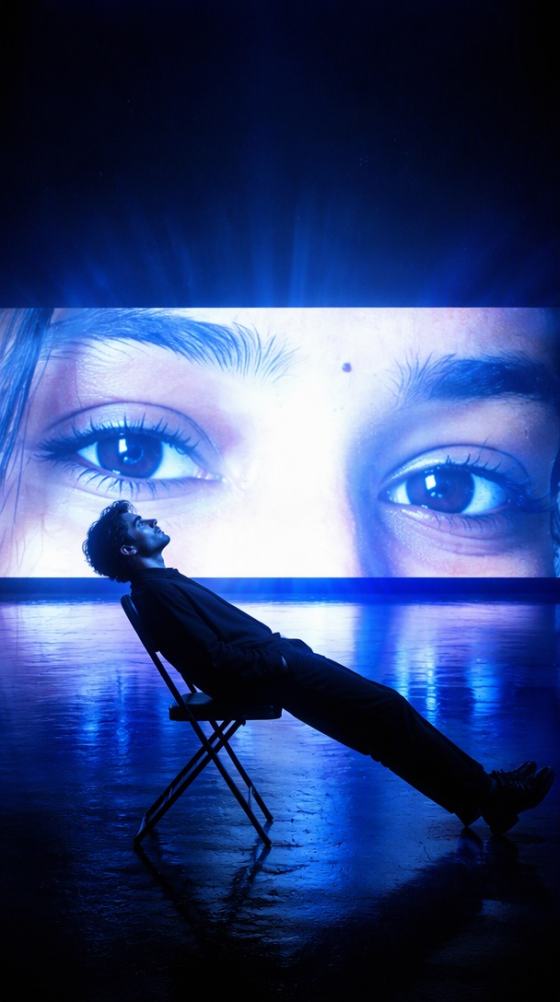
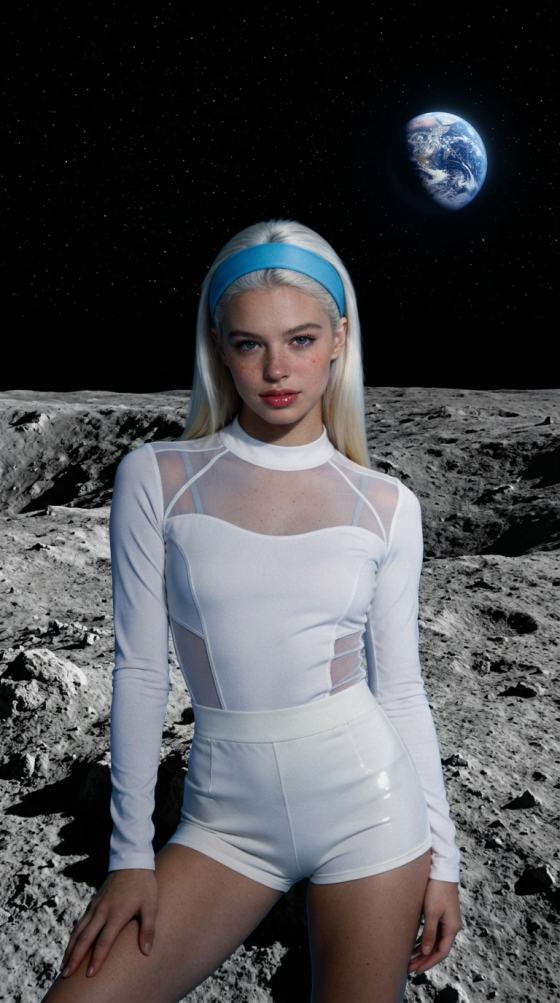
Ultra-realistic 16K-style portrait, professional DSLR photography, sharp eyes, natural skin texture, cinematic golden-hour lighting, shallow depth of field, premium color grading, editorial composition, highly detailed, social-media ready.

10K Followers Photo Editing Prompt

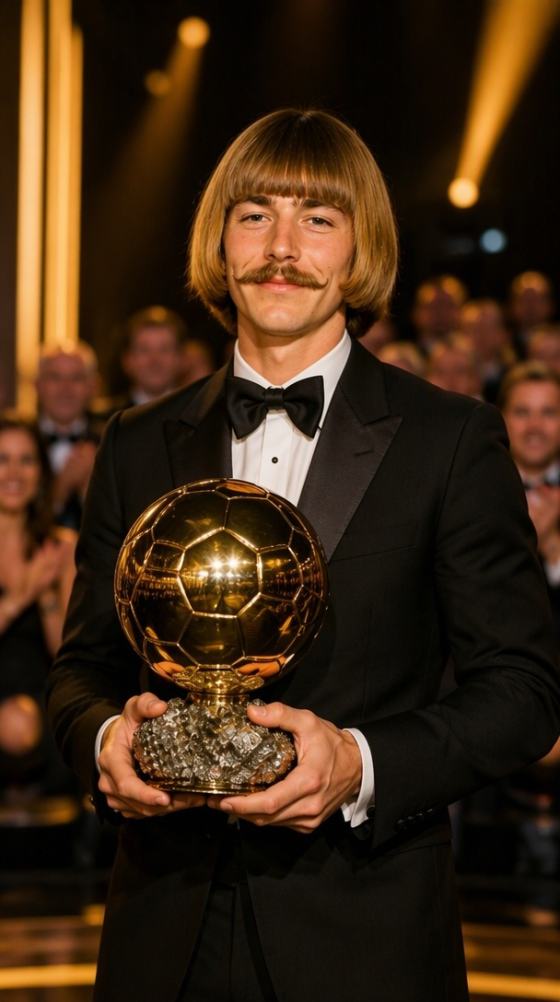
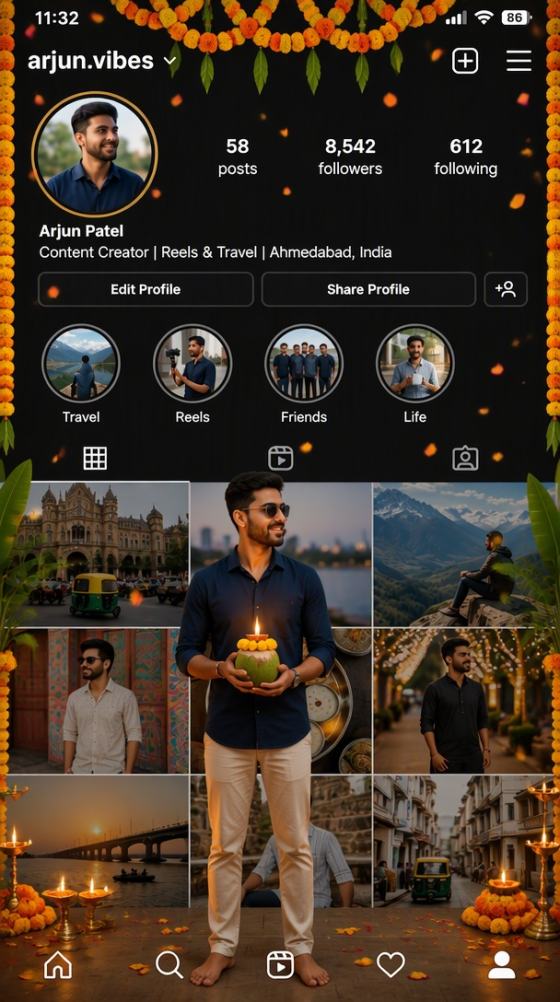
Create a stylish creator milestone portrait celebrating 10K followers, premium streetwear, glowing social interface accents, cinematic city background, confident pose, realistic facial details, polished Instagram creator aesthetic.

Instagram Flash Filter Prompt

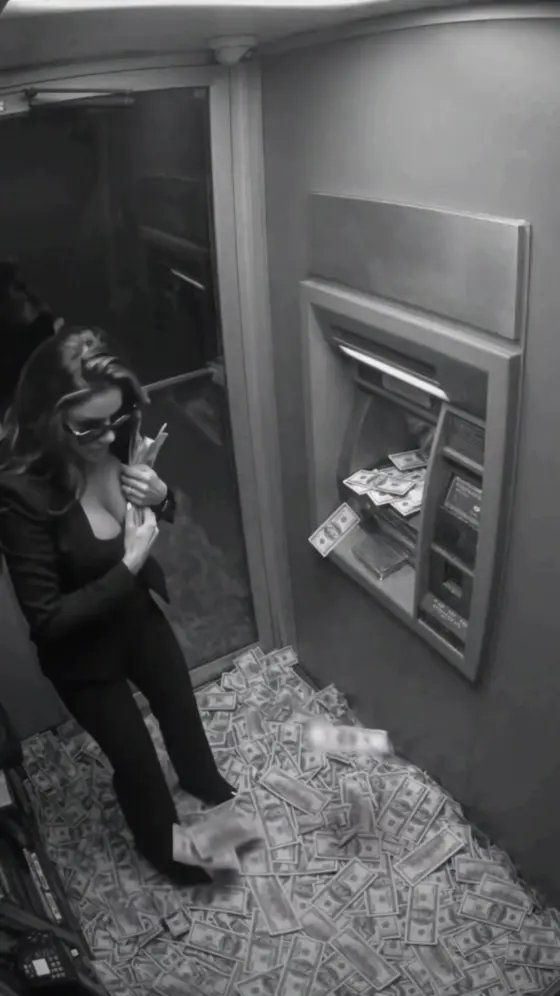
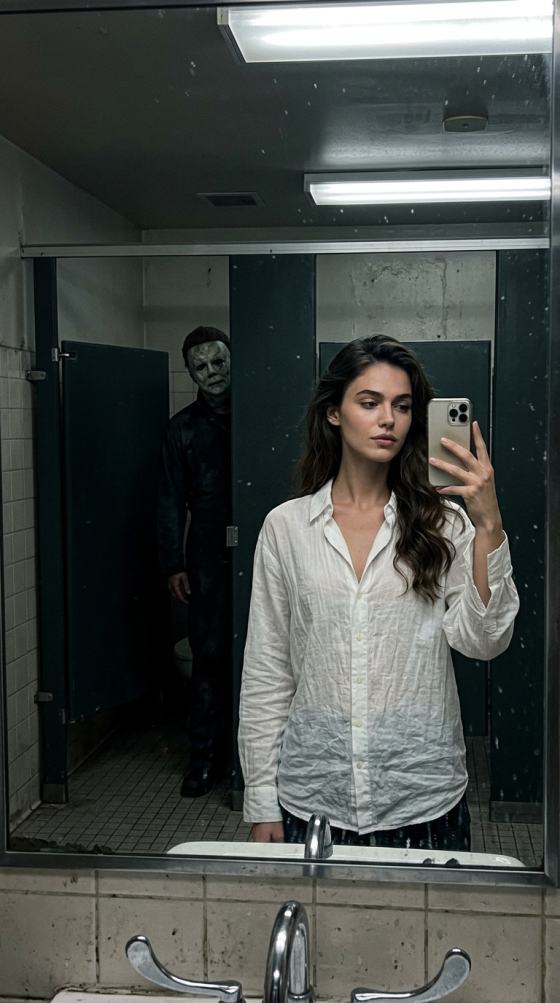
High-fashion direct-flash portrait, glossy highlights, bold contrast, clean background, editorial framing, realistic skin detail, sharp facial features, luxury magazine look, trendy Instagram flash filter aesthetic.

Gemini 100% Face Match Prompt

Preserve the subject’s recognizable facial identity, facial proportions, hairstyle, skin tone, and natural expression while changing only the outfit, lighting, background, composition, and artistic treatment. Keep the result realistic and consistent.

Instagram Viral Filter Prompt

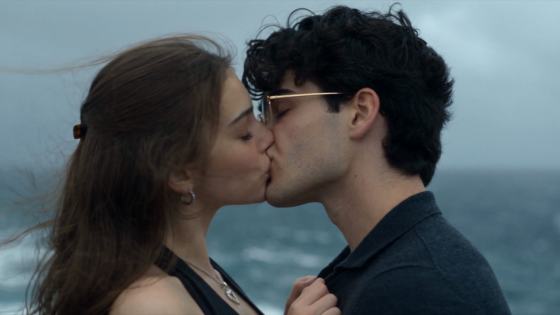
Trendy influencer portrait with soft glow, premium color grading, cinematic depth, clean skin texture, realistic lighting, fashionable styling, vibrant but balanced tones, polished Instagram viral filter aesthetic.

Luxury Creator Portrait Prompt

Elegant creator portrait in a luxury hotel lobby, premium fashion, soft daylight, natural pose, realistic photography, refined editorial color grading, shallow depth of field, high-end Instagram branding aesthetic.

Best Monsa Edit Prompt Use Cases

Use Media.io to create polished AI portraits for social growth, creator branding, milestone celebrations, profile images, and visually consistent marketing content.

Instagram Profiles and Reels Covers

Create profile pictures, carousel covers, and Reels thumbnails with premium lighting, sharp facial details, and attention-grabbing Instagram filter aesthetics.

Follower Milestone Posters

Design polished 1K, 10K, or larger follower milestone images with creator branding, celebratory text, social UI elements, and a professional promotional look.

Personal Branding and Campaigns

Generate consistent AI portraits for portfolios, influencer media kits, fashion campaigns, online profiles, digital ads, and other personal or commercial content.

Creators Love Monsa Edit Prompt Results

user
Riya Mehta

Instagram Creator

starstarstarstarstar

“Sharp and Instagram Ready.” I pasted a Monsa Edit Prompt and got a polished portrait in minutes. The lighting looked professional, and my face still felt recognizable.

user
Aarav Singh

Lifestyle Creator

starstarstarstarstar

“Perfect for Follower Posts.” The 10K followers prompt gave me a clean milestone poster without designing everything from scratch. It was easy to adjust the outfit and background.

user
Maya Chen

Digital Marketer

starstarstarstarstar

“Fast Prompt Workflow.” The copy-and-paste prompt workflow is much faster than manual retouching. I can generate several campaign variations and choose the best one.

FAQs About Monsa Edit Prompt

1. What is a Monsa Edit Prompt?

A Monsa Edit Prompt is a text instruction used to create or restyle an AI photo with a polished social-media aesthetic. It can describe facial consistency, lighting, clothing, background, camera style, follower milestone text, flash-filter effects, and other visual details. With Media.io, you can upload a photo, paste the prompt, customize it, and generate a new result online.

Yes. You can copy a Monsa Edit Prompt, paste it into Media.io, upload your source image, and generate an AI photo with available free credits. You can also edit the prompt before generating so the final image reflects your own outfit, setting, milestone, lighting, and preferred Instagram style instead of producing a generic result.

A 16K photo editing prompt usually describes an ultra-detailed visual style rather than guaranteeing a native 16K file. It helps the AI prioritize sharp facial details, realistic skin texture, professional lighting, and high-end camera aesthetics. The final pixel dimensions depend on the selected model, generation settings, and available export or enhancement options.

No AI generator can guarantee a perfect 100% face match in every output. For stronger consistency, upload a clear front-facing image, avoid heavy blur or face obstruction, describe the features that must remain unchanged, and ask the AI to modify only the background, clothing, lighting, or composition. Generating several versions also helps you choose the closest result.

An Instagram flash filter prompt focuses on direct-flash lighting, high contrast, glossy highlights, sharp shadows, and a fashion-editorial look. An Instagram viral filter prompt is broader and may combine soft glow, cinematic color grading, trendy styling, clean skin texture, and influencer-style framing. Both can be customized for profile photos, creator posts, and promotional visuals.

Media.io Online AI Tools Quality Rating:
vote 4.7 (162,357 Votes)




