















































AI照片提示中心 | 100+ 流行的AI图像提示和热门照片创意

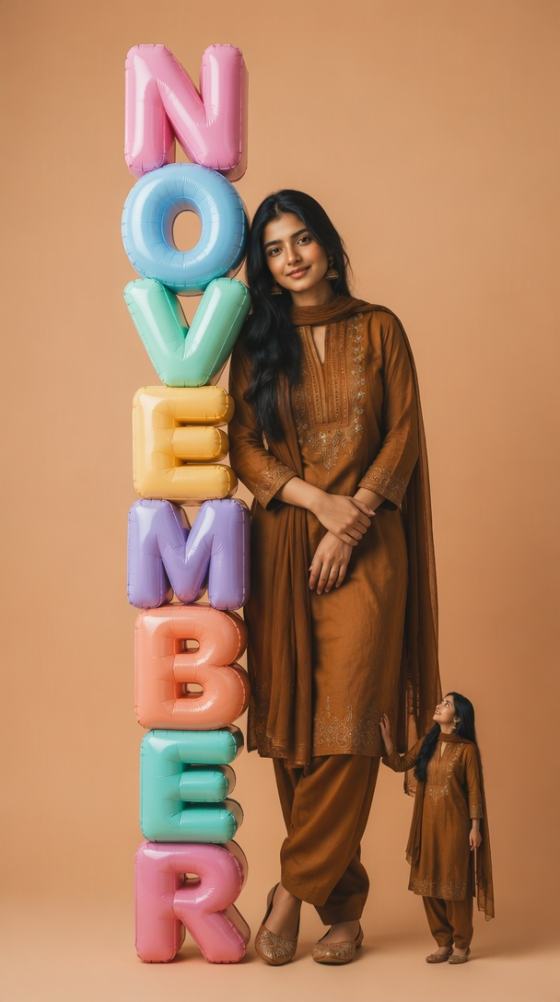
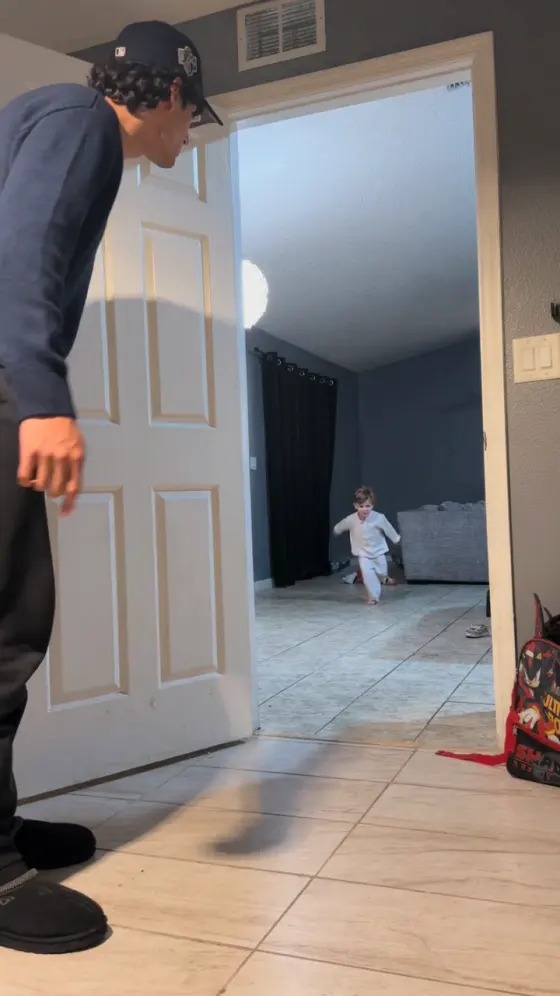
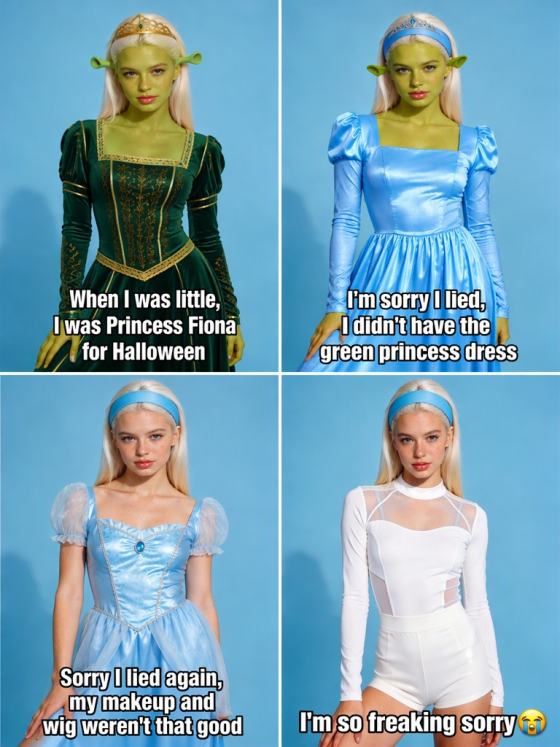
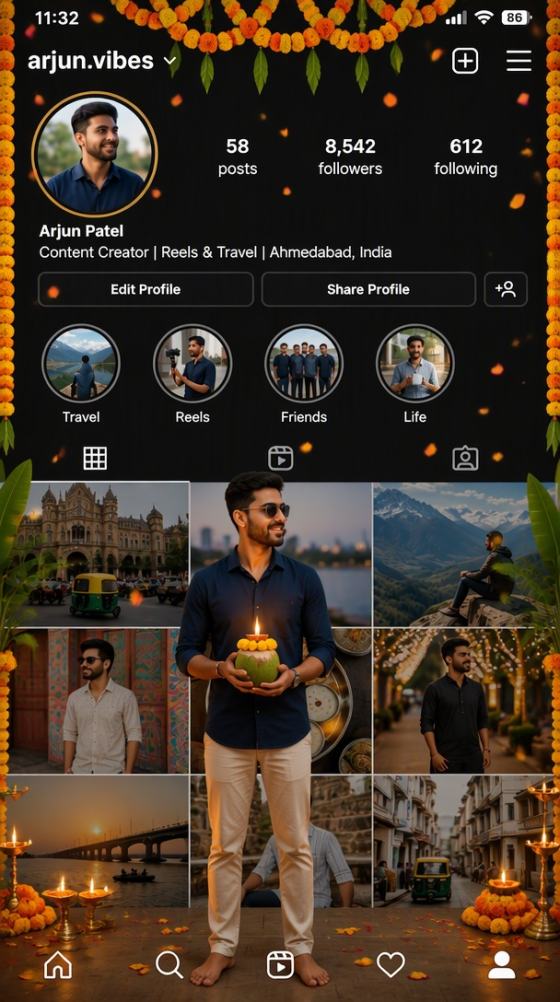
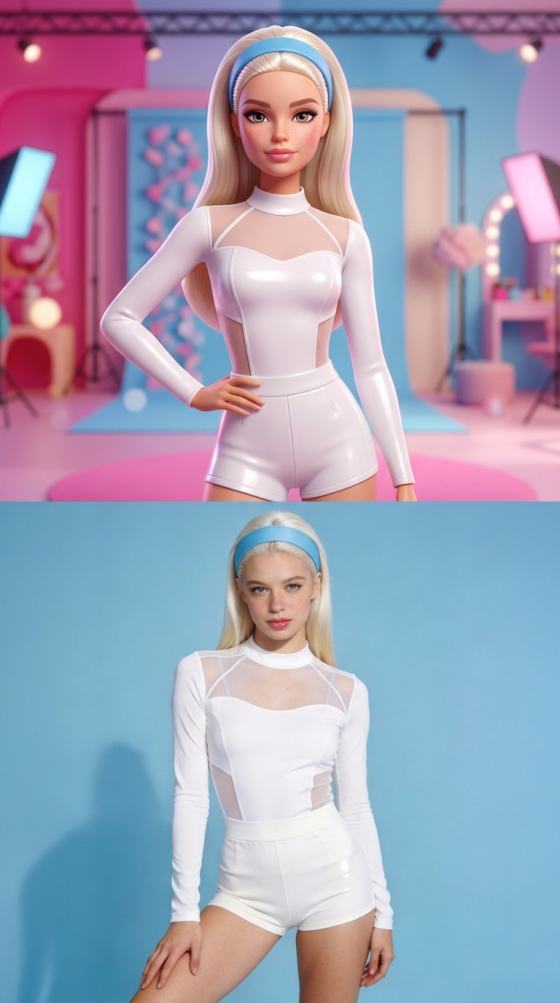
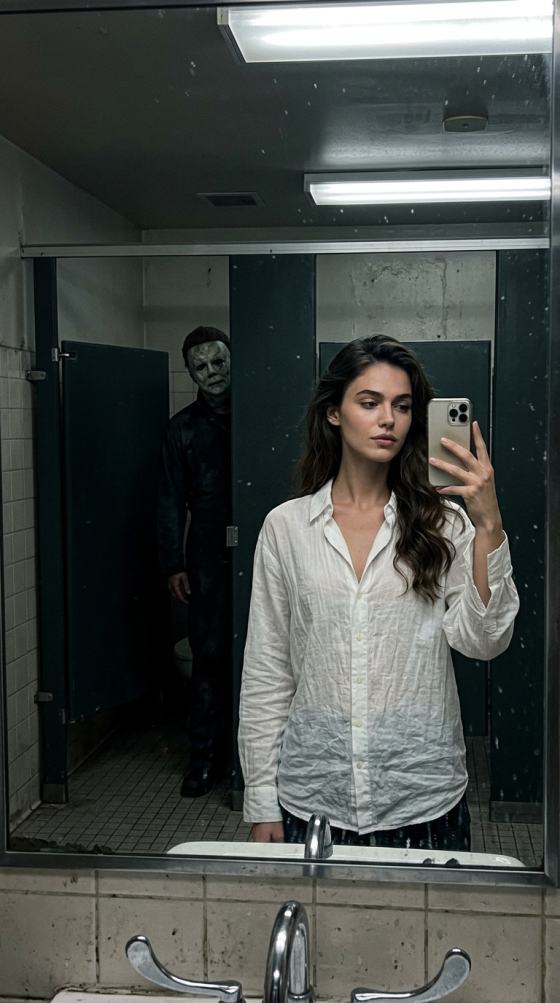
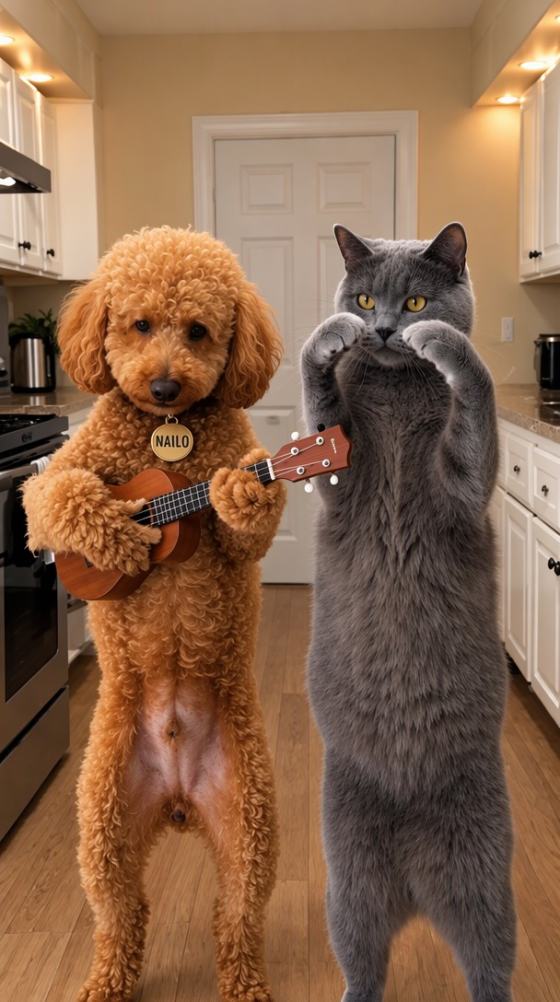
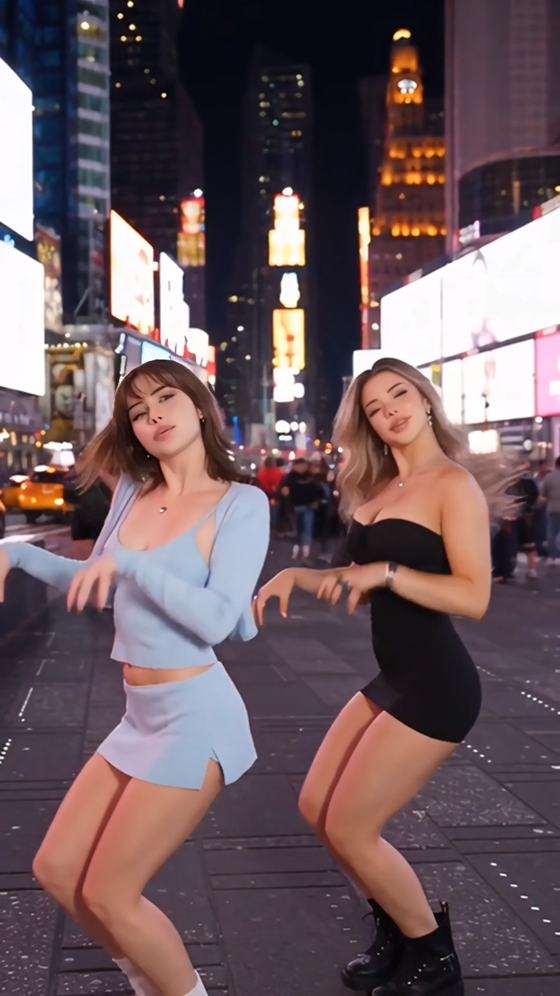
发现最新的AI照片提示,适用于ChatGPT、Gemini、Midjourney、Flux等工具。在一个地方探索100多个流行的AI图像提示、热门Instagram和TikTok照片创意、电影风格肖像、情侣编辑、奇幻风格、动漫效果、季节性效果以及可直接使用的提示模板。

Hugging Face AI Prompt – Generate Better LLM and Image Prompts

Create structured Hugging Face AI prompts for LLMs, image generators, chatbots, coding assistants, and creative workflows. Describe your goal, generate a reusable prompt template, and refine it for better, more consistent model outputs with Media.io.

Generate Hugging Face AI Prompts Free

No prompt engineering experience required. Start with a simple idea.

Why Use Media.io Hugging Face Prompt Generator

Turn rough ideas into clearer prompts for text, image, code, and chat models. Media.io helps you organize context, instructions, constraints, output format, examples, and creative details before testing prompts with your preferred AI model.

Generate Prompts for Multiple AI Tasks

Use the Hugging Face prompts generator for writing, summarization, translation, coding, research, classification, role-playing, customer service, education, and other LLM workflows. Start with a goal and receive a structured prompt ready to test.


Build Detailed Image Prompts

Use the Hugging Face image prompt generator to define subject, style, composition, camera angle, lighting, color palette, texture, mood, rendering quality, and optional negative prompts for more controlled visual results.

Create Reusable Prompt Templates

Generate a HuggingFace prompt template with system instructions, user input, context, examples, formatting rules, constraints, and expected output. Reuse the same structure across projects instead of rewriting every prompt from scratch.

Improve Prompt Engineering Clarity

Apply Hugging Face prompt engineering principles without memorizing a complex framework. Media.io helps break broad requests into clear objectives, useful context, response criteria, output formats, and validation rules.

How to Generate a Hugging Face AI Prompt in 3 Steps

01

Step 1: Describe Your Goal

Explain what you want the model to do, such as generate an image, answer questions, summarize documents, write code, create marketing content, or produce a structured report.

02

Step 2: Choose a Prompt Type

Select an LLM prompt, image prompt, prompts chat format, coding instruction, or reusable template. Add tone, style, audience, constraints, examples, and output requirements when needed.

03

Step 3: Copy, Test and Refine

Copy the generated prompt into your preferred Hugging Face model or another AI platform. Review the result, tighten unclear instructions, and reuse the improved version as a prompt template.

Popular Hugging Face AI Prompt Examples

Use these LLM prompt examples as starting points, then adapt the role, context, constraints, output format, style, and evaluation criteria to match your task and model.

Content Writing Prompt

Act as an experienced content strategist. Create a clear outline and a 1,000-word article for beginner readers. Use a practical tone, include examples, avoid repetition, and end with three actionable takeaways.

Document Summary Prompt

Summarize the supplied document into five key findings, three risks, and three recommended actions. Separate facts from assumptions and quote no more than one short sentence from the source.

Coding Assistant Prompt

Act as a senior Python developer. Review the code for bugs, performance issues, security risks, and readability. Explain each issue clearly, then provide a corrected version with comments and basic error handling.

Image Generation Prompt

Cinematic portrait of a futuristic fashion designer in a neon studio, medium shot, realistic skin, dramatic rim lighting, shallow depth of field, editorial color grading, highly detailed fabric, 35mm photography.

Customer Support Prompt

You are a helpful customer support agent. Answer using the supplied policy only. Be concise, acknowledge the issue, provide the next step, and clearly state when information is unavailable.

Prompts Chat Template

You are an interview coach. Ask one question at a time, wait for the user response, give specific feedback, and adapt the next question to the user's role, experience level, and previous answer.

Best Use Cases for Hugging Face Prompt Engineering

Create prompts for practical LLM workflows, visual generation, and conversational AI while keeping instructions organized and easier to reuse across different models.

LLM Workflows and Automation

Build structured prompts for writing, analysis, extraction, coding, translation, classification, research, customer support, and internal knowledge assistants.

AI Image Prompt Creation

Generate detailed prompts for portraits, products, anime, architecture, cinematic scenes, illustrations, ads, thumbnails, concept art, and other visual projects.

Chatbots and Interactive Assistants

Create prompts chat for education, role-play, interview practice, sales support, coaching, troubleshooting, onboarding, and conversational product experiences.

FAQs About Hugging Face AI Prompt

1. What is a Hugging Face AI prompt?

A Hugging Face AI prompt is a text instruction given to a language, image, audio, or multimodal model available through the Hugging Face ecosystem. A strong prompt explains the task, provides useful context, sets constraints, defines the output format, and may include examples. Clear prompts generally make model responses easier to evaluate and refine.

A Hugging Face prompts generator turns a short description into a more complete prompt. It can add a role, task objective, context, style, constraints, examples, output structure, and quality criteria. This helps beginners start faster and gives experienced users a consistent prompt framework that can be adapted for different models and use cases.

A useful HuggingFace prompt template usually contains a clear role, a specific task, relevant context, required inputs, constraints, expected output format, and one or more examples when the task is complex. Keep reusable variables separate, such as {topic}, {audience}, {tone}, or {document}, so the template can be applied to new requests without rewriting the entire prompt.

Yes. Media.io can help create detailed image prompts containing the subject, scene, composition, camera angle, lighting, art style, colors, materials, mood, and quality direction. You can adapt the result for supported Hugging Face image models or reuse it in other AI image tools. Final output quality still depends on the model, settings, and prompt interpretation.

The core principles—clear instructions, relevant context, examples, constraints, and output formatting—are broadly useful, but models do not interpret every prompt in the same way. Some models require specific chat templates, system messages, special tokens, or shorter instructions. Test the prompt with the target model and adjust wording, length, and formatting based on its behavior.

Media.io Online AI Tools Quality Rating:
vote 4.7 (162,357 Votes)


