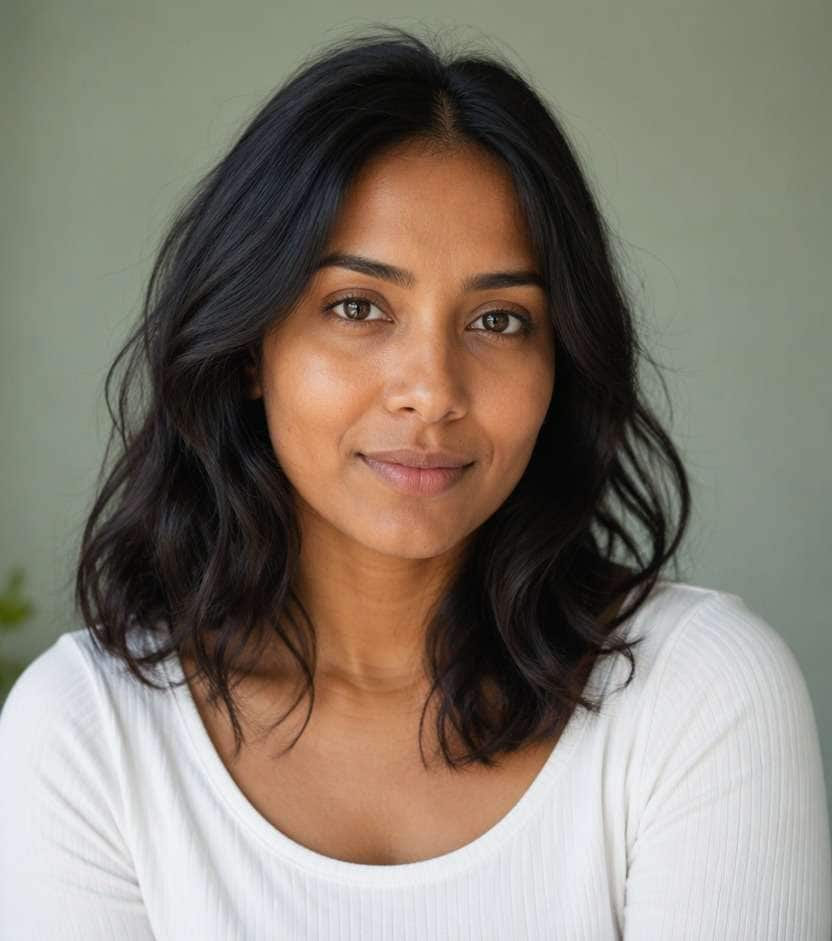
Butterfly Face Filter: Add Pastel Butterflies to Your Selfie
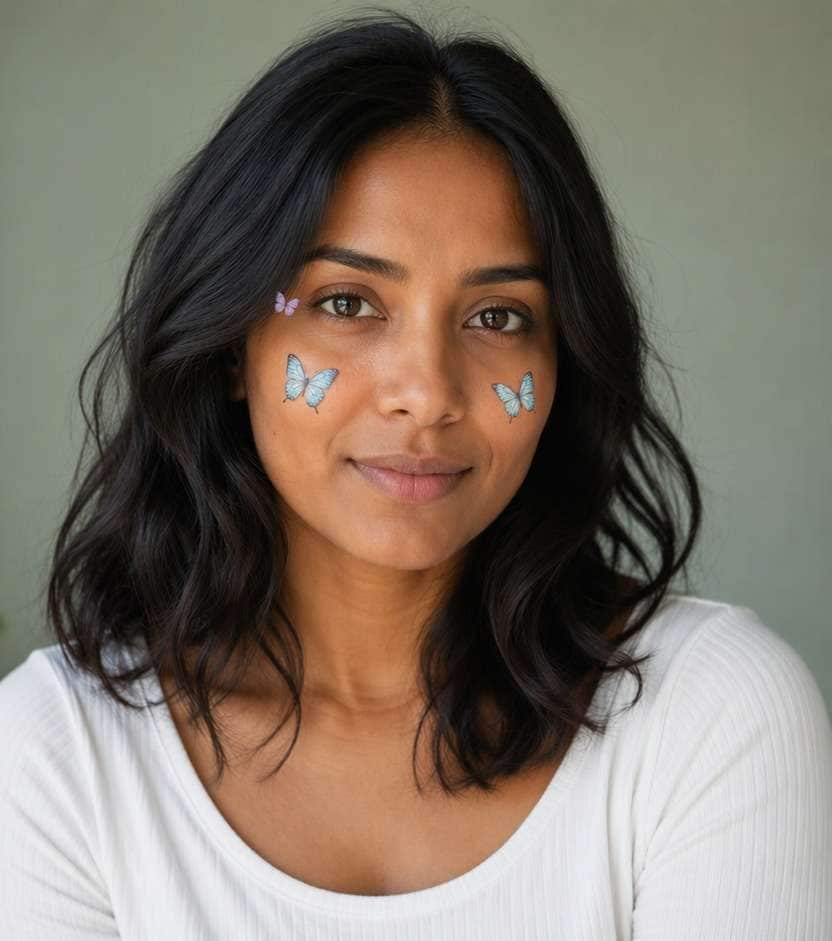
You like the dreamy butterfly look, but a dozen wings over your eyes would hide the picture you chose. A butterfly face filter can place two or three pastel butterflies along the outer cheeks, temples or hairline while preserving the face beneath them. Start with a clear portrait and decide whether the butterflies should feel like stickers, makeup art or delicate creatures in the scene.
For a clean selfie, keep butterfly wings away from the pupils, nose and lips.
Butterfly Face Filter Prompts for Pastel Cheeks and Dreamy Selfies
The placement matters more than the number of butterflies. Small wings along the temple feel airy; a larger cheek butterfly becomes the hero accent. These prompts explore distinct arrangements without covering facial features.
Baby Blue Cheek Pair
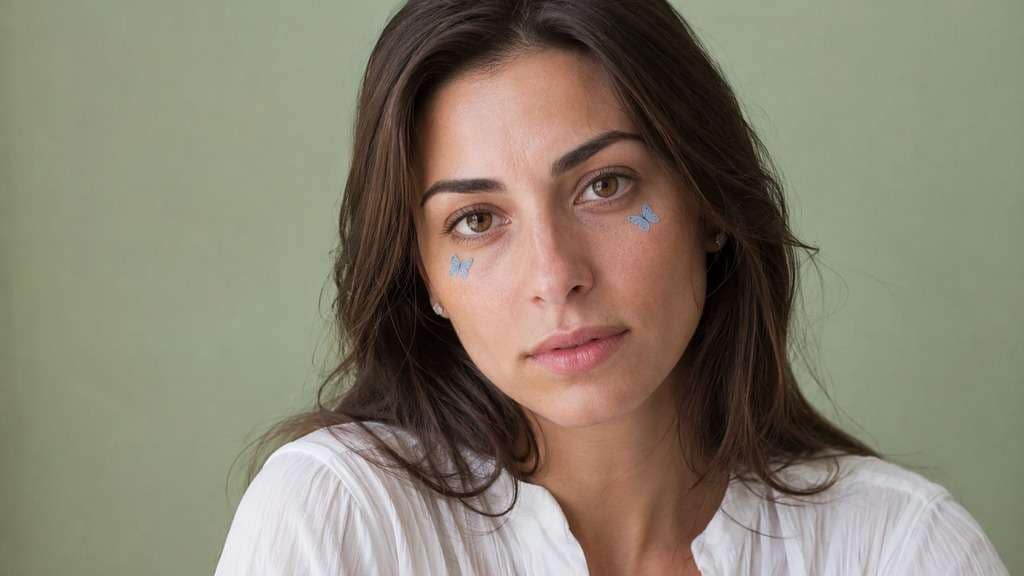
Edit my uploaded reference photo: Place two small pastel blue butterfly stickers below outer eye areas. Keep the same person, real facial identity and expression except where this named face effect intentionally changes proportions, and preserve original hair, clothing, perspective, room or outdoor setting. Do not add captions, logos, extra people or unrelated props.
Lavender Temple Wings
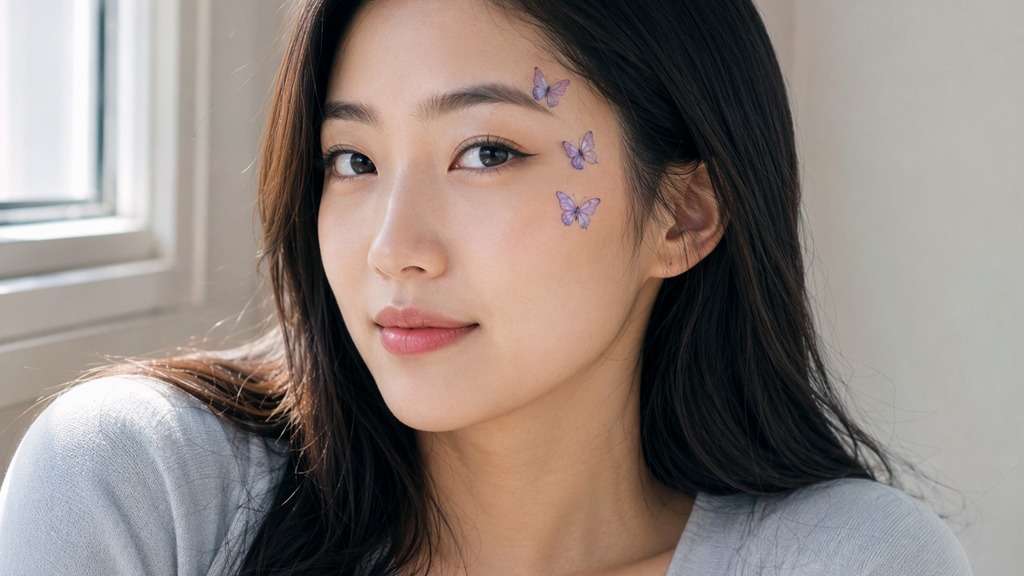
Edit my uploaded reference photo: Place three lavender butterflies trailing along one temple, eyes unobscured. Keep the same person, real facial identity and expression except where this named face effect intentionally changes proportions, and preserve original hair, clothing, perspective, room or outdoor setting. Do not add captions, logos, extra people or unrelated props.
Pastel Peach Flutter
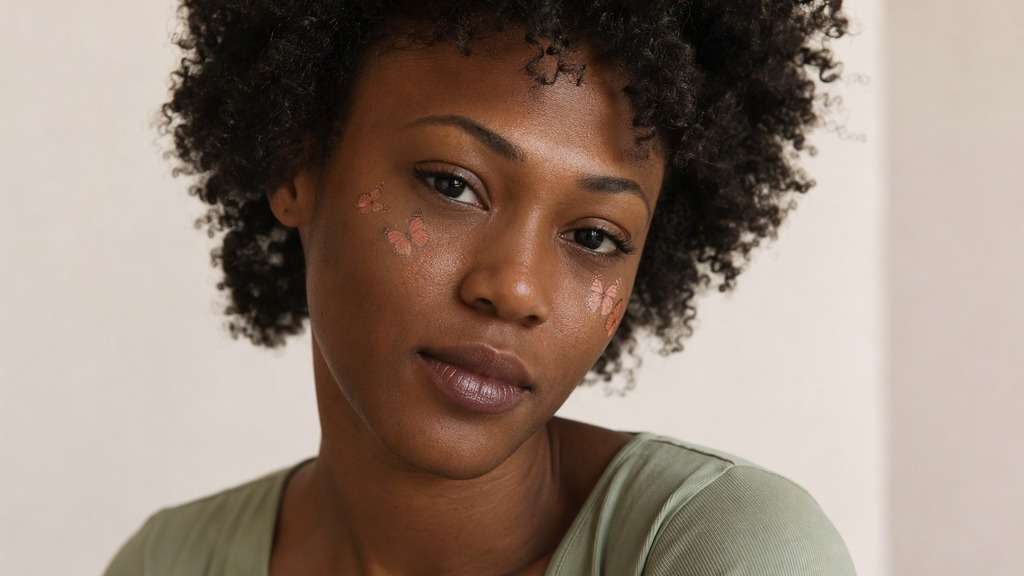
Edit my uploaded reference photo: Add subtle peach butterflies around cheekbones, low saturation. Keep the same person, real facial identity and expression except where this named face effect intentionally changes proportions, and preserve original hair, clothing, perspective, room or outdoor setting. Do not add captions, logos, extra people or unrelated props.
Single Monarch Accent
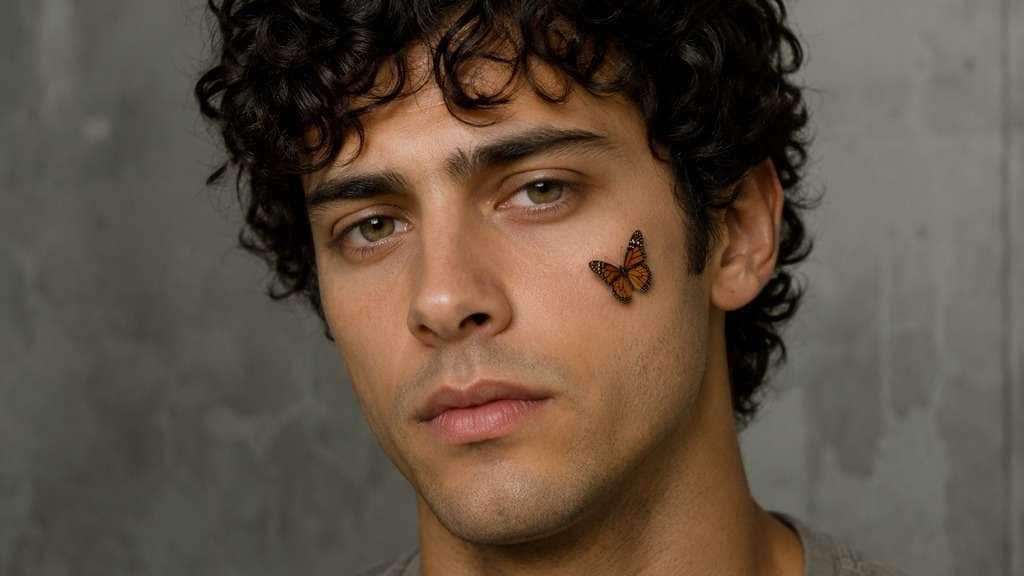
Edit my uploaded reference photo: Place one compact orange-black butterfly on outer right cheek, no other changes. Keep the same person, real facial identity and expression except where this named face effect intentionally changes proportions, and preserve original hair, clothing, perspective, room or outdoor setting. Do not add captions, logos, extra people or unrelated props.
Painted Wing Makeup
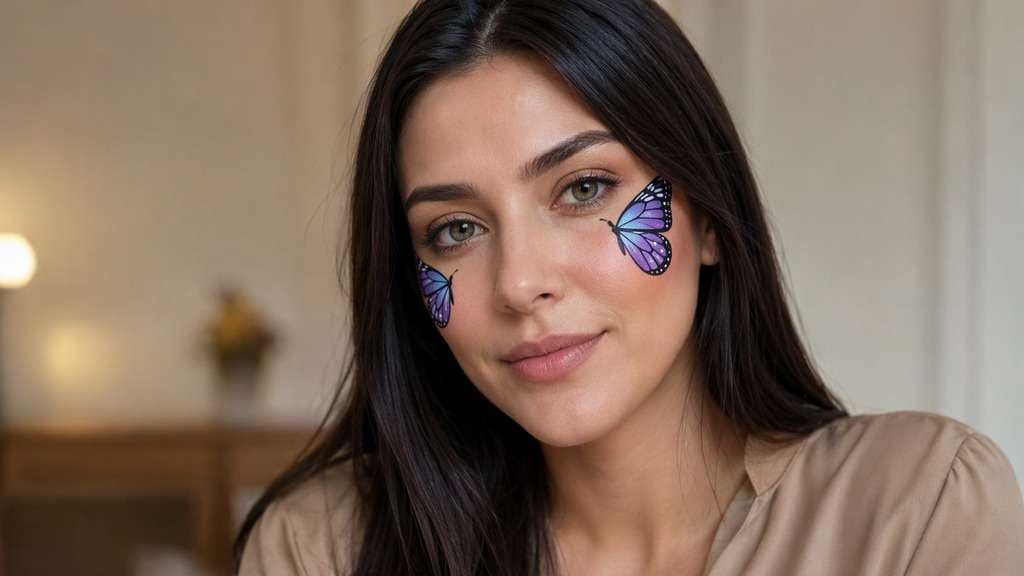
Edit my uploaded reference photo: Add two flat butterfly wing face-paint graphics outside cheekbones. Keep the same person, real facial identity and expression except where this named face effect intentionally changes proportions, and preserve original hair, clothing, perspective, room or outdoor setting. Do not add captions, logos, extra people or unrelated props.
Blue and Purple Asymmetry
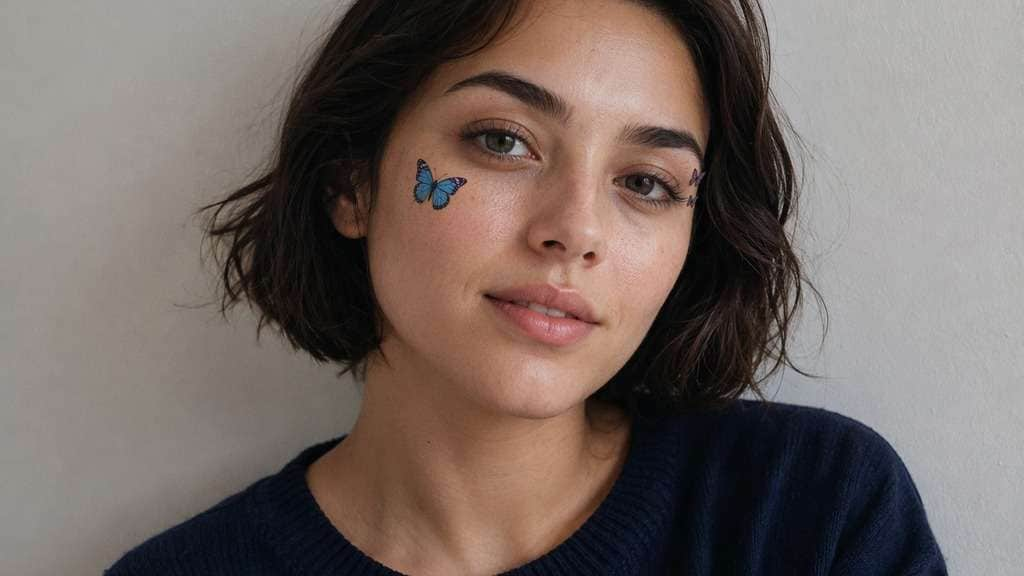
Edit my uploaded reference photo: Add one blue butterfly on left cheek and two tiny purple near right temple. Keep the same person, real facial identity and expression except where this named face effect intentionally changes proportions, and preserve original hair, clothing, perspective, room or outdoor setting. Do not add captions, logos, extra people or unrelated props.
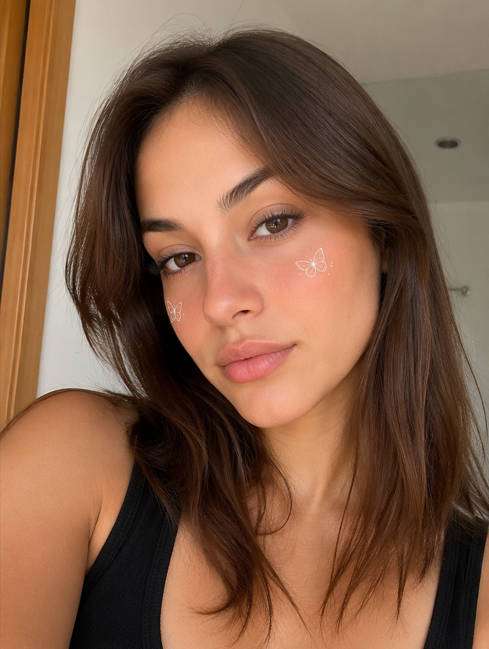
White Mini Butterflies
Edit my uploaded reference photo: Add very small white butterflies near cheekbones with fine outlines. Keep the same person, real facial identity and expression except where this named face effect intentionally changes proportions, and preserve original hair, clothing, perspective, room or outdoor setting. Do not add captions, logos, extra people or unrelated props.
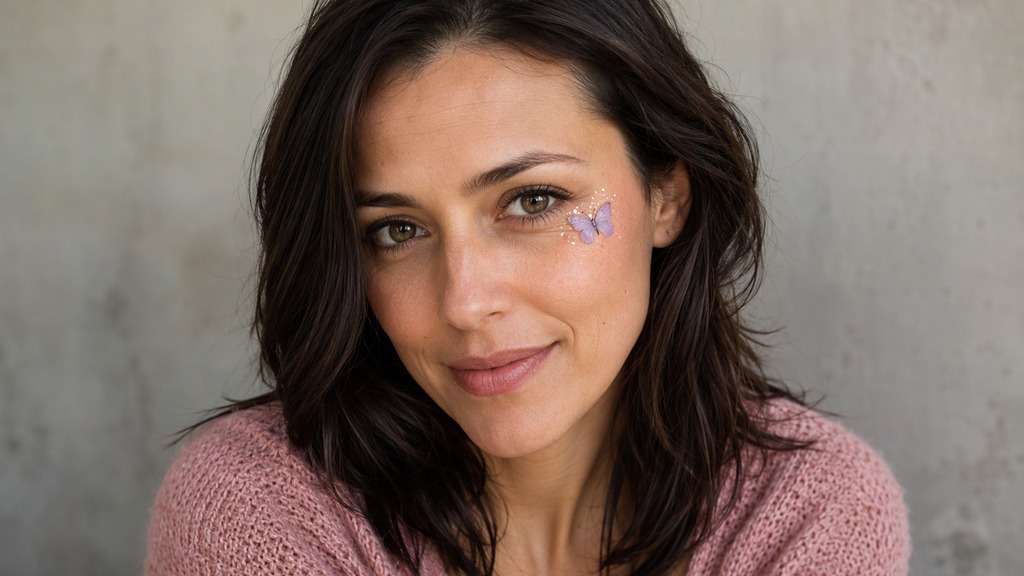
Butterfly Glitter Accent
Edit my uploaded reference photo: Add single lilac butterfly below one eye with restrained fine sparkle. Keep the same person, real facial identity and expression except where this named face effect intentionally changes proportions, and preserve original hair, clothing, perspective, room or outdoor setting. Do not add captions, logos, extra people or unrelated props.
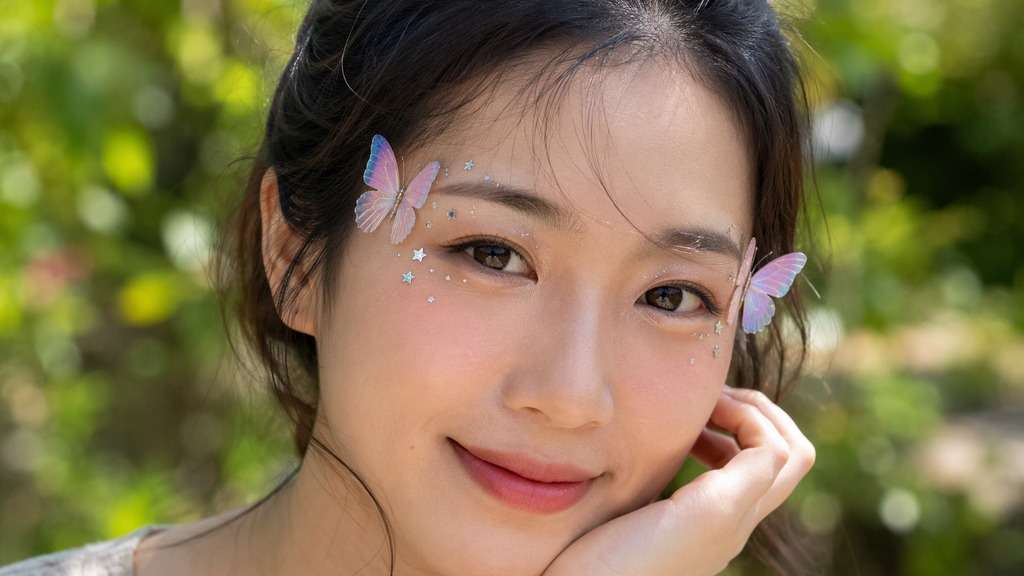
Soft Garden Wings
Edit my uploaded reference photo: Position two pastel butterflies near temples, keep background garden unchanged. Keep the same person, real facial identity and expression except where this named face effect intentionally changes proportions, and preserve original hair, clothing, perspective, room or outdoor setting. Do not add captions, logos, extra people or unrelated props.
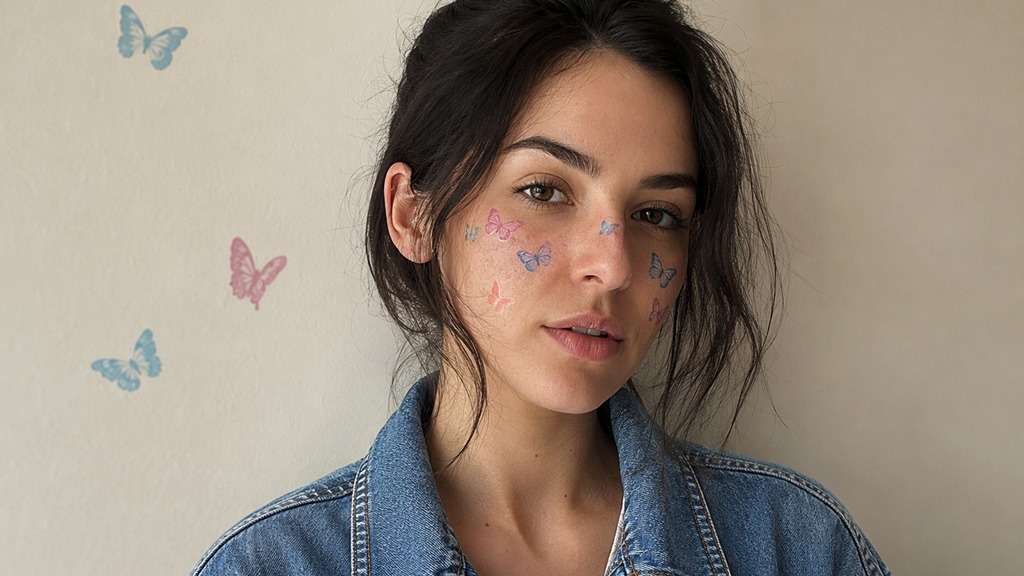
Vintage Butterfly Stickers
Edit my uploaded reference photo: Add slightly nostalgic flat butterfly decals in washed pastel blue and pink. Keep the same person, real facial identity and expression except where this named face effect intentionally changes proportions, and preserve original hair, clothing, perspective, room or outdoor setting. Do not add captions, logos, extra people or unrelated props.
Create Butterfly Accents That Follow Your Face
Put Wings Where They Can Be Seen
Butterflies near the outer cheekbones or temples remain visible without sitting on the nose. A close portrait needs smaller wing spans; a wider shoulder portrait can support one stronger accent.
Choose Sticker or Painted-Wing Style
A crisp butterfly graphic reads like a digital sticker, while softened wing edges can look like face art. Specify one finish so the result is not half makeup and half floating insect.
Keep Symmetry Optional
Two matching butterflies can frame the face, but an asymmetric cluster often feels more natural. Put a larger shape on one cheek and smaller ones near the opposite temple if the composition allows it.
Make Color Respond to the Photo
Baby-blue wings can complement warm skin and beige backgrounds; soft lilac works with cooler portraits. Keep the butterfly color different enough from the background to remain legible.
How to Apply a Butterfly Face Filter to a Photo
A portrait with clear cheeks and temples gives more room for wings than a face tightly covered by hair or hands.
Step 1
Upload a Portrait with Clear Cheeks
Open Media.io AI Face Editor and upload a close selfie with visible cheekbones or temples.
Step 2
Describe Butterfly Placement and Style
Enter a prompt for two or three small butterflies, including wing colors, angle and whether they should look like stickers or face art.
Step 3
Generate and Inspect the Wings
Click Generate and check that wings do not cover the eyes or distort the facial outline; revise size and placement if necessary.
A butterflies on cheeks filter can be an expressive profile accent or a more creative portrait treatment.
Pastel Profile Picture
Place one baby-blue butterfly below the outer eye and two smaller pale wings near the temple. Keep skin and expression natural so the face remains recognizable at avatar size.
Soft Spring Portrait
An outdoor photo with blurred garden color can support small lilac butterflies near the face without requiring a new meadow or extra flowers in the background. Choose a butterfly color visible against the greenery, and keep the wings small enough that the actual setting remains the memory.
Creative Makeup Reference
Use symmetrical graphic butterfly wings painted just outside the cheekbones, then compare with a sticker version. The edit serves as a visual idea, not a claim about how real makeup will wear.
Butterfly Face Filter Preview Checklist
Eye Clearance
Photo preview checklist
"Do wings leave the pupils visible?" Move any butterfly away from lashes and eyelids.
Wing Count
Photo preview checklist
"Is the image focused or cluttered?" Two or three well-placed wings often work better than a swarm.
Depth
Photo preview checklist
"Do the butterflies belong on the face?" Use either graphic stickers or believable shadows, not mismatched styles.
Face Identity
Photo preview checklist
"Does the real expression remain visible?" Do not replace cheeks or contours with butterfly shapes.
1. How can I put butterflies on my cheeks in a photo?
Upload a clear selfie and request small butterflies positioned on the outer cheeks or near the temples. Specify wing color, size and whether they look like stickers or face art.
2. Will butterfly wings cover my eyes?
They do not have to. Prompt the tool to keep wings outside the pupil and eyelid area, then inspect the result for placement accuracy.
3. What is the difference between butterfly face stickers and butterfly makeup?
Stickers have sharp graphic edges or floating-object depth. Makeup-inspired wings sit flatter against skin and may use softer pigment-like texture.
4. Can I make a pastel butterfly selfie?
Yes, try baby blue, lavender or soft peach wings with limited shimmer. Use colors that remain distinct from the original background.
5. How many butterflies look best on a close selfie?
Two or three small accents are a useful starting point. Add more only if there is enough open cheek and temple space.
6. Does this filter change the background?
It should not need to. Ask to retain the original scene and add only butterfly accents around the face; verify the generated photo for unwanted changes.