
Summarize the Meeting Outcome
Bring the key updates, decisions, blockers, and next steps into one clear recap.
 Seedance 2.5
Turn meeting notes and minutes into concise recap videos with AI. Highlight key decisions, project updates, action items, owners, and next steps for your team.
Start with your source content and one clear message.
A meeting notes to video workflow turns written minutes into a concise visual recap. It helps teams communicate project progress, decisions, action items, and next steps without asking everyone to reread the full notes.
Jump to the workflow that best matches what you want to create.
Help teams review decisions and next steps quickly with a concise recap that is easy to revisit and share.
Bring the key updates, decisions, blockers, and next steps into one clear recap.
Separate confirmed decisions from discussion points so teammates know what was agreed.
Help absent teammates and stakeholders catch up without rereading every meeting note.
Make task owners, due dates, and follow-ups easier to review.
Turn written meeting records into focused recaps for teams, project stakeholders, and cross-functional collaborators.
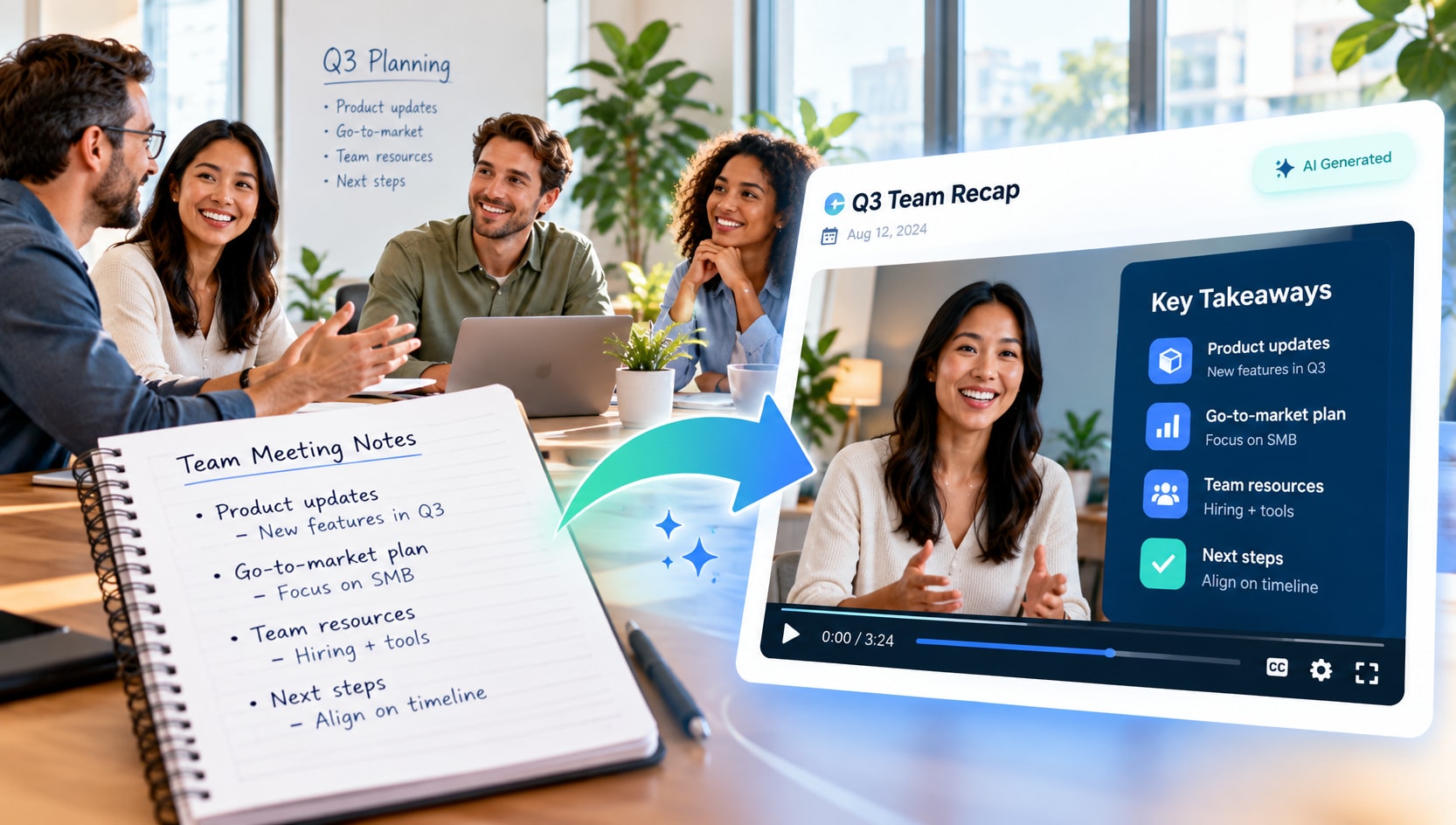
Summarize project updates, key decisions, and agreed next steps in a short recap. A meeting notes to video workflow helps teammates catch up when they cannot attend live.
Present completed work, blockers, sprint outcomes, and upcoming milestones in a structured update. Keep ownership and due dates aligned with the original notes.
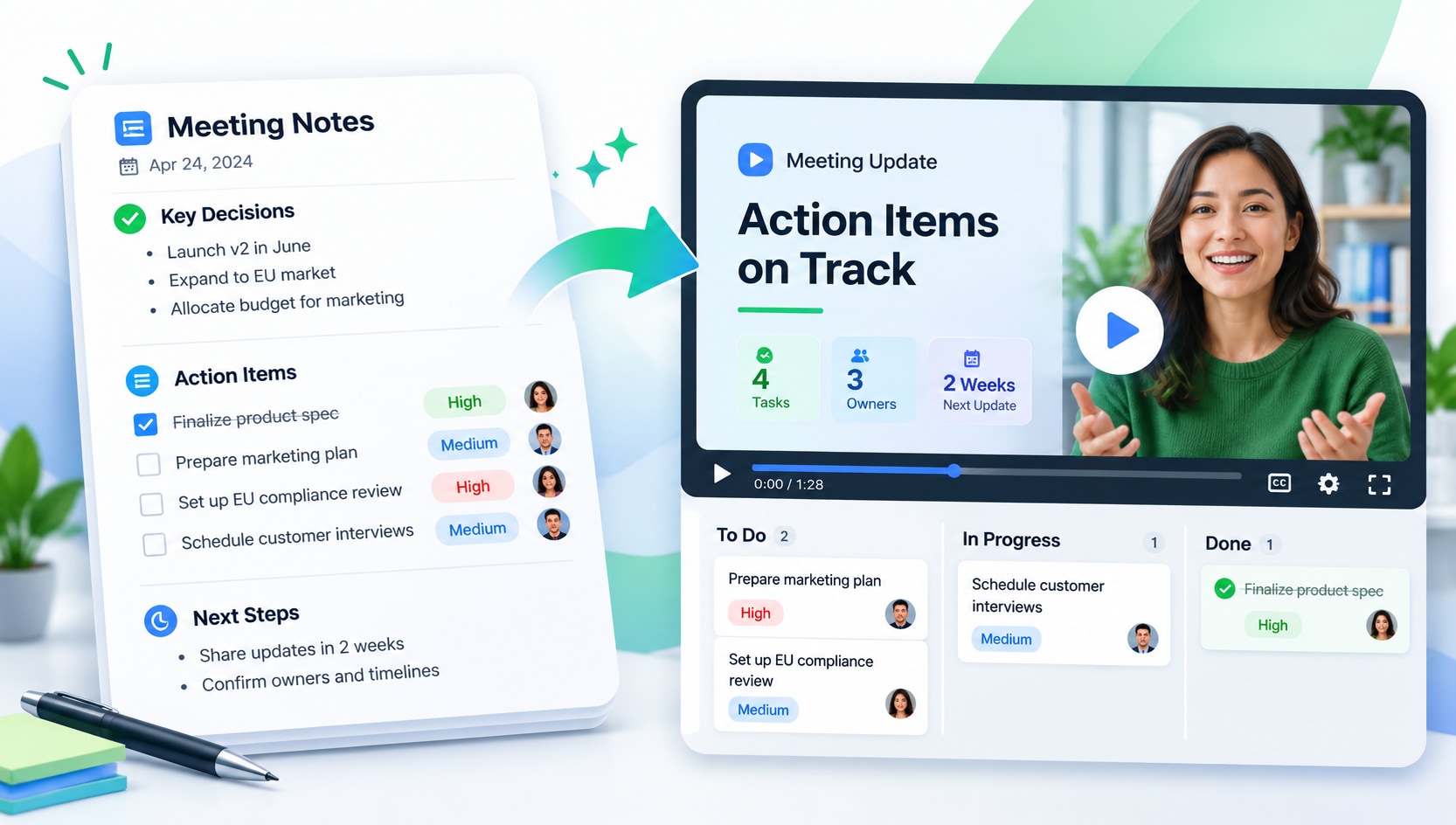
Turn action lists into a clear sequence that identifies what was decided, who owns each task, and when it is due. Avoid inventing owners or deadlines that were not recorded.
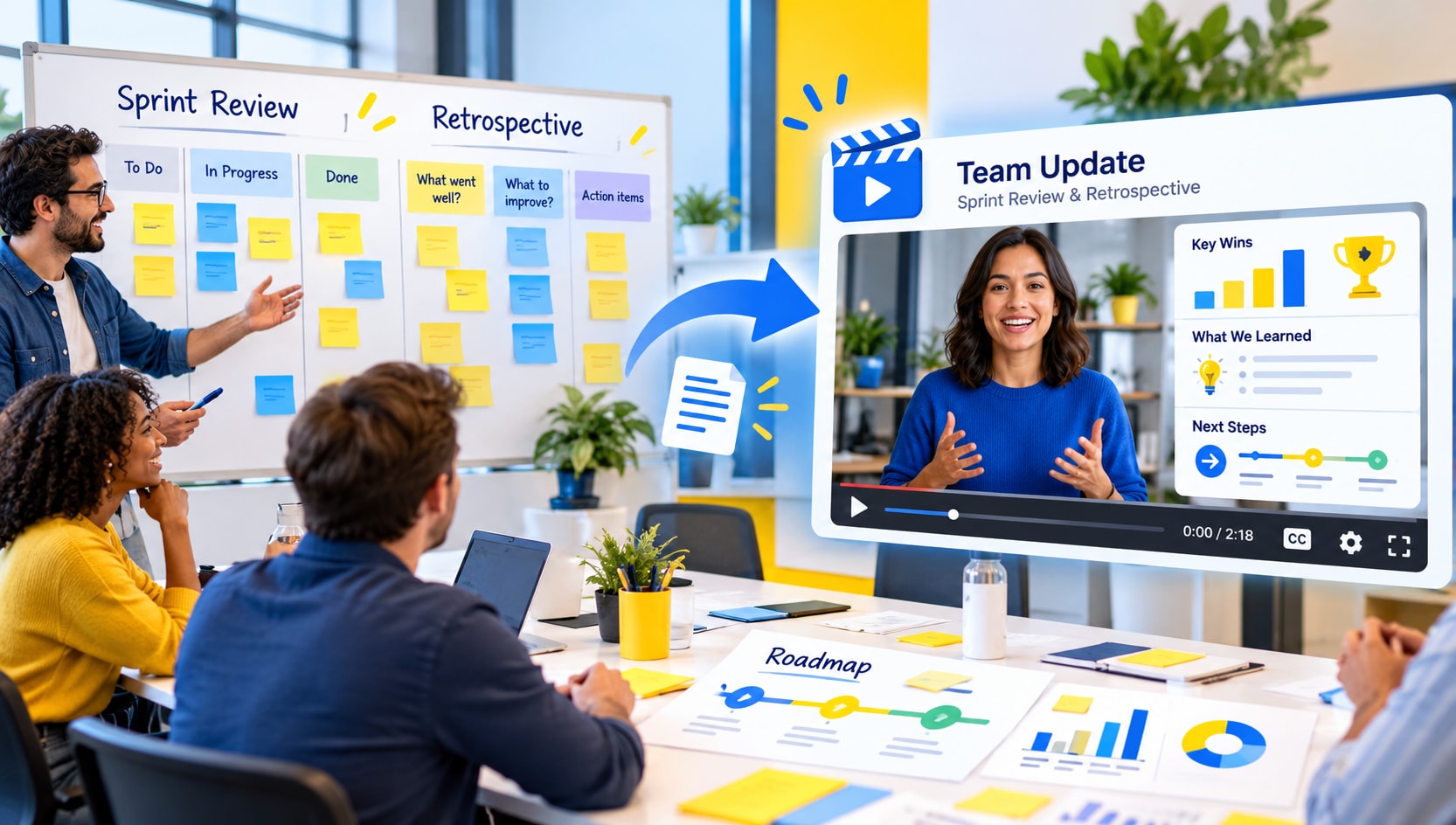
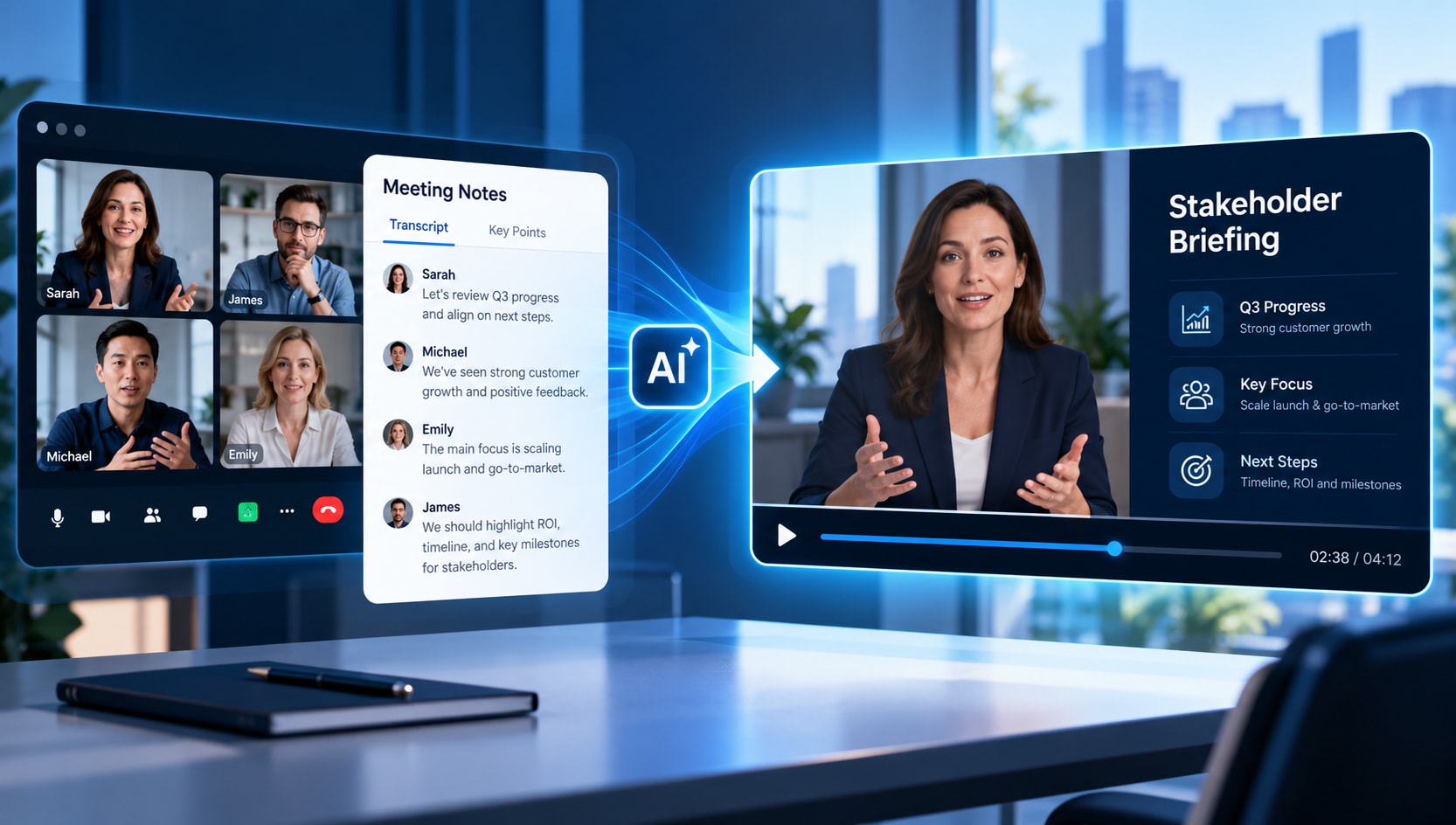
Prepare a concise briefing for stakeholders who need the main outcome, risks, and follow-up actions without the full discussion transcript. Share only approved information.
Start with clear meeting minutes or notes that identify the topic, decisions, and action items.
Decide whether the video should emphasize project progress, decisions, blockers, action owners, or the next meeting.
Check the recap against the notes, especially names, task owners, deadlines, and decisions, before sharing.
Well-organized notes with clear decisions and action items make the most useful meeting recap videos.
Use the video as a concise companion to the original source, not a replacement for essential detail.
A concise video should make the source easier to understand without changing its meaning.
Confirm the recap does not turn a proposal into an approved decision.
Match task owners and deadlines to the source notes.
Share meeting content only with the intended audience.
These two workflows solve different problems. Choose the format based on what viewers need to understand.
Highlights decisions, action items, blockers, and next steps in a guided recap.
Preserves detailed notes and context for reference, audit trails, and follow-up.
It turns written minutes into a concise recap of the main updates, decisions, and action items.
AI can help organize meeting notes into a visual summary; always verify it against the source notes.
Include the purpose, key decisions, action items, owners, deadlines, and agreed next steps as appropriate.
Yes. Highlight completed work, blockers, milestones, and upcoming tasks from the sprint notes.
Check task owners, due dates, and status against the original meeting record.
No. Focus on the outcomes the audience needs, while retaining the original notes for full context.
Yes, when the content is approved for the audience and confidential information is handled appropriately.
Check the current product workflow for supported export formats before sharing.