
Explain the Pattern
Turn disconnected numbers into trends, relationships, and comparisons viewers can follow.
 Seedance 2.5
Turn Excel tables and metrics into clear, engaging data visualization videos. Use AI to organize spreadsheet insights into visuals that help an audience understand the pattern, comparison, or decision behind the numbers.
Make one insight the focus of each video.
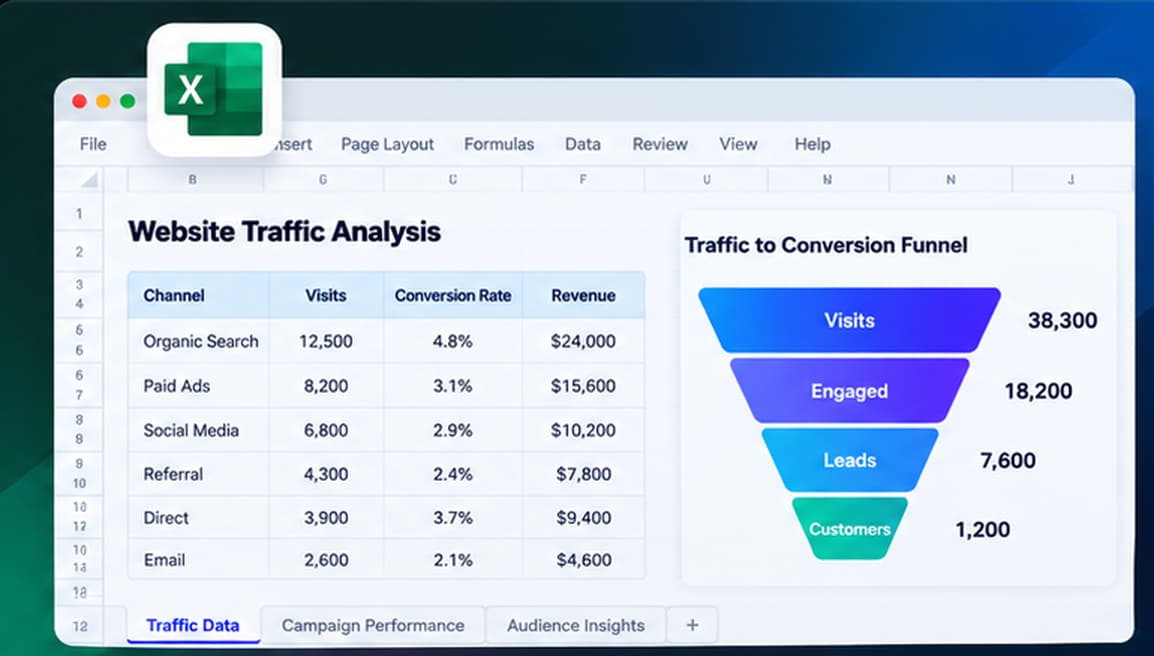
An Excel data visualization video turns information from a spreadsheet into a guided visual explanation. Rather than recording a workbook screen, it can combine charts, callouts, comparisons, and narrative to communicate why a metric or pattern matters. The source remains the spreadsheet; the output is designed for viewers who need the insight more than the raw cells.
Jump to the workflow that best matches what you want to create.
Translate complex data into a visual sequence that audiences can understand without opening a workbook.
Turn disconnected numbers into trends, relationships, and comparisons viewers can follow.
Highlight the specific finding that matters instead of showing an entire worksheet.
Use charts, metric cards, simple comparisons, and data callouts in one story.
Adapt spreadsheet findings for stakeholder updates, training, and video presentations.
Explore practical ways to transform Excel data into videos designed around what your audience needs to see.
Transform selected KPIs into a guided recap of performance changes, targets, and trends. An Excel dashboard video works well when viewers need a brief explanation rather than an interactive dashboard.
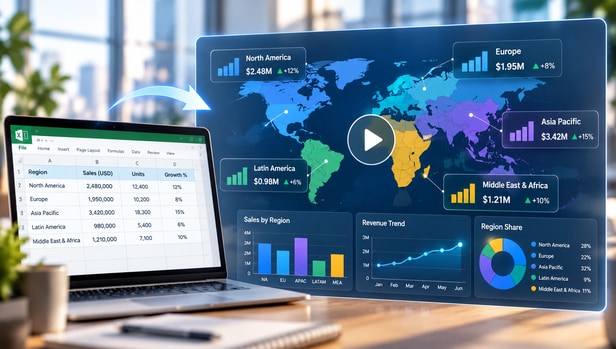
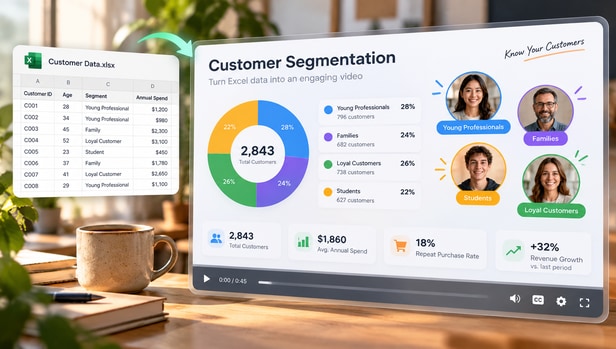
Show segments, conversion performance, retention patterns, or channel differences in a visual sequence. A data visualization video from Excel can spotlight the audience comparison that most directly supports the next decision.
Translate survey counts, experiment summaries, and research tables into understandable comparisons. Keep source definitions, sample sizes, and context visible so the spreadsheet data visualization remains trustworthy.

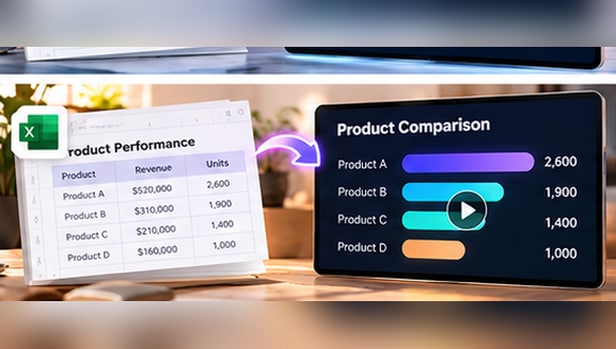
Convert service metrics, inventory figures, project trackers, or utilization data into a concise visual overview. Use an Excel data visualization video to align teams on the most relevant bottleneck, trend, or improvement.
Select Reference to Video and the Wan 3.0 model. Then upload an Excel sheet or workbook with well-organized data and a clear question to guide the visualization.
Specify the audience, important metrics, relevant comparisons, and whether to use charts, callouts, or data summaries.
Build the video, verify every numerical statement and visual relationship, and export in a supported format.
Strong visualizations begin with well-defined data and a narrow communication goal.
Focus the video on the most useful insight, and verify the final visual against the source spreadsheet.
Good data visualization makes a complex message simpler without making it less accurate.
Confirm totals, percentages, date ranges, segments, and category names.
Keep units, sample sizes, and comparison baselines visible where needed.
Explain what the visualization demonstrates and where the evidence stops.
One guides a viewing experience; the other supports exploration and detailed analysis.
Curates charts and metrics into a sequence with a beginning, a key finding, and a conclusion.
Lets users inspect multiple metrics, filters, and detailed values in the workbook.
It is a video that uses Excel data as source material for charts, comparisons, metrics, and visual explanations. Its purpose is to communicate an insight without requiring viewers to inspect the original workbook.
Prepare an organized workbook, choose the key question or finding, describe the intended visual story, generate the video, and verify the data before publishing.
AI-assisted video workflows can help organize spreadsheet metrics into data callouts, charts, and other infographic-style sequences. Available visual options vary by tool.
Yes, use relevant dashboard data and metrics to make a guided recap. The video is not the same as an interactive dashboard and should focus on selected findings.
Well-labeled tables with consistent units, defined metrics, and a meaningful comparison or trend work best. Limit each video to a clear message.
Yes. They are useful for KPI reviews, research presentations, customer insights, operational updates, and other situations where viewers need a concise explanation.
Verify numbers, units, denominators, comparison baselines, and category definitions. Avoid axes or visual scaling that exaggerate differences.
MP4 is a common video deliverable. Confirm the actual export format options in the current Media.io workflow before publishing.