
Reuse Existing Content
Start with the DOC you already have instead of rebuilding the same information from scratch in a video editor.
 Seedance 2.5
Turn Word documents and DOC content into AI-generated videos without rebuilding everything from scratch. Media.io helps you transform reports, SOPs, lesson plans, briefs, manuals, and other written documents into more watchable video content for training, education, marketing, and sharing.
Upload your document and start creating online free.
A DOC to video AI generator turns the information in a Word document into a video-ready flow. Instead of copying paragraphs into a video editor one by one, you can start from the document you already have and reshape its key points into content that is easier to watch, present, and share.
Jump directly to the workflow or output you want to learn about.
Turn written knowledge into content that is easier to watch, explain, reuse, and share across teams, classrooms, and marketing channels.
Start with the DOC you already have instead of rebuilding the same information from scratch in a video editor.
Transform dense SOPs, reports, lessons, and manuals into a video format that is easier to consume and present.
Use one source document for training, education, internal communication, customer content, or marketing video workflows.
Let the document provide the starting structure so you can focus on the message, audience, and final review.
From employee training and education to reports and marketing content, a DOC to video AI workflow helps turn existing Word documents into video content without rebuilding the message from scratch.
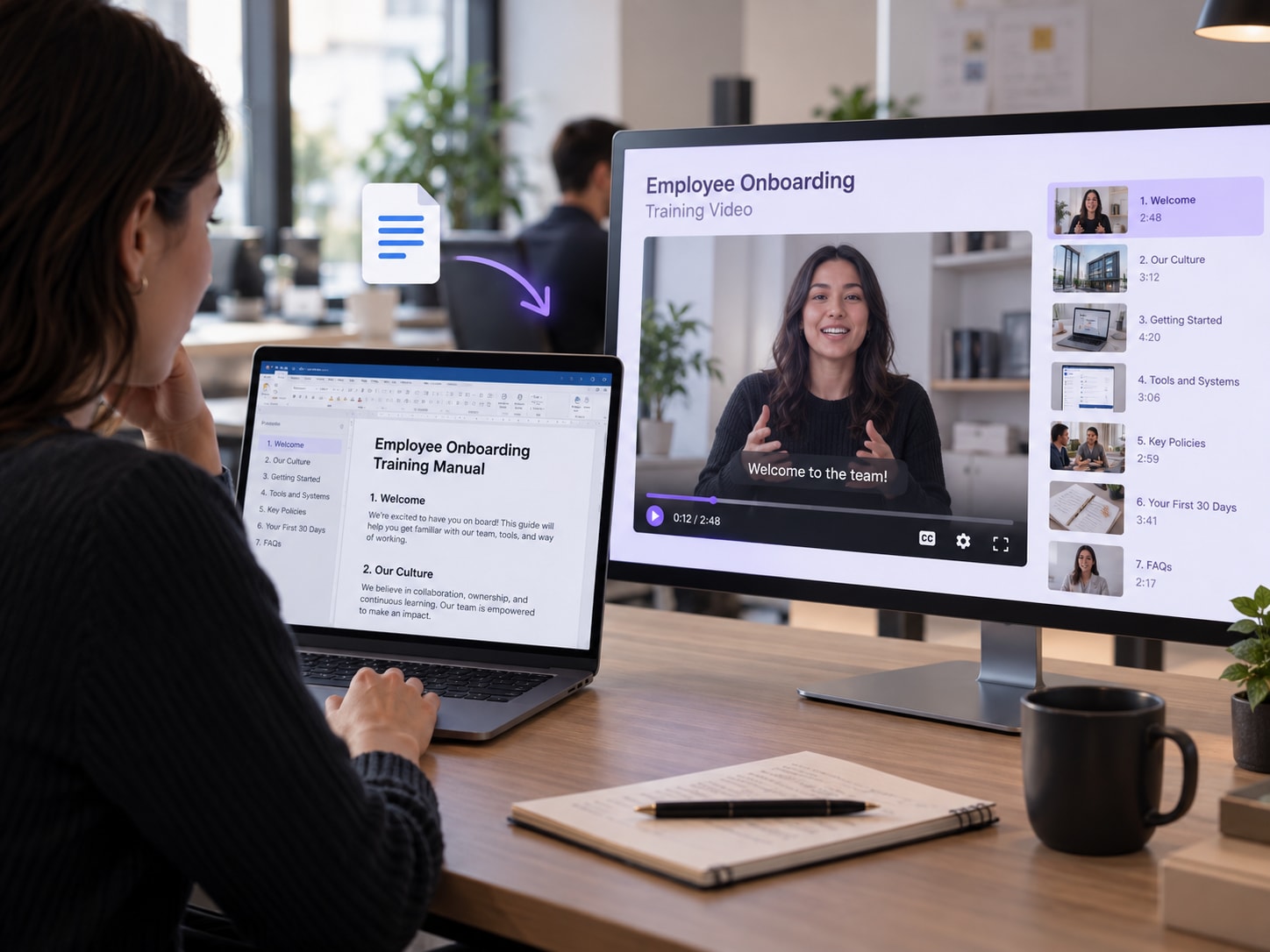
Convert onboarding documents, standard operating procedures, employee manuals, and internal guides into clearer training videos that are easier for teams to follow.
Instead of asking employees to read a long Word document, use a DOC to video workflow to reorganize key steps, responsibilities, and action items into a more watchable format. It works especially well for training document to video, SOP to video, employee onboarding, compliance guidance, and process walkthroughs.
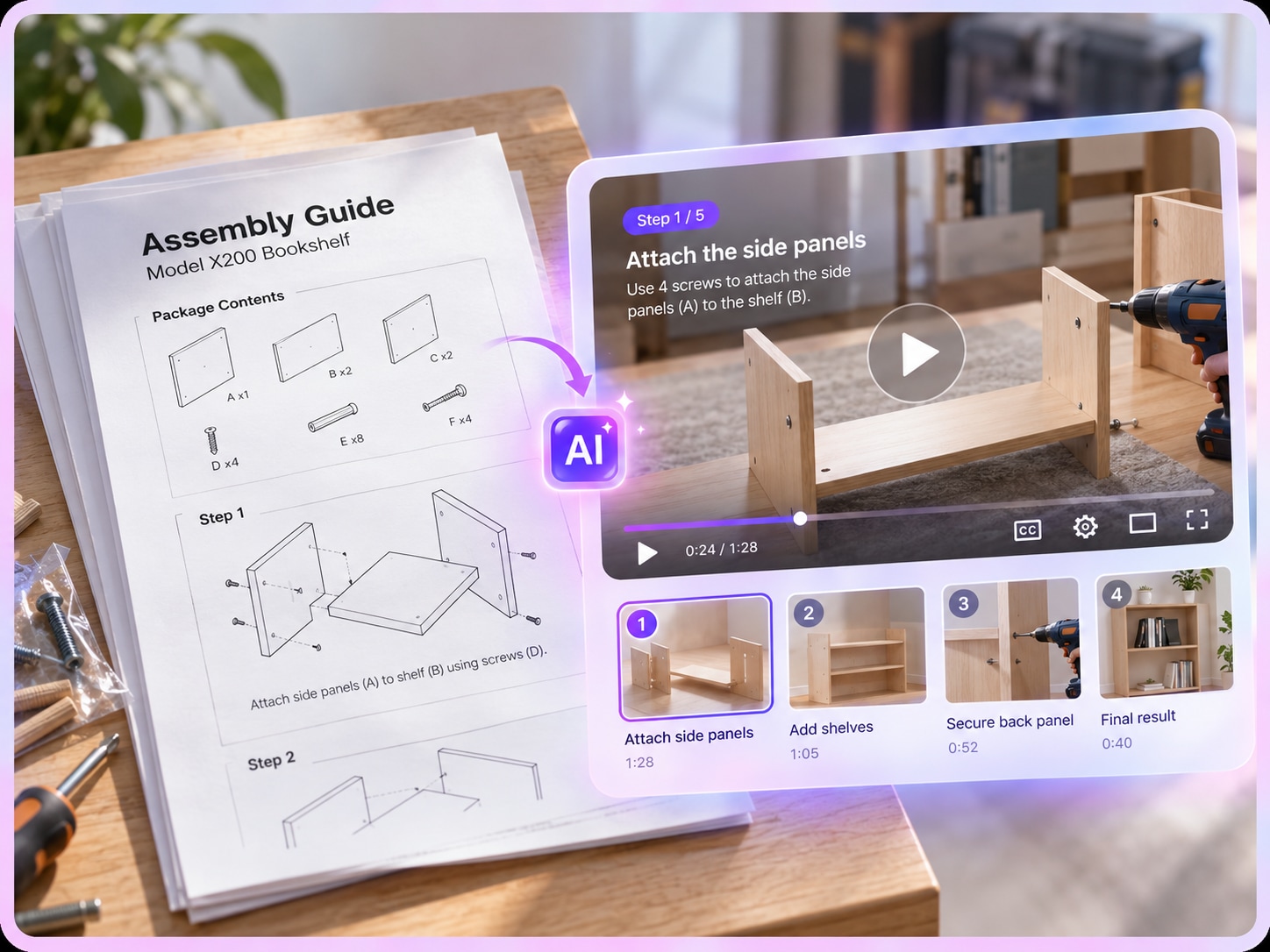
Turn lesson plans, study notes, course summaries, reading guides, and educational Word documents into video content that students can watch instead of only read.
A Word to video AI workflow can restructure long written material into key concepts, explanations, examples, and recap sections. It is useful for teachers, tutors, course creators, and students who want to convert Word documents to video for online lessons, revision content, class presentations, or self-paced learning.
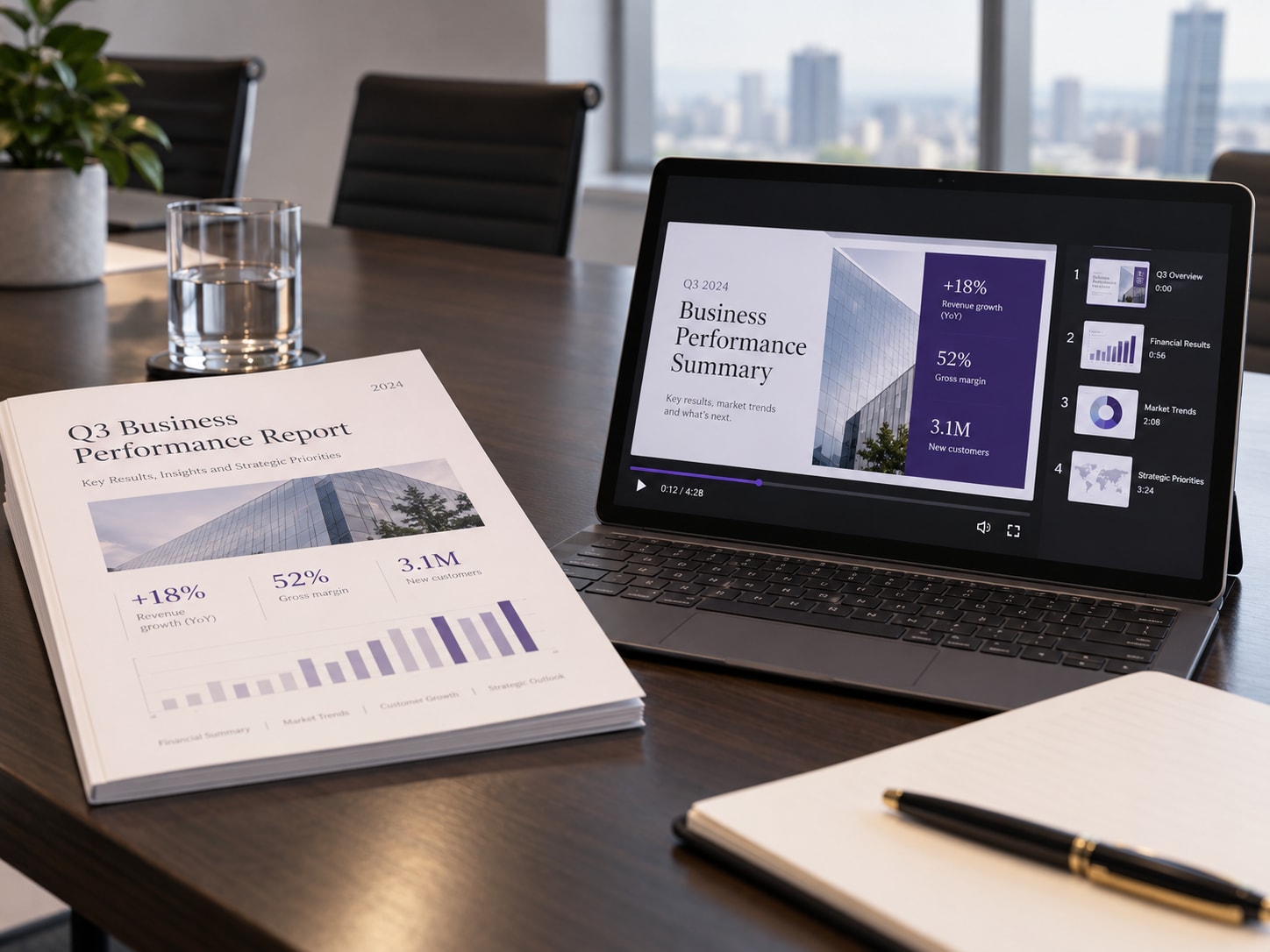
Convert business reports, campaign briefs, product guides, research summaries, and written updates into shorter video content for presentations, internal sharing, or customer communication.
Use a document to video converter workflow to highlight key findings, recommendations, metrics, and next steps. For users searching for a DOC to MP4 converter, the goal is often the same: turn an existing document into a video format that is easier to present, share, and watch.
Choose the Word document you want to turn into video. Clear headings and logical sections give the AI a better source structure.
Tell the AI the audience, focus, tone, and level of detail so it can reorganize the document around the right message.
Check the generated flow against the source document, correct critical details, and export the final video when it is ready.
AI works best when the document has a clear topic, readable text, and an obvious content hierarchy.
The difference is not just the file type. It is whether the document is restructured for video or simply displayed page by page.
Uses the DOC as source material, then reshapes the information into a video-friendly sequence.
Keeps the original page layout and presents pages or screenshots one after another as video frames.
An AI DOC to video generator uses a Word document as source material for creating a video. It can help extract the main ideas, reorganize written information into scenes, and turn document content into a format that is easier to watch and share.
Upload the supported Word document, tell the AI what the video should focus on, generate a first draft, and review the result against the original document. This reduces the manual work of copying document text into a video editor and rebuilding the structure scene by scene.
Yes. Short explainers, summaries, training clips, and social-ready versions are common document-to-video goals. For better results, specify the target audience, the most important sections, and how concise the video should be.
Structured documents usually work best, especially SOPs, training manuals, lesson plans, reports, briefs, guides, and summaries. Clear headings, short sections, and explicit key points make the source easier to reorganize into a video flow.
Yes, the search intent behind DOC to MP4 and DOC to MP4 converter is usually to turn Word document content into a playable video. Media.io first transforms the document into video content; the exact file format available for export depends on the current product workflow, so check the export options shown when the generated video is ready.
Yes. Training documents and SOPs are strong use cases because they already contain an ordered process, rules, or key points. Turning them into video can make the same information easier to present during onboarding, internal learning, or process communication.
A document slideshow mainly shows pages or screenshots in sequence. AI DOC to video uses the document as source material and can reorganize the information into a video-oriented structure, which is more useful for explainers, training, summaries, and content repurposing.
No advanced timeline editing should be necessary for the core AI workflow. The main tasks are to provide a clear source document, define the purpose of the video, review the generated result, and verify important facts before publishing.