
Free AI Background Remover to Try on Your Own Photos
Not sure whether your photo will cut out cleanly? Media.io's free AI background remover lets you try the background-removal workflow with available free credits before deciding how to use the result. Upload a portrait, product shot, or everyday picture, then check the preview around tricky edges. Free-user downloads include a watermark, so this is best treated as a chance to test your photo and explore the edit—not a promise of unlimited, watermark-free exports.

What Can You Do with a Free AI Background Remover?
Testing an image should answer a practical question: does the cutout look usable for what you want to make?
Try Removing a Photo Background Before You Commit
Need to remove background online free for an early design idea? Start with one image and see how AI separates the main subject from the room, street, or tabletop. You can check whether the preview works before planning a more polished final file; free-user downloads still carry a watermark.
- Test a real image - try the same portrait or product you plan to use.
- Find tricky edges - look at hair, glass, sleeves, and shadows.
- Understand the result - see what was actually removed instead of relying on a demo.

Use a Single-Photo Test for People, Products, and Pets
A free photo background remover is useful for checking whether your source is clear enough to edit. A pet against grass poses a different challenge from a watch on a desk. Try one photo at a time, inspect the outline, and use a sharper original if important details disappear.
- Portraits - look around flyaway hair and shoulders.
- Products - check thin handles and reflective surfaces.
- Pets - watch for fur that blends into the scenery.

Plan Your Final File with the Right Export Expectations
A preview does not tell you everything about the downloaded file. Media.io's free tier can be used for free image background removal testing, but free exports include a watermark, and a transparent PNG is not guaranteed. For a finished campaign or client deliverable, inspect the file format and your plan before you publish it.
- Know the watermark rule - free-user downloads include one.
- Check the output file - verify actual size and background behavior.
- Finish elsewhere if necessary - a new background or precise alpha cutout may need another editor.
- Avoid surprise rework - use the preview to choose your best source image.

How to Try an AI Background Remover Online for Free
Begin with an image you actually need for a project, not an unrelated sample.
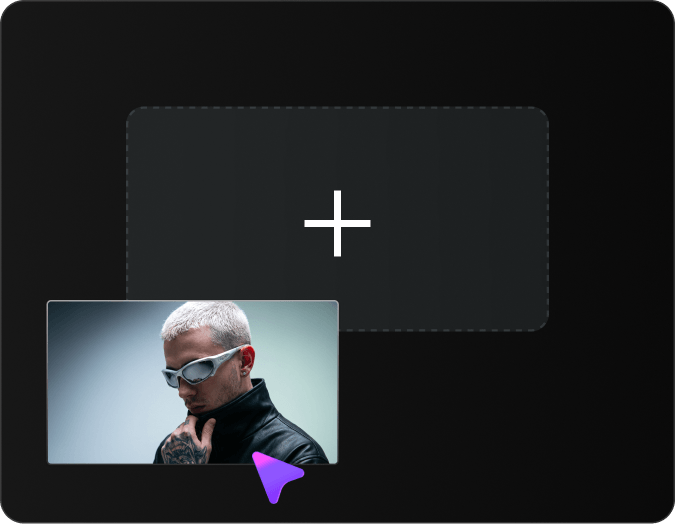
Upload One Photo
Choose a well-lit picture with the main subject clearly visible.
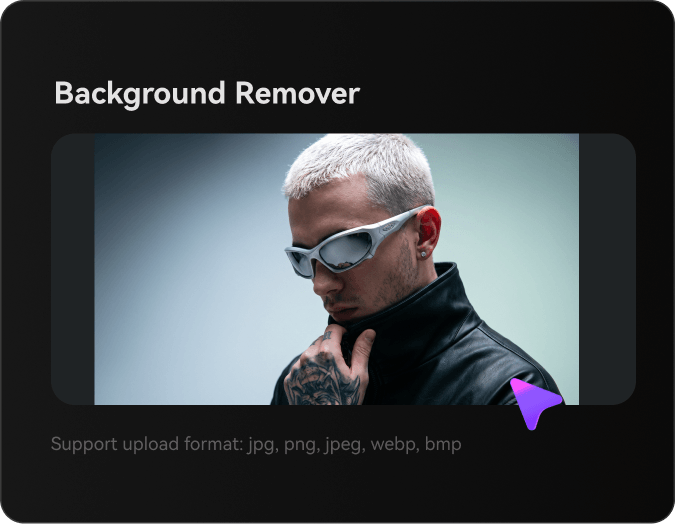
Preview the Background Removal
Let AI separate the subject; zoom in on hair, fur, and object edges.
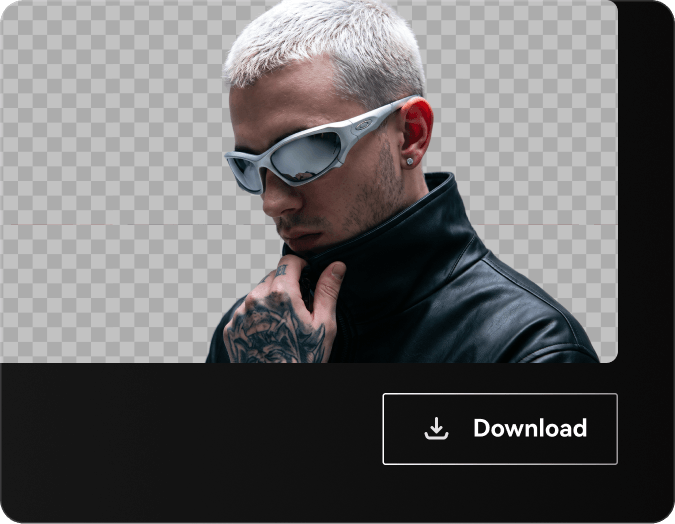
Check Your Download Options
Review available credits and watermark terms before saving the result.
Free Background Removal Trials for Common Photo Tasks
These examples help decide whether your original photo is worth using for a final edit.
A New Profile Picture
Try a selfie with a distracting room behind you. Keep an eye on hair, glasses, and the outline of the shoulders.
A First Product Listing Mockup
A quick cutout test can show whether the handle, label, or reflective surface of an item is easy to isolate.
A School or Personal Poster
Try a photo before placing it in a collage. If you need a watermark-free final asset, check the export plan before sharing.
A Pet Photo for a Card
Test a furry subject against the garden or sofa. Fine fur may need another source image if the edge looks rough.
Free Background Remover: Preview, Watermark, and Output Checks
“Free” can describe a test, a preview, or an export. These are not the same thing.
| What you notice | Possible reason | What to try next |
|---|---|---|
| A free test looks good | The preview demonstrates the edit, not every export entitlement. | Check available credits and watermark rules before downloading. |
| The subject has rough edges | Hair, fur, or glass may blend into the old background. | Try a sharper, evenly lit original. |
| You need a transparent file | The workflow does not guarantee an alpha-transparent PNG. | Inspect the actual export and use a dedicated editor if needed. |
| You have many photos | This tool handles one photo at a time. | Test a representative image before planning your full set. |
| You need a new scene | Removing a background does not create a custom replacement. | Use a separate background-generation or change workflow. |
Make Your First Free Background Removal Test More Useful
A good test should tell you something about the photo you plan to publish.
- Test a real project image: Use a photo from your listing, profile, or poster rather than a demo.
- Start with the camera original: Screenshots and forwarded photos often have softer edges.
- Keep the whole subject visible: Avoid cropping off shoes, ears, or handles.
- Compare with the original: Look for missing details and odd color fringes.
- Decide on export needs early: Check watermark, file type, and intended usage before final production.
Free AI Background Remover FAQs
Is Media.io an AI background remover I can try for free?
Yes, Media.io offers available free credits to test the background-removal workflow. Free-user exports include a watermark, so test and final-deliverable conditions are different.
Can I remove background online free without a watermark?
Media.io free-user downloads include a watermark. Do not assume a free preview means a watermark-free downloadable image.
Is registration required for the free test?
Sign-in requirements can vary with account status and available credits. Follow the prompts shown in the editor rather than assuming no account is needed.
Can I try background remover free on a product photo?
You can test an individual product shot with available free credits. Review its outline, text, and reflections before making it a public-facing asset.
Will a free photo background remover give me transparent PNG?
A transparent PNG is not guaranteed by this Media.io workflow. Check the downloaded file before using it as a layered design asset.
Can I upload multiple photos at once?
This particular background-removal editor works on one photo at a time; it is not a bulk cutout service.
Which photos are good for a first test?
Choose a clear image with one well-defined subject. Try a product against a wall, a solo portrait, or a pet with visible space around its fur.
Why is the edge rough in my preview?
The subject may blend into the background or the source may be compressed. Try an original with more contrast and compare at full size.
Can I make a new background after removing the old one?
A new scene requires a separate background changer or Image to Image workflow. Removal by itself does not guarantee a specific new color or location.
Can I use the free export for a client or store listing?
Free-user exports include a watermark. Check the applicable plan and final file before using it in commercial materials; a preview alone is not a finished asset.
