Click or drag to upload, or choose from My HistoryClick To UploadMy History
No ideas? Generate an image first >
Upload jpg, jpeg, png images up to 50 MB, with a minimum width/height of 300 px.
Try a Chubby Face Filter With Puffy Cheeks
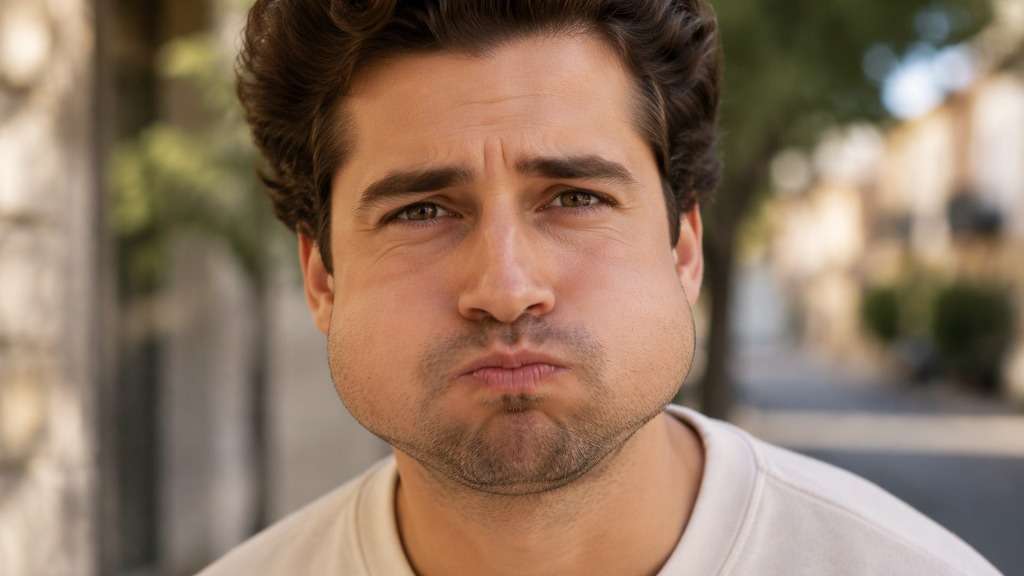
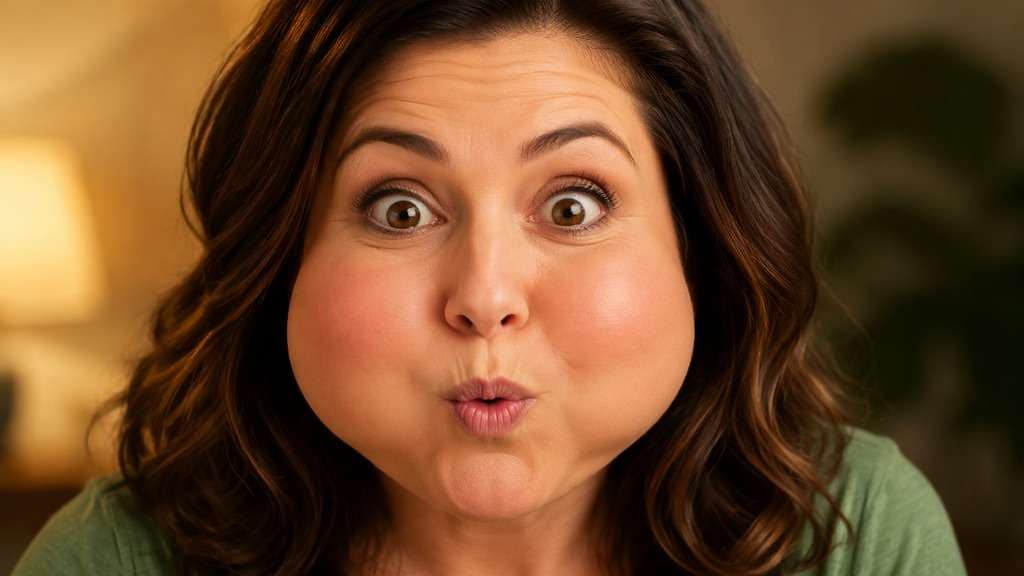
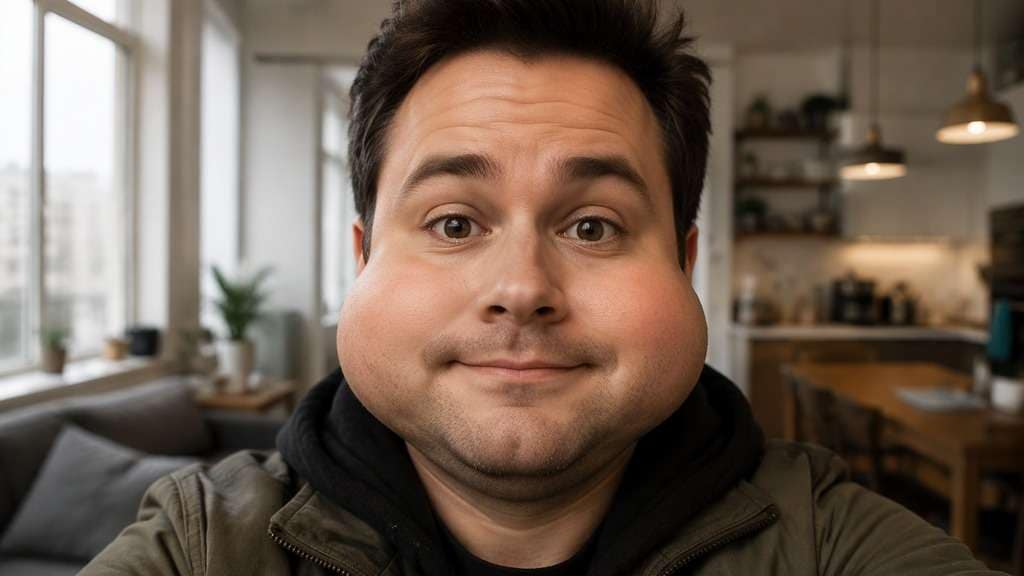
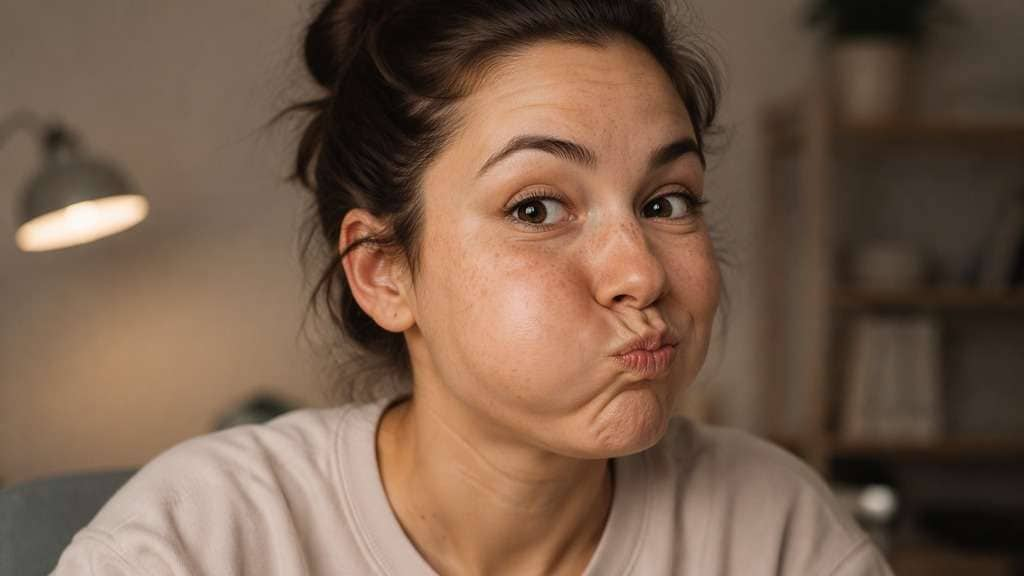
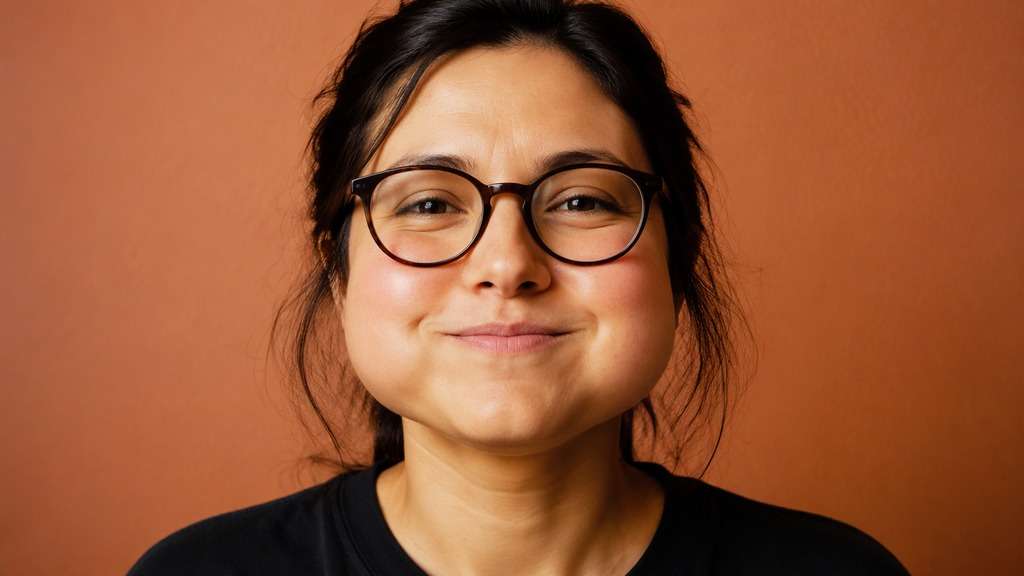
You want the cheek-puff joke, not a completely different person. A chubby face filter can round the cheeks in a selfie, from a soft plush expression to a deliberately overfilled chipmunk-style look. Use the original mouth and eyes as anchors so the result feels like one playful facial change rather than a random full-face morph.
Focus on both cheeks and the lower face; do not make the entire skull giant.
Chubby Face Filter Prompts for Cute and Comic Cheeks
Rounded cheeks can look softly cute or clearly absurd. Start with a single face where the cheek contours are visible and select the intensity.
Soft Rounded Cheeks
Edit my uploaded reference photo: Add modest fullness to both cheeks, maintain smile lines and natural cheek highlights, keeping the jaw and neck proportionate. Work from my uploaded face photo. Keep the overall skull, nose, hair, neck, expression and setting recognizable, changing only the specified cheek fullness.
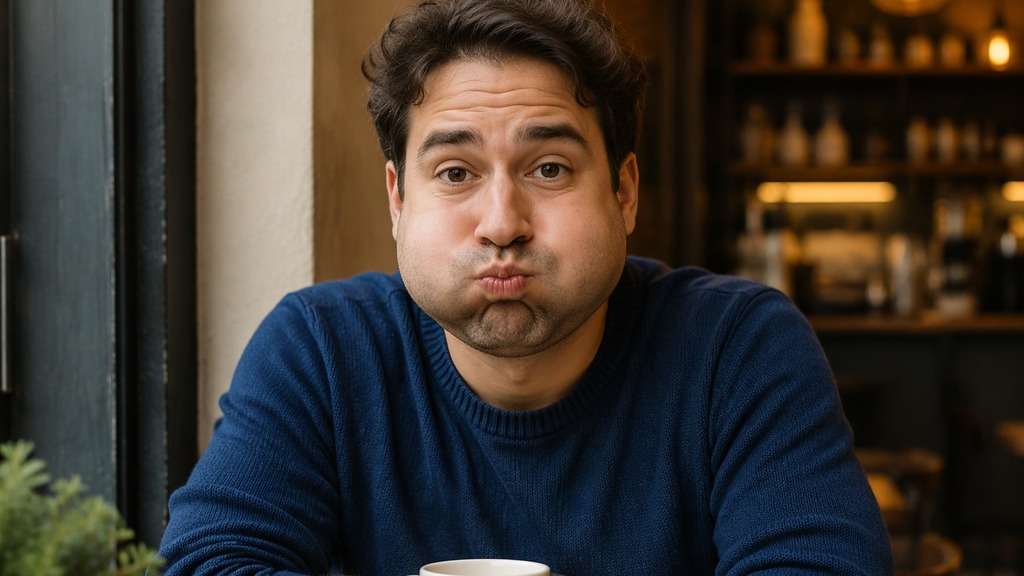
Puffed-Cheek Joke
Edit my uploaded reference photo: Make both cheeks look playfully inflated as if holding air, but preserve the lips and eyes of the source photo. Work from my uploaded face photo. Keep the overall skull, nose, hair, neck, expression and setting recognizable, changing only the specified cheek fullness.
Chipmunk Reaction Face
Edit my uploaded reference photo: Create strongly rounded cheeks with a slightly pursed mouth for a comic surprised expression, leaving the ears and hair unchanged. Work from my uploaded face photo. Keep the overall skull, nose, hair, neck, expression and setting recognizable, changing only the specified cheek fullness.
Smiling Puffy Cheeks
Edit my uploaded reference photo: Add fullness mainly to the upper cheeks beneath the eyes while keeping visible smile creases and the original grin. Work from my uploaded face photo. Keep the overall skull, nose, hair, neck, expression and setting recognizable, changing only the specified cheek fullness.
Soft Plush Portrait
Edit my uploaded reference photo: Create a slightly squishy rounded cheek contour with realistic skin texture and a gentle front-facing expression. Work from my uploaded face photo. Keep the overall skull, nose, hair, neck, expression and setting recognizable, changing only the specified cheek fullness.
One-Sided Puff
Edit my uploaded reference photo: Raise volume mostly in the cheek closest to the camera for a funny asymmetric expression; retain natural perspective. Work from my uploaded face photo. Keep the overall skull, nose, hair, neck, expression and setting recognizable, changing only the specified cheek fullness.
Chubby Cheeks With Glasses
Edit my uploaded reference photo: Round the lower cheeks without bending eyeglass frames or shifting the bridge of the nose. Work from my uploaded face photo. Keep the overall skull, nose, hair, neck, expression and setting recognizable, changing only the specified cheek fullness.
Flash Party Puff
Edit my uploaded reference photo: Give the face soft inflated cheeks under existing direct flash while preserving shadow falloff and the party outfit. Work from my uploaded face photo. Keep the overall skull, nose, hair, neck, expression and setting recognizable, changing only the specified cheek fullness.
Tiny Mouth Funny Cheeks
Edit my uploaded reference photo: Make cheeks noticeably full with a slightly smaller-looking pursed mouth; avoid adding extra lips or changing hair. Work from my uploaded face photo. Keep the overall skull, nose, hair, neck, expression and setting recognizable, changing only the specified cheek fullness.
Natural Cute Cheek Finish
Edit my uploaded reference photo: Use subtle cheek rounding under normal window light, keeping the skin and jawline believable for an everyday selfie. Work from my uploaded face photo. Keep the overall skull, nose, hair, neck, expression and setting recognizable, changing only the specified cheek fullness.
Get the Cheek Shape Without a Full Face Warp
Choose Cute Over Comically Inflated
A subtle cheek-rounding look is different from a cheek-puff reaction meme. State which finish you want and compare them on the same photo so the edit feels deliberate, not like an accidental distortion.
Keep the Mouth Connected to the Expression
Puffy cheeks can squeeze or shift the lips if the model pushes too hard. Check whether the mouth follows the original smile or pout, and ask for a smaller change when the expression becomes hard to read.
Preserve Jaw and Neck Scale
A chubby-cheek effect should not automatically enlarge the entire skull. Tell the editor to keep the jawline and neck proportions where they are while adding softness or volume around the cheeks.
Inspect Skin Lighting and Glasses
Rounded shapes need natural highlights and shadows. Glasses should stay straight, and the new cheek edges should match the existing light source rather than looking pasted onto the face.
How to Add a Chubby Face Filter to a Photo
Photos with the cheeks and mouth clearly visible make puff effects easier to evaluate.
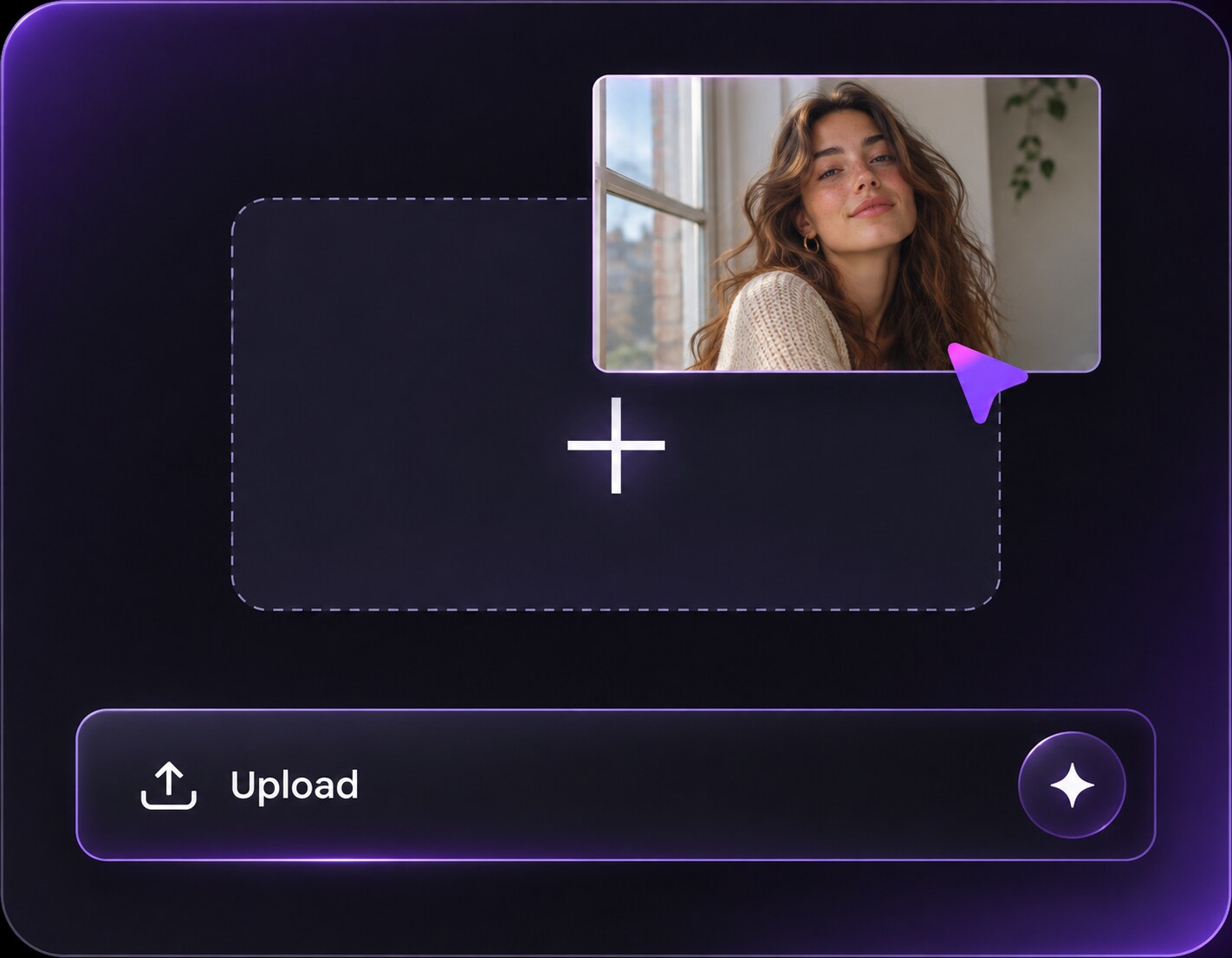
Step 1
Upload a Clear Face Photo
Open Media.io AI Face Editor and upload a selfie where the cheek contours are not hidden by hands or hair.
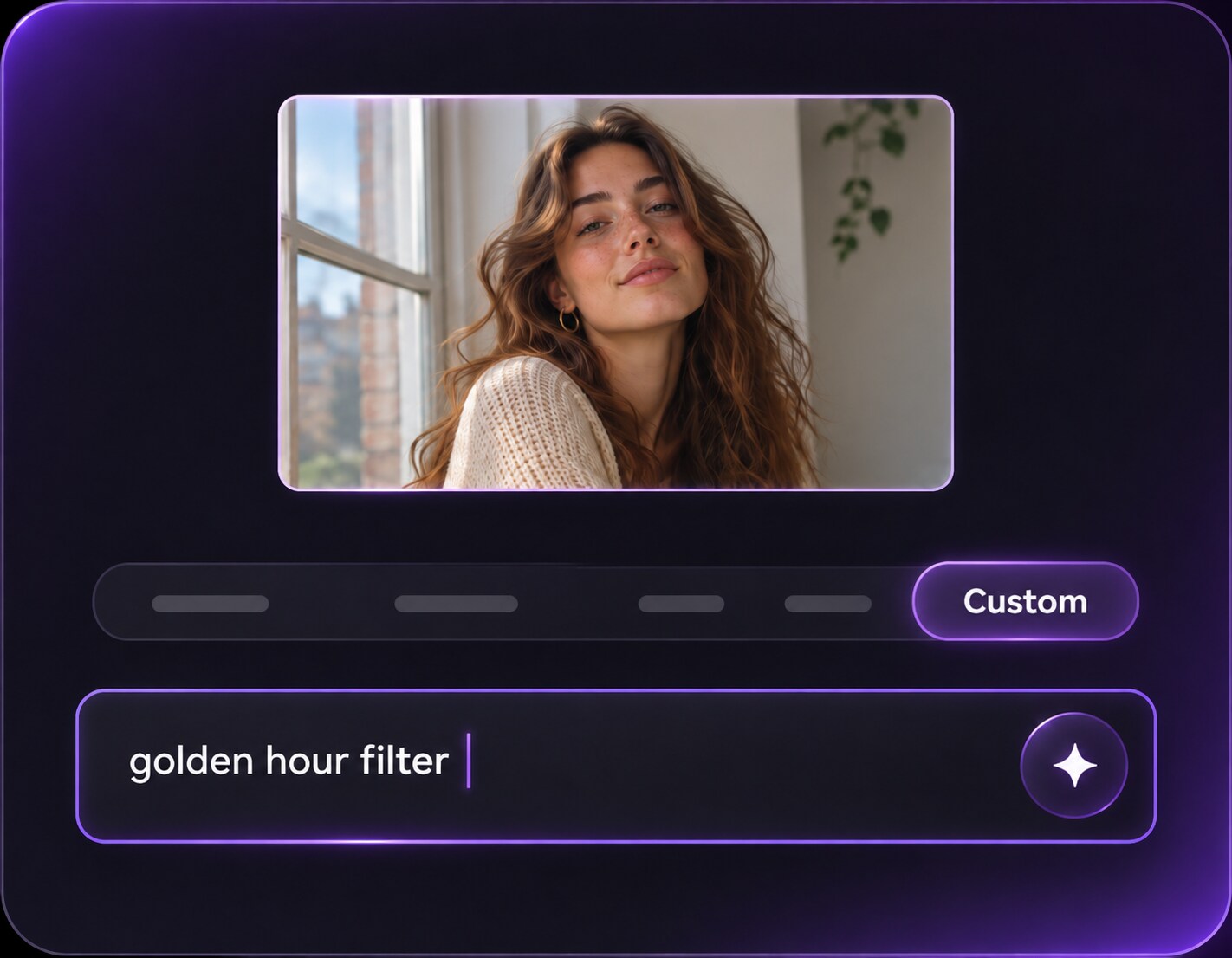
Step 2
Prompt for Rounded or Puffed Cheeks
Enter a precise prompt: Describe whether you want gently fuller cheeks or a comic inflated expression; keep the eyes and mouth recognizable.
Step 3
Generate and Compare the Contours
Click Generate and check the mouth corners, jaw, glasses and natural skin shading.
The source expression matters more than any generic beauty setting for this playful face edit.
Make a Chipmunk-Style Reaction
A straight-faced selfie can be funny once the cheeks are inflated. Request noticeable roundness and a tiny pout, then crop tightly enough for chat apps to show the expression without losing the face outline.
Create a Soft, Cute Avatar
For a profile image, choose a smaller cheek change with natural skin detail. Keep the same haircut and eye expression so friends recognize the original portrait while noticing a warmer, playful look.
Compare Puff Strength on the Same Selfie
Use one neutral front-facing photo for a gentle rounded look, a smile-friendly version and an exaggerated cheek puff. Seeing all three on the same person helps you decide when the effect stops feeling intentional.
Chubby Face Filter Photo Preview Checklist
Cheek Volume
Photo preview checklist
"Check cheek volume before export" Look for rounded cheeks on both sides, unless asked otherwise.
Lip Edges
Photo preview checklist
"Check lip edges before export" The mouth should stay connected to the smile or pout.
Jaw Size
Photo preview checklist
"Check jaw size before export" Neck and skull should not get larger with cheek volume.
Lighting
Photo preview checklist
"Check lighting before export" Check how the new roundness picks up existing light.
1. Does a chubby face filter make the whole head bigger?
It does not have to. Ask for fullness around the cheeks while preserving head size, neck and eye spacing. A big head filter changes the overall head-to-body proportion.
2. Is a puffy cheek effect the same as a beauty filter?
Not usually. A cheek-puff filter is generally a playful facial-shape edit. A beauty filter typically softens texture or adjusts light; these are separate visual goals.
3. Can I make only one cheek puffed out?
Yes, describe which side and the desired expression. The AI may need another attempt to keep the mouth and nose aligned with a strongly asymmetric cheek edit.
4. Will it work with glasses?
It can, but enlarged cheeks may bend nearby rims. Tell the editor to keep the frames unchanged and check both temples and the bridge after generation.
5. Which selfie angle is easiest?
Front-facing or gentle three-quarter angles help show cheek volume. Strong side views or hands pressed against the face can obscure the very outline you want to change.
6. Can I try a cute version without changing my identity?
Ask for modest cheek rounding, your usual smile and the original hair, clothes and setting. Treat the result as an AI illustration of the effect and compare it with your upload.