/@ karakterini seçin ve oluşturmak istediğiniz sahneyi tanımlayın.
0/2000
9:16
1K
1
Unlimited Banana Pro
Creations
Ideas Hub
How It Works
All
Popular features
View All
Cadılar Bayramı Yaratıcılık Yarışması
View All
AI Meyve Hikayesi
View All
AI Hikaye Videosu
View All
Bugünün Viral Videoları
View All
Yapay Zeka Ürün Videoları
View All
Yapay Zeka Karakteri
View All
Dans Trendleri
View All
GPT Image 2
View All
Seedance 2.0
View All
Yapay Zeka Ünlü Eşleştirme
View All
Çift Pozları İpuçları
View All
Estetik AI Kız Pozu İstekleri
View All
Şık AI Erkek Poz İpuçları
View All
Generate List
Creations are stored for only 7 days. Assets created after upgrading to a Membership plan will be stored permanently.
Unlock your creative potential and experience the magic of Media AI right away!
Kapak Tasarımınızdan Online Gerçekçi Kitap Mankeni Oluşturun
Düz bir kapağı cilalı bir kitap maketine dönüştürün, dakikalar içinde. Media.io, yazar markalaması, mağaza listeleri ve promosyonlar için sert kapak, karton kapak, yaşam tarzı ve e-ticaret görselleri oluşturmanıza yardımcı olur; Photoshop olmadan hızlı bir kitap maketi oluşturucu ihtiyacınız olduğunda idealdir.
Fikrinizi yazın -> Yapay zeka tasarlar. Ücretsiz deneyin.
Bu örnek yönergeleri inceleyin, ardından bu kitap maketiyle daha güçlü sonuçlar elde etmek için istem ayrıntılarını özelleştirin; ister tek kapak render'ı, ister bir maket kitap sahnesi, ister kitapçık maketi tarzı sunum isteyin.
Ayakta Duran Sert Kapak 3D
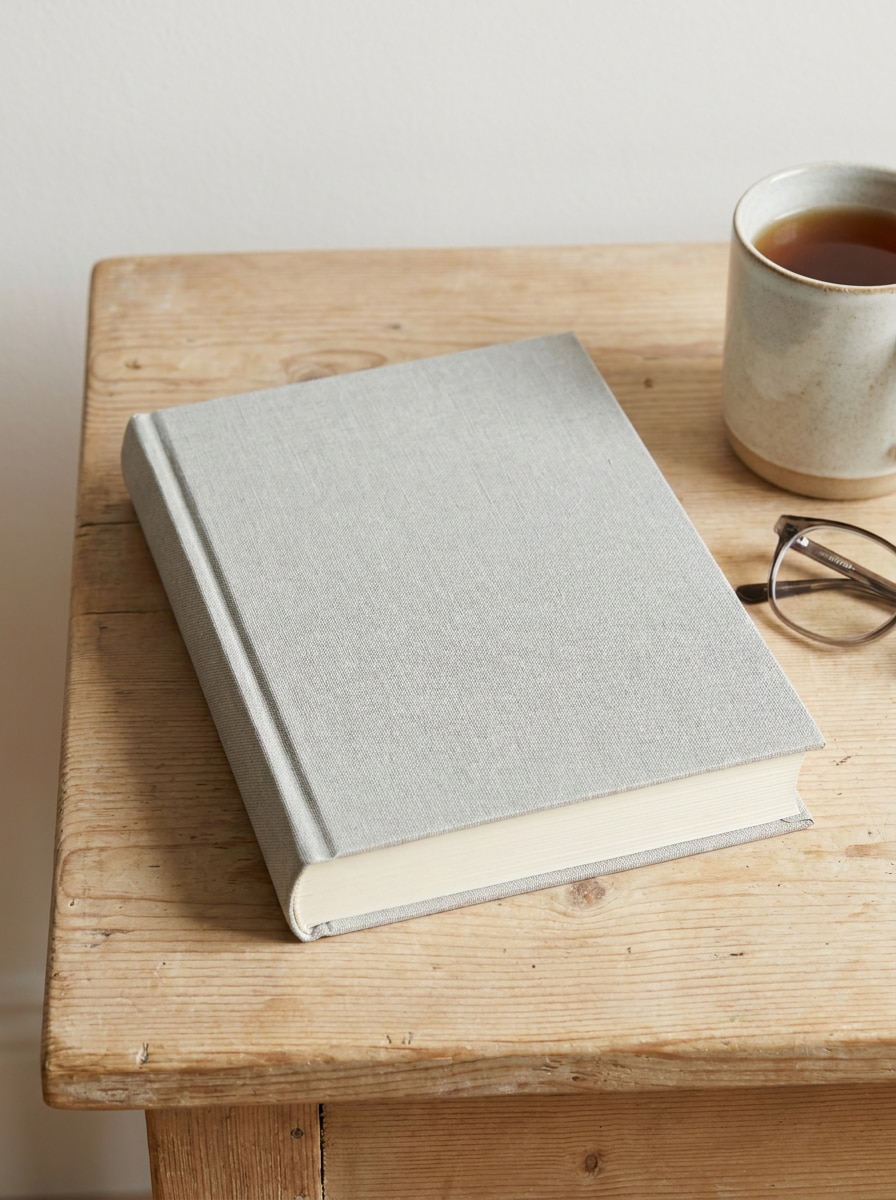
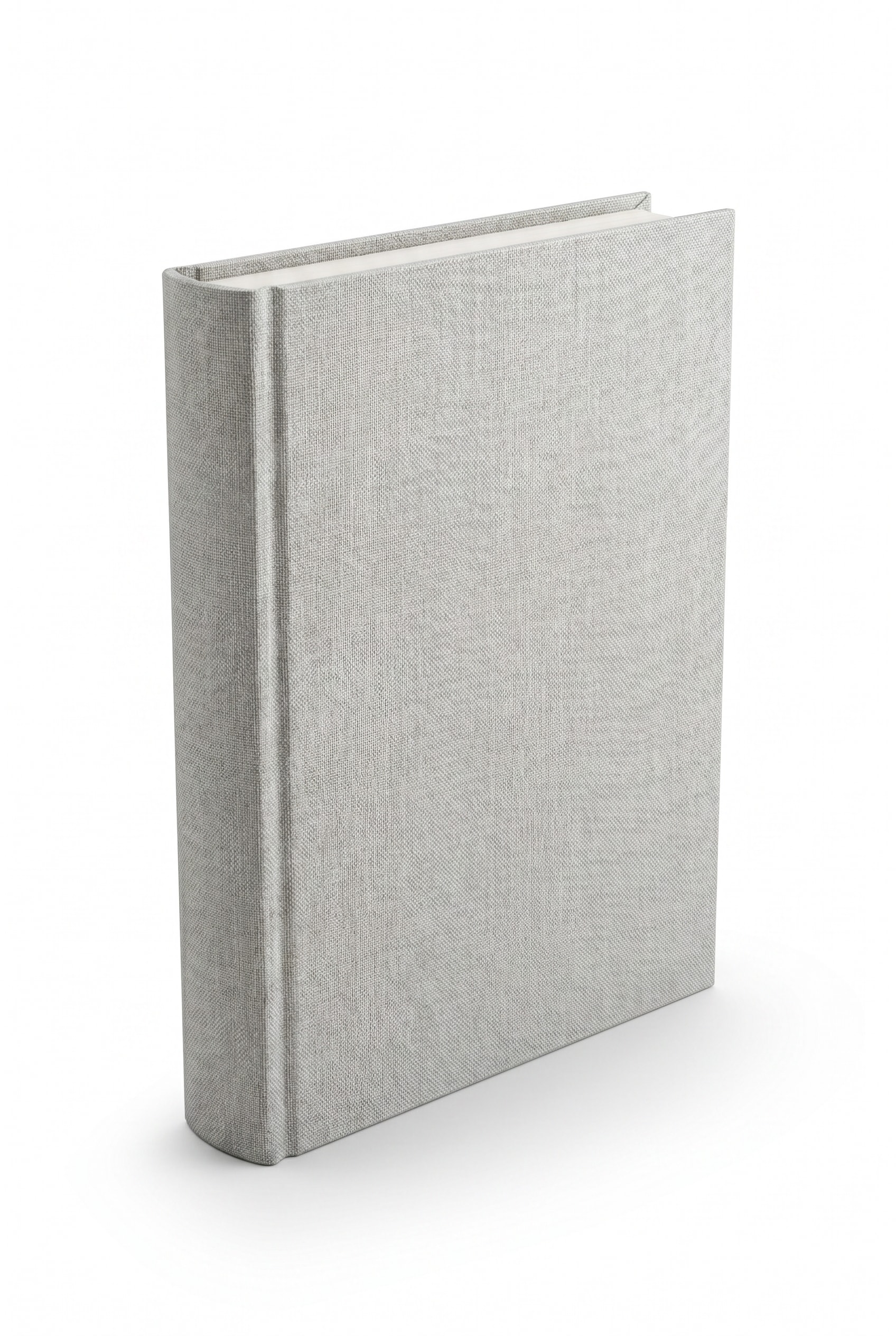
Yüklenen görüntüyü kitap kapağı olarak kullanın ve onu hafif üçte bir açıyla dik duran premium bir sert kapaklı kitaba dönüştürün. Gerçekçi sırt kalınlığı, keskin kenarlar, mat kapak dokusu, yumuşak stüdyo aydınlatması, hafif zemin gölgesi, temiz beyaz arka plan ve keskin ticari ürün render kalitesi ekleyin.
Karton Kapak Ön Açı Maketi
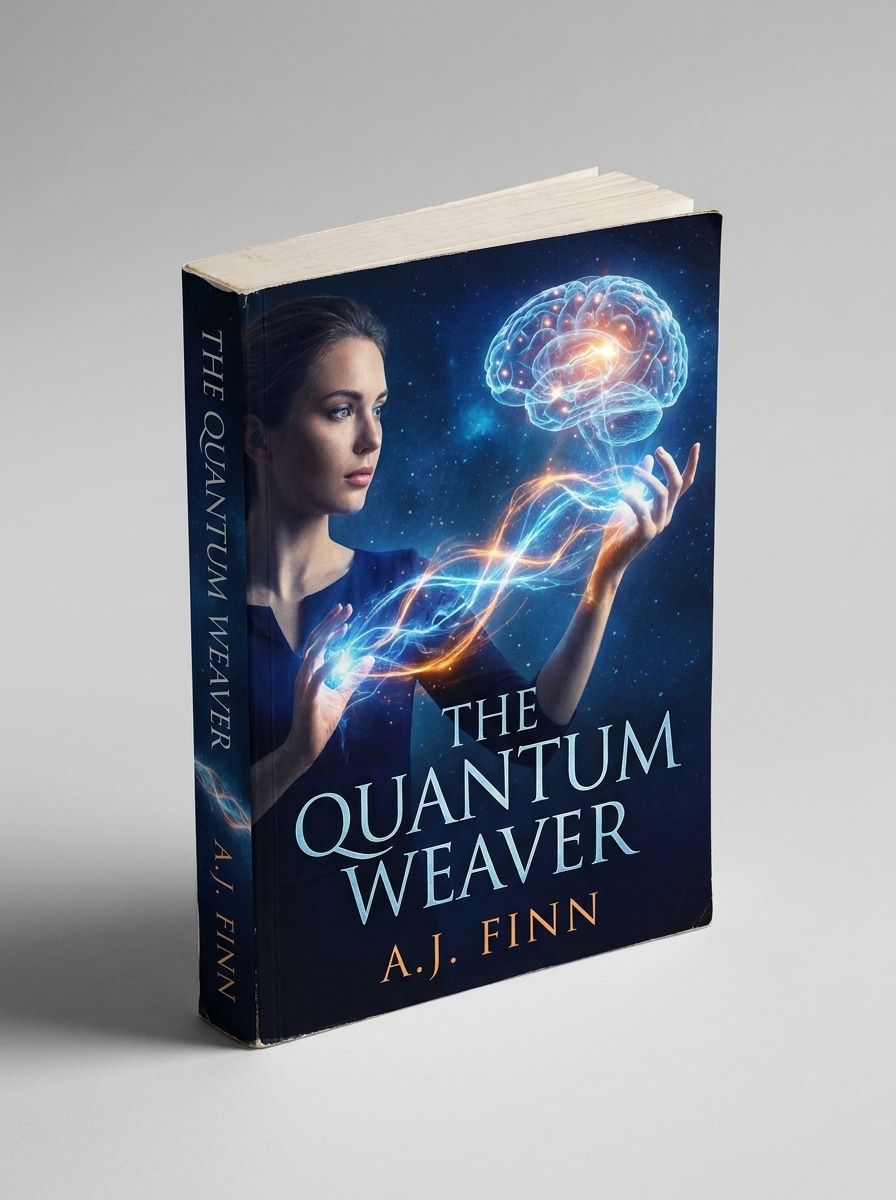
Yüklenen görüntüyü kapak olarak kullanın ve onu ön üçte bir görünümde gösterilen gerçekçi bir karton kapaklı kitaba dönüştürün. Sırtı görünür tutun, yumuşak doğal gölge ekleyin, hafif dokulu kağıt malzemesi, nötr stüdyo arka planı, dengeli vurgular ve temiz kitabevi ürün fotoğrafçılığı görünümü ekleyin.
Aksesuarlı Masa Sahnesi
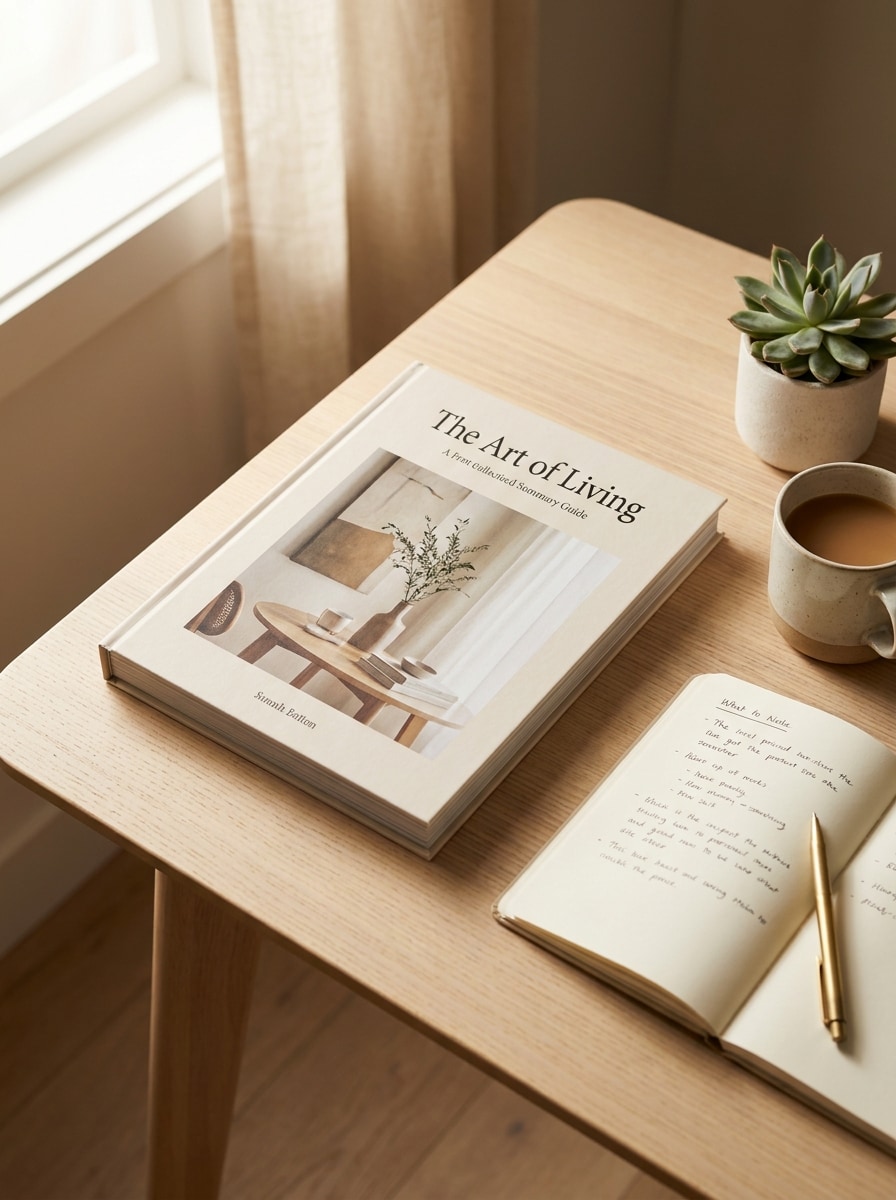
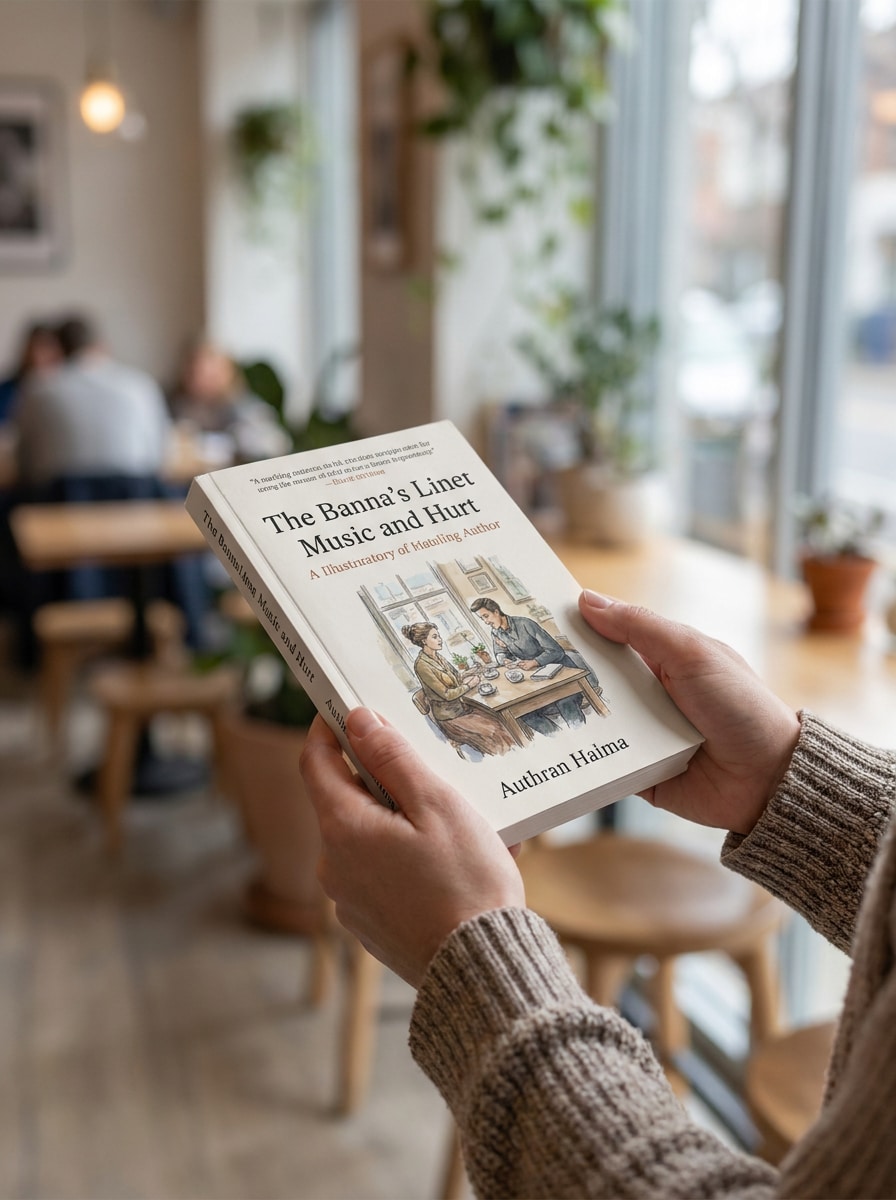
Yüklenen görüntüyü kitap kapağı olarak kullanın ve onu şık bir masa sahnesine yerleştirin. Kitabı modern bir çalışma alanında bir kahve fincanı, defter, kalem ve yumuşak gün ışığıyla, sıcak nötr tonlar, gerçekçi gölgeler, düzenli kompozisyon ve editöryal yaşam tarzı fotoğrafçılığı kalitesiyle gösterin.
Kitabı Tutan Eller
Yüklenen görüntüyü kapak olarak kullanın ve birinin kitabı doğal şekilde tuttuğu gerçekçi bir sahne oluşturun. Kapağı okunabilir tutun, yumuşak arka plan bulanıklığı, gün ışığı tonları, inandırıcı el yerleşimi, nazik cilt detayı, hafif gölge ve premium gerçekçilikle sosyal medyaya uygun bir kompozisyon ekleyin.
Nötr Gölgeli Editöryal
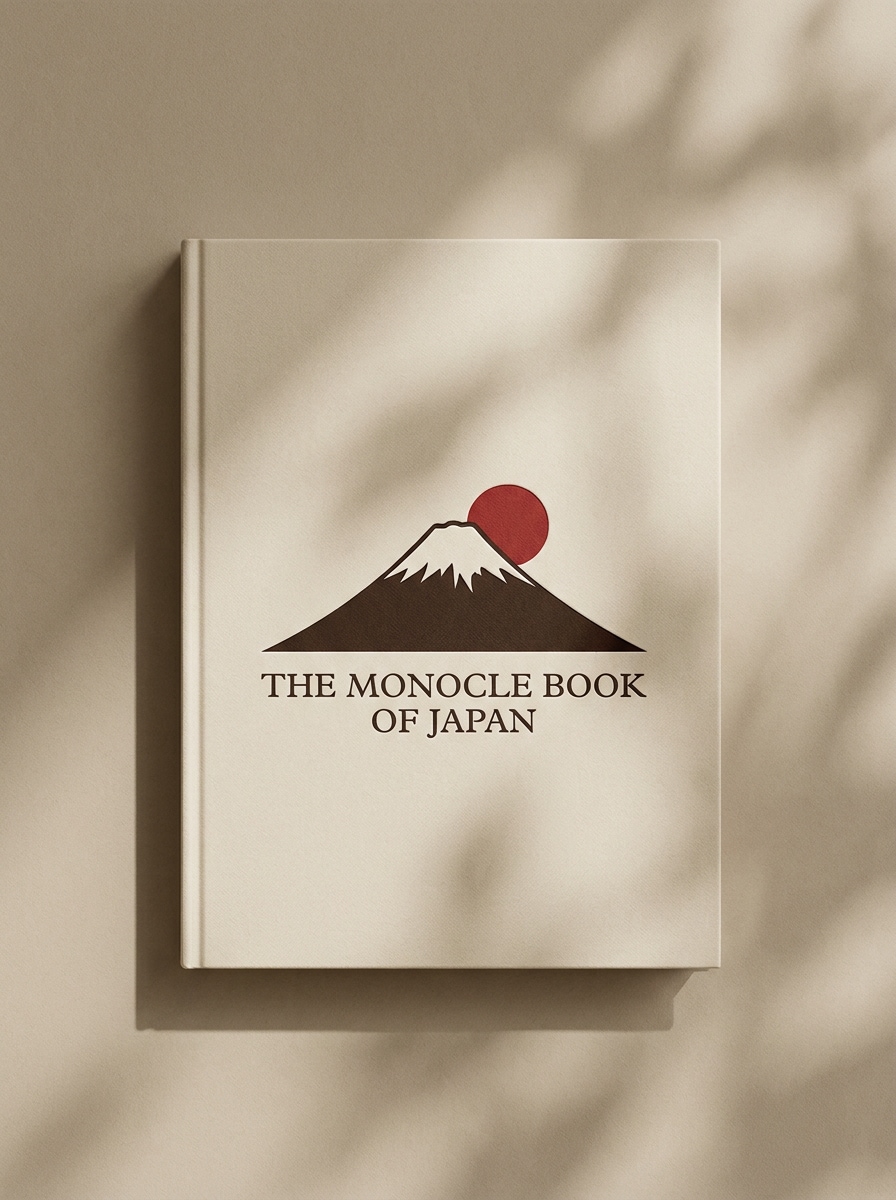
Yüklenen görüntüyü kitap kapağı olarak kullanın ve onu nötr bej bir arka planda minimal bir editöryal makete dönüştürün. Yumuşak yönlü güneş ışığı, narin gölge şekilleri, rafine mat doku, zarif boşluk, sakin premium atmosfer ve temiz üst düzey yayıncılık sunumu ekleyin.
Üst Üste Kitaplar Kompozisyonu
Yüklenen görüntüyü üst üste kitaplar düzenlemesinde ana görünür kapak olarak kullanın. Sıcak nötr tonlar, yumuşak ortam aydınlatması, gerçekçi sayfa kenarları, hafif gölgeler, premium yaşam tarzı stili ve yazar tanıtımına uygun cilalı bir kompozisyonla birkaç kitabı düzenli şekilde üst üste gösterin.
E-ticaret İzole Maketi
Yüklenen görüntüyü kitap kapağı olarak kullanın ve izole edilmiş, e-ticarete hazır bir maket oluşturun. Hafif perspektifli ön cepheden kitabı, keskin siluet, saf beyaz veya çok açık arka plan, hafif zemin gölgesi, keskin kenarlar ve dikkat dağıtıcı unsur içermeyen temiz ürün listeleme kalitesiyle gösterin.
Çok Kitaplı Seri Görünümü
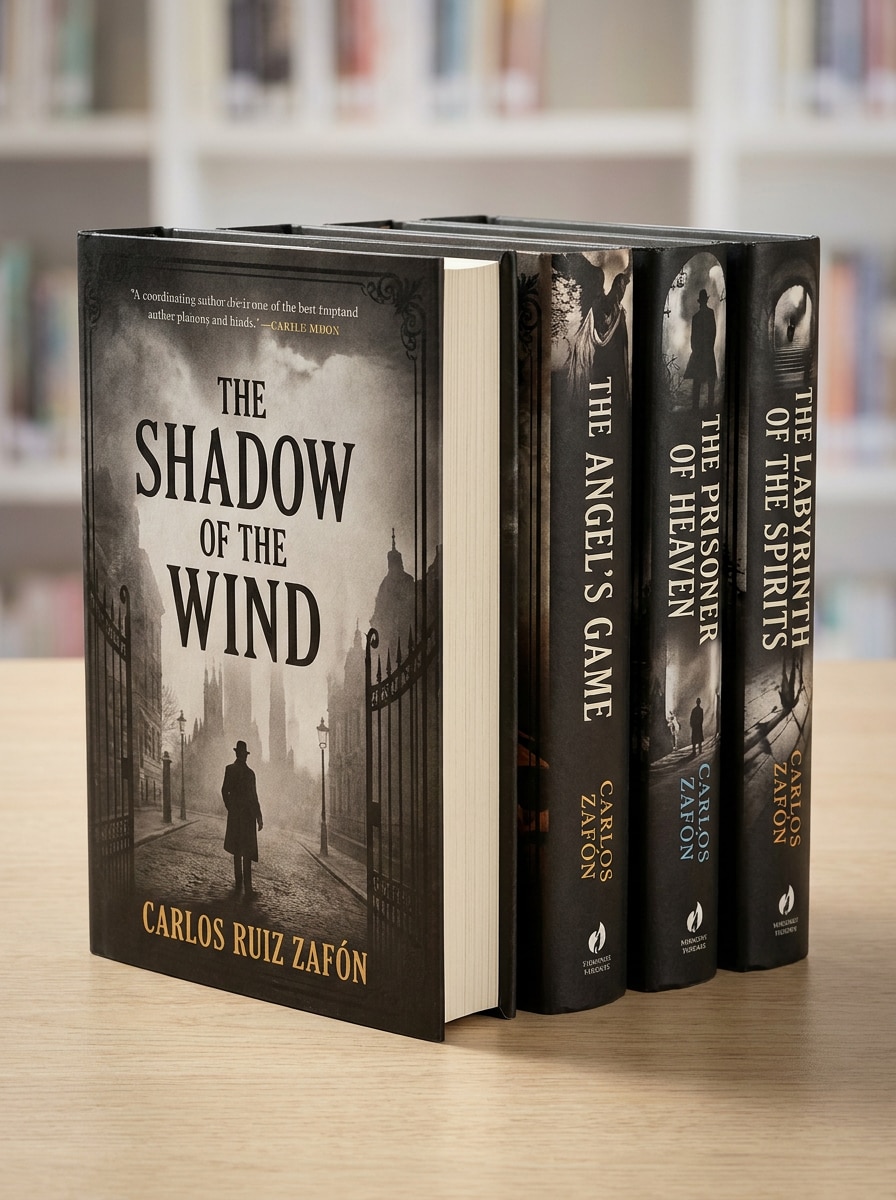
Yüklenen görüntüyü temel kapak stili olarak kullanın ve koordineli bir çok kitaplı görünüm oluşturun. Tutarlı görsel markalama, gerçekçi 3D derinlik, stüdyo aydınlatması, hafif gölgeler ve lansman kampanyasına hazır tanıtım görünümüyle üç ila beş kitabı düzenli bir seri düzenlemesinde sunun.
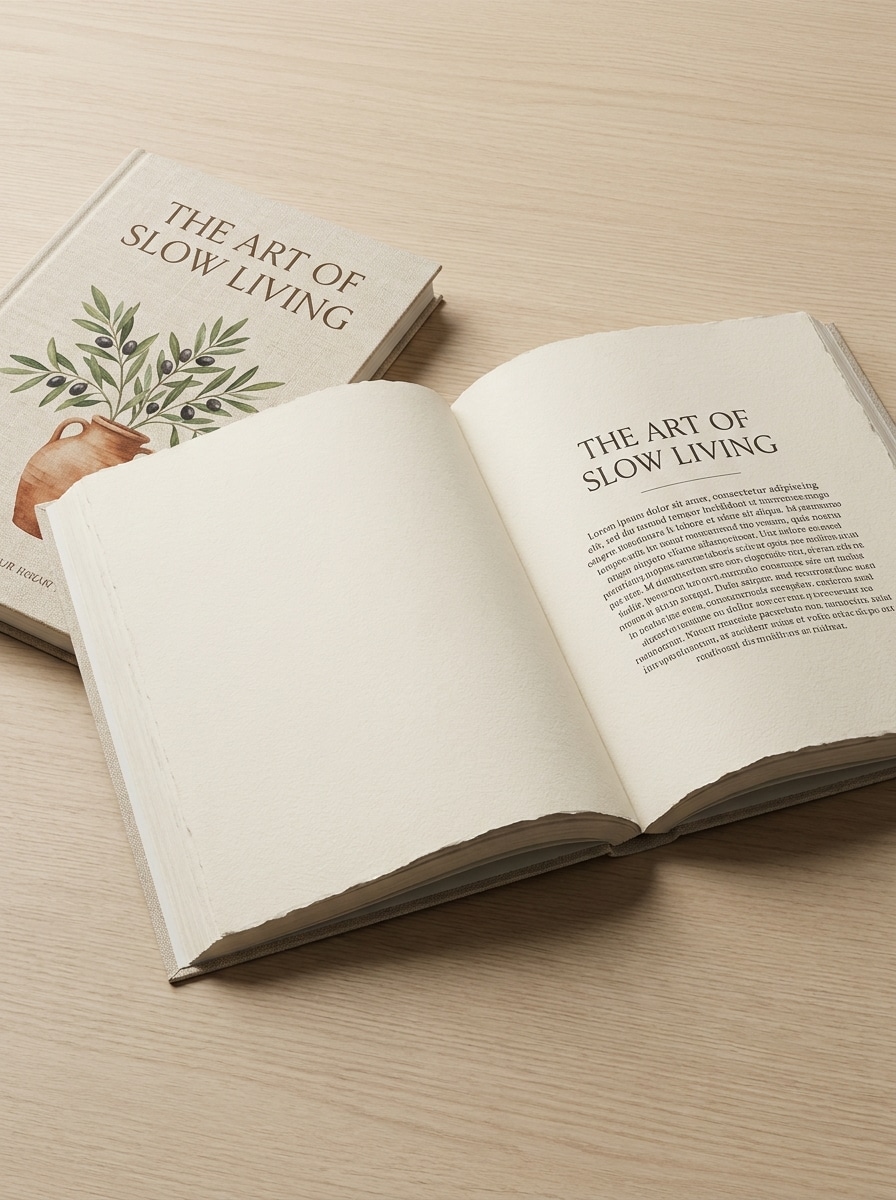
Açık Kitap İç Sayfa Önizlemesi
Yüklenen görüntüyü ön kapak olarak kullanın ve onu görünür iç sayfalarla açık kitap maketine dönüştürün. Doğal sayfa eğrisi, gerçekçi kağıt kalınlığı, yumuşak stüdyo aydınlatması, temiz yukarıdan veya açılı kompozisyon, rafine gölgeler ve yayıncılık portföyleri için profesyonel önizleme gösterin.
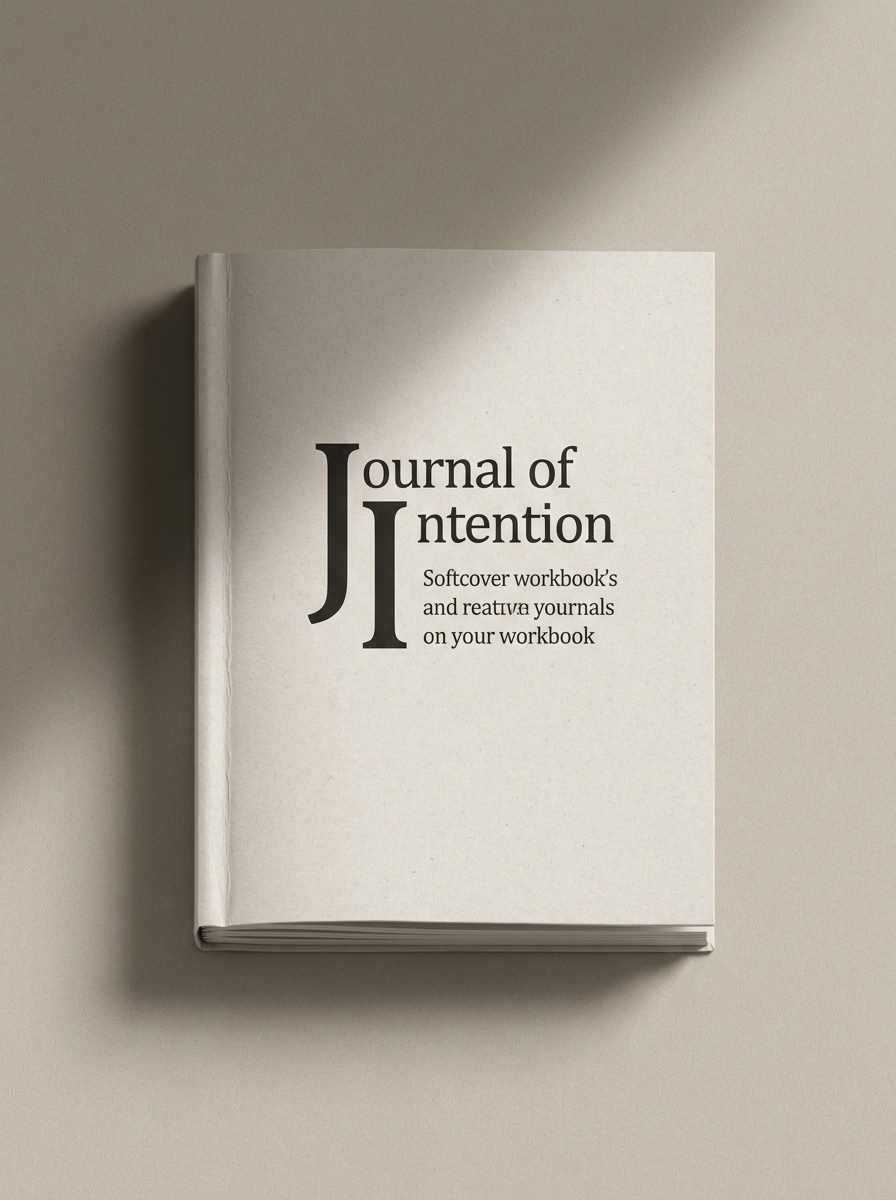
Yumuşak Kapaklı Defter Maketi
Yüklenen görüntüyü kapak olarak kullanın ve onu yumuşak kapaklı bir defter veya çalışma kitabı maketine dönüştürün. Dokunsal mat yüzey, hafif yuvarlatılmış köşeler, sıcak nötr arka plan, yumuşak gölge, modern yaratıcı odaklı stil ve Etsy, koçluk veya çalışma kitabı satışları için uygun hissettiren keskin gerçekçi detay ekleyin.
Kitap Kapağı Maketleri için Neden Media.io Kullanmalısınız
Görünümü Değiştirirken Kimliği Koruyun
Yazar tanıtımları, mağaza sayfaları veya hızlı bir kitap kapağı maketi için Media.io, düz bir tasarım yüklemenize ve onu cilalı sert kapak, karton kapak veya açık kitap görsellerine dönüştürmenize olanak tanır; böylece kapağınız sahneleri sıfırdan oluşturmak zorunda kalmadan sunuma hazır görünür.
Her Sürüm için Doğru Stili Eşleştirin
Tek bir fikir çoğunlukla birden fazla görünüm gerektirir. Media.io, aynı kitap maketini farklı stillerde yeniden yorumlamaya yardımcı olur, böylece her sürüm hedef yerleşimle daha iyi eşleşebilir.
Düzeni Listeler, Reklamlar ve Lansman Gönderileriyle Eşleştirin
Bir görsel konsept nadiren tek bir düzende kalır. Media.io, aynı maket kitap fikrini gönderiler, kapaklar, tanıtım grafikleri veya sunumlar için uyarlamaya yardımcı olur; böylece her sürüm sığdırılmak yerine formatı için tasarlanmış hissi verir.
Profesyonel Pazarlama için Keskin Görseller Dışa Aktarın
Taslak kalitesinin ötesine ihtiyaç duyan projeler için Media.io, 4K'ya kadar çıktıyla ücretsiz kitap maketi veya nihai dışa aktarma üretmeye yardımcı olur; böylece tamamlanmış dosyayı sunarken, kırparken veya yeniden kullanırken ayrıntılar daha net kalır.
Dakikalar İçinde Kitap Maketi Nasıl Yapılır
Kelimelerinizi üç basit adımda çarpıcı görsellere dönüştürün, ardından daha ileri götürmek istiyorsanız sonucu geliştirmeye devam edin.
Adım 1
Referans Görüntünüzü Yükleyin
Düz kapak tasarımınızın net bir JPG, PNG veya JPEG dosyasını yükleyerek başlayın. Keskin bir kaynak görüntü, Media.io'nun okunabilir tipografi, temiz kenarlar ve daha iyi sırt hizalamasıyla daha gerçekçi bir maket kitap sonuç oluşturmasına yardımcı olur.
Adım 2
Değişikliği Tanımlayın ve Seçenekleri Ayarlayın
Sert kapak render'ı, masa düzeni, elde tutulan görünüm veya izole ürün çekimi gibi istediğiniz sahne için bir istem girin. Ardından modelinizi seçin ve mağaza, reklam veya sosyal medya ihtiyaçlarına uyacak şekilde en boy oranını, çözünürlüğü ve görüntü sayısını ayarlayın.
Adım 3
Oluşturun, İndirin ve Geliştirmeye Devam Edin
Birkaç varyasyon oluşturun, perspektifleri karşılaştırın ve kampanyanıza en uygun sürümü indirin. Farklı görünümleri test etmek, daha cilalı ücretsiz kitap maketleri oluşturmak veya lansmana hazır görsellerin tam bir setini oluşturmak için istemi geliştirebilirsiniz.
Kitap Maketi Oluşturucunun Potansiyelini Açığa Çıkarın
İçerik üreticilerinin bu Kitap Maketini içerik, pazarlama ve kişisel projeler için nasıl kullandığını görün, ardından her fikri kılavuza uyacak şekilde uyarlayın.
Öz Yayımlanan Başlıkları Gerçek Ürünler Gibi Gösterin
Yazarlar ve bağımsız yayıncılar, düz kapak dosyalarını yeni bir yayını rafa hazır hissettiren gerçekçi sert kapak, karton kapak veya üst üste sahnelere dönüştürebilir. Media.io, onlara Photoshop ağırlıklı iş akışları olmadan lansman grafikleri, ön sipariş görselleri ve çevrimiçi mağaza resimleri oluşturmanın pratik bir yolunu sunar.
Daha İyi E-ticaret ve Reklam Kreatifleri Hızlıca Oluşturun
Temiz izole render'lar ve açılı ürün çekimleri, kapağınızın pazar yeri küçük resimlerde, açılış sayfalarında ve ücretli kampanyalarda öne çıkmasına yardımcı olur. Media.io, nihai tanıtım varlıklarına karar vermeden önce birden fazla satış açısını test etmek için ücretsiz kitap maketi iş akışını kullanışlı kılar ve erken kampanya taslakları için ücretsiz kitap maketlerini de destekleyebilir.
Kurslar, Dergiler ve Seriler için Tutarlı Marka Oluşturun
Koçlar, eğitimciler ve içerik üreticileri, çalışma kitaplarını, dergileri ve çok başlıklı koleksiyonları eşleşen görsel bir stille sunabilir. Media.io, web siteleri, satış sayfaları, sosyal medya gönderileri veya bilgi materyalleri için kitapçık maketi için bile tutarlı seri grafiklere ihtiyaç duyduğunuzda ücretsiz kitap maketi oluşturucu iş akışını özellikle faydalı kılar.
Kullanıcılar Bu Kitap Maketi Aracı Hakkında Ne Diyor
Lena Brooks
Öz Yayımlanan Yazar
"Lansman grafikleri için mükemmel" Düz kapağımı yükledim ve dakikalar içinde gerçekçi bir sert kapak tanıtım görüntüsü elde ettim. Karmaşık tasarım yazılımlarına dokunmadan sosyal medya gönderileri ve mağaza görselleri oluşturmama yardımcı oldu.
Marcus Hill
Amazon Listeleme Tasarımcısı
"Temiz ürün tarzı sonuçlar" İzole render'lar cilalı ve profesyonel görünüyor. Müşteriler için kitap listeleme grafikleri ihtiyacım olduğunda farklı açıları ve sahne türlerini hızlıca deneyebilmekten hoşlanıyorum.
Priya Shah
Kurs Oluşturucu
"Çalışma kitapları ve dergiler için harika" Yazdırılabilir bir çalışma kitabını gerçek bir yumuşak kapaklı ürün olarak sunmak için kullandım. Sonuçlar satış sayfamda güçlü göründü ve beni sıfırdan manuel maket oluşturmaktan kurtardı.
Daniel Ortiz
Serbest Marka Tasarımcısı
"Hızlı müşteri önizlemeleri için kullanışlı" Bu, kapak konseptlerini inandırıcı tanıtım görsellerine dönüştürmek için bulduğum en hızlı yollardan biri. Özellikle müşteriler nihai onaydan önce birden fazla maket yönü istediğinde kullanışlıdır.
Kitap maketi oluşturucu, düz bir kapak tasarımını sert kapak render'ı, karton kapak açısı, açık kitap önizlemesi veya yaşam tarzı sahnesi gibi gerçekçi bir sunum görüntüsüne dönüştüren bir araçtır. Media.io ile kapak görüntünüzü yükler ve PSD şablonlarında manuel olarak oluşturmak yerine çevrimiçi cilalı tanıtım görselleri oluşturmak için yapay zekayı kullanırsınız.
2. Düz bir kitap kapağını 3D kitap maketine nasıl dönüştürürüm?
Kapağınızı JPG, PNG veya JPEG olarak yükleyin, ardından ayakta duran sert kapak, e-ticaret ürün çekimi veya masa sahnesi gibi istediğiniz sonucu tanımlayın. Media.io yüklenen görüntüyü referans olarak kullandığından, kapak tasarımını tanınabilir tutarken düz çizimi gerçekçi 3D tarzı bir sunuma dönüştürebilirsiniz.
3. Çevrimiçi ücretsiz kitap maketi oluşturabilir miyim?
Media.io ücretsiz krediler sunduğundan, yükseltme yapmadan önce ücretsiz bir kitap maketi iş akışını çevrimiçi deneyebilirsiniz. Ücretsiz kullanıcılar filigran görebilirken, ücretli planlar filigransız yüksek çözünürlüklü indirmelerin kilidini açar. Ücretsiz kitap maketi testi veya sürekli kullanım için hangi planın ihtiyaçlarınıza uyduğunu görmek amacıyla fiyatlandırma sayfasındaki seçenekleri karşılaştırabilirsiniz.
4. Aynı kapak tasarımıyla hem sert kapak hem de karton kapak maketleri oluşturabilir miyim?
Media.io referans tabanlı görüntü oluşturmayı desteklediğinden, bir kapak tasarımı yükleyebilir ve sert kapak ve karton kapak stilleri dahil olmak üzere birden fazla varyasyon oluşturabilirsiniz. Bu, formatları karşılaştırmak, sunum açılarını test etmek veya tek bir kaynak dosyadan eksiksiz bir kitap maketi seti oluşturmak için kullanışlı hale getirir.
5. Kitap kapağı maketi için hangi görüntü boyutu ve dosya formatı en iyi sonucu verir?
En iyi sonuçlar için JPG, PNG veya JPEG formatında net, yüksek kaliteli bir kapak görüntüsü yükleyin. Keskin kaynak çizimi, Media.io onu bir makete dönüştürdüğünde başlığın, tipografinin ve ayrıntıların daha net kalmasına yardımcı olur; özellikle yakın çekim ürün görünümleri veya daha büyük tanıtım grafikleri oluşturmayı planlıyorsanız.
6. Kitap maketim reklamlar veya mağaza listeleri için yeterince yüksek çözünürlüklü olacak mı?
Media.io 1K, 2K ve 4K çözünürlük seçenekleri sunmaktadır; bu, reklamlar, e-ticaret listeleri veya yazar pazarlaması için daha keskin görsellere ihtiyaç duyduğunuzda faydalıdır. Ücretsiz bir kitap maketi oluşturucu testiyle başlarsanız, önce sahneyi geliştirebilir ve daha sonra nihai kullanım için daha yüksek kaliteli bir sürümü dışa aktarabilirsiniz.