Click or drag to upload, or choose from My HistoryClick To UploadMy History
No ideas? Generate an image first >
Upload jpg, jpeg, png images up to 50 MB, with a minimum width/height of 300 px.
Refine Your Selfie With a Handsome Filter
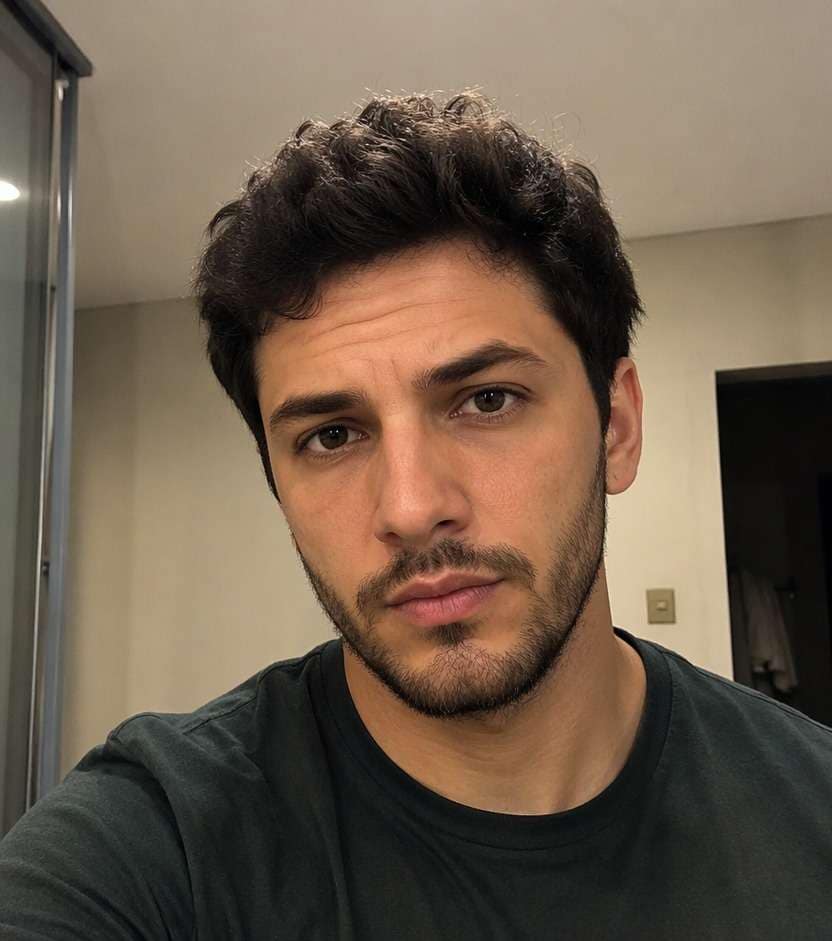
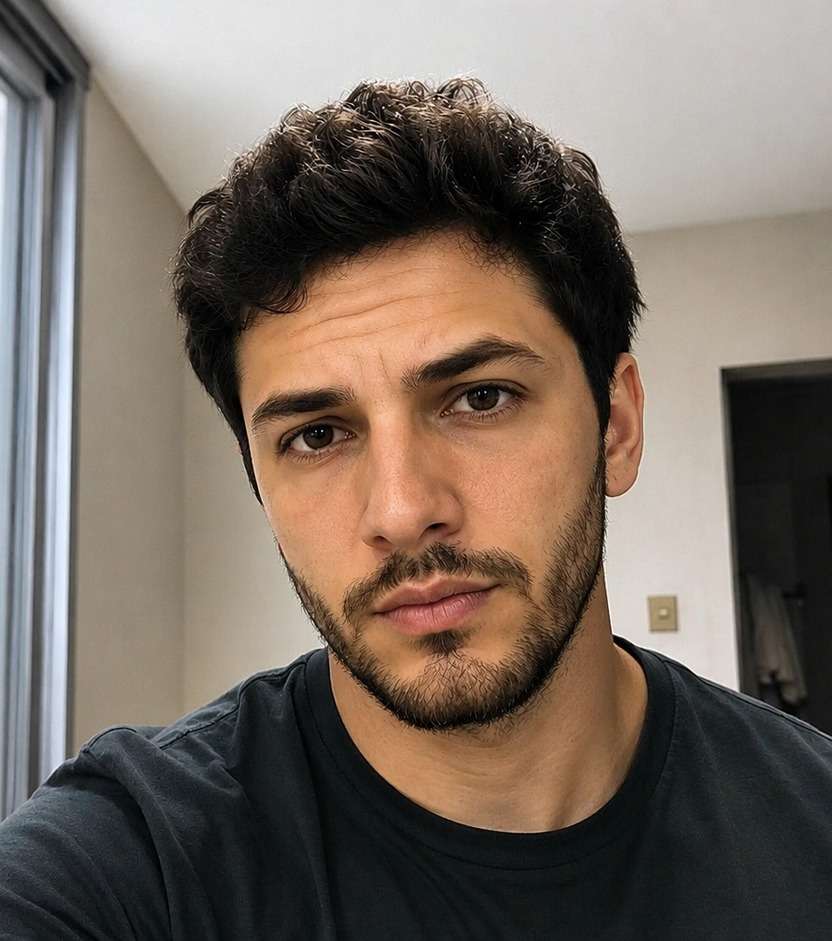
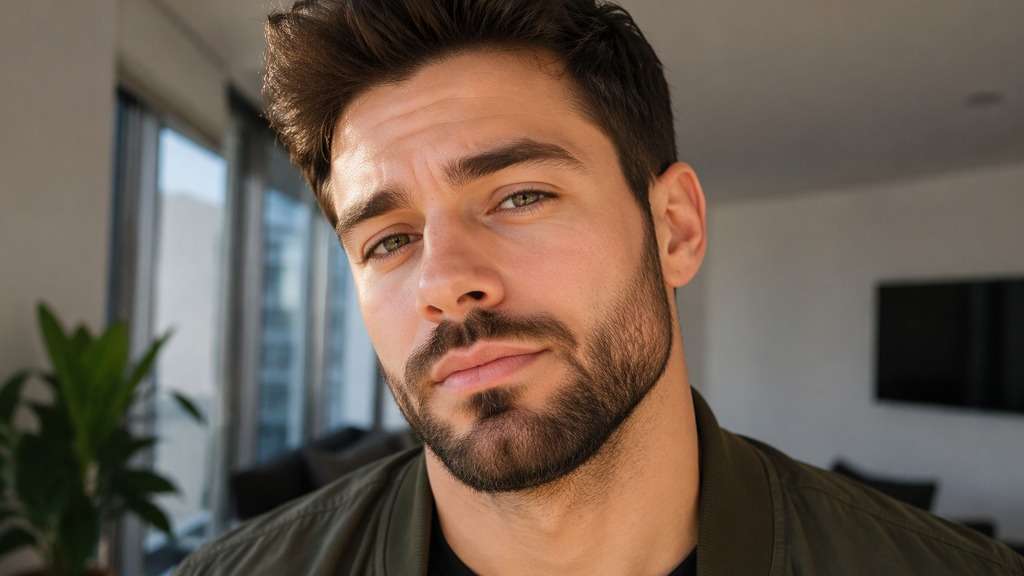
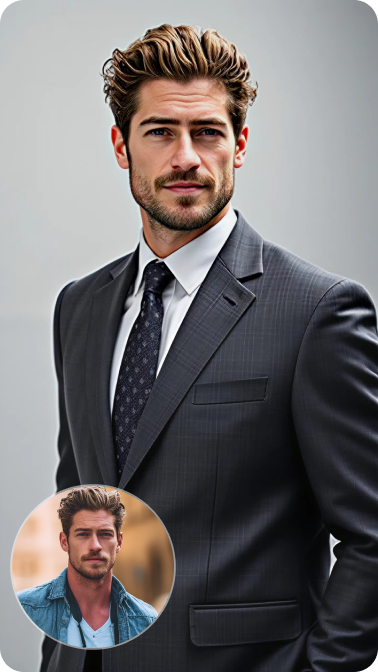
You like your face in the photo; it is the harsh overhead light and flat phone-camera color that feel off. A handsome filter can help you test a more polished male selfie with balanced light, clearer grooming detail and a natural finish. Rather than asking AI to rate or replace your appearance, choose which part of the photograph you want to refine.
Describe a camera-ready finish and keep your natural face shape, hairline and skin tone as visual anchors.
Handsome Filter Prompts for Natural Male Selfies
Lighting, grooming and camera framing do different jobs. Use the same adult portrait to compare realistic edits before choosing a direction.
Soft Window Portrait
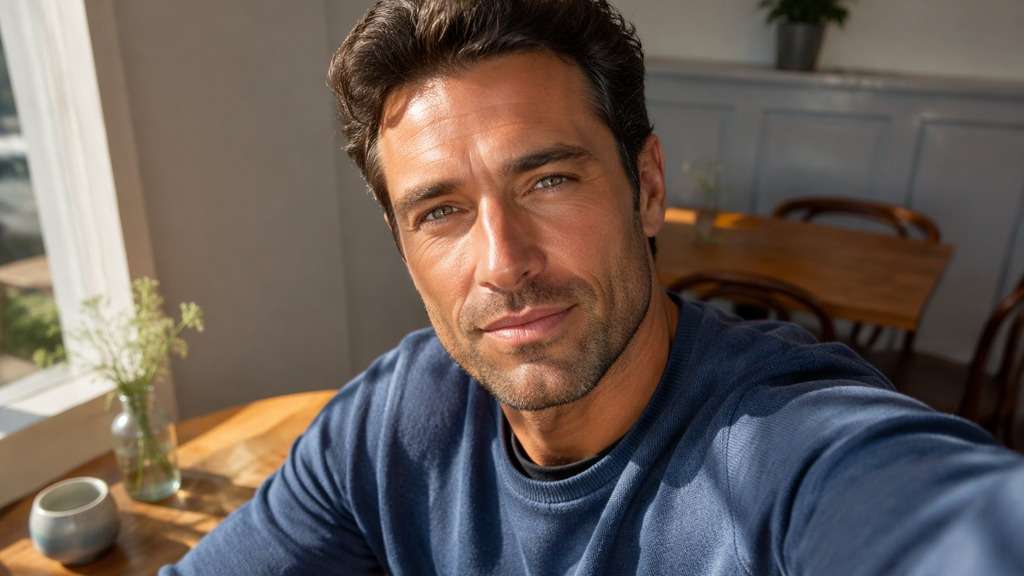
Edit my uploaded reference photo: Balance side-window light across the adult male face, gently lift eye shadows and keep realistic skin texture and beard details. Work from my uploaded portrait. Keep the same face geometry, natural skin tone, hair, clothes, facial expression, viewpoint and background. Preserve authentic texture; make only the described photographic correction.
Professional Profile Finish
Edit my uploaded reference photo: Reduce harsh forehead glare, keep the original jawline and expression, and add restrained contrast for a camera-ready work portrait. Work from my uploaded portrait. Keep the same face geometry, natural skin tone, hair, clothes, facial expression, viewpoint and background. Preserve authentic texture; make only the described photographic correction.
Clean Beard Detail
Edit my uploaded reference photo: Define existing beard edges and facial hair texture without inventing a longer beard or changing the man's face shape. Work from my uploaded portrait. Keep the same face geometry, natural skin tone, hair, clothes, facial expression, viewpoint and background. Preserve authentic texture; make only the described photographic correction.
Outdoor Shade Correction
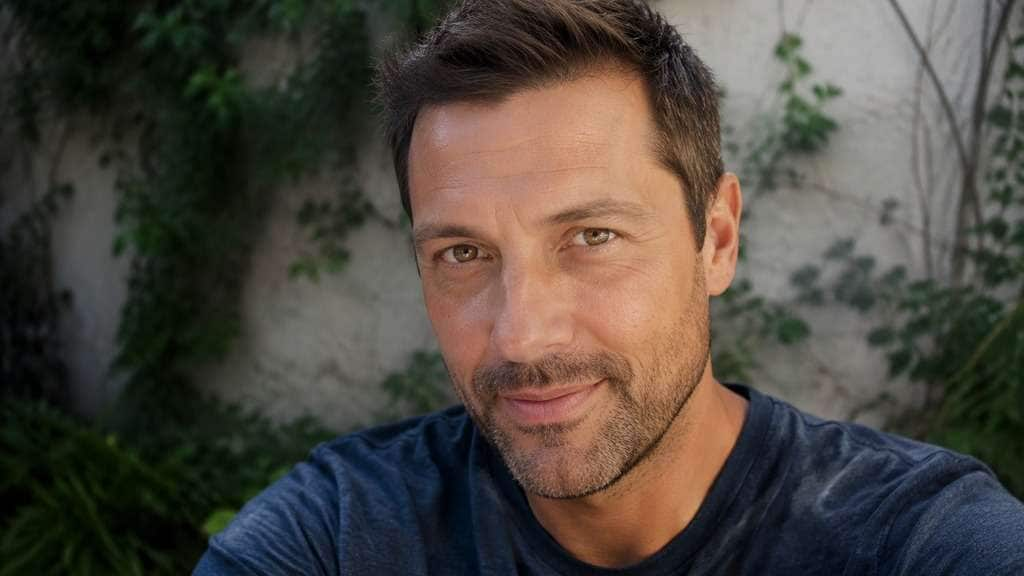
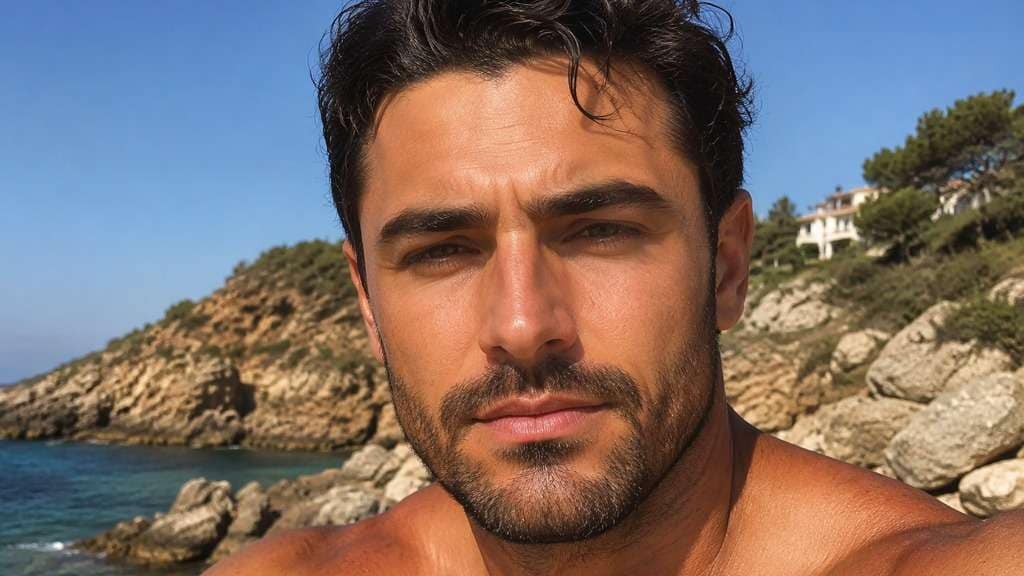
Edit my uploaded reference photo: Open heavy shade under the eyebrows in an outdoor adult male selfie while protecting skin tone and sunlit background. Work from my uploaded portrait. Keep the same face geometry, natural skin tone, hair, clothes, facial expression, viewpoint and background. Preserve authentic texture; make only the described photographic correction.
Evening Date Portrait
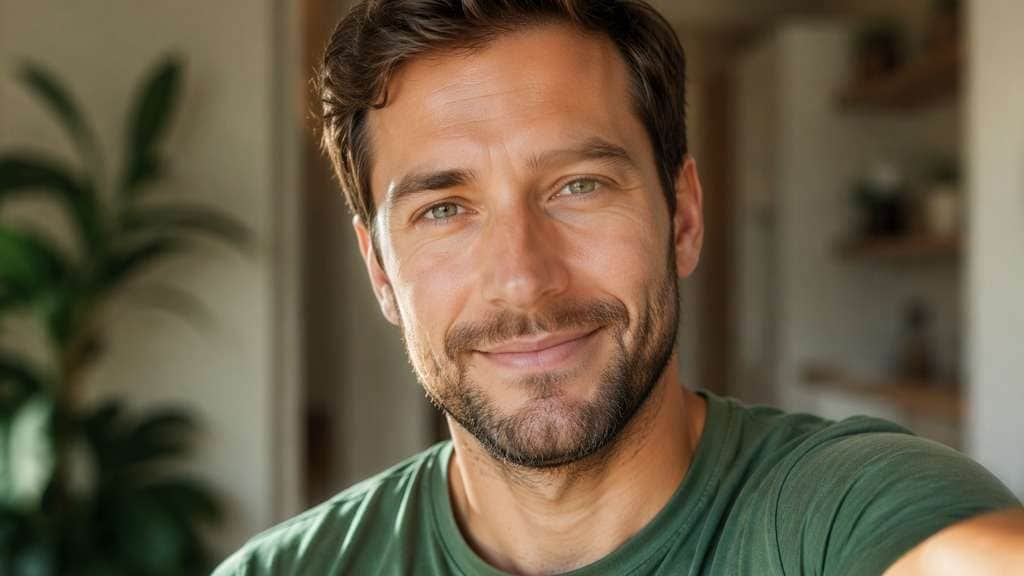
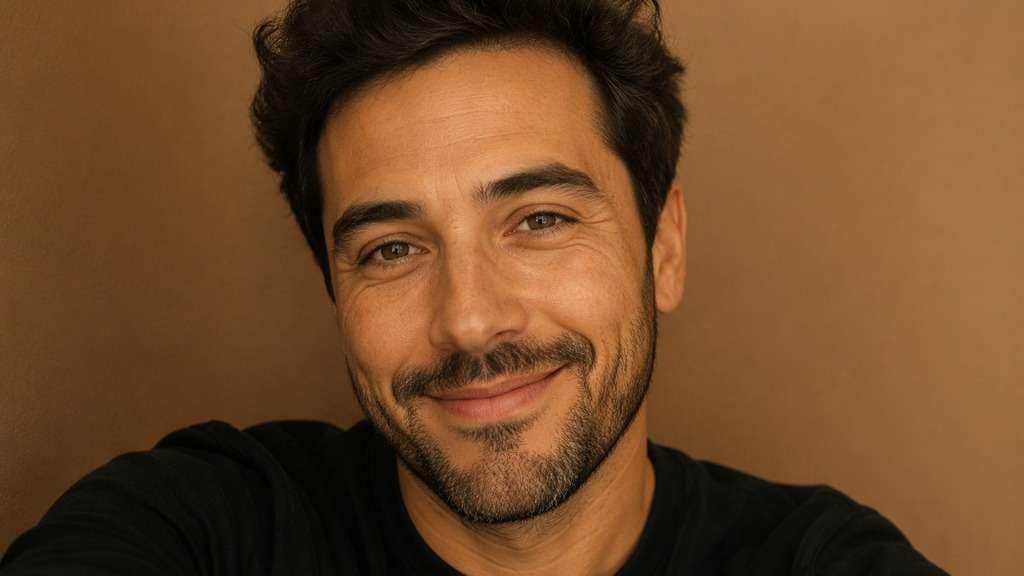
Edit my uploaded reference photo: Refine warm indoor light to flatter the face naturally, keep existing smile lines and visible freckles, no glamour skin blur. Work from my uploaded portrait. Keep the same face geometry, natural skin tone, hair, clothes, facial expression, viewpoint and background. Preserve authentic texture; make only the described photographic correction.
Matte Studio Grooming
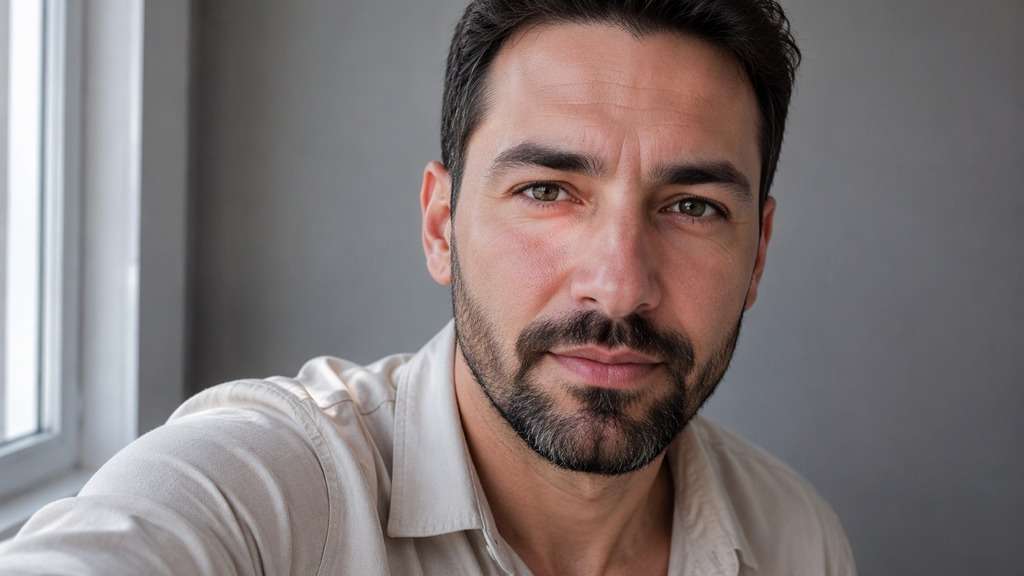
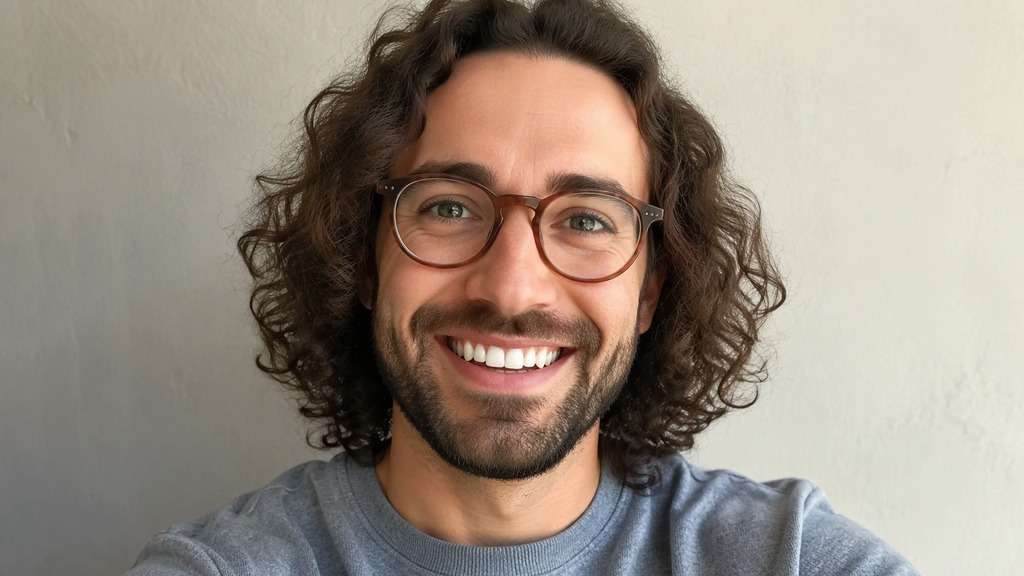
Edit my uploaded reference photo: Reduce oily-looking highlights and keep pores visible in a simple gray-wall portrait, preserving beard and eyebrow shape. Work from my uploaded portrait. Keep the same face geometry, natural skin tone, hair, clothes, facial expression, viewpoint and background. Preserve authentic texture; make only the described photographic correction.
Soft Sports Portrait
Edit my uploaded reference photo: Add natural directional light and a little photographic clarity to a casual athletic selfie, keeping the outfit and facial proportions unchanged. Work from my uploaded portrait. Keep the same face geometry, natural skin tone, hair, clothes, facial expression, viewpoint and background. Preserve authentic texture; make only the described photographic correction.
Glasses-Friendly Refinement
Edit my uploaded reference photo: Brighten eyes behind glasses without removing frames or inventing eyebrow detail, keep facial expression and lens reflections consistent. Work from my uploaded portrait. Keep the same face geometry, natural skin tone, hair, clothes, facial expression, viewpoint and background. Preserve authentic texture; make only the described photographic correction.
Casual Street Portrait
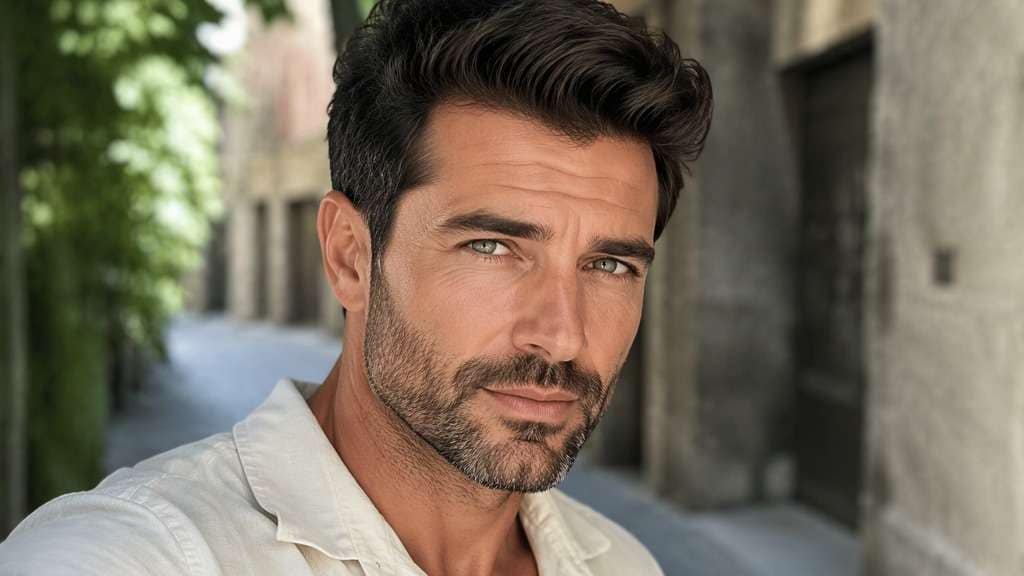
Edit my uploaded reference photo: Balance deep afternoon shadows and lightly clarify facial edges, preserving real skin color and the original street backdrop. Work from my uploaded portrait. Keep the same face geometry, natural skin tone, hair, clothes, facial expression, viewpoint and background. Preserve authentic texture; make only the described photographic correction.
Minimal Clean Headshot
Edit my uploaded reference photo: Use soft frontal light, tidy image noise and restrained skin corrections for a credible adult male headshot, no facial redesign. Work from my uploaded portrait. Keep the same face geometry, natural skin tone, hair, clothes, facial expression, viewpoint and background. Preserve authentic texture; make only the described photographic correction.
Refine the Photo Without Replacing Your Features
Fix Lighting Before Changing Shape
A strong overhead light can deepen eye shadows and flatten the cheeks. Try balancing exposure before altering the jaw or nose; many portraits improve once the face is lit more evenly.
Keep Your Real Skin and Facial Hair
Excessive smoothing can erase stubble, beard edges and real skin texture. Ask for gentle cleanup while leaving pores, freckles, eyebrow texture and your existing facial hair visible.
Choose a Grooming Mood for the Occasion
A job profile might need neutral light and clean contrast. A date-night image can keep warm ambience and a relaxed smile. The edit should match how you will actually use the picture.
Avoid Appearance Scores and Face Replacements
There is no universal handsome setting, and a single edited image cannot measure attractiveness. Treat this as a photographic presentation tool; review whether you still look like yourself in the output.
How to Apply a Handsome Filter to a Male Photo
Choose a well-focused adult male portrait and decide whether your main issue is light, texture, or grooming detail.
Step 1
Upload the Portrait You Like
Open Media.io AI Face Editor and upload a male selfie or headshot with a clear face and visible lighting.
Step 2
Describe a Natural Portrait Polish
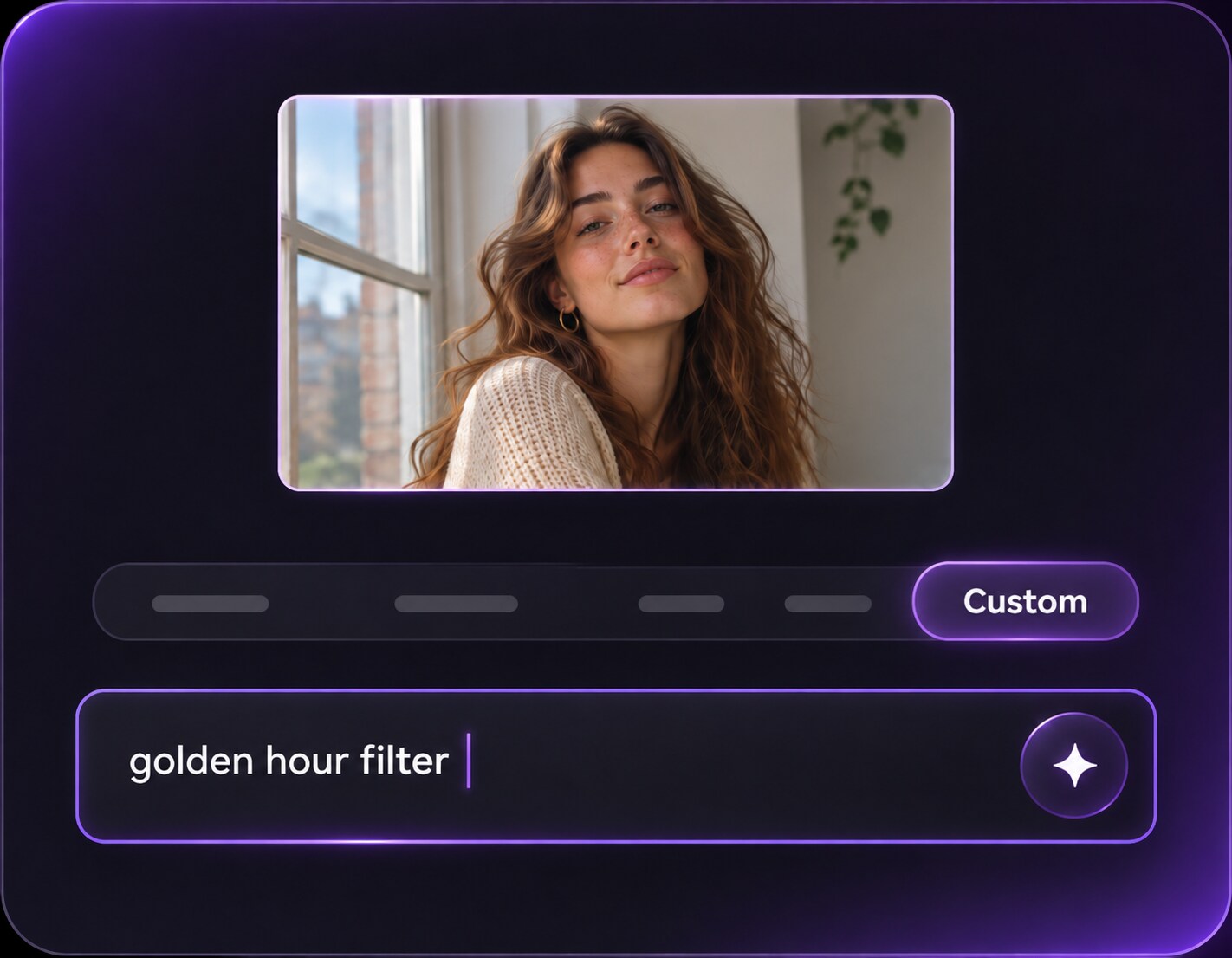
Enter a prompt to soften harsh shadows, refine grooming detail or improve contrast while preserving facial structure.
Step 3
Generate and Check the Face
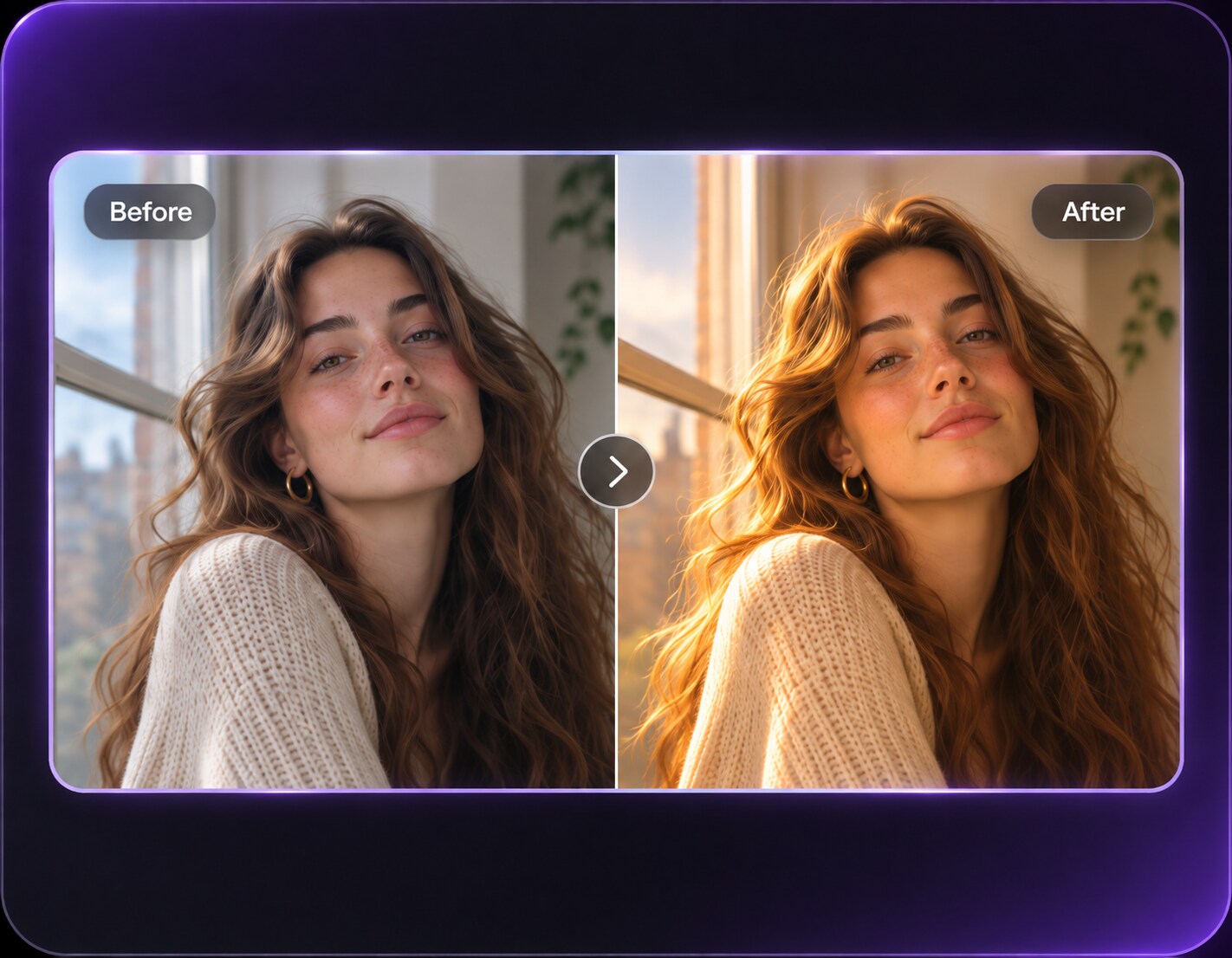
Click Generate and compare skin tone, beard lines and eye shape with the source image before exporting.
Polished should describe a photo treatment, not a judgment about the person in it.
Update a Profile Without Looking Airbrushed
For a dating or social avatar, try softer light across the face and modest eye-shadow correction. Keep the smile and any distinctive facial hair so the result still matches how friends recognize you.
Prepare a Clearer Work Headshot
A home-office portrait might be usable except for harsh ceiling light. Balance the highlights, keep a calm expression and check that the collar and facial edges stay intact instead of recreating a studio session that never happened.
Make an Evening Selfie Easier to See
A restaurant photo often has warm lamps and deep shadows. Lift facial midtones a little while retaining the ambient color and existing setting; bleaching the entire scene into flat daylight loses the reason you liked the shot.
Handsome Filter Photo Preview Checklist
Skin Detail
Photo preview checklist
"Check skin detail before export" Skin detail should remain visible after polishing.
Grooming
Photo preview checklist
"Check grooming before export" Beard strands and eyebrows should not become painted patches.
Face Shape
Photo preview checklist
"Check face shape before export" The jaw and nose should match the person you uploaded.
Lighting
Photo preview checklist
"Check lighting before export" Keep the original setting and plausible illumination.
For this page, the edit focuses on lighting, skin presentation, camera contrast and grooming clarity in an adult male portrait. It is not an attractiveness rating or a promise of a different facial structure.
2. Can I keep my beard and hairstyle?
Yes, specify that facial hair, hairline and haircut should remain the same. Check the final image closely because edits near face edges can sometimes soften or redraw those details.
3. Will it reshape my jaw?
Not unless you request a stylized facial change. For a natural headshot, ask to preserve the existing jawline and use light or contrast adjustments instead.
4. Is a handsome filter the same as an AI man filter?
No. An AI man filter usually changes gender presentation. This page is for refining the photographic look of an existing adult male portrait, not changing the person's gender presentation.
5. What source photo gives the most credible result?
Choose a sharp photo with a visible face and a background you want to keep. A well-focused image helps preserve beard strands and eyelid detail during a subtle retouch.
6. Can it tell whether someone is handsome?
No. A photo effect cannot objectively judge a person's appearance. Use it to test whether a particular lighting or grooming finish fits the purpose of the image.