Click or drag to upload, or choose from My HistoryClick To UploadMy History
No ideas? Generate an image first >
Upload jpg, jpeg, png images up to 50 MB, with a minimum width/height of 300 px.
Make a Funny Face Stretch Filter Photo From Your Selfie
The funniest photo in the group chat is often the one with a ridiculous long chin or stretched smile - not a polished beauty edit. A face stretch filter lets you experiment with deliberate facial distortion on a selfie: taller forehead, narrow jaw, elastic grin or a slightly warped perspective. Keep the expression and setting recognizable so the edit reads as a joke rather than a different person.
Start with one exaggerated feature, then increase distortion only if the face remains recognizable.
Face Stretch Filter Prompts for Long-Face and Funny Selfie Memes
A stretched forehead, vertical long face and wide grin tell different jokes. Apply only one strong distortion per photo and keep hair, clothing and background stable for the strongest before-and-after contrast.
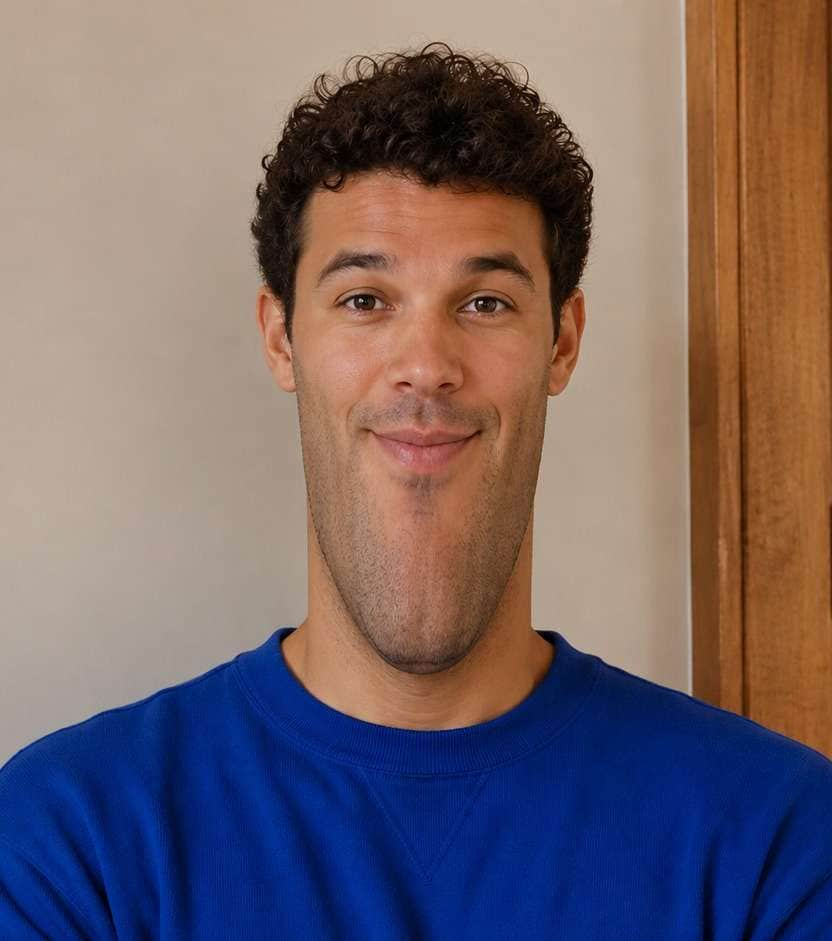
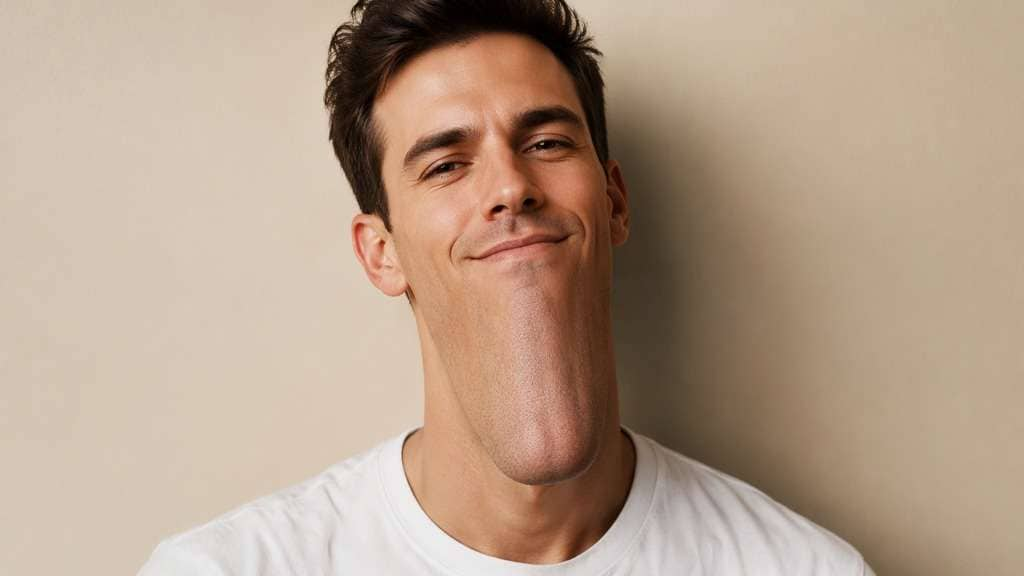
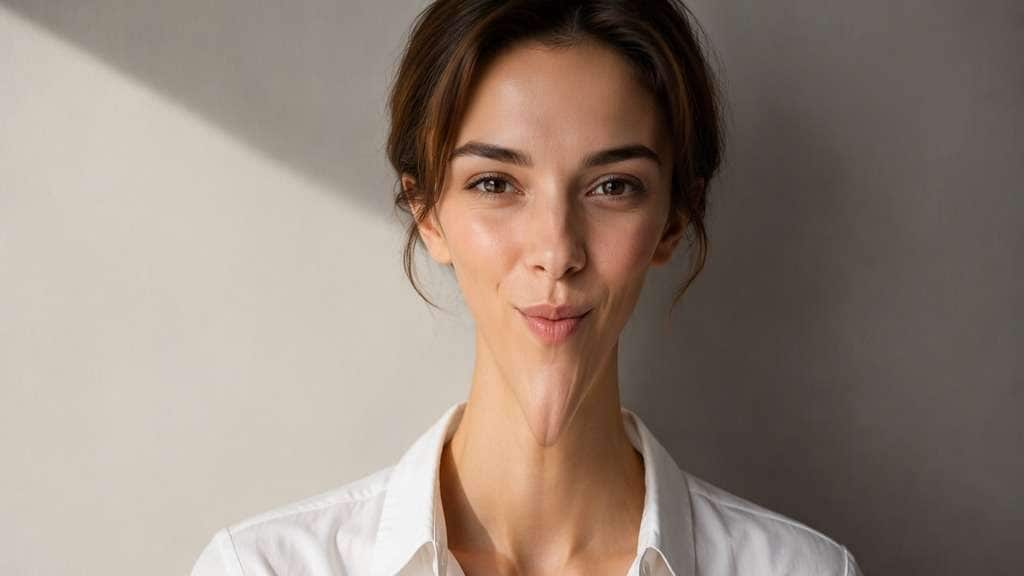
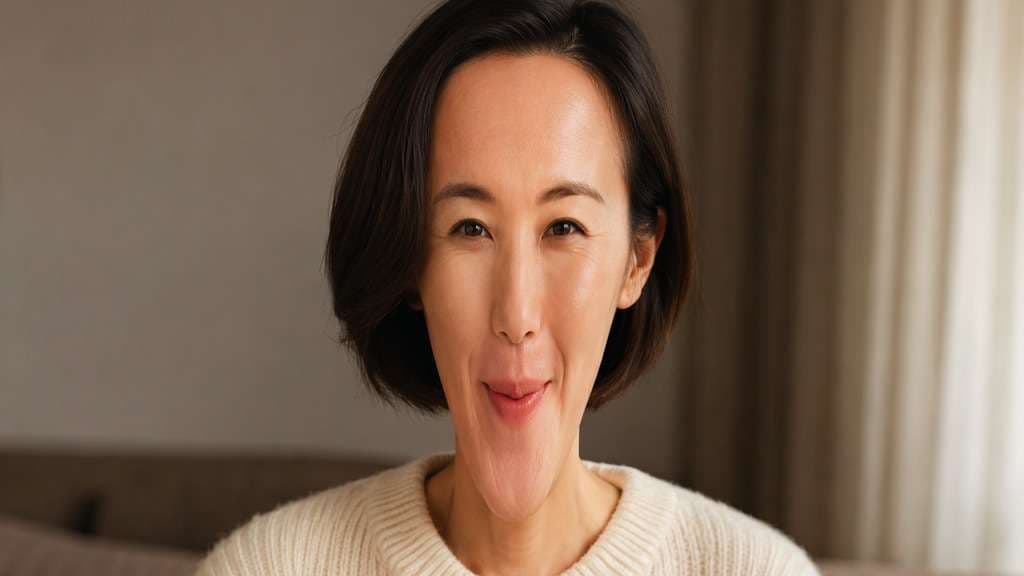
Long Chin Reaction
Edit my uploaded reference photo: Elongate lower jaw and chin noticeably while keeping upper face identity. Keep the same person, real facial identity and expression except where this named face effect intentionally changes proportions, and preserve original hair, clothing, perspective, room or outdoor setting. Do not add captions, logos, extra people or unrelated props.
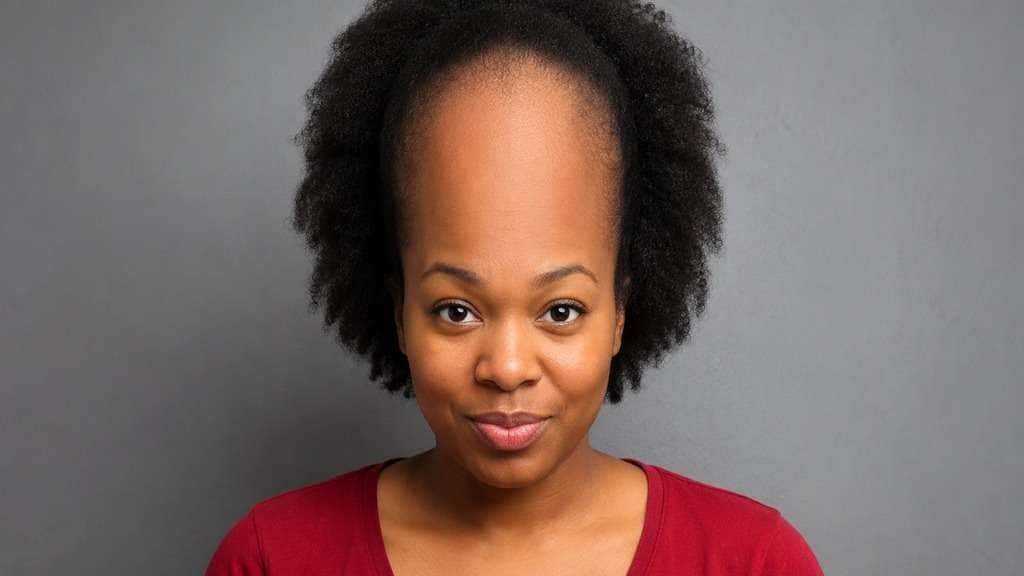
Tall Forehead Meme
Edit my uploaded reference photo: Gently extend upper forehead height comically, eyes and mouth fixed. Keep the same person, real facial identity and expression except where this named face effect intentionally changes proportions, and preserve original hair, clothing, perspective, room or outdoor setting. Do not add captions, logos, extra people or unrelated props.
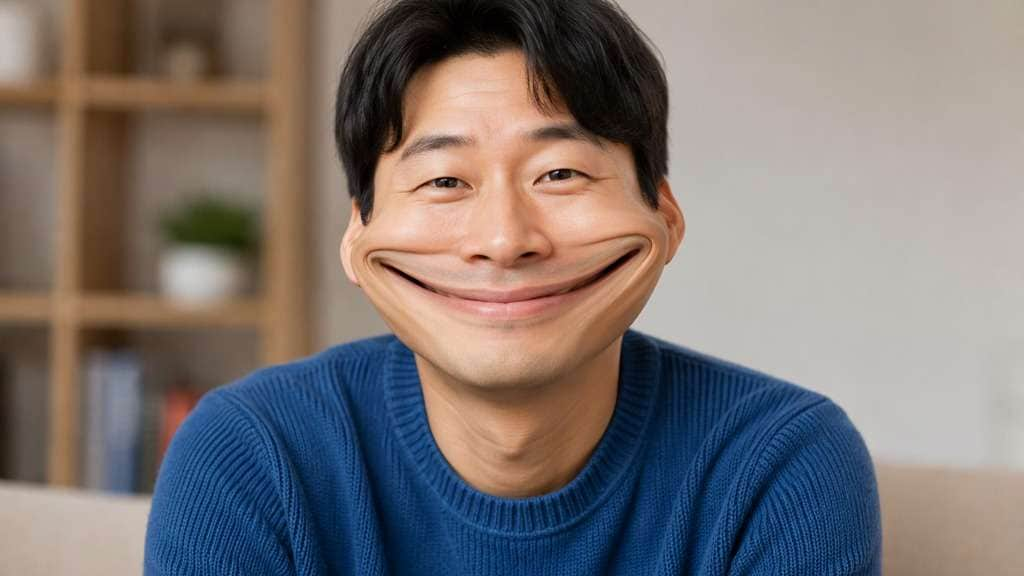
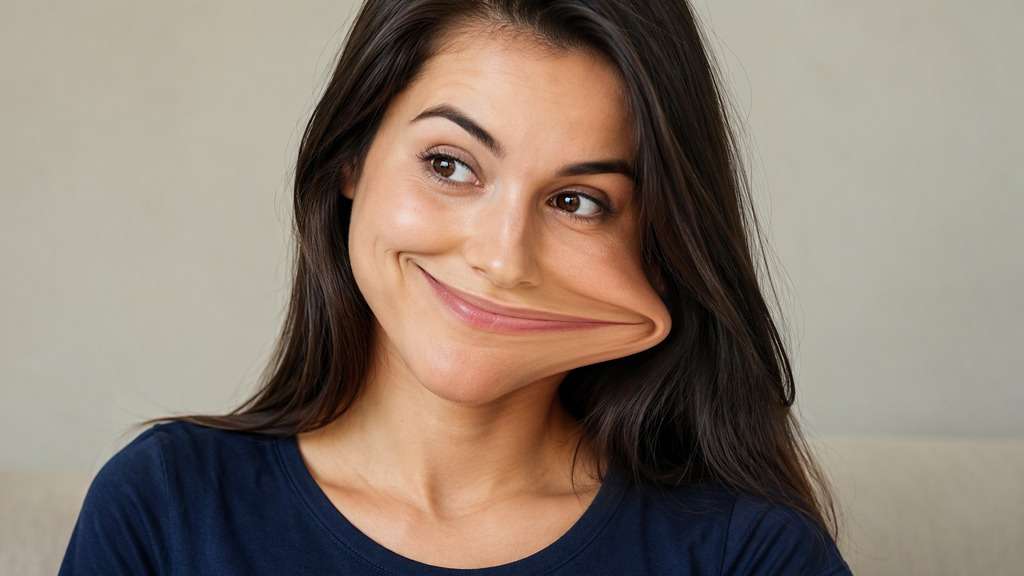
Wide Grin Stretch
Edit my uploaded reference photo: Widen smile horizontally for funny expression while keeping background straight. Keep the same person, real facial identity and expression except where this named face effect intentionally changes proportions, and preserve original hair, clothing, perspective, room or outdoor setting. Do not add captions, logos, extra people or unrelated props.
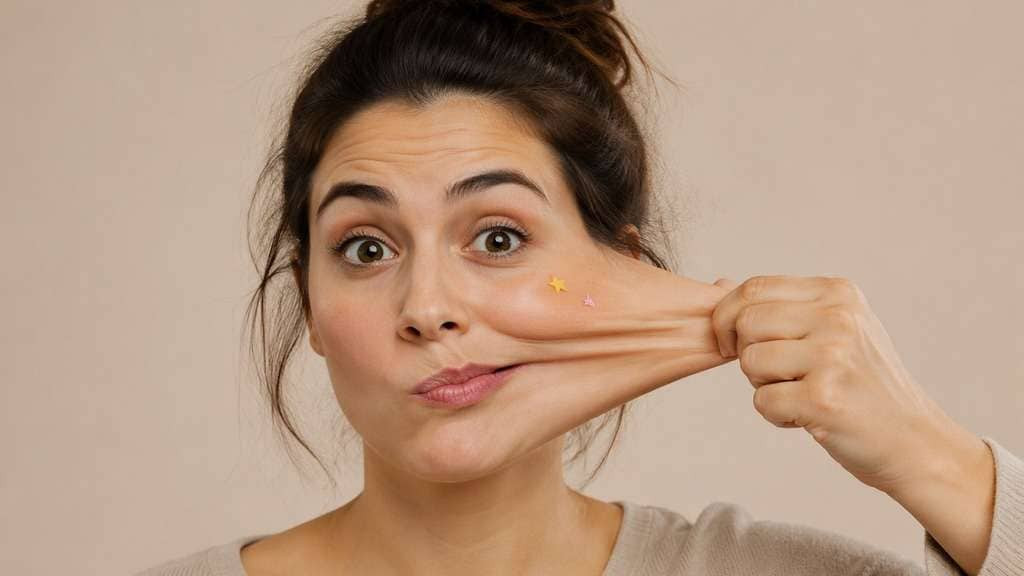
Rubber-Cheek Pull
Edit my uploaded reference photo: Stretch one cheek sideways as elastic comic effect while keeping eye shape recognizable. Keep the same person, real facial identity and expression except where this named face effect intentionally changes proportions, and preserve original hair, clothing, perspective, room or outdoor setting. Do not add captions, logos, extra people or unrelated props.
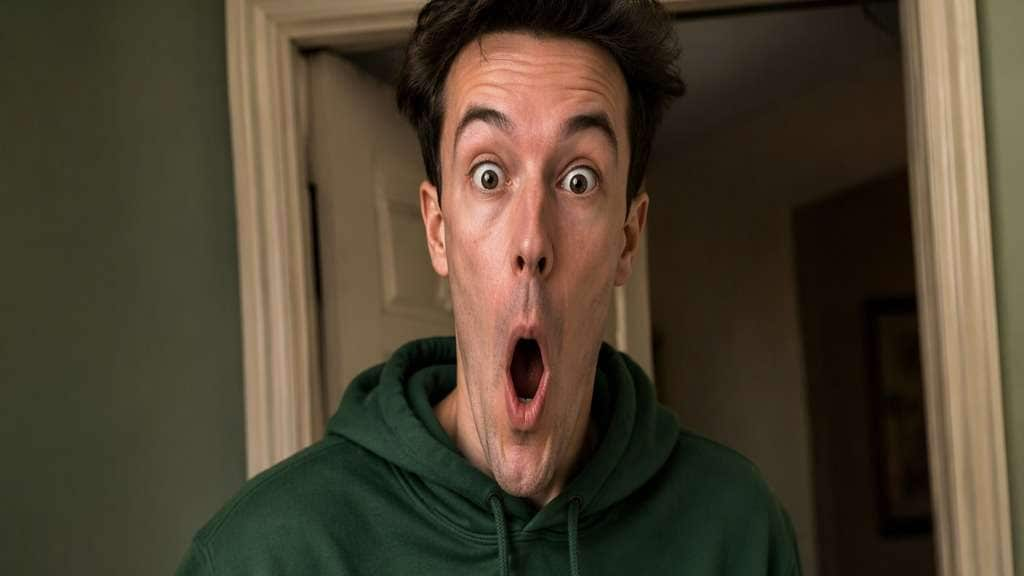
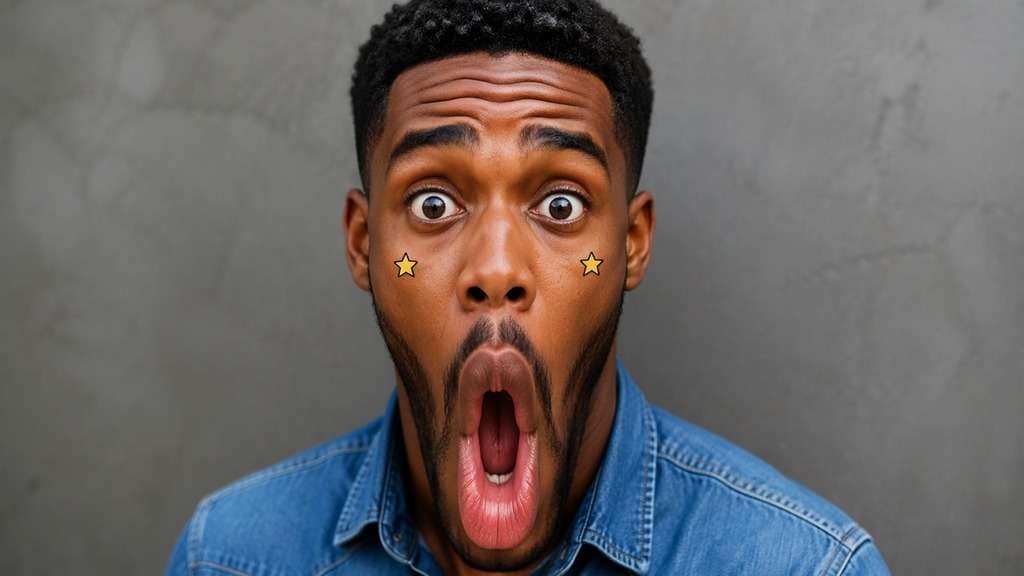
Long Face Surprise
Edit my uploaded reference photo: Extend face vertically from brow to chin, exaggerated surprise but intact expression. Keep the same person, real facial identity and expression except where this named face effect intentionally changes proportions, and preserve original hair, clothing, perspective, room or outdoor setting. Do not add captions, logos, extra people or unrelated props.
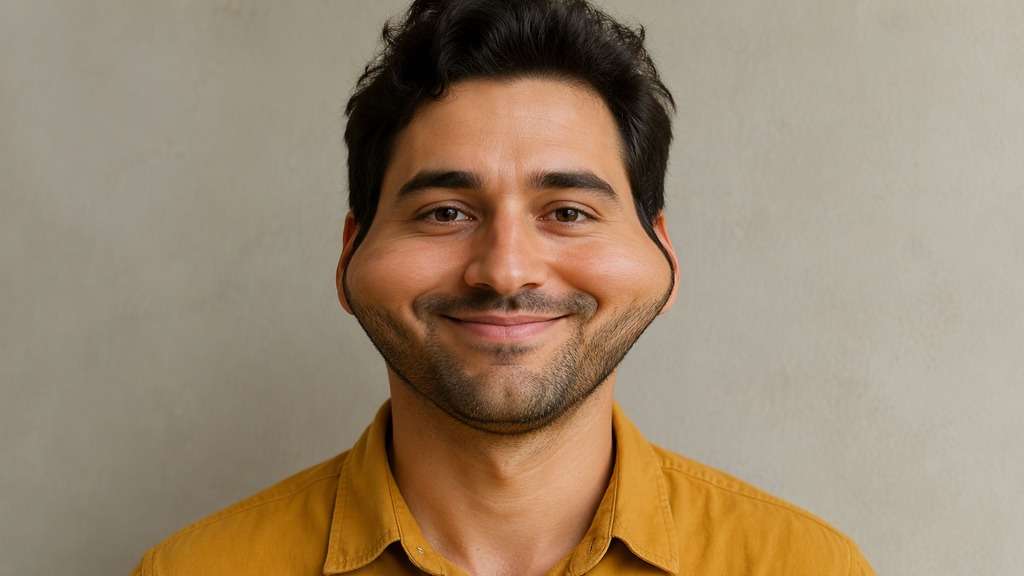
Narrow Face Joke
Edit my uploaded reference photo: Compress cheek width and extend jaw slightly to create stylized long-face distortion. Keep the same person, real facial identity and expression except where this named face effect intentionally changes proportions, and preserve original hair, clothing, perspective, room or outdoor setting. Do not add captions, logos, extra people or unrelated props.
Chin Drop Meme
Edit my uploaded reference photo: Stretch chin downward and lengthen mouth slightly for a comic gasp. Keep the same person, real facial identity and expression except where this named face effect intentionally changes proportions, and preserve original hair, clothing, perspective, room or outdoor setting. Do not add captions, logos, extra people or unrelated props.
Sideways Smile Pull
Edit my uploaded reference photo: Stretch smile asymmetrically toward one cheek, clear lighthearted caricature. Keep the same person, real facial identity and expression except where this named face effect intentionally changes proportions, and preserve original hair, clothing, perspective, room or outdoor setting. Do not add captions, logos, extra people or unrelated props.
Wide Face Contrast
Edit my uploaded reference photo: Widen upper cheeks slightly while leaving clothing and wall geometry unchanged. Keep the same person, real facial identity and expression except where this named face effect intentionally changes proportions, and preserve original hair, clothing, perspective, room or outdoor setting. Do not add captions, logos, extra people or unrelated props.
Gentle Stretch Avatar
Edit my uploaded reference photo: Create modest elongated oval face for profile picture, playful but recognizable. Keep the same person, real facial identity and expression except where this named face effect intentionally changes proportions, and preserve original hair, clothing, perspective, room or outdoor setting. Do not add captions, logos, extra people or unrelated props.
Control the Joke Without Breaking the Portrait
Choose Vertical or Horizontal Stretch
A vertical stretch lengthens the forehead or chin; a horizontal edit widens the mouth or cheeks. The direction matters more than simply asking for a funny face.
Keep Eyes and Expression Legible
Exaggeration lands better when the person remains recognizable. Ask to preserve eye identity and the actual smile while stretching the jaw or lower face, rather than remaking every feature.
Avoid Warping the Room
A deliberate face warp should not bend doorframes, shelves or friends beside the subject. Use the original photo as the anchor and constrain the deformation to the face area.
Know It Is a Still-Photo Recreation
A prompt-generated distorted portrait is not the same as a live interactive social Lens or video time-warp effect. Use this workflow for an uploaded meme image and review the result before sharing.
How to Make a Face Stretch Filter Photo Online
Use a front-facing selfie and decide which facial region carries the joke. A single specific distortion reads better than a list of conflicting edits.
Step 1
Upload a Clear Front-Facing Selfie
Open Media.io AI Face Editor and upload a portrait with an unobstructed face and a simple background.
Step 2
Describe the Funny Face Stretch
Write a prompt for a longer chin, taller forehead or wider grin, with controlled distortion of facial proportions only. Keep clothing, hair and room unchanged.
Step 3
Generate and Check the Meme Look
Click Generate and compare recognizability, expression and background lines. Reduce the stretch if the original identity becomes hard to recognize.
A stretched face meme is built around one visible exaggeration rather than an unrelated beauty transformation.
Group Chat Reaction Photo
Use an ordinary surprised selfie, then stretch only the lower face for a comic gasp. Leave the original background intact so friends immediately recognize the photo. Keep a straight doorframe or shelf in the background as a visual reference that makes the stretched jaw more obvious.
Meme Before-and-After Pair
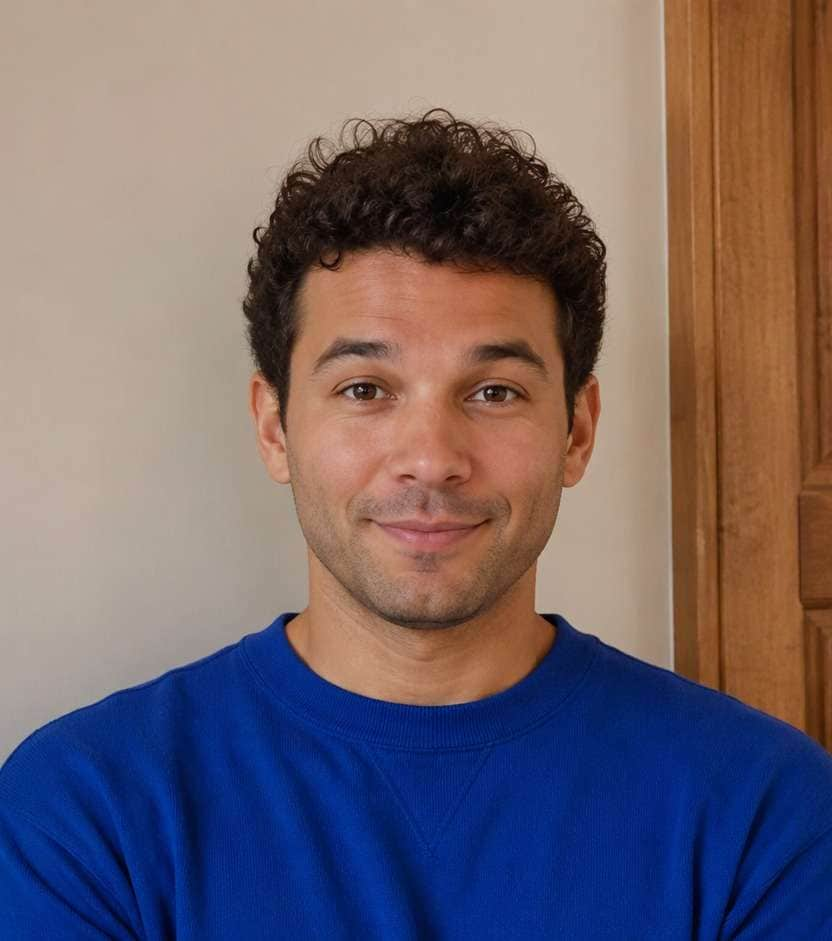
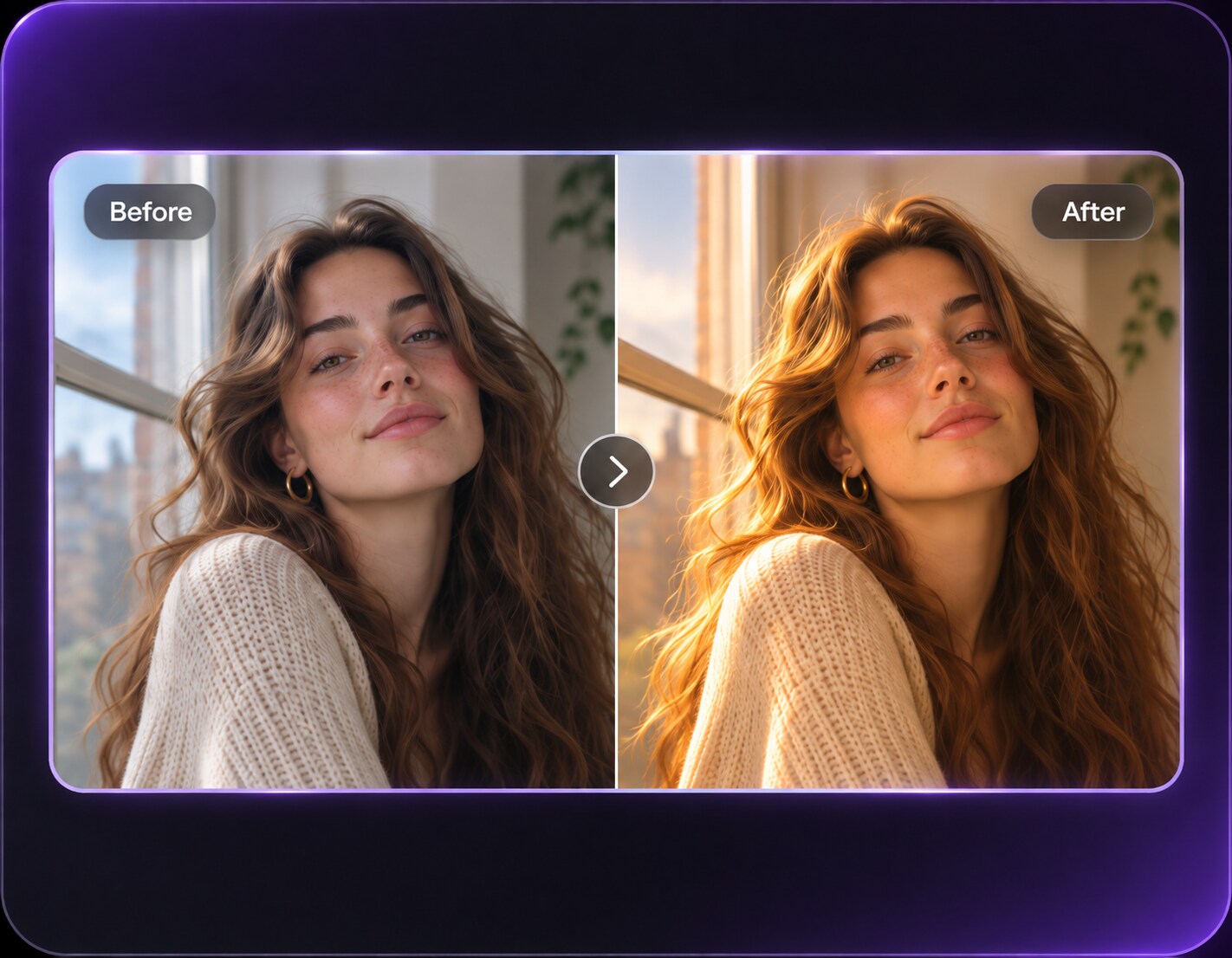
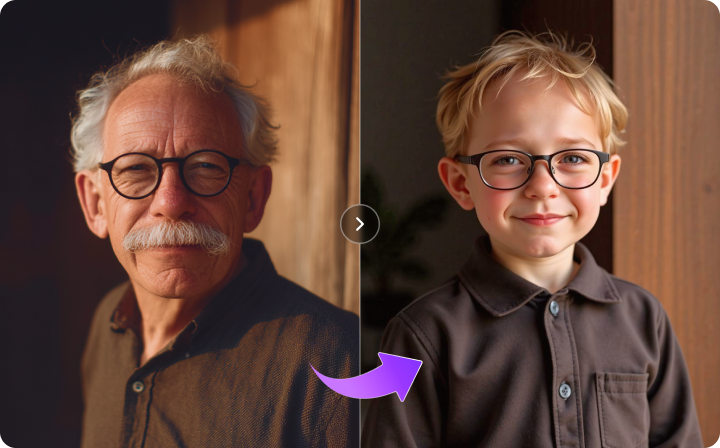
Put the original image next to a version with a tall forehead or extra-long chin. Keep the same crop and clothes so the distortion is the single difference people notice.
Playful Avatar Experiment
A mild wide grin or long face can make a distinctive temporary profile photo. Check the circular avatar crop and avoid stretching beyond the visible head bounds. Make a second, gentler version for small profile circles where a dramatically elongated chin might be cropped away.
Face Stretch Filter Preview Checklist
Direction
Photo preview checklist
"Is the stretch clearly vertical or horizontal?" One strong direction gives a more readable result.
Background
Photo preview checklist
"Are doorframes and shelves straight?" Contain the warp within the face instead of bending the room.
Recognition
Photo preview checklist
"Can friends still identify the person?" Keep eyes, hairstyle and expression anchored.
Comfort
Photo preview checklist
"Does the joke feel playful rather than cruel?" Use your own image or an image shared with permission and avoid targeting someone to embarrass them.
It deliberately warps part of a face, such as elongating the chin, making the forehead taller or widening a grin. It is a playful distortion, not a realistic beauty retouch.
2. How do I make a long face filter from a selfie?
Upload a clear portrait and request a controlled vertical stretch of the face or chin while keeping the eyes, hair, body and background as close to the original as possible.
3. Can I stretch only the mouth or forehead?
You can describe a specific region in the prompt. More precise instructions reduce unrelated facial changes, though generated results can still vary.
4. Will a face stretch edit change the background too?
It should be possible to request face-only distortion, but inspect straight lines and nearby people. The AI may alter details even when asked to preserve them.
5. Is this the live TikTok or Snapchat face stretch effect?
No. Media.io in this workflow is an uploaded-photo editor, not a live social-camera Lens or animated time-warp filter.
6. What type of selfie works best for a funny face stretch?
A front-facing portrait with an unobstructed face, clean lighting and enough space around the chin and forehead usually gives the clearest comparison.