Creations are stored for only 7 days. Assets created after upgrading to a Membership plan will be stored permanently.
Unlock your creative potential and experience the magic of Media AI right away!
Vaporwave Text Generator for Neon Retro Titles and Cover Art
Create bold vaporwave text generator visuals from a simple prompt. Media.io helps you turn words into neon, chrome, glitch, and retro poster-style images for covers, thumbnails, and social posts—ideal when you want more than a basic vaporwave generator or copy-and-paste text converter.
Review these example directions, then tailor the prompt details to get stronger results with this Vaporwave Text Generator.
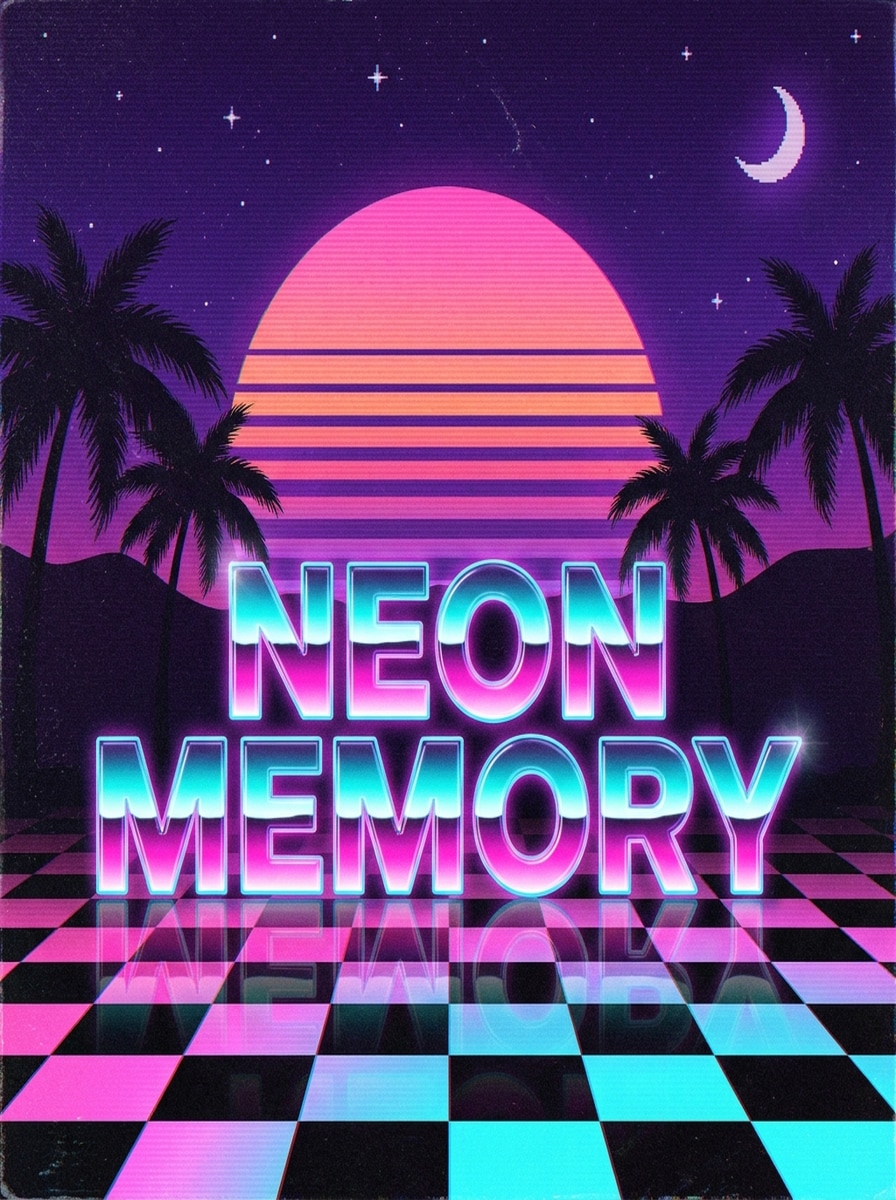
Neon Sunset Title
Create a square vaporwave typography poster featuring the phrase “NEON MEMORY” in large, highly legible lettering. Use a neon pink and cyan gradient with glossy glow, a retro striped sunset, palm silhouettes, purple dusk sky, subtle VHS grain, checkerboard reflections, and clean album-cover composition with nostalgic 80s energy.
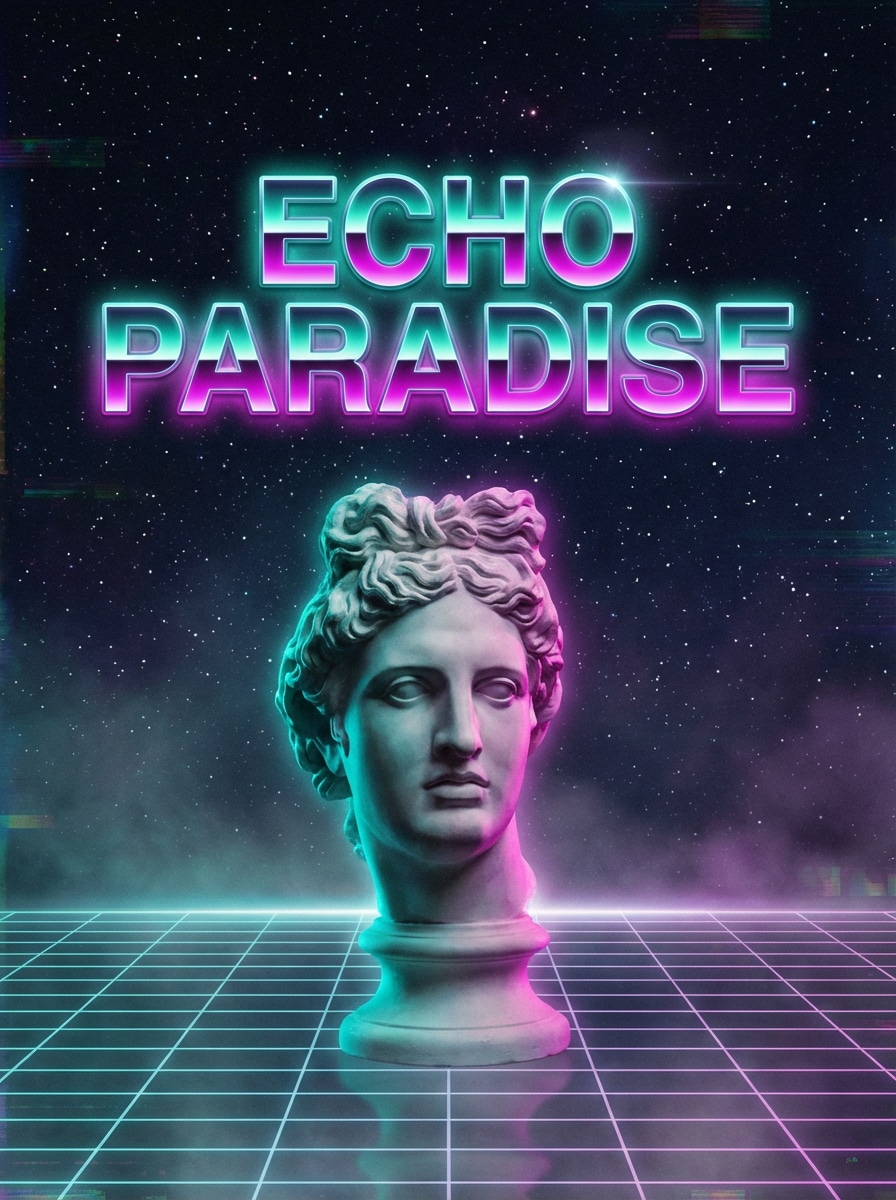
Greek Statue Vaporwave
Design a vaporwave cover with the phrase “ECHO PARADISE” centered in luminous retro type. Add a marble Greek statue, teal and magenta rim lighting, starry midnight backdrop, wireframe grid floor, soft haze, and elegant spacing. Keep the text readable while the scene feels dreamy, artistic, and distinctly nostalgic.
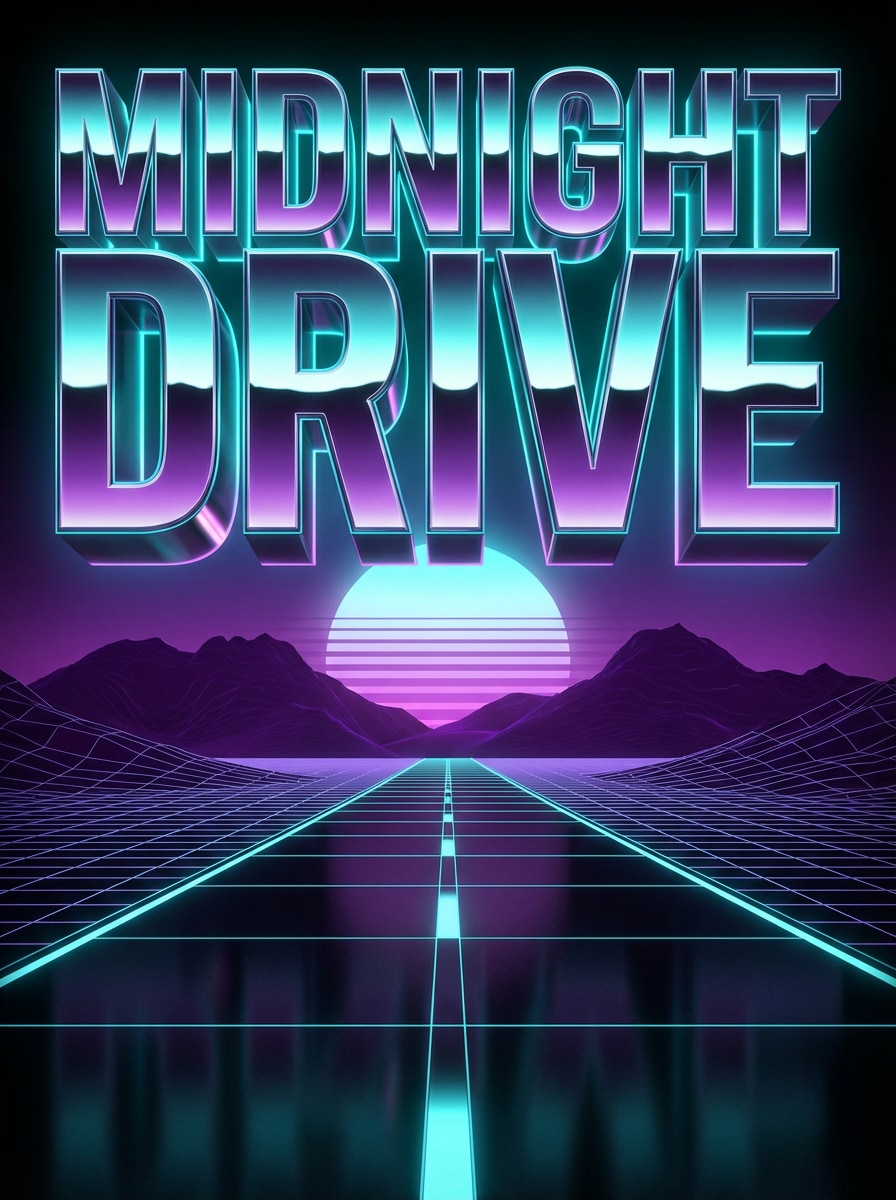
Chrome 3D Headline
Generate a dramatic synthwave poster with the words “MIDNIGHT DRIVE” in oversized reflective chrome 3D lettering. Use metallic surfaces, cyan neon rim light, a glowing horizon sun, purple mountains, a wireframe road, crisp contrast, and cinematic depth. Make the composition bold, polished, and perfect for a retro-futuristic headline.
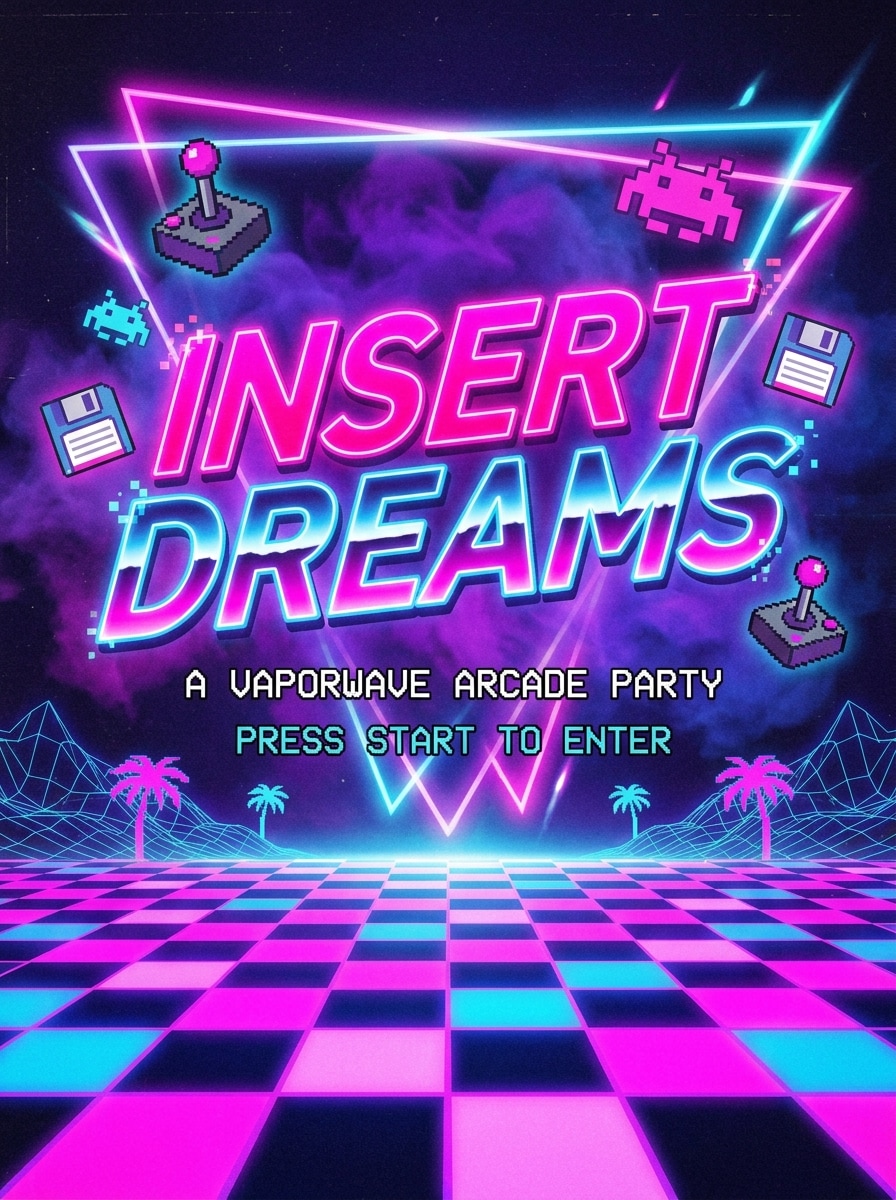
Arcade Neon Flyer
Create an 80s arcade-inspired vaporwave flyer with the phrase “INSERT DREAMS” as the main title. Use hot pink and electric blue neon lettering, pixel accents, checkerboard flooring, purple fog, glowing outlines, and playful retro contrast. Keep the layout centered, poster-like, and highly readable for a fun nostalgic party aesthetic.
VHS Distortion Text
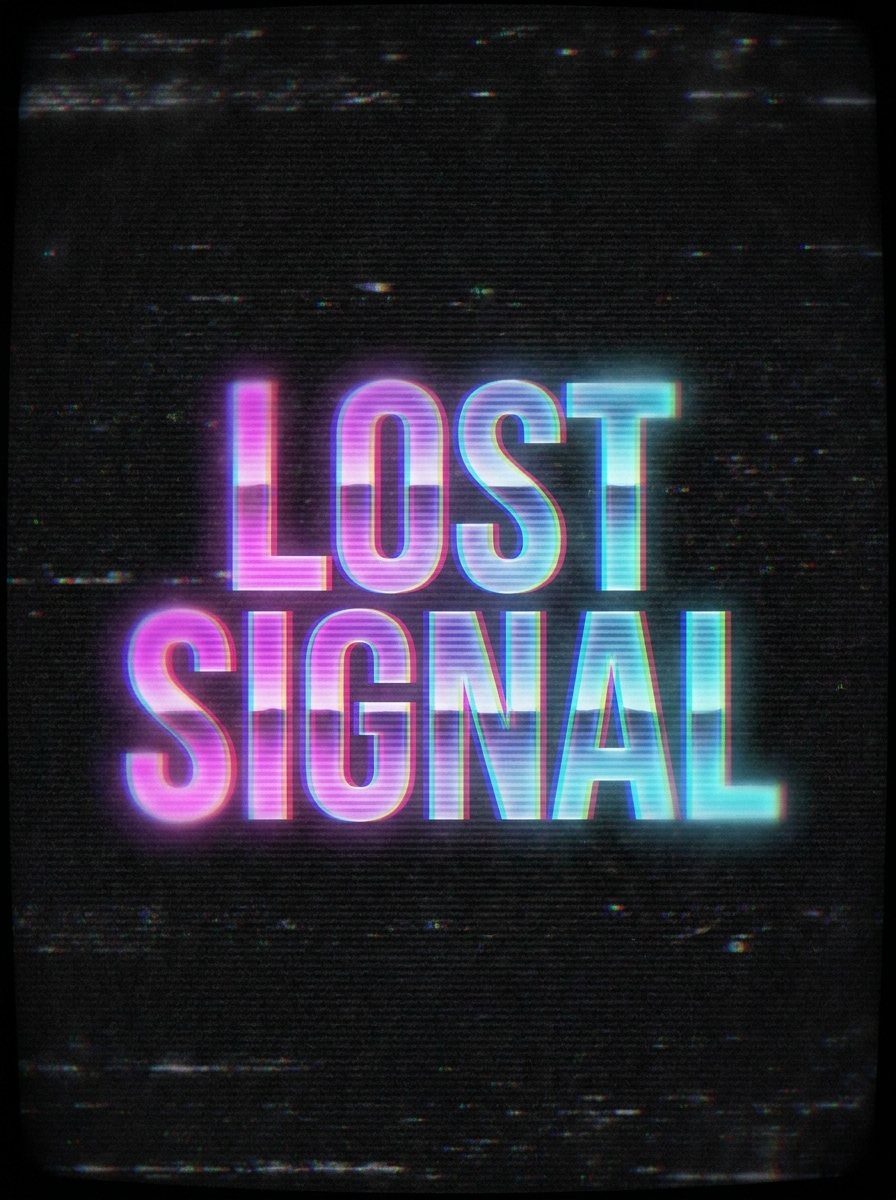
Make a dark vaporwave text artwork with the phrase “LOST SIGNAL” in large retro lettering. Apply VHS distortion, RGB split, CRT scanlines, analog static, faded neon gradients, and subtle blur. Use a moody black background with magenta and cyan highlights so the text feels nostalgic, glitchy, and visually striking.
Digital Glitch Logo
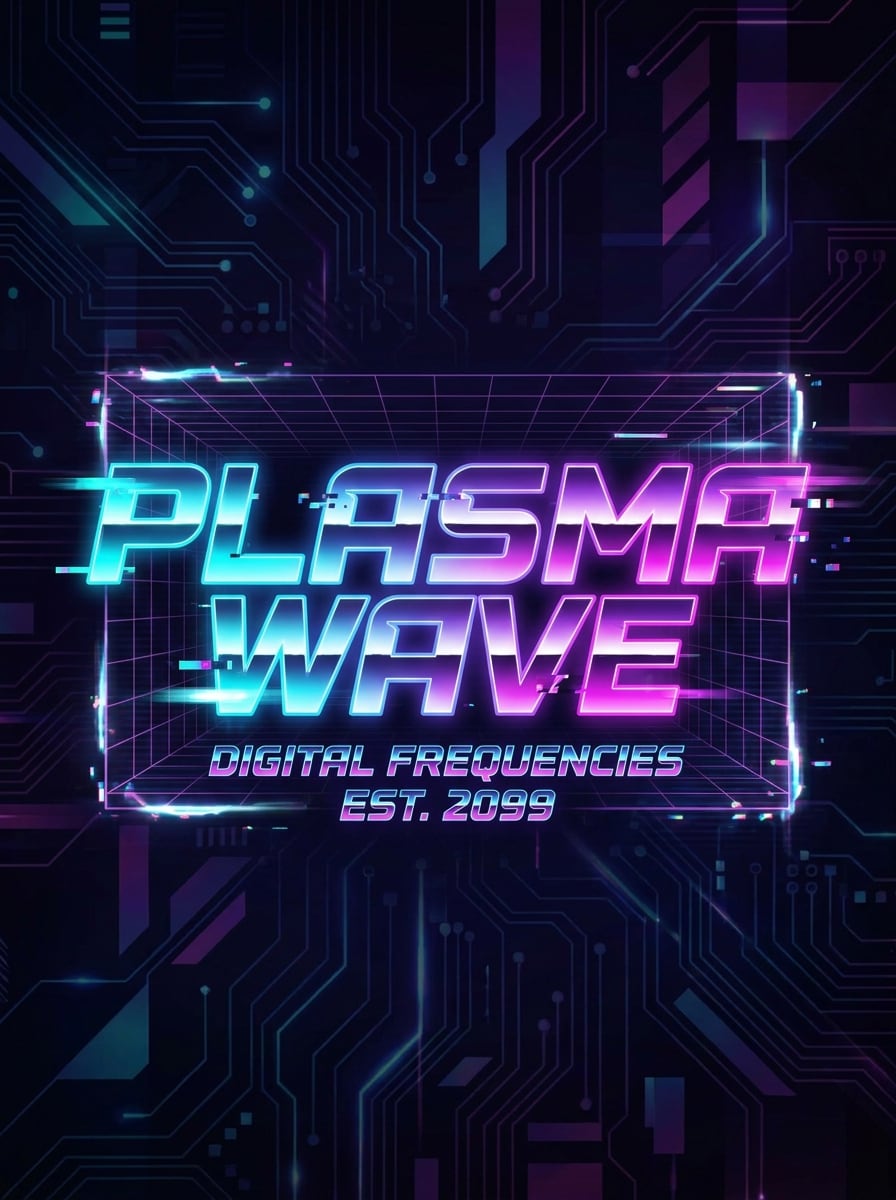
Create a social-ready vaporwave logo featuring the words “PLASMA WAVE” in futuristic bold typography. Use cyan, magenta, and purple gradients, digital glitch fragments, light motion blur, neon edges, and a sleek dark backdrop. Balance sharp legibility with stylish digital noise for a modern vaporwave brand or channel graphic.
Soft Pastel Aesthetic
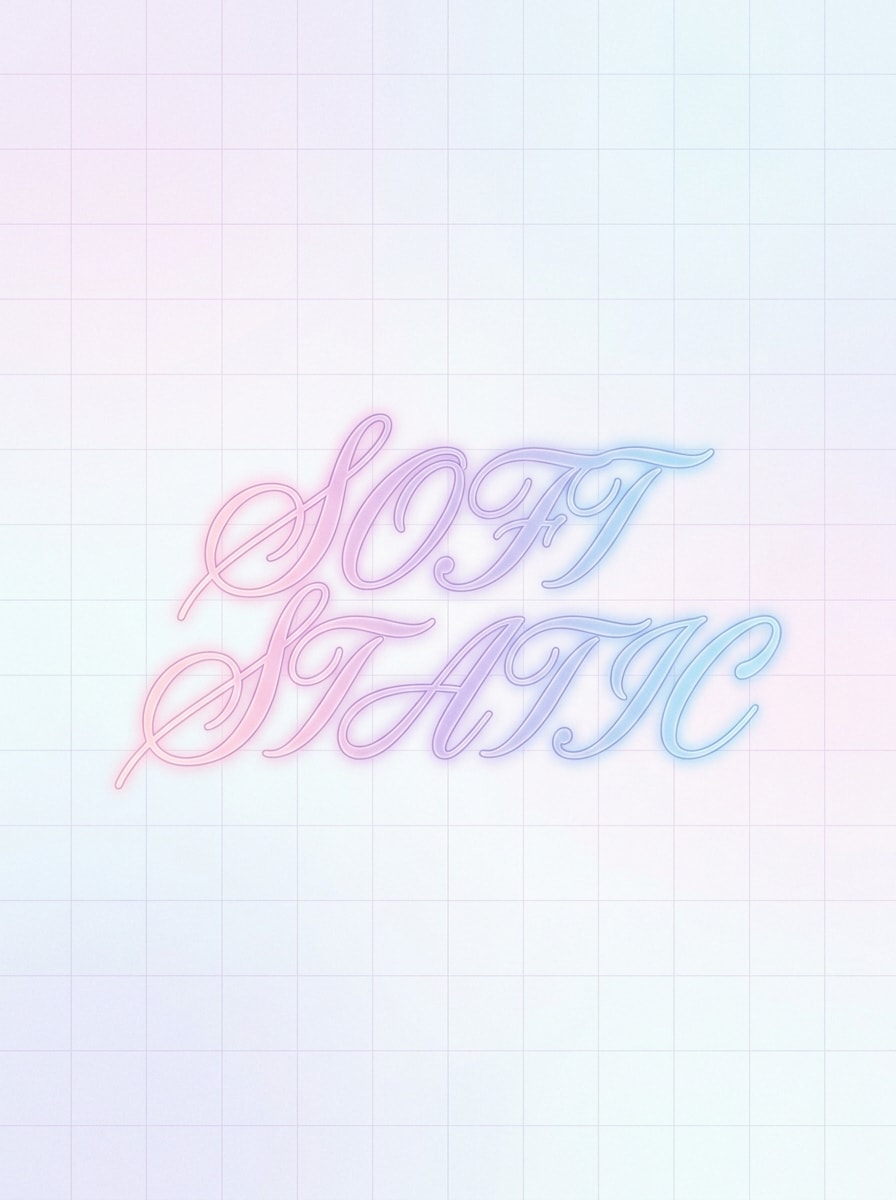
Design a minimalist vaporwave text composition with the phrase “SOFT STATIC” in elegant retro lettering. Use pastel pink, lavender, and sky blue tones, gentle glow, smooth gradients, airy negative space, and a dreamy mood. Keep the background clean and refined so the result feels calm, aesthetic, and perfect for Instagram graphics.
Japanese Retro Typography
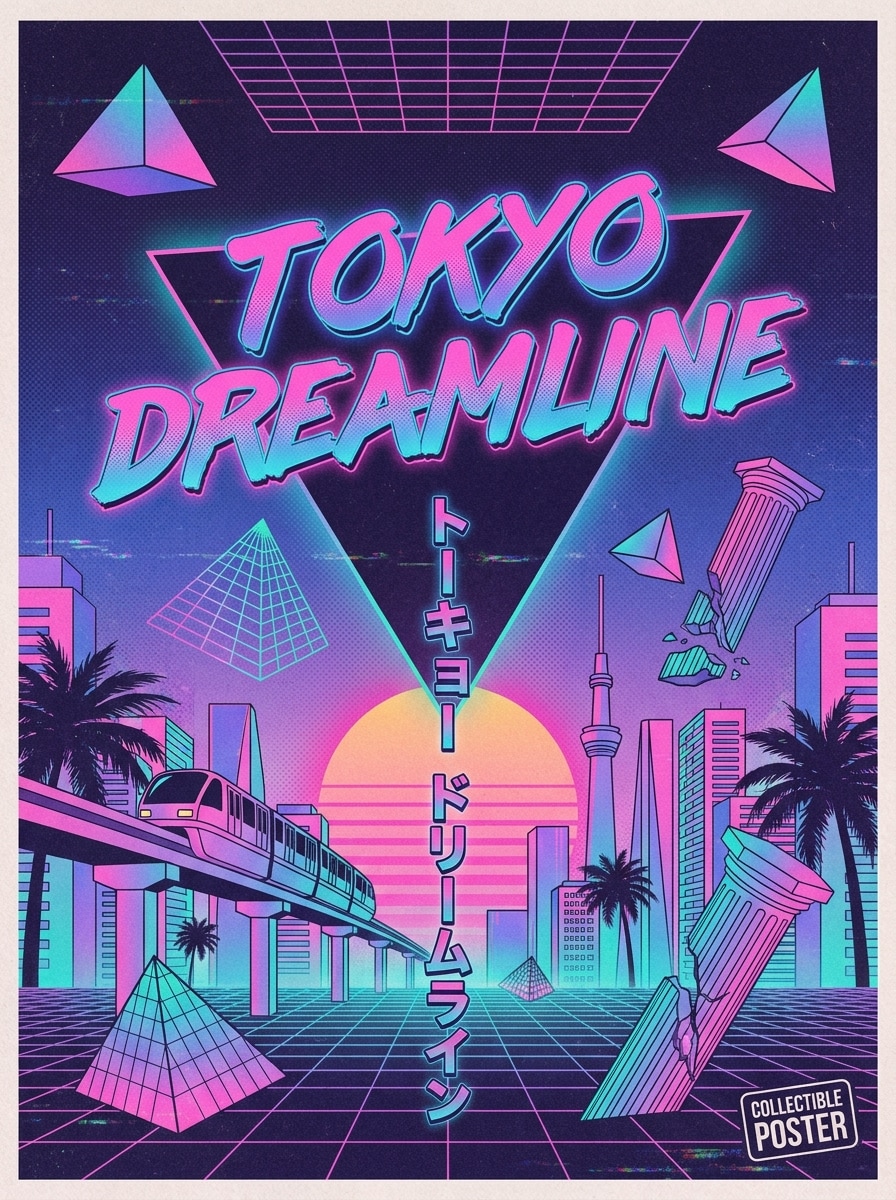
Create a vaporwave poster featuring the phrase “TOKYO DREAMLINE” with Japanese retro poster influence. Use katakana-inspired layout cues, neon pink-to-blue gradients, geometric shapes, halftone print texture, soft paper grain, and balanced spacing. The text should remain clear while the design feels collectible, nostalgic, and visually rich.
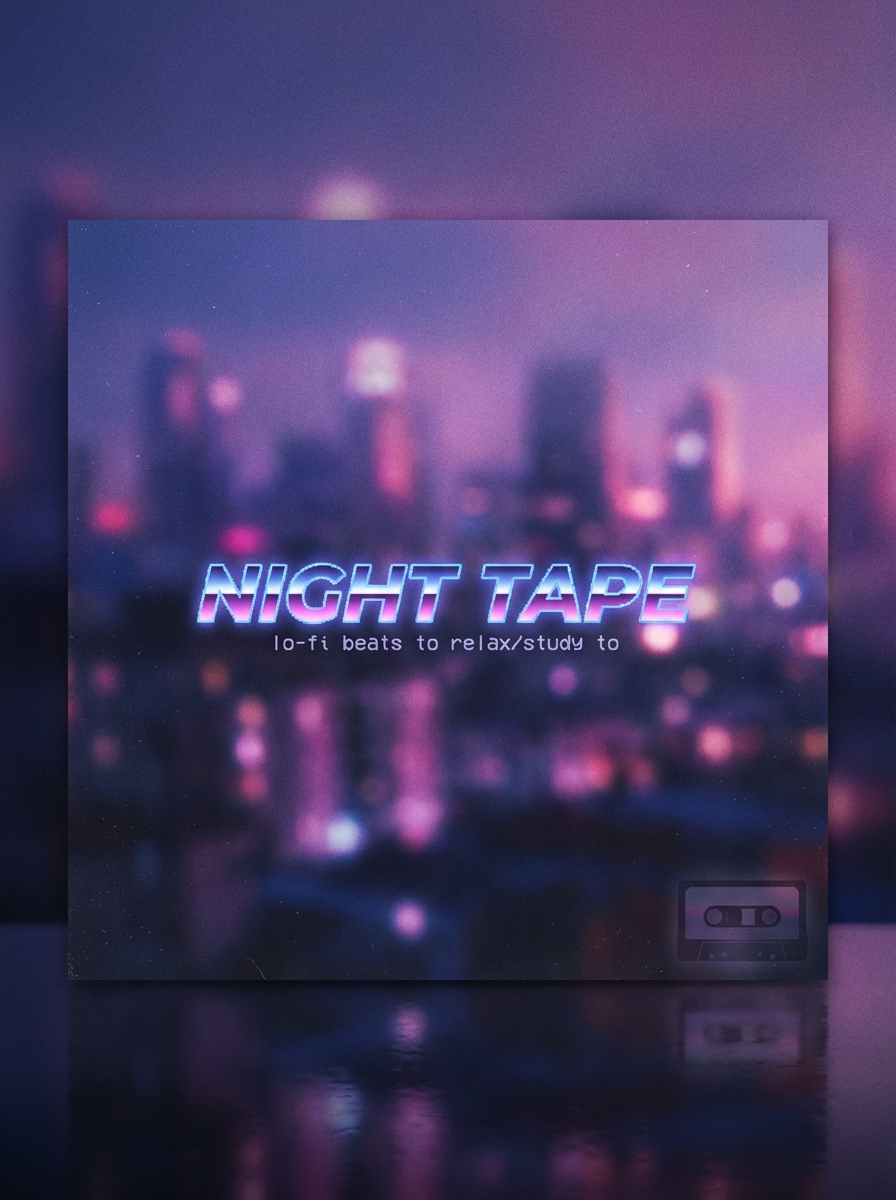
Lo-fi Album Text
Generate a square lo-fi album cover with the title “NIGHT TAPE” in dreamy vaporwave typography. Use soft city lights, indigo and magenta glow, fine film grain, gentle haze, subtle reflections, and mellow retro-futuristic mood. Keep the composition clean, musical, and polished for streaming artwork or playlist cover design.
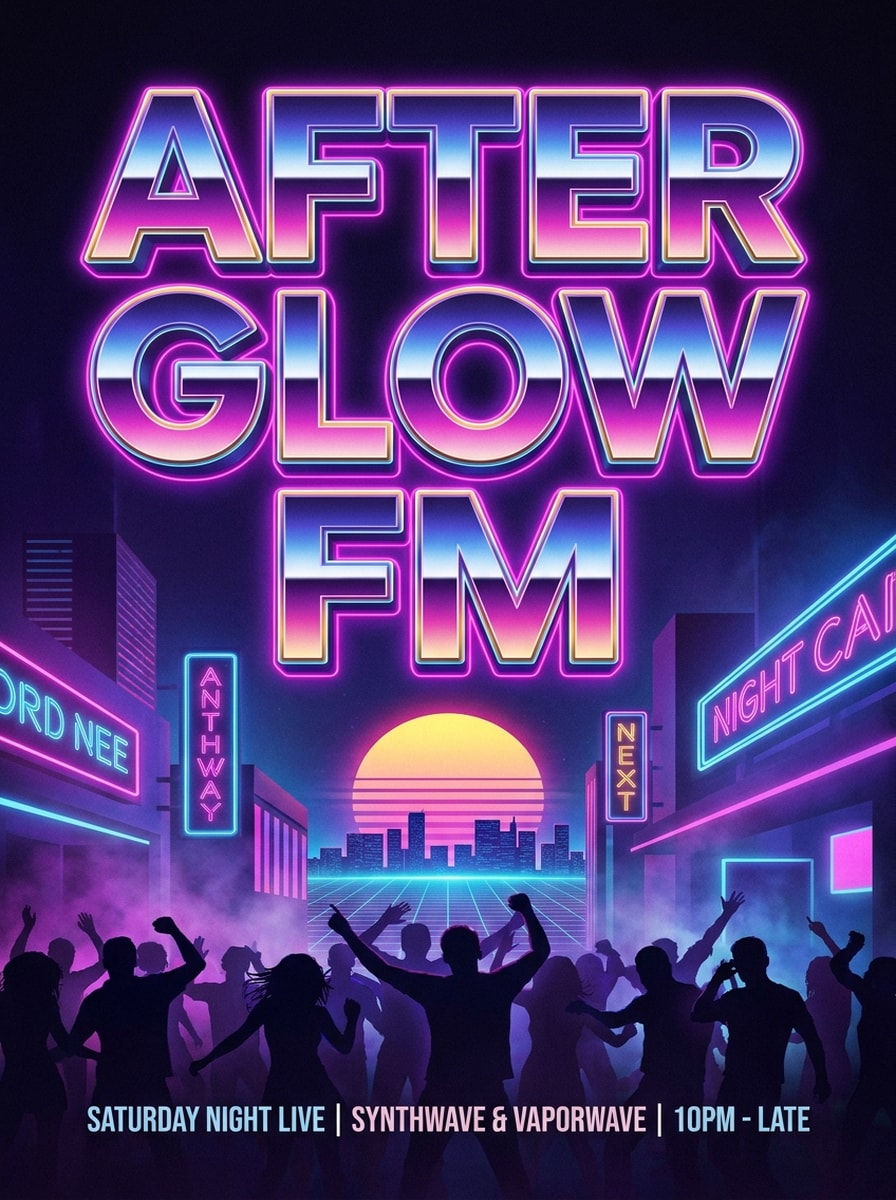
DJ Poster Headline
Create a vertical event poster with the phrase “AFTERGLOW FM” in giant vaporwave headline text. Use chrome gradients, nightclub neon lighting, retro sunset accents, light fog, energetic purple-blue atmosphere, and strong contrast. Make it feel like a premium synthwave club flyer with crisp readability and high visual impact.
Why Use Media.io for Vaporwave Text Art
Modern AI Models for Better Prompt Results
Create detailed vaporwave text images with advanced models including Nano Banana Pro, Nano Banana 2, Seedream 5.0 Lite, Seedream 4.0, Imagen 4, and more. This helps you generate sharper neon, chrome, glitch, and retro poster effects from simple English prompts.
High Resolution with Flexible Aspect Ratios
Export your vaporwave poster, thumbnail, or cover art in 1K, 2K, or 4K quality. Choose from ratios like 1:1, 9:16, 16:9, 4:3, 3:4, 3:2, and 2:3 so your design fits social posts, vertical videos, banners, and print-ready layouts.
Versatile Styles Beyond Basic Unicode Text
Unlike a simple copy-and-paste converter, Media.io works as a vaporwave image generator and visual text effect tool. You can create anime, realistic, 3D render, cyberpunk, oil painting, and retro-inspired looks while keeping your vaporwave typography front and center.
Works Online on Desktop, Tablet, and Phone
Media.io runs in your browser on Windows, Mac, iOS, and Android. Whether you need a quick vaporwave aesthetic generator for a post or a polished cover concept on the go, you can generate and download from almost any device.
How to Use the Vaporwave Text Generator
1
2
3
1
Step 1: Open Media.io Vaporwave Text Generator
Go to AI Text to Image Generator and open the Vaporwave Text Generator under AI -> Text to Image. This online tool runs in your browser, so you can start creating retro text art without installing software on your computer, phone, or tablet.
2
Step 2: Enter a Prompt
Type a detailed prompt, such as “Create a chrome vaporwave poster with the text NIGHT TAPE, neon pink and cyan lighting, retro sunset, grid floor, VHS texture, square album cover style.” Adjust your preferred style, model, resolution, and aspect ratio for the result you want.
3
Step 3: Generate, Refine & Download
Click Generate to create your vaporwave text image. If needed, refine the wording, try another model, or change the layout and ratio. Then download your final image in high resolution for social media, posters, thumbnails, or cover art.
See how creators use this Vaporwave Text Generator for content, marketing, and personal projects, then adapt each idea to fit the brief.
Design Scroll-Stopping Covers and Music Art
Turn short titles, artist names, or track names into bold retro visuals for playlists, EP covers, and lo-fi branding. If you want more than a basic vaporwave generator image, Media.io helps you build complete artwork with neon gradients, chrome text, sunsets, statues, and glitch textures.
Create Social Posts, Thumbnails, and Channel Branding
Use the tool as a vaporwave image creator for TikTok covers, Instagram quote cards, YouTube thumbnails, and banner graphics. It also works well when users search for a vaporwave art generator or even a vaporwave name generator style effect for usernames, titles, or aesthetic branding words.
Make Retro Typography for Posters and Promotions
Build event flyers, fashion promos, mood boards, and digital posters with 80s-inspired lettering. This is especially useful for people looking for an 80s vaporwave text generator but who actually need export-ready image text, not just unicode characters from tools like https lingojam com vaporwave text generator.
What Users Say
Jade M.
Indie Music Producer
"Great for cover art ideas" I needed fast vaporwave title art for single covers, and this made it easy to test chrome, neon, and glitch looks in minutes. The prompts give me way more creative control than a basic text converter.
Ryan T.
YouTube Creator
"Helpful for thumbnails" I used it to generate retro text for synthwave video thumbnails. The 16:9 option saved time, and the results looked polished enough to use without extra editing.
Lena S.
Social Media Designer
"Better than copy-and-paste text tools" Most vaporwave text tools only change characters. Media.io actually helped me create full visuals with mood, color, and layout. That made a big difference for Instagram campaigns.
Marcus P.
Event Promoter
"Fast flyer concepts" I used this for club flyer headlines and poster drafts. The vertical formats and retro prompt styles were exactly what I needed for quick event promo mockups.
A vaporwave text generator can mean two different tools: a unicode text converter that changes plain characters into stylized copy-and-paste text, or an AI image tool that renders your words as visual artwork. Media.io focuses on the second use case, helping you turn prompts into vaporwave-style text images with neon, chrome, glitch, and retro aesthetics.
2. Can I turn text into a vaporwave image instead of copy-and-paste unicode text?
Media.io is designed for image-based creation, so you can type a prompt and generate full vaporwave text artwork for covers, posters, thumbnails, and social graphics. If you were searching for a vaporwave image generator or a visual alternative to unicode text tools, this workflow is a better fit.
3. Is this vaporwave text generator free to use?
Yes, free users can try Media.io with free credits. For more generations or expanded usage, you can upgrade on the pricing page. Free outputs may include watermarks, while paid plans support watermark-free high-resolution downloads. Free users can use free credits. For more usage, users can subscribe to a plan on the pricing page. Upgrade to a paid plan on the pricing page for more credits and watermark-free high-resolution downloads.
4. How do I make neon or chrome vaporwave text from a prompt?
Start with a clear English prompt describing the words you want, the text style, colors, lighting, and background. For example: “Create chrome vaporwave text reading AFTERGLOW FM, neon pink and cyan rim light, retro sunset, grid floor, VHS texture, poster composition.” Media.io is optimized for English prompts and supports multiple image models, making it easier to create a polished vaporwave generator image with a strong retro-futuristic look.
5. Can I create vaporwave text on my phone or tablet?
Media.io is web-based and works on devices with a browser, including Windows, Mac, iOS, and Android. That means you can create vaporwave text art on a desktop, phone, or tablet without installing software.
6. What image formats and resolution can I download?
Media.io supports image generation in 1K, 2K, and 4K resolution, depending on your chosen workflow and settings. Free users may have watermarks.