Vos créations sont conservées pendant seulement 7 jours. Les éléments créés après la mise à niveau de l'Abonnement seront stockés de façon permanente.
Libérez votre potentiel créatif et découvrez la magie de l'IA médiatique dès mIAntenant!
Générateur de couverture de livre pour des Concepts de couverture d'IA rapides et prêts pour les genres
Créez des concepts de couverture de livre frappant à partir d'une simple invite texte. Media.io agit comme une IAgénérateur de couverture de livreCela aide les auteurs, les éditeurs et les créateurs indépendants à concevoir des visuels spécifiques au genre pour les livres électroniques, les listes Kindle, les projets imprimés et les maquettes promotionnelles en quelques minutes avec des styles flexibles, des rapports d'aspect et une sortie haute résolution. Les créateurs l'utilisent souvent pour book cover generator gratuit en ligne.
Tapez votre idée-> AI la conçoit. Libre à essayer.
Explorez notre collection sélectionnée de styles en ligne de book cover generator, parfaits pour tester rapidement différents looks avant de vous engager dans un design final.
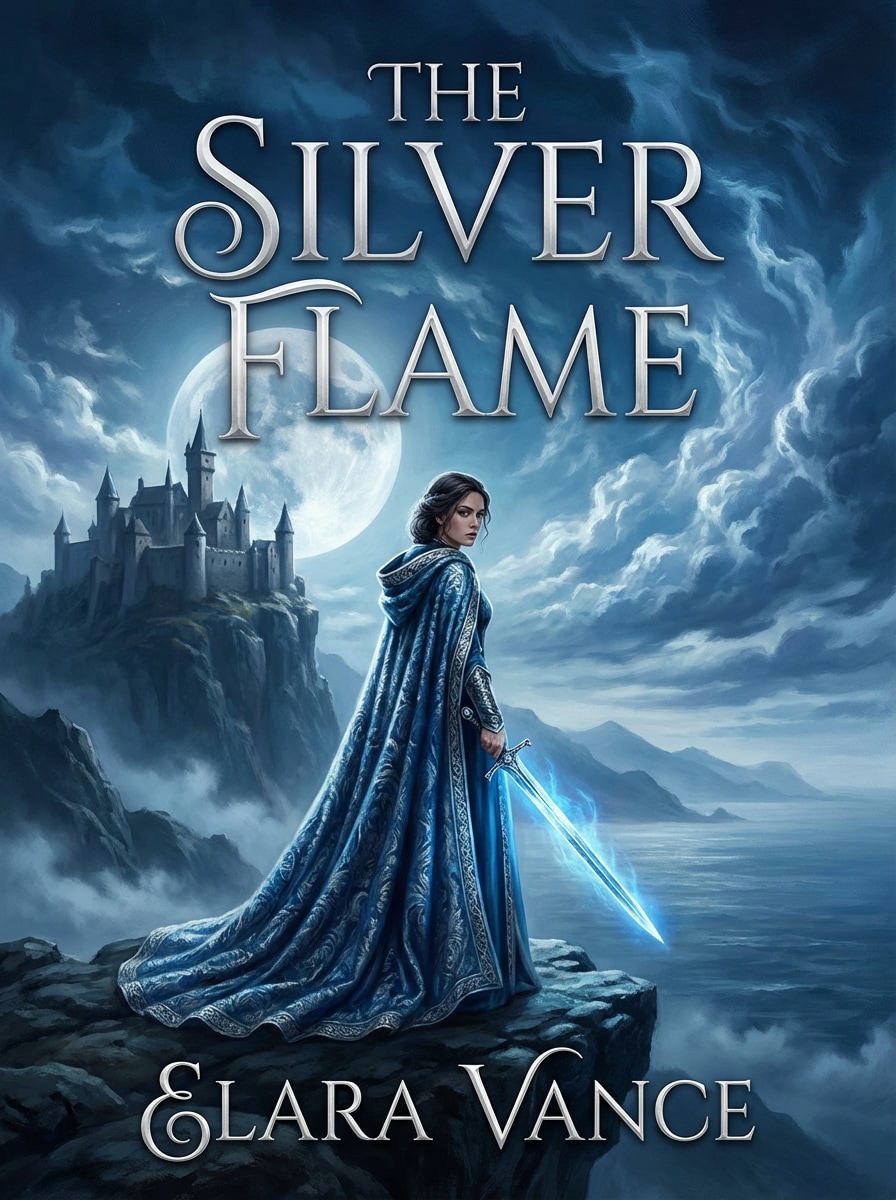
Cinématographique Epic Fantasy
Créez une couverture de livre fantastique épique cinématographique avec une héroïne solitaire au premier plan tenant une épée brillante, un ancien château sur une falaise au loin, des montagnes brumeuses, un clair de lune dramatique, une palette bleue et argentée, des textures riches de manteau, un contraste élevé, une composition centrée et un espace libre pour le titre et le nom de l'auteur.
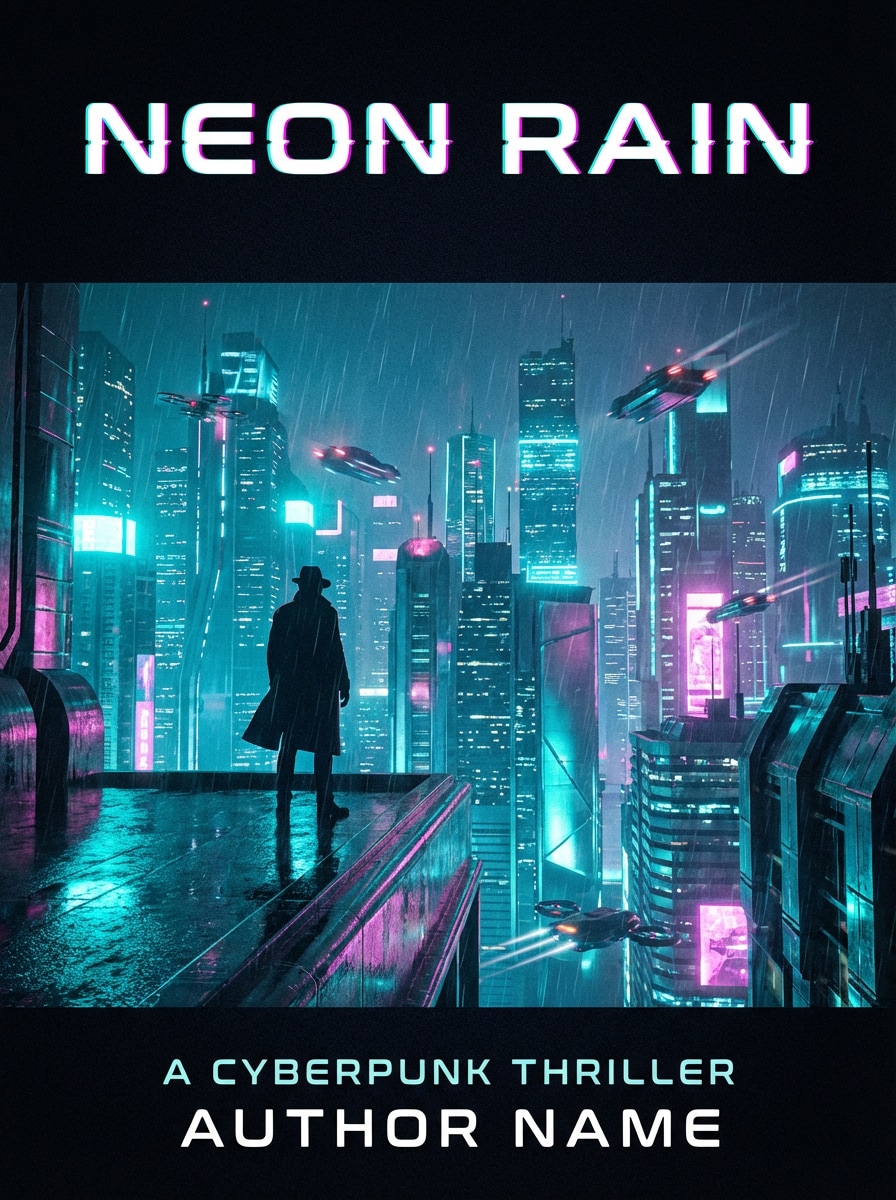
Thriller de science-fiction néon
Générez une couverture futuriste de thriller de science-fiction avec une silhouette face à l'horizon néon de la ville, un éclairage cyan et magenta, des reflets de pluie, des textures métalliques élégantes, une atmosphère cyberpunk humoristique, un point focal central fort, une profondeur cinématographique et des zones sans titre en haut et en bas pour un look d'édition moderne.
sombre Romance Floral
Concevoir une couverture de livre romantique sombre avec des roses carmessins profondes, des ombres au clair des bougies, un fond velours noir, une ambiance gothique élégante, des accents dorés subtils, une texture florale en couches, un ton sensuel de bon goût, une composition centrée et une place généreuse pour un grand titre serif et crédit d'auteur.
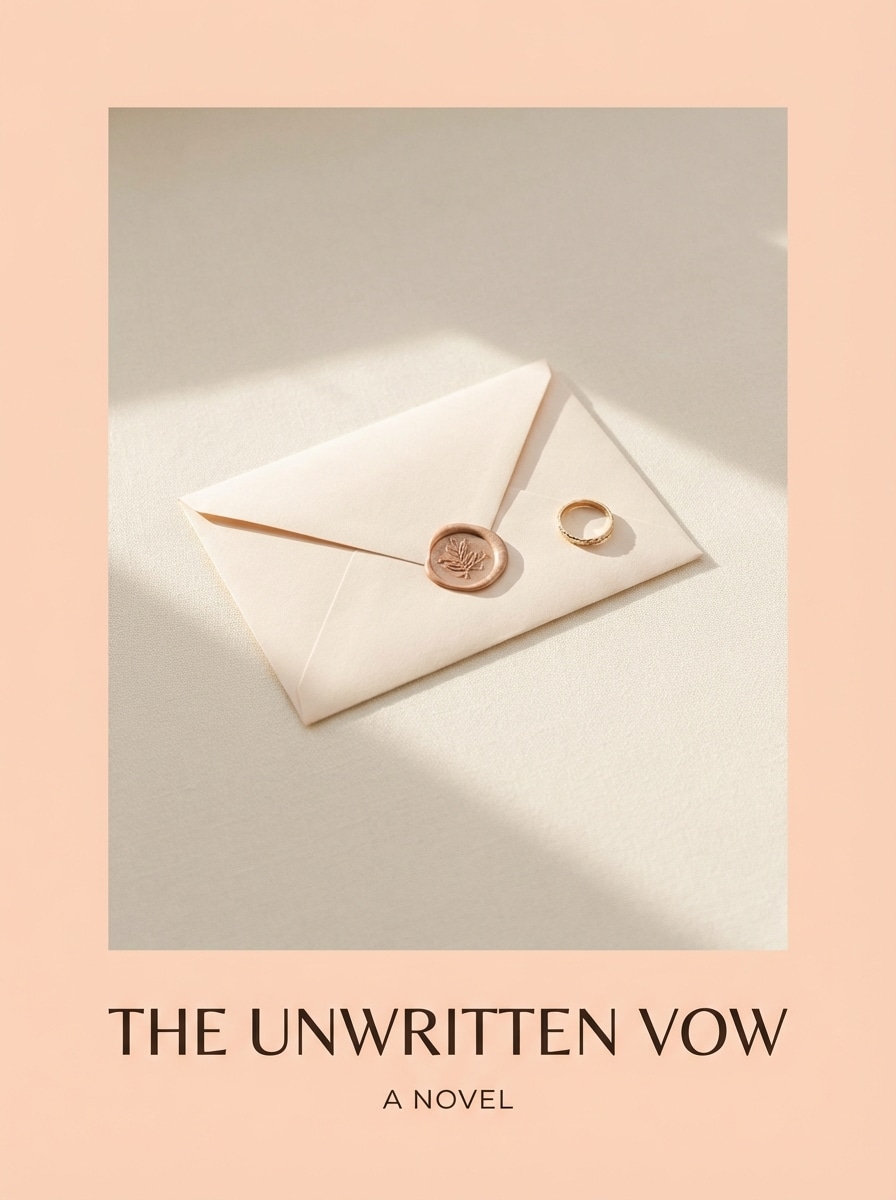
Romance minimale contemporaine
Créez une couverture romantique contemporaine minimaliste avec des tons pastel pêche et crème, un seul objet symbolique comme une lettre ou une bague, un éclairage naturel doux, des textures mates lisses, une disposition haut de gamme propre, une élégance de style librairie, beaucoup d'espace négatif et une composition équilibrée pour le placement du titre et des sous-titres.
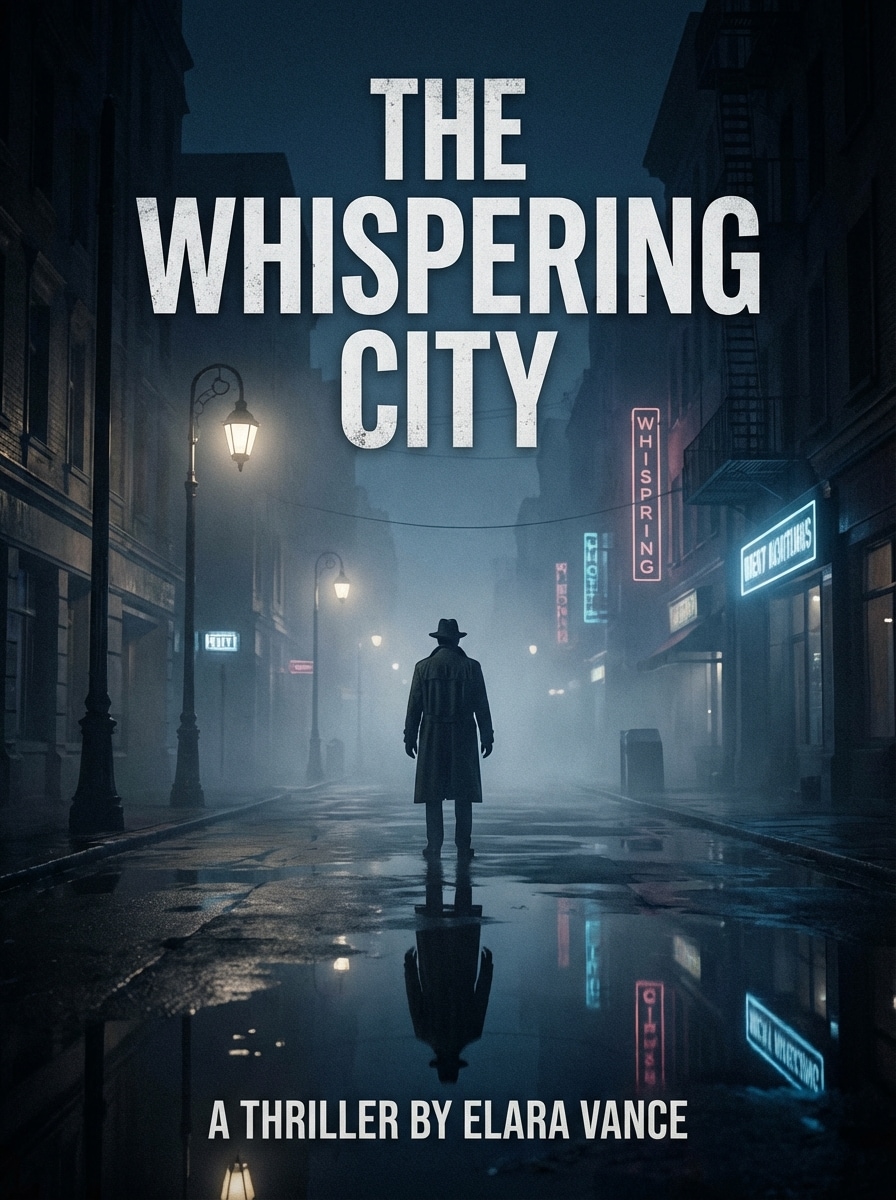
Moody Noir Thriller
Générez une couverture de livre de thriller psychologique avec une rue de ville brumeuse la nuit, une silhouette solitaire au loin, des tons bleus foncés et de charbon de bois, des reflets de trottoirs humides, un éclairage inspiré du noir, un cadre cinématographique suspenseux, un grain subtil, une zone centrale désordonnée et un placement audacieux du titre qui signale instantanément la tension et le mystère.
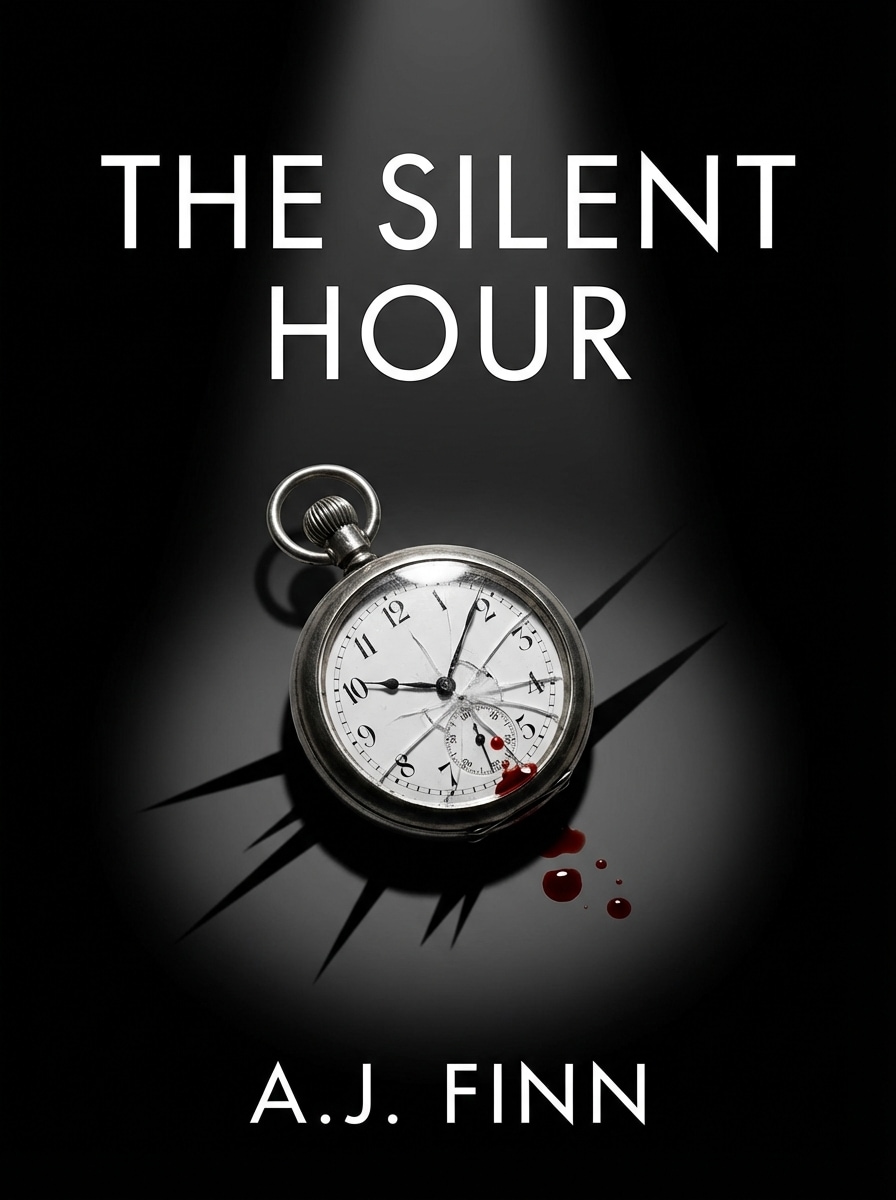
Symbolisme du Crime Minimal
Créez une couverture de roman policier minimaliste en utilisant un objet frappant tel qu'une montre cassée ou une clé rouge sang, un fond noir vif, un contraste net, des bords nets, une esthétique thriller littéraire moderne, des projecteurs dramatiques, une palette de couleurs retenue et un espace de titre propre pour une présence forte et mémorable sur l'étagère.
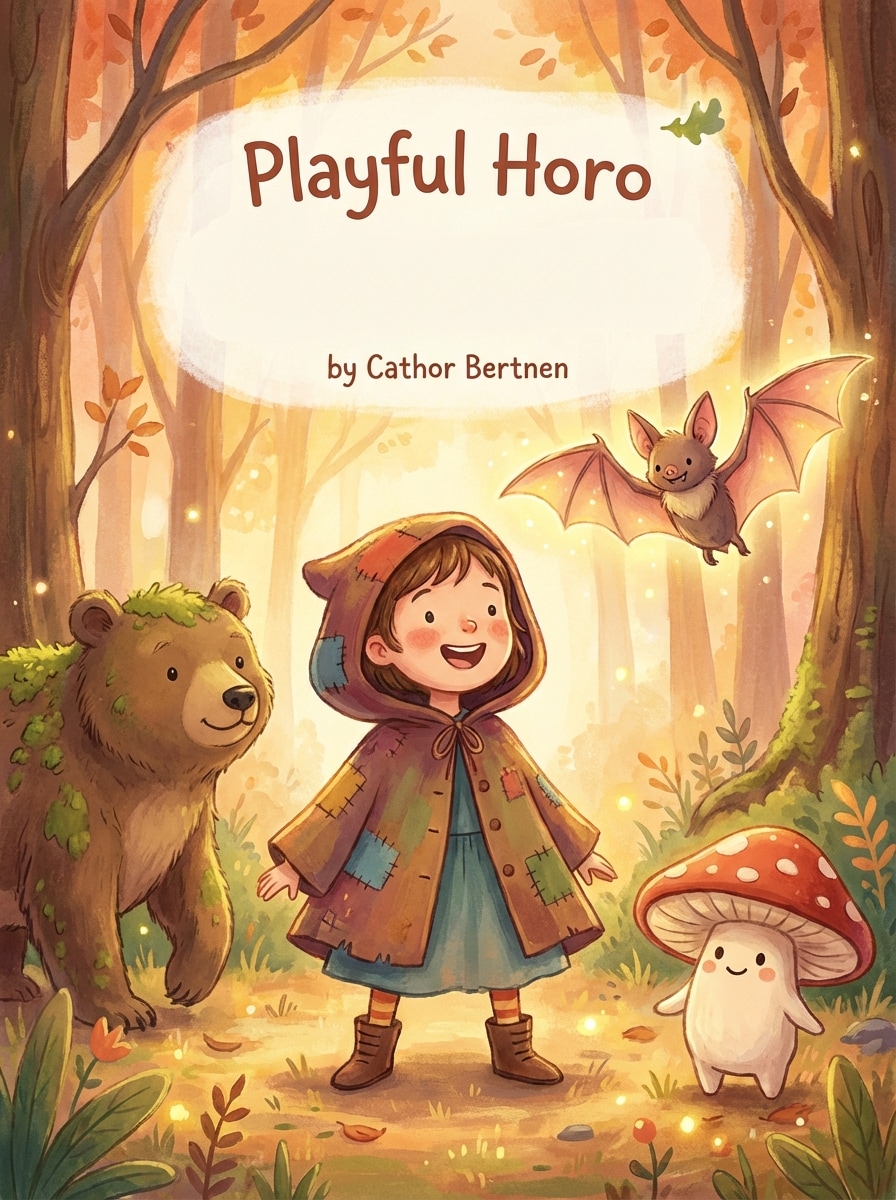
Illustration de livre de contes capricieux
Illustrez une couverture de livre pour enfants avec une forêt magique, des créatures fantastiques amicales, un personnage enfant centré, une palette de livre de contes chaleureuse, un style capricieux peint à la main, une lumière douce et brillante, des textures douces, une ambiance joyeuse et un espace ouvert clair pour le texte de titre ludique et le nom de l'auteur.
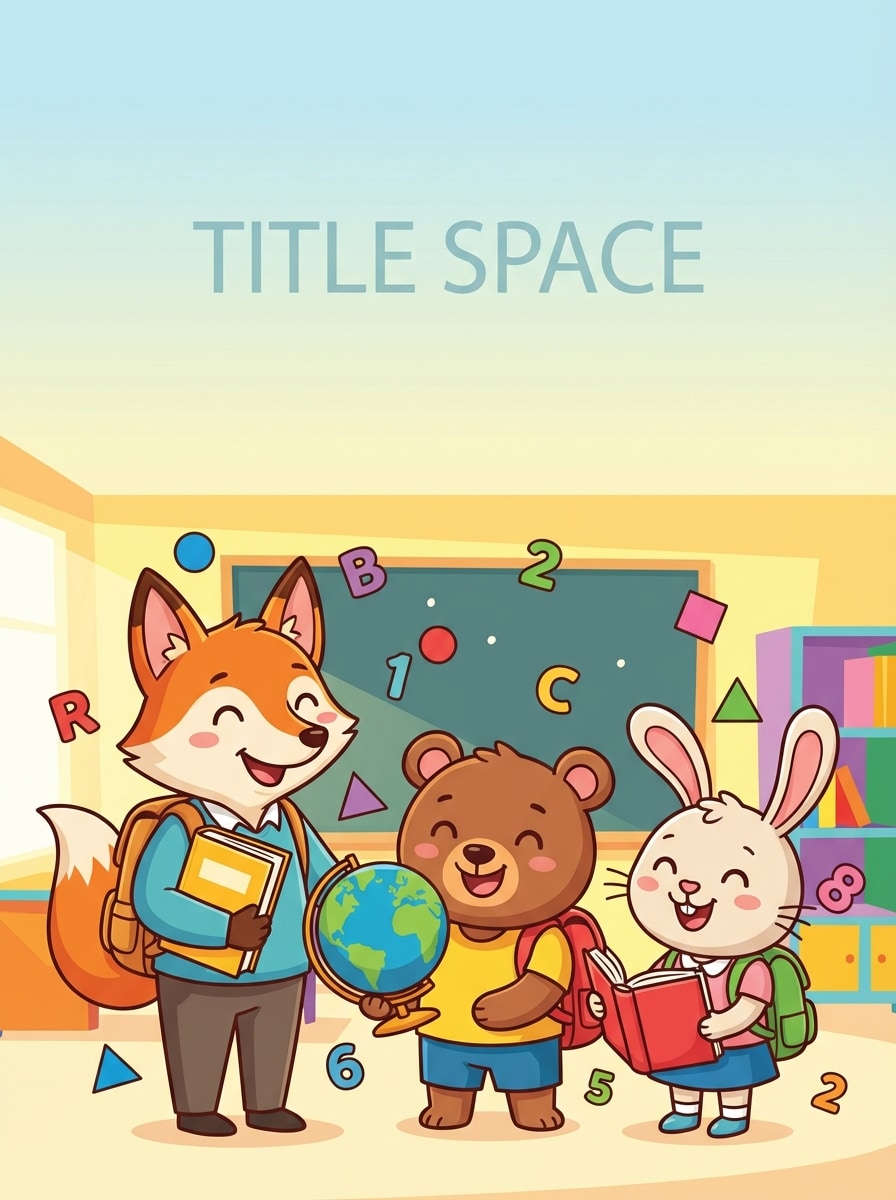
Livre d'images éducatif brillant
Concevoir une couverture de livre d'images éducative lumineuse avec des couleurs audacieuses et joyeuses, une illustration de dessin animé propre, des personnages expressifs, un arrière-plan simple, une énergie conviviale en classe, une composition très lisible, des formes vectorielles lisses et un espace sécurisé en haut pour un apprentissage amusant et invitant. -couverture axée sur l'apprentissage.
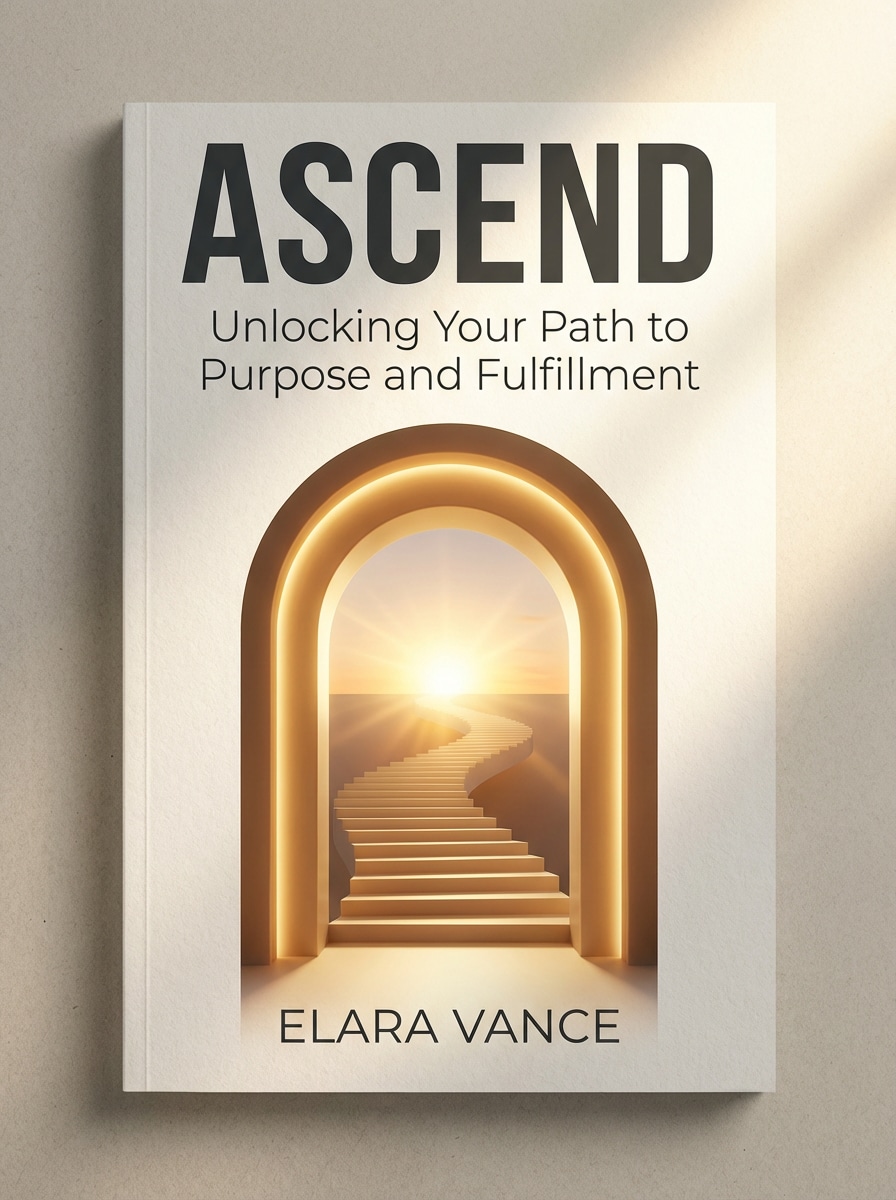
Autoaide minimale audacieuse
Créez une couverture de livre d'auto-aide moderne avec une métaphore visuelle audacieuse telle qu'une porte ouverte, un escalier ou un lever de soleil, un arrière-plan propre, une mise en page nette et conviviale à la typographie, un design haut de gamme minimal, une hiérarchie solide des titres et des sous-titres, une lumière directionnelle douce et un ton optimiste et crédible adapté aux étagères de non-fiction.
Livre de cuisine rustique Photographie
Créez une couverture de livre de cuisine avec une scène de cuisine rustique de haut en bas avec des pâtes fraîches, des œufs, de la farine, des herbes et une surface en bois texturée, un éclairage naturel chaud, un style éditorial appétissant, des couleurs terrestres, des détails réalistes et un espace vide soigneusement encadré pour le titre et le sous-titre sur une couverture prête à être publiée.
Pourquoi utiliser Media.io pour la création de couverture de livre
Sorties de couverture haute résolution
Générez des concepts de couverture professionnels en qualité 1K, 2K ou 4K en utilisant Media.io comme votreGénérateur de couverture livre gratuit, ce qui facilite la création de visuels nets pour les listes de livres électroniques, les graphiques promotionnels et les brouillons orientés vers l'impression.
Rapports d'Aspect flexibles pour l'édition
Choisissez parmi de multiples rapports d'aspect, y compris 3:4, 2:3, 4:3, et plus encore, vous aidant à façonner les concepts de couverture pour les aperçus Kindle, les librairies en ligne, les publicités et différentes mises en page d'édition grâce à un générateur de conception de couverture de livre flexible.
Plusieurs modèles et Styles d'IA
Utilisez des modèles avancés de conversion de texte en image tels que Nano Banana Pro, Nano Banana 2, Seedream et Imagen 4 avec des styles allant de la peinture réaliste et à l'huile au cyberpunk et au rendu 3D, offrant aux invites de générateur d'images de couverture de votre livre une large gamme créative.
Fonctionne sur n'importe quel appareil de votre navigateur
Media.io est basé sur le web, vous pouvez donc réfléchir à une couverture sur Windows, Mac, iPhone, iPad ou Android sans installer un logiciel de bureau, ce qui en fait un créateur de couverture de livre pratique en ligne pour les utilisateurs du monde entier.
Comment utiliser le générateur de couverture de livre
1
2
3
1
Générateur de couverture de livre Open Media.io
aller àGénérateur de texte en Image AIEt ouvrez le générateur de couverture de livre sous AI-> Texte à Image. Cet outil en ligne s'exécute dans votre navigateur, vous pouvez donc créer des concepts de couverture sur ordinateur de bureau ou mobile sans installer un logiciel de conception.
2
Entrez une invite
Tapez une invite détaillée, comme "Couverture de livre cinématographique fantastique avec une héroïne solitaire, épée brillante, château au clair de lune, palette bleu argent, espace sans titre", puis choisissez un modèle, un style, un rapport d'aspect et une résolution qui correspondent à votre projet.
3
Générer, affiner et télécharger
Cliquez sur Générer. Examinez le résultat, affinez l'invite pour le genre, l'ambiance ou la mise en page, puis téléchargez votre image préférée en haute résolution pour des maquettes de livres électroniques, des brouillons de couverture ou des flux de travail de publication.
Découvrez comment les créateurs et les professionnels utilisent notre IACréateur de couvertures de livrePour transformer leurs flux de travail et donner vie à des idées uniques.
Visualisez rapidement des couvertures spécifiques au Genre
Les auteurs indépendants peuvent transformer une idée d'histoire grossière en fantasy, thriller, romance ou concepts de couverture pour enfants en quelques minutes. Media.io fonctionne comme un créateur de couverture de livre, vous permettant de tester l'humeur, le symbolisme et la direction visuelle avant d'embaucher un designer ou de finaliser une version.
Créer des eBooks et des variantes Marketing
Utilisez l'outil pour générer plusieurs looks pour les promotions ebook, les publicités sociales, les pages de précommande et les teasers de style BookTok. Vous pouvez créer des brouillons gratuits en ligne à partir d'une seule description d'histoire et développer plusieurs directions de couverture solides pour différents publics et campagnes.
Accélérer le Pitching des éditeurs et des clients
Les éditeurs, les agences et les créatifs indépendants peuvent utiliser unCréateur de couverture en ligne gratuitPour présenter rapidement les premiers concepts, aider les clients à comparer les styles, approuver un parcours créatif et raccourcir la boucle de feedback.
Ce que disent les utilisateurs
Maya R.
Auteur de Fantasy indépendant
"Idéal pour une idée de couverture fast fantasy"J'ai utilisé Media.io pour réfléchir aux couvertures de ma série fantastique, et la signalisation du genre était étonnamment forte. Cela m'a aidé à tester plusieurs humeurs avant de passer à la typographie finale et à la production imprimée.
Jordan P.
Consultant en auto-édition
"Utiles pour les concepts Kindle et promo"Cela a rendu beaucoup plus facile de créer des brouillons de couverture d'ebook et des visuels promotionnels à partir d'un brief client. Les différents rapports d'aspect et les options de résolution sont particulièrement utiles lors de la création de concepts pour plusieurs canaux.
Elena T.
Illustrateur de livres pour enfants
"Utile pour la direction de livres de contes"J'aime l'utiliser pour explorer les palettes de couleurs, la composition et l'atmosphère des couvertures pour enfants. Il est rapide, facile à ajuster et utile pour l'exploration créative au début.
Chris D.
Auteur de non-fiction
"Un point de départ solide pour les couvertures de non-fiction"Je voulais un concept de couverture auto-assistance propre avec une sensation haut de gamme, et Media.io m'a donné plusieurs directions utilisables rapidement. C'est un moyen solide de transformer une idée de livre en visuels sans partir de zéro.
Découvrez Les Effets Vidéo et d'Image IA Les Plus Populaires
1. Comment un générateur de couverture de livre AI fonctionne-t-il à partir du texte?
Un générateur de couverture de livre transforme votre invite écrite en image à l'aide de modèles de texte en image d'IA. Dans Media.io, vous décrivez le genre, le sujet, l'ambiance, les couleurs, la composition et tout espace sans titre que vous souhaitez, puis choisissez des paramètres tels que le style, le rapport d'aspect et la résolution avant de générer le concept de couverture avec un flux de travail de créateur de couverture de livre.
2. Puis-je créer une couverture de livre gratuitement sans filigrane?
Les utilisateurs gratuits peuvent essayer Media.io avec des crédits gratuits. Les filigranes peuvent s'appliquer sur les téléchargements gratuits, tandis que les abonnés payants peuvent télécharger des images haute résolution sans filigrane. Vous pouvez comparer les options sur la page Prix. Les utilisateurs gratuits peuvent utiliser des crédits gratuits. Pour plus d'utilisation, les utilisateurs peuvent s'abonner à un forfait sur la page Prix. Passez à un plan payant sur lepage de tarificationPour plus de crédits et filigrane-téléchargements haute résolution gratuits.
3. Quelle invite dois-je utiliser pour générer une couverture pour mon genre?
Utilisez une invite qui combine genre, sujet, ambiance, palette, éclairage et mise en page. Par exemple: "Couverture de livre de thriller psychologique, rue de ville brumeuse la nuit, figure solitaire, éclairage noir bleu foncé, encadrement cinématographique, composition centrale audacieuse, espace pour le titre et le nom de l'auteur." Media.io est optimisé pour les invites en anglais, donc une formulation claire et spécifique donne généralement de meilleurs résultats.
4. Puis-je fabriquer des couvertures de livres Kindle et prêtes à imprimer en un seul outil?
Media.io peut vous aider à générer des concepts de couverture pour des livres électroniques, des layouts de style Kindle et des brouillons orientés vers l'impression en offrant de multiples rapports d'aspect et une sortie haute résolution jusqu'à 4K. Si vous avez besoin de spécifications de publication finales exactes, vous pouvez utiliser l'image générée comme base visuelle et l'adapter à votre éditeur ou à votre modèle Amazon KDP ou l'importer dans un générateur de modèles de couverture de livre.
5. Quelle est la taille et la résolution d'une image de couverture de livre?
Cela dépend de l'endroit où la couverture sera utilisée, mais des images source nettes sont importantes. Media.io prend en charge les sorties 1K, 2K et 4K ainsi que les rapports d'aspect tels que 3:4 et 2:3, qui sont utiles lors de la création de concepts d'ebook et de couverture d'impression. Pour la publication finale, correspondez aux exigences de taille exactes de votre plateforme ou imprimante. Les utilisateurs gratuits peuvent avoir des filigranes, surtout lorsqu'ils utilisent unlivre cover maker en ligne gratuit.
6. Puis-je modifier la couverture générée par l'IA après sa création?
Un flux de travail courant consiste à générer l'image, à examiner le résultat, puis à affiner l'invite et les paramètres pour améliorer l'adaptation du genre, l'humeur, la composition ou la lisibilité. Vous pouvez créer plusieurs variantes, comparer les styles et télécharger celle qui correspond le mieux à votre direction de couverture, en utilisant les fonctionnalités gratuites de cover maker online pour itérer avant de finaliser.
Au-delà du générateur de couverture de livre en ligne alimenté par l'IA