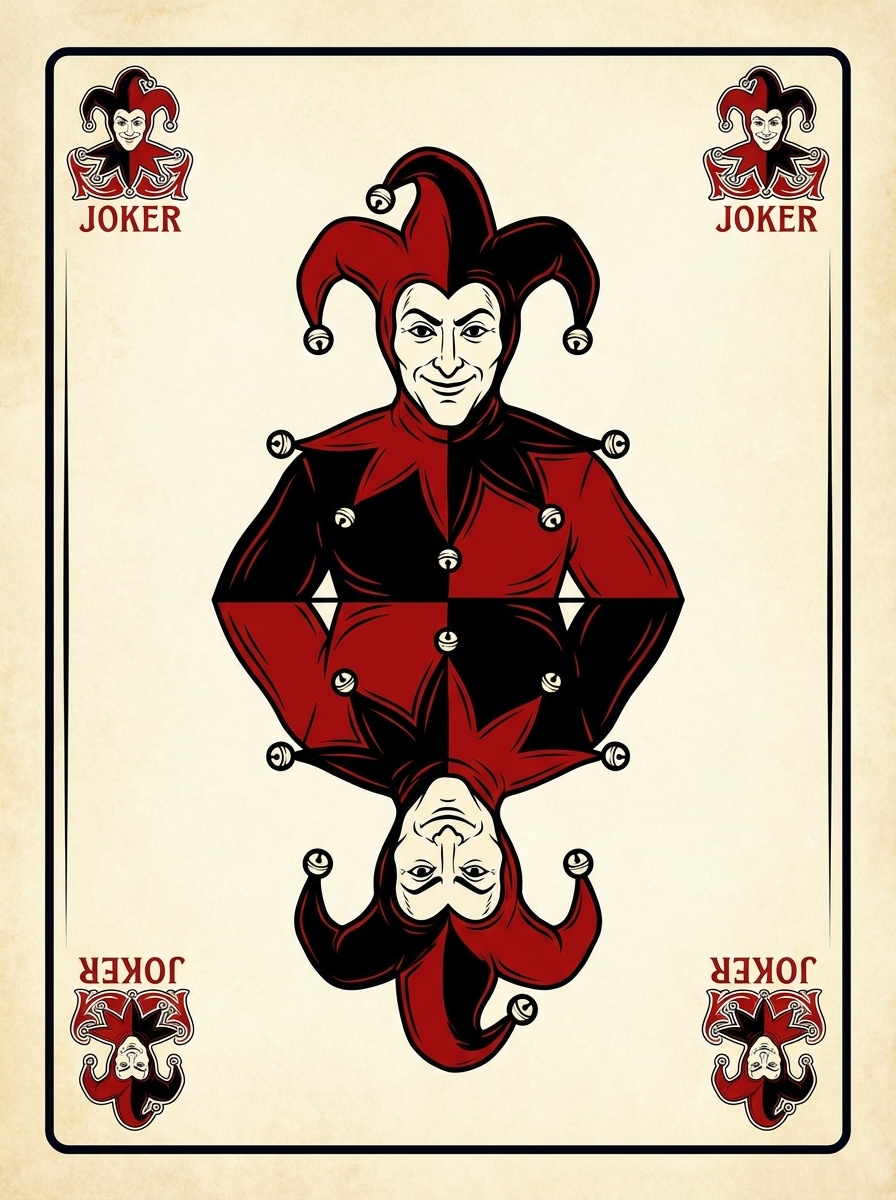
伝統的な宮廷ジョーカー
中央のフルカード構成、ミラーリングジェスターキャラクター、赤、黒、白のパレット、華やかなコーナーシンボル、鮮明なボーダー、微妙なヴィンテージプリントテクスチャ、バランスの取れた対称性、コレクションカジノの雰囲気、クリーンなアイボリーの背景、非常に詳細で印刷可能な伝統的なジョーカートランプデザイン。
 Nano Banana Pro
 創造力を解き放ち、Media AIの魔法をすぐに体験しよう!














大胆にするジョーカー カード デザインMedia.io で数秒でテキストから。カスタムデッキ、コンセプトアート、またはコレクションスタイルのビジュアルのために、印刷可能なレイアウト、詳細なボーダー、洗練された対称性を使用して、ヴィンテージ、ゴシック、ラグジュアリー、サーカス、またはクリーンなベクターカードアートを生成します。
アイデアを入力します -> AI がデザインします。無料で試すことができます。
これらの例の指示を確認してから、このジョーカーカードデザインでより強力な結果を得るためにプロンプトの詳細を調整します。
中央のフルカード構成、ミラーリングジェスターキャラクター、赤、黒、白のパレット、華やかなコーナーシンボル、鮮明なボーダー、微妙なヴィンテージプリントテクスチャ、バランスの取れた対称性、コレクションカジノの雰囲気、クリーンなアイボリーの背景、非常に詳細で印刷可能な伝統的なジョーカートランプデザイン。
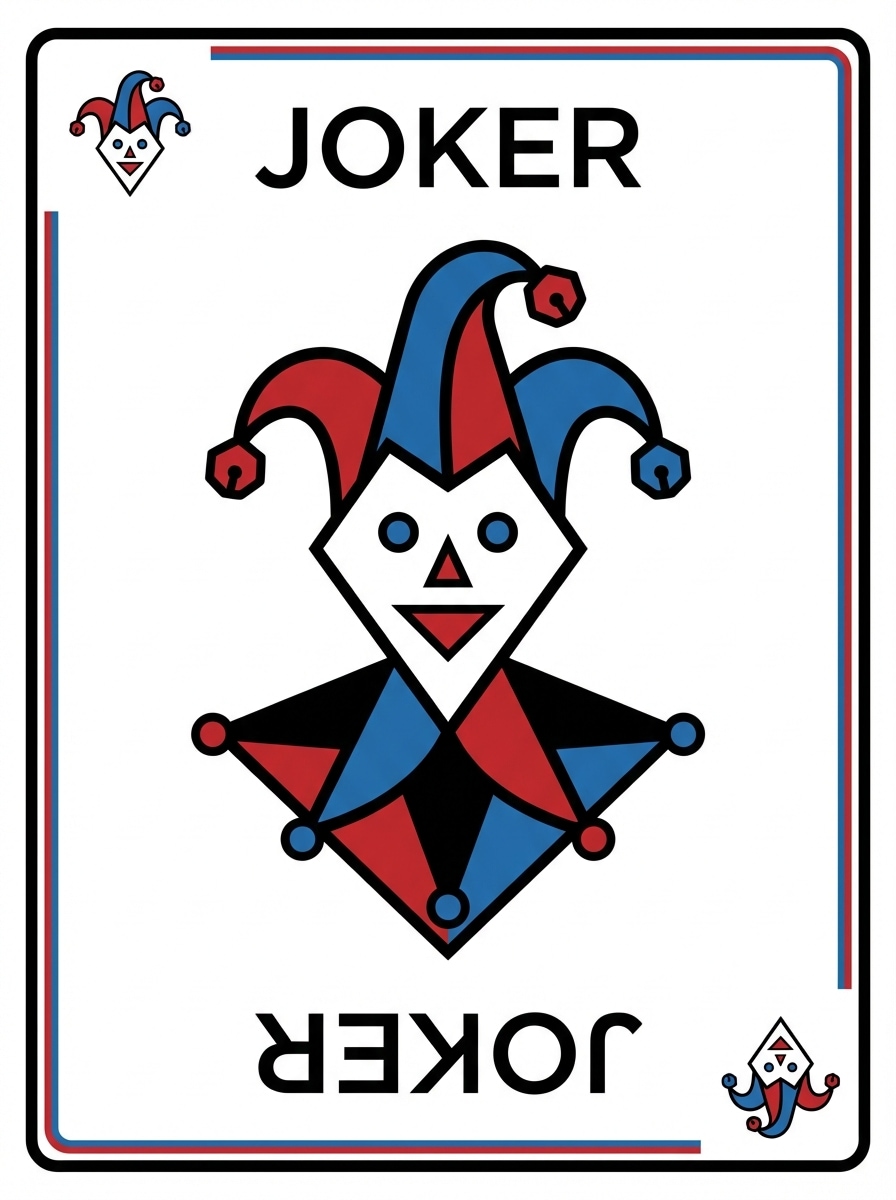
ミニマルなベクトル ジョーカー カード デザイン、フラットな幾何学的ジョーカー イラスト、クリーンな白い背景、鮮明な黒の輪郭、抑制された赤と青のアクセント、モダンなトランプ レイアウト、大胆なネガティブ スペース、滑らかな形状、スケーラブルなグラフィック ルック、きちんとしたボーダー システム、シャープな対称構成を備えたプロフェッショナル アセット スタイル。
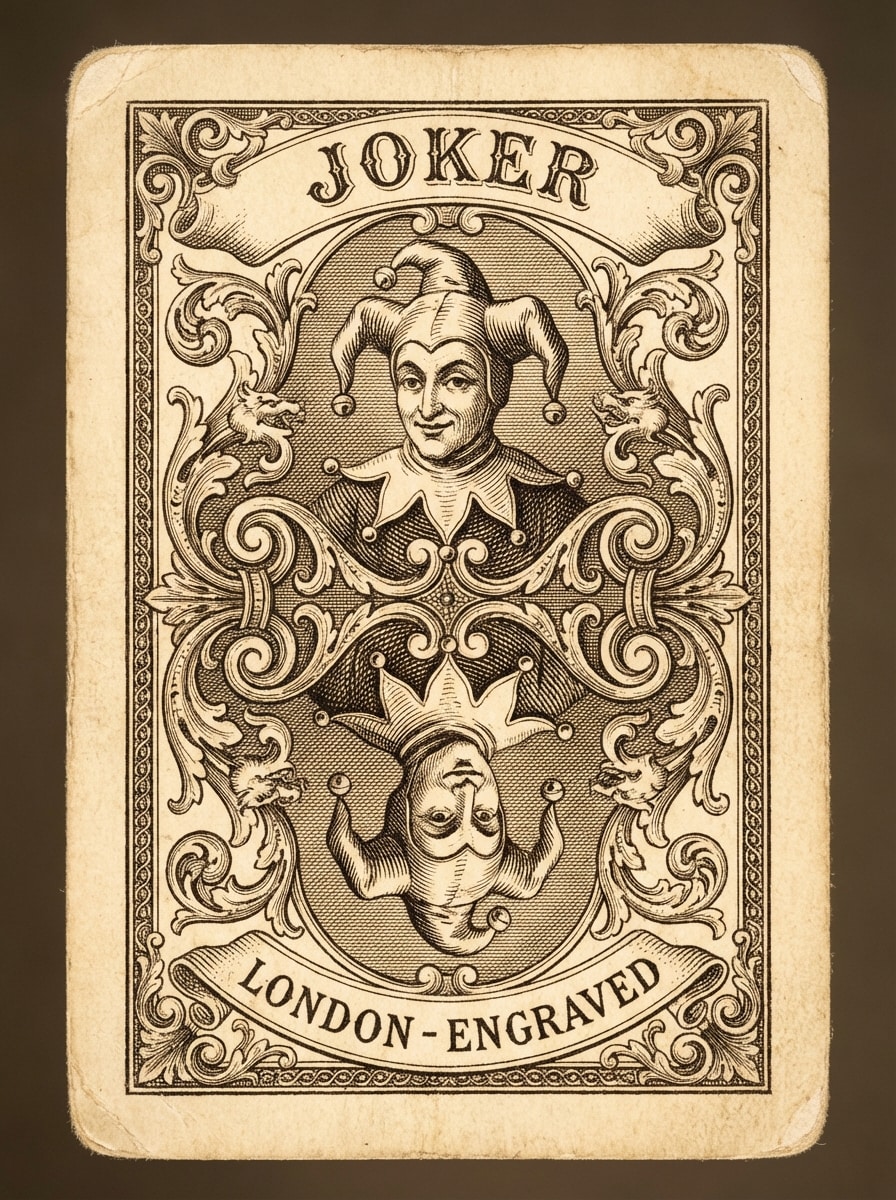
ビクトリア朝の彫刻されたジョーカー カード、複雑なラインワークを備えたアンティーク トランプのイラスト、装飾的なフレーム、色あせたアイボリー ペーパーの質感、ブラック インク エッチング スタイル、エレガントなミラー構成、密な彫刻されたシェーディング、洗練されたボーダーの華やかさ、美術館品質のコレクション ルック、ドラマチックでありながらクラシックな雰囲気、非常に詳細な印刷可能な仕上げ。
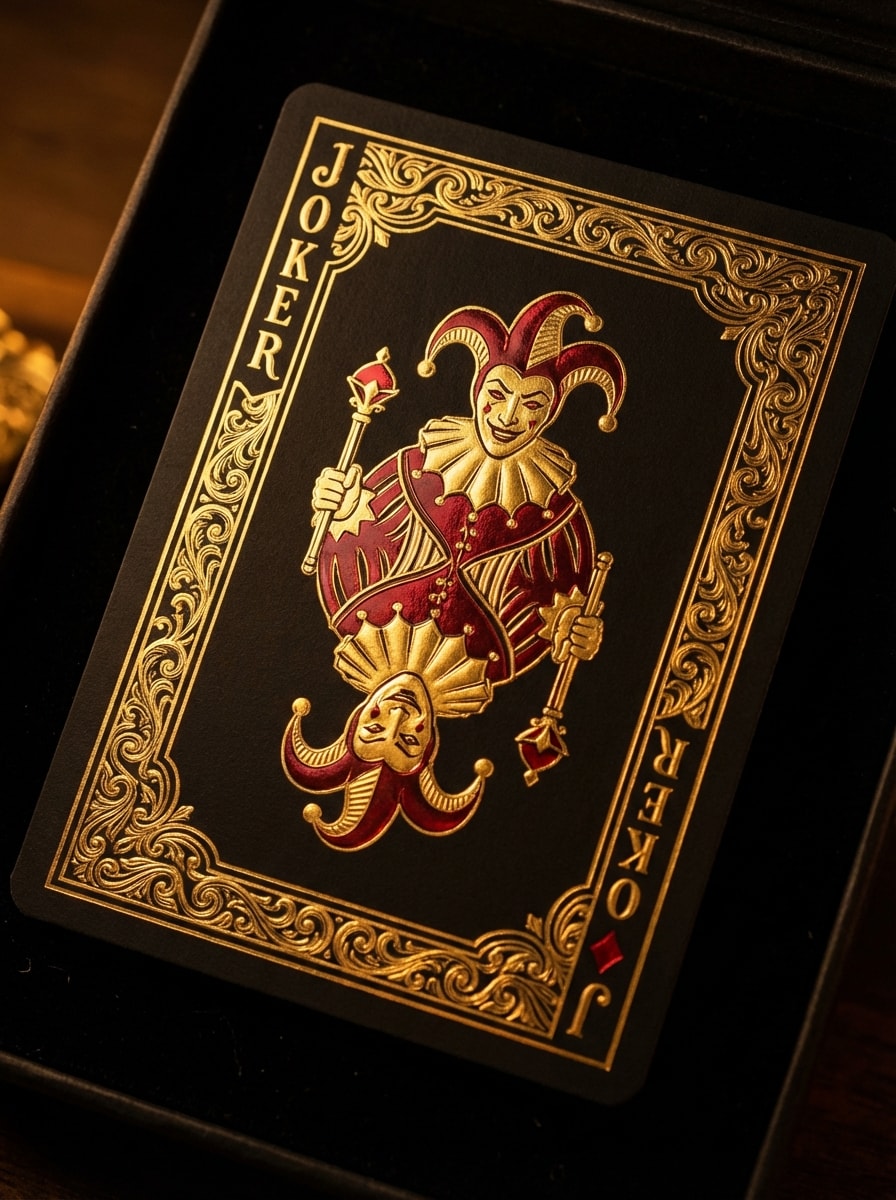
ゴールドホイルオーナメント、エレガントなミラージェスターフィギュア、エンボス加工されたボーダーディテール、プレミアムカジノにインスパイアされたレイアウト、ドラマチックなコントラスト、洗練されたメタリックな輝き、深い影、抑制された赤いハイライト、高級なコレクションムード、洗練されたハイエンドのフルカードプレゼンテーションを備えたマットブラックカードに贅沢なジョーカーカードデザイン。
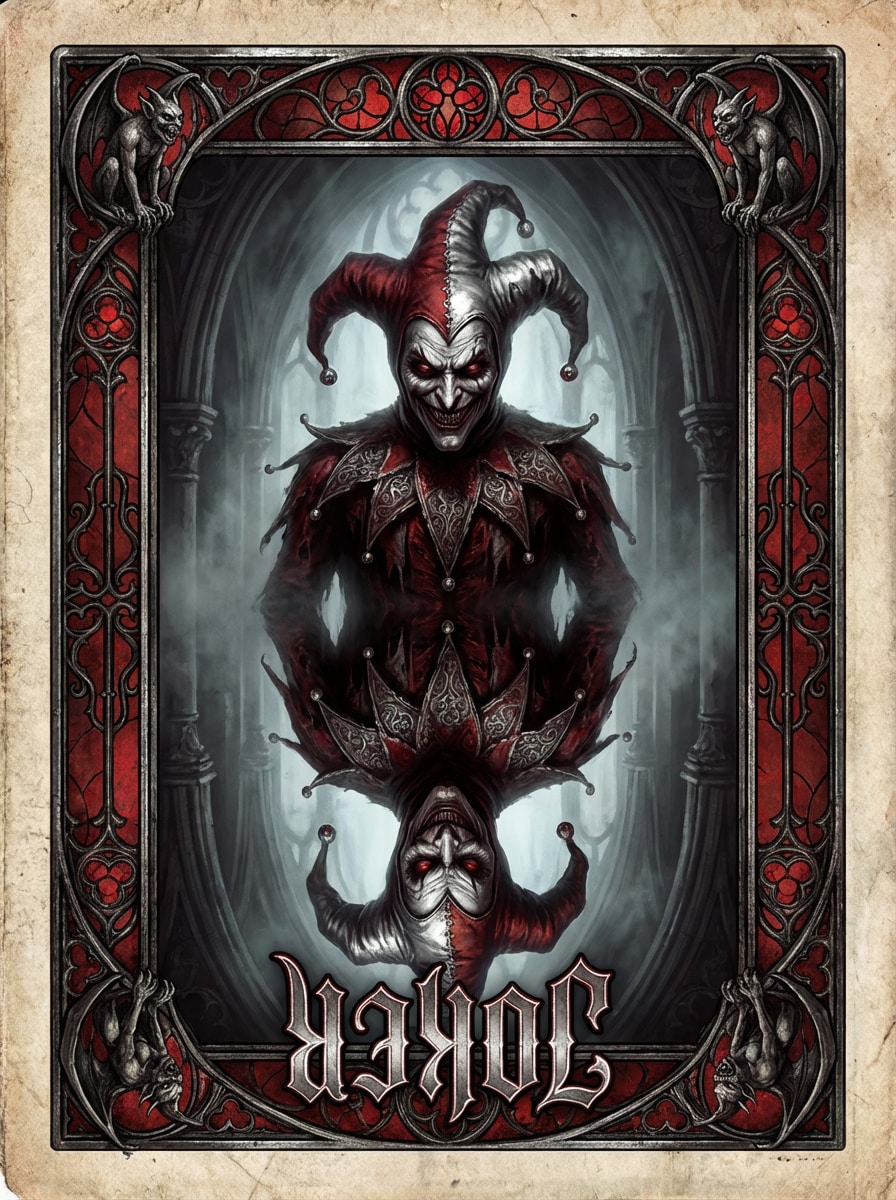
不気味なハーレクインのキャラクター、赤、黒、銀のパレット、ドラマチックな影、華やかなゴシックの境界線、霧のような神秘的な雰囲気、中央のミラーレイアウト、風化したテクスチャ、シャープな表情、大聖堂にインスパイアされたディテール、豊かなコントラストと印刷可能な明瞭さを備えたファンタジーコレクションアートをフィーチャーしたダークゴシックジョーカーカード。
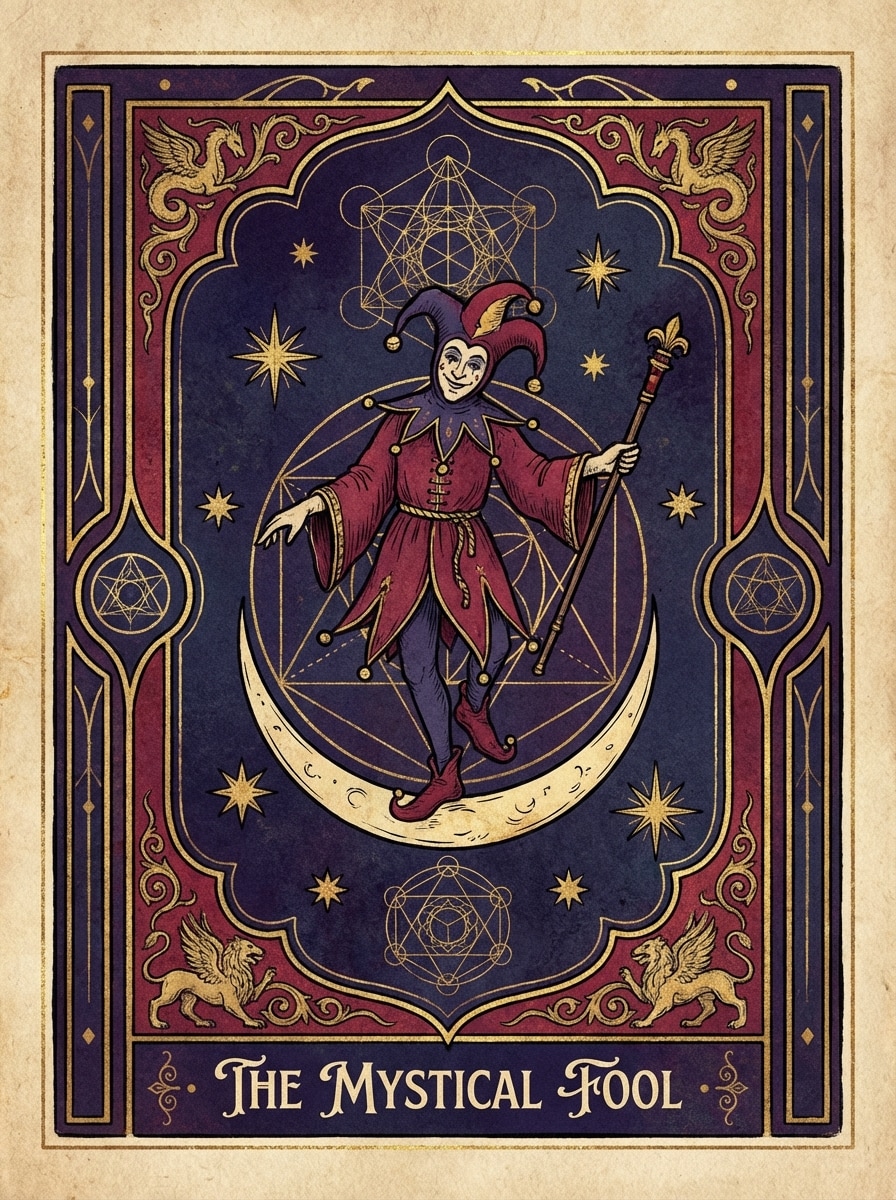
神秘的な愚か者の原型、天体のシンボル、月と星、華やかなフレーム、深い藍、深紅、金のパレット、手描きのファンタジーディテール、神聖な幾何学的アクセント、バランスの取れた対称的な構成、魔法のようなムード、豊かな紙の質感、コレクション可能で印刷可能なカードアートワークを備えたタロットにインスパイアされたジョーカーカードデザイン。
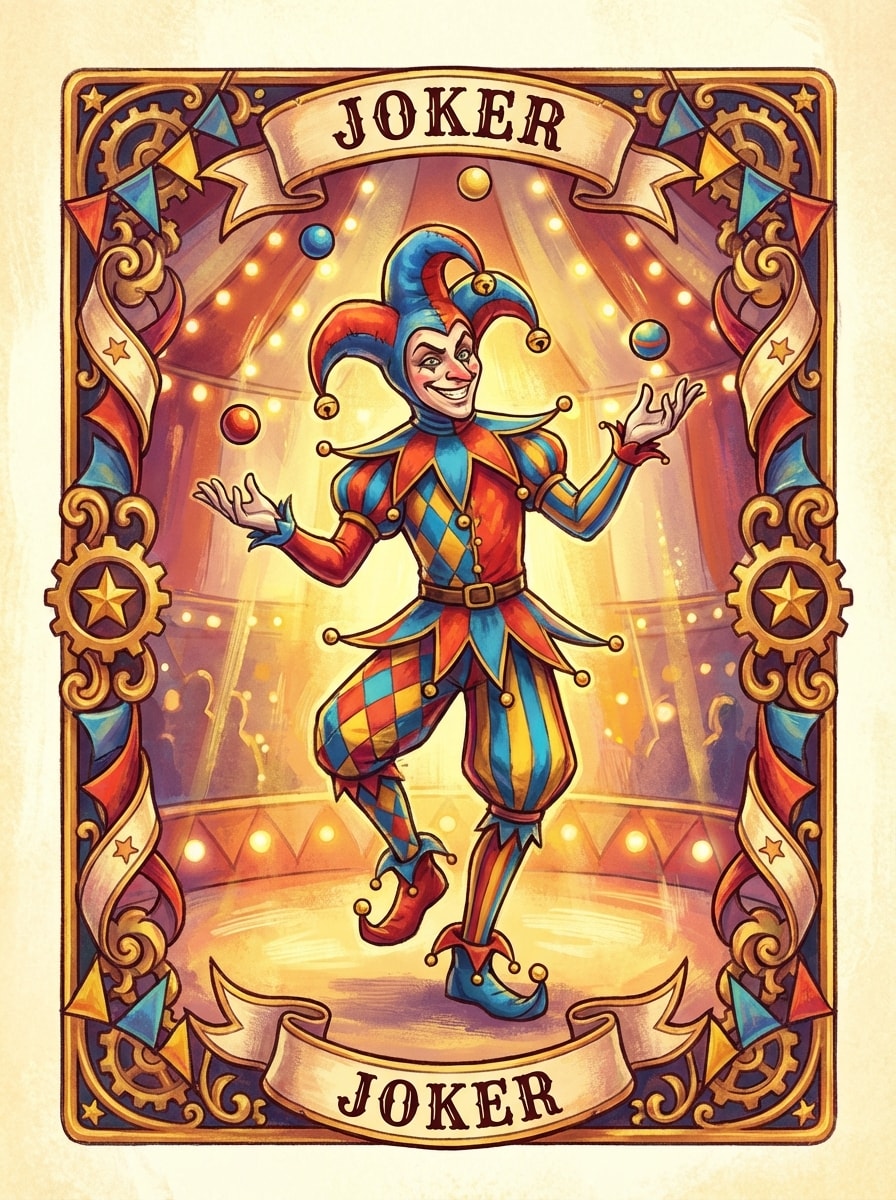
鮮やかな衣装を着た遊び心のあるジョーカーが描かれた気まぐれなサーカス ジョーカー カード、カーニバル モチーフ、赤、青、黄色のアクセント、装飾的なボーダー、陽気な表情、活気がありながら対称的なカード レイアウト、明るいステージのような照明、ペイントされたテクスチャ、お祝いのコレクション感、鮮明なディテールを備えた魅力的なフル カード イラスト。
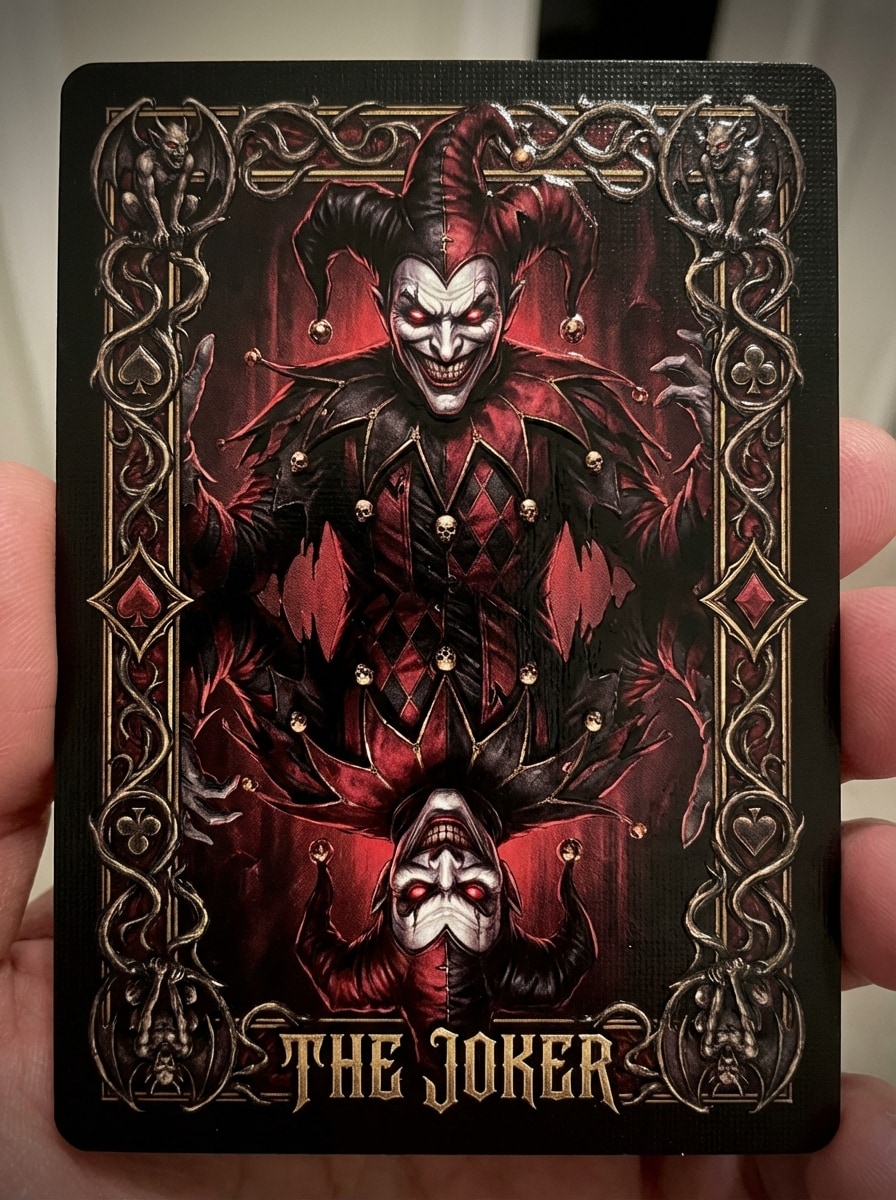
笑顔のジョーカーキャラクター、強烈な表情、暗い演劇照明、大胆な赤と黒のパレット、精巧な装飾的な境界線、ミラー構成、光沢のあるインクの質感、ドラマチックなムード、ファンタジーイラスト品質、高詳細な衣装パターン、強いコントラストと印象的な印刷可能な仕上げを備えた邪悪なジョーカーのトランプ。
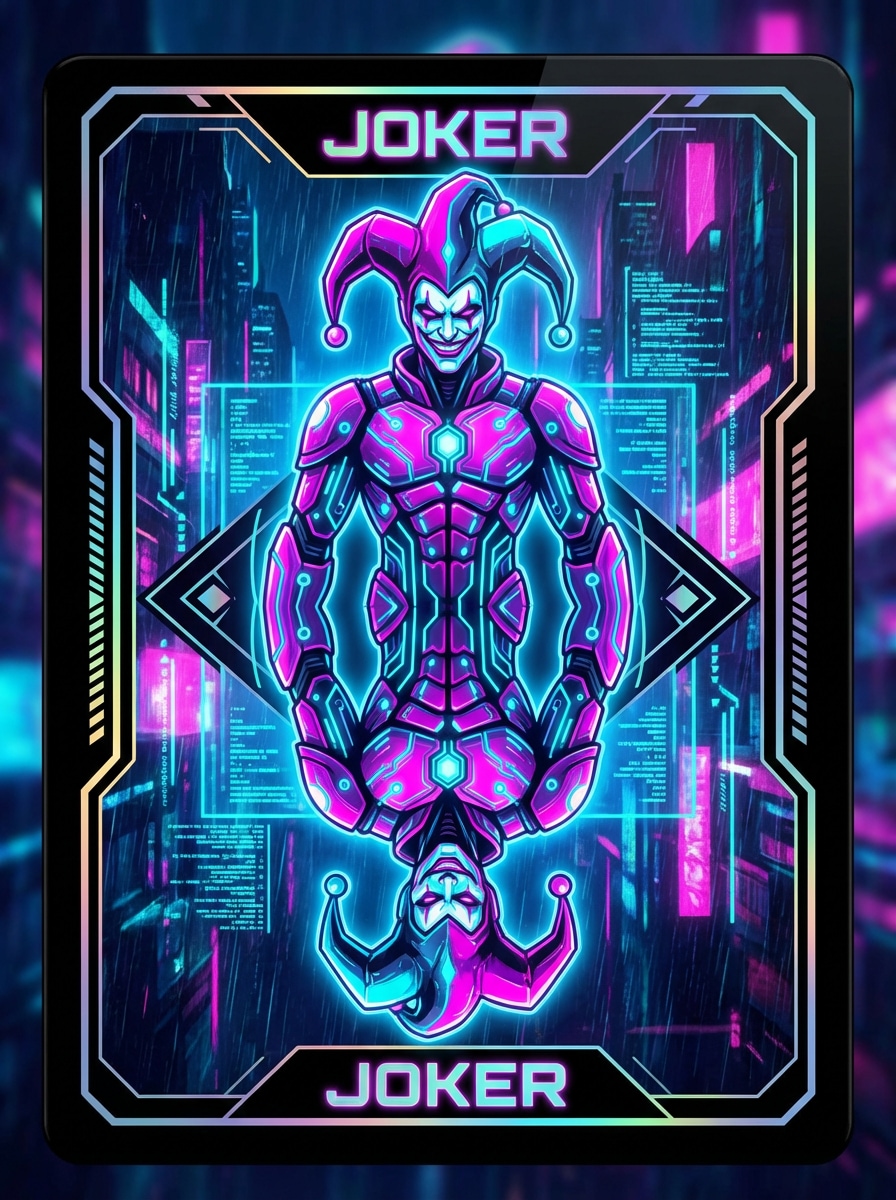
未来的なネオン ジョーカー カード、サイバーパンク ジェスター キャラクター、輝くマゼンタ、シアン、ブラック パレット、ホログラフィック カードのディテール、洗練されたボーダー、発光回路のアクセント、光沢のある表面、ハイ コントラスト、対称的なコレクション カード デザイン、ムーディーな SF 雰囲気、シャープなライン、モダンなプレミアム アート ディレクション、すっきりとした構図。
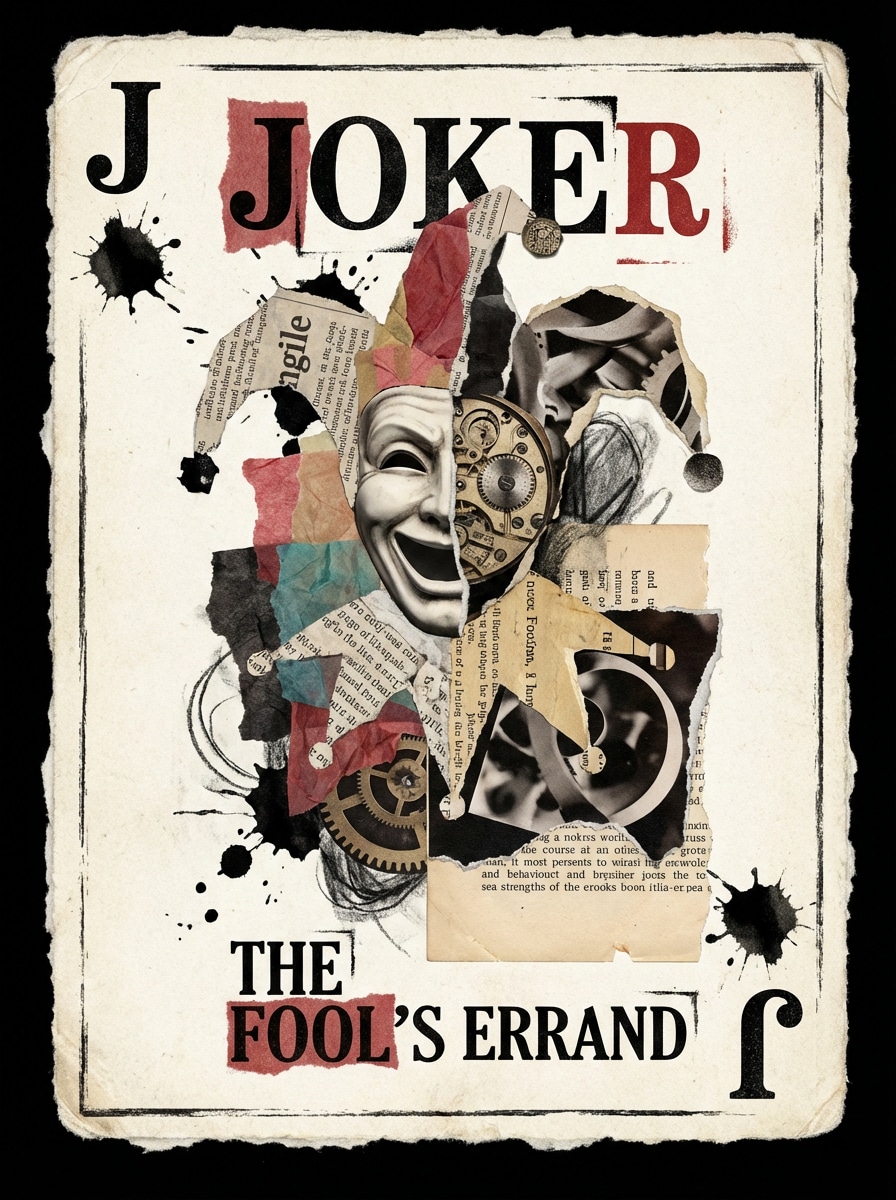
層状の紙の質感、シュールなジョーカーのイメージ、大胆なタイポグラフィのアクセント、編集ポスターの影響、ハイコントラストの構成、ミクストメディアの外観、オフホワイトのカードベース、破れたエッジ、インクとカットアウトのディテール、モダンなコレクションアートの美学、表現力豊かでありながら構造化されたフルカードレイアウトを備えた芸術的なコラージュジョーカーカード。
Nano Banana Pro や Nano Banana 2 など、高度なテキストから画像への変換モデルを使用して、ヴィンテージ コートから未来的なコレクター カードまであらゆるものを作成できます。清潔な場所を探索するのは簡単ですフェイスカードデザイン、ドラマチックなジョーカーのイラスト、または 1 つのプロンプトから様式化されたデッキ コンセプト。
1K、2K、または4Kでアートワークを生成し、カード対応のフレーミングには3:4または2:3などの比率を選択します。これにより、モックアップ、デッキ コンセプト、デジタル リスト、および洗練されたレイアウトに実用的になります。エースカードデザインまたはその他のカスタムカードフェイス。
コンセプトを入力し、生成し、レイアウト、ムード、装飾を数秒で洗練します。この高速なブラウザベースのワークフローは、複数の境界線スタイル、ミラーリング構成、またはマッチングが必要な場合に理想的です。カードスーツのデザインフルテーマのデッキのために。
Media.io は Windows、Mac、iOS、Android で動作するため、デスクトップまたはモバイルでカード アートを作成できます。カスタム ジョーカー コンセプトをスケッチしている場合でも、エース オブ スペーズ カード デザイン、ワークフローはシンプルでアクセスしやすいままです。
へ行くAI テキストから画像へのジェネレータそして、[AI] -> [テキストから画像へ] の下にある Joker Card Designs ツールを開きます。このオンラインツールはブラウザで実行されるため、ソフトウェアをインストールせずにカスタムトランプアートの作成を開始できます。
「華やかな黒と金の境界線、ヴィンテージ紙の質感、中央の印刷可能なレイアウトが付いたミラーゴシック ジョーカー カード」などの詳細なプロンプトを入力します。次に、モデルを選択し、アスペクト比を設定し、クリーンなベクトル、ラグジュアリー、サーカス、またはアンティークの外観のためにスタイルを洗練します。
「生成」をクリックします。プロンプトを微調整するか、構成が適切に感じるまでさらにバリエーションを試してください。次に、デッキモックアップ、ソーシャル投稿、ポートフォリオ作業、または印刷可能なカードコンセプト用の高解像度画像をダウンロードします。



クリエイターがこのジョーカー カード デザインをコンテンツ、マーケティング、個人プロジェクトにどのように使用しているかを確認し、各アイデアを概要に合わせて調整します。
インディーデッキ、卓上コンセプト、またはコレクターエディション用の際立ったジョーカーアートワークをすばやく作成します。Media.io は、さまざまなムード、フレーム、ミラー構成をテストするのに役立ち、ジョーカーがロイヤル コート セットや一致するフェイス カード シリーズの横に自然にフィットするようにします。
プレゼンテーション、製品モックアップ、キャンペーンビジュアル用に、高級、ゴシック、またはモダンなカードコンセプトを構築します。洗練されたジョーカーのセンターピースに加えて、エースカードのレイアウトや補完的なスーツにインスパイアされたモチーフなどの関連資産が必要な場合に便利です。
Etsy のリスト、ポスター、ムード ボード、ソーシャル インスピレーション ポストの目を引くカード イラストを生成します。クリーンなベクター グラフィック、華やかなヴィンテージ トリートメント、またはコレクション スタイルのデッキ ブランディングとよくマッチするカスタム ジョーカー アートワークを探索できます。

デッキデザイナー

「コレクションカードのコンセプトに最適」Media.io を使用して、カスタム デッキの複数のジョーカー カード コンセプトをブレインストーミングしました。ミラーレイアウトとスタイルの多様性により、大まかなアイデアからプレゼンテーション対応のものに移行するのがはるかに簡単になりました。

フリーランスイラストレーター
「アートの方向性をテストする迅速な方法」ヴィンテージの彫刻された外観から、よりクリーンなベクトルにインスパイアされたカード アートにすぐに切り替えることができるのが気に入っています。最終的なイラスト作業の前に構図と境界線のアイデアをテストするための実用的なツールです。

クリエイティブマーケター
「キャンペーンモックアップに役立つ」プロモーション コンセプトには様式化されたカード ビジュアルが必要でしたが、このツールは使用可能なオプションを迅速に提供しました。高解像度のダウンロードは、モックアップやソーシャルクリエイティブにうまく機能しました。

プリントオンデマンド販売者
「モバイルやデスクトップでも使いやすい」私はラップトップと携帯電話の両方でジョーカーカードのアートワークを生成しました。ブラウザのワークフローはシンプルで、カードがビジュアルをリストするのに十分に洗練されているように見えるまで、プロンプトを洗練し続けるのは簡単です。
Media.io のテキストから画像への変換ツールを開き、目的の joker レイアウト、スタイル、色、境界線の詳細を説明する詳細なプロンプトを入力して、バリエーションを生成します。最良の結果を得るには、明確な英語のプロンプトを使用し、ミラーリングされた文字、印刷可能なフレーミング、カスタム ジョーカー トランプの外観などの構成を指定します。
無料ユーザーは無料クレジットでMedia.ioを試すことができます。より多くの世代が必要な場合、または透かしなしの高解像度ダウンロードが必要な場合は、有料プランの料金ページを確認できます。無料ユーザーは無料クレジットを使用できます。より多くの使用については、ユーザーは価格ページでプランを購読できます。~の有料プランにアップグレードする価格ページより多くのクレジットと透かしなしの高解像度ダウンロードについては。
最良のプロンプトは具体的で視覚的です。主題、ムード、パレット、構成、テクスチャを含めます。例: 「ビクトリア朝の刻印ジョーカー カード、ミラー ジェスター、華やかな黒いインクの境界線、色あせたアイボリー紙、アンティークのエッチング ディテール、中央の印刷可能な構図」。ゴシックスタイルの場合は、ドラマチックな影、赤黒銀のトーン、大聖堂にインスパイアされたオーナメント、ファンタジーイラストのキューを追加します。
Media.io は 1K、2K、および 4K 画像生成をサポートしており、印刷可能なカードのコンセプト、モックアップ、およびポートフォリオ品質のエクスポートに役立ちます。カードのプロポーションに合わせて、3:4 や 2:3 などのアスペクト比を選択することもできます。無料ユーザーには透かしが付いている場合があります。
Media.io は幅広いビジュアル スタイルをサポートしているため、プロンプトと選択したモデルに応じて、クリーンなベクター スタイルのカード アート、手描きのファンタジー ピース、リアルな外観、3D レンダリングの美学、またはより様式化されたグラフィック トリートメントを作成できます。
Media.io は web ベースで、Windows、Mac、iPhone、iPad、Android など、ブラウザを搭載したあらゆるデバイスで動作します。つまり、ソフトウェアをインストールせずに、モバイルまたはデスクトップでジョーカーカードのアートワークを生成して洗練できることを意味します。Media.io は、ブラウザを使用したあらゆるデバイス (Windows、Mac、iOS、Android) で動作する web ベースのツールです。
 4.7(162,357票)


