Creations are stored for only 7 days. Assets created after upgrading to a Membership plan will be stored permanently.
Unlock your creative potential and experience the magic of Media AI right away!
Бесплатный ИИ-создатель фото на паспорт
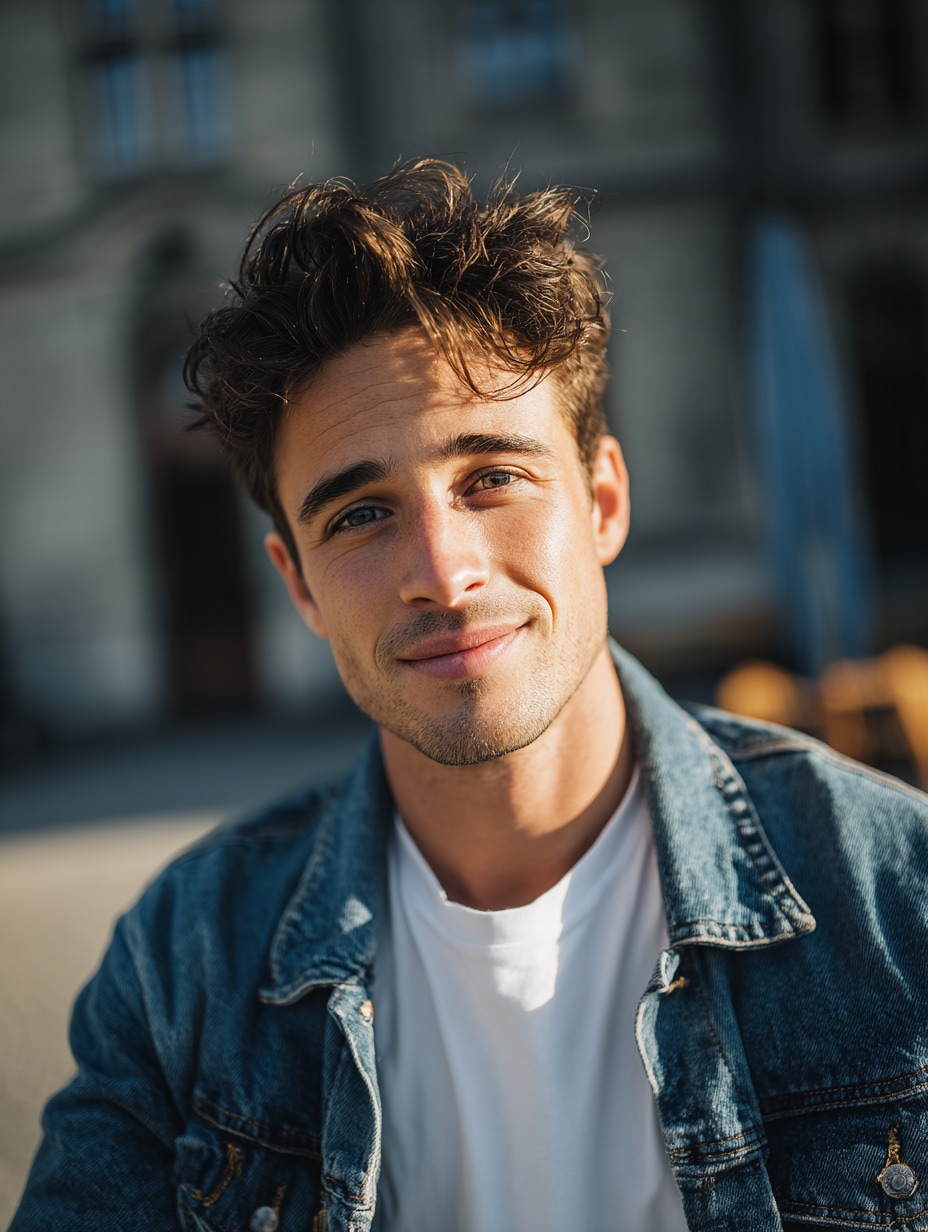
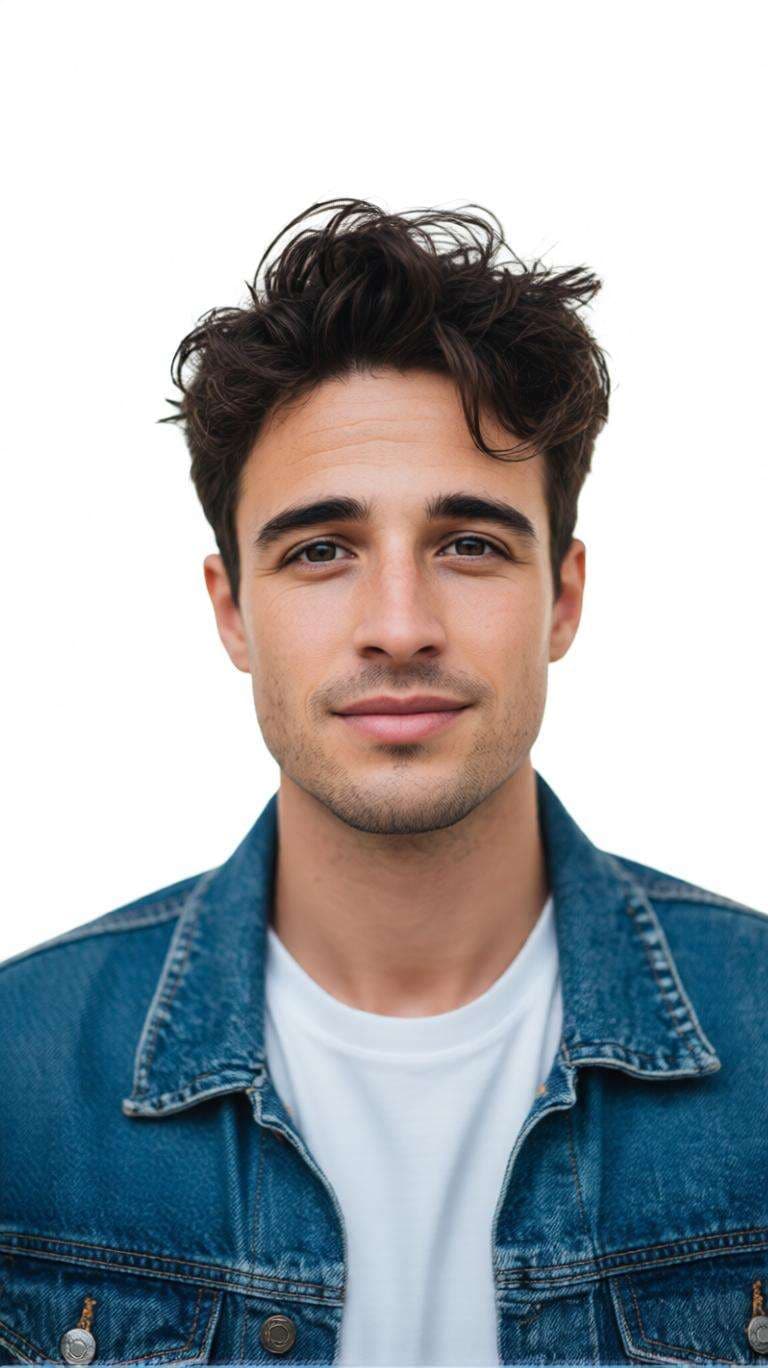
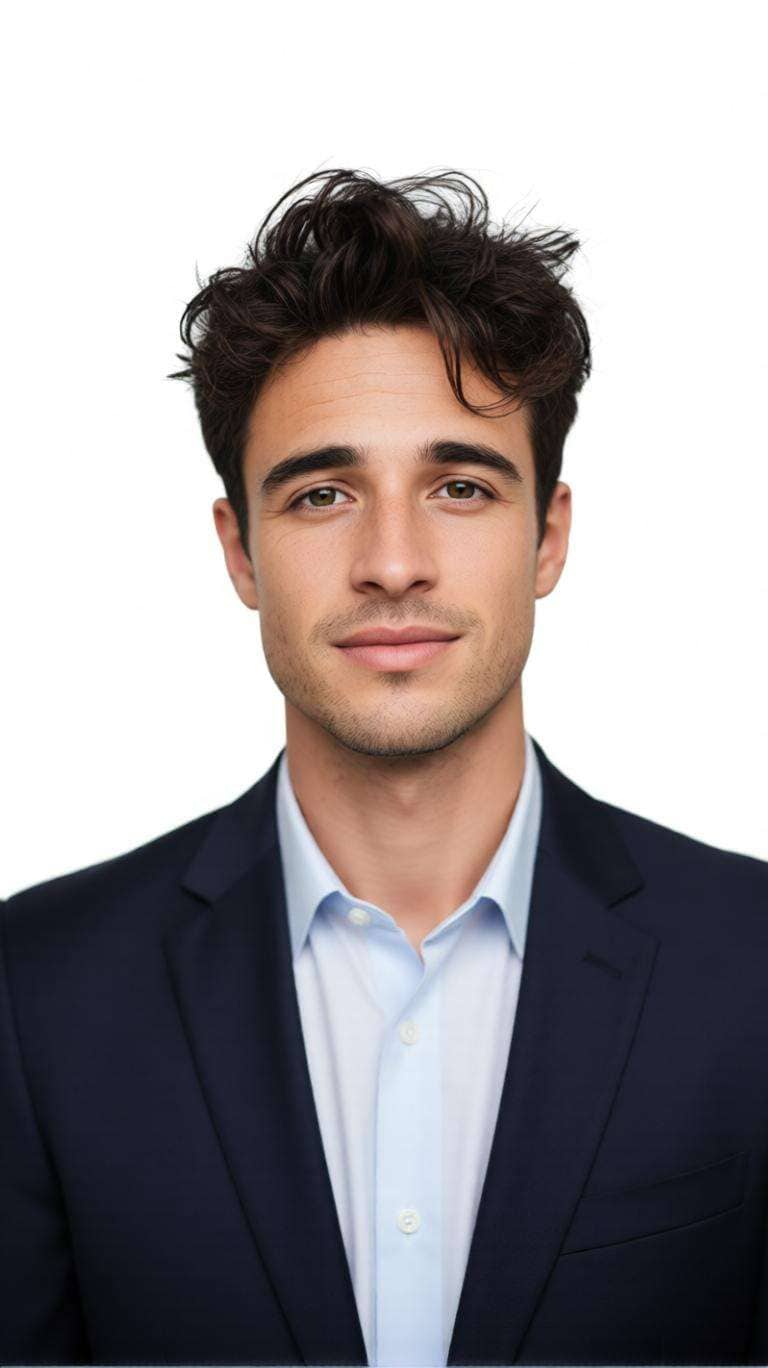
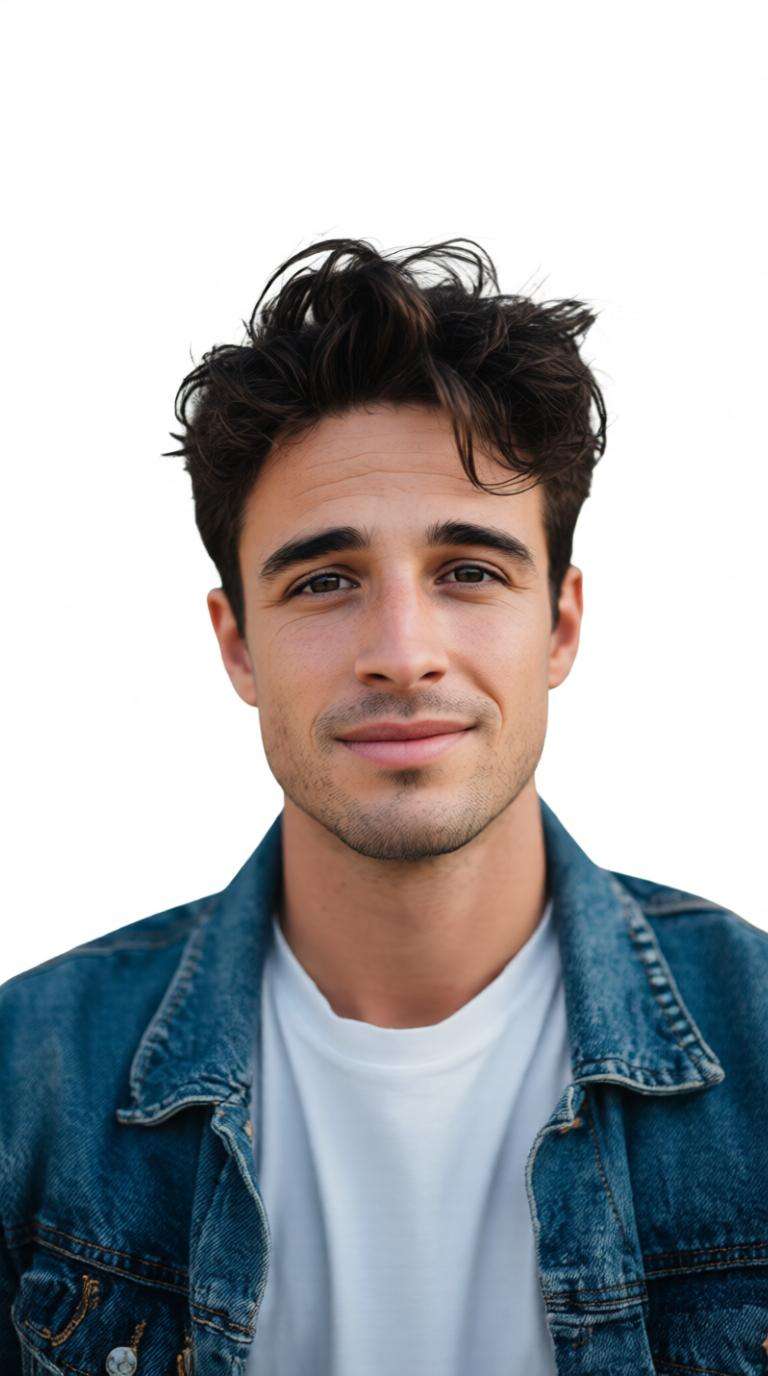
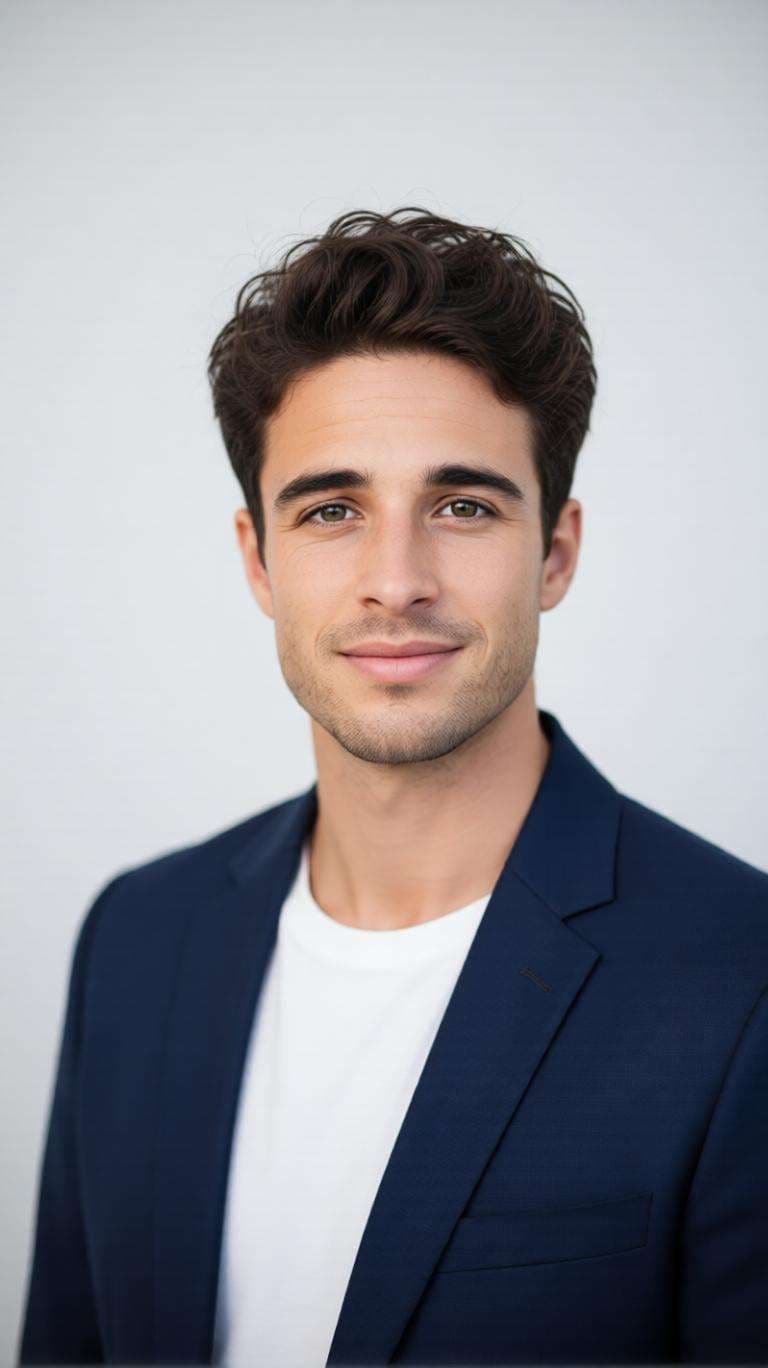
Превратите обычное селфи в аккуратное фото на паспорт или удостоверение личности онлайн. Бесплатный ИИ-создатель фото на паспорт от Media.io помогает заменить отвлекающий фон, улучшить кадрирование портрета, создать профессиональные фотографии на документы и подготовить макеты фото 2x2 на паспорт без сложного редактирования.
Загрузите четкий портрет и создайте аккуратное фото на паспорт или удостоверение всего за несколько кликов.
До
После
До
После
ИИ-подсказки для фото на документы на все случаи
Используйте эти готовые подсказки, чтобы создать паспортные фотографии с белым фоном, 2x2 ID-портреты, фото в деловой одежде, фотографии с синим фоном, детские фото в стиле паспорта и другие чистые портреты с помощью Media.io.
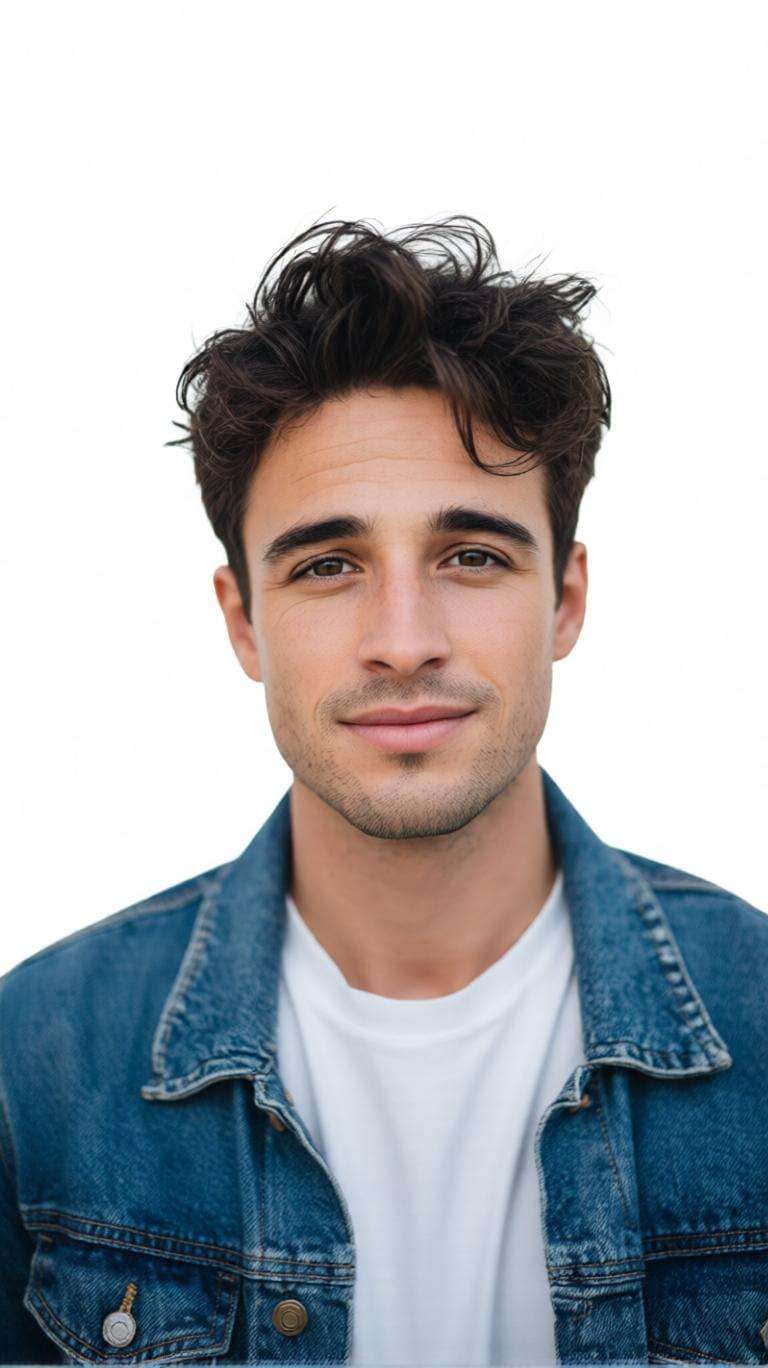
Фото на паспорт с белым фоном
Преобразуйте загруженный портрет в профессиональное фото на паспорт. Сохраняйте точную индивидуальность, черты лица, форму лица, оттенок кожи, прическу, возраст и естественный вид. Центрируйте голову и плечи, используйте нейтральное выражение, замените фон на безупречно белый, примените мягкое равномерное студийное освещение. Реалистичная текстура кожи, четкие детали, без бьюти-фильтров, изменений лица, текста или водяных знаков.
Селфи в фото на паспорт
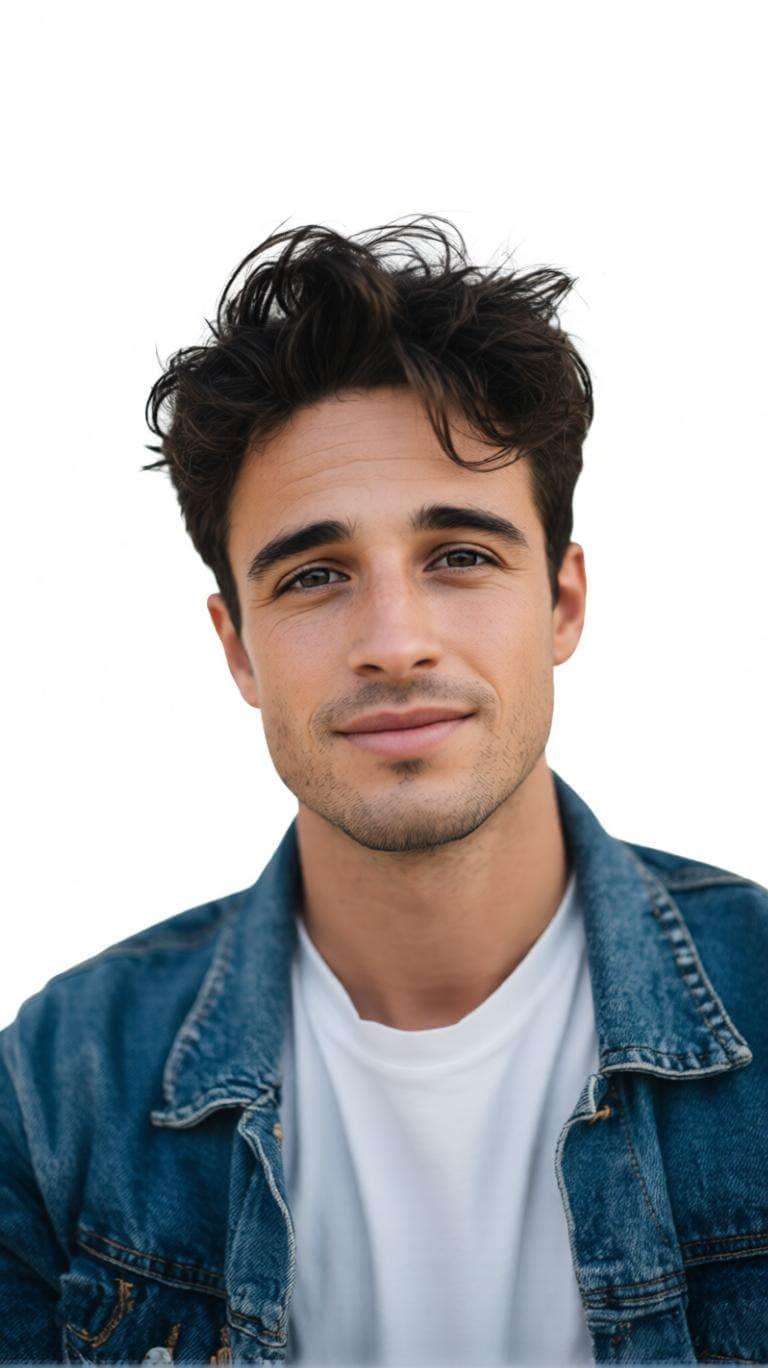
Преобразуйте загруженное неформальное селфи со смартфона в аккуратное профессиональное фото на паспорт, сохраняя индивидуальность и узнаваемые черты лица. Исправьте незначительный эффект перспективы, центрируйте голову и плечи, выпрямите осанку, используйте чистый белый фон и сбалансируйте освещение. Результат должен выглядеть как студийное фото для документов, а не портрет ИИ.
Онлайн фото на паспорт 2x2
Создайте аккуратный квадратный портрет на документы для подготовки фото на паспорт формата 2x2. Сохраняйте лицо и пропорции, центрируйте голову, оставляйте пространство над волосами, чтобы видны были оба плеча, используйте белый фон, нейтральное выражение, ровный фронтальный свет и четкие реалистичные детали. Не растягивайте и не изменяйте лицо. Проверьте официальные размеры перед подачей.
ИИ-фото на паспорт в деловой одежде
Сохраняйте точные черты лица, прическу, тон кожи, возраст и пропорции. Замените повседневную одежду на простой реалистичный темный пиджак и светлую рубашку для профессионального портрета. Используйте белый фон, центрированное кадрирование головы и плеч, естественную текстуру ткани, прямую осанку и сбалансированный студийный свет.
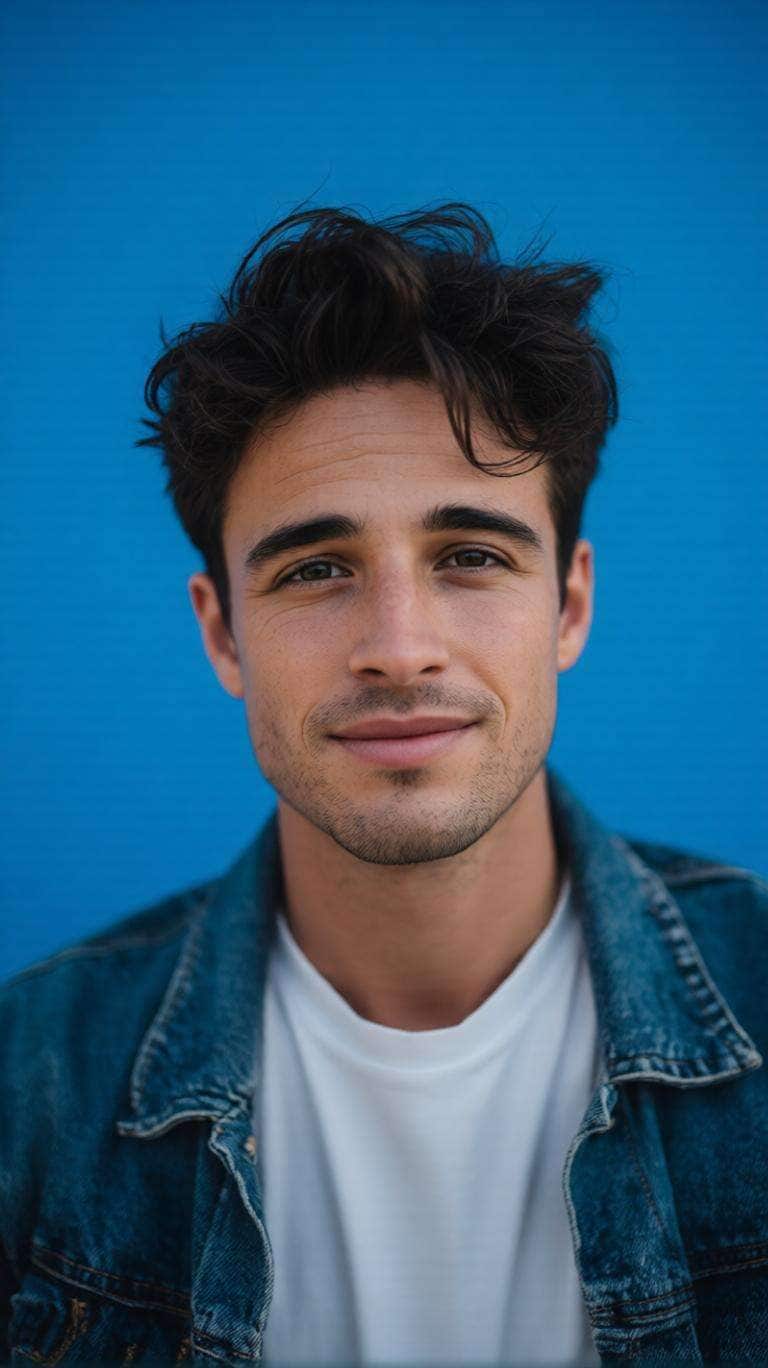
Фото на документы с синим фоном
Преобразуйте портрет в профессиональное фото на документы с гладким равномерным синим фоном. Сохраняйте индивидуальность, структуру лица, прическу, тон кожи и натуральные детали. Центрируйте лицо, сохраняйте симметрию плеч, создайте аккуратные края волос и используйте мягкий равномерный студийный свет с реалистичной текстурой кожи и четким фокусом.
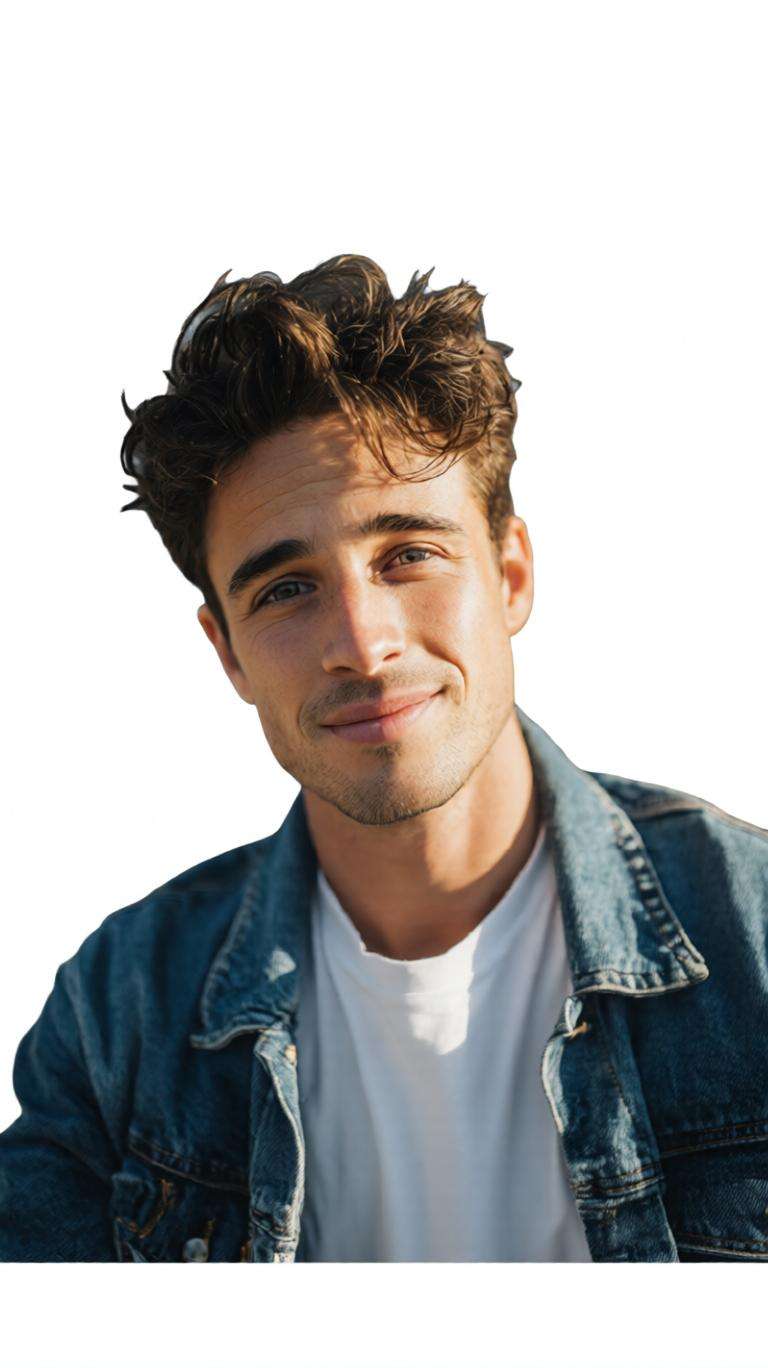
Изменение фона фото на паспорт
Используйте загруженный портрет как эталон личности. Точно удалите существующий фон помещений или улицы, сохраняя мелкие детали волос. Замените на безупречно белый фон и исправьте неравномерное освещение. Лицо не изменяется, остается естественно центрированным и реалистичным.
Профессиональный создатель фото на документы
Создайте опрятный портрет головы и плеч для заявлений, резюме, профилей сотрудников или школьных записей. Сохраняйте индивидуальность и пропорции лица. Прямой взгляд, прямая осанка, естественно-нейтральное выражение, светлый фон, студийное освещение, четкие глаза и естественная текстура кожи без лишнего ретуширования.
Детское фото в стиле паспорта
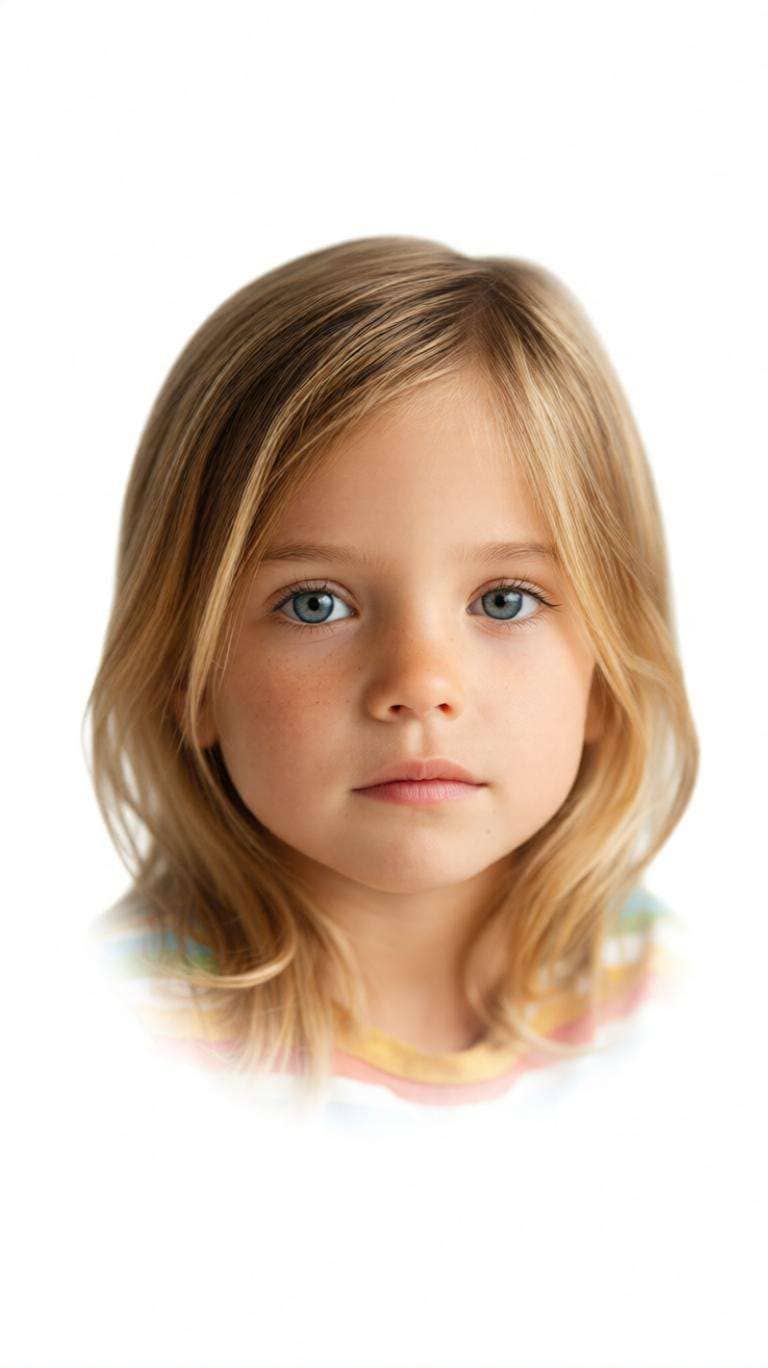
Преобразуйте детское фото в аккуратный паспортный портрет, сохраняя черты лица, кожу, волосы, возраст и естественный вид малыша. По возможности удалите покрывала, руки, игрушки, подушки или мебель. Используйте равномерный белый фон, центрируйте видимое лицо и обеспечьте мягкий равномерный свет с реалистичной текстурой кожи малыша.
Старое фото в чистый ID-портрет
Используйте загруженный старый портрет как эталон личности и преобразуйте его в чистое фото на документы высокого качества. Сохраняйте узнаваемую структуру лица, возрастные особенности, тон кожи, прическу и естественный вид. Улучшите четкость, экспозицию, резкость и баланс цвета, замените отвлекающий фон на белый и используйте кадрирование головы и плеч по центру.
Разные фоны для фото на паспорт
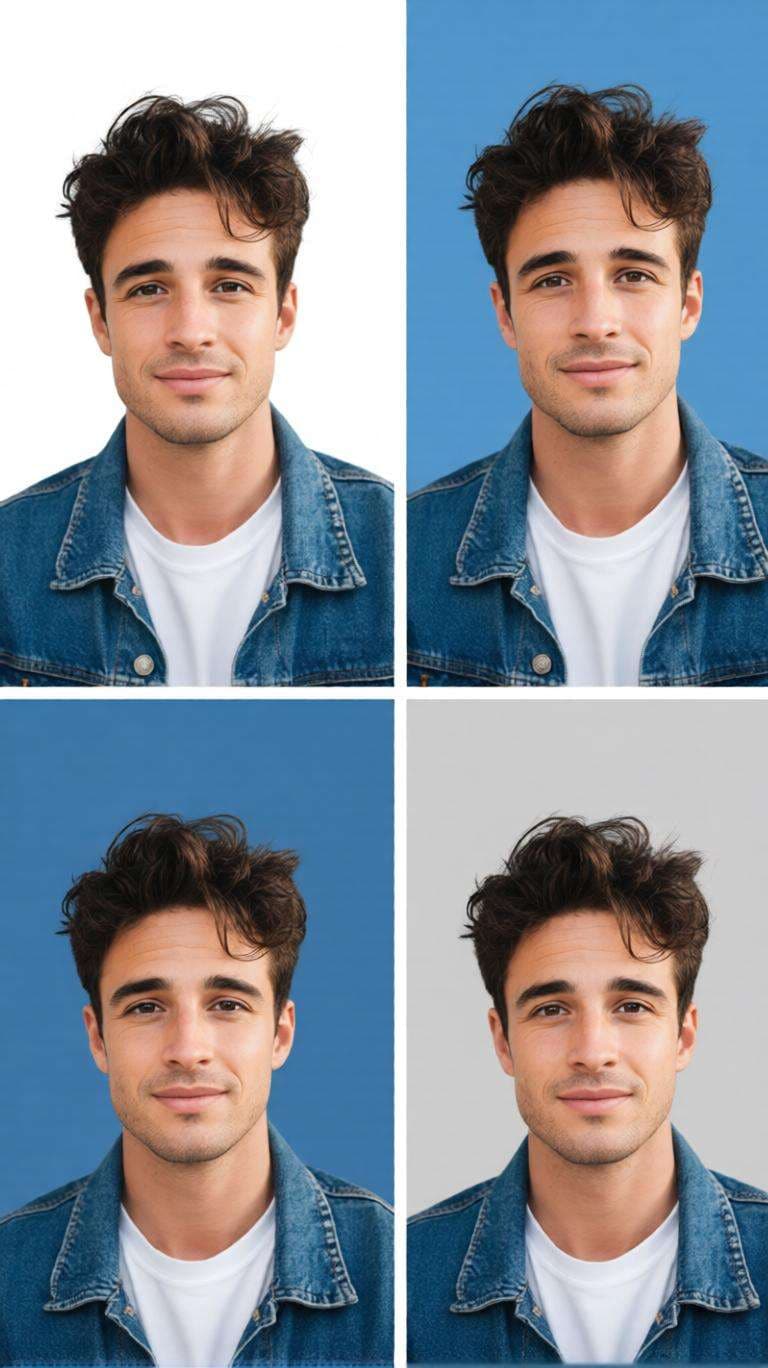
Используйте портрет как эталон личности и создайте несколько ID-версий с белым, голубым, средне-синим и светло-серым фоном. Лицо, кадр, свет, одежда, выражение и пропорции должны оставаться идентичными. Сохраняйте аккуратные края волос, натуральные детали кожи и профессиональное качество фото на документы.
Почему стоит использовать ИИ-создатель фото на паспорт от Media.io бесплатно?
Делайте паспортные фото из обычных селфи
Начните с четкого селфи вместо фотосессии в студии. ИИ поможет создать аккуратный центрированный портрет с сбалансированным светом и простым фоном, когда вам срочно нужна фотография на документы.
Легко меняйте фоны фото на паспорт
Удалите отвлекающие комнаты, стены или пейзажи, заменив их на белый, голубой, синий или серый фон. Это удобно для фото на документы, портретов для заявлений, рабочих профилей и других официальных фотографий.
Примерьте деловой образ для фото на документы
Используйте ИИ-редактирование, чтобы примерить простую рубашку, пиджак или костюм, сохраняя узнаваемое лицо. Создатель фото на паспорт с бесплатной примеркой одежды также полезен для резюме и профессиональных профилей.
Готовьте фото 2x2 без сложного редактирования
Создайте аккуратный портрет-квадрат для бесплатной онлайн-подготовки фото 2x2 для паспорта. Быстро отредактируйте кадр, проверьте итоговое изображение с официальными требованиями организации, принимающей фото.
Как сделать бесплатное фото на паспорт онлайн за 3 шага
01
Загрузите четкий портрет
Выберите фронтальное селфи или портрет, где хорошо видно все лицо. Четкое изображение и ровный свет помогут получить лучший результат.
02
Выберите стиль фото на документы
Укажите белый или синий фон, центрирование, нейтральное выражение и — при необходимости — простую деловую одежду.
03
Создайте, проверьте и сохраните
Проверьте лицо, края волос, кадр, фон и размеры. Для официального использования сравните итоговое фото с действующими требованиями вашего ведомства.
Популярные применения бесплатного ИИ-создателя фото на паспорт
Паспорт и удостоверения личности
Создайте центрированный портрет с однотонным фоном для паспорта или удостоверения. Требования могут отличаться в разных странах, поэтому всегда проверяйте итоговое фото по официальным правилам.
Фото 2x2 для паспорта и печати
Подготовьте аккуратный квадратный портрет для бесплатной онлайн-подготовки фото 2x2, затем проверьте нужные размеры, размер головы, разрешение, положение глаз и инструкции для печати перед подачей.
Резюме, профили и формальные фото на документы
Используйте бесплатный сервис для резюме, профессиональных профилей, школьных записей, пропусков сотрудников и других официальных портретов, где важна чистота фона и аккуратная подача.
Отзывы пользователей о фото на документы Media.io
Эмма Картер
Фриланс-дизайнер
«Чистый фон за секунды» У меня было хорошее селфи, но фон комнаты мешал. Очистка фона и центрирование кадра очень упростили подготовку чистого фото на документы.
Даниэль Ким
В поиске работы
«Полезно для официальных фото» Мне нужно было одно фото для заявлений и резюме. Я сохранил естественное лицо, заменил фон на однотонный и примерил деловой стиль без сложного редактирования.
Прия Наир
Студентка
«Простая подготовка фото 2x2» Процесс был прост для создания квадратного портрета на документы. Я сфокусировалась на кадре и фоне, а потом проверила финальные размеры по нужным требованиям.
Часто задаваемые вопросы о бесплатном ИИ-создателе фото на паспорт
1. Какой лучший бесплатный онлайн сервис для фото на паспорт?
Лучший бесплатный онлайн-создатель фото на паспорт должен позволять легко загружать портрет, очищать или менять фон, центрировать изображение и экспортировать качественную фотографию для документов без навыков сложного редактирования. Media.io предлагает ИИ-поддержку для этих задач напрямую в браузере. Для официальных целей всегда сравнивайте итоговое фото с действующими правилами вашего ведомства.
2. Можно ли использовать бесплатный ИИ-создатель фото на паспорт без водяного знака?
Media.io можно использовать онлайн для создания и редактирования фото с помощью ИИ, однако условия экспорта, количество операций, аккаунт и наличие водяных знаков могут отличаться в зависимости от режима или тарифа. Проверьте экран экспорта перед созданием важного фото. Если вам нужен бесплатный сервис без водяного знака, также убедитесь, что разрешение загружаемого фото подходит для ваших целей.
3. Есть ли бесплатный ИИ-создатель фото на паспорт с примеркой одежды?
ИИ-редактор может визуализировать простую профессиональную одежду, такую как рубашка, пиджак или костюм, сохраняя узнаваемость лица. Это полезно для фото в резюме, профилей сотрудников, студенческих ID и других официальных портретов. Для государственных паспортных процедур часто действуют строгие правила редактирования, поэтому избегайте излишних изменений и сверяйтесь с требованиями ведомства перед подачей.
4. Как сделать фото на паспорт 2x2 онлайн бесплатно?
Загрузите четкий фронтальный портрет, удалите отвлекающий фон, выберите нужный однотонный фон и кадрируйте фото в сбалансированную квадратную композицию. Фото 2x2 — это 2 дюйма на 2 дюйма, но официальные требования также могут включать размер головы, положение глаз, разрешение, свежесть фото, выражение, тени и ограничения по редактированию. Всегда сверяйтесь с актуальными требованиями перед подачей.
5. Что ищут пользователи Reddit в бесплатном ИИ-создателе фото на паспорт?
Запросы типа «ai passport photo maker free reddit» обычно отражают интерес к реальным отзывам о цене, водяных знаках, конфиденциальности, точности фона, качеству и официальному принятию фото. При сравнении рекомендаций отличайте инструменты для простых фото от сервисов для официальных паспортов. Принятие фотографии зависит от соответствующего ведомства, а не приложения для фото.