AI Generator and Photo Editor Together
Generate a new image, then continue editing it in the same workspace. Remove backgrounds, replace objects, expand the canvas, improve quality, or apply creative effects without switching between separate tools.
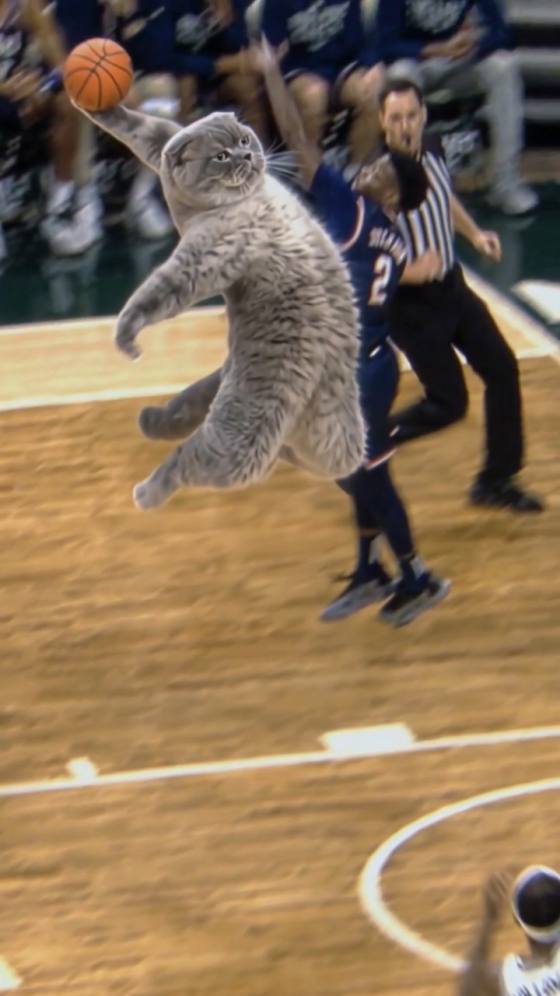
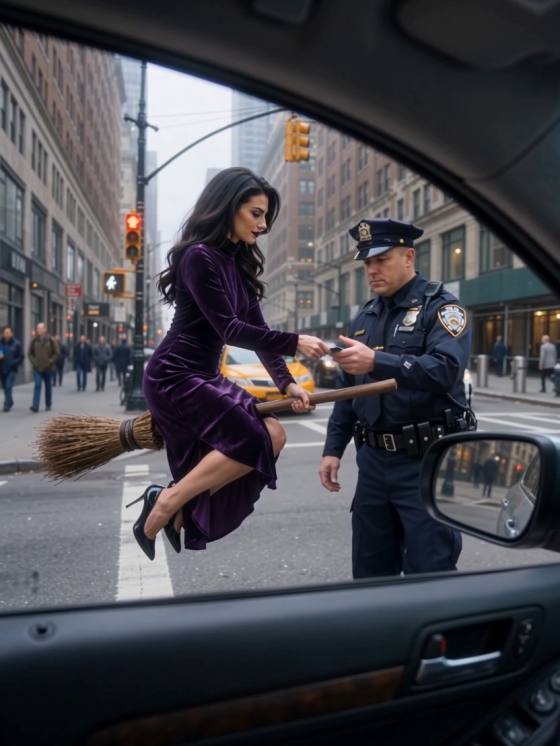
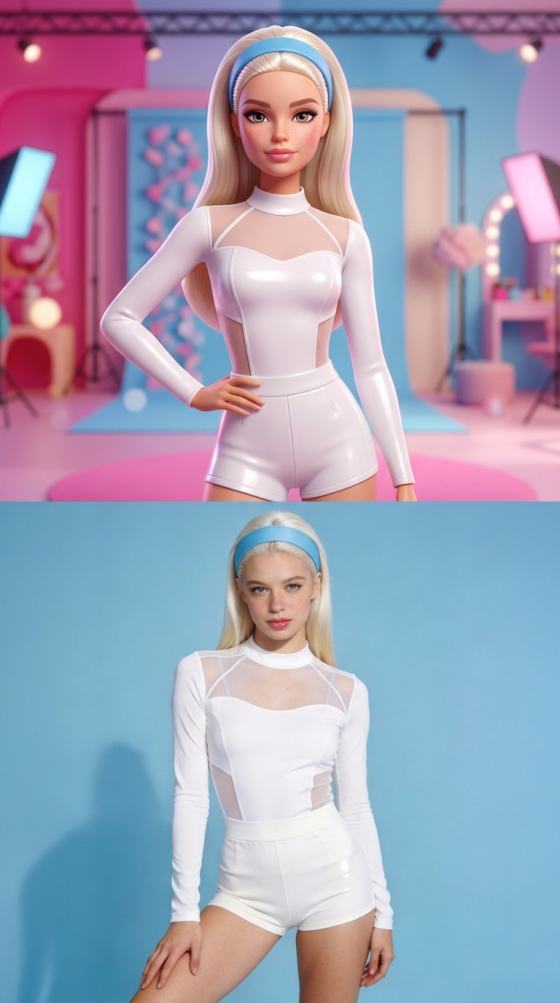
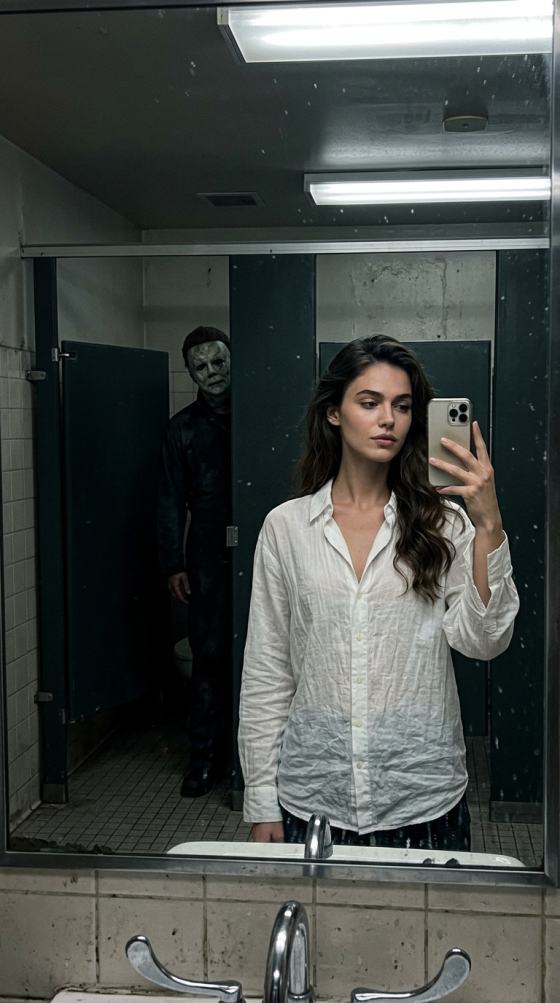
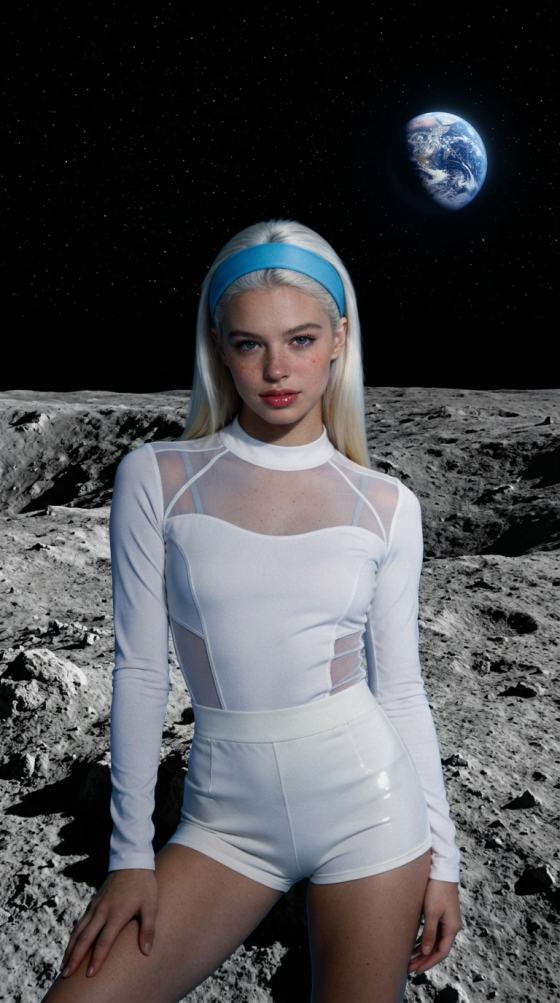

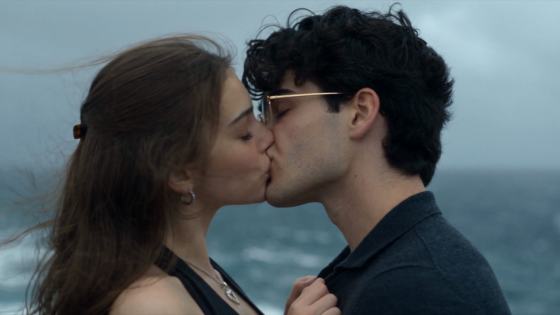



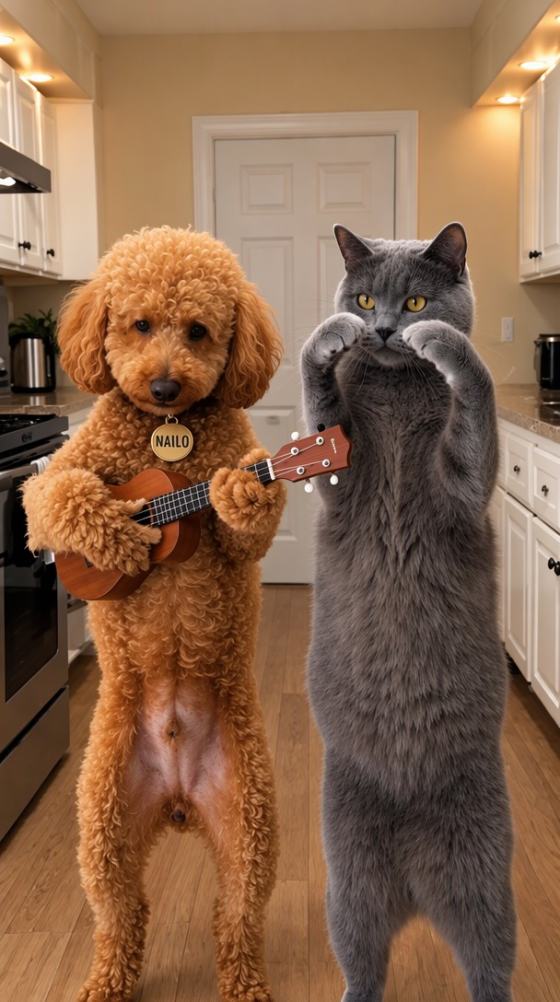
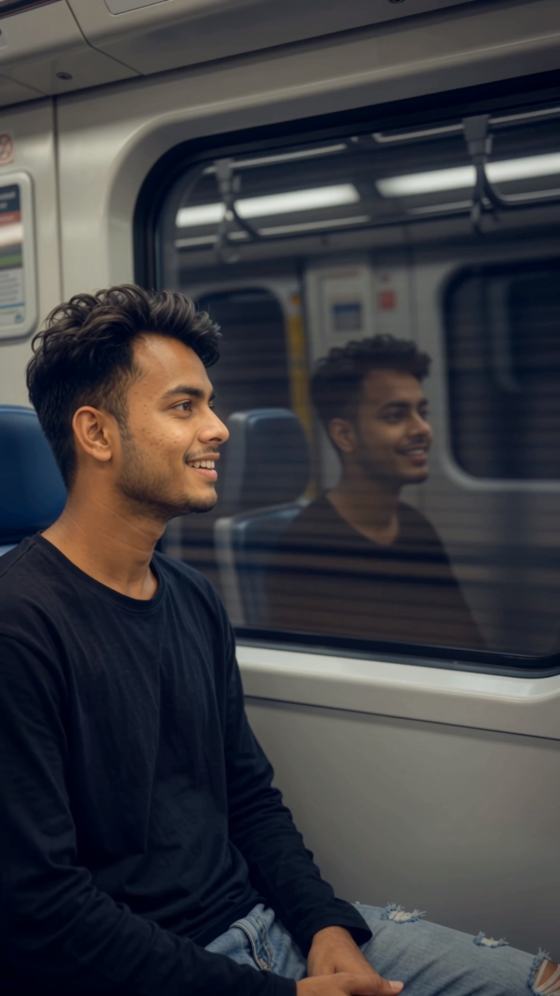
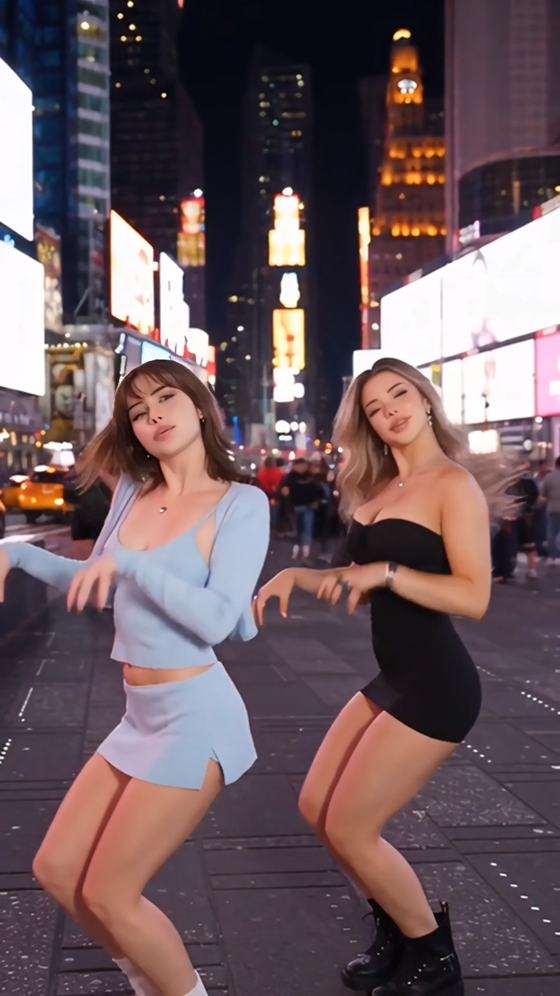
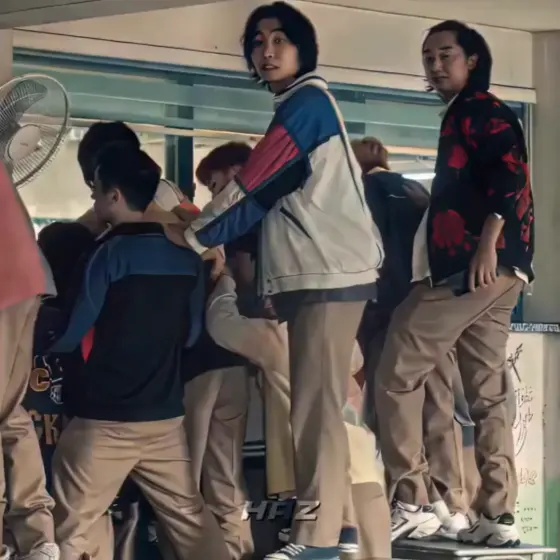

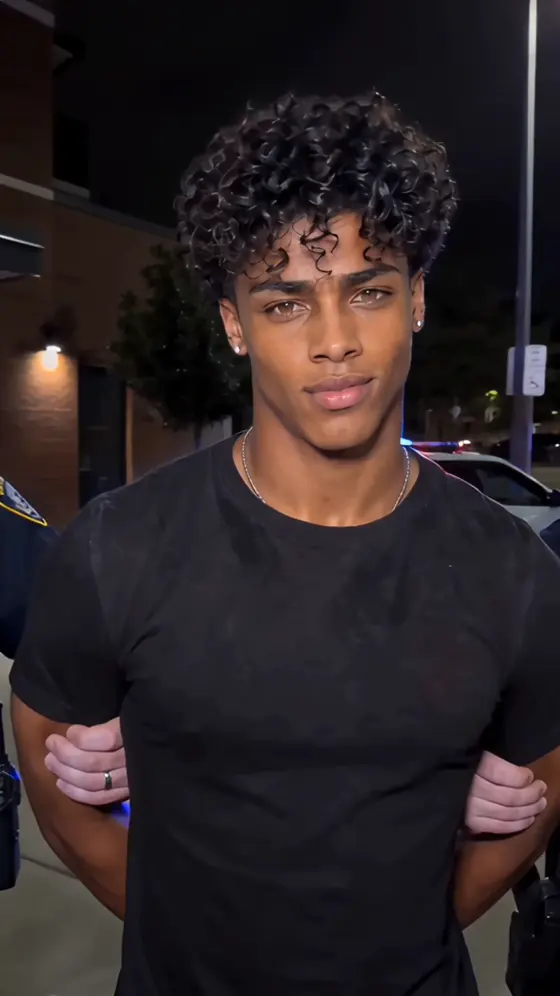

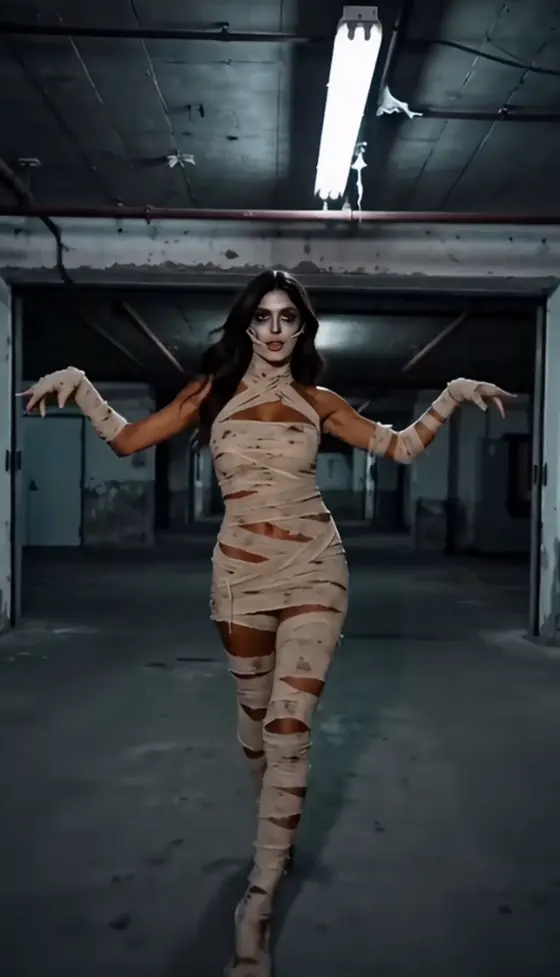


























Create realistic portraits, anime art, product images, social visuals, and enhanced photos with AI Photo Banane Wala online. Media.io combines AI image generation and editing in one browser-based workflow—no app download, APK, or advanced editing skills required.
Free credits on signup.
Generate a new image, then continue editing it in the same workspace. Remove backgrounds, replace objects, expand the canvas, improve quality, or apply creative effects without switching between separate tools.
Use AI Photo Banane Wala online from Windows, Mac, Android, iPhone, or tablet. There is no need to install an AI Photo Banane Wala app or download unofficial APK files from unknown sources.
Create realistic portraits, anime artwork, cinematic scenes, product photos, and fantasy visuals with prompt-based generation. It is a practical option for users exploring Gemini AI Photo, Google Gemini AI Photo, or Gemini AI Photo Editor workflows.
Start with a short description or upload a photo, choose a style, and generate. Beginners can create quickly, while experienced users can refine lighting, composition, color, background, and visual direction.
Upload a selfie, portrait, product image, or other photo, or describe what you want to create. Include the subject, setting, style, lighting, mood, and important details for clearer results.
Choose an aspect ratio and visual style, then adjust the background, colors, camera angle, composition, realism, or artistic direction. You can create portraits, anime, ads, social graphics, and more.
Generate several versions, select the strongest image, and continue with the AI Photo Editor if needed. Enhance quality, remove the background, replace objects, or download the finished photo.
Use AI Photo Banane Wala free tools to create personal portraits, marketing visuals, social content, and imaginative artwork. Each image can be customized with a different style, background, format, level of realism, or creative mood.
Create realistic headshots, profile pictures, fashion portraits, anime characters, cartoon avatars, and cinematic selfies. Adjust the pose, expression, outfit, lighting, lens, and background for a personalized result.
Generate product photography, advertisements, banners, thumbnails, store visuals, and campaign concepts for cosmetics, fashion, food, jewelry, electronics, and other business categories.
Use the AI Photo Editor to remove or replace backgrounds, improve resolution, expand images, change objects, apply effects, and turn ordinary photos into polished social or creative assets.

Student

“Very Easy to Use.” I created professional-looking AI portraits in minutes without installing an AI Photo Banane Wala app. The browser workflow is simple, and the results are easy to download.
Content Creator
“Powerful AI Photo Editor.” I generate a portrait first, then replace the background and enhance the image in the same platform. It saves time when I need social content quickly.
Small Business Owner
“Great Product Photos.” Media.io helps me create clean product images and promotional visuals for my online store. I can test several concepts without arranging a full photo shoot.
AI Photo Banane Wala refers to an AI-powered tool that generates or edits photos from text prompts and uploaded images. It can create portraits, anime art, product photography, fantasy scenes, social graphics, and other visuals while also helping users enhance, restyle, or modify existing photos.
Media.io offers AI Photo Banane Wala online with free signup credits for supported AI tools. You can test image generation and editing before choosing a paid plan. Credit use, generation speed, export resolution, watermark rules, and model access may vary by account or subscription.
No. Media.io runs in a modern browser, so you do not need to install an AI Photo Banane Wala app or download an unofficial APK. You can create and edit images on Windows, Mac, Android, iPhone, and tablets with an internet connection.
Media.io provides a similar prompt-based workflow for users searching for Gemini AI Photo, Google Gemini AI Photo, or Gemini AI Photo Editor options. You can generate new images, upload existing photos, change backgrounds, replace objects, enhance quality, expand the canvas, and apply AI effects in one place.
After generating or editing your image in Media.io, preview the result and use the download option to save it to your device. Searches such as Gemini AI Photo download often refer to saving an AI-generated image rather than downloading a separate photo-editing application.
 4.7 (162,357 Votes)



