Click or drag to upload, or choose from My HistoryClick To UploadMy History
No ideas? Generate an image first >
Upload jpg, jpeg, png images up to 50 MB, with a minimum width/height of 300 px.
Make Your Selfie Sparkle with a Star Freckles Filter
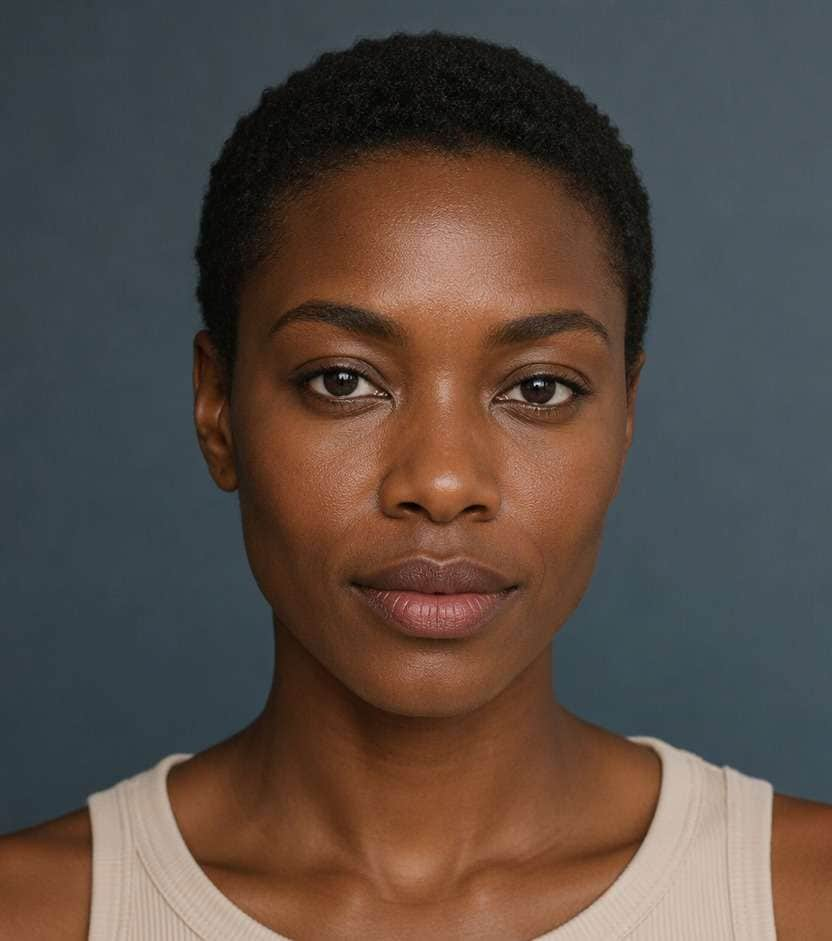
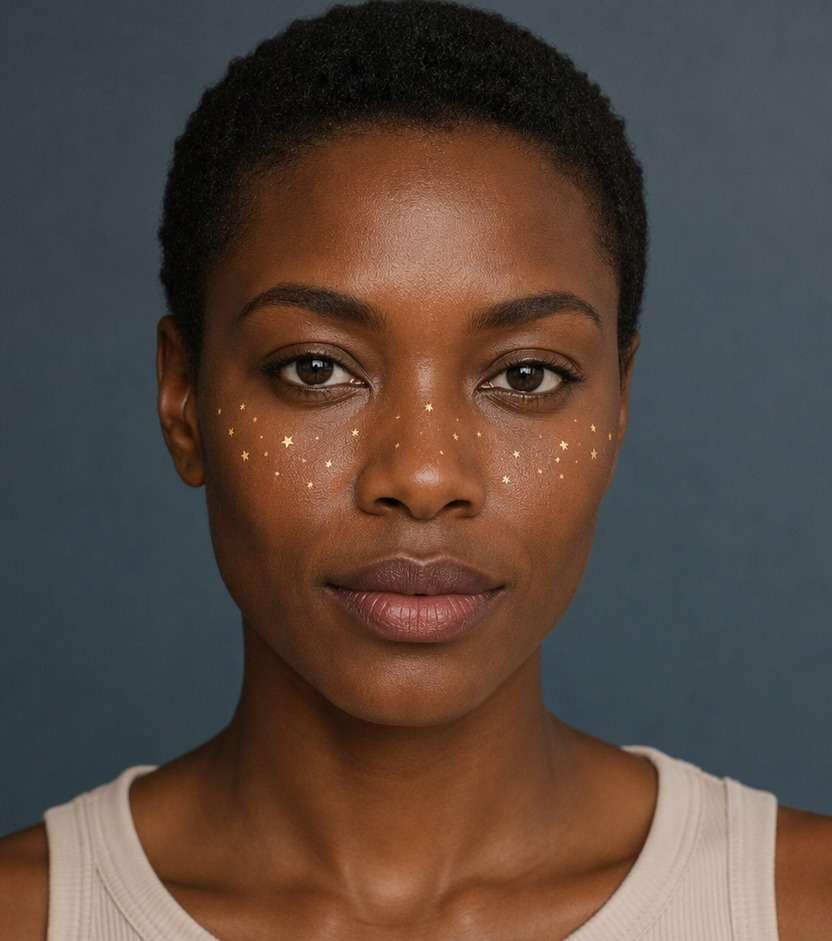
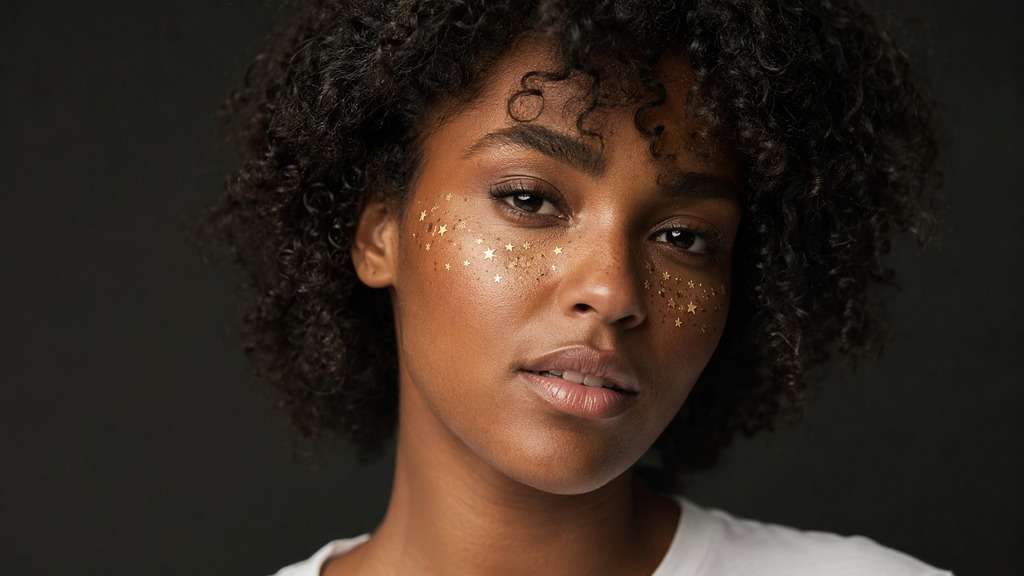
A little constellation across your cheeks can make an ordinary selfie feel playful, but big star stickers quickly take over the face. A star freckles filter adds many small star-shaped marks along the cheekbones or nose bridge - in soft gold, pale lilac or a restrained glitter finish. Experiment with the density while keeping your original skin and smile visible.
Keep stars tiny and place them where freckles or cheek shimmer would naturally sit.
Star Freckles Photo Prompts: Gold Dust, Tiny Stars and Cheek Sparkles
Small five-point stars, metallic flecks and spaced constellations create different looks. Try a concentrated cheekbone cluster before placing sparkles all over the entire portrait.
Gold Cheek Constellation
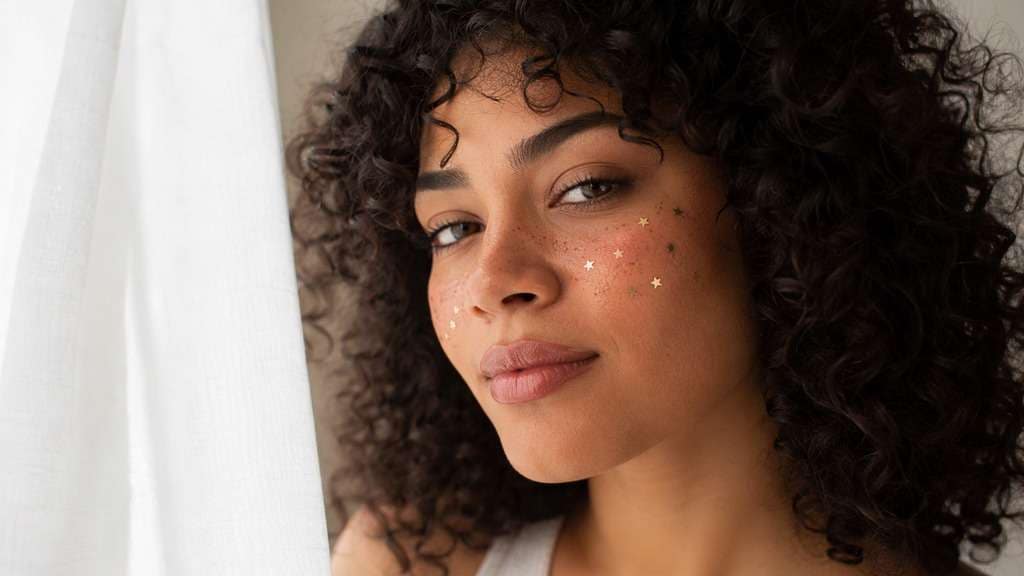
Edit my uploaded reference photo: Scatter tiny warm gold five-point stars along cheekbones. Keep the same person, real facial identity and expression except where this named face effect intentionally changes proportions, and preserve original hair, clothing, perspective, room or outdoor setting. Do not add captions, logos, extra people or unrelated props.
Silver Star Dust
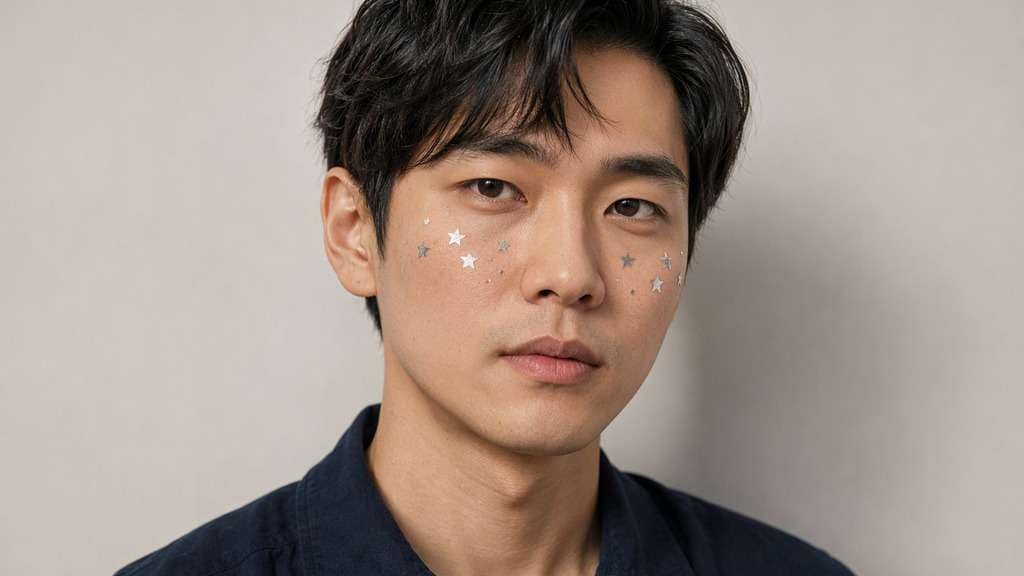
Edit my uploaded reference photo: Add a sparse set of matte silver stars along upper cheeks. Keep the same person, real facial identity and expression except where this named face effect intentionally changes proportions, and preserve original hair, clothing, perspective, room or outdoor setting. Do not add captions, logos, extra people or unrelated props.
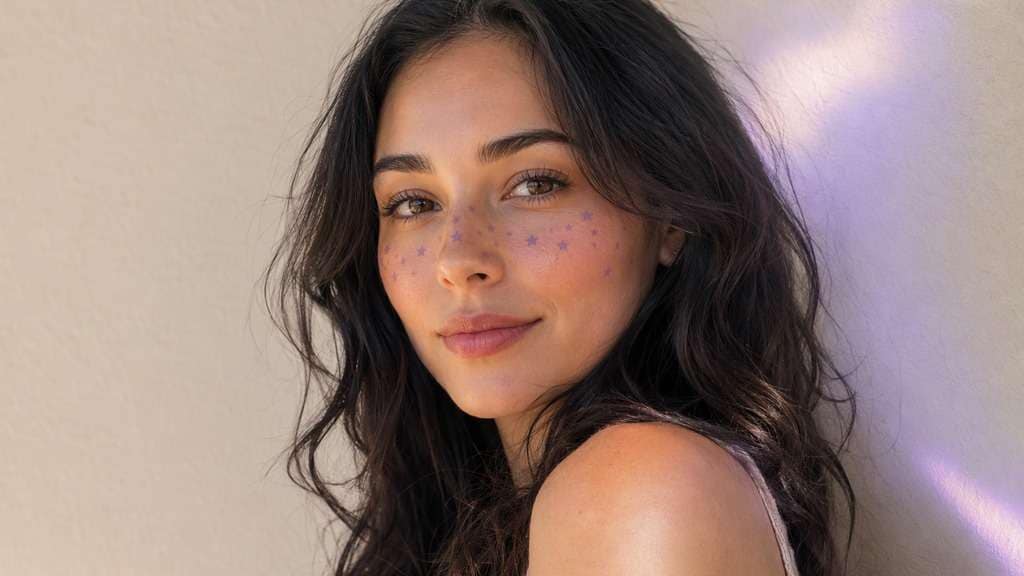
Lilac Dream Stars
Edit my uploaded reference photo: Add small lavender star freckles and very gentle diffuse glow. Keep the same person, real facial identity and expression except where this named face effect intentionally changes proportions, and preserve original hair, clothing, perspective, room or outdoor setting. Do not add captions, logos, extra people or unrelated props.
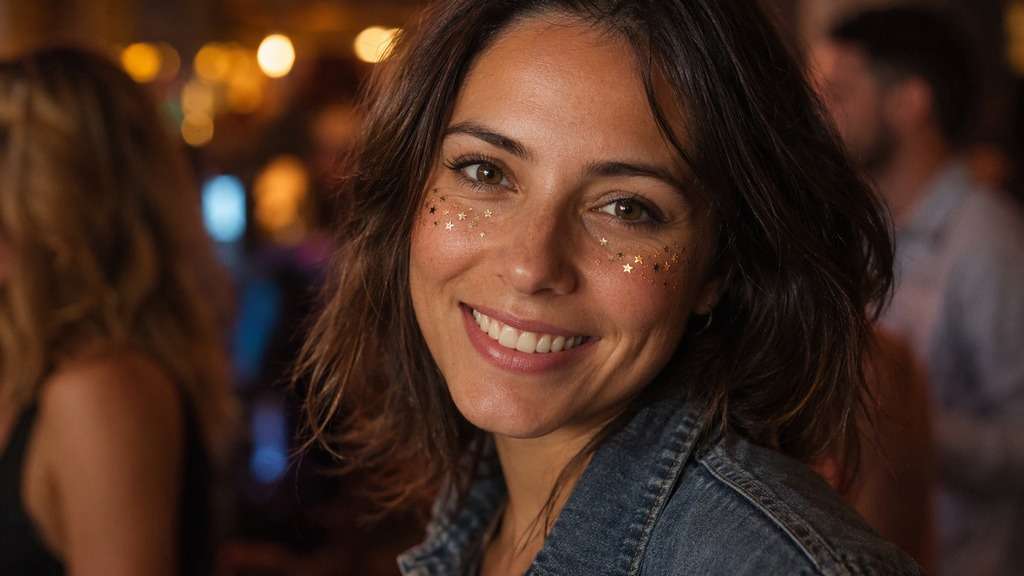
Copper Night Sparkle
Edit my uploaded reference photo: Place warm copper star flecks near cheekbones, follow flash reflections. Keep the same person, real facial identity and expression except where this named face effect intentionally changes proportions, and preserve original hair, clothing, perspective, room or outdoor setting. Do not add captions, logos, extra people or unrelated props.
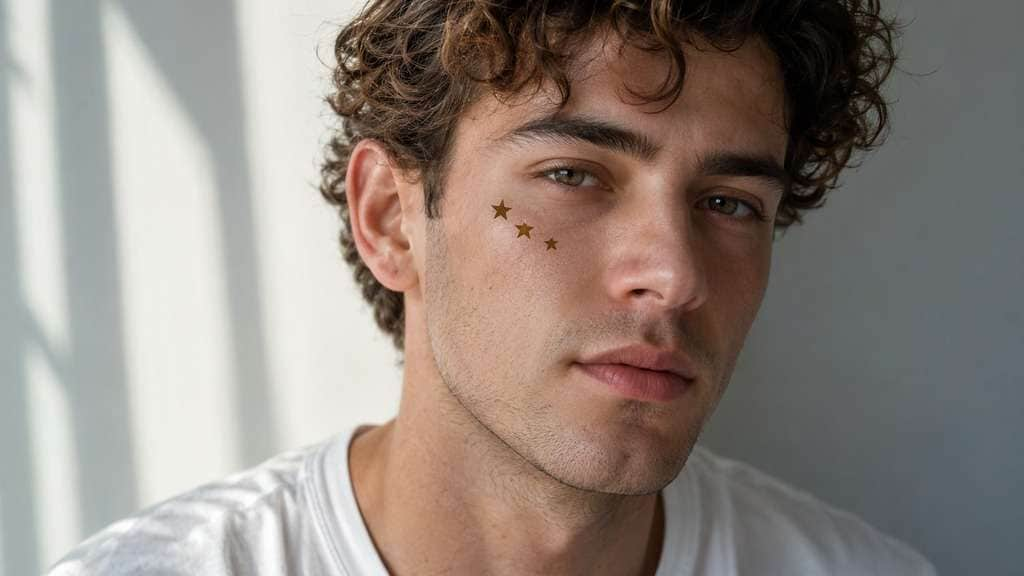
Minimal Three Stars
Edit my uploaded reference photo: Add only three tiny dark-gold stars on one upper cheek. Keep the same person, real facial identity and expression except where this named face effect intentionally changes proportions, and preserve original hair, clothing, perspective, room or outdoor setting. Do not add captions, logos, extra people or unrelated props.
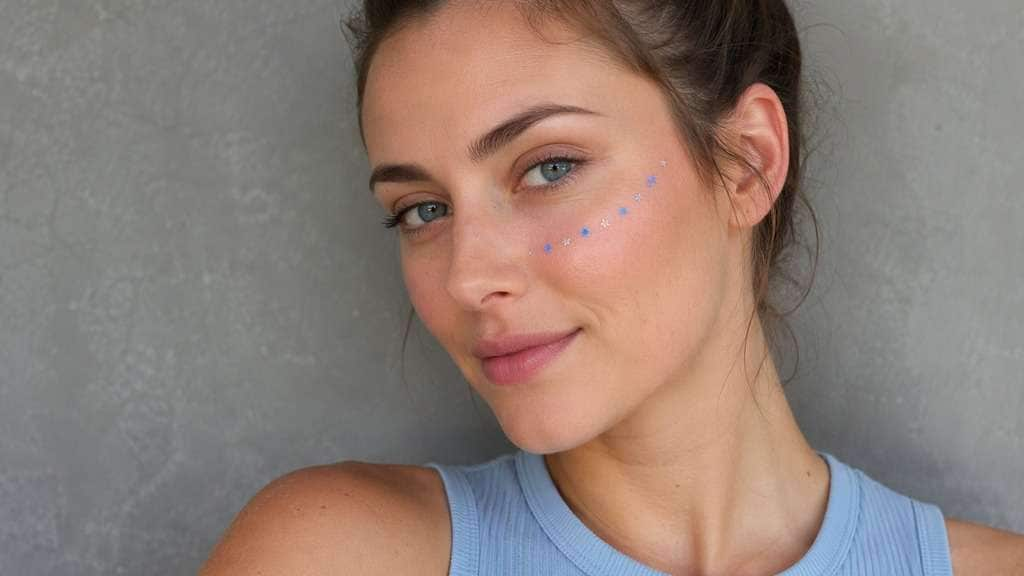
Galaxy Freckle Trail
Edit my uploaded reference photo: Place a curved trail of very small blue-silver stars along one cheekbone. Keep the same person, real facial identity and expression except where this named face effect intentionally changes proportions, and preserve original hair, clothing, perspective, room or outdoor setting. Do not add captions, logos, extra people or unrelated props.
Matte Black Stars
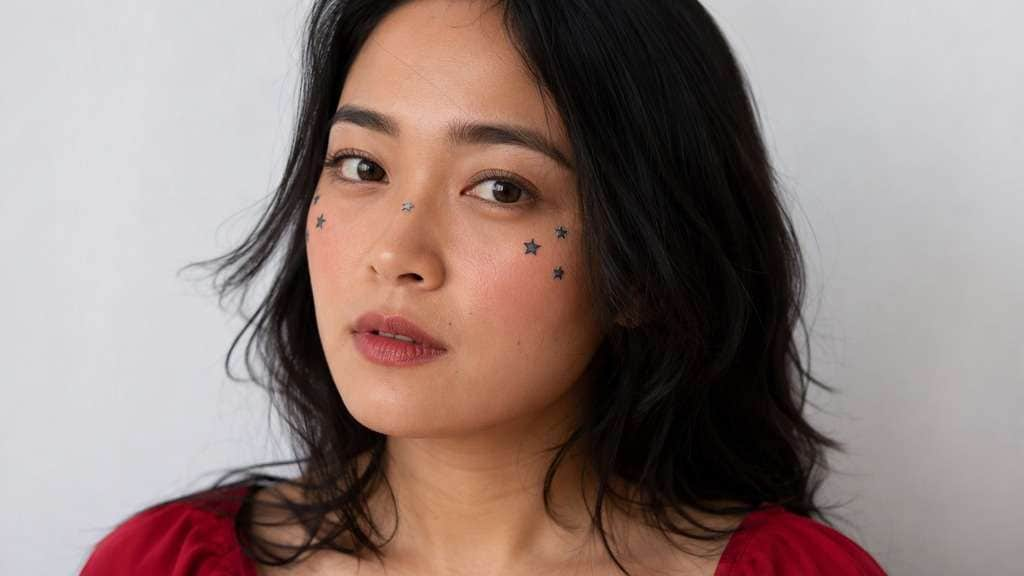
Edit my uploaded reference photo: Draw small flat black star makeup accents, no glitter. Keep the same person, real facial identity and expression except where this named face effect intentionally changes proportions, and preserve original hair, clothing, perspective, room or outdoor setting. Do not add captions, logos, extra people or unrelated props.
Rose Gold Shimmer
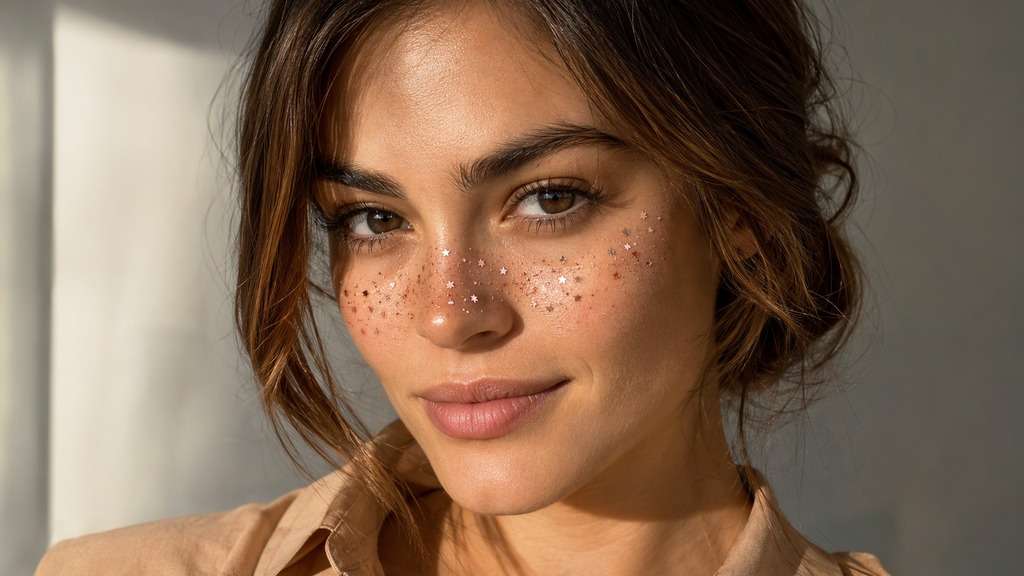
Edit my uploaded reference photo: Add rose-gold micro stars across nose and inner cheek areas. Keep the same person, real facial identity and expression except where this named face effect intentionally changes proportions, and preserve original hair, clothing, perspective, room or outdoor setting. Do not add captions, logos, extra people or unrelated props.
Festival Violet Stars
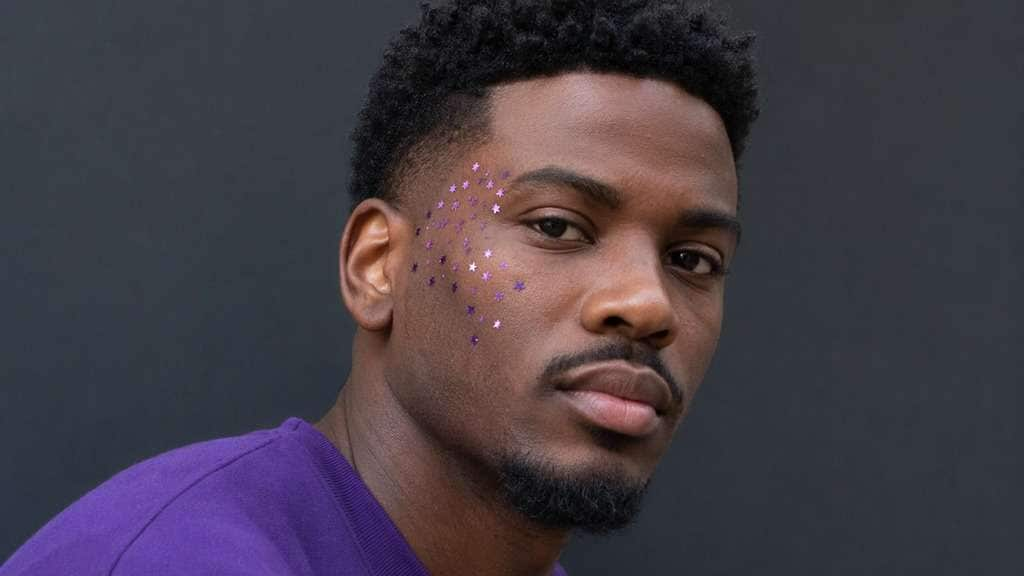
Edit my uploaded reference photo: Use a cluster of tiny violet reflective stars with realistic catchlight. Keep the same person, real facial identity and expression except where this named face effect intentionally changes proportions, and preserve original hair, clothing, perspective, room or outdoor setting. Do not add captions, logos, extra people or unrelated props.
Two-Cheek Gold Sprinkle
Edit my uploaded reference photo: Apply faint warm five-point freckles to both cheeks with nonuniform spacing. Keep the same person, real facial identity and expression except where this named face effect intentionally changes proportions, and preserve original hair, clothing, perspective, room or outdoor setting. Do not add captions, logos, extra people or unrelated props.
Give Tiny Stars a Place to Shine
Find the Right Star Size
A few larger points can anchor the pattern, but most marks should remain freckle-sized. If stars look like a party sticker sheet, reduce scale and vary spacing.
Choose Matte Stars or Light Shimmer
Matte stars can resemble graphic face paint. A delicate glimmer catches existing highlights; broad glitter across the skin can flatten the portrait and hide its texture.
Follow the Cheekbone Shape
Stars near the upper cheeks and outer eyes work with the face. On a three-quarter image, account for perspective so the farther cheek does not receive an impossible pattern.
Keep Natural Skin and Eye Detail
Ask for a cheek overlay only. Preserve freckles, eyeliner, lashes and the shape of the face; avoid AI retouching that changes the person you uploaded.
How to Put Star Freckles on a Photo Online
For fine details, use a portrait with a clear cheek area and enough resolution to inspect the shapes.
Step 1
Upload a Clear Cheek Portrait
Open Media.io AI Face Editor and upload a well-lit selfie with visible cheekbones and nose bridge.
Step 2
Prompt Star Size and Placement
Describe tiny five-point stars, their color and how densely they should sit on the upper cheeks. Ask to keep the original makeup and eyes unchanged.
Step 3
Generate and Check the Sparkle
Click Generate, inspect whether each star remains distinct and reduce the glow if details merge into bright patches.
A star cheek filter can be nearly invisible daylight makeup or a deliberate sparkle in a party selfie.
Music Festival Close-Up
A small gold constellation on the cheekbones adds a playful detail to a festival portrait. Avoid bright glitter that competes with the subject's existing colored lights. Keep shimmer concentrated where the original lighting would catch it; excess glitter can bleach out the bridge of the nose.
Dreamy Profile Picture
Choose matte lavender stars with a faint light glow so the pattern reads in a round avatar without covering eyelashes or changing eye color. At thumbnail size, a handful of clear five-point shapes is more readable than dozens of tiny unstructured flecks.
Birthday Night Portrait
Put warm champagne star freckles near the outer cheeks, where existing flash can catch them. Keep the original skin texture and expression in view. A face lit by warm indoor bulbs will suit champagne highlights better than stark cool silver against every cheek.
Star Freckles Filter Preview Checklist
Star Clarity
Photo preview checklist
"Can you see individual five-point shapes?" Avoid tiny smears that lose their star outline.
Glow Strength
Photo preview checklist
"Are highlights still natural?" Reduce sparkle bloom if the cheek becomes a white patch.
Face Placement
Photo preview checklist
"Does the pattern follow cheek curves?" Use perspective-aware positioning on angled faces.
Eyes
Photo preview checklist
"Are lashes and eyelids untouched?" The effect belongs to skin accents, not changes to eye shape.
It puts many small star-shaped accents on the cheeks or across the nose in a freckle-style arrangement. They can be matte, pastel or lightly shimmering.
2. How is it different from a star sticker filter?
Star freckles use tiny marks in a scattered skin-level pattern. A star sticker filter can use a few much larger floating shapes or decorative overlays.
3. Can star freckles look subtle in daylight?
Yes, choose small matte gold or warm beige stars and low density. Save stronger glitter for photos with brighter occasion lighting.
4. Where should the star pattern go on the face?
Upper cheekbones and the bridge of the nose are common starting points. Ask that the pattern follow the actual facial angle.
5. Will it change my natural freckles or makeup?
Ask to preserve any existing freckles, blush and eye makeup. Check the generated image, since fine facial details can change during AI editing.
6. Are gold or silver star freckles better for a portrait?
Warm gold usually complements peachy light, while silver and pale lavender suit cooler lighting. Try a small cluster before choosing a full cheek pattern.