Чёрная пятница: доСКИДКА 50%!
Получить предложение
AI Bikini Swap
Upload Character
Click or drag to upload, or choose from My HistoryClick To UploadMy History
No ideas? Generate an image first >
Tip: Please add a clear photo of the person whose outfit you want to change. PNG, JPG, and JPEG formats are supported.
Upload Bikini
Click or drag to upload, or choose from My HistoryClick To UploadMy History
No ideas? Generate an image first >
Tip: Use a standalone product shot of the bikini, without a model.
Examples:
Aspect Ratio

See Yourself in a Poolside Bikini Photo

Wondering whether a swimsuit would look natural in your own vacation photo before you book a shoot or post it? Use AI poolside bikini photos to preview a clothing swap in a photo you already have. Your source setting, pose, and lighting stay the same; only the clothing changes. Results can vary.

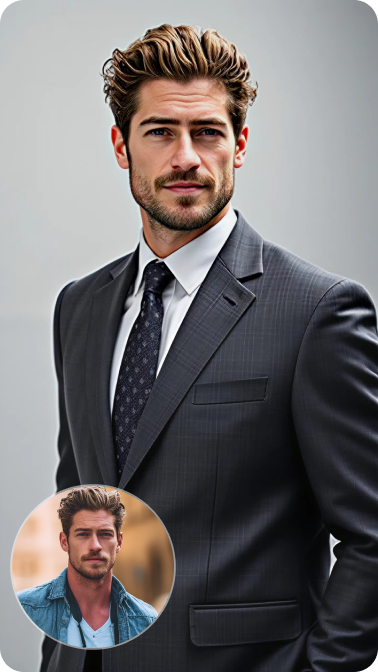
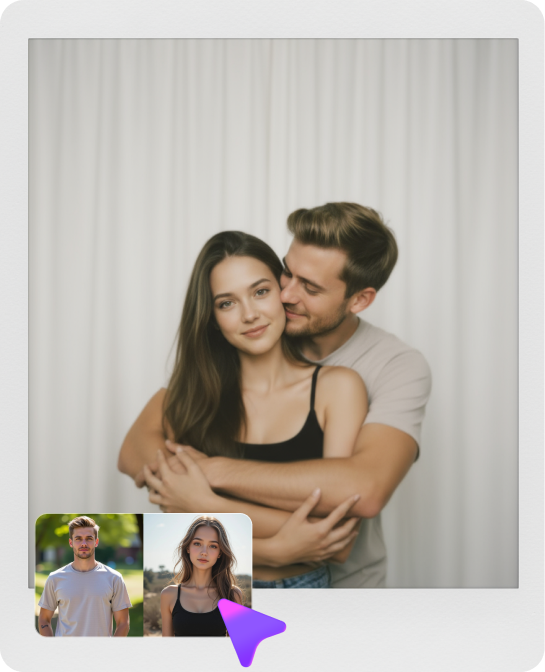
Everyday photo before swimsuit preview
Swimsuit swap preview on the same photo
Preview a Bikini Style

Start with a clear adult photo taken by a pool or beach. A clothing swap will not turn an unrelated background into a vacation setting.

Decide What Works Before You Share

Check the Setting First

A pool deck, shoreline, or resort patio already in your photo gives the swimsuit a believable context. If the source shows a bedroom or office, changing the clothing will not make it a beach vacation photo. Choose the right original before comparing styles.

Compare Coverage Without Guesswork

Decide whether a high-waisted bottom, sport cut, or classic bikini suits the photo you plan to use. A style reference helps you assess neckline, cut, and coverage against your existing pose, though garment details may differ in the result.

Work With the Pose You Have

The original pose stays in place, so pick a photo where your arms and torso are visible enough to assess the swimsuit. Crossed arms, a large bag, or a towel covering the outfit can make the preview harder to judge.

Respect the Original Light

Bright poolside sun, open shade, and sunset light give clothing different visual context. Because the source lighting stays the same, choose a photo whose light already supports the vacation look you want rather than expecting the clothing swap to relight it.

Try a Bikini Style on Your Existing Photo

Choose an adult photo with the setting you want to keep. The preview changes clothing, not the location or the way the photo was taken.

Adult uploading clear poolside photo
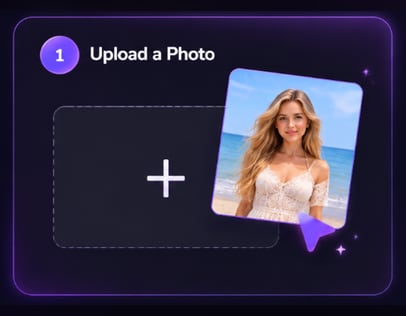
Step 1

Upload Your Photo

Choose a clear photo of yourself as an adult. For a believable poolside or beach result, use a source that already shows that setting and has the pose and lighting you want to retain.

Adult choosing bikini style reference
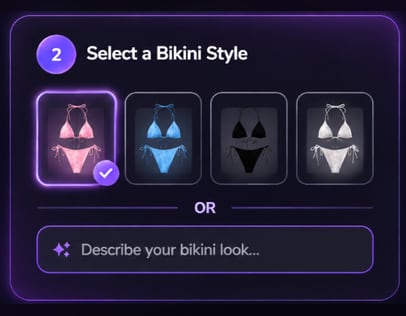
Step 2

Choose a Bikini Style or Upload Your Own

Pick an available bikini style sample or upload a reference photo of the bikini you want. Compare the neckline and coverage with what is visible in your source photo.

Adult reviewing bikini clothing swap
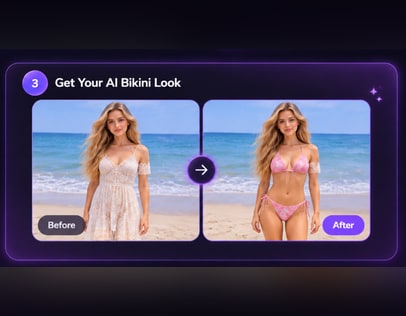
Step 3

Click Generate

Click Generate to swap only the clothing while the original background, pose, and lighting stay unchanged. Review the illustrative result before sharing, since swimsuit details can vary.

Pick the Photo for the Occasion

For AI pool party photos or a quieter vacation post, the best starting point depends on where the original photo was taken and how you want to use it.

A Vacation Post From an Existing Trip

You have a poolside photo from a trip but wish you had worn a different swimsuit. Compare a few cuts against the real setting and light before posting. If you need an actual beach backdrop, start with a beach photo instead.

A Pool Party Photo to Share

Your group is gathering by the pool, and you want your own photo to feel appropriate for the occasion. Choose a source with a natural, unobstructed pose, then compare coverage levels without changing the recognizable poolside setting.

A Swimsuit Choice Before a Shoot

You are deciding what to wear for a planned pool or beach shoot. Use an existing adult photo to compare silhouettes and colors, then treat the preview as a style guide rather than a promise of how a garment will fit in person.


What Media.io Users Say About AI Beach Photo Previews

M
madinahku

March 10, 2026

star star star star star

“I believe this tools is the tools for the future for help people make the best idea. Any tools in here, make you easy finishing may work.”

View original review on Trustpilot

Questions to Settle Before You Generate

1. Can an adult photo taken at home become a beach vacation photo?

Not through this clothing swap. The original background stays unchanged, so a home photo will still look like it was taken at home. If the vacation setting matters, choose an adult source photo already taken at a beach, pool, or resort.

Choose one with a clear view of your outfit area, a natural pose, and lighting that already suits the poolside setting. Heavy shadows, crossed arms, or objects covering the clothing can make the swimsuit preview harder to evaluate.

Use an available sample when you are comparing broad cuts or coverage levels. Upload a bikini reference when you have a particular garment in mind. Either way, inspect the generated details rather than assuming the preview will reproduce the reference exactly.

The intended edit swaps clothing while retaining the source pose, background, and lighting. Pick an original photo you already like on those points. Review the result for visual inconsistencies, since an illustrative preview may vary.

Use the preview to compare the visual effect of a cut, color, or coverage level, not to determine real-world sizing. Fabric behavior and garment fit may differ. Check the swimsuit's actual measurements before buying or packing it.

Consider how the image may be understood by viewers. If the swimsuit was changed, avoid presenting it as an unedited record when that distinction matters. Check the clothing edges and other details before sharing, and choose a real source setting that matches your caption.

Media.io Online AI Tools Quality Rating:
vote 4.7 (162,357 Votes)