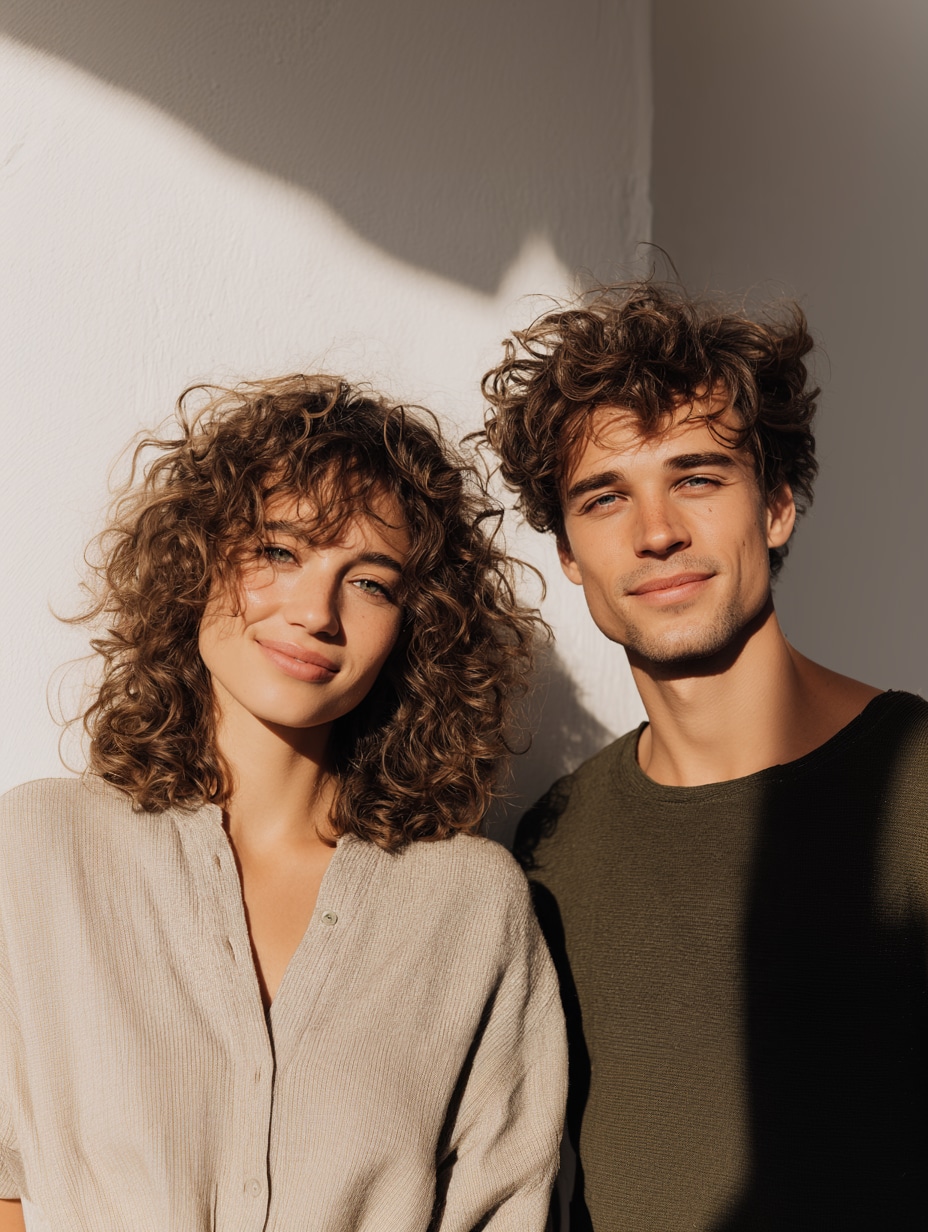
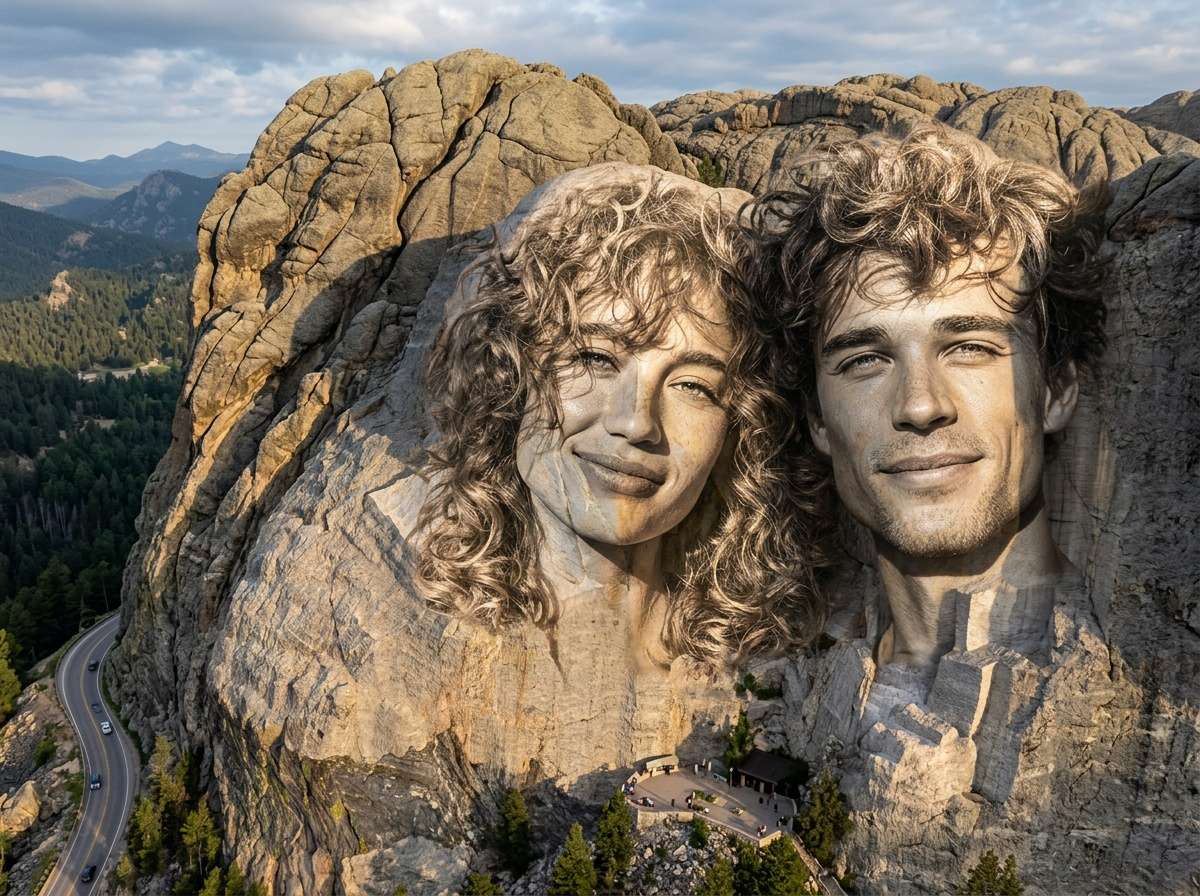
이미지에서 이미지까지
Nano Banana Pro
이미지 업로드
0 / 9
내 기록에서 선택하거나 업로드하려면 클릭하거나 드래그하세요
아이디어가 없나요? 먼저 이미지를 생성하세요. >
지원되는 업로드 형식: jpg, png, jpeg.
프롬프트
0/2000
측면 비율
자동
9:16
16:9
1:1
4:3
3:4
3:2
2:3
21:9
해상도
1K
2K
4K
바나나 프로 무제한 모드
이미지 수
1
2
3
4
공공 가시성
전체
이미지
비디오
오디오
목록 생성
생성된 결과는 7일 동안 보관됩니다. 제때 저장하십시오.
ai_video_generator창의적 잠재력을 풀고 미디어 AI의 마법을 즉시 경험하십시오!

AI Mount Rushmore Generator: Create Your Own Mount Rushmore Online

The AI Mount Rushmore generator makes it easy to turn ordinary portraits into a legendary monument. With advanced AI image technology, you can create your own Mount Rushmore, placing faces of friends, celebrities, or teammates onto the iconic granite mountain.
Whether you want to design a fun meme, celebrate your team, or reimagine history with custom faces, this AI tool transforms photos into a realistic Mount Rushmore-style carving in seconds-directly in your browser.

ai-mount-rushmore
ai-mount-rushmore

Key Features of the AI Mount Rushmore Generator

Instantly Put Multiple Faces on Mount Rushmore

The tool can automatically place up to four faces on Mount Rushmore, recreating the iconic presidential monument layout.

Common creations include friend group monuments, celebrity "Mount Rushmore" memes, sports legends monuments, and family tribute photos. This makes the Mount Rushmore face generator perfect for creative social media content.

Realistic Stone Carving Effects

The AI converts portraits into realistic granite sculptures, simulating the look of the original monument.

The generator automatically applies natural stone textures, carved chisel depth, weathered granite effects, and monument-scale lighting. The result looks like a true mountain carving instead of a simple face swap.

No Photoshop Skills Required

Creating a realistic Mount Rushmore image traditionally required advanced Photoshop editing skills.

With an AI Mount Rushmore generator online, everything happens automatically. Just upload images and click generate, allowing anyone to create Mount Rushmore images quickly and easily.

Fast Online AI Image Generation

Unlike manual editing, the Mount Rushmore AI generator free tools generate results within seconds.

You can easily create multiple versions, meme variations, and social media graphics without installing any software.

How to Use the AI Mount Rushmore Generator

01

Step 1 – Upload Your Portrait Photos

Start by uploading photos of the people you want on the monument.

Most Mount Rushmore AI generator free tools allow 1–4 faces, clear portrait photos, and images of friends, celebrities, or pets. The AI automatically detects and prepares each face for carving.

02

Step 2 – Generate the Mount Rushmore Image

Click Generate, and the AI image generator Mount Rushmore engine will transform the portraits.

The system converts faces into granite stone sculptures, places them into a Mount Rushmore-style mountain cliff, and applies realistic lighting and shadow depth to produce a cinematic monument landscape. The whole process usually takes only a few seconds.

03

Step 3 – Download or Share the Image

Once generation is complete, you'll get a high-resolution Mount Rushmore photo.

You can download the image, share it on social media, create memes, or generate additional versions. This makes it much easier than editing Mount Rushmore faces manually in Photoshop.

What Users Say About the AI Mount Rushmore Generator

user
Michael R.

Graphic Designer

star star star star star

“Surprisingly realistic stone effect” I tried this Mount Rushmore photo generator for a design concept. The granite texture and lighting made the monument look incredibly realistic.

user
Emily S.

Social Media Creator

star star star star star

“Perfect meme generator tool” I created a Mount Rushmore of pop stars and posted it on Instagram. It instantly became one of my most liked posts.

user
David K.

Marketing Manager

star star star star star

“Much easier than Photoshop” I used to attempt putting faces on Mount Rushmore in Photoshop. This AI tool did it automatically in seconds.

FAQ: AI Mount Rushmore Generator

1. What is the best AI Mount Rushmore generator?

The best AI Mount Rushmore generator automatically converts faces into realistic granite carvings and places them on a Mount Rushmore-style monument with natural lighting and shadows.

Media.io is one of the best options, allowing users to quickly transform portraits into monument-style carvings with realistic stone textures and lighting in seconds.

2. Can I create Mount Rushmore images online for free?

Yes. Many tools offer an AI Mount Rushmore generator free online, allowing users to upload faces and generate monument images instantly.

With Media.io, new users can receive free credits after registering an account, and additional daily check-ins also provide free credits to generate images.

3. How many faces can I put on Mount Rushmore?

Most Mount Rushmore generators allow up to four faces, replicating the layout of the original monument.

However, Media.io supports up to 9 images, allowing users to create larger and more creative monument-style designs.

4. Do I need Photoshop to create a Mount Rushmore image?

No. AI tools can automatically swap faces into Mount Rushmore scenes, eliminating the need for complex Photoshop editing.

Media.io automatically handles face detection, stone carving effects, lighting, and placement, making the process simple for beginners.

5. Can I generate Mount Rushmore images with AI prompts?

Yes. Media.io supports custom prompts, allowing users to describe the monument they want to generate.

For example: “Create a Mount Rushmore monument with four scientists carved into a granite mountain.” Custom prompts allow users to easily generate creative and personalized monument designs.






