이미지에서 이미지까지
Nano Banana Pro
0/2000
1K
자동
1
바나나 프로 무제한 모드
제작물
아이디어 허브
전체
목록 생성
작업물은 7일 동안 저장됩니다. 업그레이드 후 생성된 에셋은 영구 저장됩니다.
ai_video_generator창의적 잠재력을 풀고 미디어 AI의 마법을 즉시 경험하십시오!

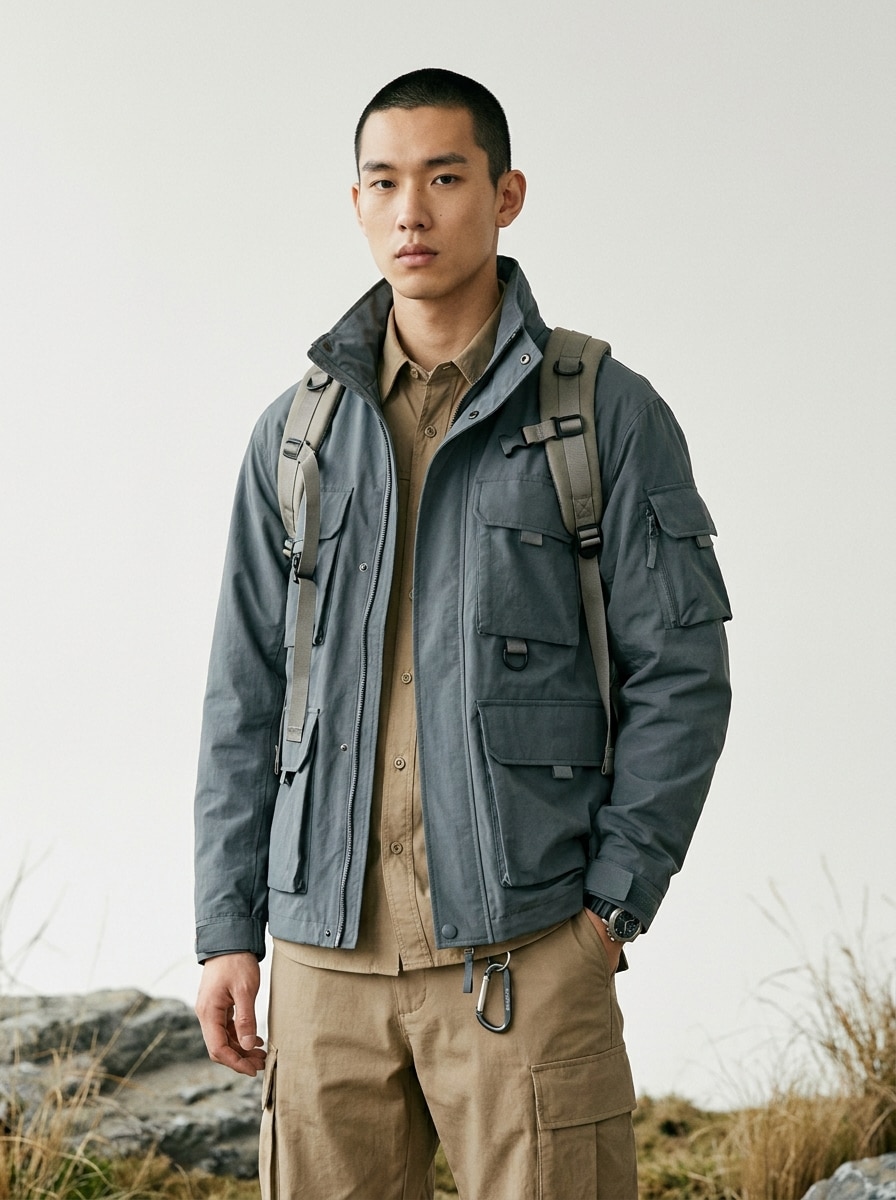
AI Gorpcore Filter for Rugged Outdoor-Fashion Photo Transformations

AI Gorpcore Filter Before
AI Gorpcore Filter After

Turn an everyday portrait into a realistic outdoor-fashion image with Media.io’s AI Gorpcore Filter. Upload one photo and restyle it with technical outerwear, trail-ready layers, and editorial lighting for urban, alpine, or social-ready looks in minutes.

Try My Gorpcore Look

Type your idea -> AI designs it. Free to try.

Review these example directions, then tailor the prompt details to get stronger results with this Gorpcore Filter.

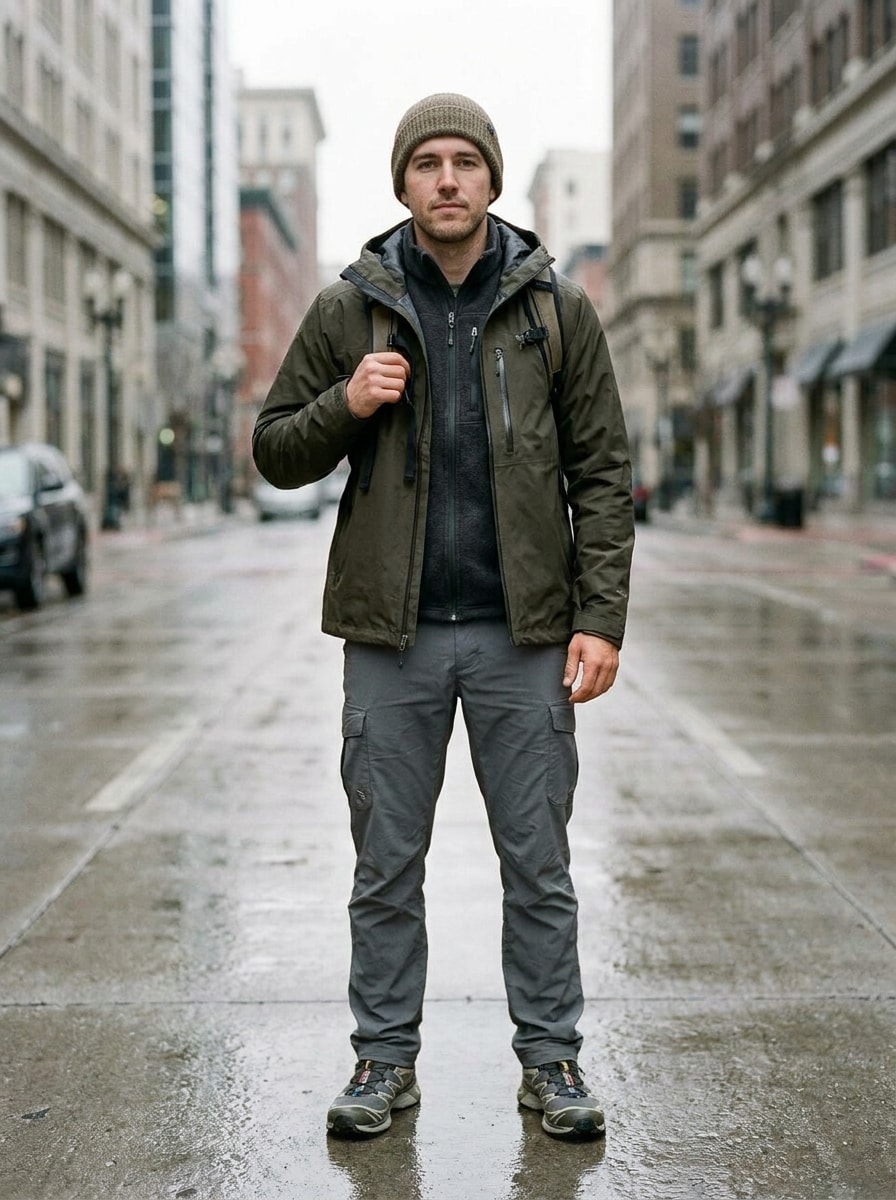
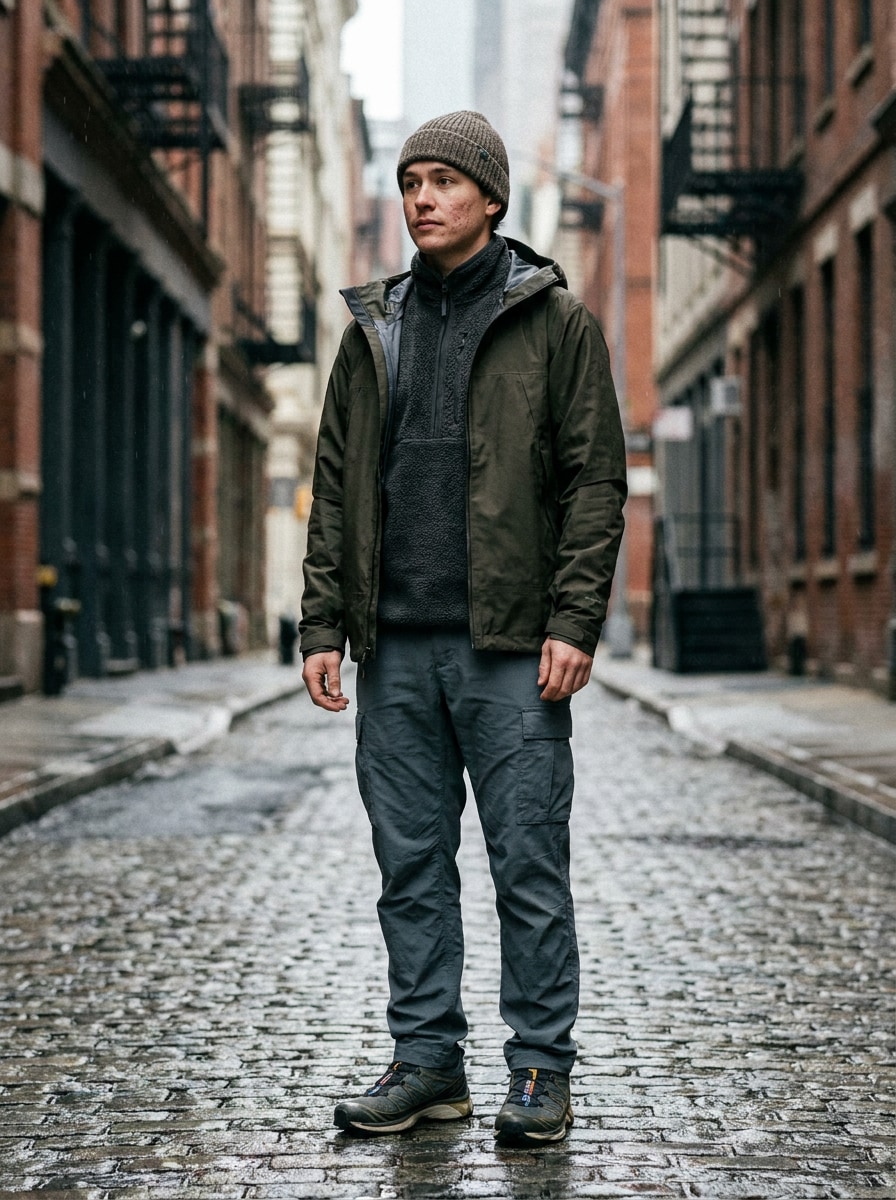
Hyperreal City Gorpcore

Hyperreal City Gorpcore

Use the uploaded image as the subject and transform it into a hyperreal gorpcore fashion portrait. Add a premium waterproof shell jacket, fleece mid-layer, relaxed cargo pants, trail sneakers, and a knit beanie, set on a moody city street with soft overcast daylight, natural skin texture, sharp garment detail, muted olive and charcoal tones.

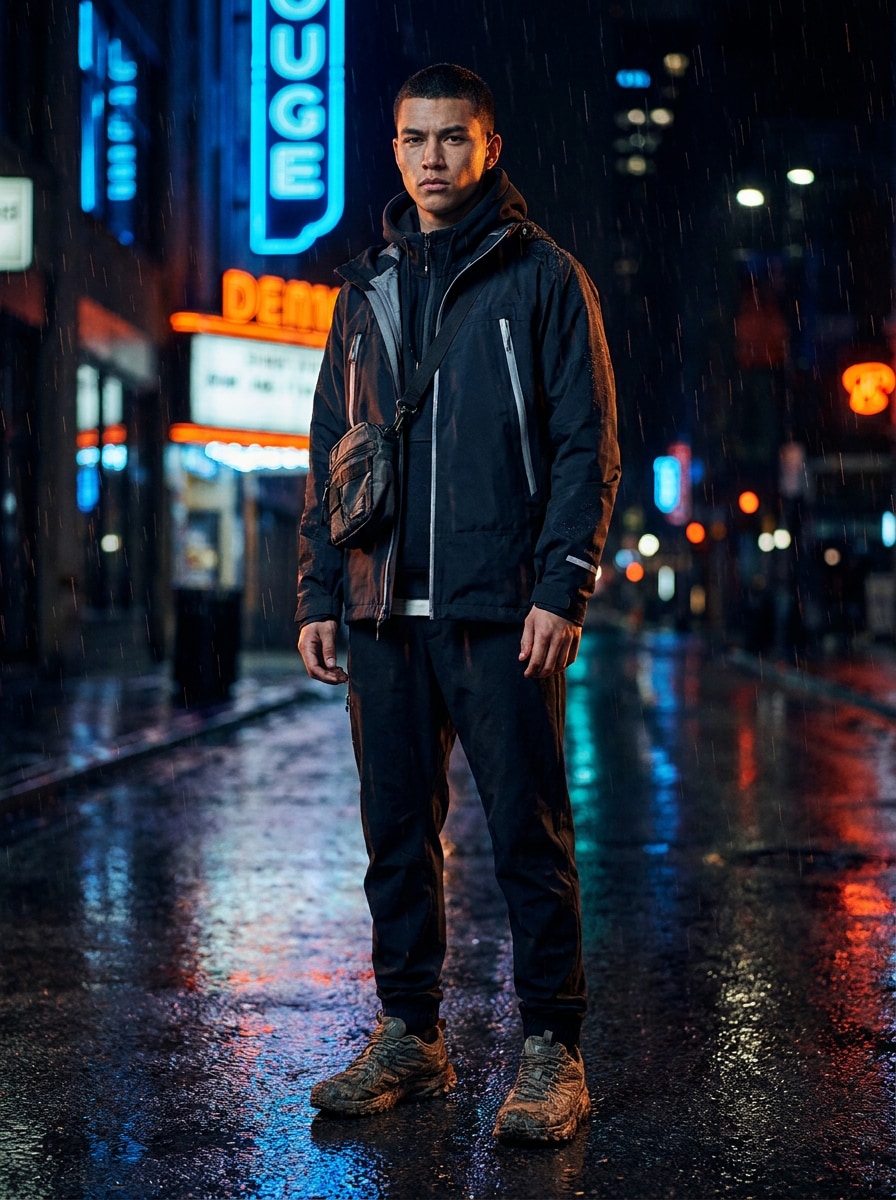
Night Utility Streetwear

Night Utility Streetwear

Use the uploaded photo as the subject and restyle it into a nighttime gorpcore editorial. Dress the person in a technical jacket with reflective details, layered streetwear, and a utility crossbody bag, with wet pavement, glowing city lights, dramatic contrast, cool shadows, realistic face preservation, and a sleek fashion-campaign mood.

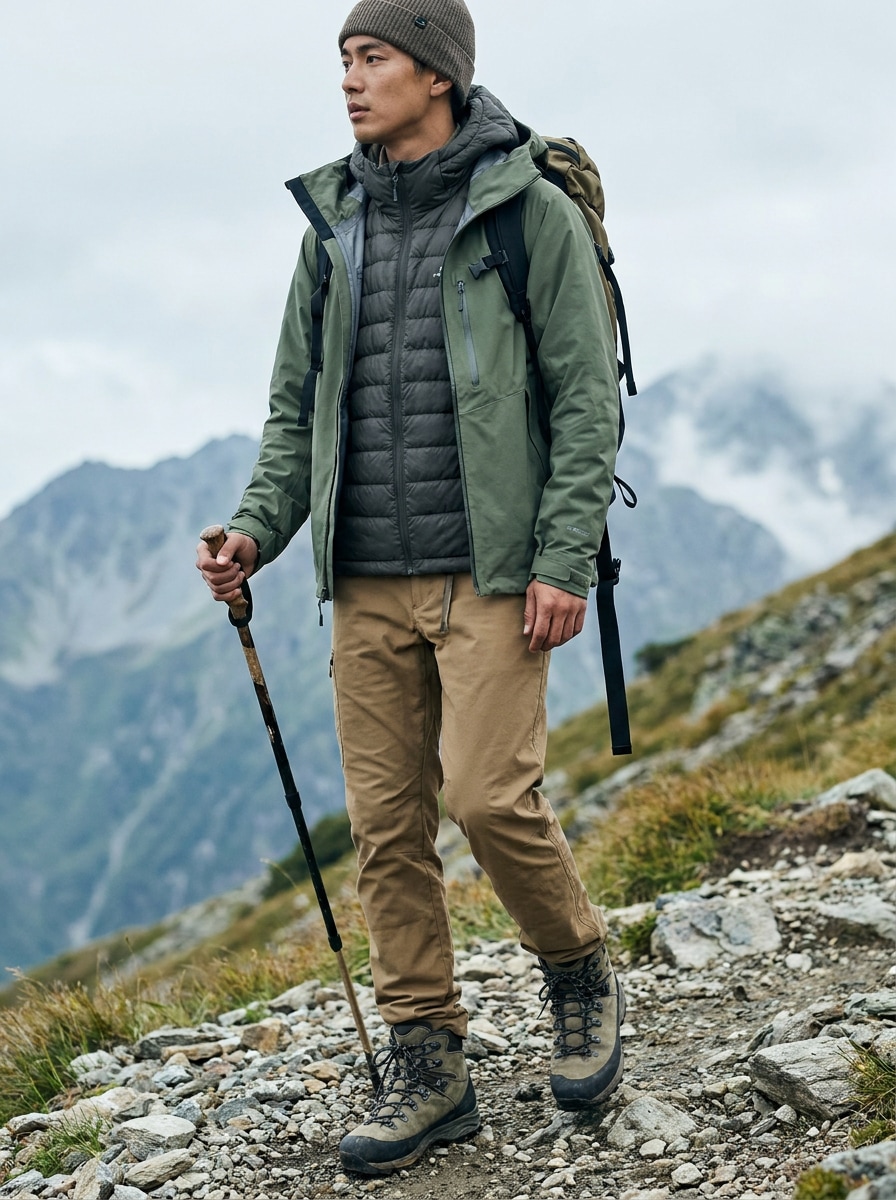
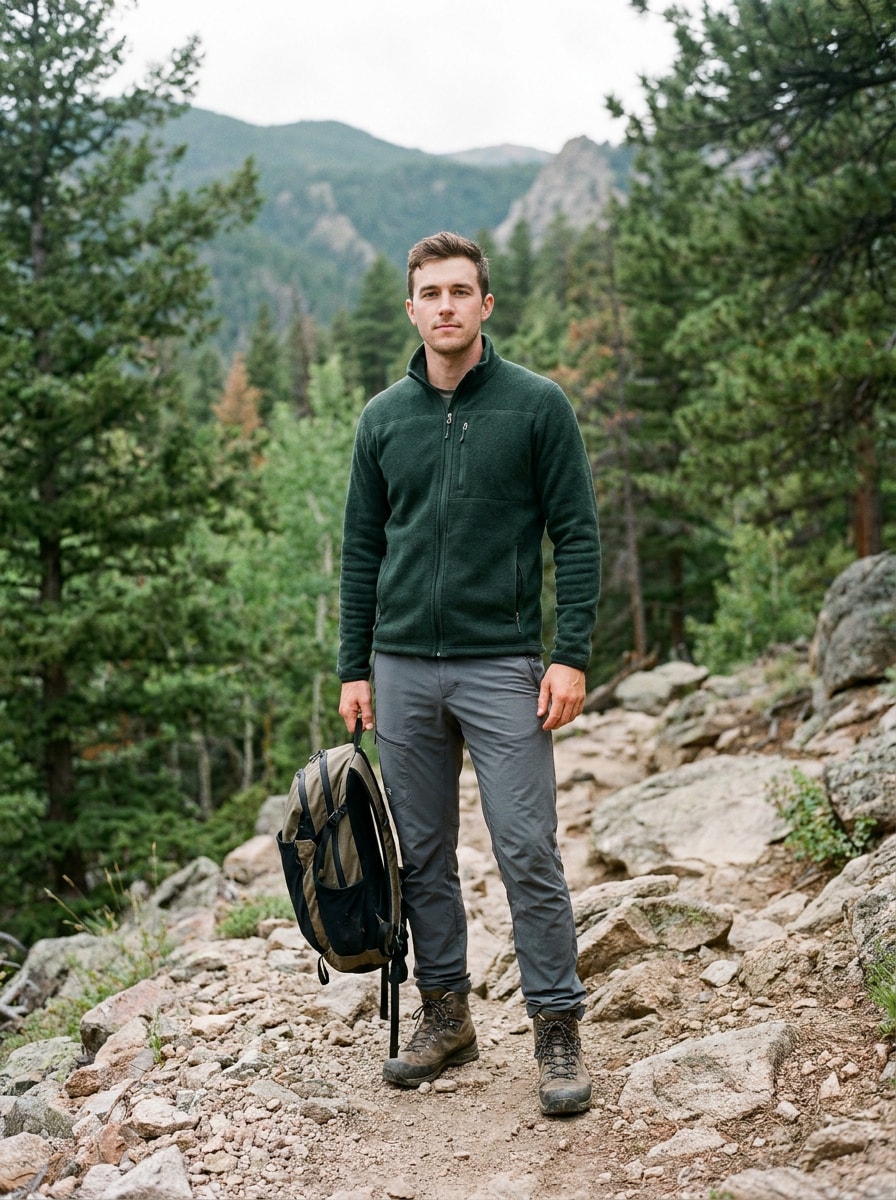
Mountain Trail Explorer

Mountain Trail Explorer

Use the uploaded image as the subject and give it a rugged mountain gorpcore makeover. Add layered hiking outerwear, an insulated vest, durable trail pants, and hiking boots, placing the person on an alpine trail with cool natural light, crisp textures, earthy tones, and premium outdoor-fashion realism.

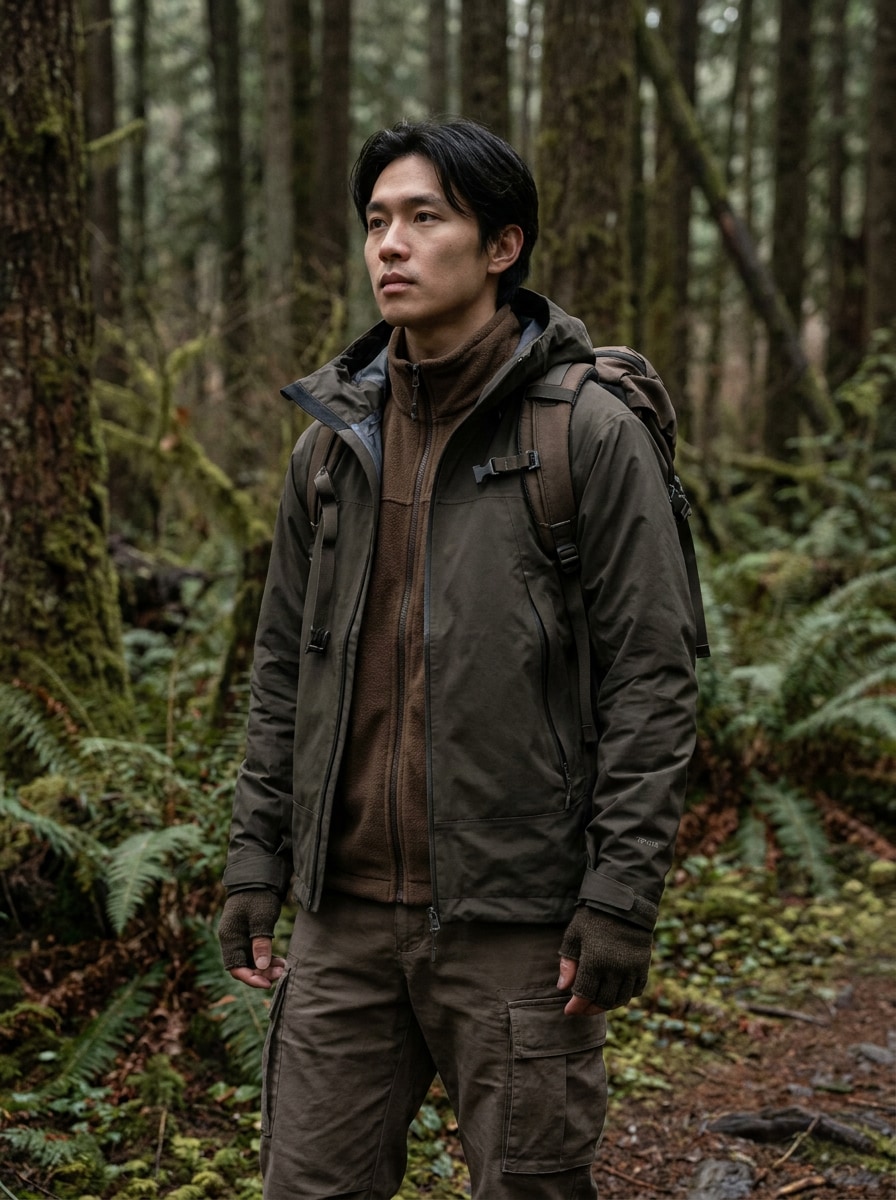
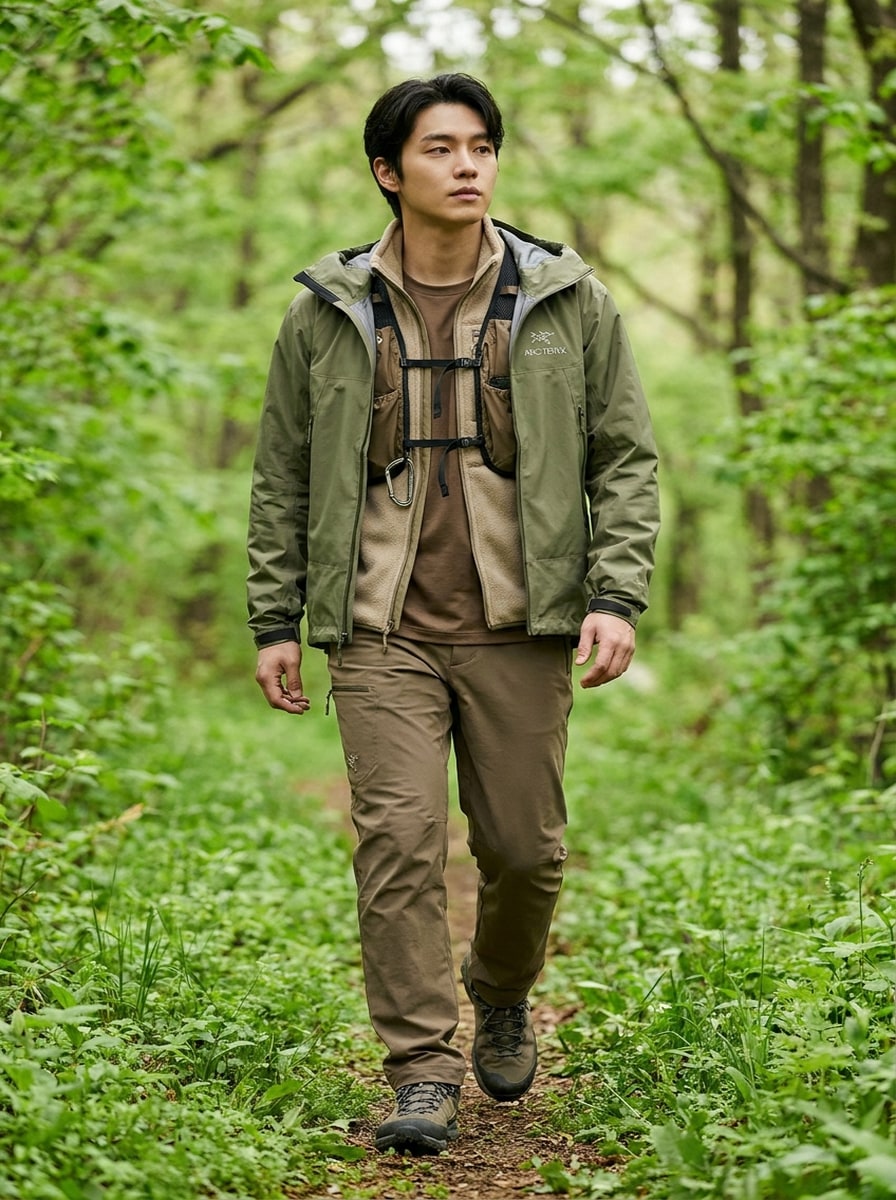
Forest Technical Wear

Forest Technical Wear

Use the uploaded photo as the subject and apply a forest-inspired gorpcore transformation. Style the person in a technical shell, fleece layers, and utility-pocket details, with a woodland trail backdrop, soft diffused light, crisp outdoor textures, earth-tone color grading, and realistic editorial fashion photography.

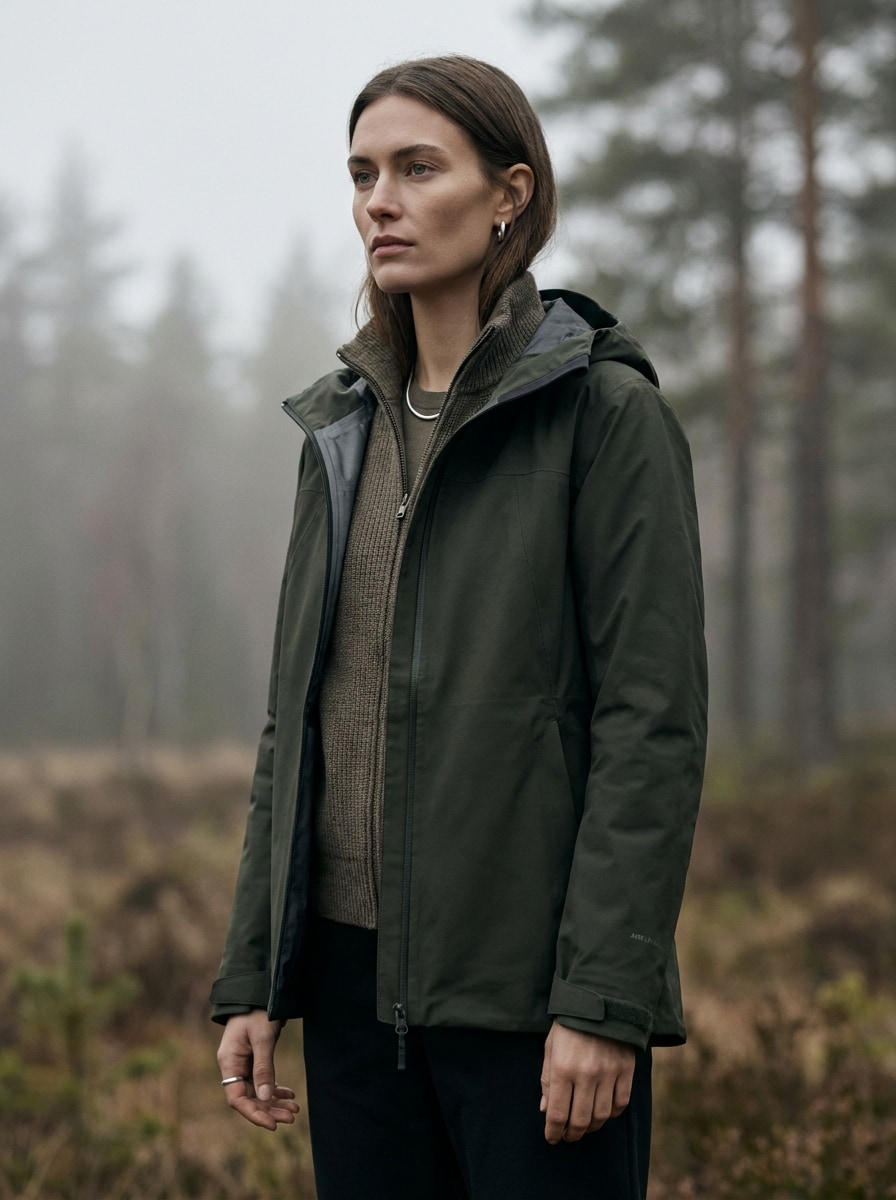
Luxury Outdoor Campaign

Luxury Outdoor Campaign

Use the uploaded image as the subject and turn it into a high-end gorpcore campaign portrait. Add premium outerwear, refined technical layering, and clean styling, with soft overcast light, shallow depth of field, magazine-like composition, authentic fabric detail, and a calm upscale outdoor-fashion mood.

Minimalist Technical Lookbook

Minimalist Technical Lookbook

Use the uploaded portrait as the subject and create a clean gorpcore lookbook image. Add a technical jacket, cargo styling, and subtle outdoor accessories, using a minimal background, polished fashion framing, neutral tones, crisp garment texture, and a studio-meets-outdoor editorial feel.

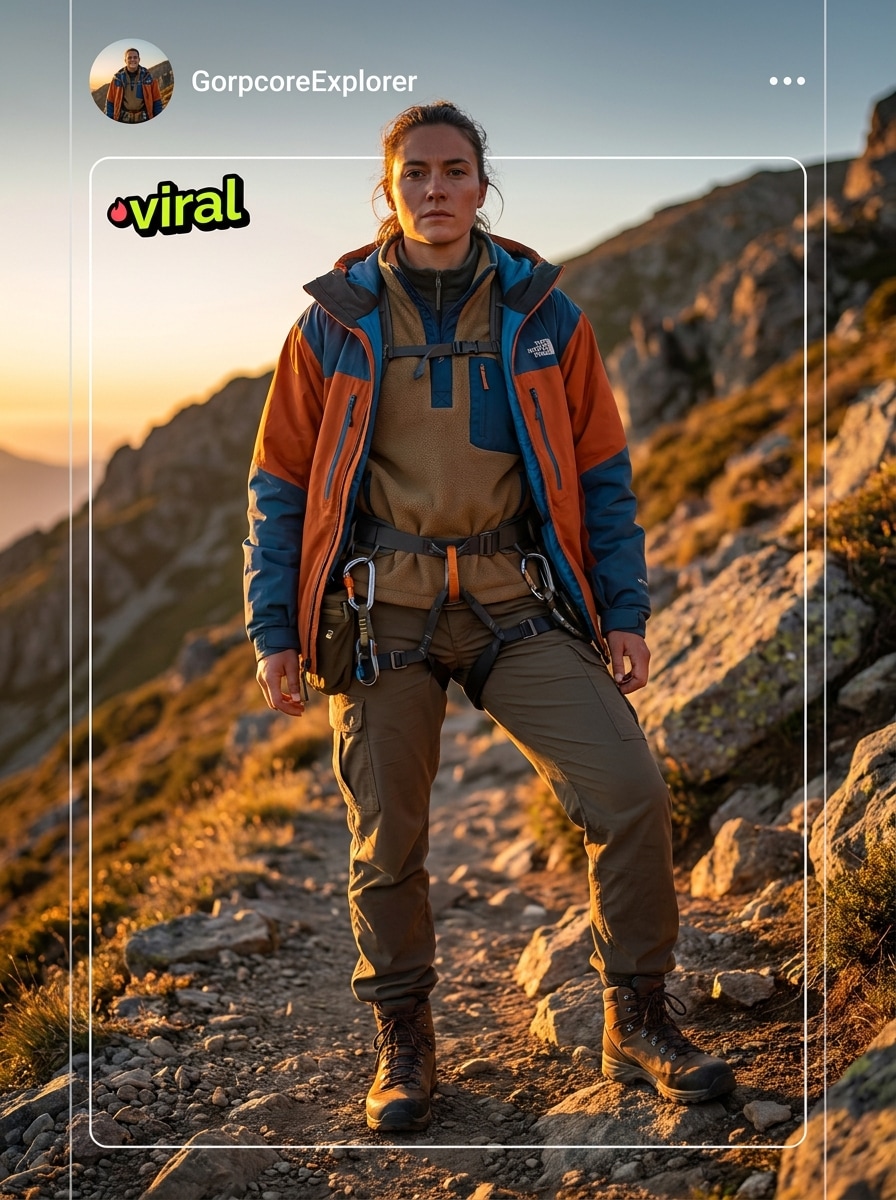
Celebrity-Style Gorpcore Meme

Celebrity-Style Gorpcore Meme

Use the uploaded image as the subject and restyle it into a viral hyperreal gorpcore portrait. Add bold outdoor-brand-inspired layers, dramatic posing, technical accessories, social-media-friendly framing, intense clarity, and a playful but premium fashion-editorial vibe with realistic face detail.

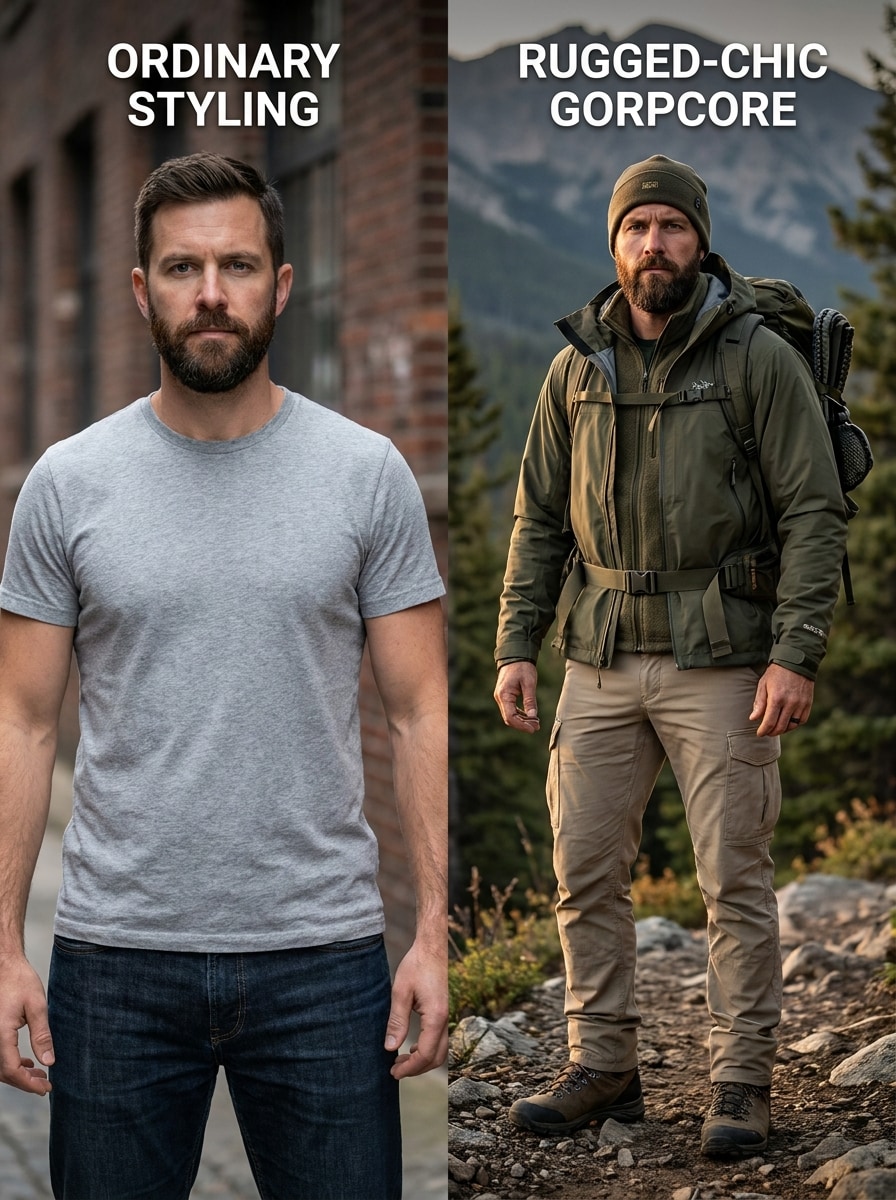
Office-to-Trail Glow-Up

Office-to-Trail Glow-Up

Use the uploaded image as the subject and create a dramatic office-to-gorpcore transformation. Replace everyday styling with a trail-ready jacket, cargos, hiking accessories, and a rugged layered outfit, blending urban and outdoor elements with photorealistic detail, cinematic contrast, and a standout before-after feel.

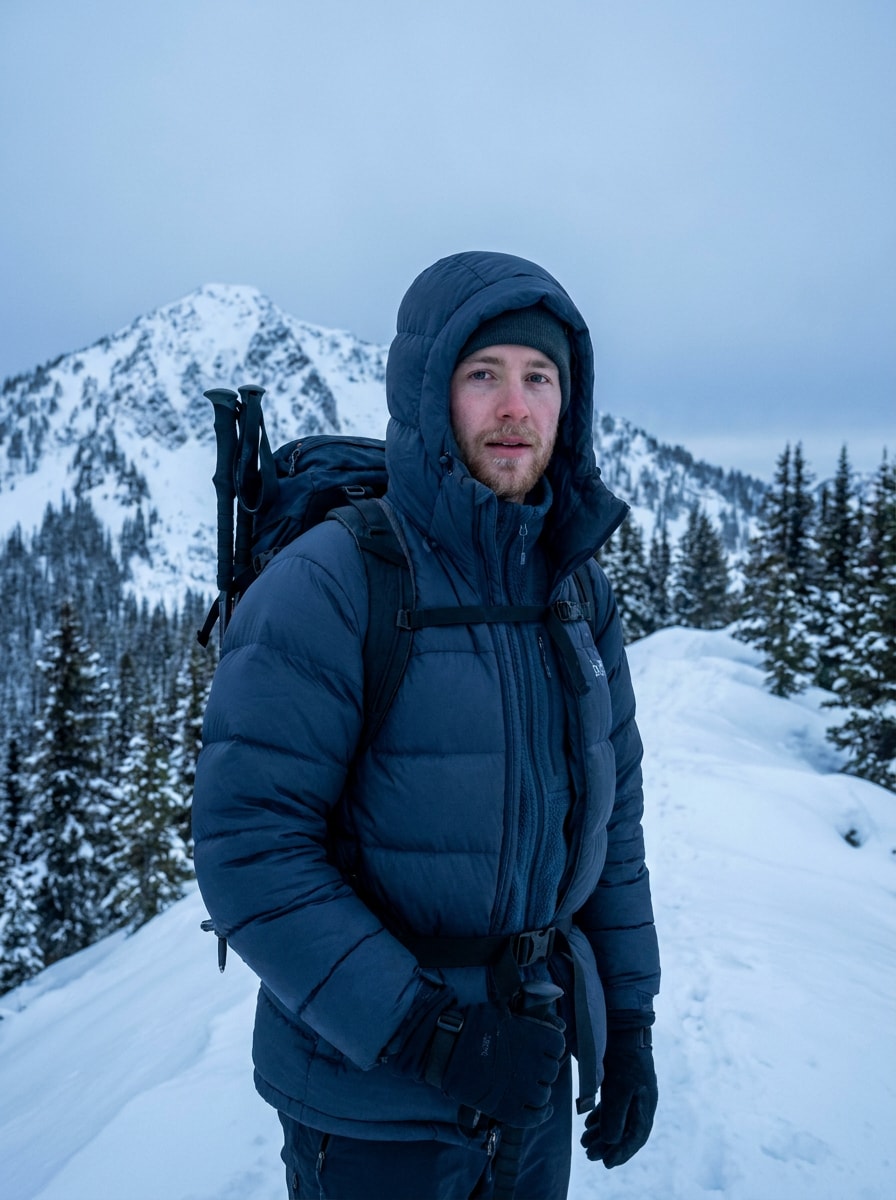
Winter Alpine Gorpcore

Winter Alpine Gorpcore

Use the uploaded photo as the subject and give it a winter gorpcore aesthetic. Add an insulated puffer, cold-weather hiking gear, and alpine accessories, with snowy mountain scenery, cool blue-gray tones, premium editorial lighting, visible fabric texture, and realistic rugged-luxury styling.

Spring Trailcore Soft Light

Spring Trailcore Soft Light

Use the uploaded image as the subject and transform it into a spring trailcore fashion shoot. Add a lightweight shell jacket, layered earth-tone outfit, subtle hiking details, and a green trail backdrop, with soft natural light, clean editorial composition, and fresh photorealistic styling.

Why Use Media.io for Gorpcore Photo Transformations

Keep Your Identity While Changing the Style

For selfies, profile photos, or creator portraits, Media.io uses a reference upload to guide the transformation so your face stays recognizable while the outfit, setting, and overall gorpcore mood shift into a polished outdoor-fashion result.

Switch Between Urban, Trail, and Editorial Looks Fast

Different outputs call for different aesthetics. Media.io helps you explore varied treatments of the same Gorpcore Filter visual concept so the final visual lands in the right tone faster.

Create High-Resolution Images for Real Use

If the final Gorpcore Filter visual will be reused beyond a small preview, Media.io helps deliver sharper results up to 4K so the image stays more reliable in practical design and presentation work.

Keep the Workflow Moving Across Devices

Whether you are exploring Gorpcore Filter visuals on a laptop or checking drafts from your phone, Media.io keeps everything browser-based so you can pick up the same workflow across devices more easily.

How to Use the gorpcore filter Online

Turn your words into stunning visuals in three simple steps, then continue refining the result if you want to take it further.

how to use image to image AI for ai gorpcore filter step 1
Step 1

Upload Your Reference Image

Start with a clear JPG, PNG, or JPEG portrait, selfie, or full-body photo. A well-lit image with visible facial details gives the tool a stronger base for realistic outfit changes and outdoor-fashion styling.

how to use image to image AI for ai gorpcore filter step 2
Step 2

Describe the Change and Set Options

Enter the look you want, such as urban utility layers, alpine outerwear, or a gorpcore aesthetic filter with editorial lighting. Then choose your model and adjust aspect ratio, resolution, and image count to match your output needs.

how to use image to image AI for ai gorpcore filter step 3
Step 3

Generate, Download, and Keep Improving

Create your transformed image, compare variations, and download the result you like best. If needed, refine the prompt, try another model, or adjust framing and quality settings to push the style further.

Unlock the Potential of Gorpcore Aesthetic Filter

See how creators use this Gorpcore Filter for content, marketing, and personal projects, then adapt each idea to fit the brief.

Upgrade Social Profiles With Technical-Fashion Style

Turn a simple selfie into a rugged editorial portrait for profile pictures, cover images, or short-form content. This works especially well when you want outdoor-fashion energy without organizing a location shoot or buying full trailwear styling.

Build Moodboards for Streetwear and Outdoor Concepts

Creators, stylists, and trend researchers can generate multiple looks from one portrait to explore layering, color palettes, and utility accessories. It is a practical way to test visual directions before producing a full campaign or content series.

Create Funny Yet Polished Before-and-After Posts

The contrast between an everyday photo and a trail-ready transformation makes this effect highly shareable. Use it for reels covers, meme-style fashion posts, or concept visuals that blend urban cool with mountain-inspired gear.

What Users Say

user
Maya R.

Content Creator

star star star star star

"Great for trend-driven edits" I uploaded a regular selfie and got a convincing outdoor-fashion portrait in minutes. The result looked editorial instead of gimmicky, which made it useful for my social content.

user
Jordan T.

Streetwear Blogger

star star star star star

"Strong identity preservation" What impressed me most was that my face still looked like me. I could test urban and alpine-inspired looks quickly without losing the realism that makes the image believable.

user
Elena P.

Moodboard Designer

star star star star star

"Useful for visual concepting" I use it to mock up outdoor-style concepts for presentations and inspiration boards. Changing aspect ratios and generating a few variations makes the workflow much easier.

user
Chris L.

Social Media Manager

star star star star star

"Fast browser-based workflow" I like that I can do the whole process online from my phone or laptop. It is a simple way to create bold fashion-style transformations for cover images and campaign ideas.

AI Gorpcore Filter FAQ

1. What is an AI gorpcore filter?

An AI gorpcore filter is an image-to-image effect that transforms an uploaded portrait into a rugged outdoor-fashion look. With Media.io, you can restyle a photo with technical outerwear, layered utility details, and editorial atmosphere while keeping the original subject as the visual reference.

Upload a clear JPG, PNG, or JPEG image to Media.io, then describe the style you want, such as urban trailwear, alpine layering, or a realistic outdoor editorial look. After that, choose your preferred model, set options like aspect ratio or resolution, and generate variations until you get the result you want.

Media.io offers free credits so you can try the effect before subscribing. Free users may see watermarks, while paid plans allow watermark-free high-resolution downloads. For more usage details, check the pricing page. Free users can use free credits. For more usage, users can subscribe to a plan on the pricing page. Upgrade to a paid plan on the pricing page for more credits and watermark-free high-resolution downloads.

It can, especially when you upload a clear reference photo. Media.io’s image-to-image workflow is designed to use the original portrait as guidance, which helps preserve recognizable facial identity while changing clothing, styling, lighting, and background toward a photorealistic gorpcore filter result.

The best source images are clear, well-lit portraits or full-body photos with visible facial details and minimal blur. Clean backgrounds help, but they are not required. If you want a strong gorpcore aesthetic filter transformation, start with a photo where the subject is easy to identify and not heavily obstructed.

You can use Media.io on both. It is a web-based tool that works in a browser, so you can create outdoor-fashion edits from a phone, tablet, or desktop without installing separate software. Media.io is a web-based tool that works on any device with a browser (Windows, Mac, iOS, Android).

Media.io Online AI Tools Quality Rating:
vote 4.7 (162,357 Votes)