이미지에서 이미지까지
Nano Banana Pro
이미지 업로드
0 / 9
내 기록에서 선택하거나 업로드하려면 클릭하거나 드래그하세요
아이디어가 없나요? 먼저 이미지를 생성하세요. >
지원되는 업로드 형식: jpg, png, jpeg.
프롬프트
0/2000
1K
자동
1
바나나 프로 무제한 모드
제작물
아이디어 허브
전체
목록 생성
작업물은 7일 동안 저장됩니다. 업그레이드 후 생성된 에셋은 영구 저장됩니다.
ai_video_generator창의적 잠재력을 풀고 미디어 AI의 마법을 즉시 경험하십시오!

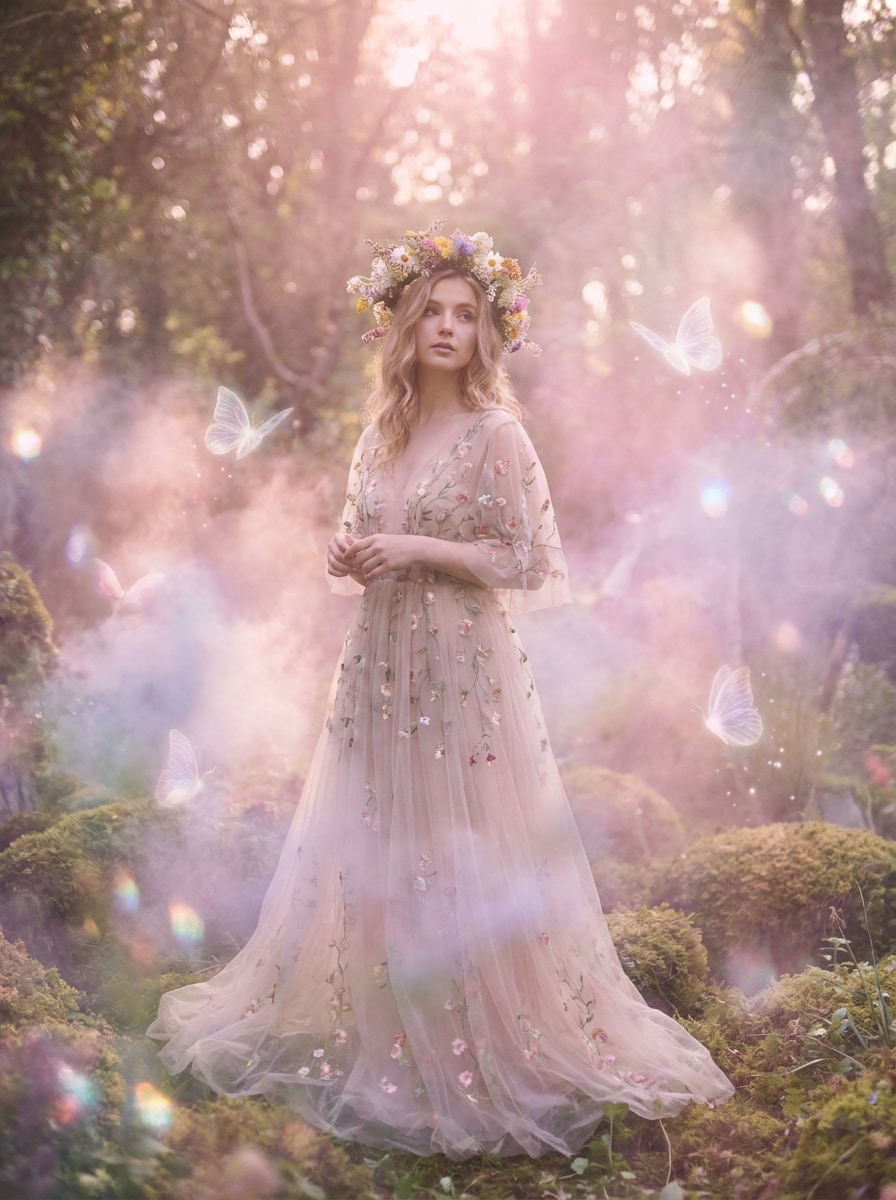
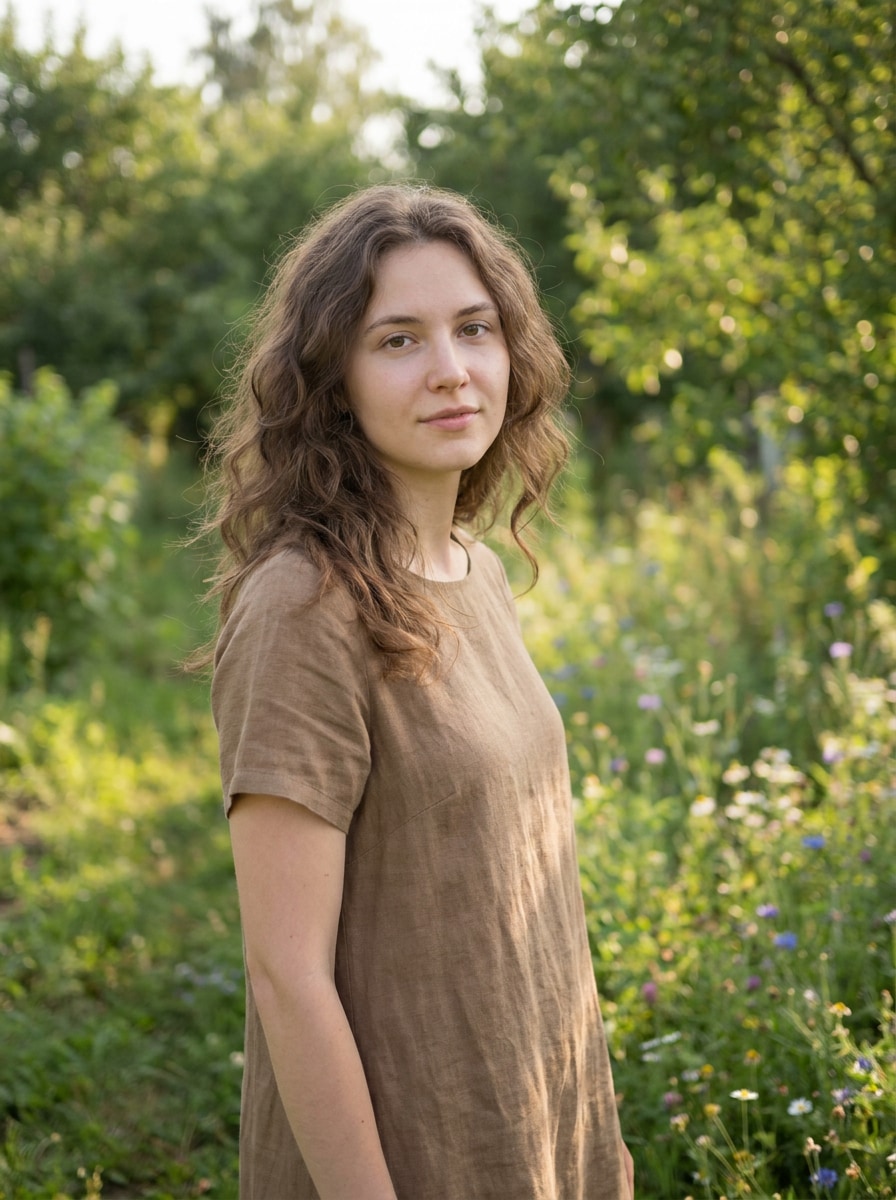
Apply a Fairycore Filter for Dreamy, Ethereal Photo Transformations

Fairycore Filter Before
Fairycore Filter After

Turn portraits and photos into soft, magical fairy-inspired edits online. Media.io helps you apply a fairycore filter with glow, haze, floral accents, and enchanted color moods, making it easy to create a fairycore aesthetic filter look from any clear image in seconds.

Try My Fairycore Filter

Type your idea -> AI designs it. Free to try.

Review these example directions, then tailor the prompt details to get stronger results with this Fairycore Filter.

Enchanted Forest Portrait

Enchanted Forest Portrait

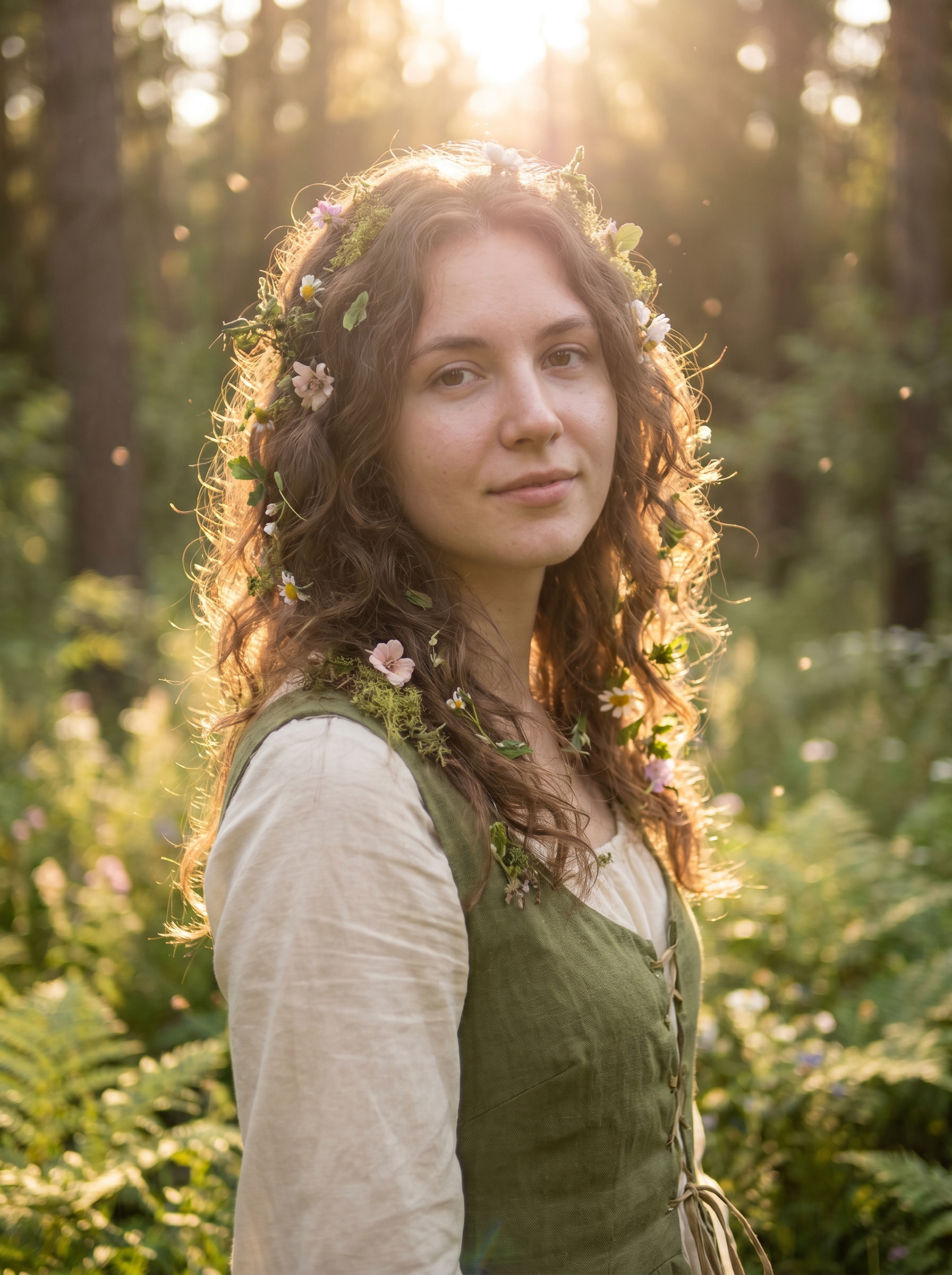
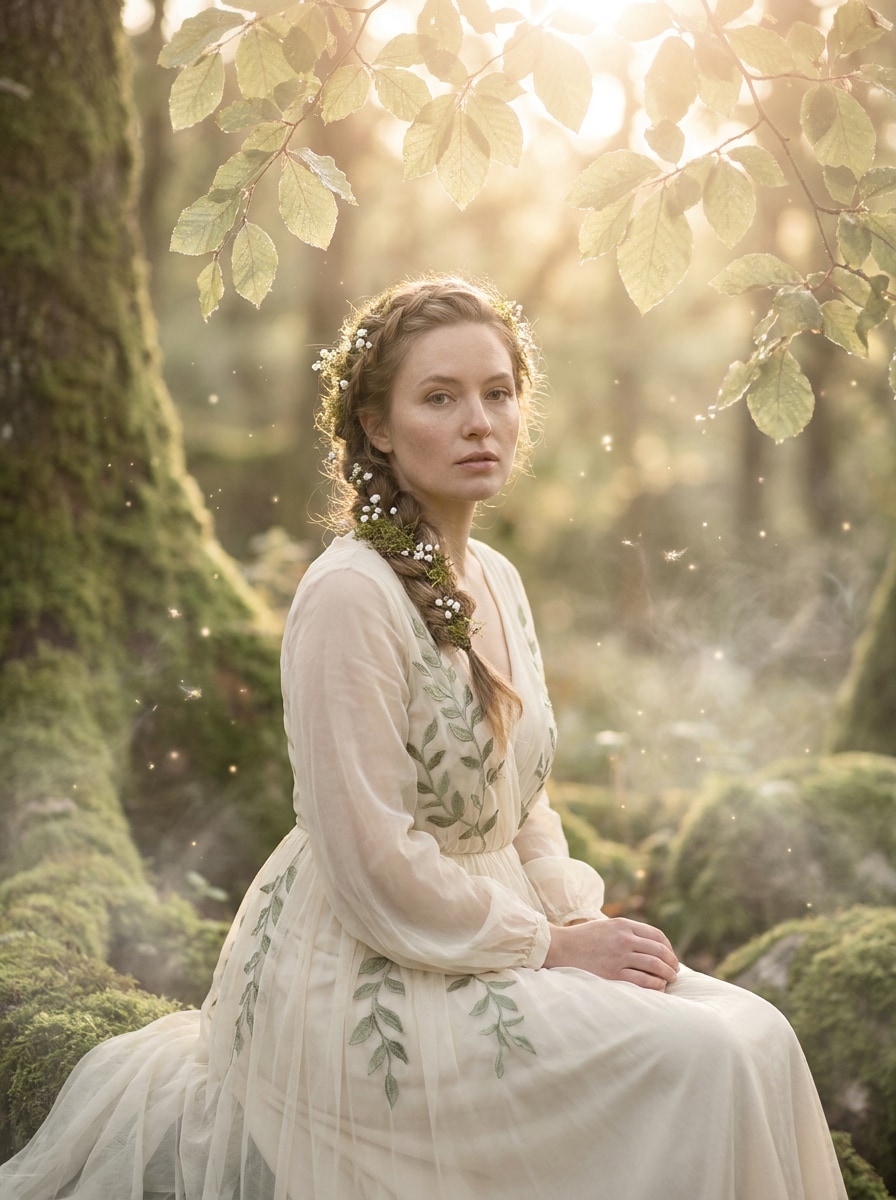
Use the uploaded image as the subject and transform it into an enchanted forest fairycore portrait with soft green and cream tones, warm backlight through trees, delicate flowers around the hair and shoulders, gentle bloom, airy haze, natural skin detail, whimsical atmosphere, and polished high-end fantasy photography.

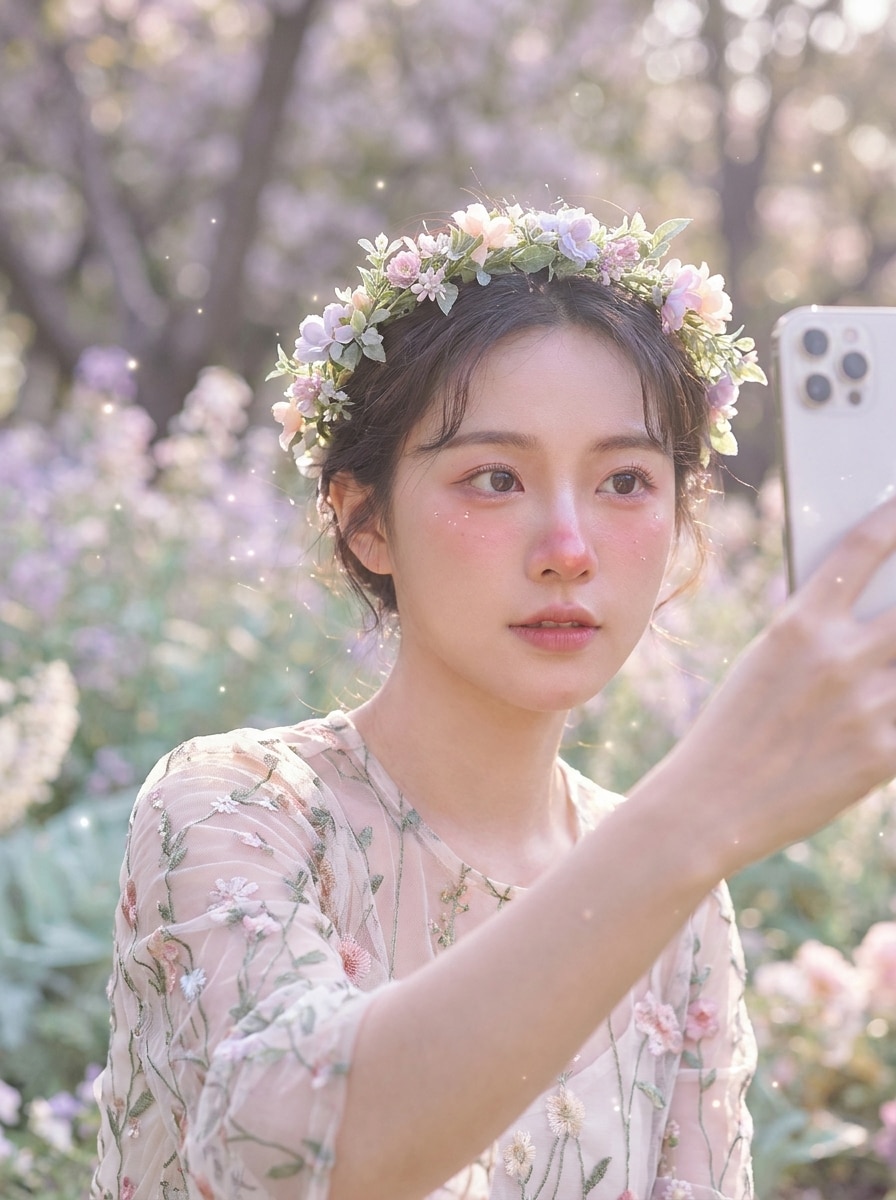
Flower Crown Fairy

Flower Crown Fairy

Use the uploaded selfie as the main subject and give it a flower crown fairy makeover with pastel blossoms, rosy highlights, soft daylight, dreamy glow, floating sparkles, creamy background blur, delicate fantasy styling, and a romantic mood while keeping facial features recognizable and natural.

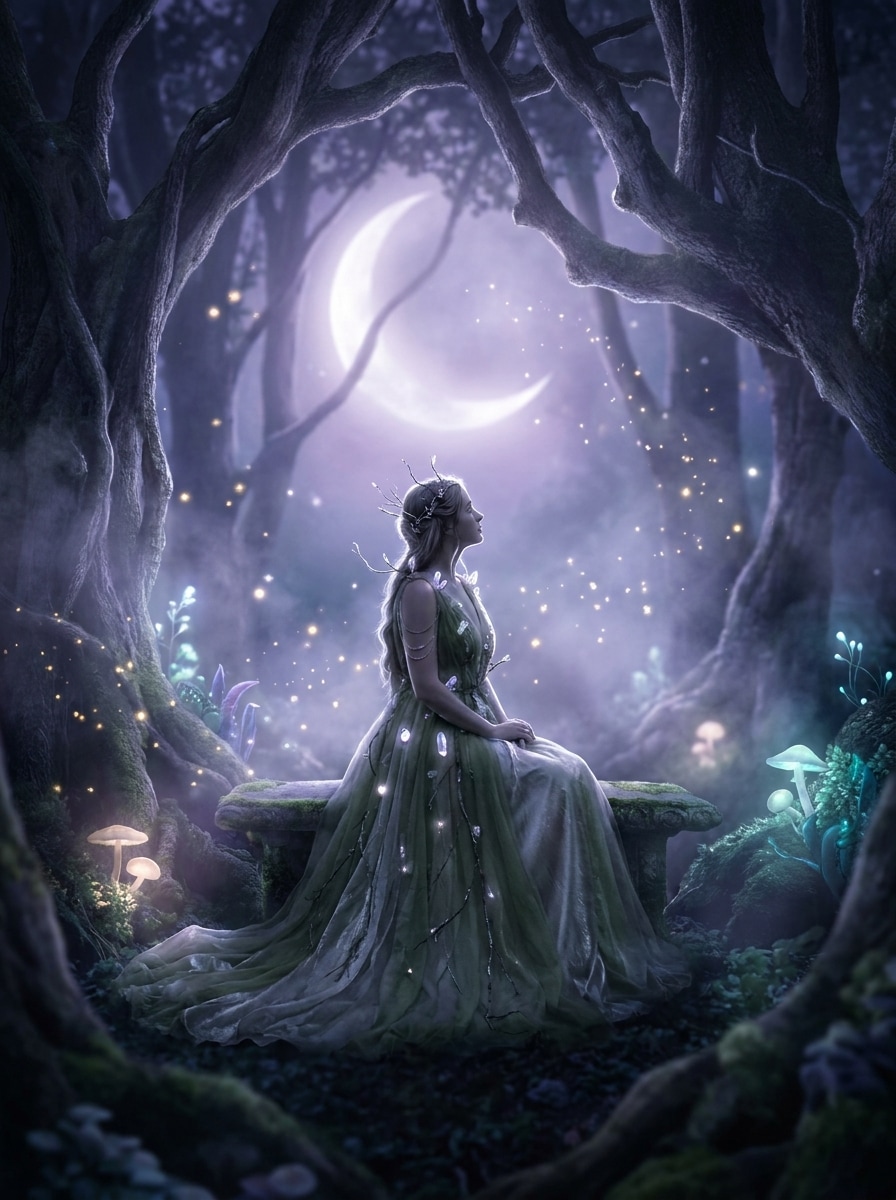
Moonlit Fairy Glow

Moonlit Fairy Glow

Use the uploaded image as the subject and transform it into a moonlit fairy scene with cool lavender-blue glow, misty highlights, floating sparkles, soft shadows, subtle silver shimmer, enchanted night ambience, cinematic contrast, and a serene dreamlike mood without losing the subject's identity.

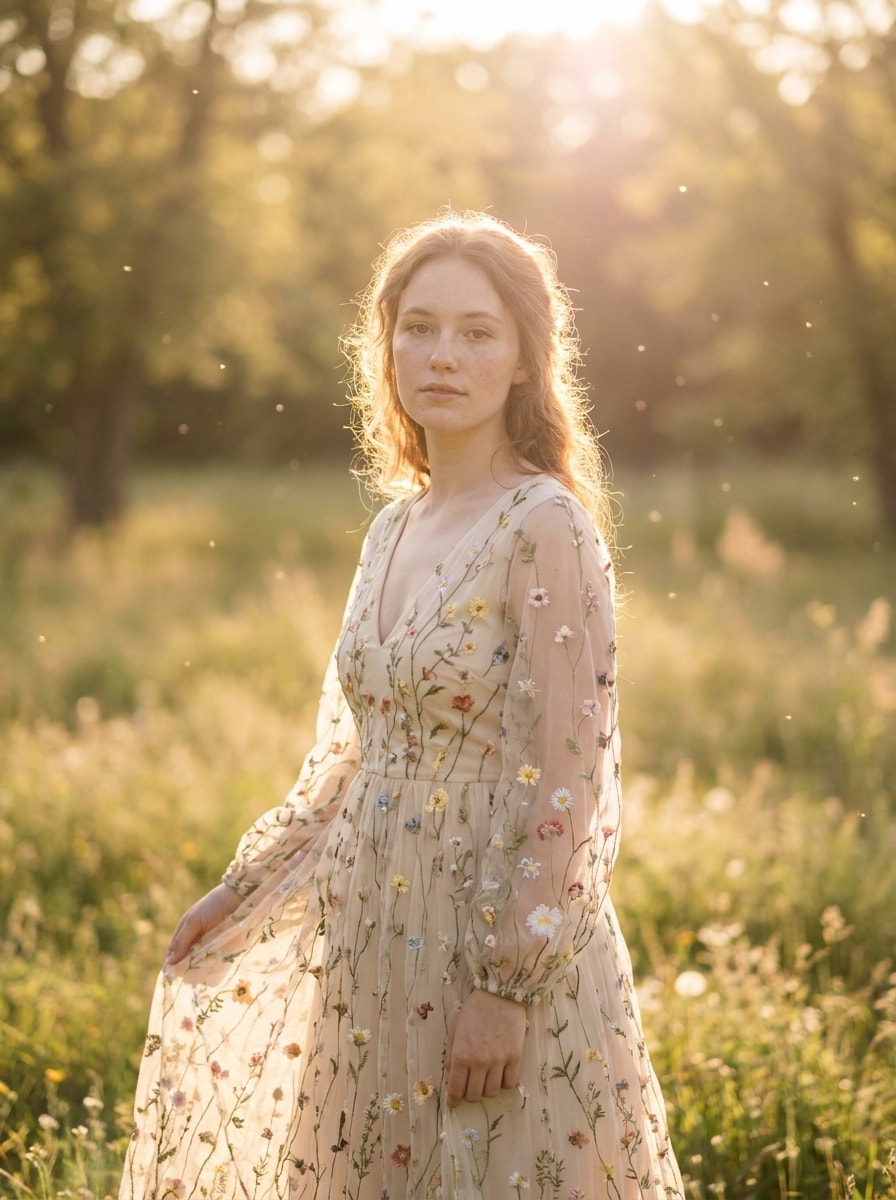
Golden Hour Fairycore

Golden Hour Fairycore

Use the uploaded photo as the subject and apply a warm golden fairycore edit with sun-drenched haze, soft bloom, pastel highlights, glowing edges, wildflower ambience, gentle lens flare, creamy textures, and an inviting whimsical mood that feels like magical sunset storytelling.

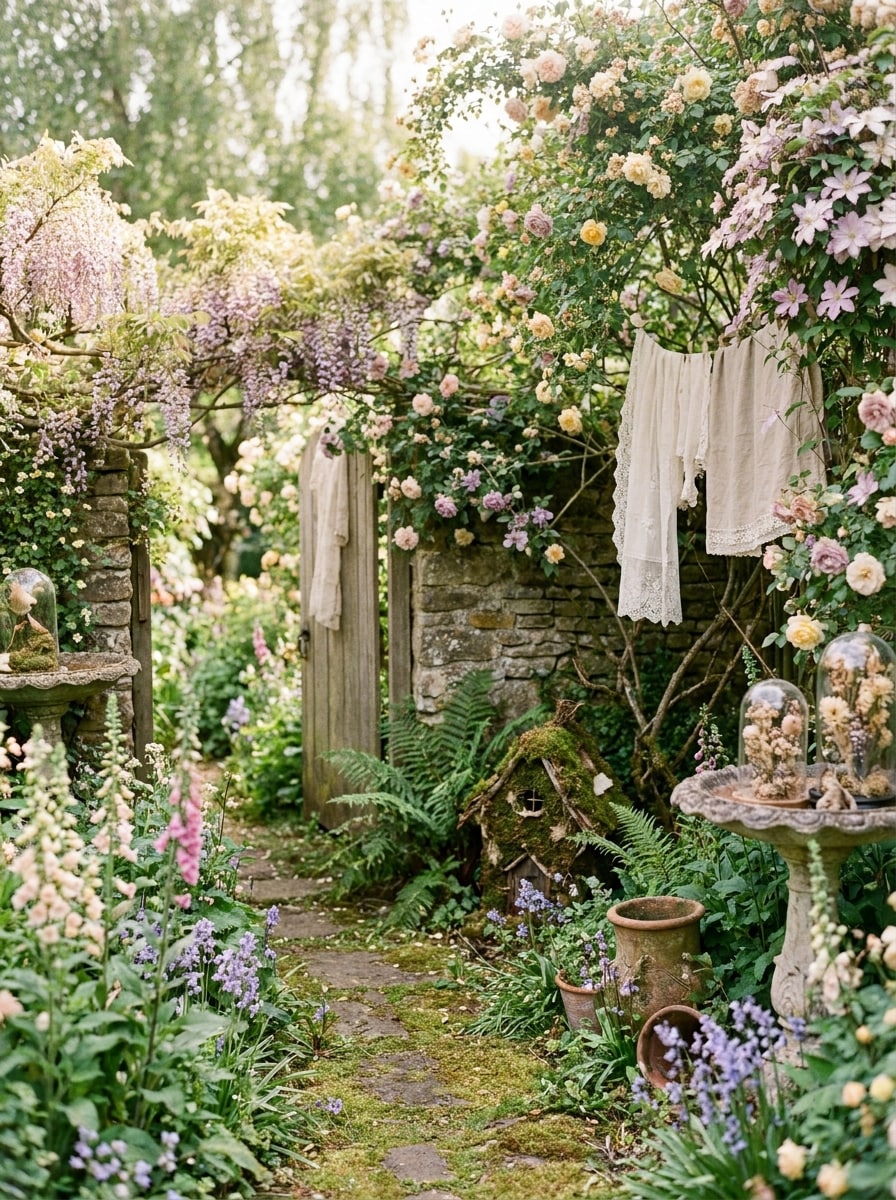
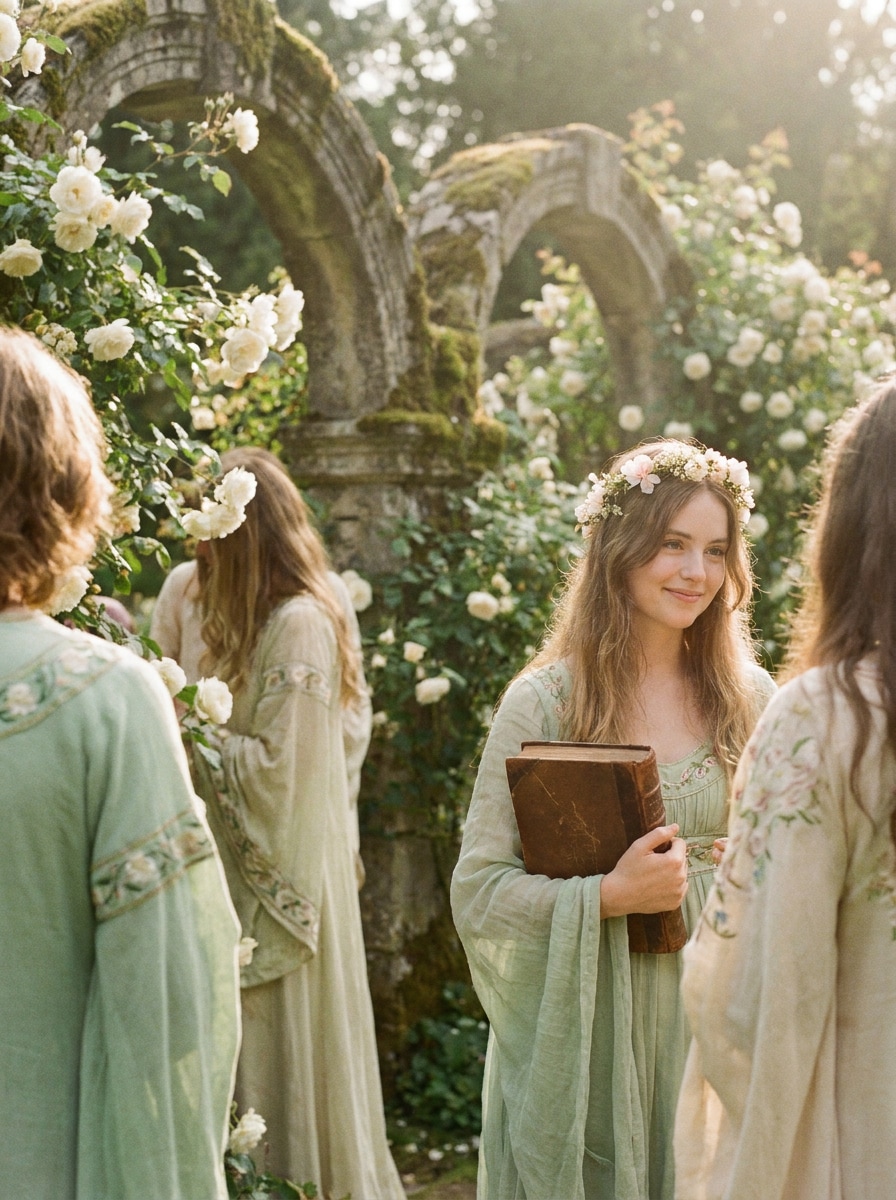
Cottage Garden Fairy

Cottage Garden Fairy

Use the uploaded image as the subject and turn it into a cottage garden fairy portrait with soft greenery, tiny blossoms, diffused sunlight, vintage softness, earthy pastel tones, romantic textures, dreamy floral atmosphere, and a gentle storybook feeling suitable for a fairy portrait filter style.

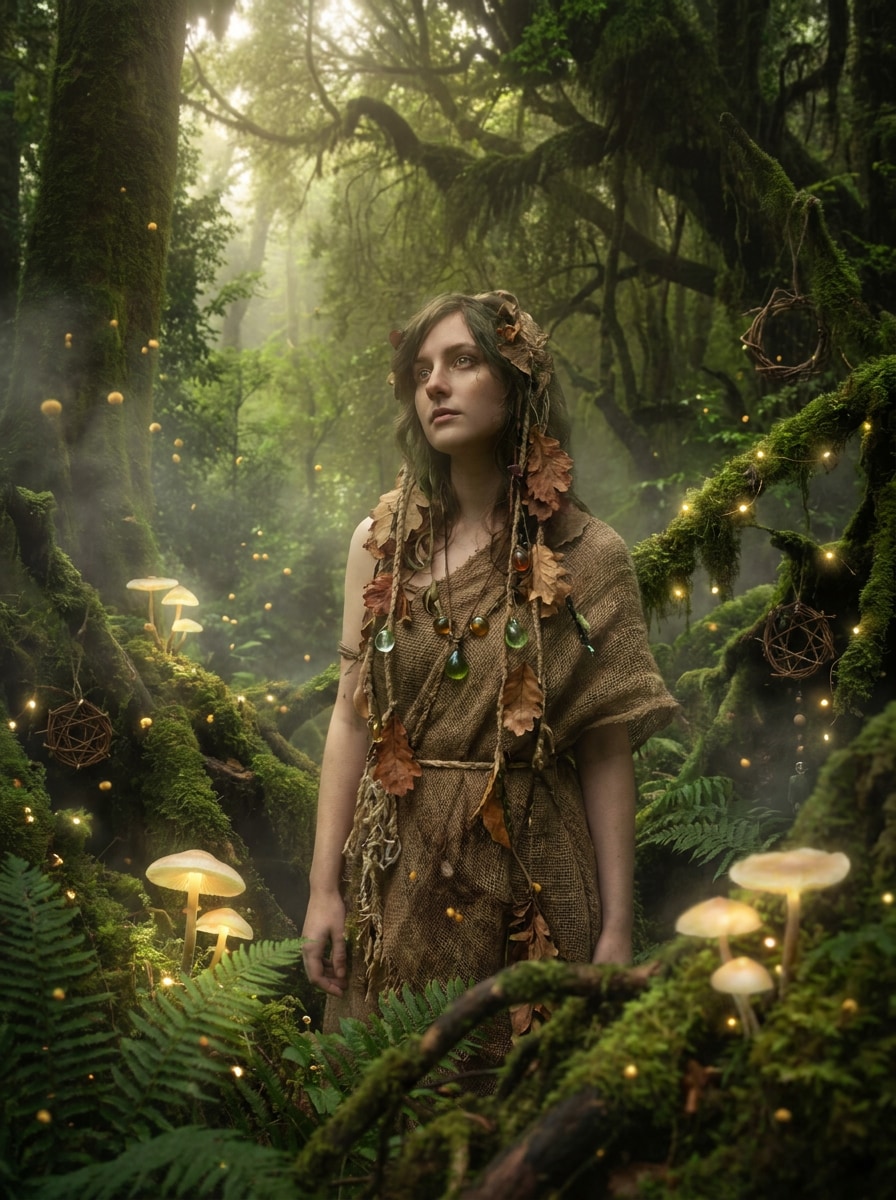
Mushroom Forest Fantasy

Mushroom Forest Fantasy

Use the uploaded photo as the subject and transform it into a magical mushroom forest fantasy with mossy textures, woodland mushrooms, floating spores, rich greens, soft fog, dim enchanted light, layered depth, and whimsical fairytale details while preserving a believable portrait structure.

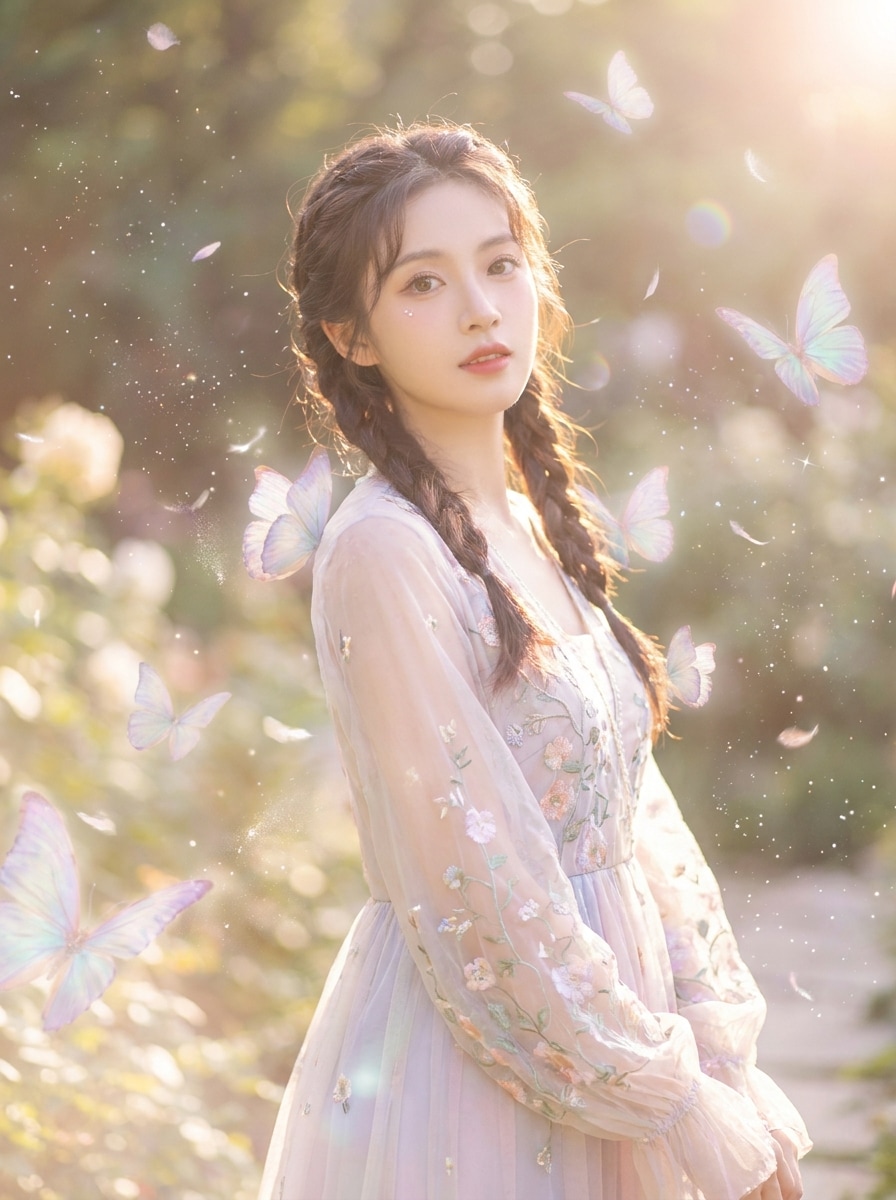
Butterflies and Sparkles

Butterflies and Sparkles

Use the uploaded image as the subject and add a dreamy fairycore effect with soft butterflies, glittering sparkles, pastel glow, airy highlights, subtle lens haze, delicate floating particles, and a romantic fantasy atmosphere that feels playful, luminous, and social-ready.

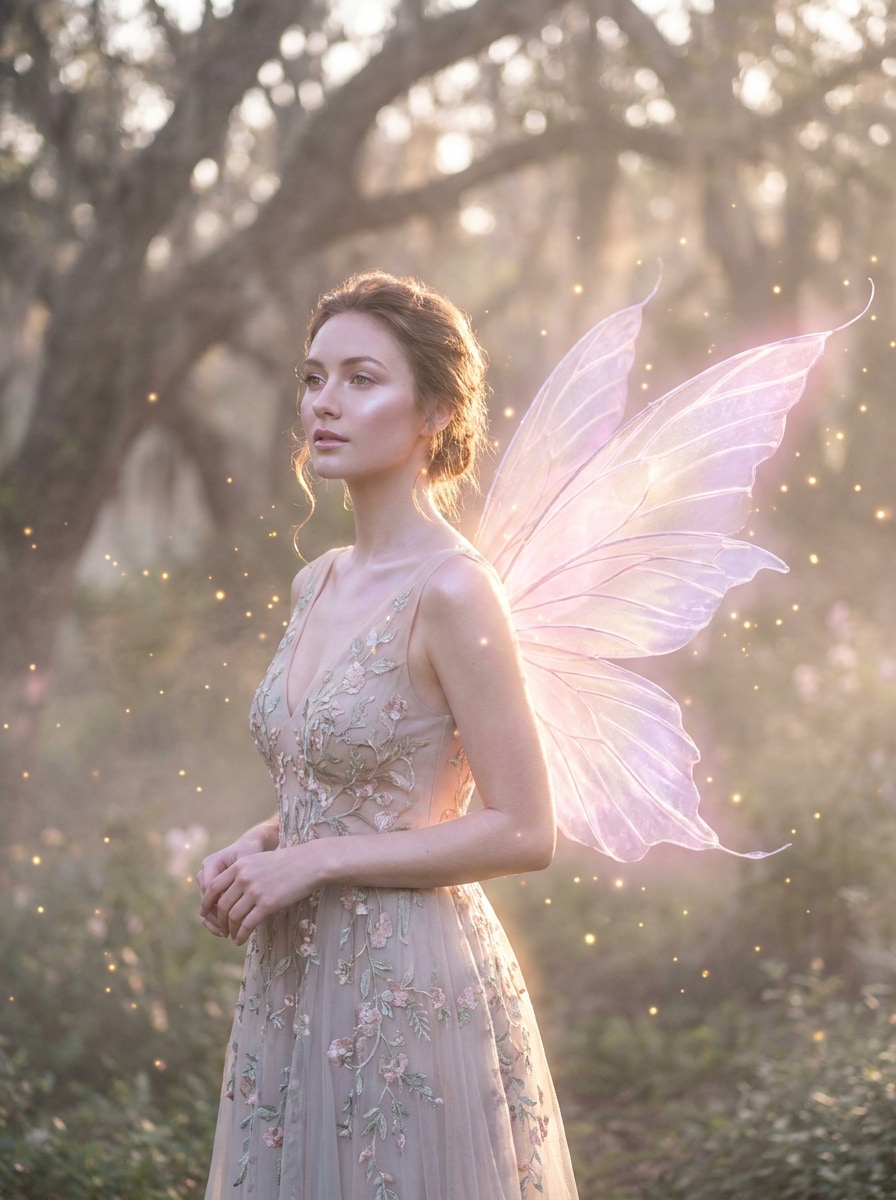
Fairy Wings Overlay

Fairy Wings Overlay

Use the uploaded portrait as the subject and give it translucent fairy wings, magical rim light, floating particles, soft pink and lilac tones, glowing skin, dreamy haze, refined fantasy styling, and balanced composition for a striking fairycore photo filter result.

Soft Film Fairycore

Soft Film Fairycore

Use the uploaded photo as the subject and create a vintage dreamy fairycore edit with soft film grain, faded pastel greens, warm highlights, blooming whites, delicate contrast, nostalgic color grading, and a storybook mood that feels gentle, cinematic, and timeless.

Dreamcore Fairy Mist

Dreamcore Fairy Mist

Use the uploaded image as the subject and blend fairycore with dreamcore using surreal mist, soft blur, pastel fog, luminous highlights, whimsical color cast, airy composition, and an ethereal unreal atmosphere that feels delicate, imaginative, and visually immersive.

Why Use Media.io for a Fairycore Photo Transformation

Edit Fairycore Photos Easily on Any Device

If the subject still needs to look like itself after the transformation, Media.io helps hold onto core identity cues while updating the final fairycore filter visual style for a cleaner finished result.

Keep Your Face Recognizable in Fantasy Edits

When style is part of the decision-making, Media.io helps you compare multiple directions from the same fairycore filter visual base, which makes creative selection more efficient.

Export Dreamy Images Without Sacrificing Detail

Some results need to do more than look good in a preview. Media.io helps generate cleaner fairycore filter visuals with output up to 4K so the final image holds up in wallpapers, decks, and mockups.

Create in Browser Across Devices

Switching devices should not slow production. Media.io lets you build, adjust, and download fairycore filter visuals in the browser, which makes it easier to keep momentum when you move between screens.

How to Apply a Fairycore Filter Online

Turn your words into stunning visuals in three simple steps, then continue refining the result if you want to take it further.

how to use image to image AI for fairycore filter step 1
Step 1

Upload Your Reference Image

Start with a clear selfie, portrait, or photo in JPG, PNG, or JPEG format. A well-lit image with visible facial details or a clean main subject gives Media.io a stronger base for a more believable fairy-inspired transformation.

how to use image to image AI for fairycore filter step 2
Step 2

Describe the Change and Set Options

Enter the look you want, such as glowing forest light, flower crowns, pastel haze, butterflies, or moonlit fantasy tones. Then choose your preferred model and adjust aspect ratio, resolution, and number of images to match your project.

how to use image to image AI for fairycore filter step 3
Step 3

Generate, Download, and Keep Improving

Create multiple variations, compare the moods, and download your favorite result. If needed, refine the prompt, try a different style direction, or generate again until the fairy edit feels soft, magical, and true to your original image.

Unlock the Potential of Fairycore Aesthetic Filter

See how creators use this Fairycore Filter for content, marketing, and personal projects, then adapt each idea to fit the brief.

Upgrade Selfies Into Magical Profile Photos

Turn everyday selfies into glowing fantasy portraits for social profiles, mood boards, or themed posts. A soft floral edit, light haze, and enchanted color grading can make simple photos feel more artistic without needing advanced manual retouching.

Build Aesthetic Content for Pinterest and Reels

Creators can quickly produce dreamy visuals with butterflies, moonlight, woodland tones, and vintage softness for shareable short-form content. It is an easy way to match current fantasy-inspired trends while keeping a personal visual identity.

Create Styled Images for Wallpapers and Creative Projects

Use fairy-themed edits for phone wallpapers, digital collages, covers, cards, or presentation visuals. With flexible aspect ratios and high-resolution output, you can adapt one transformed image into several polished assets for different formats.

What Users Say About This Fairycore Filter

user
Mila R.

Lifestyle Creator

star star star star star

"Perfect for dreamy portrait edits" I wanted a soft woodland look without learning complicated editing apps. Media.io made my selfie look glowing, floral, and magical in just a few tries, and the final result still looked like me.

user
Jasmine K.

Pinterest Content Designer

star star star star star

"Fast fairy aesthetic results in browser" Most tools I found were just inspiration boards or preset packs. This one actually let me upload a photo and transform it online, which saved me a lot of time when building fantasy-themed visuals.

user
Noah T.

Social Media Manager

star star star star star

"Easy to test multiple fantasy moods" I liked being able to try different directions like golden glow, moonlit sparkle, and vintage fairy edits from the same source image. It felt simple enough for quick content production but still gave polished results.

user
Ava L.

Digital Collage Artist

star star star star star

"Great quality for creative projects" I used it to make cover art and wallpaper-style portraits with a whimsical feel. The lighting, haze, and floral details looked beautiful, and the higher-quality export helped the images stay crisp.

Fairycore Filter FAQs

1. What is a fairycore filter?

A fairycore filter is a photo effect that transforms an ordinary image into a soft, whimsical fantasy look. It typically adds elements like dreamy glow, pastel or nature-led color tones, floral details, haze, sparkles, and enchanted lighting to create an ethereal aesthetic.

Upload a clear image to Media.io, then describe the mood you want, such as forest light, flower crowns, butterflies, moonlit glow, or vintage fairy styling. You can choose a model, adjust aspect ratio or resolution, and generate variations until the final edit matches your ideal fairy-inspired look.

Media.io offers free credits so you can try this fairycore filter workflow before upgrading. Free users may see watermarks, while paid plans support watermark-free high-resolution downloads. You can compare options on the pricing page. Free users can use free credits. For more usage, users can subscribe to a plan on the pricing page. Upgrade to a paid plan on the pricing page for more credits and watermark-free high-resolution downloads.

Media.io supports reference-based image transformation, so you can upload a selfie and turn it into a soft fantasy portrait with floral accents, glowing light, pastel haze, or wing-inspired styling. This makes it a practical option if you want a personalized fairy portrait filter result while keeping your face recognizable.

Media.io offers 1K, 2K, and 4K resolution options, so you can generate a dreamy effect without giving up useful image quality. That is especially helpful if you plan to use the edited image for social posts, wallpapers, covers, cards, or other polished creative assets. Free users may have watermarks.

Media.io is web-based, so it works on devices with a browser, including iPhone, Android, Mac, and Windows. That means you can start a fairycore photo filter edit on mobile or desktop without installing a dedicated app. Media.io is a web-based tool that works on any device with a browser (Windows, Mac, iOS, Android).

Media.io Online AI Tools Quality Rating:
vote 4.7 (162,357 Votes)