이미지에서 이미지까지
Nano Banana Pro
0/2000
1K
자동
1
바나나 프로 무제한 모드
제작물
아이디어 허브
전체
목록 생성
작업물은 7일 동안 저장됩니다. 업그레이드 후 생성된 에셋은 영구 저장됩니다.
ai_video_generator창의적 잠재력을 풀고 미디어 AI의 마법을 즉시 경험하십시오!

AI Biker Filter for Realistic Leather-Jacket Portrait Transformations

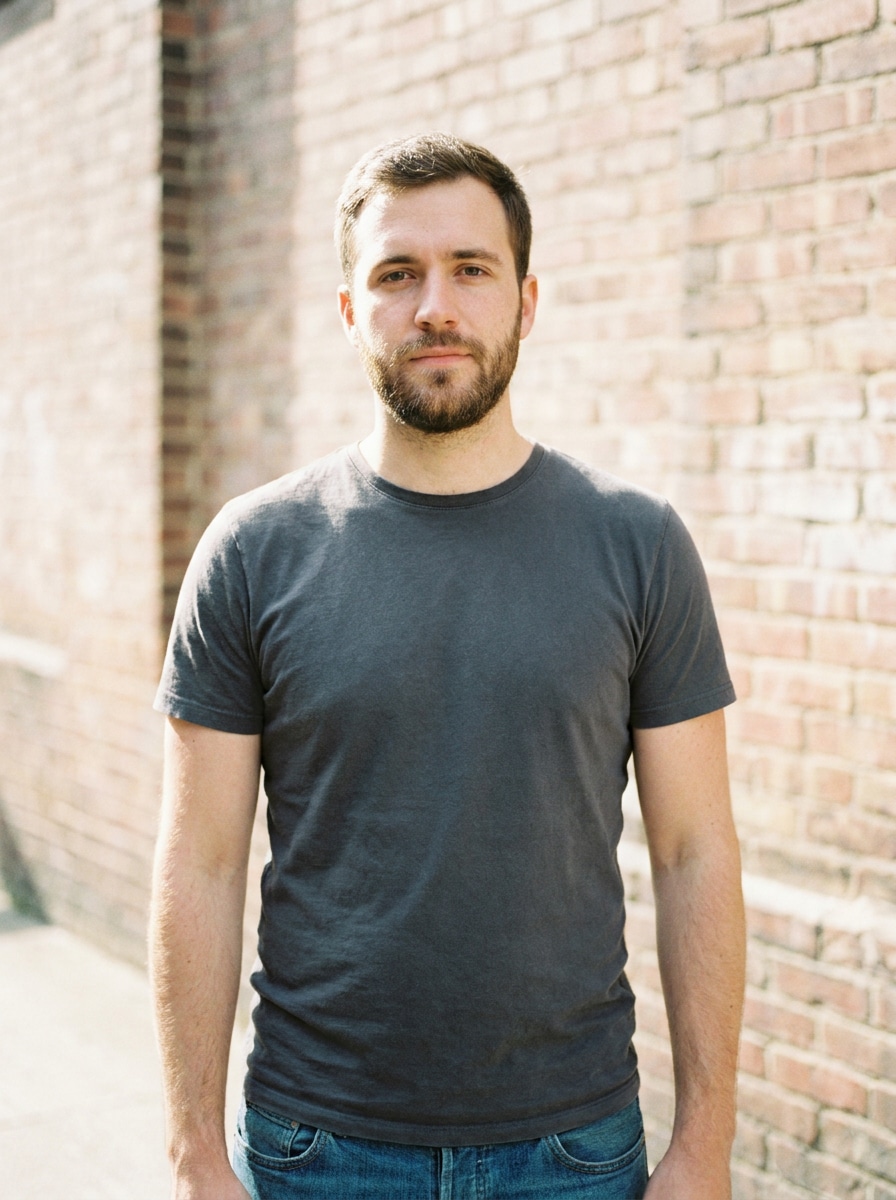
AI Biker Filter Before
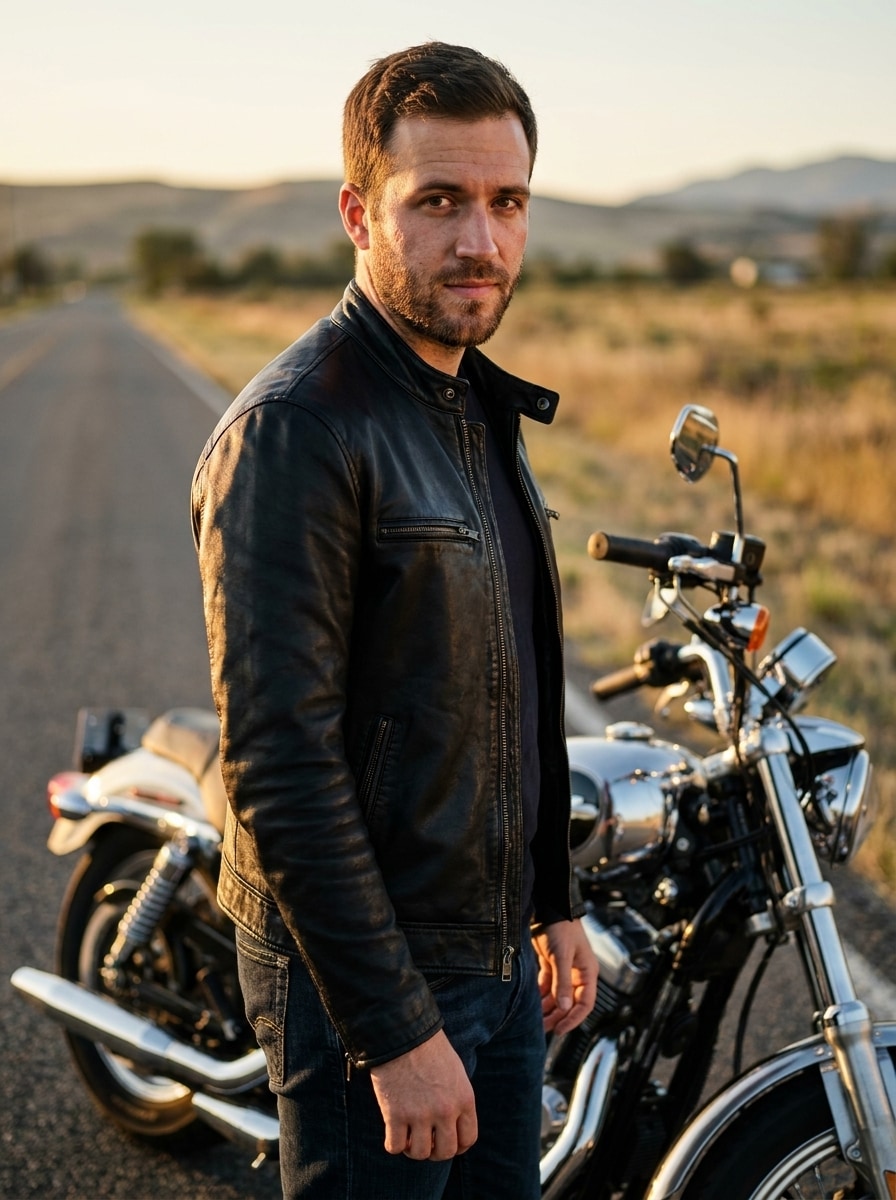
AI Biker Filter After

Turn a selfie into a bold biker-style portrait with realistic jackets, motorcycles, and cinematic road scenes. This AI biker filter helps you create dramatic before-and-after looks fast, whether you want a biker jacket photo filter, a moody rider edit, or a polished social-ready transformation.

Create My Biker Look

Type your idea -> AI designs it. Free to try.

Review these example directions, then tailor the prompt details to get stronger results with this Biker Filter.

Leather Jacket Road Rider

Leather Jacket Road Rider

Use the uploaded image as the subject and transform it into a photorealistic biker portrait standing beside a classic motorcycle on an empty roadside. Add a fitted black leather jacket, dark denim, subtle chrome reflections, golden-hour natural light, cinematic contrast, crisp skin detail, and a confident editorial mood while keeping the face recognizable.

Vintage Americana Biker

Vintage Americana Biker

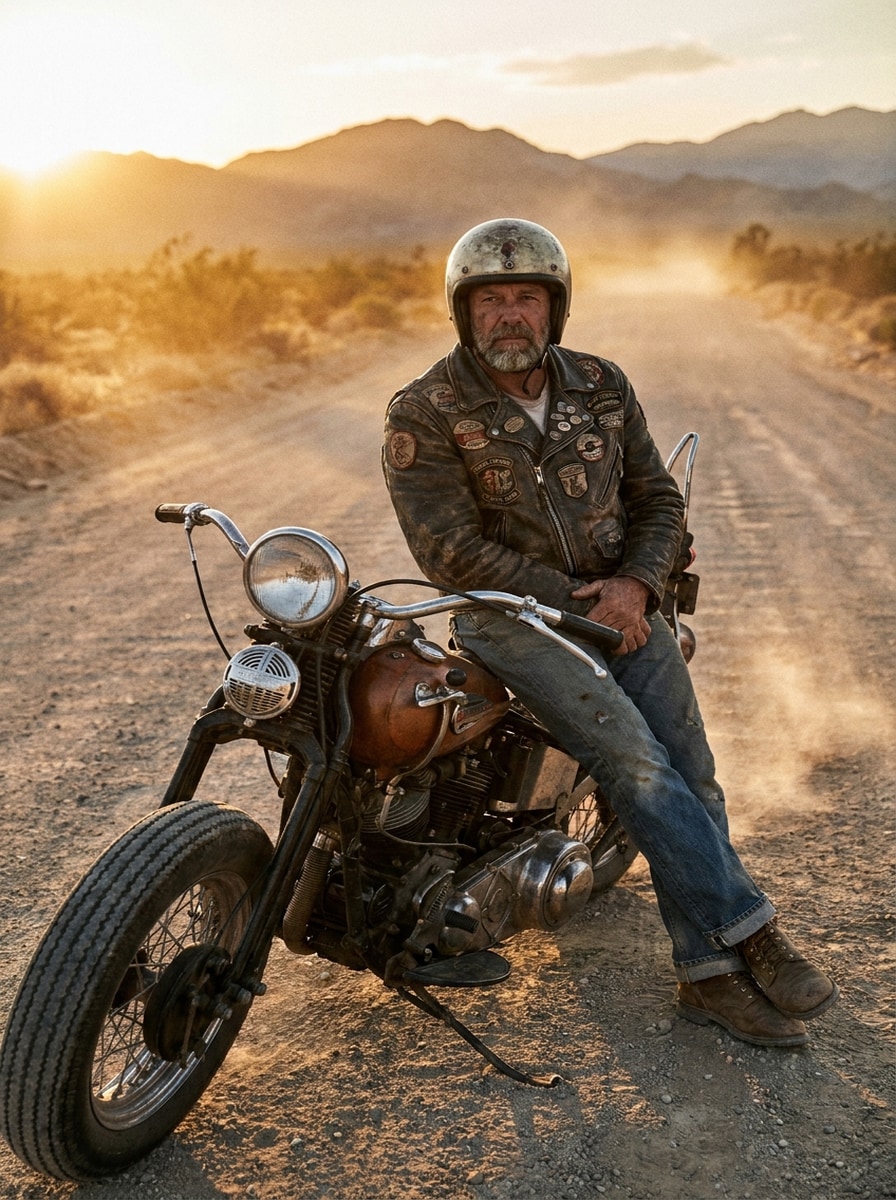
Use the uploaded image as the subject and turn it into a vintage Americana rider portrait on an open highway. Add a worn leather jacket, classic motorcycle styling, faded denim, dusty road atmosphere, warm sunset tones, film-like texture, and a rugged yet refined mood with realistic face preservation.

Badass Night Rider

Badass Night Rider

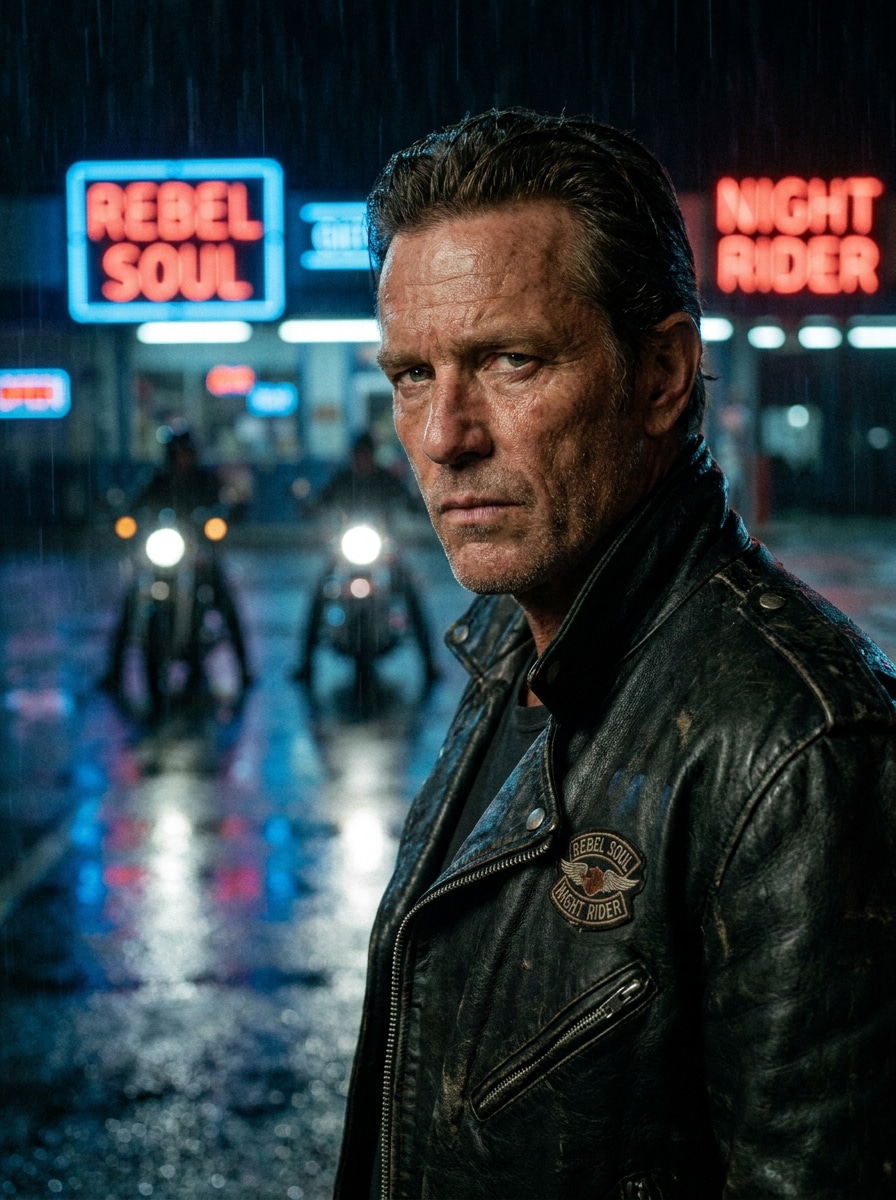
Use the uploaded image as the subject and create a cinematic night biker transformation with a sleek black jacket, motorcycle headlights in the background, wet-street reflections, cool blue and red neon accents, shallow depth of field, high-detail textures, and a rebellious but polished portrait feel.

Desert Road Warrior

Desert Road Warrior

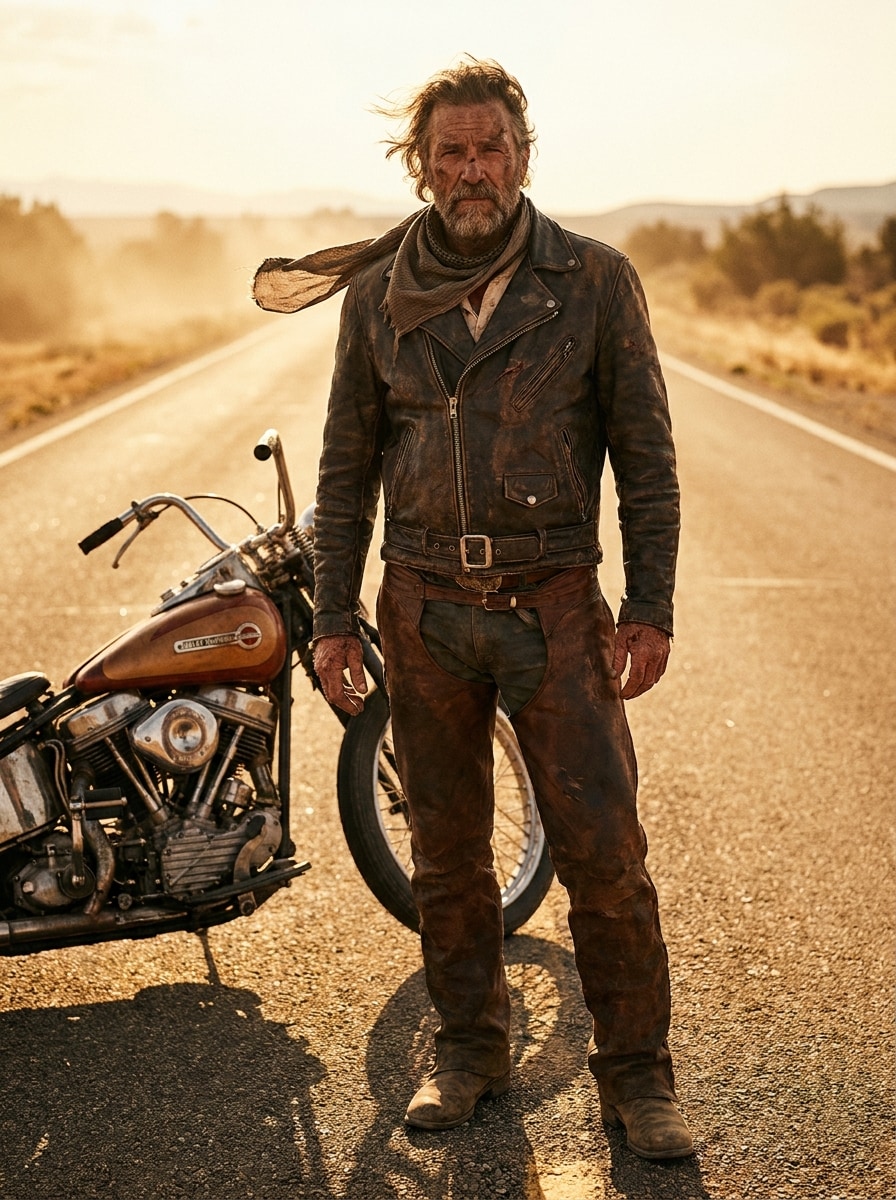
Use the uploaded image as the subject and transform it into a rugged desert biker portrait on a sunlit highway. Add weathered leather apparel, dusty boots, a motorcycle nearby, warm amber sunlight, windblown atmosphere, earthy tones, bold composition, and realistic facial detail for a powerful road-warrior look.

Tattooed Urban Biker

Tattooed Urban Biker

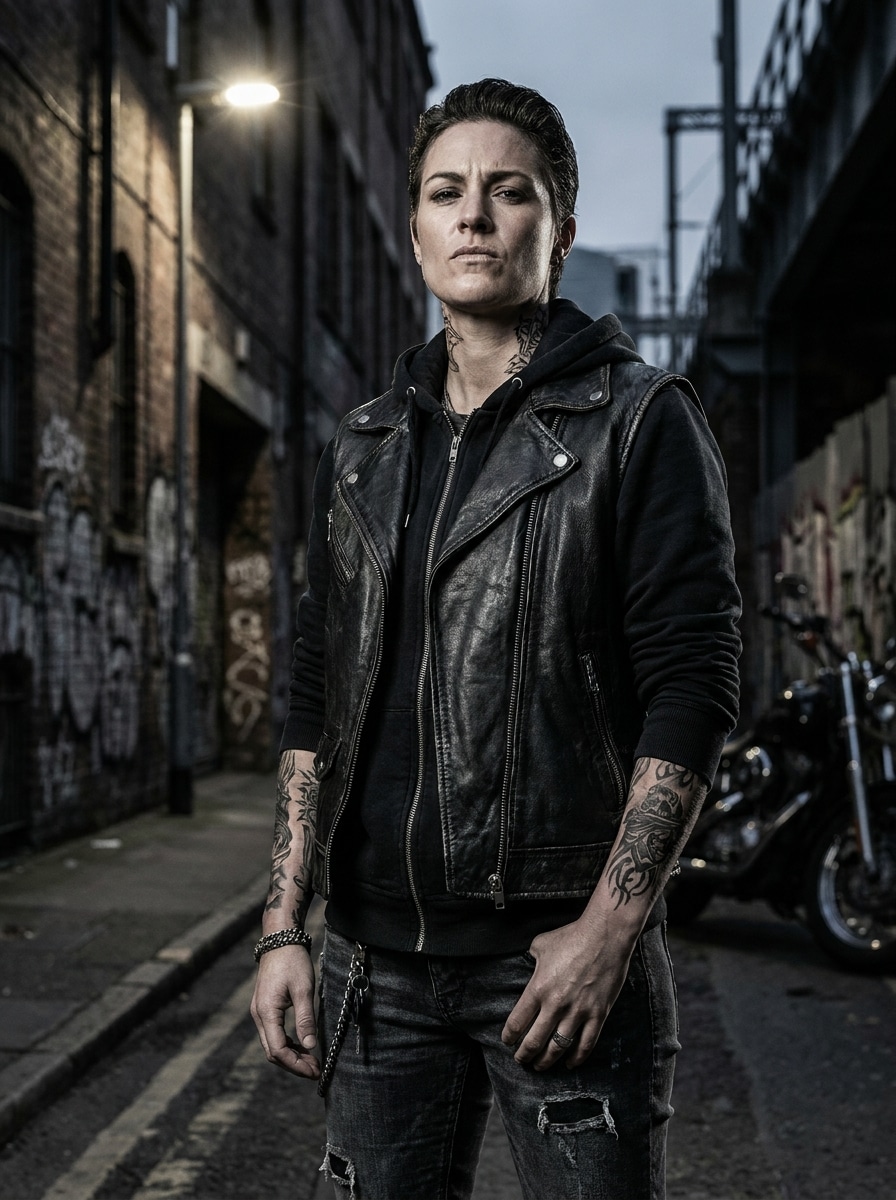
Use the uploaded image as the subject and make it an edgy urban biker portrait with realistic temporary-style tattoos, a leather vest or jacket, city street backdrop, bold contrast, muted steel and black palette, sharp textures, dramatic side lighting, and a tough social-media-ready attitude while retaining identity.

Helmet Reveal Portrait

Helmet Reveal Portrait

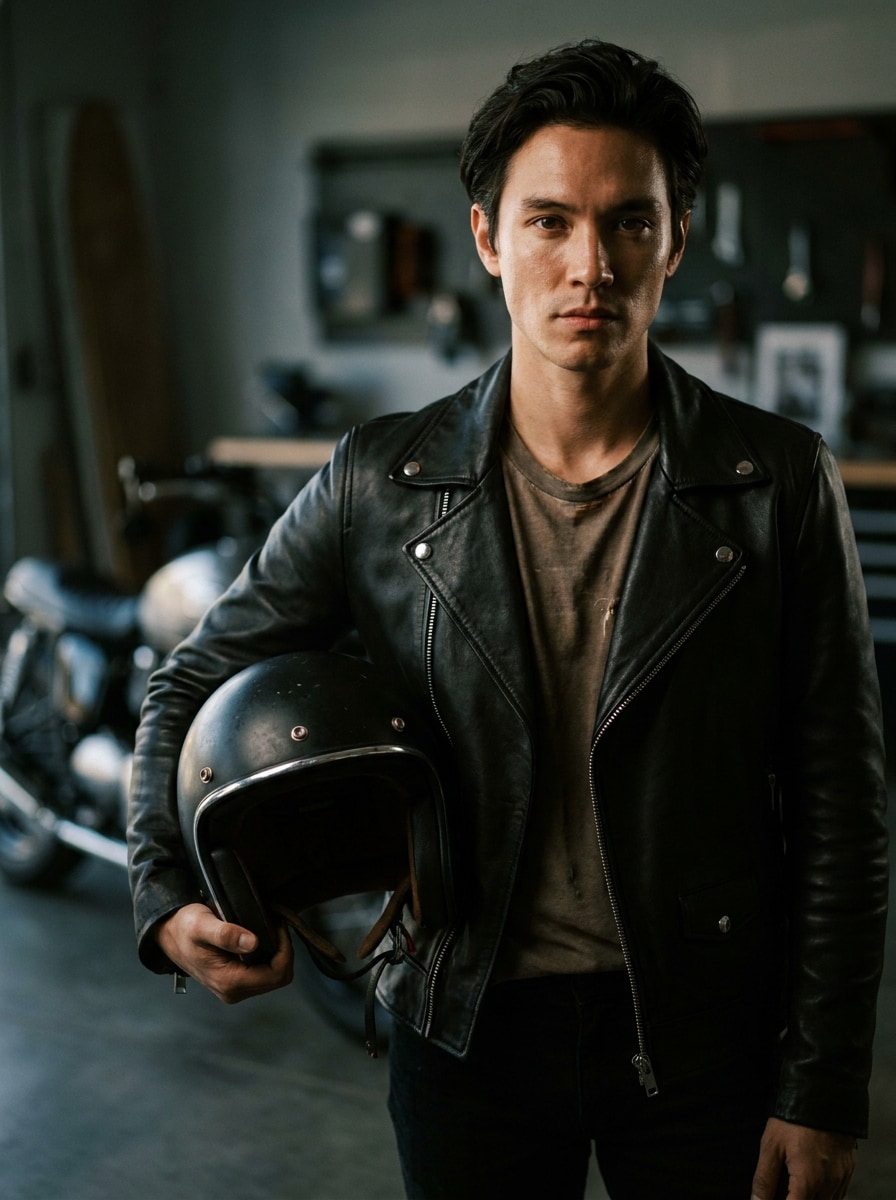
Use the uploaded image as the subject and create a premium biker portrait holding a motorcycle helmet. Add a tailored leather jacket, soft background blur, dramatic portrait lighting, subtle chrome details, rich blacks, realistic skin texture, and a calm confident expression for a modern editorial rider aesthetic.

Female Biker Editorial

Female Biker Editorial

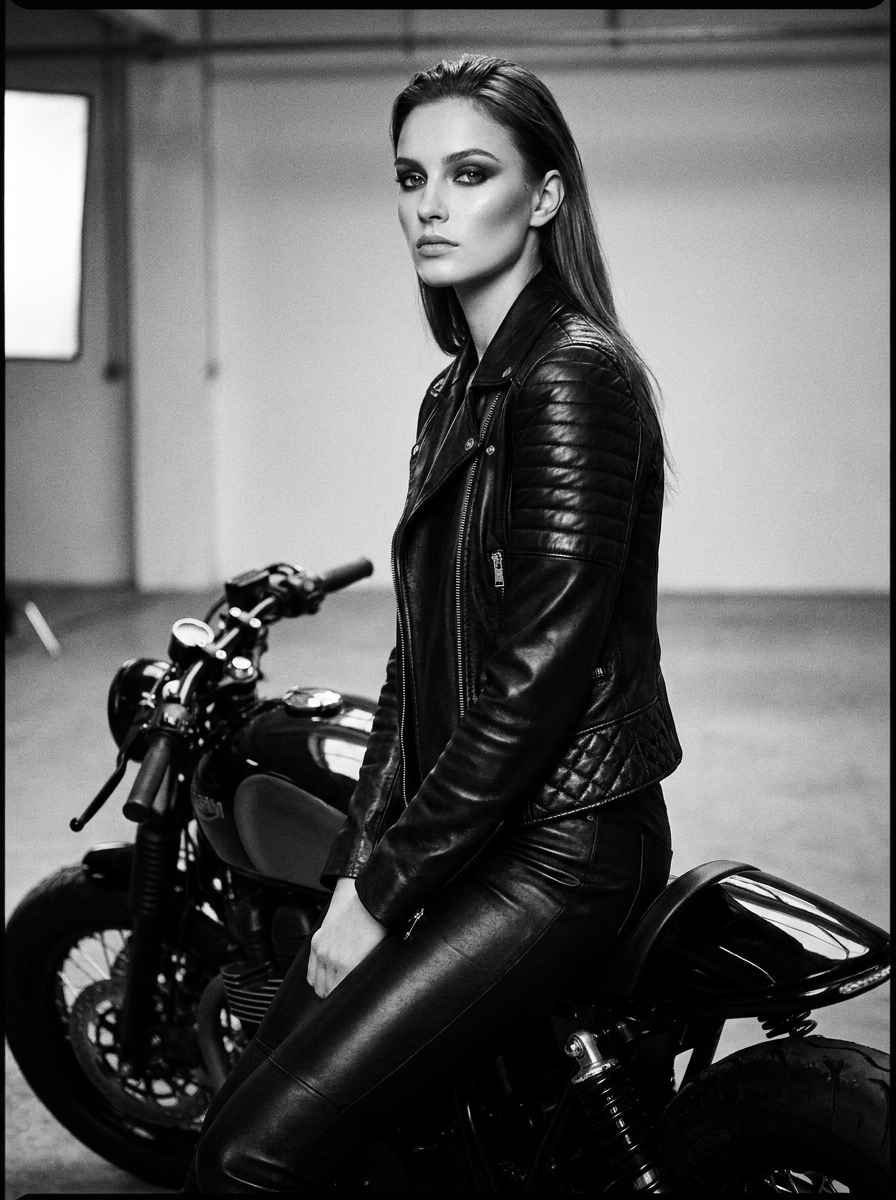
Use the uploaded image as the subject and transform it into a fashion-forward biker editorial portrait. Add a fitted leather outfit, refined motorcycle styling, polished makeup if suitable, clean posing, magazine-quality lighting, glossy black textures, a chic monochrome palette, and realistic facial preservation with confident energy.

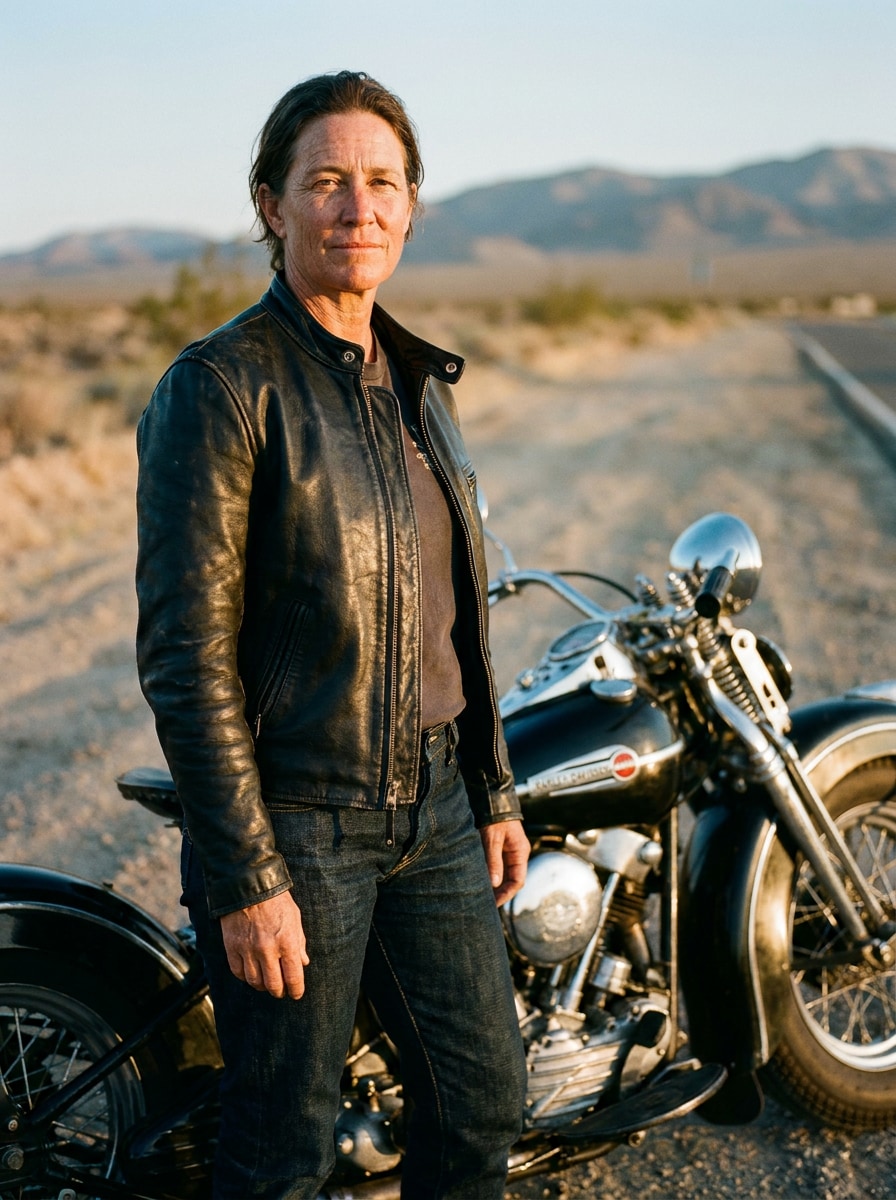
Distinguished Vintage Rider

Distinguished Vintage Rider

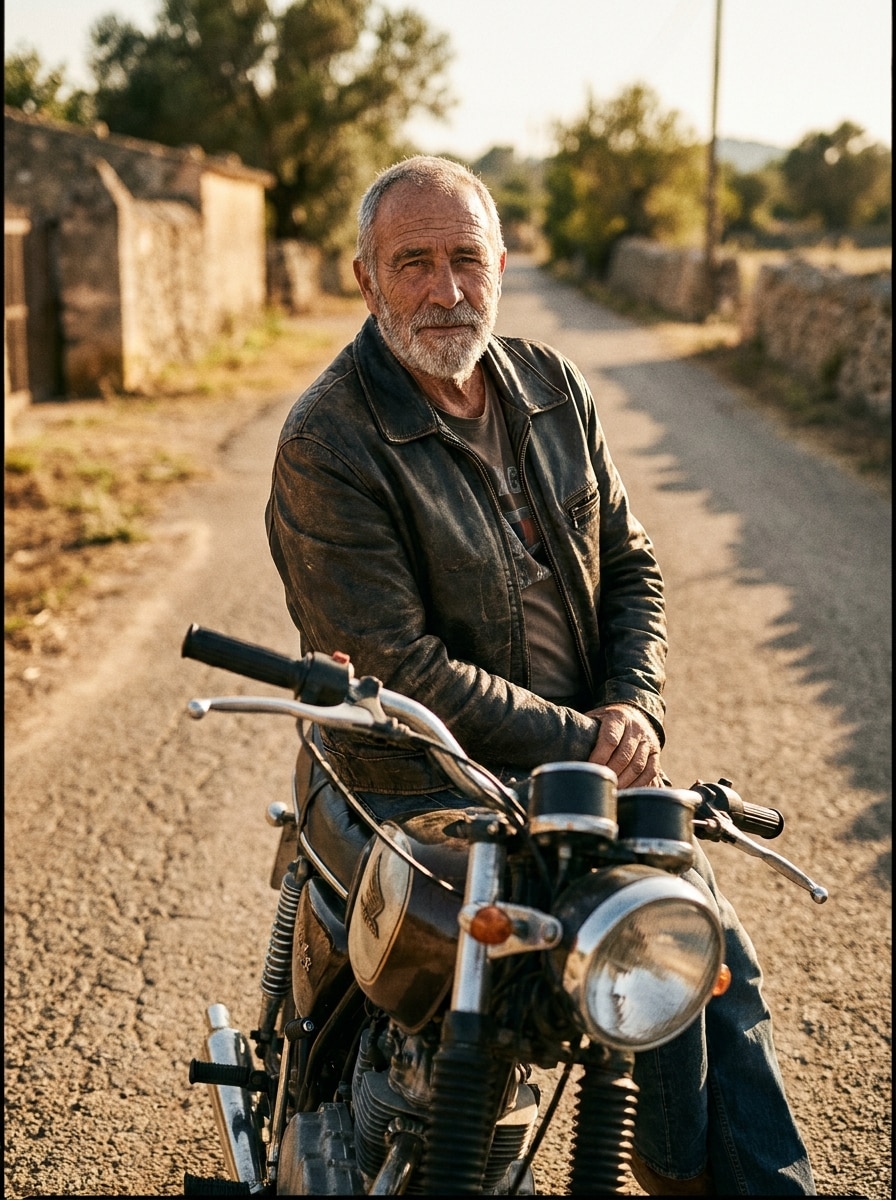
Use the uploaded image as the subject and create a classic mature biker portrait with a timeless leather jacket, retro motorcycle setting, understated confidence, warm cinematic tones, textured road backdrop, realistic age-appropriate styling, and crisp portrait lighting that keeps the face authentic and recognizable.

Cyberpunk Motorcycle Rider

Cyberpunk Motorcycle Rider

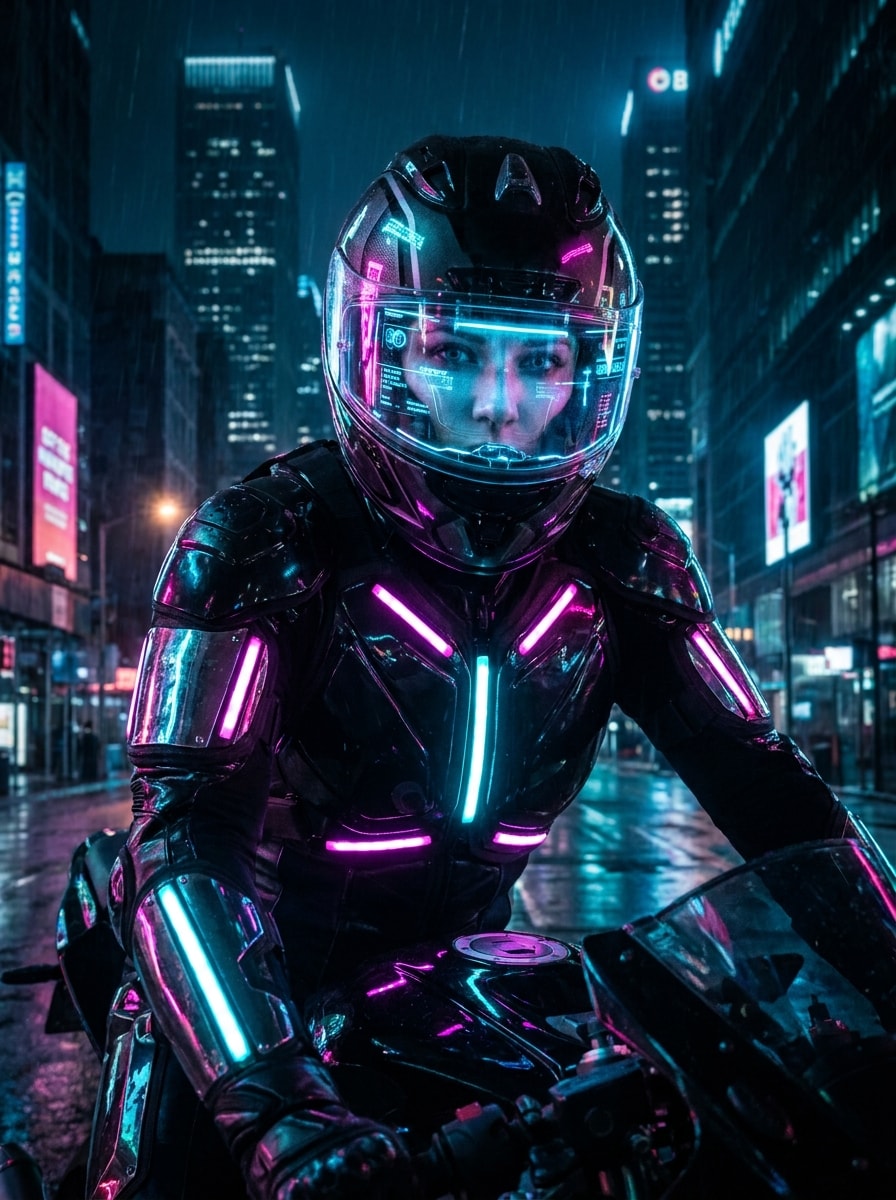
Use the uploaded image as the subject and turn it into a futuristic motorcycle rider portrait with neon-lit biker gear, glossy materials, glowing accents, high-tech helmet details, moody city backdrop, vivid magenta and cyan highlights, cinematic atmosphere, and realistic face preservation with sharp digital realism.

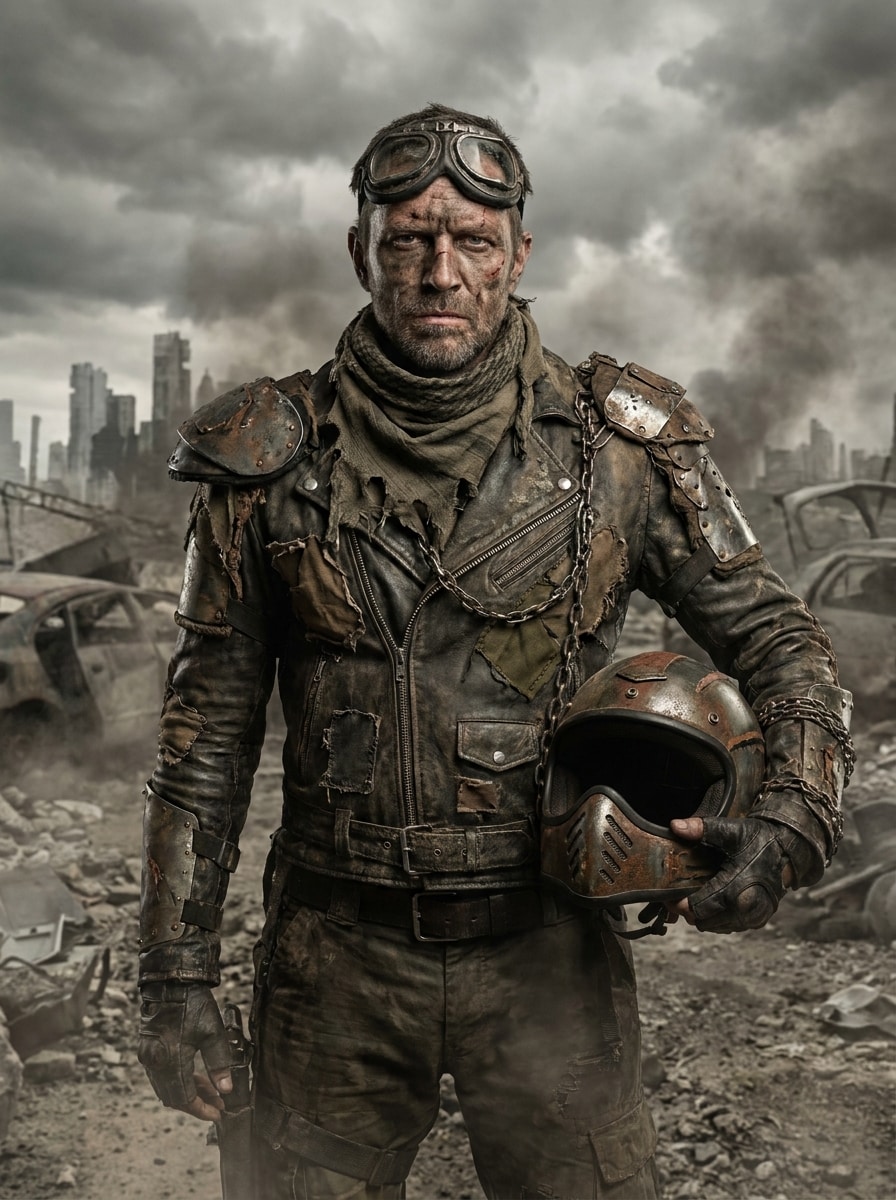
Post-Apocalyptic Biker

Post-Apocalyptic Biker

Use the uploaded image as the subject and transform it into a post-apocalyptic biker survivor portrait. Add rugged leather armor, weathered textures, dusty air, dramatic overcast lighting, muted brown and charcoal tones, strong cinematic framing, and realistic facial detail for a bold rebellious character scene.

Why Use Media.io for Biker Portrait Transformations

Create Social-Ready Variations Without Reuploading New Photos

Media.io makes it easy to generate multiple biker edits from one clear upload, so creators can compare helmet shots, leather-jacket looks, and moody road scenes quickly, then choose the strongest version for Reels, profile images, or shareable reveal posts.

Keep Your Face Recognizable in Every Rider Style

When style is part of the decision-making, Media.io helps you compare multiple directions from the same biker filter visual base, which makes creative selection more efficient.

Generate Cleaner Output Up to 4K

If the final biker filter visual will be reused beyond a small preview, Media.io helps deliver sharper results up to 4K so the image stays more reliable in practical design and presentation work.

Work Across Devices Without Extra Installs

Whether you are exploring biker filter visuals on a laptop or checking drafts from your phone, Media.io keeps everything browser-based so you can pick up the same workflow across devices more easily.

How to Use the AI Biker Filter

Turn your words into stunning visuals in three simple steps, then continue refining the result if you want to take it further.

how to use image to image AI for ai biker filter step 1
Step 1

Upload Your Reference Image

Start with a clear selfie or portrait in JPG, PNG, or JPEG format. A front-facing photo with good lighting and visible facial features gives the AI a strong base for realistic leather outfits, motorcycle styling, and recognizable biker transformations.

how to use image to image AI for ai biker filter step 2
Step 2

Describe the Change and Set Options

Enter the biker look you want, such as a classic road rider, vintage rebel, or cinematic night scene. Then choose your model and adjust aspect ratio, resolution, or the number of variations to shape the final style.

how to use image to image AI for ai biker filter step 3
Step 3

Generate, Download, and Keep Improving

Create your image, compare the biker versions, and download your favorite result. If needed, refine the prompt, change the mood or wardrobe details, and generate again until the portrait feels exactly right for posting or design use.

Unlock the Potential of Biker Jacket Photo Filter

See how creators use this Biker Filter for content, marketing, and personal projects, then adapt each idea to fit the brief.

Create Viral Before-and-After Reveal Posts

Turn one selfie into a dramatic rider transformation for TikTok, Reels, or Shorts. A realistic leather-jacket edit with preserved facial features makes the reveal more believable, more clickable, and easier to share as a personality-based visual trend.

Build a Stronger Character Look for Profiles

If you want a tougher, more cinematic image for your avatar, banner, or creator brand, this tool helps you produce polished portraits with motorcycles, helmets, and moody lighting instead of relying on generic filters or costume-heavy edits.

Mock Up Editorial and Poster Concepts Fast

Designers and content creators can quickly explore bold rider aesthetics for covers, posters, and campaign visuals. It is a practical way to test a biker jacket photo filter concept or stylized portrait direction before committing to a full shoot.

What Users Say

user
Jordan M.

Short-Form Creator

star star star star star

"Great for reveal videos" I used it for a 'what would I look like as a biker' reel, and the results looked surprisingly realistic. The face stayed recognizable, and the leather jacket details made the transformation feel way more cinematic than a normal social filter.

user
Avery L.

Lifestyle Blogger

star star star star star

"Stylish and easy to control" I liked that I could try a vintage road look, a night rider edit, and a cleaner editorial portrait from the same upload. It saved time, and the different biker moods felt polished enough for blog graphics and social posts.

user
Casey R.

Digital Designer

star star star star star

"Useful for concept mockups" I tested biker-themed poster ideas without arranging a full photo shoot. Being able to change the framing and generate multiple portrait directions quickly made it very practical for early design exploration.

user
Morgan T.

Mobile Content Creator

star star star star star

"Works well on phone" I made my biker portrait on mobile during a commute. The workflow was simple, and the final image had a strong motorcycle aesthetic without turning my face into something completely different.

AI Biker Filter FAQs

1. What is an AI biker filter?

An AI biker filter is an image-to-image effect that transforms your uploaded photo into a biker-style portrait. With Media.io, you can use a selfie as a reference and generate looks with leather jackets, motorcycles, cinematic lighting, and different rider aesthetics while keeping the result visually tied to your original image.

Upload a clear JPG, PNG, or JPEG portrait, then describe the biker look you want, such as a classic road rider, editorial leather look, or dramatic night scene. Media.io lets you choose a model, set options like aspect ratio or resolution, and generate several variations from the same reference image.

Media.io offers free credits, so you can try the tool before upgrading. If you need more generations or want watermark-free high-resolution downloads, you can compare plans on the pricing page. Free users can use free credits. For more usage, users can subscribe to a plan on the pricing page. Upgrade to a paid plan on the pricing page for more credits and watermark-free high-resolution downloads.

A sharp, well-lit selfie with your face clearly visible usually works best. Clean framing, balanced lighting, and minimal blur help Media.io create a stronger transformation for a realistic biker portrait, whether you want a rugged road style or a more polished motorcycle biker filter look.

It is designed to use your uploaded photo as the visual reference, so the output can stay closer to your identity than a text-only image generator. Media.io supports reference-based transformations, which is especially useful when you want a biker portrait filter result that still looks like you.

Generation is typically fast, though the exact time can vary based on the model and settings you choose. In most cases, Media.io is built for a quick workflow, so you can upload a selfie, generate a few biker variations, and review the results without a long editing process.

Media.io Online AI Tools Quality Rating:
vote 4.7 (162,357 Votes)