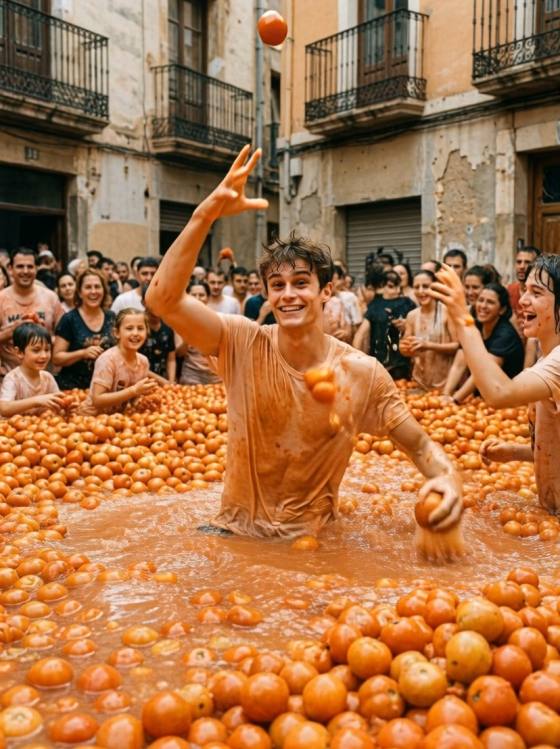
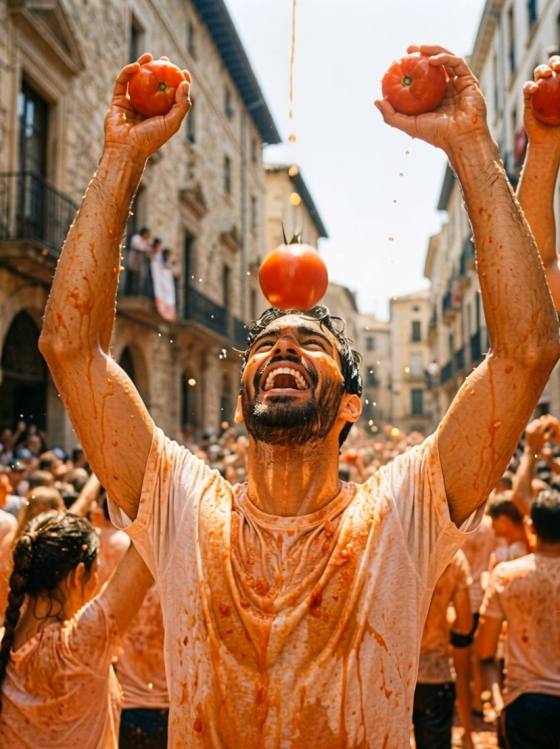
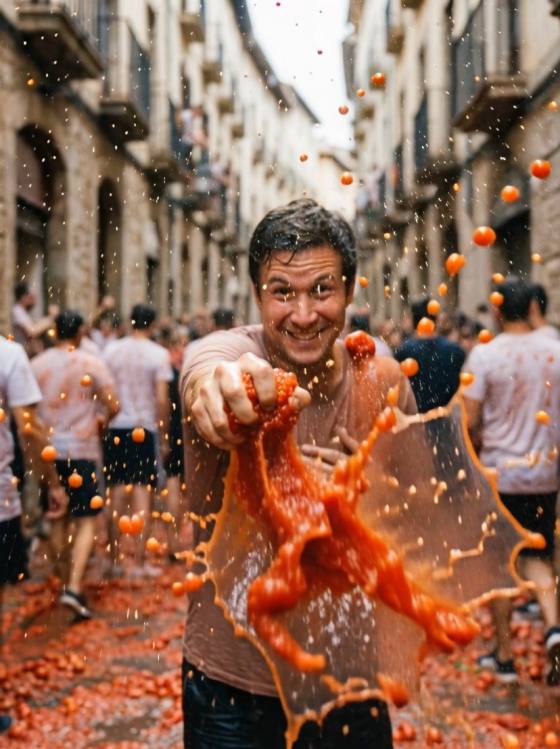
라 토마티나 AI 사진 생성기 | 토마토 축제 사진

셀카를 바탕으로 토마토 싸움 프롬프트를 사용해 현실적인 축제 초상화, 인스타그램 게시물, 포스터 및 부뇰 거리 장면을 제공하는 La Tomatina AI 사진을 만드세요.
모든 제출물

La Tomatina AI Photo Generator for Tomato Festival Photos

Create playful La Tomatina AI photos from your selfies or portraits. Copy, paste, and customize tomato fight AI photo prompts for realistic Buñol festival scenes, tomato-splashed portraits, Instagram covers, travel posters, and viral summer festival images.

Generate La Tomatina Photos Now

Free credits on signup.

Why Choose Media.io for La Tomatina AI Photos

Curated La Tomatina Prompt Library

Browse ready-to-copy La Tomatina AI photo prompts for selfies, portraits, travel shots, tomato-splashed outfits, crowded Buñol streets, and joyful tomato fight festival scenes.

Optimized Tomato Fight Prompts

Get detailed tomato fight AI photo prompts with face reference, red tomato splash effects, motion blur, summer daylight, crowd background, camera angle, and safe negative prompts built in.

Festival Photos for Social Media

Create viral-ready La Tomatina festival AI images for Instagram posts, TikTok covers, profile pictures, story visuals, travel content, event posters, and summer campaign graphics.

One-Click AI Photo Generator

Don't just save prompts. Use Media.io as your La Tomatina AI photo generator to turn a selfie or portrait into a realistic tomato festival image online.

How to Generate La Tomatina AI Photos Online

01

Step 1: Choose a La Tomatina Prompt

Browse the La Tomatina AI image prompts and choose a style for your photo. Pick from tomato-splashed selfies, action shots, crowd scenes, aftermath portraits, posters, or Instagram covers.

02

Step 2: Upload Your Selfie

Upload a clear portrait or reference image so the AI can preserve your face, hairstyle, skin tone, expression, and natural features. Then customize the prompt with Buñol streets, tomato splashes, lighting, and mood.

03

Step 3: Generate and Download

Click generate to create your La Tomatina AI photo. Preview the result, refine the prompt if needed, and download a realistic tomato festival image for social posts, profiles, reels, or posters.

Join Creators Making La Tomatina AI Festival Photos

user
@kaleb_creates

Travel Content Creator

star star star star star

“The fastest way to make tomato festival content.” I wanted a realistic La Tomatina photo without traveling to Spain. This La Tomatina AI photo prompt library gave me a strong starting point, and the result looked playful and believable.

user
@aesthetic_maya

Instagram Creator

star star star star star

“Perfect for a summer Reel cover.” The tomato fight AI photo prompt kept my face recognizable while adding tomato splashes, festival crowds, and bright Buñol street energy. It worked great for a 9:16 social post.

user
@dev_visuals

Digital Content Designer

star star star star star

“Great prompt structure for realistic festival edits.” Each La Tomatina AI image generator prompt includes face reference, tomato splash details, background, camera style, lighting, and negative prompt ideas. It saved me a lot of testing.

user
@creative_lucas

AI Image Creator

star star star star star

“Copy, paste, and get the exact tomato splash vibe.” I used a La Tomatina festival photo prompt, changed the scene to a crowded Spanish street, and generated a bold poster-style image in minutes.

FAQs About La Tomatina AI Photo Generator

1. What is a La Tomatina AI Photo Generator?

A La Tomatina AI Photo Generator is an online AI image tool that turns your selfie, portrait, or text idea into a tomato festival photo. A good prompt usually describes the face reference, Buñol street setting, tomato splashes, festival crowd, lighting, camera style, and safe negative terms.

2. When is La Tomatina 2026?

La Tomatina is usually held on the last Wednesday of August in Buñol, Spain. La Tomatina 2026 is scheduled for August 26, 2026, making it a strong seasonal topic for AI festival photos, tomato fight images, travel posters, and social media content.

3. Can I use my own selfie for a La Tomatina AI photo?

Yes. Upload a clear selfie or portrait and include identity details in the prompt, such as "preserve the person's face, age, hairstyle, skin tone, expression, and natural features." This helps the AI apply the La Tomatina tomato splash effect while keeping the image recognizable.

4. What prompts work best for realistic tomato fight AI photos?

The best tomato fight AI photo prompts combine a clear subject, red tomato pulp, playful splashes, summer daylight, motion, wet clothing texture, and a joyful crowd in Buñol. Add negative terms like no blood, no injury, no horror, no distorted hands, no changed face, and no watermark.

5. Can I create La Tomatina images for Instagram and posters on Media.io?

Yes. Media.io lets you copy a La Tomatina AI photo prompt, upload a reference image, adjust the scene, and generate tomato festival visuals online. Use 9:16 prompts for stories and Reel covers, 1:1 prompts for posts, and poster-style prompts for travel or event graphics.

Media.io Online AI Tools Quality Rating:
vote 4.7 (162,357 Votes)