jpg, jpeg, png 이미지를 최대 50MB까지 업로드할 수 있으며, 가로/세로 최소 300px이어야 합니다.
See Yourself with a Lob Haircut Before You Cut
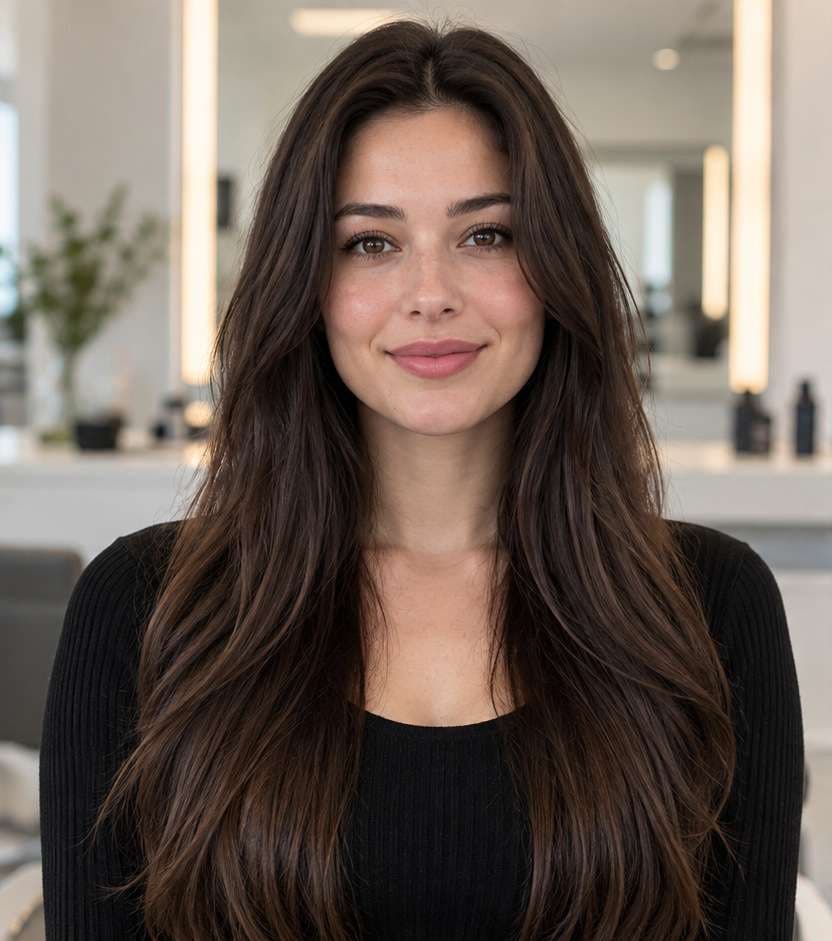
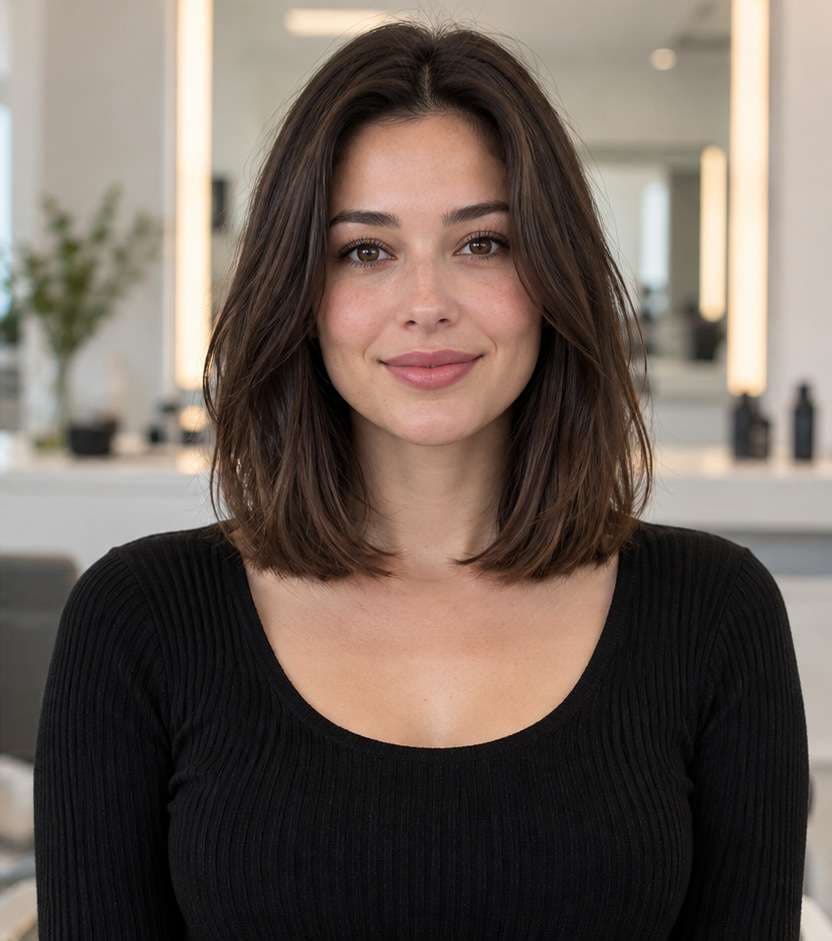
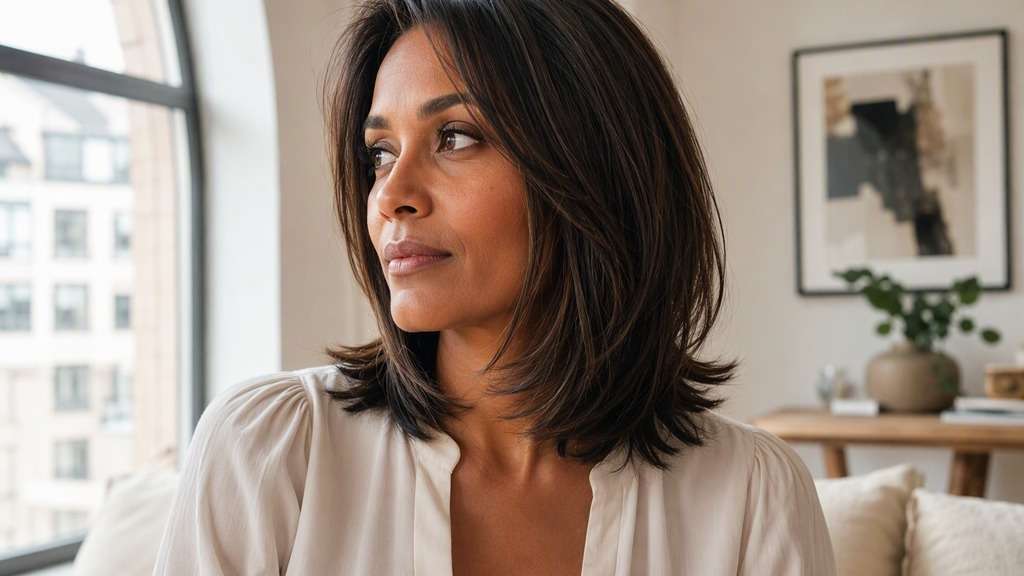
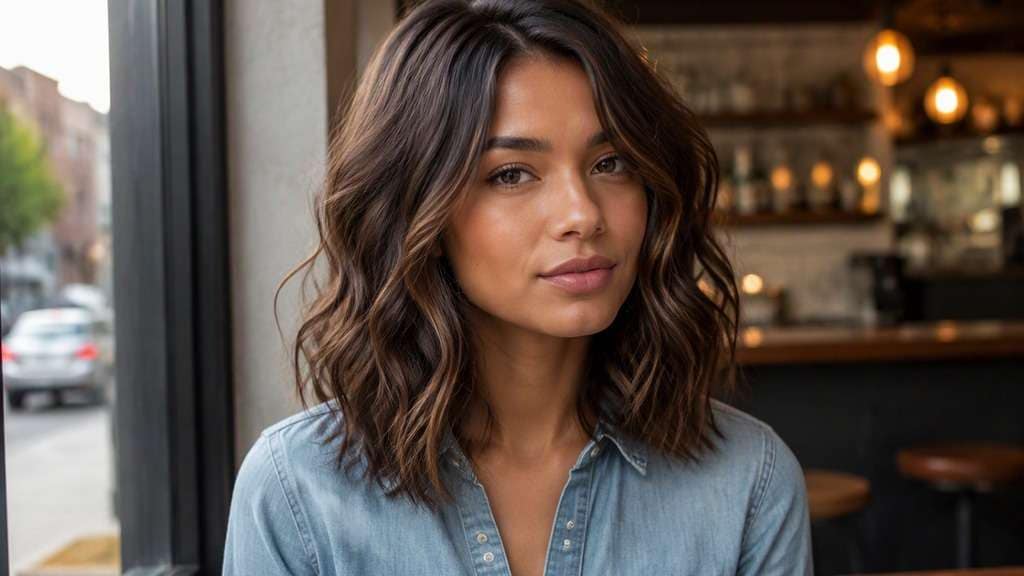
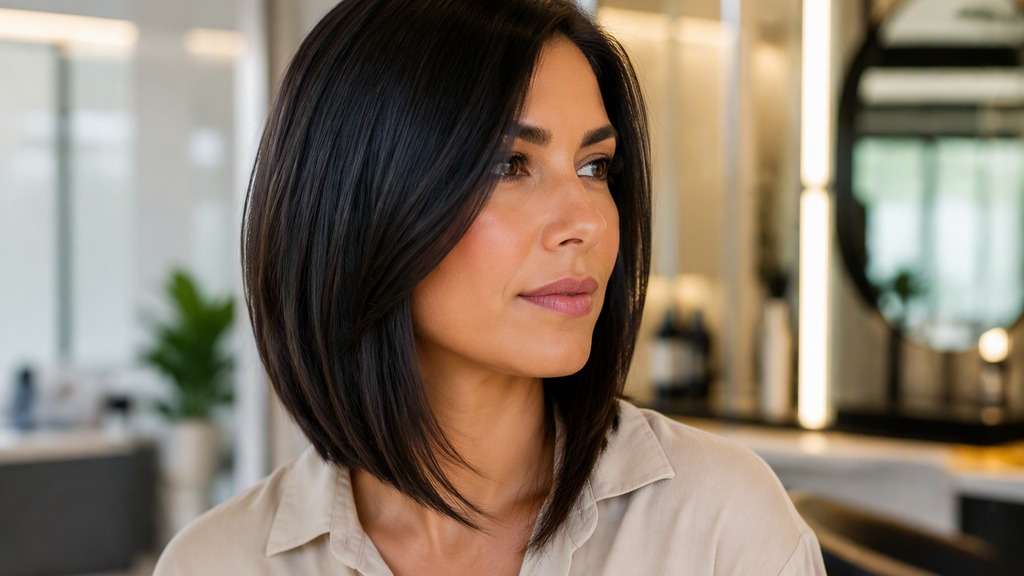
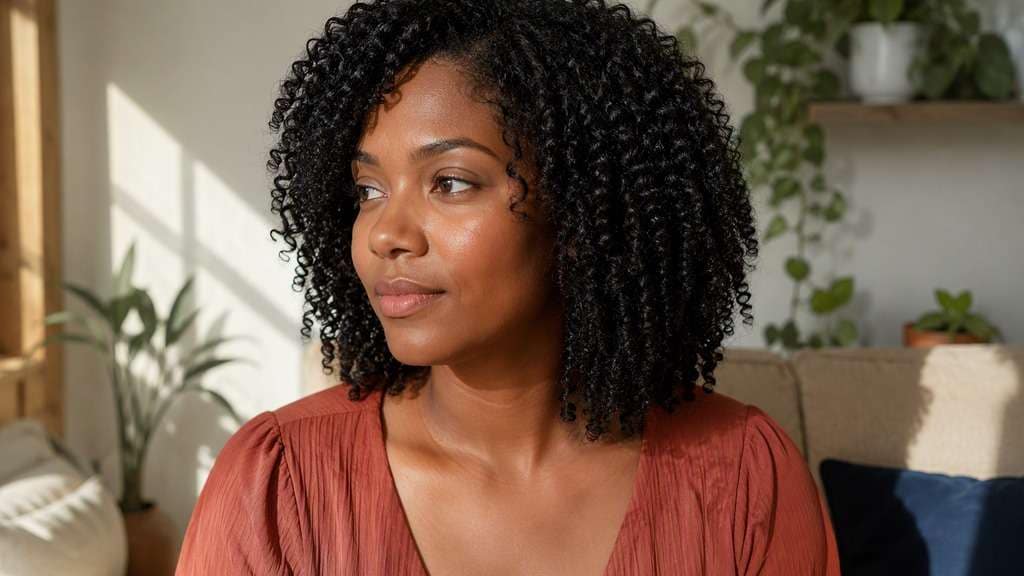
You want the freshness of shorter hair, but what if the ends land higher than you imagined? A lob haircut filter puts the decision on your own photo first. Compare a polished collarbone cut with softer layers, natural waves or face-framing bangs, and see which silhouette feels like you before booking a salon appointment.
Compare each look using the same clear, shoulder-visible portrait.
The difference between a lob you love and one you only tolerate often comes down to its outline. A clean weight line looks crisp; invisible layers make thick hair move; a fringe changes the entire frame of your face. Start with the variations below, then copy the prompt that matches what you want to see.
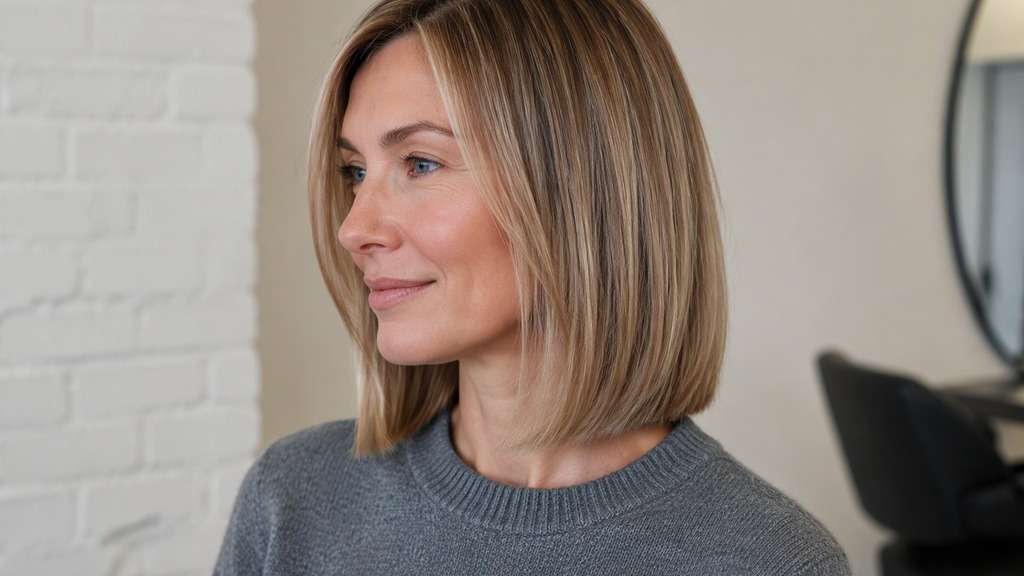
Classic Collarbone Lob
Use my uploaded photo as the reference and replace my current hairstyle with a balanced long bob whose ends land directly at the collarbone. Use a gentle center part, a smooth natural surface, and ends that tip subtly inward rather than a blunt shelf. Retain my recognizable facial features, expression, existing hair color, outfit, lighting, camera angle and background; make the hairline and ear area believable. This is an understated everyday haircut, not a blowout or a new person.
Precision Blunt Lob
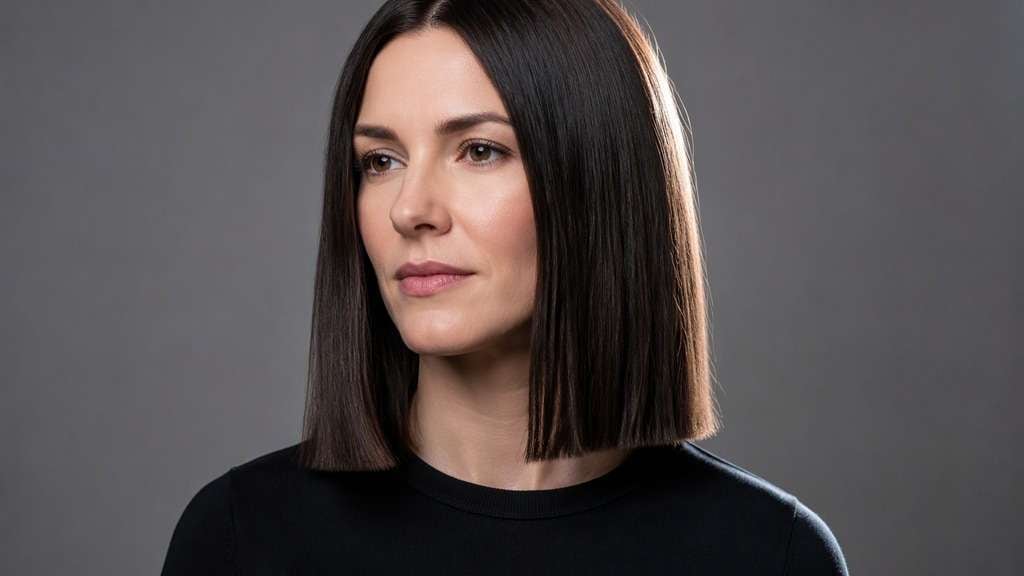
Edit only the hair in my photo to a one-length lob with a deliberate, straight perimeter that grazes the top of the shoulders. Make the thick weight line clear from one side of the neck to the other, with almost no visible layers and a sleek finish. Keep my face, pose, clothing, parting preference, hair color and setting as in the reference. Avoid making it chin-length or adding fashionable curls; I want to judge whether the full-ended shape is too graphic.
Invisible-Layered Lob
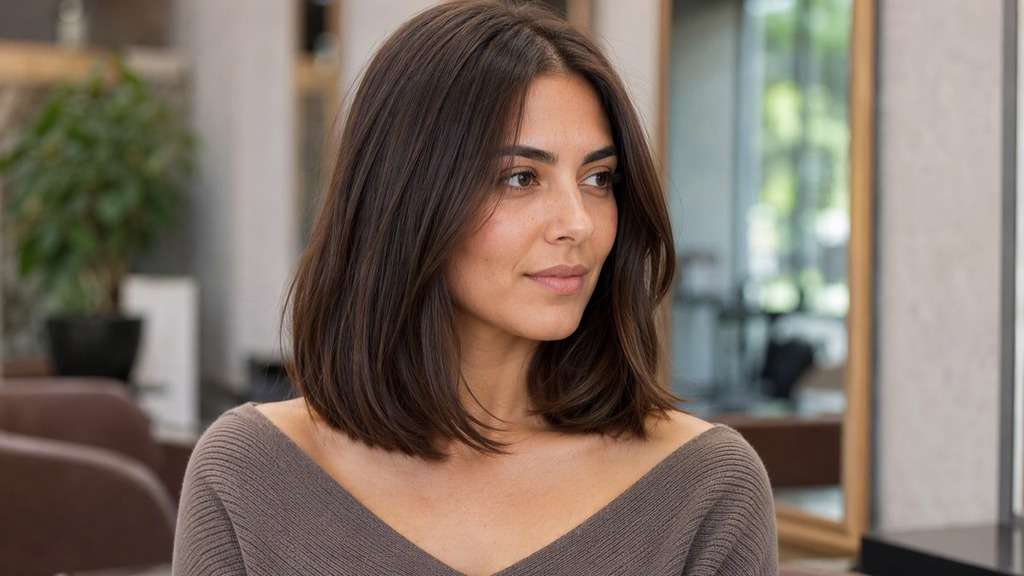
Starting from my uploaded portrait, show a collarbone-skimming long bob with subtle internal layers that loosen the lower half without losing the overall length. Leave the front pieces long enough to sweep near the jaw and let the tips separate softly instead of forming a solid block. Keep my original face, lighting, camera perspective, skin tone, clothing and natural hair color recognizable. Do not turn this into a shag, a wolf cut or a much shorter bob.
Lived-In Wavy Lob
Turn the hairstyle in my photo into a relaxed shoulder-length lob with broad S-bend waves, lightly piecey ends and a natural off-center part. The waves should shorten the apparent length slightly, while the longest pieces still rest around the shoulders. Preserve my face, outfit, hair color and surrounding scene from the uploaded photo, with realistic hair density and a seamless hairline. Avoid tight ringlets, wet-look styling or exaggerated beach volume.
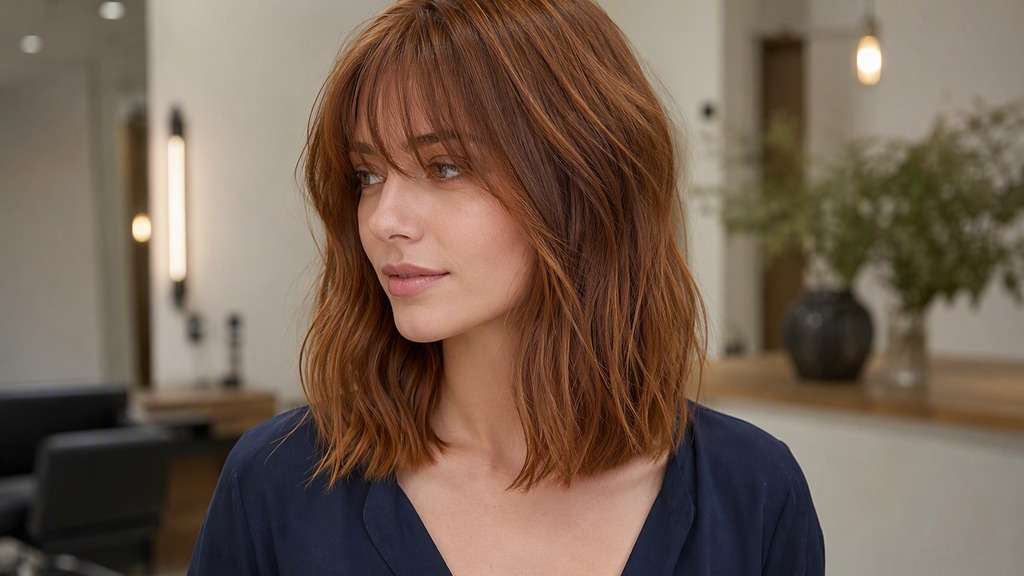
Lob with Curtain Bangs
Use my selfie to preview a softly layered lob ending near the collarbone, plus center-parted curtain bangs that open over my forehead and sweep toward the cheekbones. Keep the fringe longer on the outer edges and blend it into the front layers, leaving both eyes visible. Preserve my facial proportions, expression, skin tone, original hair shade, clothes and background. Do not create a straight-across fringe or reduce the back length to a short bob.
Subtle A-Line Lob
Using the person in my photo, create a polished long bob with a gentle forward angle: the back rests a little above the collarbone, while the front edges extend toward the upper chest. Show the difference subtly from a three-quarter view without dramatically stacking the nape. Preserve my identifiable facial details, current hair color, outfit and photo setting. Keep the result wearable, with clean ends rather than a severe asymmetrical fashion cut.
Defined Curly Lob
Use the uploaded portrait to imagine my hair as a naturally curly long bob with defined, springy curls and a balanced rounded outline that appears around shoulder level after curl spring-up. Keep an airy shape around the temples, natural curls at the hairline and enough width to show the texture honestly. Retain my recognizable facial features, skin tone, clothing and scene. Do not smooth the curls into waves or promise an exact real-world cutting length.
Fine-Hair Full-Ended Lob
On my original photo, preview a collarbone-length lob intended to look full at the bottom: modest root lift, mostly one-length sides, tidy but not razor-sharp ends, and no obvious choppy layering. Let the hair remain naturally fine rather than doubling its density. Preserve the original face, pose, hair shade, clothing, lighting and background. The aim is to judge the shape around the neck, not add extensions or a dramatically voluminous wig.
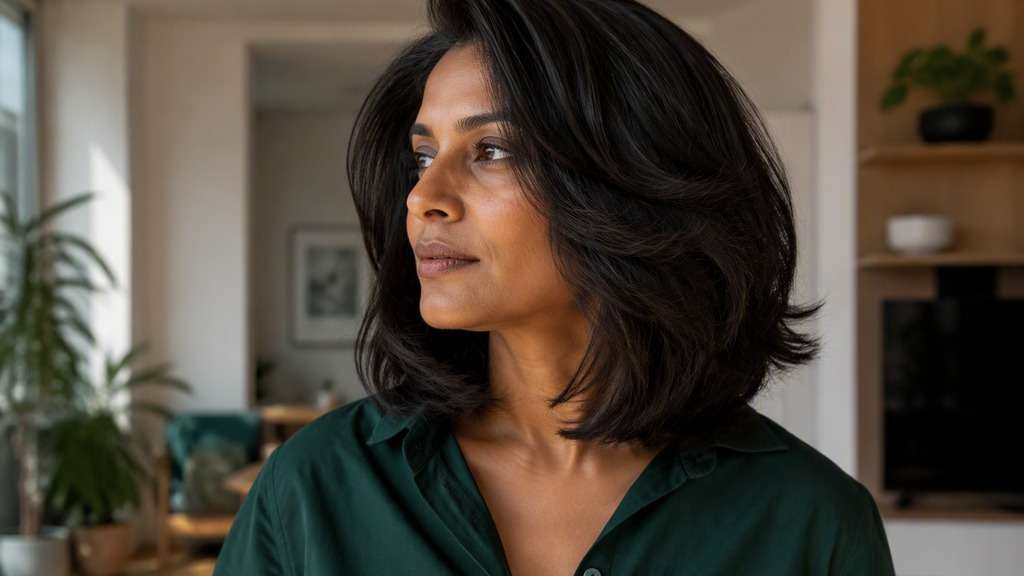
Airy Lob for Thick Hair
Edit my reference photo into a medium-long bob with a shoulder-level outline and light internal weight removal through the ends. Keep the upper layers smooth but let the bottom pieces move in small separated sections, avoiding an overly bulky triangle shape. Maintain my face, original hair color, clothing and surroundings. Make the haircut look realistic on thick hair, with no short shaggy crown layers or deep V-shaped back.
Side-Parted Lob with Wispy Fringe
Create a softly side-parted lob on my uploaded portrait, with the main length just touching the collarbones and a few light, feathery fringe strands skimming the eyebrows. The fringe must be sparse and easy-looking, not a solid curtain over the forehead. Keep my identity, makeup, hair color, clothes and scene recognizable. Give the longer side a gentle sweep while avoiding an extreme asymmetric cut or an artificial hairpiece.
Make the Small Haircut Decisions Before the Big Chop
Choose Where the Ends Actually Land
Two cuts called a lob can look surprisingly different: one brushes the tops of your shoulders; another lands precisely at the collarbone. Use a lob cut simulator to compare their outlines against your neck and clothing neckline, not just against someone else's salon photo.
See Whether You Prefer Weight or Movement
A blunt perimeter makes a strong, compact line; understated internal layers soften the outline and let longer pieces move. Try both while keeping the parting and hair color consistent. That way, you're judging the cut shape rather than getting distracted by a completely different makeover.
Test Bangs Without Changing the Entire Cut
Curtain bangs can break up the front of a long bob around the cheekbones, while a wispy fringe shifts attention toward the eyes. Preview the same lob with and without bangs before taking on the extra styling and grow-out that a fringe can involve.
Walk Into the Salon with a Better Reference
Instead of asking for 'something just above the shoulders,' bring two clear variations: the outline you like and the one that's too short or too heavy. A stylist can then adjust the length, layers and shape for your real texture, growth patterns and everyday styling routine.
How to Try a Lob Haircut on Your Photo
Use a photo that shows your jaw, neckline and current hair length. One edit at a time makes the comparison more meaningful.
Step 1
Upload Your Photo
Upload a front-facing or slightly angled portrait with your hairline, jaw and shoulders visible. Avoid a cropped selfie that hides where the new ends should fall.
Step 2
Choose a Haircut Filter or Enter a Prompt
Choose an available haircut preset or enter a custom prompt such as 'collarbone-length blunt lob, center part, natural hair color.' Change the length or fringe, not everything at once.
Step 3
Click Generate
Click Generate to make a hairstyle preview. Compare where the ends meet your shoulders and how the front pieces frame your face; adjust the prompt for a second version if needed.
A long bob hair try on is more useful when you're trying to answer a particular question, rather than simply browsing hairstyles. Here are three ways to make your test worth doing.
Before Your First Significant Haircut
If your hair has been long for years, jump between a shoulder-grazing lob and a version that sits a little lower. You may discover you like the change in shape but want enough length to tuck behind your ears or pull back. Treat the preview as an inspiration photo, not proof of how your real hair will behave.
When Your Natural Texture Changes the Shape
A straight, smooth lob and a curly one don't appear the same length even when cut to similar measurements. Compare the intended silhouette with your usual texture in mind; natural curls can spring upward as they dry. A stylist can plan the finished length more accurately than a single AI image.
For a Clearer Salon or Style Consultation
Bring your favorite preview and one rejected alternative to explain what you mean by 'soft layers' or 'not too blunt.' The contrast gives your stylist useful direction about the weight line, front sections and volume you prefer, while leaving room for professional advice on maintenance.
What Media.io Users Say About Bob Hairstyle Previews
Alyssa M.
Salon Client
"Much more useful than a social filter" I wanted to know if a bob would actually suit my face, not just get a funny effect. Media.io gave me previews that looked polished and realistic enough to show my stylist.
Jenna R.
Beauty Content Creator
"Easy to compare several bob styles" I tested blunt, wavy, and curtain-bang versions from one selfie. The ability to generate multiple looks made this feel more like a real makeover tool than a random app filter.
Priya S.
Frequent Mobile User
"Worked well on my phone" I used it in my mobile browser without downloading anything. The results were quick, and the hairstyle blending looked surprisingly natural around my jawline and forehead.
Monica T.
Hair Stylist Assistant
"Helpful for consultation prep" Clients often ask to try a bob hairstyle before cutting. This made it easier to show different lengths and bangs visually, which helped narrow down the best direction faster.
A lob is a long bob, generally falling between the lower jaw and the shoulders, often at or around the collarbones. Compared with a chin-length bob, it leaves a longer frame around the face. The precise look also depends on whether the perimeter is blunt, angled or softly layered.
2. Can I try a long bob on my own photo?
Yes. Upload a clear portrait to Media.io and choose a suitable haircut preset or describe the lob you want with a custom prompt. Using the same original photo for each version makes it easier to compare the cut's outline, bangs and apparent length without changes in lighting or pose confusing the result.
3. Which lob should I start with if my hair is fine or thick?
If your hair is fine, try a lob with a fuller, minimally layered perimeter so you can judge the visual weight at the ends. For thick hair, compare a blunt outline with subtle internal layers that remove some bulk. An AI preview shows a possible shape, but your stylist should assess actual density and how your hair falls.
4. Can AI show me a collarbone-length bob with bangs?
Yes. For a collarbone bob AI preview, specify where the ends should sit and choose one fringe type, such as parted curtain bangs or airy wispy bangs. Keep your usual hair color and texture in the prompt so the result stays focused on the cut. Bangs may also need regular trimming and styling in real life.
5. What photo is best for a believable lob try-on?
Use a sharp, evenly lit portrait that includes your full head, neck and shoulders. Loose hair is easier to assess than hair hidden under a hat, in a ponytail or behind a scarf. A slight three-quarter angle can help show face framing, but use a similar angle when comparing two results.
6. Will the AI preview predict how my real haircut turns out?
No. A preview is a visual reference for length, proportions and styling direction. It cannot measure your individual growth patterns, cut precision, curl shrinkage or how the haircut will behave after washing. Show the image to a stylist and discuss your natural texture, styling time and preferred finished length.