jpg, jpeg, png 이미지를 최대 50MB까지 업로드할 수 있으며, 가로/세로 최소 300px이어야 합니다.
Give Your Selfie the Classic Dog Filter Look
Found a great selfie, but it needs the silly puppy ears everyone remembers? A dog filter lets you dress up the photo with floppy ears, a small button nose or an optional tongue sticker. Upload the picture you already like, describe the accessories you want and keep your own smile, clothes and background in the frame.
Leave a little room above your head so floppy ears do not get cropped.
Dog Ear Filter Prompts: From Tiny Puppy Nose to 2016 Throwback
The classic appeal is the placement: two ears on the head, a nose at the center and expressions that remain recognizable. Try one puppy character at a time and decide whether the tongue belongs in your photo.
Classic Brown Puppy
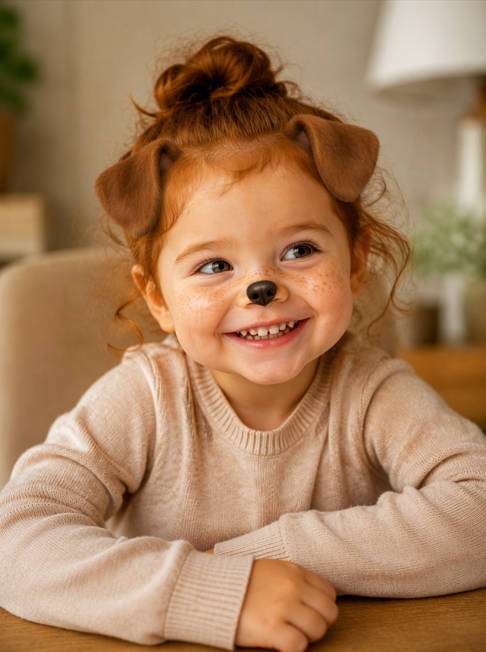
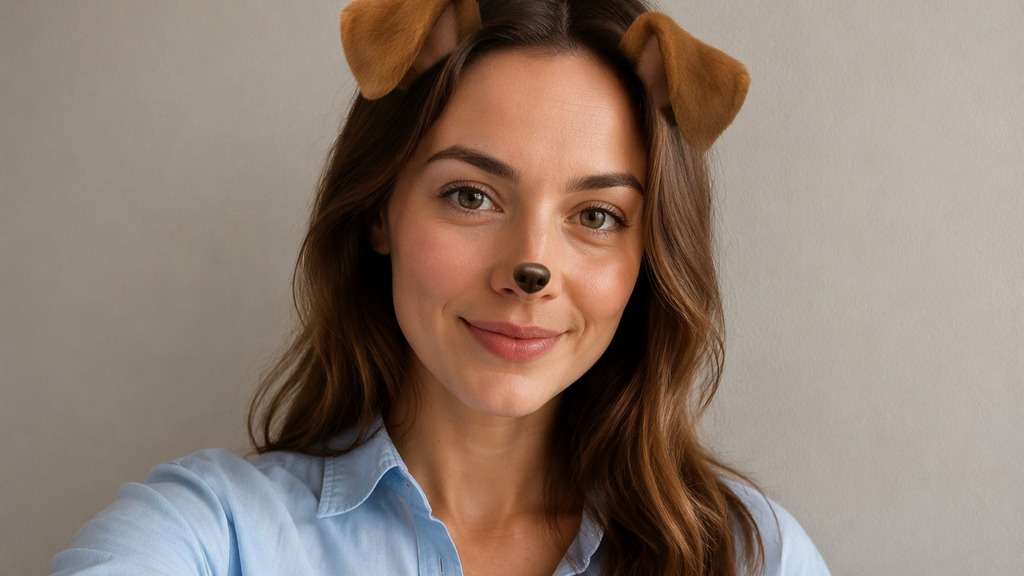
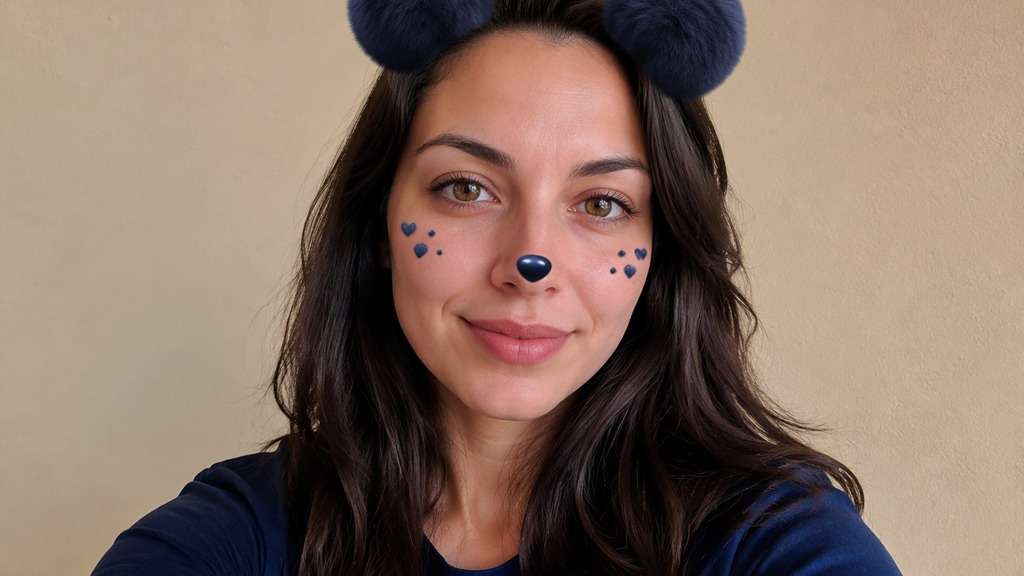
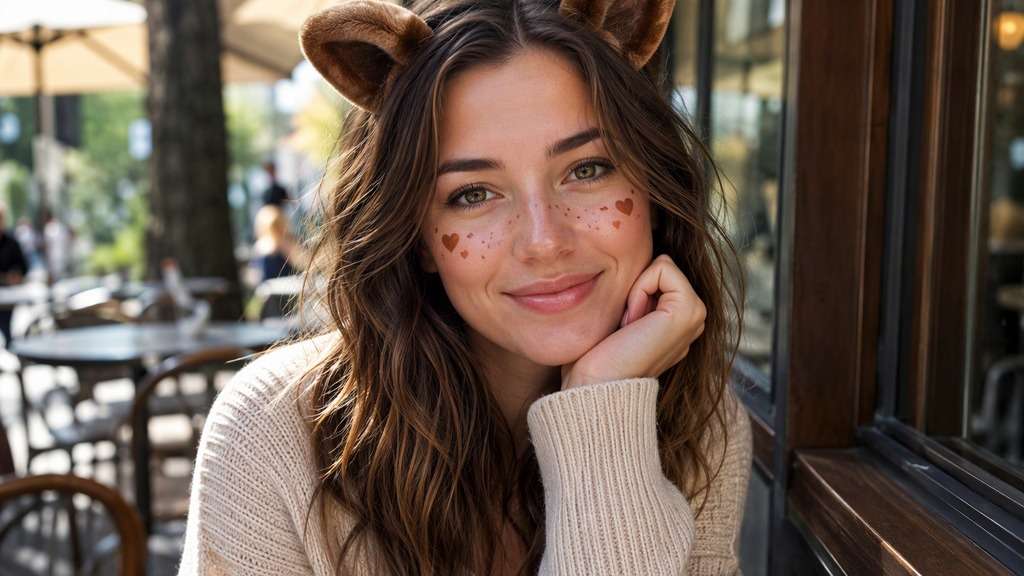
Edit my uploaded reference photo: Add two rounded brown puppy ears and a tiny dark nose sticker. Keep the same person, real facial identity and expression except where this named face effect intentionally changes proportions, and preserve original hair, clothing, perspective, room or outdoor setting. Do not add captions, logos, extra people or unrelated props.
Tiny Nose Only
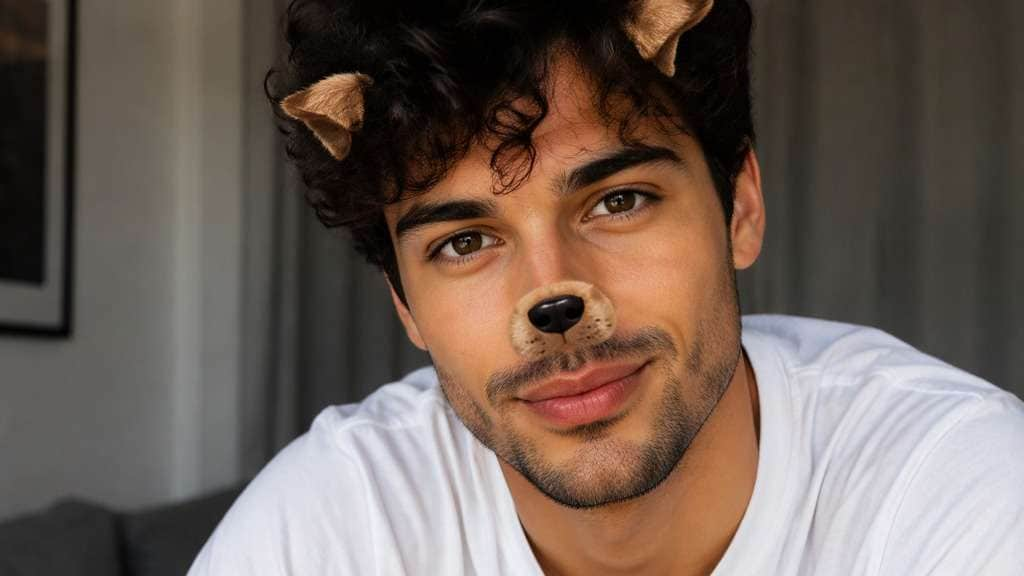
Edit my uploaded reference photo: Add a subtle dog nose overlay and very small ears without covering eyes. Keep the same person, real facial identity and expression except where this named face effect intentionally changes proportions, and preserve original hair, clothing, perspective, room or outdoor setting. Do not add captions, logos, extra people or unrelated props.
Soft Golden Retriever
Edit my uploaded reference photo: Add light caramel ears with soft fur-like shading and a discreet nose. Keep the same person, real facial identity and expression except where this named face effect intentionally changes proportions, and preserve original hair, clothing, perspective, room or outdoor setting. Do not add captions, logos, extra people or unrelated props.
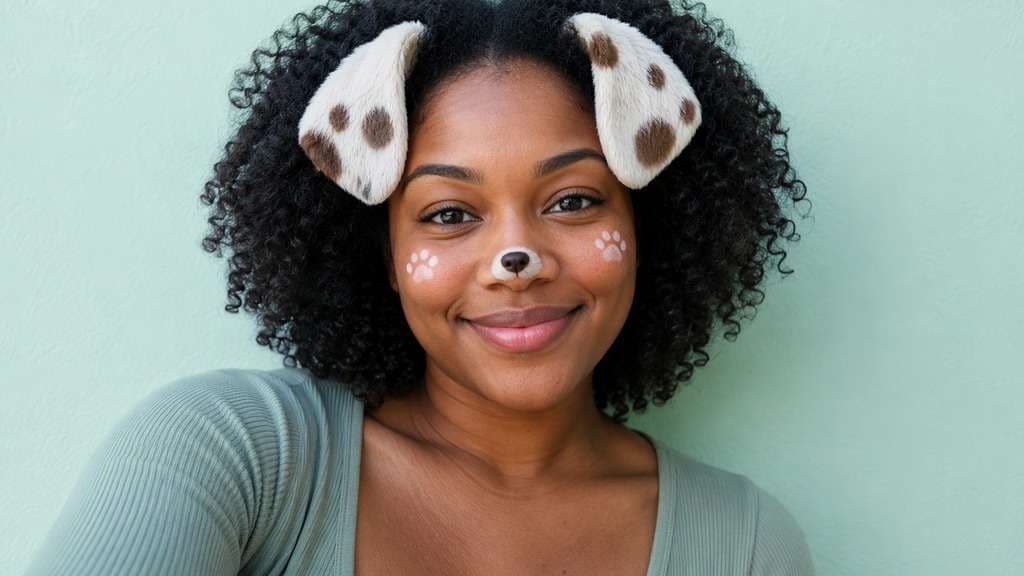
Spotted Puppy Ears
Edit my uploaded reference photo: Add floppy white ears with dark brown patches, matching small nose. Keep the same person, real facial identity and expression except where this named face effect intentionally changes proportions, and preserve original hair, clothing, perspective, room or outdoor setting. Do not add captions, logos, extra people or unrelated props.
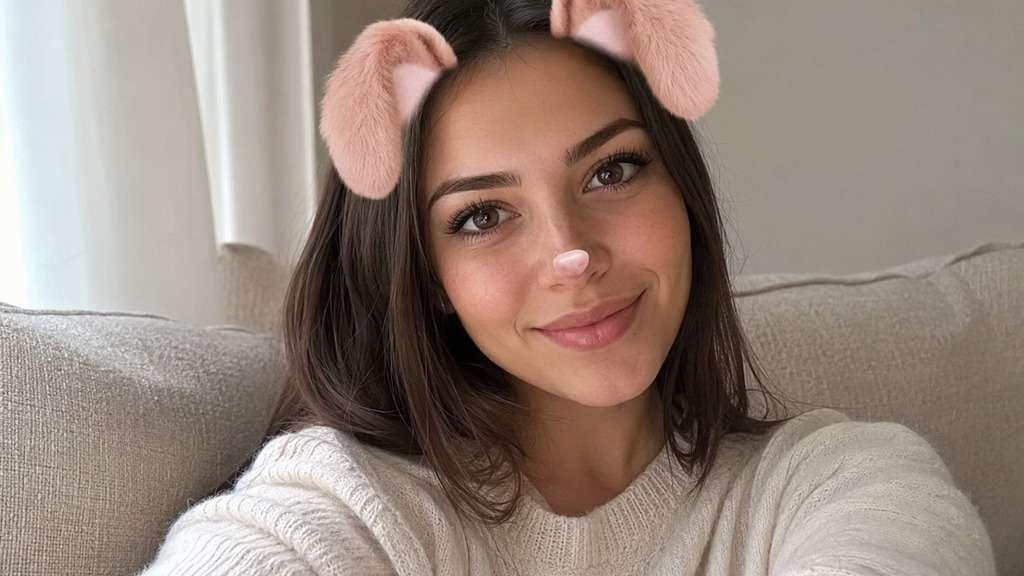
Pastel Pink Puppy
Edit my uploaded reference photo: Add stylized blush-pink puppy ear stickers and a tiny pink nose. Keep the same person, real facial identity and expression except where this named face effect intentionally changes proportions, and preserve original hair, clothing, perspective, room or outdoor setting. Do not add captions, logos, extra people or unrelated props.
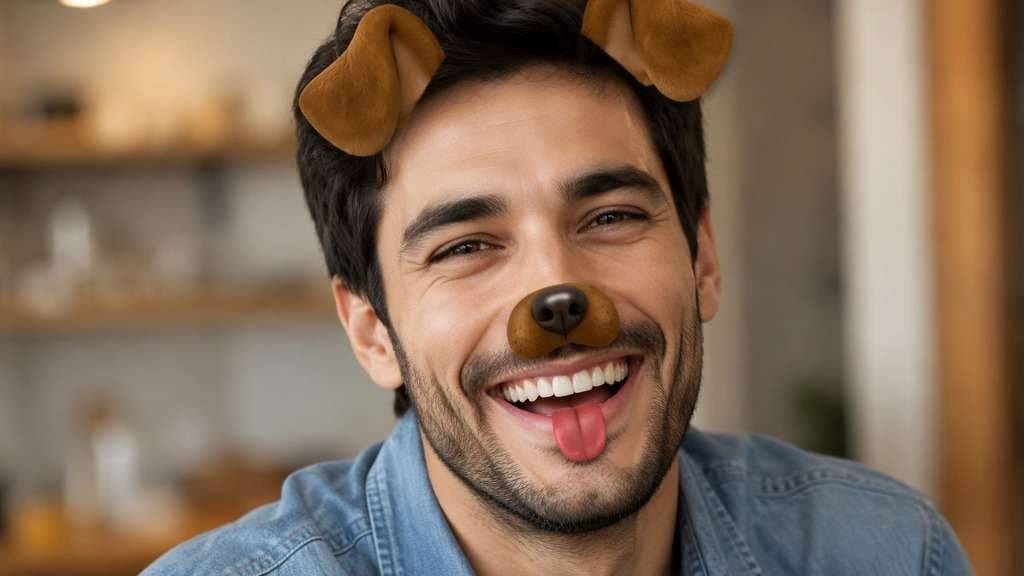
Puppy Tongue Sticker
Edit my uploaded reference photo: Add brown ears, centered button nose and a small cartoon tongue sticker below lips. Keep the same person, real facial identity and expression except where this named face effect intentionally changes proportions, and preserve original hair, clothing, perspective, room or outdoor setting. Do not add captions, logos, extra people or unrelated props.
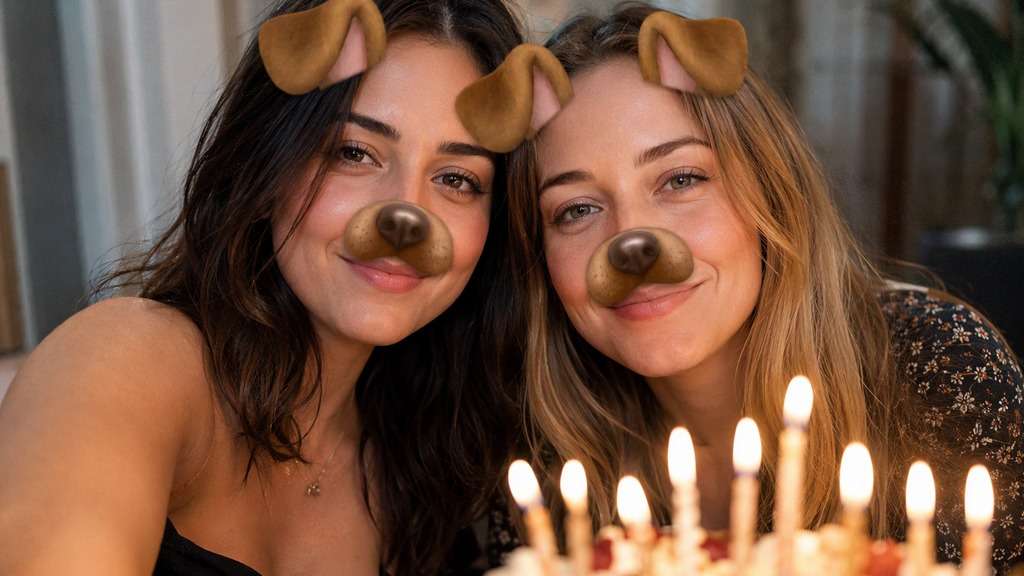
Matching Friends
Edit my uploaded reference photo: Place similarly sized puppy ears and nose stickers on both faces. Keep the same person, real facial identity and expression except where this named face effect intentionally changes proportions, and preserve original hair, clothing, perspective, room or outdoor setting. Do not add captions, logos, extra people or unrelated props.
Fluffy Teddy Pup
Edit my uploaded reference photo: Add plush-looking round-tipped ears and small glossy dark nose, cute not realistic animal replacement. Keep the same person, real facial identity and expression except where this named face effect intentionally changes proportions, and preserve original hair, clothing, perspective, room or outdoor setting. Do not add captions, logos, extra people or unrelated props.
Night-Out Puppy Flash
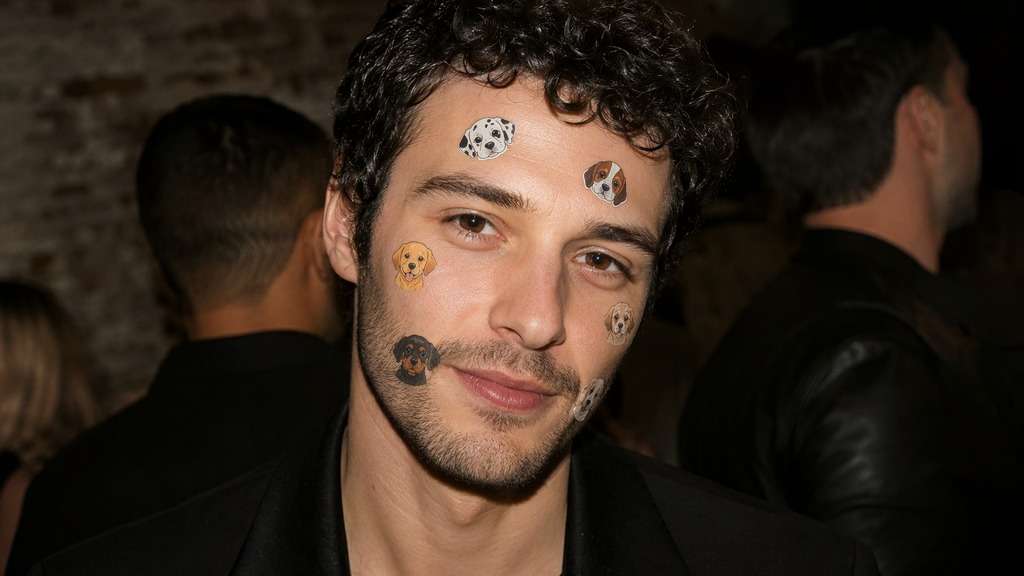
Edit my uploaded reference photo: Use clear flat puppy stickers visible over soft direct flash lighting. Keep the same person, real facial identity and expression except where this named face effect intentionally changes proportions, and preserve original hair, clothing, perspective, room or outdoor setting. Do not add captions, logos, extra people or unrelated props.
Minimal Profile Pup
Edit my uploaded reference photo: Add simple brown ears only, preserve natural face and modern portrait quality. Keep the same person, real facial identity and expression except where this named face effect intentionally changes proportions, and preserve original hair, clothing, perspective, room or outdoor setting. Do not add captions, logos, extra people or unrelated props.
A Puppy Filter Is All About the Small Details
Fit Ears to Your Head
Floppy brown ears need enough space above the hairline. A close crop can make them float outside the frame; a little extra headroom and a front-facing face make the sticker placement easier to judge.
Keep Your Expression Visible
The dog nose should sit at the tip of your real nose, not replace your mouth. Let your existing smile be the main expression, and add a tongue only when it suits the pose.
Choose Cartoon or Plush Texture
Simple flat stickers recall early social lenses; softly shaded plush ears read like a costume accessory. Mixing both styles usually looks accidental, so pick one visual treatment.
Make a Group Selfie Consistent
When several people share the frame, choose similar ear size and nose placement across faces. Keep each person recognizable, and check that ears do not overlap another person's forehead.
How to Put a Dog Filter on a Photo Online
Start with a face that is not obscured by hands or heavy side shadows; the small puppy details need clear landmarks.
Step 1
Upload Your Favorite Selfie
Open Media.io AI Face Editor and upload a front-facing portrait or a group photo. Keep some headroom for the dog ears.
Step 2
Describe the Puppy Features
Write a prompt for floppy dog ears, a neat nose overlay and an optional tongue sticker. Explain which stickers should appear and keep the original facial expression.
Step 3
Generate and Check the Placement
Click Generate and inspect ear position, nose alignment and facial identity; refine the prompt if any accessory floats away from the face.
A playful dog ear filter works when the joke is in the sticker, not in changing the person behind it.
2016 Throwback Posts
Recreate the familiar floppy-ear selfie for a side-by-side social post. Keep the current outfit and background so the contrast comes from the retro face accessory. For the most recognizable retro joke, keep the brown ears and nose as flat face overlays rather than a photorealistic animal muzzle.
Cute Best-Friend Pictures
Use matching brown ears and nose stickers on a two-person photo, but retain different expressions. A consistent sticker style makes the shared joke legible without hiding either face.
Playful Profile Picture
Choose smaller ears and omit the tongue for an avatar that remains readable at thumbnail size. Check the crop before using it in a round profile photo. Try a version with nose only and compare the small icon view before choosing which one to share.
Dog Filter Preview Checklist
Ear Placement
Photo preview checklist
"Are both ears attached to the head?" Check the hairline and headroom; move ears inward if they float.
Nose Center
Photo preview checklist
"Does the puppy nose line up?" Small overlays should follow the real nose instead of covering cheeks.
Expression
Photo preview checklist
"Can you still read the original smile?" Keep the real mouth visible unless a tongue sticker is intentional.
Group Balance
Photo preview checklist
"Does the effect fit every person?" Match overlay scale and avoid hiding another face.
1. How do I add a dog filter to an existing photo?
Upload a selfie to Media.io AI Face Editor and describe the puppy-ear, nose or tongue details you want in a custom prompt. Generate the edit and review sticker positioning.
2. Can I recreate the old 2016 puppy ears filter?
You can request the familiar visual style of floppy ears and a small puppy nose on a still photo. That is a recreation of the look, not the original Snapchat Lens or live animation.
3. Does a dog filter need the tongue sticker?
No. For a subtle profile picture, puppy ears and a neat nose can be enough. Add a tongue only if it fits the expression you want.
4. Will the dog ears hide my hair?
Ask to keep your hairstyle visible and place the stickers just above the hairline. Review the result, especially if your portrait is tightly cropped.
5. Can I use a dog filter on a group selfie?
You can request matching accessories for visible faces, but crowded photos may create overlap. A clear front-facing group portrait gives more room for placement.
6. Is this the live Snapchat dog lens?
No. Media.io is used here for an uploaded-image edit. Snapchat's own Lens is a separate camera experience, and interactive tongue animation is not promised.