jpg, jpeg, png 이미지를 최대 50MB까지 업로드할 수 있으며, 가로/세로 최소 300px이어야 합니다.
Try a Big Eyes Filter on Your Own Selfie
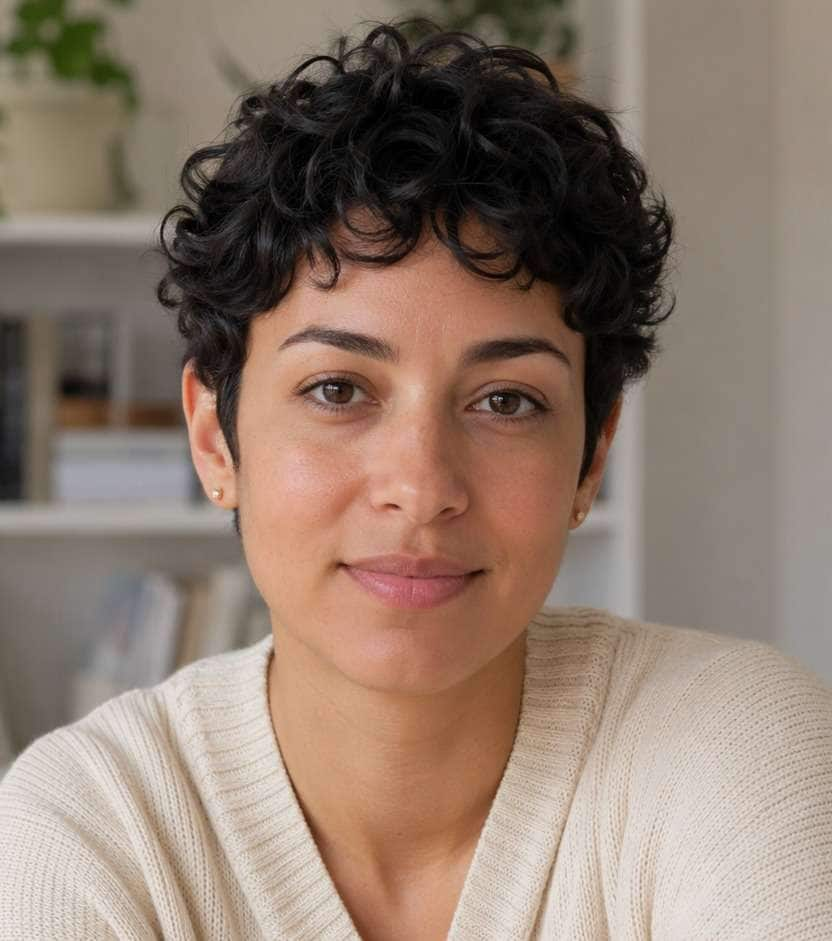
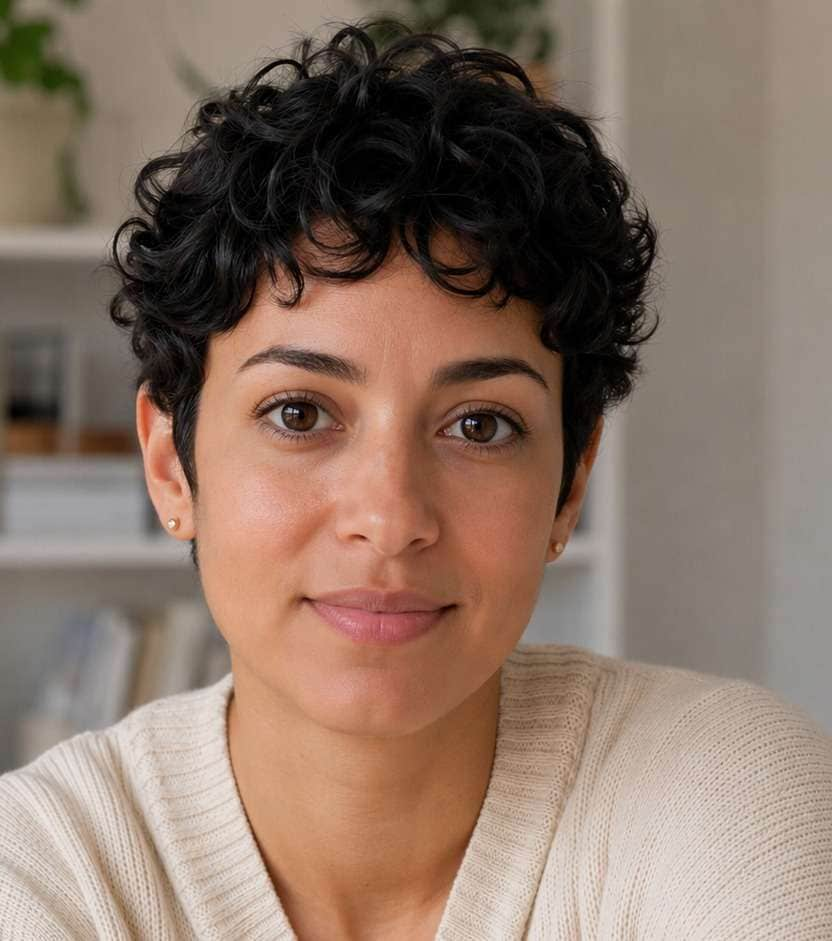
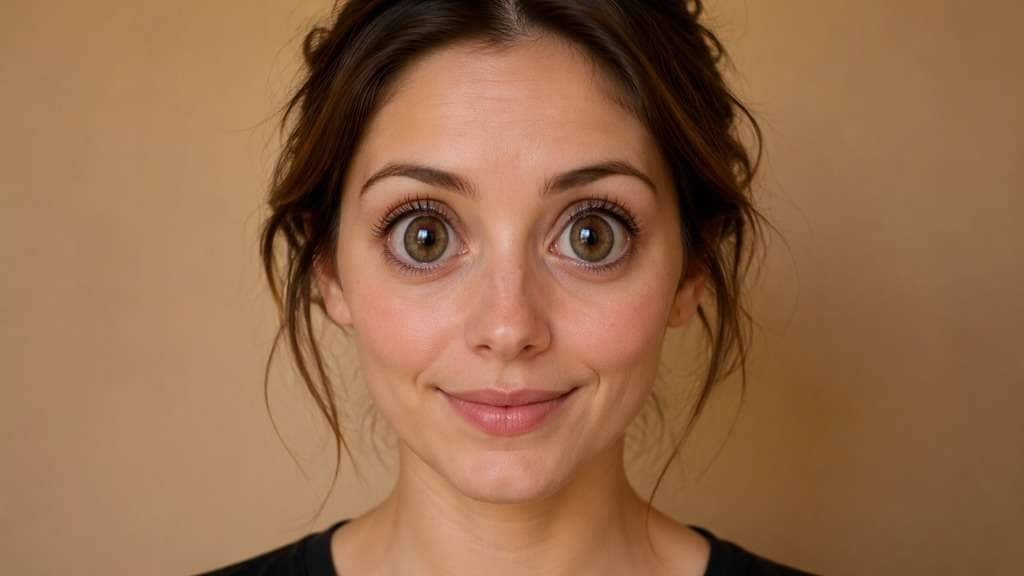
Your expression is great, but you want the wide-eyed look seen in playful social filters. A big eyes filter can give an ordinary portrait a soft doe-eye lift or turn it into a bold cartoon-style selfie. Start with a photo where both eyes are visible, then choose how much enlargement feels right for the picture.
Keep the pupils and gaze aligned; larger eyes should not drift away from the original expression.
Big Eyes Filter Prompts: Doe Eyes, Doll Eyes and Fun Selfies
Choose the effect by expression, not just by scale. A gentle portrait needs modest eye enlargement; a meme edit can push the proportions much further without shifting the gaze.
Soft Doe-Eye Lift
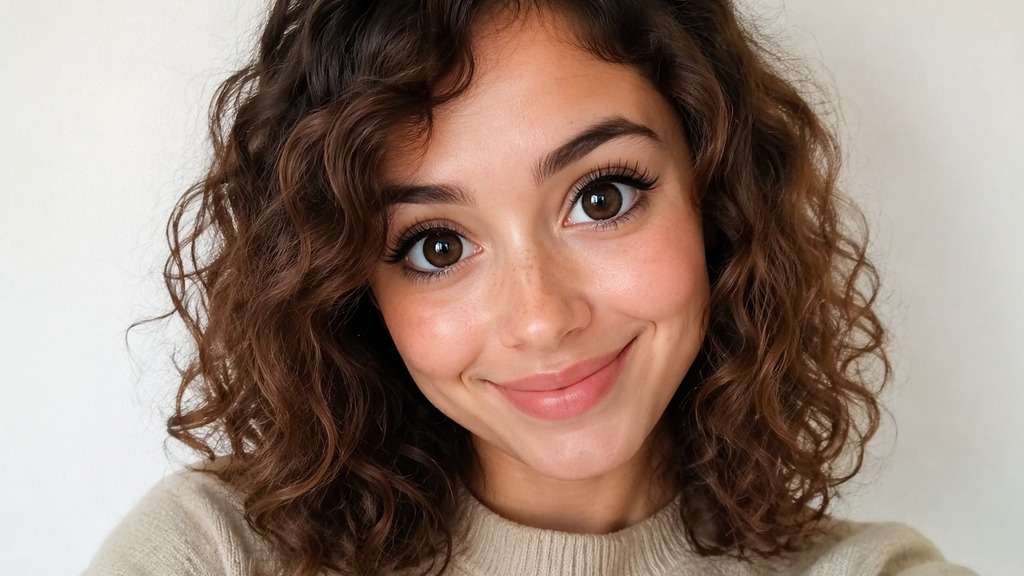
Edit my uploaded reference photo: Gently enlarge both visible eyes by about a subtle step, keep eyelid creases, gaze direction and brow spacing natural, suitable for a window-light close-up. Work from my uploaded reference photo; keep the original hair, clothes, pose and setting unless the named character transformation requires a careful local adaptation. Keep the source expression or gaze as a reference where feasible. Show one finished edited image, not a comparison collage.
Bright Coffee Selfie
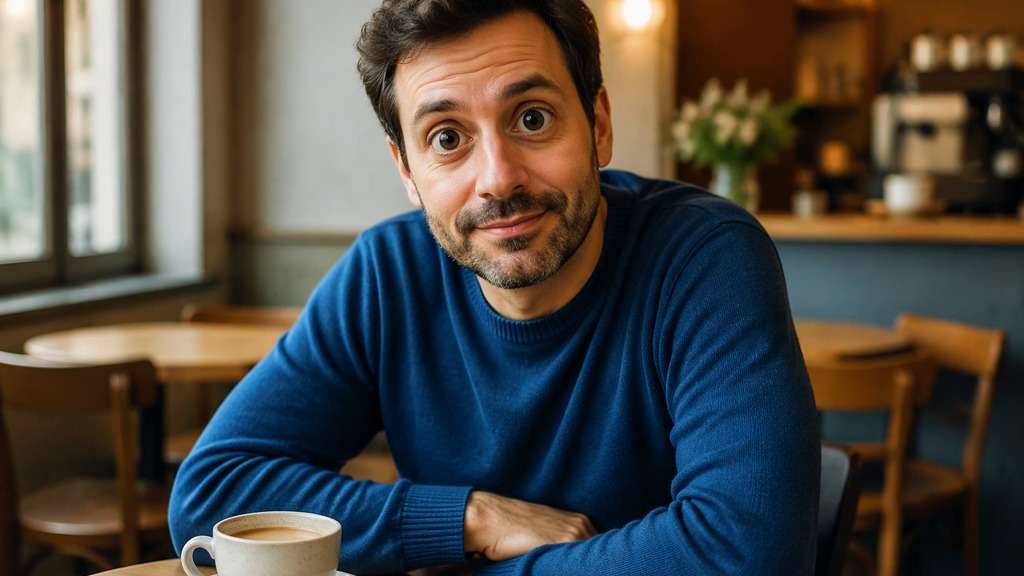
Edit my uploaded reference photo: Give the face a friendly round-eyed expression with clear catchlights, without changing the nose, mouth or cafe table in the source. Work from my uploaded reference photo; keep the original hair, clothes, pose and setting unless the named character transformation requires a careful local adaptation. Keep the source expression or gaze as a reference where feasible. Show one finished edited image, not a comparison collage.
Doll-Eye Portrait
Edit my uploaded reference photo: Make iris-to-eye proportions visibly larger and lashes softly defined for a polished doll-inspired selfie, avoiding a painted plastic skin finish. Work from my uploaded reference photo; keep the original hair, clothes, pose and setting unless the named character transformation requires a careful local adaptation. Keep the source expression or gaze as a reference where feasible. Show one finished edited image, not a comparison collage.
Playful Cartoon Surprise
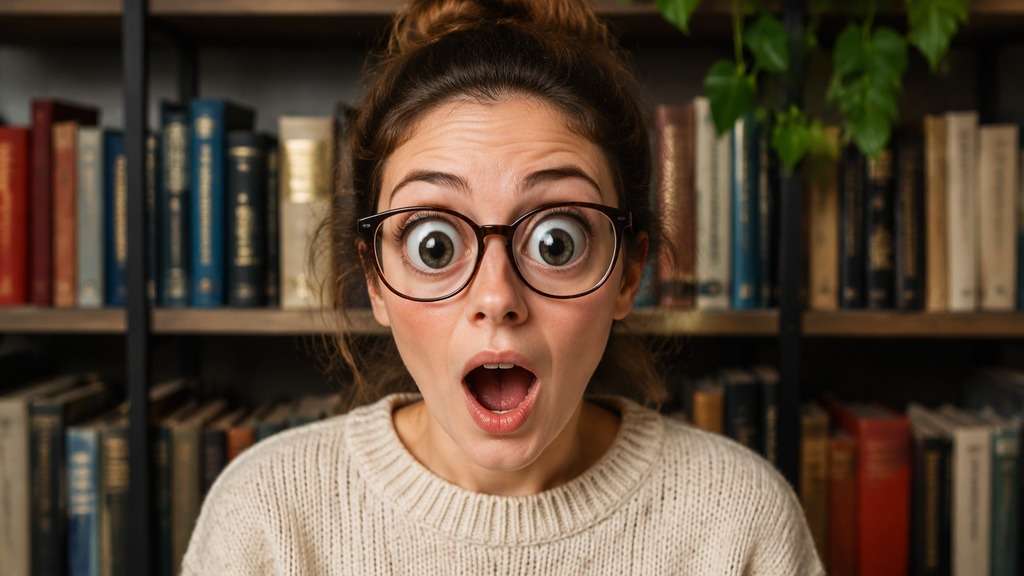
Edit my uploaded reference photo: Push both eye sizes into an unmistakably funny comic look while leaving the open mouth and raised eyebrows expressive and readable. Work from my uploaded reference photo; keep the original hair, clothes, pose and setting unless the named character transformation requires a careful local adaptation. Keep the source expression or gaze as a reference where feasible. Show one finished edited image, not a comparison collage.
Soft Kawaii Expression
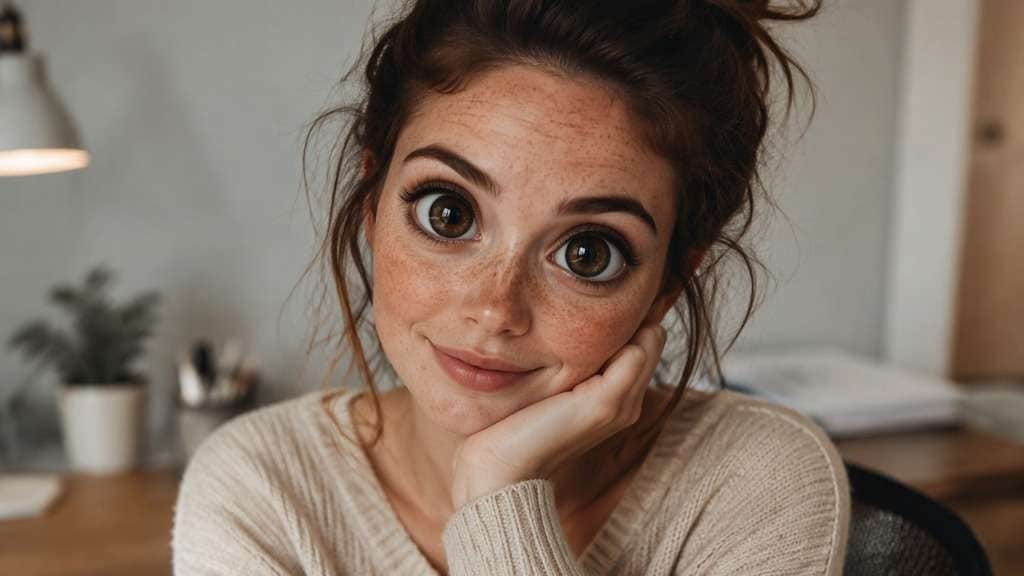
Edit my uploaded reference photo: Create a cute large-eye look with tiny clean highlights and gently rounded upper lids; keep natural skin and the original sweater. Work from my uploaded reference photo; keep the original hair, clothes, pose and setting unless the named character transformation requires a careful local adaptation. Keep the source expression or gaze as a reference where feasible. Show one finished edited image, not a comparison collage.
Glasses-Friendly Eyes
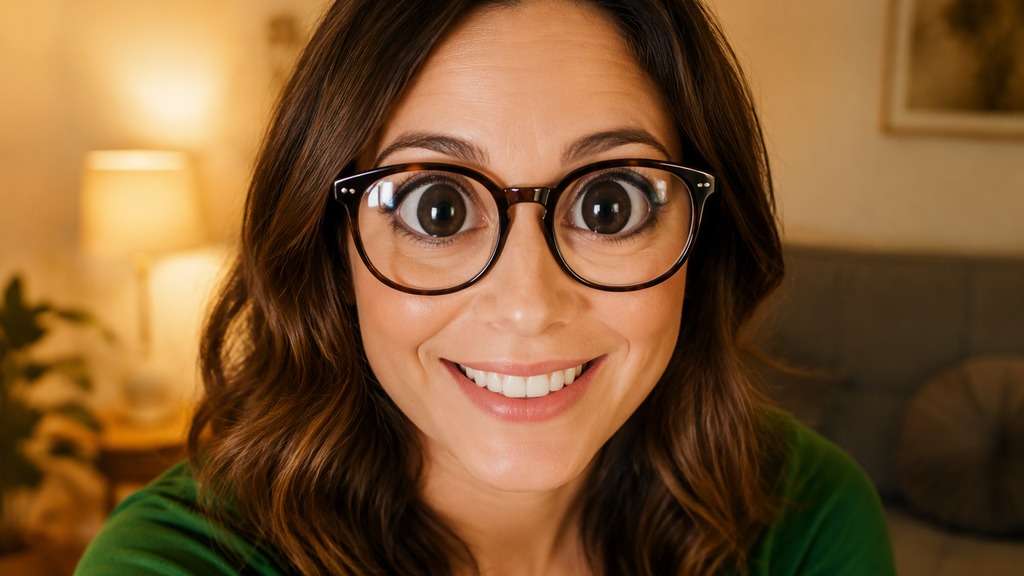
Edit my uploaded reference photo: Enlarge both eyes only within existing spectacle lenses; preserve glasses frames and realistic reflections instead of stretching the rims. Work from my uploaded reference photo; keep the original hair, clothes, pose and setting unless the named character transformation requires a careful local adaptation. Keep the source expression or gaze as a reference where feasible. Show one finished edited image, not a comparison collage.
Evening Flash Eyes
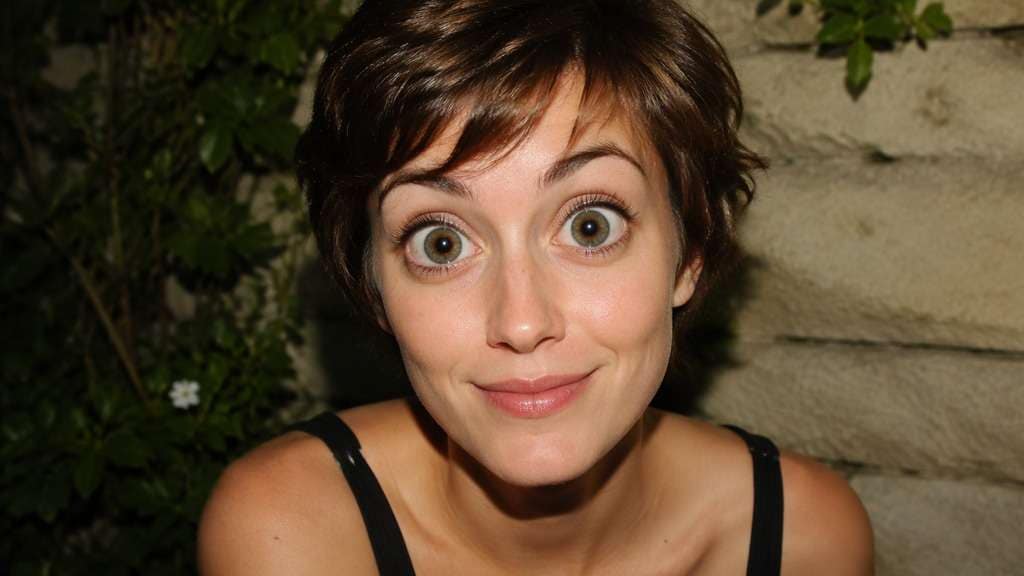
Edit my uploaded reference photo: Introduce modest wide-eyed proportions in a sharp party flash portrait; avoid unnatural red-eye, double pupils or changing the lighting. Work from my uploaded reference photo; keep the original hair, clothes, pose and setting unless the named character transformation requires a careful local adaptation. Keep the source expression or gaze as a reference where feasible. Show one finished edited image, not a comparison collage.
Side-Angle Big Eyes
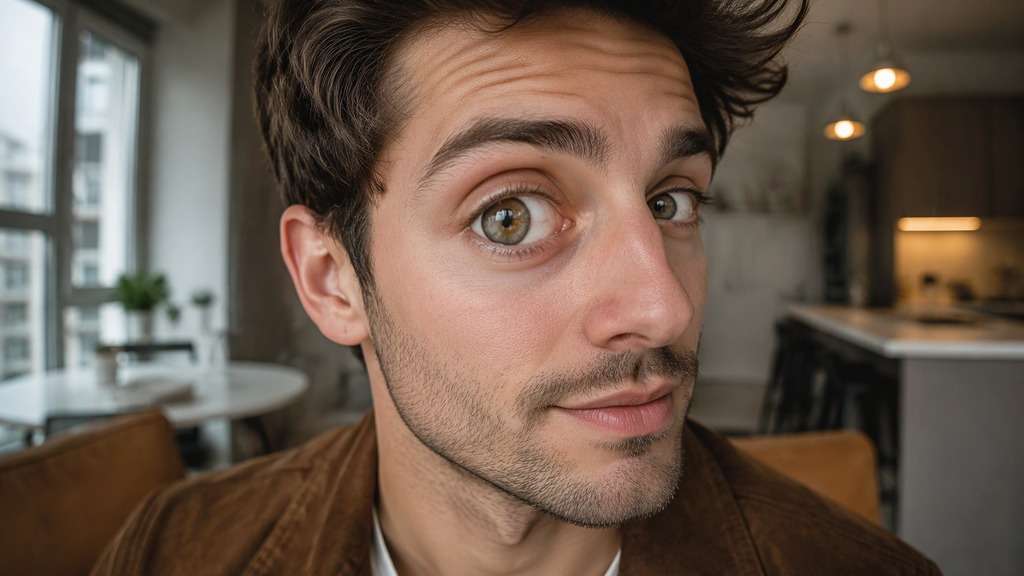
Edit my uploaded reference photo: Enlarge the nearer eye slightly more according to perspective, keeping the farther eye aligned and the original three-quarter face angle. Work from my uploaded reference photo; keep the original hair, clothes, pose and setting unless the named character transformation requires a careful local adaptation. Keep the source expression or gaze as a reference where feasible. Show one finished edited image, not a comparison collage.
Anime-Inspired Real Photo
Edit my uploaded reference photo: Blend notably enlarged anime-like eyes into a real photographic portrait, preserving the actual hair, facial structure and non-eye details. Work from my uploaded reference photo; keep the original hair, clothes, pose and setting unless the named character transformation requires a careful local adaptation. Keep the source expression or gaze as a reference where feasible. Show one finished edited image, not a comparison collage.
Natural Before-After Test
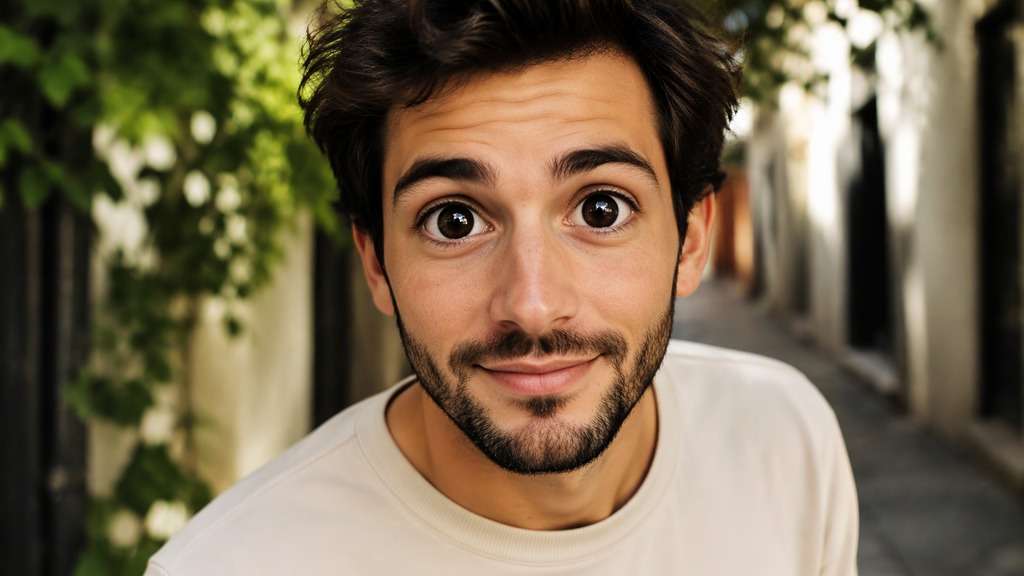
Edit my uploaded reference photo: Create only a restrained symmetrical eye enlargement on a neutral headshot so viewers can compare the same expression at normal screen size. Work from my uploaded reference photo; keep the original hair, clothes, pose and setting unless the named character transformation requires a careful local adaptation. Keep the source expression or gaze as a reference where feasible. Show one finished edited image, not a comparison collage.
Choose How Big the Eyes Should Feel
Start With an Everyday Eye Lift
For a regular portrait, ask to enlarge both eyes gently rather than redraw the face. Check whether eyelid folds and eye corners still follow the person's expression; a small shift often reads better in a profile picture than an extreme cartoon look.
Make Cartoon Eyes a Deliberate Choice
A comic selfie needs a different brief. You can request oversized irises and rounded eyelids, but keep the nose and mouth in their original places so the joke comes from the eyes instead of an accidental full-face warp.
Keep Gaze and Light Consistent
A large-eye edit becomes distracting if catchlights point in different directions. Ask for the same gaze, existing window or flash reflections, and matching pupils. This is especially important when the person is looking slightly away from camera.
Check Frames, Bangs and Angles
Glasses, eyelashes and side views can confuse an eye edit. Use a sharp source photo with visible lids, then inspect whether glasses rims and the eye on the far side of the face remain plausible.
How to Add a Big Eyes Filter to a Photo Online
A front-facing selfie is easiest to compare, although a clear three-quarter portrait can work when both eyes are visible.
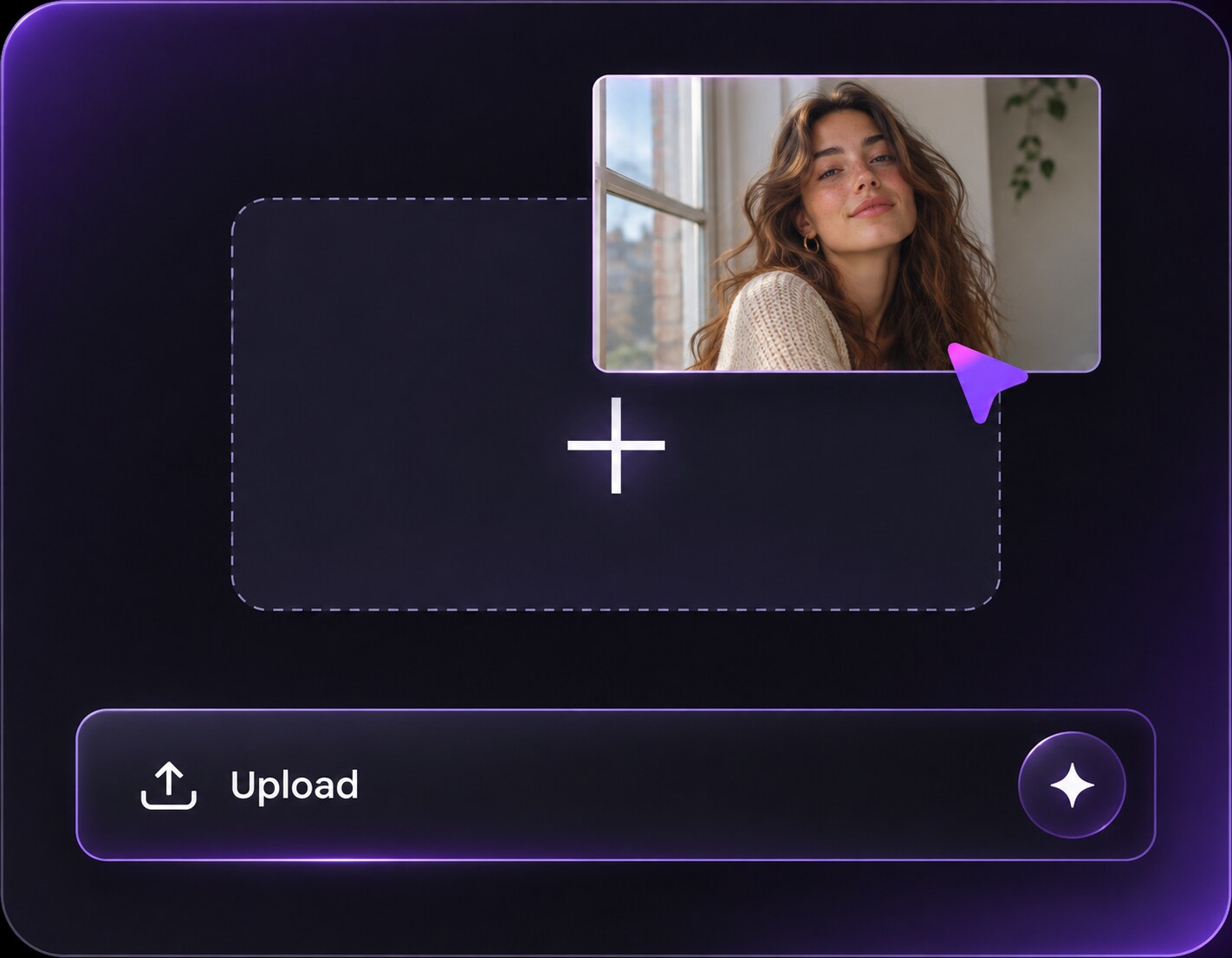
Step 1
Upload a Photo With Clear Eyes
Open Media.io AI Face Editor and upload a selfie with both eyes visible and enough detail around the eyelids.
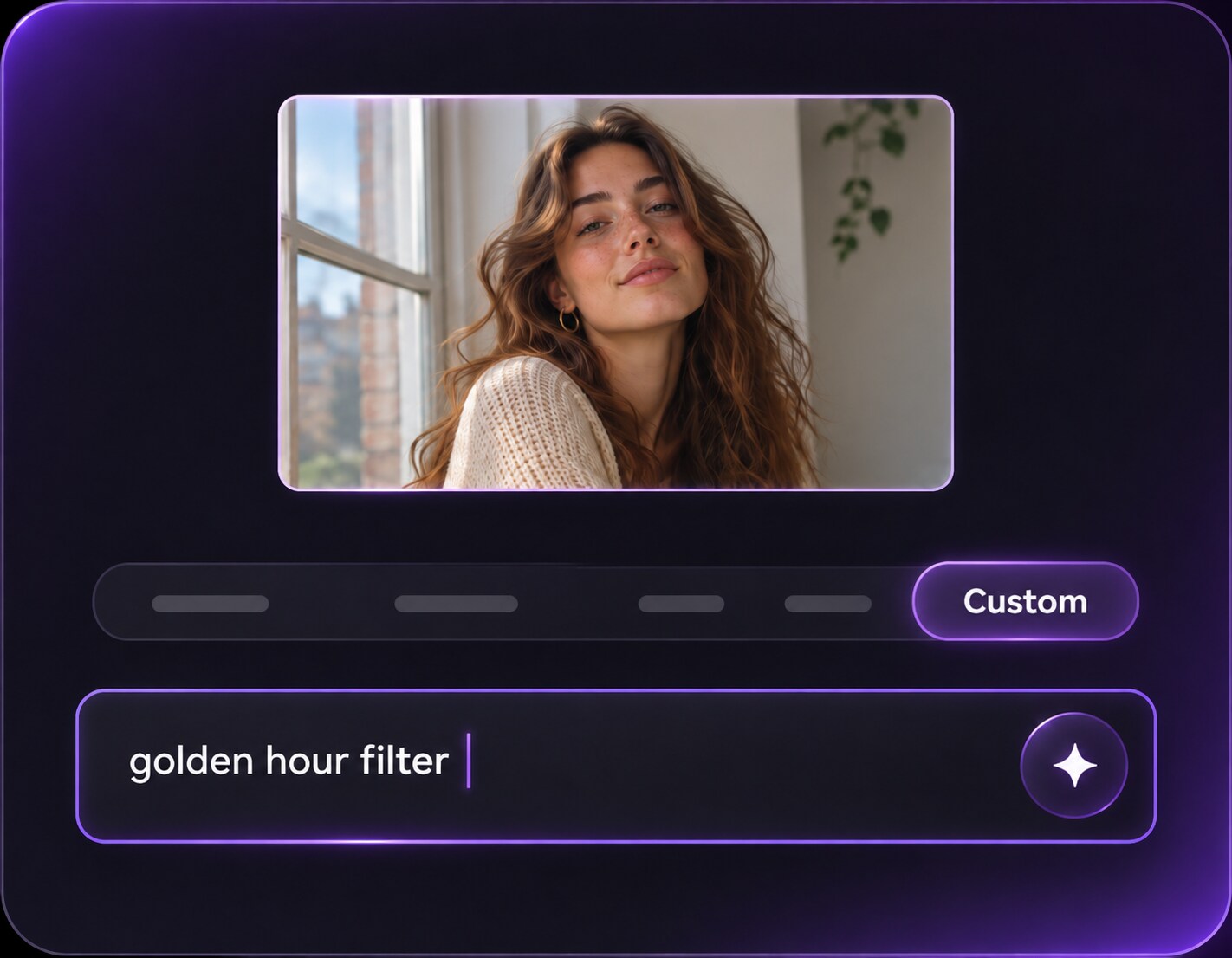
Step 2
Describe the Eye Size You Want
Write a prompt for soft doe eyes or playful oversized cartoon eyes; ask to keep the original gaze and other features.
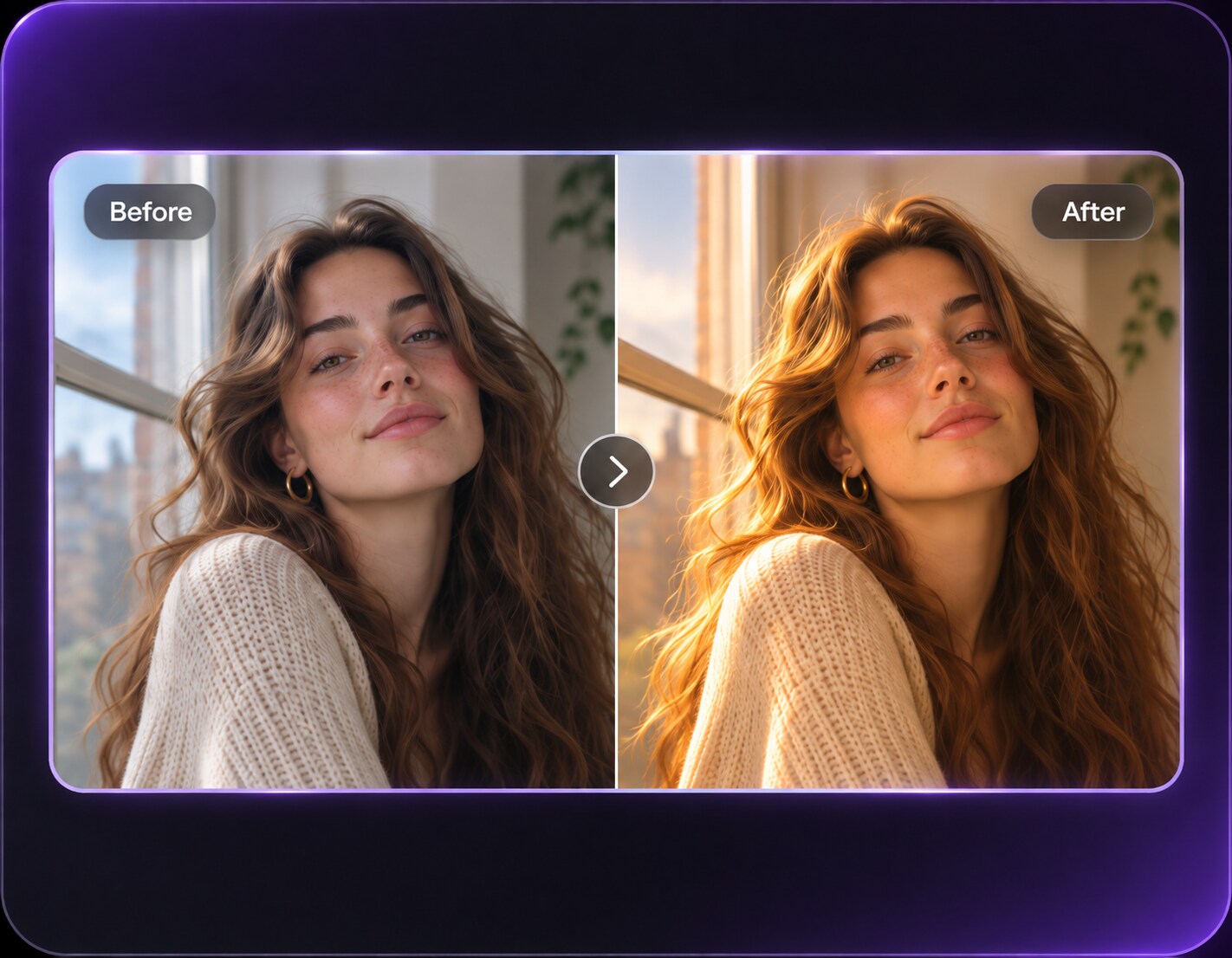
Step 3
Generate and Check Both Eyes
Click Generate and review eye alignment, eyelid shape and glasses or eyelashes before choosing your favorite version.
The best effect depends on whether you want to flatter the original photo, make a sticker-ready reaction or test a deliberately exaggerated look.
Turn a Flat Selfie Into a Playful Profile
You like the lighting and smile in a casual selfie but want a more expressive avatar. Try a mild doe-eye lift first, keep the person's usual eyebrow shape, and compare it at the small circular crop used for profile pictures.
Make a Reaction Image From an Existing Photo
A surprised expression already carries the joke. Push eye enlargement further for a reaction graphic while keeping the original mouth and pose; the result should look intentionally cartoonish rather than like a failed portrait retouch.
Experiment With Doll-Like Portrait Styling
For a themed creative shoot, compare larger irises and softer lashes on the same close-up. Keep the original skin tone and hair so the eye styling, not a full identity replacement, becomes the clear visual choice.
Big Eyes Filter Photo Preview Checklist
Eye Size
Photo preview checklist
"Check eye size before export" Look at the iris-to-lid balance rather than whether the eyes seem simply wider.
Eye Pair
Photo preview checklist
"Check eye pair before export" The pupils should face the same way as the source gaze.
Gaze
Photo preview checklist
"Check gaze before export" Catchlights should still match the original light direction.
Glasses
Photo preview checklist
"Check glasses before export" Watch the rims if glasses are present.
It can be directed to enlarge only the eyes. Ask to keep the nose, mouth, cheeks and face outline unchanged, then compare the result with the original because generative edits can affect nearby features.
2. What is the difference between a big eyes filter and a wide eyes filter?
A big eyes look usually enlarges the visible eye region for cute or comic proportions. A wide eyes look is often about opening the lids or changing an alert expression, sometimes without enlarging the eyeballs.
3. Can I make my eyes look bigger without a cartoon effect?
Yes, request a modest symmetrical increase, realistic lids and the original gaze. Avoid asking for huge irises or anime proportions when your goal is a natural-looking profile picture.
4. Will it work if I wear glasses?
Glasses are possible but frames and reflections may be distorted. Choose a sharp photo, specify that the frames should remain in place and inspect both lenses after generation.
5. Which selfie angle works best for larger eyes?
A well-lit front-facing photo makes symmetry easier to inspect. Three-quarter angles can work if you allow for perspective and avoid asking both eyes to be identically sized from that viewpoint.
6. Is this the same as a live Snapchat Lens?
No. This workflow edits an uploaded still photo with a prompt. It does not reproduce Snapchat's real-time camera tracking or promise any particular proprietary Lens.