jpg, jpeg, png 이미지를 최대 50MB까지 업로드할 수 있으며, 가로/세로 최소 300px이어야 합니다.
Try Caramel Highlights on Your Hair Before Coloring
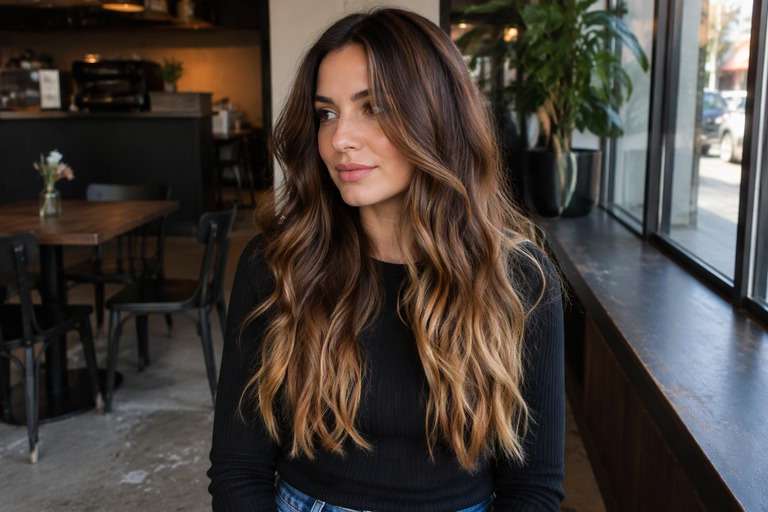
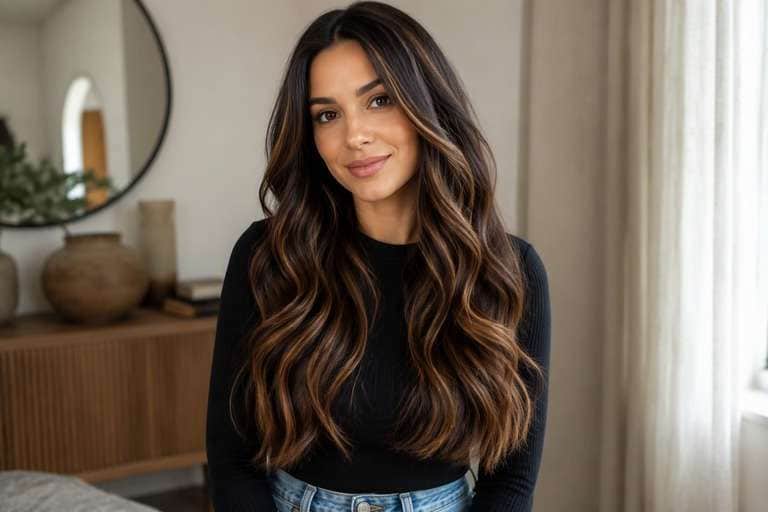
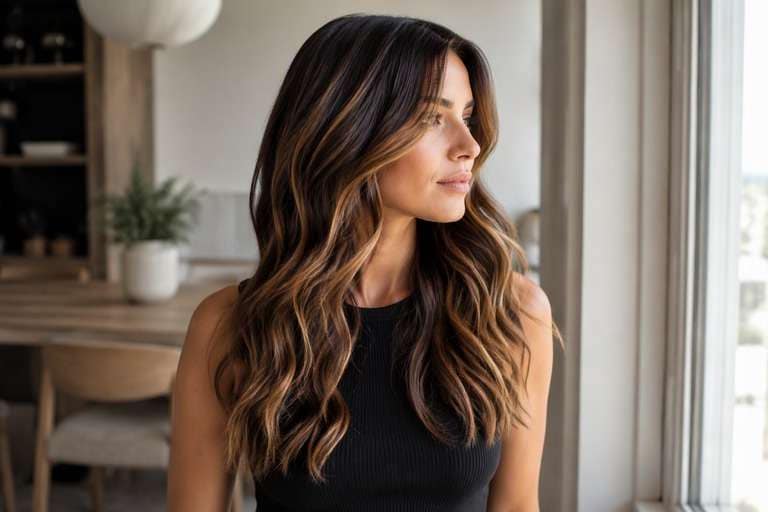
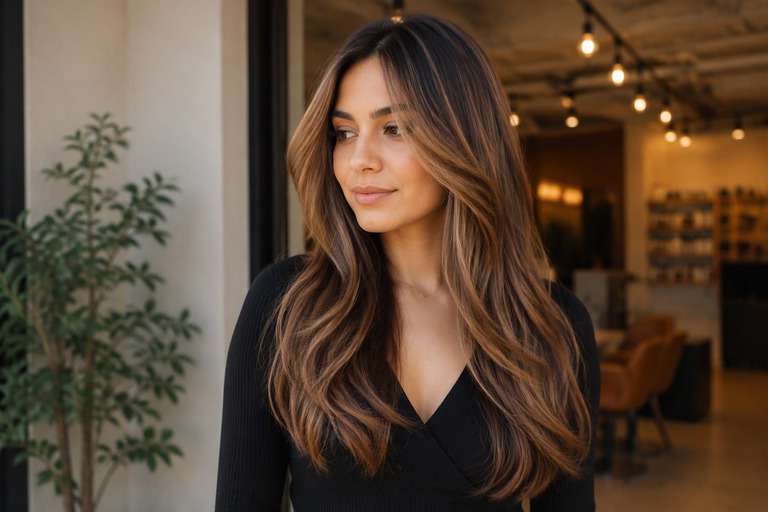
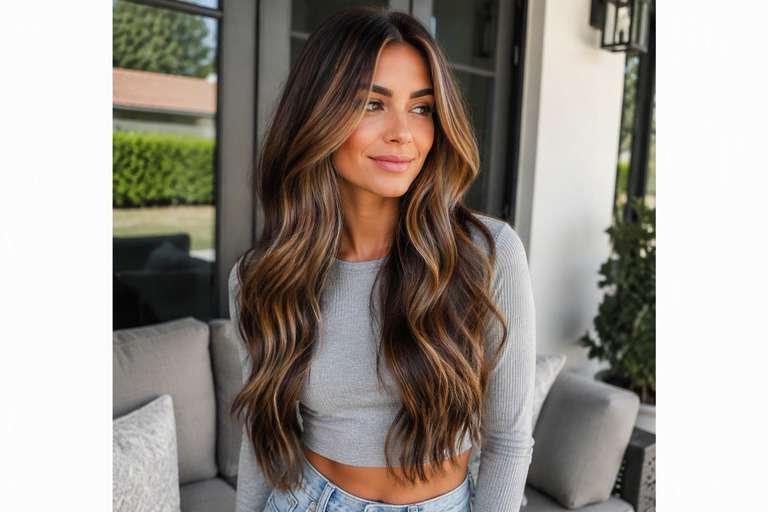
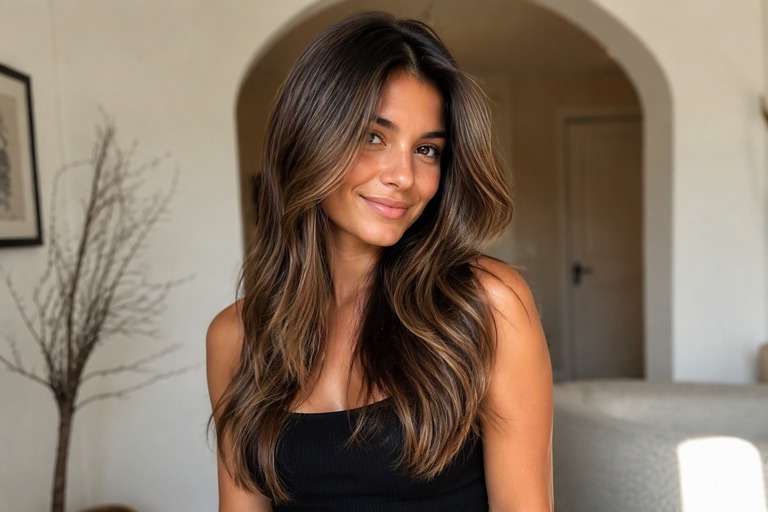
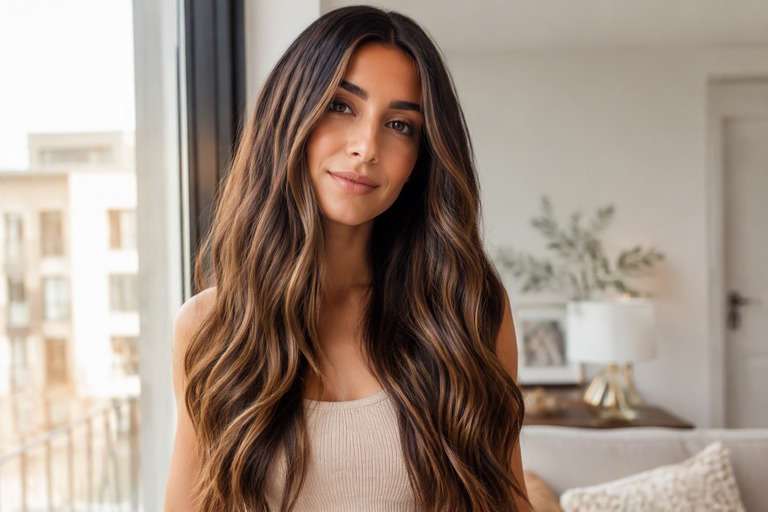
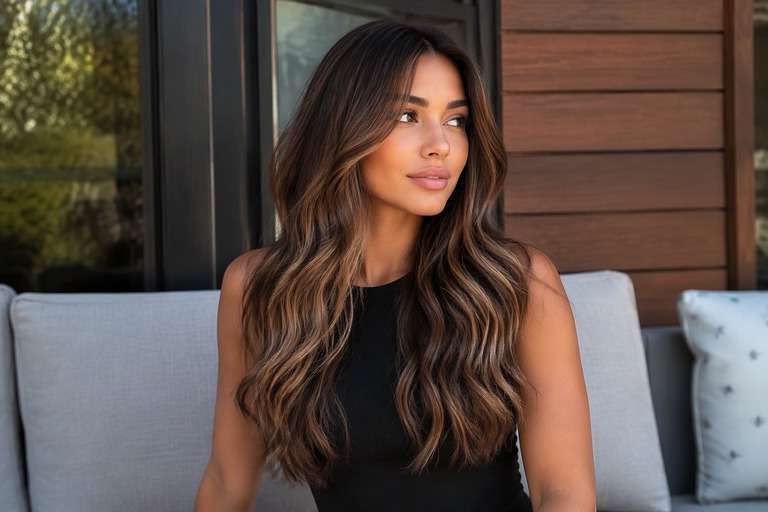
Thinking about lightening brunette hair without going blonde all over? The AI caramel highlights filter helps you visualize warm ribbons that catch the light while your darker base stays visible. Try a few pieces around your face, fine caramel strands through the lengths or brighter highlights near the ends. Compare the contrast against your natural brown hair before deciding whether to ask for barely-there warmth or a more noticeable highlighted look.
Choose a photo with visible lengths and natural highlights. Dark roots and the hair around your face should stay recognizable.
Caramel Highlights Hair Color Photo Editing Prompts
Choose how much color you want to see, not just a shade name. Thin warm highlights with depth left between strands. The prompts below separate delicate daytime finishes from stronger statement looks. Keep your face, hair length, existing cut and background fixed to compare color alone.
Subtle Face Framing
Edit my uploaded portrait to preview subtle face framing: sunlit golden-caramel ribbons on a brunette base. Thin warm highlights with depth left between strands. Keep my exact identity, skin, eyebrow shape, expression, haircut, hair length, pose, clothing, camera angle and background unchanged. Adjust only hair color and realistic color placement; maintain natural individual strands, root shadows and convincing highlights. No new hairstyle, makeup, accessories, text, logos, phones or mirrors. Keep intensity subtle and wearable.
Scattered Fine Ribbons
Edit my uploaded portrait to preview scattered fine ribbons: sunlit golden-caramel ribbons on a brunette base. Thin warm highlights with depth left between strands. Keep my exact identity, skin, eyebrow shape, expression, haircut, hair length, pose, clothing, camera angle and background unchanged. Adjust only hair color and realistic color placement; maintain natural individual strands, root shadows and convincing highlights. No new hairstyle, makeup, accessories, text, logos, phones or mirrors. Add medium contrast with blended transitions.
Richer Toffee Ends
Edit my uploaded portrait to preview richer toffee ends: sunlit golden-caramel ribbons on a brunette base. Thin warm highlights with depth left between strands. Keep my exact identity, skin, eyebrow shape, expression, haircut, hair length, pose, clothing, camera angle and background unchanged. Adjust only hair color and realistic color placement; maintain natural individual strands, root shadows and convincing highlights. No new hairstyle, makeup, accessories, text, logos, phones or mirrors. Make the shade vivid but believable.
Subtle Caramel Highlights
Edit my uploaded portrait to preview subtle caramel highlights: sunlit golden-caramel ribbons on a brunette base. Thin warm highlights with depth left between strands. Keep my exact identity, skin, eyebrow shape, expression, haircut, hair length, pose, clothing, camera angle and background unchanged. Adjust only hair color and realistic color placement; maintain natural individual strands, root shadows and convincing highlights. No new hairstyle, makeup, accessories, text, logos, phones or mirrors. Use softly diffused color rather than hard stripes.
Dimensional Caramel Highlights
Edit my uploaded portrait to preview dimensional caramel highlights: sunlit golden-caramel ribbons on a brunette base. Thin warm highlights with depth left between strands. Keep my exact identity, skin, eyebrow shape, expression, haircut, hair length, pose, clothing, camera angle and background unchanged. Adjust only hair color and realistic color placement; maintain natural individual strands, root shadows and convincing highlights. No new hairstyle, makeup, accessories, text, logos, phones or mirrors. Preserve multi-tonal depth and believable natural shadow.
Face-Framing Caramel Highlights
Edit my uploaded portrait to preview face-framing caramel highlights: sunlit golden-caramel ribbons on a brunette base. Thin warm highlights with depth left between strands. Keep my exact identity, skin, eyebrow shape, expression, haircut, hair length, pose, clothing, camera angle and background unchanged. Adjust only hair color and realistic color placement; maintain natural individual strands, root shadows and convincing highlights. No new hairstyle, makeup, accessories, text, logos, phones or mirrors. Give the front strands a slightly brighter tonal emphasis.
Glossy Caramel Highlights
Edit my uploaded portrait to preview glossy caramel highlights: sunlit golden-caramel ribbons on a brunette base. Thin warm highlights with depth left between strands. Keep my exact identity, skin, eyebrow shape, expression, haircut, hair length, pose, clothing, camera angle and background unchanged. Adjust only hair color and realistic color placement; maintain natural individual strands, root shadows and convincing highlights. No new hairstyle, makeup, accessories, text, logos, phones or mirrors. Favor reflective shine without changing overall exposure.
Natural-Light Caramel Highlights
Edit my uploaded portrait to preview natural-light caramel highlights: sunlit golden-caramel ribbons on a brunette base. Thin warm highlights with depth left between strands. Keep my exact identity, skin, eyebrow shape, expression, haircut, hair length, pose, clothing, camera angle and background unchanged. Adjust only hair color and realistic color placement; maintain natural individual strands, root shadows and convincing highlights. No new hairstyle, makeup, accessories, text, logos, phones or mirrors. Show credible window-light color reflections.
Soft-Root Caramel Highlights
Edit my uploaded portrait to preview soft-root caramel highlights: sunlit golden-caramel ribbons on a brunette base. Thin warm highlights with depth left between strands. Keep my exact identity, skin, eyebrow shape, expression, haircut, hair length, pose, clothing, camera angle and background unchanged. Adjust only hair color and realistic color placement; maintain natural individual strands, root shadows and convincing highlights. No new hairstyle, makeup, accessories, text, logos, phones or mirrors. Keep natural root depth and smooth transition.
Bold Caramel Highlights
Edit my uploaded portrait to preview bold caramel highlights: sunlit golden-caramel ribbons on a brunette base. Thin warm highlights with depth left between strands. Keep my exact identity, skin, eyebrow shape, expression, haircut, hair length, pose, clothing, camera angle and background unchanged. Adjust only hair color and realistic color placement; maintain natural individual strands, root shadows and convincing highlights. No new hairstyle, makeup, accessories, text, logos, phones or mirrors. Make the target shade immediately legible at a glance.
Where Caramel Highlights Look Best on Brunette Hair
Start With Fine, Blended Ribbons
On deep brown hair, thin caramel pieces can look more subtle than broad blonde streaks. Preview narrow highlights first to check whether a small amount of warmth gives you the dimension you want.
Make the Front Pieces Work for You
Face-framing caramel can draw attention toward the cheeks and eyes. Keep the rest of the brunette base intact so you can judge whether the front pieces are doing too much.
Avoid the Striped-Highlight Look
A believable preview should show color following individual strands, not identical bands. Ask for varied widths and softly blended edges when the first result appears too uniform.
Keep the Brown Base Rich
Caramel highlights rely on contrast with darker hair. Review whether your natural base still reads brunette, especially when the highlights extend past the shoulders. This distinction matters especially on dark hair, where too little separation can make the caramel effect disappear at normal viewing size.
How to Add Caramel Highlights to a Photo with AI
Keep your original brunette shade visible while testing how much lighter color you want through the lengths.
Step 1
Upload Your Photo
Upload a clear front or three-quarter hair photo with the roots and color area visible. Use even light and keep your face, cut and background unfiltered.
Step 2
Choose a Haircut Filter or Enter a Prompt
Choose a suitable hair color preset if available or describe the target color and placement in a prompt. Keep the original haircut and facial features unchanged.
Step 3
Click Generate
Click Generate. Check the color only against your original image, then refine its tone or placement if the first preview is too strong or too subtle.
Caramel Highlight Ideas for Everyday Brunette Looks
Use a comparison image to choose placement and contrast, not to guess an exact salon formula.
A Low-Key Refresh for Work
If you want visible movement but not a major color change, compare a small number of warm ribbons against your original brunette. A restrained preview is often the clearest way to discuss an understated appointment.
Brighter Hair Around the Face
Considering a face-framing refresh? Try both fine and chunkier front highlights while leaving the crown dark. The side-by-side view helps you decide how much brightness you want near your complexion.
Highlight Placement for Curled Hair
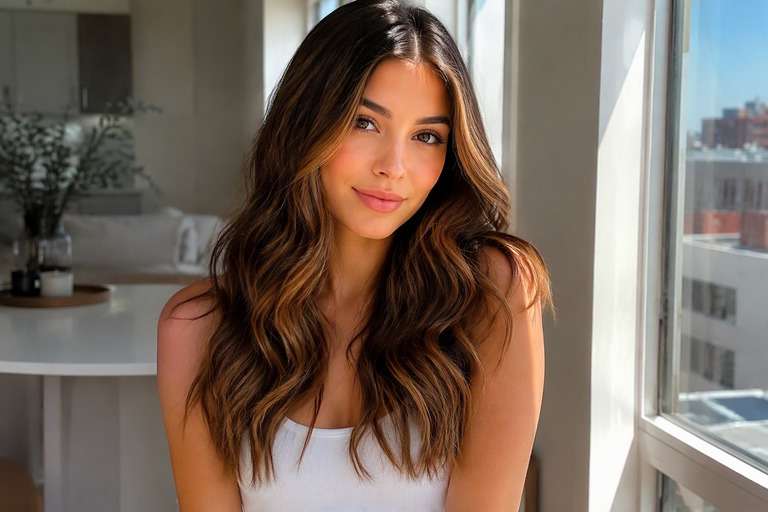
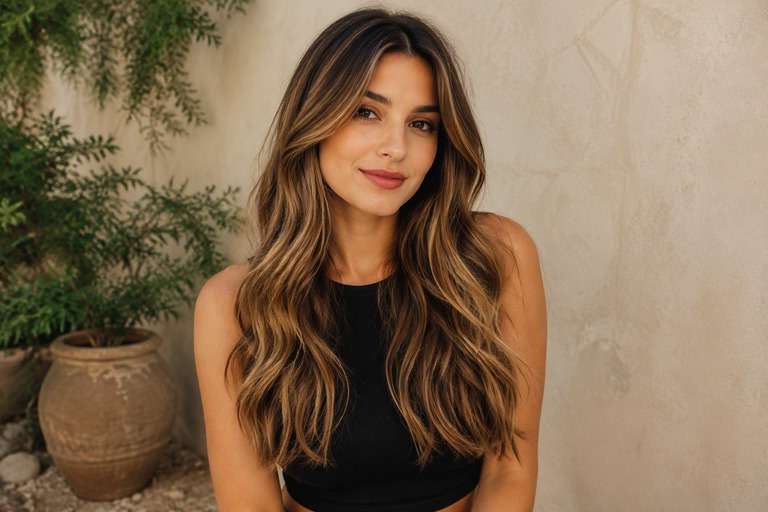
Color can appear different through curls and waves than on straight lengths. Use a photo showing your everyday texture to check whether highlights trace the movement rather than creating flat stripes.
Check the Placement of Your Caramel Highlights
Visible Color Change
Image review checklist
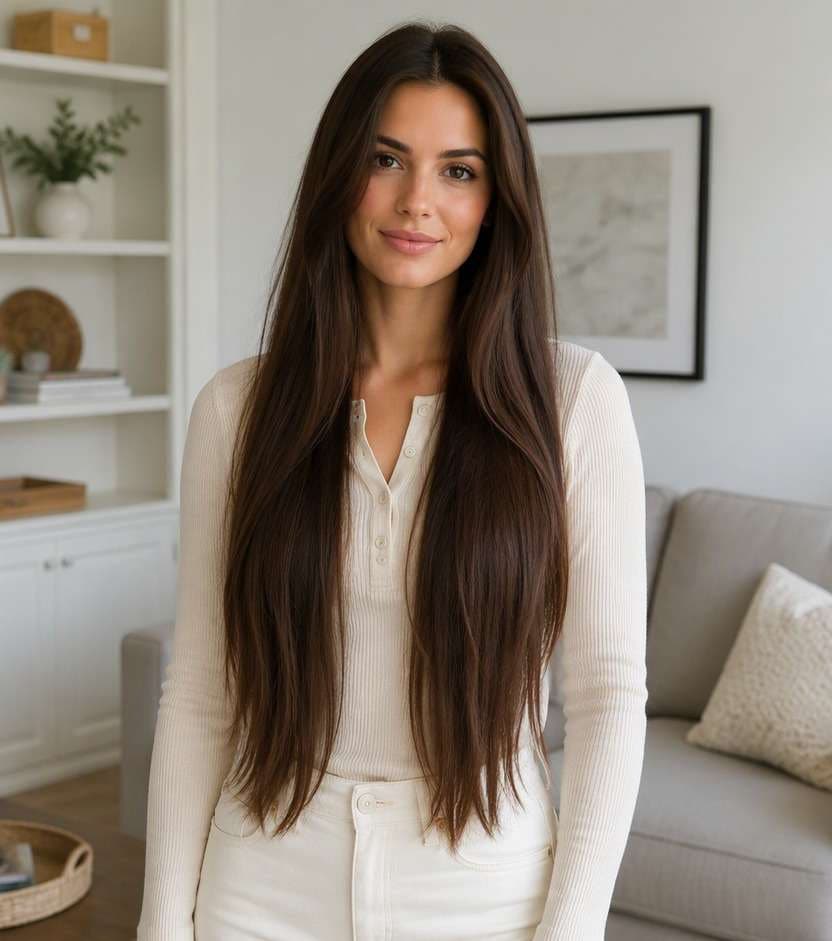
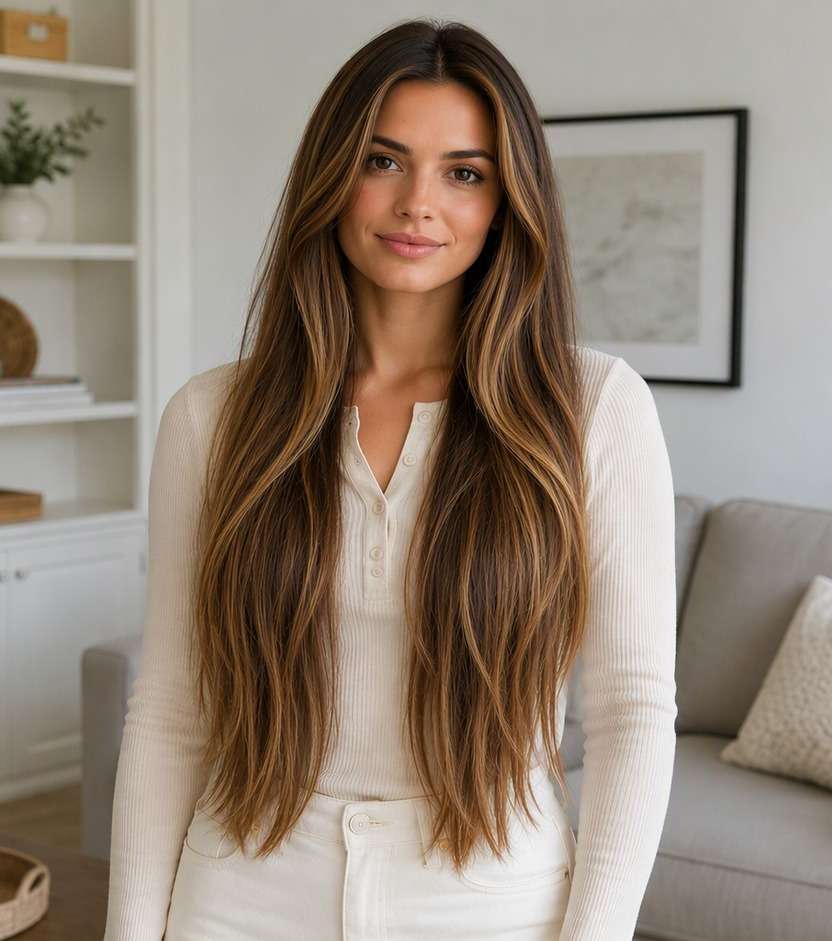
"Does the color match the idea?" The before must show even brunette color without lighter strands. The after should show sunlit golden-caramel ribbons on a brunette base. Reject an edit that only increases overall photo warmth.
Same Face and Hairstyle
Image review checklist
"Did the edit preserve your features?" Compare face shape, hair length, haircut, background and clothing. A useful virtual color test leaves these unchanged.
Placement and Strands
Image review checklist
"Does color follow real strands?" Look for thin warm highlights with depth left between strands. Check that color follows actual strands and is not painted onto skin or the background.
Real-World Expectations
Image review checklist
"Is this a reference, not a promise?" Use this image to discuss your preferred appearance. Real coloring depends on your starting color, treatment history and the technique chosen by your stylist.
1. Can I try caramel highlights without changing my base color?
Yes. Describe lighter caramel strands on your current brunette base and ask to preserve roots, cut and facial features. The preview should show added dimension rather than an overall color replacement.
2. Do caramel highlights work on very dark hair?
They can be previewed on very dark hair, but their visibility depends on the contrast you ask for. The achievable real-world result depends on your base color and previous treatments.
3. What is the difference between caramel highlights and balayage?
Caramel describes the warmth and color of the highlights; balayage describes a way of placing and blending lightness. A caramel look may use several placement patterns.
4. Should I start with face-framing pieces or all-over highlights?
Try both versions on the same portrait. If you want a noticeable change near your face with less overall brightness, begin with face-framing pieces and compare later.
5. How do I use Media.io to preview caramel highlights?
Upload a clear hair photo, select a relevant preset if available or write a prompt for caramel ribbons, and click Generate. Review how the strands blend into your natural brunette lengths.
6. Will my salon results match the preview exactly?
Not necessarily. AI previews show a visual goal, while actual placement, hair porosity, lifting and toning influence what a stylist can achieve on your hair.