画像から画像生成
Nano Banana Pro
0/2000
1K
自動
1
Banana Pro無制限モード
作品
アイデアハブ
仕組み

GPT Image 2.5 Portrait Generator

Create identity-consistent portraits with GPT Image 2.5. Turn one reference photo into professional headshots, fashion editorials, cinematic portraits, creator-brand images, outfit changes, and new environments while keeping the person recognizable.

Create Portraits Browse Portrait Prompts

No setup needed · Free credits on signup

Why GPT Image 2.5 Works for Identity-Consistent Portraits

Keep the Person Recognizable

Reference-led portrait generation works best when the face, skin tone, hairstyle, age, and other defining features remain anchored while the wardrobe, setting, lighting, and visual style change.

Change the Look, Not the Identity

Create professional, fashion, cinematic, lifestyle, or creator-brand portraits while explicitly protecting the person’s facial structure, recognizable features, body proportions, and age.

Use Natural-Language Art Direction

Describe the portrait style, wardrobe, environment, pose, lighting, camera feel, and mood in plain language, then state exactly which identity details must remain unchanged.

Create Multiple Looks from One Photo

Use one clear reference portrait to create headshots, editorials, street portraits, formal looks, creator branding, and other variations without starting from a new face each time.

Refine Across Multiple Turns

Continue from an approved portrait and adjust one variable—lighting, outfit, location, crop, or styling—while keeping previously approved identity and composition decisions intact.

Try GPT Image 2.5 Free

Reference Fidelity · Focused Edits · Multi-Turn Consistency

5 High-Intent GPT Image 2.5 Portrait Workflows

Start with one clear reference photo, then create the portrait format you actually need: professional headshot, fashion editorial, cinematic lifestyle, creator-brand image, or identity-preserving restyle.

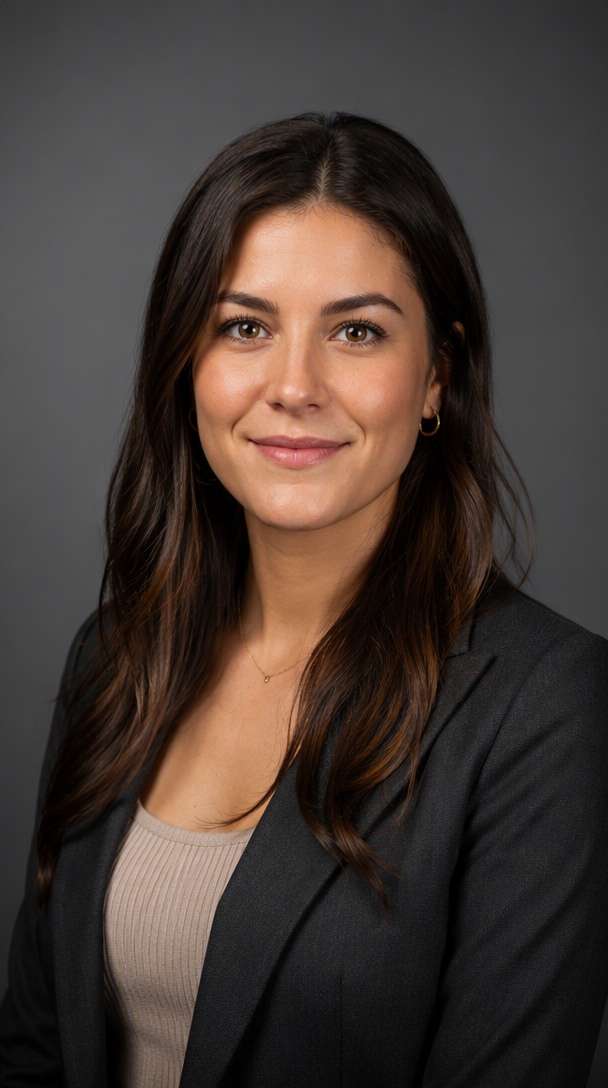
Professional Headshot

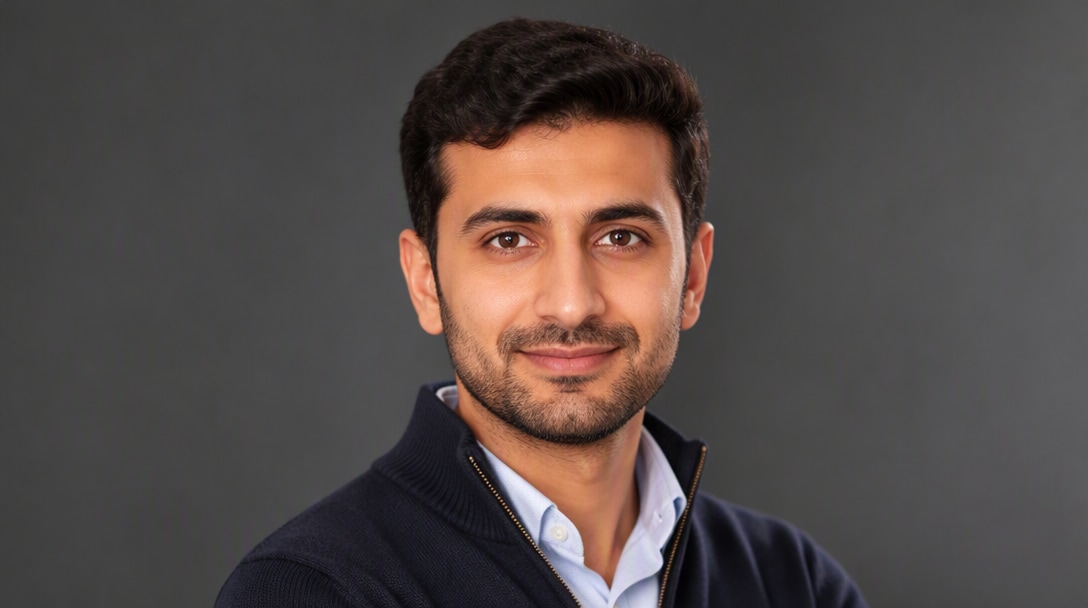
Create a Polished Headshot from One Photo

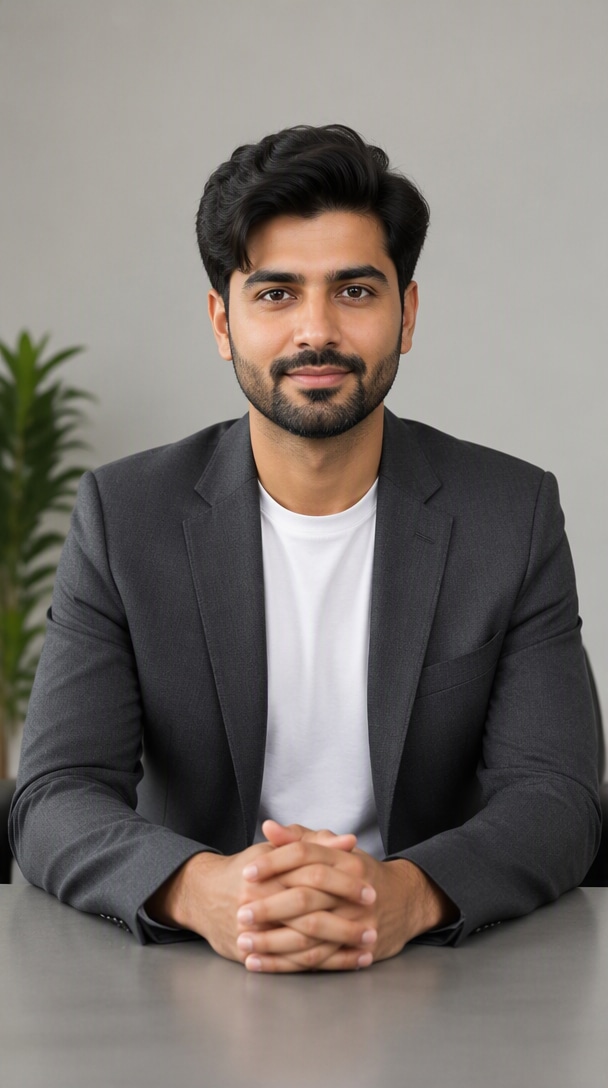
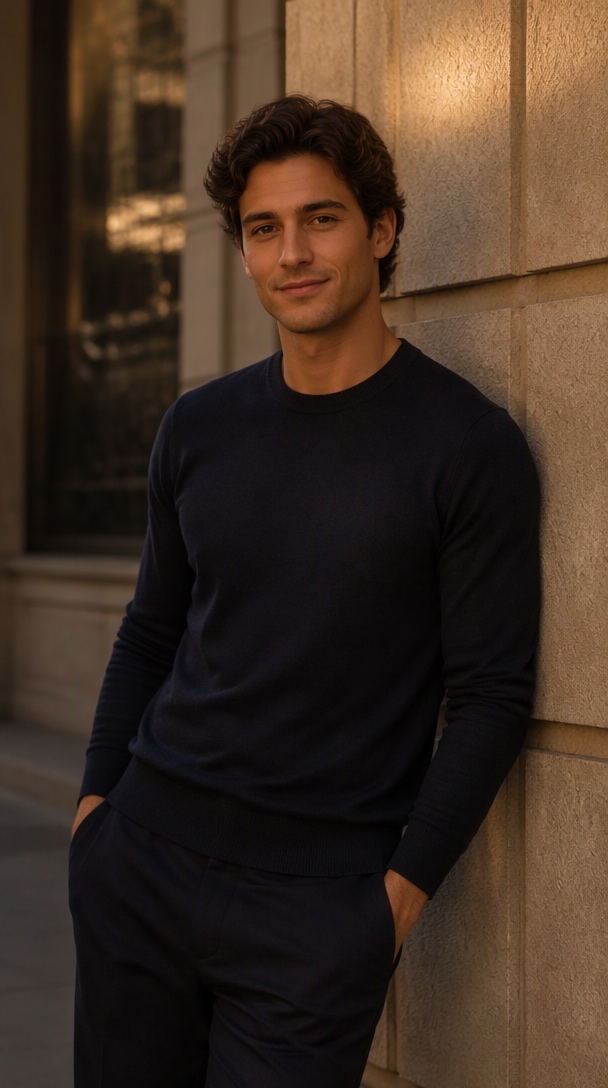
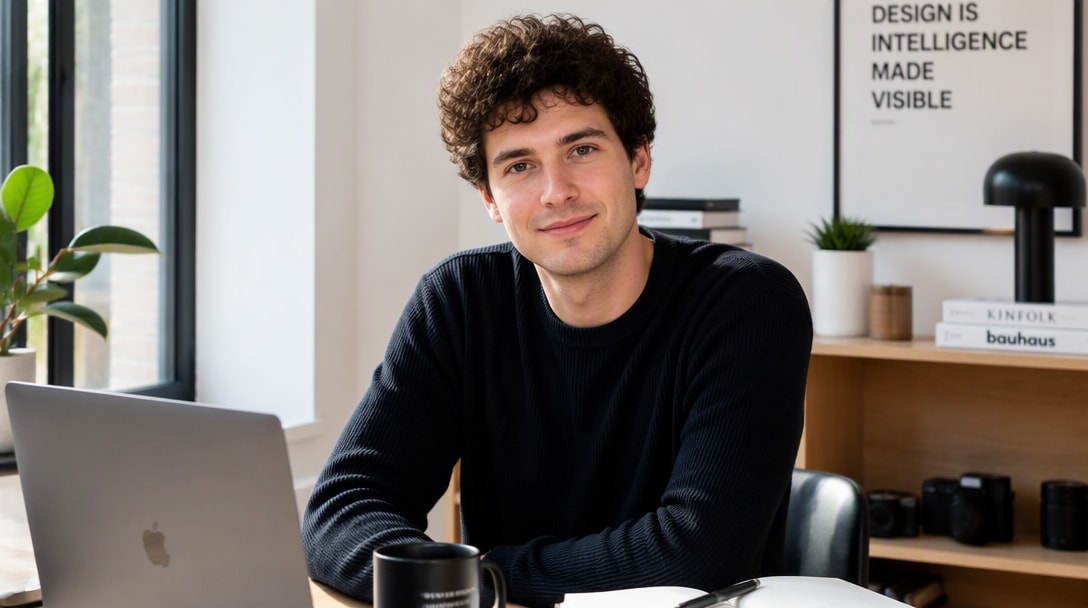
Turn a casual portrait into a clean professional headshot while preserving the person’s facial structure, age, skin tone, hairstyle, and recognizable identity.

Create Headshot
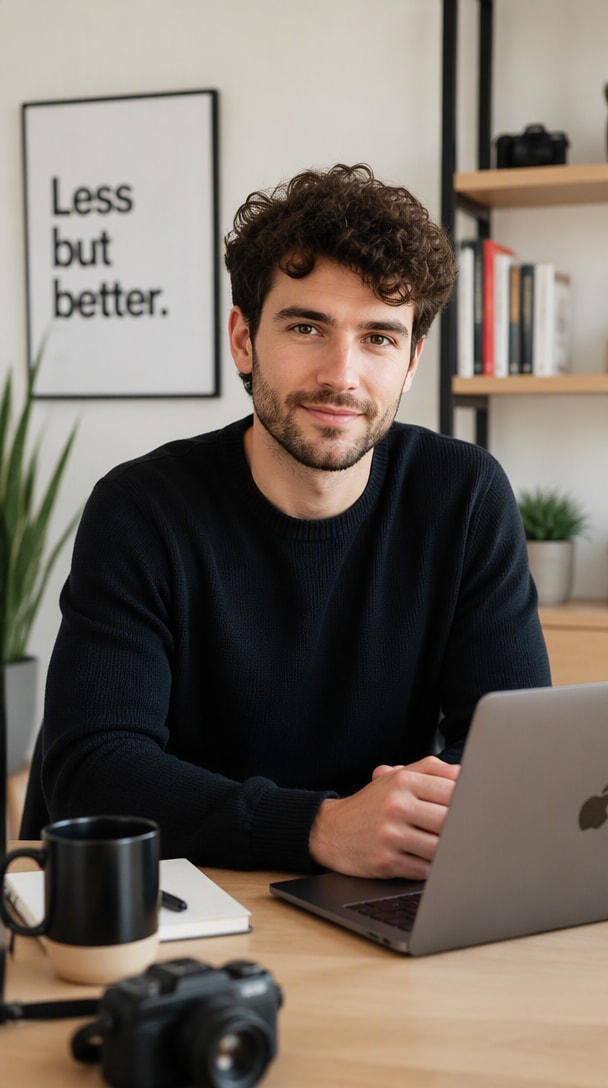
GPT Image 2.5 professional headshot example
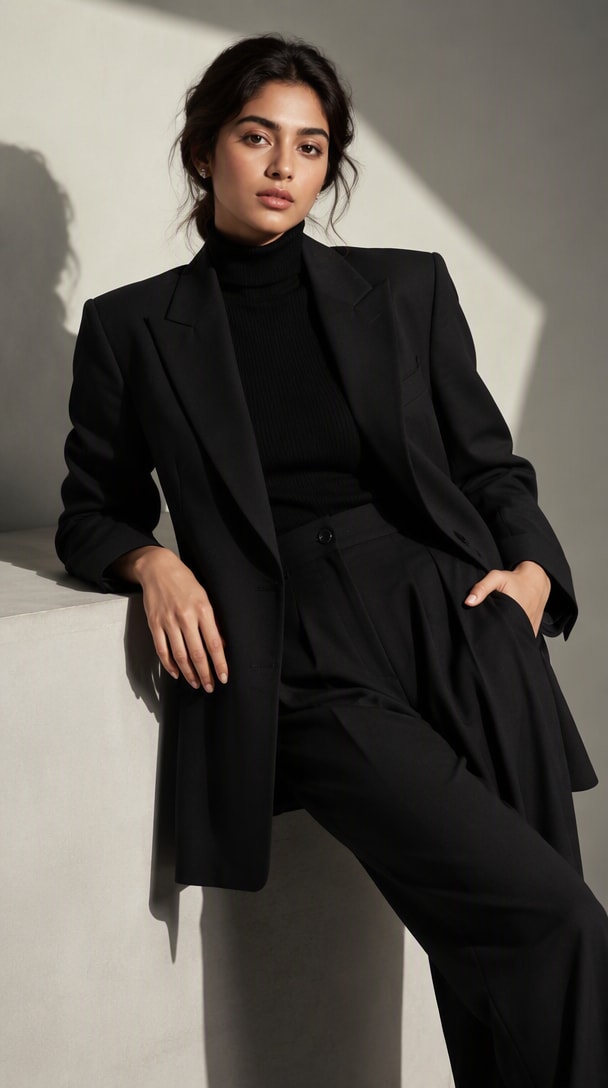
Fashion Editorial

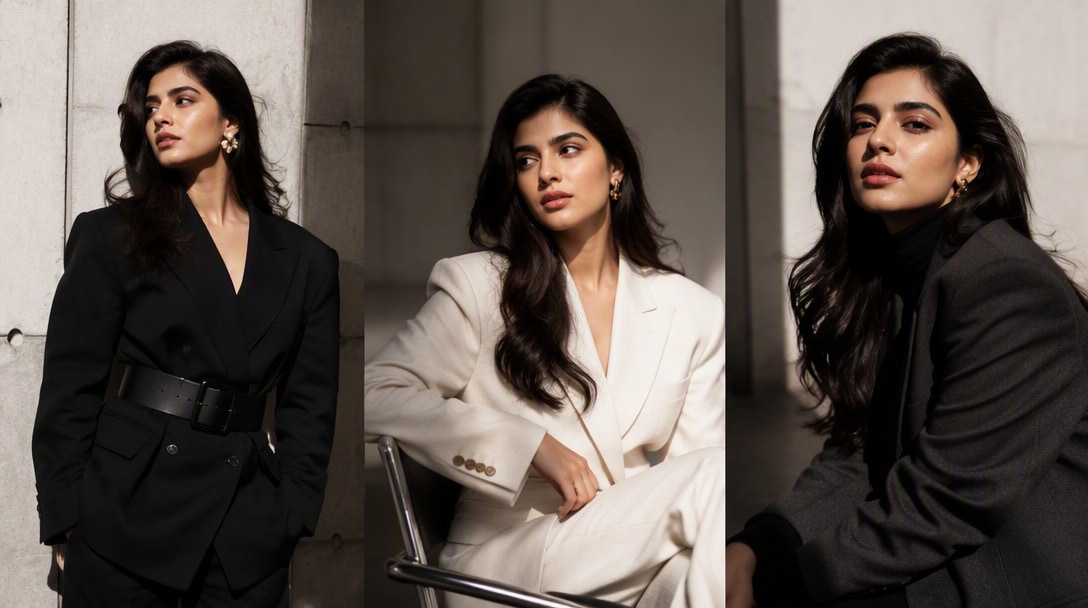
Restyle the Person for Editorial Fashion

Change wardrobe, studio treatment, lighting, and art direction while keeping the same person recognizable across a more dramatic fashion look.

Create Editorial Portrait
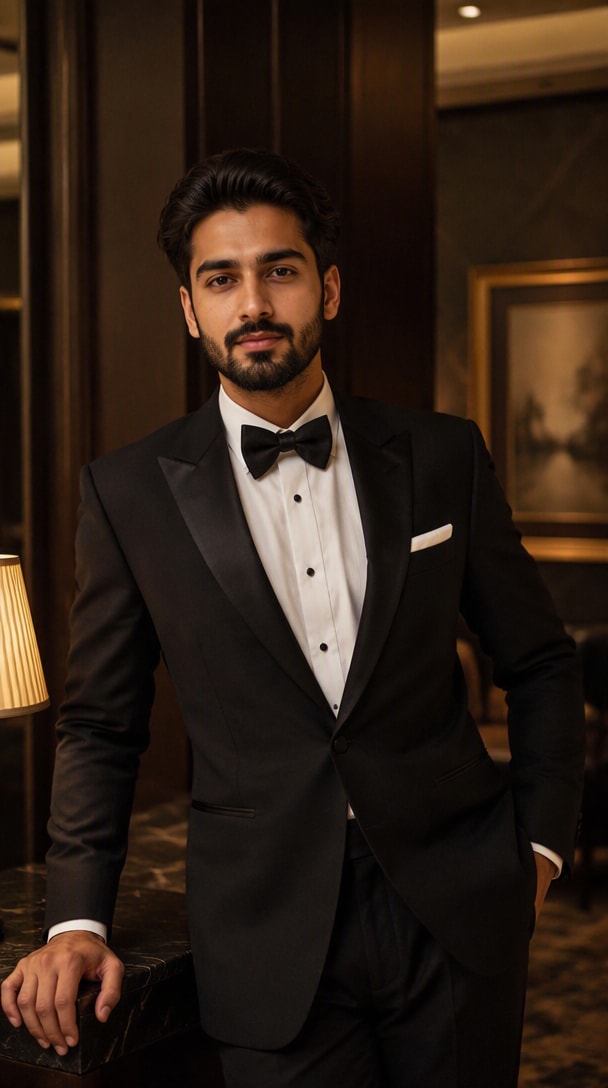
GPT Image 2.5 fashion editorial portrait example
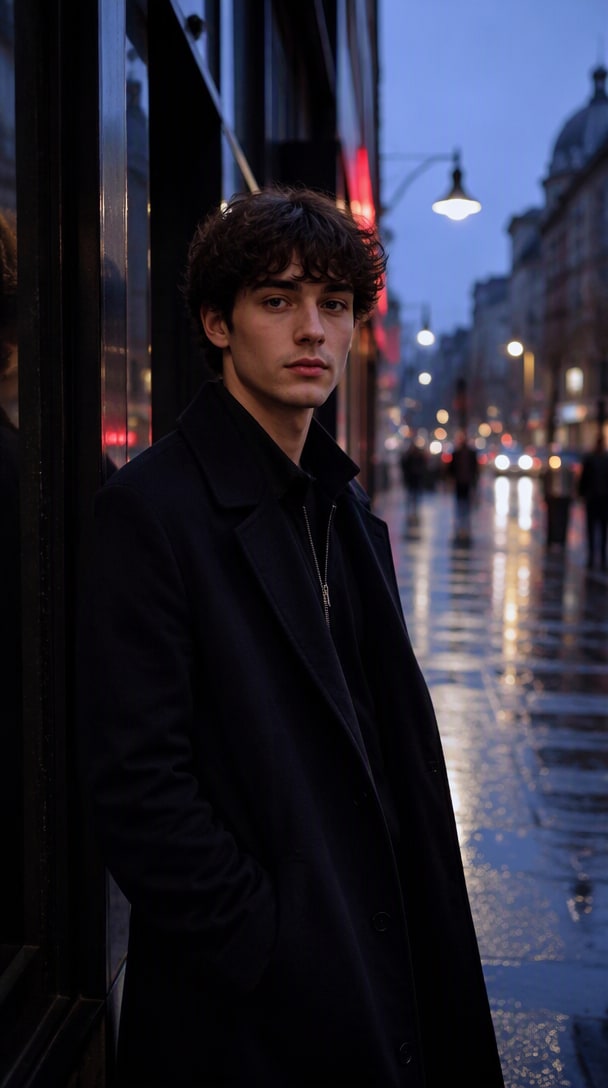
Cinematic Portrait

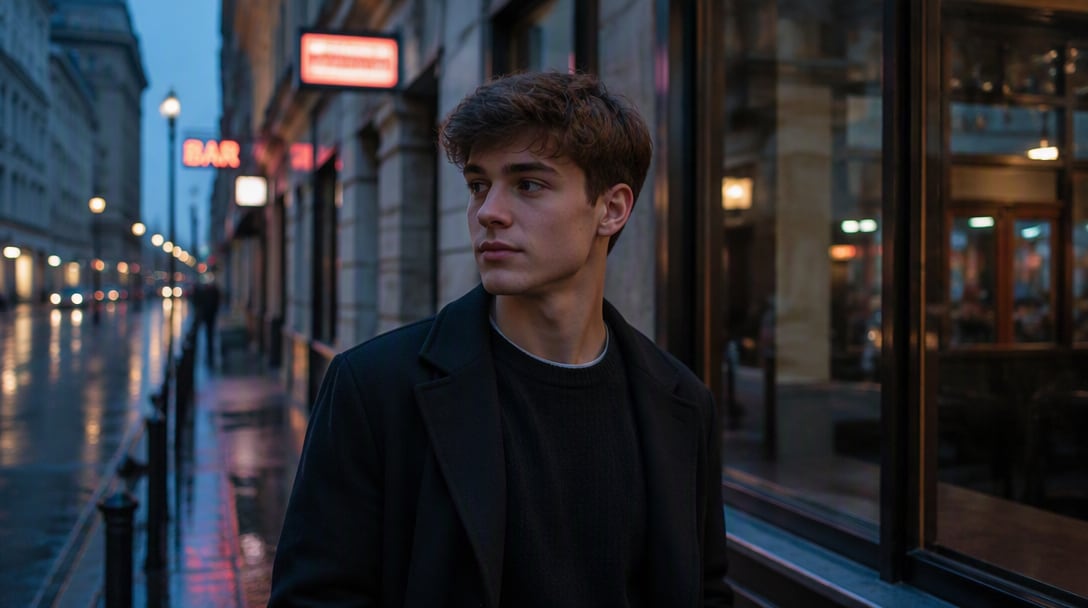
Move the Same Person into a New Scene

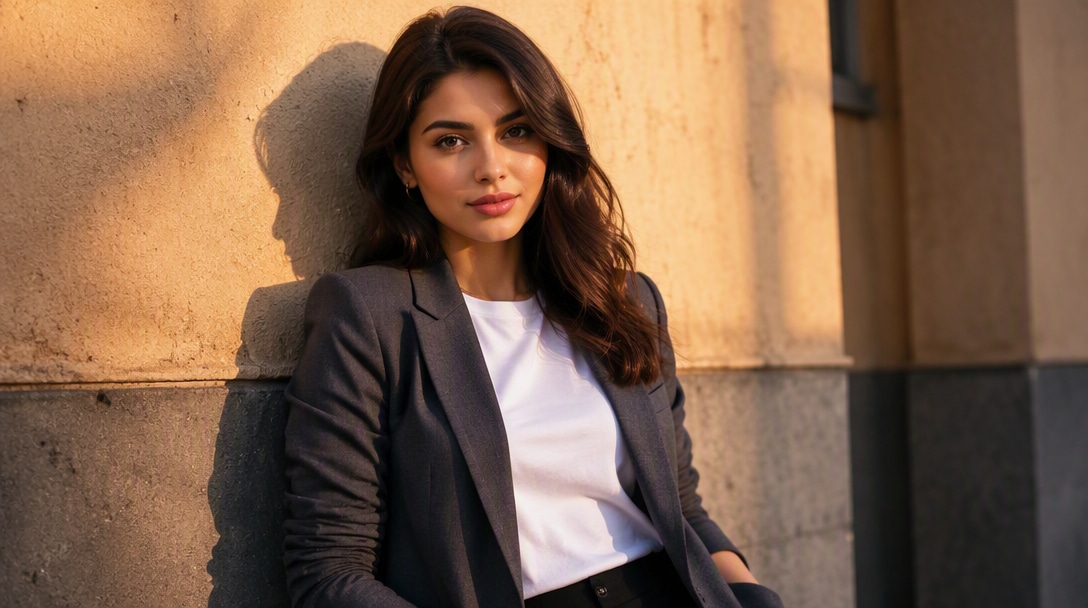
Place the person in a city street, hotel, studio, travel setting, or cinematic environment while preserving face, age, body proportions, and recognizable features.

Create Cinematic Portrait
GPT Image 2.5 cinematic portrait example
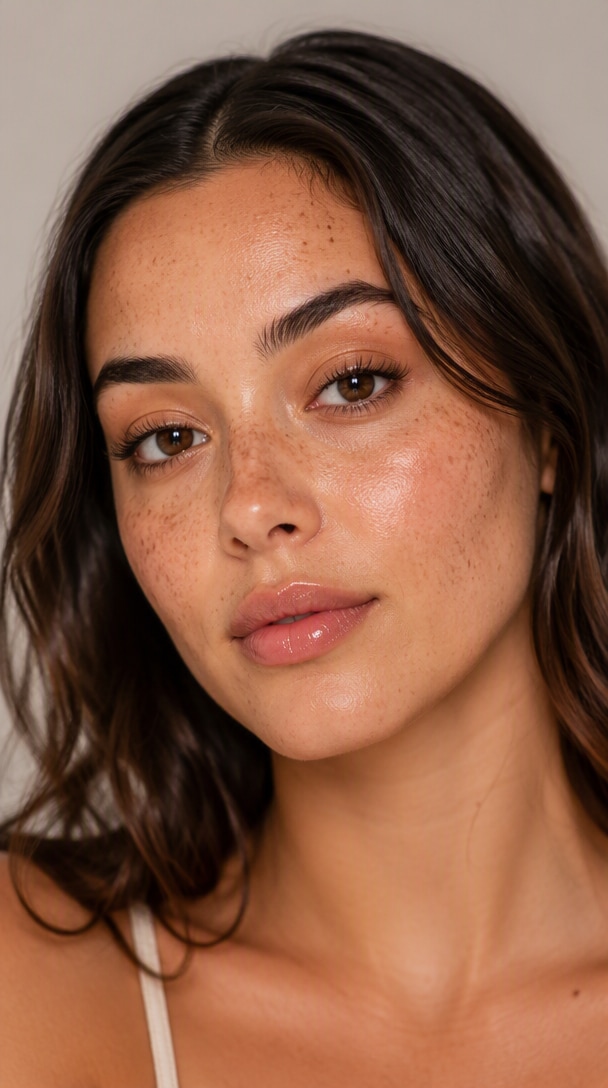
Creator Brand

Build Creator-Brand Photos from One Identity

Create polished profile images, social portraits, website hero photos, and personal-brand visuals while keeping the same person visually consistent.

Create Brand Portrait
GPT Image 2.5 creator brand portrait example
Identity-Preserving Edit

Change Outfit or Lighting, Keep the Person

Make one focused portrait edit—outfit, lighting, background, or styling—while explicitly protecting the face, expression, body proportions, pose, and identity.

Browse Portrait Prompts
GPT Image 2.5 identity preserving portrait edit example
Prompt structure for identity-consistent portraits

Build a Better GPT Image 2.5 Portrait Brief

Portrait prompts work best when identity constraints are separated from styling direction. Define who must remain unchanged, then describe wardrobe, environment, pose, lighting, framing, and what must not drift.

01

Identity lock

Define the facial structure, skin tone, hairstyle, age, eye shape, nose, lips, jawline, and other recognizable traits that must remain unchanged.

02

Wardrobe & styling

Describe clothing, hair treatment, makeup, accessories, and styling direction without changing the person’s underlying identity.

03

Pose & expression

Specify posture, gaze, expression, hand placement, and body language so the portrait feels intentional rather than generic.

04

Environment

Define studio, workplace, street, hotel, travel, or lifestyle context and how much of the environment should remain visible.

05

Lighting & camera

Describe key light, fill, rim light, softness, lens feel, framing, crop, depth of field, and perspective.

06

Constraints

State what must not drift: no face reshaping, age change, body change, extra people, exaggerated retouching, or identity substitution.

Reusable brief starter

IDENTITY LOCK: [face / skin tone / hair / age / recognizable features].
WARDROBE & STYLING: [clothing / makeup / accessories / styling].
POSE & EXPRESSION: [body language / gaze / emotion / hand placement].
ENVIRONMENT: [studio / street / office / hotel / lifestyle setting].
LIGHTING & CAMERA: [light direction / softness / framing / lens feel / depth].
CONSTRAINTS: [what must not change, drift, or be added].

How to Create Portraits with GPT Image 2.5

01

Step 1: Upload a Clear Reference Portrait

Describe the subject, style, background, lighting, mood, camera angle, and composition. GPT Image 2.5 performs best when you give it clear visual direction.

02

Step 2: Describe the New Portrait Look

Use GPT Image 2.5 for fresh image creation or for refining an existing visual. This is one reason the model is gaining traction among creators and developers.

03

Step 3: Refine One Detail at a Time

Adjust wording, style direction, or composition notes to improve the final image. Iteration is key if you want the best GPT Image 2.5 results for production use.

Where Creators Use GPT Image 2.5 Portraits

Reddit user avatar
Professional User

Headshot Creation

star star star star star

“Same person, more polished presence.” I’ve tested a lot of image models, and GPT Image 2.5 feels especially good when you want polished, client-facing visuals with believable lighting, texture, and a more premium overall finish.

Reddit user avatar
Fashion Creator

Editorial Portraits

star star star star star

“Same face, completely new styling.” The outputs feel more campaign-ready than a lot of quick AI image tools. For portraits, posters, and creator-brand visuals, it gives you something that already looks closer to a finished asset.

Reddit user avatar
Personal Brand Team

Creator Branding

star star star star star

“One reference, many brand-ready looks.” It’s not just about making cool images for fun. If you’re building workflows for editing, ad creatives, or product mockups, GPT Image 2.5 feels like something teams can actually integrate into tools.

GPT Image 2.5 FAQ

Find answers about reference-photo portraits, identity consistency, professional headshots, fashion editorials, outfit changes, face drift, portrait prompts, and multi-turn refinement with GPT Image 2.5.

1. Can GPT Image 2.5 create portraits from a reference photo?

Yes. Upload a clear reference portrait and describe the new wardrobe, setting, lighting, pose, or visual style. The strongest workflow is to treat the uploaded image as the identity anchor and explicitly state which facial and personal details must remain unchanged.

2. Can GPT Image 2.5 keep the same person recognizable?

Yes. GPT Image 2.5 is designed to preserve subjects in reference photos more reliably. For portraits, explicitly protect facial proportions, skin tone, hairstyle, age, eye shape, nose, lips, jawline, and other recognizable traits.

3. What should I include in a GPT Image 2.5 portrait prompt?

Include the identity lock, wardrobe and styling, pose and expression, environment, lighting and camera direction, and clear constraints about what must not change.

4. Can I change the outfit or background without changing the face?

Yes. State the exact edit—such as outfit, background, or lighting—and then list what must remain unchanged: face, identity, hairstyle, skin tone, age, expression, body proportions, pose, and camera angle.

5. What portrait styles can I create with GPT Image 2.5?

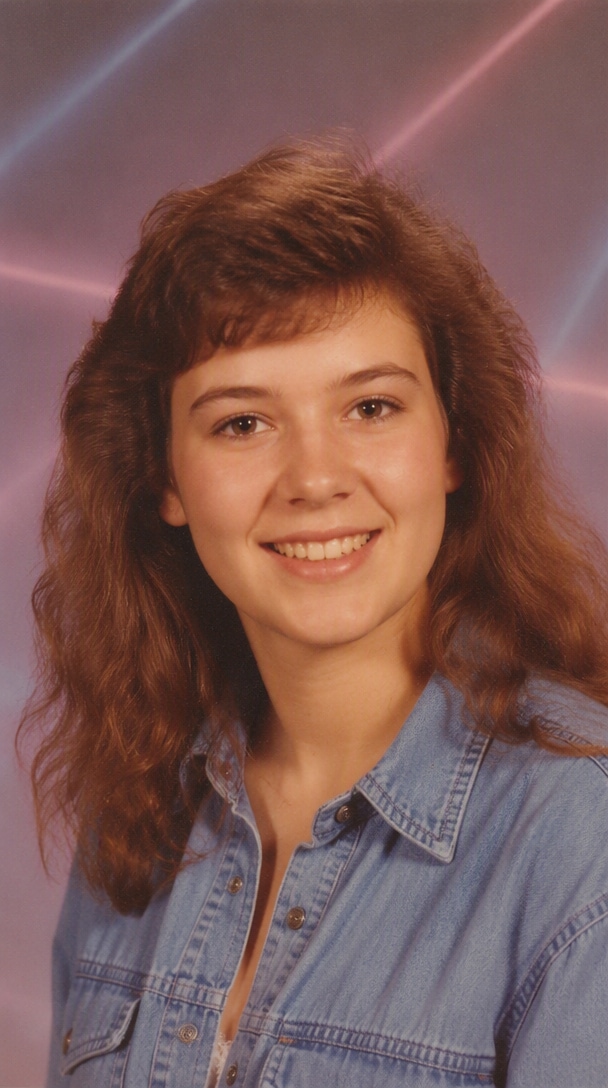
Popular portrait directions include professional headshots, fashion editorial portraits, cinematic street portraits, beauty close-ups, creator-brand images, black-tie portraits, vintage studio photos, and environmental portraits.

6. Can I use GPT Image 2.5 for professional headshots?

Yes. One clear reference photo can be restyled into a more polished business headshot with controlled studio lighting, a neutral background, professional wardrobe, and realistic skin texture while keeping the person recognizable.

7. How do I reduce face drift or identity changes?

Use one authoritative reference and repeat the identity constraints in the prompt. Avoid asking for many unrelated changes at once. Check the face first, then refine wardrobe, lighting, background, or crop one variable at a time.

8. Can I refine a portrait across multiple edits?

Yes. Continue from the approved portrait and change only one element while explicitly preserving the identity, pose, framing, wardrobe, or environment decisions that are already correct.