








No Batidao Edit Dance AI
Create the Viral No Batidao Dance with AI

Turn your photo or video into the trending No Batidao Dance AI effect in seconds. With Media.io’s No Batidao Edit Dance AI templates, you can generate TikTok-ready dance videos with perfect beat drops, slowed motion, and smooth AI-controlled movements—no dancing, no editing, just upload and generate.

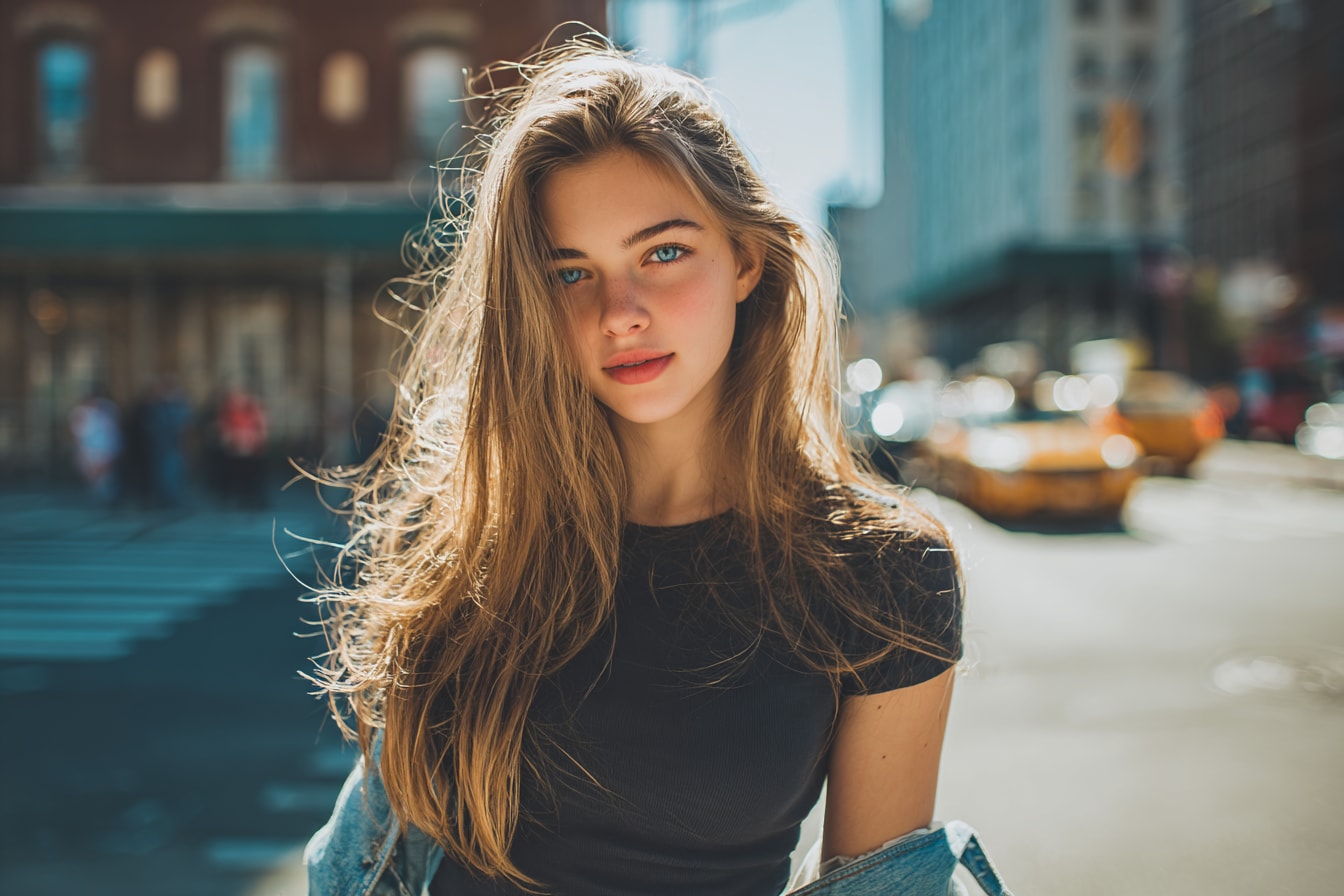
original photo
Create No Batidao Dance with AI

Free credits on signup.

Why Use Media.io for No Batidao Dance AI?

Built for the No Batidao Dance Trend

The No Batidao Dance AI effect isn’t about learning choreography—it’s about capturing rhythm, attitude, and timing. Media.io is optimized for this exact trend, applying beat-accurate motion and edit-style transitions that match what’s already going viral on TikTok and Reels. You don’t need to experiment or guess. Every result is designed to look right in the No Batidao style—bold, rhythmic, and instantly recognizable in the feed.

Turn One Photo into a Full Dance Video

The No Batidao Dance AI effect isn’t about learning choreography—it’s about capturing rhythm, attitude, and timing. Media.io is optimized for this exact trend, applying beat-accurate motion and edit-style transitions that match what’s already going viral on TikTok and Reels. You don’t need to experiment or guess. Every result is designed to look right in the No Batidao style—bold, rhythmic, and instantly recognizable in the feed.

AI Edit Dance Templates — No Manual Editing

Forget timelines, keyframes, or beat matching. Media.io offers ready-made No Batidao Edit Dance AI templates that handle motion, timing, and visual rhythm automatically. Each template is designed for TikTok-style pacing, including slowed sections and beat drops, so your video looks polished and share-ready—without touching any editing tools.

TikTok-Ready Results in Seconds

Speed matters when a trend is hot. Media.io lets you generate TikTok-ready No Batidao dance videos in seconds, not hours—so you can post while the trend is still peaking. Download instantly or share directly to TikTok, Reels, or Shorts. No watermarks during preview, no complicated export settings—just fast results that are made to perform.

How to Create a No Batidao Dance Video with AI

01

Step 1: Open the No Batidao Dance AI Generator

Go to the No Batidao Dance AI Generator on Media.io to start a new project. This tool is built for AI edit dance effects, synced precisely to No Batidao beats and TikTok-style transitions.

02

Step 2: Upload Your Photo

Upload one single photo of yourself—that’s all you need. The AI analyzes your posture and body structure to apply smooth No Batidao dance motion, even if you’ve never danced before.

03

Step 3: Generate and Save Your Video

Click generate and let the AI turn your photo into a TikTok-ready No Batidao dance video. Preview the result, download it instantly, or share it directly on TikTok, Reels, or Shorts.

Join 500,000+ Users Creating Viral No Batidao AI Dance Videos

user
@SophieStyle

Fashion Influencer

star star star star star

“Made my No Batidao dance video instantly viral.” I uploaded just one photo and the AI turned it into a full No Batidao dance video with perfect rhythm and beat drops. It looked exactly like the TikTok trend—no one believed I didn’t actually dance.

user
@Mark_vibes

Content Creator

star star star star star

“Way better than I expected.” I thought AI dance videos might feel stiff, but the motion was smooth and natural. The No Batidao Edit Dance AI nailed the timing, especially the slowed sections. It felt made for TikTok.

user
@CreativeJess

Digital Marketer

star star star star star

“I don’t dance at all, but this worked perfectly.” I’ve never danced in my life, but Media.io made it effortless. Just one photo in, and I got a TikTok-ready No Batidao dance that looked confident and on-beat. Super easy and fun.

user
@TrendHunter

Social Media Manager

star star star star star

“Posted once and people kept asking how I made it.” I tried the No Batidao Dance AI template, posted the video on TikTok, and the reactions were crazy. Friends kept asking which app I used—and some thought it was professionally edited.

FAQs Related to AI No Batidao Dance Generator

1. Can I try the No Batidao Dance AI for free?

Yes. Media.io offers a free trial so you can explore the No Batidao Dance AI effect before upgrading. You can upload your photo, preview the result, and experience how the AI dance generation works before deciding whether to continue.

2. Do I need dancing or video editing skills to use this tool?

Not at all. The No Batidao Edit Dance AI templates are designed for beginners. You simply upload a photo, and the AI automatically applies rhythm-matched dance motion and edits—no choreography, no manual editing, and no technical knowledge required.

3. What kind of files can I upload?

You can upload a clear photo of yourself to generate a No Batidao dance video. A single image is enough for the AI to create smooth, beat-synced motion that fits TikTok-style dance trends. For best results, use a full-body or half-body photo with a natural standing pose.

4. Is my content safe and private on Media.io?

Yes. Your privacy is fully respected. Media.io automatically removes uploaded files and generated content within 7 days, so your photos and videos are not stored long-term. You stay in control of your content at every step.

5. Can I use the generated No Batidao dance videos for commercial purposes?

Many users create videos for personal sharing, social posts, or creative projects. If you plan to use AI-generated content beyond personal or social use, it’s a good idea to review how and where it will be published and make sure it aligns with your local regulations and platform guidelines.





