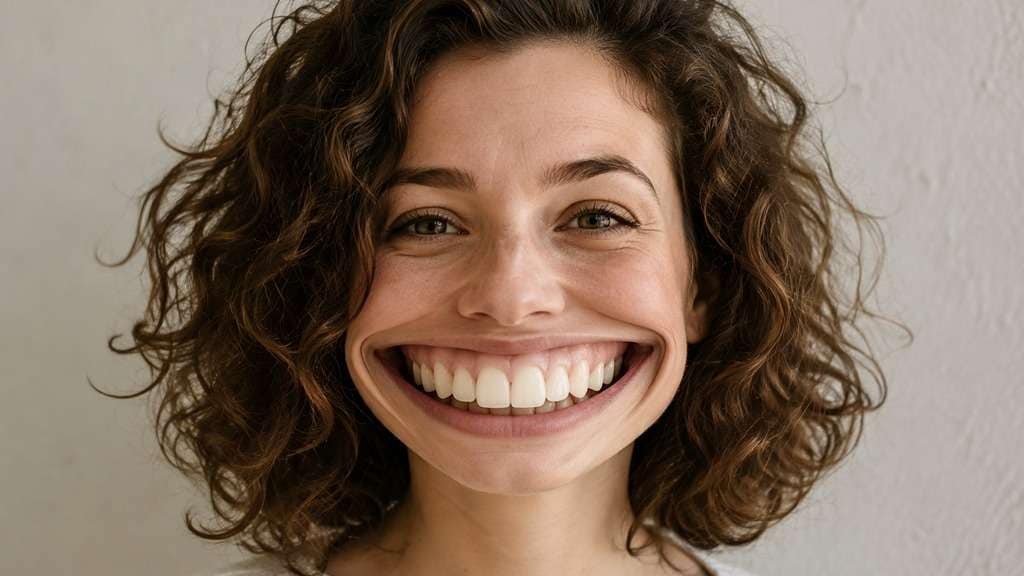
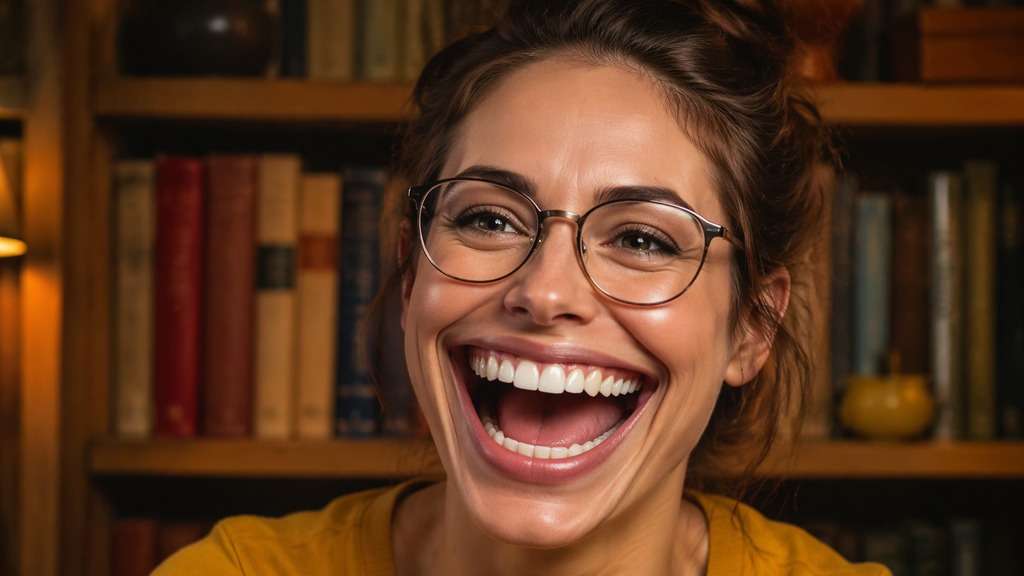
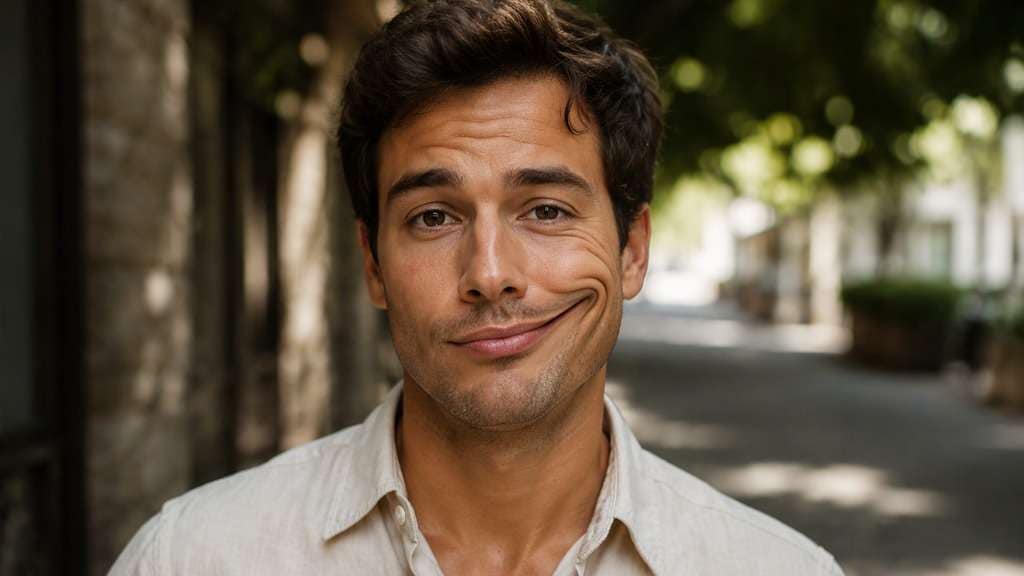
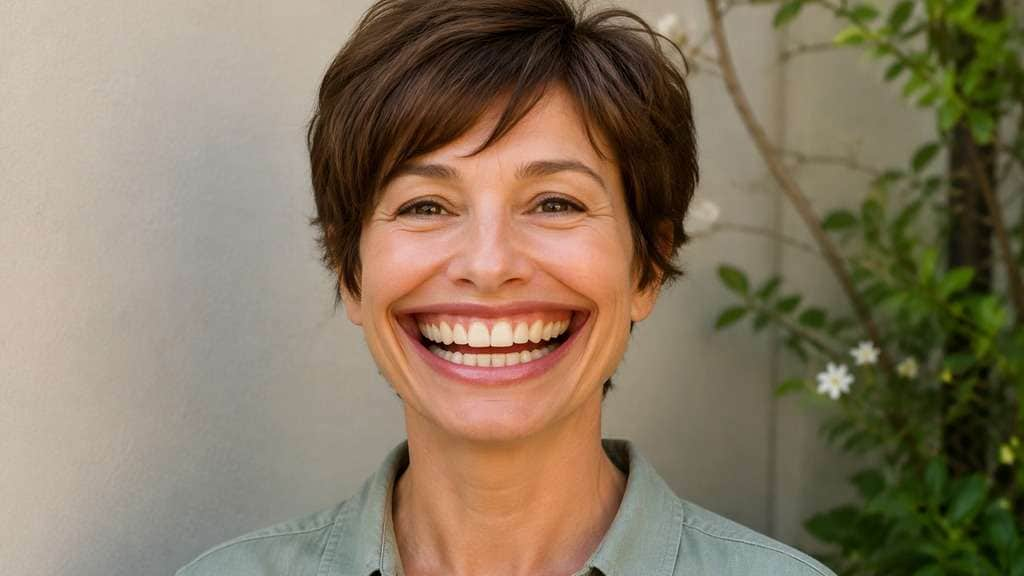
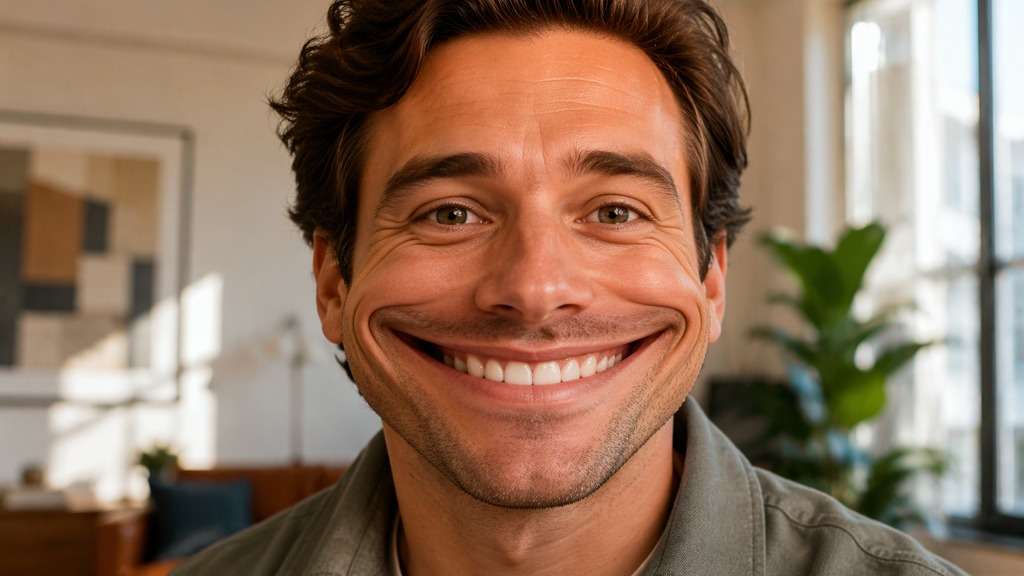
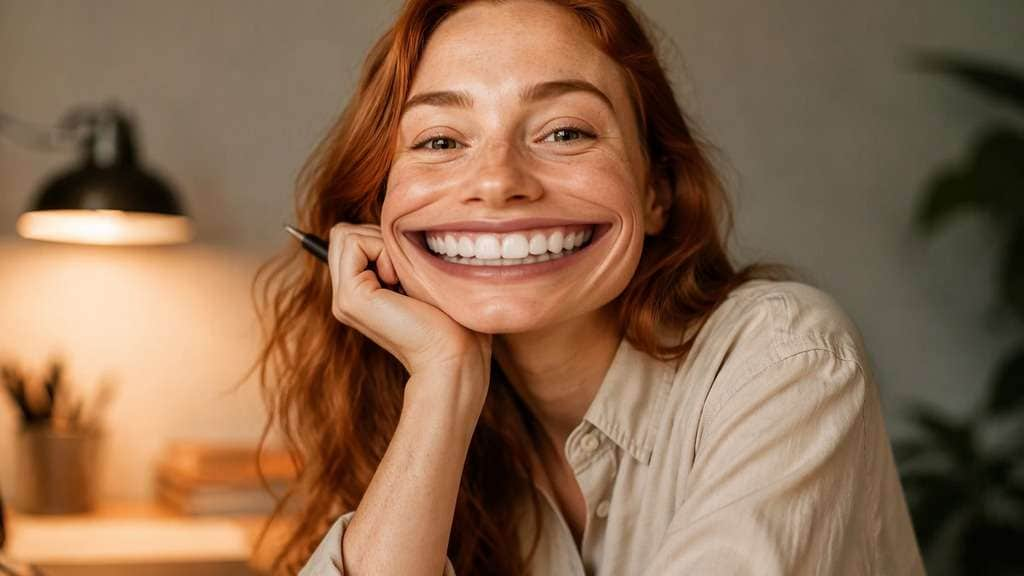
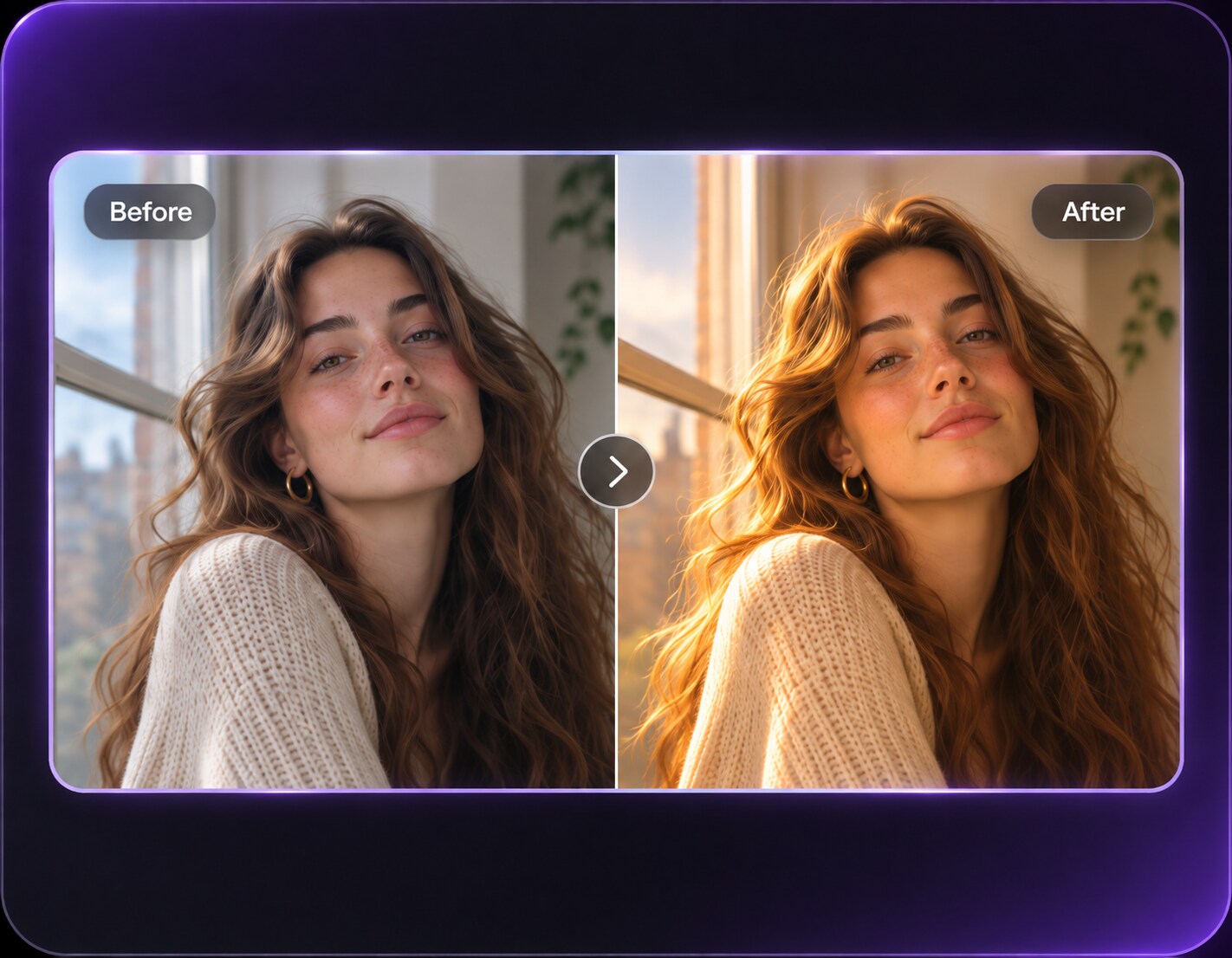
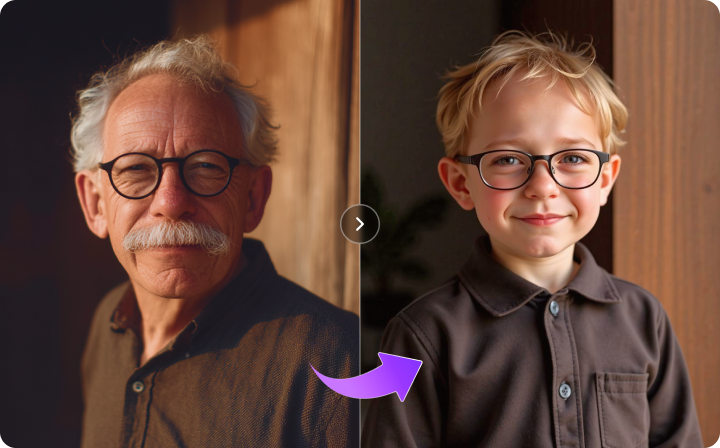
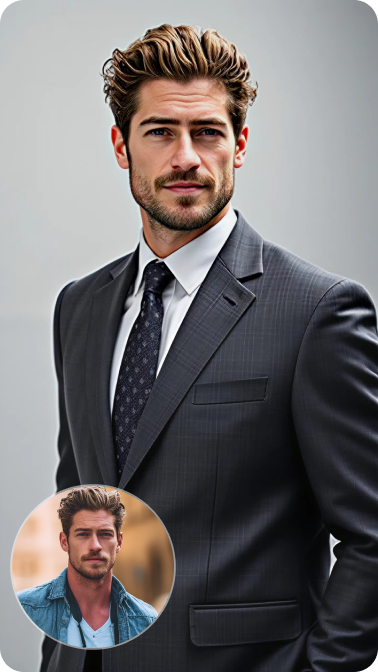
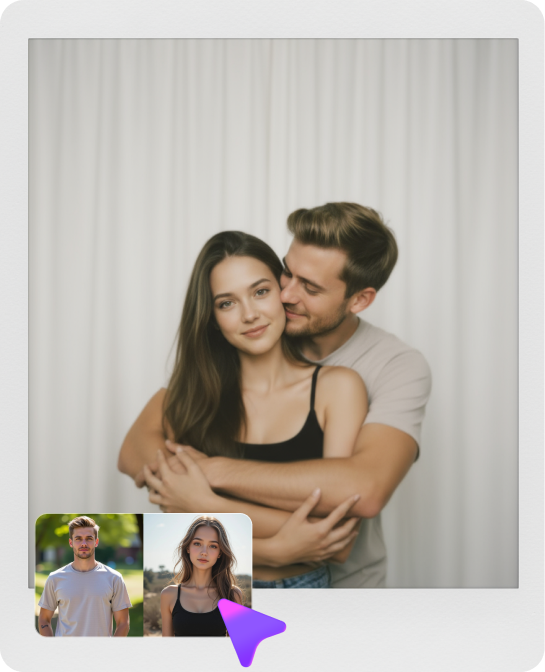
The face in your photo already has a good reaction, but the punchline needs a bigger grin. A wide mouth filter can stretch the mouth from corner to corner for a goofy selfie, giant smile or full-on cartoon joke. Keep eyes, nose and face outline steady so the mouth does the comedic work instead of distorting the entire portrait.
Stretch mouth width between the corners, not the whole jaw; check teeth count and lip continuity.
Wide Mouth Filter Prompts for Comic Grins and Reactions
A wider grin can be friendly, absurd or unsettling depending on the pose. These edits keep the expression readable and the distortion centered on the mouth.
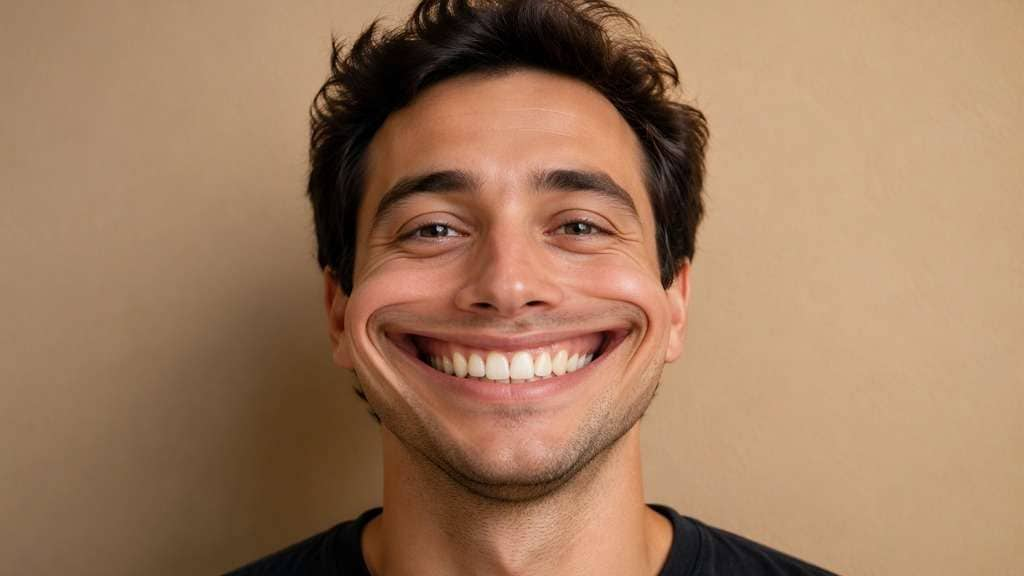
Cheek-to-Cheek Smile
Edit my uploaded reference photo: Widen the smiling mouth horizontally to a playful comic size while preserving tooth alignment, lips and original eye position. Work from my uploaded portrait. Keep eyes, nose, skull shape, clothes and setting unchanged; create one coherent mouth and sensible tooth detail even with intentionally comic width.
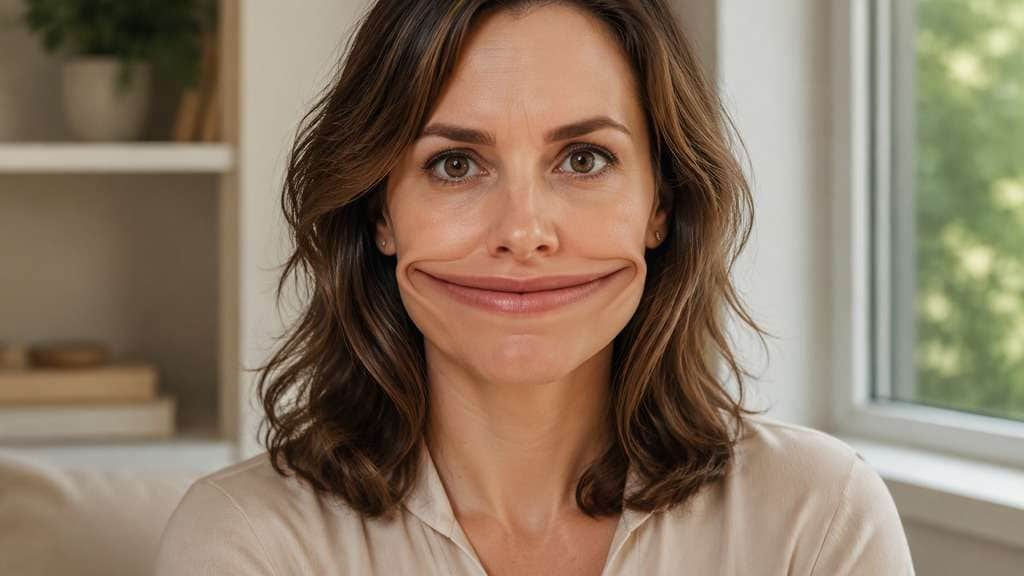
Deadpan Giant Mouth
Edit my uploaded reference photo: Stretch a straight-line mouth unusually wide under serious eyes for a funny mismatch, leaving jaw and nose where they are. Work from my uploaded portrait. Keep eyes, nose, skull shape, clothes and setting unchanged; create one coherent mouth and sensible tooth detail even with intentionally comic width.
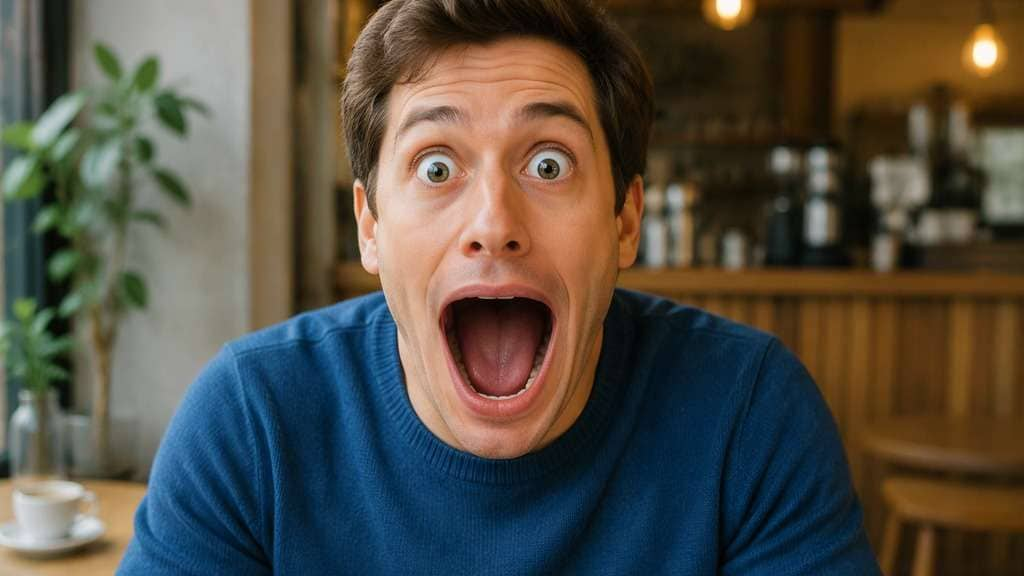
Open-Mouth Surprise
Edit my uploaded reference photo: Create a much wider open mouth with natural interior shading and clear lip boundary, keeping the rest of the surprise expression unchanged. Work from my uploaded portrait. Keep eyes, nose, skull shape, clothes and setting unchanged; create one coherent mouth and sensible tooth detail even with intentionally comic width.
Toothy Cartoon Grin
Edit my uploaded reference photo: Expand the grin sideways and slightly enlarge visible teeth proportionately, avoiding repeated rows or extra teeth. Work from my uploaded portrait. Keep eyes, nose, skull shape, clothes and setting unchanged; create one coherent mouth and sensible tooth detail even with intentionally comic width.
Wide Laugh Party Selfie
Edit my uploaded reference photo: Stretch the laughing mouth on an adult party portrait while keeping cheek highlights, party lights and head outline intact. Work from my uploaded portrait. Keep eyes, nose, skull shape, clothes and setting unchanged; create one coherent mouth and sensible tooth detail even with intentionally comic width.
Wry Smirk Stretch
Edit my uploaded reference photo: Widen one side of a smirk slightly more for a humorous asymmetric reaction, preserving the source person's eyes and nose. Work from my uploaded portrait. Keep eyes, nose, skull shape, clothes and setting unchanged; create one coherent mouth and sensible tooth detail even with intentionally comic width.
Glasses and Wide Smile
Edit my uploaded reference photo: Create a broad goofy smile beneath unchanged eyeglasses and eyebrows, without warping the glasses frame. Work from my uploaded portrait. Keep eyes, nose, skull shape, clothes and setting unchanged; create one coherent mouth and sensible tooth detail even with intentionally comic width.
Mouth-Only Meme Portrait
Edit my uploaded reference photo: Make the mouth very wide but keep the head, neck, collar and straight room walls completely unchanged. Work from my uploaded portrait. Keep eyes, nose, skull shape, clothes and setting unchanged; create one coherent mouth and sensible tooth detail even with intentionally comic width.
Big Grin Close-Up
Edit my uploaded reference photo: Create an exaggerated horizontal grin in a face close-up with natural lip shading and clean mouth corners. Work from my uploaded portrait. Keep eyes, nose, skull shape, clothes and setting unchanged; create one coherent mouth and sensible tooth detail even with intentionally comic width.
Surreal Wide Smile
Edit my uploaded reference photo: Push the mouth to a deliberately impossible but visually coherent width while keeping one mouth, one set of teeth and the same face. Work from my uploaded portrait. Keep eyes, nose, skull shape, clothes and setting unchanged; create one coherent mouth and sensible tooth detail even with intentionally comic width.
Stretch the Smile Without Losing the Joke
Change Width Rather Than Every Feature
A wide-mouth effect targets the horizontal distance between mouth corners. If the editor changes the whole jaw or turns the face sideways, the intended grin becomes hard to spot, so state the exact region.
Keep Teeth and Lips Coherent
Strong mouth edits can invent extra teeth or blur the lip edge. A convincing comic image still needs one clear mouth with plausible shading, even when its width is intentionally impossible.
Match the Expression You Already Have
An open-mouthed laugh suits a dramatic stretch; a deadpan face can make a narrow but extra-wide line funny. Try different mouth widths on the same source rather than asking for an unrelated new expression.
Leave the Rest of the Face Stable
Keep eyebrows, nose, hairstyle and face outline fixed. The contrast between an ordinary face and an extraordinary grin is more readable in a small social thumbnail than a full-face distortion.
How to Apply a Wide Mouth Filter to a Photo
Choose a photo with an unobstructed mouth, and decide whether the result should be smiling, laughing or deadpan.
Step 1
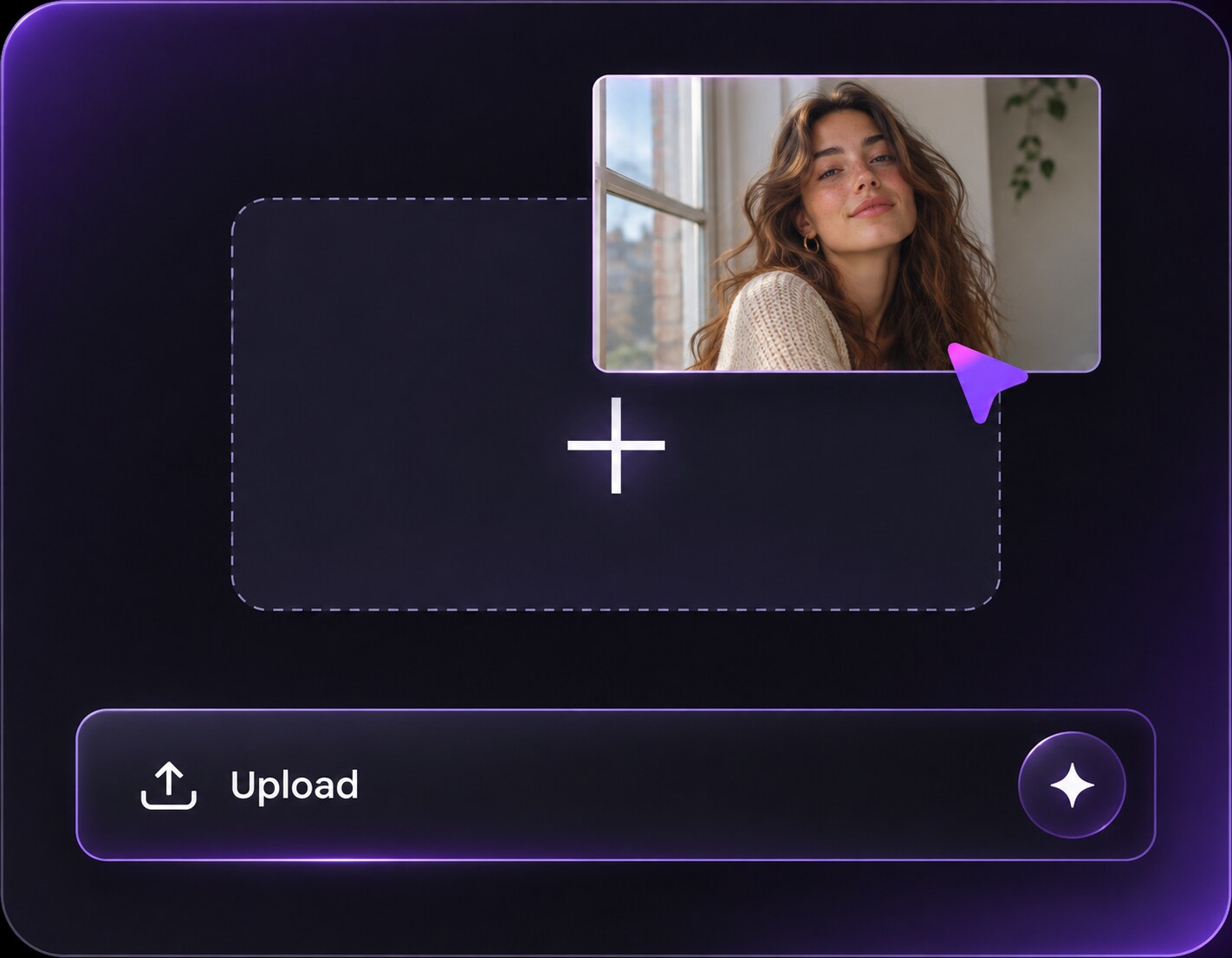
Upload a Clear Mouth Photo
Open Media.io AI Face Editor and upload a selfie with visible lips and a face that is not covered by a hand.
Step 2
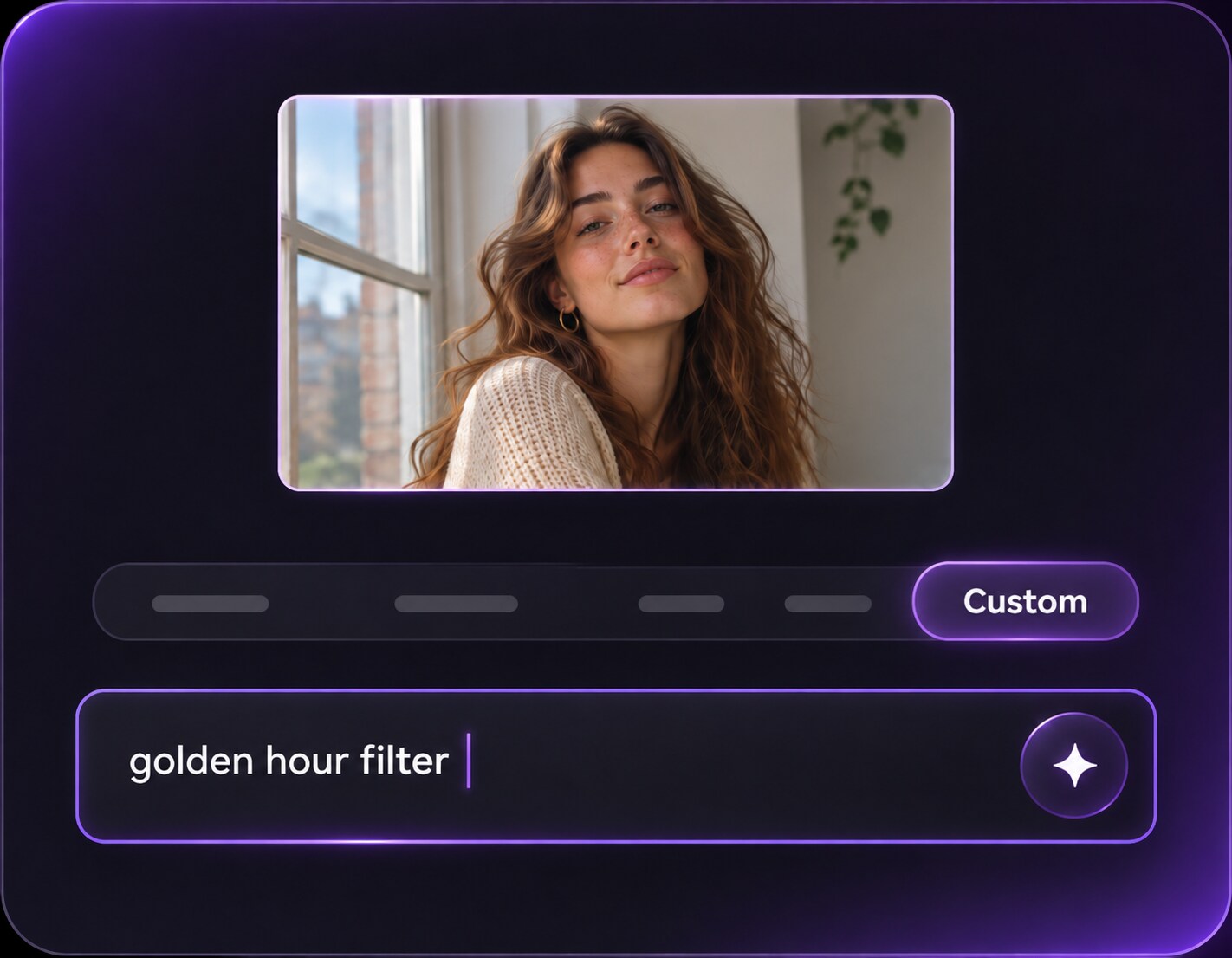
Describe the Mouth Stretch
Enter a prompt for an extra-wide grin or horizontally stretched mouth and request unchanged eyes and head shape.
Step 3
Generate and Review Teeth and Lips
Click Generate, then inspect mouth corners, teeth, chin and background for accidental distortions.
The strongest meme often needs one obvious change, not an entirely new character.
Build a Reply-Worthy Reaction Face
Take a deadpan selfie and stretch the mouth to a comically broad line. The expression becomes funny because the eyes remain calm and familiar; avoid captions so the reaction can work in different chats.
Make a Big-Laugh Party Edit
A real laugh photograph already carries energy. Widen the existing smile but preserve the party lights, clothes and original head shape to make the moment more exaggerated without losing the person.
Try Several Smile Intensities
Compare a slight cheek-to-cheek grin, a wide toothy smile and an intentionally surreal mouth on one portrait. A small variation may work as an avatar, while the strongest version suits a throwaway meme.
Wide Mouth Filter Photo Preview Checklist
Mouth Corners
Photo preview checklist
"Check mouth corners before export" Corners should extend sideways without splitting the lips.
Teeth
Photo preview checklist
"Check teeth before export" One believable set of teeth is better than extra rows.
Chin Shape
Photo preview checklist
"Check chin shape before export" Leave the chin and skull at original size.
Expression
Photo preview checklist
"Check expression before export" The joke should read as a stretched mouth, not a new identity.
It expands the mouth horizontally in an uploaded face photo to create a goofy grin or exaggerated expression. The rest of the portrait can be left mostly unchanged by a specific prompt.
2. Is a wide mouth effect the same as large lips?
No. A mouth-width edit stretches the distance between corners, while a lip-volume filter thickens lips. The requested shapes and visual goals are different.
3. Can I widen only the smile, not the jaw?
Yes, describe mouth-corner width explicitly and ask to keep chin, jaw, nose and other features in their original positions. Check the result for accidental warping.
4. Why does the result sometimes show extra teeth?
Strong generative changes to open mouths may redraw tooth patterns. Ask for one coherent set of teeth, clean lip edges and a smaller stretch if the first attempt is messy.
5. Can it make a still photo behave like a live Snapchat Lens?
No. This is a still-image editing workflow using an uploaded picture, not a live camera Lens with face tracking or animated mouth movement.
6. Which photos work best for a wide-mouth joke?
Choose a sharp image with visible lips, chin and face outline. An unobstructed front-facing mouth makes the horizontal stretch easier to notice and review.