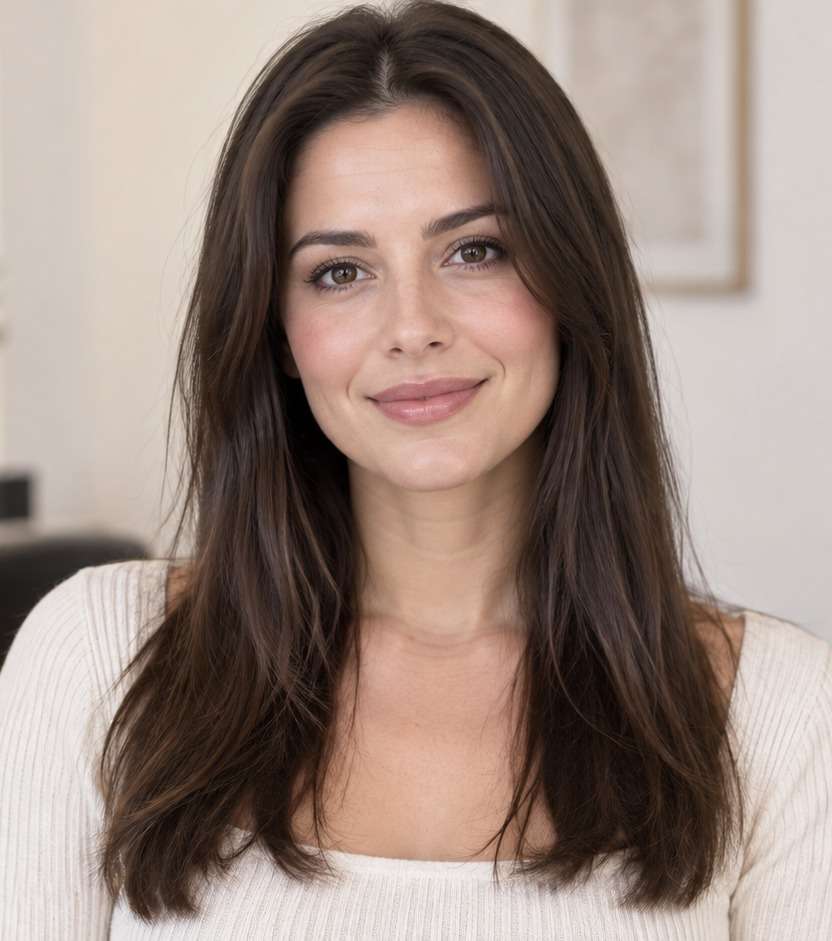
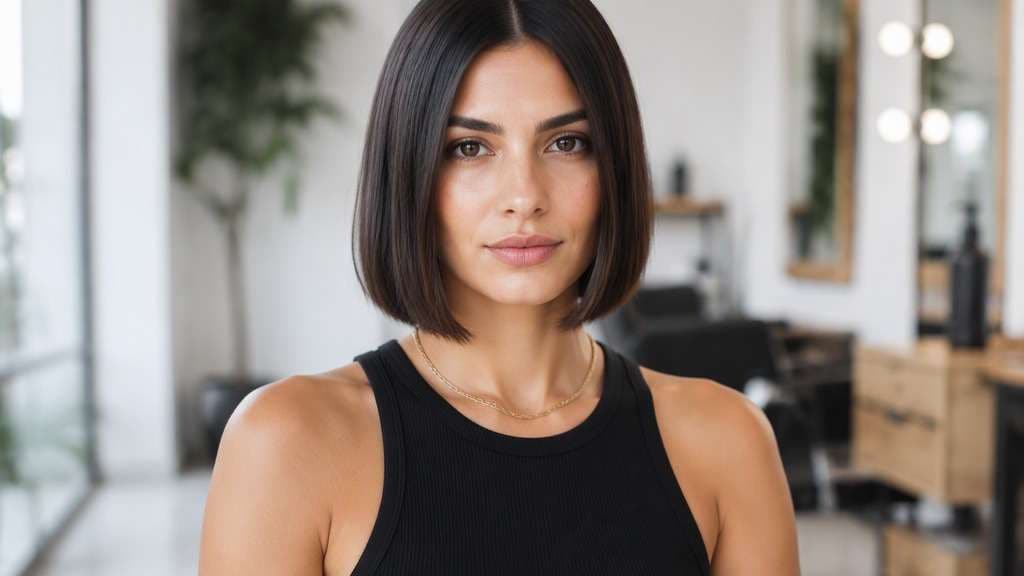
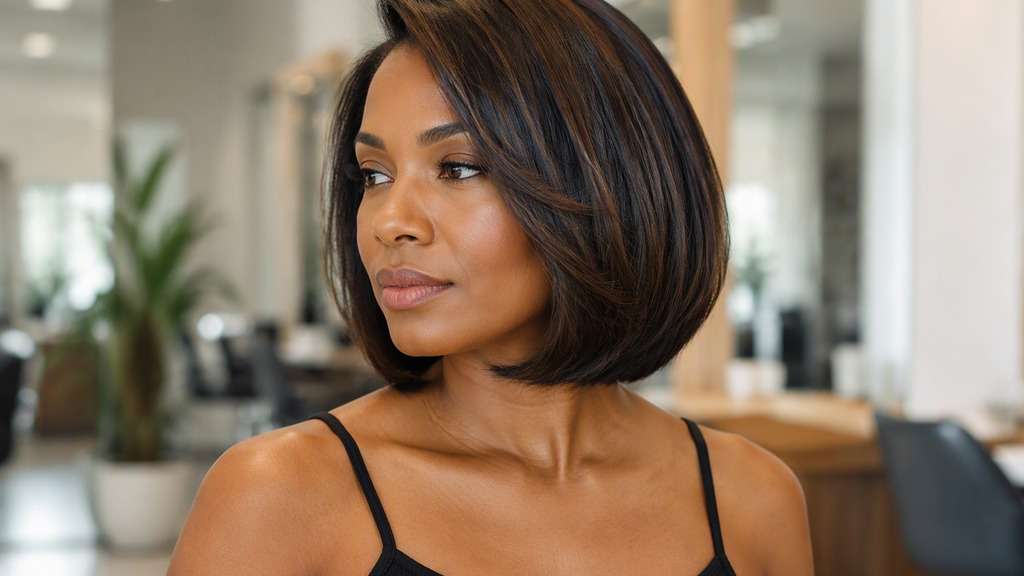
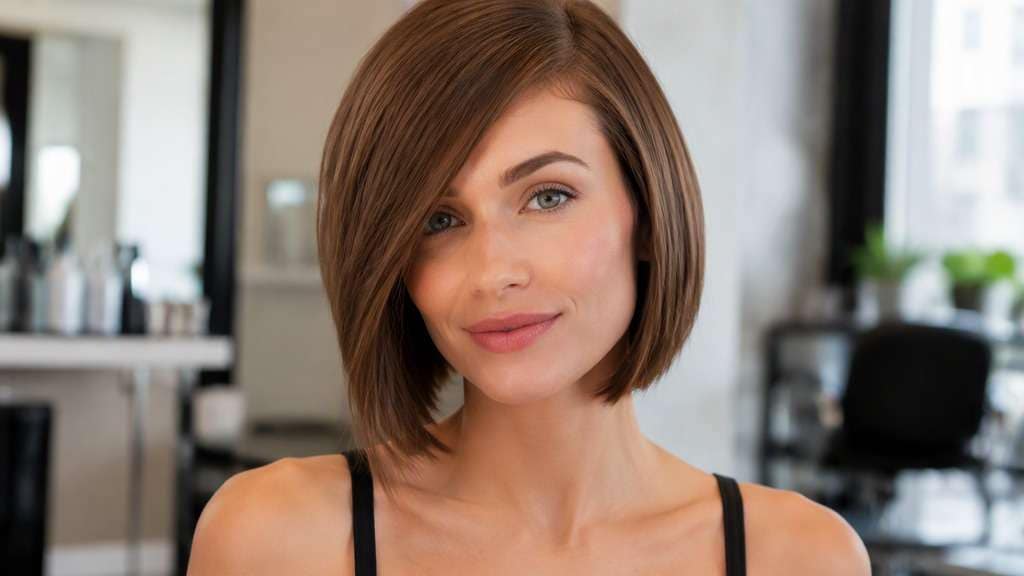
A chin-length bob can sharpen your jawline visually, reveal your neck and change how your earrings or collar look. But the difference between ending at the chin and rising toward the cheek is dramatic. Use a chin length haircut filter to see the cut on your own photo first, then compare a smooth outline, a soft tucked shape and a version with fringe.
The most useful test is not just “short hair.” Look at where the front corners stop relative to your chin, how much volume sits beside the cheeks and whether the nape stays exposed.
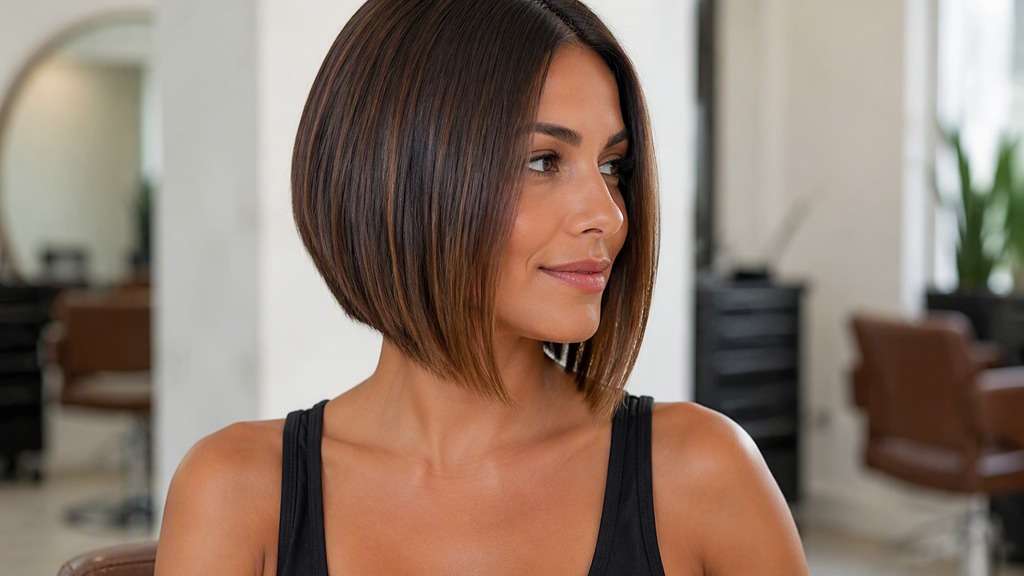
Straight Chin-Length Bob
In my uploaded portrait, change only the hair to this specific cut: Sharp smooth jaw-aligned perimeter with a precise center part and little crown volume. Preserve the recognizable facial features, expression, skin tone, existing hair color, clothing, camera perspective and background of the uploaded photo. Avoid an airbrushed wig look; show believable roots, natural strand separation and enough of the neckline to judge length. Do not substitute a different haircut silhouette or significantly alter the intended length.
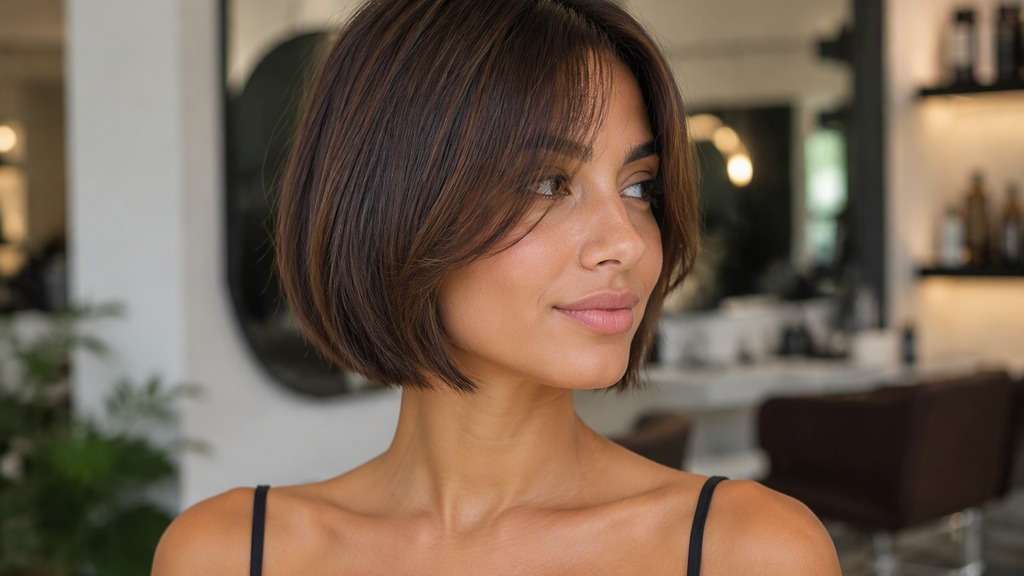
Soft Curved Chin Bob
Use the person in my reference image and preview this haircut: Ends gently rounded inward around the jaw, light side volume and natural finish. Use the uploaded photo as the reference; keep the original facial features, hair shade, skin tone, outfit, posture and room lighting recognizable. Keep the result photorealistic and cut-specific, with natural flyaways and a hairline that blends with the original photo. Do not substitute a different haircut silhouette or significantly alter the intended length.
Chin Bob with Side Part
Edit my original photo to show the following hairstyle, without replacing the person: Strong side part and diagonal sweep across the forehead, ends level with chin. Edit the hairstyle only on my supplied portrait. Keep my identity cues, face proportions, expression, clothes, original hair color and setting consistent. Show the actual perimeter clearly against the jaw, neck or shoulders, without exaggerated artificial density or altered facial geometry. Do not substitute a different haircut silhouette or significantly alter the intended length.
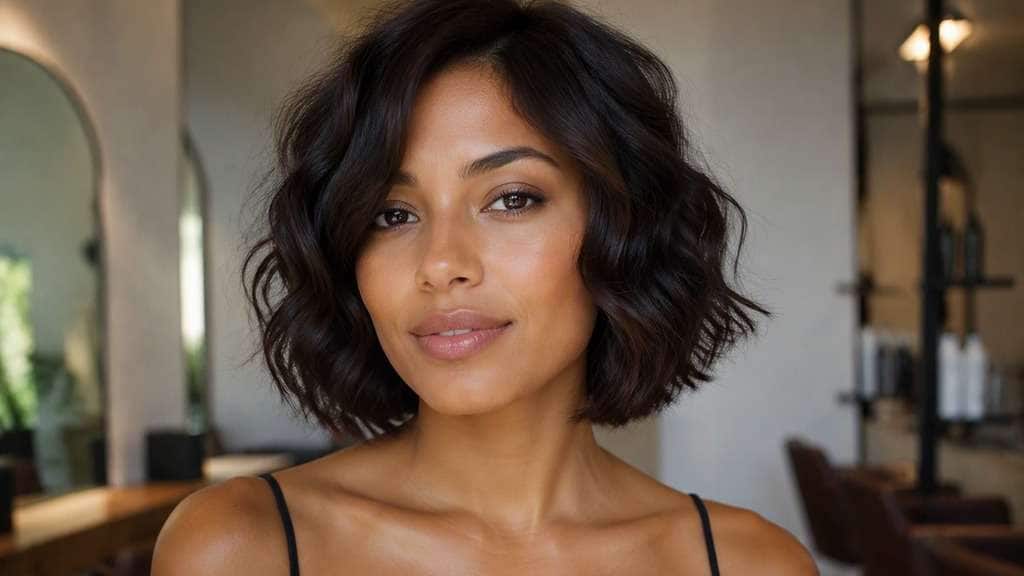
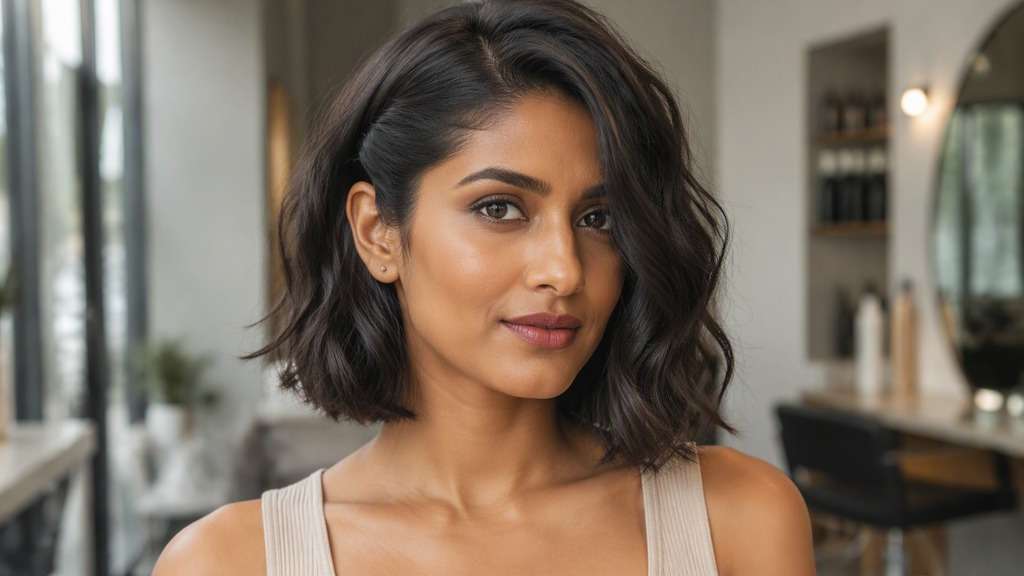
Chin-Length Wavy Bob
Keep the source portrait as the base and create this precise hairstyle: Loose waves with their longest dry ends sitting on the jawline, not at shoulders. Start from my own image and retain the same person, original face, makeup, attire, lighting, camera angle and background where possible. Leave the original camera framing in place, show believable hair strands and avoid changing makeup, outfit or facial structure. Do not substitute a different haircut silhouette or significantly alter the intended length.
Chin Bob with Curtain Bangs
Using my uploaded selfie, show what I would look like with: Short bob at lower jaw with long split fringe sweeping toward cheekbones. Work from my provided selfie without altering the person, their skin tone, expression, shirt, setting or source lighting. Maintain the visual balance of the original portrait; avoid harsh compositing edges, extra hairpieces and unnaturally uniform strands. Do not substitute a different haircut silhouette or significantly alter the intended length.
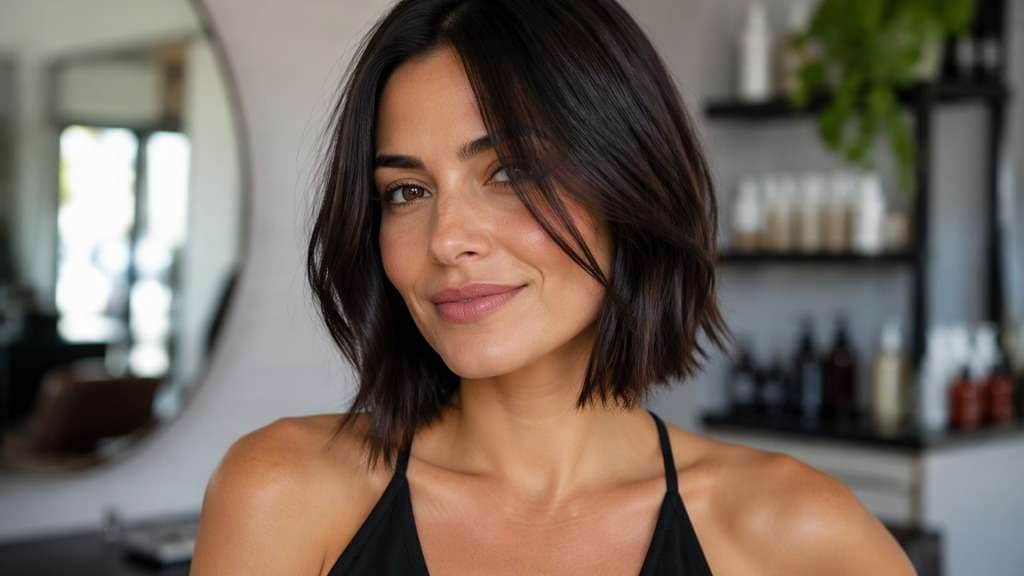
Textured Chin-Length Bob
In my uploaded portrait, change only the hair to this specific cut: Piecey lower ends with modest texture and no heavily shredded crown. Preserve the recognizable facial features, expression, skin tone, existing hair color, clothing, camera perspective and background of the uploaded photo. Avoid an airbrushed wig look; show believable roots, natural strand separation and enough of the neckline to judge length. Do not substitute a different haircut silhouette or significantly alter the intended length.
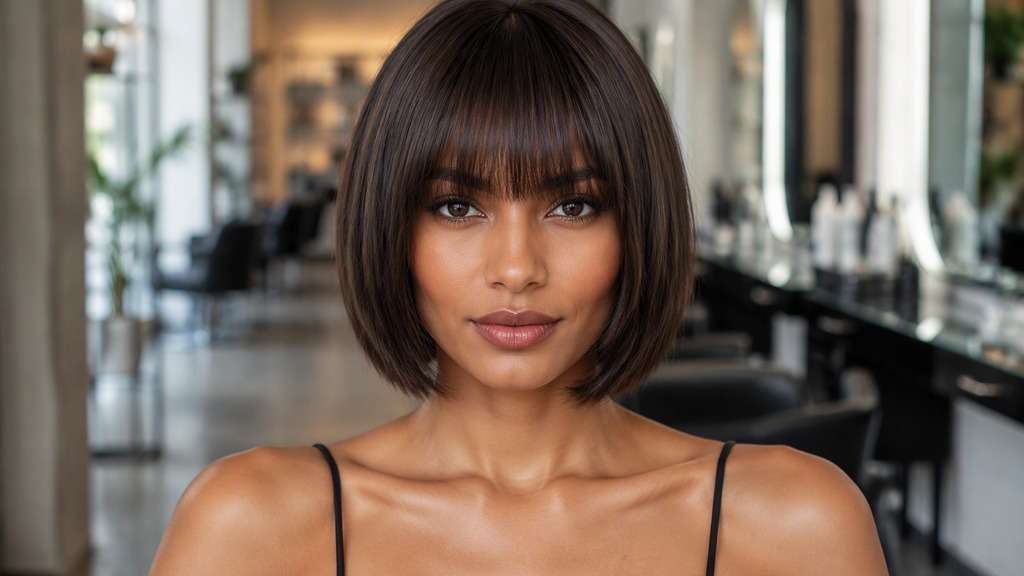
Chin Bob with Full Fringe
Use the person in my reference image and preview this haircut: Even eyebrow-skimming bangs coupled with level chin-length sides. Use the uploaded photo as the reference; keep the original facial features, hair shade, skin tone, outfit, posture and room lighting recognizable. Keep the result photorealistic and cut-specific, with natural flyaways and a hairline that blends with the original photo. Do not substitute a different haircut silhouette or significantly alter the intended length.
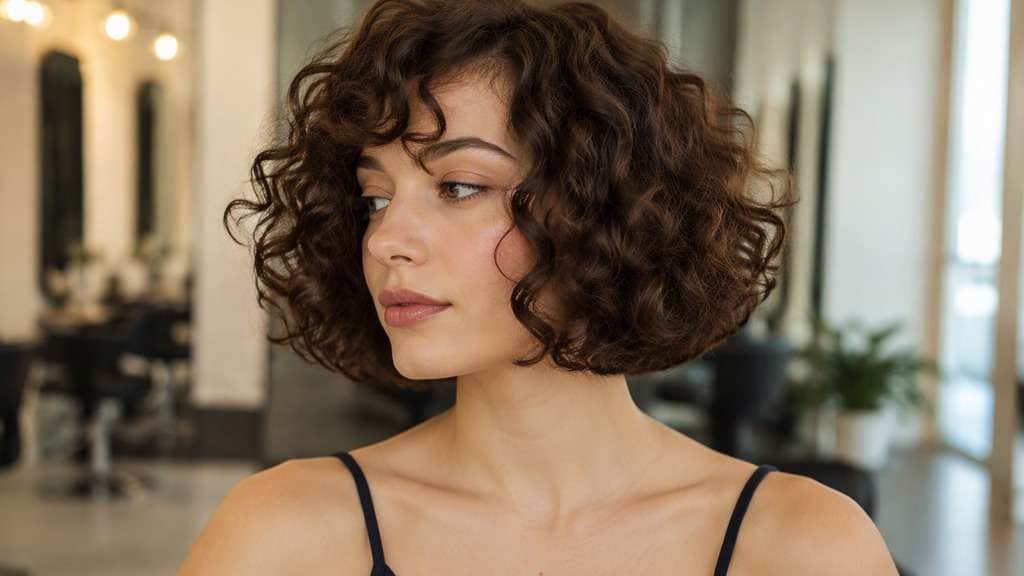
Curly Chin-Length Bob
Edit my original photo to show the following hairstyle, without replacing the person: True ringlet or curl definition with dry outline near chin and balanced width. Edit the hairstyle only on my supplied portrait. Keep my identity cues, face proportions, expression, clothes, original hair color and setting consistent. Show the actual perimeter clearly against the jaw, neck or shoulders, without exaggerated artificial density or altered facial geometry. Do not substitute a different haircut silhouette or significantly alter the intended length.
Sleek Tucked-Behind-Ear Bob
Keep the source portrait as the base and create this precise hairstyle: Chin-long polished hair tucked behind one ear while preserving the other side silhouette. Start from my own image and retain the same person, original face, makeup, attire, lighting, camera angle and background where possible. Leave the original camera framing in place, show believable hair strands and avoid changing makeup, outfit or facial structure. Do not substitute a different haircut silhouette or significantly alter the intended length.
Subtle Angled Chin Bob
Using my uploaded selfie, show what I would look like with: Back slightly shorter than the front; ends finish at the chin without dramatic stacked layers. Work from my provided selfie without altering the person, their skin tone, expression, shirt, setting or source lighting. Maintain the visual balance of the original portrait; avoid harsh compositing edges, extra hairpieces and unnaturally uniform strands. Do not substitute a different haircut silhouette or significantly alter the intended length.
Judge the Line Against Your Jaw
Know Where the Front Corners End
Hair ending at the chin creates a very different line from a bob reaching the shoulders. Compare the corner position beside your face, not just the overall hairstyle label.
Balance Width Beside the Cheeks
A flat cut and a rounded chin bob can occupy different amounts of space at the jaw. Test smooth sides against an airy curve without assuming either is universally flattering.
Preview the Neckline from a Better Angle
A chin-length bob preview is most useful when your photo shows neck and shoulders. A front-only image will not reliably reveal how short the back actually is.
Plan Around Everyday Styling
Shorter hair offers fewer ways to tie it back. Compare a polished tuck with natural texture and think about whether your normal morning routine supports the look.
How to Use the Chin Length Haircut Filter on Your Photo
For a useful chin landmark and neckline preview, start with a well-lit reference image and change one hairstyle detail at a time.
Step 1
Upload Your Photo
Upload a clear photo showing your face and hairline. Show both sides of your jaw and your neck. Natural lighting helps the new haircut align with the source photo.
Step 2
Choose a Haircut Filter or Enter a Prompt
Choose a haircut preset if available, or write a custom prompt such as "sleek chin-length bob ending close to jaw". Include the intended hair length, fringe and texture, and ask to keep the face and outfit.
Step 3
Click Generate
Click Generate to create your hairstyle preview. Compare the result with your original portrait, then refine one detail at a time. Download the image you want to keep as a style reference.
When you wonder how chin length hair on my photo would look, compare the precise decision that matters rather than asking for a generic bob.
Before a Big Chop
If your current hair is long, keep the same expression and outfit in the before/after so the face-framing change is easy to judge.
When Choosing Between Bob and Bixie
Test a jaw-level cut alongside a softer, layered shape before committing to a shorter pixie-bob hybrid.
Before Adding Bangs
A short fringe can make a chin bob feel dramatically different. Preview the bob without bangs first, then add one fringe option and compare.
What Media.io Users Say About Bob Hairstyle Previews
Alyssa M.
Salon Client
"Much more useful than a social filter" I wanted to know if a bob would actually suit my face, not just get a funny effect. Media.io gave me previews that looked polished and realistic enough to show my stylist.
Jenna R.
Beauty Content Creator
"Easy to compare several bob styles" I tested blunt, wavy, and curtain-bang versions from one selfie. The ability to generate multiple looks made this feel more like a real makeover tool than a random app filter.
Priya S.
Frequent Mobile User
"Worked well on my phone" I used it in my mobile browser without downloading anything. The results were quick, and the hairstyle blending looked surprisingly natural around my jawline and forehead.
Monica T.
Hair Stylist Assistant
"Helpful for consultation prep" Clients often ask to try a bob hairstyle before cutting. This made it easier to show different lengths and bangs visually, which helped narrow down the best direction faster.
The front usually finishes close to the chin or lower jaw. Ask for the tips to align with your chin in the photo; a cut ending near the ears is significantly shorter.
2. Will a chin bob make my face look wider?
Volume beside the cheeks can influence the overall silhouette, but there is no universal rule by face shape. Compare a narrow, sleek version with a rounder version on your portrait.
3. Can I put a chin-length haircut into a ponytail?
Usually not a full ponytail without pins or extensions. Front layers may be especially short, so factor your daily routine into the decision.
4. Is this the same as a French bob?
Not necessarily. A French bob often has a shorter, relaxed outline and may include bangs; a chin-level bob can be blunt, layered, straight or curly.
5. Which photo should I upload?
Use a photo with both sides of your jaw unobstructed, no heavy beauty filter and enough room around the neck. Avoid covering one cheek with long hair.
6. Can the filter show the exact back of the haircut?
Not from a front-facing image alone. A reference-aware edit can suggest the front outline, but ask your stylist to explain the back shape and upkeep.