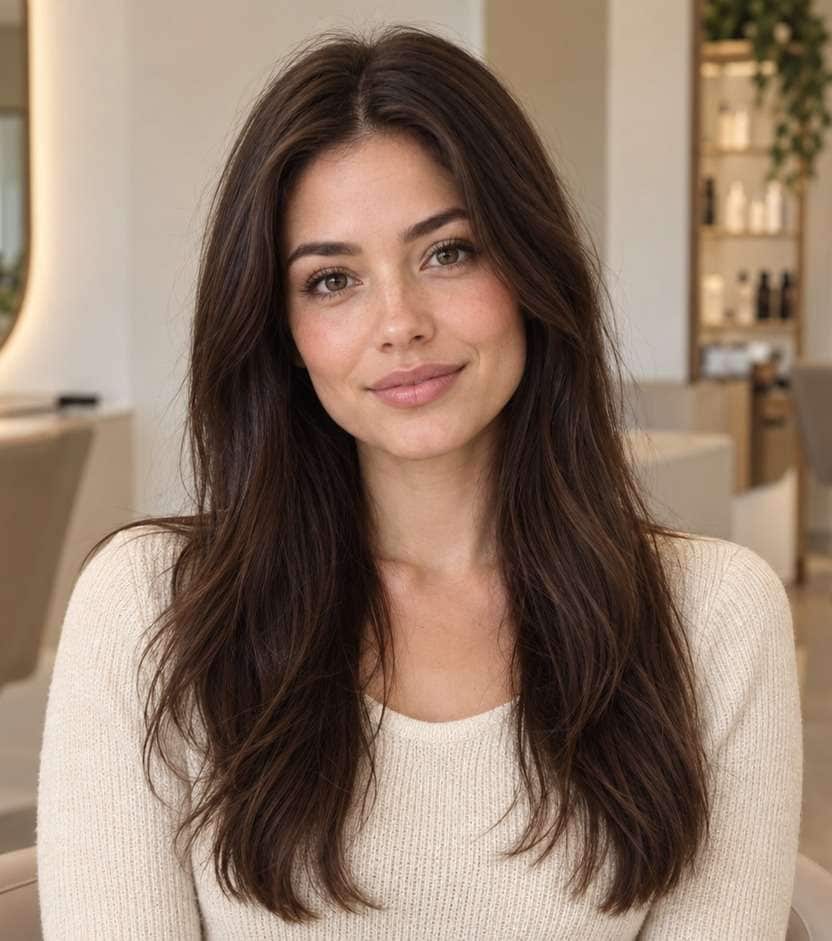
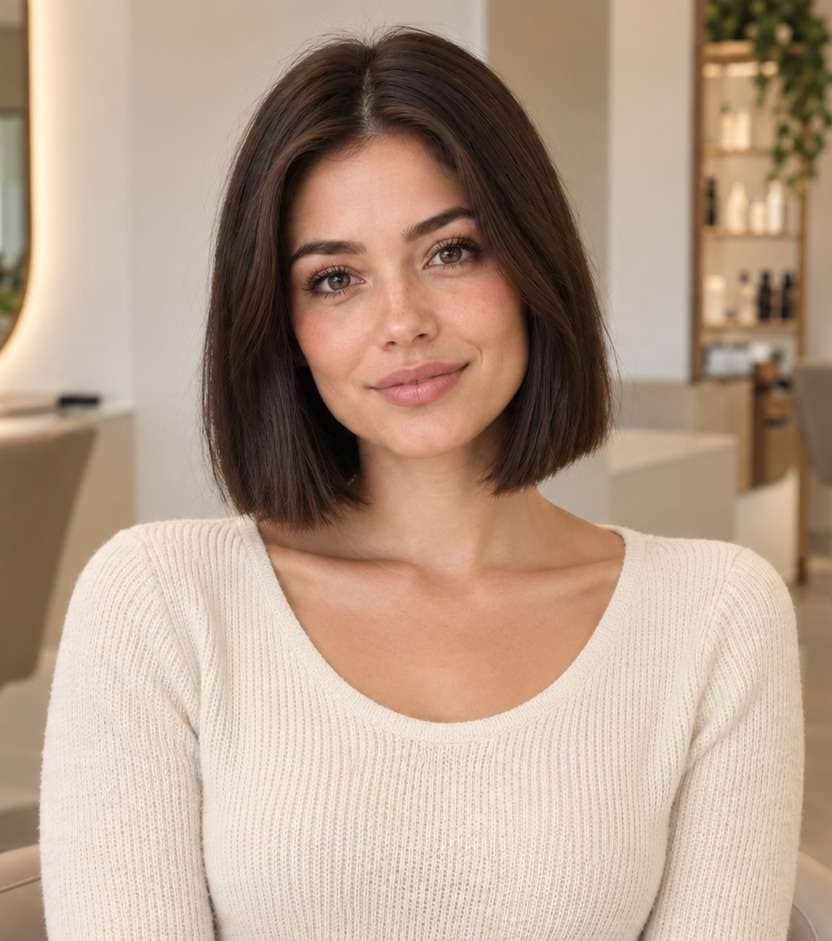
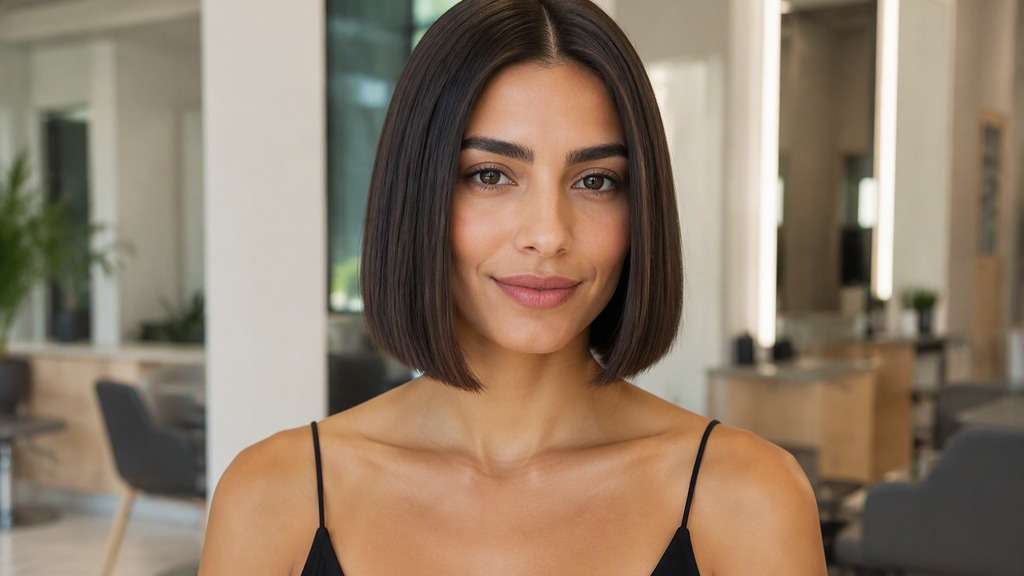
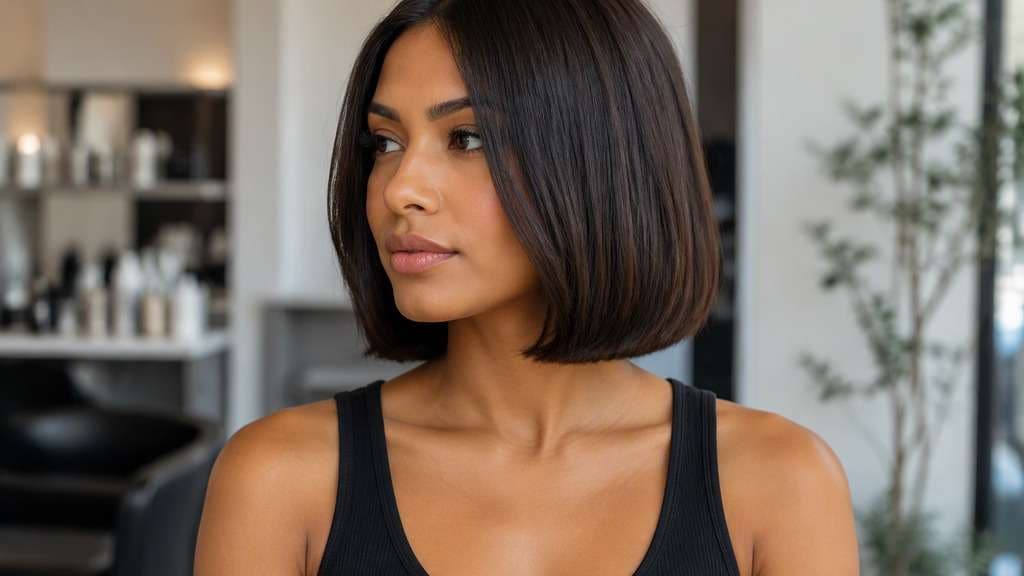
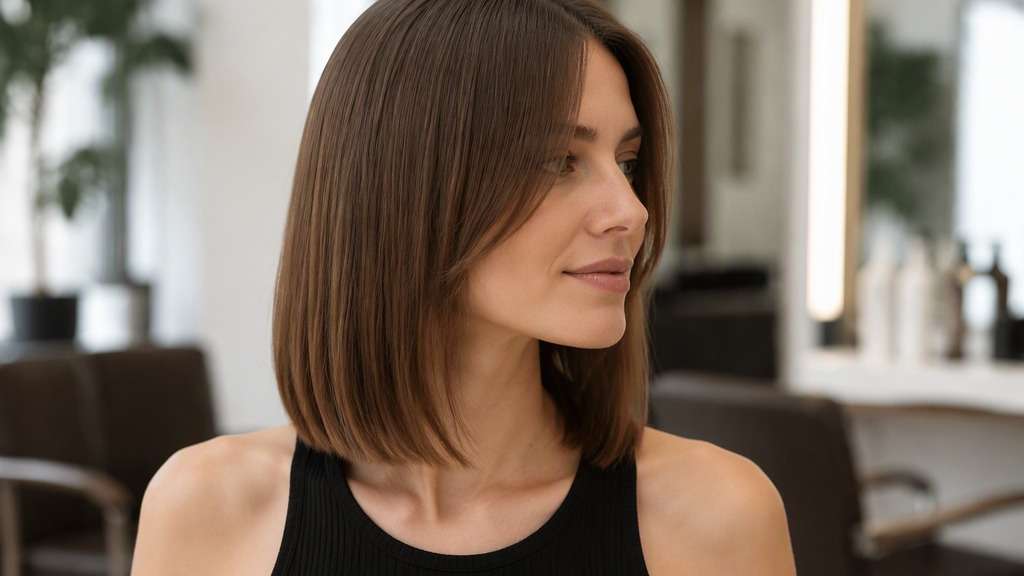
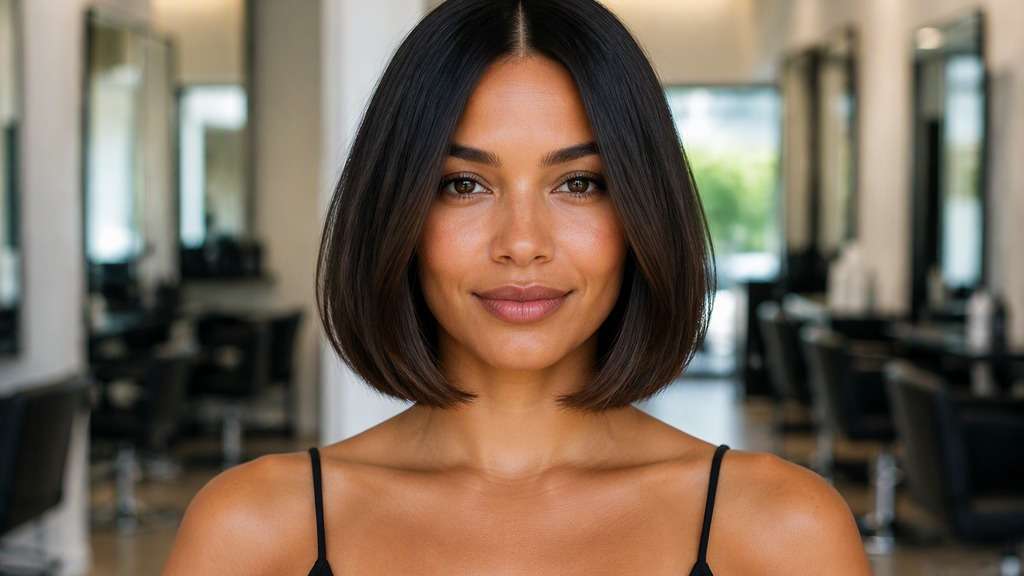
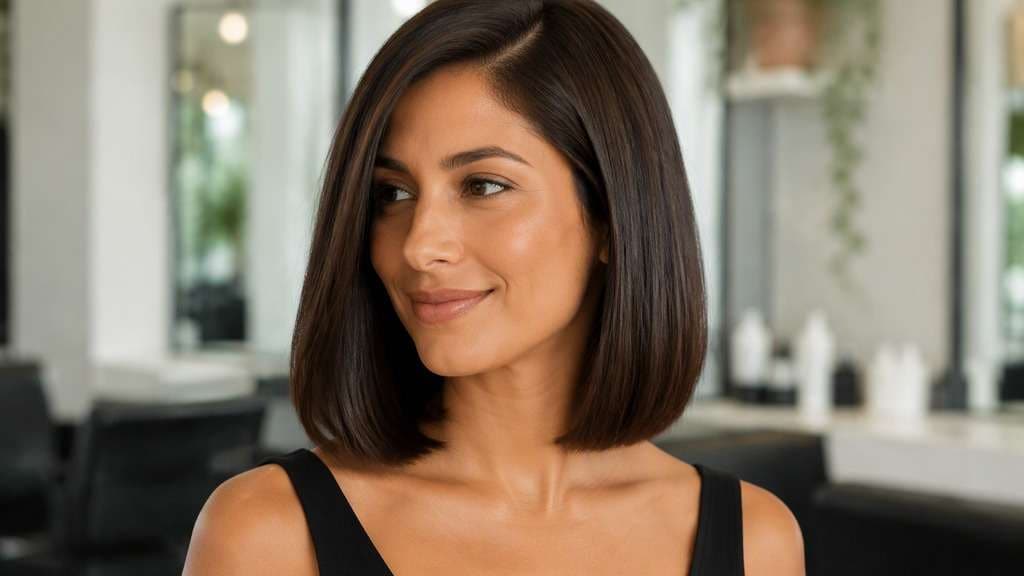
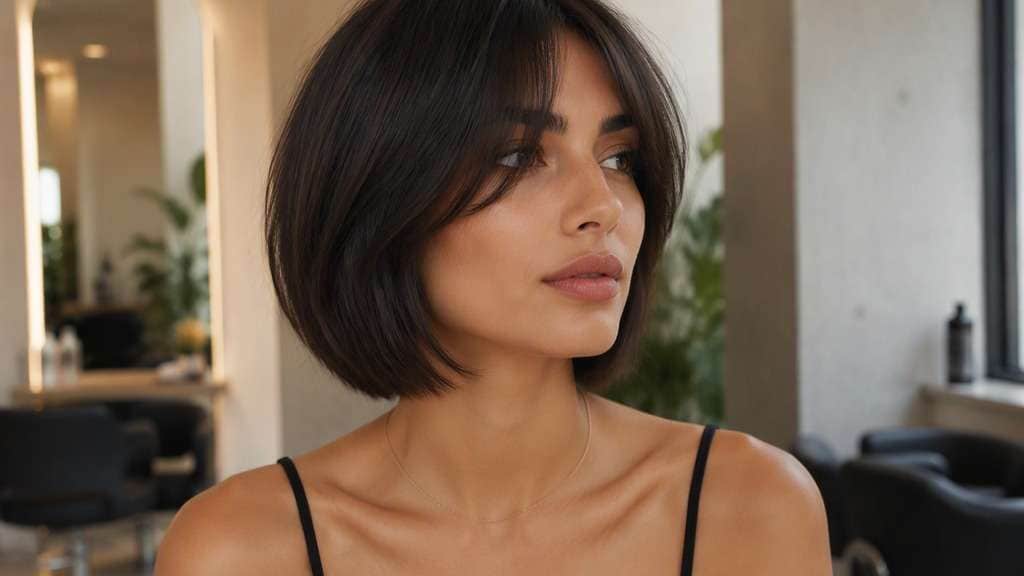
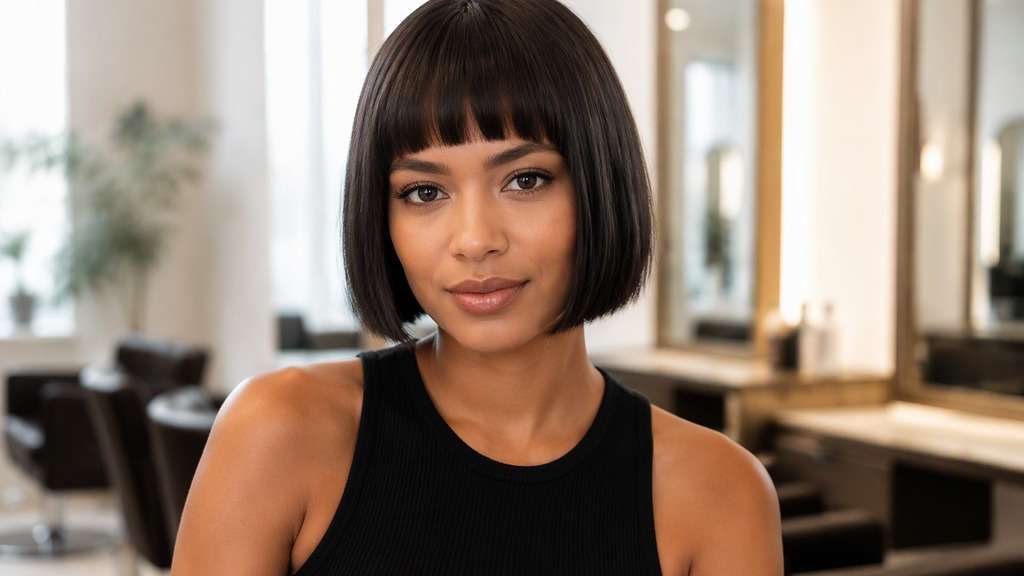
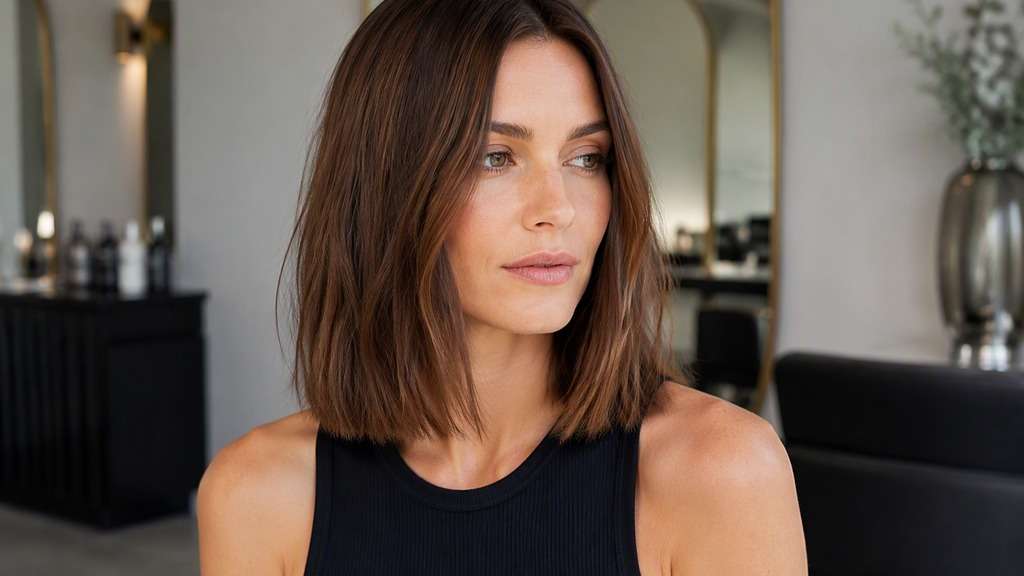
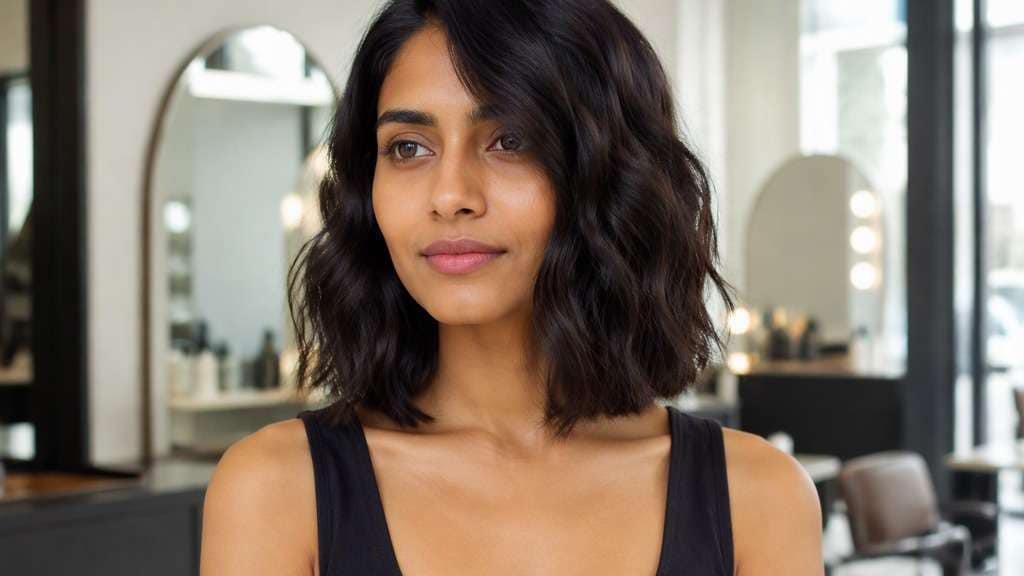
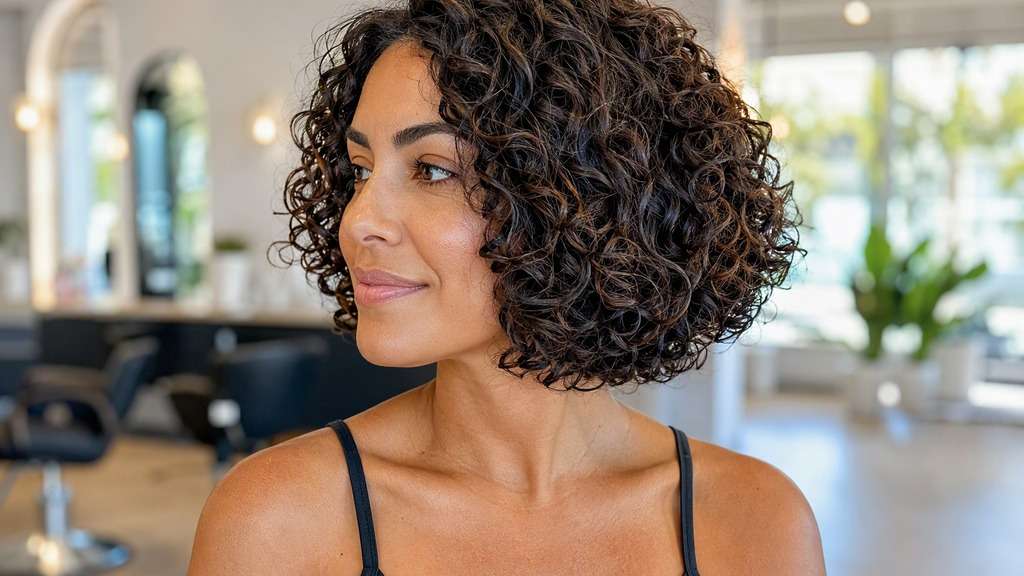
With a blunt bob, the cut line does the talking. Smooth, nearly one-length ends can make a bob feel graphic, full and deliberate—but even a slight change in where the edge lands shifts the whole impression. Use a blunt bob filter on your selfie to test a jaw-level perimeter, a slightly longer bob and different partings before committing to that sharp finish.
Make sure your jaw and both sides of the neck are visible.
Unlike layered bobs, these looks keep the bottom line intentionally solid. Compare different heights, density and partings; if you add texture, keep the visible perimeter.
Classic Jaw-Level Blunt Bob
In my uploaded portrait, change only the hair to this specific cut: Uniform jaw-level straight weight line, precise center part and naturally glossy strands. Preserve the recognizable facial features, expression, skin tone, existing hair color, clothing, camera perspective and background of the uploaded photo. Avoid an airbrushed wig look; show believable roots, natural strand separation and enough of the neckline to judge length. Keep the lower weight line intact; do not introduce choppy layers or a wolf cut.
Chin-Length Precision Bob
Use the person in my reference image and preview this haircut: Even blunt ends finishing exactly at lower chin, barely inward-tucked tips. Use the uploaded photo as the reference; keep the original facial features, hair shade, skin tone, outfit, posture and room lighting recognizable. Keep the result photorealistic and cut-specific, with natural flyaways and a hairline that blends with the original photo. Keep the lower weight line intact; do not introduce choppy layers or a wolf cut.
Neck-Length Blunt Bob
Edit my original photo to show the following hairstyle, without replacing the person: Longer blunt line at middle neck with dense but believable ends. Edit the hairstyle only on my supplied portrait. Keep my identity cues, face proportions, expression, clothes, original hair color and setting consistent. Show the actual perimeter clearly against the jaw, neck or shoulders, without exaggerated artificial density or altered facial geometry. Keep the lower weight line intact; do not introduce choppy layers or a wolf cut.
Middle-Part Blunt Bob
Keep the source portrait as the base and create this precise hairstyle: A strong centered part and strictly symmetrical smooth bob falling below jaw. Start from my own image and retain the same person, original face, makeup, attire, lighting, camera angle and background where possible. Leave the original camera framing in place, show believable hair strands and avoid changing makeup, outfit or facial structure. Keep the lower weight line intact; do not introduce choppy layers or a wolf cut.
Deep Side-Part Blunt Bob
Using my uploaded selfie, show what I would look like with: Identical one-length cut with a deep soft side part and unbroken lower edge. Work from my provided selfie without altering the person, their skin tone, expression, shirt, setting or source lighting. Maintain the visual balance of the original portrait; avoid harsh compositing edges, extra hairpieces and unnaturally uniform strands. Keep the lower weight line intact; do not introduce choppy layers or a wolf cut.
Blunt Bob with Curtain Bangs
In my uploaded portrait, change only the hair to this specific cut: Full-edged neck-length bob with lightweight curtain fringe framing cheekbones. Preserve the recognizable facial features, expression, skin tone, existing hair color, clothing, camera perspective and background of the uploaded photo. Avoid an airbrushed wig look; show believable roots, natural strand separation and enough of the neckline to judge length. Keep the lower weight line intact; do not introduce choppy layers or a wolf cut.
Blunt Bob with Full Fringe
Use the person in my reference image and preview this haircut: Straight eyebrow bangs above smooth sharply level jaw-length ends. Use the uploaded photo as the reference; keep the original facial features, hair shade, skin tone, outfit, posture and room lighting recognizable. Keep the result photorealistic and cut-specific, with natural flyaways and a hairline that blends with the original photo. Keep the lower weight line intact; do not introduce choppy layers or a wolf cut.
Slightly Textured Blunt Bob
Edit my original photo to show the following hairstyle, without replacing the person: Subtle surface bend and separated strands while maintaining a solid one-length perimeter. Edit the hairstyle only on my supplied portrait. Keep my identity cues, face proportions, expression, clothes, original hair color and setting consistent. Show the actual perimeter clearly against the jaw, neck or shoulders, without exaggerated artificial density or altered facial geometry. Keep the lower weight line intact; do not introduce choppy layers or a wolf cut.
Fine-Hair Blunt Bob
Keep the source portrait as the base and create this precise hairstyle: Realistic fine strands with full-looking blunt bottom and no artificial density boost. Start from my own image and retain the same person, original face, makeup, attire, lighting, camera angle and background where possible. Leave the original camera framing in place, show believable hair strands and avoid changing makeup, outfit or facial structure. Keep the lower weight line intact; do not introduce choppy layers or a wolf cut.
Curly Blunt-Outline Bob
Using my uploaded selfie, show what I would look like with: Natural curls shaped to visually even dry perimeter near jaw, no flattened coils. Work from my provided selfie without altering the person, their skin tone, expression, shirt, setting or source lighting. Maintain the visual balance of the original portrait; avoid harsh compositing edges, extra hairpieces and unnaturally uniform strands. Keep the lower weight line intact; do not introduce choppy layers or a wolf cut.
Find the Right Balance of Precision and Softness
Choose the Weight-Line Height
A blunt perimeter just below the chin has a different effect from one at the middle of the neck. Use your chin and collar as landmarks when comparing.
Check Fullness at the Ends
A straight baseline may make fine hair appear fuller in a photo. The straight blunt bob try on should retain believable density rather than doubling the amount of hair.
Contrast a Center and Side Part
The haircut can stay identical while the part changes balance around your eyes and cheekbones. Compare these separately so you know which element you like.
Keep the Outline from Becoming a Wig
Ask for normal stray strands and believable roots. A blunt bob haircut ai edit should have a crisp cut edge, not a perfectly rigid helmet.
How to Use the Blunt Bob Filter on Your Photo
For a useful weight line rather than layers preview, start with a well-lit reference image and change one hairstyle detail at a time.
Step 1
Upload Your Photo
Upload a clear photo showing your face and hairline. Make sure your jaw and both sides of the neck are visible. Natural lighting helps the new haircut align with the source photo.
Step 2
Choose a Haircut Filter or Enter a Prompt
Choose a haircut preset if available, or write a custom prompt such as "precise, straight jaw-length blunt bob with full even ends". Include the intended hair length, fringe and texture, and ask to keep the face and outfit.
Step 3
Click Generate
Click Generate to create your hairstyle preview. Compare the result with your original portrait, then refine one detail at a time. Download the image you want to keep as a style reference.
A sharply cut bob can be versatile, but it asks you to be specific about finish and maintenance.
Going from Long Layers to One Length
Compare a weighted bob with your current layered shape; the biggest change may be the cleaner bottom edge rather than the shorter length alone.
Choosing a Bob for Fine Hair
Preview even ends with modest natural movement. Then discuss with your stylist how much graduation would work with your real density.
Before a Precise Salon Appointment
Bring a reference where both side lengths visibly agree and the bottom edge is easy to see against your neck.
What Media.io Users Say About Bob Hairstyle Previews
Alyssa M.
Salon Client
"Much more useful than a social filter" I wanted to know if a bob would actually suit my face, not just get a funny effect. Media.io gave me previews that looked polished and realistic enough to show my stylist.
Jenna R.
Beauty Content Creator
"Easy to compare several bob styles" I tested blunt, wavy, and curtain-bang versions from one selfie. The ability to generate multiple looks made this feel more like a real makeover tool than a random app filter.
Priya S.
Frequent Mobile User
"Worked well on my phone" I used it in my mobile browser without downloading anything. The results were quick, and the hairstyle blending looked surprisingly natural around my jawline and forehead.
Monica T.
Hair Stylist Assistant
"Helpful for consultation prep" Clients often ask to try a bob hairstyle before cutting. This made it easier to show different lengths and bangs visually, which helped narrow down the best direction faster.
1. What makes a blunt bob different from a layered bob?
Its perimeter is cut into a clear, relatively uniform weight line. Layered bobs deliberately remove weight and introduce more visible staggered lengths.
2. Can a blunt bob have waves?
Yes. Styling waves soften the surface, but the base haircut can still have an even perimeter. Request waves without extra choppy layers.
3. Does blunt hair always look thicker?
The solid edge can create the visual impression of fullness, especially on fine hair, but an image edit cannot actually increase real hair density.
4. Should a blunt bob be chin length?
Not necessarily. Jaw-level, neck-level and longer blunt bobs are all possible; specify your chosen endpoint in the prompt.
5. Can the simulator keep my natural color?
Yes, ask it to change only the haircut. Compare versions using the same source portrait and lighting for consistency.
6. How often will a real blunt bob need trimming?
The straight line becomes less crisp as hair grows. Maintenance depends on growth and preferred precision; a stylist can suggest a practical schedule.