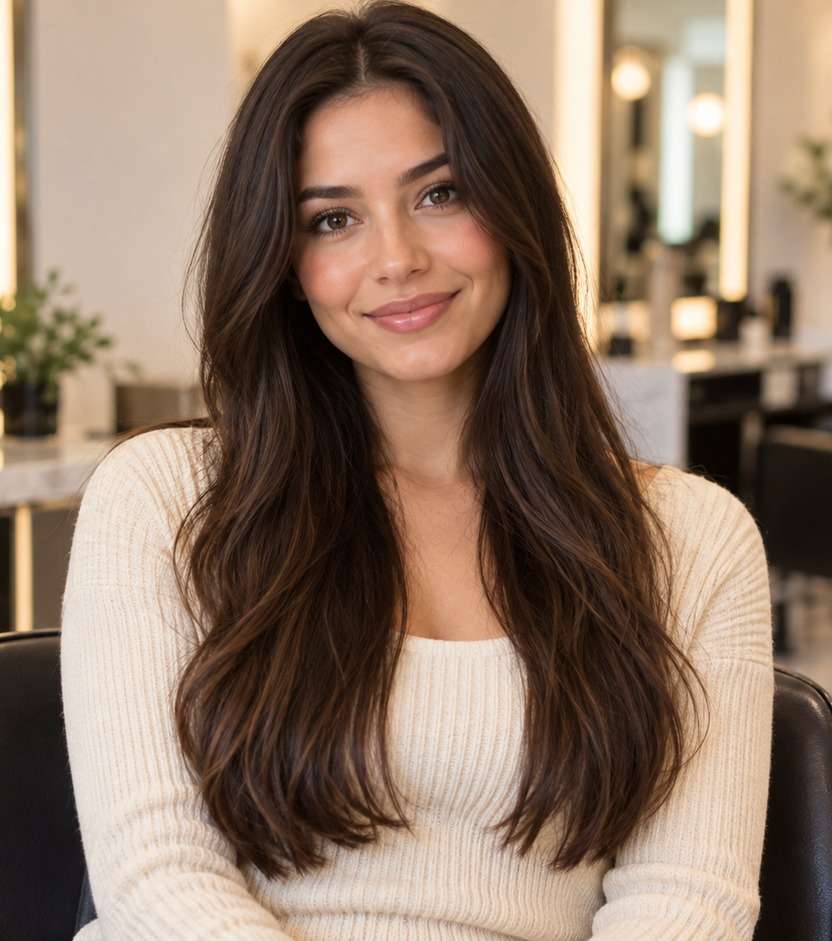
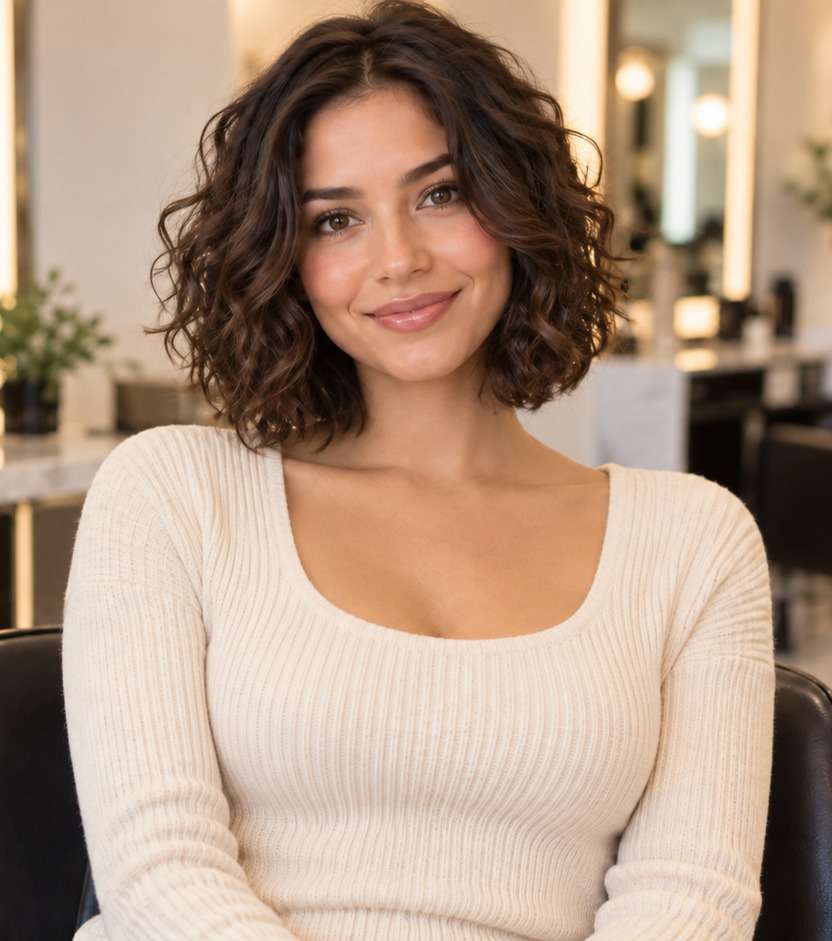
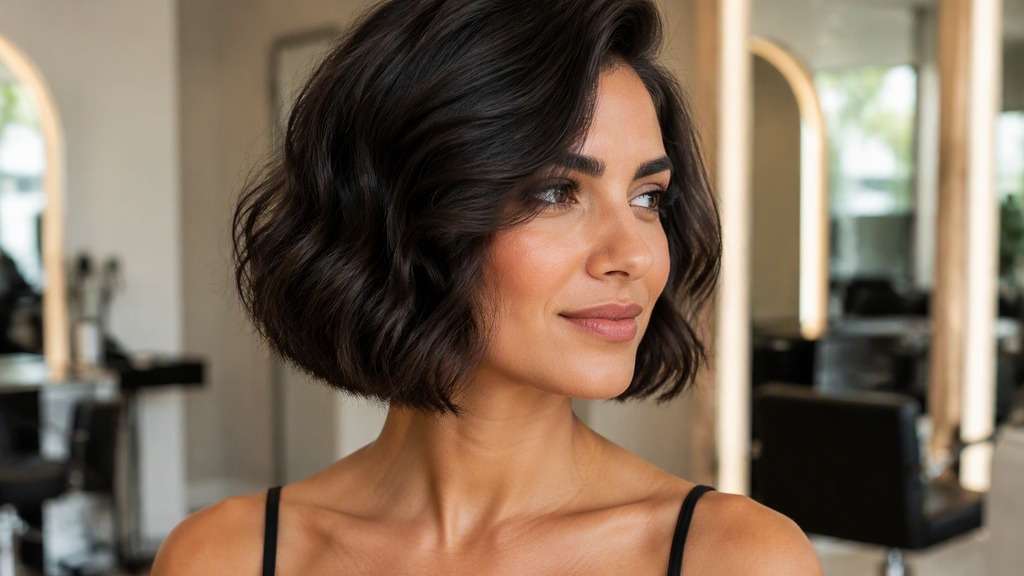
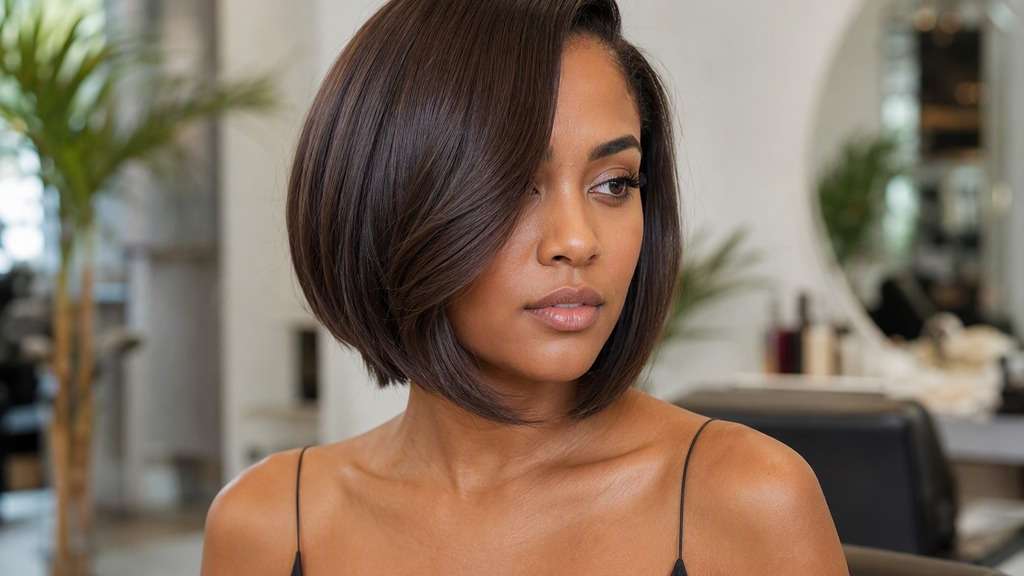
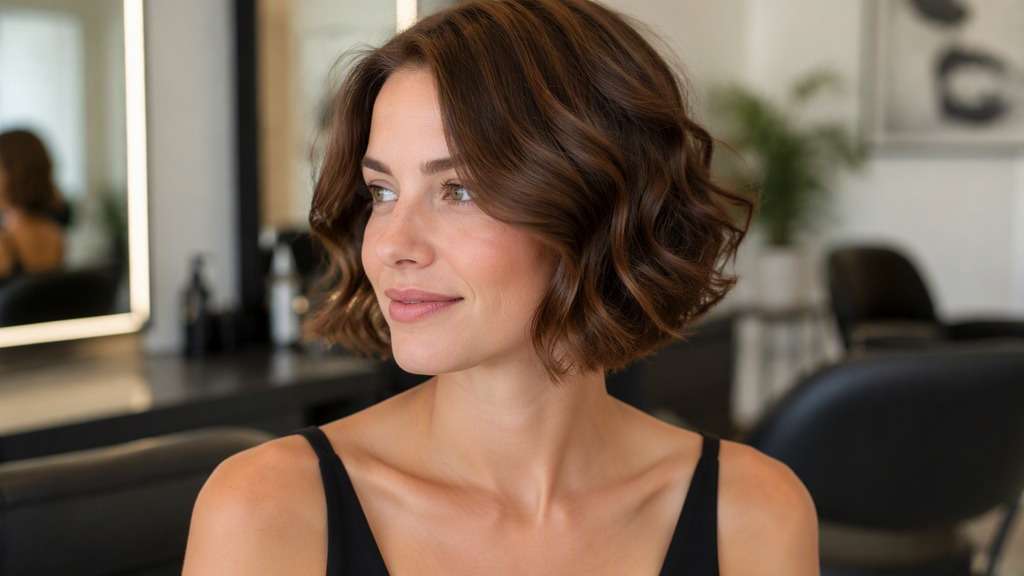
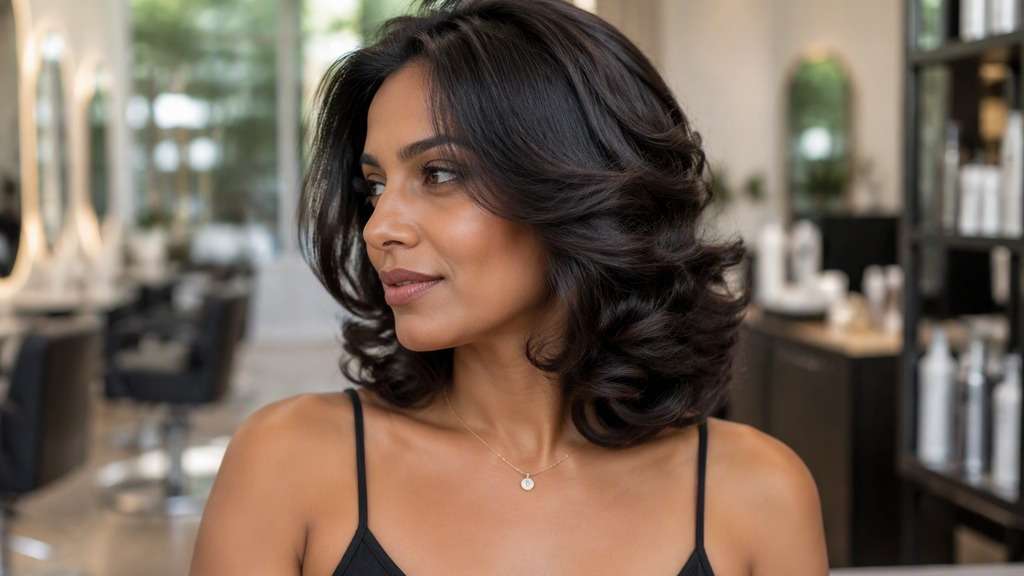
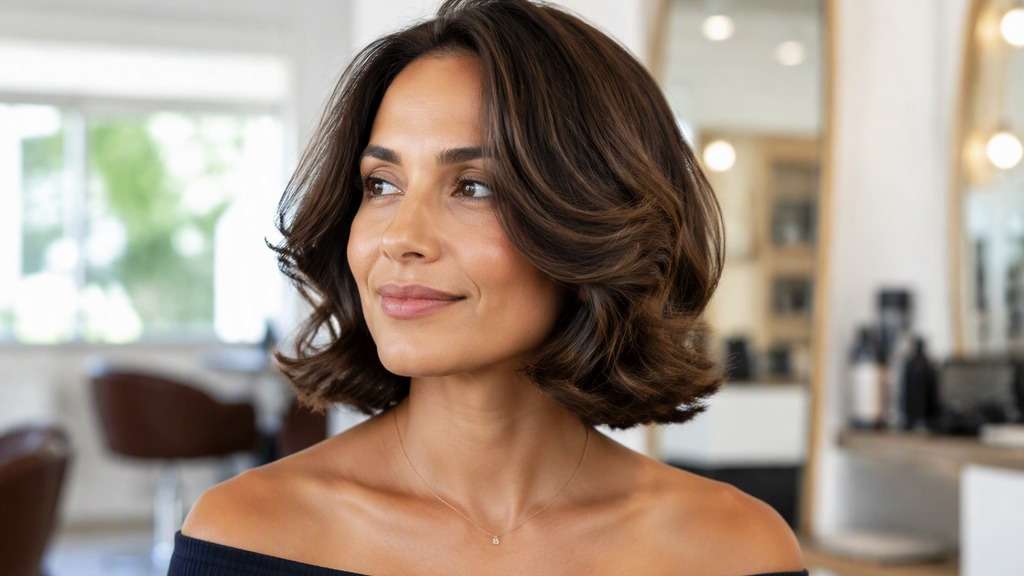
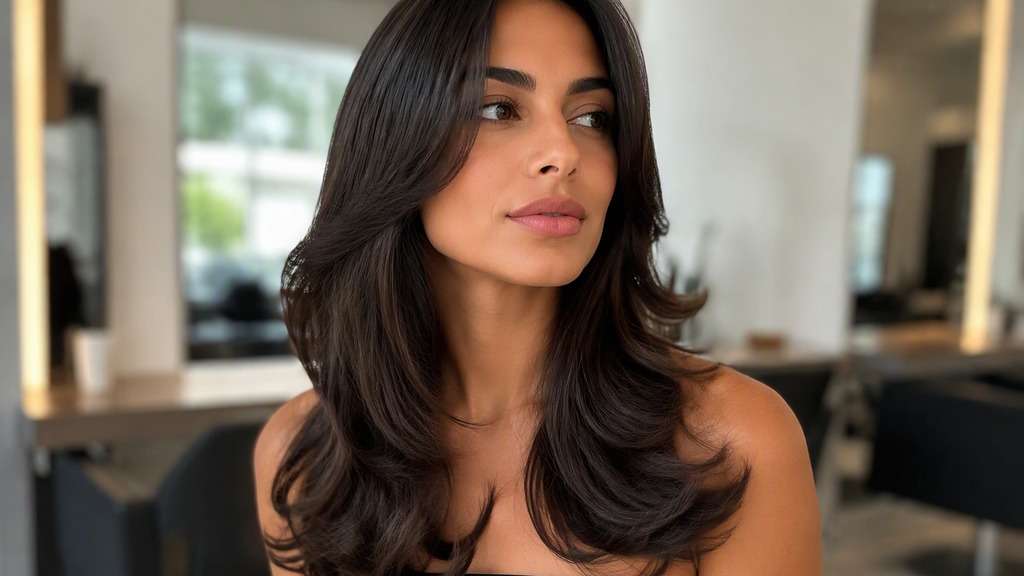
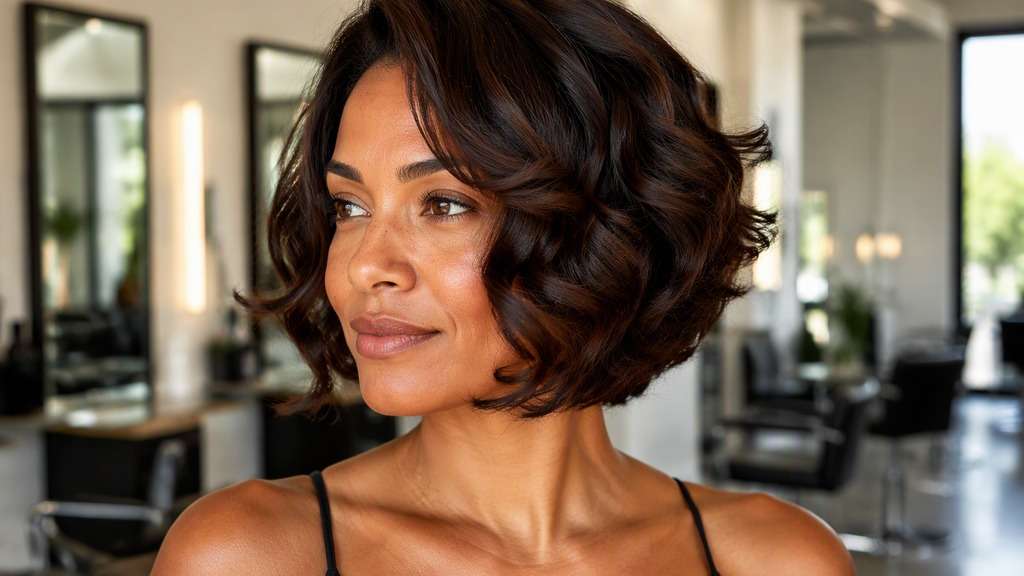
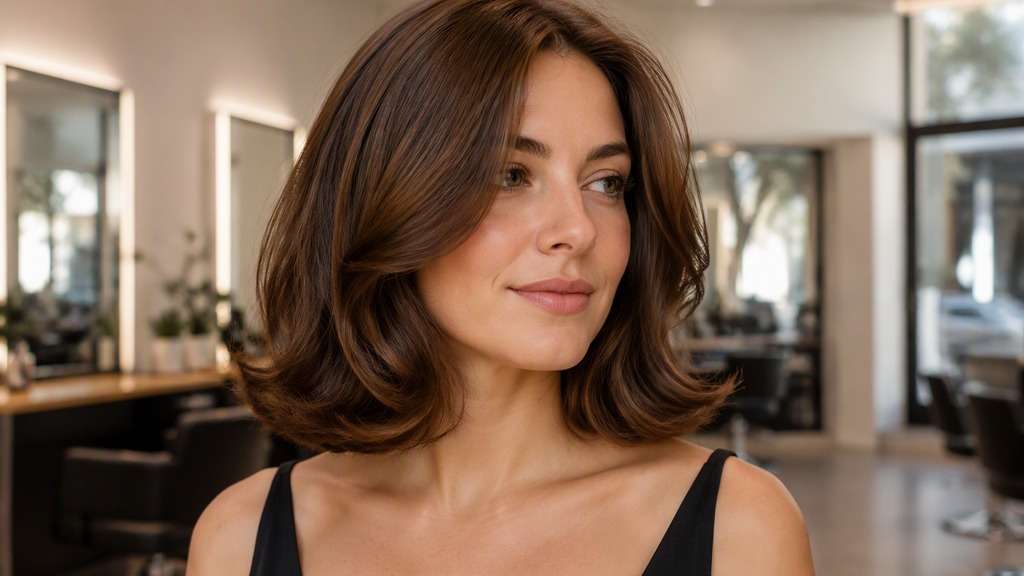
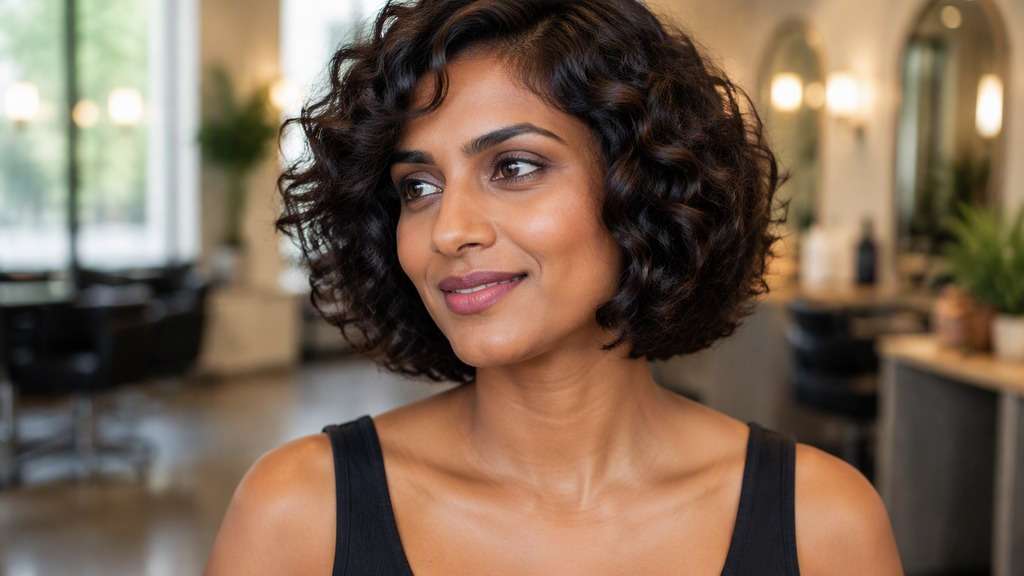
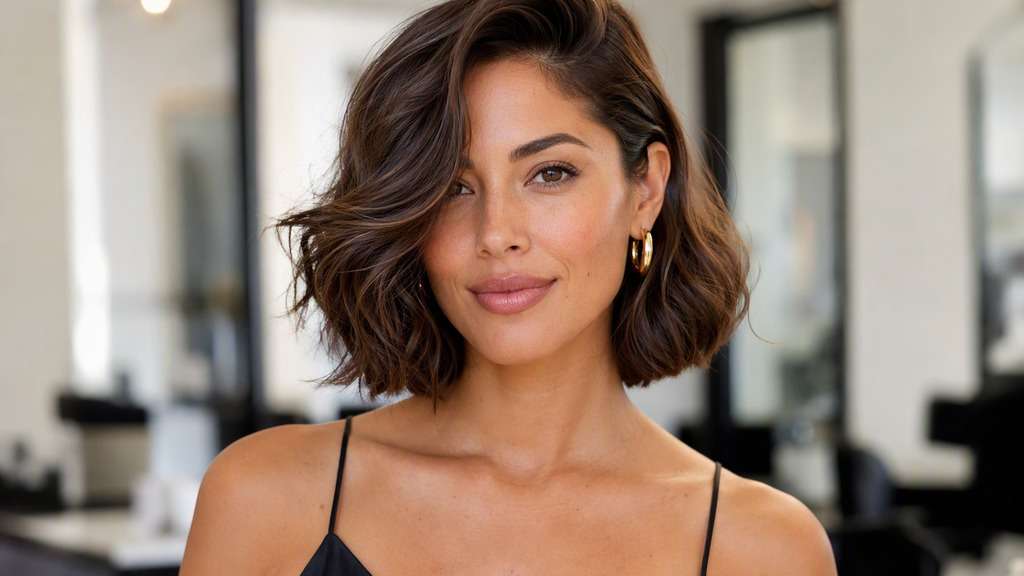
Think of a bob styled into soft, substantial curls that frame the face rather than lying flat. A baroque bob filter lets you try that polished, vintage-leaning fullness on your own portrait, comparing wide brushed-out waves, deep side parts and more restrained everyday versions before choosing a glam hairstyle.
Leave space around both sides of your head for visible curls.
This look is defined as much by styling as by the cut. Keep the bob-length base visible, then decide how sculpted or relaxed the curls should be.
Classic Baroque Waves
In my uploaded portrait, change only the hair to this specific cut: Jaw-to-neck bob with wide brushed-out side-parted sculpted S-waves and glossy individual strands. Preserve the recognizable facial features, expression, skin tone, existing hair color, clothing, camera perspective and background of the uploaded photo. Avoid an airbrushed wig look; show believable roots, natural strand separation and enough of the neckline to judge length. Keep a visible bob haircut beneath the styling, not waist-length glamorous hair.
Old-Hollywood Baroque Bob
Use the person in my reference image and preview this haircut: Deep side part and long smooth front wave curving toward cheekbone over bob perimeter. Use the uploaded photo as the reference; keep the original facial features, hair shade, skin tone, outfit, posture and room lighting recognizable. Keep the result photorealistic and cut-specific, with natural flyaways and a hairline that blends with the original photo. Keep a visible bob haircut beneath the styling, not waist-length glamorous hair.
Soft Baroque Bob
Edit my original photo to show the following hairstyle, without replacing the person: Relaxed bigger curls with lower volume and a less formal neck-length bob. Edit the hairstyle only on my supplied portrait. Keep my identity cues, face proportions, expression, clothes, original hair color and setting consistent. Show the actual perimeter clearly against the jaw, neck or shoulders, without exaggerated artificial density or altered facial geometry. Keep a visible bob haircut beneath the styling, not waist-length glamorous hair.
Maximum-Volume Baroque Bob
Keep the source portrait as the base and create this precise hairstyle: Full-bodied brushed curls with believable roots and defined lower jaw-to-neck outline. Start from my own image and retain the same person, original face, makeup, attire, lighting, camera angle and background where possible. Leave the original camera framing in place, show believable hair strands and avoid changing makeup, outfit or facial structure. Keep a visible bob haircut beneath the styling, not waist-length glamorous hair.
Center-Parted Sculpted Bob
Using my uploaded selfie, show what I would look like with: Symmetrical large soft curls around both cheeks, neck-length base maintained. Work from my provided selfie without altering the person, their skin tone, expression, shirt, setting or source lighting. Maintain the visual balance of the original portrait; avoid harsh compositing edges, extra hairpieces and unnaturally uniform strands. Keep a visible bob haircut beneath the styling, not waist-length glamorous hair.
Baroque Bob with Flipped Ends
In my uploaded portrait, change only the hair to this specific cut: Loose glamorous front waves with outward-swept curved lower tips. Preserve the recognizable facial features, expression, skin tone, existing hair color, clothing, camera perspective and background of the uploaded photo. Avoid an airbrushed wig look; show believable roots, natural strand separation and enough of the neckline to judge length. Keep a visible bob haircut beneath the styling, not waist-length glamorous hair.
Shorter Baroque Curl Bob
Use the person in my reference image and preview this haircut: Chin-level curled silhouette, polished sculpted bends and open neck. Use the uploaded photo as the reference; keep the original facial features, hair shade, skin tone, outfit, posture and room lighting recognizable. Keep the result photorealistic and cut-specific, with natural flyaways and a hairline that blends with the original photo. Keep a visible bob haircut beneath the styling, not waist-length glamorous hair.
Long Baroque Bob
Edit my original photo to show the following hairstyle, without replacing the person: Collarbone-skimming voluminous lob with vintage curved waves and full ends. Edit the hairstyle only on my supplied portrait. Keep my identity cues, face proportions, expression, clothes, original hair color and setting consistent. Show the actual perimeter clearly against the jaw, neck or shoulders, without exaggerated artificial density or altered facial geometry. Keep a visible bob haircut beneath the styling, not waist-length glamorous hair.
Natural-Curl Baroque Adaptation
Keep the source portrait as the base and create this precise hairstyle: Preserve defined original curl texture but style into a more rounded formal bob silhouette. Start from my own image and retain the same person, original face, makeup, attire, lighting, camera angle and background where possible. Leave the original camera framing in place, show believable hair strands and avoid changing makeup, outfit or facial structure. Keep a visible bob haircut beneath the styling, not waist-length glamorous hair.
Side-Swept Evening Bob
Using my uploaded selfie, show what I would look like with: Neck-length bouncy bob, one side tucked behind ear and other styled into big wave. Work from my provided selfie without altering the person, their skin tone, expression, shirt, setting or source lighting. Maintain the visual balance of the original portrait; avoid harsh compositing edges, extra hairpieces and unnaturally uniform strands. Keep a visible bob haircut beneath the styling, not waist-length glamorous hair.
Find the Right Amount of Baroque Drama
Separate the Haircut from the Curls
The same jaw-to-neck bob can look modest when straight and lavish when curled. Test the styling effect before assuming you need a completely different haircut.
Choose Wide Waves or Tighter Rolls
Large brushed curls create smooth sculpted arcs. Smaller, dense curls change the texture and silhouette dramatically, so specify the curl size.
Watch Volume Around the Face
A baroque bob ai filter can add significant width near the cheeks; compare a wide side sweep with a closer-to-the-head finish.
Keep Glamour Believable
The voluminous curled bob photo should show real-looking individual strands and natural roots, not uniformly molded plastic hair.
How to Use the Baroque Bob Filter on Your Photo
For a useful baroque styling vs base cut preview, start with a well-lit reference image and change one hairstyle detail at a time.
Step 1
Upload Your Photo
Upload a clear photo showing your face and hairline. Leave space around both sides of your head for visible curls. Natural lighting helps the new haircut align with the source photo.
Step 2
Choose a Haircut Filter or Enter a Prompt
Choose a haircut preset if available, or write a custom prompt such as "neck-length bob with sculpted brushed out large curls and deep side part". Include the intended hair length, fringe and texture, and ask to keep the face and outfit.
Step 3
Click Generate
Click Generate to create your hairstyle preview. Compare the result with your original portrait, then refine one detail at a time. Download the image you want to keep as a style reference.
The question is usually how much occasion-ready volume you want from a relatively short haircut.
For a Formal Event
Compare an expansive brushed-out curl pattern with softer waves before choosing hair, makeup and outfit details.
Trying a Vintage-Inspired Makeover
Preview a deep side part and old-Hollywood bend on your familiar face instead of borrowing a celebrity's proportions.
Deciding Whether a Bob Can Look Dressy
Keep the bob length constant and change the finish; this reveals how styling—not just cutting—creates the dramatic effect.
What Media.io Users Say About Bob Hairstyle Previews
Alyssa M.
Salon Client
"Much more useful than a social filter" I wanted to know if a bob would actually suit my face, not just get a funny effect. Media.io gave me previews that looked polished and realistic enough to show my stylist.
Jenna R.
Beauty Content Creator
"Easy to compare several bob styles" I tested blunt, wavy, and curtain-bang versions from one selfie. The ability to generate multiple looks made this feel more like a real makeover tool than a random app filter.
Priya S.
Frequent Mobile User
"Worked well on my phone" I used it in my mobile browser without downloading anything. The results were quick, and the hairstyle blending looked surprisingly natural around my jawline and forehead.
Monica T.
Hair Stylist Assistant
"Helpful for consultation prep" Clients often ask to try a bob hairstyle before cutting. This made it easier to show different lengths and bangs visually, which helped narrow down the best direction faster.
It is a glamorous, full-bodied bob styling trend associated with sculpted curls, brushed waves and a polished vintage-influenced silhouette.
2. Is baroque bob a different haircut from Italian bob?
They can overlap in their fuller bob base. Baroque usually describes more elaborate curled styling, while Italian bob references a substantial, swingy cut and its everyday volume.
3. Can I preview baroque curls without changing my haircut length?
Yes. Ask the AI to maintain your bob perimeter and transform only texture, curl direction and parting.
4. Are baroque bob curls naturally low maintenance?
Not necessarily. Sculpted, brushed-out waves may require styling tools, setting and products. The image is a look reference, not a daily-care estimate.
5. Does it work on naturally curly hair?
It can inspire a curl-based version, but real curl patterns differ from brushed vintage waves. Specify whether you want to preserve your natural texture.
6. Which source photo gives the clearest result?
Use a well-lit portrait with some space on each side of the head so the wider curl shape and the neck-level ends can both be seen.