Seleziona / @ carattere, descrivi la scena che desideri generare.
0/2000
9:16
1K
1
Unlimited Banana Pro
Creations
Ideas Hub
How It Works
All
Popular features
View All
Sfida creativa di Halloween
View All
Storia di Frutta con IA
View All
Video Storia con AI
View All
Video virali oggi
View All
Video di prodotti IA
View All
Personaggio AI
View All
Tendenze di Danza
View All
GPT Image 2
View All
Seedance 2.0
View All
Match Celebrità con AI
View All
Suggerimenti per Pose di Coppia
View All
Prompt di Pose per Ragazze AI Estetiche
View All
Prompt di Pose per Ragazzo AI Elegante
View All
Generate List
Creations are stored for only 7 days. Assets created after upgrading to a Membership plan will be stored permanently.
Unlock your creative potential and experience the magic of Media AI right away!
Crea un Mockup Realistico di Tablet Online dalla Tua Immagine
Trasforma il tuo screenshot, design o immagine di prodotto in un raffinato mockup tablet in pochi minuti. Media.io ti aiuta a creare scene da scrivania, scatti con dispositivo in mano e immagini pronte per presentazioni con un facile flusso di lavoro generatore di tablet basato su browser.
Scrivi la tua idea -> L'IA la progetta. Gratis da provare.
Esamina questi esempi di istruzioni, poi personalizza i dettagli del prompt per ottenere risultati migliori con questo Mockup Tablet.
Scrivania Scandinava Flat Lay
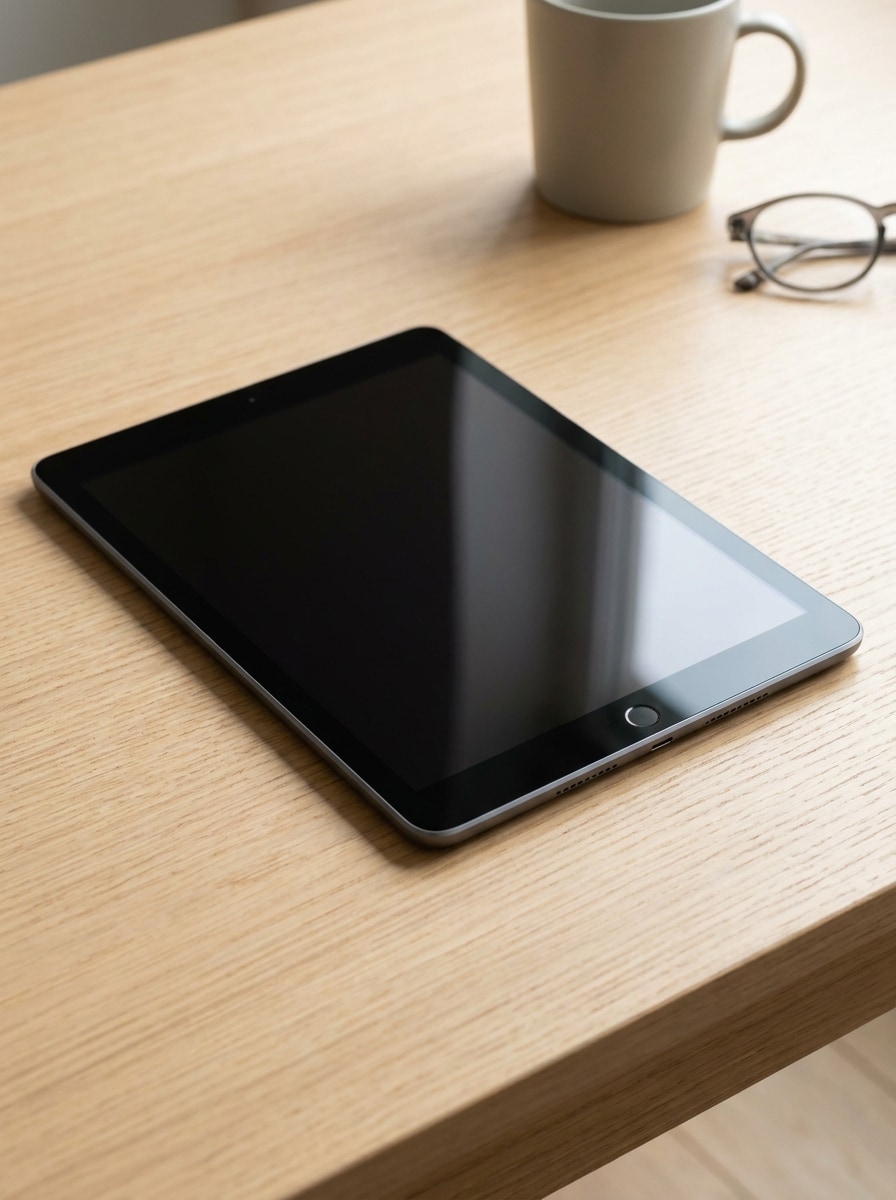
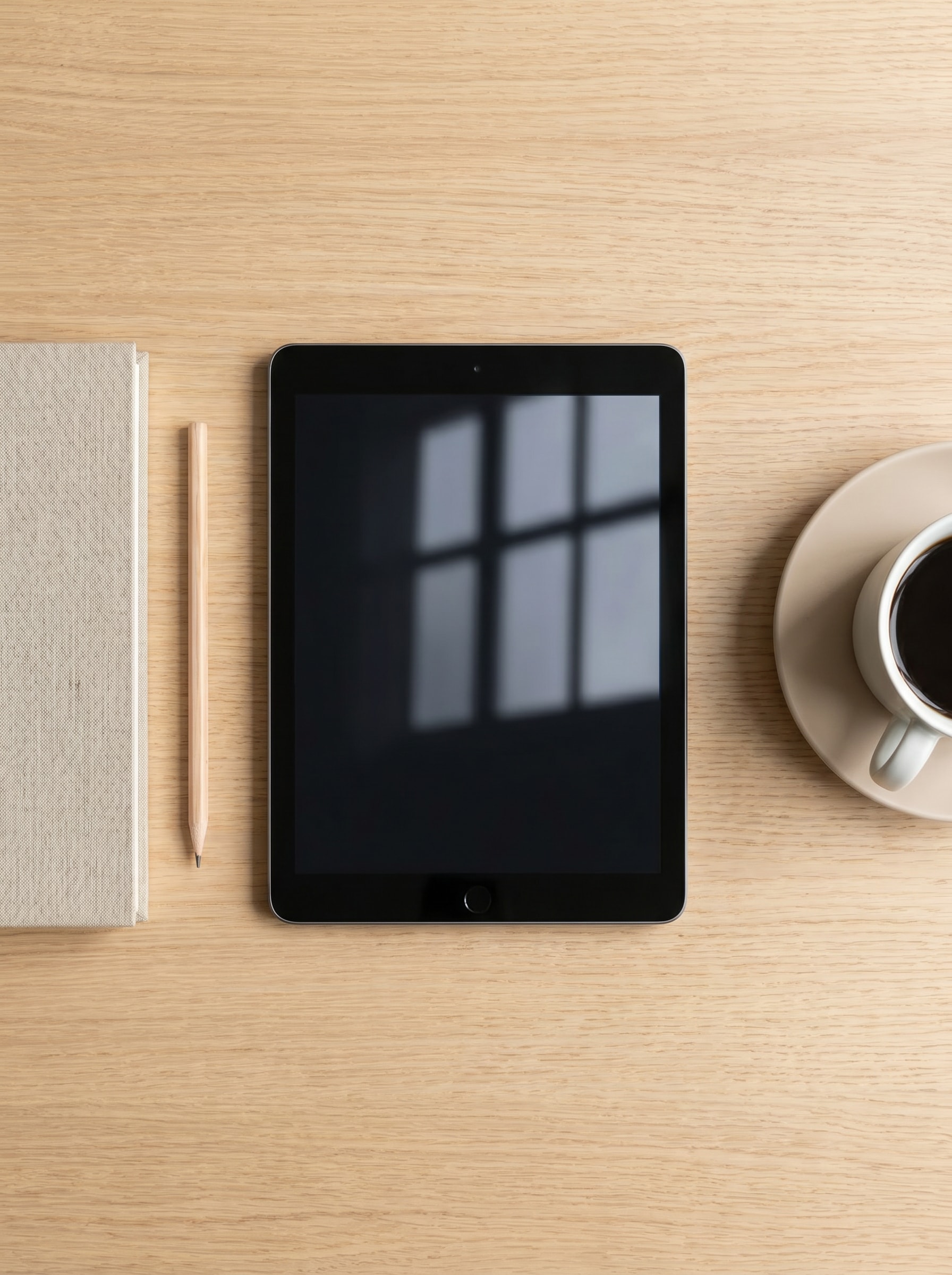
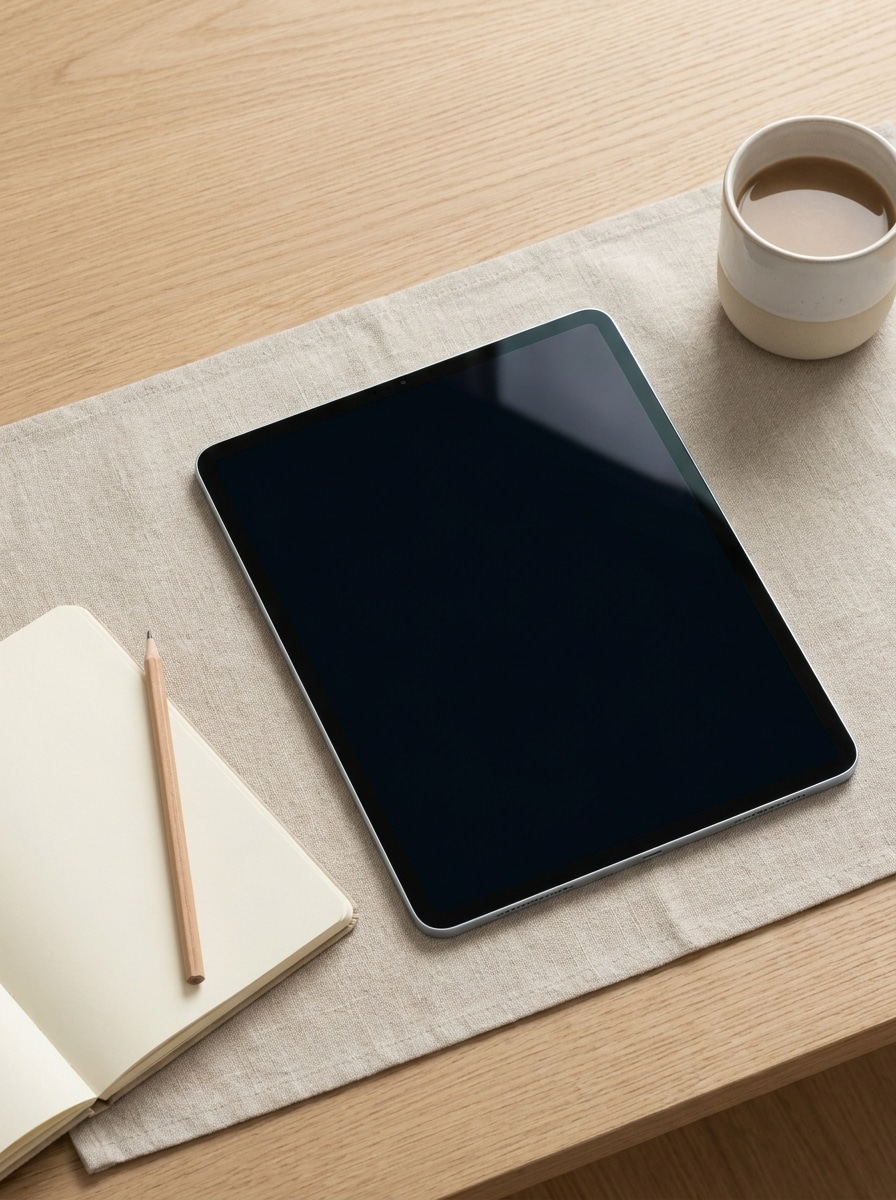
Usa l'immagine caricata come contenuto dello schermo e trasformala in un mockup tablet fotorealistico su una scrivania scandinava pulita in stile flat lay. Composizione dall'alto verso il basso, palette beige e bianca, luce soffusa dalla finestra, taccuino, matita e tazza di caffè, ombre sottili, riflessi realistici del vetro, stile premium per ecommerce.
Postazione Creator
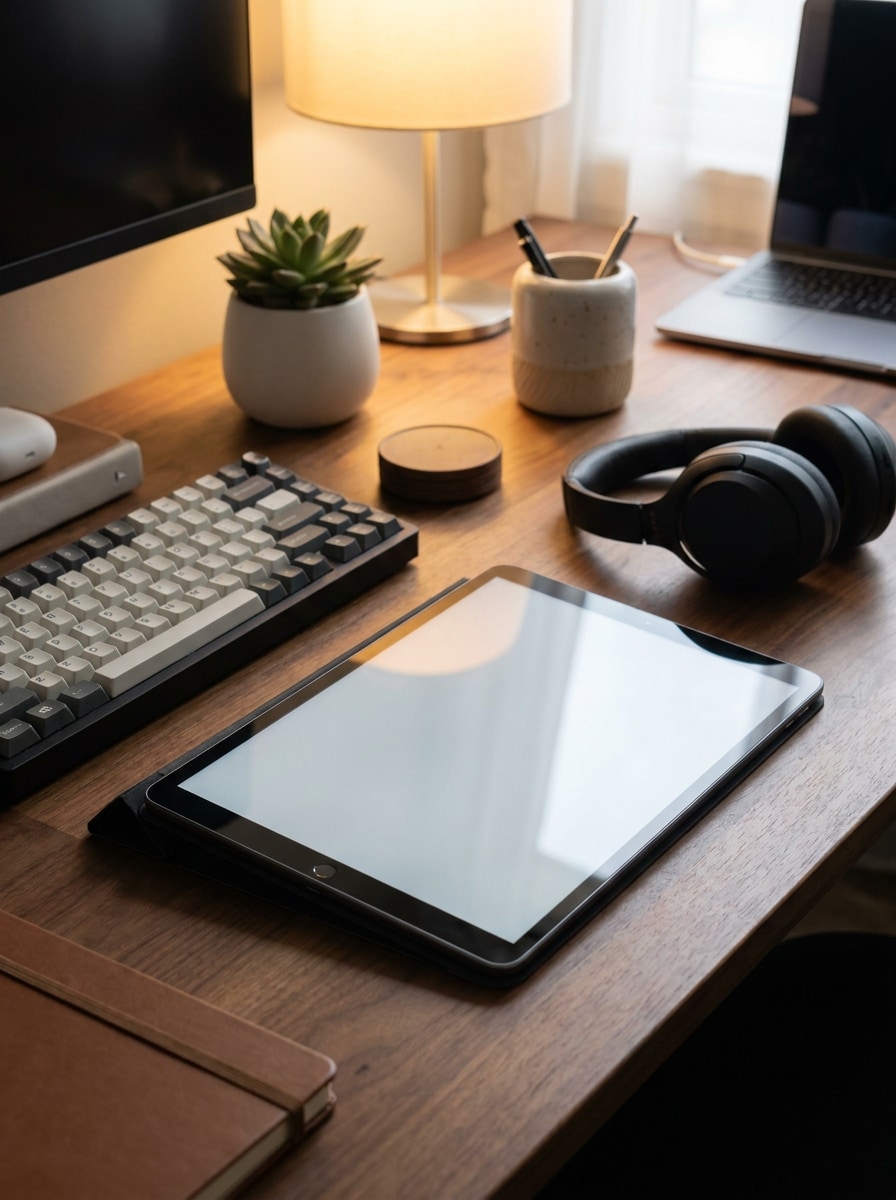
Usa l'immagine caricata come schermo del tablet e posizionala in un moderno spazio di lavoro creativo. Prospettiva angolata, tastiera, cuffie, piccola pianta, illuminazione ambientale calda, accessori da scrivania eleganti, area di visualizzazione dall'aspetto modificabile, riflessi realistici, presentazione commerciale raffinata, alta qualità e pronta per i social.
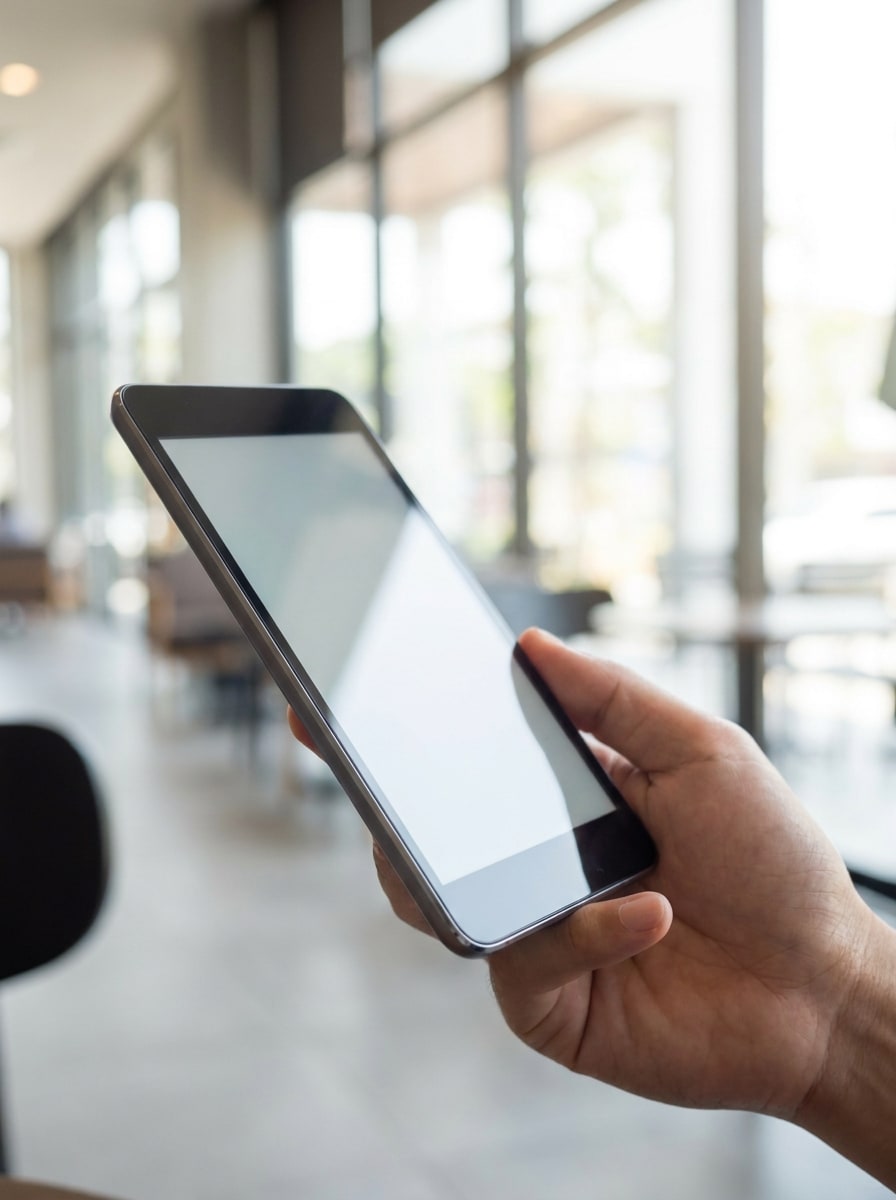
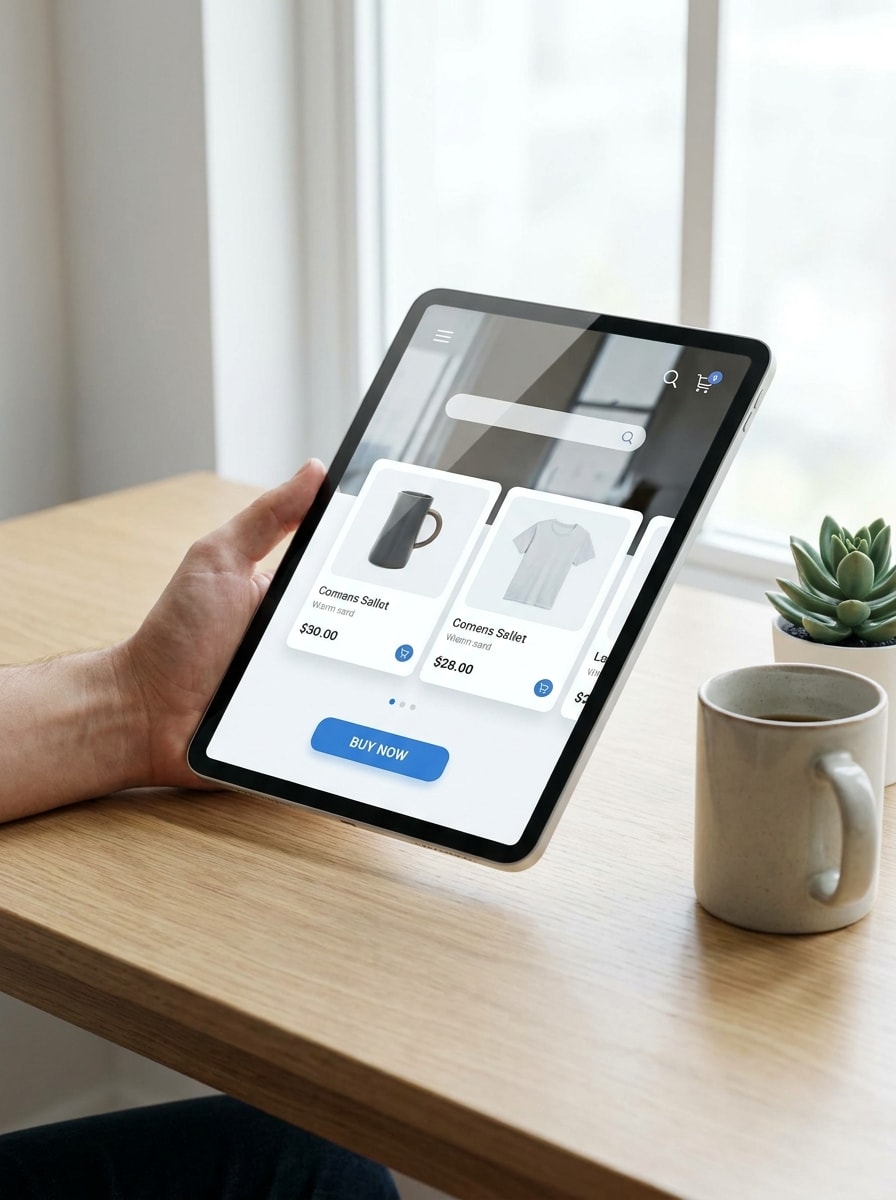
Mano che Tiene il Tablet al Chiuso
Usa l'immagine caricata come display e trasformala in una scena realistica con tablet tenuto in mano al chiuso. Una mano che regge un dispositivo con cornici sottili, luce naturale soffusa, tonalità di pelle naturali, profondità di campo ridotta, sfondo pulito, riflessi realistici del vetro, estetica mockup commerciale premium.
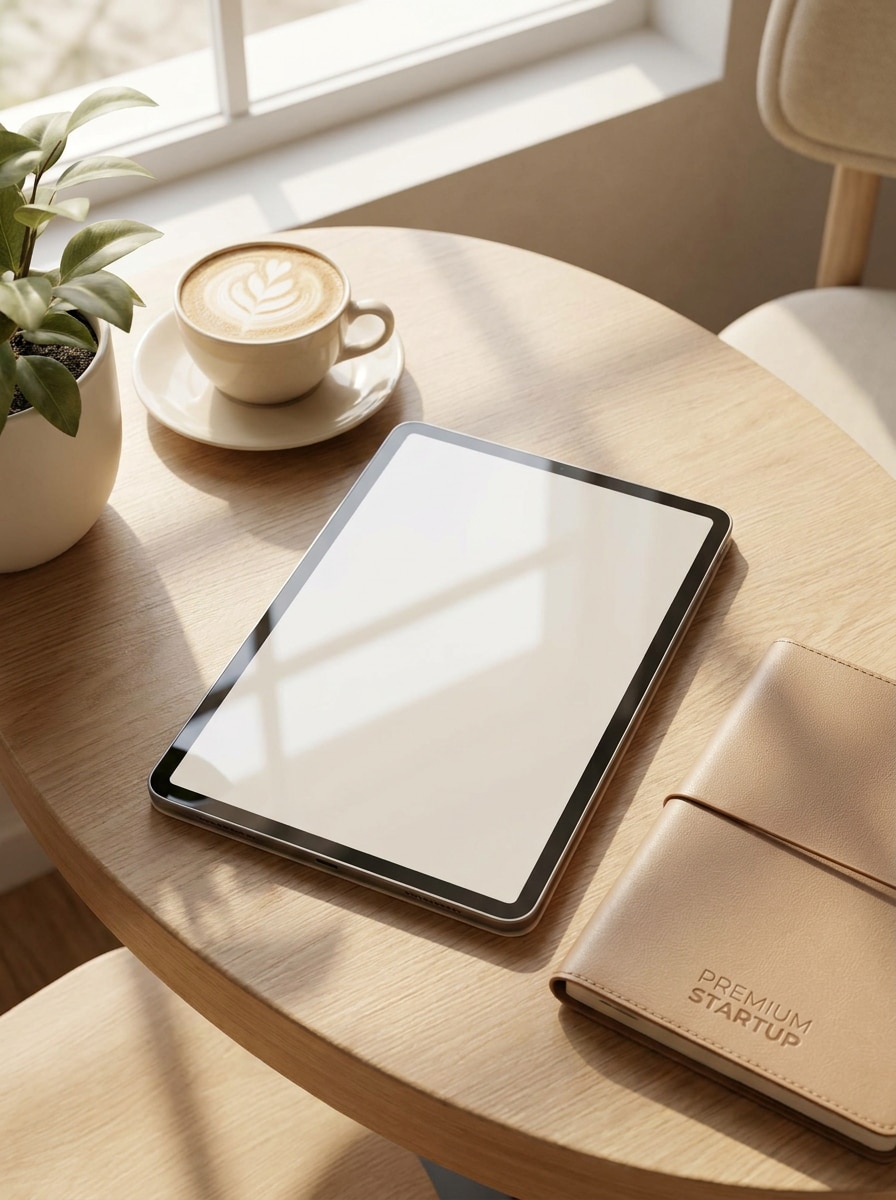
Scena di Presentazione al Caffè
Usa l'immagine caricata come contenuto dello schermo e posizionala in un'elegante ambientazione su un tavolo da caffè. Luce solare naturale, cappuccino, composizione elegante, toni neutri caldi, riflessi realistici, ombre morbide, atmosfera di branding lifestyle, inquadratura adatta ai social media e raffinato storytelling del prodotto.
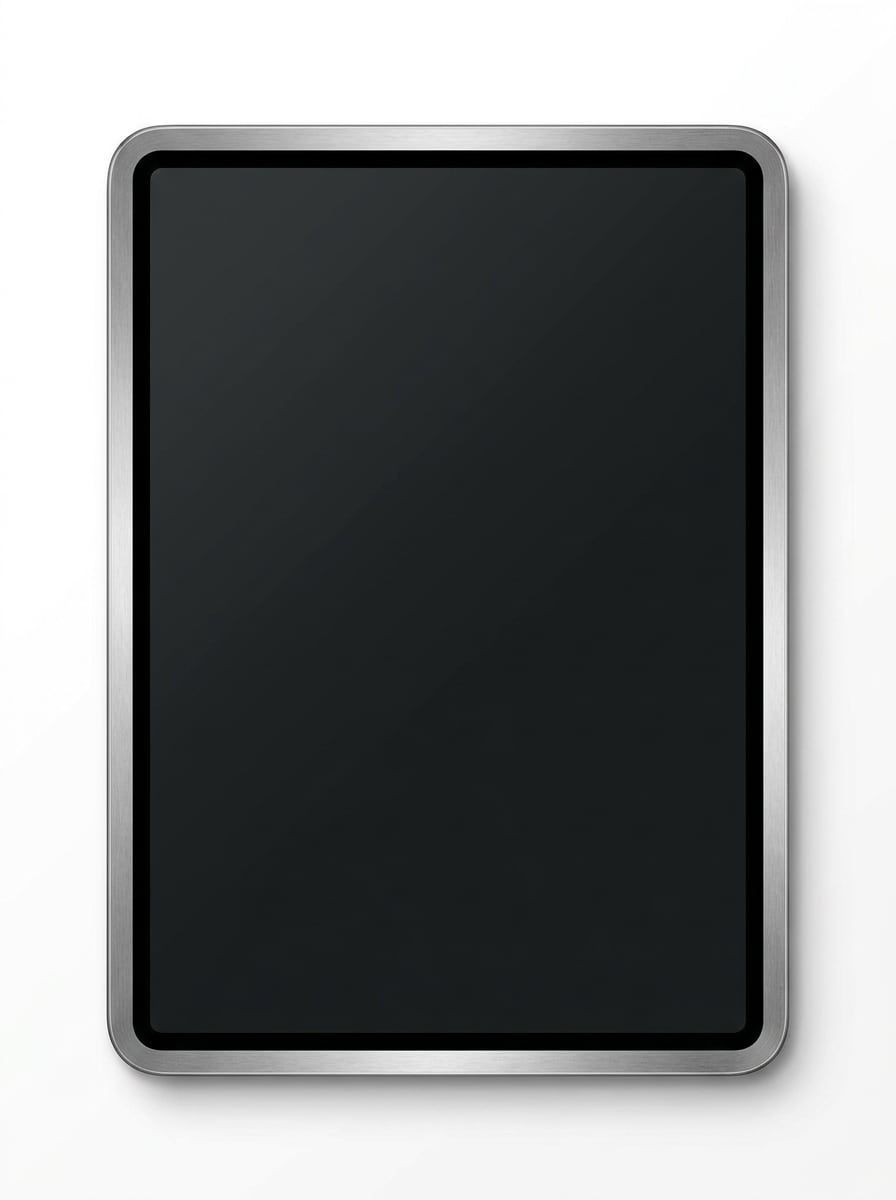
Vista Frontale Dispositivo Isolato
Usa l'immagine caricata come display e convertila in un mockup tablet isolato frontale. Composizione centrata, sfondo bianco neutro, cornice metallica realistica, bordi nitidi, ombra minima, stile pronto per catalogo, visibilità pulita dello schermo e presentazione prodotto di alta gamma.
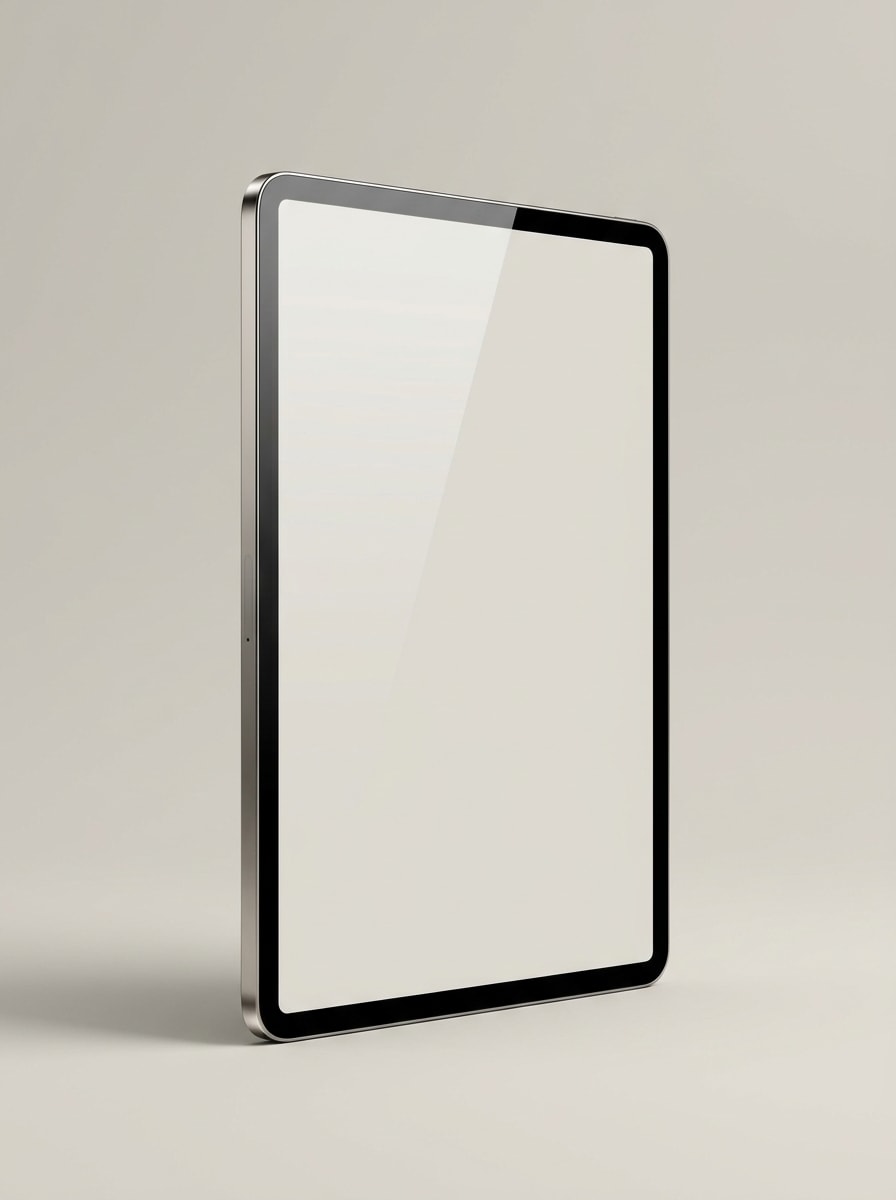
Render Dispositivo in Prospettiva
Usa l'immagine caricata come schermo e trasformala in un elegante render tablet a tre quarti di prospettiva per landing page. Illuminazione da studio, sottile riflesso del vetro, finitura metallica premium, sfondo isolato, atmosfera tecnologica moderna, forte profondità e qualità da immagine hero raffinata.
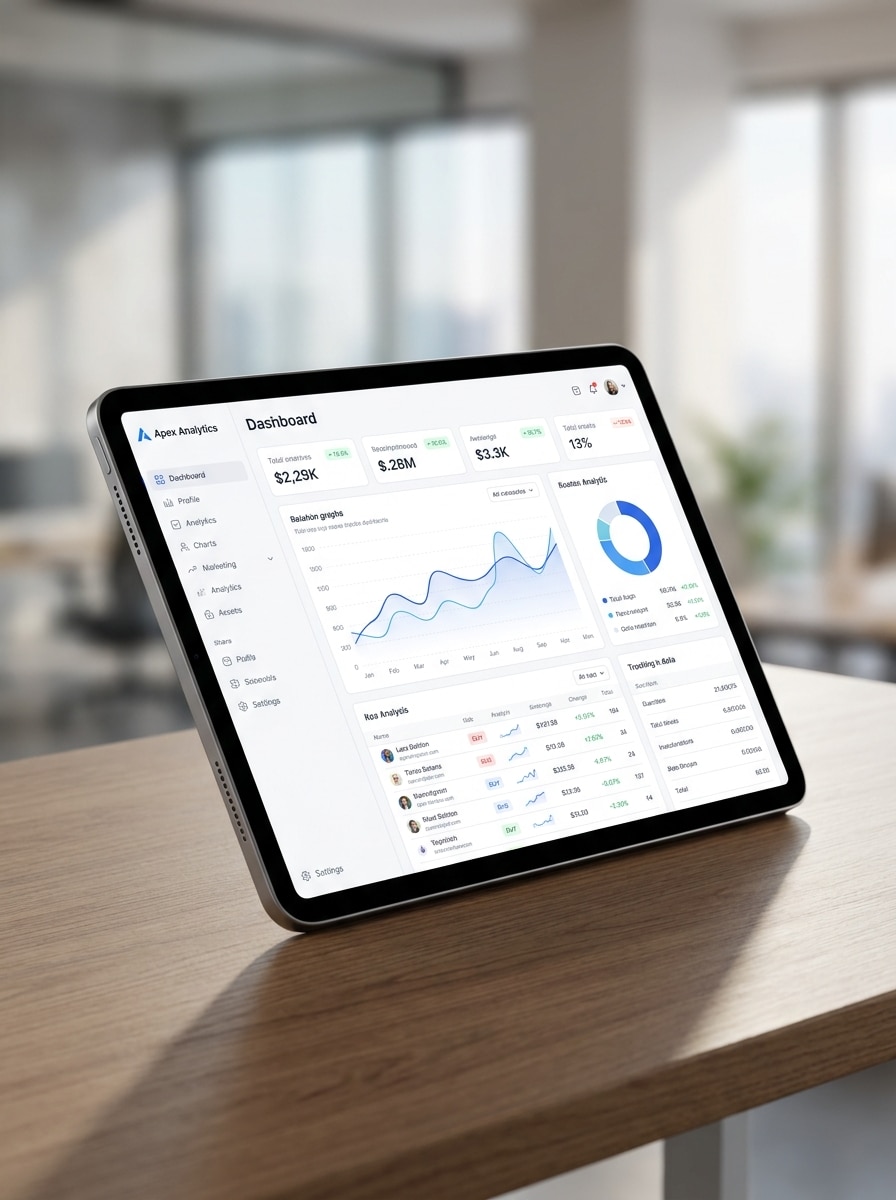
Vetrina Dashboard UI
Usa l'immagine caricata come schermata di dashboard o app e posizionala all'interno di una moderna scena di lavoro con tablet. Vista della scrivania angolata, ombra morbida, sfondo neutro, visibilità nitida dello schermo, stile di presentazione SaaS professionale, composizione equilibrata e dettagli realistici di fotografia del prodotto.
Mockup Schermata App Ecommerce
Usa l'immagine caricata come interfaccia app e trasformala in una raffinata presentazione tablet per ecommerce. Posizionamento su scrivania con mano in mano o leggermente stilizzato, illuminazione moderna brillante, estetica commerciale pulita, riflessi realistici, forte messa a fuoco sullo schermo e inquadratura pronta per annunci pubblicitari per campagne e lanci di prodotti.
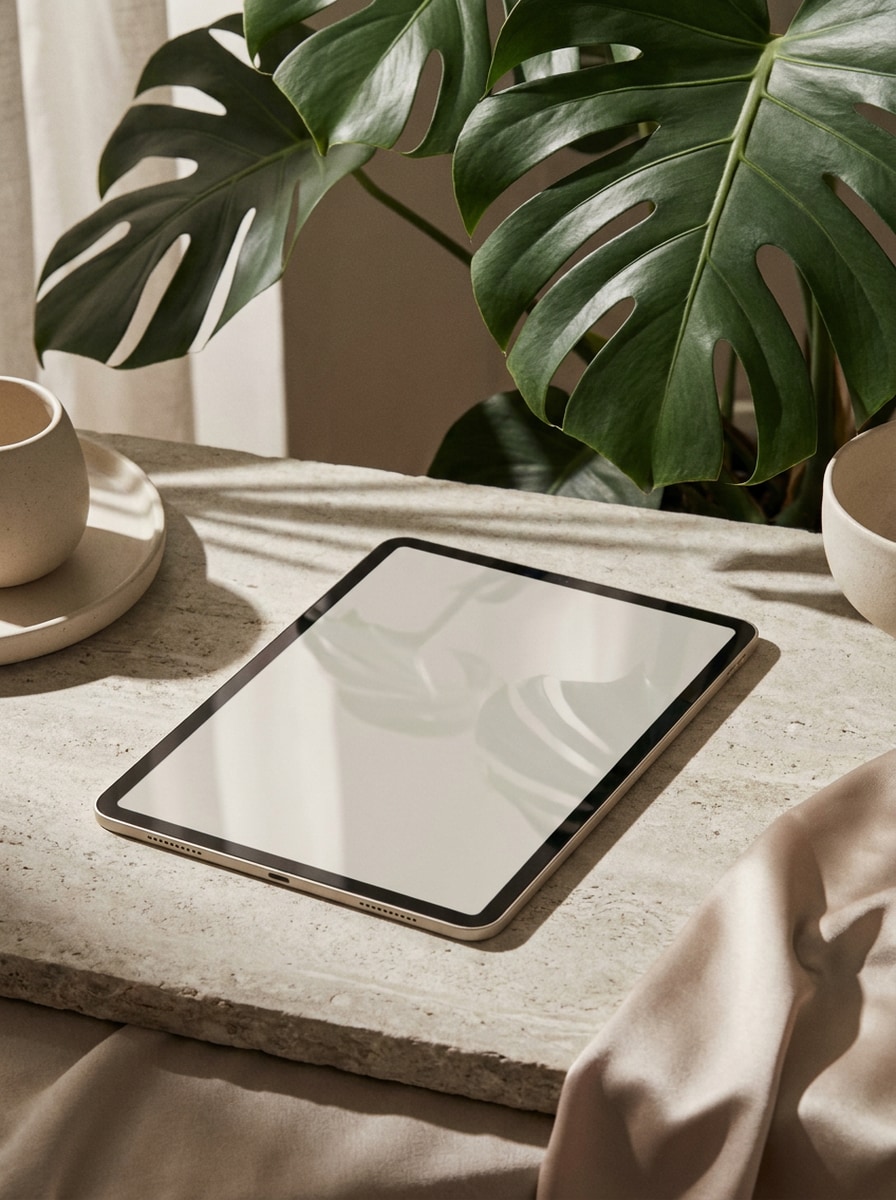
Editoriale con Overlay di Ombre
Usa l'immagine caricata come contenuto dello schermo e stilizzala come mockup tablet editoriale. Overlay drammatico di ombra di foglie, toni neutri di lusso, riflessi realistici del vetro, luce naturale morbida, composizione elegante, atmosfera di branding premium e raffinato storytelling visivo per campagne.
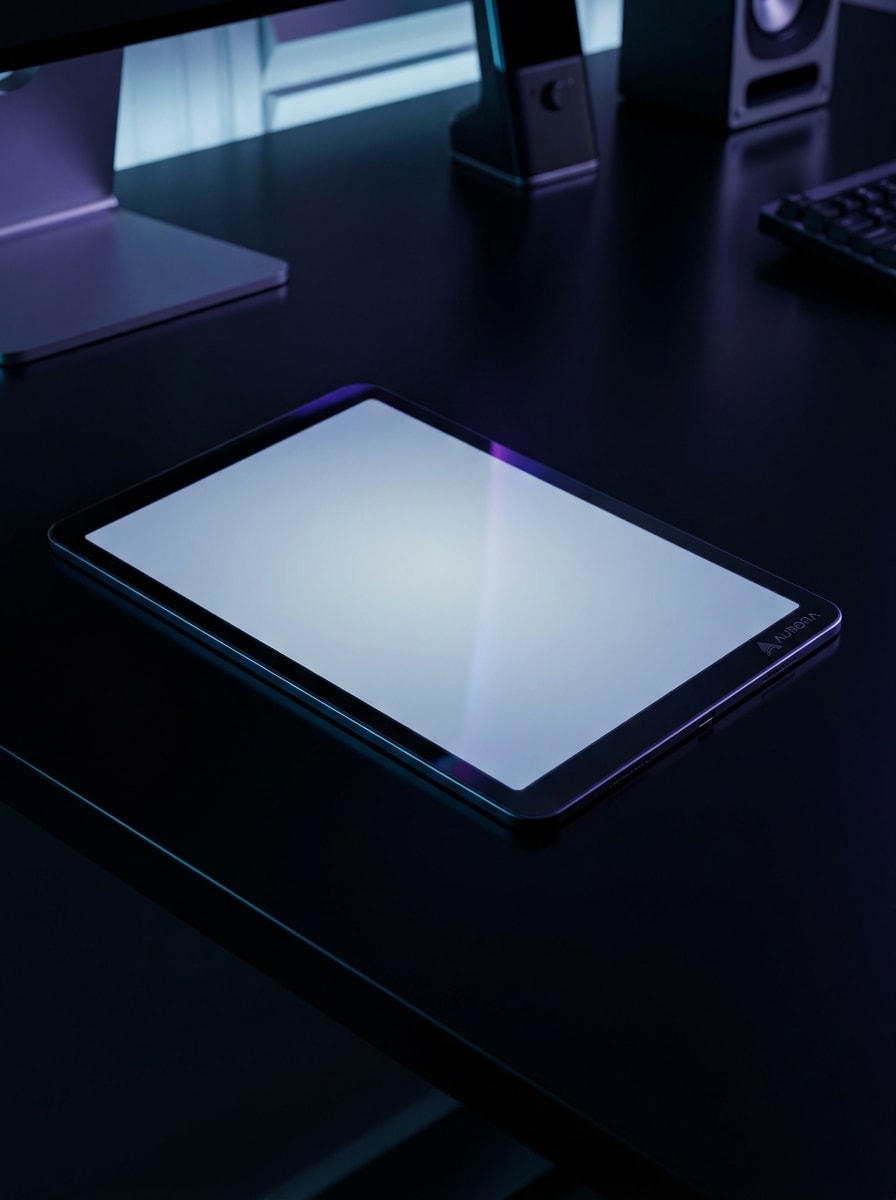
Scena Tech in Modalità Scura
Usa l'immagine caricata come schermo e trasformala in un mockup tablet scuro premium per un moderno brand tech. Superficie della scrivania nera, illuminazione suggestiva, sottili accenti al neon, bagliore realistico dello schermo, riflessi eleganti, atmosfera high-tech e qualità da campagna di lancio.
Perché Usare Media.io per la Creazione di Mockup Tablet
Trasforma un Solo Caricamento in Molteplici Scene Realistiche del Dispositivo
Media.io ti consente di caricare un singolo design dello schermo, uno screenshot o un visual e posizionarlo rapidamente in layout da scrivania, con mano in mano, isolati o lifestyle, così il tuo concetto di mockup tablet appare curato per casi d'uso di marketing, ecommerce e presentazione.
Abbina lo Stile Giusto a Ogni Versione
Quando lo stile fa parte del processo decisionale, Media.io ti aiuta a confrontare più direzioni dallo stesso mockup tablet di base, rendendo la selezione creativa più efficiente.
Adatta l'Output per Annunci, Store e Presentazioni per Clienti
I formati cambiano rapidamente da progetto a progetto. Media.io aiuta a ridimensionare il mockup tablet per schermi, copertine, schede e mockup in modo da poter riutilizzare un concetto efficace in modo più produttivo.
Mantieni il Tuo Design dello Schermo Riconoscibile
Quando un mockup tablet è destinato a un uso editoriale reale, Media.io ti offre un output più nitido fino a 4K, il che aiuta l'immagine a rimanere chiara tra presentazioni, sfondi e asset riutilizzati.
Come Creare un Mockup Tablet dalla Tua Immagine
Trasforma le tue parole in immagini straordinarie in tre semplici passaggi, poi continua a perfezionare il risultato se vuoi spingerti oltre.
Passo 1
Carica la Tua Immagine di Riferimento
Inizia con uno screenshot chiaro, un design UI, un'anteprima di sito web o un visual brandizzato in formato JPG, PNG o JPEG. Un'immagine sorgente pulita aiuta l'IA a posizionare il tuo contenuto con maggiore precisione all'interno di una scena realistica del dispositivo.
Passo 2
Descrivi la Modifica e Imposta le Opzioni
Indica a Media.io come vuoi che appaia la scena, ad esempio un tablet tenuto in mano, una scrivania minimalista o un render del prodotto isolato. Poi scegli il modello, il rapporto d'aspetto, la risoluzione e il numero di immagini per il risultato desiderato.
Passo 3
Genera, Scarica e Continua a Migliorare
Crea più varianti, confronta le composizioni e scarica la versione più adatta alla tua campagna o presentazione. Puoi affinare il prompt, provare un altro stile di scena o rigenerare finché il mockup non corrisponde al tuo brand.
Scopri come i creator usano questo Mockup Tablet per contenuti, marketing e progetti personali, poi adatta ogni idea alle tue esigenze.
Mostra le Schermate dell'App in un Contesto più Convincente
Presenta flussi di onboarding, dashboard o interfacce storefront all'interno di scene realistiche del dispositivo invece di screenshot piatti. Questo aiuta i team di prodotto e i marketer a comunicare usabilità e qualità in modo più chiaro su landing page, annunci e materiali di lancio.
Crea Immagini Ecommerce e Portfolio più Curate
Trasforma i design grezzi in immagini di prodotto raffinate per marketplace, casi studio e presentazioni ai clienti. Una scena tablet realistica rende il lavoro digitale più tangibile, soprattutto quando hai bisogno di anteprime premium senza un processo di design manuale complesso.
Crea Varianti Rapide per i Test delle Campagne
Genera più layout per post sui social, copertine di presentazioni e banner per siti web da un'unica immagine sorgente. Questo è particolarmente utile quando vuoi confrontare scene da scrivania, viste lifestyle e render del dispositivo isolato prima della pubblicazione.
Cosa Dicono gli Utenti di Media.io
Lena Foster
App Marketing Manager
"Mockup veloci per campagne di lancio" Ho usato Media.io per trasformare le schermate della nostra app in immagini tablet raffinate per annunci e landing page. Il flusso di lavoro era molto più rapido rispetto alla costruzione manuale di ogni scena, e i risultati erano abbastanza curati per l'uso in campagne.
Marcus Bell
UI Designer Freelance
"Utile per le presentazioni ai clienti" Mi ha fatto risparmiare tempo quando avevo bisogno di anteprime realistiche del dispositivo per un deck cliente. Ho potuto caricare l'interfaccia, provare diversi stili di scena e ottenere immagini pronte per la presentazione senza aprire un file di design pesante.
Ava Chen
Ecommerce Creative Lead
"Buona varietà di scene tablet" Ciò che mi è piaciuto di più è stato poter testare render isolati, layout da scrivania e composizioni lifestyle dalla stessa immagine sorgente. Questo ha reso più facile abbinare i visual alle pagine prodotto, ai contenuti social e ai banner email.
Daniel Ortiz
Fondatore di Startup
"Flusso di lavoro semplice basato su browser" Avevo bisogno di mockup rapidamente e non volevo occuparmi di template Photoshop. Media.io mi ha dato un modo pratico per creare una presentazione tablet realistica direttamente nel browser, il che era perfetto per il nostro lancio nelle fasi iniziali.
Esplora i più popolari effetti video e immagini AI
Un generatore di mockup tablet è uno strumento che ti aiuta a inserire un design dello schermo, un'interfaccia app o un'immagine in una scena tablet realistica per presentazioni, annunci, pagine ecommerce o portfolio. Con Media.io, puoi caricare un'immagine di riferimento e creare visual del dispositivo raffinati in diversi stili come scrivanie, scene con mano in mano o render del prodotto isolati.
2. Come posso trasformare un'immagine in un mockup tablet realistico online?
Carica il tuo screenshot, design UI o visual su Media.io, poi descrivi il tipo di scena tablet che desideri, come una scrivania minimale, un'ambientazione lifestyle o un render pulito da studio. Successivamente, scegli opzioni come rapporto d'aspetto, risoluzione e modello, genera varianti e scarica la versione adatta al tuo progetto.
3. Posso creare un mockup tablet gratuito con Media.io?
Media.io offre crediti gratuiti per consentirti di provare la creazione di un mockup tablet gratuito prima di effettuare l'upgrade. Gli output gratuiti potrebbero includere una filigrana, mentre i piani a pagamento supportano download ad alta risoluzione senza filigrana. Puoi consultare le opzioni attuali nella pagina dei prezzi. Gli utenti gratuiti possono utilizzare i crediti gratuiti. Per un utilizzo maggiore, gli utenti possono abbonarsi a un piano nella pagina dei prezzi. Passa a un piano a pagamento nella pagina dei prezzi per ottenere più crediti e download ad alta risoluzione senza filigrana.
4. Quali formati di immagine posso caricare per un mockup dello schermo del tablet?
Media.io supporta il caricamento di file JPG, PNG e JPEG per la creazione di un mockup dello schermo del tablet. Per i migliori risultati, usa un'immagine sorgente chiara con dettagli dell'interfaccia leggibili in modo che l'IA possa posizionare il tuo contenuto in modo più naturale all'interno della cornice e della scena del dispositivo.
5. Il mio mockup tablet verrà esportato in alta risoluzione?
Media.io supporta opzioni di risoluzione 1K, 2K e 4K, il che è utile quando hai bisogno di risultati nitidi per elenchi ecommerce, presentazioni ai clienti, materiali di marketing o vetrine dettagliate di app. L'esperienza di esportazione disponibile può variare a seconda del tuo piano. Gli utenti gratuiti potrebbero avere filigrane.
6. Posso creare mockup tablet su mobile o solo su desktop?
Puoi usare Media.io sia su mobile che su desktop perché è uno strumento basato sul web che funziona in un browser. Che tu stia modificando su Windows, Mac, iPhone, iPad o Android, puoi caricare immagini, generare scene e scaricare i risultati senza installare software separati. Media.io è uno strumento basato sul web che funziona su qualsiasi dispositivo con un browser (Windows, Mac, iOS, Android).