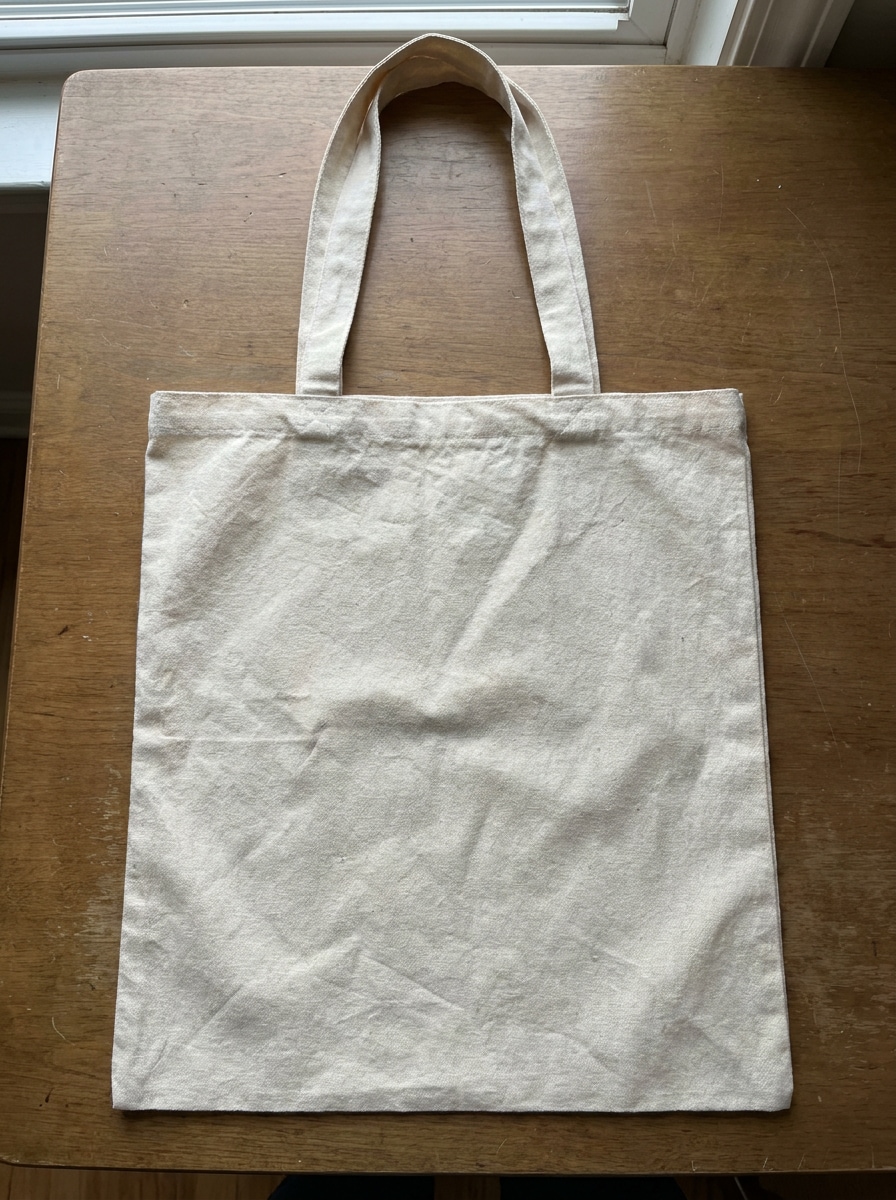
Seleziona / @ carattere, descrivi la scena che desideri generare.
0/2000
9:16
1K
1
Unlimited Banana Pro
Creations
Ideas Hub
How It Works
All
Popular features
View All
Sfida creativa di Halloween
View All
Storia di Frutta con IA
View All
Video Storia con AI
View All
Video virali oggi
View All
Video di prodotti IA
View All
Personaggio AI
View All
Tendenze di Danza
View All
GPT Image 2
View All
Seedance 2.0
View All
Match Celebrità con AI
View All
Suggerimenti per Pose di Coppia
View All
Prompt di Pose per Ragazze AI Estetiche
View All
Prompt di Pose per Ragazzo AI Elegante
View All
Generate List
Creations are stored for only 7 days. Assets created after upgrading to a Membership plan will be stored permanently.
Unlock your creative potential and experience the magic of Media AI right away!
Crea Mockup di Branding Gratuiti dal Tuo Logo in Pochi Minuti
Trasforma il tuo logo, etichetta o design piatto in scene di brand realistiche con mockup di branding gratuiti. Media.io ti aiuta a generare rapidamente anteprime di cancelleria, packaging, segnaletica, merchandising e digitale, così puoi presentare concetti di brand raffinati senza Photoshop o file PSD complessi.
Digita la tua idea -> L'IA la progetta. Gratuito da provare.
Esamina questi esempi di istruzioni, poi personalizza i dettagli del prompt per ottenere risultati migliori con questi Mockup di Branding Gratuiti.
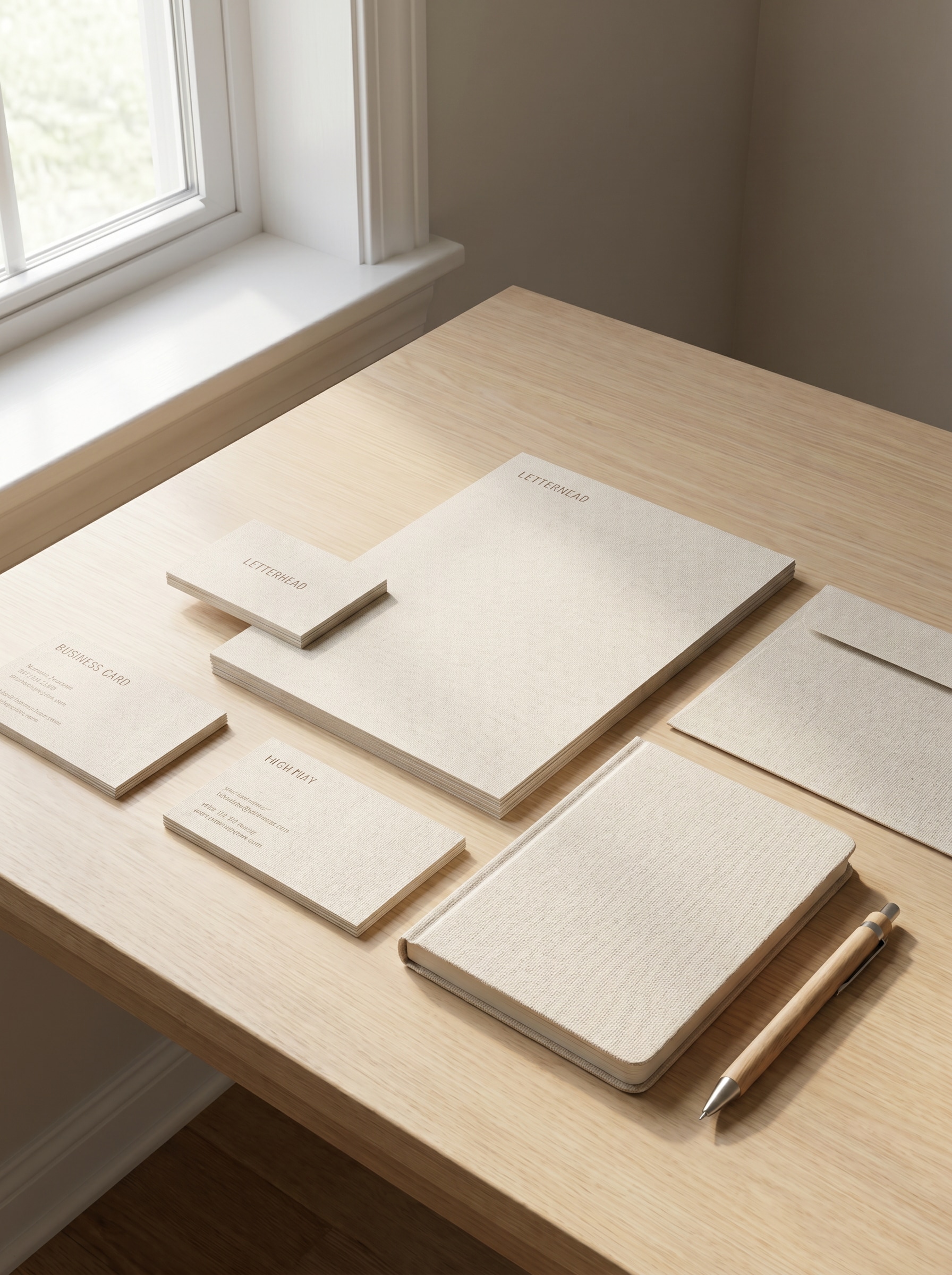
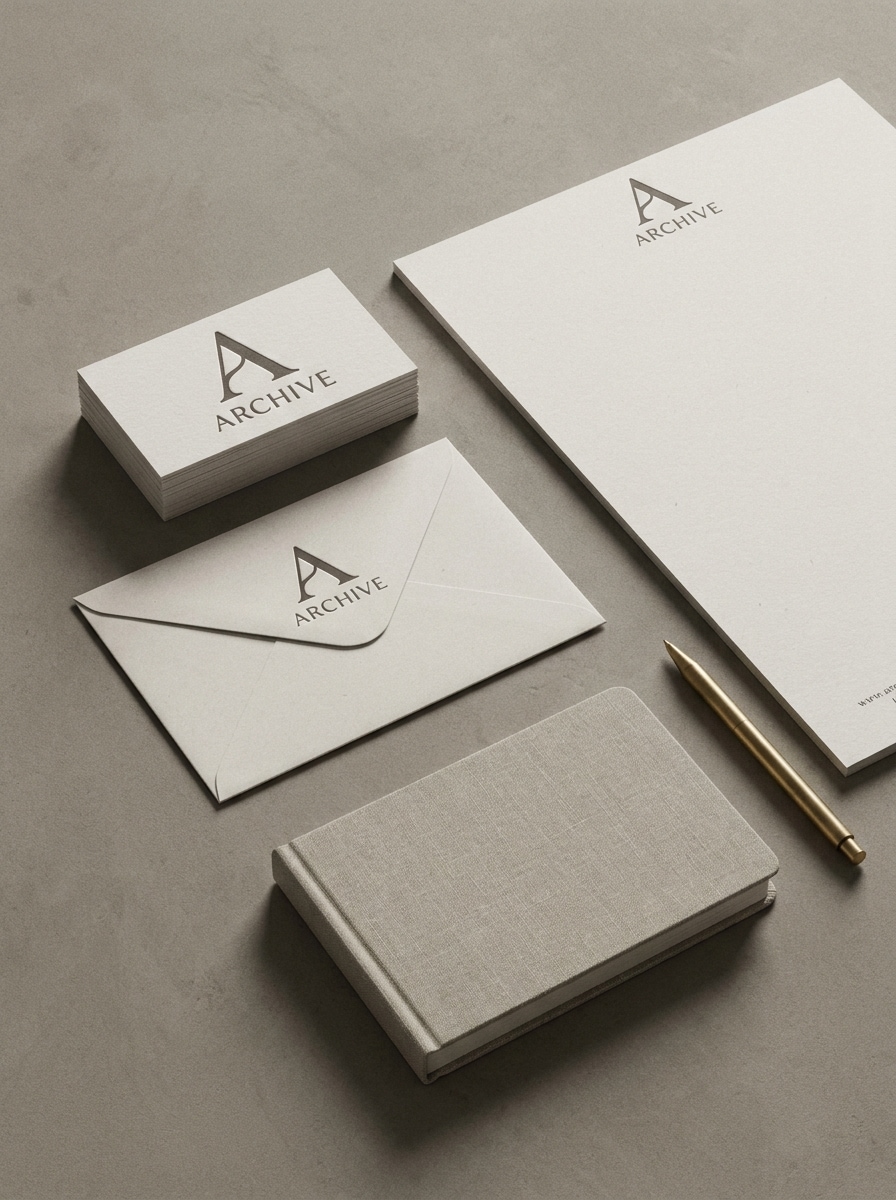
Flat Lay di Cancelleria Minimalista
Usa l'immagine caricata come fonte del brand e trasformala in un mockup di cancelleria minimalista fotorealistico con biglietti da visita, carta intestata, busta, quaderno e penna disposti su una scrivania neutra. Aggiungi luce diurna soffusa, ombre sottili, composizione editoriale premium, texture realistica della carta e una presentazione d'identità moderna e pulita.
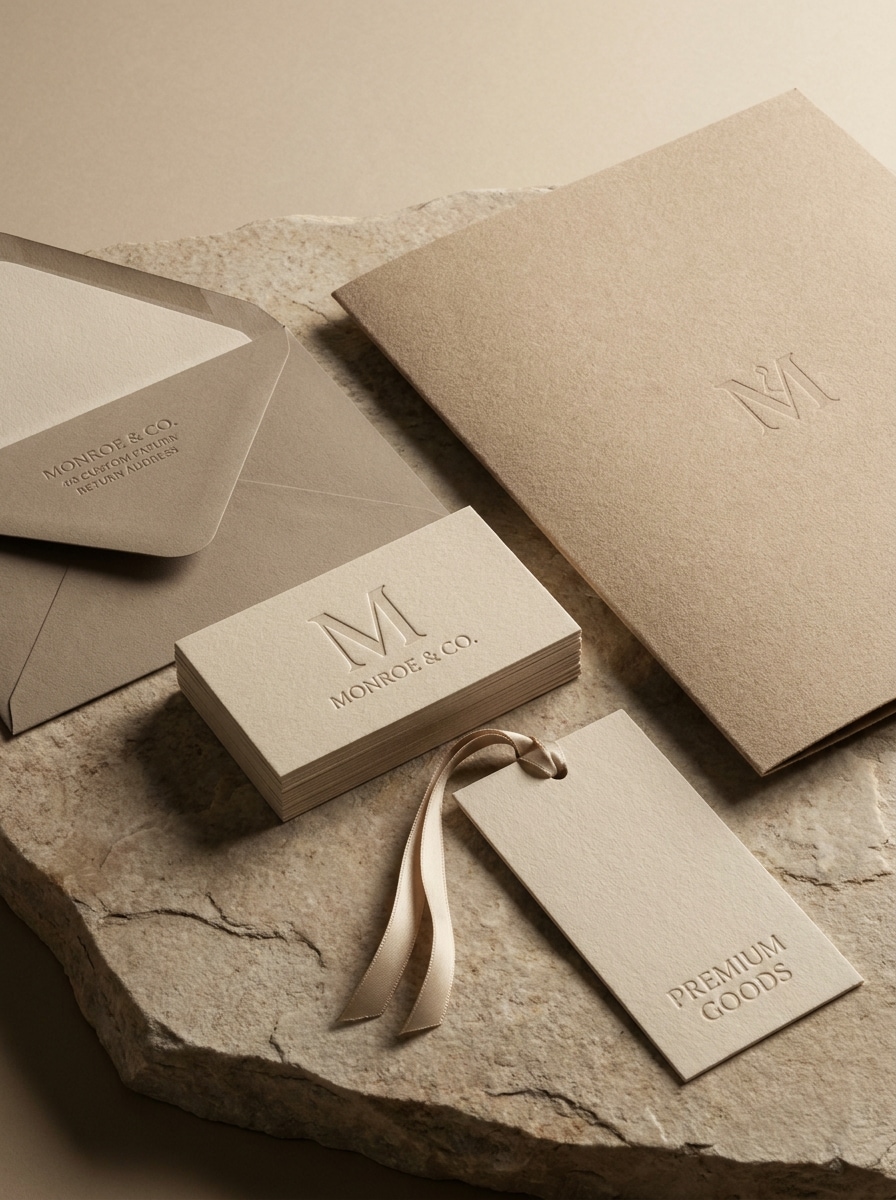
Suite di Brand Identity di Lusso
Usa l'immagine caricata come identità del brand principale e trasformala in un mockup di cancelleria di lusso con biglietti da visita in rilievo, carta texturizzata, busta, cartella e tag brandizzato. Enfatizza toni neutri caldi, illuminazione morbida da studio, materiali premium, composizione elegante e un mood editoriale di alto livello.
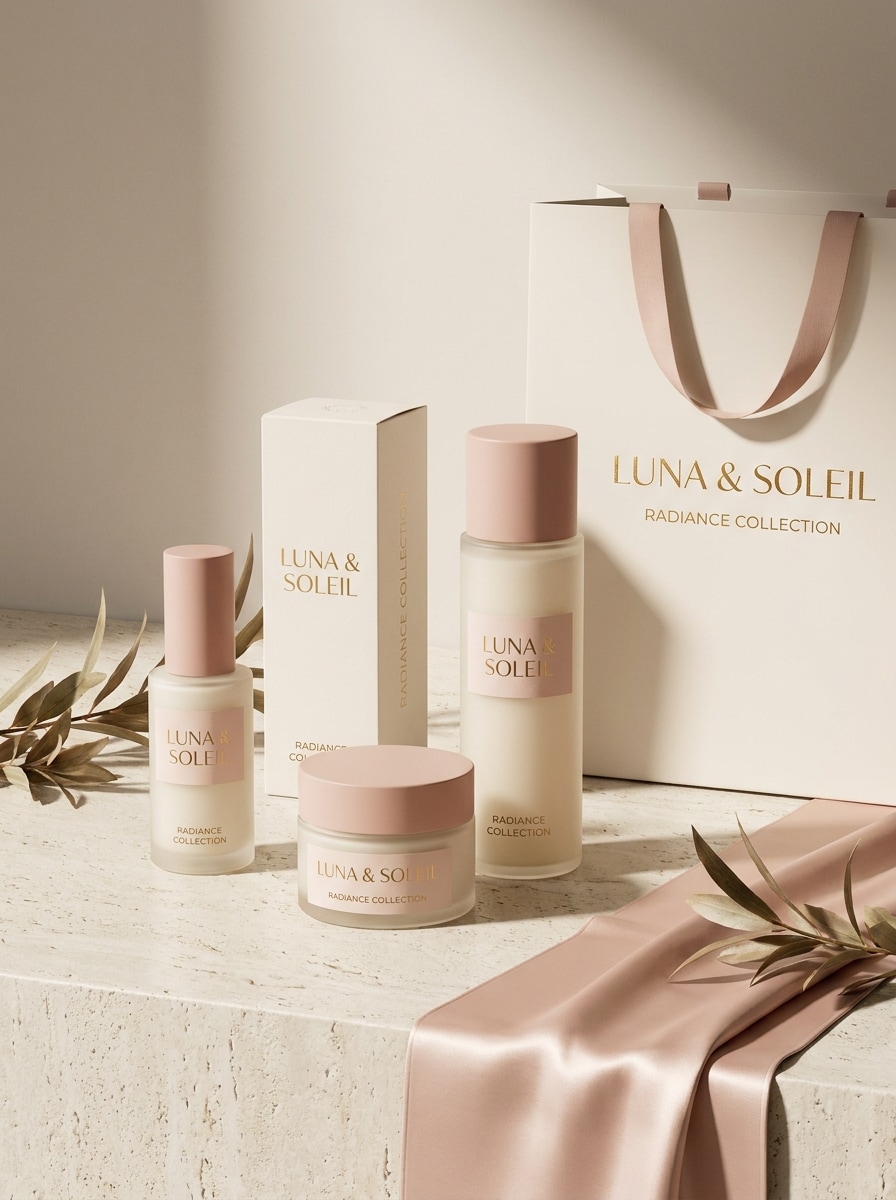
Display di Packaging Cosmetico
Usa l'immagine caricata come riferimento del design del packaging e trasformala in un mockup di branding cosmetico realistico con flaconi per la cura della pelle, scatole prodotto, etichette e una shopping bag brandizzata. Aggiungi illuminazione con ombre morbide, riflessi sottili, styling del set pulito, materiali premium e un'atmosfera raffinata da brand beauty.
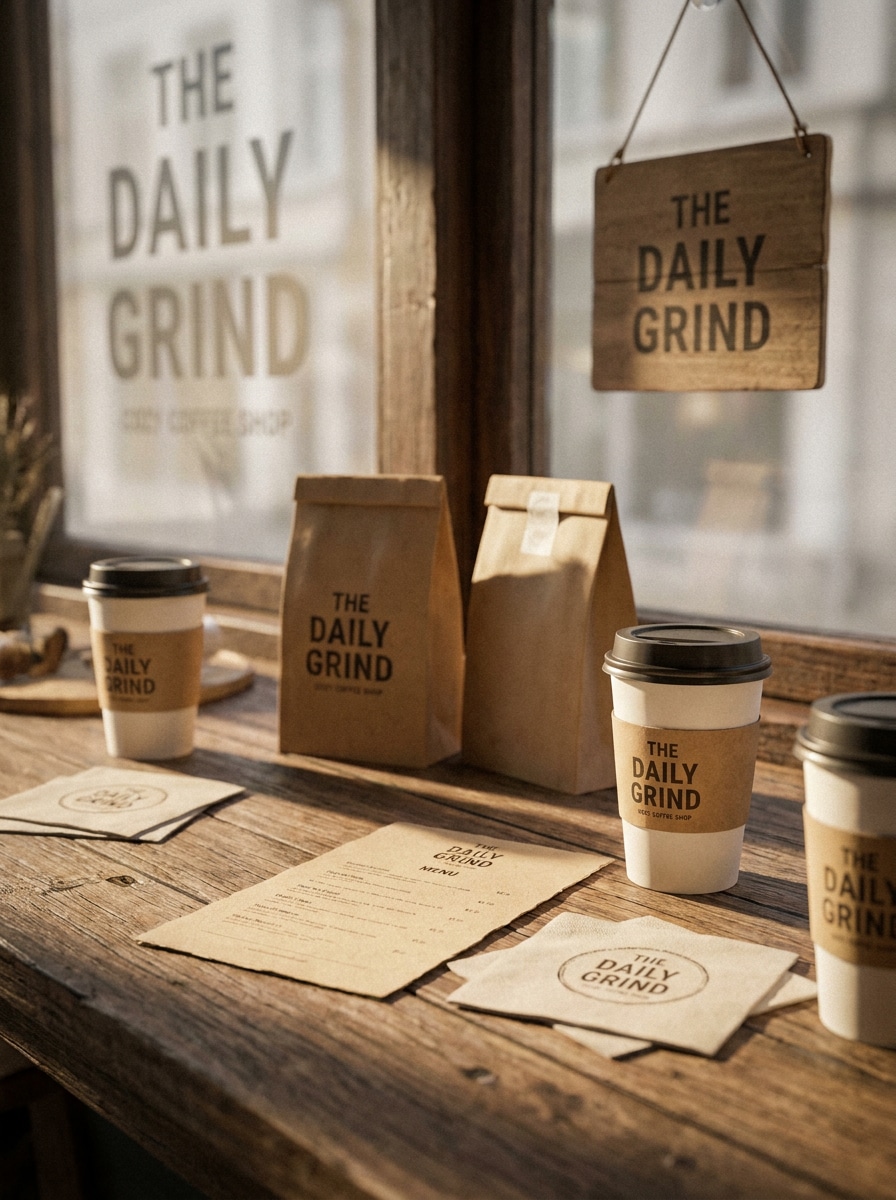
Packaging per Caffè e Alimenti
Usa l'immagine caricata come riferimento del brand del caffè e trasformala in un mockup di packaging alimentare caldo con tazze da asporto, sacchetti kraft, menu, tovaglioli e dettagli del punto vendita. Mantieni la scena accogliente e artigianale con luce naturale, texture ricche, dettagli realistici del packaging e uno stile coerente da caffetteria.
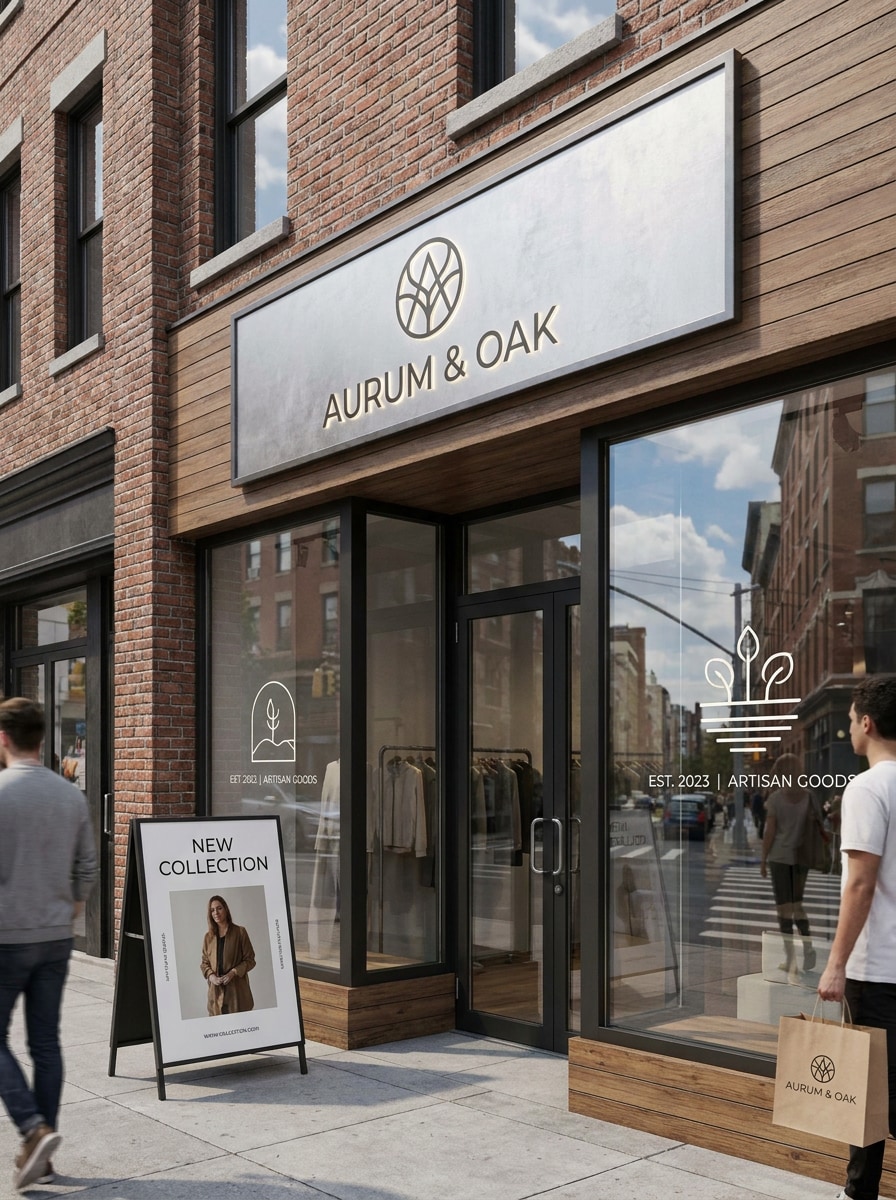
Mockup di Insegna per Negozio
Usa l'immagine caricata come riferimento del logo o del design del punto vendita e trasformala in una scena di branding retail fotorealistica con insegna esterna, adesivi per vetrine, poster d'ingresso e shopping bag brandizzata. Includi riflessi realistici, contesto urbano, luce diurna pulita e uno styling commerciale raffinato.
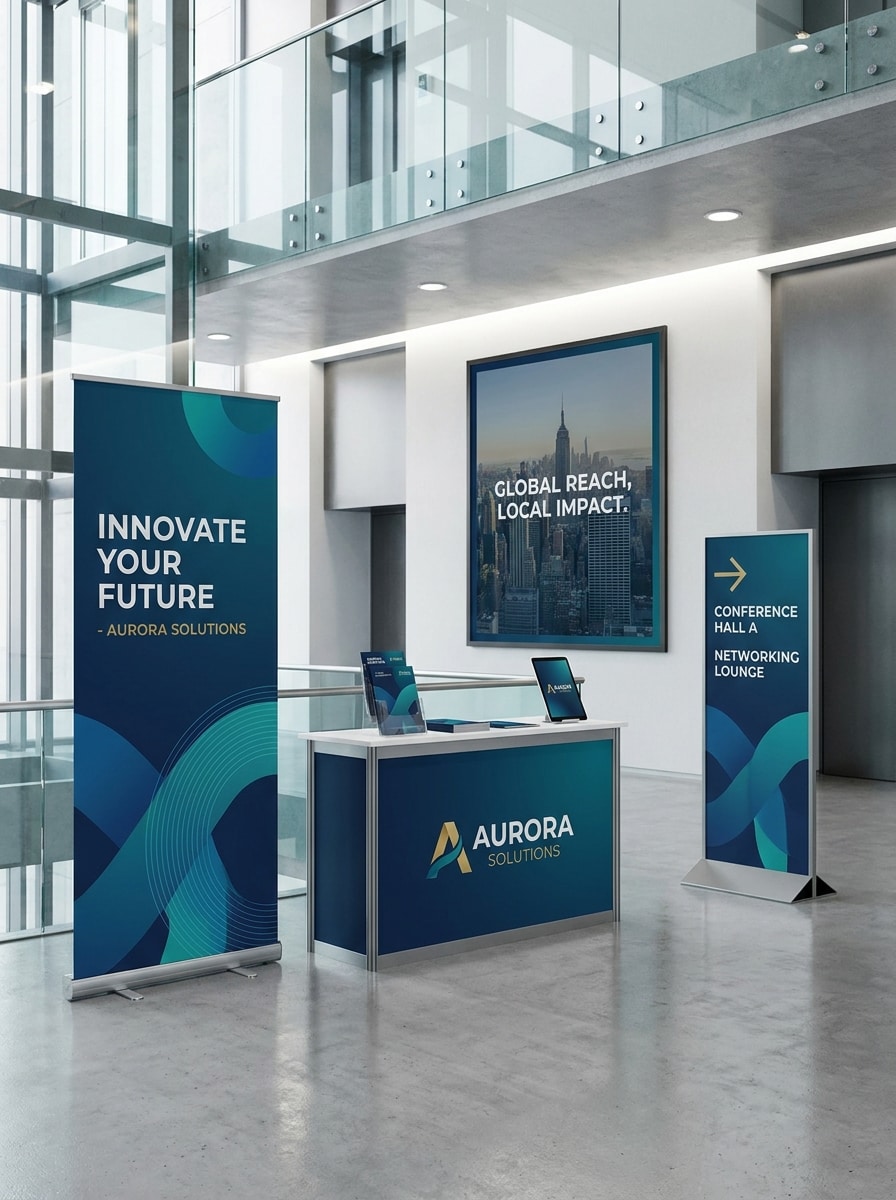
Branding per Fiere e Grandi Formati
Usa l'immagine caricata come fonte del branding dell'evento e trasformala in una scena mockup professionale con banner roll-up, poster a parete, segnaletica direzionale e banco espositivo. Concentrati sulla prospettiva realistica, illuminazione pulita dell'evento, materiali espositivi moderni e un sistema di brand coerente in grande formato.
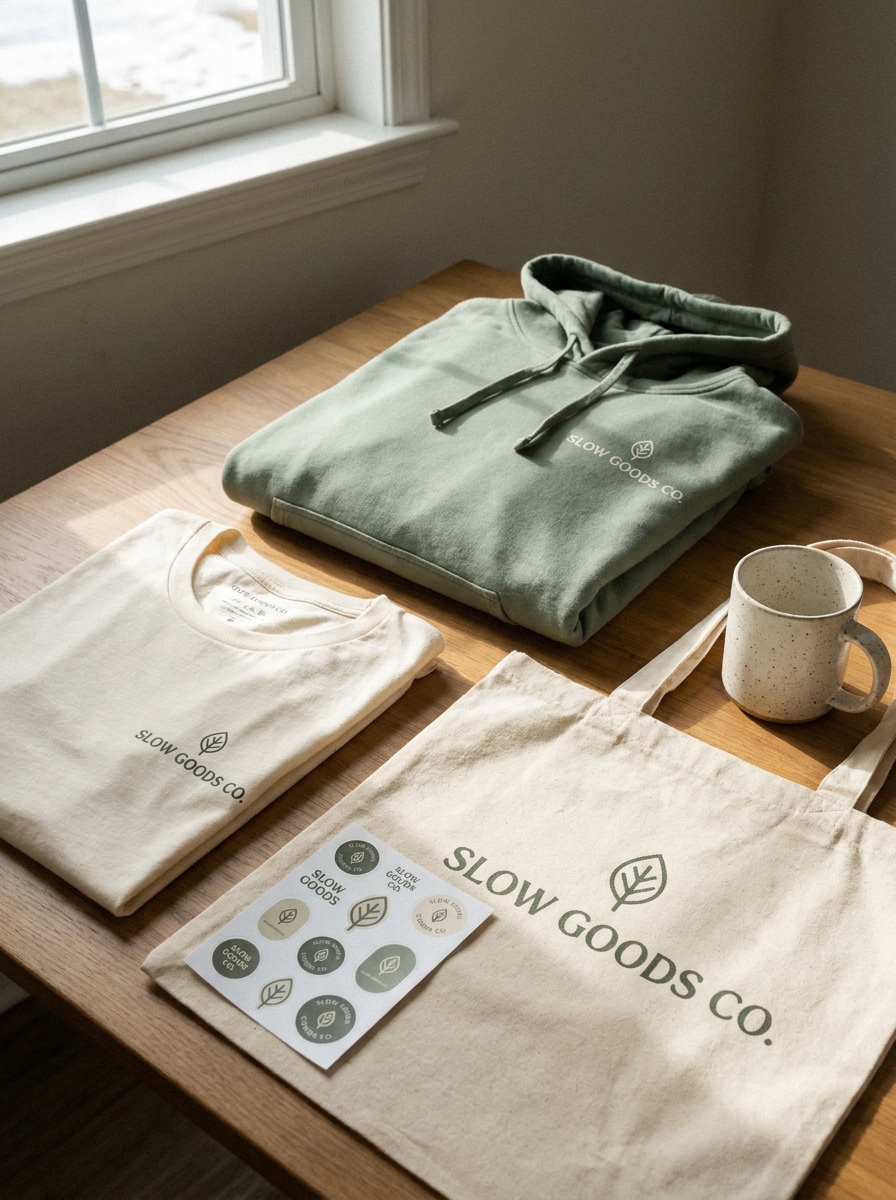
Mockup di Merchandising Lifestyle
Usa l'immagine caricata come artwork del brand e trasformala in un mockup di merchandising lifestyle con t-shirt piegata, felpa con cappuccio, tote bag, foglio di adesivi e tazza. Aggiungi ombre naturali, styling casual da studio, texture realistiche di tessuto e stampa, e un mood trendy da brand direct-to-consumer.
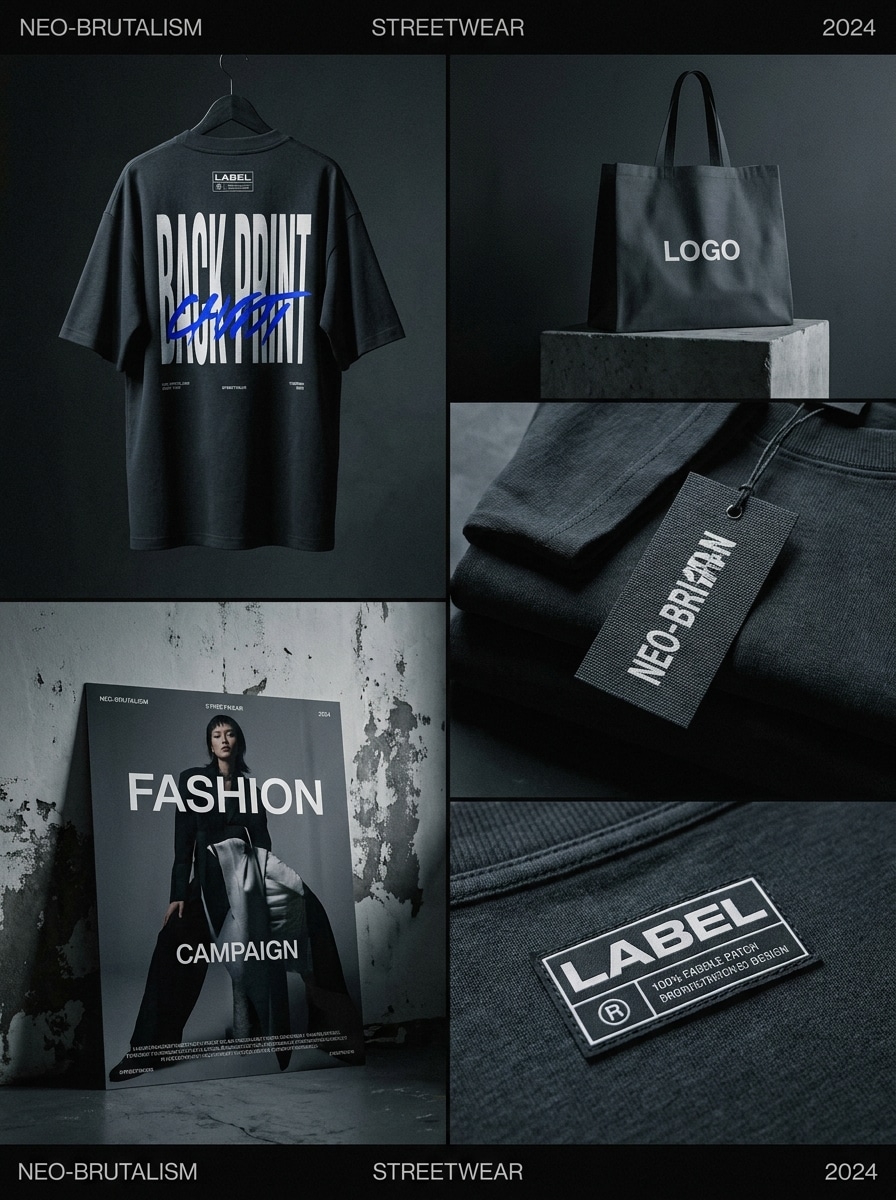
Presentazione Brand Streetwear
Usa l'immagine caricata come fonte del logo e trasformala in un audace mockup di branding streetwear con t-shirt oversize, cartellino capo, shopping bag, patch etichetta e poster. Usa un'illuminazione suggestiva, composizione editoriale urbana, posizionamento tipografico forte e dettagli tessili realistici per un look fashion premium.
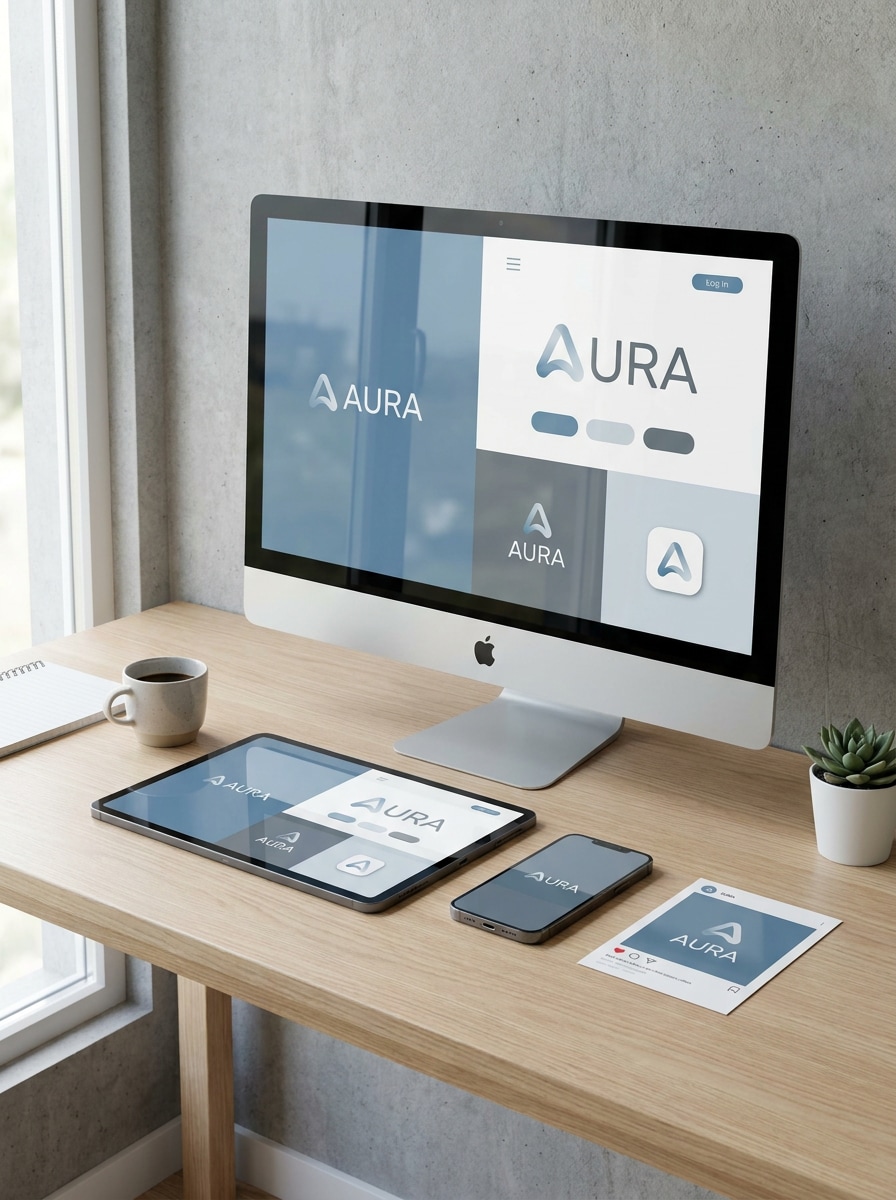
Anteprima Kit Brand per Social Media
Usa l'immagine caricata come riferimento del brand digitale e trasformala in un mockup moderno che mostra smartphone, tablet, schermo desktop e layout di post per social media. Includi riflessi realistici dello schermo, presentazione UI raffinata, styling pulito dell'area di lavoro e un sistema di brand digitale coerente.
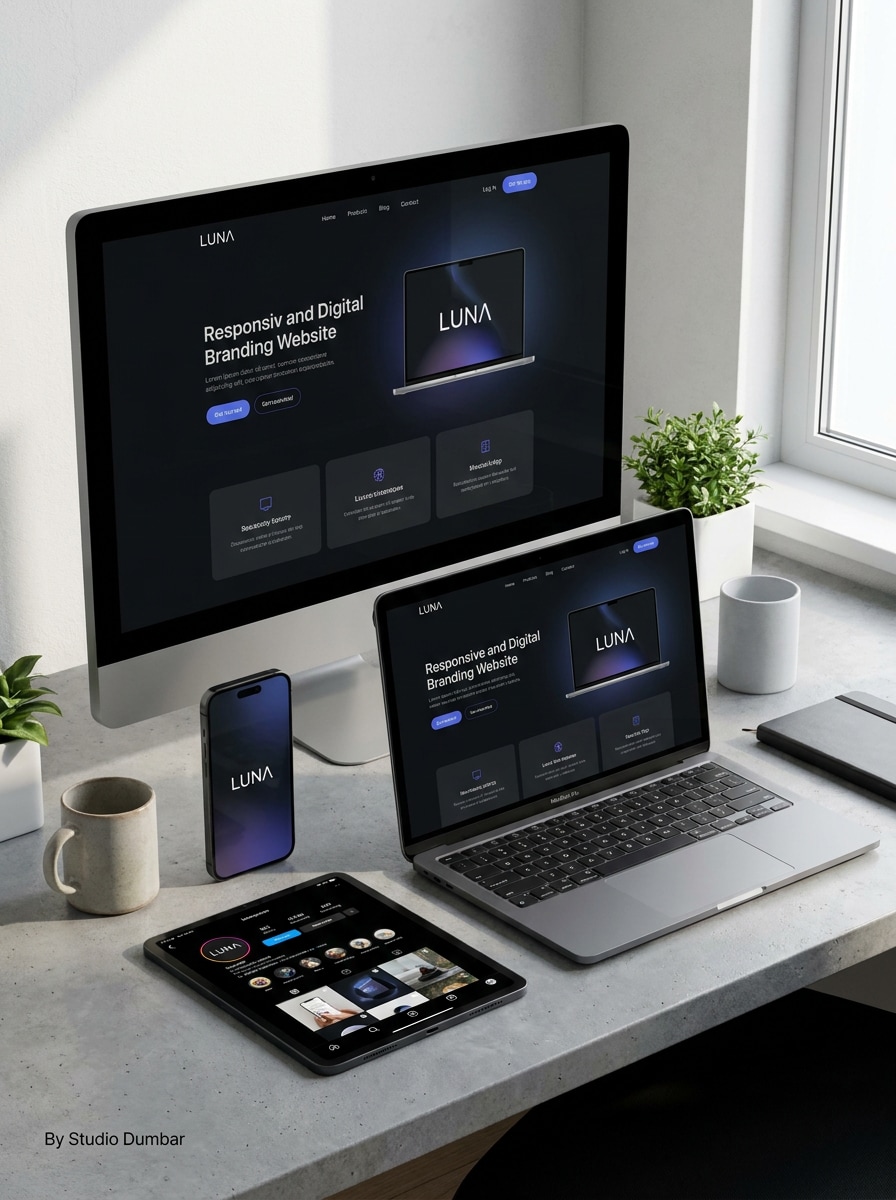
Mockup di Identità per Sito Web e Mobile
Usa l'immagine caricata come fonte dell'identità visiva e trasformala in un set di mockup ad alta risoluzione per sito web e mobile con schermo desktop, interfaccia telefono, asset per profilo social e splash screen dell'app. Mantieni la scena minimale, realistica, ben illuminata e adatta a presentazioni professionali per clienti.
Perché Usare Media.io per la Creazione di Mockup di Branding
Mantieni il Soggetto Riconoscibile in Nuovi Stili
Quando un risultato deve rimanere legato al soggetto originale, Media.io aiuta a preservare le caratteristiche riconoscibili adattando al contempo lo stile generale del mockup di branding per uso social, branding o mockup.
Trasforma i Design Piatti in Scene di Brand Realistiche Rapidamente
Quando la direzione artistica è ancora aperta, Media.io ti permette di testare molteplici look attorno alla stessa idea di mockup di branding, rendendo più facile trovare lo stile giusto senza ripartire da zero.
Adatta un Concetto di Brand a Molti Formati di Presentazione
Se un concetto deve coprire più di un'esigenza di pubblicazione, Media.io aiuta ad adattare l'output per diversi layout in modo che gli asset finali siano più consapevoli del formato e pronti all'uso.
Controlla la Qualità dell'Output per Esportazioni Pronte per il Cliente
Alcuni risultati devono fare di più che sembrare buoni in un'anteprima. Media.io aiuta a generare mockup di branding più puliti con output fino a 4K, così l'immagine finale regge in sfondi, presentazioni e mockup.
Come Creare mockup di branding gratuiti con Media.io
Trasforma le tue parole in immagini straordinarie in tre semplici passaggi, poi continua a perfezionare il risultato se vuoi approfondire.
Passaggio 1
Carica la Tua Immagine di Riferimento
Inizia con un file logo chiaro, design del packaging, etichetta, artwork piatto o brand board in formato JPG, PNG o JPEG. Un caricamento pulito offre all'IA una guida visiva più forte per scene realistiche di cancelleria, packaging, segnaletica, merchandising o brand digitale.
Passaggio 2
Descrivi la Modifica e Imposta le Opzioni
Indica a Media.io come trasformare il design caricato nel mockup desiderato, come packaging di lusso, branding da caffè, segnaletica retail o un kit per social media. Poi scegli il tuo modello e regola il rapporto d'aspetto, la risoluzione e il numero di immagini in base all'uso finale.
Passaggio 3
Genera, Scarica e Continua a Migliorare
Crea molteplici variazioni, confronta le scene mockup migliori e scarica la versione più adatta alla tua presentazione o portfolio. Se necessario, perfeziona il prompt, prova un altro layout o rigenera per ottenere un risultato di brand più raffinato.
Sblocca il Potenziale dei Mockup di Branding Gratuiti
Scopri come i creatori utilizzano questi Mockup di Branding Gratuiti per contenuti, marketing e progetti personali, poi adatta ogni idea al brief.
Presenta Concetti di Brand Senza Costruire Scene PSD
Freelance e studi possono trasformare loghi o artwork di etichette in anteprime di identità raffinate per le revisioni con i clienti. Invece di cercare pacchetti di template, puoi mostrare rapidamente set di cancelleria, packaging o segnaletica che rendono un concetto tangibile e più facile da approvare.
Crea Immagini Coerenti per Portfolio e Case Study
I designer possono presentare un sistema visivo unico su biglietti da visita, scatole, abbigliamento e schermi digitali per rendere i progetti del portfolio più completi. Questo è particolarmente utile quando si desiderano workflow di mockup di branding gratuiti che abbiano comunque un aspetto editoriale e adatto alle presentazioni.
Prototipa il Branding di Prodotti e Retail per i Lanci
Le piccole imprese e i marketer possono visualizzare in anteprima come una nuova identità apparirà su tazze da caffè, packaging skincare, vetrine o asset social prima della produzione. È un modo pratico per testare la direzione visiva, creare teaser per i social ed esplorare mockup di branding gratuiti per le campagne iniziali.
Cosa Dicono gli Utenti sulla Creazione di Mockup con Media.io
Lena Morris
Brand Designer Freelance
"Modo veloce per presentare concetti di identità" Ho usato Media.io per trasformare un logo board piatto in scene di cancelleria e packaging per un pitch con un cliente. Mi ha risparmiato ore rispetto alla modifica manuale di file PSD, e i risultati erano abbastanza raffinati per le presentazioni ai clienti.
Daniel Park
Fondatore di Startup
"Utile per le anteprime del packaging" Abbiamo caricato il nostro design dell'etichetta e generato mockup realistici di flaconi, scatole e shopping bag in un unico flusso di lavoro. Ha reso molto più facile visualizzare il nostro brand prima di pagare per i campioni di produzione completi.
Sofia Bennett
Stratega Creativa
"Utile sia su desktop che su mobile" Mi piace poter creare variazioni di mockup rapidamente senza software speciali. Il flusso di lavoro nel browser è semplice e posso rivedere le idee sul mio telefono o laptop quando mi sposto tra un incontro e l'altro.
Marcus Hill
E-commerce Brand Manager
"Ottimo per merchandising e kit brand digitali" Abbiamo testato concetti per abbigliamento, tote bag e anteprime social media dallo stesso asset brand caricato. Media.io ci ha aiutato a mantenere l'identità coerente esplorando diversi visual per il lancio.
Esplora i più popolari effetti video e immagini AI
1. Come posso creare mockup di branding gratuiti dal mio logo o design?
Carica il tuo logo, etichetta, artwork del packaging o design piatto su Media.io, poi descrivi il tipo di scena brandizzata che vuoi creare, come cancelleria, packaging, segnaletica, merchandising o anteprime digitali. Gli utenti gratuiti possono iniziare con crediti gratuiti, e se hai bisogno di un utilizzo maggiore puoi consultare la pagina dei prezzi. Gli utenti gratuiti possono utilizzare i crediti gratuiti. Per un utilizzo maggiore, gli utenti possono abbonarsi a un piano nella pagina dei prezzi. Passa a un piano a pagamento nella pagina dei prezzi per più crediti e download ad alta risoluzione senza filigrana.
2. Posso trasformare un'immagine esistente in un mockup di branding realistico con l'IA?
Media.io è costruito per la creazione da immagine a immagine, quindi puoi caricare un design esistente e usarlo come riferimento per una presentazione del brand realistica.
3. Posso creare mockup di branding su mobile, tablet e desktop?
Media.io è uno strumento basato sul web, quindi puoi creare e modificare mockup da qualsiasi dispositivo con un browser, inclusi telefoni, tablet, laptop e computer desktop. Questo rende facile rivedere concetti, aggiornare prompt e scaricare risultati ovunque tu stia lavorando. Media.io è uno strumento basato sul web che funziona su qualsiasi dispositivo con un browser (Windows, Mac, iOS, Android).
4. Ho bisogno di Photoshop o competenze di design per creare mockup?
Media.io è progettato per semplificare il processo permettendoti di caricare un'immagine di riferimento e guidare la trasformazione con un prompt, la scelta del modello e le impostazioni di output. Non hai bisogno di competenze avanzate in Photoshop per creare scene di brand realistiche per presentazioni o uso nel portfolio.
5. Le mie immagini del brand caricate sono mantenute private e al sicuro?
Le immagini caricate vengono automaticamente eliminate dai nostri server dopo 7 giorni per garantire la privacy degli utenti.
6. Quali tipi di mockup di branding posso creare gratuitamente?
Media.io ti permette di iniziare con crediti gratuiti, e i piani a pagamento possono sbloccare più crediti oltre a esportazioni ad alta risoluzione senza filigrana.
Oltre i Mockup di Branding Gratuiti Online Basati sull'IA