Seleziona / @ carattere, descrivi la scena che desideri generare.
0/2000
9:16
1K
1
Unlimited Banana Pro
Creations
Ideas Hub
How It Works
All
Popular features
View All
Sfida creativa di Halloween
View All
Storia di Frutta con IA
View All
Video Storia con AI
View All
Video virali oggi
View All
Video di prodotti IA
View All
Personaggio AI
View All
Tendenze di Danza
View All
GPT Image 2
View All
Seedance 2.0
View All
Match Celebrità con AI
View All
Suggerimenti per Pose di Coppia
View All
Prompt di Pose per Ragazze AI Estetiche
View All
Prompt di Pose per Ragazzo AI Elegante
View All
Generate List
Creations are stored for only 7 days. Assets created after upgrading to a Membership plan will be stored permanently.
Unlock your creative potential and experience the magic of Media AI right away!
Crea un Mockup Realistico di Laptop dal Tuo Screenshot
Trasforma screenshot, pagine web e interfacce di app in un raffinato mockup di laptop in pochi minuti. Media.io ti aiuta a creare scene personalizzate per dispositivi, da un semplice mockup computer a un mockup laptop premium, senza editing PSD o competenze avanzate di design.
Scrivi la tua idea -> L'IA la progetta. Gratuito da provare.
Esamina questi esempi di istruzioni, poi personalizza i dettagli del prompt per ottenere risultati migliori con questo generatore di mockup laptop in Media.io.
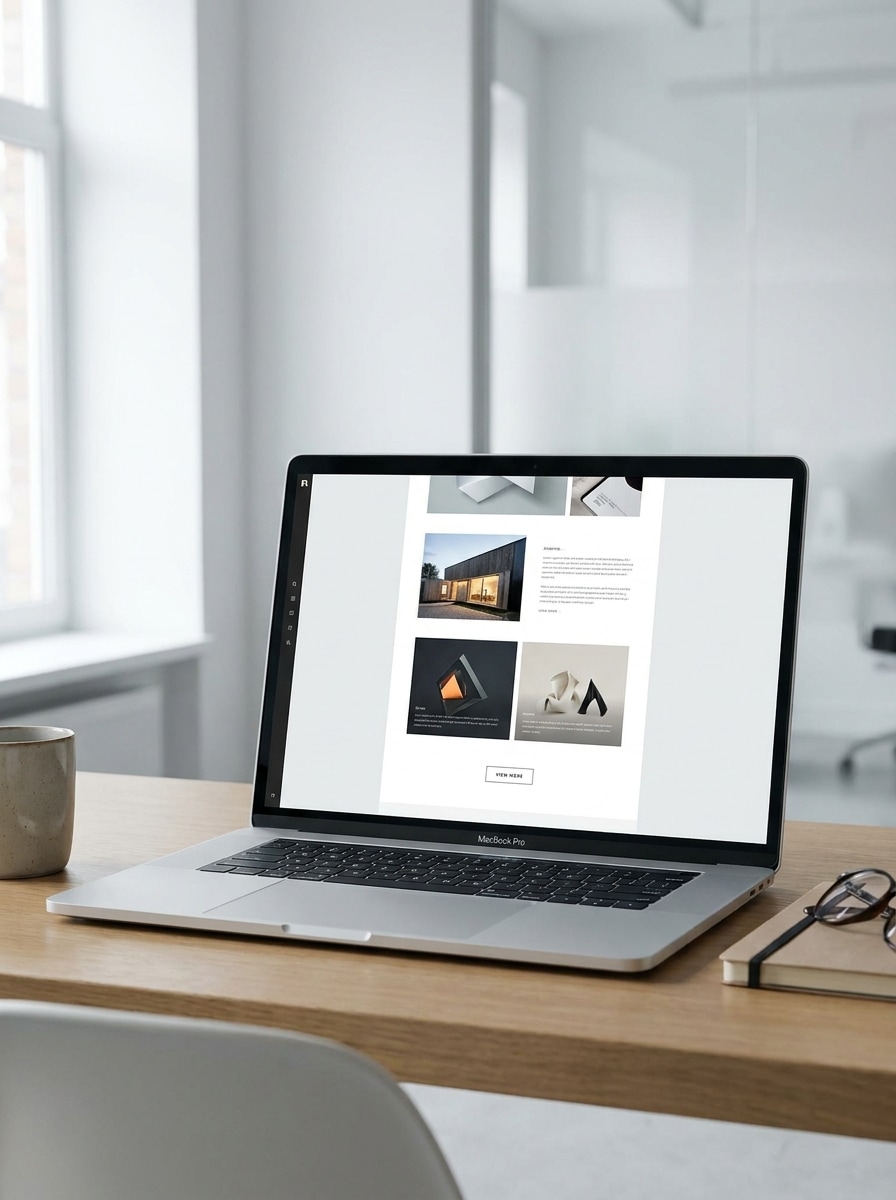
Spazio di Lavoro Minimalista
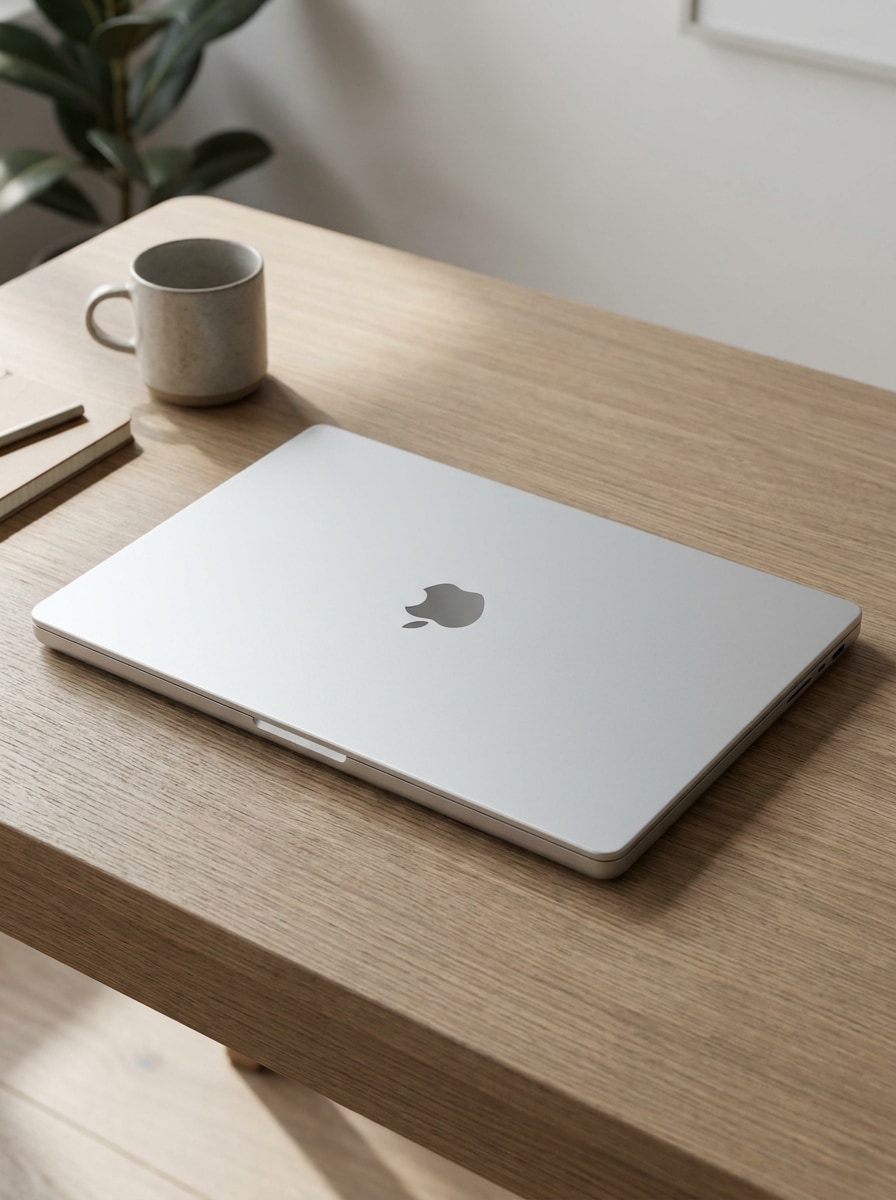
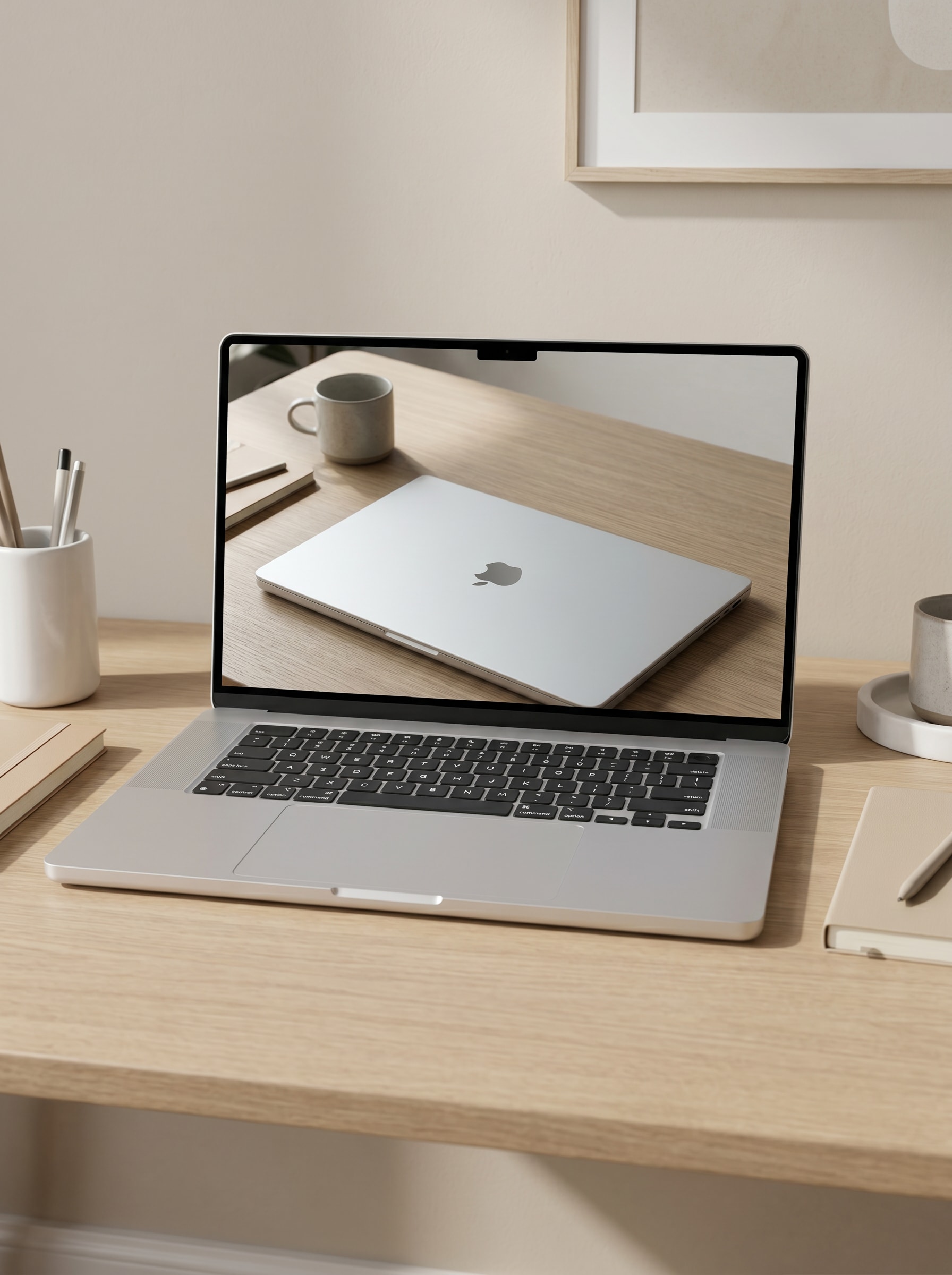
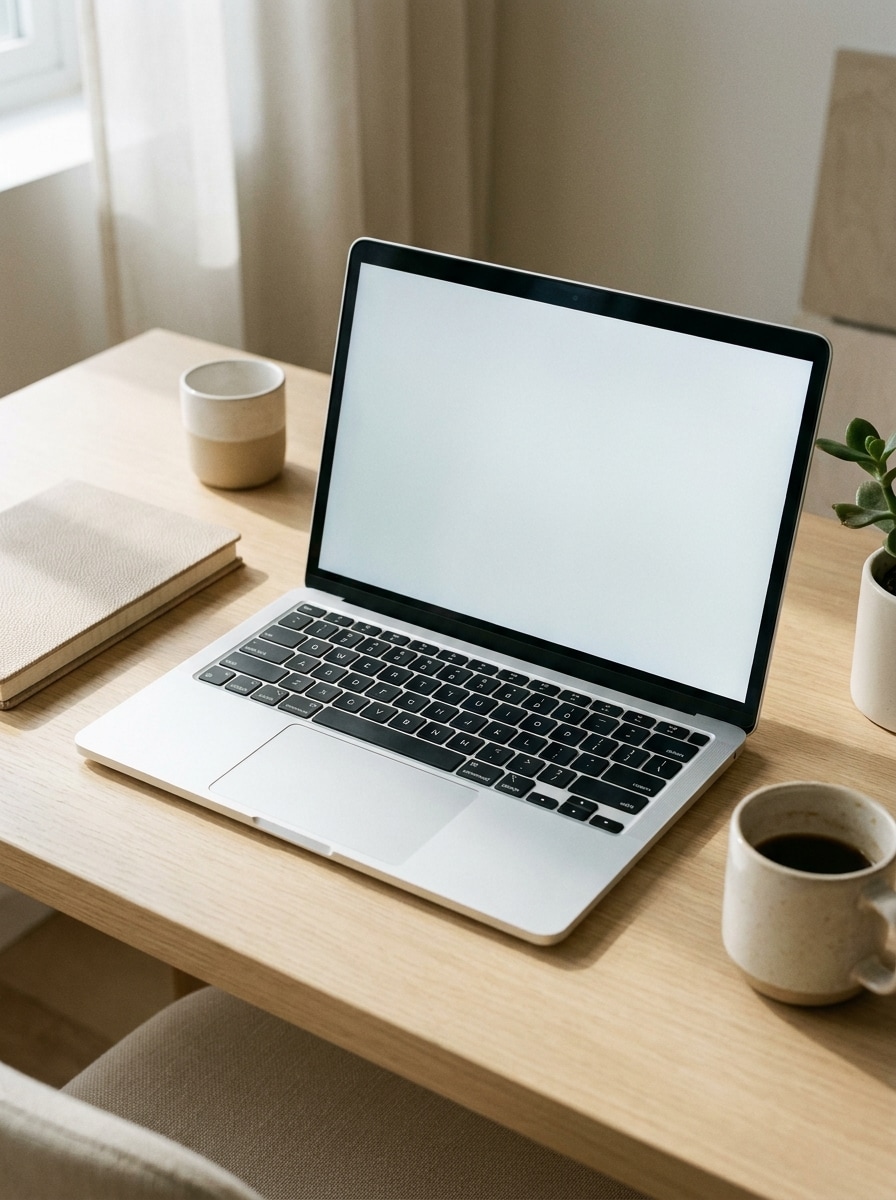
Utilizza l'immagine caricata come contenuto dello schermo e trasformala in un mockup fotorealistico di laptop su una scrivania moderna e pulita. Centra il laptop aperto con luce diurna morbida, ombre sottili, texture in alluminio realistica, una palette neutra in beige e bianco, accessori minimi e un'atmosfera premium di produttività con la schermata ben visibile.
Scrivania di Studio Creativo
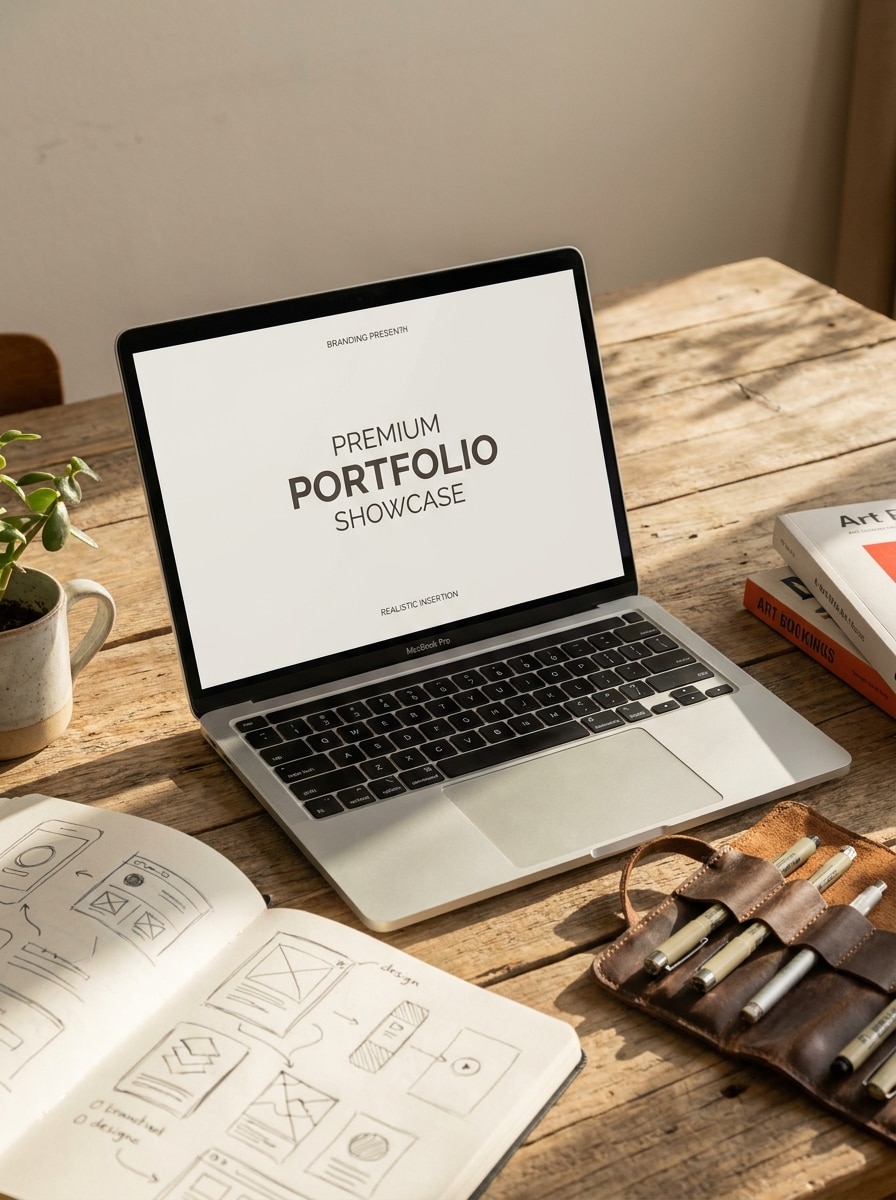
Utilizza l'immagine caricata come soggetto sullo schermo del laptop e trasformala in una scena elegante di studio creativo. Mostra un laptop aperto su una scrivania da designer con libri d'arte, strumenti sottili, luce diurna calda, riflessi realistici, materiali con texture e un'atmosfera editoriale che risulti premium ma accessibile.
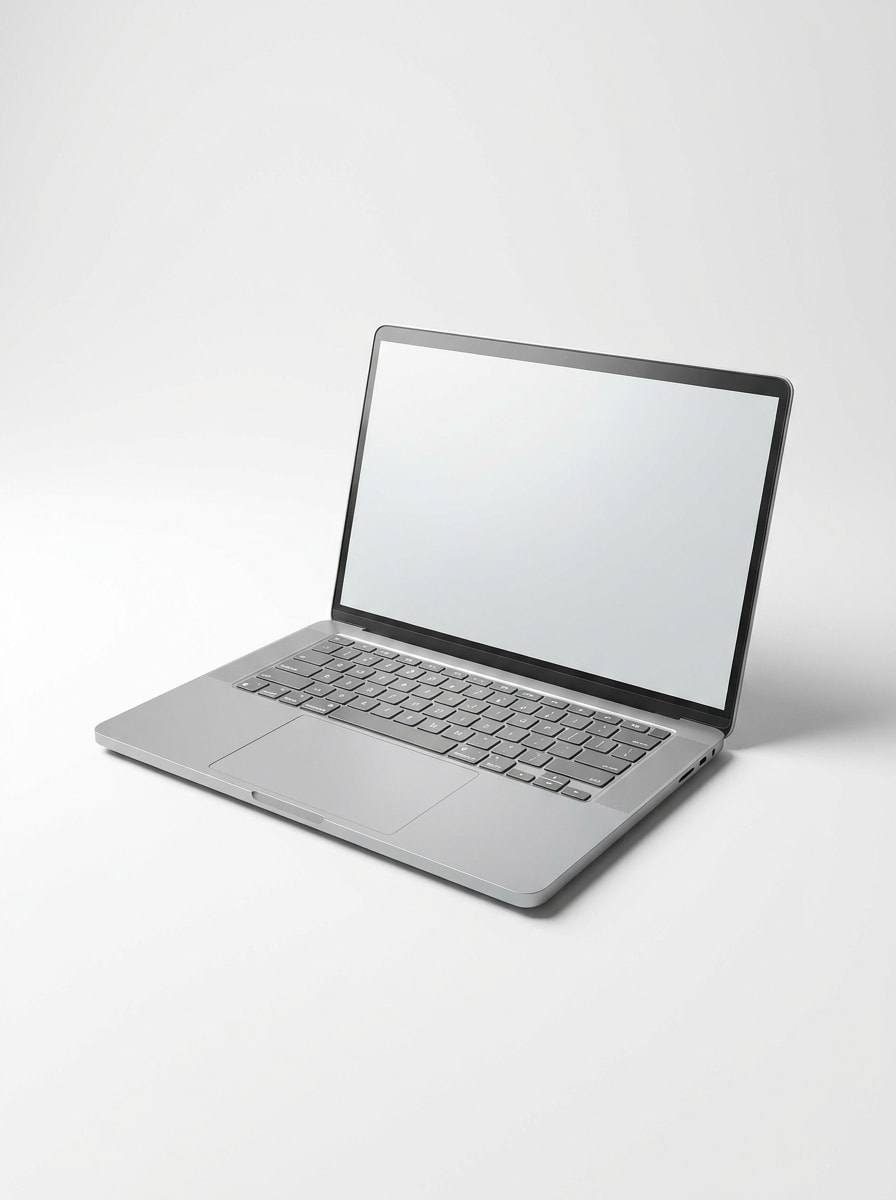
Vista Frontale Laptop Isolato
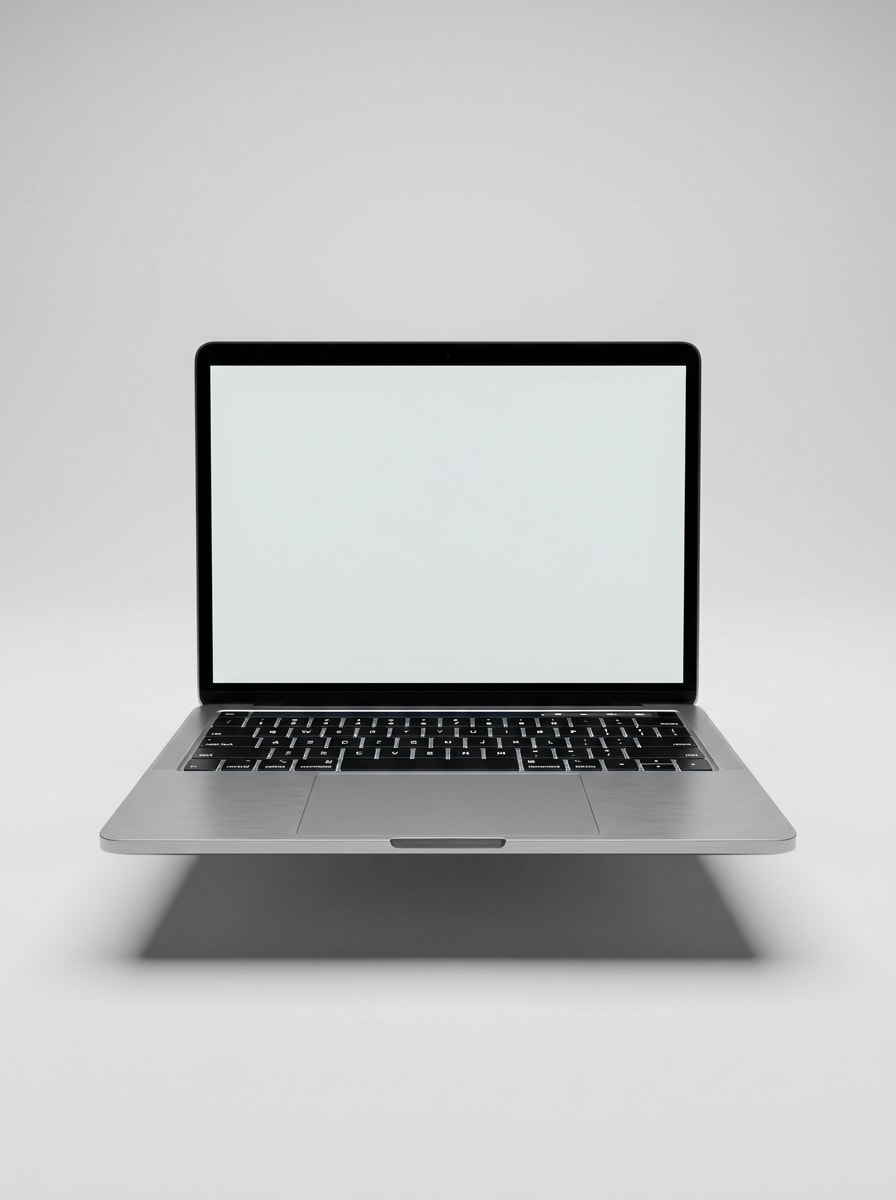
Utilizza l'immagine caricata come contenuto dello schermo e inseriscila in uno scatto di prodotto pulito con laptop isolato e vista frontale. Mantieni il dispositivo simmetrico, lo sfondo grigio chiaro uniforme, la scocca metallica realistica, i bordi nitidi, l'ombra morbida e controllata, e l'aspetto complessivo adatto a un mockup schermo computer o presentazione ecommerce.
Scatto Prodotto Angolato
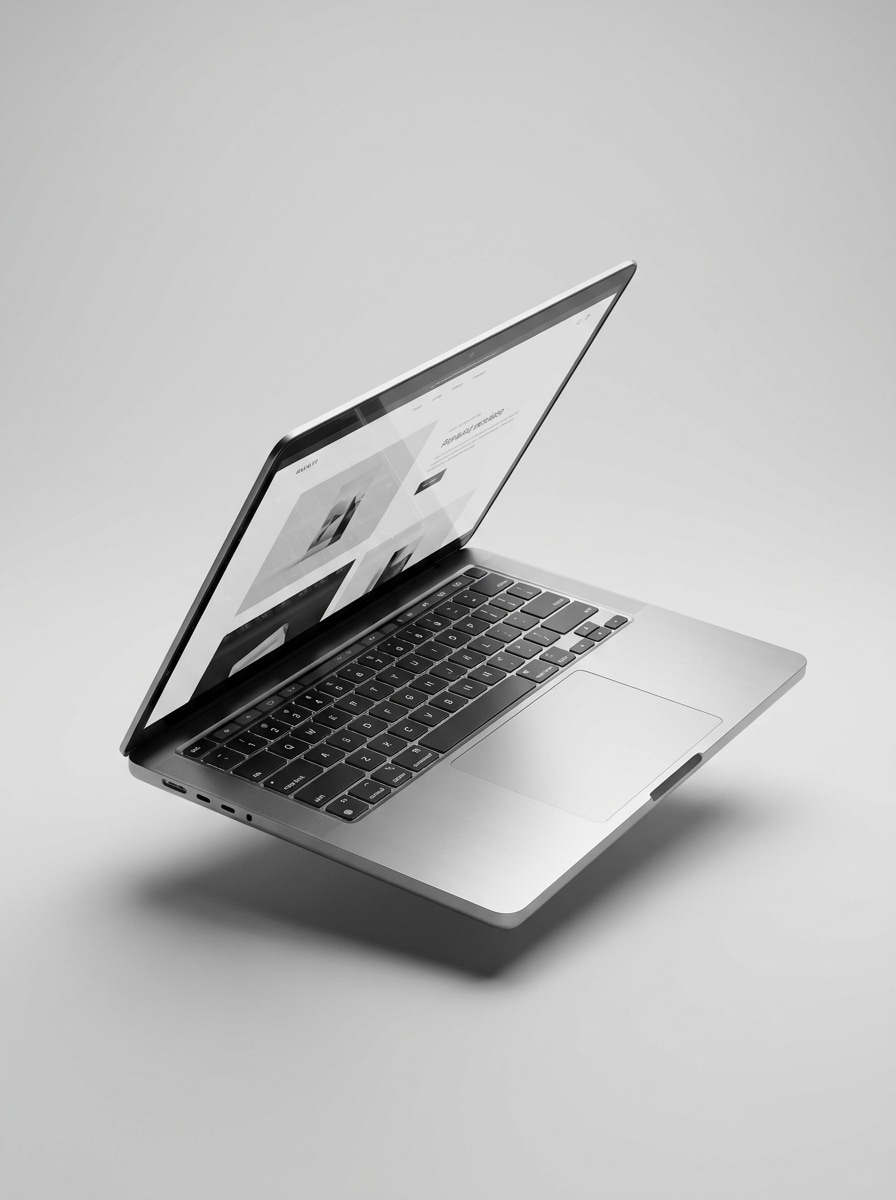
Utilizza l'immagine caricata come design dello schermo e trasformala in uno scatto di prodotto laptop angolato a tre quarti. Enfatizza materiali premium, illuminazione da studio, riflessi realistici, uno sfondo monocromatico pulito e una visibilità nitida dell'interfaccia per una presentazione mockup laptop raffinata.
Laptop Tenuto in Mano
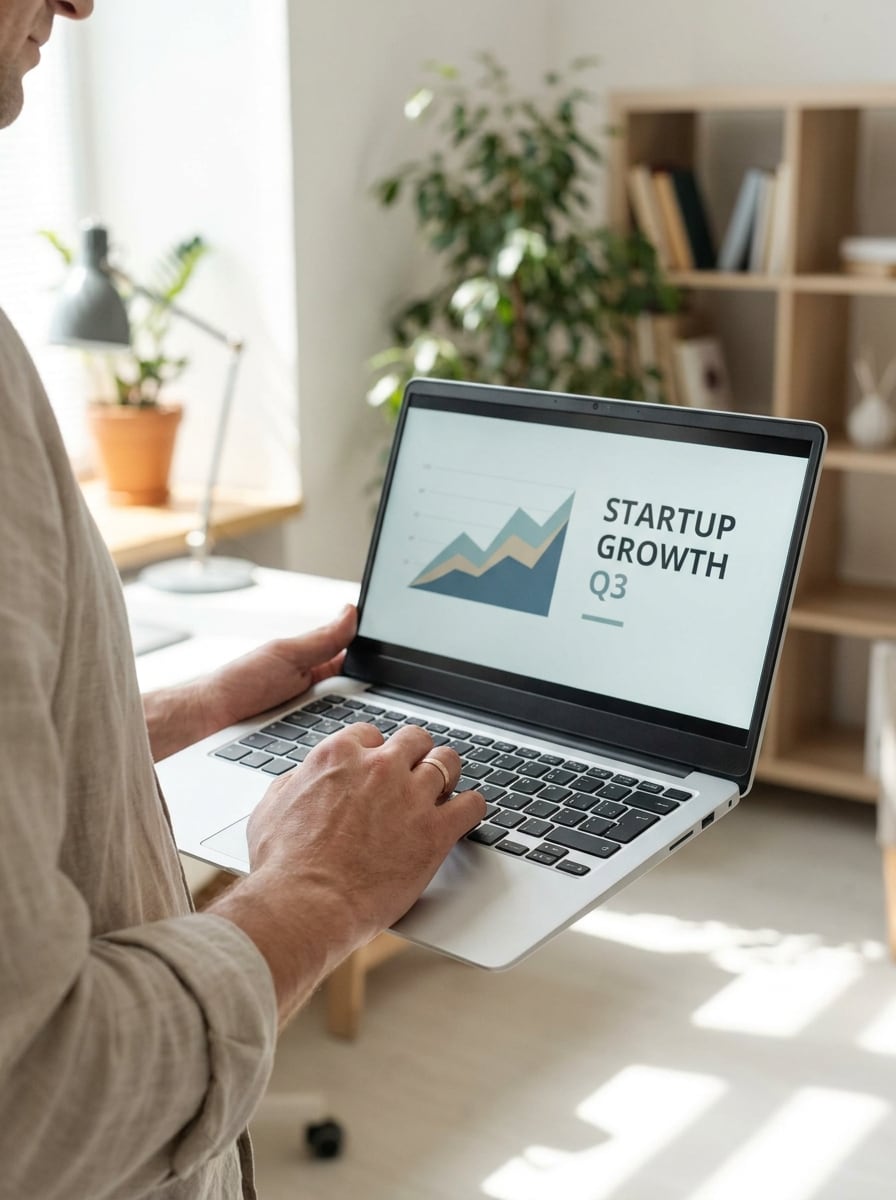
Utilizza l'immagine caricata come schermo del laptop e trasformala in una scena lifestyle naturale con una persona che regge il dispositivo aperto. Mantieni le mani realistiche, la luce interna morbida, lo sfondo leggermente sfocato, le tonalità della pelle naturali e la composizione incentrata sullo schermo per una presentazione mockup laptop autentica.
Laptop sulle Ginocchia
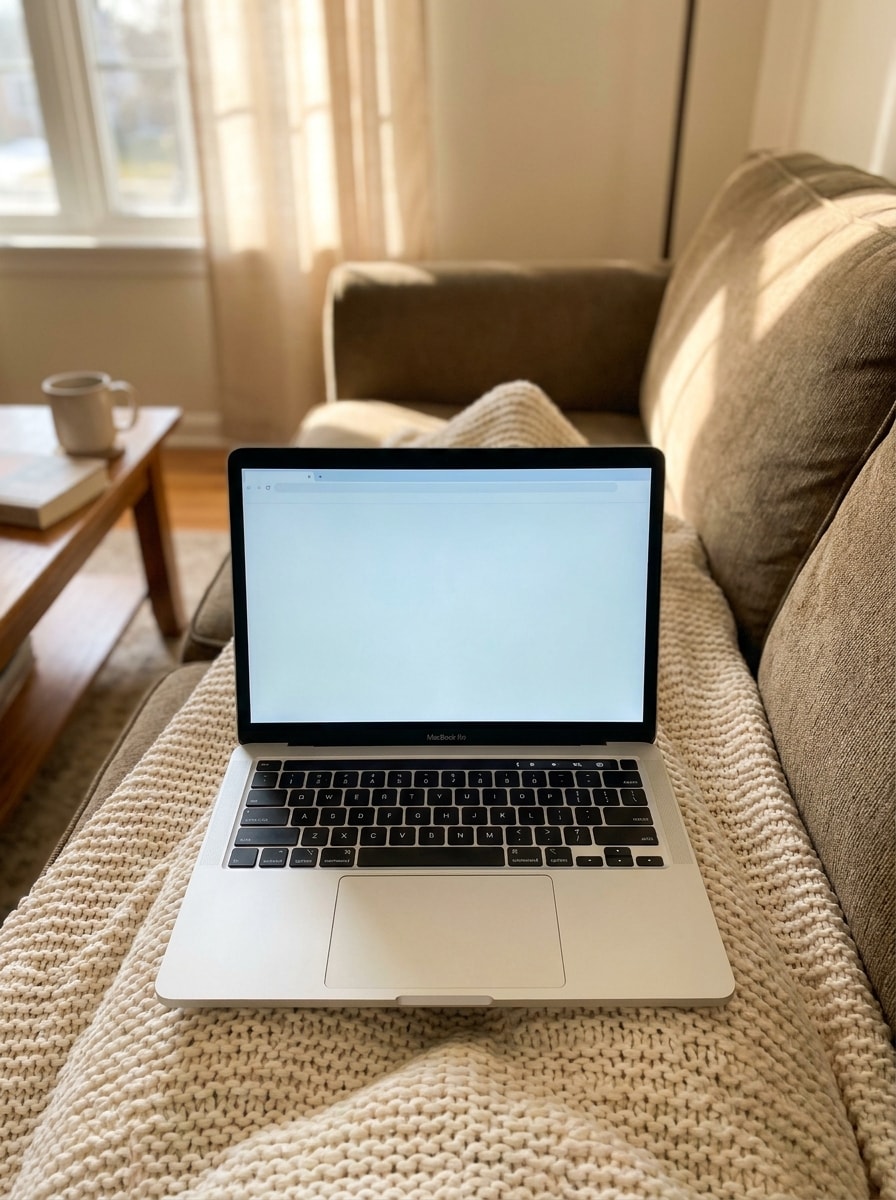
Utilizza l'immagine caricata come schermo del laptop e inseriscila in una configurazione lifestyle accogliente con il dispositivo appoggiato sulle ginocchia di qualcuno. Includi texture di tessuti morbidi, luce naturale calda, atmosfera confortevole da lavoro a casa, prospettiva realistica e inquadratura chiara dello schermo per una scena mockup PC più umana.
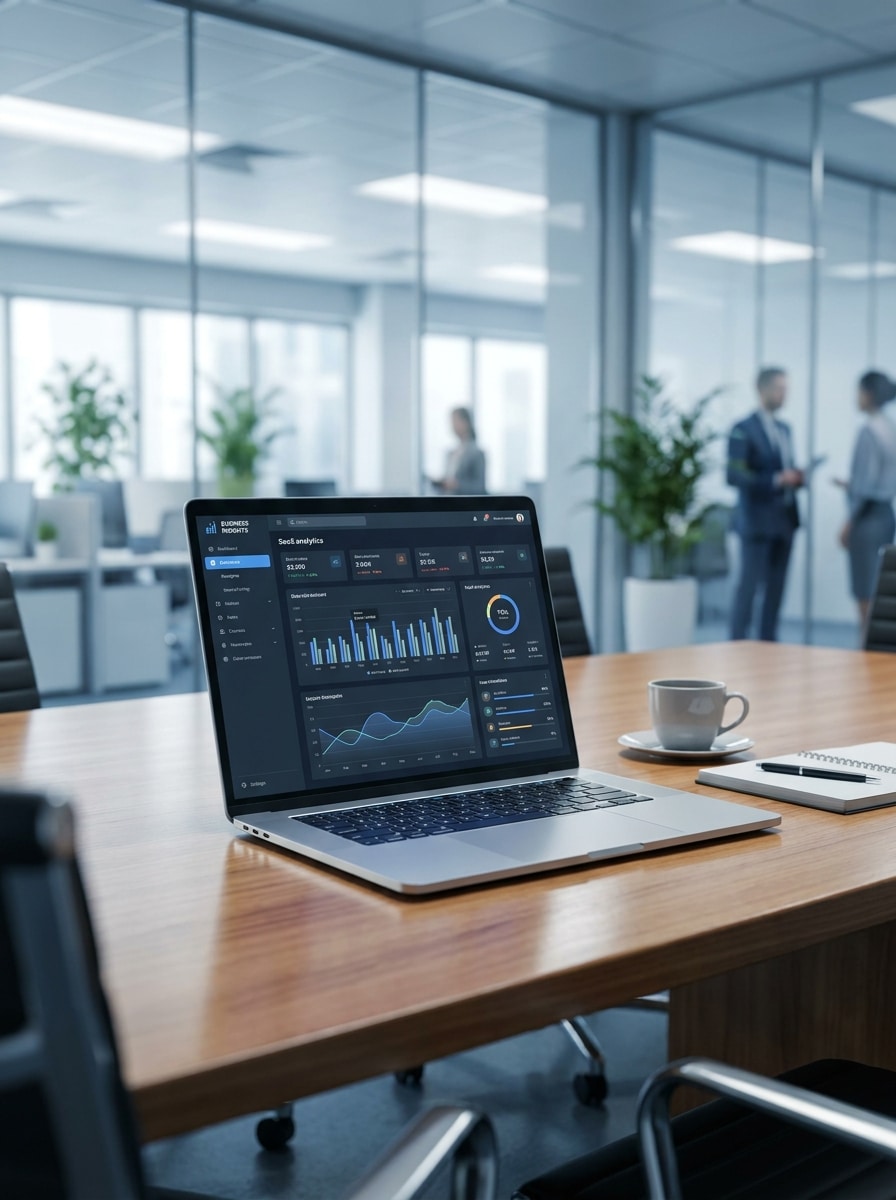
Presentazione in Sala Riunioni
Utilizza l'immagine caricata come display del laptop e trasformala in una scena professionale di sala riunioni. Mostra il dispositivo su un tavolo da conferenza con sfondo di ufficio moderno sfocato, stile aziendale raffinato, tonalità neutre e fresche, illuminazione realistica e un'atmosfera da computer mock up pronta per la presentazione.
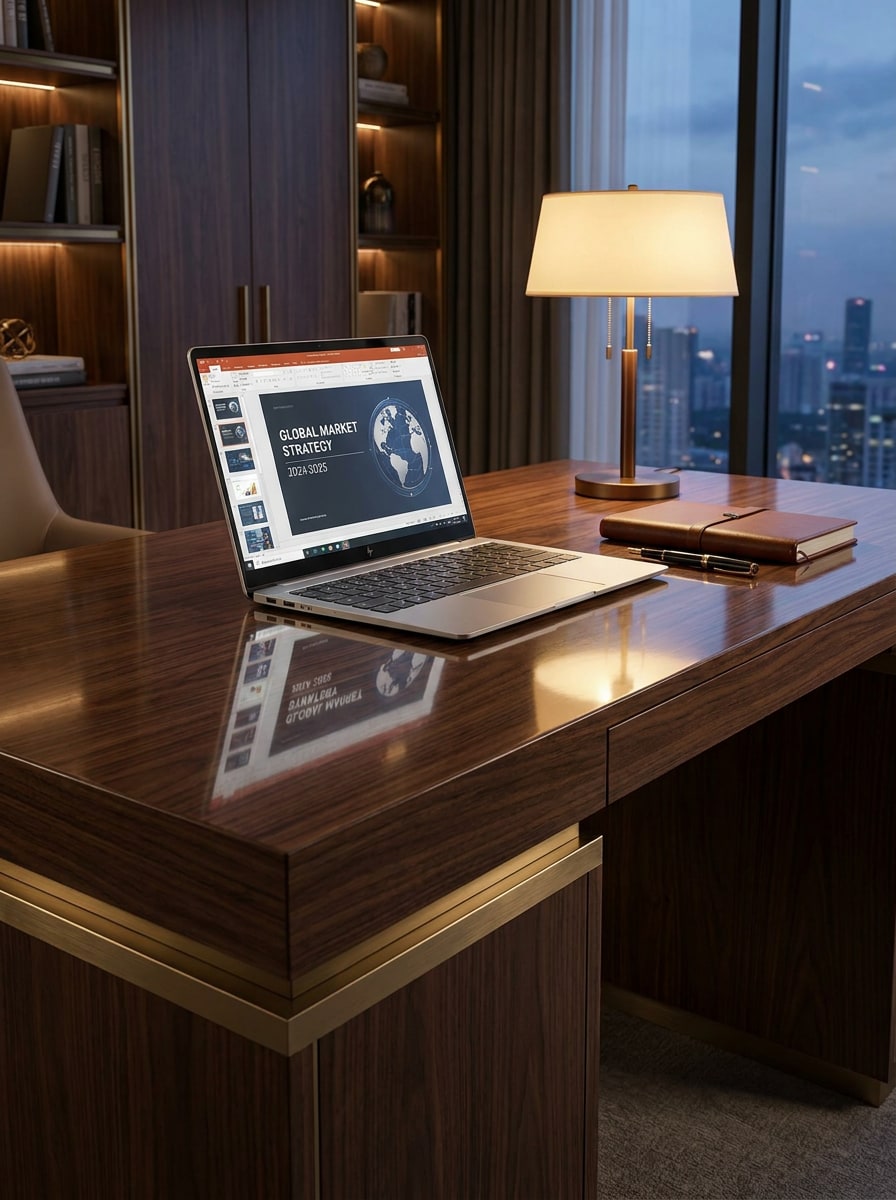
Mockup Scrivania Direzionale
Utilizza l'immagine caricata come contenuto dello schermo e trasformala in un mockup di scrivania direzionale con un'atmosfera business premium. Includi materiali eleganti, accessori contenuti, illuminazione direzionale calda, texture realistiche di legno e metallo, e un'atmosfera di presentazione al cliente sicura con il display chiaramente leggibile.
Mockup con Sfondo Trasparente
Utilizza l'immagine caricata come schermo del laptop e trasformala in un mockup dispositivo isolato con sfondo semplice o in stile trasparente. Mantieni i bordi nitidi, le proporzioni della scocca accurate, l'illuminazione neutra, l'ombra opzionale e morbida, e il risultato adatto per elenchi ecommerce, presentazioni o un workflow mockup laptop PNG.
Visualizzazione Sito Web a Scorrimento Lungo
Utilizza l'immagine caricata come contenuto dello schermo e trasformala in un mockup laptop che metta in risalto una pagina web a scorrimento lungo. Mantieni il dispositivo aperto realistico, la composizione pulita, la prospettiva naturale e rendi lo schermo alto e leggibile così da poter mostrare elegantemente una maggiore parte della landing page.
Perché Usare Media.io per i Mockup Laptop
Personalizza i Risultati Attorno a un Soggetto di Riferimento
Per branding, anteprime UI o presentazioni ai clienti in cui il soggetto deve rimanere riconoscibile, Media.io aiuta a preservare gli elementi chiave dell'identità visiva, affinando al contempo lo stile generale del mockup laptop per un risultato più pulito e credibile.
Rielabora un Soggetto in Stili Multipli
Per le modifiche basate su upload, Media.io mantiene il soggetto di riferimento visivamente coerente cambiando la direzione finale del mockup laptop, rendendo gli output personalizzati più facili da utilizzare con fiducia.
Scegli Stili di Mockup Adatti all'Uso Finale
Da un render di prodotto isolato a una scena su scrivania o a un visual mockup laptop orientato allo stile di vita, Media.io ti aiuta a riadattare un'immagine sorgente per portfolio, pagine ecommerce, presentazioni ai clienti e creatività social con molto meno rielaborazione.
Genera Output più Nitidi fino a 4K
Alcuni risultati devono fare di più che sembrare buoni in un'anteprima. Media.io aiuta a generare mockup laptop più nitidi con output fino a 4K, così l'immagine finale regge in sfondi, presentazioni e mockup.
Come Creare un Mockup Laptop Online
Trasforma le tue parole in immagini straordinarie in tre semplici passaggi, poi continua a perfezionare il risultato se vuoi approfondire ulteriormente.
Passaggio 1
Carica la Tua Immagine di Riferimento
Inizia con uno screenshot chiaro, una pagina web, un'interfaccia app o un visual di prodotto in JPG, PNG o JPEG. Un'immagine sorgente pulita aiuta Media.io a costruire un posizionamento dello schermo più realistico per il tuo laptop, desktop o presentazione del dispositivo in generale.
Passaggio 2
Descrivi la Modifica e Imposta le Opzioni
Indica all'IA che tipo di scena desideri, come uno scatto di prodotto isolato, una configurazione su scrivania o una vista lifestyle. Poi scegli il modello e regola il rapporto d'aspetto, la risoluzione e il numero di immagini per adattarle allo stile di mockup preferito.
Passaggio 3
Genera, Scarica e Continua a Migliorare
Crea diverse varianti, confronta i risultati e scarica la versione migliore. Se necessario, perfeziona il prompt, prova un'altra scena o rigenera un nuovo angolo finché la presentazione del tuo dispositivo non è pronta per un portfolio, una pagina del negozio o una presentazione al cliente.
Scopri come i creator utilizzano questo mockup laptop per contenuti, marketing e progetti personali, poi adatta ogni idea alle esigenze specifiche.
Presenta i Design di Siti Web in Modo più Credibile
Invece di condividere uno screenshot piatto, inserisci la tua homepage o landing page in una scena realistica del dispositivo che sembri pronta per un caso studio, una proposta dell'agenzia o una presentazione agli investitori. Questo è particolarmente utile quando vuoi un mock up laptop visuale pulito che sembri personalizzato piuttosto che basato su template.
Migliora le Risorse di Marketing per App, SaaS e Prodotti
Trasforma le acquisizioni di dashboard e le anteprime delle interfacce in visual raffinati per pagine di prodotto, post di lancio e annunci. Puoi costruire qualsiasi cosa, da un semplice pc mockup a un render di workspace premium, aiutando il tuo software ad apparire più consolidato e più facile da comprendere a colpo d'occhio.
Crea Immagini di Dispositivi Pronte per l'Ecommerce più Velocemente
Se vendi template, kit UI o prodotti digitali, le scene realistiche dei dispositivi aiutano gli acquirenti a immaginare il risultato finale. Media.io può trasformare la tua sorgente in viste isolate, ambientazioni lifestyle o una presentazione in stile mockup laptop gratuito riutilizzabile per banner dello storefront, immagini degli annunci e grafiche promozionali.
Cosa Dicono gli Utenti
Elena Park
UI/UX Designer
"Modo veloce per presentare il lavoro su siti web" Ho usato Media.io per trasformare gli screenshot della homepage in scene realistiche di laptop per una presentazione al cliente. Mi ha salvato dalla ricerca tra template statici e i risultati sembravano molto più adattati al brand.
Marcus Bell
SaaS Marketing Manager
"Meglio dei mockup template base" Avevamo bisogno di diversi stili per gli stessi scatti del prodotto, tra cui scene su scrivania e viste isolate. Il workflow era semplice e potevamo generare varianti rapidamente senza aprire Photoshop.
Priya Nair
Web Designer Freelance
"Utile per portfolio e presentazioni" Mi piace poter caricare uno screenshot e sperimentare con diversi ambienti. Rende i miei progetti web più raffinati, soprattutto quando ho bisogno di visual pronti per la presentazione in poco tempo.
Jonas Reed
Venditore di Prodotti Digitali
"Ottimo per gli annunci nel negozio" Gli stili di mockup isolati hanno funzionato bene per le mie immagini ecommerce. Ho creato visual di prodotto puliti che mettevano chiaramente in evidenza il contenuto dello schermo, e le esportazioni ad alta risoluzione apparivano nitide sulle pagine del marketplace.
Esplora i più popolari effetti video e immagini AI
Carica uno screenshot, un'acquisizione di pagina web, un'interfaccia app o un'altra immagine di riferimento su Media.io, poi descrivi la scena che desideri, come una configurazione su scrivania, uno scatto lifestyle o un render di dispositivo isolato. Media.io utilizza la generazione image-to-image per trasformare la tua sorgente in una presentazione laptop personalizzata direttamente nel tuo browser, così puoi creare un mockup laptop, una scena mock up computer o un altro visual in stile dispositivo online senza file PSD.
2. Posso creare un mockup laptop gratuitamente?
Media.io offre crediti gratuiti, così puoi provare un workflow mockup laptop gratuito prima di eseguire l'upgrade. Gli utenti gratuiti potrebbero vedere filigrane, mentre i piani a pagamento sbloccano download ad alta risoluzione senza filigrana e più crediti; puoi confrontare le opzioni nella pagina dei prezzi.
3. Quali immagini funzionano meglio per un generatore di mockup laptop image-to-image?
I file JPG, PNG e JPEG chiari funzionano meglio, in particolare gli screenshot di siti web, dashboard, interfacce app o pagine di prodotto con dettagli leggibili. Una sorgente pulita e ben ritagliata di solito fornisce a Media.io un posizionamento dello schermo migliore e risultati più convincenti, che tu voglia un semplice display laptop, un computer mock up o una scena di presentazione mockup laptop più stilizzata.
4. Posso trasformare uno screenshot di un sito web in un mockup laptop realistico?
Media.io è particolarmente adatto a trasformare screenshot di siti web in scene realistiche del dispositivo, tra cui mockup su scrivania, ambienti lifestyle e viste di prodotto isolate. Questo rende Media.io utile per anteprime di portfolio, vetrine di landing page e un output in stile mockup laptop PNG personalizzato quando vuoi che il tuo web design sembri più pronto per la presentazione. Media.io funziona nel browser, quindi puoi utilizzarlo su comuni dispositivi desktop e mobili.
5. Il mio mockup laptop verrà esportato in alta risoluzione?
Media.io supporta opzioni di risoluzione 1K, 2K e 4K, così puoi esportare un'immagine finale nitida per presentazioni, pagine ecommerce, contenuti social e lavori con i clienti. Puoi anche regolare il rapporto d'aspetto e generare più varianti per adattarle al layout di cui hai bisogno, che tu stia costruendo mockup laptop, un mockup schermo computer o altri visual di marketing raffinati. Gli utenti gratuiti potrebbero avere filigrane.
6. Posso generare mockup in stile MacBook e mockup computer generici?
Media.io funziona nei browser moderni su desktop e mobile, così puoi creare e revisionare design senza installare software pesanti. Questo rende più facile generare risorse mockup laptop, un rapido concetto di mockup laptop gratuito o un mockup computer raffinato ovunque tu stia lavorando.