Creations are stored for only 7 days. Assets created after upgrading to a Membership plan will be stored permanently.
Unlock your creative potential and experience the magic of Media AI right away!
Filtro facciale Robot per trasformare i selfie in ritratti AI futuristici
Crea unFiltro faccia robotGuarda dal tuo selfie in pochi clic. Media.io ti aiuta ad applicare unFiltro robot AI, costruire una lucidaFiltro Ritratto robotstile, oTrasforma la foto in robotArte con chrome, android e effetti cyborg online.
Digita la tua idea-> AI la progetta. Libero di provare.
Esamina queste istruzioni di esempio, quindi personalizza i dettagli del prompt per ottenere risultati più forti con questo filtro faccia Robot.
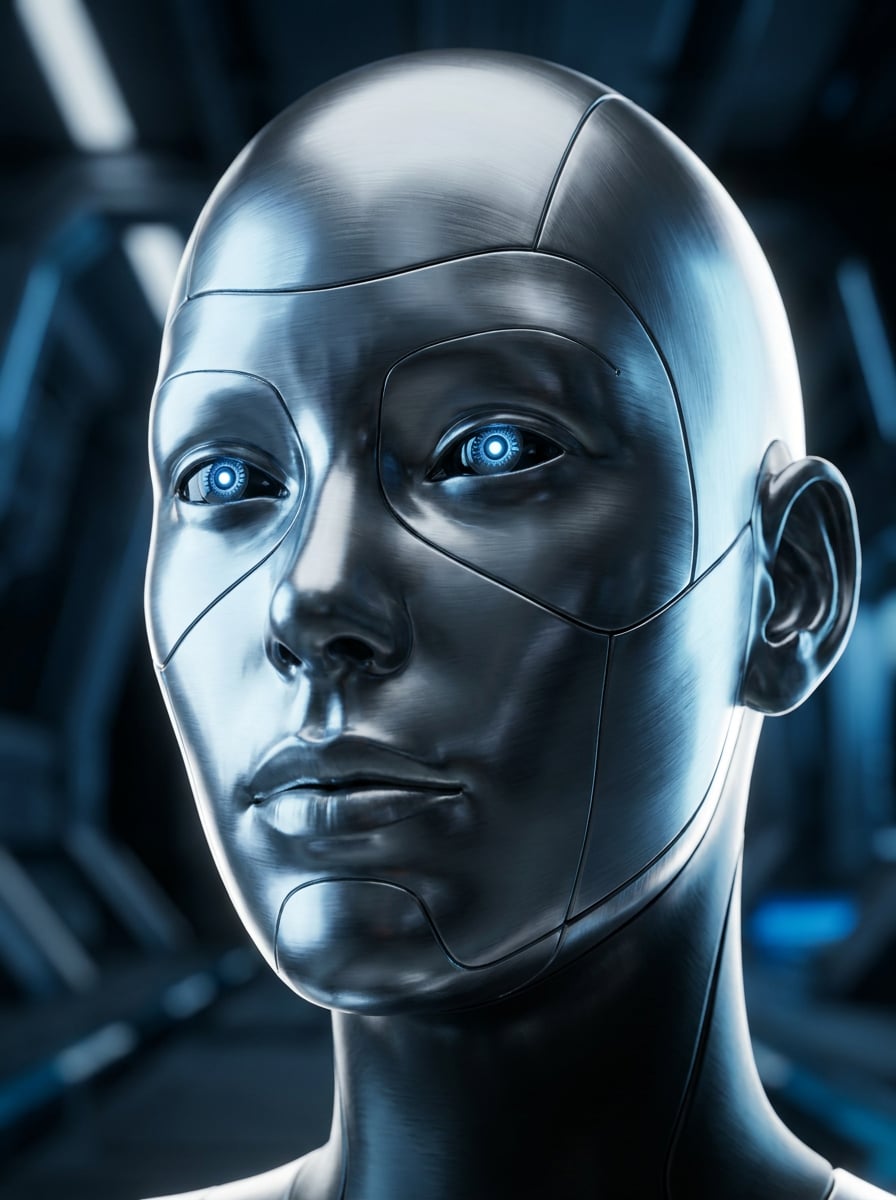
Cyborg cromato
Usa l'immagine caricata come soggetto e trasforma il viso in un realistico ritratto di cyborg cromato. Preserva l'identità e l'espressione del viso aggiungendo una pelle metallica riflettente, cuciture a pannello fine, occhi blu luminosi, struttura meccanica nitida, toni argentati freddi e illuminazione cinematografica del bordo per un ritratto fantascienza premium.
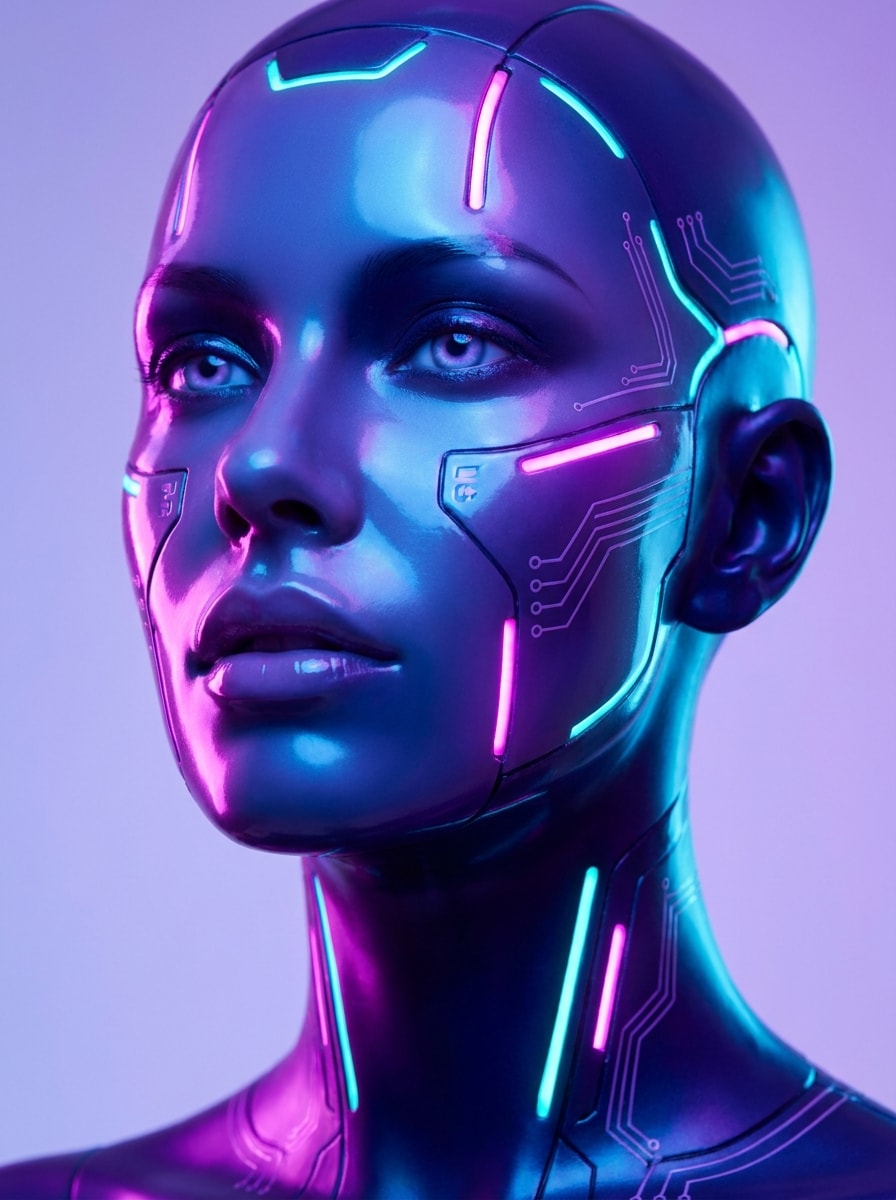
Neon Android
Usa l'immagine caricata come soggetto e fai sembrare il viso come un elegante android neon. Mantieni la persona riconoscibile aggiungendo una pelle sintetica liscia, luci di accento magenta e ciano, circuiti luminosi, superfici lucide, stili di bellezza futuristici e morbida illuminazione da studio con vivid contrasto di colori cyberpunk.
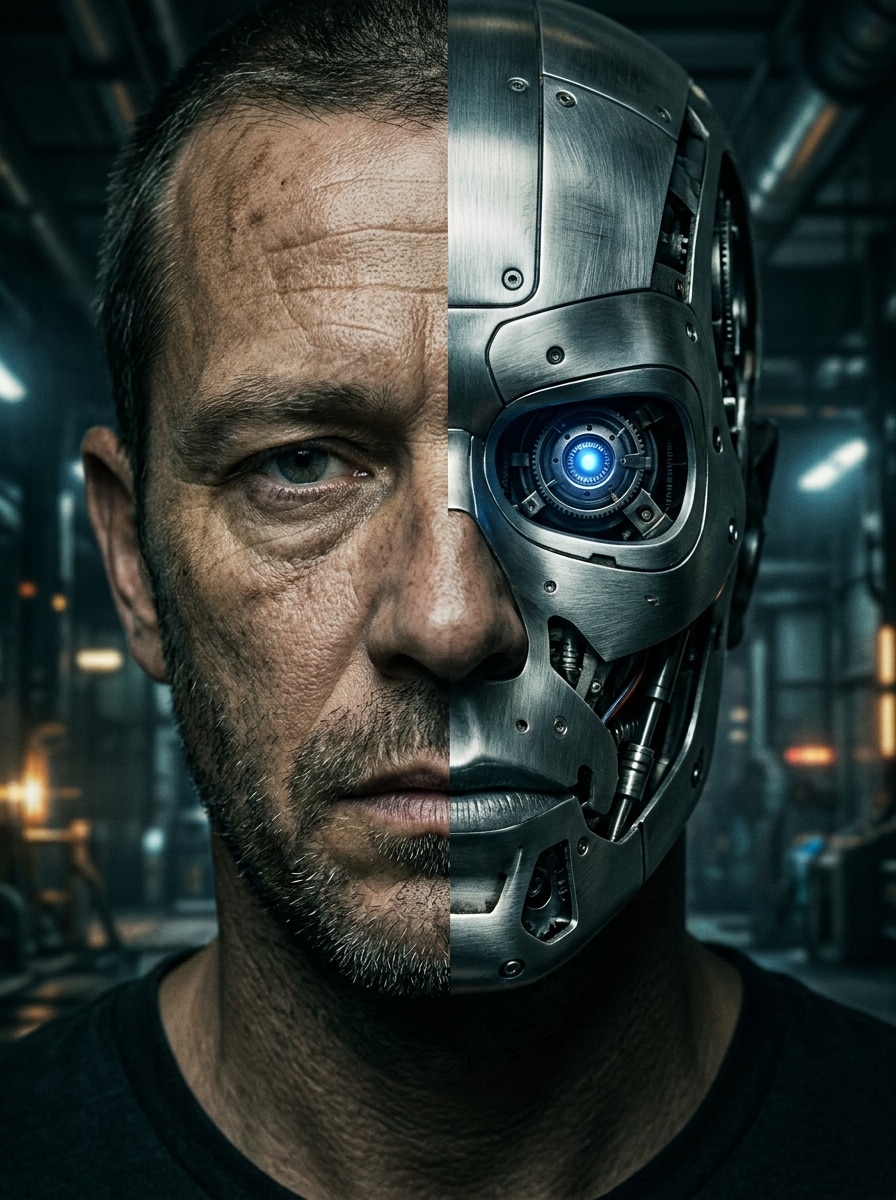
Mezza umana, mezza Robot
Usa l'immagine caricata come soggetto e crea un effetto faccia divisa con un lato naturale e un lato robotico. Conserva la forma originale del viso aggiungendo macchinari esposti, pannelli in acciaio, un occhio luminoso, contrasti netti, trame realistiche e drammatiche illuminazioni cinematografiche per una trasformazione sorprendente.
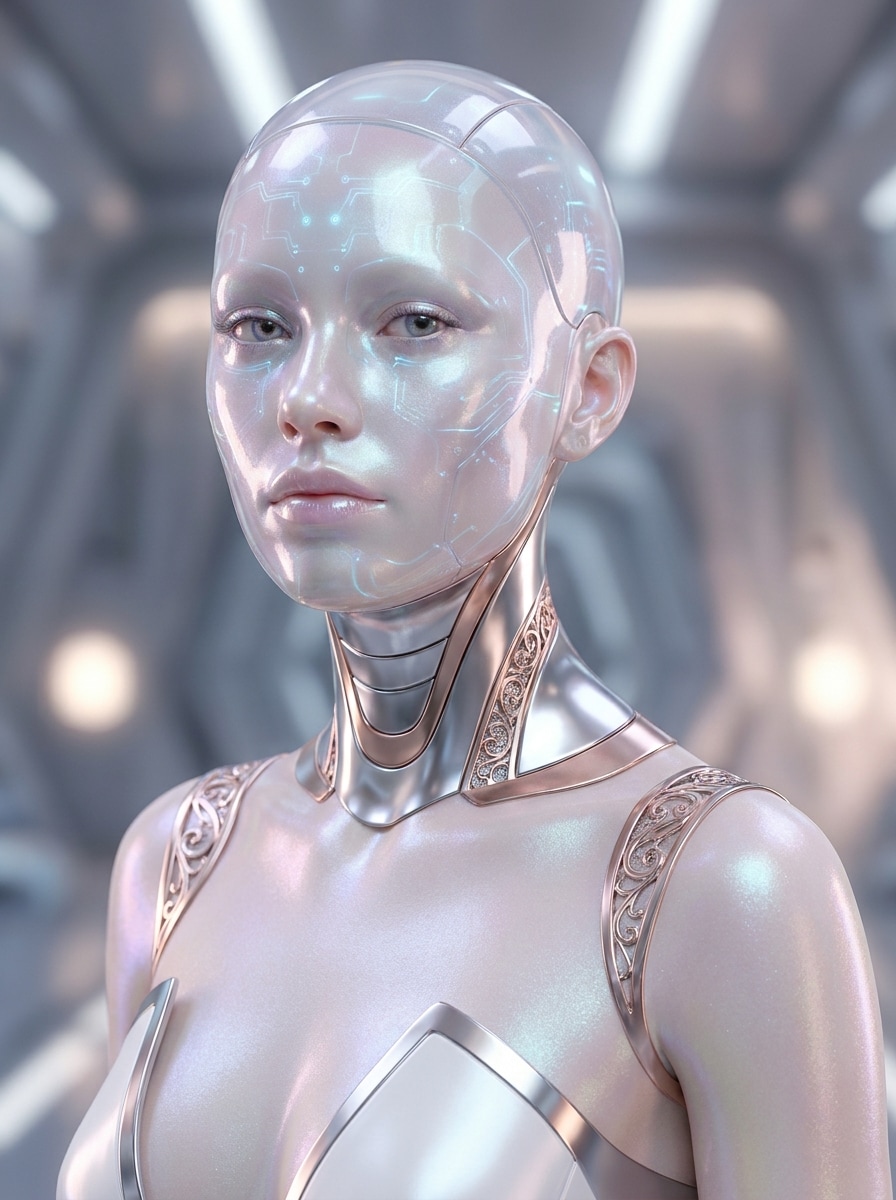
femminile AI Android
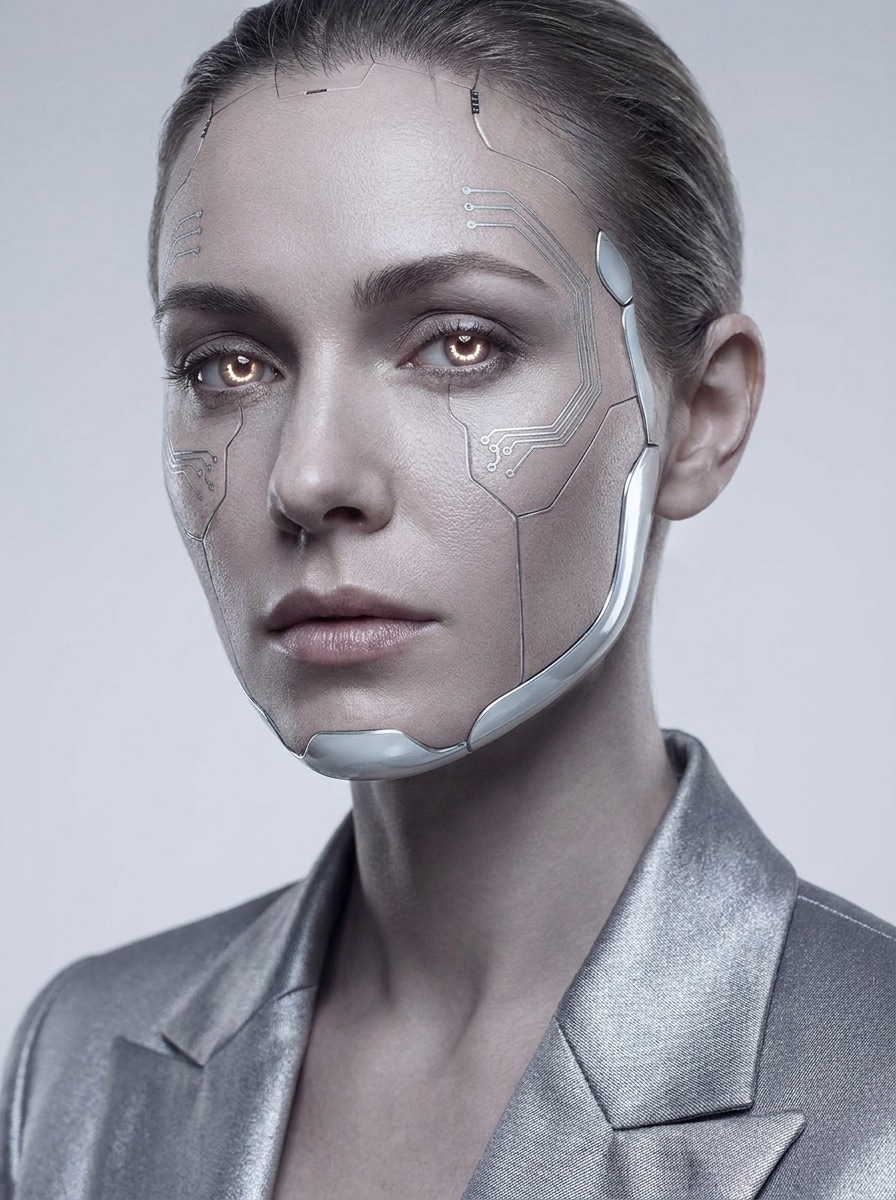
Usa l'immagine caricata come soggetto e stilizzala come un modello android AI futuristico. Mantieni il viso elegante e riconoscibile aggiungendo dettagli metallici raffinati, finitura pelle vetrosa, circuiti sottili, bagliore morbido, composizione editoriale e illuminazione moda di lusso in una tavolozza pulita e high-tech.
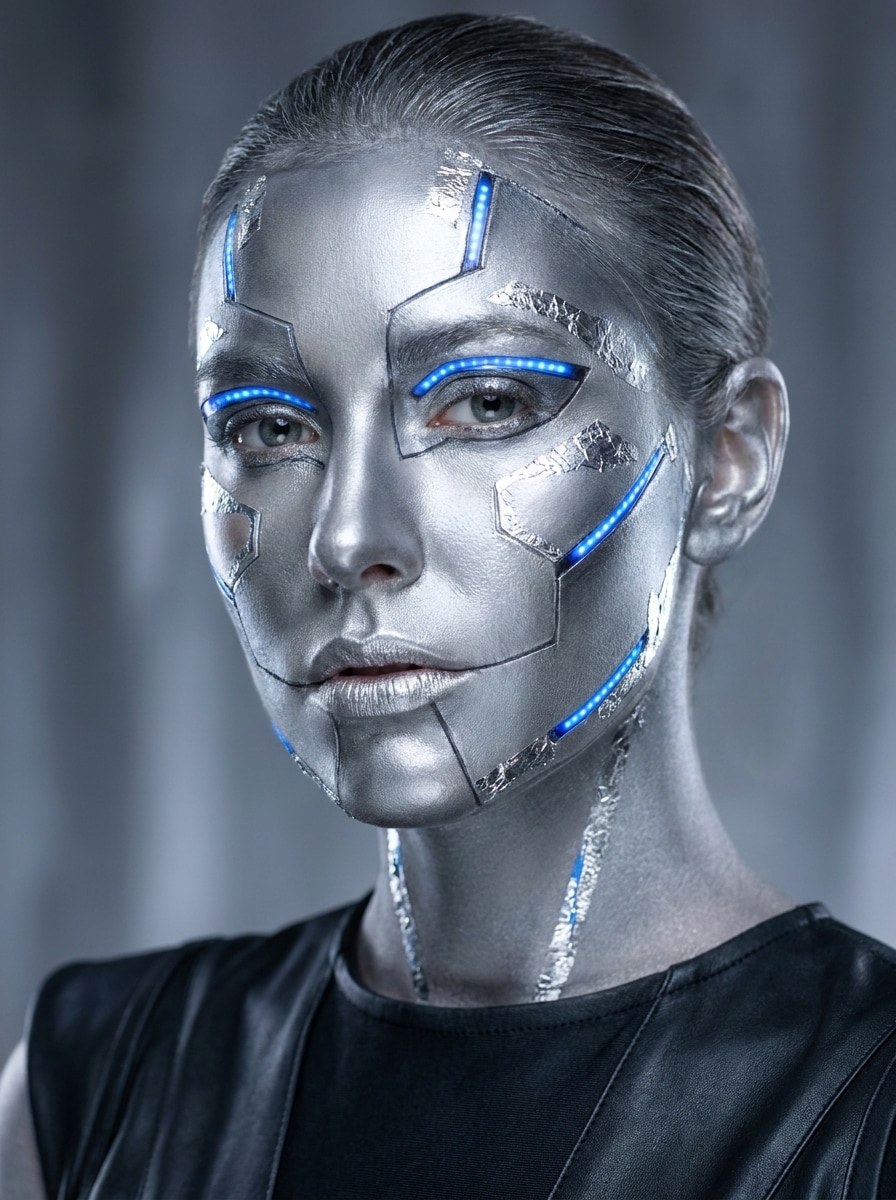
Argento Robot Trucco
Usa l'immagine caricata come soggetto e applica un effetto trucco robot argento. Preserva l'espressione e le caratteristiche chiave del viso mentre stratifica texture metalliche, accenti geometrici, highlight luminosi, pelle lucida, linee di contorno pulite e illuminazione editoriale lucida per un selfie elegante e futuristico.
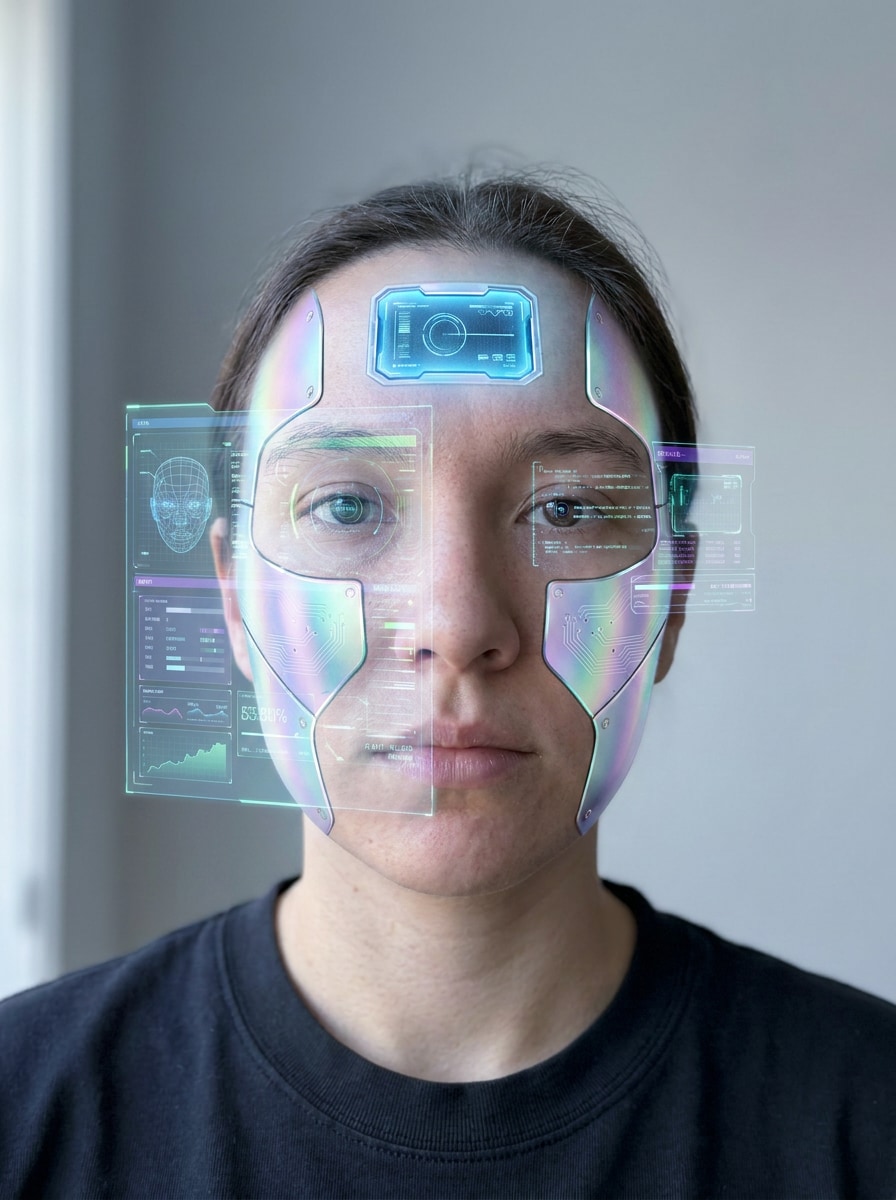
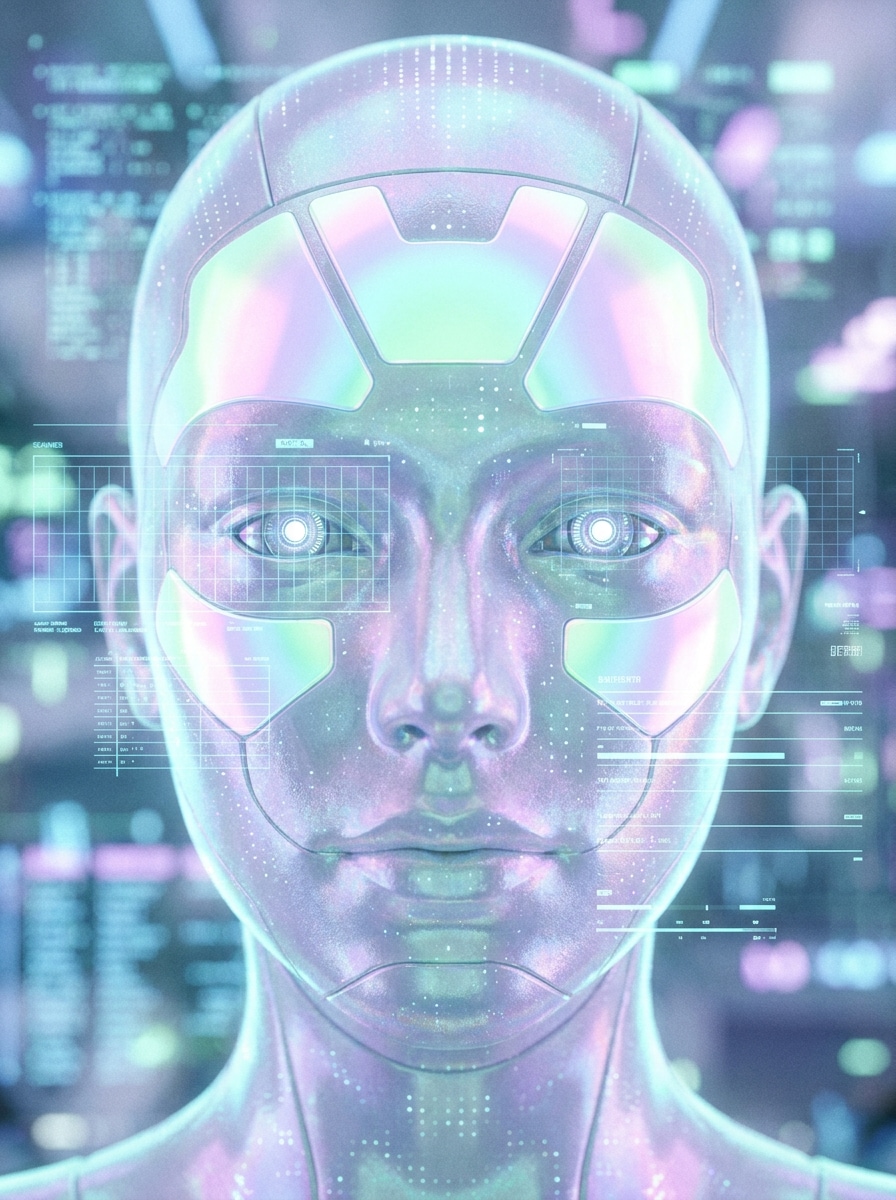
Tecnica olografica del viso
Usa l'immagine caricata come soggetto e aggiungi dettagli olografici del robot al viso. Mantieni l'identità riconoscibile introducendo sovrapposizioni di interfaccia traslucide, trame metalliche iridescenti, pannelli luminosi sulla fronte, grafica dello scanner, fresca luce pastello e profondità futuristica nitida per un ritratto tecnologico premium.
faccia casco Mecha
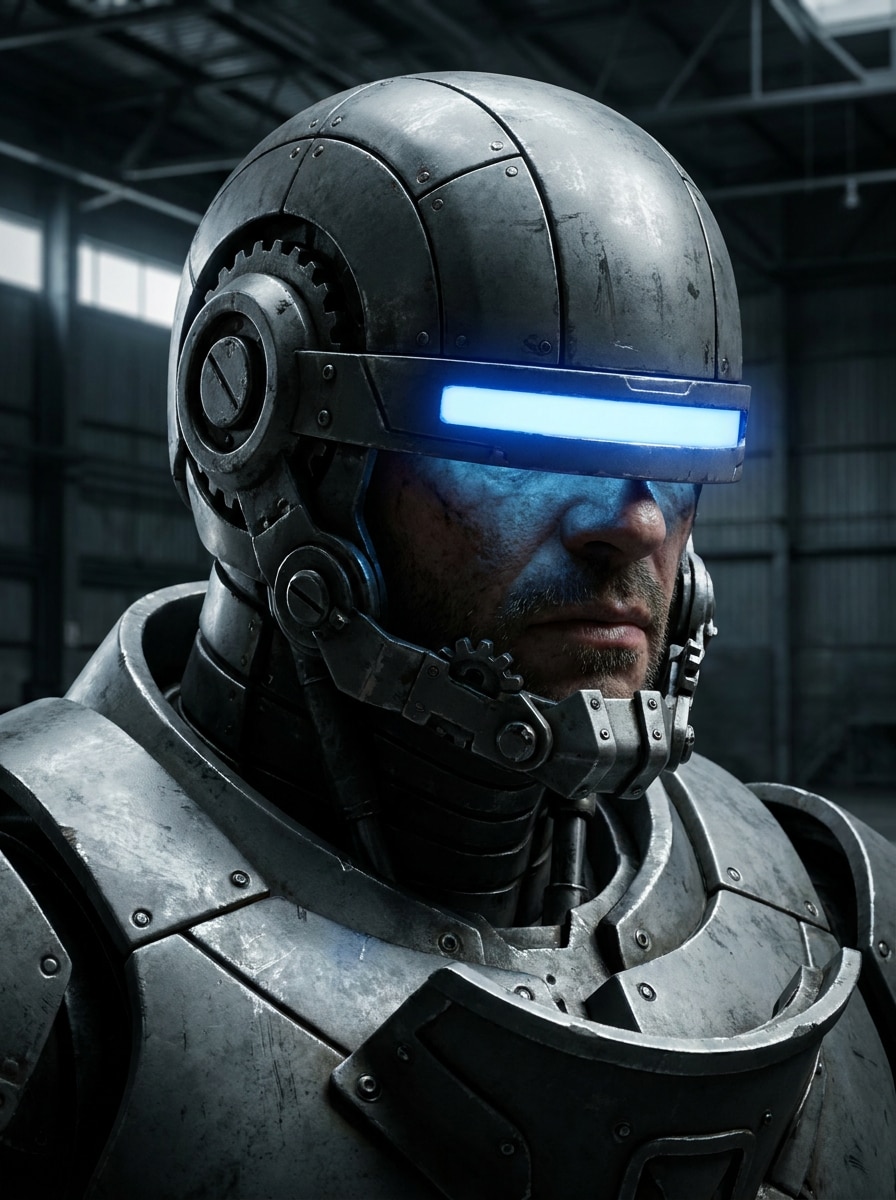
Usa l'immagine caricata come soggetto e trasforma il viso in un ritratto di casco ispirato al mecha. Mantenere la struttura facciale riconoscibile aggiungendo una placcatura corazzata angolare, pezzi meccanici della mascella, elementi luminosi della visiera, dettagli della superficie industriale, ombre profonde e un'intensa illuminazione fantascientifica per un audace look robotico.
Ritratto di droide di battaglia
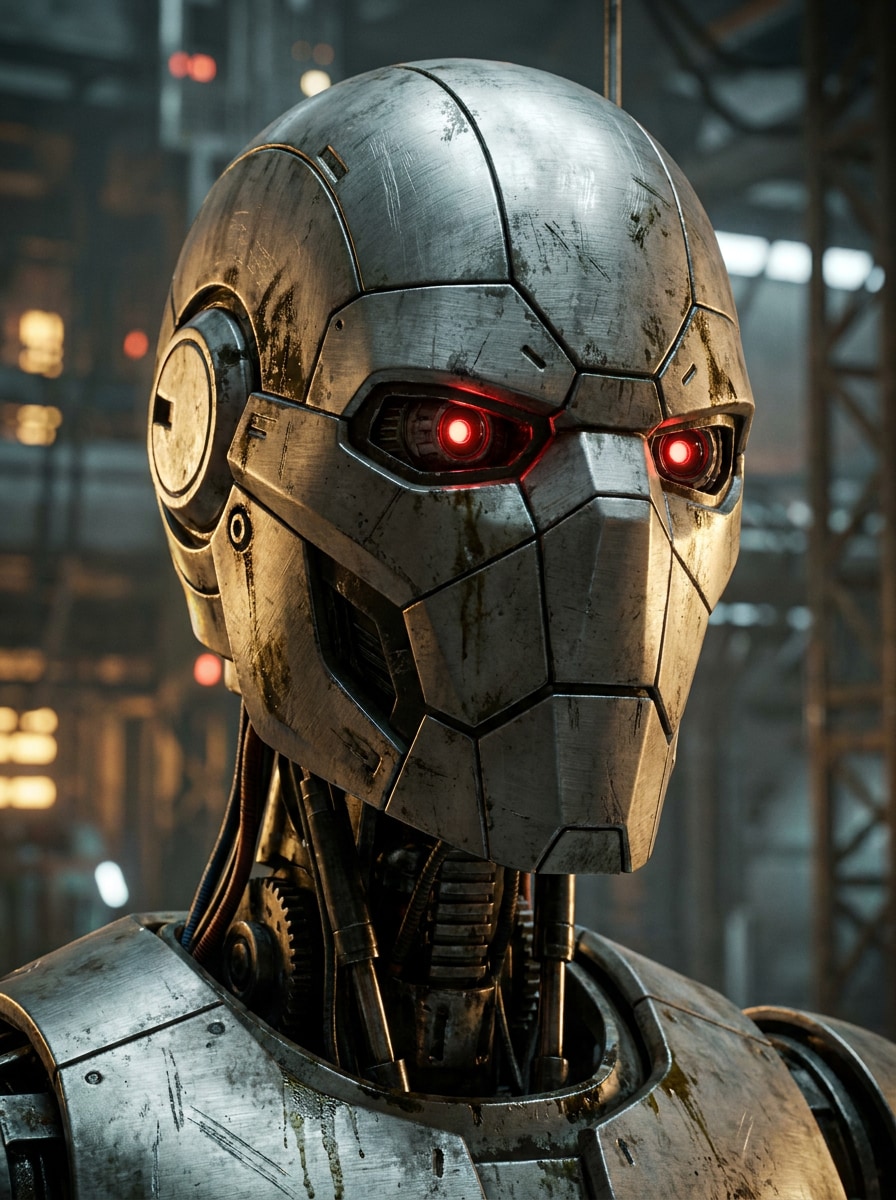
Usa l'immagine caricata come soggetto e trasformarla in un ritratto ispirato al droide di battaglia. Mantieni la persona identificabile aggiungendo superfici in acciaio spazzolato, pannelli facciali tattici, sensori ottici rossi, texture fantascientifiche intemperate, atmosfera fumosa e contrasti drammatici per un risultato cinematografico in stile azione.
Carino Robot Selfie
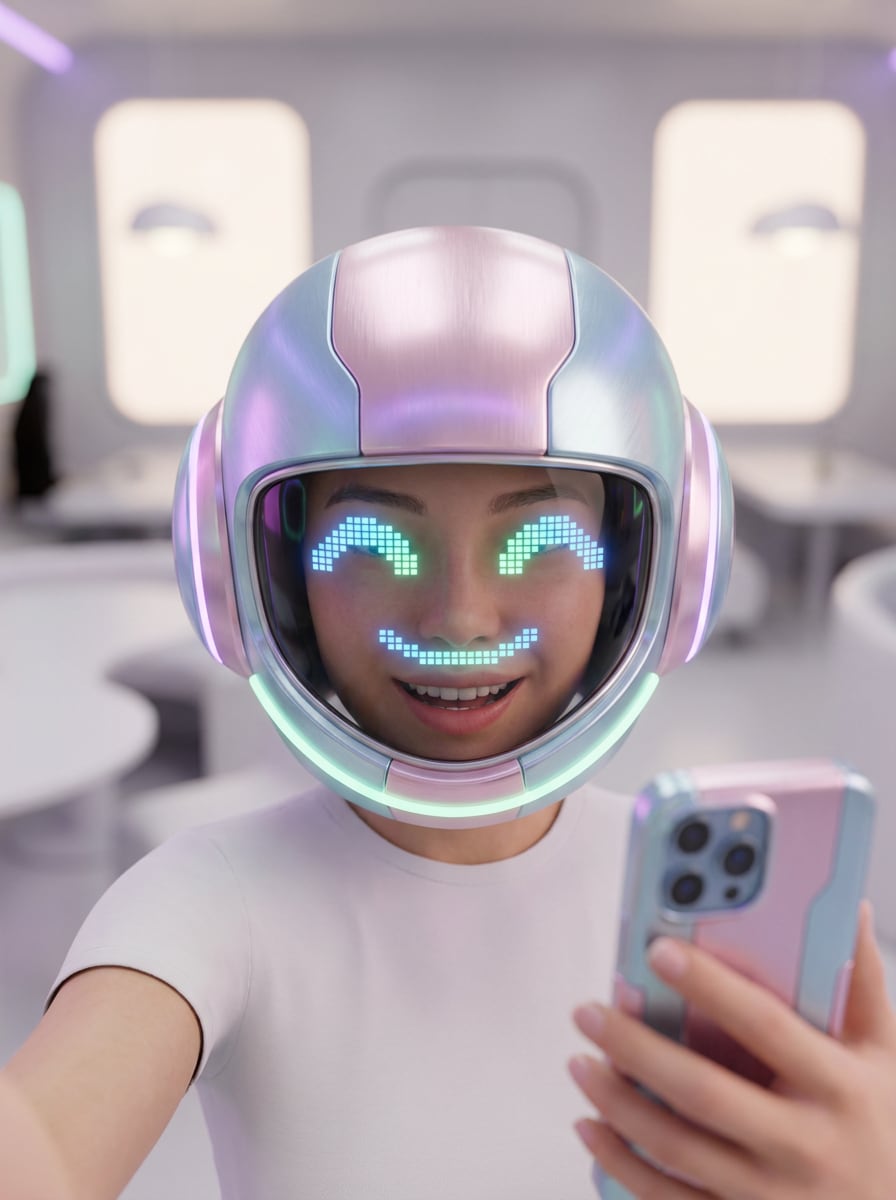
Usa l'immagine caricata come soggetto e crea un carino effetto selfie robot. Conserva il sorriso e l'espressione aggiungendo morbide texture metalliche, amichevoli occhi LED, pannelli facciali arrotondati, bagliore al neon pastello, uno sfondo pulito e lucida illuminazione per un ritratto futuristico giocoso.
Volto tecnico minimo
Usa l'immagine caricata come soggetto e aggiungi sottili miglioramenti robotici invece di una trasformazione completa. Mantieni il ritratto naturale introducendo linee di circuito fine, accenti cromati leggeri, occhi morbidi, delicate cuciture meccaniche, texture della pelle mista e illuminazione editoriale premium per un look umanoide raffinato.
Perché utilizzare Media.io per le trasformazioni dei Robot Selfie
Personalizza i risultati attorno ad un argomento di riferimento
Per le trasformazioni basate su selfie, Media.io ti permette di caricare una foto chiara e guidare l'effetto con le tue funzionalità, in modo che il cyborg finale oFiltro robot umanoideIl risultato assomiglia ancora a te invece di un volto AI generico.
Passare tra Chrome, Android, Mecha e Soft Tech stili
Una singola idea ha spesso bisogno di più di un sguardo. Media.io aiuta a reinterpretare lo stesso ritratto del filtro facciale del robot in diversi stili in modo che ogni versione possa corrispondere meglio al brief del progetto.
Mantieni le immagini finali nitide per progetti reali
Se il ritratto finale del filtro del volto del robot verrà riutilizzato oltre una piccola anteprima, Media.io aiuta a fornire risultati più nitidi fino a 4K in modo che l'immagine rimanga più affidabile in progettazione pratica e lavoro di presentazione.
Modifica da qualsiasi Browser senza una configurazione complicata
Alcuni concetti di ritratto con filtro facciale robot vengono redatti in movimento e finiti in seguito a una scrivania. Media.io mantiene questo processo online, in modo da poter tornare allo stesso flusso di lavoro senza installazioni o configurazioni aggiuntive.
Come applicare un filtro facciale Robot Online
Trasforma le tue parole in immagini straordinarie in tre semplici passaggi, quindi continua a perfezionare il risultato se vuoi andare avanti.
Passaggio 1
Carica la tua immagine di riferimento
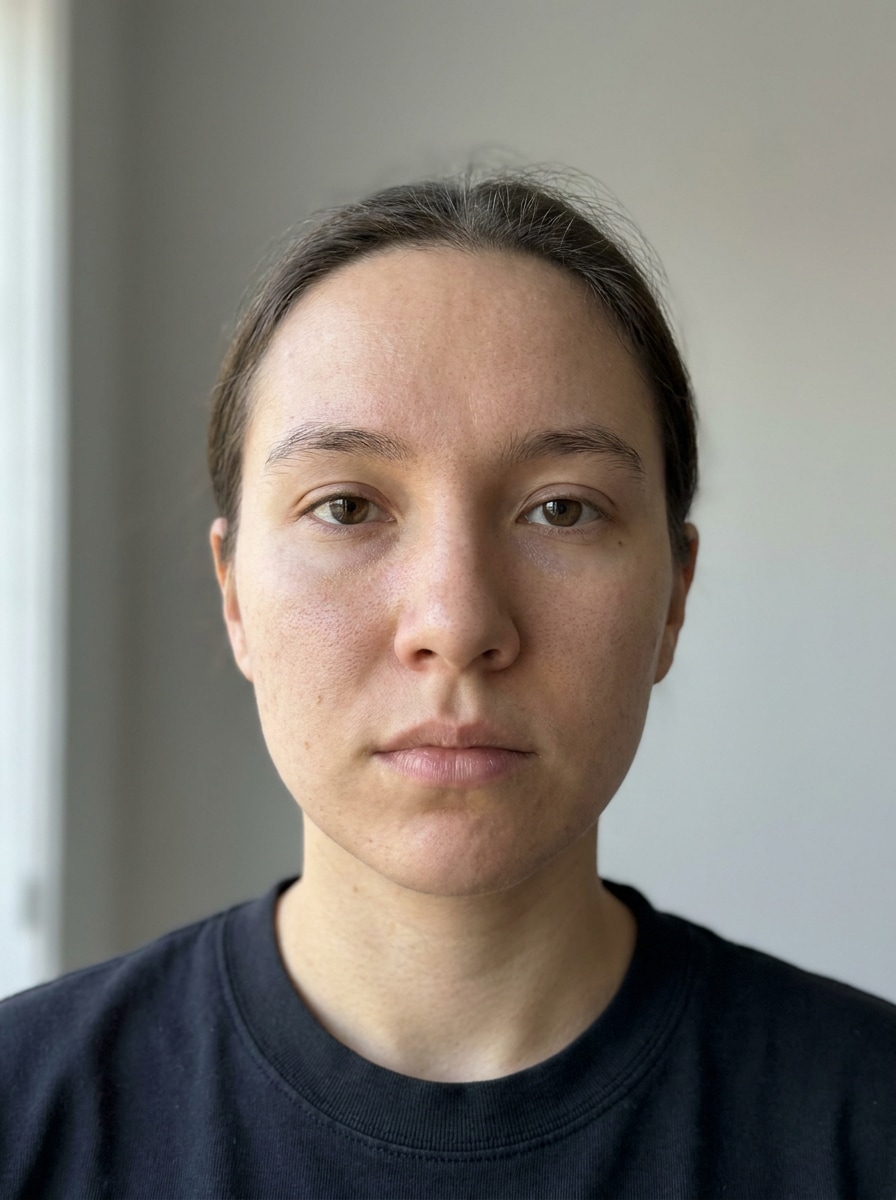
Inizia con un selfie chiaro, un ritratto o uno scatto di testa in formato JPG, PNG o JPEG. Le foto frontali con caratteristiche visibili del viso funzionano meglio quando si desidera creare una trasformazione in stile cyborg, android o robot.
Passaggio 2
Descrivere le opzioni di modifica e impostazione
Inserisci il look che desideri, come la pelle cromata, gli occhi luminosi, i dettagli divisi tra uomo e robot o una morbida finitura futuristica. Quindi scegli il modello e regola il rapporto d'aspetto, la risoluzione e il numero di variazioni dell'immagine.
Passaggio 3
Generare, scaricare e continuare a migliorare
Crea il tuo ritratto del robot, confronta le versioni e scarica il risultato che ti piace di più. Puoi perfezionare il prompt, provare una nuova direzione di stile o creare ulteriori varianti fino a quando la trasformazione non corrisponde alla tua visione.
Scopri come i creatori utilizzano questo filtro facciale Robot per contenuti, marketing e progetti personali, quindi adatta ogni idea per adattarla al brief.
Creare arte del profilo Social Scroll-Stopping
Trasforma un selfie quotidiano in un avatar futuristico lucido per TikTok, Instagram o Discord. La pelle cromata, gli occhi a LED e i dettagli puliti del pannello facciale aiutano il tuo profilo a distinguersi pur mantenendo la tua identità riconoscibile.
Crea contenuti drammatici prima e dopo
I creatori possono utilizzare un singolo ritratto per mostrare una trasformazione da uomo a macchina in copertine di rulli, miniature o post di carosello. Questo funziona particolarmente bene per chiunque desideri un audace makeover di robot senza imparare la modifica manuale delle foto.
Concetti di carattere di progettazione da volti reali
Se stai pianificando un'idea di cosplay, un poster di fantascienza o un concept board, carica un ritratto reale e prova più direzioni ispirate a macchine rapidamente. È un modo pratico per visualizzare in anteprima un look cyborg prima di passare a un lavoro di progettazione più pesante.
Cosa dicono gli utenti su questo Robot Filter
Ava Simmons
Creatore di moduli brevi
"Perfetto per i selfie di fantascienza virale"Volevo un look cyborg cromato per la copertura della bobina, e questo l'ha reso veloce. Il mio viso assomigliava ancora a me, ma la pelle metallica e gli occhi luminosi gli conferivano quel drammatico stile di trasformazione dell'intelligenza artificiale.
Jordan Lee
Artista digitale
"Un modo semplice per testare l'estetica di più robot"Ho provato gli stili android, split-face e mecha da un solo caricamento. Le variazioni erano utili per l'esplorazione dei concetti e il flusso di lavoro del browser era molto più semplice che creare ogni versione da zero.
Mia Patel
Gestore dei Social Media
"Buona qualità per immagini di profilo e copertine"Lo abbiamo usato per creare ritratti futuristici di squadra per un mockup di campagna. L'output sembrava nitido e i controlli del rapporto d'aspetto ci hanno aiutato a preparare versioni per storie, post e miniature.
Ethan Brooks
Utente occasionale
"Adatto ai principianti e divertente da usare"Ho appena caricato un selfie e ho descritto il look che volevo. In pochi clic ho avuto un ritratto di cyborg convincente senza necessità di alcuna abilità di editing o applicazioni extra.
Esplora i più popolari effetti video e immagini AI
1. Come faccio a trasformare un selfie in un filtro facciale robot online?
Carica un selfie chiaro su Media.io, quindi descrivi l'aspetto del robot che desideri, come la pelle cromata, gli occhi luminosi, le linee dei pannelli o un effetto cyborg semi-umano. È possibile scegliere un modello, impostare il rapporto d'aspetto o la risoluzione e generare più versioni dalla stessa foto.
2. Questo filtro del viso del robot AI è libero da usare?
Sì, gli utenti gratuiti possono provare Media.io con crediti gratuiti. Se hai bisogno di più generazioni o desideri ulteriori vantaggi di download, puoi controllare la pagina dei prezzi. Le esportazioni gratuite possono includere filigrane, mentre i piani a pagamento supportano download senza filigrane. Gli utenti gratuiti possono utilizzare i crediti gratuiti. Per un maggiore utilizzo, gli utenti possono iscriversi a un piano nella pagina dei prezzi. Aggiorna a un piano a pagamento sulla pagina dei prezzi per ottenere più crediti e download ad alta risoluzione senza filigrana.
3. Posso creare un viso cyborg realistico dalla mia foto?
Media.io supporta la trasformazione da immagine a immagine, in modo da poter caricare il proprio ritratto e generare un risultato realistico cyborg mantenendo l'identità facciale chiave. Stili come chrome android, macchinari esposti e sottili miglioramenti robotici funzionano particolarmente bene con una chiara foto frontale.
4. Che tipo di foto funzionano meglio per un effetto del viso del robot?
I migliori risultati di solito arrivano da selfie o ritratti nitidi con buona illuminazione, un viso visibile e minima sfocatura. I file JPG, PNG e JPEG sono supportati e gli headshot centrati rendono più facile applicare dettagli come la texture metallica, gli occhi LED e le cuciture del viso in modo pulito.
5. Quanto tempo ci vuole per generare un'immagine del volto del robot?
La generazione è progettata per essere veloce, in modo che in genere è possibile creare e confrontare variazioni di ritratti di robot in un breve flusso di lavoro dopo aver caricato l'immagine e inserito il prompt. La velocità esatta può variare a seconda del modello e delle opzioni scelte.
6. Posso utilizzare il filtro del viso del robot su iPhone e Android?
Media.io è basato sul web, quindi puoi utilizzare lo strumento su iPhone, Android, tablet, Mac o dispositivi Windows purché tu abbia una connessione al browser. Ciò rende facile creare un robot selfie edit senza installare un software separato. Media.io è uno strumento web che funziona su qualsiasi dispositivo con browser (Windows, Mac, iOS, Android).
Al di là del filtro facciale Robot Online basato sull'intelligenza artificiale