Seleziona / @ carattere, descrivi la scena che desideri generare.
0/2000
9:16
1K
1
Unlimited Banana Pro
Creations
Ideas Hub
How It Works
All
Popular features
View All
Sfida creativa di Halloween
View All
Storia di Frutta con IA
View All
Video Storia con AI
View All
Video virali oggi
View All
Video di prodotti IA
View All
Personaggio AI
View All
Tendenze di Danza
View All
GPT Image 2
View All
Seedance 2.0
View All
Match Celebrità con AI
View All
Suggerimenti per Pose di Coppia
View All
Prompt di Pose per Ragazze AI Estetiche
View All
Prompt di Pose per Ragazzo AI Elegante
View All
Generate List
Creations are stored for only 7 days. Assets created after upgrading to a Membership plan will be stored permanently.
Unlock your creative potential and experience the magic of Media AI right away!
Identificatore di Monete da Foto per un Riconoscimento Online Più Chiaro e Rapido
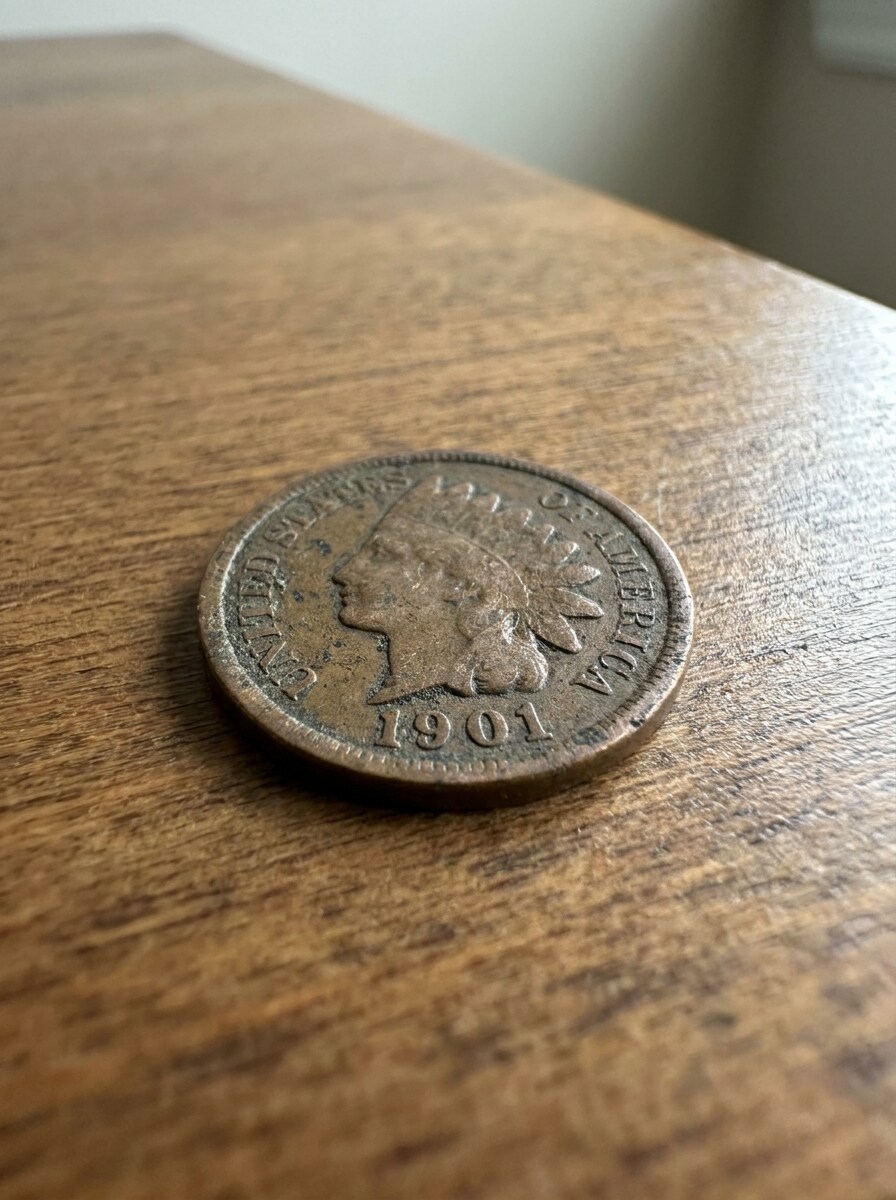
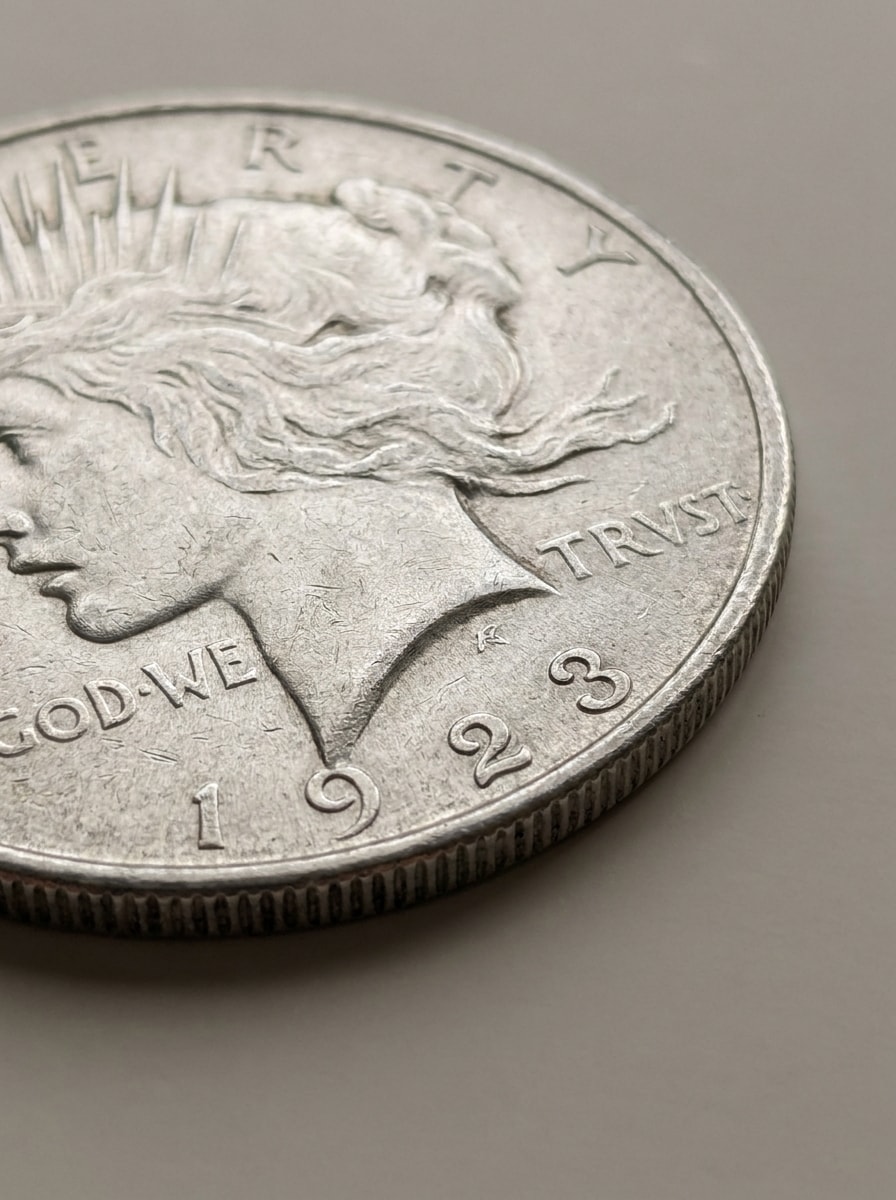
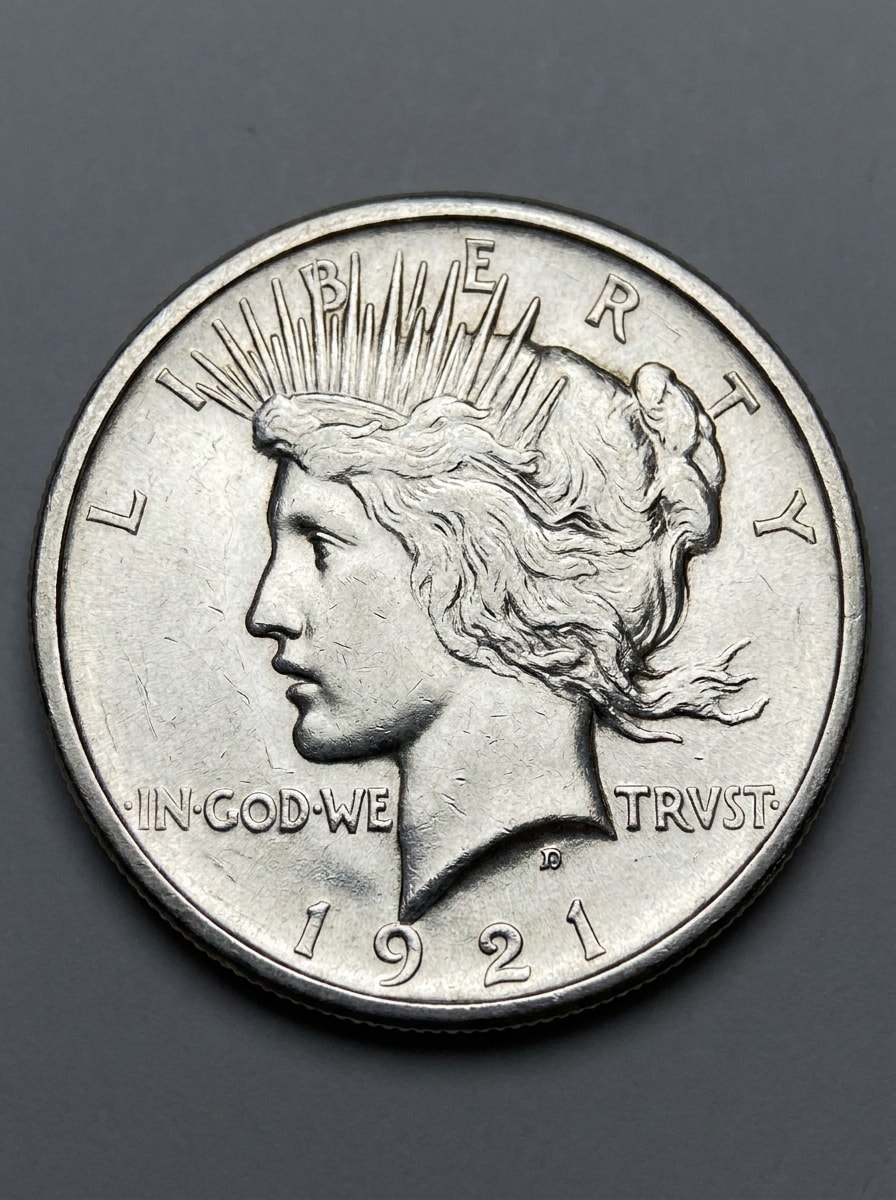
Carica foto di monete per migliorare i dettagli consumati, rendere le date più nitide e facilitare la revisione delle immagini fronte-retro per un'identificazione più semplice. Media.io funziona comeidentificatore di moneteworkflow che supporta la ricerca e l'identificazione di monete da foto, revisione di monete tramite immagini, visualizzazione di confronti rapidi e immagini più pulite prima dell'analisi.
Scrivi la tua idea -> L’IA la realizza. Provalo gratis.
Consulta queste istruzioni esempio, poi personalizza i dettagli del prompt per ottenere risultati migliori con questo identificatore di monete Media.io, sia che tu voglia identificare monete tramite immagini, confrontare entrambi i lati, o preparare una visuale più pulita per la ricerca.
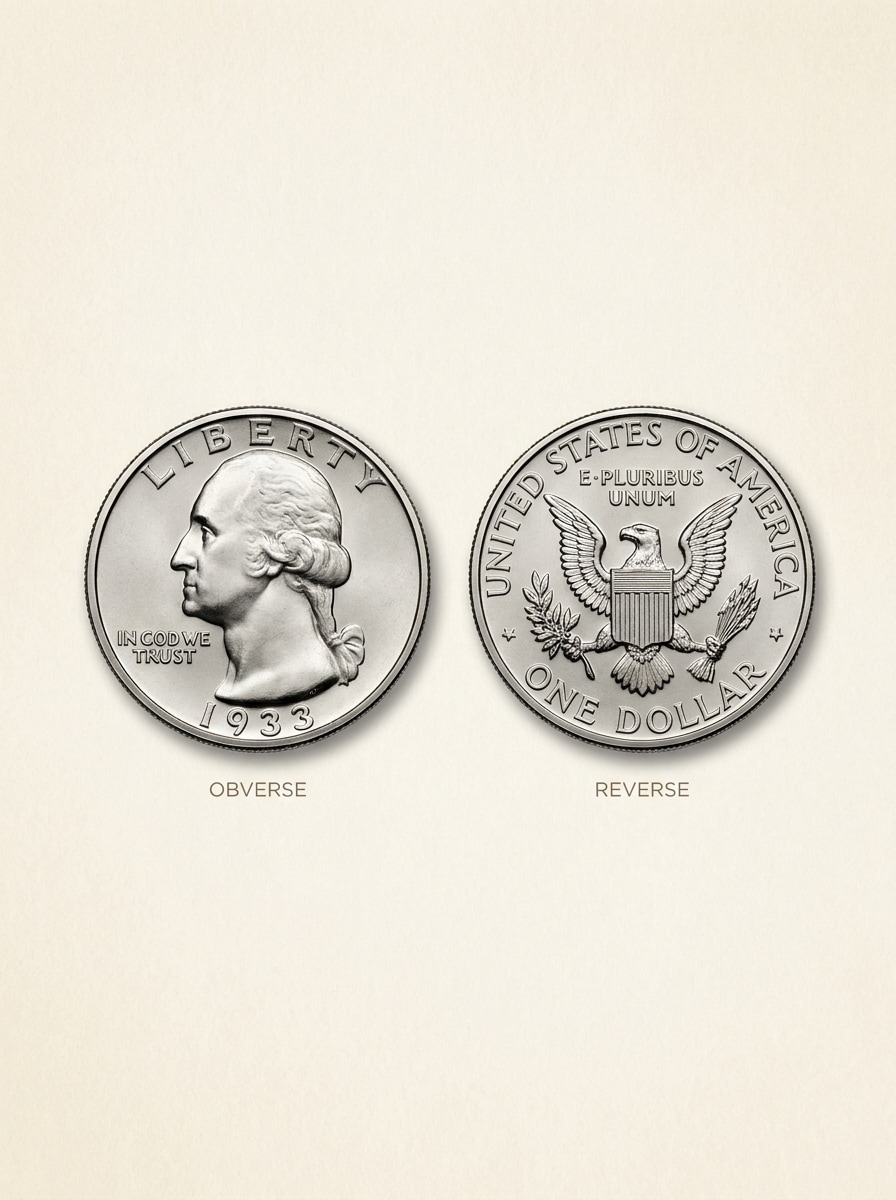
Confronto Fronte Retro
Usa l’immagine caricata come soggetto e trasformala in un confronto pulito da catalogo per collezionisti. Mostra il fronte e il retro della moneta affiancati su uno sfondo neutro, con texture metallica nitida, data e scritte leggibili, illuminazione bilanciata tipo studio, ombre sottili e layout preciso ed educativo per l’identificazione.
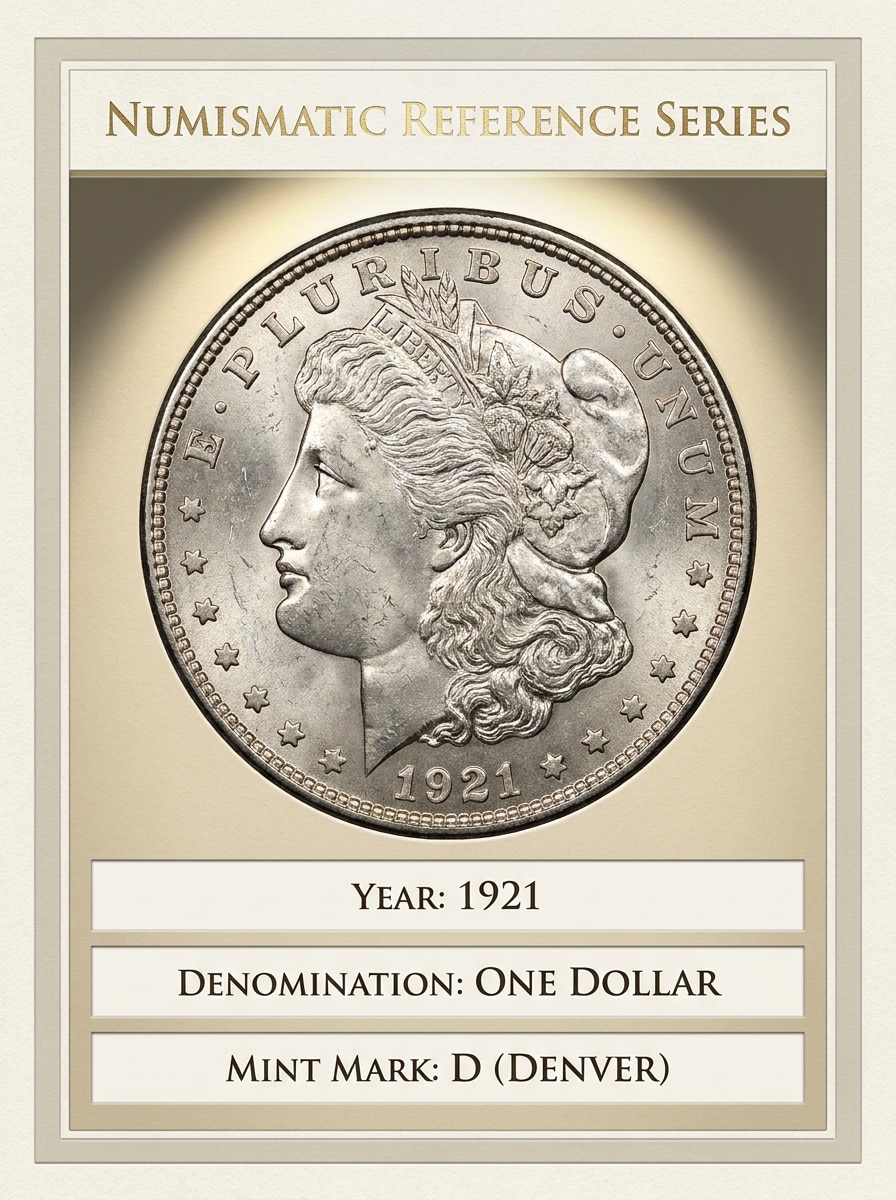
Scheda Annuncio Moneta Rara
Usa l’immagine caricata della moneta come soggetto principale e trasformala in una scheda di riferimento numismatica premium. Aggiungi illuminazione elegante stile museo, dettagli di superficie nitidi, zone informative pulite per anno, denominazione e simbolo della zecca, toni neutri raffinati e una presentazione curata per collezionisti che trasmetta fiducia e organizzazione.
Restauro da Sfocato a Nitido
Usa la foto della moneta caricata e trasformala in un restauro macro più nitido mantenendo un aspetto realistico. Migliora le scritte incise, la visibilità della data, i dettagli della corona e la texture metallica, con contrasto uniforme, luci controllate, meno sfocatura e un look documentaristico pulito per ispezione e riconoscimento.
Contrasto per Patina Potenziato
Usa l’immagine caricata della moneta come soggetto e rendila più luminosa per un riconoscimento migliore. Mantieni la moneta originale mentre sollevi le ombre, migliori l’esposizione, riveli le iscrizioni e chiarisci i simboli della zecca, con lucentezza metallica realistica, bilanciamento cromatico neutro e un risultato macro ad alto contrasto che rimane autentico.
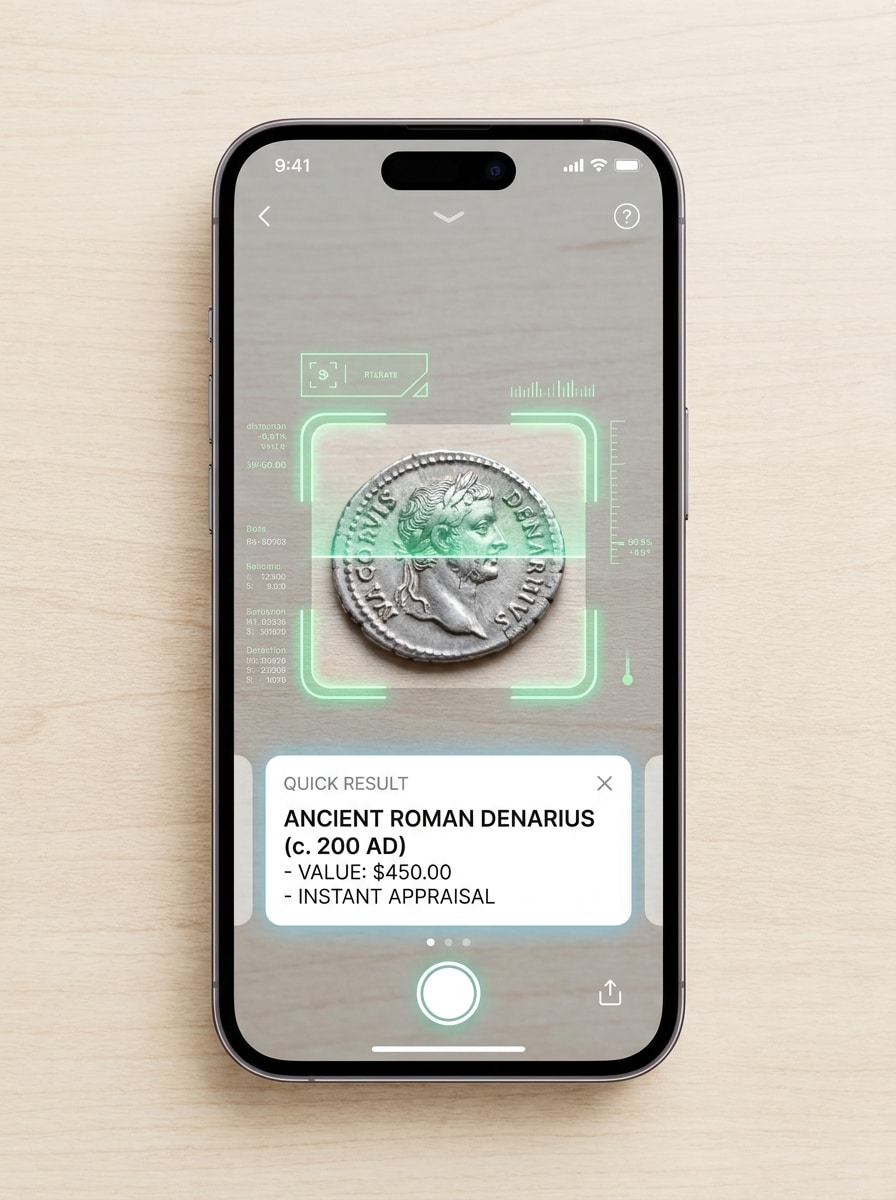
Mockup App Scan istantaneo
Usa la foto caricata della moneta come soggetto scansionato e inseriscila in una scena di riconoscimento su smartphone moderno. Mostra la moneta centrata nella vista della fotocamera con una cornice di rilevamento, scheda di risultato rapido, interfaccia nitida, illuminazione brillante e pulita e un'atmosfera di utilità veloce che suggerisce scansione online istantanea.
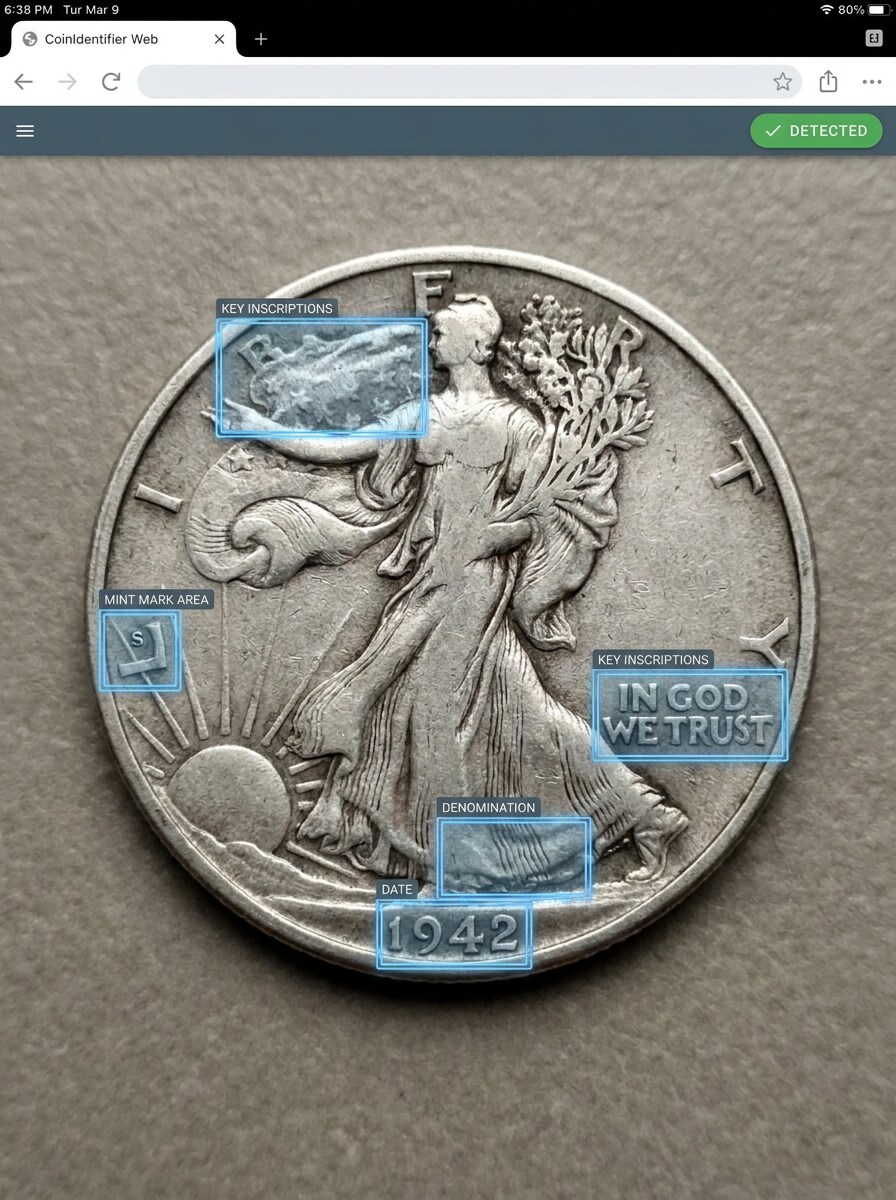
Scatta e Rileva Overlay
Usa l’immagine caricata della moneta e trasformala in una demo di riconoscimento realistica con overlay intelligenti. Evidenzia la data, la denominazione, la zona del simbolo della zecca e le iscrizioni chiave tramite callout discreti, mantenendo la foto naturale, dettagliata e adatta ad un'esperienza di identificazione nel browser.
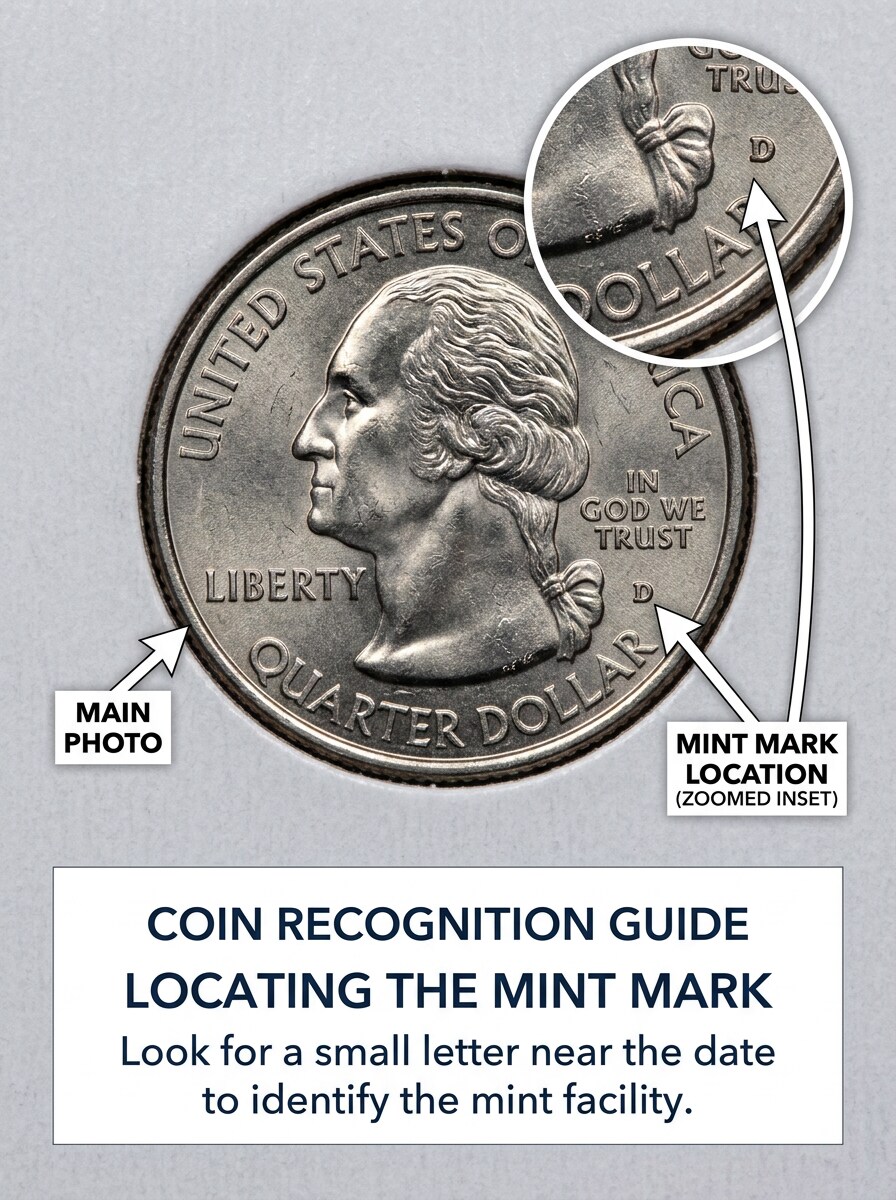
Guida Zoom per Simbolo Zecca
Usa la moneta caricata come soggetto e crea una guida macro istruttiva. Mantieni la foto principale chiara e realistica, poi aggiungi un riquadro ingrandito che indica il simbolo della zecca, annotazioni etichettate, spazi tipografici puliti, illuminazione focalizzata brillante e una composizione educativa adatta ai collezionisti.
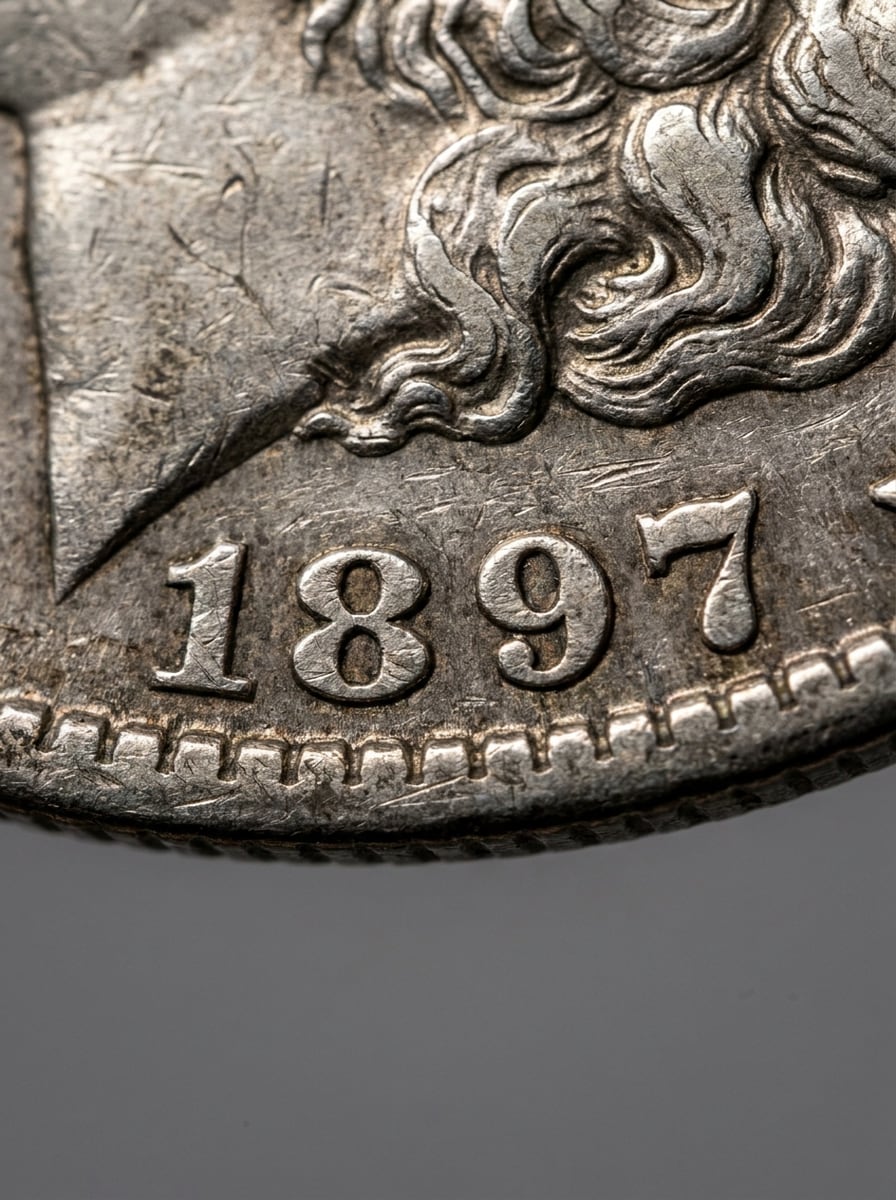
Macro Lettura Data
Usa l’immagine caricata della moneta e trasformala in uno studio macro focalizzato sulla data. Metti in risalto numeri incisi, usura realistica, bordi nitidi attorno all’anno, riflessi controllati e uno sfondo neutro, creando una visuale tecnica chiara e facile da leggere per identificare monete antiche con dettagli consumati.
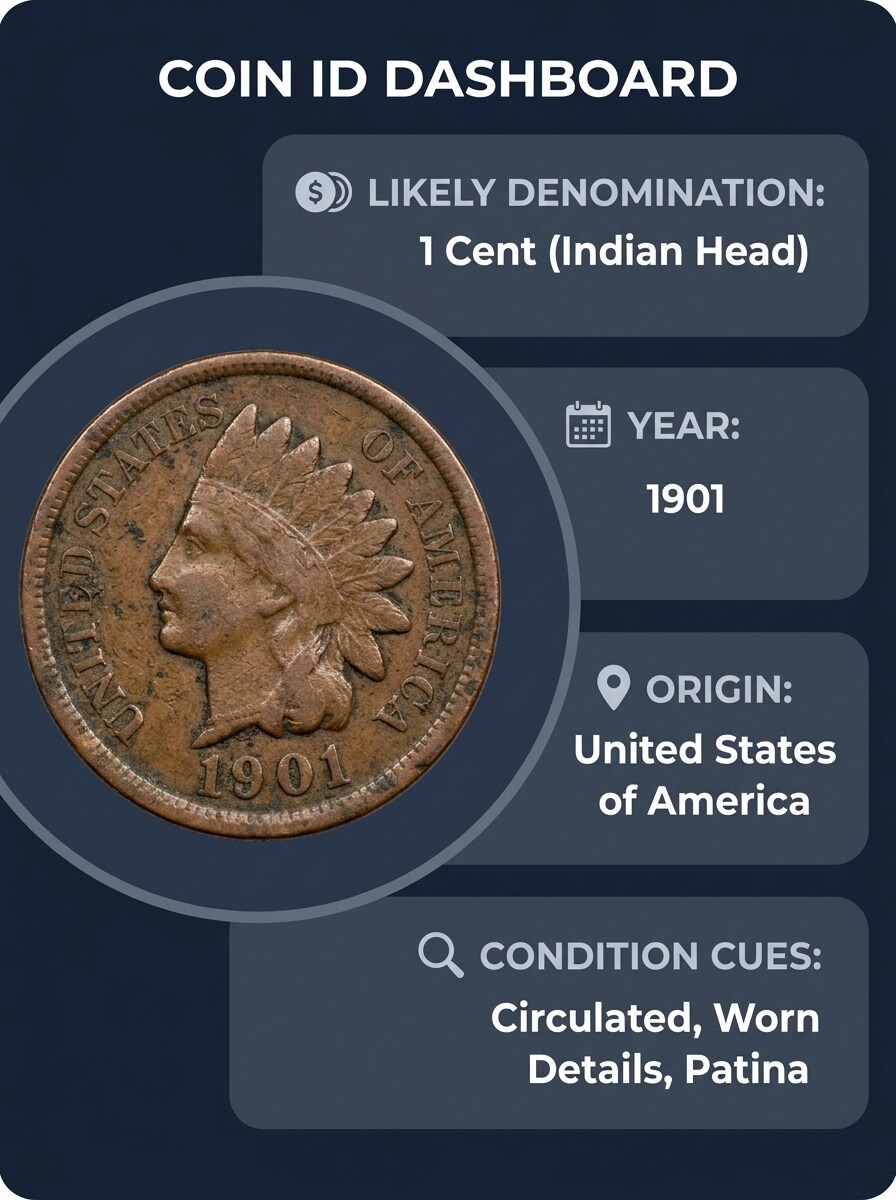
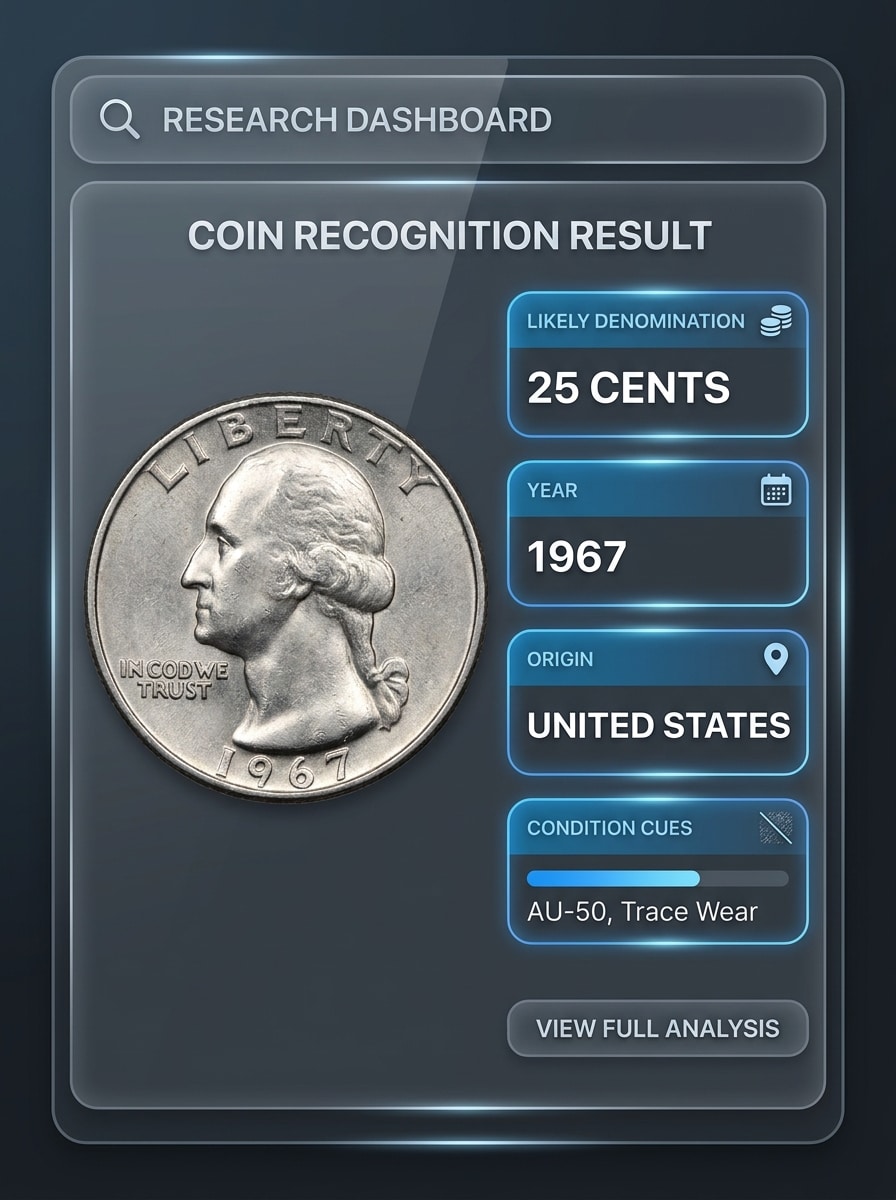
Scheda Risultato Moneta con Attributi
Usa l’immagine caricata della moneta e presentala come scheda di riconoscimento pulita. Includi un layout curato con sezioni per denominazione probabile, anno, origine e indicatori di condizione, mantenendo la foto della moneta nitida, ben illuminata, accurata nei colori e in stile dashboard moderno per ricerca e identificazione.
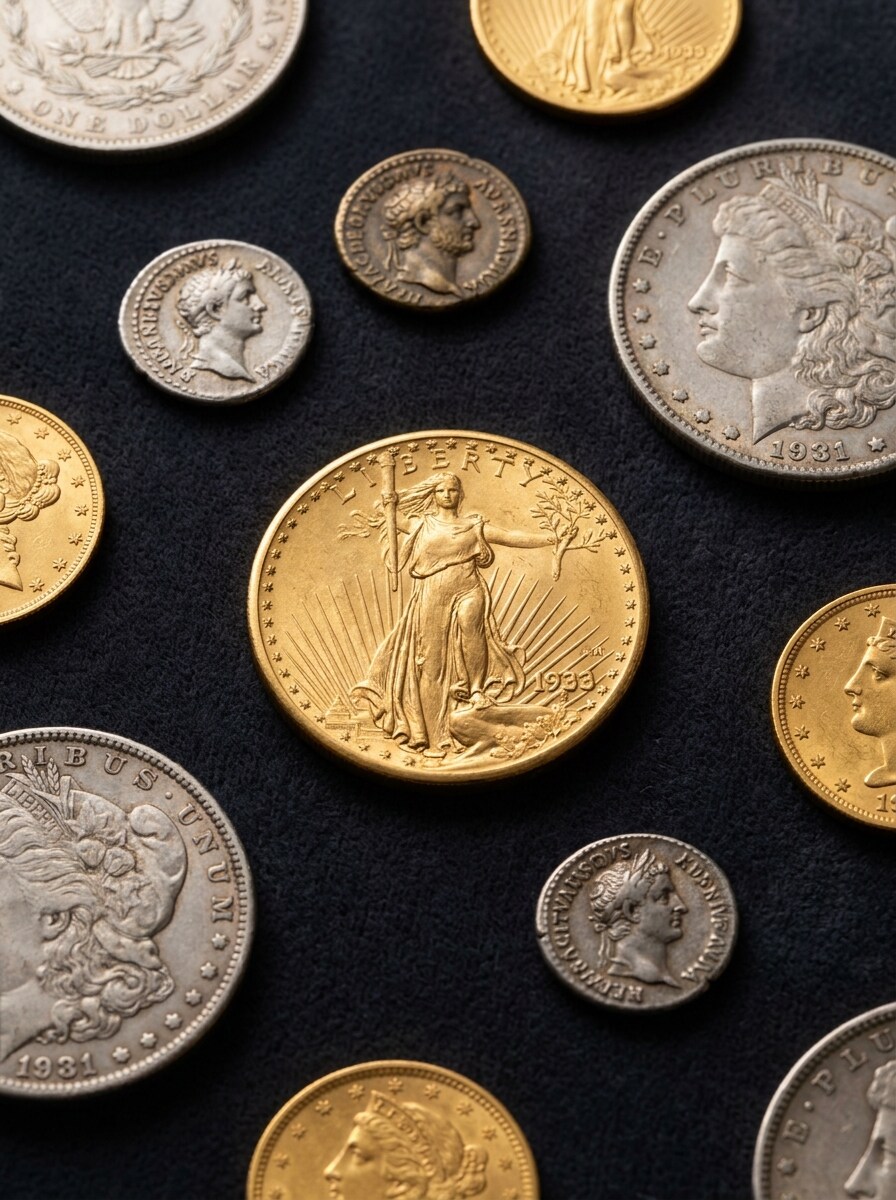
Flat Lay da Collezionista
Usa l’immagine caricata della moneta come soggetto principale di un flat lay da collezionista premium. Circondala con una disposizione raffinata di monete correlate su velluto o superficie archivistica neutra, illuminazione da studio soffusa, dettagli metallici ricchi, toni lussuosi e una composizione editoriale che permette comunque confronti visivi.
Perché Usare Media.io per l’Identificazione Foto Monete
Foto Monete Più Pulite Prima del Confronto Dettagli
Foto scure, sfocate o a basso contrasto possono nascondere dettagli importanti, ma Media.io aiuta collezionisti e appassionati a pulire le immagini delle monete prima dell'ispezione così date, scritte e simboli della zecca sono più facili da leggere e il processo di identificazione parte più forte.
Esplora Aspetti Diversi Senza Perdere Orientamento
Per note di ricerca, annunci di vendita o discussioni tra collezionisti, Media.io semplifica la preparazione di visuali fronte-retro affiancate, dettagli ingranditi o schede risultato educative, offrendo un sito web diidentificatore di monetecon presentazione raffinata più facile da consultare.
Crea Immagini ad Alta Risoluzione per Uso Reale
Per progetti che richiedono più della qualità bozza, Media.io aiuta a produrre visuali identificative fino a 4K per mantenere i dettagli più nitidi quando presenti, ritagli o riutilizzi il file finale.
Scansione via Browser Senza Installare App
Il passaggio tra desktop e mobile è semplice con Media.io perché il workflow resta nel browser, così puoi rivedere bozze sul laptop, continuare sul telefono e usarescanner di monete onlineo configurazione online per scanner monete.
Come Usare Questo Identificatore di Monete IA
Trasforma le tue parole in visuali sorprendenti in tre semplici passi e continua a perfezionare il risultato se vuoi portarlo oltre.
Passo 1
Carica la Tua Immagine di Riferimento
Carica una foto chiara della tua moneta in formato JPG, PNG o JPEG. Per risultati migliori, usa un’immagine centrata con testo leggibile e, se possibile, prepara foto sia del fronte che del retro per il confronto.
Passo 2
Descrivi la Modifica e Imposta Opzioni
Indica a Media.io cosa ti serve, come rendere la data più nitida, aumentare il contrasto o creare un confronto affiancato. Poi scegli un modello e imposta opzioni di formato, qualità e risoluzione per il tuo workflow di revisione o catalogo.
Passo 3
Genera, Scarica e Continua a Migliorare
Genera versioni migliorate, confronta gli output e scarica il risultato più nitido per ricerca o condivisione. Se servono ulteriori ritocchi, modifica il prompt, prova una variante o perfeziona ancora l’immagine per migliore leggibilità.
Scopri come i creatori utilizzano questo identificatore di monete Media.io per contenuti, marketing e progetti personali, poi adatta ogni idea al tuo brief.
Controlla Scoperte Sconosciute da Viaggi, Mercati o Collezioni Familiari
Usa le foto caricate per analizzare pezzi mai visti quando ti chiedi, “che moneta è questa?” Media.io ti aiuta a preparare immagini più nitide per l’identificazione di monete estere, verifiche identificative, lotti misti, pezzi regionali e scoperte difficili da leggere nelle collezioni personali.
Migliora Monete Antiche Prima di Analizzare Date e Simbolo Zecca
Per identificazione di monete antiche, vecchi pezzi circolati o cimeli consumati, Media.io aiuta a creare immagini ravvicinate più pulite così iscrizioni e dettagli dell’anno sono più facili da esaminare prima di ricerche in cataloghi, feedback nei forum o confronti identificativi antichi.
Prepara Immagini Migliori per Ricerca Monete Regionali o con Caratteri Specifici
Se ti serveidentificazione di monete arabe, identificazione monete cinesi o identificazione monete asiatiche generica, Media.io può rendere più nitide le foto caricate per mostrare scritte, numeri e simboli con maggiore chiarezza. Così puoi usare un identificatore di monete arabe, confrontare risultati asiatici o identificare tipi di monete cinesi e altri disegni esteri online più facilmente.
Cosa Dicono gli Utenti
Derek M.
Appassionato di Monete
"Utile per dettagli usurati"Ho usato Media.io su una foto scura di monete da una scatola di eredità, e l’aumento di contrasto ha reso la data molto più facile da leggere. Mi ha dato un’immagine molto migliore da confrontare prima di provare a identificare la moneta.
Lina R.
Venditrice Online
"Workflow in browser facilissimo"Quello che ho apprezzato di più è che non dovevo installare nulla. Ho caricato foto fronte e retro, le ho pulite e ho ottenuto immagini rifinite utilizzabili per annunci e forum tra collezionisti.
Ahmed S.
Collezionista Monete Regionali
"Utile per la leggibilità delle scritte"Mi occupo spesso di monete arabe e straniere antiche, e le foto chiare sono fondamentali. Media.io mi ha aiutato a rendere più nitide le iscrizioni così ho potuto confrontarle con più sicurezza online.
Grace T.
Ricercatrice Occasionale
"Ottimo per controlli rapidi"Avevo una moneta misteriosa e volevo un modo veloce per migliorare la foto dal mio telefono. Il processo è stato semplice, e l’immagine migliorata ha reso più facile la ricerca per data, segni e design generale.
Esplora i più popolari effetti video e immagini AI
1. Esiste un identificatore di monete online gratuito?
Media.io offre crediti gratuiti, quindi puoi provare un identificatore di monete IA via browser senza installare app. L’uso gratuito può includere watermark. Se servono più crediti o download ad alta risoluzione senza watermark, guarda la pagina prezzi e passa a un piano a pagamento.
2. Posso fotografare una moneta per identificarla?
Di solito puoi ottenere una prima versione velocemente, poi migliorarla con brevi modifiche al prompt invece di rifare l’intera progettazione da zero.
3. Quanto è preciso un identificatore di monete IA da foto?
La precisione dipende molto dalla qualità e dai dettagli visibili nell’immagine. Media.io aiuta a migliorare nitidezza, contrasto e leggibilità nell’immagine caricata, supportando una migliore revisione fotografica per identificazione monete estere, ricerca monete antiche e confronto delle iscrizioni o date.
4. Servono foto di entrambi i lati della moneta?
Spesso è utile. Foto fronte e retro possono mostrare indizi diversi come denominazione, origine, scritte, data e simboli della zecca. Media.io è utile per preparare immagini fronte e retro più pulite per confronto ravvicinato in un workflow di identificazione tramite foto.
5. Un identificatore di monete aiuta con monete vecchie o usurate?
Sì, soprattutto quando la foto originale è scura, sfocata o a basso contrasto. Media.io può preparare immagini per identificazione monete antiche, arabe e altri casi di ricerca fotografica rendendo numeri consumati, dettagli di superficie e iscrizioni più visibili prima dell’analisi.
6. Funziona su iPhone, Android e desktop?
Media.io è web-based, quindi funziona su qualsiasi dispositivo con browser, incluso iPhone, smartphone Android, tablet, computer Windows e Mac. È comodo se serve un workflow identificatore monete via foto flessibile o identificare monete tramite immagine su dispositivi diversi.
Oltre l'Identificatore di Monete Online Potenziato da IA