Creations are stored for only 7 days. Assets created after upgrading to a Membership plan will be stored permanently.
Unlock your creative potential and experience the magic of Media AI right away!
Filtro Webcam AI per ritocchi rapidi di ritratti, look retrò e avatar
Trasforma una foto scattata dalla webcam in ritratti raffinati, avatar stilizzati ed effetti nostalgici in pochi secondi. Media.io rende semplice applicare unfiltro AI per webcam, creare unfiltro webcam vintage, oppure usare un filtro per foto webcam per aggiungere online una finitura retrò granulosa con controlli facili di caricamento e trasformazione. Questo flusso di lavoro è particolarmente utile perfiltro webcam anni 2000.
Scrivi la tua idea -> L’AI la realizza. Gratis da provare.
Consulta queste istruzioni d'esempio, poi personalizza i dettagli del prompt per ottenere risultati migliori con questo filtro per foto webcam su Media.io.
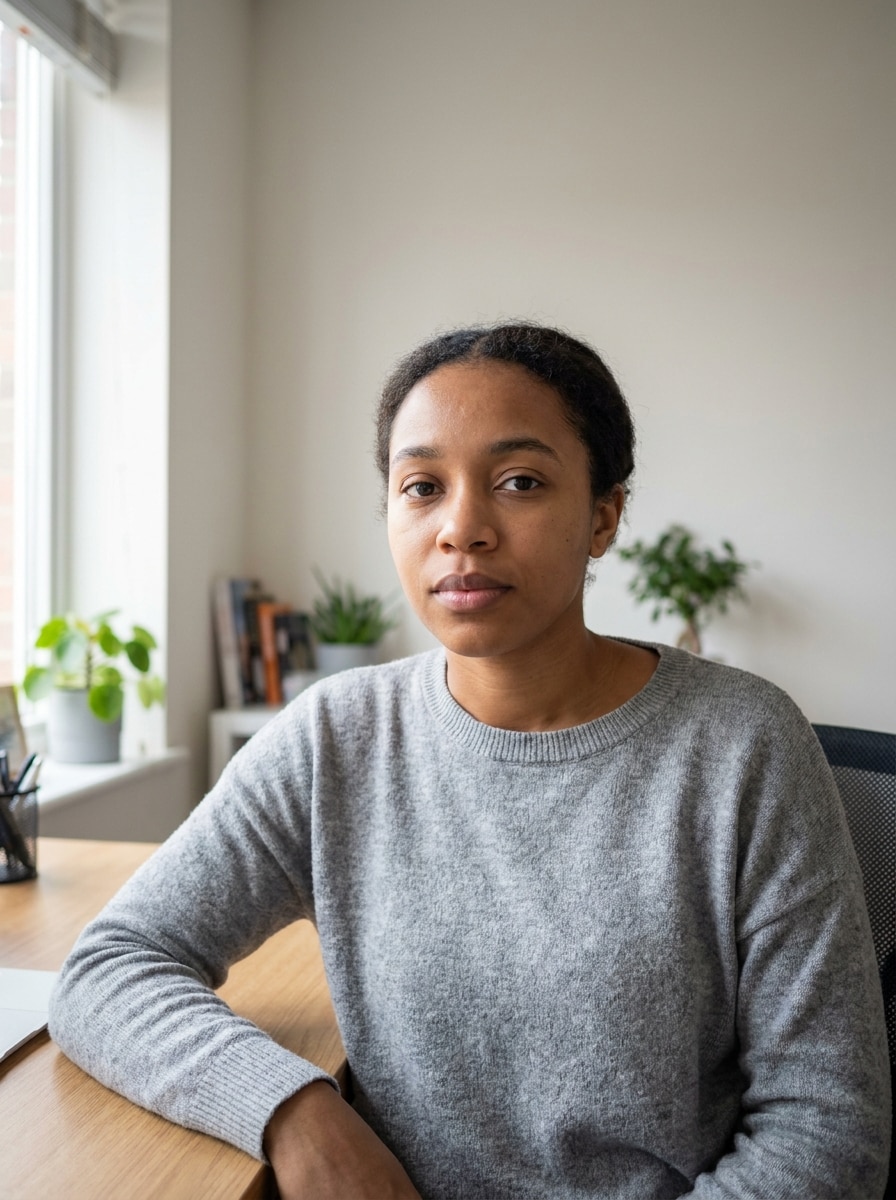
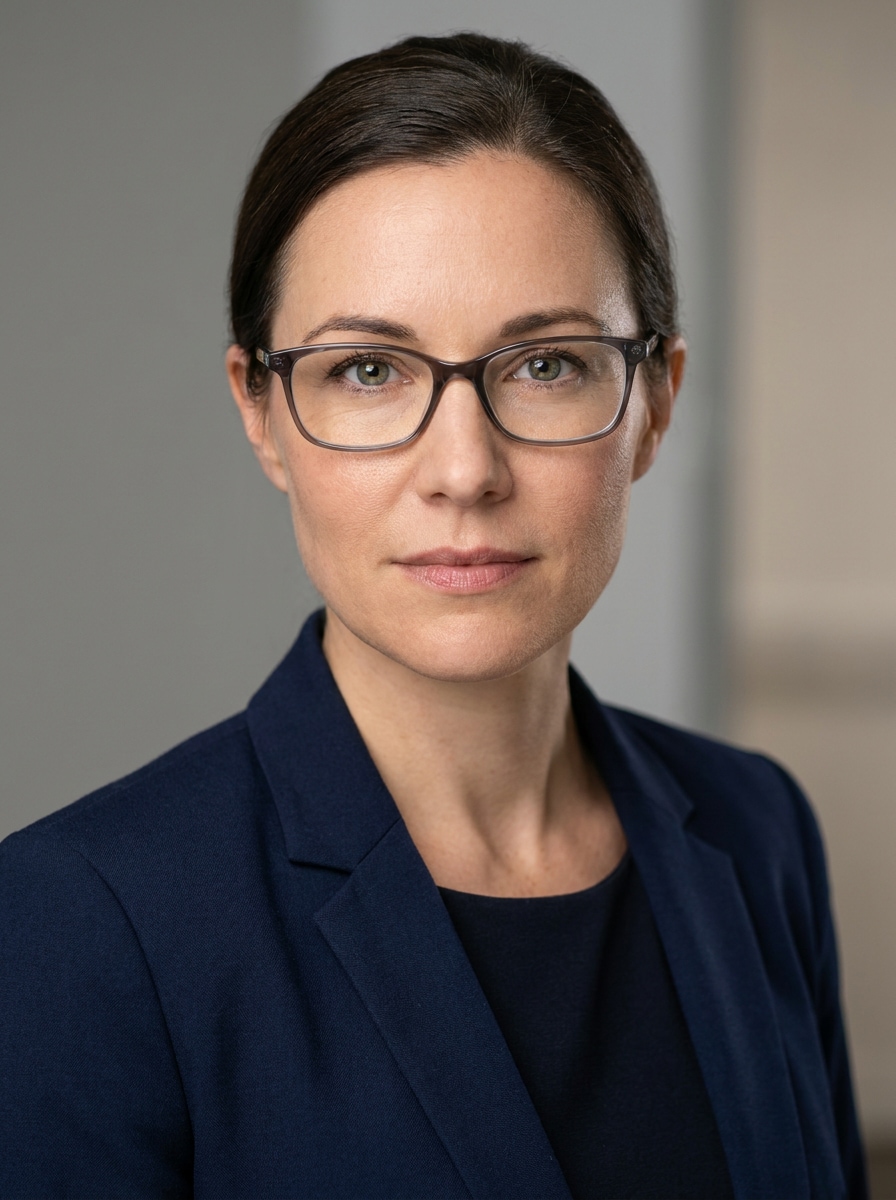
Foto professionale
Usa l’immagine caricata come soggetto e trasformala in una foto professionale rifinita con dettagli facciali realistici, texture naturale della pelle, illuminazione morbida da studio frontale, occhi nitidi, stile business-casual, sfondo pulito e neutro sfocato, contrasto bilanciato e qualità fotografica ad alta risoluzione.
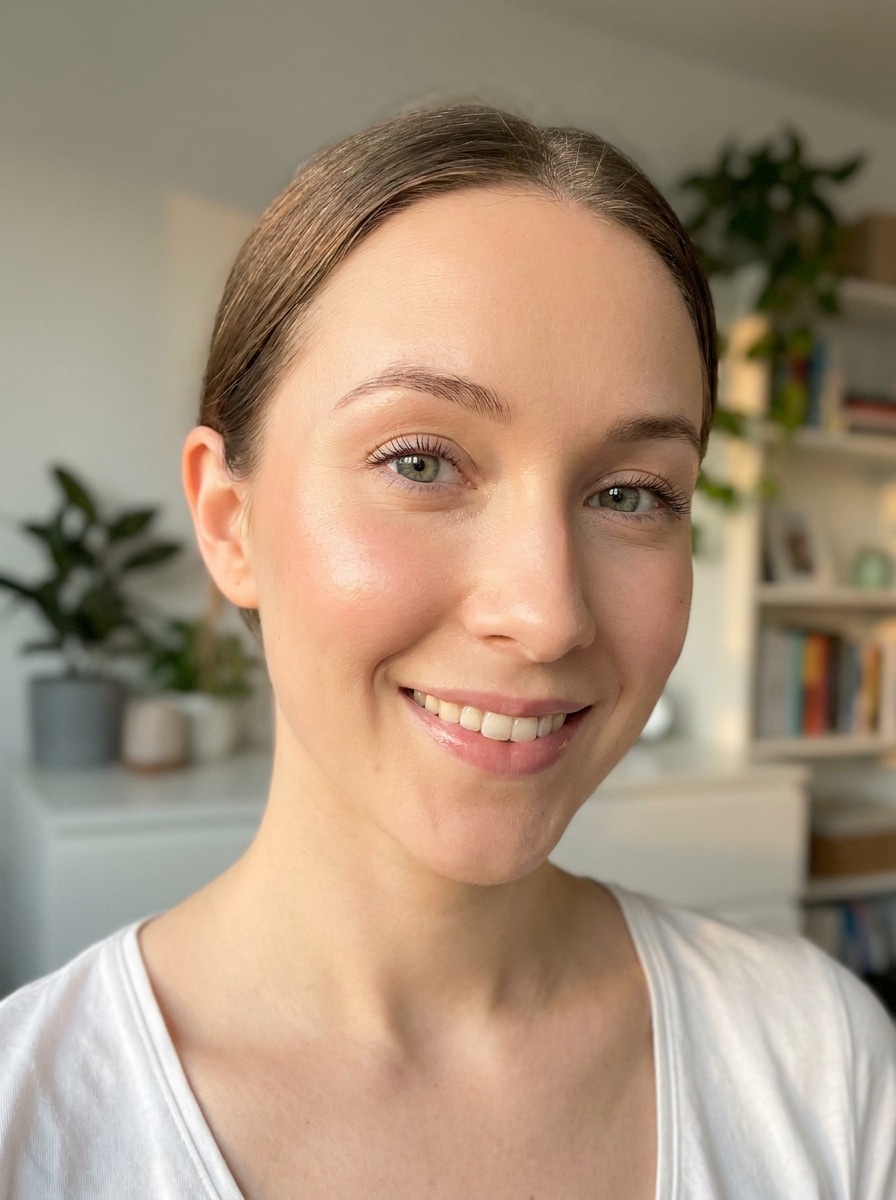
Filtro Glow Bellezza
Usa l'immagine caricata come soggetto e applica un effetto glow di bellezza che valorizzi la pelle liscia ma realistica, occhi luminosi, luce calda e morbida, leggero accento sulle guance, rifinitura delicata ispirata al make-up, bilanciamento fresco dei colori, sfondo sfocato pulito e una finitura pronta per i social senza perdere la naturalezza.
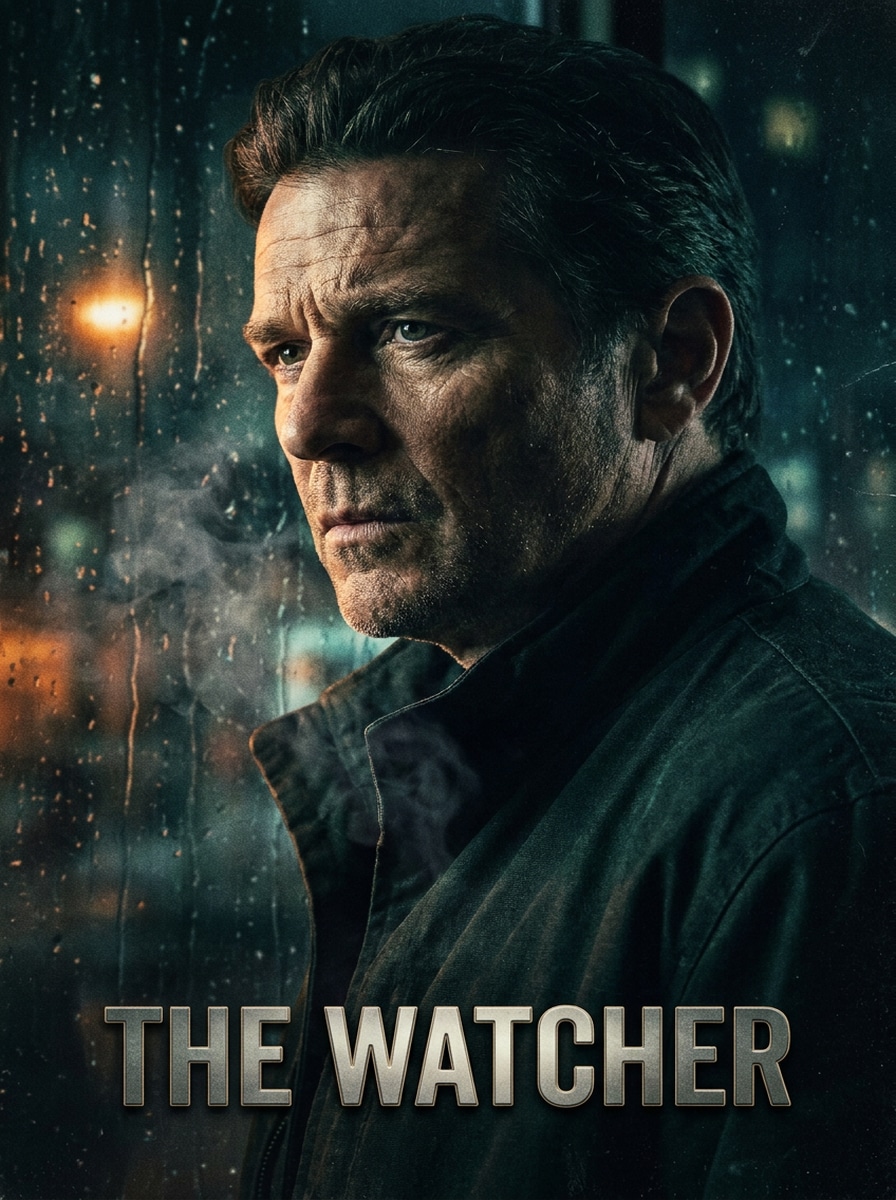
Ritratto Poster Cinematografico
Usa l’immagine caricata come soggetto e ridisegnala come un poster cinematografico, con illuminazione laterale drammatica, ombre ricche, contrasto profondo, color grading intenso, profondità di campo ridotta, composizione centrata forte, atmosfera testurizzata e un ritratto premium con molti dettagli, mantenendo il volto riconoscibile.
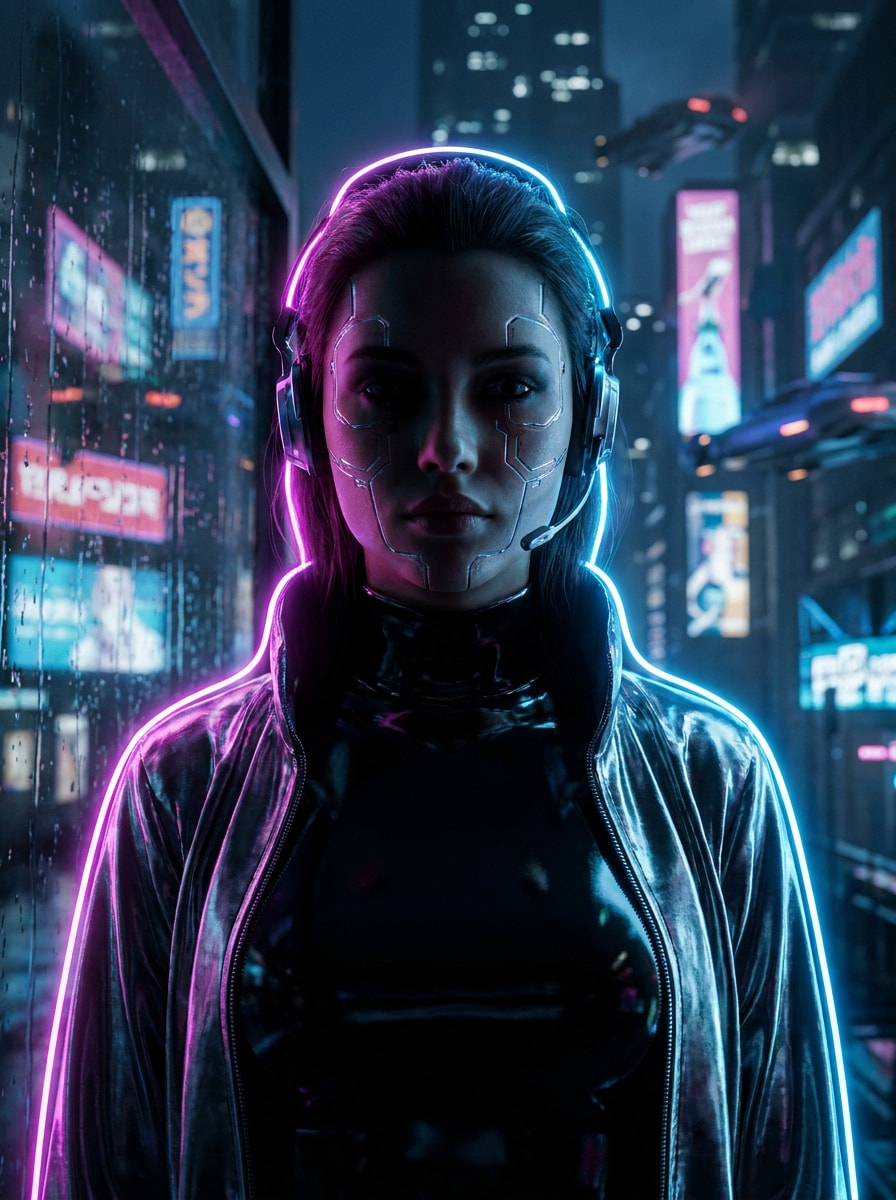
Cyberpunk Neon
Usa l’immagine caricata come soggetto e trasformala in un ritratto cyberpunk neon con illuminazione di bordo rosa elettrico e blu, bagliore di città futuristica, texture riflettenti, ombre intense, alta preservazione del volto, dettagli nitidi, tonalità metalliche fredde e atmosfera sci-fi vivida con profondità drammatica.
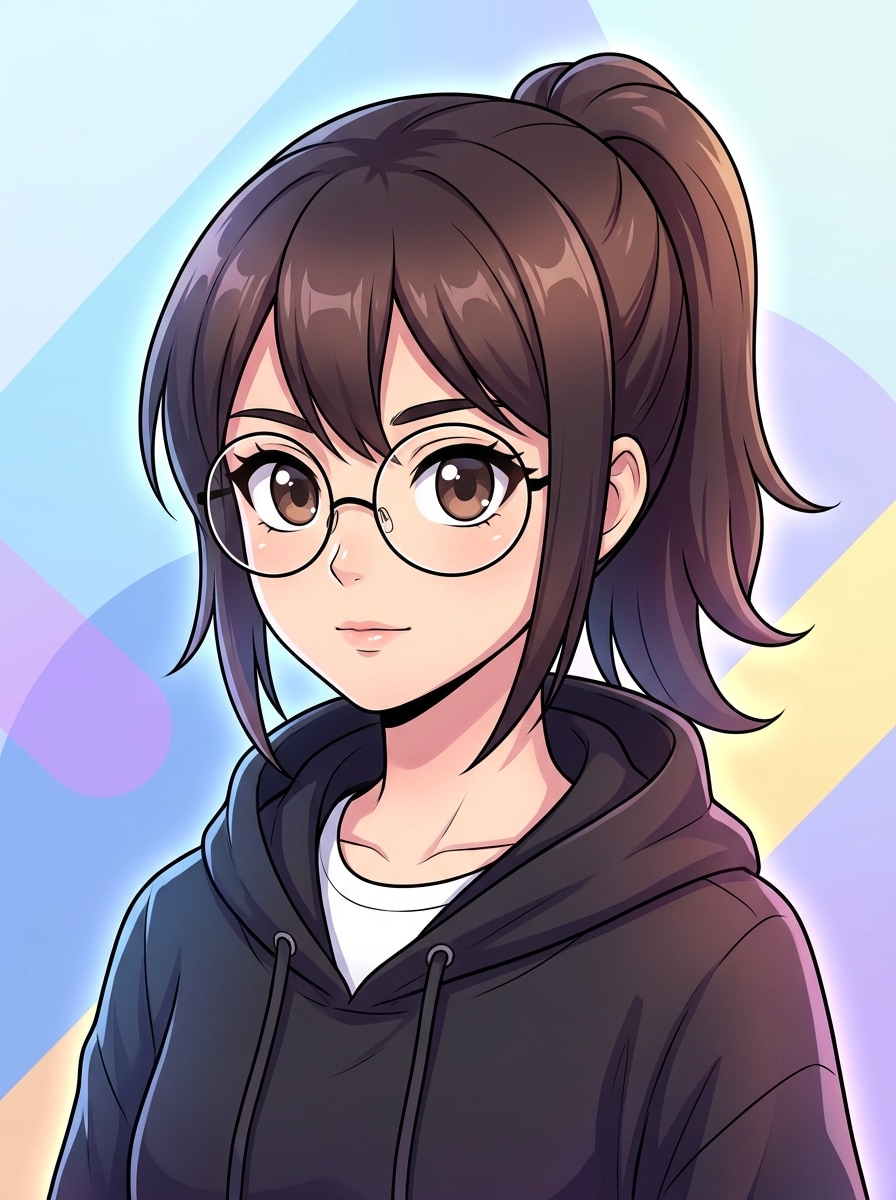
Avatar Anime
Usa l’immagine caricata come soggetto e trasformala in un avatar anime moderno con occhi espressivi, pulizia stile cel shading, acconciatura e proporzioni del volto preservate, lineart nitida, colori gradienti delicati, illuminazione luminosa bilanciata, forme di sfondo morbide e una finitura vivace e raffinata del personaggio.
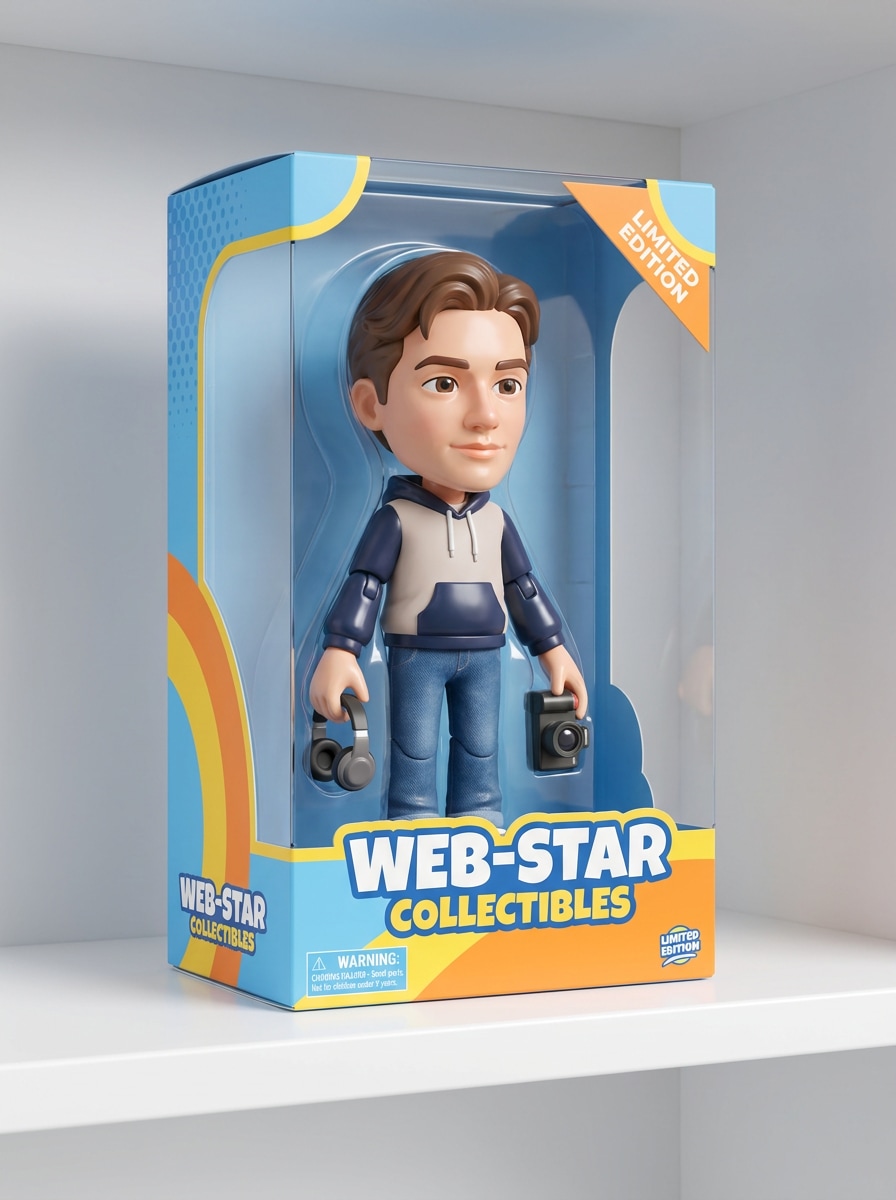
Scatola Bambola 3D
Usa l’immagine caricata come soggetto e trasformala in una bambola da collezione stilizzata in una scatola display, mantenendo il volto riconoscibile, aggiungendo materiali plastici lucidi, accessori giocosi, illuminazione commerciale brillante, design pulito della confezione, accenti colorati allegri e un look renderizzato 3D raffinato.
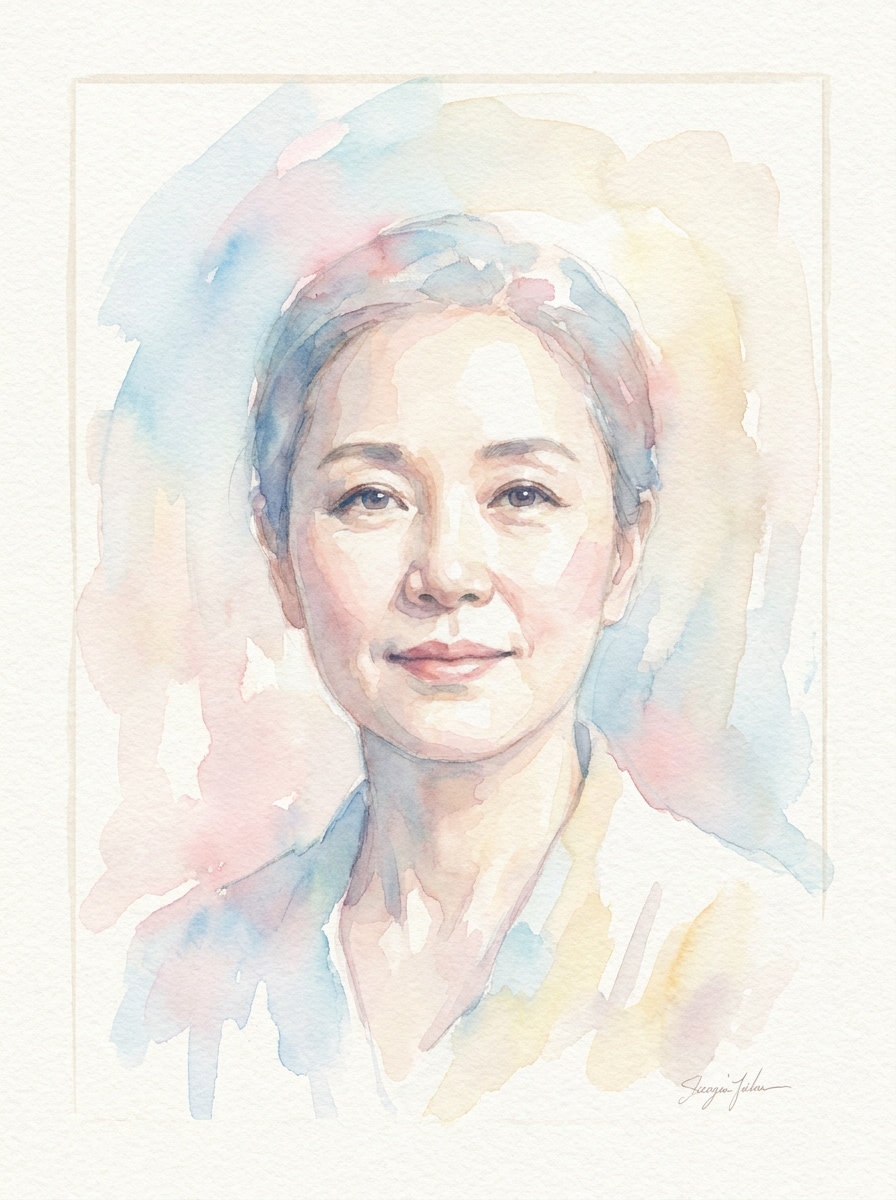
Ritratto Acquerello
Usa l’immagine caricata come soggetto e ridisegnala come un ritratto ad acquerello con texture delicate del pennello, colori tenui sfumati, grana sottile della carta, composizione elegante, palette pastello delicata, identità facciale preservata, luce ariosa e una finitura artistica artigianale che resta riconoscibile.
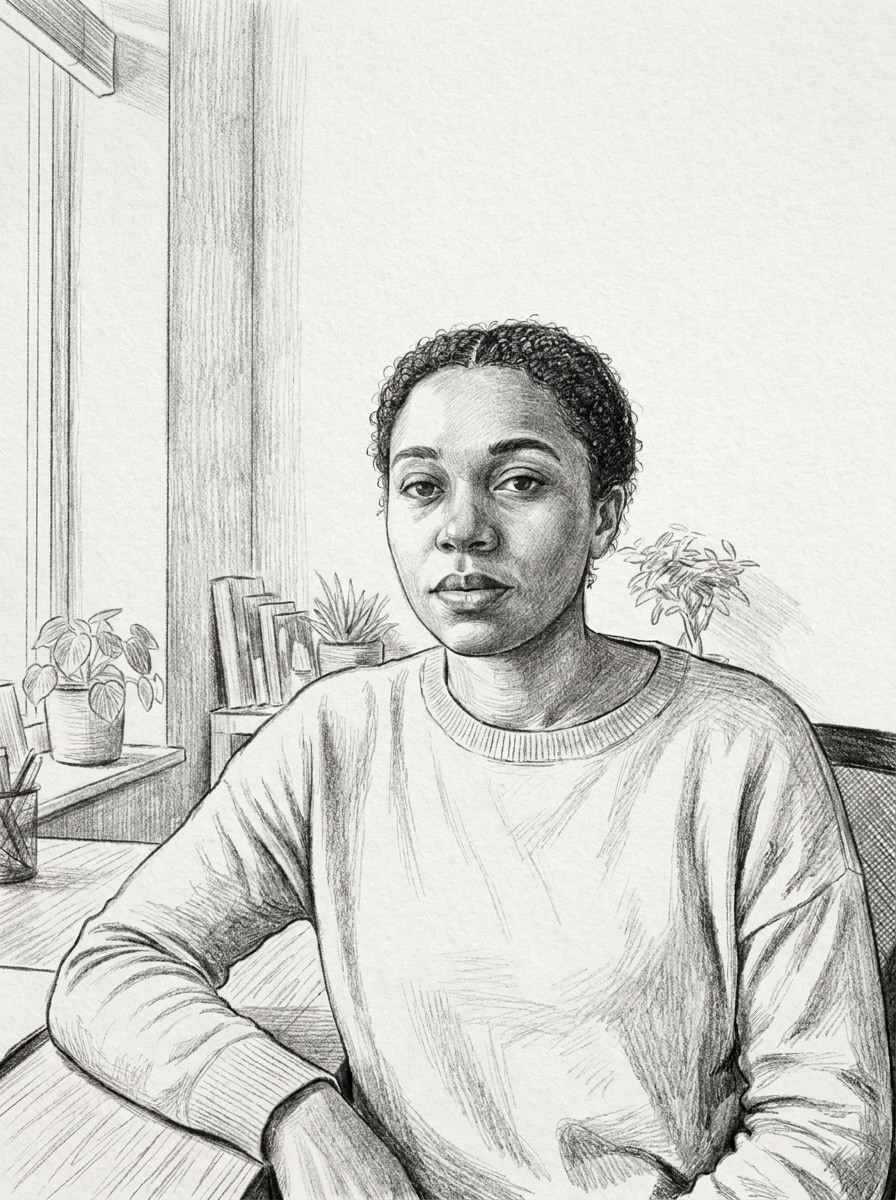
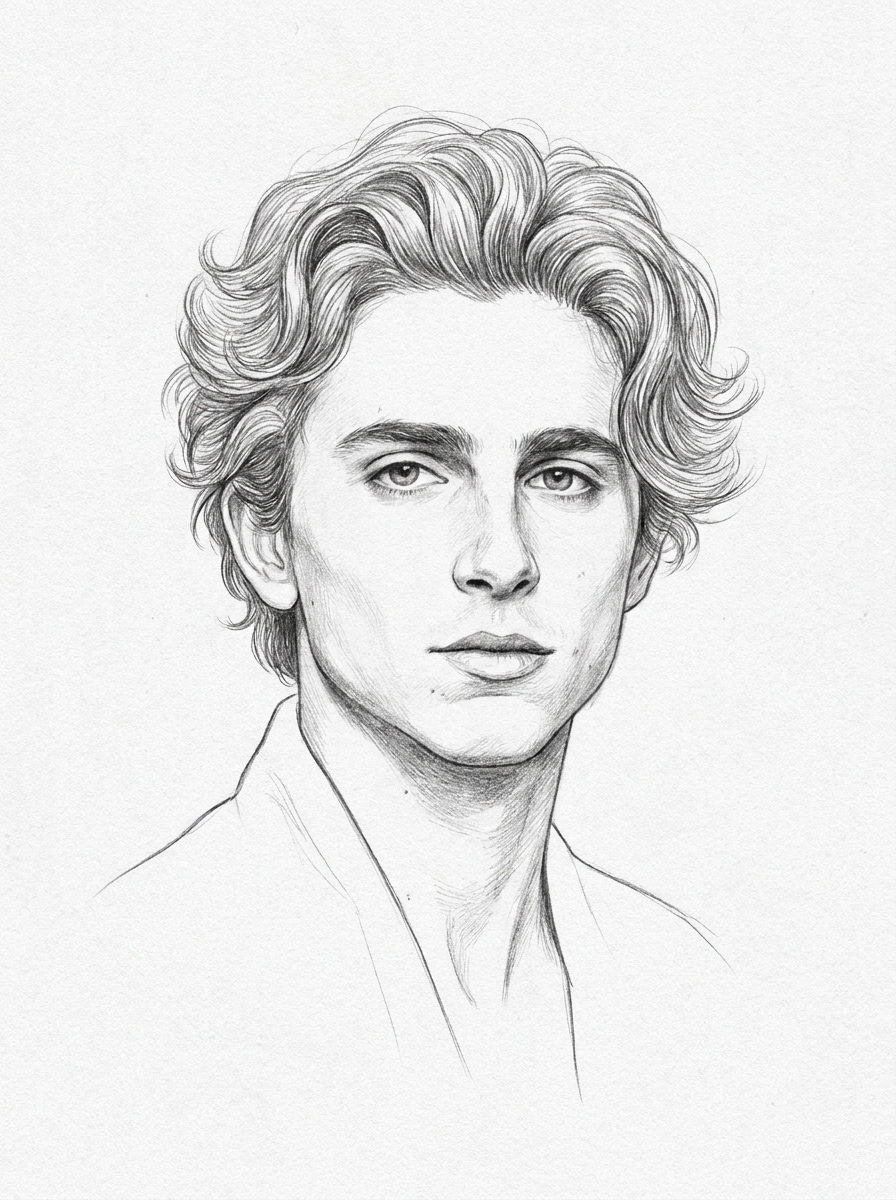
Schizzo a Matita
Usa l’immagine caricata come soggetto e convertita in uno schizzo a matita raffinato con ombreggiature realistiche di grafite, linee di contorno pulite, texture dei capelli dettagliata, toni monocromatici, sottile texture della carta, somiglianza preservata, composizione bilanciata e look elegante di ritratto disegnato a mano con nitidezza.
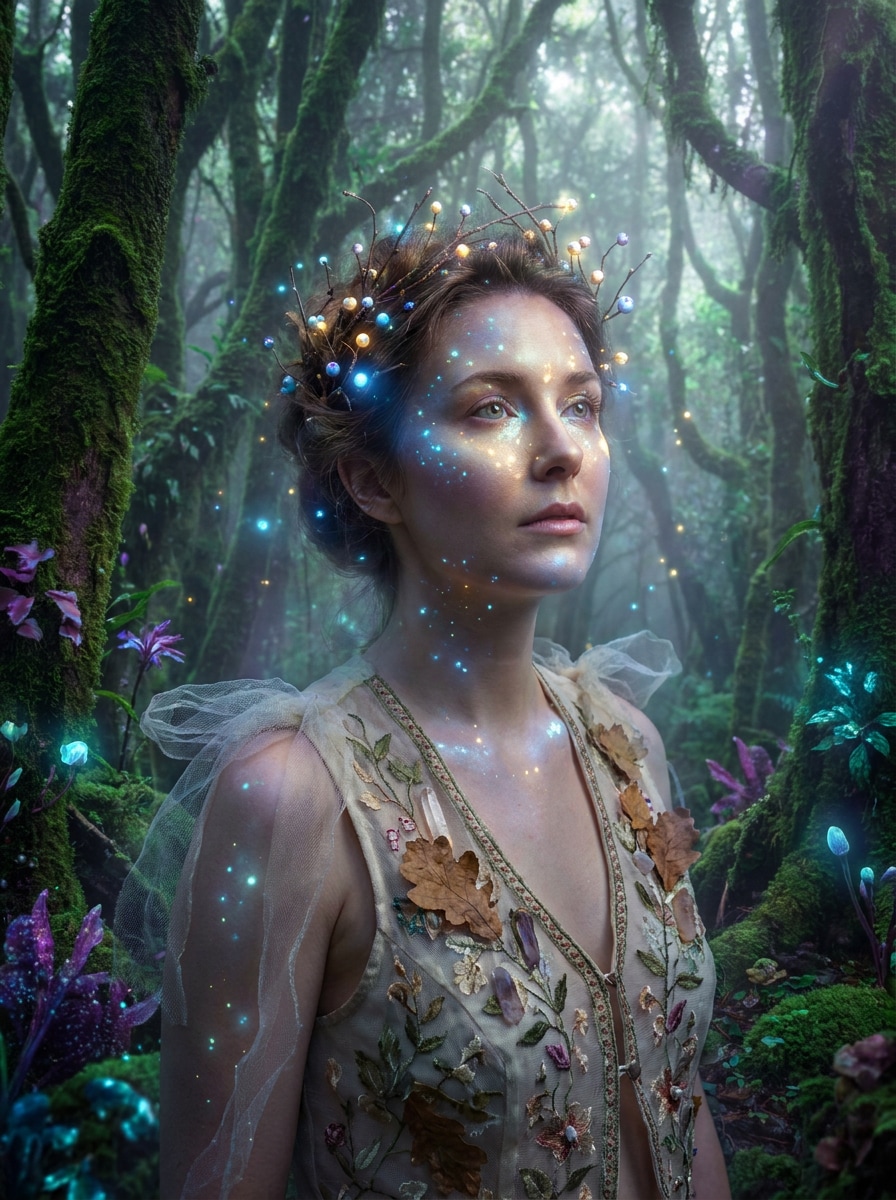
Ritratto Fantasy Fata
Usa l’immagine caricata come soggetto e dona un makeover fantasy magico, con particelle luminose, toni incantati di foresta, highlights luminosi, atmosfera da sogno, accenti delicati di costume, tratti facciali preservati, profondità eterea e una finitura cinematografica fiabesca nei verdi, oro e luce viola.
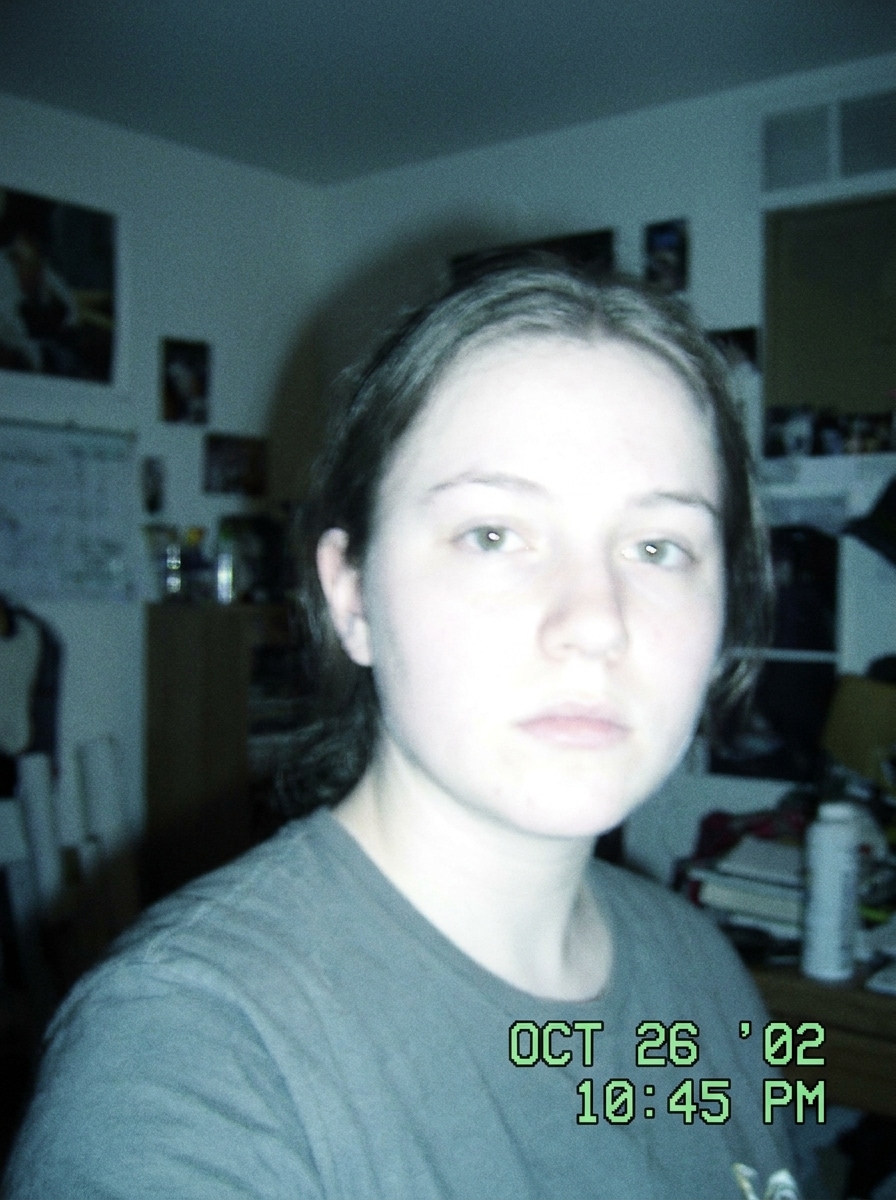
Retro Film Cam
Usa l’immagine caricata come soggetto e crea unfiltro webcam anni 2000look nostalgico, con luce flash morbida, toni freddi sbiaditi, leggero blur, atmosfera con stile timestamp, contrasto low-fi, grana analogica autentica e una finiturada filtro foto webcam
Perché usare Media.io per le trasformazioni di foto webcam
Personalizza i risultati attorno a un soggetto di riferimento
Da ritratti rifiniti ad avatar stilizzati ed edit nostalgici, Media.io ti dà controllo flessibile immagine-su-immagine partendo da una singola foto webcam. Così l’immagine finale risulta personalizzata e non generica.
Mantieni i volti riconoscibili cambiando lo stile
Spesso un’idea unica richiede più di un look. Media.io aiuta a reinterpretare lo stesso filtro webcam tra diversi stili, così ogni versione può meglio adattarsi alle esigenze del progetto.
Crea immagini ad alta risoluzione per uso reale
Quando un filtro webcam serve per utilizzo reale, Media.io offre output nitido fino a 4K, così l’immagine resta chiara in presentazioni, sfondi e asset riutilizzati.
Modifica nel browser senza software aggiuntivo
Alcuni concept di filtro webcam vengono abbozzati in movimento e completati in seguito. Media.io mantiene tutto online, così puoi riprendere il flusso di lavoro senza installazioni o configurazioni extra.
Come usare un filtro AI per webcam online
Trasforma le tue parole in visual mozzafiato in tre semplici passi e continua a rifinire il risultato se vuoi spingerti oltre.
Passo 1
Carica la tua immagine riferimento
Carica una foto webcam, selfie o ritratto chiaro in formato JPG, PNG o JPEG. Una fonte ben illuminata e con dettagli visibili del volto dà all’AI una base più forte per look realistici, avatar o trasformazioni vintage.
Passo 2
Descrivi il cambiamento e imposta le opzioni
Inserisci l’effetto che vuoi, come foto rifinita, avatar anime, illuminazione cinematografica o look retro cam. Poi scegli il modello e regola rapporto d’aspetto, risoluzione o numero di variazioni immagine per raggiungere il tuo obiettivo.
Passo 3
Genera, scarica e continua a migliorare
Crea i risultati filtrati, confronta le varianti e scarica la versione che preferisci. Se necessario, affina il prompt, prova un’altra intensità di stile o genera di nuovo finché volto, mood e finitura sono corretti.
Scopri come i creatori usano questo filtro webcam per contenuti, marketing e progetti personali e adatta ogni idea alle esigenze del brief.
Trasforma scatti webcam casual in ritratti da profilo
Converti una semplice acquisizione camera in foto più curata per LinkedIn, biografie speaker, pagine portfolio o profili team. Media.io aiuta a trasformare una foto webcam in un ritratto più intenzionale con una luce migliore e una finitura più nitida, senza bisogno di riscatto.
Crea edit low-fi nostalgici per contenuti social
Realizza visual throwback per TikTok, Reels o post moodboard con un’estetica retro cam. Media.io è ideale quando vuoi vibe digitale anni ’00, blur delicato e uneffetto foto webcam granulosoche sia giocoso, riconoscibile e vicino a un look vecchia desktop cam.
Trasforma selfie in art-personaggio e avatar condivisibili
Ristilizza una semplice acquisizione del volto in anime, fantasy, bambola-box o grafiche cinematografiche per immagini profilo, branding canale o contenuti creator. Media.io è particolarmente utile quando vuoi una trasformazione marcata mantenendo la tua identità visibile attraverso l’edit.
Cosa dicono gli utenti di Media.io
Jasmine R.
Content Creator
"Perfetto per cambi di stile rapidi"Ho caricato una semplice foto da laptop-camera e ho ottenuto diversi look forti velocemente. Gli stili retrò e anime sono stati i più divertenti, e il volto era ancora il mio.
Ethan L.
Designer Freelance
"Utile per visual social"Mi piace che posso trasformare un ritratto in vari formati per post e cover. Il workflow è semplice nel browser e la qualità dell’output è buona per mockup client.
Monica P.
Coordinatrice Marketing
"Meglio delle app filtro generiche"La maggior parte degli strumenti filtro sono limitati, ma qui ho avuto più controllo sullo stile finale. L’effetto foto professionale era sorprendentemente naturale da una foto webcam ordinaria.
Noah T.
Student Creator
"Ideale per avatar di tendenza"L’ho usato per una foto profilo stile bambola-box e una versione cyberpunk per i miei social. È stato veloce testare prompt diversi senza installare nulla.
Esplora i più popolari effetti video e immagini AI
Un filtro AI per webcam è un effetto image-to-image che prende una foto webcam o un ritratto simile e lo rielabora in un look diverso, come foto rifinita, avatar anime, ritratto cinematografico o estetica retro cam. Su Media.io carichi un'immagine riferimento, descrivi lo stile che vuoi e generi una nuova versione con layout e risoluzione controllabile.
2. Come posso trasformare una foto webcam in un’immagine stile AI?
Carica la tua foto webcam su Media.io, poi descrivi il look che vuoi ottenere. Puoi guidare il risultato con dettagli come illuminazione, mood del colore, realismo, sensazione dello sfondo o una direzione di stile come ritratto poster, arte acquerello o, con luce flash morbida, toni freddi sbiaditi, leggero blur, atmosfera con stile timestamp, contrasto low-fi, grana analogica autentica e una finituracon look vintage. Poi scegli le impostazioni immagine e genera variazioni finché il risultato corrisponde all’idea.
3. Posso usare un filtro AI per webcam online gratis?
Media.io offre crediti gratuiti per provare un filtro AI webcam online prima di abbonarti. L'uso gratuito può includere watermark, mentre i piani a pagamento sbloccano download ad alta risoluzione senza watermark e più capacità di generazione. Puoi confrontare le opzioni disponibili sulla pagina prezzi.
4. Quali filtri webcam AI danno risultati più realistici?
Media.io funziona nei browser moderni su desktop e mobile, così puoi creare e modificare design senza installare software pesante.
5. Un filtro webcam AI funziona su telefono e desktop?
Media.io è basato sul web, quindi puoi usarlo su telefoni, tablet e computer desktop, basta un browser. È facile creare un ritratto AI, un look webcam vintage o un'immagine stile retro webcam sia da un selfie mobile che da foto laptop-camera.
6. Quanto velocemente genera un’immagine un filtro webcam AI?
La generazione è progettata per essere rapida, soprattutto per workflow di upload e trasformazione semplici. Il tempo preciso varia in base al modello, alle impostazioni e al numero di varianti, ma Media.io è pensato per esperimenti veloci e confronto istantaneo.