Creations are stored for only 7 days. Assets created after upgrading to a Membership plan will be stored permanently.
Unlock your creative potential and experience the magic of Media AI right away!
Aggiungi il Riflesso dell'Acqua alle Foto per Scene con Effetto Specchio Realistico
Usa l'IA per trasformare qualsiasi immagine in una scena riflettente con laghi, acqua lucida o superfici specchiate da sogno. Media.io ti aiuta a aggiungere il riflesso dell'acqua alle foto con risultati rapidi, per perfezionare un effetto di riflesso sull'acqua naturale, e creare modifiche straordinarie online senza Photoshop.
Scrivi la tua idea -> L'IA la realizza. Gratis da provare.
Esamina questi esempi di istruzioni, poi personalizza i dettagli del prompt per ottenere risultati migliori con questo strumento per Aggiungere il Riflesso dell'Acqua alle Foto.
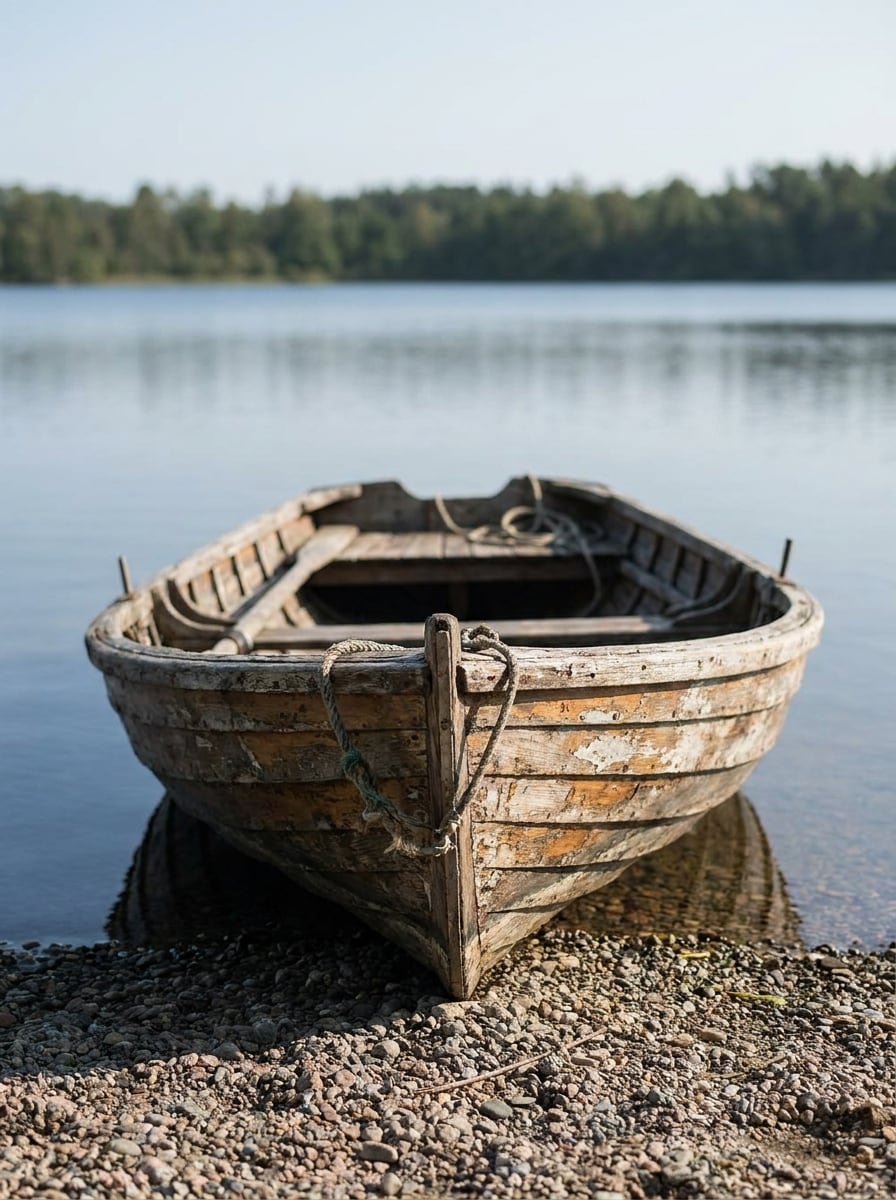
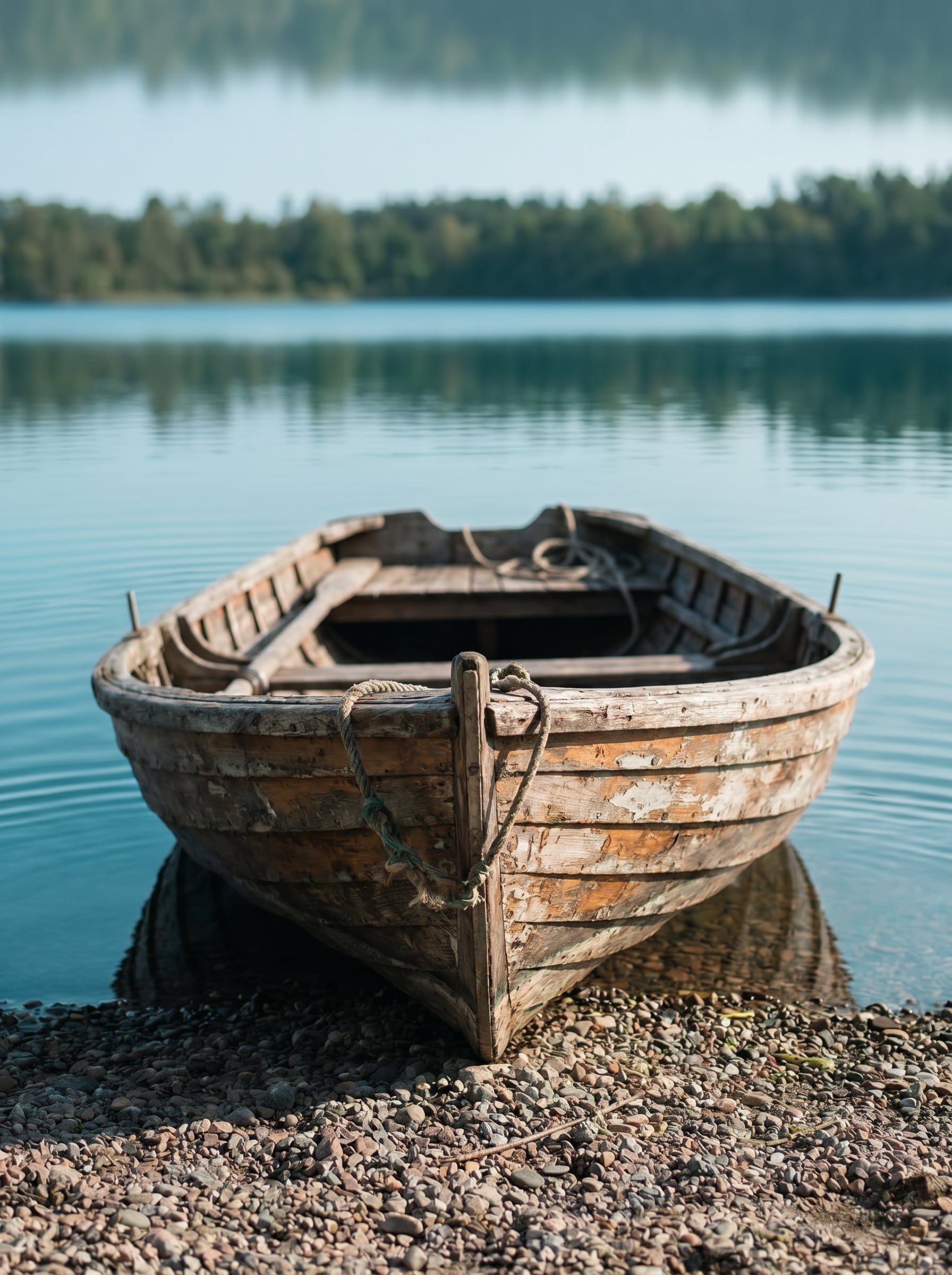
Specchio del Lago Calmo
Usa l'immagine caricata come scena principale e trasforma il primo piano inferiore in un lago calmo con un riflesso specchiato naturale. Abbina l'illuminazione originale, l'orizzonte e la prospettiva, mantieni il riflesso nitido vicino alla base e più morbido verso l'esterno, aggiungi delicate increspature, tonalità blu-verde fresche e una texture dell'acqua fotorealistica.
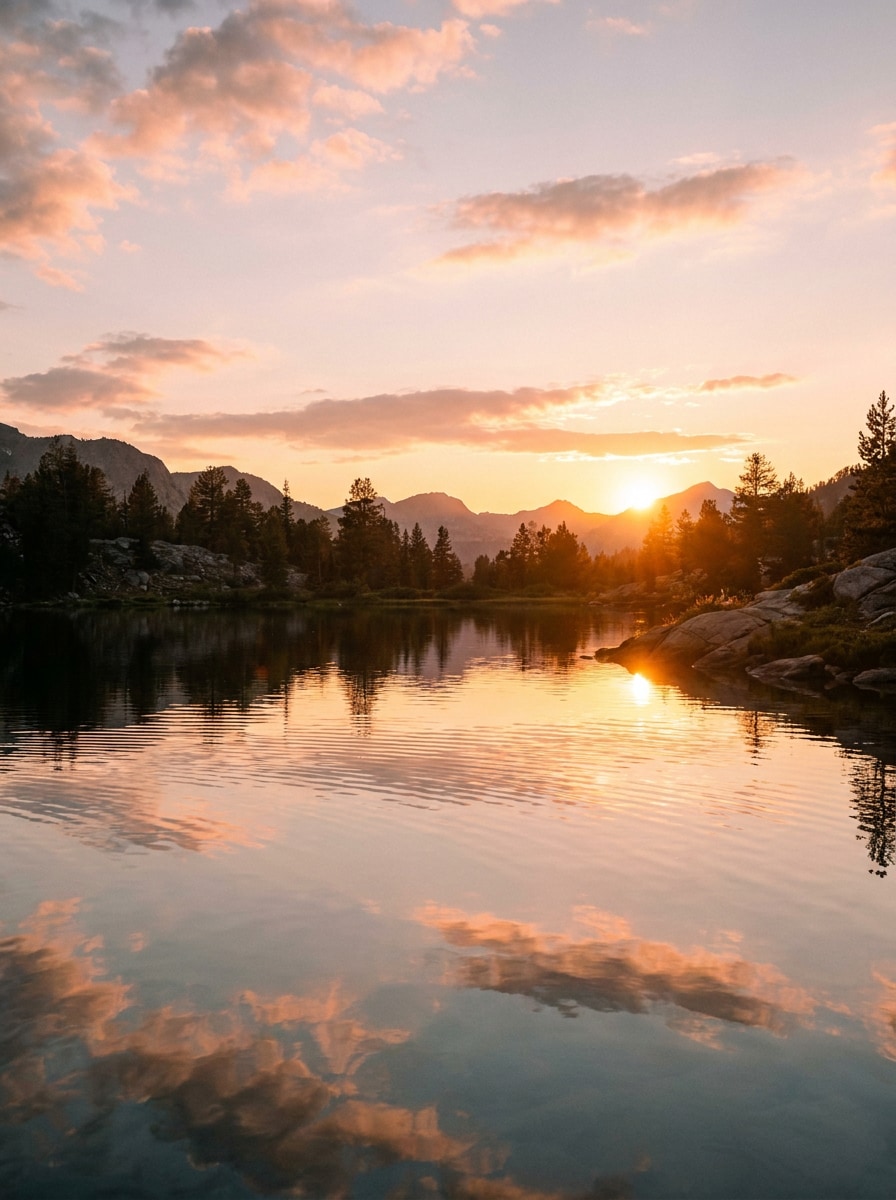
Riflesso al Tramonto Dorato
Usa l'immagine caricata come base e aggiungi acqua riflettente in primo piano con un caldo effetto specchio al tramonto. Preserva la struttura della scena, riecheggia le tonalità arancioni, rosa e dorate del cielo nell'acqua, aggiungi morbide increspature e luci luminose, e mantieni il risultato cinematografico, realistico e ricco di dettagli.
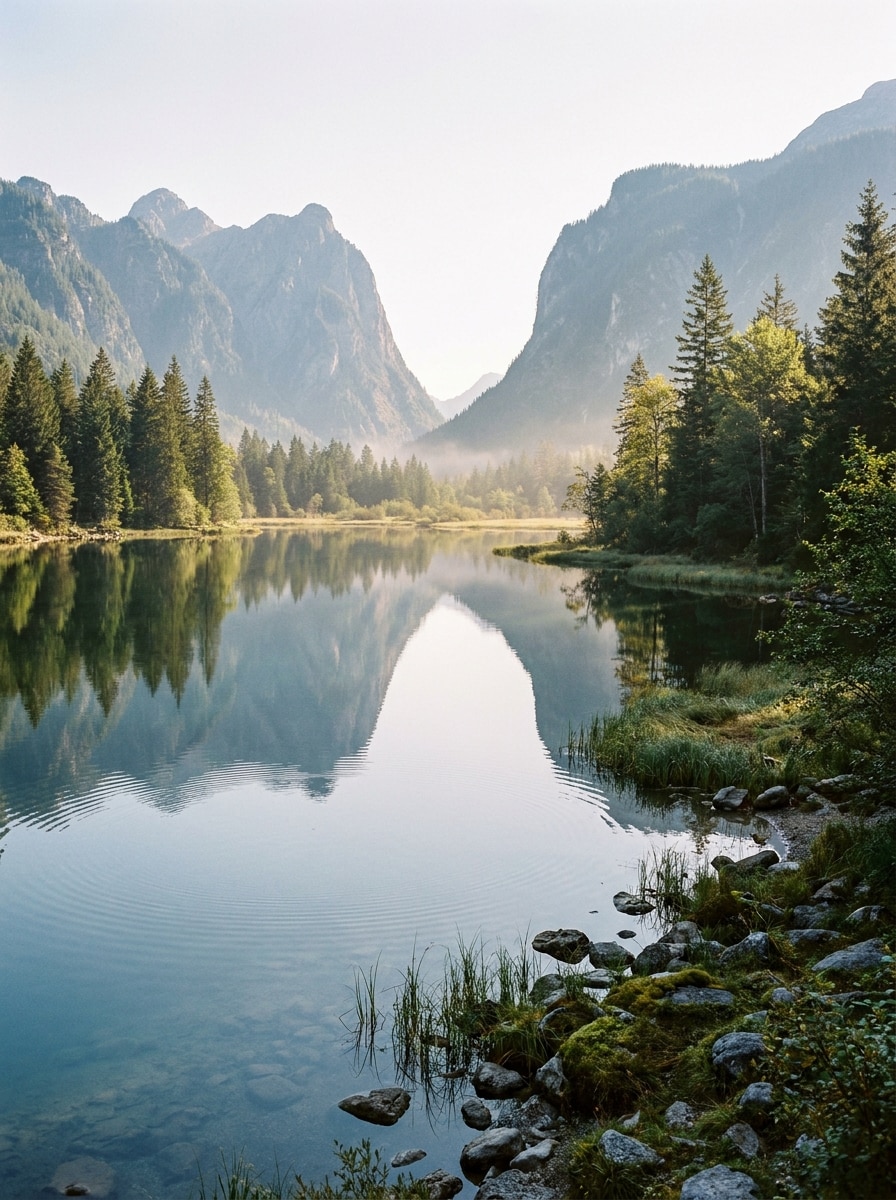
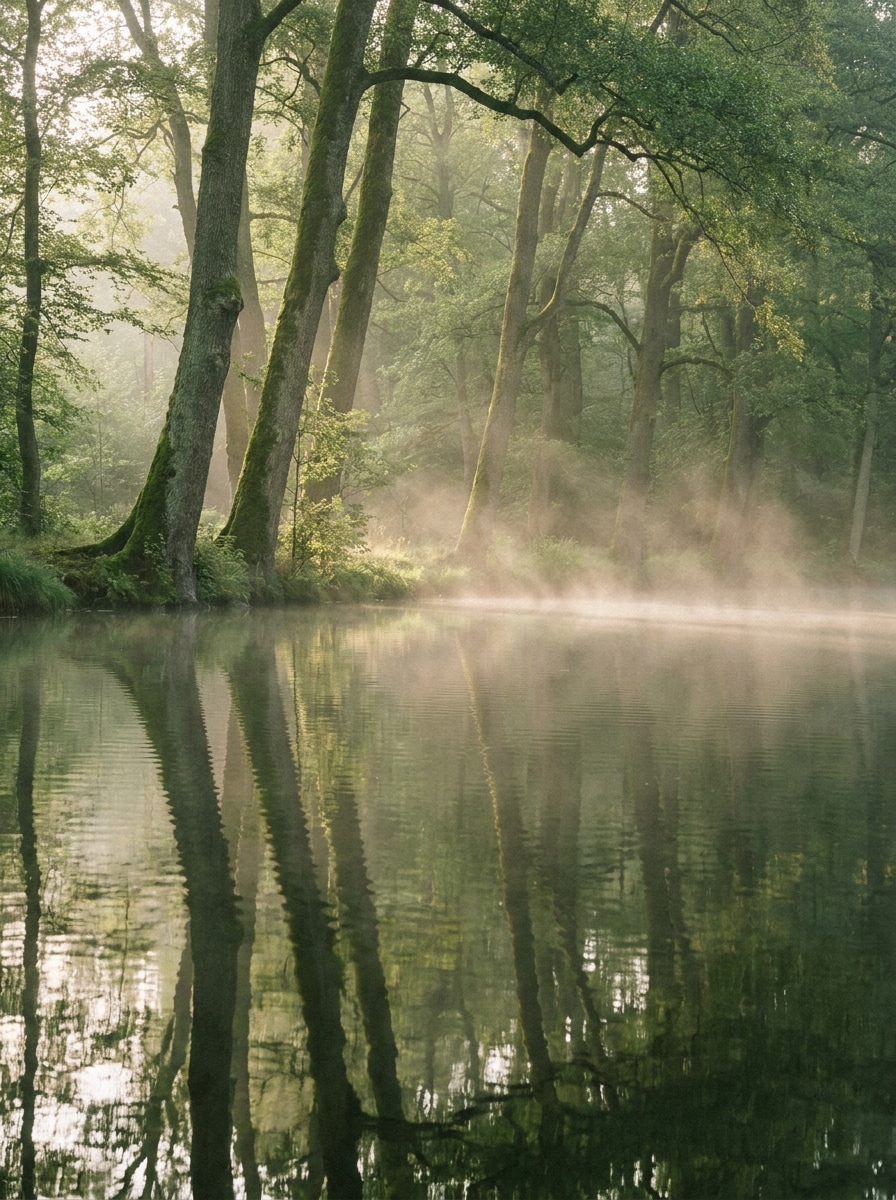
Lago nella Foresta Nebbiosa
Usa l'immagine della foresta caricata come soggetto ed estendila con il riflesso di un lago tranquillo in basso. Rispecchia gli alberi con una simmetria realistica, aggiungi una leggera nebbia mattutina sull'acqua, tonalità morbide di verde e grigio, sottile diffusione, delicate increspature, e mantieni un aspetto outdoor calmo, atmosferico e fotorealistico.
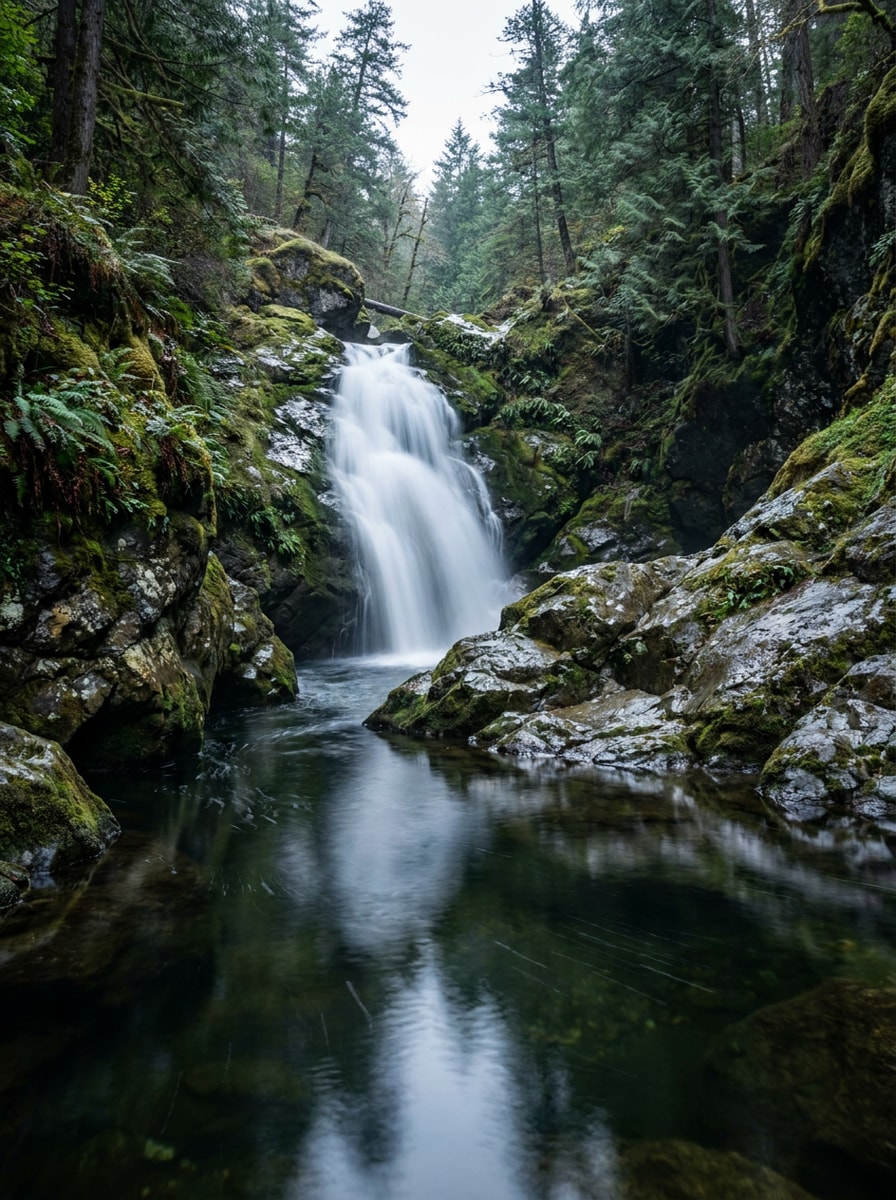
Scena con Riflesso della Cascata
Usa la foto della cascata caricata e aggiungi acqua riflettente ferma sotto le cascate per creare una base specchiata credibile. Mantieni coerenti le formazioni rocciose e la vegetazione, rifletti l'acqua bianca con una leggera morbidezza del movimento, unisci luci e ombre in modo naturale, e conserva un'atmosfera realistica da fotografia d'avventura.
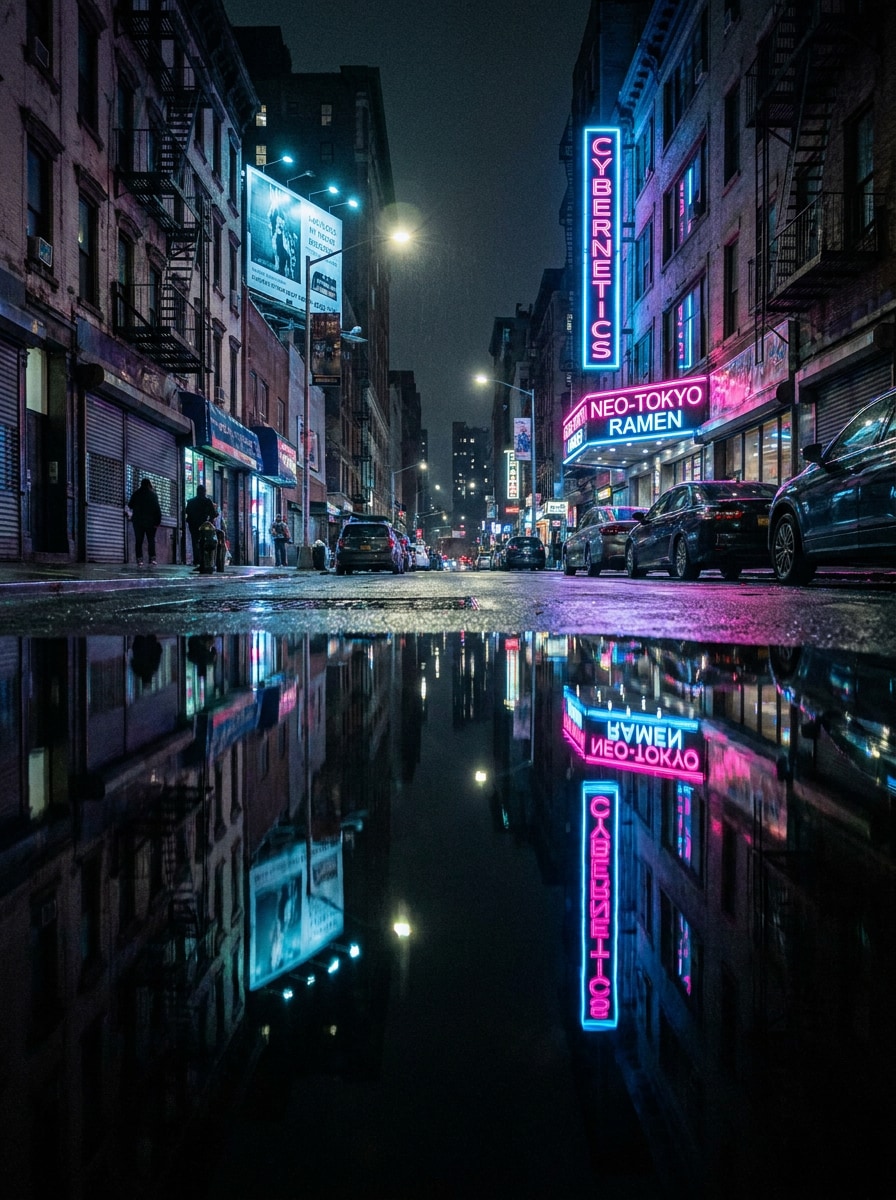
Riflesso della Città al Neon
Usa l'immagine urbana notturna caricata come soggetto e aggiungi una superficie d'acqua riflettente lucida in primo piano. Rispecchia le insegne al neon e le finestre con vivaci luci rosa, blu e viola, mantieni la prospettiva accurata, aggiungi sottili increspature, contrasto cinematografico e un'atmosfera notturna raffinata in stile cyberpunk.
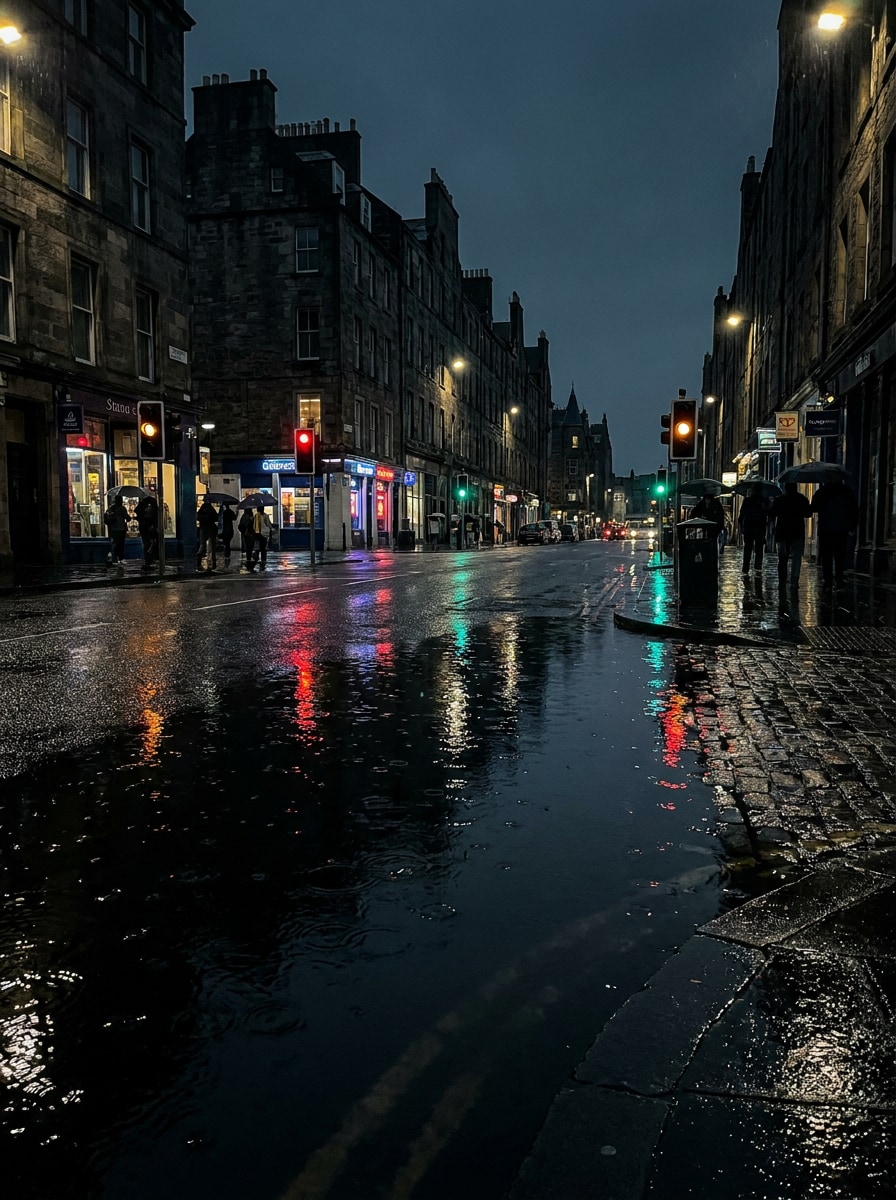
Effetto Specchio sulla Strada Piovosa
Usa la foto della strada caricata e trasforma il terreno in uno strato d'acqua riflettente poco profondo per un effetto drammatico da foto con riflesso sull'acqua. Preserva edifici e luci, aggiungi brillantezza della superficie bagnata, continuità realistica delle pozzanghere, atmosfera di pioggia sottile, increspature delicate e tonalità notturne cinematografiche profonde.
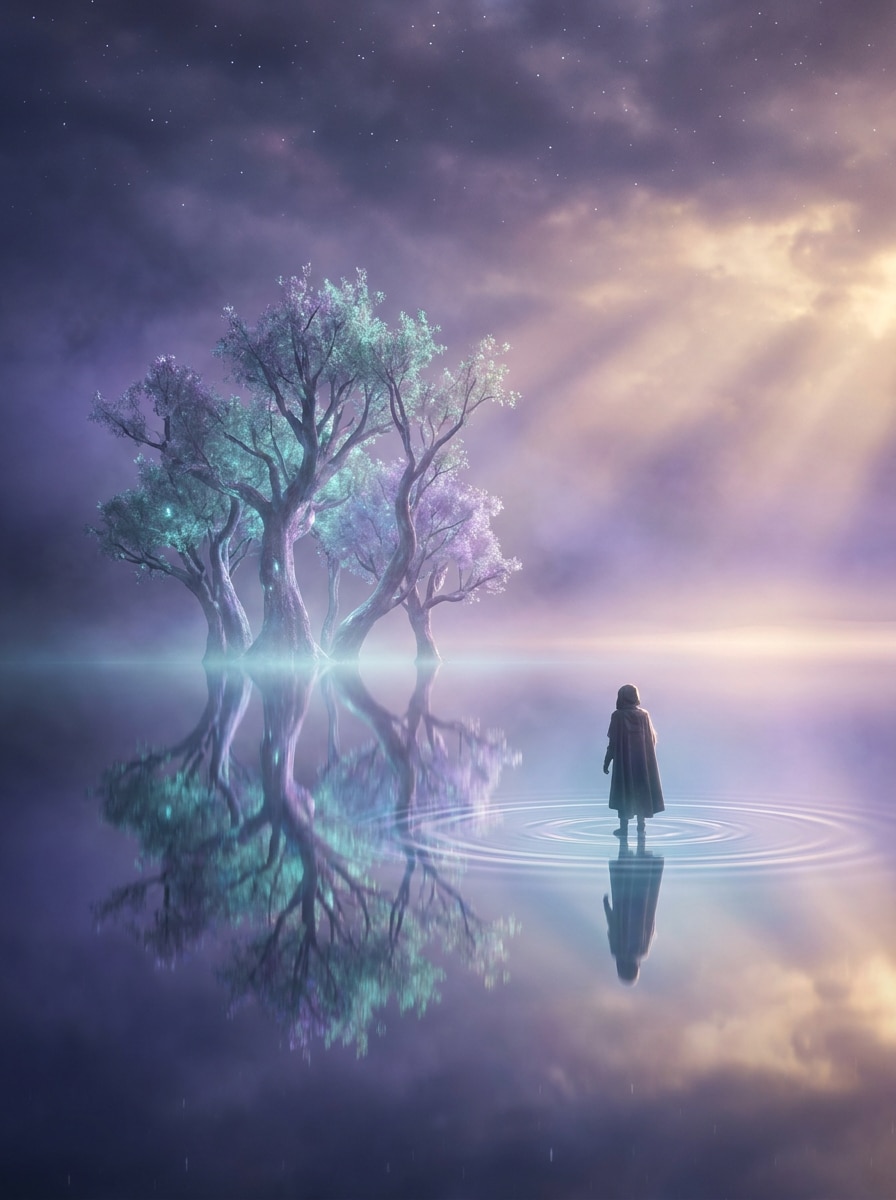
Base d'Acqua Paesaggio Onirico
Usa l'immagine caricata come soggetto principale e posizionala sopra un piano d'acqua riflettente surreale. Mantieni il soggetto chiaro e riconoscibile, aggiungi una morbida simmetria specchiata, leggere increspature magiche, un bagliore tenue turchese e viola, una leggera foschia e un'atmosfera cinematografica onirica che rimanga visivamente coerente.
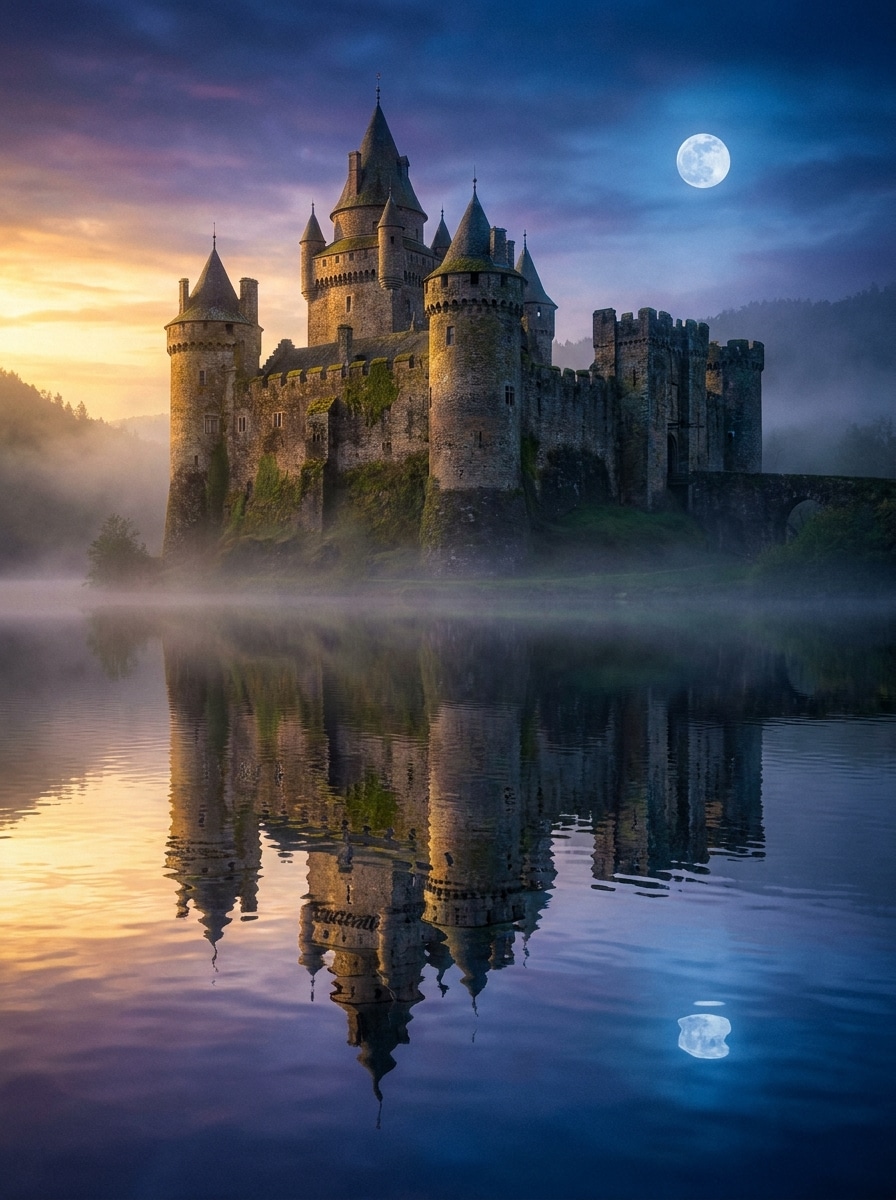
Riflesso Fantasy del Castello
Usa l'immagine del castello o della grande architettura caricata come base e aggiungi il riflesso di un lago da favola sotto di essa. Abbina torri e dettagli in pietra con eleganti linee specchiate, includi un morbido bagliore di luce lunare o tramonto, delicate increspature, profondità atmosferica e un ricco realismo fantasy nei dettagli.
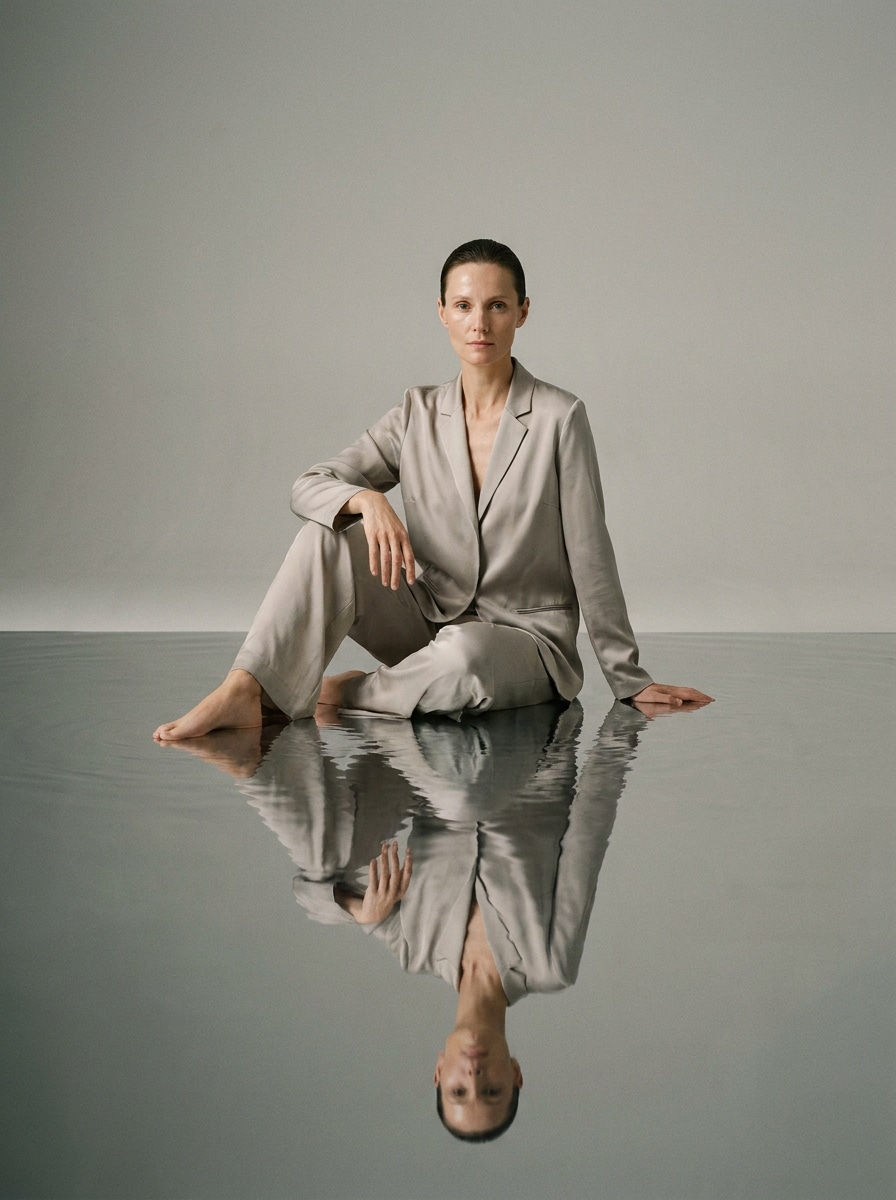
Ritratto sull'Acqua
Usa il ritratto caricato come soggetto e aggiungi una sottile superficie d'acqua riflettente sotto la persona per un elegante composito editoriale. Preserva il viso, le tonalità della pelle e i dettagli dell'outfit, mantieni il riflesso più morbido rispetto al soggetto, usa una distorsione minima delle increspature, un'illuminazione pulita e uno stile raffinato e di qualità superiore.
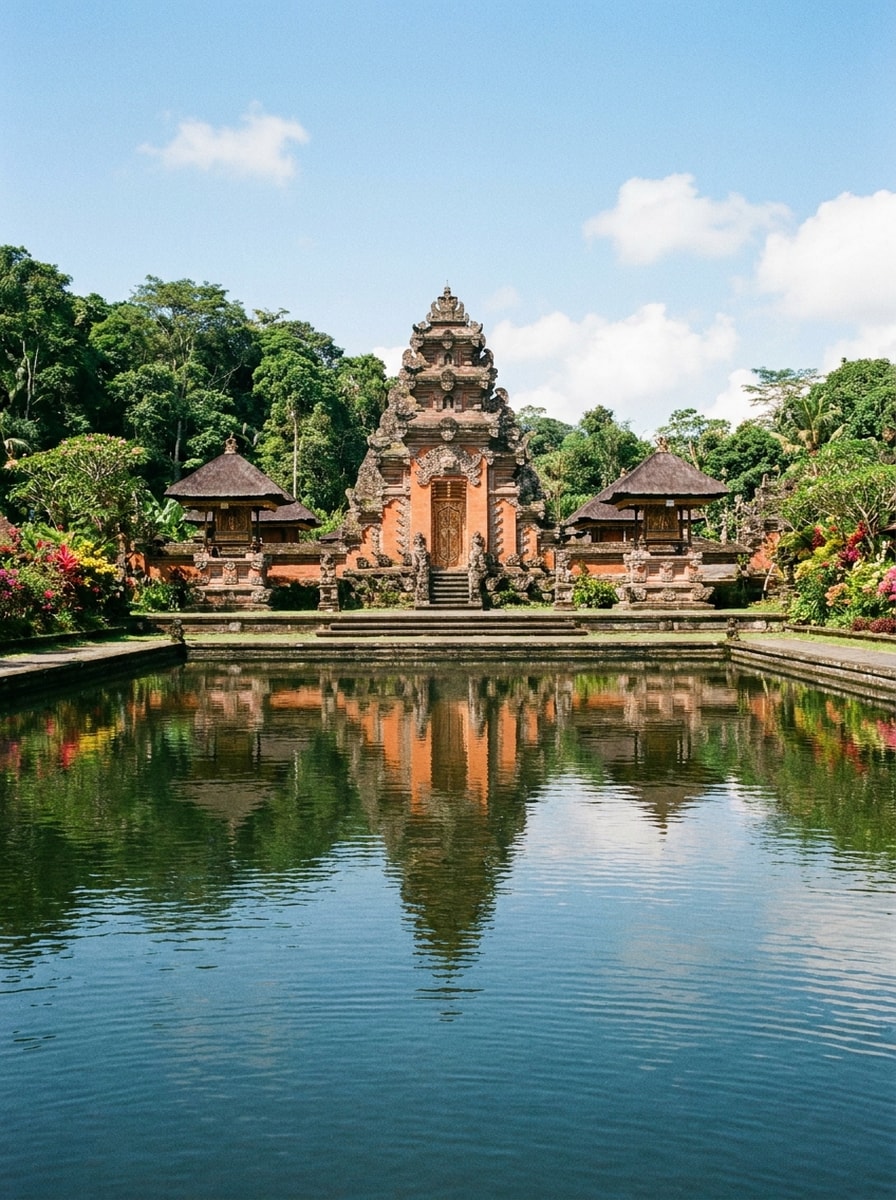
Riflesso con Simmetria del Tempio
Usa la foto dell'edificio o del tempio caricata e crea un preciso primo piano d'acqua riflettente per enfatizzare la simmetria. Rispecchia le linee architettoniche con precisione, mantieni i colori vivaci ma naturali, aggiungi solo lievi increspature, preserva il realismo della foto di viaggio e punta a una composizione equilibrata, serena e ricca di dettagli.
Perché Usare Media.io per Modificare le Foto con Riflesso sull'Acqua
Mantieni il Soggetto Riconoscibile in Nuovi Stili
Un paesaggio piatto, una foto di viaggio o una foto cittadina possono sembrare molto più cinematografici una volta aggiunta l'acqua. Media.io utilizza la tua immagine caricata come riferimento, aiutandoti a costruire un riflesso realistico che segua il soggetto, la profondità della scena e la composizione generale.
Regola l'atmosfera, l'intensità delle increspature e lo stile del riflesso
Quando lo stile fa parte del processo decisionale, Media.io ti aiuta a confrontare più direzioni dalla stessa base per aggiungere il riflesso dell'acqua alle foto, rendendo la selezione creativa più efficiente.
Genera Output più Nitidi fino a 4K
Per i progetti che richiedono più della qualità bozza, Media.io aiuta a produrre foto con riflesso sull'acqua con output fino a 4K, così i dettagli rimangono più nitidi quando presenti, ritagli o riutilizzi il file finale.
Modifica online senza creare effetti manualmente
Alcuni concetti di aggiunta del riflesso dell'acqua alle foto vengono abbozzati in movimento e completati in seguito alla scrivania. Media.io mantiene questo processo online, così puoi tornare allo stesso flusso di lavoro senza installazioni o configurazioni aggiuntive.
Come Aggiungere un Riflesso dell'Acqua a una Foto Online
Trasforma le tue parole in immagini straordinarie in tre semplici passaggi, poi continua a perfezionare il risultato se vuoi approfondire.
Passo 1
Carica la Tua Immagine di Riferimento
Inizia caricando un JPG, PNG o JPEG chiaro che abbia abbastanza spazio aperto per un lago, una pozzanghera o una superficie d'acqua specchiata. Paesaggi, architetture, ritratti e scene di strada di solito funzionano meglio quando il soggetto e l'orizzonte sono facilmente leggibili.
Passo 2
Descrivi la Modifica e Imposta le Opzioni
Inserisci un prompt dettagliato che descriva lo stile di riflesso desiderato, come lago calmo, acqua lucida al tramonto o terreno specchiato piovoso. Poi scegli il tuo modello e imposta il rapporto d'aspetto, la risoluzione e il numero di immagini per ottenere il risultato preferito.
Passo 3
Genera, Scarica e Continua a Migliorare
Crea diverse varianti, confronta quanto appare naturale il riflesso e scarica la tua versione preferita. Se necessario, perfeziona il prompt per regolare la simmetria, l'intensità delle increspature, l'illuminazione o l'atmosfera, poi rigenera per un risultato più realistico.
Sblocca il Potenziale dell'Effetto Riflesso sull'Acqua
Scopri come i creatori utilizzano questo strumento per Aggiungere il Riflesso dell'Acqua alle Foto per contenuti, marketing e progetti personali, poi adatta ogni idea al tuo brief.
Migliora istantaneamente le foto di viaggio e paesaggio
Trasforma montagne, foreste, templi e scene al tramonto in composizioni più coinvolgenti aggiungendo un primo piano riflettente credibile. Questo è particolarmente utile quando vuoi un aspetto drammatico da lago senza tornare sul posto o ricostruire l'immagine con software di editing manuale.
Crea scene notturne cinematografiche per i contenuti social
I fotografi urbani e i creatori di contenuti possono aggiungere riflessi stradali lucidi, luci al neon o effetti di pozzanghera suggestivi che rendono i post in formato breve più raffinati. Una superficie riflettente forte aggiunge spesso simmetria, contrasto cromatico e quella soddisfacente visione prima-e-dopo che gli spettatori amano.
Crea compositi surreali da foto ordinarie
I designer possono usare una modifica con riflesso per rendere ritratti, castelli o foto di prodotti onirici e di alta qualità. Se vuoi uno stile da foto con riflesso sull'acqua specchiata per poster, copertine o immagini concettuali, questo flusso di lavoro è più veloce rispetto alla creazione dell'effetto strato per strato.
Cosa Dicono gli Utenti
Maya R.
Creatrice di Contenuti di Viaggio
"Miglioramenti rapidi ai paesaggi" L'ho usato per aggiungere riflessi di lago alle foto di montagna, e i risultati sembravano molto più naturali di quanto mi aspettassi. Mi ha fatto risparmiare molto tempo rispetto al tentativo di costruire l'effetto manualmente.
Jason L.
Designer per Social Media
"Ottimo per modifiche urbane suggestive" Gli effetti di strada piovosa e riflesso al neon sono eccellenti per le miniature di Reels e le immagini promozionali. Mi piace poter testare alcune varianti rapidamente invece di impegnarmi in una modifica complicata.
Priya S.
Editor Fotografica Freelance
"Utile per le bozze dei clienti" Funziona bene quando un cliente vuole aggiungere un effetto di acqua riflettente a un'immagine che originariamente non aveva lago o pozzanghera. Il controllo del prompt rende più facile mantenere l'effetto sottile e realistico.
Daniel K.
Artista di Poster
"Grande flessibilità creativa" Ho testato sia stili di riflesso realistici che fantasy per le copertine. Il flusso di lavoro nel browser è semplice, e la possibilità di rigenerare con piccole modifiche al prompt mi ha aiutato a trovare esattamente l'atmosfera che volevo.
Esplora i più popolari effetti video e immagini AI
Domande Frequenti sull'Editor Fotografico con Riflessi AI
1. Come posso aggiungere un riflesso dell'acqua a una foto online?
Carica la tua immagine su Media.io, inserisci un prompt che descriva il riflesso desiderato, poi genera nuove varianti con lo strumento da immagine a immagine. Puoi guidare il risultato con diversi modelli e regolare impostazioni come il rapporto d'aspetto, la risoluzione e il numero di immagini per creare una modifica con riflesso realistico direttamente nel tuo browser.
2. Può l'IA creare un riflesso d'acqua realistico se la mia immagine non ha acqua?
Media.io può utilizzare la tua foto caricata come riferimento e generare una nuova area d'acqua riflettente anche se l'immagine originale non ha lago, fiume o pozzanghera. I risultati più convincenti provengono solitamente da immagini con soggetti chiari, prospettiva leggibile e abbastanza spazio in primo piano perché il riflesso si integri naturalmente.
3. Esiste uno strumento gratuito per aggiungere un effetto di riflesso sull'acqua alle foto?
Sì, gli utenti gratuiti possono provare Media.io con crediti gratuiti. Se hai bisogno di più generazioni o vuoi download ad alta risoluzione senza filigrana, puoi consultare la pagina dei prezzi per le opzioni di abbonamento. Gli utenti gratuiti possono utilizzare i crediti gratuiti. Per un utilizzo maggiore, gli utenti possono abbonarsi a un piano nella pagina dei prezzi. Passa a un piano a pagamento nella pagina dei prezzi per più crediti e download ad alta risoluzione senza filigrana.
4. Quali tipi di foto funzionano meglio per un effetto immagine con riflesso?
Le foto con una composizione forte e uno spazio visibile in primo piano tendono a funzionare meglio, tra cui paesaggi, architetture, cascate, ritratti e strade notturne. Se vuoi un effetto di riflesso sull'acqua pulito, scegli un'immagine in cui il soggetto principale sia facile da riconoscere e la direzione dell'illuminazione sia coerente in tutta la scena.
5. Posso controllare lo stile del riflesso, le increspature o l'intensità dell'acqua?
Media.io ti permette di modellare il risultato tramite il tuo prompt, il modello selezionato e le impostazioni di output, così puoi richiedere acqua con specchio calmo, morbide increspature di lago, riflessi al neon lucidi o effetti fantasy più drammatici. Questo lo rende utile come editor fotografico con riflessi AI quando vuoi che l'effetto corrisponda a una specifica atmosfera.
6. L'immagine modificata manterrà l'alta risoluzione dopo l'aggiunta dei riflessi?
Media.io supporta opzioni di output da 1K, 2K e 4K, così puoi generare modifiche con riflesso a qualità superiore per la condivisione o la pubblicazione. Gli utenti gratuiti potrebbero avere filigrane.
Oltre all'Aggiunta del Riflesso dell'Acqua alle Foto Online con IA